TechShelf Guide

TechShelf Guide

Consumer Electronics Reviews & Buying Guides

Compare consumer electronics by use case, features, trade-offs, price, returns, and seller terms before you buy.

Buying guides

Buying guide image
Record Storage & Accessories

Record Cover

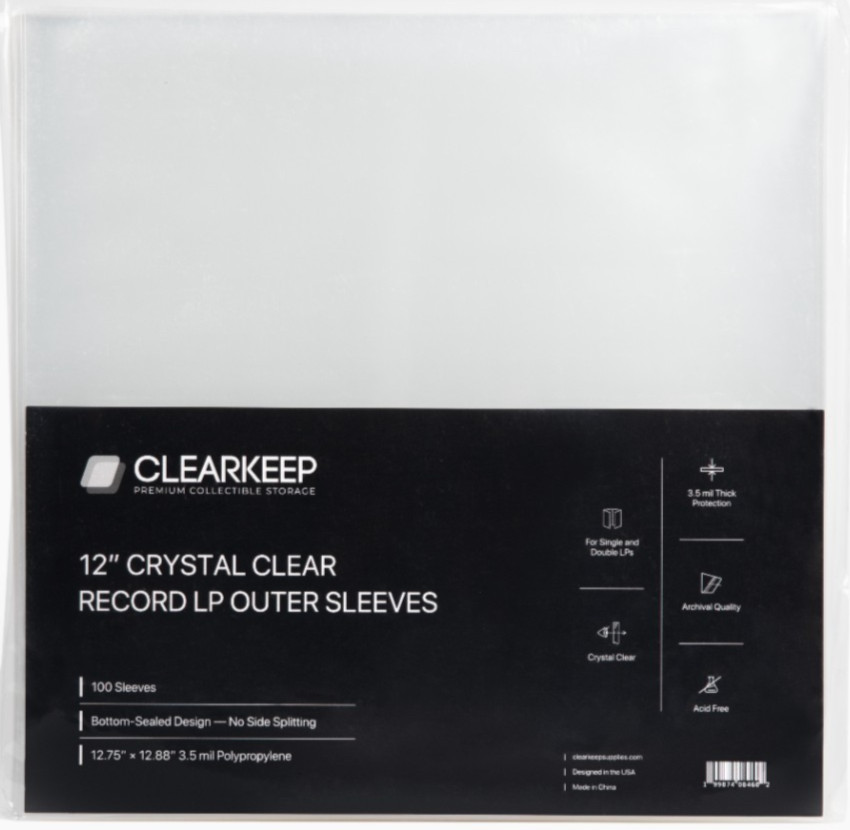
Record covers are protective outer sleeves or replacement jackets that shield vinyl albums from dust, shelf wear, and handling damage. The key trade-off is clarity and archival safety versus thickness and cost: thin 3 mil polyethylene offers basic protection, while 4 mil or polypropylene sleeves resist tears and off-gassing. Choose based on sleeve material grade, thickness, and exact fit for your jacket size; skip undersized or PVC-based sleeves that can haze or damage covers.
Buying guide image
Microcontrollers & Dev Boards

Development Board

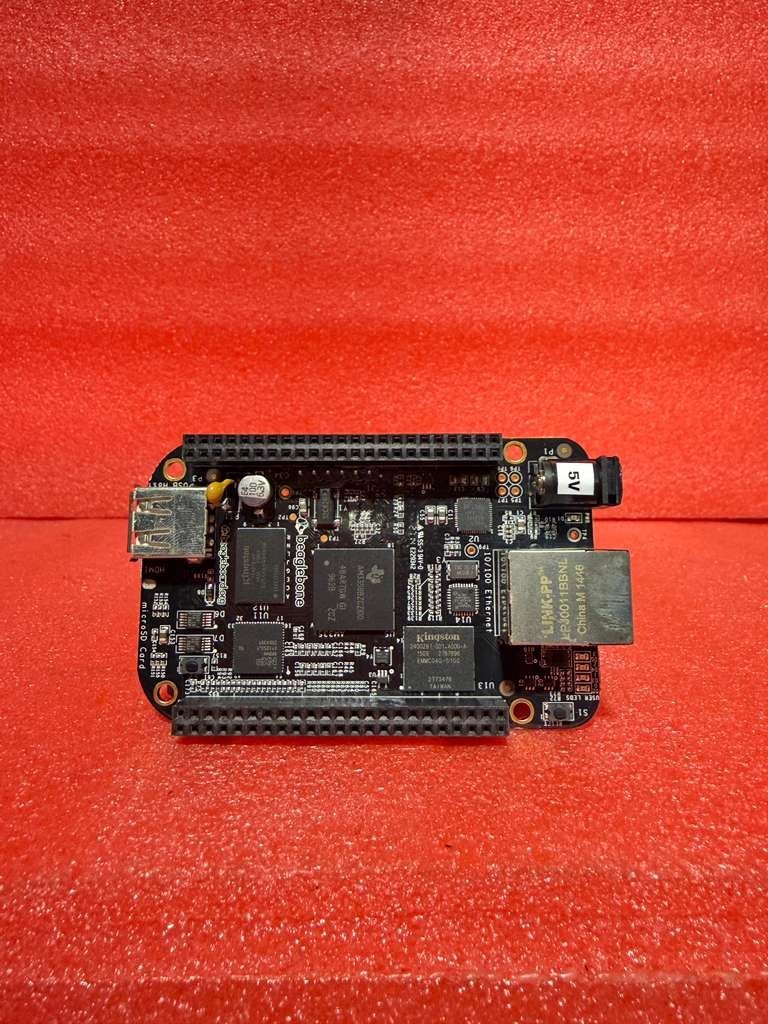
A development board is the physical microcontroller or SoC platform that turns code into circuits, and the core trade-off is fixed-function simplicity versus flexible performance. Buy the architecture that matches your project's I/O and wireless needs: 8-bit Arduino-compatible boards for 5V-tolerant learning and simple control, 32-bit ESP32/Teensy-class boards for Wi-Fi, Bluetooth, and DSP workloads, and Linux/FPGA boards only when you need an operating system or hardware-level parallelism.

Buying guide image
Console & Handheld Hardware

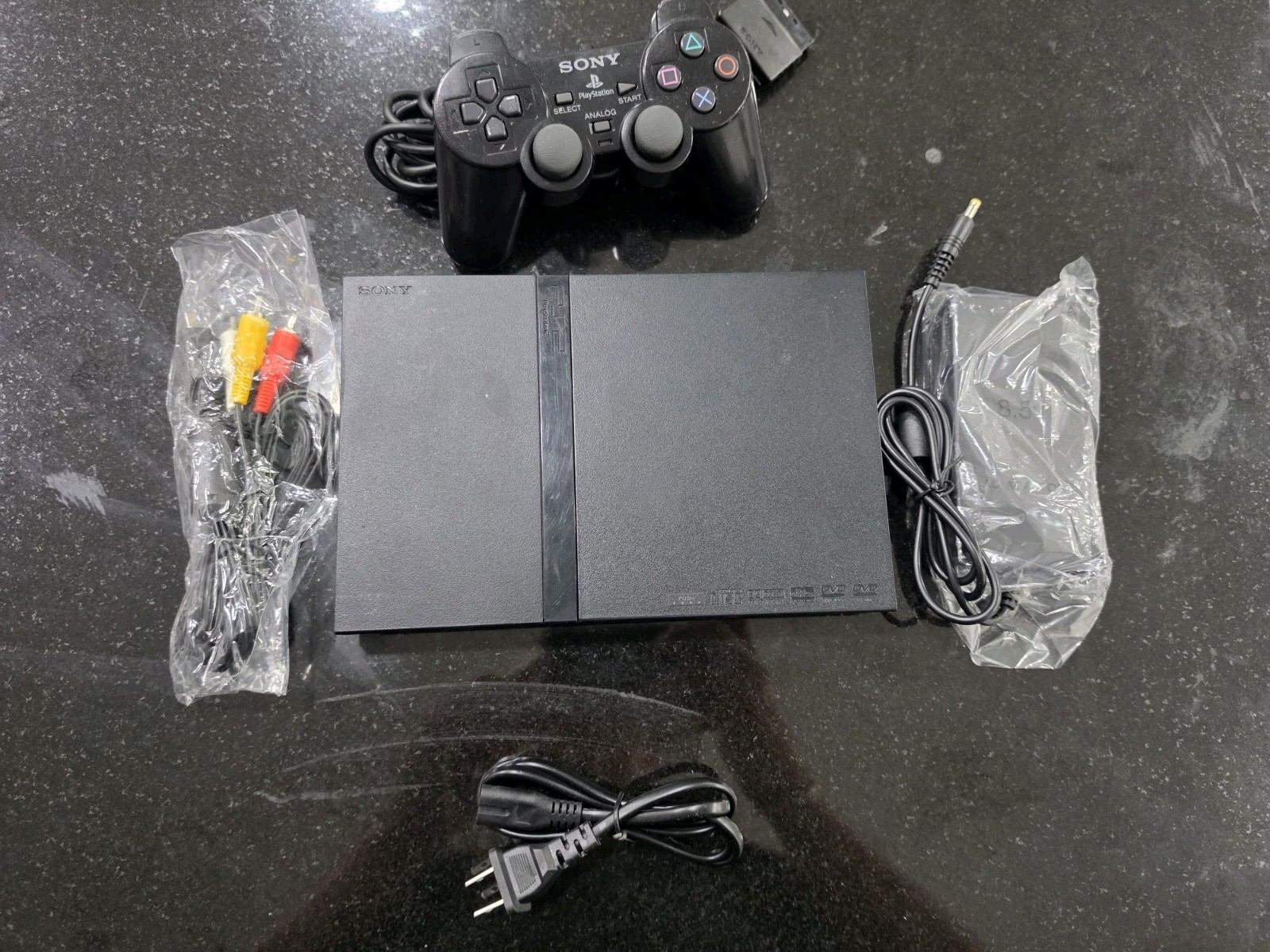
Sony Playstation

Sony PlayStation hardware spans six generations with distinct disc formats, video outputs, and power requirements. The key trade-off is backward compatibility and modern connectivity versus authentic original hardware quirks. Decide by generation: PS5 for 4K HDMI and PS4 disc support, PS3 for Blu-ray and PS1 playback, PS2 for CD/DVD era accuracy, and PSP for region-free UMD portability.

Buying guide image
Computer Monitors

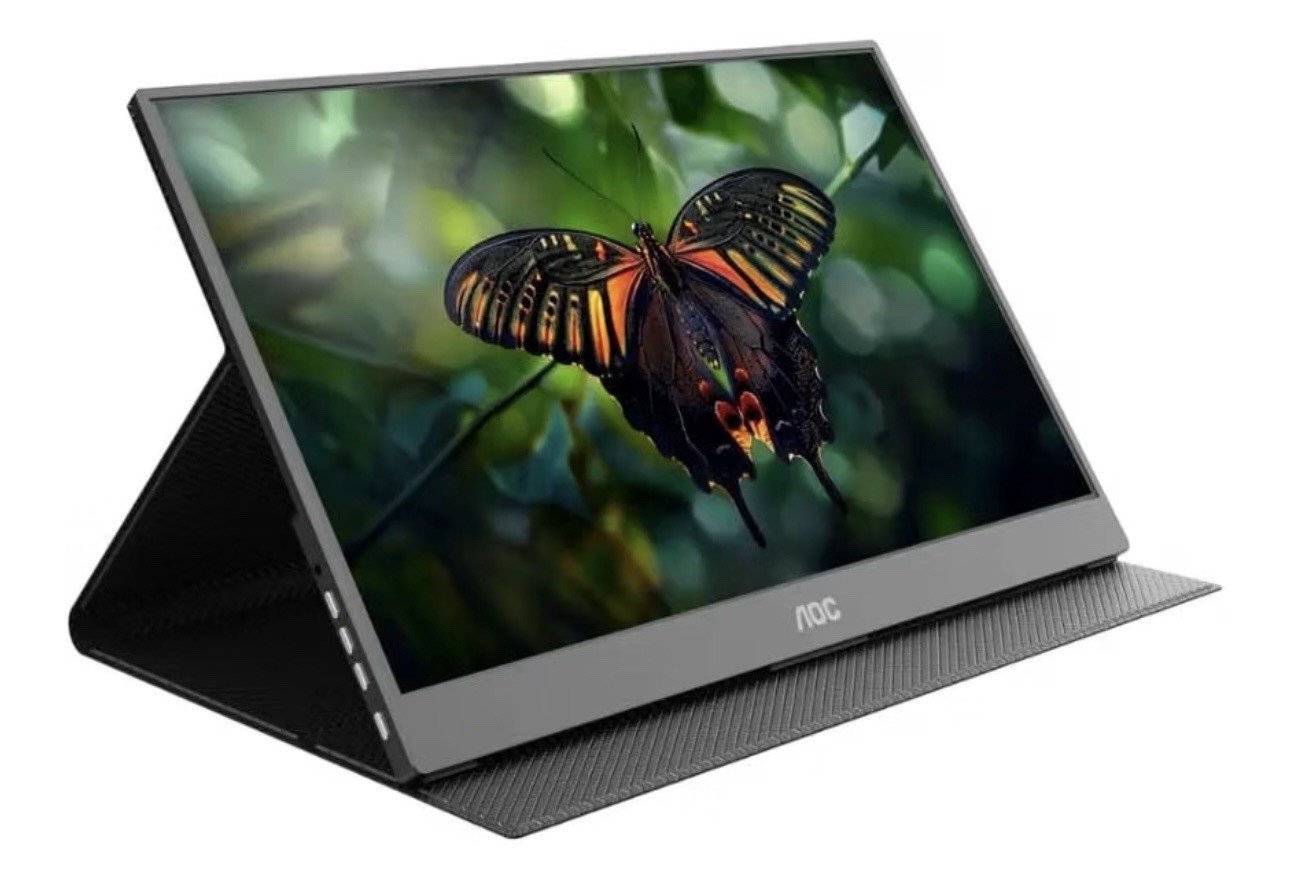
Monitor

A computer monitor is a display panel defined by panel technology, resolution, refresh rate, and connectivity—each directly affecting image quality, responsiveness, and compatibility. The primary trade-off is between budget-friendly TN/VA panels and higher-cost IPS/OLED panels with better color and viewing angles. The clear decision rule: prioritize panel type and port standard (HDMI 2.1/DisplayPort 1.4) over brand or marketing claims; skip any monitor that lacks documented VESA mount support or adaptive sync if you plan to game or mount it.

Buying guide image
Computers & Peripherals

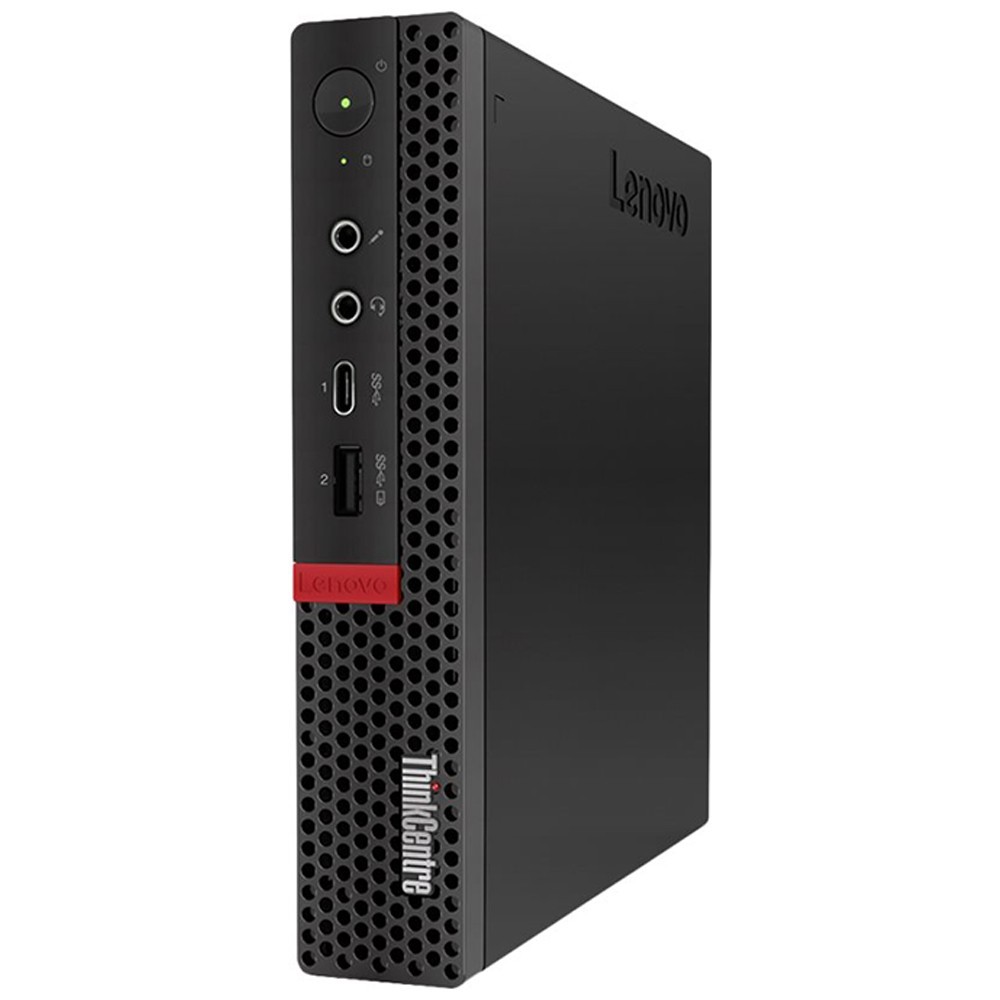
PC

A PC is a modular computing system, not a single product, so the build hinges on one trade-off: current-generation CPU platform and PSU quality versus older-gen cost savings and unknown-tier power supplies. Buy a desktop if you need upgradeable graphics or storage, a laptop if portability matters, and a mini PC or used workstation only when the form factor or budget genuinely requires it. The rule that separates durable builds from compromises: OEM prebuilts without a named 80 Plus PSU and standard ATX/micro-ATX mounts are upgrade dead-ends.

Buying guide image
Controllers & Gaming Accessories

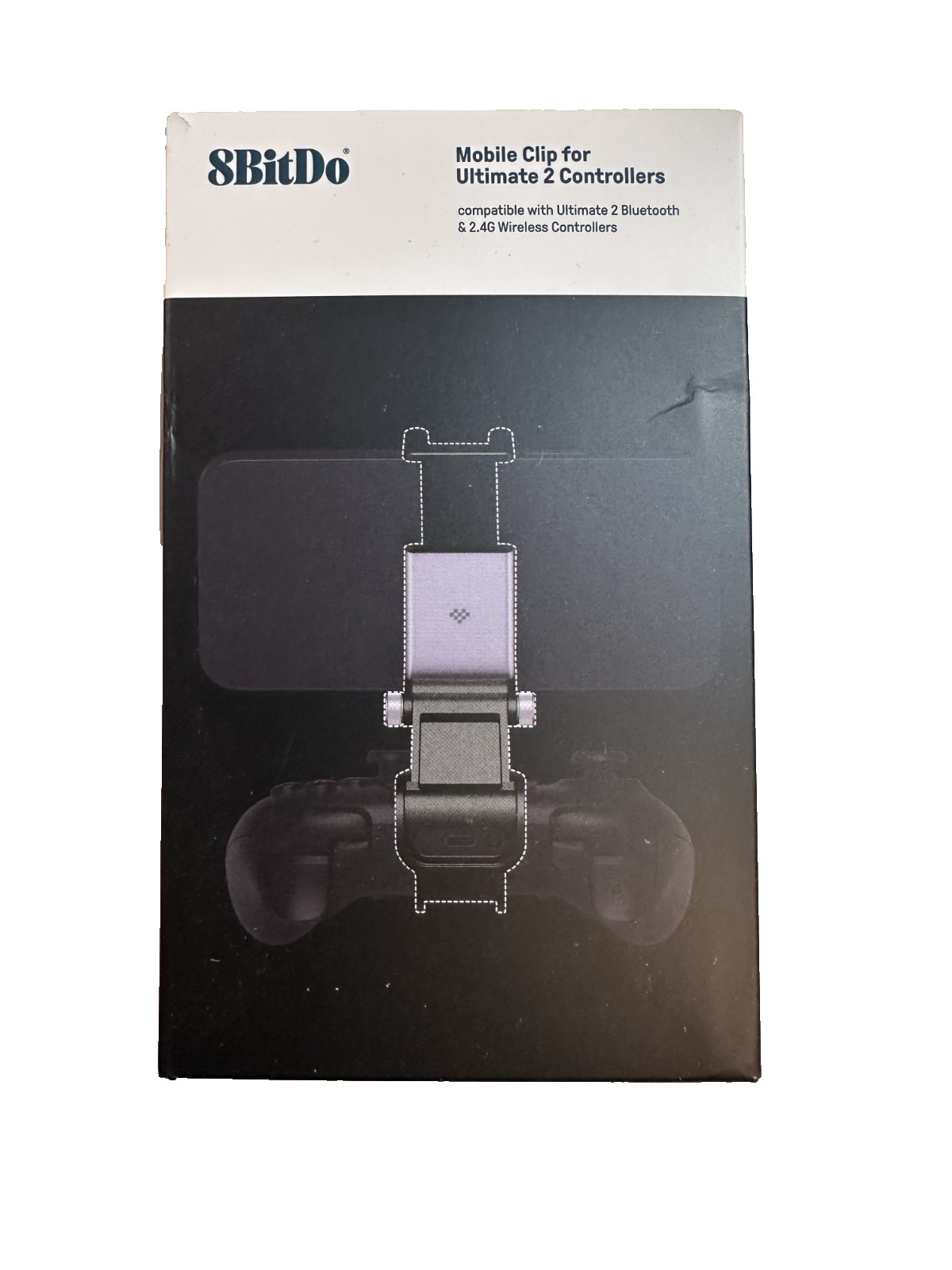
Gaming Controller

A gaming controller is your primary physical interface to the game, and the decisive trade-off is between the latency and durability of a wired connection versus the convenience of wireless, along with the quality of the analog sticks and triggers. The clear decision rule: buy a first-party or reputable third-party controller with Hall Effect or high-cycle-life potentiometer sticks and a proven wireless protocol (2.4GHz or Bluetooth), and avoid no-name pads with unrated stick modules and vague battery specs.

Buying guide image
Smartphones

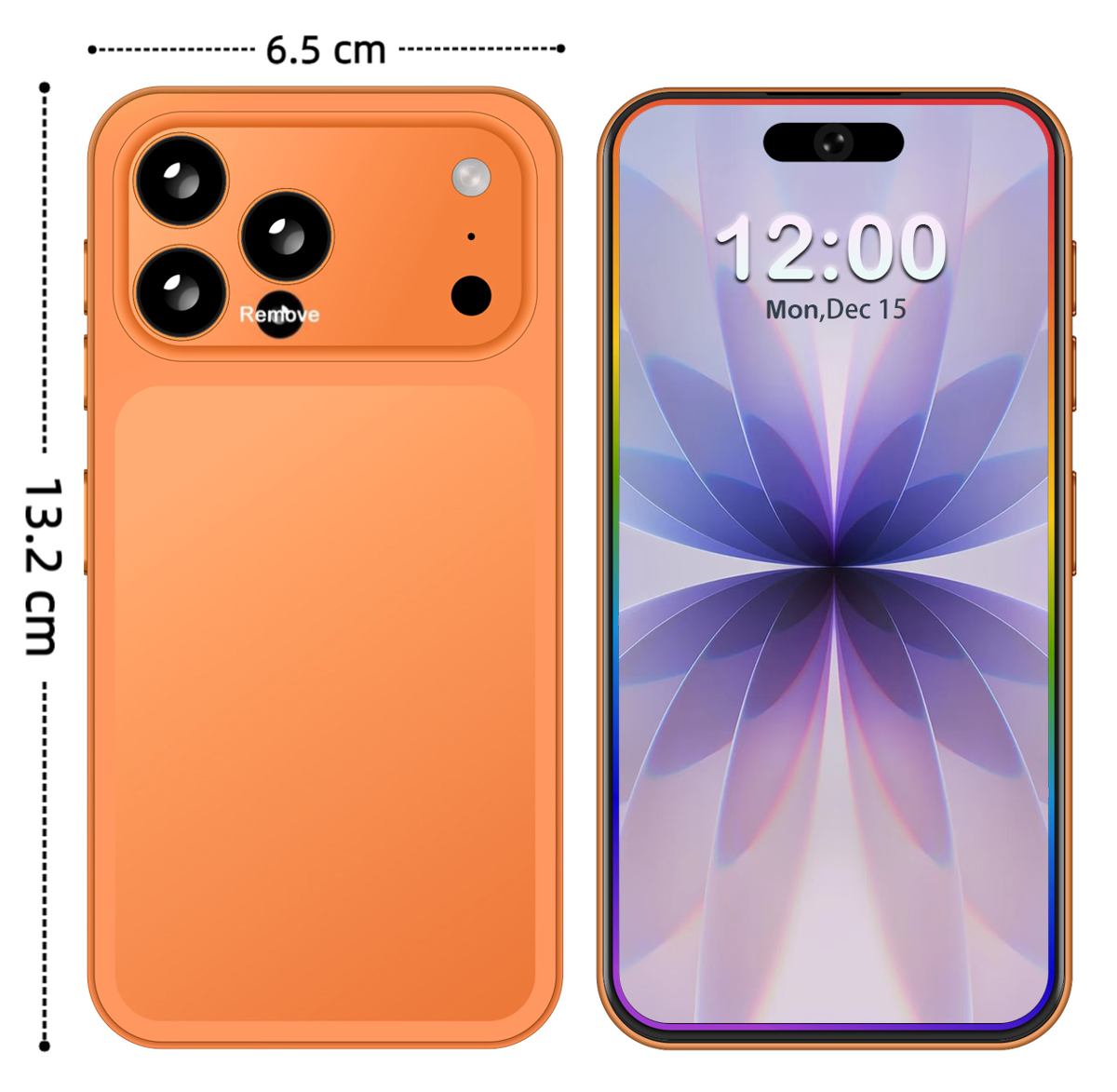
Android Phone

Android phones span a vast range from budget 5G models to flagship devices, with the primary trade-off being between display/battery/ram specs and long-term software support. Durable options use OLED panels, ample RAM (8GB+), and guaranteed OS updates, while compromises often rely on LCD, 4GB RAM, and vague update policies. The clear decision rule: prioritize chipset efficiency, RAM capacity, and update commitments over inflated camera megapixel numbers.

Buying guide image
Console & Handheld Hardware

Gaming Console

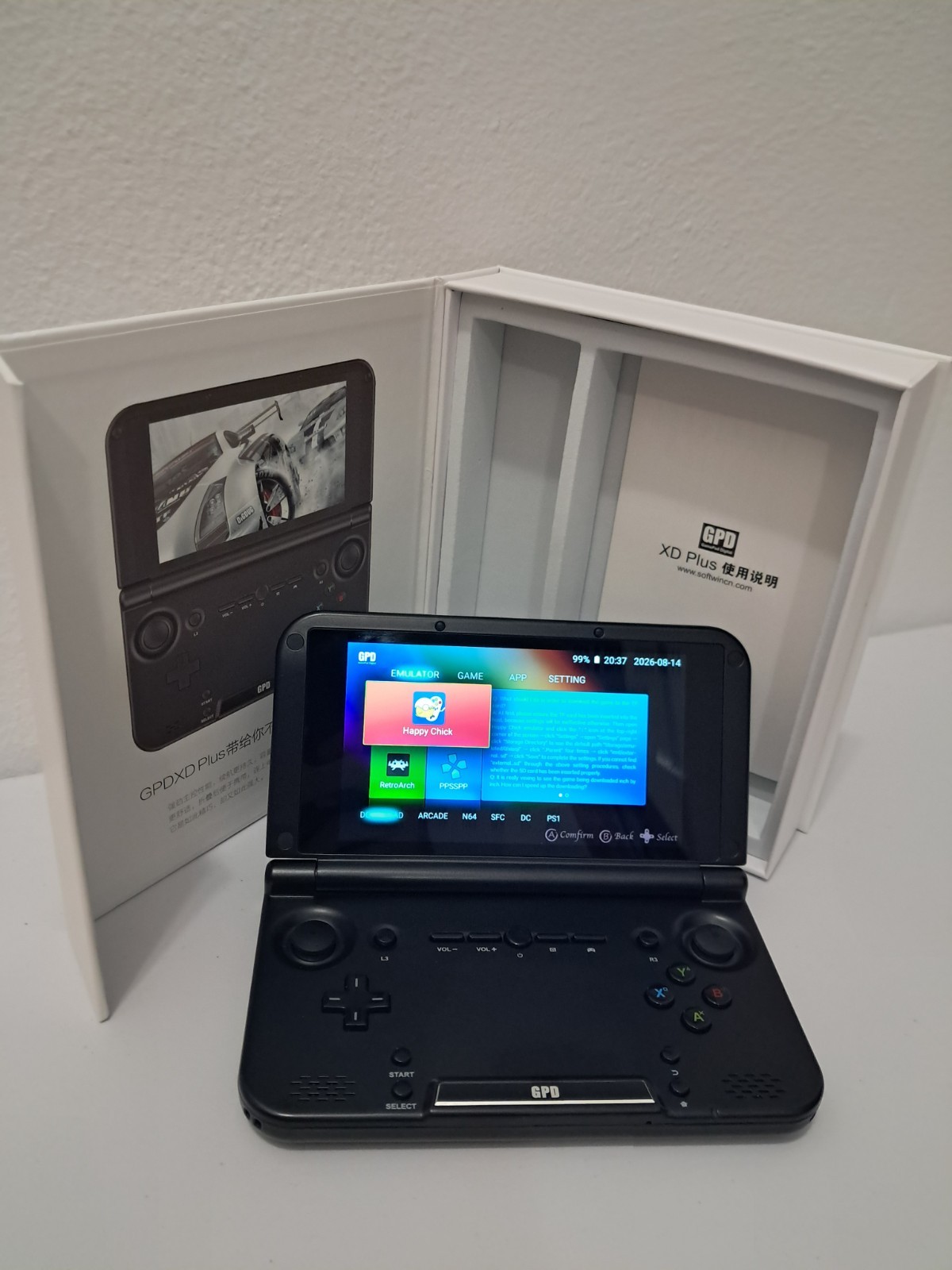
A gaming console is a dedicated system—stationary or handheld—whose performance and longevity are set by its silicon, storage architecture, and display/controller standards. The core trade-off is between locked first-party ecosystems (Sony, Nintendo, Microsoft) that guarantee optimized exclusives and firmware support, versus open or retro plug-and-play devices that trade raw power and long-term updates for low cost and built-in libraries. Buy a current-generation platform with expandable NVMe or microSD storage if you need modern AAA titles and 4K/HDR; choose a retro stick or handheld only if your priority is legacy emulation and you accept fixed internal storage and no live service.

Buying guide image
3D Printing Filament & Resin

PLA Filament

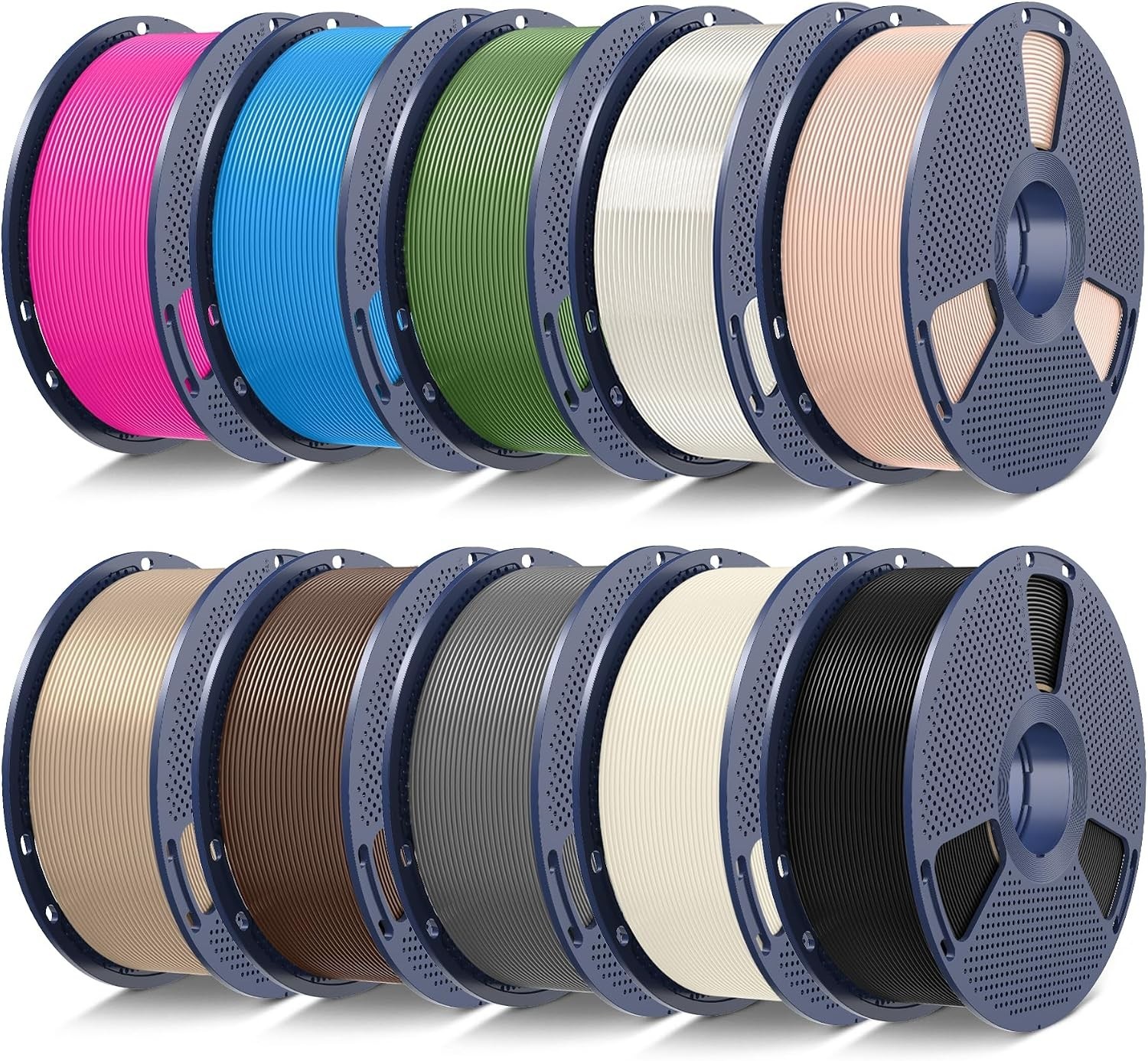
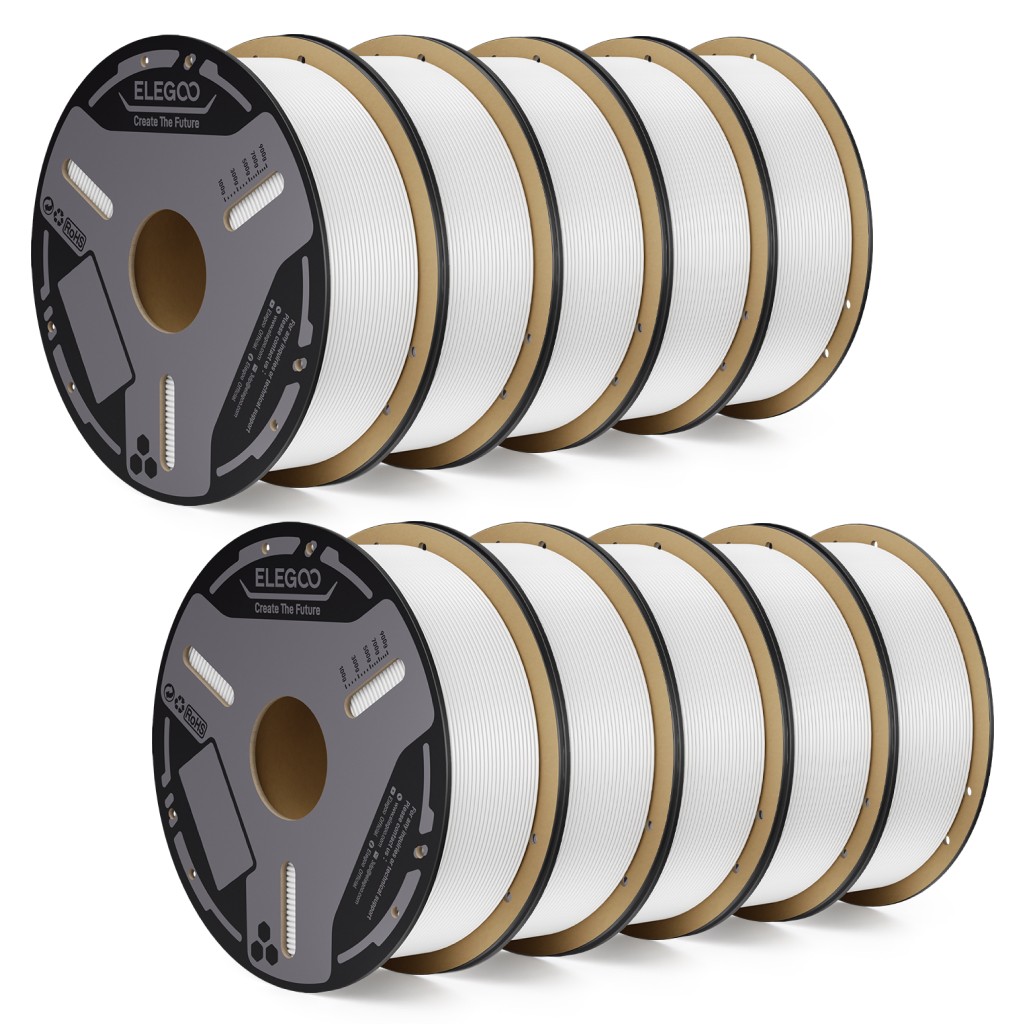
PLA filament is a polylactic-acid thermoplastic for FDM printers, prized for low warping, easy adhesion, and sharp detail at low cost. The core trade-off is between standard PLA (easy, brittle) and PLA+ / Silk / High-Speed variants that trade some printability for toughness, gloss, or flow rate. Durable picks share 1.75 mm diameter tolerance of ±0.02 mm, vacuum-sealed desiccant packaging, and a full 1 kg net spool; compromises skimp on diameter consistency or ship loosely wound spools that tangle.

Buying guide image
PC Storage Upgrades

SSD

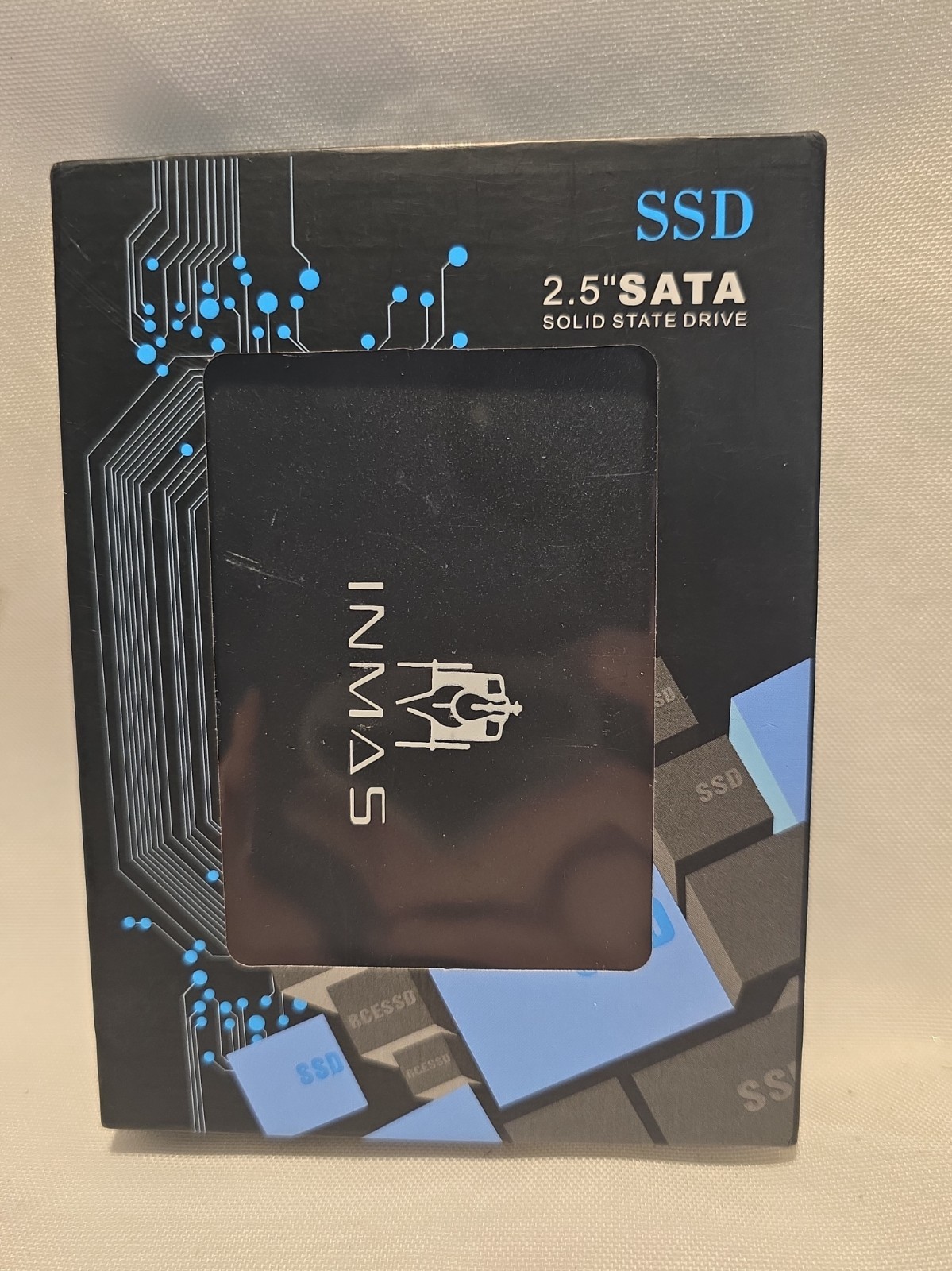
An SSD upgrade replaces a slow hard drive or adds fast storage, and the core trade-off is interface speed versus compatibility: SATA 2.5-inch tops out near 550MB/s, while NVMe M.2 PCIe Gen 3/4 reaches 3,500-7,400MB/s but must match your slot key and generation. Buy SATA for any laptop/desktop with a 2.5-inch bay, NVMe for confirmed M.2 slots, and choose a heatsink model for PS5 or sustained Gen 4 workloads.

Buying guide image
Filament Drying & Post-Processing

3D Printer Filament Dryer

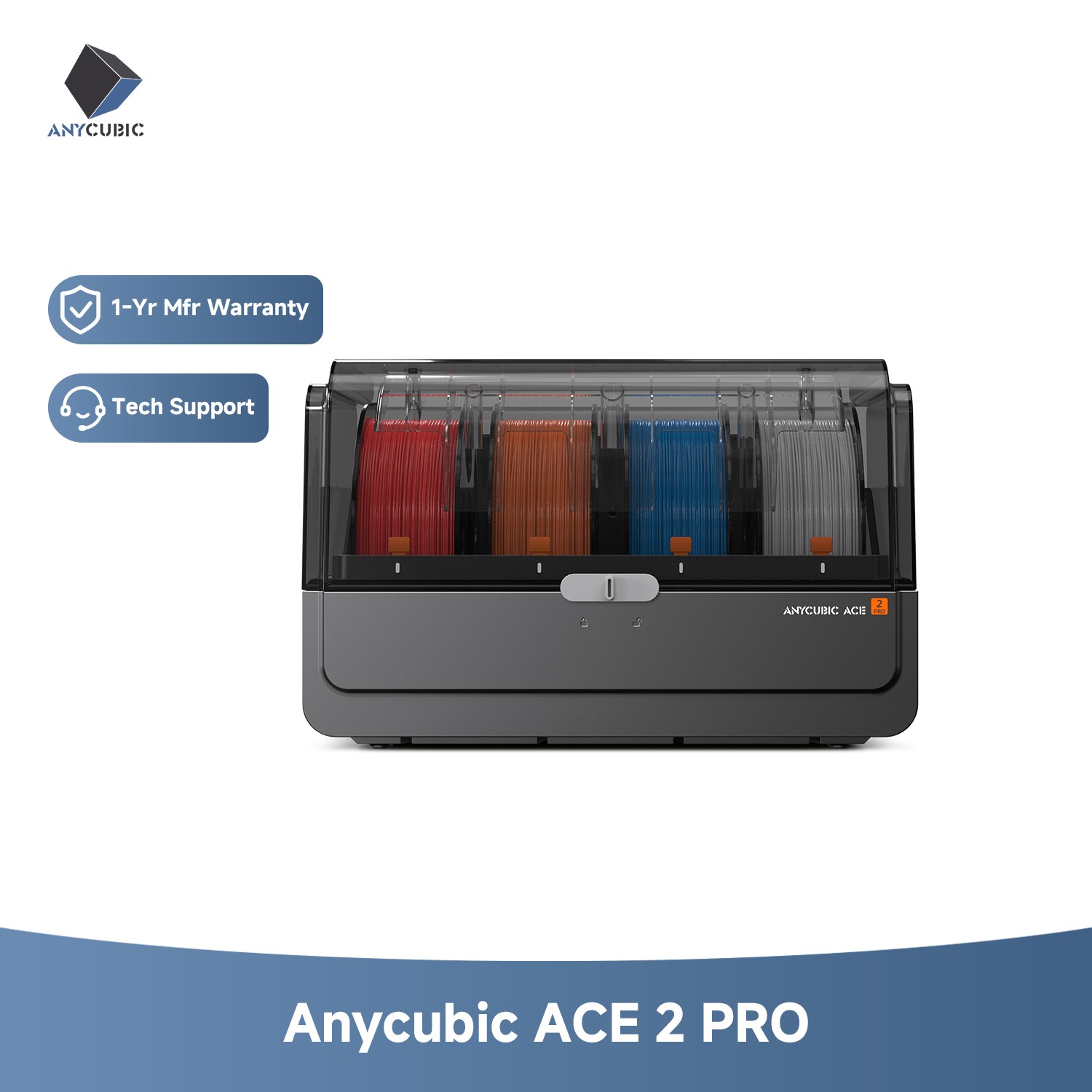
A 3D printer filament dryer removes absorbed moisture from hygroscopic polymers like PLA, PETG, and Nylon so prints stop stringing, popping, and losing layer adhesion. The core trade-off is between single-spool desktop units with fixed temperature presets and multi-spool or convection cabinets that add airflow, sealed chambers, and higher temperature ceilings for engineering filaments. Buy a dryer whose maximum temperature exceeds your hottest filament's glass-transition margin and whose chamber actually seals; skip anything that tops out at 50°C or lacks a lid gasket.

Buying guide image
3D Printing Filament & Resin

Type 3D Printer Filament

3D printer filament is the consumable feedstock that determines part strength, surface finish, and dimensional accuracy more than most printer upgrades. The core trade-off is between easy-printing commodity plastics (PLA, PETG) and engineering-grade polymers (ABS/ASA, nylon, polycarbonate) that demand heated enclosures, higher nozzle temperatures, and controlled drying. The decision rule: match filament glass-transition and moisture sensitivity to your printer's enclosed volume and hotend ceiling before chasing exotic blends.

Buying guide image
Keycaps & Artisan Keycaps

Keyboard Keycap

Keyboard keycaps are the interface between your fingers and the switch, and the primary trade-off is material and profile versus cost: doubleshot PBT resists shine and wear for years, while thin ABS and pad-printed legends wear smooth in months. The decision rule is simple: buy a doubleshot PBT set in your switch's mount standard (Cherry MX-style cross) and a profile your fingers accept, and skip any set that cannot name its plastic, molding method, and key count.

Buying guide image
PC Storage Upgrades

SSD Portable

Portable SSDs are bus-powered flash drives that trade peak speed for pocketability, and the primary buyer decision is whether you need sustained write speed (USB 3.2 Gen 2 / NVMe) or just fast reads for backups. Durable drives use native USB-C NVMe controllers with DRAM or dynamic SLC caching, while compromises hide SATA internals or QLC flash behind a USB 3.2 Gen 1 bridge. The decision rule: buy NVMe USB 3.2 Gen 2 for video/scratch work, SATA USB 3.2 Gen 1 for cold backup, and skip any drive that lists only 'USB 3.0' with no controller detail.

Buying guide image
Home Theater Speakers & Subwoofers

Portable Speaker

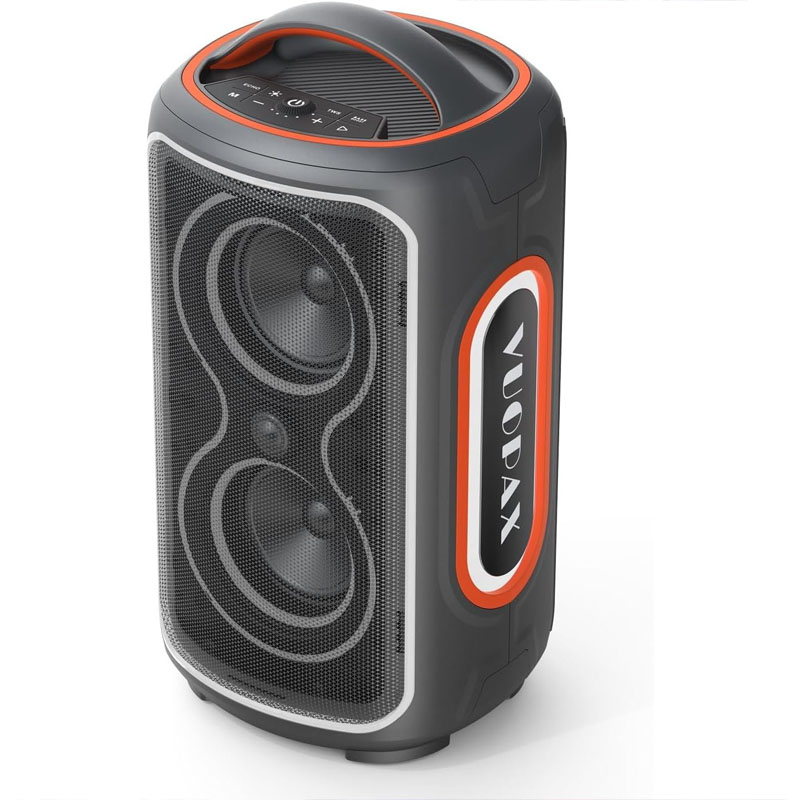
Portable speakers range from pocket-sized Bluetooth pucks to rolling party systems with mic inputs and light shows, and the core trade-off is acoustic output and bass extension versus size, weight, and battery life. Buy on driver size, rated amplifier power, and IP rating rather than peak wattage claims, and treat TWS pairing, USB-C charging, and a real IPX5+ seal as the baseline separating durable units from disposable ones.

Buying guide image
Computers & Peripherals

Budget PC

A budget PC is a prebuilt or self-configured desktop designed to deliver acceptable everyday performance at the lowest total cost, where the core trade-off is spending on the CPU/GPU/platform versus cutting corners on power supply, storage speed, and upgrade headroom. The decision rule is simple: buy the best current-generation CPU with upgradeable RAM and a quality 80 PLUS Bronze PSU, and avoid any model locked to soldered memory, slow eMMC storage, or a no-name power supply.

Buying guide image
Projectors & Screens

Bluetooth Projector

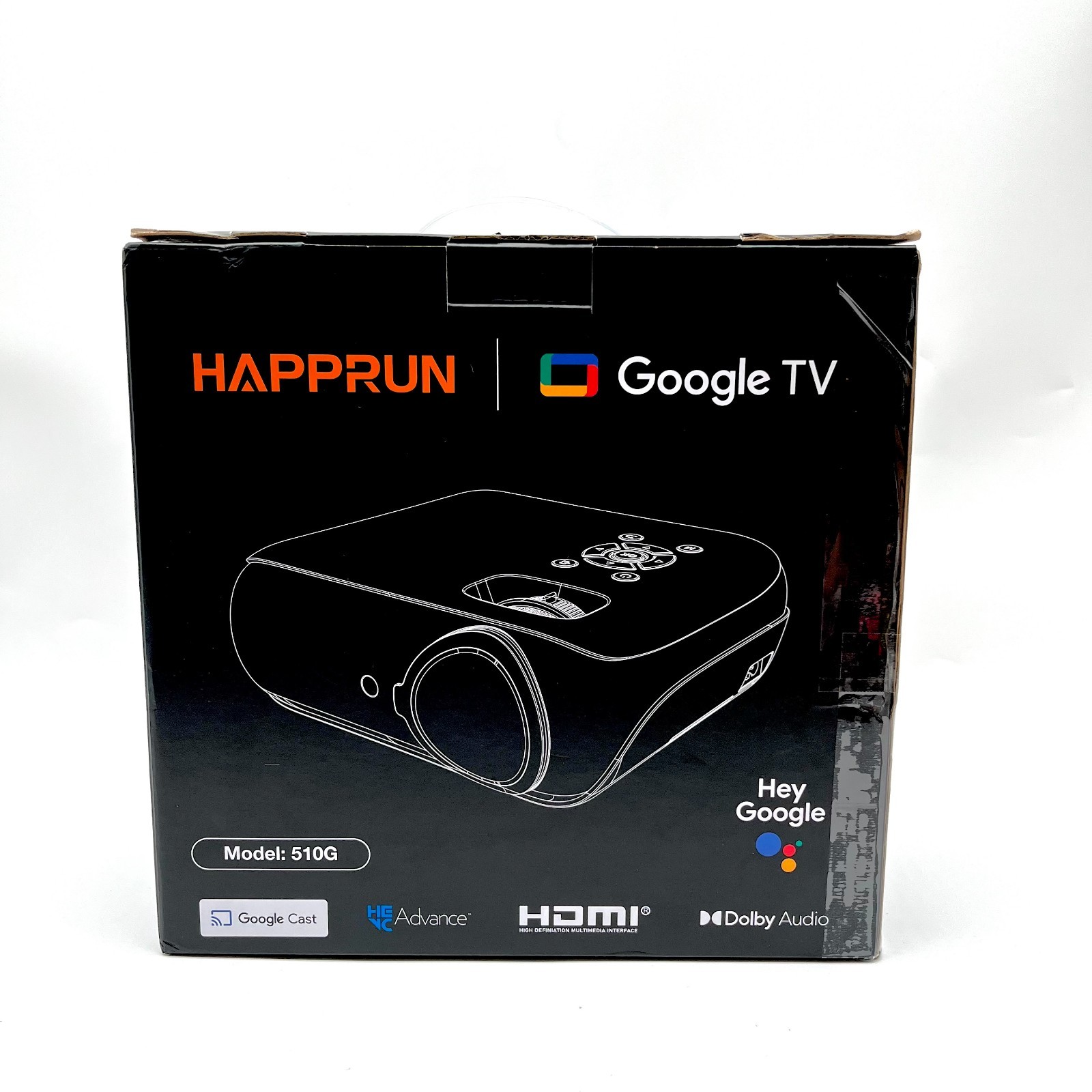
Bluetooth projectors add wireless audio output to a video projector, letting you pair headphones or a soundbar without running cables. The critical trade-off is between native resolution and light output: many budget units claim 4K but deliver only 1080p or 720p native panels with inflated lumen figures. The clear rule is to buy only models that state native resolution (1080p minimum) and ANSI lumens (not 'light source' lumens), and to treat Bluetooth as an audio-output feature, not a video-streaming standard.

Buying guide image
Drones & Consumer Robotics

DJI Remote Controller

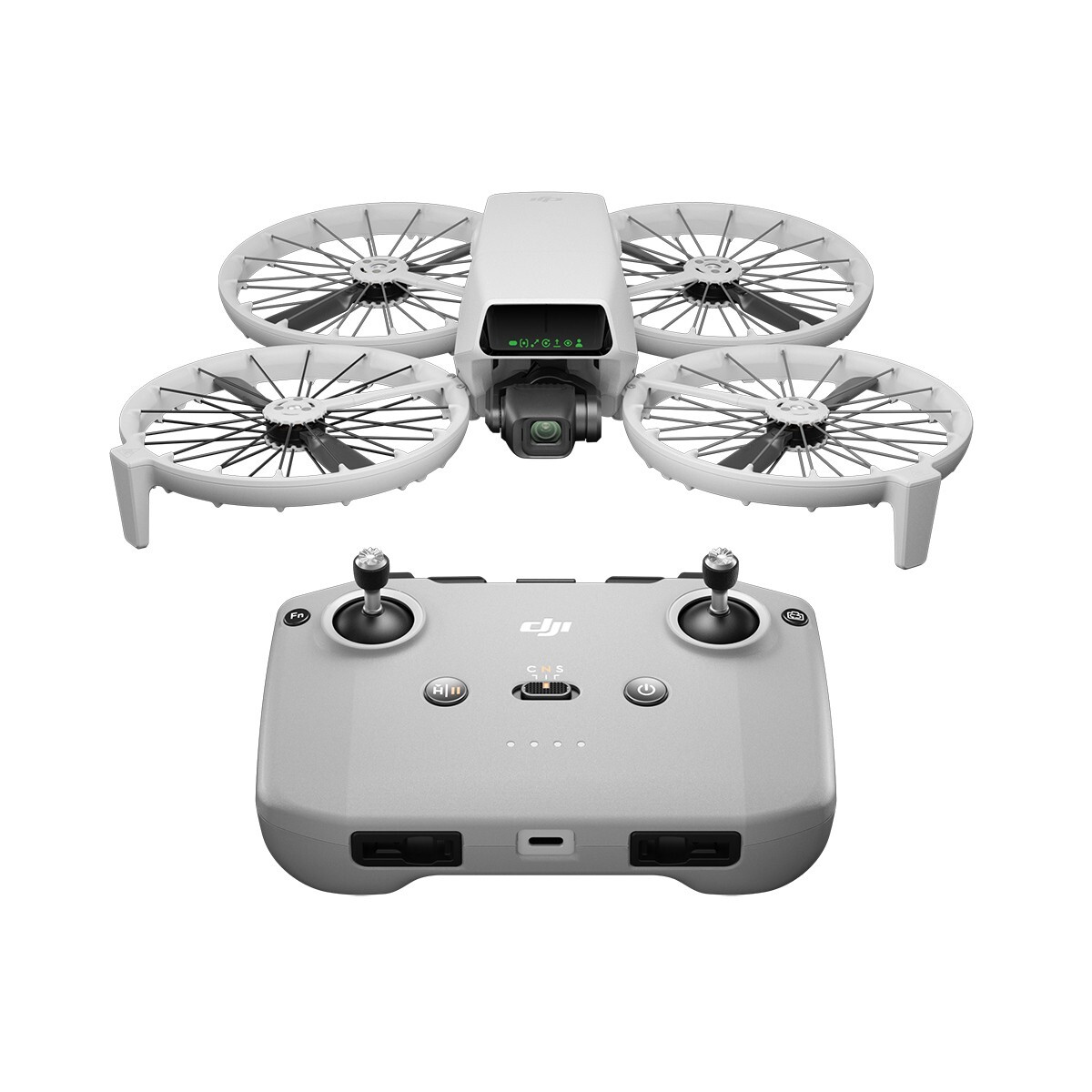
A DJI remote controller is the dedicated radio link between your drone and your phone or built-in screen, and the core trade-off is between the compact RC-N series (no screen, uses your phone) and the RC/RC Pro series (integrated bright screen, longer battery, more controls). The decision rule: match the controller generation to your drone's transmission system (OcuSync 2/3/4) and buy the controller tier that matches your flying frequency and need for a built-in display.

Buying guide image
PC Cases & Cooling

CPU Cooler With Screen

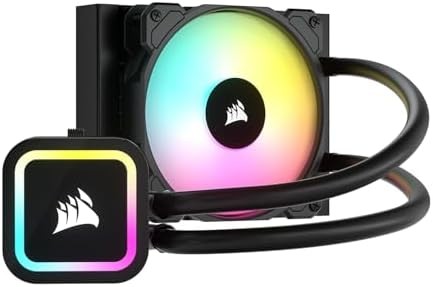
A CPU cooler with a screen adds a live status display or LCD panel to the heatsink or pump block, so you pay a premium for monitoring and aesthetics rather than raw thermal headroom. The core trade-off is air vs liquid: air towers with digital readouts cost less and have zero pump-failure risk, while AIOs with pump-block screens handle higher heat loads and tight cases but add a wear item and a 240mm-plus radiator footprint. The decision rule is simple: buy the screen only after the cooler already meets your CPU's TDP with headroom, and never accept a smaller radiator or fewer heatpipes just to get a display.

Buying guide image
Keyboard Switches

Mechanical Switch

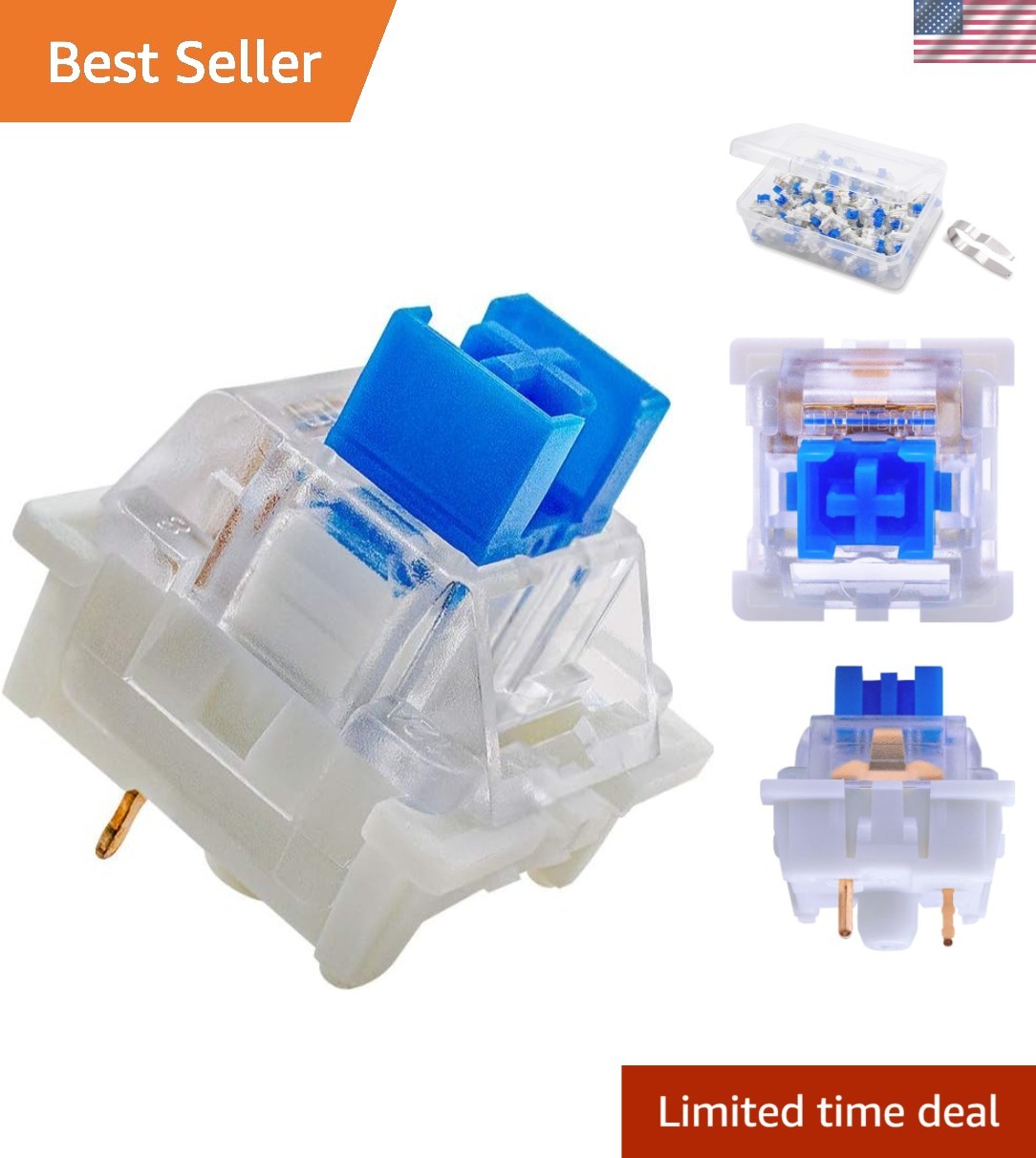
Mechanical switches are the spring-loaded, individually replaceable keystroke modules that define a keyboard's feel, sound, and actuation force. The core trade-off is between linear, tactile, and clicky feedback versus mount compatibility (3-pin vs 5-pin) and factory lubrication quality. Buy by actuation force and pin count first—durable switches are rated for 50–100 million cycles, while no-name clones often lack published endurance and consistent tolerances.

You may also like

Finding more guides for you…