
Photos from current listings. Actual item, color, and included accessories may vary.
Development Board Buying Guide
A development board is the physical microcontroller or SoC platform that turns code into circuits, and the core trade-off is fixed-function simplicity versus flexible performance. Buy the architecture that matches your project's I/O and wireless needs: 8-bit Arduino-compatible boards for 5V-tolerant learning and simple control, 32-bit ESP32/Teensy-class boards for Wi-Fi, Bluetooth, and DSP workloads, and Linux/FPGA boards only when you need an operating system or hardware-level parallelism.
Median $49.99
Key takeaways
- Logic voltage defines safe compatibility: classic Arduino Uno uses 5V I/O, ESP32 and Teensy 4.x use 3.3V, so 5V sensors need level shifting on 3.3V boards.
- ESP32 WROOM modules pair a dual-core 240 MHz Xtensa LX6 with integrated Wi-Fi and Bluetooth, while Teensy 4.1 uses a 600 MHz i.MXRT1062 Cortex-M7 with Ethernet PHY and SD socket.
- Linux-capable boards like BeagleBone Black run a Cortex-A8 at 1 GHz with 512 MB DDR3 and onboard eMMC, adding boot time and power draw versus bare-metal MCUs.
At a glance
- Category
- Microcontrollers & Dev Boards
- Last updated
- Nov 25, 2026
Current offers
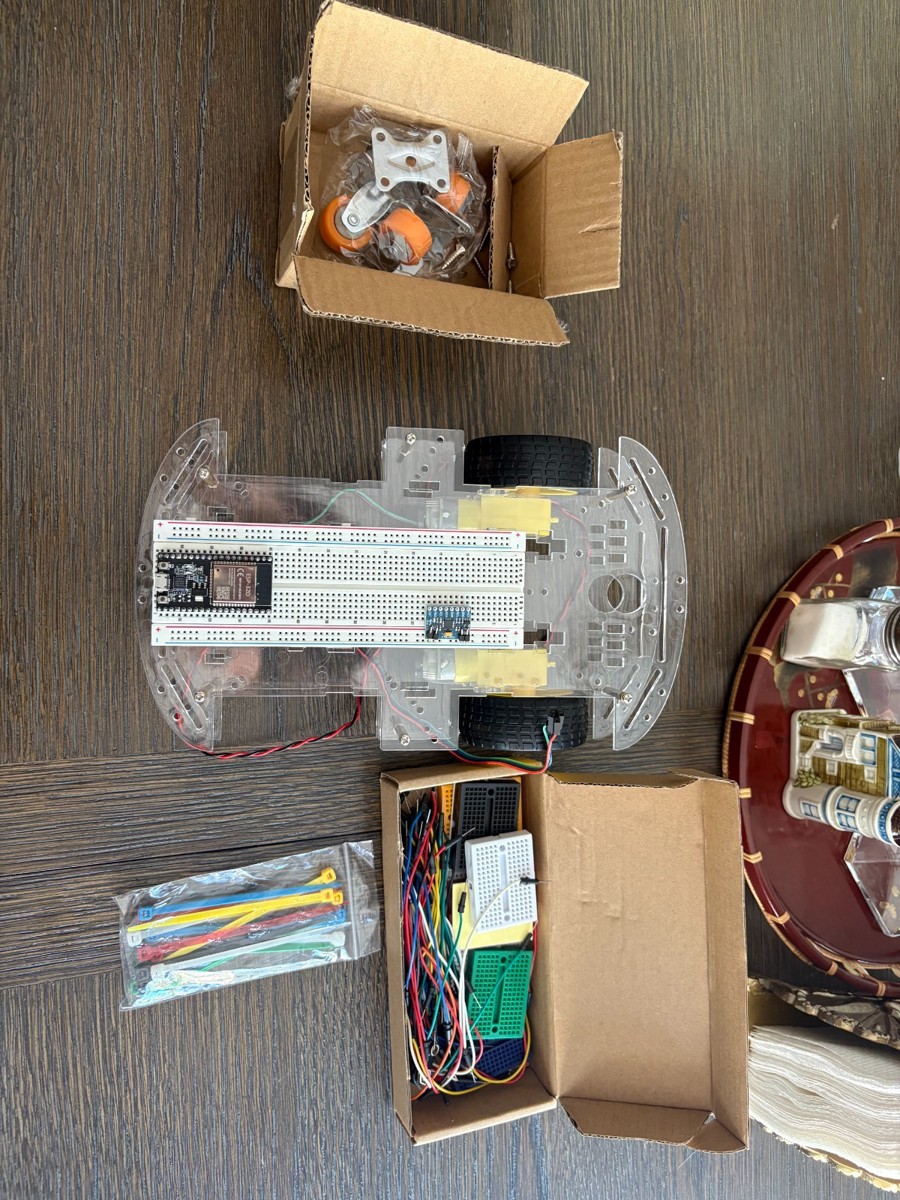 ESP-32S Electronics Starter Kit WIFI Development Board Arduino Robotics Projects$25.00View on eBay
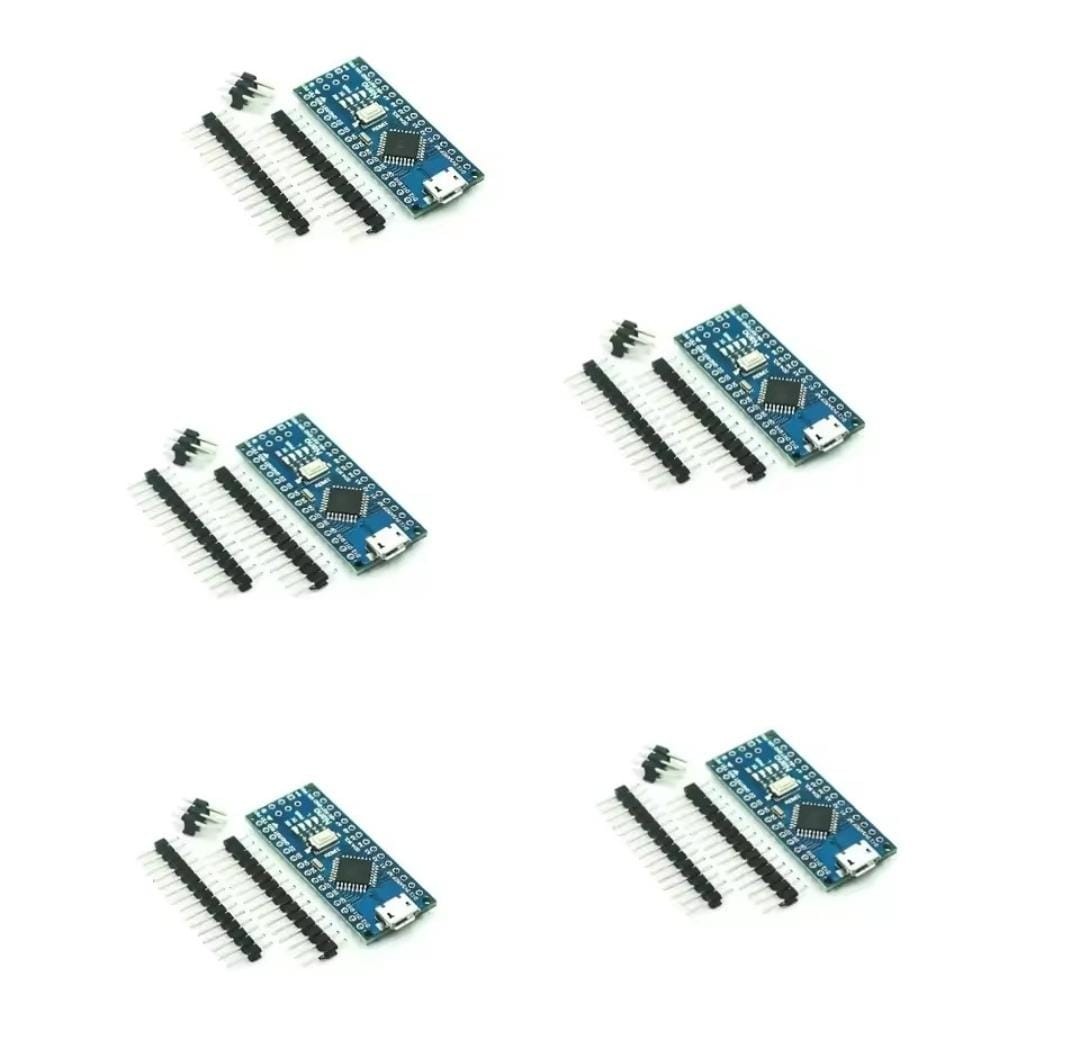 Arduino Nano V3.0 ATmega328P CH340 USB Board 5PCS – Development Kit$26.89View on eBay
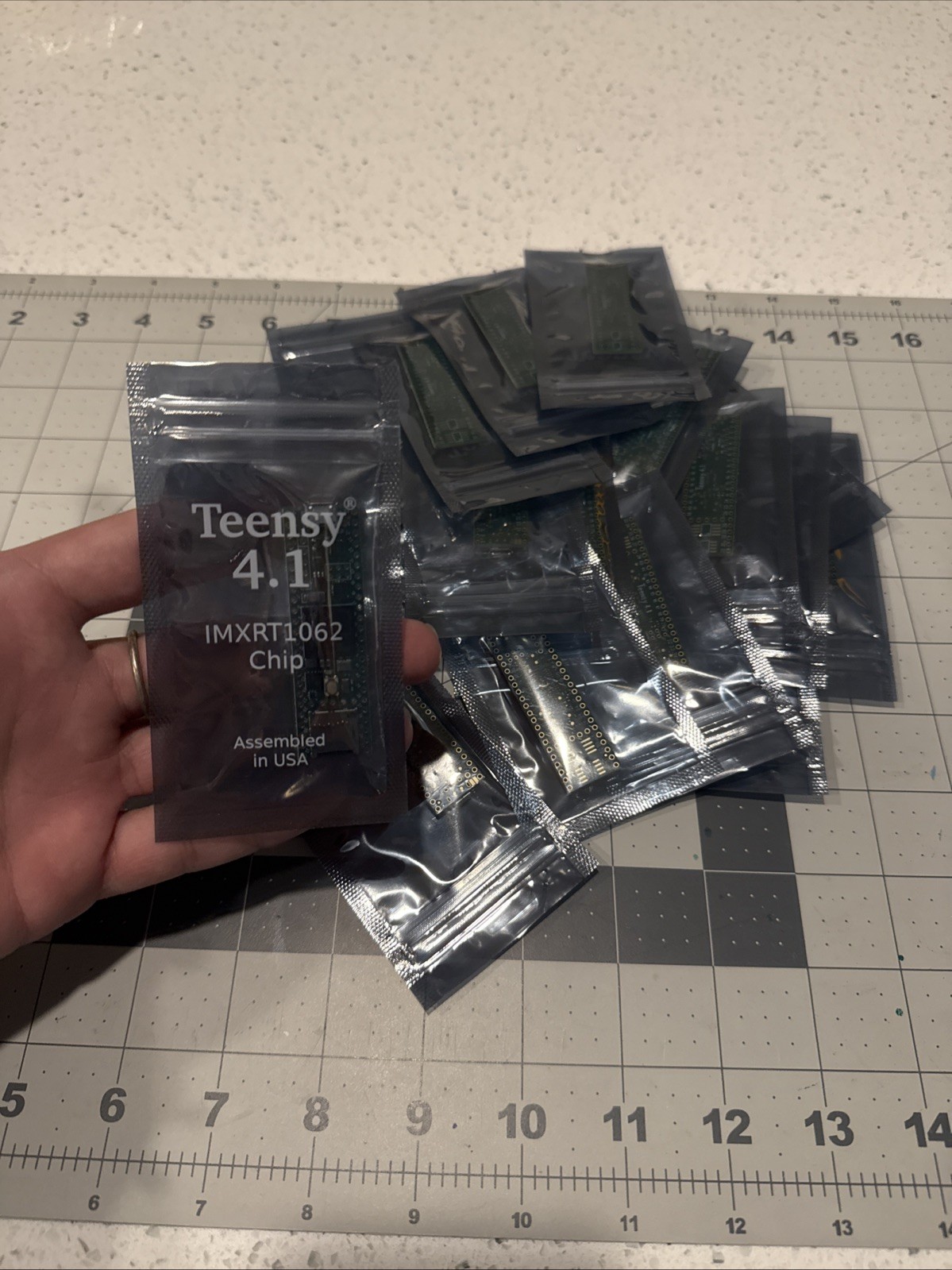 PJRC Teensy 4.1 iMXRT1062 Microcontroller Development Board w/ SD Card, Ethernet$30.00View on eBay
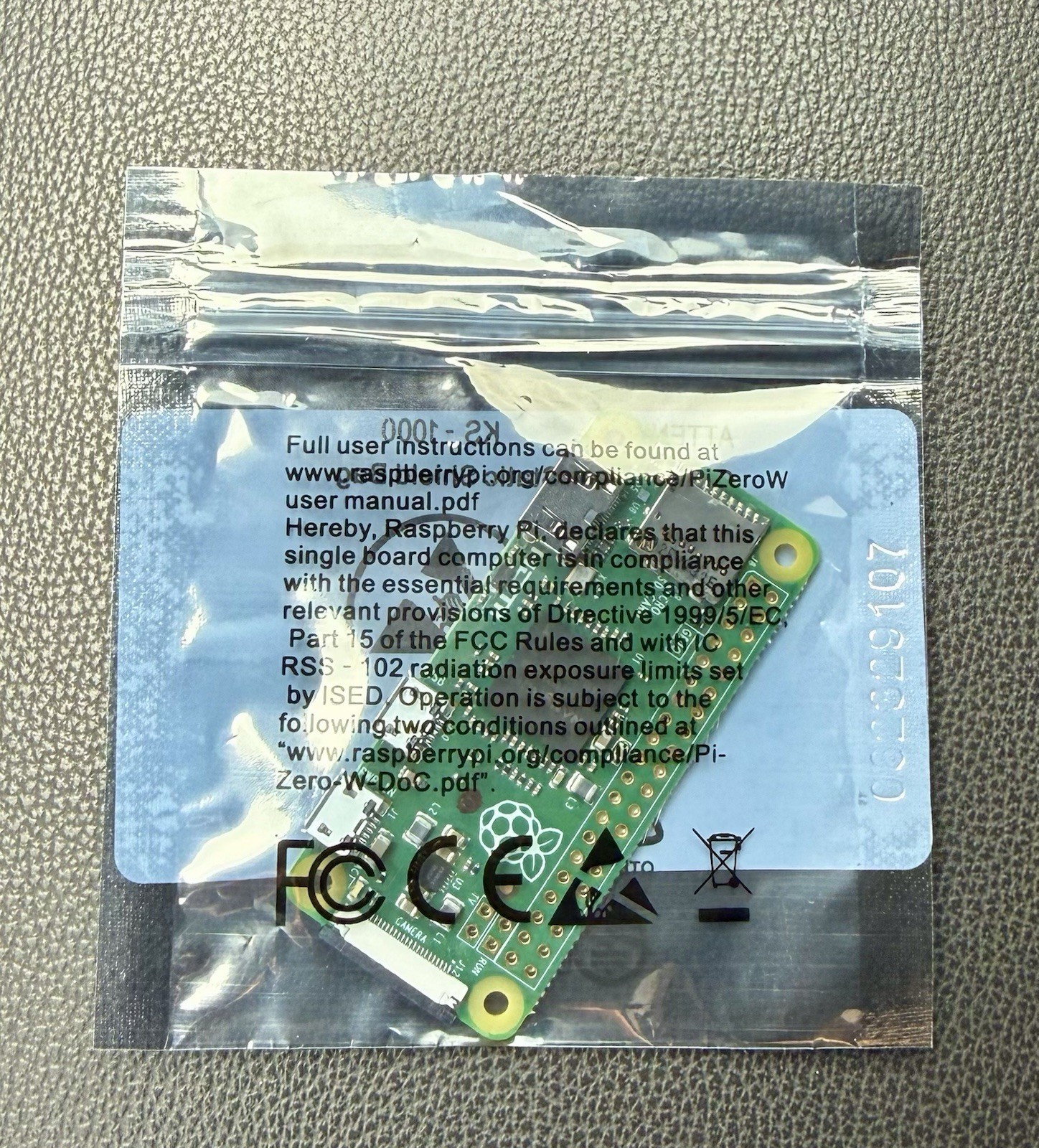 Raspberry Pi Zero V1.3 Camera Ready - Newest - Development Board - *NEW IN HAND*$42.99View on eBay
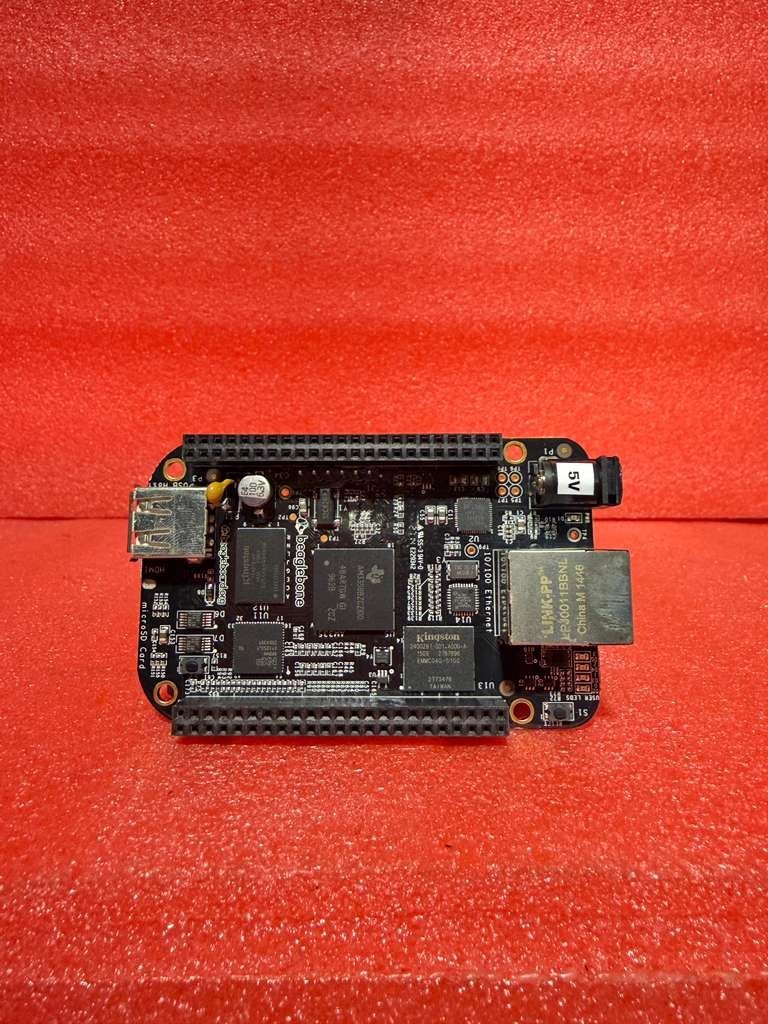 BeagleBone Black AM3358 Cortex-A8 Embedded Development Board 512MB DDR3 8Gb SD$49.99View on eBay
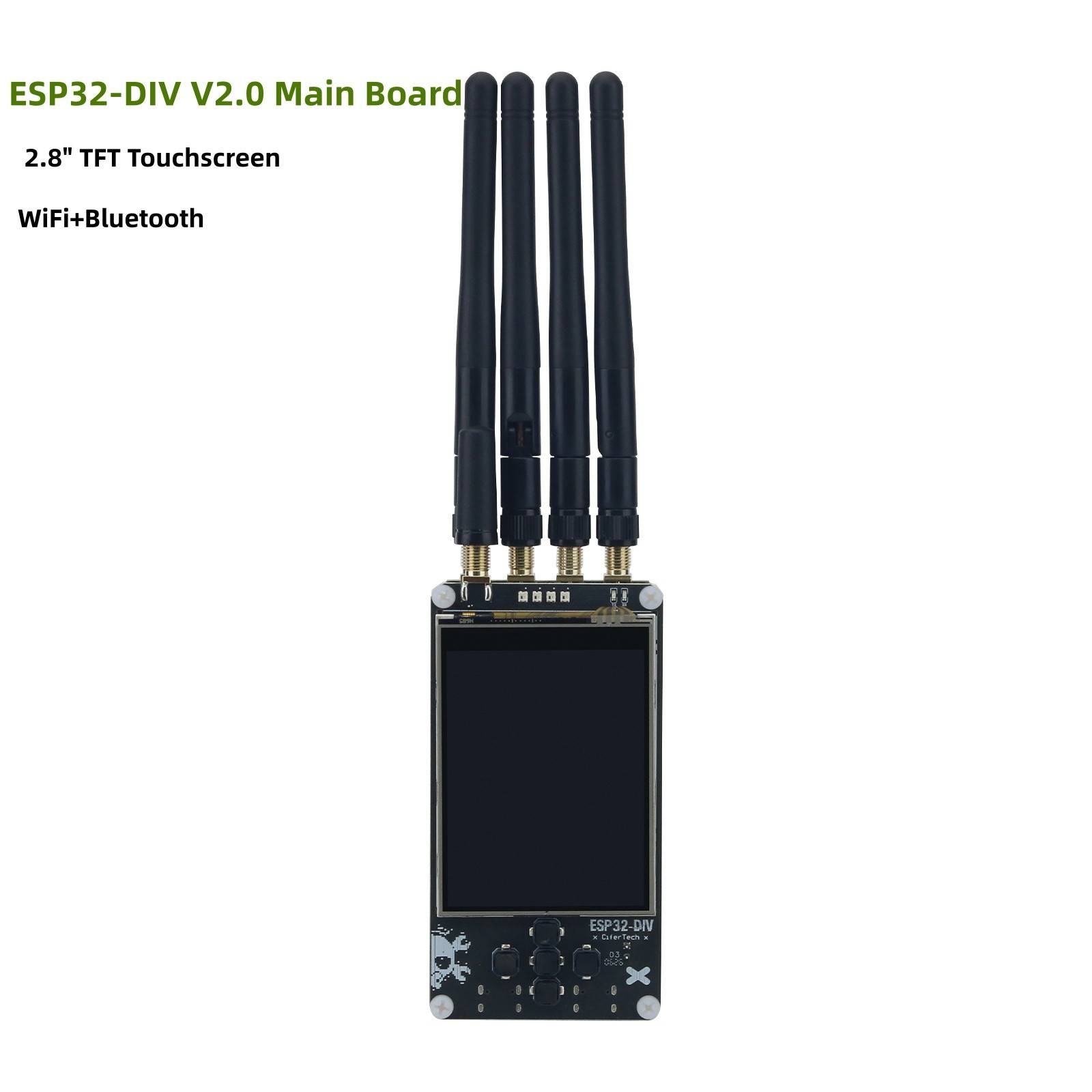 ESP32-DIV V2.0 WiFi+Bluetooth NRF24 ESP32 Development Board Wireless$91.99View on eBay
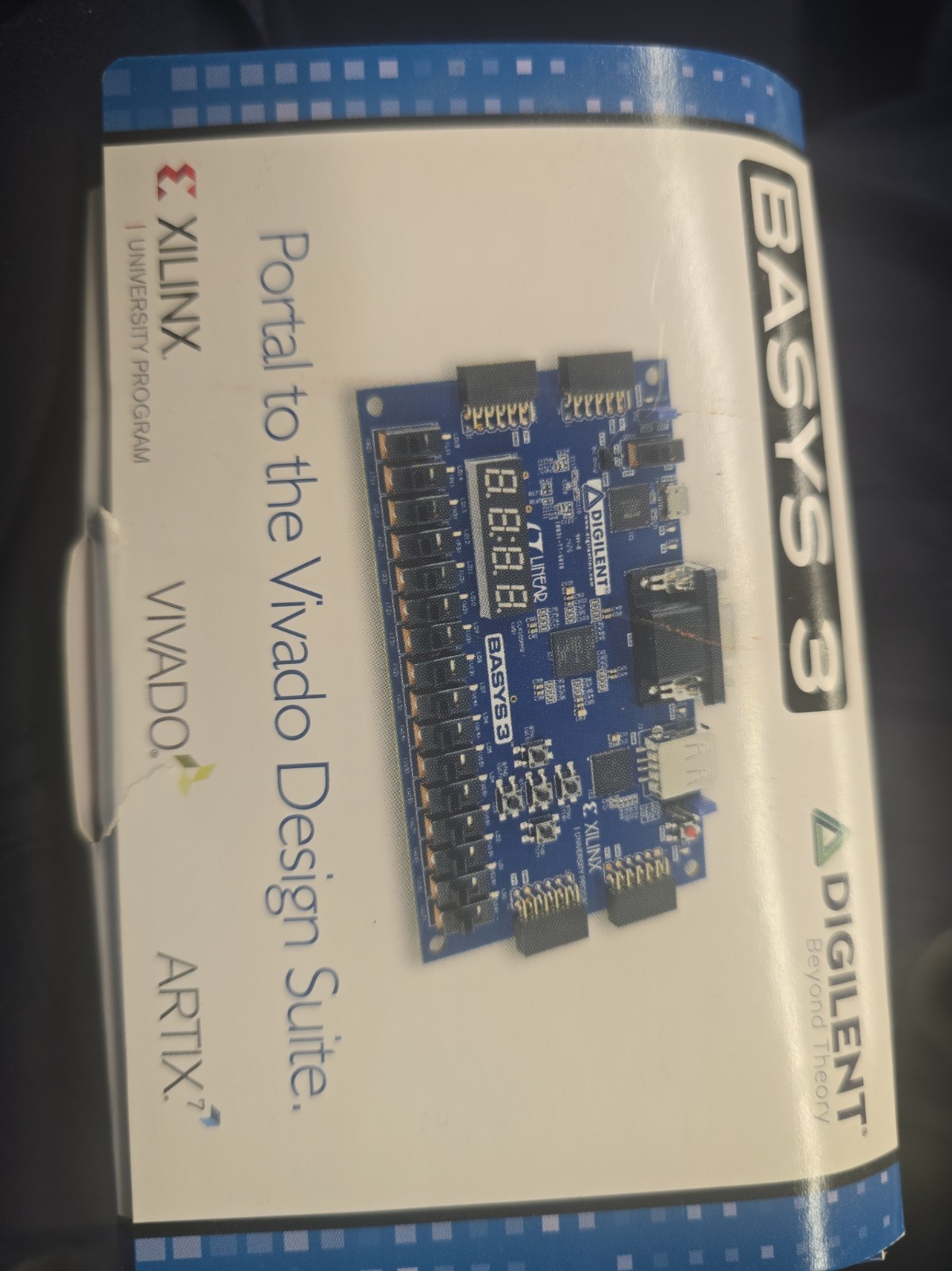 Digilent Basys 3 FPGA Development Board Xilinx Artix-7 XC7A35T$99.00View on eBay
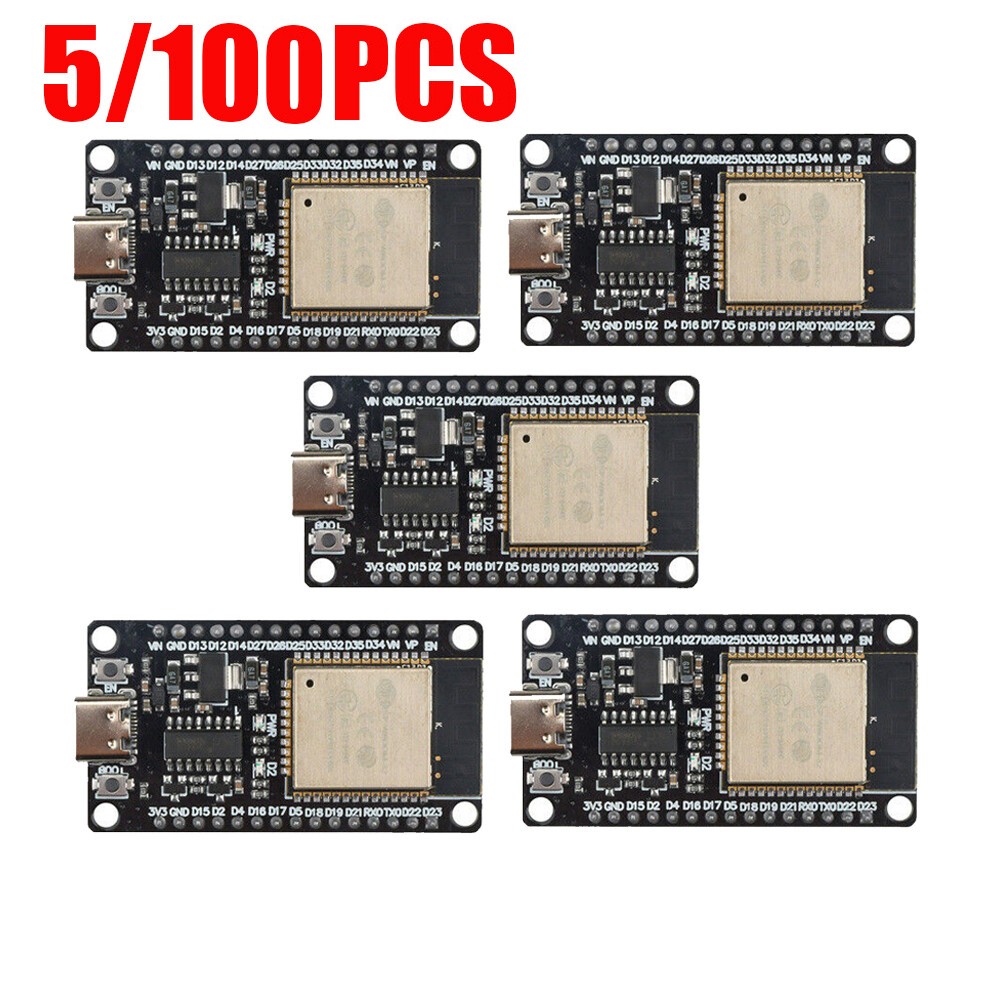 ESP32 WROOM-32 Type-C CH340C Development Board Dual Core WiFi Bluetooth 5/100PCS$549.99Last checked Nov 18, 2026View on eBay
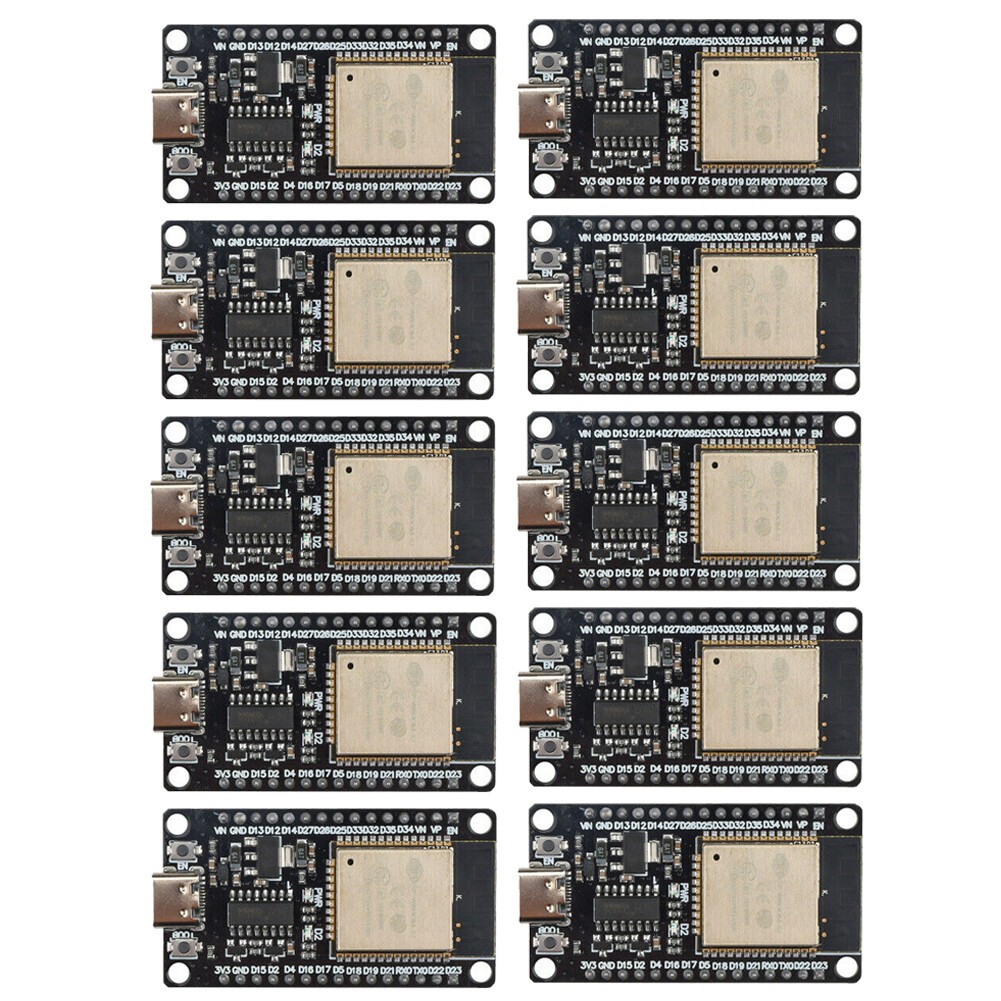 100PCS ESP32 CH340C WROOM-32 Type-C Development Board Dual Core WiFi Bluetooth$549.99Last checked Nov 17, 2026View on eBay
Highlights
- Logic voltage defines safe compatibility: classic Arduino Uno uses 5V I/O, ESP32 and Teensy 4.x use 3.3V, so 5V sensors need level shifting on 3.3V boards.
- ESP32 WROOM modules pair a dual-core 240 MHz Xtensa LX6 with integrated Wi-Fi and Bluetooth, while Teensy 4.1 uses a 600 MHz i.MXRT1062 Cortex-M7 with Ethernet PHY and SD socket.
- Linux-capable boards like BeagleBone Black run a Cortex-A8 at 1 GHz with 512 MB DDR3 and onboard eMMC, adding boot time and power draw versus bare-metal MCUs.
- FPGA boards such as the Basys 3 use a Xilinx Artix-7 XC7A35T and teach hardware description languages, not C-style sketch programming.
Best use cases
- Choose an ESP32 or ESP8266 board when the project needs Wi-Fi, Bluetooth, or dual-core headroom for sensor fusion and web dashboards; skip 8-bit boards if wireless is mandatory.
- Choose an Arduino Uno R4 or classic Uno kit for first-time learners, 5V shields, and tutorial-heavy curricula; skip Linux boards when a 10-second boot and OS maintenance would slow iteration.
- Choose a Teensy 4.1 or BeagleBone Black when you need high-speed sampling, audio DSP, Ethernet, or real Linux processes; skip them for simple LED and relay control where cost and complexity add no value.
- Choose an FPGA board only for digital logic courses or custom high-speed I/O; skip it if you expect to write Arduino-style sketches, since the toolchain and language are fundamentally different.
Buying tips
- Match header pitch and pin count before buying: Uno-format shields expect 0.1-inch spacing and the standard 32-pin layout, while ESP32 DevKitC boards use narrower 0.1-inch dual rows with different pin functions.
- Count GPIO after reserving flash, PSRAM, and USB pins: ESP32 WROOM-32 exposes roughly 25 usable GPIO, and strapping pins like GPIO0, 2, and 15 must be left alone at boot.
- For battery projects, compare active current draw: ESP32 peaks near 240 mA during Wi-Fi transmit, Teensy 4.1 runs far lower without radio, and BeagleBone Black draws hundreds of milliamps at idle, so size the regulator and cell accordingly.
- Buy the USB-C variant of ESP32 and Uno R4 boards when possible; older micro-USB connectors wear out faster and force cable swapping, and CH340-based boards need the CH340 driver installed on Windows.
Specs
| Architecture | 8-bit AVR / 32-bit Xtensa / ARM Cortex |
|---|---|
| Logic Voltage | 5V Uno-class vs 3.3V ESP32/Teensy |
| Wireless | Wi-Fi + BLE (ESP32) or none |
| Programming | Arduino C++ / MicroPython / HDL |
Related searches
What to check before buying
- Confirm the board's input voltage range and regulator: most dev boards accept 5V via USB or 7-12V via VIN, but 3.3V-only ESP32 modules will be damaged by 5V on the 3.3V rail.
- Verify your sensor and shield logic levels: 5V Arduino shields and analog sensors are not directly safe on 3.3V ESP32 or Teensy pins without level shifters.
- Check physical clearance and mounting: Uno-format boards are about 2.7 by 2.1 inches with 0.1-inch headers, while Teensy 4.1 and Pi Zero use smaller footprints that need different enclosures or breadboard adapters.
- Plan companion parts before ordering: ESP32 boards typically need a data-capable USB cable and may need a CH340 or CP210x driver, while Linux boards need a microSD card and a 5V supply rated for at least 2A.
FAQ
Data sources: eBay / Amazon listings and product attribute feeds. Updated Nov 25, 2026.
Some links on this page are affiliate links. If you buy after clicking one, we may earn a commission at no extra cost to you. This does not change which products appear here or their order. Affiliate disclosure.