
Photos from current listings. Actual item, color, and included accessories may vary.
SSD Buying Guide
An SSD upgrade replaces a slow hard drive or adds fast storage, and the core trade-off is interface speed versus compatibility: SATA 2.5-inch tops out near 550MB/s, while NVMe M.2 PCIe Gen 3/4 reaches 3,500-7,400MB/s but must match your slot key and generation. Buy SATA for any laptop/desktop with a 2.5-inch bay, NVMe for confirmed M.2 slots, and choose a heatsink model for PS5 or sustained Gen 4 workloads.
Median $92.49
Key takeaways
- SATA III 2.5-inch SSDs cap at ~550MB/s sequential; NVMe PCIe Gen 3 x4 hits ~3,500MB/s, Gen 4 x4 ~7,000-7,400MB/s, and Gen 5 up to ~14,000MB/s on supported platforms.
- M.2 keying matters: B+M key fits both B and M slots but usually runs SATA or PCIe x2; M key is required for full PCIe x4 NVMe performance.
- PS5 requires an M.2 2280 NVMe PCIe Gen 4 x4 drive with a heatsink; drives without a heatsink can throttle and are not recommended.
At a glance
- Category
- PC Storage Upgrades
- Last updated
- Nov 24, 2026
Current offers
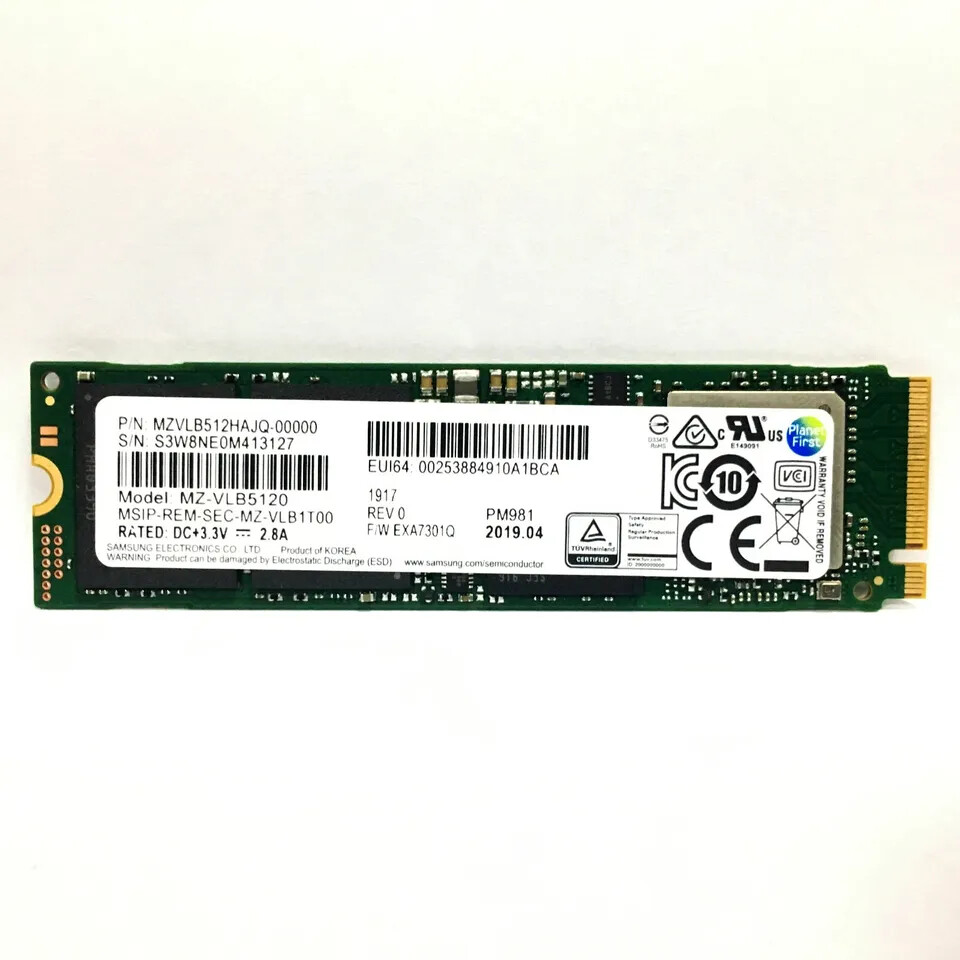 M.2 NVMe SSD Single Notch 128GB 256GB 512GB with Windows 10/Windows 11 Installed$43.00View on eBay
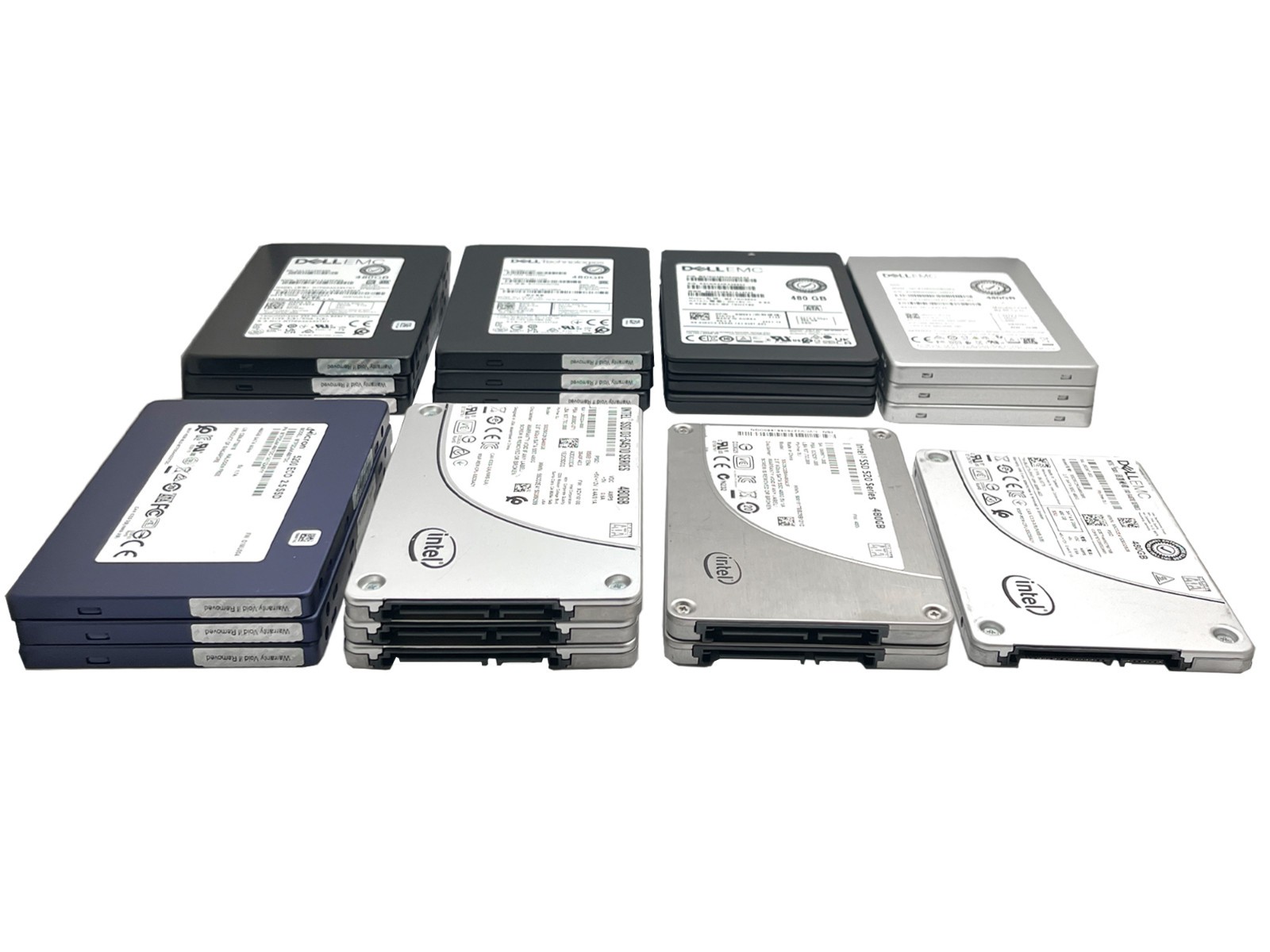 Major Brand 480GB 2.5" SATA SSD for Laptop / Desktop PC - 2 Years Warranty$49.99View on eBay
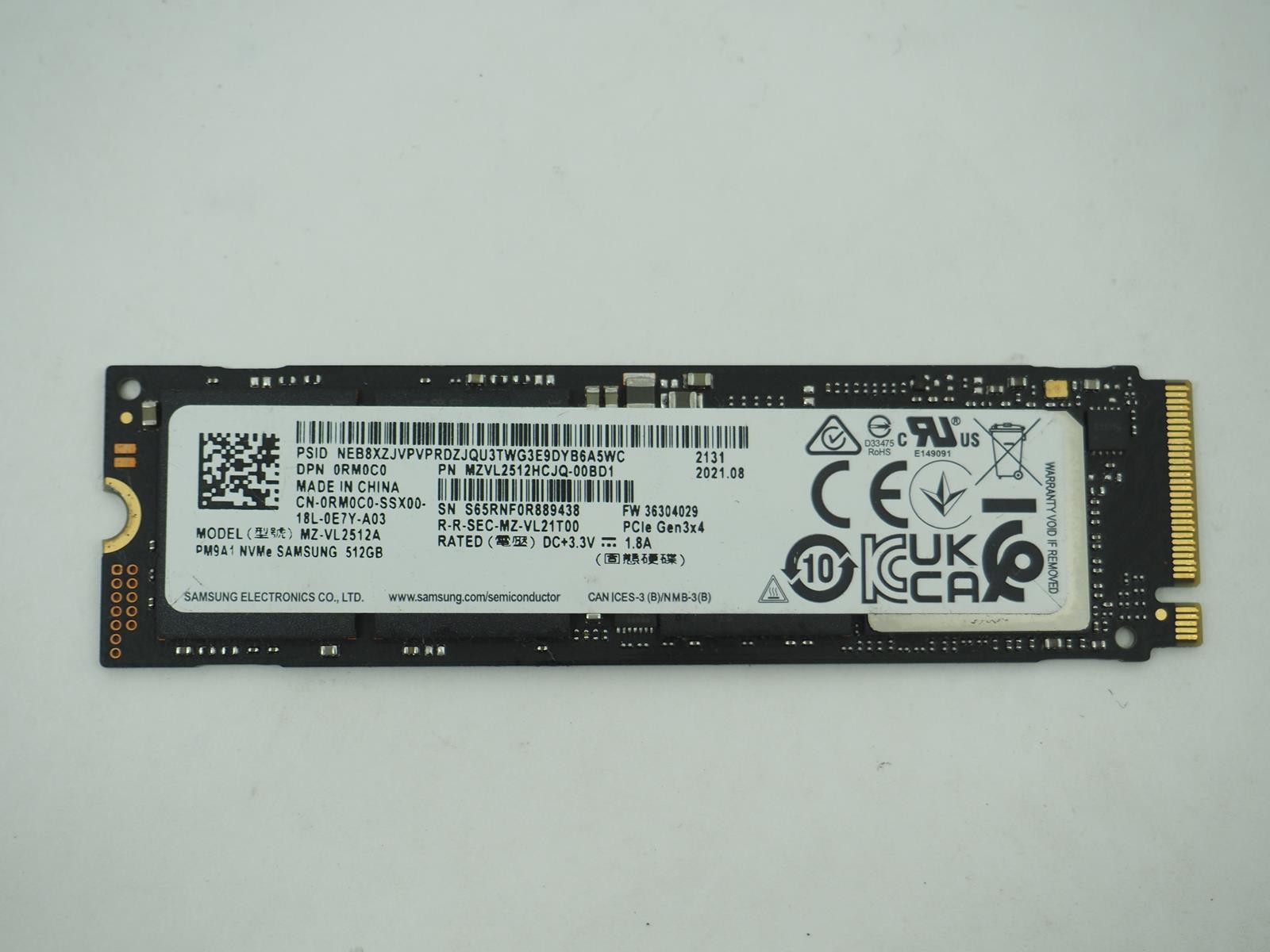 Samsung PM9A1 512GB NVMe M.2 SSD Tested, Wiped - MZ-VL2512A$65.00View on eBay
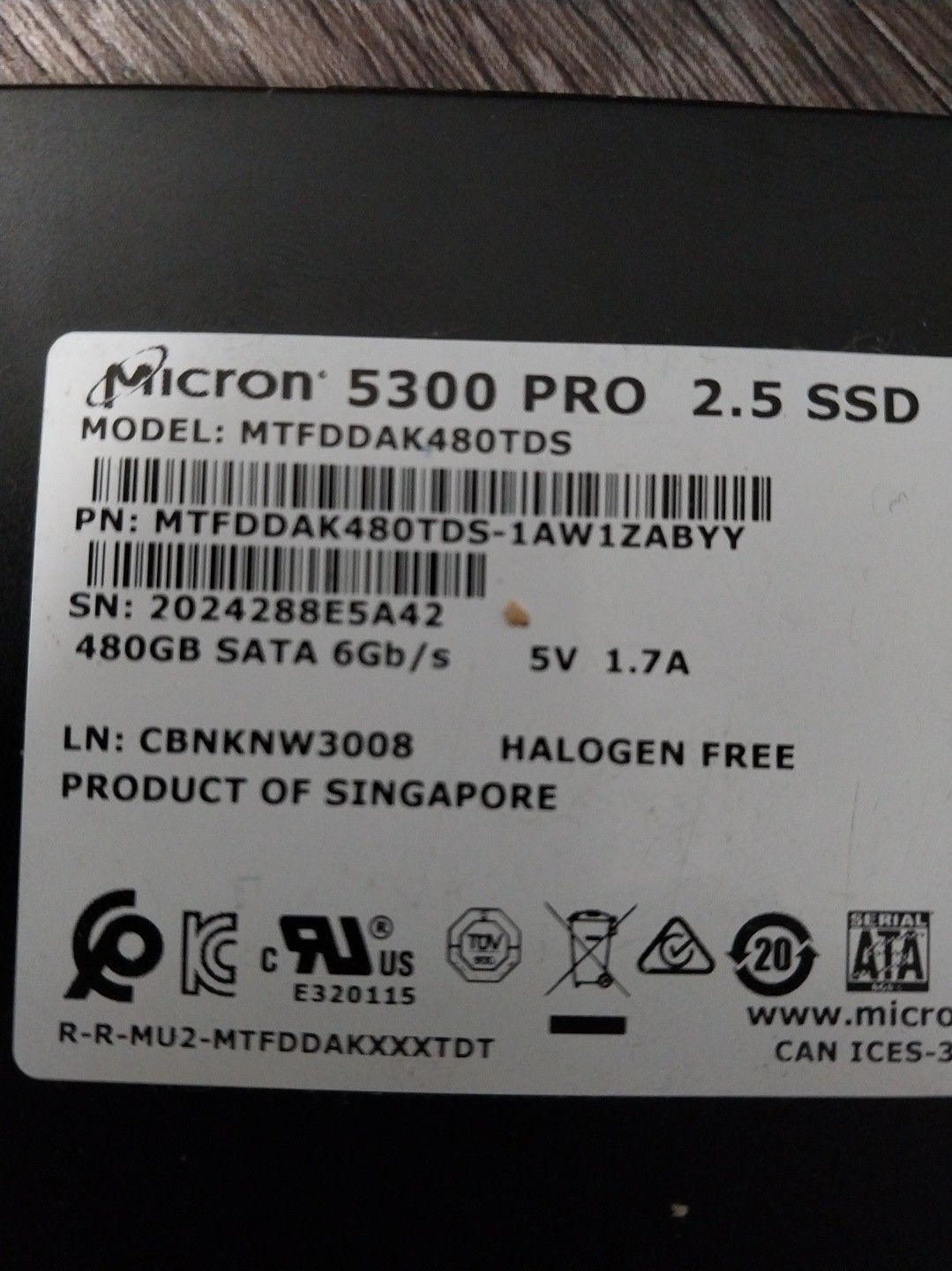 SSD 480GB 2.5" SATA Micron 5300 PRO MTFDDAK480TDS HPE VK000480GXAWK P19933-002$84.99View on eBay
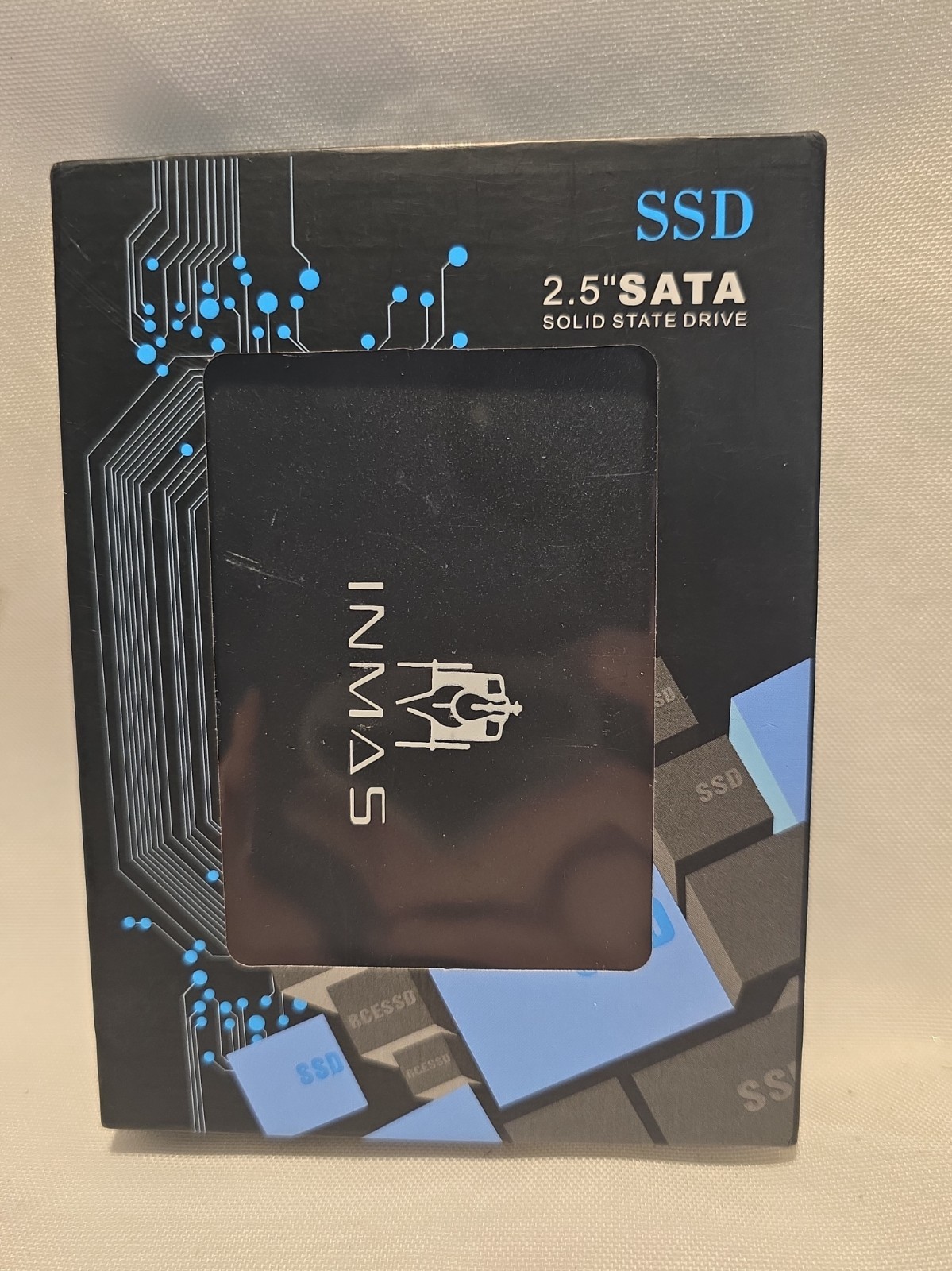 2.5 "SATA3.0 SSD Solid State Drive Desktop Large Capacity Laptop$99.99View on eBay
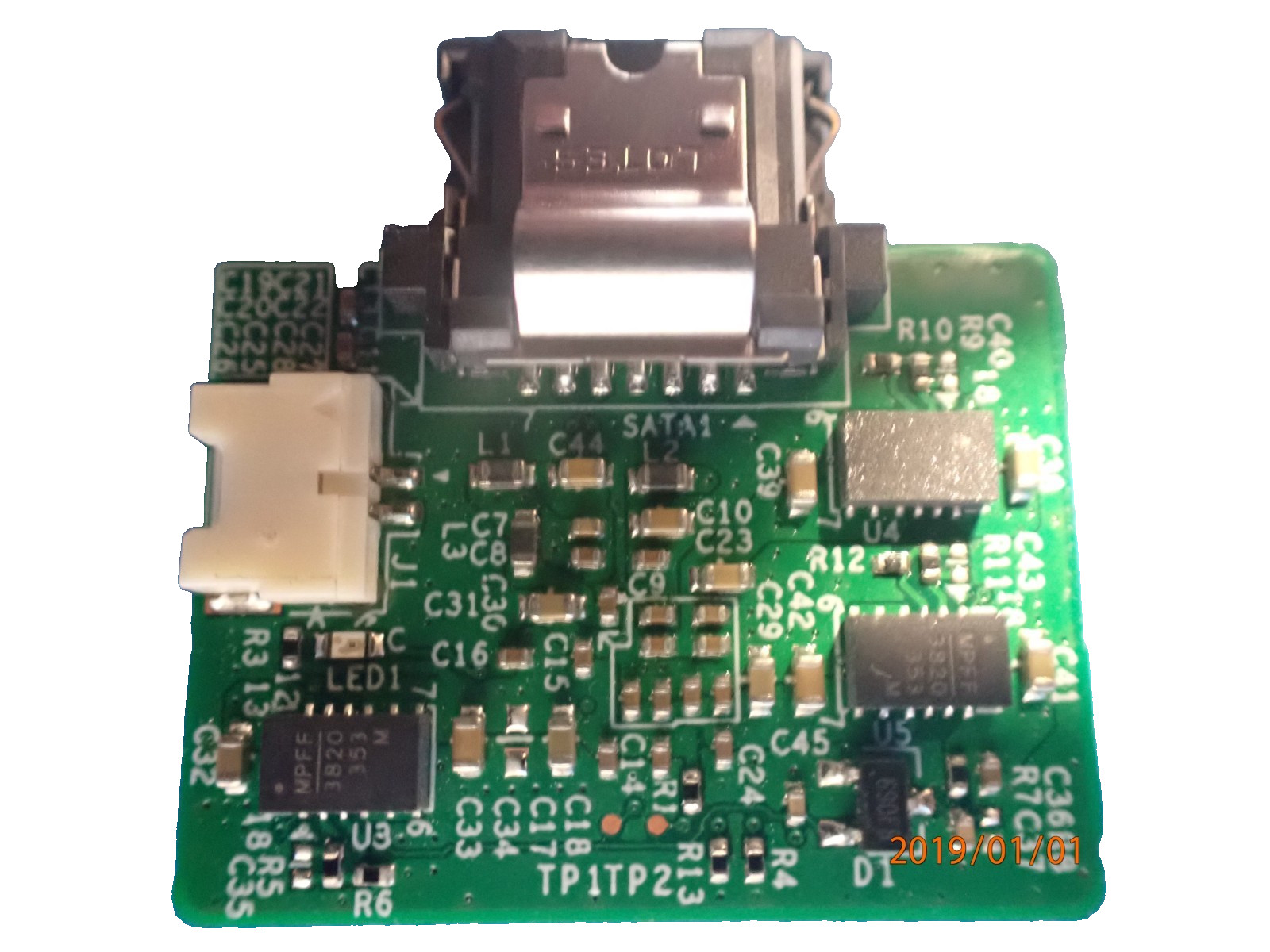 Supermicro DM064-PHI SSD 64GB SATA DOM Disk-On-Module$99.99View on eBay
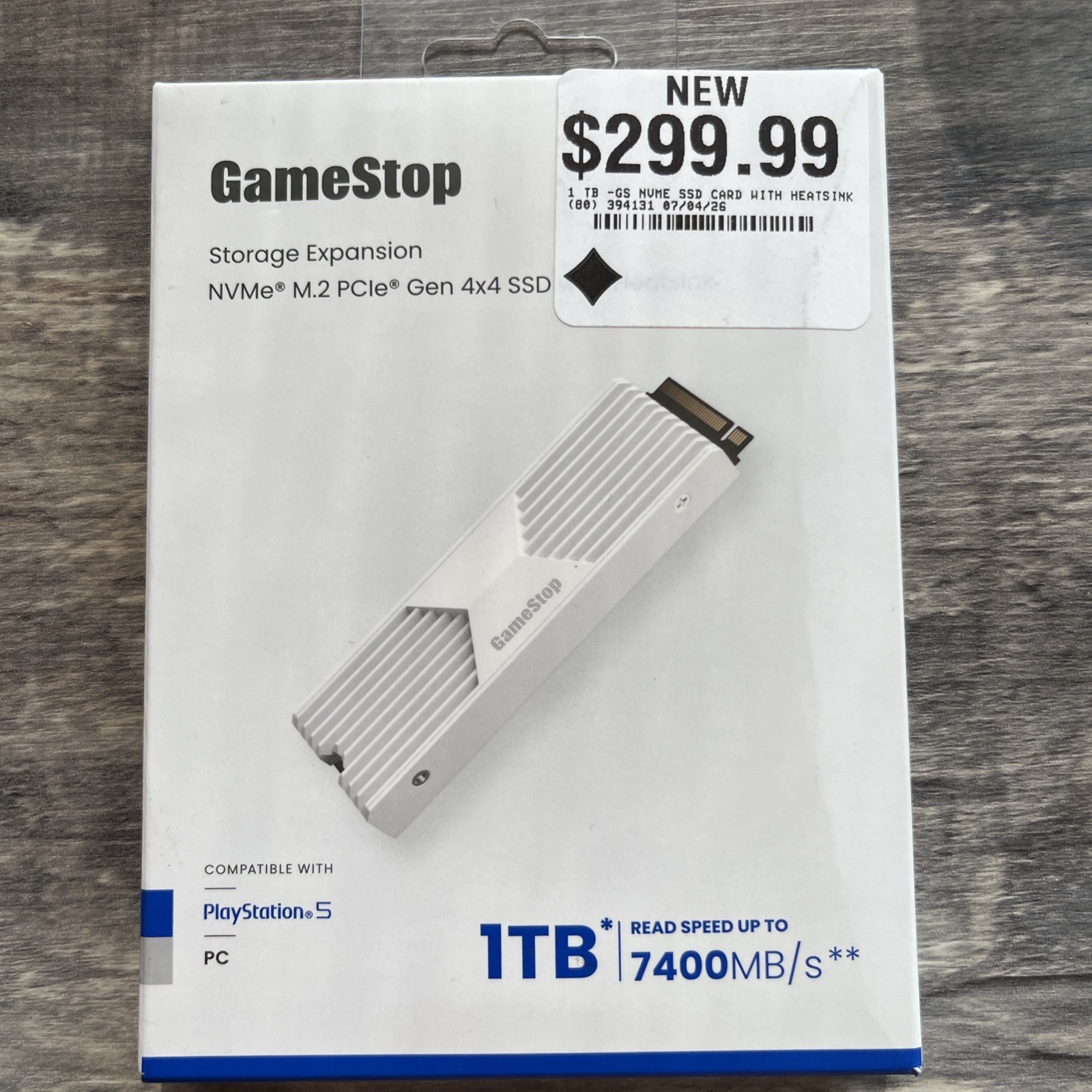 1TB NVMe M.2 PCIe Gen 4x4 SSD w/ Heatsink for PS5/PC 7400MB/s GAMESTOP NEW 🆕$177.77View on eBay
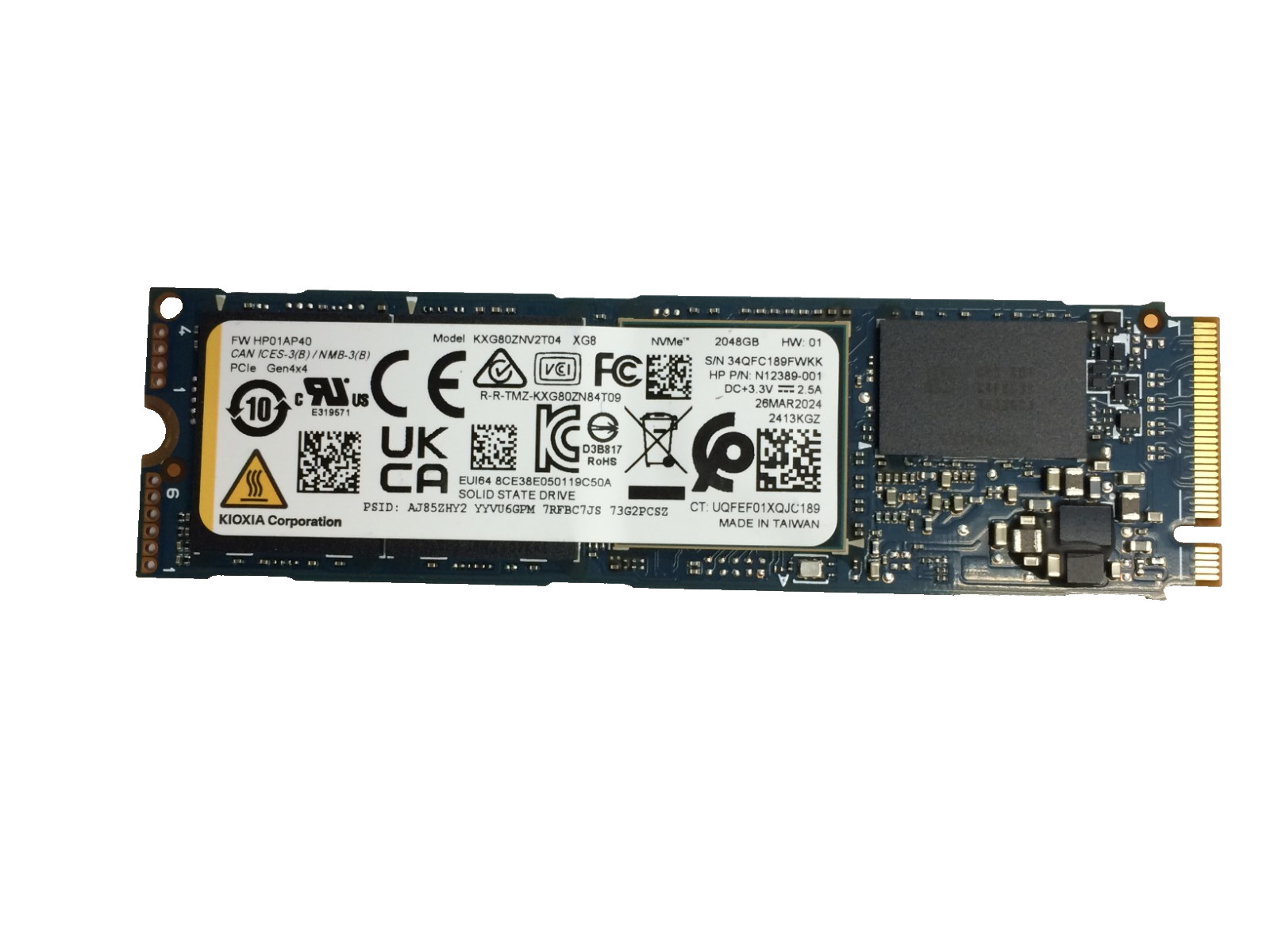 2TB M.2 NVMe SSD Internal Solid State Drive 2280 Major brands | Very Good Health$189.99View on eBay
Highlights
- SATA III 2.5-inch SSDs cap at ~550MB/s sequential; NVMe PCIe Gen 3 x4 hits ~3,500MB/s, Gen 4 x4 ~7,000-7,400MB/s, and Gen 5 up to ~14,000MB/s on supported platforms.
- M.2 keying matters: B+M key fits both B and M slots but usually runs SATA or PCIe x2; M key is required for full PCIe x4 NVMe performance.
- PS5 requires an M.2 2280 NVMe PCIe Gen 4 x4 drive with a heatsink; drives without a heatsink can throttle and are not recommended.
- DRAM-less SSDs rely on HMB (Host Memory Buffer) and degrade more in sustained writes; DRAM-equipped or SLC-cached drives hold speed better for large transfers.
Best use cases
- PS4 / PS4 Pro internal upgrade: pick a 2.5-inch SATA SSD (500GB-1TB) with 7mm height; skip NVMe because the PS4 has no M.2 slot.
- PS5 expansion: choose an M.2 2280 PCIe Gen 4 x4 NVMe with heatsink, 1TB or larger; skip Gen 3 or bare drives without heatsink.
- Laptop/desktop clone or secondary storage: use a 2.5-inch SATA SSD if a bay exists; use M.2 NVMe only if the slot is M key and the platform supports that PCIe generation.
- External/portable use: put a SATA or NVMe SSD in a USB 3.2 Gen 2 (10Gbps) enclosure; skip USB 3.0 (5Gbps) if you want NVMe-level throughput.
Buying tips
- Match the slot: measure the M.2 length (2280 is 80mm) and confirm M key vs B+M key before buying any NVMe drive.
- Size for headroom: keep 10-20% free space; a 500GB drive is the practical minimum for OS plus games, 1TB for multi-game libraries.
- Check endurance: look for TBW ratings—roughly 300-600 TBW for 1TB consumer drives—and prefer TLC NAND over QLC for heavy writes.
- For PS4, a SATA SSD with DRAM cache and 7mm height is the correct tier; installing one requires a USB drive with the PS4 system update file.
Specs
| Interface | SATA III vs NVMe PCIe Gen 3/4/5 |
|---|---|
| Form Factor | 2.5-inch 7mm vs M.2 2280 |
| Sequential Speed | ~550MB/s SATA; 3,500-7,400MB/s NVMe |
| PS5 Compatibility | M.2 2280 Gen 4 x4 with heatsink |
Related searches
What to check before buying
- Confirm your device has a 2.5-inch SATA bay or an M.2 slot, and note the M.2 key (B, M, or B+M) and length (2242/2260/2280).
- Verify PCIe generation support: Gen 4 drives work in Gen 3 slots at Gen 3 speed; Gen 5 requires a Gen 5 slot.
- For PS5, ensure the drive includes a heatsink and meets Sony's 22mm width and 11.25mm max thickness clearance.
- Plan migration: a USB-to-SATA/NVMe adapter or dual-bay cloner dock lets you clone before swapping; check that the dock supports your drive's protocol.
FAQ
Data sources: eBay / Amazon listings and product attribute feeds. Updated Nov 24, 2026.
Some links on this page are affiliate links. If you buy after clicking one, we may earn a commission at no extra cost to you. This does not change which products appear here or their order. Affiliate disclosure.