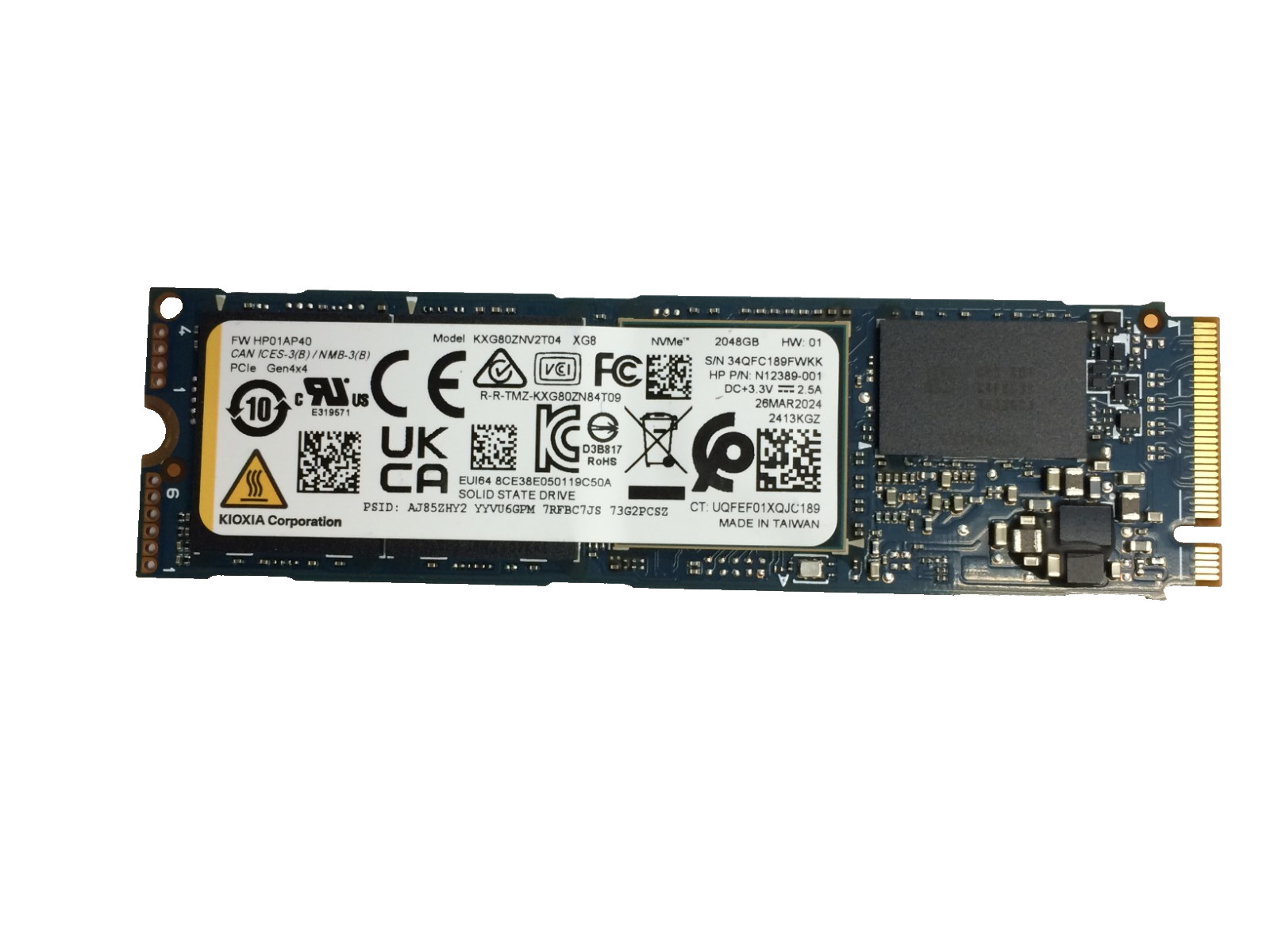

Photos from current listings. Actual item, color, and included accessories may vary.
Internal SSD Buying Guide
Internal SSDs are the primary storage upgrade for PCs, laptops, and PS5 consoles, and the choice hinges on the interface (SATA vs NVMe), form factor (2.5-inch vs M.2 2280), and NAND architecture (TLC vs QLC) that determine real-world speed, endurance, and compatibility. The decision rule is simple: match the physical slot and protocol first, then pick TLC NAND with DRAM for sustained writes; QLC and DRAM-less drives are acceptable only for read-heavy, secondary storage.
Key takeaways
- NVMe PCIe 4.0 drives deliver 5,000-7,400 MB/s sequential reads, while SATA III caps at 550 MB/s—a 10x interface gap that only matters if your motherboard or PS5 supports it.
- M.2 2280 is the universal length for desktop and laptop slots; 2230 is required for Steam Deck and some ultrabooks, and 2242/2260 fit specific OEM bays.
- TLC NAND sustains 2-3x the write speed of QLC after cache exhaustion; DRAM-less drives rely on HMB and slow sharply on large file transfers.
At a glance
- Category
- PC Storage Upgrades
- Last updated
- Nov 28, 2026
Current offers
Highlights
- NVMe PCIe 4.0 drives deliver 5,000-7,400 MB/s sequential reads, while SATA III caps at 550 MB/s—a 10x interface gap that only matters if your motherboard or PS5 supports it.
- M.2 2280 is the universal length for desktop and laptop slots; 2230 is required for Steam Deck and some ultrabooks, and 2242/2260 fit specific OEM bays.
- TLC NAND sustains 2-3x the write speed of QLC after cache exhaustion; DRAM-less drives rely on HMB and slow sharply on large file transfers.
- PS5 requires PCIe 4.0 NVMe with a heatsink (or Sony's official slot cover) and 5,500 MB/s minimum read speed—PCIe 3.0 drives are rejected.
Best use cases
- Best fit: Desktop gaming PC with an open M.2 slot—pick a PCIe 4.0 TLC drive with DRAM and a heatsink for sustained game loads; skip SATA 2.5-inch unless all M.2 slots are full.
- Best fit: PS5 expansion—choose a PCIe 4.0 NVMe 2280 drive rated 5,500 MB/s or higher with an integrated heatsink; skip PCIe 3.0 and DRAM-less budget drives that fail Sony's speed check.
- Best fit: Laptop upgrade—verify slot length (2280 or 2230) and pick a low-power NVMe drive without a tall heatsink; skip desktop-style heatsinks that prevent the bottom panel from closing.
- Wrong fit: Using a QLC DRAM-less drive as a primary OS/boot disk with heavy writes—sustained speeds can fall below SATA levels; reserve QLC for game libraries and media storage.
Buying tips
- Measure your M.2 slot length before buying: 2280 (80mm) is standard, but 2230 (30mm) is mandatory for Steam Deck and many ultrabooks—a longer drive will not fit.
- For PS5, only PCIe 4.0 NVMe drives with 5,500 MB/s+ read and a heatsink under 11.25mm total thickness work; Sony's firmware blocks slower drives.
- Prioritize TLC NAND with a dedicated DRAM cache for boot drives; DRAM-less QLC is acceptable only for secondary game/media storage where writes are infrequent.
- Check TBW endurance against workload: 1TB TLC at 600 TBW suits heavy daily use, while 1TB QLC at 200 TBW is fine for read-mostly consoles and laptops.
Specs
| Interface | PCIe 4.0 / 3.0 NVMe vs SATA III |
|---|---|
| Form Factor | M.2 2280/2230 vs 2.5-inch |
| NAND Type | TLC vs QLC |
| DRAM Cache | DRAM vs DRAM-less HMB |
Related searches
What to check before buying
- Confirm the slot type and keying: M.2 M-key for NVMe, B+M key for SATA M.2, or 2.5-inch SATA bay—these are physically incompatible.
- Verify the motherboard or laptop supports PCIe 4.0 before paying for a 4.0 drive; a 3.0 slot limits it to 3.0 speeds (around 3,500 MB/s).
- For PS5, ensure the drive includes or accepts a heatsink and fits within Sony's 110mm x 25mm x 11.25mm clearance.
- Check physical clearance: M.2 drives with tall heatsinks can conflict with GPU backplates or laptop bottom panels—measure before installing.
FAQ
Data sources: eBay / Amazon listings and product attribute feeds. Updated Nov 28, 2026.
Some links on this page are affiliate links. If you buy after clicking one, we may earn a commission at no extra cost to you. This does not change which products appear here or their order. Affiliate disclosure.