
Photos from current listings. Actual item, color, and included accessories may vary.
SSD Drive Buying Guide
An SSD drive is a flash-based storage upgrade that replaces a slower hard drive or supplements existing storage, with the primary trade-off being interface speed (SATA vs NVMe) versus capacity and cost per gigabyte. The decision rule is simple: match the drive's physical form factor and protocol to your motherboard's available slot, then choose the highest write endurance and generation your budget allows rather than chasing peak sequential numbers.
Median $82.50
Key takeaways
- 2.5-inch SATA III drives cap at ~550 MB/s and fit any desktop or laptop with a standard SATA bay, making them the universal compatibility choice.
- M.2 NVMe PCIe 4.0 drives reach 5,000–7,000 MB/s but require an M-key slot and adequate heatsink clearance; PCIe 3.0 slots limit them to ~3,500 MB/s.
- DRAM-less controllers rely on HMB (Host Memory Buffer) and slow sharply during sustained writes; DRAM-equipped drives hold speed better for large file transfers.
At a glance
- Category
- PC Storage Upgrades
- Last updated
- Nov 24, 2026
Current offers
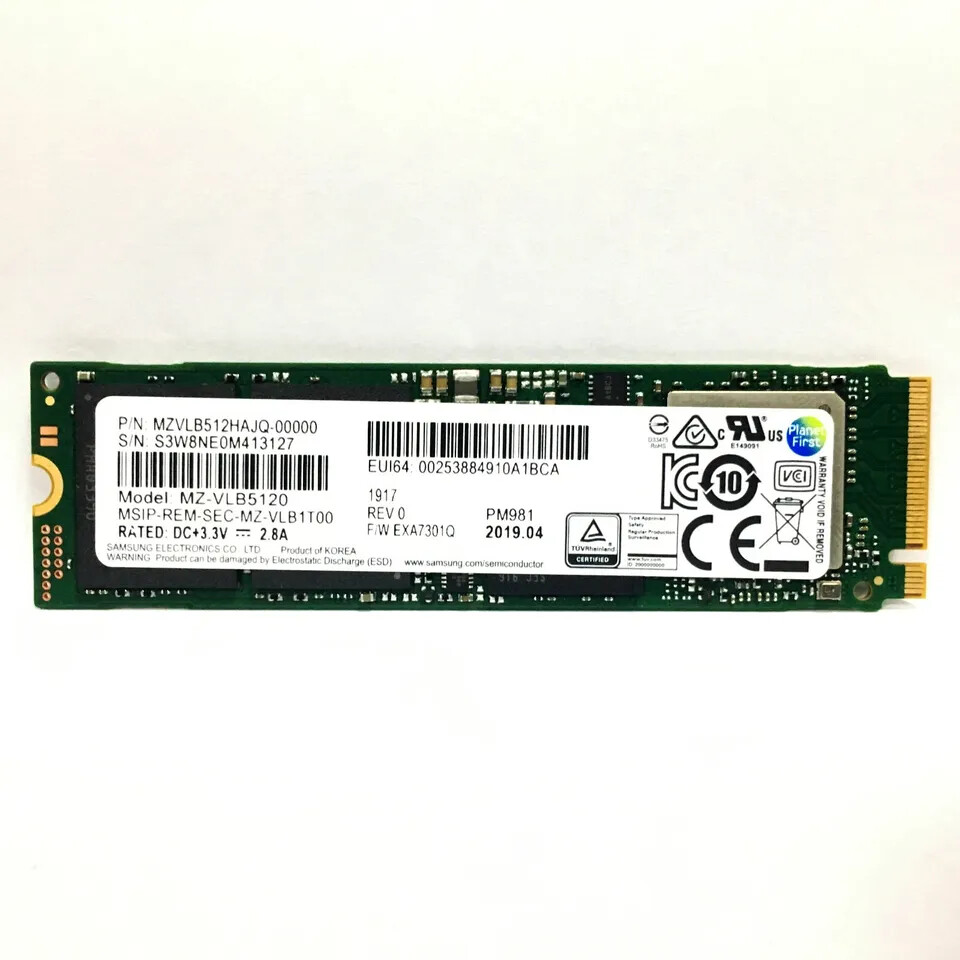 M.2 NVMe SSD Single Notch 128GB 256GB 512GB with Windows 10/Windows 11 Installed$43.00View on eBay
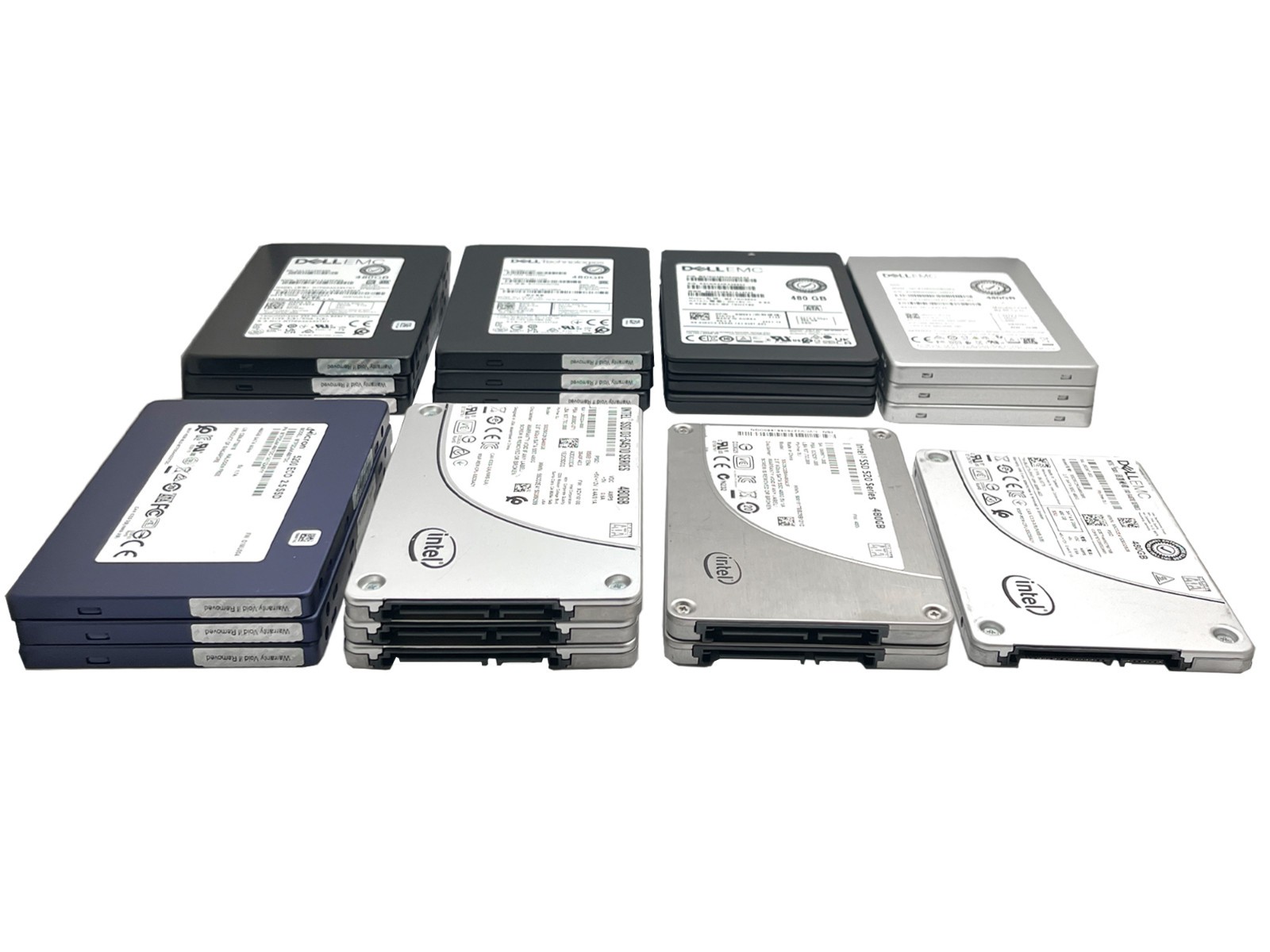 Major Brand 480GB 2.5" SATA SSD for Laptop / Desktop PC - 2 Years Warranty$49.99View on eBay
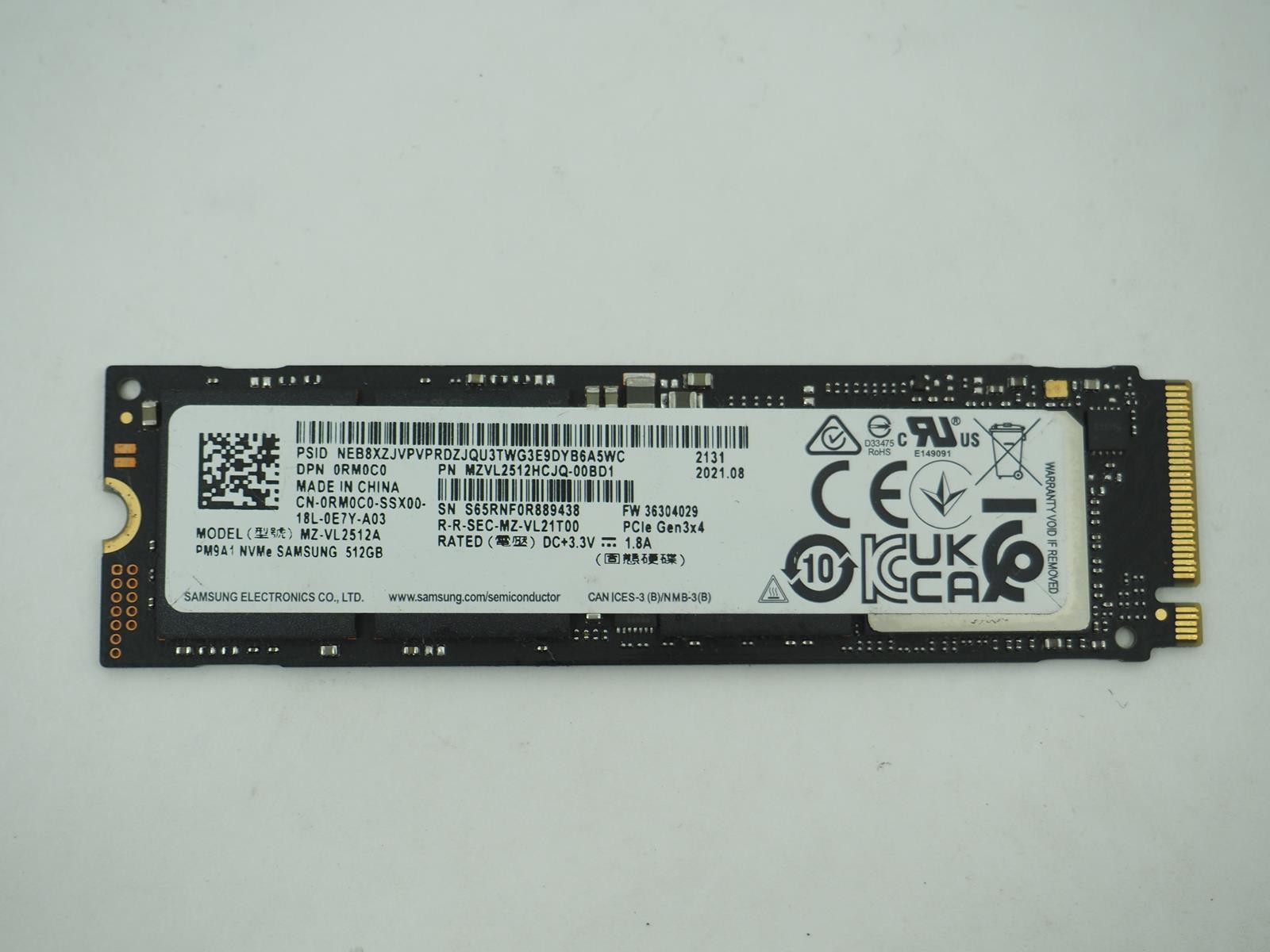 Samsung PM9A1 512GB NVMe M.2 SSD Tested, Wiped - MZ-VL2512A$65.00View on eBay
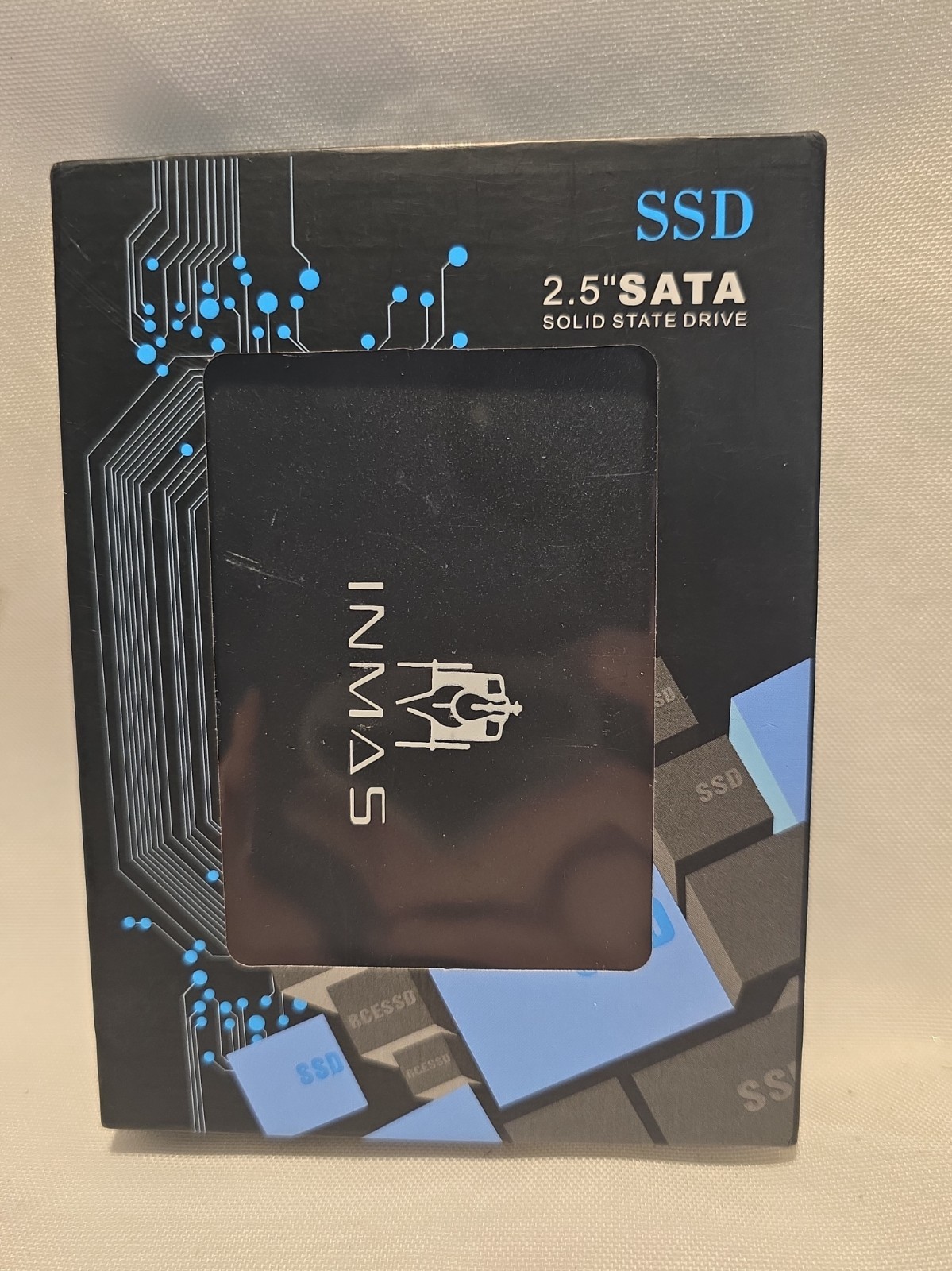 2.5 "SATA3.0 SSD Solid State Drive Desktop Large Capacity Laptop$99.99View on eBay
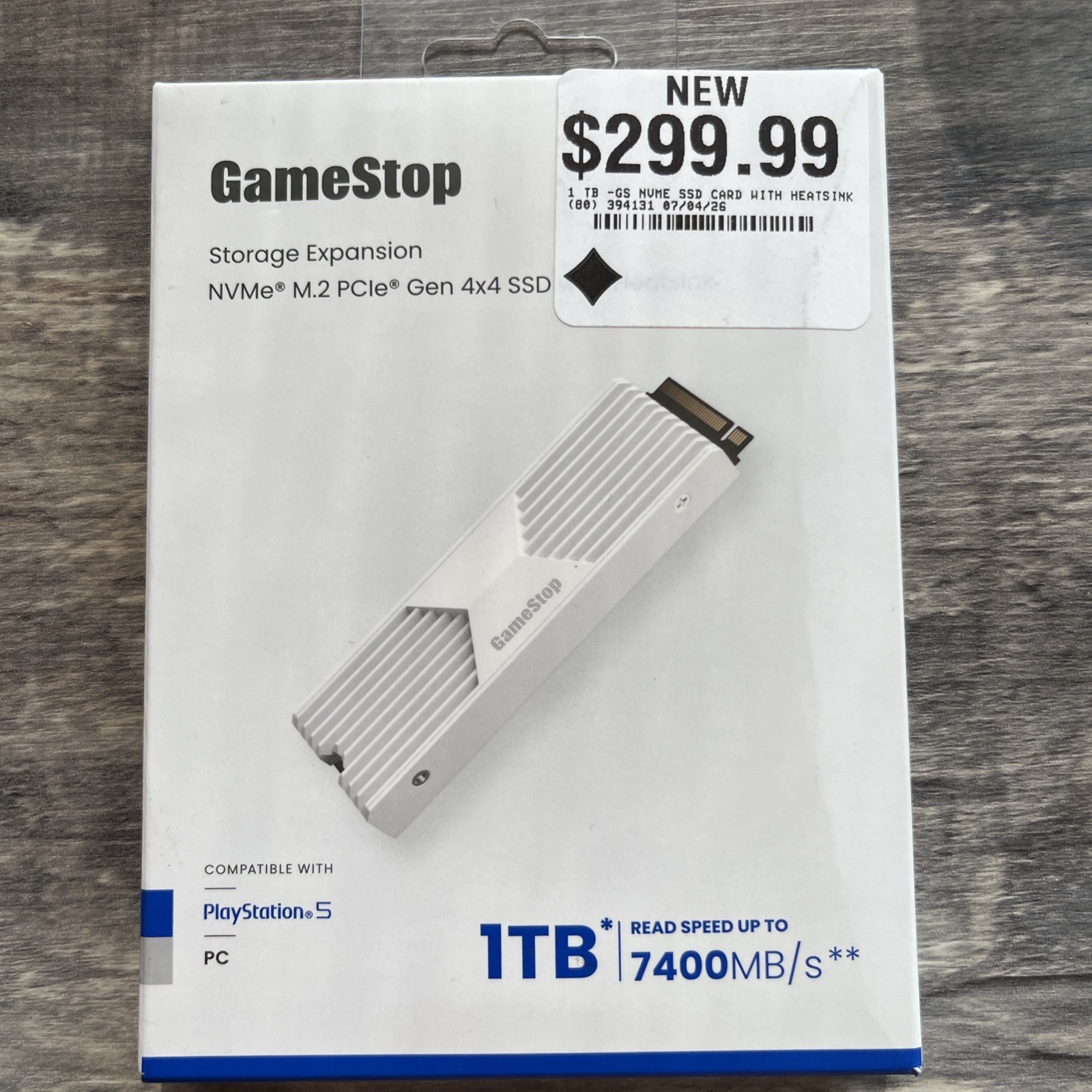 1TB NVMe M.2 PCIe Gen 4x4 SSD w/ Heatsink for PS5/PC 7400MB/s GAMESTOP NEW 🆕$177.77View on eBay
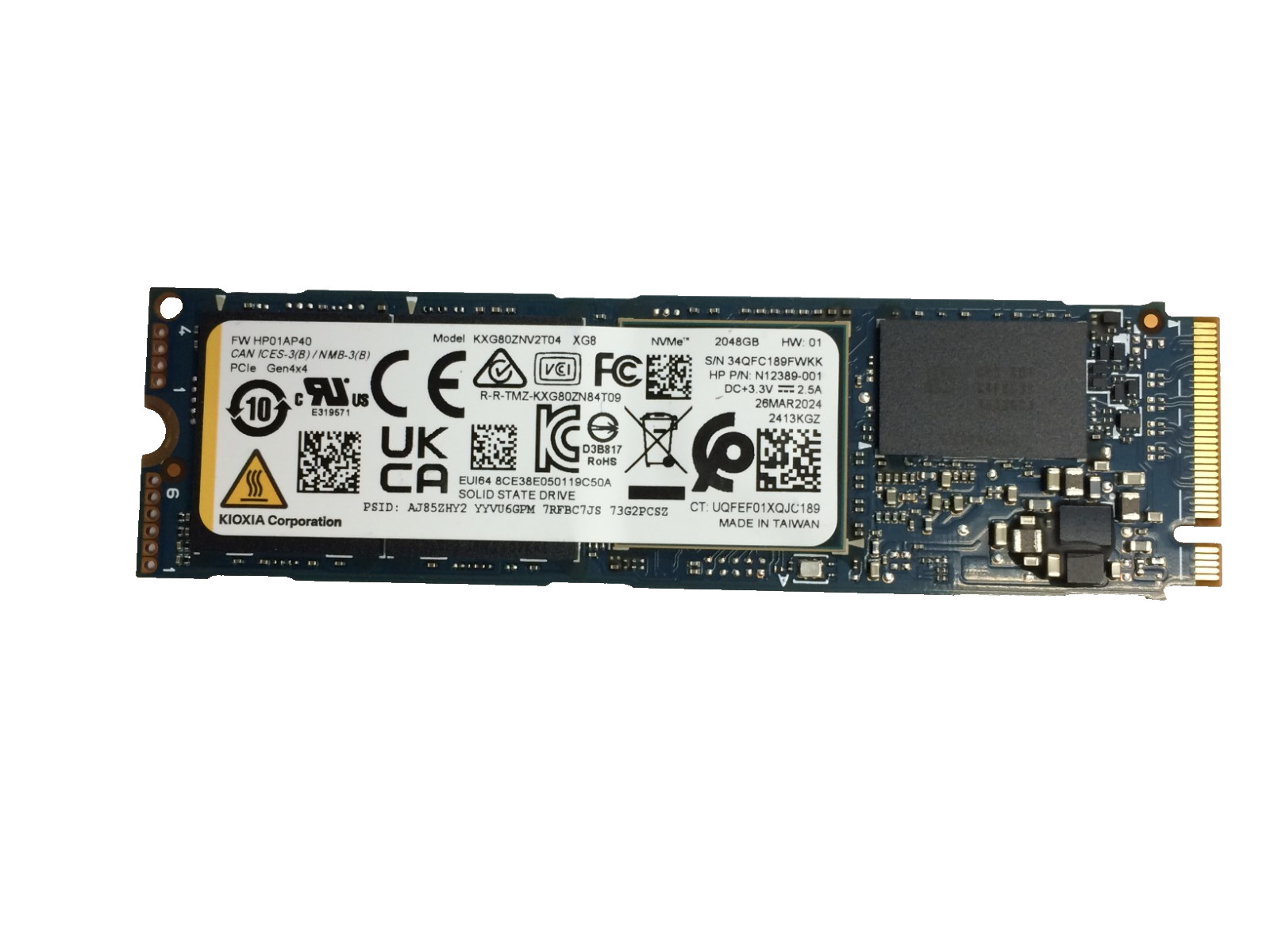 2TB M.2 NVMe SSD Internal Solid State Drive 2280 Major brands | Very Good Health$189.99View on eBay
Highlights
- 2.5-inch SATA III drives cap at ~550 MB/s and fit any desktop or laptop with a standard SATA bay, making them the universal compatibility choice.
- M.2 NVMe PCIe 4.0 drives reach 5,000–7,000 MB/s but require an M-key slot and adequate heatsink clearance; PCIe 3.0 slots limit them to ~3,500 MB/s.
- DRAM-less controllers rely on HMB (Host Memory Buffer) and slow sharply during sustained writes; DRAM-equipped drives hold speed better for large file transfers.
- Endurance is rated in TBW (Terabytes Written): 250GB drives typically rate 60–150 TBW while 2TB drives rate 600–1,200 TBW, scaling with capacity and NAND type.
Best use cases
- Best fit for older laptops and desktops with only a 2.5-inch bay: pick a SATA III SSD in 256GB–1TB; skip NVMe drives that won't fit.
- Best fit for modern desktops and laptops with an M.2 M-key slot: choose a PCIe 3.0 or 4.0 NVMe drive in 1TB–2TB for OS and application speed; skip SATA if the slot is free.
- Best fit for bulk game or media libraries: use a 2TB–4TB NVMe or SATA drive with high TBW; skip 256GB drives, which fill quickly and have lower endurance.
- Wrong fit: buying a PCIe 4.0 drive for a PCIe 3.0-only system wastes money on speed you cannot use; a quality PCIe 3.0 drive performs identically there.
Buying tips
- Confirm slot keying: M.2 SATA drives use B+M key and fit both slots, but M-key NVMe drives require an M-key slot; 2.5-inch SATA needs a SATA data and power cable.
- Size the drive to your workload: 256GB suits a lightweight OS-only laptop, 1TB is the sweet spot for general use, and 2TB+ is needed for large game or video libraries.
- Check TBW endurance against capacity: aim for at least 300 TBW per 1TB of capacity for heavy write workloads; DRAM-less drives are fine for read-heavy use but slow under sustained writes.
- For laptops, verify M.2 length (2280 vs 2242) and single-sided component height; double-sided drives can foul thin chassis or thermal pads.
Specs
| Form Factor | 2.5-inch SATA / M.2 2280 / M.2 2242 |
|---|---|
| Interface | SATA III 6Gb/s / NVMe PCIe 3.0 / 4.0 |
| Capacity Range | 256GB to 4TB |
| Endurance (TBW) | 60–1,200 TBW by capacity |
Related searches
What to check before buying
- Measure or look up your slot: 2.5-inch bay dimensions (7mm vs 9.5mm height) or M.2 slot length (2280, 2242) and key type (M vs B+M).
- Confirm interface support: SATA III port availability or PCIe generation (3.0 vs 4.0) from your motherboard or laptop spec sheet.
- Check physical clearance: M.2 heatsink height under laptop bottom panels or GPU backplates, and 2.5-inch drive mounting screws or caddy.
- Verify power and cabling: SATA data cable and power connector for 2.5-inch drives; no extra power needed for M.2, which draws from the slot.
FAQ
Data sources: eBay / Amazon listings and product attribute feeds. Updated Nov 24, 2026.
Some links on this page are affiliate links. If you buy after clicking one, we may earn a commission at no extra cost to you. This does not change which products appear here or their order. Affiliate disclosure.