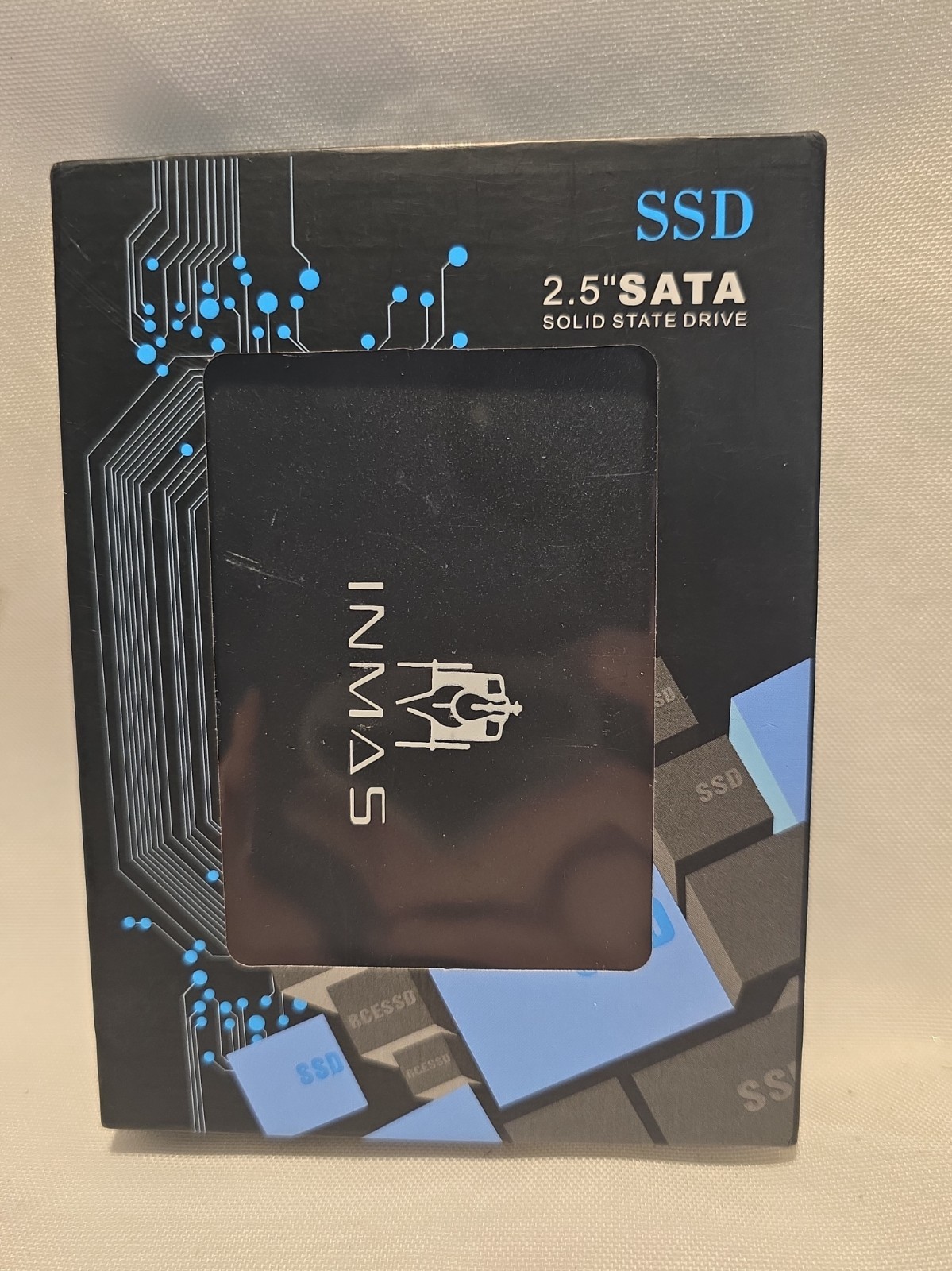

Photos from current listings. Actual item, color, and included accessories may vary.
Solid State Drive Buying Guide
A solid-state drive (SSD) is the single most impactful upgrade for any PC or Mac, replacing spinning disks with flash memory to cut boot times, app launches, and file transfers. The core trade-off is interface and form factor: SATA 2.5-inch drives cap at ~550 MB/s and suit older desktops/laptops, while NVMe M.2 drives use PCIe lanes to reach 3,500–7,400 MB/s and require a compatible M.2 slot and keying. The decision rule is simple: match the drive's interface and physical size to your machine's slot, and buy only from brands that publish endurance ratings (TBW) and controller details—generic white-label drives are the compromise tier.
Median $144.99
Key takeaways
- SATA III 2.5-inch SSDs max out at ~550 MB/s and connect via a standard SATA data+power cable, making them the universal choice for pre-2015 laptops and desktops without M.2 slots.
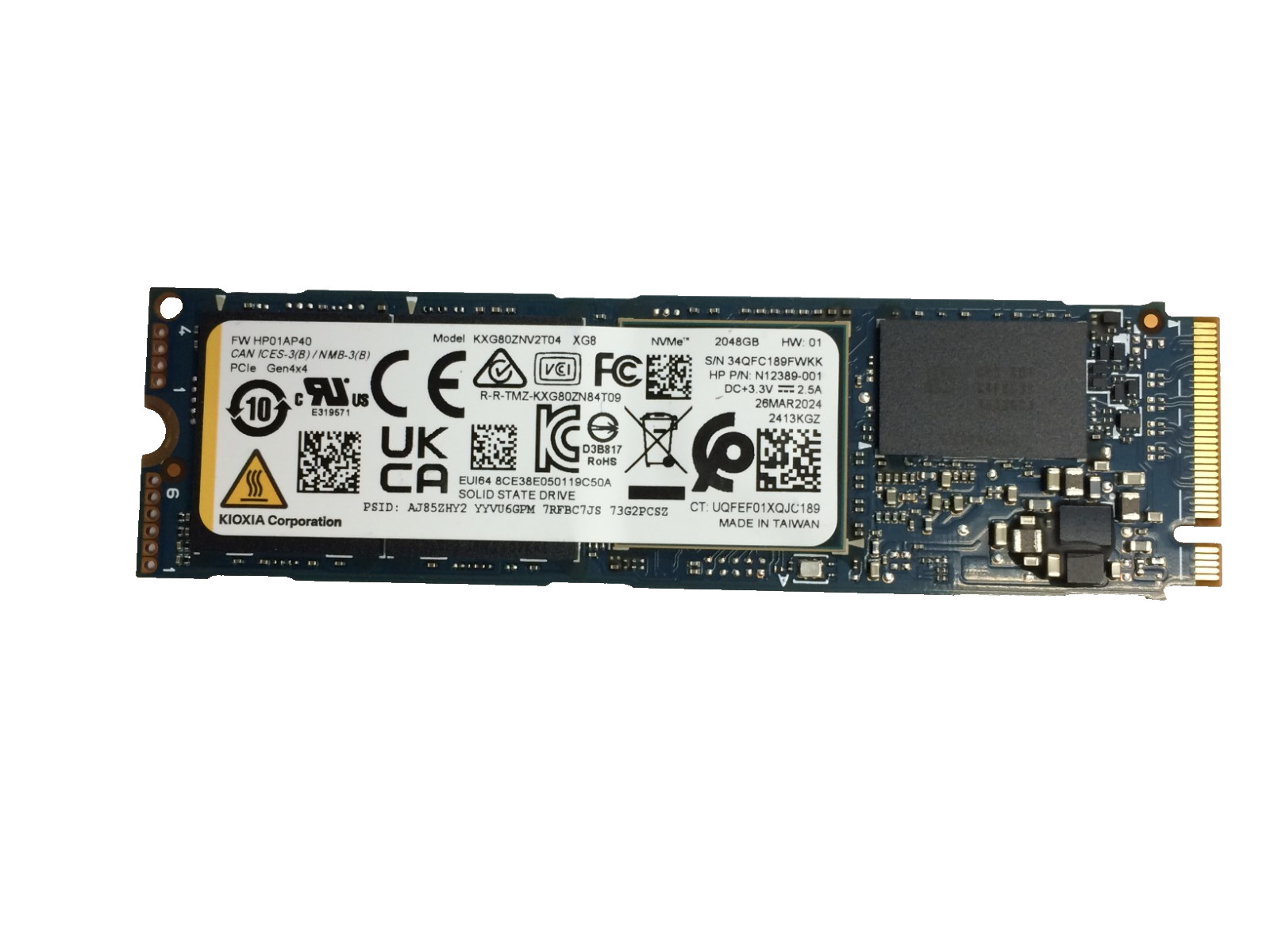
- NVMe M.2 2280 drives use PCIe Gen3 x4 (~3,500 MB/s) or Gen4 x4 (~7,000 MB/s); a Gen4 drive works in a Gen3 slot but runs at Gen3 speed, so paying for Gen4 only makes sense on a Gen4-capable motherboard.
- M.2 slots have keying: B+M key fits both SATA and NVMe, M key is NVMe-only; a SATA M.2 drive in an NVMe-only slot will not be recognized—check the slot key before buying.
At a glance
- Category
- PC Storage Upgrades
- Last updated
- Nov 28, 2026
Current offers
Highlights
- SATA III 2.5-inch SSDs max out at ~550 MB/s and connect via a standard SATA data+power cable, making them the universal choice for pre-2015 laptops and desktops without M.2 slots.
- NVMe M.2 2280 drives use PCIe Gen3 x4 (~3,500 MB/s) or Gen4 x4 (~7,000 MB/s); a Gen4 drive works in a Gen3 slot but runs at Gen3 speed, so paying for Gen4 only makes sense on a Gen4-capable motherboard.
- M.2 slots have keying: B+M key fits both SATA and NVMe, M key is NVMe-only; a SATA M.2 drive in an NVMe-only slot will not be recognized—check the slot key before buying.
- DRAM-less SSDs rely on Host Memory Buffer (HMB) and slow down on sustained writes; DRAM-cached drives with a published TBW rating (e.g., 600 TBW for 1TB) are the durability benchmark for heavy workloads.
Best use cases
- Best fit for an aging laptop or desktop with a 2.5-inch bay: pick a SATA III 2.5-inch SSD (500GB–2TB) from a brand that lists TBW and a 3D NAND type—skip NVMe unless you confirm an M.2 slot exists.
- Best fit for a modern desktop or laptop with an M.2 2280 slot: choose an NVMe Gen3 or Gen4 drive with DRAM cache for OS and game libraries; skip SATA M.2 drives in NVMe-only slots.
- Best fit for an iMac or Mac mini: use an external USB-C or Thunderbolt NVMe enclosure for plug-and-play storage, since internal drives on newer Macs are soldered and not user-replaceable.
- Wrong fit: buying a 4TB Gen4 NVMe drive for a system that only supports Gen3 or has a single M.2 slot already occupied—match capacity to need and confirm slot count before upgrading.
Buying tips
- Measure your slot: 2.5-inch drives need a 7mm or 9.5mm bay and SATA cables; M.2 2280 drives are 22mm wide by 80mm long—confirm the slot length and keying (M key vs B+M key) before purchase.
- For sustained workloads (video editing, large game installs), choose a drive with DRAM cache and a TBW rating of at least 600 TBW per 1TB; DRAM-less drives are fine for light office use only.
- Gen4 NVMe drives deliver ~2x Gen3 sequential speed but only if your CPU/motherboard chipset supports Gen4 lanes; otherwise a quality Gen3 drive is the better value and runs cooler.
- Avoid unbranded white-label SSDs with no controller or NAND details—reputable drives publish the controller model, NAND type (TLC/QLC), and endurance rating; QLC drives are cheaper but slower on sustained writes.
Specs
| Interface | SATA III vs NVMe PCIe Gen3/Gen4 |
|---|---|
| Form Factor | 2.5-inch 7mm / M.2 2280 |
| Max Sequential Speed | 550 MB/s SATA / 3,500–7,400 MB/s NVMe |
| Endurance Rating | 300–600+ TBW per 1TB |
Related searches
What to check before buying
- Open your PC case or laptop service manual and identify available drive bays and M.2 slots—note the slot key (M vs B+M), length (2280 vs 2242), and whether the slot supports NVMe or SATA.
- For laptops, confirm the drive thickness (7mm vs 9.5mm) and that no proprietary mounting bracket is required; some ultrabooks have no 2.5-inch bay at all.
- Check your motherboard or laptop spec sheet for PCIe generation (Gen3 vs Gen4) to avoid overpaying for speed your system cannot use.
- For iMac or Mac mini upgrades, plan for an external USB-C/Thunderbolt enclosure and verify macOS compatibility of the enclosure's NVMe bridge chip (e.g., JMS583, ASM2362).
FAQ
Data sources: eBay / Amazon listings and product attribute feeds. Updated Nov 28, 2026.
Some links on this page are affiliate links. If you buy after clicking one, we may earn a commission at no extra cost to you. This does not change which products appear here or their order. Affiliate disclosure.