
Photos from current listings. Actual item, color, and included accessories may vary.
DJI Remote Controller Buying Guide
A DJI remote controller is the dedicated radio link between your drone and your phone or built-in screen, and the core trade-off is between the compact RC-N series (no screen, uses your phone) and the RC/RC Pro series (integrated bright screen, longer battery, more controls). The decision rule: match the controller generation to your drone's transmission system (OcuSync 2/3/4) and buy the controller tier that matches your flying frequency and need for a built-in display.
Median $310.82 · New & pre-owned listings
Key takeaways
- RC-N series controllers have no built-in screen and rely on your phone; RC and RC Pro series include integrated high-brightness displays (typically 700-1000 nits) for sunlight visibility.
- Controller compatibility is generation-locked: RC-N1 works with Mini 2/Mini 3/Mavic Air 2/Mavic 3, RC-N2 with Mini 4 Pro/Air 3, RC-N3 with Neo/Mini 4K, and RC 2 with Air 3/Mini 4 Pro.
- Transmission range scales with system: OcuSync 2 (10 km FCC), OcuSync 3 (12 km), OcuSync 4 (20 km), with lower latency and better interference resistance on newer generations.
At a glance
- Category
- Drones & Consumer Robotics
- Last updated
- Nov 27, 2026
Current offers
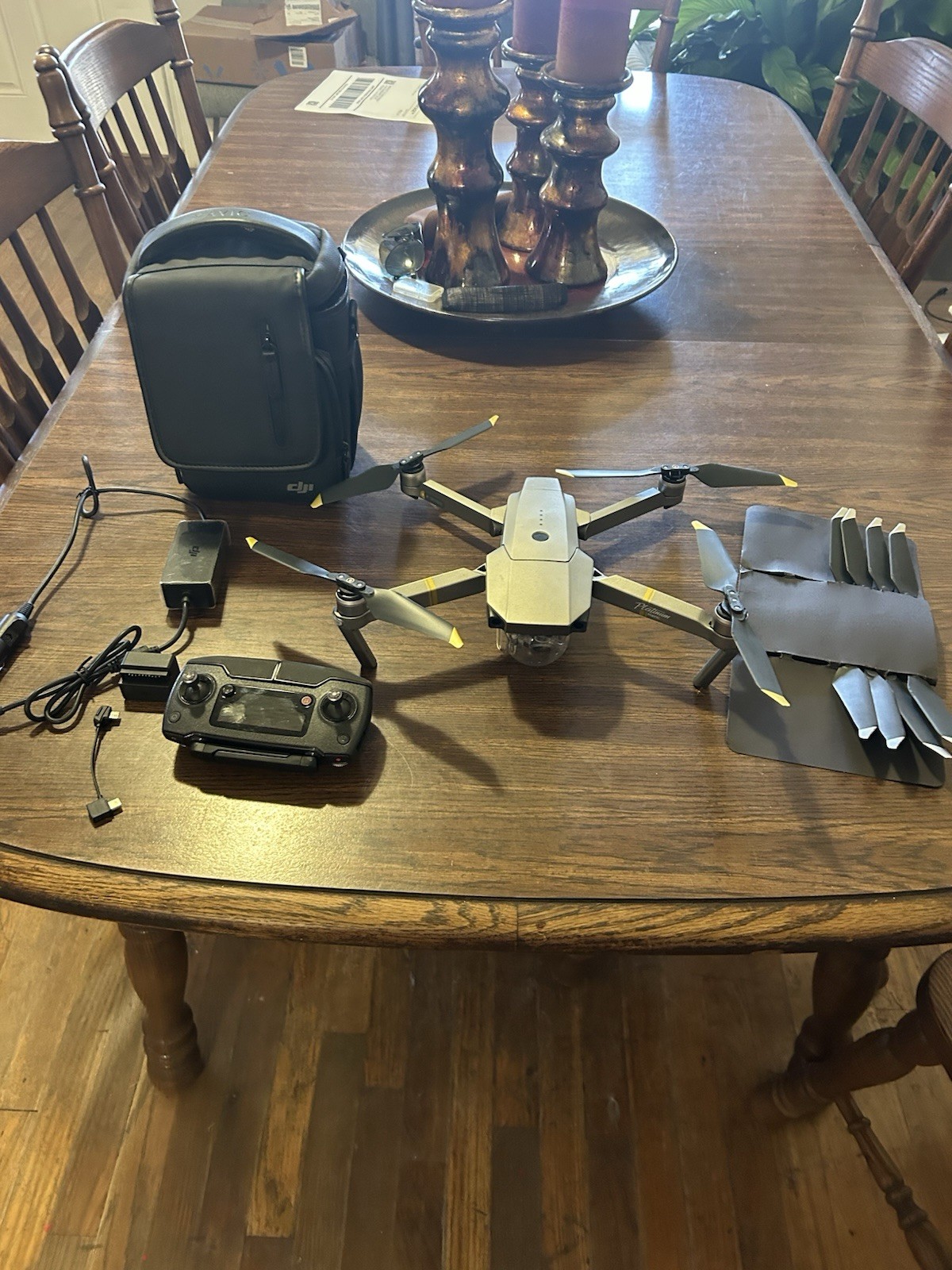 DJI Mavic Pro Platinum + Remote Controller, Battery, Case, Car Charger-see Video$245.00Used · Last checked Nov 15, 2026View on eBay
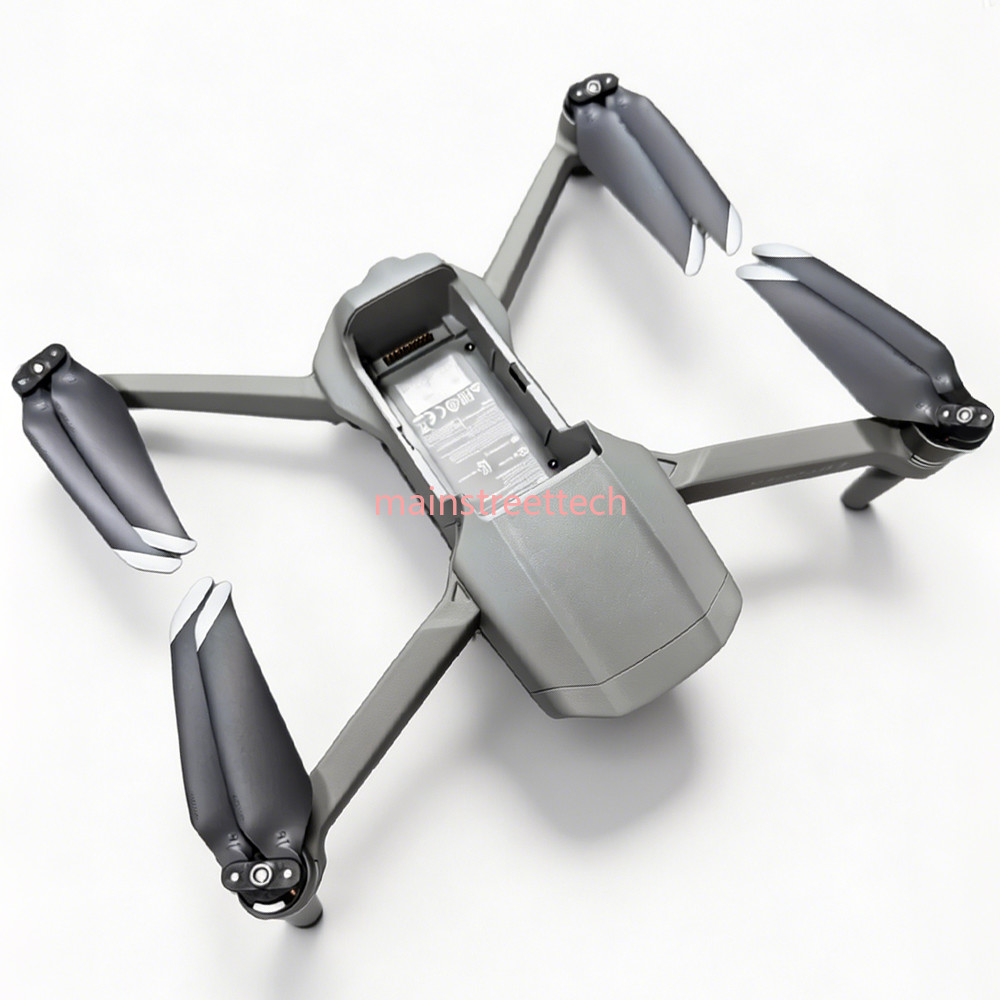 DJI Mavic Air 2 Drone Only (Without Battery & Remote Controller) — 90% new$245.99UsedView on eBay
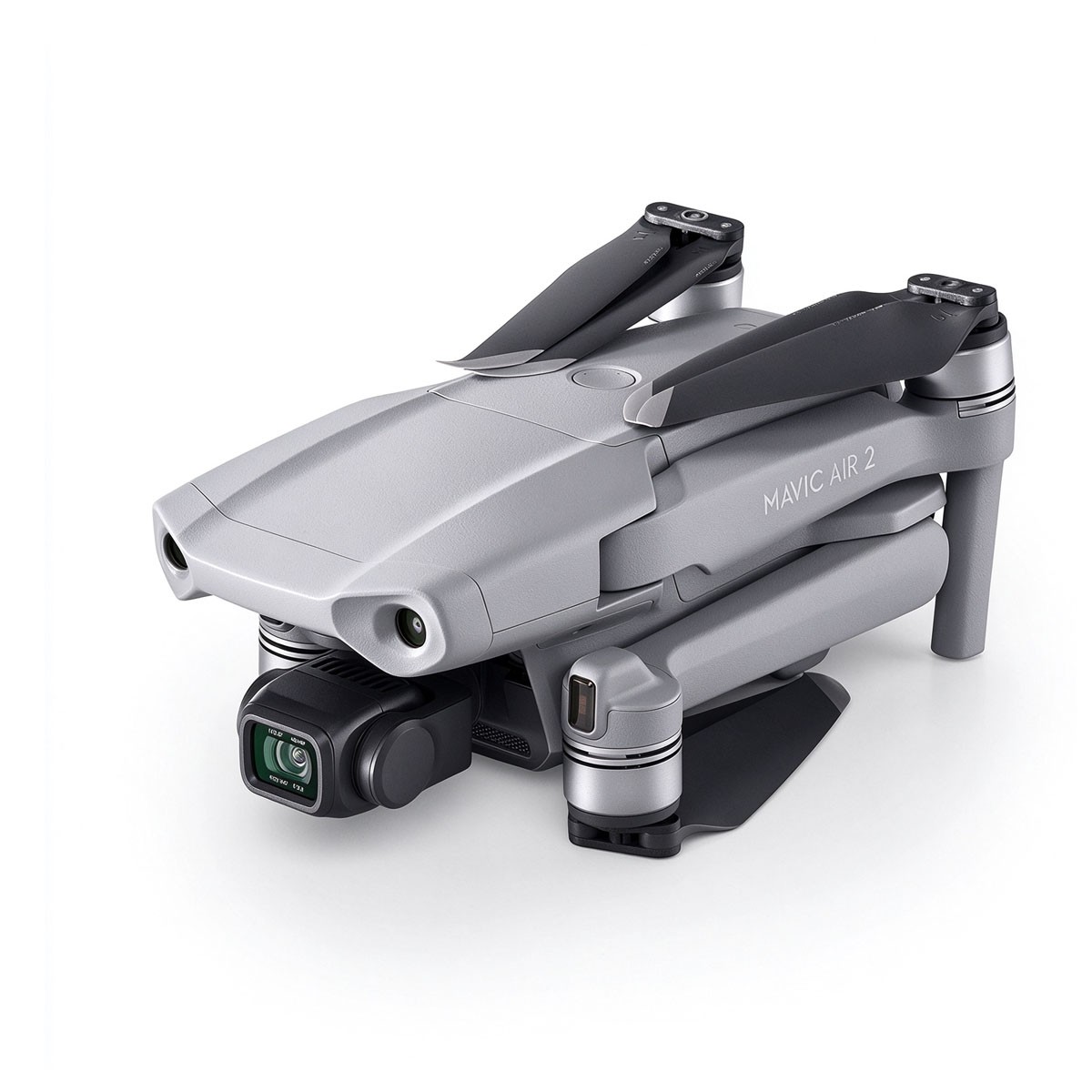 DJI Mavic Air 2 Drone Only (Without Battery & Remote Controller) -unbound.$245.99UsedView on eBay
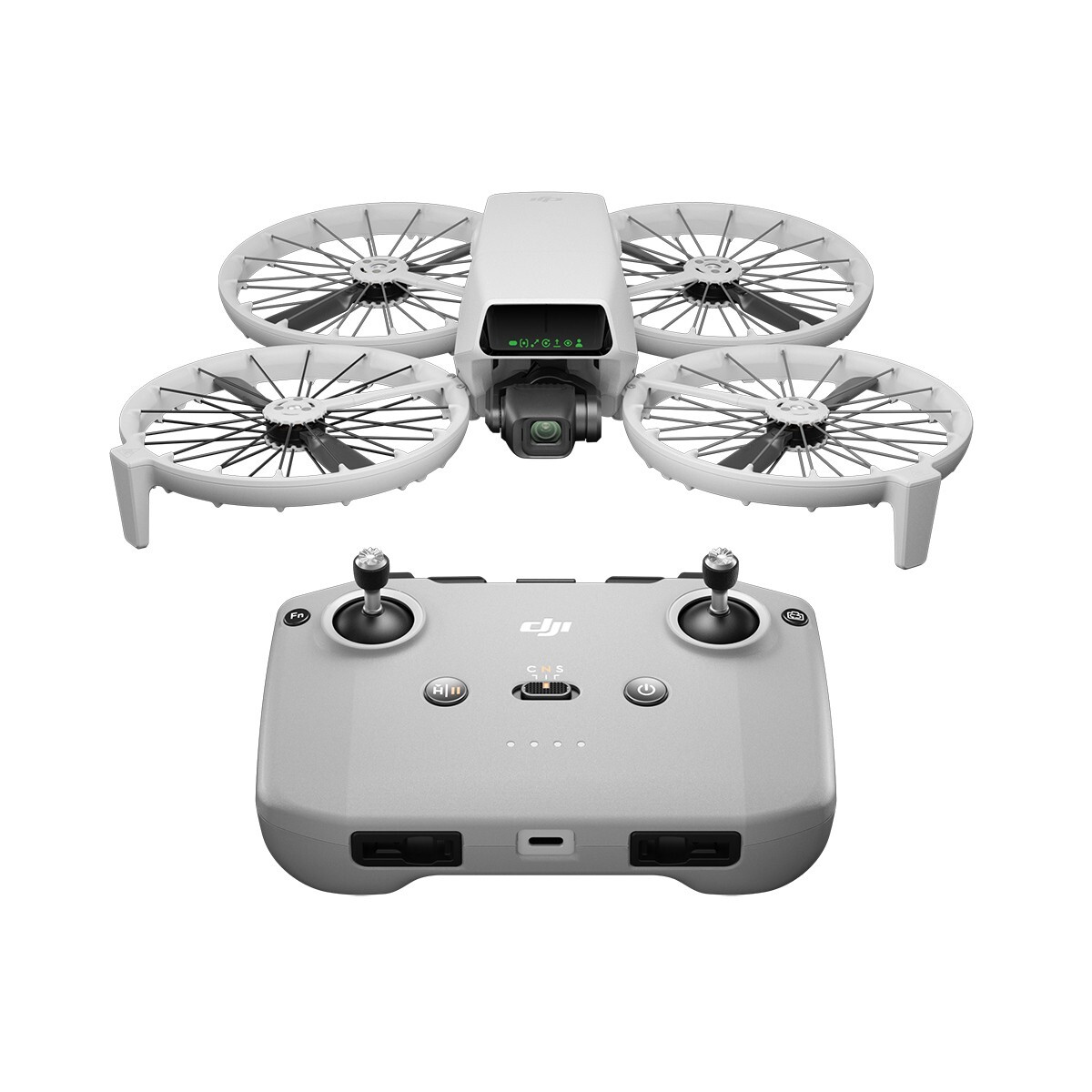 DJI Flip Drone RC-N3 Remote Controller US Stock$291.65Excellent - RefurbishedView on eBay
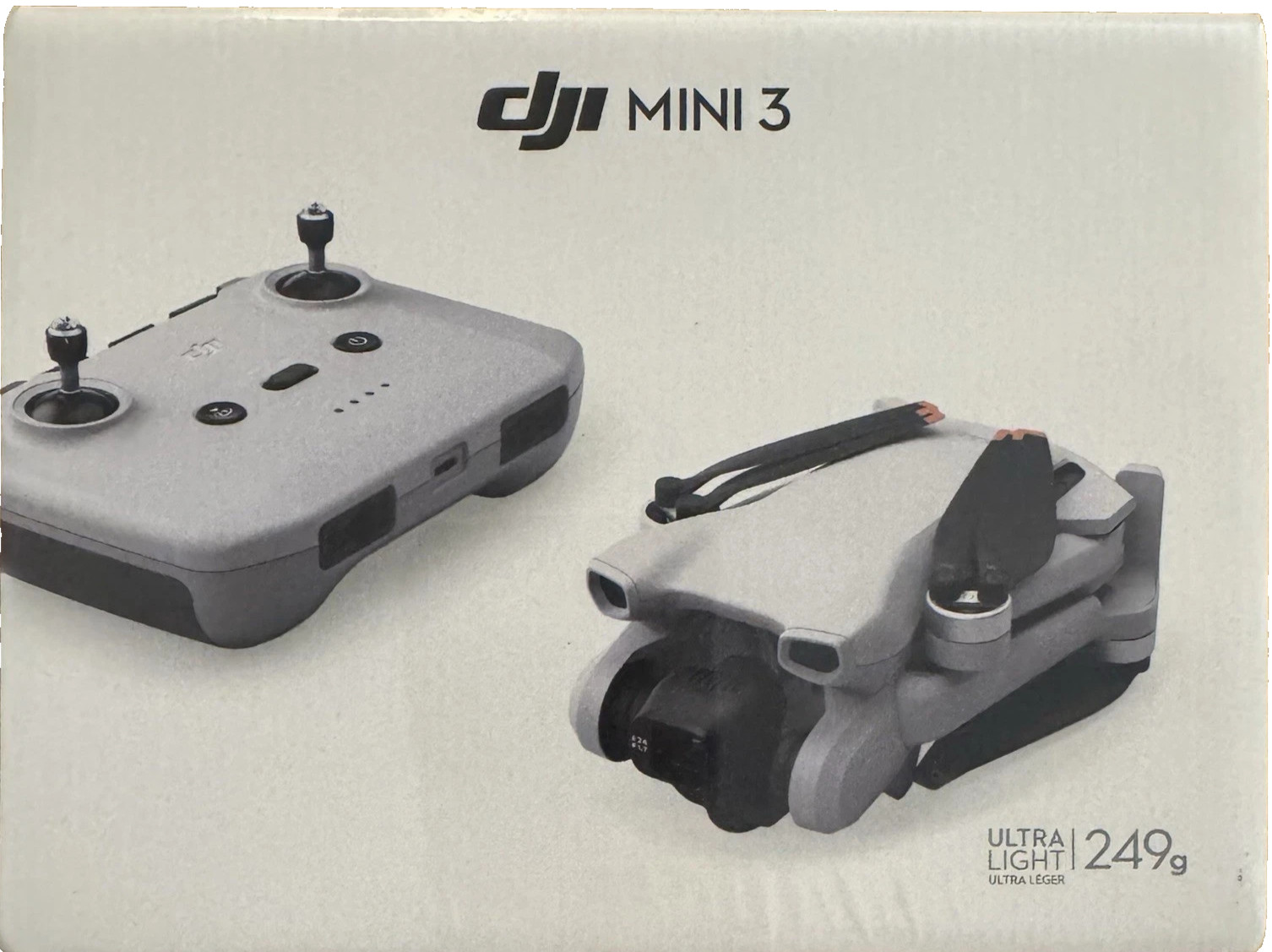 DJI Mini 3 Photography Drone and DJI RC-N1 Remote Controller *BRAND NEW SEALED*$329.98New · Last checked Nov 15, 2026View on eBay
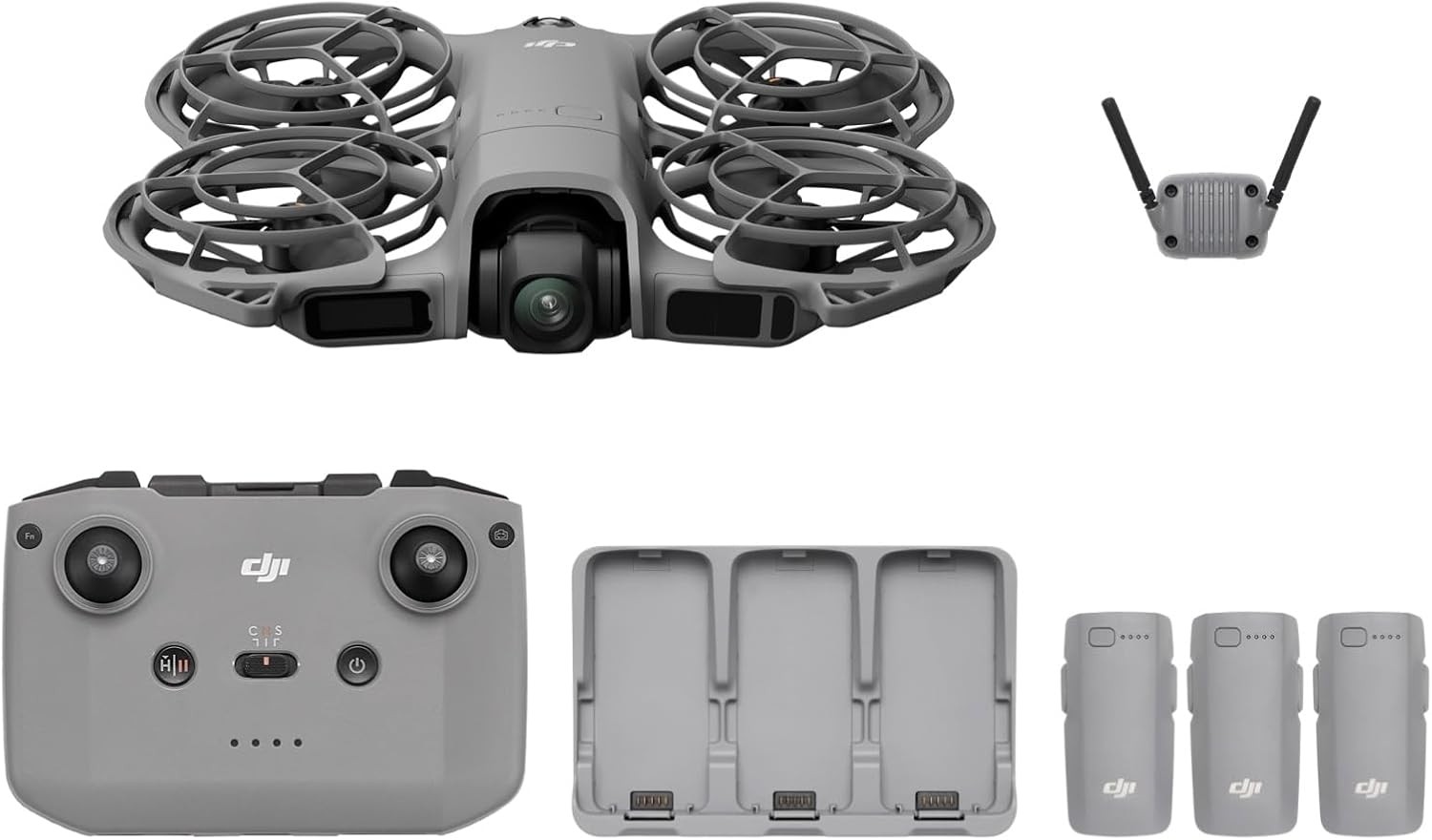 DJI Neo 2 Fly More Combo 4K Drone,With RC-N3 Remote Controller,3 Batteries$329.99Used · Last checked Nov 14, 2026View on eBay
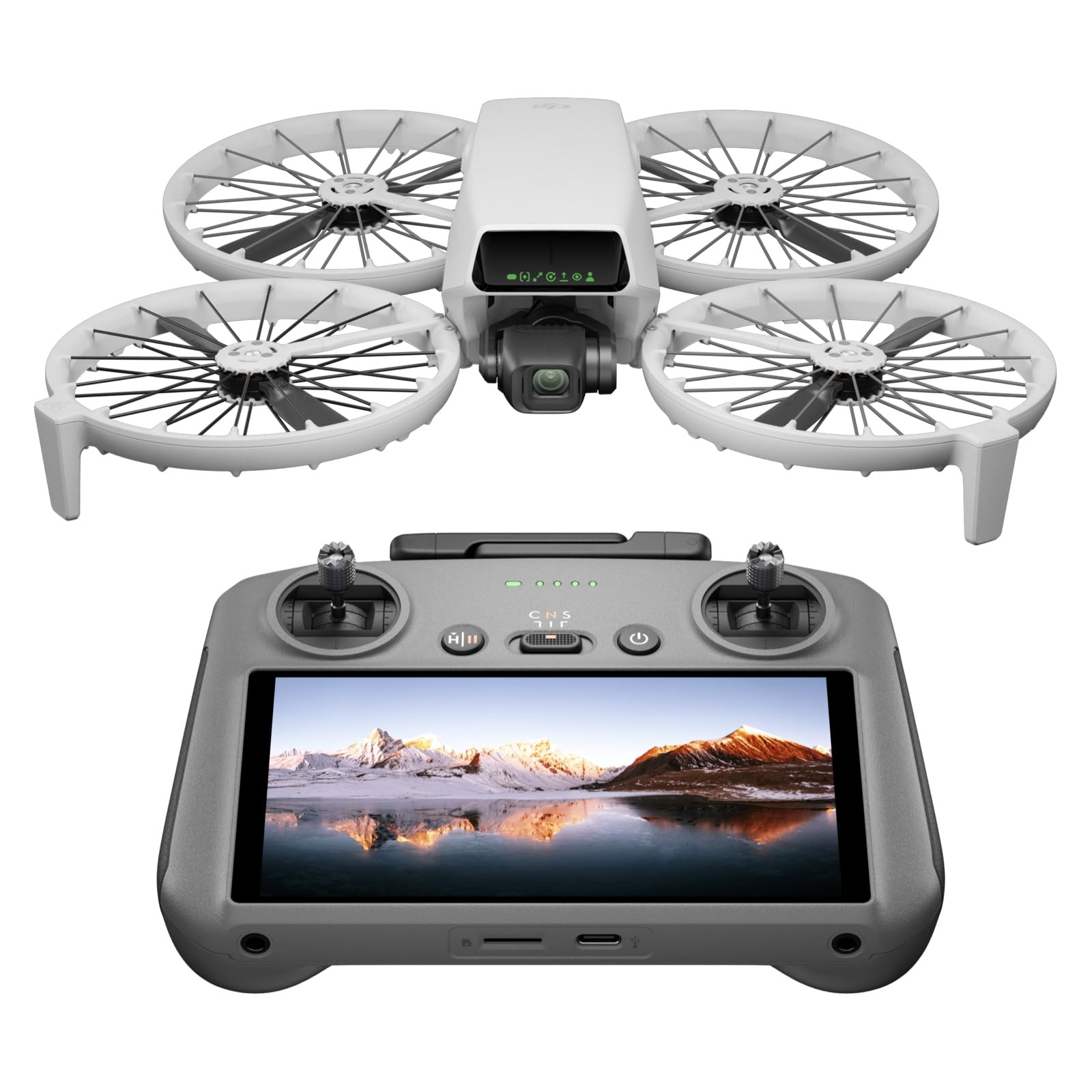 DJI Flip Drone RC 2 Screen Remote Controller, Palm Takeoff, 31-Min Flight Time$449.00Excellent - Refurbished · Last checked Nov 15, 2026View on eBay
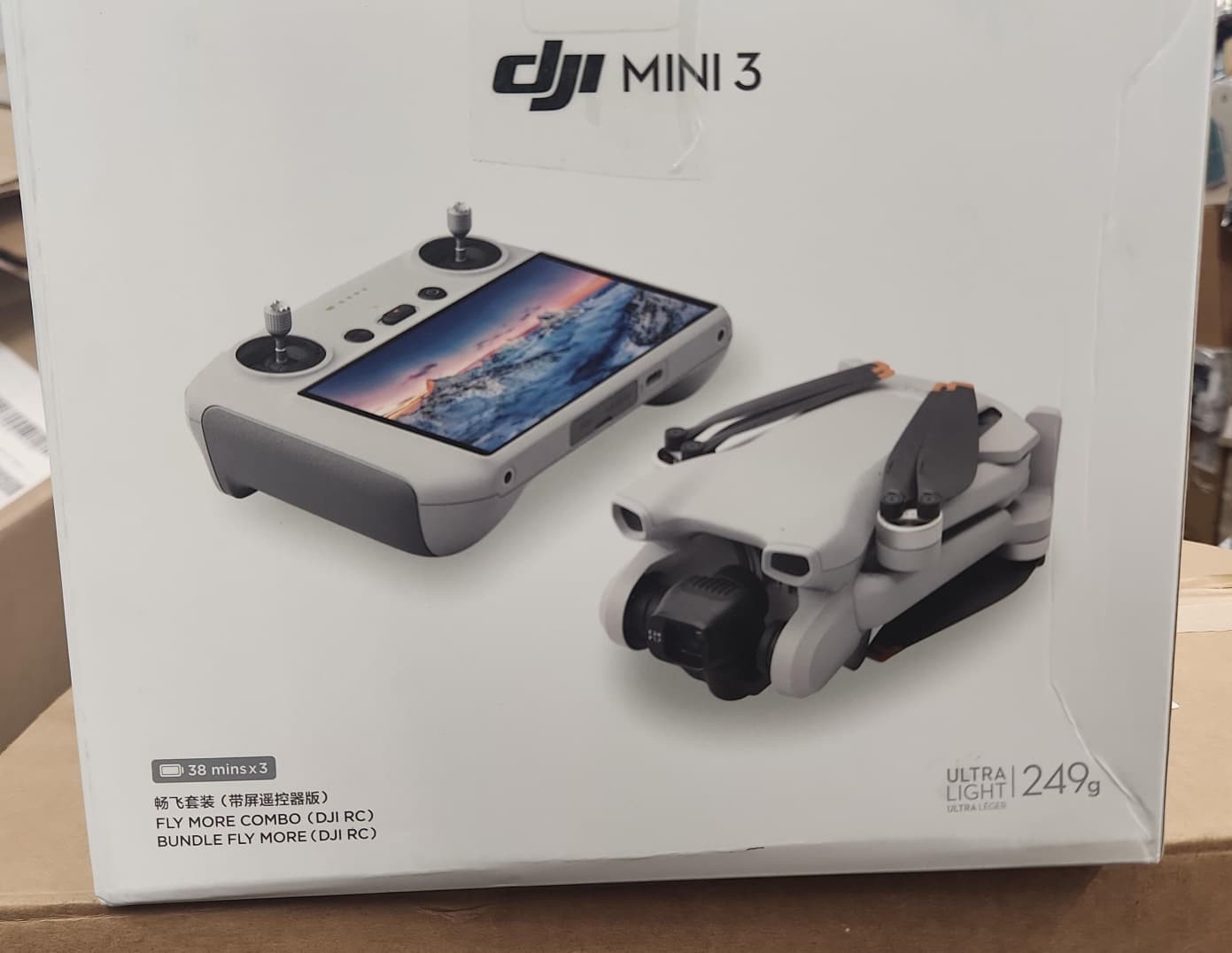 DJI Mini 3 Fly More Combo Camera Drone (DJI RC Remote Controller Open box$478.39Open boxView on eBay
Highlights
- RC-N series controllers have no built-in screen and rely on your phone; RC and RC Pro series include integrated high-brightness displays (typically 700-1000 nits) for sunlight visibility.
- Controller compatibility is generation-locked: RC-N1 works with Mini 2/Mini 3/Mavic Air 2/Mavic 3, RC-N2 with Mini 4 Pro/Air 3, RC-N3 with Neo/Mini 4K, and RC 2 with Air 3/Mini 4 Pro.
- Transmission range scales with system: OcuSync 2 (10 km FCC), OcuSync 3 (12 km), OcuSync 4 (20 km), with lower latency and better interference resistance on newer generations.
- Integrated-screen controllers carry larger batteries (roughly 3-4 hours vs 6 hours for phone-based RC-N), but add weight and cost while removing phone-drain concern.
Best use cases
- Best fit for casual and travel flyers: RC-N series (RC-N1/N2/N3) paired with your phone—lightest option, lowest cost, and adequate for line-of-sight recreational flying; skip the RC Pro unless you fly professionally.
- Best fit for frequent flyers and bright-sun environments: RC 2 or RC Pro with integrated screen—no phone tethering, faster setup, and readable display; skip if you only fly occasionally.
- Best fit for drone-only buyers replacing a lost controller: match the exact model generation (e.g., RC-N1 for Mavic Air 2, RC-N2 for Air 3); wrong-generation controllers will not bind and should be avoided.
- Wrong fit: buying an RC Pro for a Mini 2/3 or Neo—it is not compatible and will not link; those drones require RC-N1 or the drone-specific RC.
Buying tips
- Identify your drone's transmission generation first: OcuSync 2 drones (Mini 2, Mavic Air 2) use RC-N1; OcuSync 3 (Mini 3, Mavic 3) use RC-N1 or RC; OcuSync 4 (Mini 4 Pro, Air 3) use RC-N2/RC 2 or RC-N3 for Neo/Mini 4K.
- Choose phone-based RC-N if you already carry a bright phone and want the lightest kit; choose integrated-screen RC if you fly in direct sun or want sub-30-second setup.
- Check controller battery capacity: RC-N series draws from your phone (plan a power bank), while RC/RC Pro have internal batteries rated around 3-4 hours and charge via USB-C.
- For replacement or second controller, confirm the exact model number (RC-N1, RC-N2, RC-N3, RC, RC 2, RC Pro) rather than the drone name, because bundled controllers vary by region and kit.
Specs
| Controller Type | Phone-based (RC-N) vs screen (RC/RC Pro) |
|---|---|
| Transmission | OcuSync 2/3/4 (10-20 km FCC) |
| Screen Brightness | 700-1000 nits (integrated models) |
| Battery Life | 3-4 hr internal / phone-powered |
Related searches
What to check before buying
- Confirm your drone model and its OcuSync generation before buying—controller binding is generation-specific and non-transferable across tiers.
- Verify your phone's size and case fit for RC-N series clamps (typically supports phones up to 180 mm long); oversized tablets require mounts or the integrated-screen models.
- Check plug standard: RC-N series uses USB-C, Lightning, or micro-USB cables depending on phone; ensure the correct cable is included or available.
- For integrated-screen controllers, confirm the display brightness (nits) meets your climate—700+ nits for bright sun, and verify the controller's operating temperature range for extreme cold or heat.
FAQ
Data sources: eBay / Amazon listings and product attribute feeds. Updated Nov 27, 2026.
Some links on this page are affiliate links. If you buy after clicking one, we may earn a commission at no extra cost to you. This does not change which products appear here or their order. Affiliate disclosure.