
Photos from current listings. Actual item, color, and included accessories may vary.
CPU Cooler With Screen Buying Guide
A CPU cooler with a screen adds a live status display or LCD panel to the heatsink or pump block, so you pay a premium for monitoring and aesthetics rather than raw thermal headroom. The core trade-off is air vs liquid: air towers with digital readouts cost less and have zero pump-failure risk, while AIOs with pump-block screens handle higher heat loads and tight cases but add a wear item and a 240mm-plus radiator footprint. The decision rule is simple: buy the screen only after the cooler already meets your CPU's TDP with headroom, and never accept a smaller radiator or fewer heatpipes just to get a display.
Median $66.34
Key takeaways
- Air coolers with screens use a magnetic or clipped digital display on the top fin stack, typically showing CPU temp via a USB header—no pump, no coolant, no leak risk.
- AIO screens sit on the pump block and require both a USB 2.0 internal header for data and SATA or PWM power, adding two cable runs to the build.
- Heatpipe count and radiator thickness determine real cooling: 6 heatpipes or a 240mm AIO handle mid-range CPUs, while 7 heatpipes or 360mm AIOs are needed for high-wattage unlocked chips.
At a glance
- Category
- PC Cases & Cooling
- Last updated
- Nov 23, 2026
Current offers
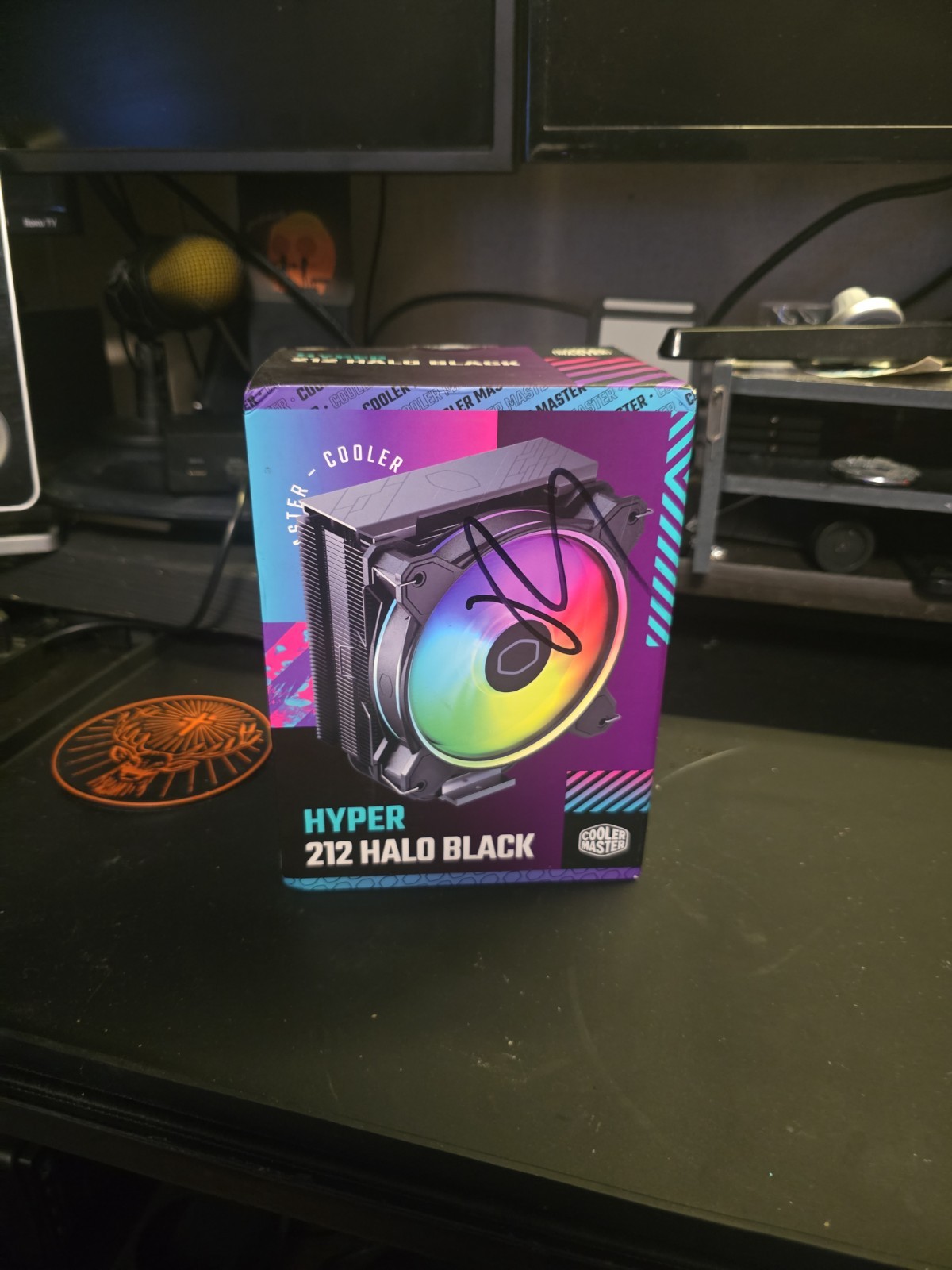 Hyper 212 Halo CPU Cooler for Intel & AMD, Black - RR-S4KK-20PA-R1$19.95View on eBay
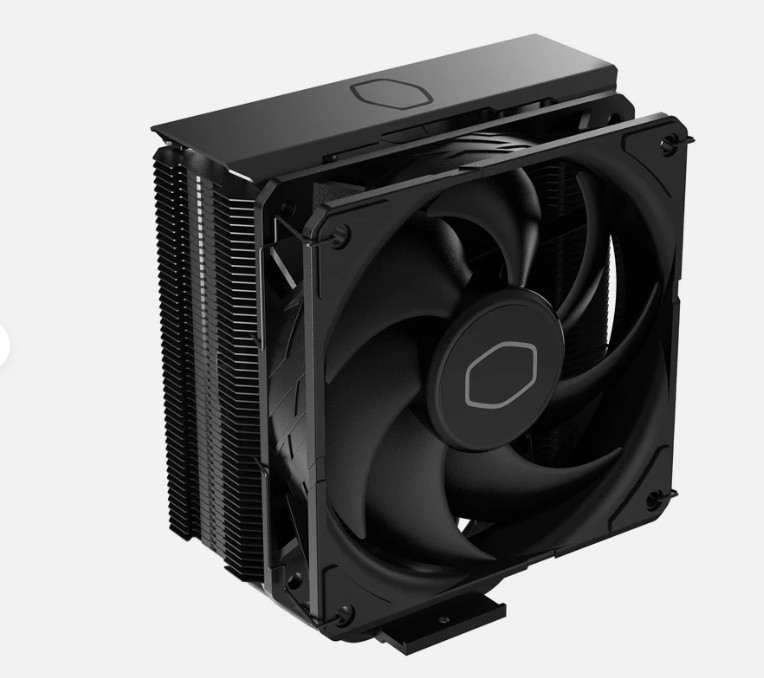 Cooler Master Hyper 212 Black CPU Air Cooler – 120mm High Performance PWM Fan$22.99View on eBay
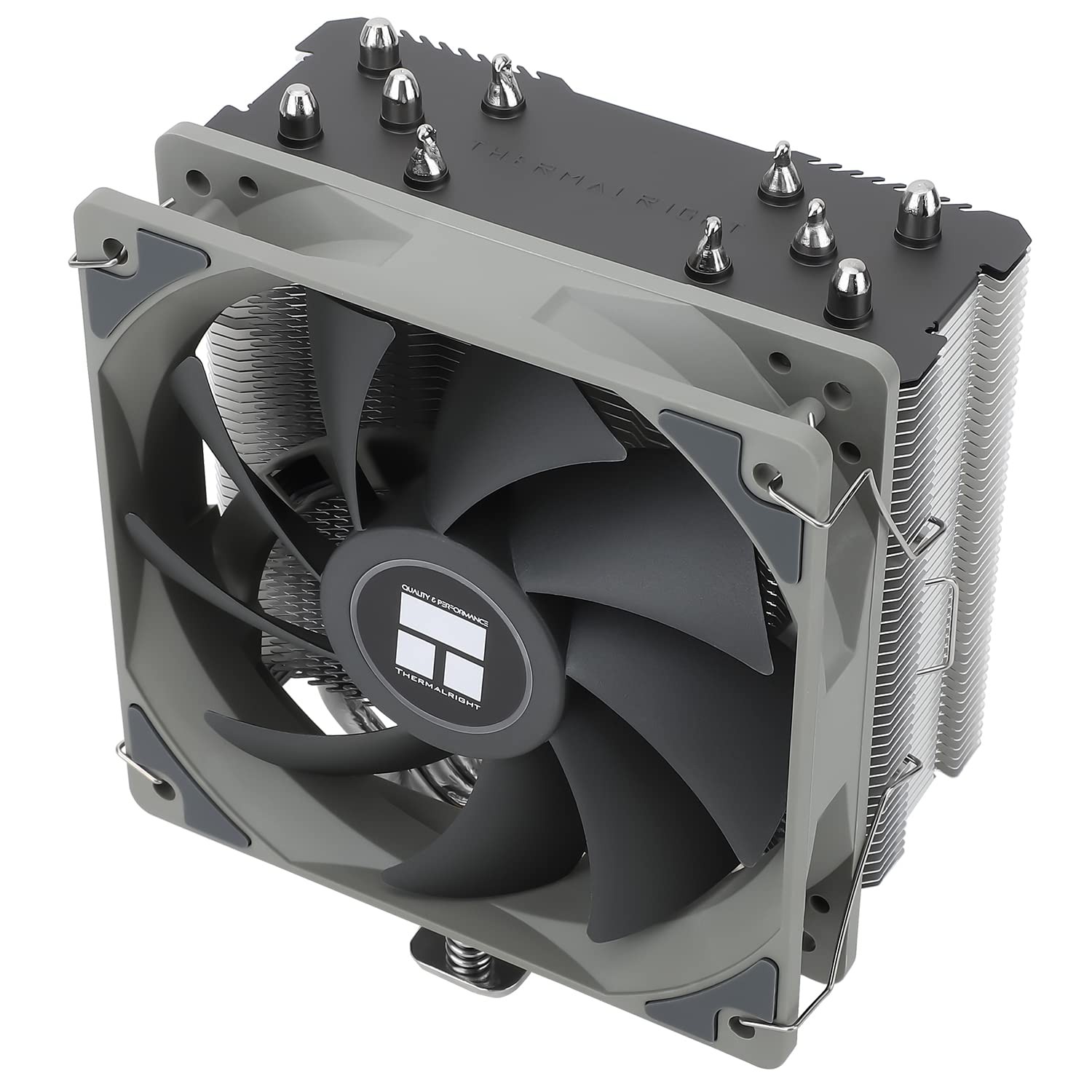 Thermalright Assassin King 120 SE CPU Air Cooler, AK120 SE, 5 Heatpipes, AGHP...$25.56View on eBay
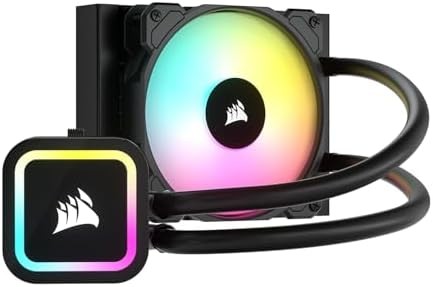 Corsair H60x RGB Elite 120mm AIO Liquid CPU Cooler SP120 Intel AMD (Renewed)$54.98View on eBay
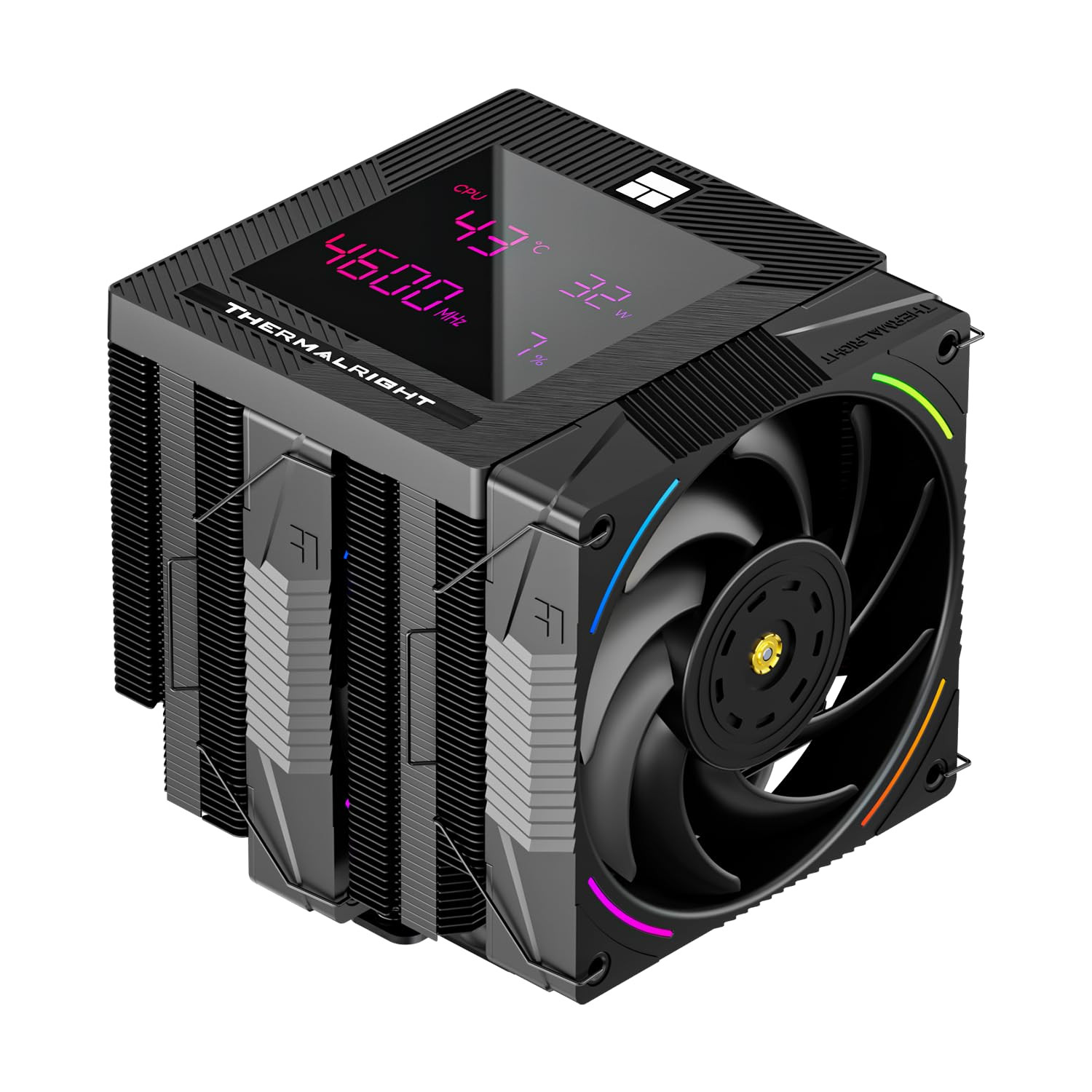 Thermalright Phantom Spirit 120 Digital EVO CPU Air Cooler,7 Heat Pipes CPU Cool$77.69View on eBay
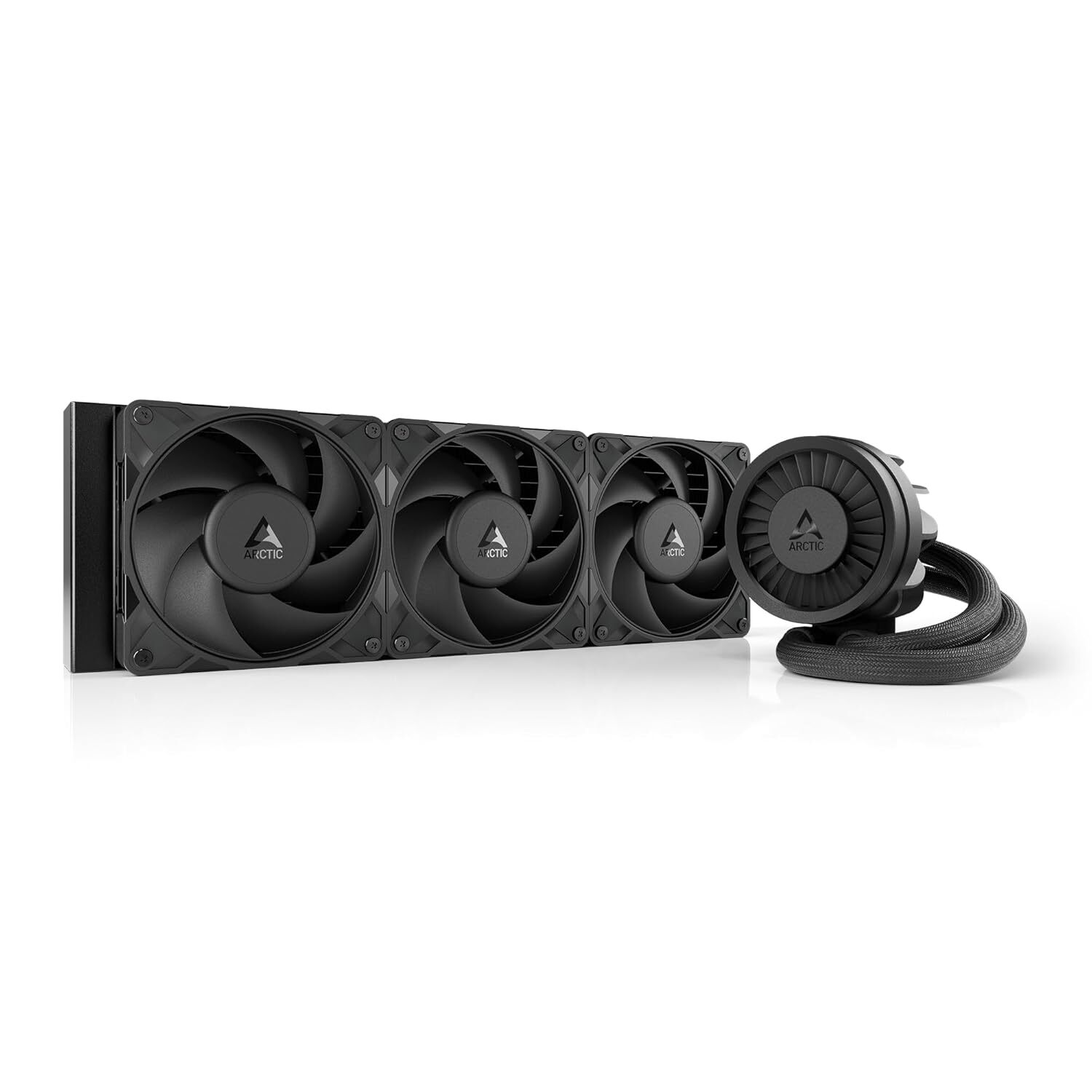 ARCTIC Liquid Freezer III Pro 360 AIO CPU Cooler (Black) ACFRE00180A$79.99View on eBay
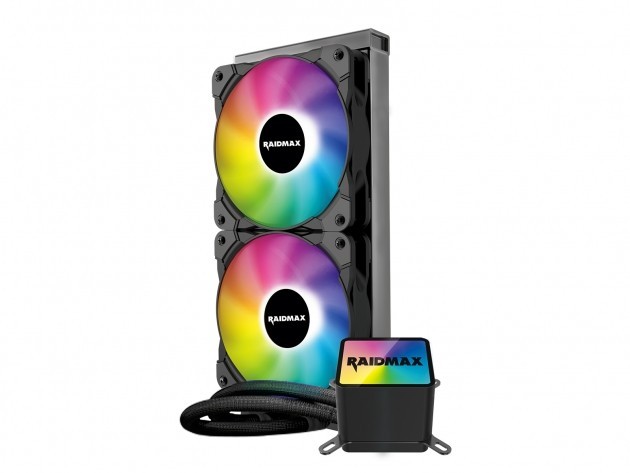 ARGB CPU PC Liquid Cooler 240MM - AIO Water Cooler Upgrade PINK | WHITE | BLACK$84.99View on eBay
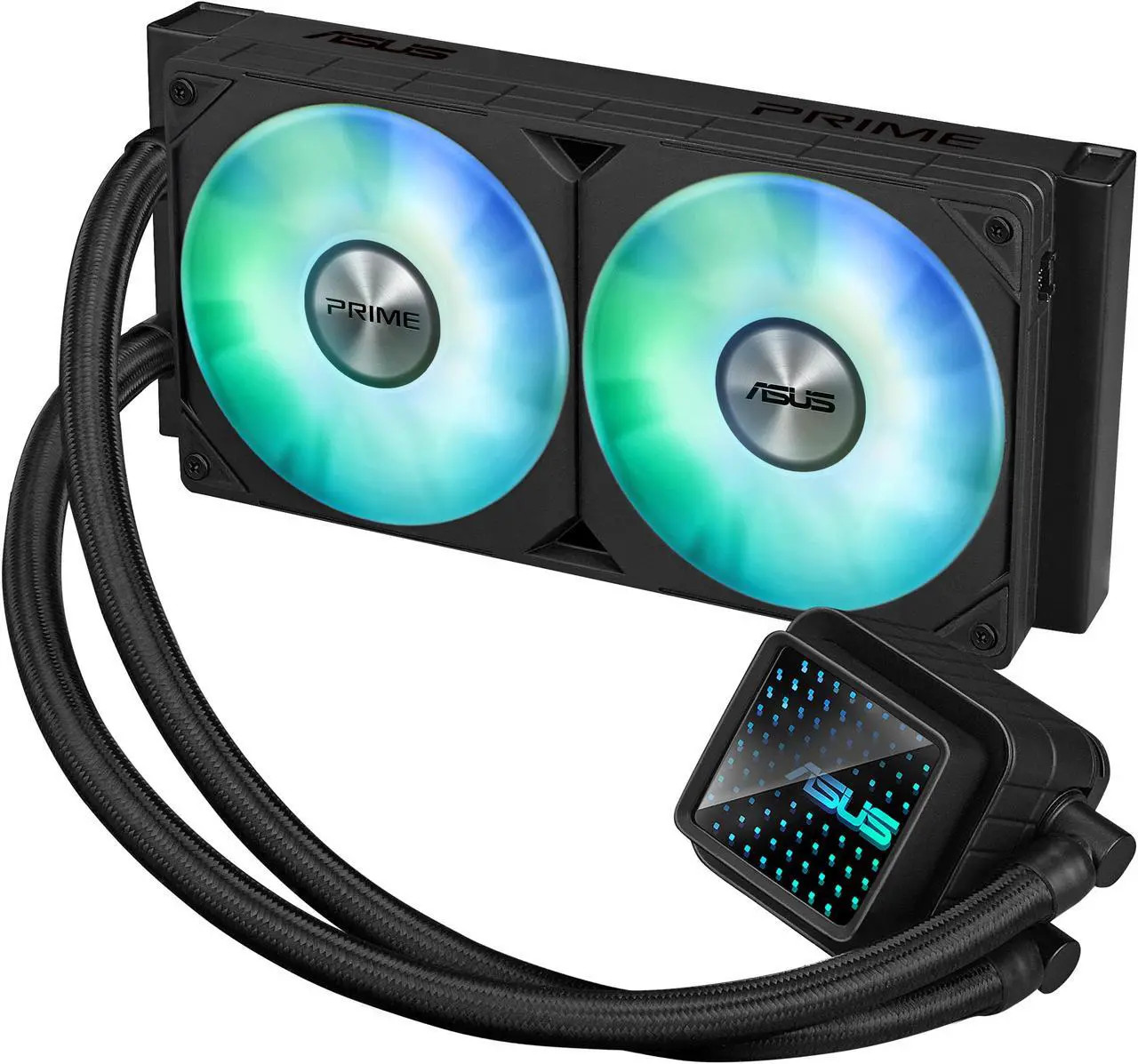 ASUS PRIME LC 240 ARGB 240mm ARGB AIO CPU Liquid Cooler$89.99View on eBay
Highlights
- Air coolers with screens use a magnetic or clipped digital display on the top fin stack, typically showing CPU temp via a USB header—no pump, no coolant, no leak risk.
- AIO screens sit on the pump block and require both a USB 2.0 internal header for data and SATA or PWM power, adding two cable runs to the build.
- Heatpipe count and radiator thickness determine real cooling: 6 heatpipes or a 240mm AIO handle mid-range CPUs, while 7 heatpipes or 360mm AIOs are needed for high-wattage unlocked chips.
- Screen type splits into segment LCD (temp and load only, low overhead) and IPS LCD (custom images/video, needs software and a USB header).
Best use cases
- Pick a 6-heatpipe air tower with a top-mounted digital display for a mid-tower ATX build on a 65-125W CPU—cheapest screen path with no pump to fail.
- Pick a 240mm AIO with a pump-block IPS screen for a glass-side-panel show build where the display is the focal point and the case lacks air-cooler height clearance.
- Skip screen coolers entirely in SFF or low-clearance cases: pump-block screens add height, and top-fin displays need 5-10mm of clearance above the tower.
Buying tips
- Match cooler to CPU TDP first: add 30-50% headroom over the chip's sustained wattage, so a 125W CPU needs a 6-heatpipe tower or 240mm AIO minimum.
- For air, measure case CPU-cooler clearance and subtract 10mm for the screen module; most screen towers run 155-165mm tall, taller than the classic 158mm Hyper 212.
- For AIOs, confirm radiator length and thickness against the case spec—a 240mm AIO is 277mm class, and 360mm is 397mm class, plus 25-30mm fan thickness.
- Check the screen connection: LCD models need a free USB 2.0 motherboard header, and some also need SATA power; a build with no spare internal USB header loses the display.
Specs
| Cooler Type | Air tower vs AIO liquid |
|---|---|
| Screen Type | Segment LCD vs IPS LCD |
| Radiator / Heatpipes | 120/240/360mm vs 4-7 heatpipes |
| Socket Support | LGA 1700/1851, AM4/AM5 |
Related searches
What to check before buying
- Measure case CPU-cooler height limit and side-panel clearance; screen modules on air towers add height and can foul tempered glass.
- Confirm motherboard has a free USB 2.0 internal header (and SATA power if required) for the screen's data and power.
- Verify radiator support length, thickness, and fan clearance for AIOs, including top-mount vs front-mount and RAM height conflicts.
- Check CPU socket compatibility (LGA 1700/1851, AM4/AM5) and that the mounting kit is included, not a separate order.
FAQ
Data sources: eBay / Amazon listings and product attribute feeds. Updated Nov 23, 2026.
Some links on this page are affiliate links. If you buy after clicking one, we may earn a commission at no extra cost to you. This does not change which products appear here or their order. Affiliate disclosure.