
Photos from current listings. Actual item, color, and included accessories may vary.
PC Case With Screen Buying Guide
A PC case with a screen integrates a small LCD or IPS display into the front or side panel to show system stats, thermals, or custom art, but the screen often competes with airflow and cable routing. The core trade-off is between display size/resolution and the mesh intake area required to feed high-TDP GPUs. Buy only if the chassis lists a native screen resolution, refresh method, and a dedicated internal USB header for the display—skip cases where the screen is a bolt-on accessory with no cable management channel.
Median $94.99
Key takeaways
- Screen panels are typically 2.1–3.5 inch IPS LCDs driven by an internal USB 2.0 header and proprietary software; resolution below 480×480 looks pixelated for system stats.
- High-airflow mesh front panels (over 60% perforation) trade dust filtration for CFM, so screen-equipped cases need removable magnetic filters to prevent radiator clogging.
- Mid-tower ATX chassis fit 240–360 mm top radiators only when the screen module does not intrude into the top fan bay; E-ATX boards often block side-screen cable runs.
At a glance
- Category
- PC Cases & Cooling
- Last updated
- Nov 23, 2026
Current offers
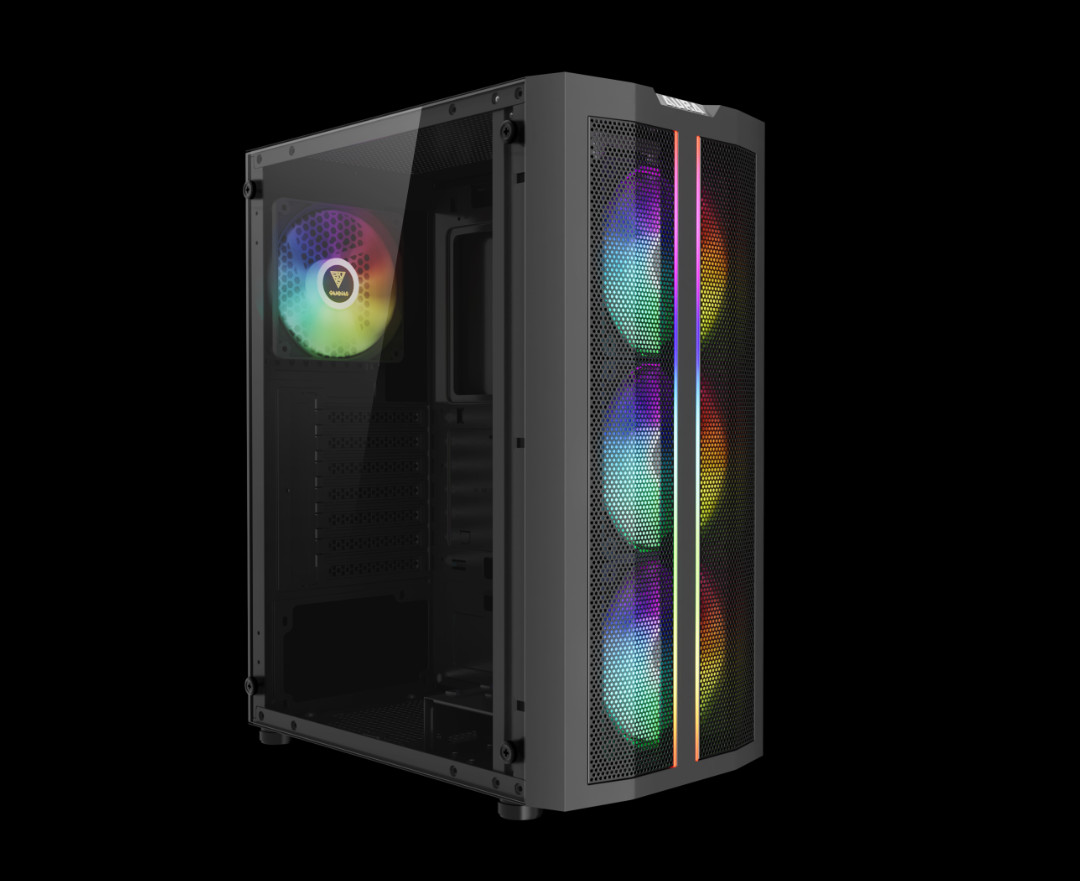 GAMDIAS ATX Mid Tower Gaming PC Case with Tempered Glass, ARGB Fans & Lighting$49.99View on eBay
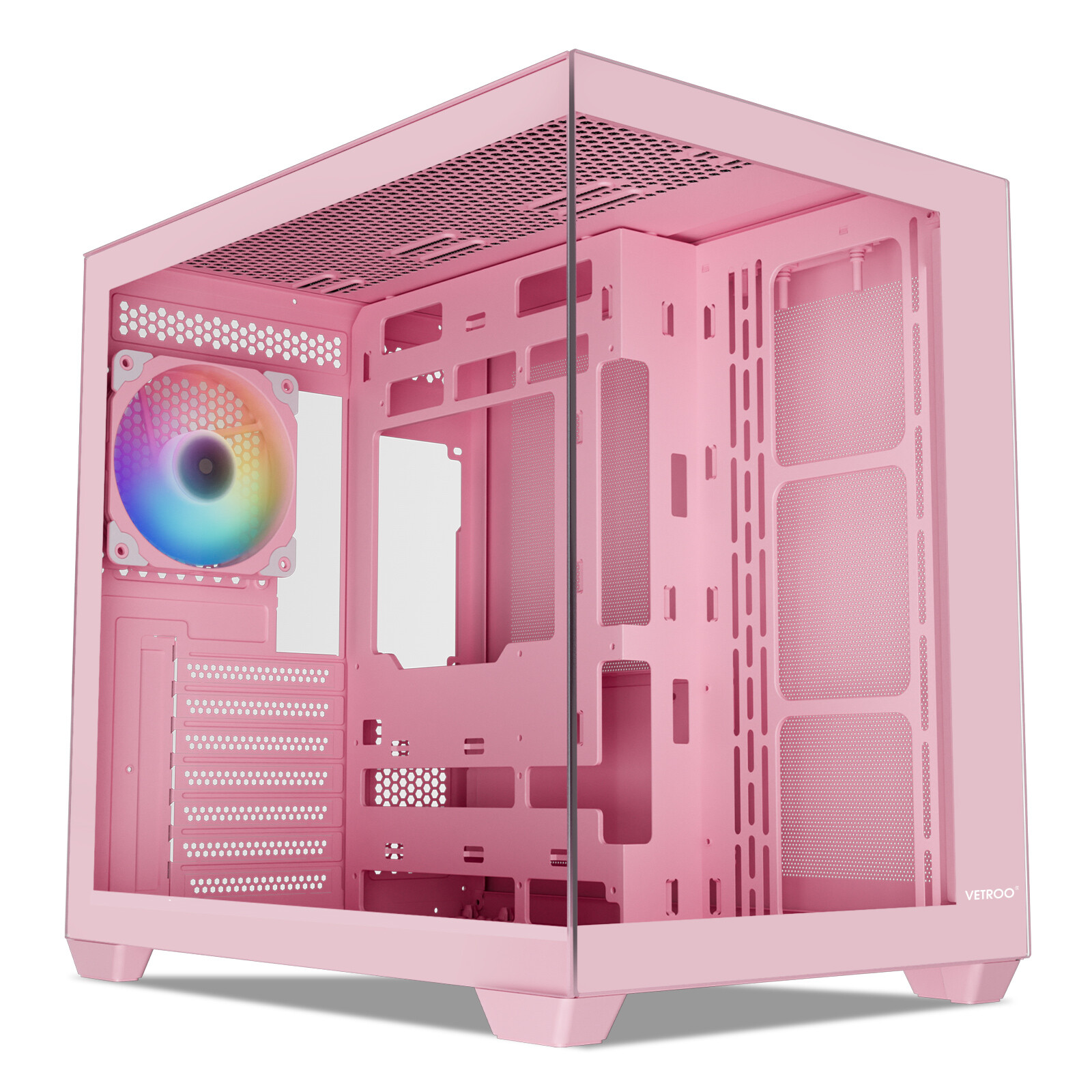 Vetroo AL900 Pink Computer hardware and computer peripherals ATX PC Case$94.99Last checked Nov 18, 2026View on eBay
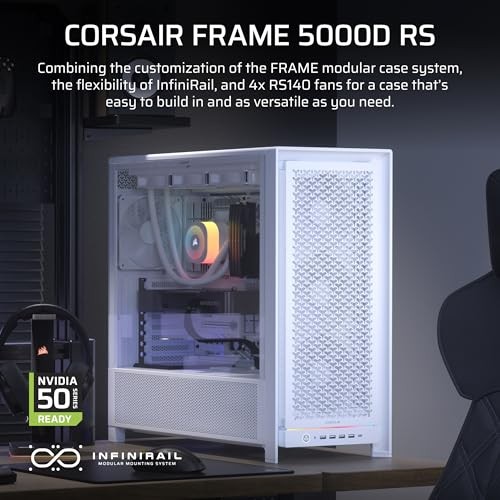 CORSAIR FRAME 5000D RS MODULAR HIGH AIRFLOW MID-TOWER PC CASE – 4X - WHITE$142.00View on eBay
Highlights
- Screen panels are typically 2.1–3.5 inch IPS LCDs driven by an internal USB 2.0 header and proprietary software; resolution below 480×480 looks pixelated for system stats.
- High-airflow mesh front panels (over 60% perforation) trade dust filtration for CFM, so screen-equipped cases need removable magnetic filters to prevent radiator clogging.
- Mid-tower ATX chassis fit 240–360 mm top radiators only when the screen module does not intrude into the top fan bay; E-ATX boards often block side-screen cable runs.
- Tempered glass side panels at 4 mm thickness reduce structural flex, but screen cases with front glass need an offset intake gap of at least 15 mm to avoid choking fans.
Best use cases
- Best fit: builders running a 240–360 mm AIO who want live coolant temperature and fan RPM on a front IPS screen—choose a mesh-front mid-tower with a dedicated USB 2.0 internal header for the display.
- Wrong fit: silent-build buyers using acoustic foam panels; the screen cutout and glass reduce sound dampening and the display requires constant USB power, so skip screen cases for noise-first builds.
- Best fit: showcase builds with a vertical GPU mount and a side-distributed screen—pick a dual-chamber case so the screen cable routes behind the motherboard tray, not across the glass.
- Wrong fit: budget airflow builds prioritizing maximum mesh area; a screen module displaces intake fans and adds software overhead, so choose a plain mesh mid-tower instead.
Buying tips
- Match screen size to viewing distance: a 2.1-inch display is legible at 60 cm, while 3.5-inch panels suit 80–100 cm desk depth; smaller screens waste the feature.
- Confirm the case includes an internal USB 2.0 header cable long enough to reach the bottom motherboard header—routing across an E-ATX board needs 500 mm or more.
- For 360 mm top radiators, verify the screen module sits at the front panel, not the top; top-mounted screens reduce radiator clearance to 240 mm in most mid-towers.
- Choose mesh intake over solid glass front when running a GPU above 250 W TDP; solid front panels with screens typically choke airflow to under 40 CFM at the intake.
Specs
| Screen Size | 2.1–3.5 in IPS LCD typical |
|---|---|
| Screen Connection | Internal USB 2.0 + SATA power |
| Case Form Factor | ATX mid-tower / E-ATX full |
| Front Panel Type | Mesh / glass with offset intake |
Related searches
What to check before buying
- Measure available desk depth: screen cases add 20–40 mm of front bezel, so a 450 mm deep case becomes 490 mm and may overhang the desk.
- Verify motherboard fit: ATX and E-ATX boards need 7 expansion slots, and side-screen cases require 25 mm of cable clearance behind the tray.
- Check PSU length: screen modules and front cable channels reduce PSU shroud depth, so limit PSUs to 160 mm in compact mid-towers.
- Confirm the display connects via internal USB 2.0, not external USB-C, to avoid a cable running across the glass panel.
FAQ
Data sources: eBay / Amazon listings and product attribute feeds. Updated Nov 23, 2026.
Some links on this page are affiliate links. If you buy after clicking one, we may earn a commission at no extra cost to you. This does not change which products appear here or their order. Affiliate disclosure.