
Photos from current listings. Actual item, color, and included accessories may vary.
PC Case Buying Guide
A PC case is the structural and airflow chassis that determines component compatibility, cooling headroom, and build longevity. The primary trade-off is between size/expansion versus airflow and build simplicity—larger cases accept bigger GPUs and radiators but demand more desk space and fan investment. The decision rule: buy for your motherboard form factor and GPU length first, then choose a mesh-front high-airflow design over solid-panel aesthetics if you run modern high-TDP CPUs and GPUs.
Median $94.99
Key takeaways
- Motherboard support tiers: Mini-ITX (170mm) → Micro-ATX (244mm) → ATX (305mm) → E-ATX (up to 330mm); case spec must list the largest form factor it accepts.
- GPU clearance is the hard limit: mid-towers typically allow 330–400mm; small-form-factor cases often cap at 250–320mm and may require low-profile coolers under 70mm.
- Airflow architecture matters more than fan count: mesh front + top exhaust outperforms solid tempered-glass fronts; 3×120mm intake at 1200–1500 RPM is the practical baseline for 250W+ GPUs.
At a glance
- Category
- PC Cases & Cooling
- Last updated
- Nov 23, 2026
Current offers
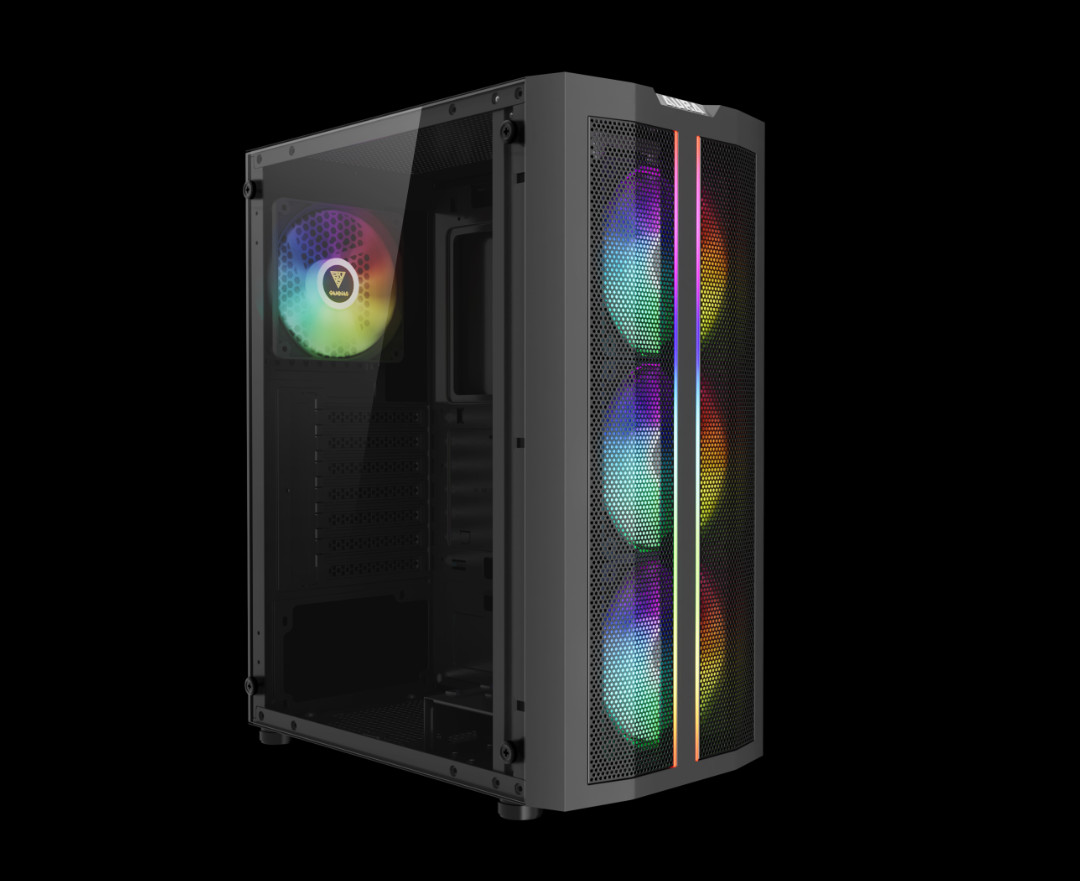 GAMDIAS ATX Mid Tower Gaming PC Case with Tempered Glass, ARGB Fans & Lighting$49.99View on eBay
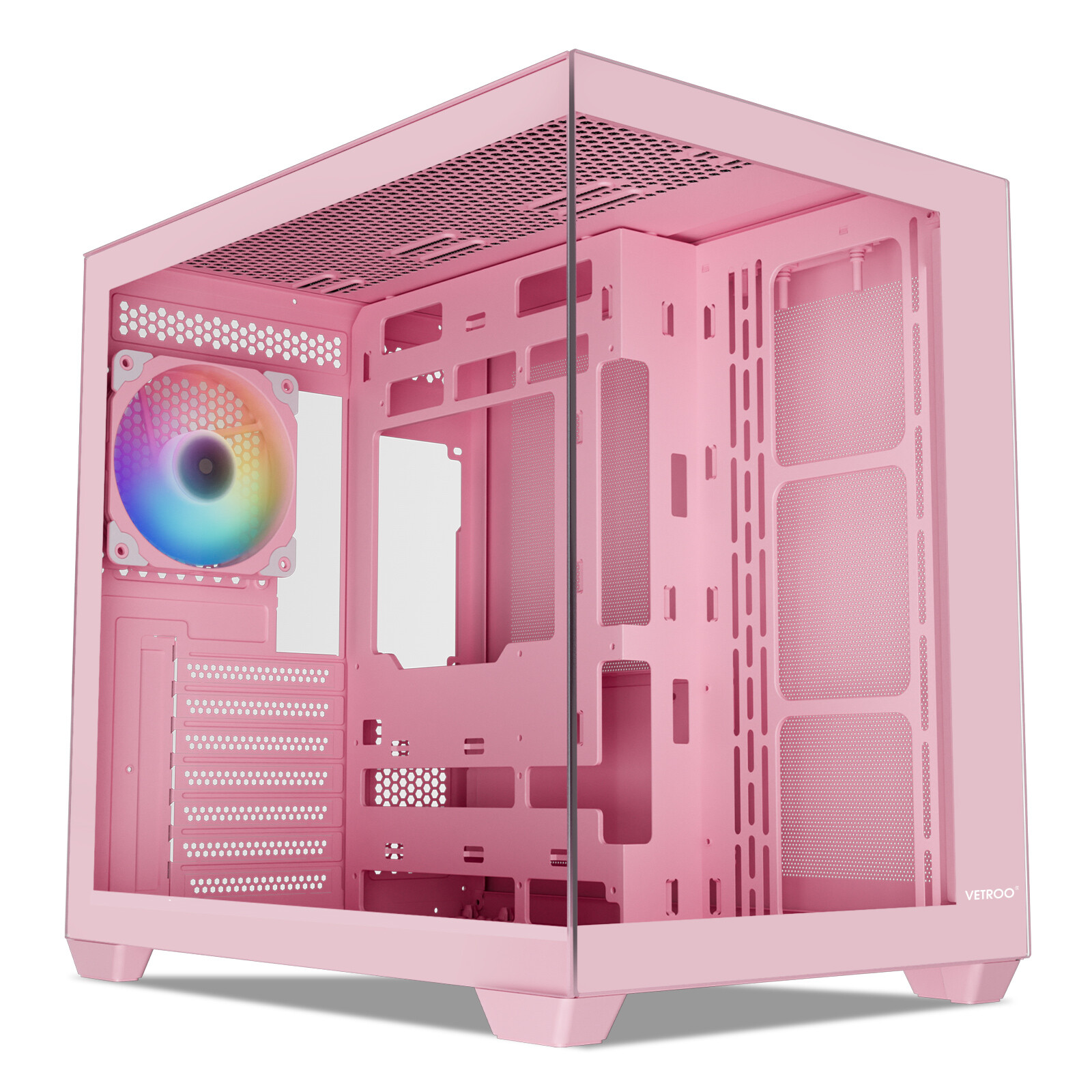 Vetroo AL900 Pink Computer hardware and computer peripherals ATX PC Case$94.99Last checked Nov 18, 2026View on eBay
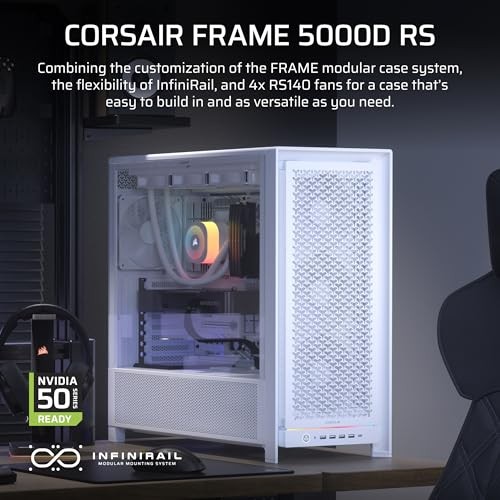 CORSAIR FRAME 5000D RS MODULAR HIGH AIRFLOW MID-TOWER PC CASE – 4X - WHITE$142.00View on eBay
Highlights
- Motherboard support tiers: Mini-ITX (170mm) → Micro-ATX (244mm) → ATX (305mm) → E-ATX (up to 330mm); case spec must list the largest form factor it accepts.
- GPU clearance is the hard limit: mid-towers typically allow 330–400mm; small-form-factor cases often cap at 250–320mm and may require low-profile coolers under 70mm.
- Airflow architecture matters more than fan count: mesh front + top exhaust outperforms solid tempered-glass fronts; 3×120mm intake at 1200–1500 RPM is the practical baseline for 250W+ GPUs.
- Radiator support defines cooling ceiling: 240mm AIO fits most mid-towers; 360mm requires 360–400mm top or front clearance and often conflicts with tall RAM or long GPUs.
Best use cases
- Best fit: ATX mid-tower with mesh front for standard gaming builds—pick 400mm GPU clearance and 360mm radiator support if you plan a high-end GPU or AIO.
- Best fit: Mini-ITX or Micro-ATX small case for space-constrained desks—choose one rated for your exact GPU length and SFX PSU; skip full ATX cases if desk depth is under 450mm.
- Wrong fit: solid glass-front cases for high-TDP builds—restricted intake raises GPU temps 5–10°C; choose mesh instead.
- Wrong fit: E-ATX full tower for a single-GPU/air-cooled build—wasted volume, extra fan cost, and more cable length needed; a mid-tower covers it.
Buying tips
- Measure GPU length and add 20–30mm clearance; check case spec for max GPU length with front fans installed—many mid-towers lose 25mm when front fans are mounted.
- Match PSU form factor: ATX cases take ATX PSUs up to 180–200mm; SFF cases need SFX/SFX-L—verify PSU length clearance against drive cages.
- Prioritize mesh front + top exhaust over RGB fan count; two 140mm intakes outperform three 120mm through a solid panel.
- For AIO cooling, confirm radiator thickness (27mm standard vs 38mm push-pull) plus fan depth fits top clearance; tall VRM heatsinks and RAM over 40mm often block 280mm top mounts.
Specs
| Form Factor | ITX / mATX / ATX / E-ATX |
|---|---|
| Max GPU Length | 250–400mm by case class |
| Radiator Support | 120 / 240 / 280 / 360mm |
| Front Panel | Mesh airflow vs solid glass |
Related searches
What to check before buying
- Measure desk or floor space: mid-towers run 450–500mm deep, 200–230mm wide, 450–480mm tall—confirm clearance for rear exhaust and front intake.
- Confirm motherboard form factor (ITX/mATX/ATX/E-ATX) and that the case lists it explicitly; standoff layout differs and adapters are rare.
- Check GPU length, thickness (2-slot vs 3-slot), and PSU length against the case spec sheet before buying—these are the three most common fit failures.
- Verify front I/O needs (USB-C header, USB 3.2 Gen2) match your motherboard headers; older cases may lack the USB-C internal connector.
FAQ
Data sources: eBay / Amazon listings and product attribute feeds. Updated Nov 23, 2026.
Some links on this page are affiliate links. If you buy after clicking one, we may earn a commission at no extra cost to you. This does not change which products appear here or their order. Affiliate disclosure.