
Photos from current listings. Actual item, color, and included accessories may vary.
Budget PC Buying Guide
A budget PC is a prebuilt or self-configured desktop designed to deliver acceptable everyday performance at the lowest total cost, where the core trade-off is spending on the CPU/GPU/platform versus cutting corners on power supply, storage speed, and upgrade headroom. The decision rule is simple: buy the best current-generation CPU with upgradeable RAM and a quality 80 PLUS Bronze PSU, and avoid any model locked to soldered memory, slow eMMC storage, or a no-name power supply.
Median $39.49
Key takeaways
- Platform generation is the biggest performance lever: Ryzen 5000/7000 or Intel 12th-14th Gen DDR4/DDR5 platforms outperform older 4-core/4-thread chips by wide margins in multi-tasking.
- Integrated graphics (Ryzen 5 5600G/8600G, Intel UHD/Iris Xe) handle office, web, and video playback; discrete GPUs (GTX 1650/RTX 3050 class) are required for 1080p gaming.
- Storage speed matters: NVMe SSD (PCIe 3.0/4.0) boots and loads in seconds, while eMMC or 5400RPM HDD makes even a fast CPU feel slow.
At a glance
- Category
- Computers & Peripherals
- Last updated
- Nov 28, 2026
Current offers
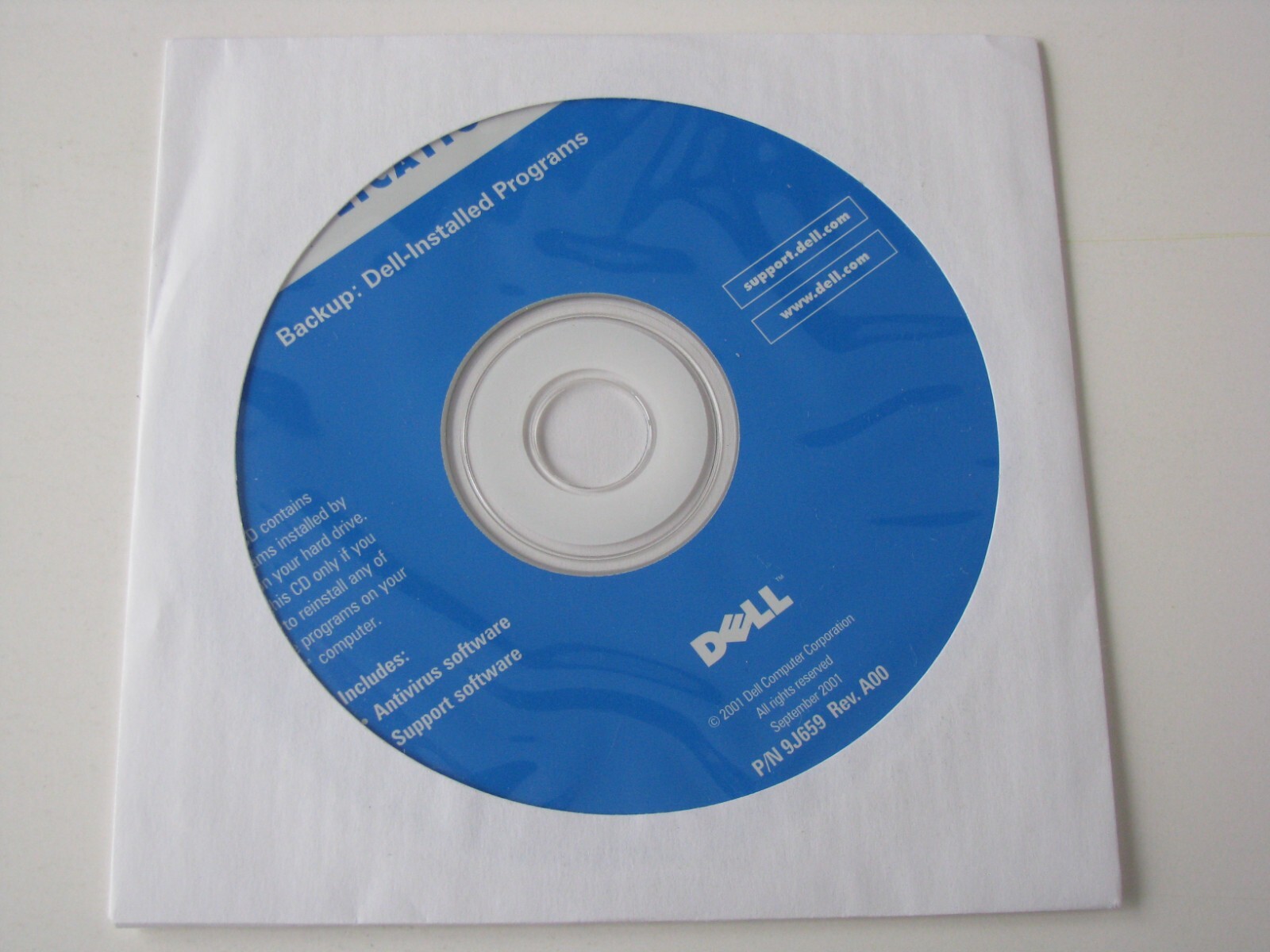 2001 Dell Applications Backup Dell-Installed Programs PC Software CD NO LICENSE$9.94Last checked Nov 28, 2026View on eBay
 FHD 1080P Webcam USB PC Computer Auto Focus With Microphone 60-Degree Widescreen Desktop Laptop Live Streaming$38.99View on Mallflare
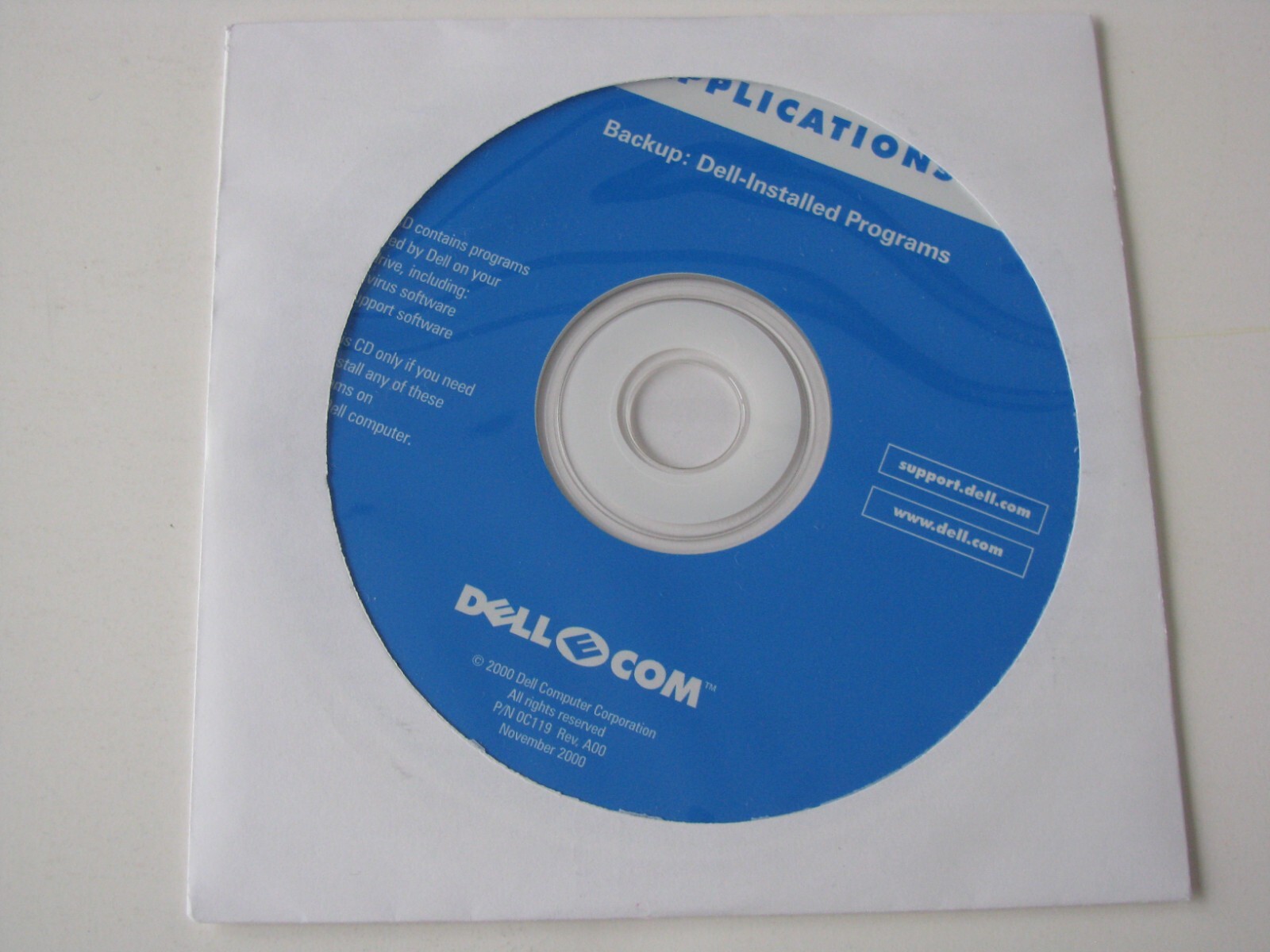 2000 Dell Applications Backup Dell-Installed Programs PC Software CD NO LICENSE$9.94Last checked Nov 28, 2026View on eBay
 1Pc FHD 1080P Webcam USB PC Computer Auto Focus With Microphone 60-Degree Widescreen Desktop Laptop Live Streaming Rotatable Clip For Broadcast Video Calling Conferencin$39.99View on Mallflare
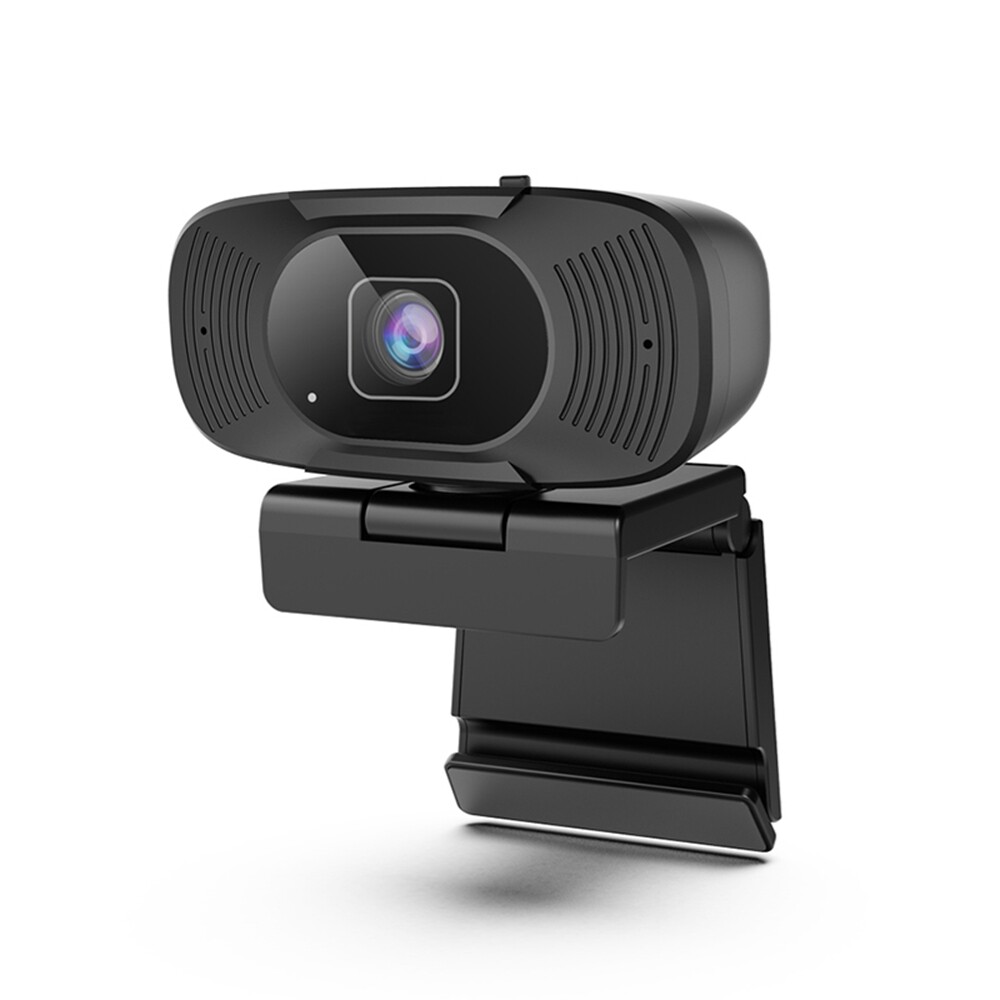 TOALLIN 1080P HD PC Webcam with Privacy cover Built-in dual Noise-canceling mic$29.99View on eBay
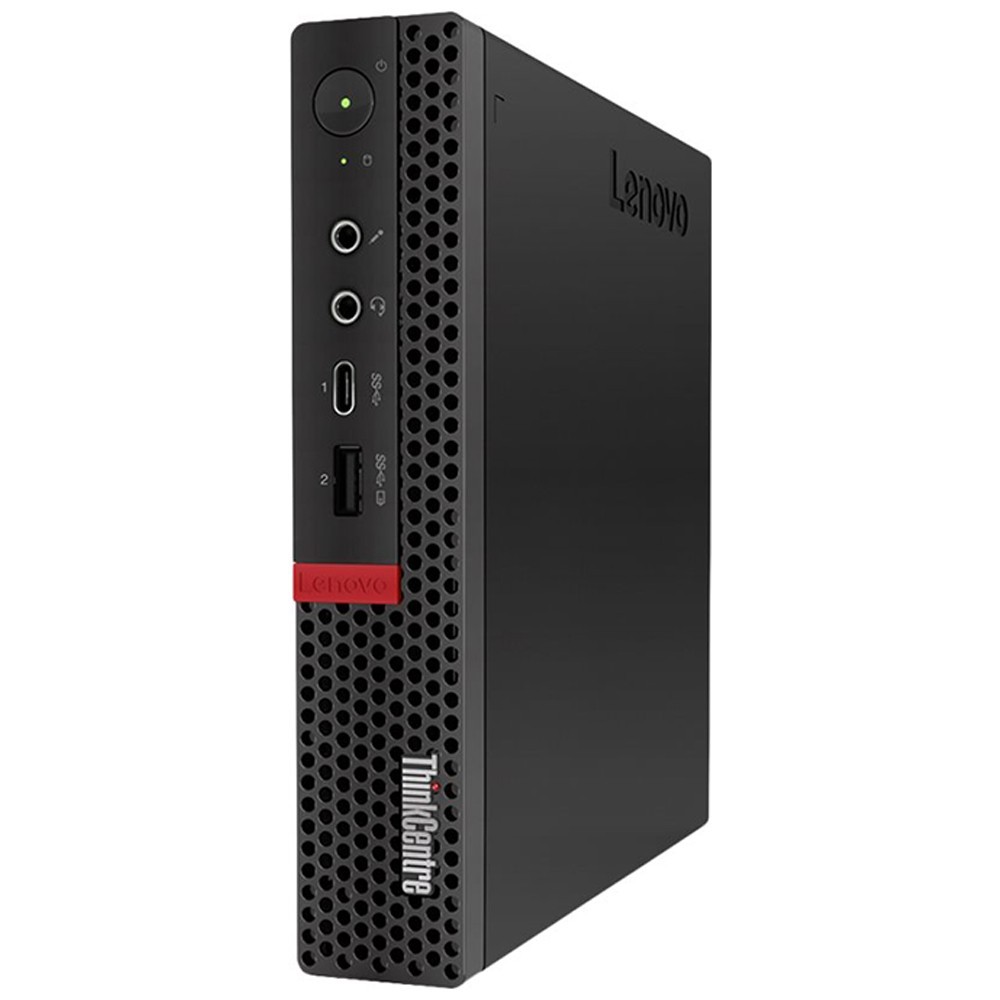 Lenovo Desktop Computer PC Intel Processor 16GB RAM 240GB SSD Windows 11 Wi-Fi$170.31View on eBay
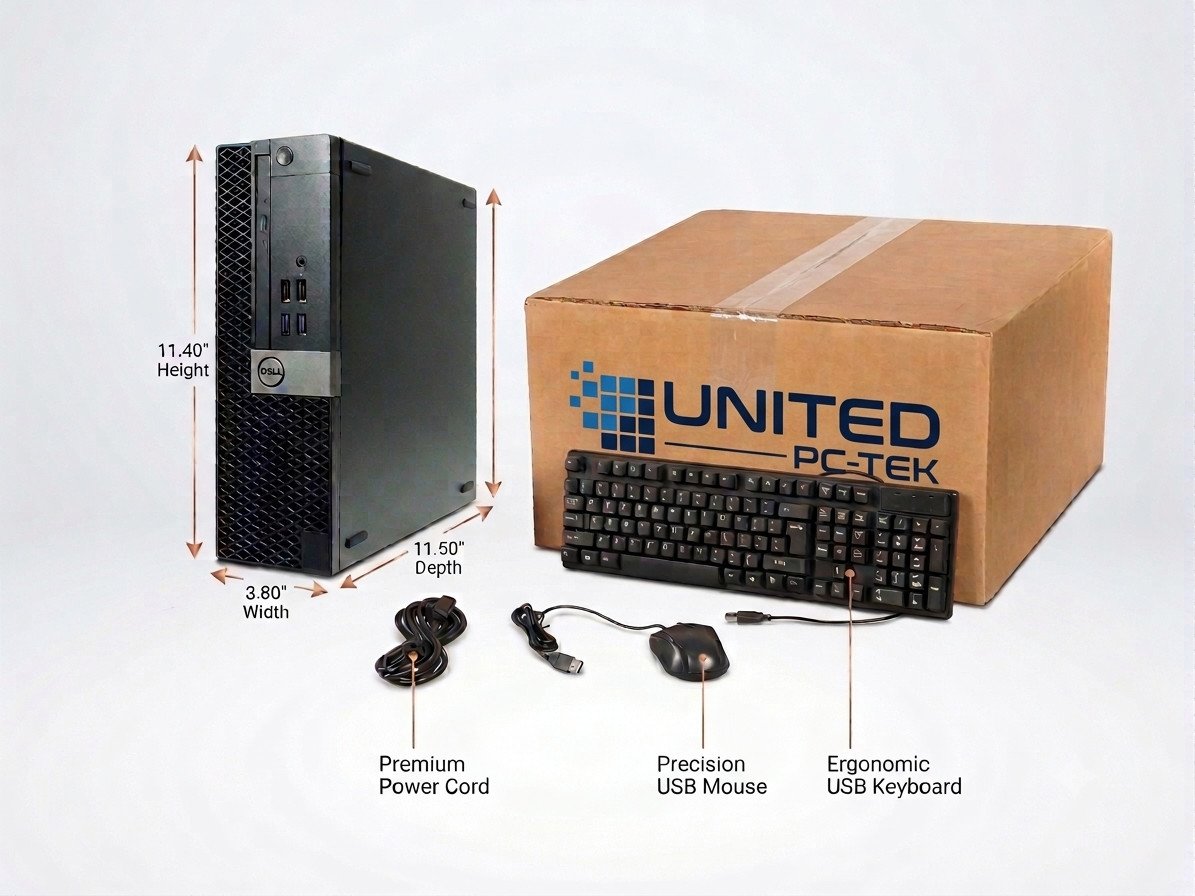 Fast Dell i7 Desktop Computer PC | up to 32GB RAM 2TB SSD | Windows 11 Pro WiFi$249.99Last checked Nov 18, 2026View on eBay
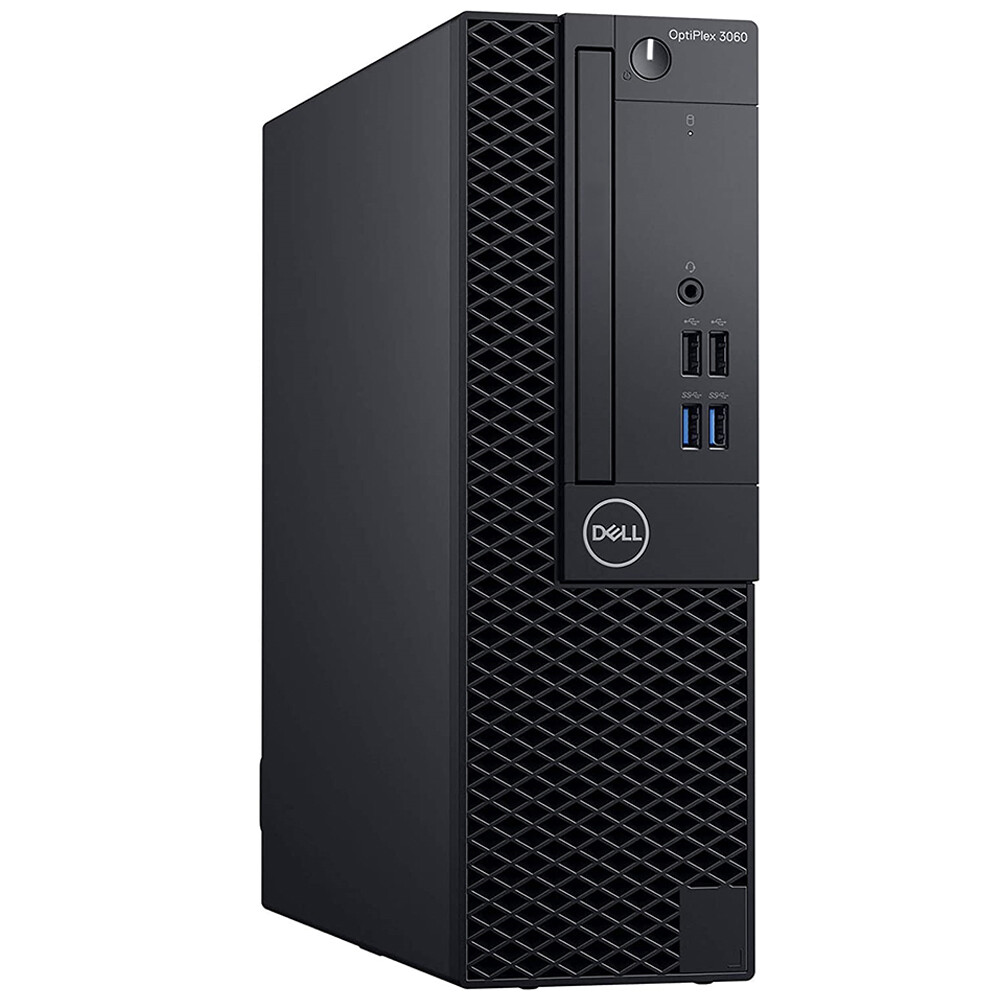 Dell Windows 11 Pro Desktop Computer PC Up To i7 8th Gen. 32GB RAM 4TB SSD/HDD$284.38Last checked Nov 16, 2026View on eBay
Highlights
- Platform generation is the biggest performance lever: Ryzen 5000/7000 or Intel 12th-14th Gen DDR4/DDR5 platforms outperform older 4-core/4-thread chips by wide margins in multi-tasking.
- Integrated graphics (Ryzen 5 5600G/8600G, Intel UHD/Iris Xe) handle office, web, and video playback; discrete GPUs (GTX 1650/RTX 3050 class) are required for 1080p gaming.
- Storage speed matters: NVMe SSD (PCIe 3.0/4.0) boots and loads in seconds, while eMMC or 5400RPM HDD makes even a fast CPU feel slow.
- Power supply quality and wattage headroom (450-650W 80 PLUS Bronze from a known brand) determine long-term stability and whether you can add a GPU later.
Best use cases
- Best for home office/student: mini-ITX or SFF prebuilt with Ryzen 5 5600G/8600G, 16GB RAM, 512GB NVMe — skip discrete-GPU towers that add cost and noise you don't need.
- Best for 1080p gaming on a budget: tower with Ryzen 5 5600 + RX 6600/RTX 3050, 16GB dual-channel RAM, 650W Bronze PSU — skip low-profile office PCs with proprietary PSUs and no GPU power connectors.
- Best for upgraders: standard ATX mid-tower with B550/B650 or B760 motherboard and 4 RAM slots — skip OEM models with soldered RAM, non-standard motherboards, or 180W proprietary PSUs.
- Wrong fit: fanless/industrial mini PCs and thin-client refurbs for gaming or heavy multitasking — their 15W CPUs and eMMC storage bottleneck everything.
Buying tips
- Prioritize CPU generation over core count: a 6-core Ryzen 5 5600 or Intel i5-12400 beats an older 8-core FX or 4-core i5 in every real workload.
- Insist on 16GB RAM in dual-channel (2x8GB); 8GB single-channel cripples integrated graphics and modern browsers — skip any 8GB soldered configuration.
- Check the PSU: 80 PLUS Bronze certification from a known brand (Seasonic, Corsair, EVGA, be quiet!) and at least 450W for GPU-less builds, 550-650W if adding a GPU.
- Verify storage: NVMe M.2 SSD of 500GB or larger; avoid eMMC, 5400RPM HDD-only, or “SSD” listings without interface details.
Specs
| CPU Platform | Ryzen 5000/7000 or Intel 12th-14th Gen |
|---|---|
| RAM Configuration | 16GB (2x8GB) dual-channel DDR4/DDR5 |
| Storage Type | NVMe M.2 SSD, 500GB min |
| Power Supply | 450-650W 80 PLUS Bronze |
Related searches
What to check before buying
- Measure your desk or shelf space and confirm the case dimensions (SFF under 10L vs mid-tower 35-45L) and airflow clearance.
- Check your monitor resolution and refresh rate — 1080p 60Hz needs far less GPU than 1440p 144Hz; match the GPU tier accordingly.
- Confirm the motherboard has the ports you need: at least 4 USB ports (USB 3.2 Type-A and Type-C), HDMI/DisplayPort, and an M.2 slot for future storage.
- Verify the PSU voltage and plug standard for your region (100-240V auto-switching is standard; confirm the included power cable matches your outlet).
FAQ
Data sources: eBay / Amazon listings and product attribute feeds. Updated Nov 28, 2026.
Some links on this page are affiliate links. If you buy after clicking one, we may earn a commission at no extra cost to you. This does not change which products appear here or their order. Affiliate disclosure.