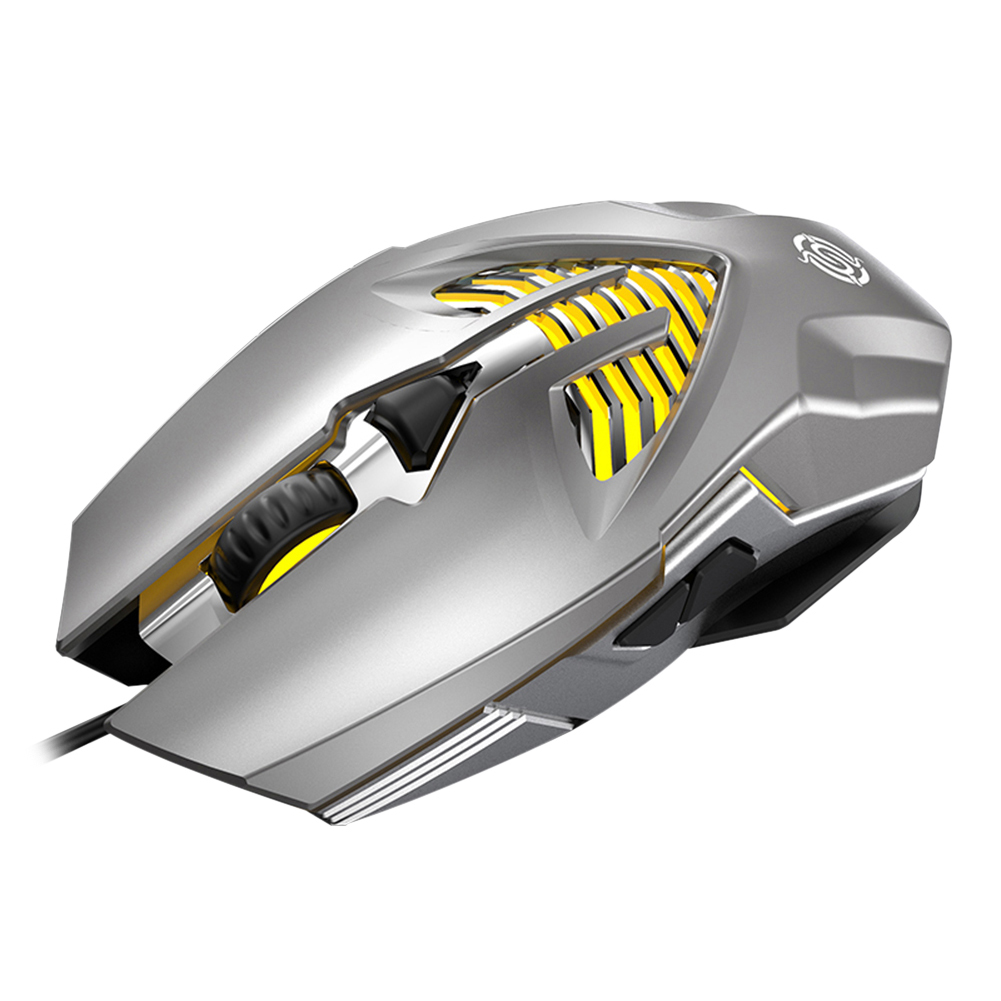

Photos from current listings. Actual item, color, and included accessories may vary.
Gaming PC Buying Guide
A gaming PC is a desktop system built around a discrete GPU, where the GPU tier and power-delivery headroom determine frame rates far more than the CPU badge. The core trade-off is prebuilt convenience versus component quality: boutique builders use standard ATX/SFX parts and real PSU wattage, while budget towers hide weak 80 Plus-less PSUs behind i7/Ryzen 7 marketing. Buy prebuilt only when the listing names the exact GPU model, PSU wattage and efficiency rating, and RAM channel configuration.
Key takeaways
- GPU model suffix dictates performance tier: RTX 5060-class cards need a 550W+ 80 Plus Bronze PSU, while GTX 1070-era systems ship with 500W units and no ray-tracing support.
- Case volume splits the segment: small-form-factor builds use Mini-ITX boards and SFX PSUs under 20 liters, while mid-towers use ATX boards with full-length GPU clearance.
- Memory must be dual-channel (2x16GB rather than 1x32GB) because single-stick DDR4/DDR5 configurations cut gaming frame rates by 10-20% on CPU-bound titles.
At a glance
- Category
- Computers & Peripherals
- Last updated
- Nov 28, 2026
Current offers
Highlights
- GPU model suffix dictates performance tier: RTX 5060-class cards need a 550W+ 80 Plus Bronze PSU, while GTX 1070-era systems ship with 500W units and no ray-tracing support.
- Case volume splits the segment: small-form-factor builds use Mini-ITX boards and SFX PSUs under 20 liters, while mid-towers use ATX boards with full-length GPU clearance.
- Memory must be dual-channel (2x16GB rather than 1x32GB) because single-stick DDR4/DDR5 configurations cut gaming frame rates by 10-20% on CPU-bound titles.
- Storage tier matters: NVMe PCIe 3.0/4.0 SSDs load games 3-5x faster than SATA drives, and 1TB is the practical minimum once Windows and two AAA titles are installed.
Best use cases
- Best fit for 1080p high-refresh esports: pick a mid-tower with a current-gen 60-class GPU, 32GB dual-channel DDR4/DDR5, and a 650W 80 Plus Bronze PSU.
- Best fit for small gaming PC in a dorm or living room: choose an ITX/SFF build under 20 liters with an SFX PSU and a dual-slot GPU; skip full ATX mid-towers that need 18-inch depth clearance.
- Wrong fit: buying an i7-8700 + GTX 1070 listing for 1440p ray-traced play; that GPU lacks DLSS frame generation and will need a full GPU upgrade within two years.
- Wrong fit: a 32GB single-stick RAM tower for competitive shooters; dual-channel 16GB outperforms it and costs less, so skip the capacity headline.
Buying tips
- Match PSU wattage to GPU: add GPU TDP plus 150W CPU/board headroom, then round up to the next 100W and require 80 Plus Bronze or better.
- For small gaming computers, measure case clearance: GPU length under 300mm, CPU cooler height under 70mm, and SFX (not ATX) PSU form factor.
- Require the listing to name the exact GPU (e.g., RTX 5060, not 'RTX series') and the RAM kit as 2x16GB; unbranded '32GB' often means one stick.
- Prefer current-gen platforms (LGA1700/AM5) over i7-8700-era builds: newer chipsets support PCIe 4.0/5.0 SSDs and DDR5, extending upgrade life.
Specs
| GPU Tier | Current 60-class vs older GTX 10-series |
|---|---|
| Form Factor | Mid-tower ATX vs SFF ITX under 20L |
| PSU Rating | 80 Plus Bronze 550-750W |
| RAM Config | Dual-channel 2x8GB / 2x16GB |
Related searches
What to check before buying
- Measure desk or shelf depth and height: mid-towers need roughly 18x8x17 inches, SFF builds under 20 liters need 14x8x13 inches or less.
- Confirm PSU input voltage and plug type match your region (100-120V or 220-240V) and that the PSU has the required 8-pin GPU connectors.
- Check floor or desk ventilation: leave 2-4 inches behind and above the case for exhaust; carpet blocks bottom-intake PSUs.
- Verify the monitor cable standard (DisplayPort 1.4 vs HDMI 2.1) supports your target resolution and refresh rate out of the GPU.
FAQ
Data sources: eBay / Amazon listings and product attribute feeds. Updated Nov 28, 2026.
Some links on this page are affiliate links. If you buy after clicking one, we may earn a commission at no extra cost to you. This does not change which products appear here or their order. Affiliate disclosure.