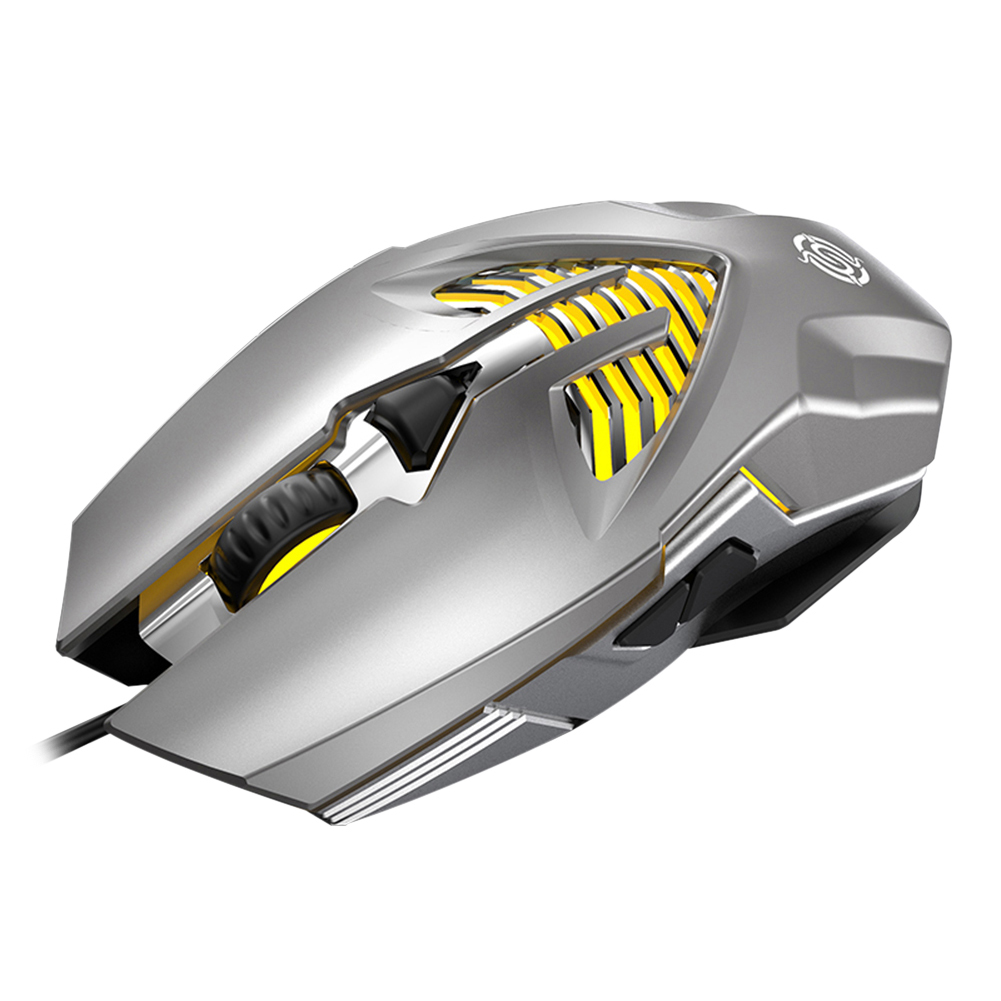

Photos from current listings. Actual item, color, and included accessories may vary.
Gaming Computer Buying Guide
A gaming computer ranges from a prebuilt desktop tower to a laptop or mini-PC, and the primary trade-off is between GPU tier/thermal headroom and upgrade flexibility versus portability. Durable options pair a modern discrete GPU with adequate cooling and a standard ATX or replaceable SODIMM/storage architecture; compromises hide older-generation CPUs with current-gen GPU labels, sealed proprietary cases, or plastic-chassis builds with weak airflow.
Key takeaways
- Desktop GPUs like the RTX 5060 need a 450-550W 80+ Bronze PSU and dual-slot clearance; GTX 1070-class cards are two generations older and peak near 150W.
- Laptop gaming GPUs run 35-45% below desktop equivalents at the same name; an RTX 4060 laptop matches roughly a desktop RTX 3060.
- DDR4-3200 vs DDR5-5600 changes memory bandwidth by about 40%; 32GB is the durable tier for modern AAA titles and multitasking.
At a glance
- Category
- Computers & Peripherals
- Last updated
- Nov 28, 2026
Current offers
Highlights
- Desktop GPUs like the RTX 5060 need a 450-550W 80+ Bronze PSU and dual-slot clearance; GTX 1070-class cards are two generations older and peak near 150W.
- Laptop gaming GPUs run 35-45% below desktop equivalents at the same name; an RTX 4060 laptop matches roughly a desktop RTX 3060.
- DDR4-3200 vs DDR5-5600 changes memory bandwidth by about 40%; 32GB is the durable tier for modern AAA titles and multitasking.
- NVMe PCIe 4.0 SSDs deliver 5,000-7,000 MB/s; SATA drives cap at 550 MB/s and bottleneck game load times on large open-world titles.
Best use cases
- Pick a full-tower prebuilt with an 80+ Gold PSU and mesh front panel for 1440p high-refresh gaming; skip slim ITX or sealed plastic cases that throttle under sustained load.
- Choose a gaming laptop with a 140W+ TGP GPU and dual-fan vapor chamber for frequent travel; skip 60W thin-and-light models marketed as gaming.
- Build or buy a micro-ATX desktop with a current-gen 8-core CPU and 32GB DDR5 for streaming plus gaming; skip office-grade i7-8700 refurb builds paired with new GPUs.
- For 1080p esports at 144Hz, a desktop with RTX 4060 or RX 7600 is sufficient; skip 4K marketing claims on entry GPUs with 8GB VRAM.
Buying tips
- Match GPU to resolution: 8GB VRAM for 1080p, 12GB for 1440p, 16GB+ for 4K; VRAM is not upgradeable on laptops.
- Require an 80+ Bronze or Gold PSU rated at 1.5x GPU TDP; a 550W unit covers RTX 5060/4060 builds, 750W needed for RTX 4070 Ti class.
- Check CPU generation before model number: i7-8700 is 8th-gen DDR4; pair only with GPUs below RTX 4060 to avoid bottlenecking.
- Confirm case clearance for GPU length (300-360mm common) and CPU cooler height (160mm air, 240mm AIO) before buying a prebuilt.
Specs
| Form Factor | Desktop tower / Laptop / Mini-PC |
|---|---|
| GPU Tier | Entry 1080p / Mid 1440p / High 4K |
| Memory | 16GB DDR4 min / 32GB DDR5 rec |
| Storage | NVMe PCIe 4.0 1TB / SATA 550MB/s |
Related searches
What to check before buying
- Measure desk depth and width: full towers need 20-24 inches depth and 8-10 inches width; mini-ITX fits 12-inch depth.
- Verify room ambient temperature stays below 80°F; sustained gaming raises case temps 10-15°C over ambient.
- Confirm monitor cable standard: HDMI 2.1 for 4K 120Hz, DisplayPort 1.4 for 1440p 240Hz; check GPU port count.
- Ensure a grounded wall outlet and surge protector rated for 600J+; gaming desktops draw 300-600W under load.
FAQ
Data sources: eBay / Amazon listings and product attribute feeds. Updated Nov 28, 2026.
Some links on this page are affiliate links. If you buy after clicking one, we may earn a commission at no extra cost to you. This does not change which products appear here or their order. Affiliate disclosure.