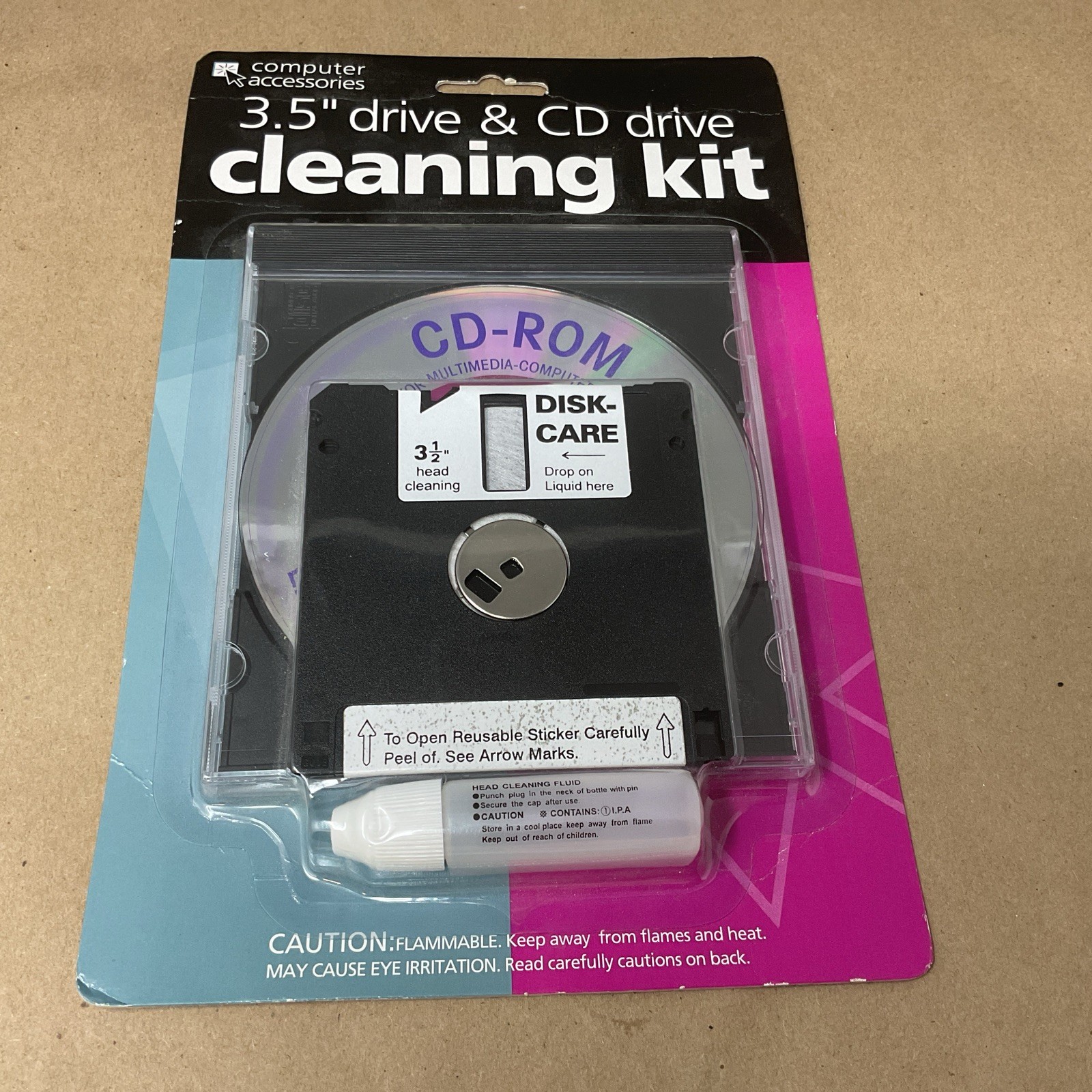

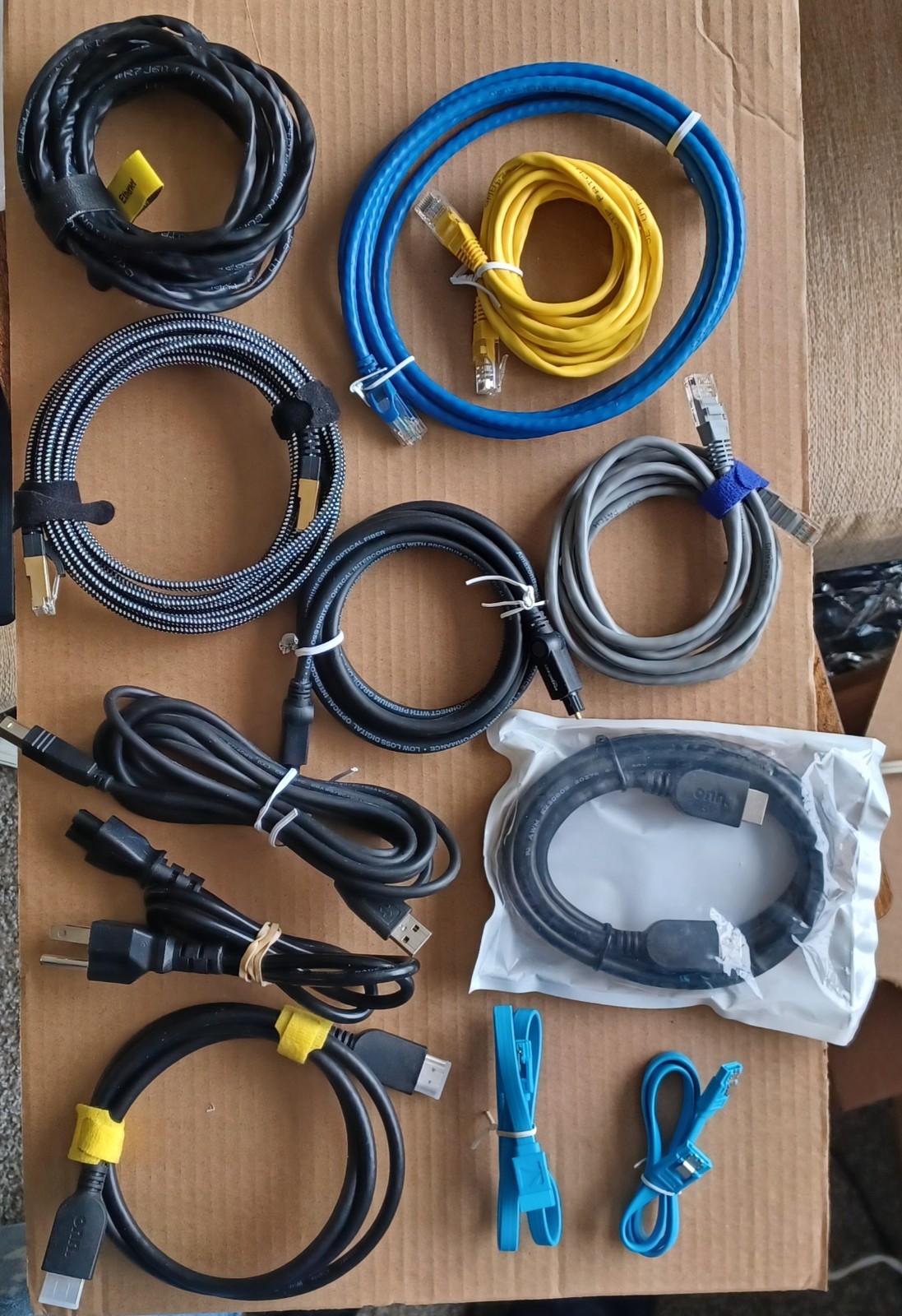
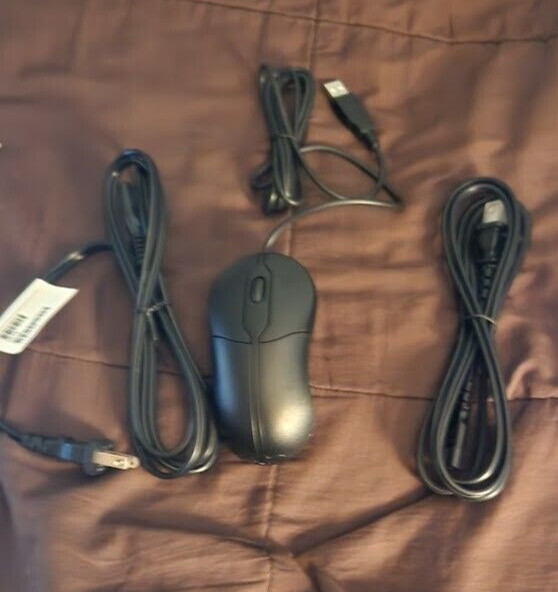
Photos from current listings. Actual item, color, and included accessories may vary.
Computer Accessory Buying Guide
Computer accessories span input devices, storage, cables, cleaning kits, and transport bags—most are commodity items where connector standard, cable gauge, and build material decide longevity. The core trade-off is certified compatibility (USB-IF, VESA, SATA) versus no-name bundles that may mix obsolete interfaces. Buy only accessories whose spec sheet names the standard and generation; skip anonymous lots with unstated revisions.
Median $20.00
Key takeaways
- USB-C accessories must state USB 3.2 Gen 2 (10 Gbps) or Thunderbolt 3/4 (40 Gbps); USB 2.0-only cables cap charging at 480 Mbps data and often 3A.
- SATA III 6 Gb/s cables are limited to 1 m; longer runs need active repeaters or eSATA, while cheap 3.5-inch cleaning kits use felt pads that shed fibers.
- Keyboard tote bags need at least 600D polyester or 5 mm neoprene with YKK zippers; thin 210D nylon tears at handle seams under a 1.5 kg keyboard load.
At a glance
- Category
- Computers & Peripherals
- Last updated
- Nov 27, 2026
Current offers
Highlights
- USB-C accessories must state USB 3.2 Gen 2 (10 Gbps) or Thunderbolt 3/4 (40 Gbps); USB 2.0-only cables cap charging at 480 Mbps data and often 3A.
- SATA III 6 Gb/s cables are limited to 1 m; longer runs need active repeaters or eSATA, while cheap 3.5-inch cleaning kits use felt pads that shed fibers.
- Keyboard tote bags need at least 600D polyester or 5 mm neoprene with YKK zippers; thin 210D nylon tears at handle seams under a 1.5 kg keyboard load.
- Certified DisplayPort 1.4 cables support 32.4 Gbps and 8K at 60 Hz with DSC; uncertified cables often fail HBR3 and drop to 4K 30 Hz.
Best use cases
- Best fit: pair a USB-C 10 Gbps hub with a laptop that has DisplayPort Alt Mode for one-cable docking; skip USB 2.0 hubs if you need 4K 60 Hz output.
- Best fit: buy a 600D polyester tote with a padded 15.6-inch laptop sleeve for daily transport; wrong fit: a thin nylon sleeve bag for a mechanical keyboard and heavy brick.
- Best fit: choose a SATA III cable rated 6 Gb/s and 1 m or shorter for an internal 2.5-inch SSD; skip flat ribbon cables over 50 cm that cause CRC errors.
- Best fit: select a cleaning kit with lint-free foam swabs and 99% isopropyl alcohol for optical drives; wrong fit: felt-tip kits that leave residue on laser lenses.
Buying tips
- Match USB-C cable power rating: 3A (60 W) vs 5A (100 W E-Marked); a 100 W laptop needs a 5A E-Marked cable to avoid throttled charging.
- For cable runs over 2 m at USB 3.2 Gen 2, use an active cable; passive 10 Gbps cables lose signal integrity beyond 2 m.
- Keyboard bag interior dimensions must exceed keyboard length by 2 cm and height by 1 cm; a 60% board is about 30 cm, a full-size about 45 cm.
- Verify SATA data cable has metal latch clips; unlatched cables vibrate loose in desktop bays and cause drive dropouts.
Specs
| USB Standard | USB 2.0 / 3.2 Gen 1 / Gen 2 / TB3-4 |
|---|---|
| Cable Power Rating | 3A (60 W) vs 5A E-Marked (100 W) |
| SATA Link Speed | SATA III 6 Gb/s, 1 m max passive |
| Bag Material Grade | 210D nylon vs 600D polyester vs neoprene |
Related searches
What to check before buying
- Measure your keyboard (length x width x depth) and laptop diagonal; compare to bag internal dimensions with 2 cm clearance.
- Confirm your laptop USB-C port supports Power Delivery and DisplayPort Alt Mode before buying a docking hub.
- Check desktop drive bay type (2.5-inch vs 3.5-inch) and available SATA III port count before ordering cables.
- Verify optical drive type (slot-load vs tray) and lens location before using any cleaning disc; slot-load drives reject standard cleaning discs.
FAQ
Data sources: eBay / Amazon listings and product attribute feeds. Updated Nov 27, 2026.
Some links on this page are affiliate links. If you buy after clicking one, we may earn a commission at no extra cost to you. This does not change which products appear here or their order. Affiliate disclosure.