
Photos from current listings. Actual item, color, and included accessories may vary.
SSD Portable Buying Guide
Portable SSDs are bus-powered flash drives that trade peak speed for pocketability, and the primary buyer decision is whether you need sustained write speed (USB 3.2 Gen 2 / NVMe) or just fast reads for backups. Durable drives use native USB-C NVMe controllers with DRAM or dynamic SLC caching, while compromises hide SATA internals or QLC flash behind a USB 3.2 Gen 1 bridge. The decision rule: buy NVMe USB 3.2 Gen 2 for video/scratch work, SATA USB 3.2 Gen 1 for cold backup, and skip any drive that lists only 'USB 3.0' with no controller detail.
Median $92.49
Key takeaways
- Interface tier dictates ceiling: USB 3.2 Gen 2 (10 Gbps) yields ~900-1050 MB/s reads; USB 3.2 Gen 1 (5 Gbps) caps near 450-550 MB/s regardless of internal flash.
- NVMe + USB 3.2 Gen 2x2 (20 Gbps) reaches ~2000 MB/s but requires a matching 20 Gbps host port; on 10 Gbps ports it falls back to ~1000 MB/s.
- Sustained write speed collapses on DRAM-less QLC drives after SLC cache exhaustion—often from 900 MB/s to 100-300 MB/s on large transfers beyond 50-100 GB.
At a glance
- Category
- PC Storage Upgrades
- Last updated
- Nov 24, 2026
Current offers
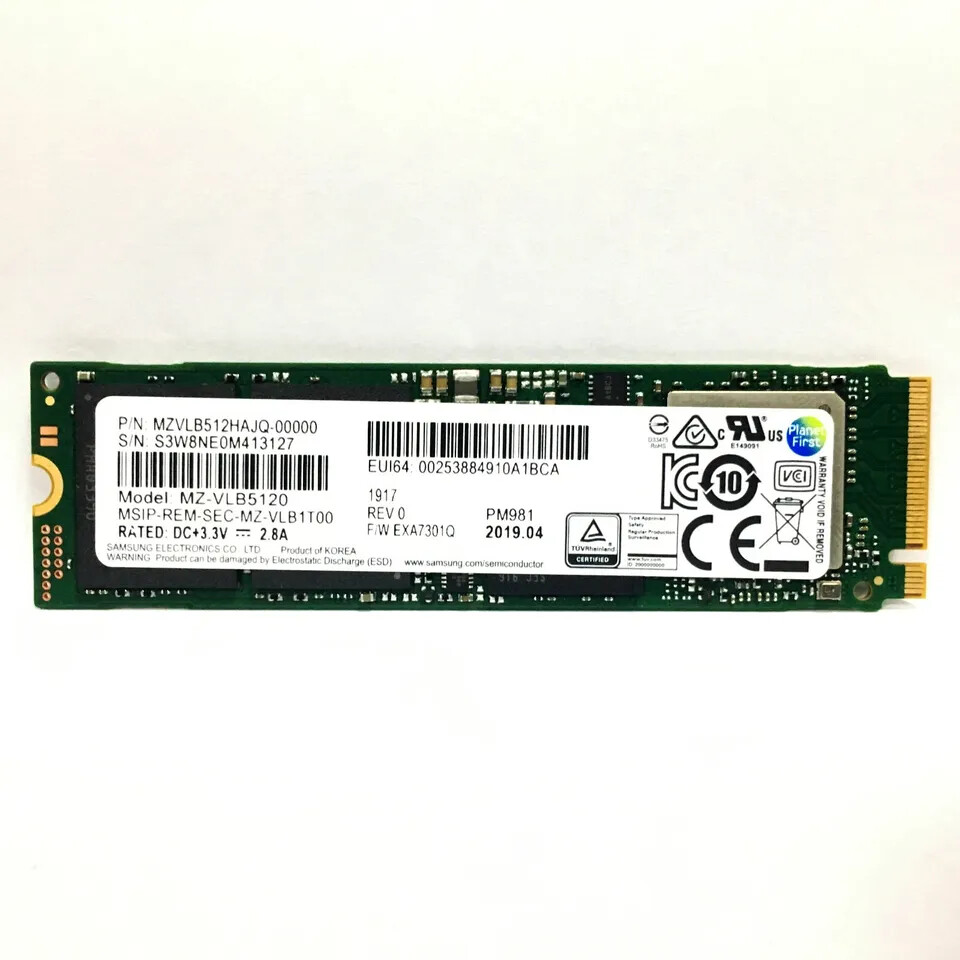 M.2 NVMe SSD Single Notch 128GB 256GB 512GB with Windows 10/Windows 11 Installed$43.00View on eBay
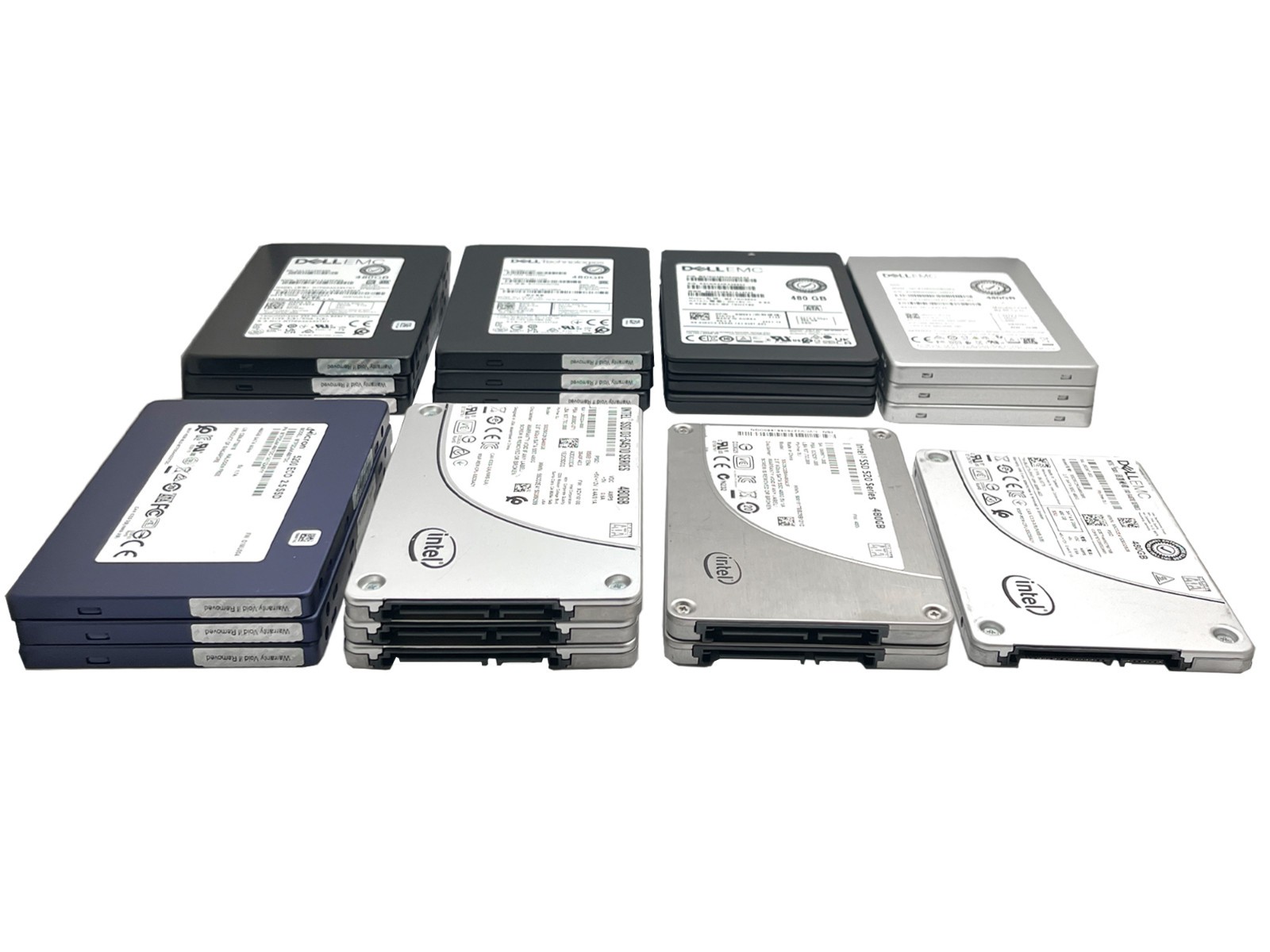 Major Brand 480GB 2.5" SATA SSD for Laptop / Desktop PC - 2 Years Warranty$49.99View on eBay
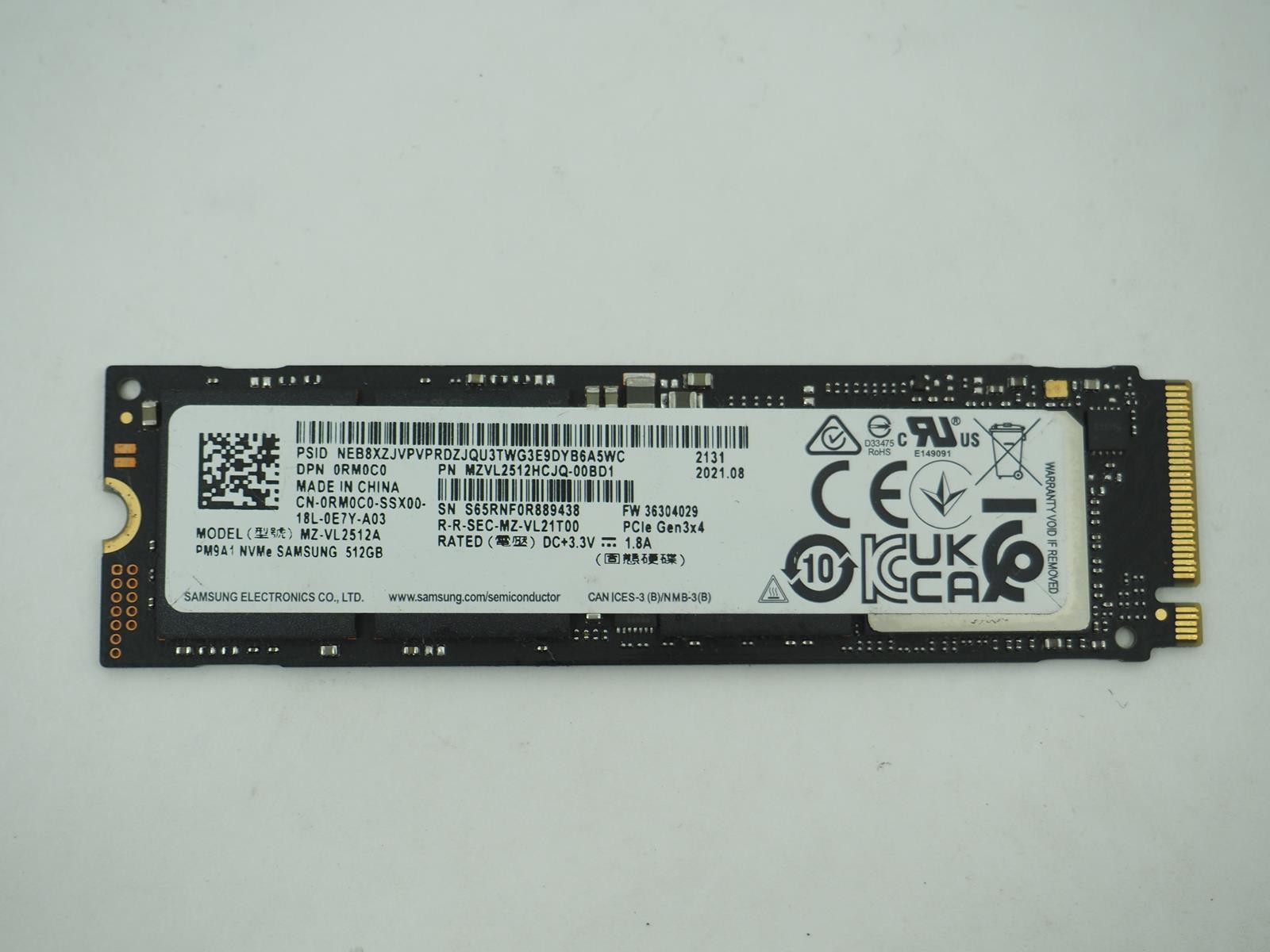 Samsung PM9A1 512GB NVMe M.2 SSD Tested, Wiped - MZ-VL2512A$65.00View on eBay
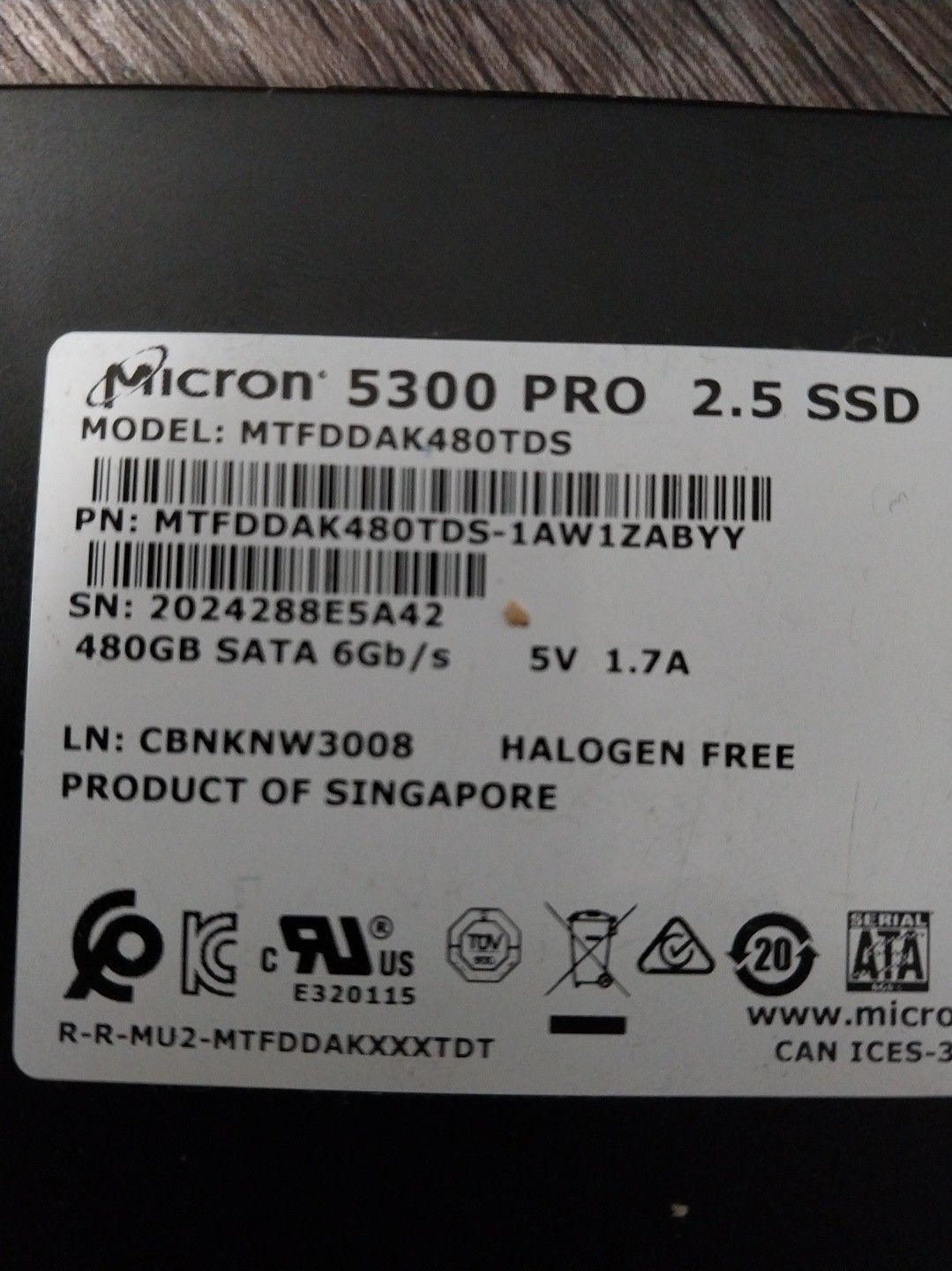 SSD 480GB 2.5" SATA Micron 5300 PRO MTFDDAK480TDS HPE VK000480GXAWK P19933-002$84.99View on eBay
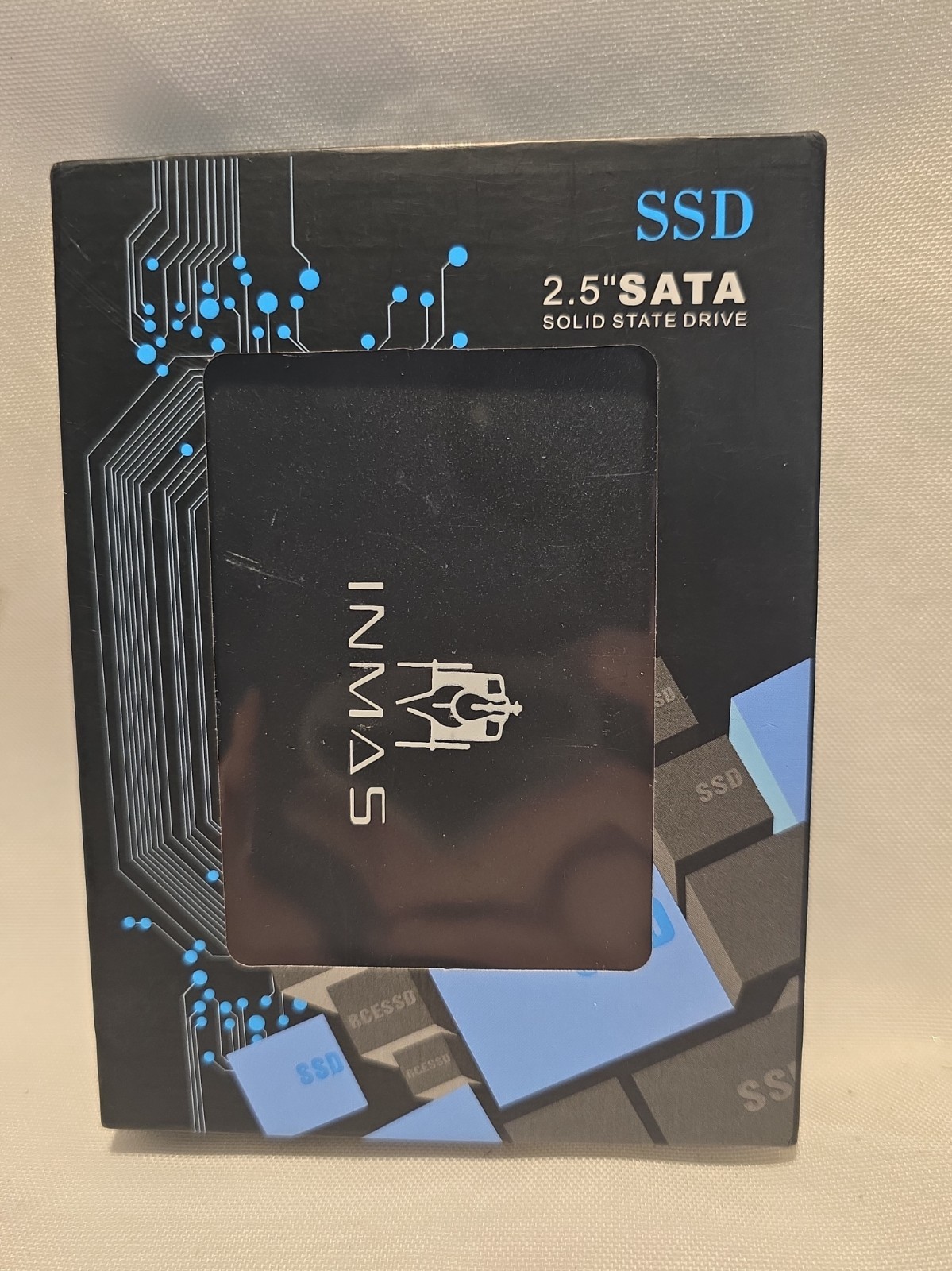 2.5 "SATA3.0 SSD Solid State Drive Desktop Large Capacity Laptop$99.99View on eBay
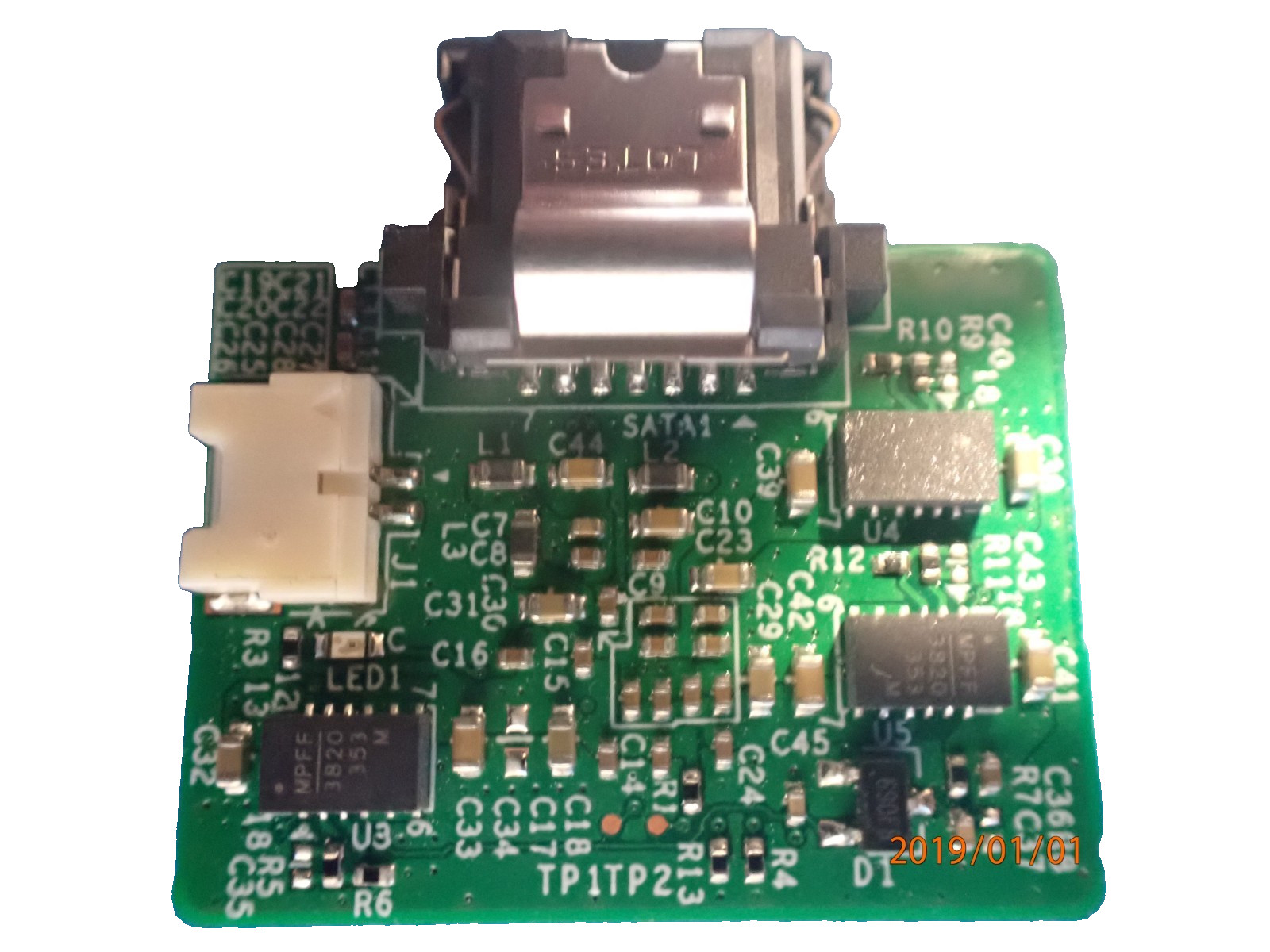 Supermicro DM064-PHI SSD 64GB SATA DOM Disk-On-Module$99.99View on eBay
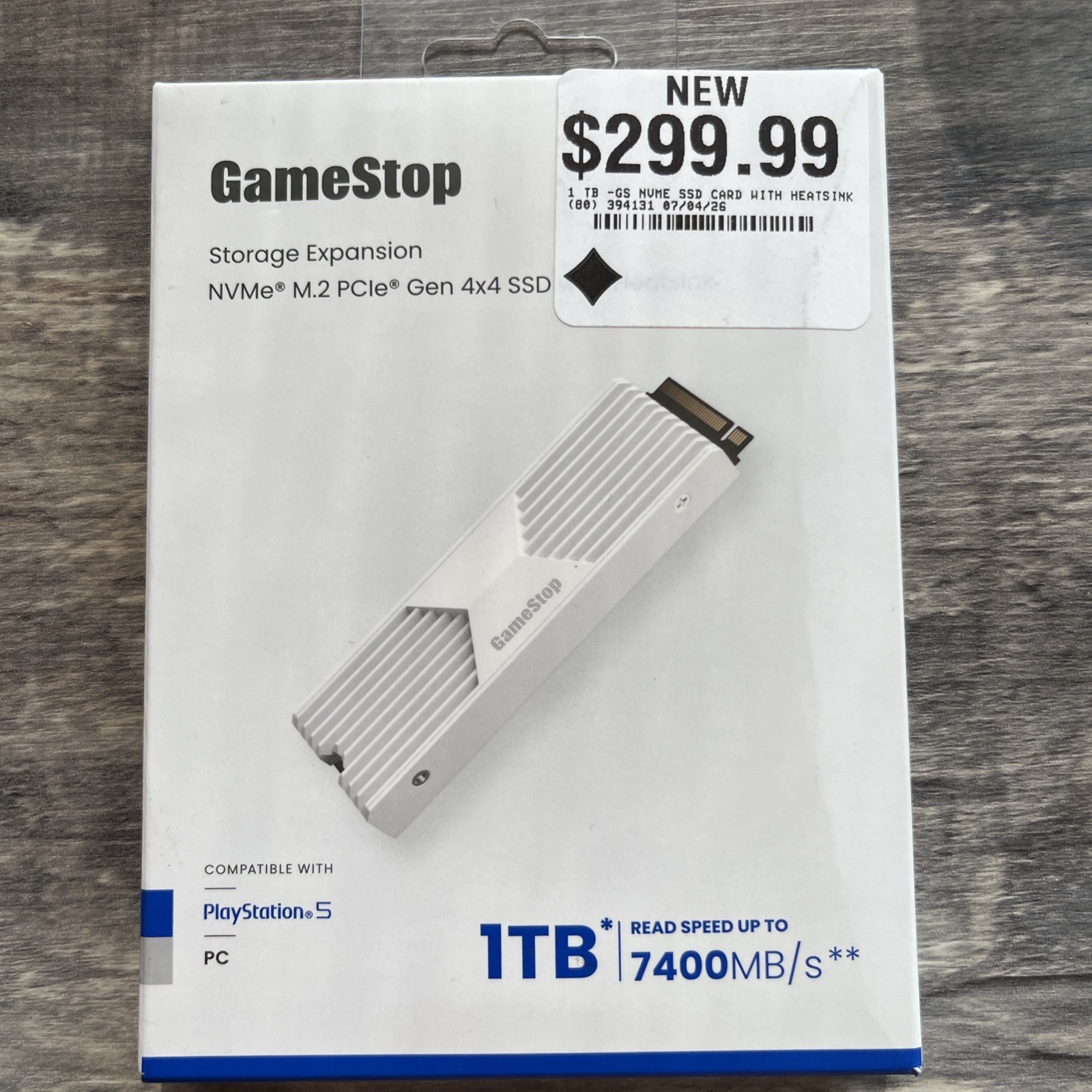 1TB NVMe M.2 PCIe Gen 4x4 SSD w/ Heatsink for PS5/PC 7400MB/s GAMESTOP NEW 🆕$177.77View on eBay
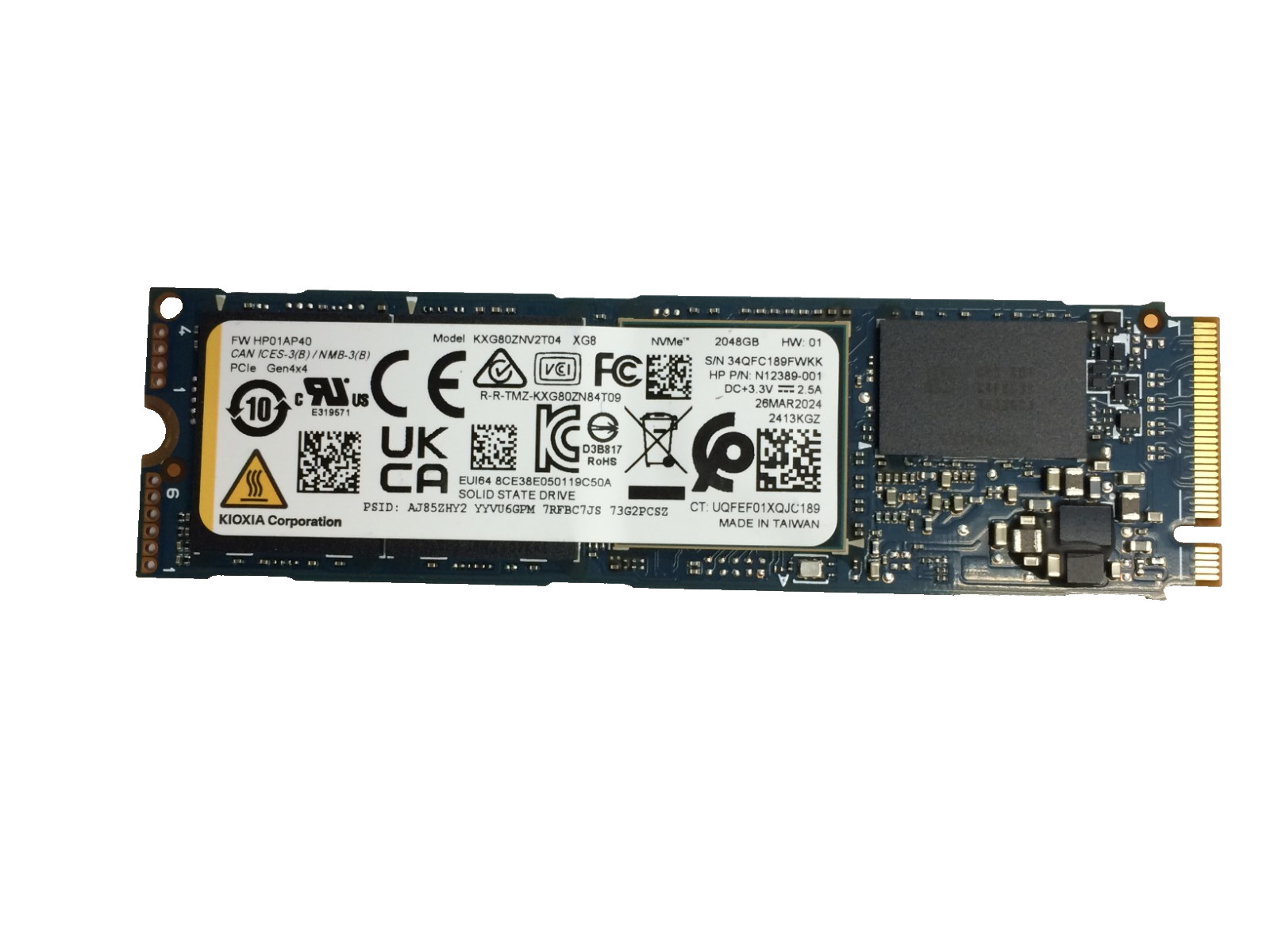 2TB M.2 NVMe SSD Internal Solid State Drive 2280 Major brands | Very Good Health$189.99View on eBay
Highlights
- Interface tier dictates ceiling: USB 3.2 Gen 2 (10 Gbps) yields ~900-1050 MB/s reads; USB 3.2 Gen 1 (5 Gbps) caps near 450-550 MB/s regardless of internal flash.
- NVMe + USB 3.2 Gen 2x2 (20 Gbps) reaches ~2000 MB/s but requires a matching 20 Gbps host port; on 10 Gbps ports it falls back to ~1000 MB/s.
- Sustained write speed collapses on DRAM-less QLC drives after SLC cache exhaustion—often from 900 MB/s to 100-300 MB/s on large transfers beyond 50-100 GB.
- Rugged ratings matter: IP55 dust/water resistance and 2-3 m drop ratings separate outdoor-ready models from bare aluminum enclosures with no ingress protection.
Best use cases
- Best fit: 4K/8K video editors and photographers—pick NVMe USB 3.2 Gen 2 (10 Gbps) with DRAM or large dynamic SLC cache for sustained 700+ MB/s writes during card offloads.
- Best fit: Console game storage (PS5/Xbox)—choose USB 3.2 Gen 2 NVMe in 1-2 TB; Gen 1 SATA drives cause slow game copies and are wrong-fit for active game libraries.
- Best fit: Cold backup and archival—a USB 3.2 Gen 1 SATA or QLC NVMe drive in 2-4 TB is cost-efficient; skip Gen 2x2 premiums since backup speed is bottlenecked by source drives.
- Wrong fit: Buying 8 TB portable SSD for primary editing—most 8 TB units are QLC with severe cache-drop; use a 4 TB TLC NVMe plus a separate HDD archive instead.
Buying tips
- Match interface to host port: USB 3.2 Gen 2 (10 Gbps) is the practical sweet spot; Gen 2x2 (20 Gbps) only pays off if your laptop/desktop explicitly has a 20 Gbps USB-C port.
- For sustained writes, favor TLC NAND with DRAM or a drive rated for sequential write above 800 MB/s; QLC DRAM-less models are read-fast but write-slow after cache exhaustion.
- Capacity math: reserve 15-20% free space for wear leveling and SLC cache; a 1 TB drive effectively holds ~800-850 GB of active projects before performance degrades.
- Check endurance rating (TBW): 1 TB TLC drives typically rate 300-600 TBW; QLC 1 TB often rates 100-200 TBW—relevant for daily large-file rotation.
Specs
| Interface Tier | USB 3.2 Gen 1 / Gen 2 / Gen 2x2 |
|---|---|
| Internal Architecture | NVMe PCIe vs SATA III bridge |
| NAND & Cache | TLC w/ DRAM vs QLC DRAM-less |
| Rugged Rating | IP55 + 2-3 m drop rated |
Related searches
What to check before buying
- Confirm host port generation and shape: USB-C 10 Gbps vs 5 Gbps vs Thunderbolt/USB4—a Gen 2x2 drive on a 5 Gbps port delivers no benefit.
- Measure carry environment: IP55 or drop-rated (2-3 m) enclosure if it leaves the desk; bare aluminum shells are desk-only.
- Verify cable and companion parts: most portable SSDs ship with a short USB-C-to-C cable; USB-A hosts need a separate USB-C-to-A cable rated for 10 Gbps.
- Check OS/filesystem compatibility before first format: exFAT for cross-platform Windows/macOS, APFS for Mac-only, NTFS for Windows-only large-file work.
FAQ
Data sources: eBay / Amazon listings and product attribute feeds. Updated Nov 24, 2026.
Some links on this page are affiliate links. If you buy after clicking one, we may earn a commission at no extra cost to you. This does not change which products appear here or their order. Affiliate disclosure.