
Photos from current listings. Actual item, color, and included accessories may vary.
Sony Playstation Buying Guide
Sony PlayStation hardware spans six generations with distinct disc formats, video outputs, and power requirements. The key trade-off is backward compatibility and modern connectivity versus authentic original hardware quirks. Decide by generation: PS5 for 4K HDMI and PS4 disc support, PS3 for Blu-ray and PS1 playback, PS2 for CD/DVD era accuracy, and PSP for region-free UMD portability.
Median $122.50
Key takeaways
- PS5 uses HDMI 2.1 with 4K/120Hz support and NVMe SSD expansion; PS4 Pro adds 4K output but no 120Hz.
- PS3 Slim (CECH-2000 series) uses 100–240V AC and plays Blu-ray, DVD, and PS1 discs, but not PS2 games.
- PS2 Slim draws 8.5V DC via external adapter and outputs composite or component; no HDMI without a scaler.
At a glance
- Category
- Console & Handheld Hardware
- Last updated
- Nov 29, 2026
Current offers
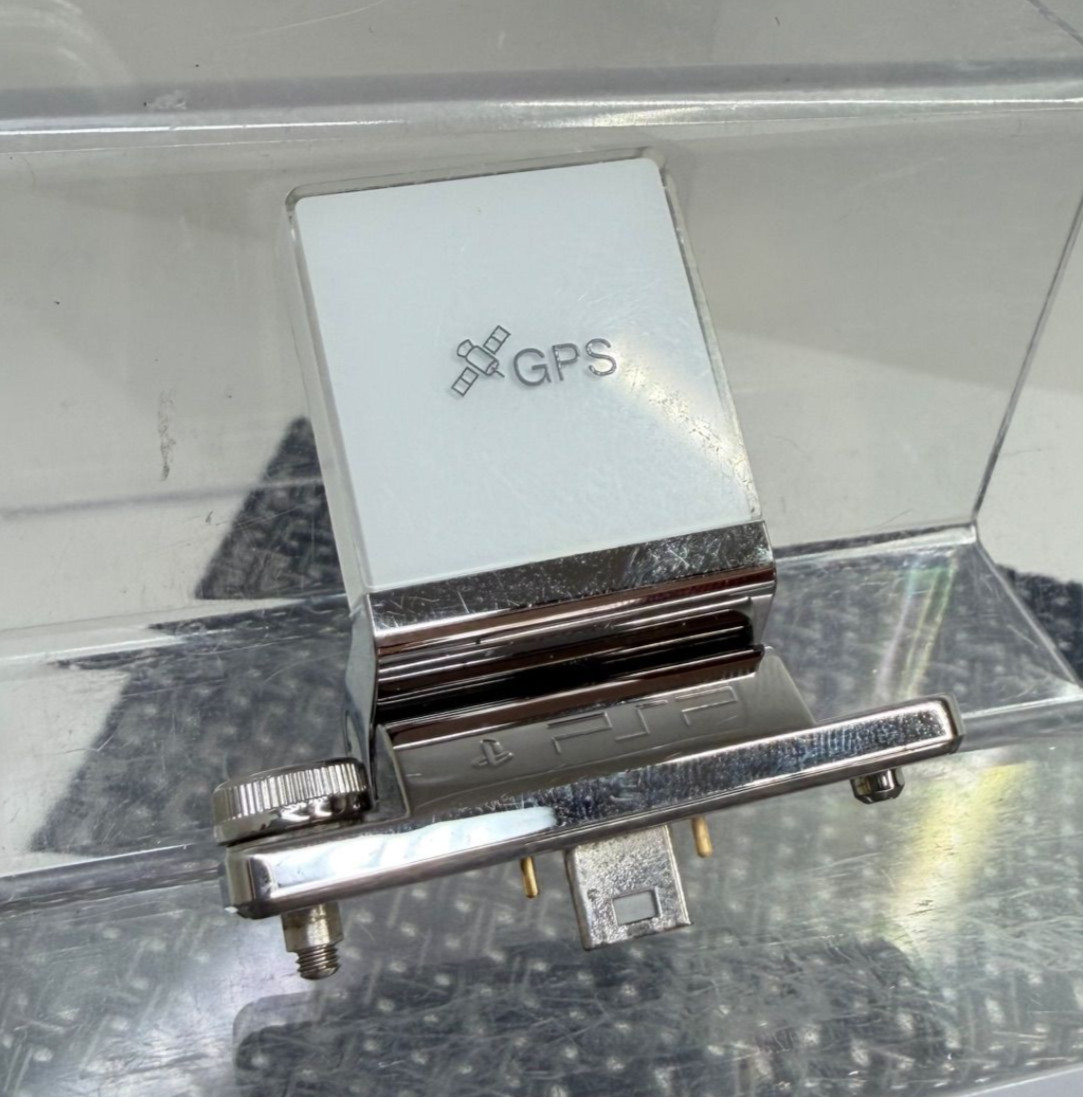 Sony PSP GPS Receiver Unit PSP-290 PlayStation Portable Japan Import Official$42.00Last checked Nov 25, 2026View on eBay
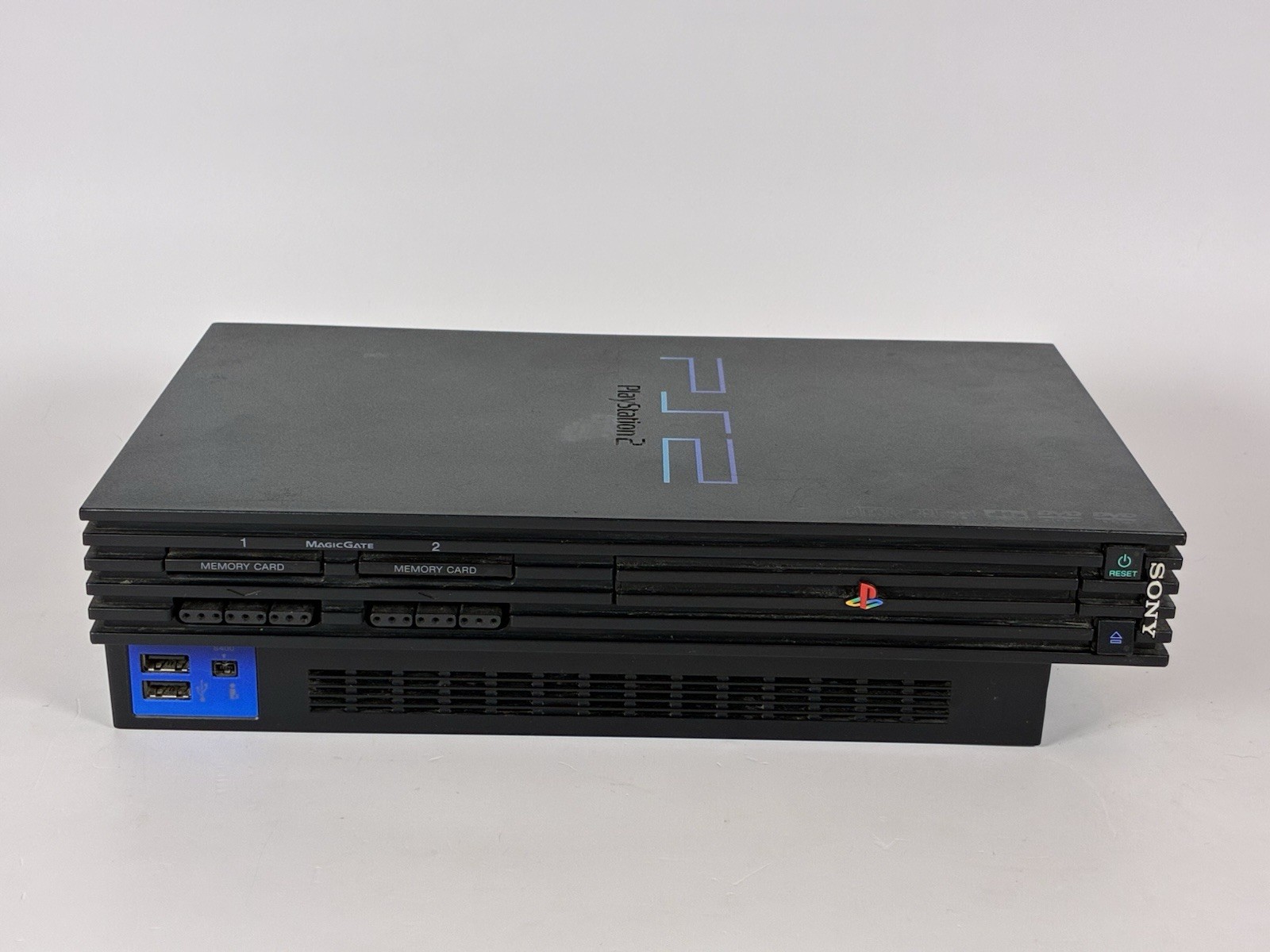 PlayStation 2 PS2 Console Only Fully Tested - Grade C$75.00View on eBay
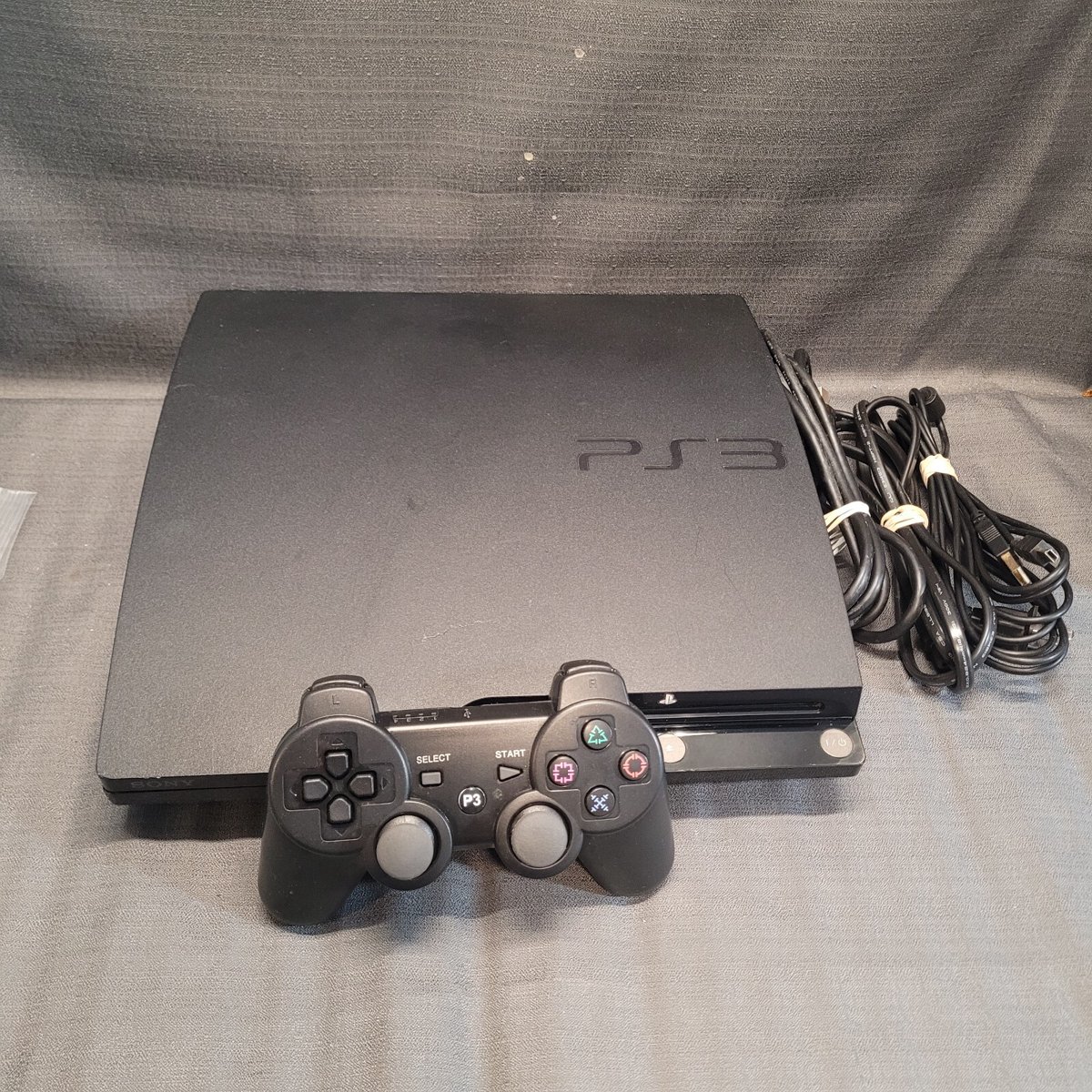 Sony PlayStation 3 - Slim 120GB Black Console System + Controller + Cables$108.00View on eBay
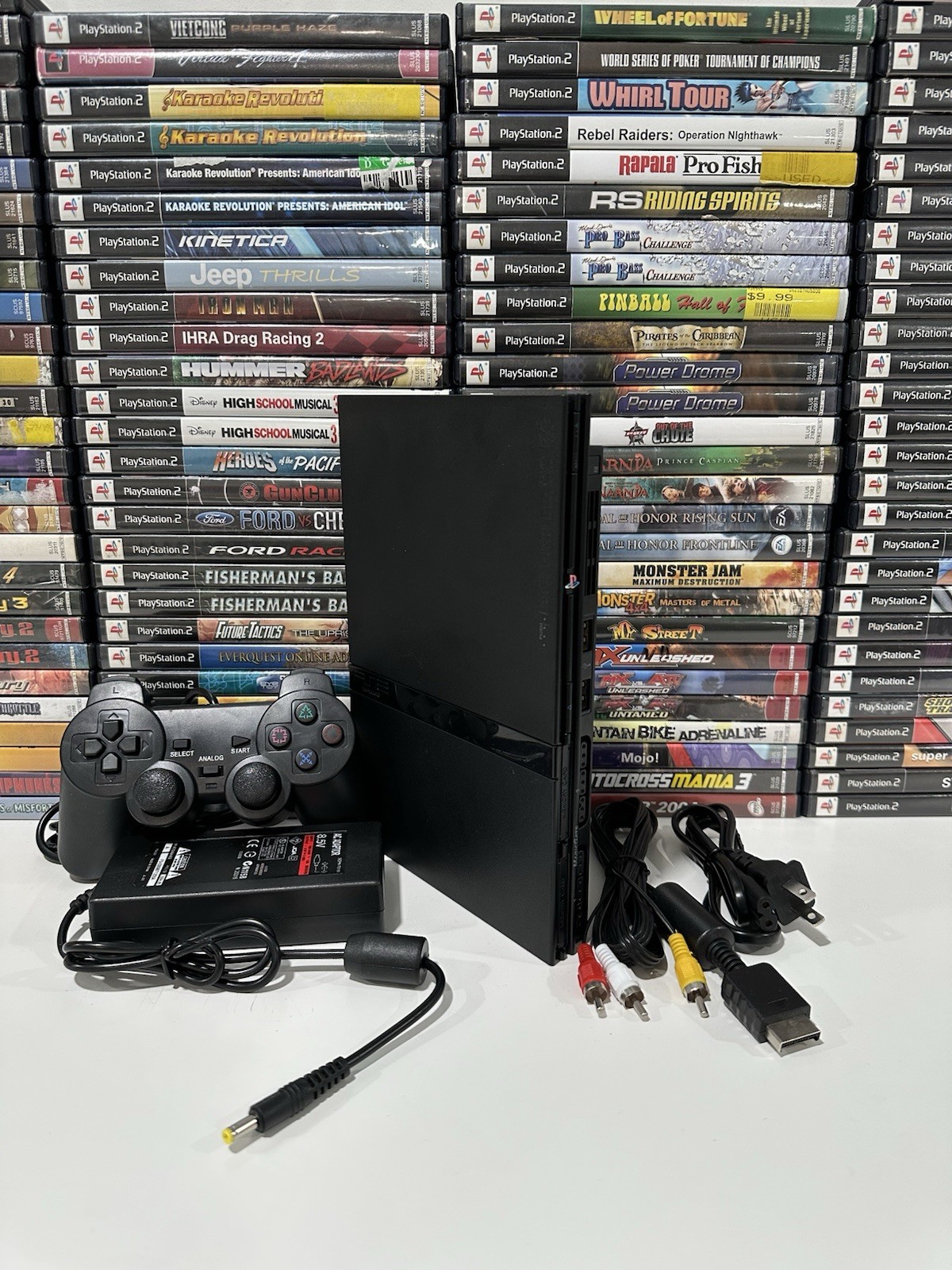 Sony PlayStation 2 PS2 Slim Black Console Bundle –Controller / Cables / Tested$120.00Last checked Nov 28, 2026View on eBay
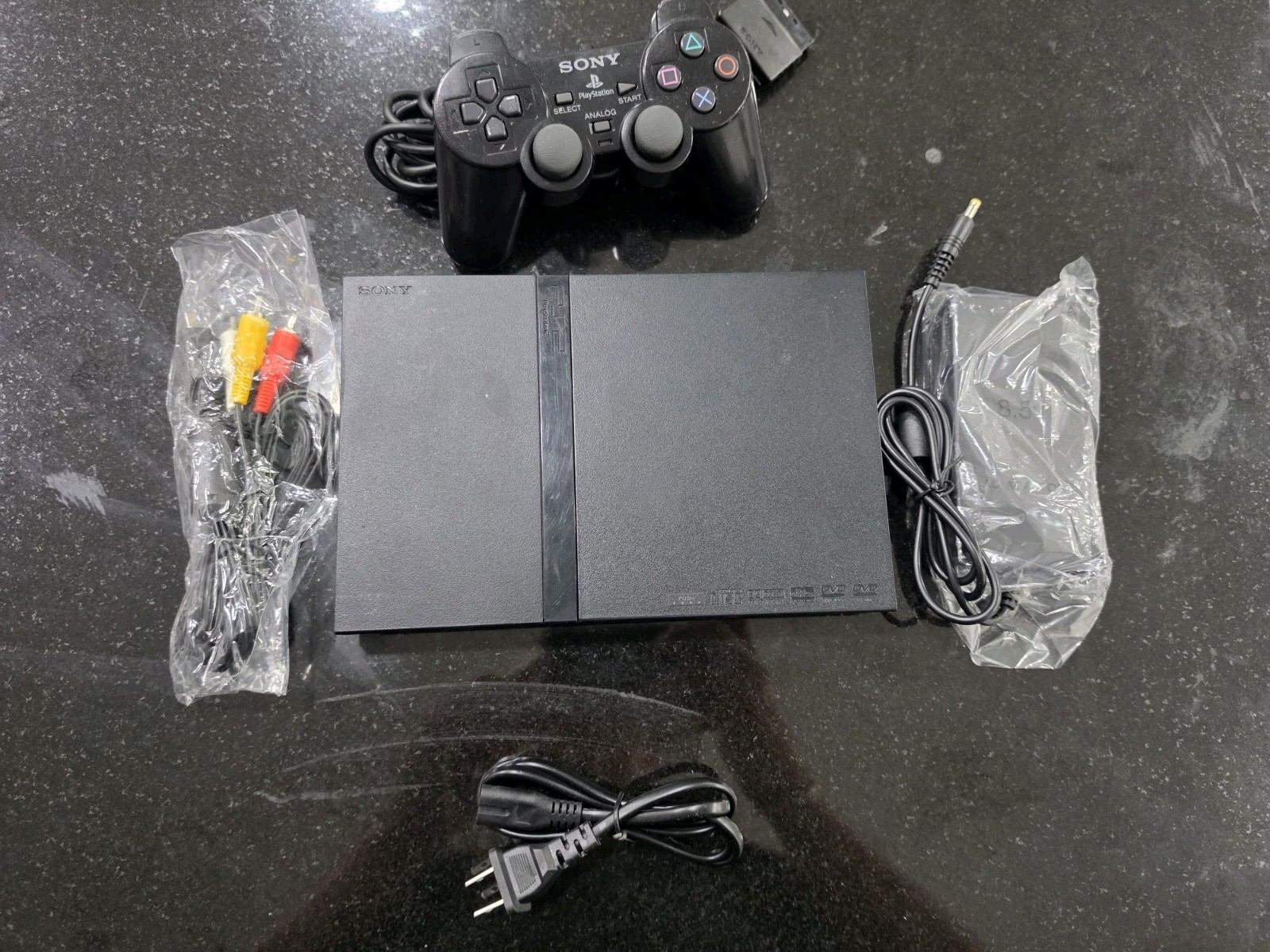 Sony PlayStation 2 PS2 Slim Console Complete. Tested Working$124.99View on eBay
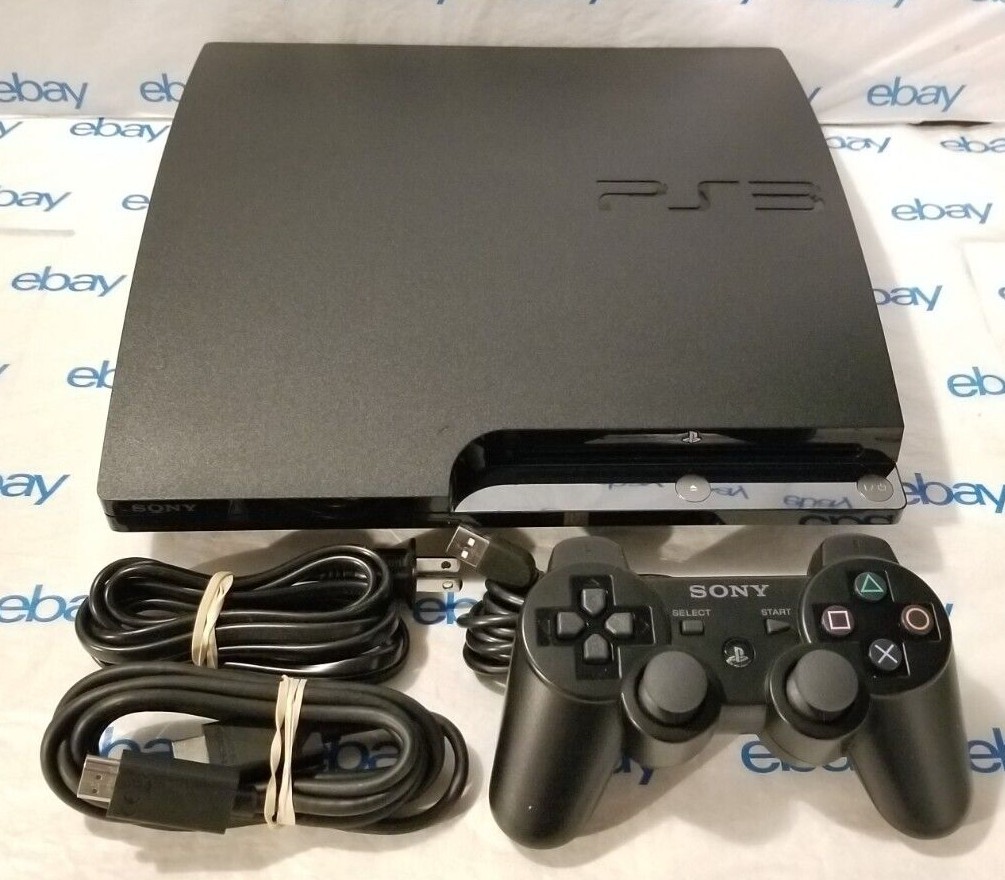 Sony PlayStation 3 PS3 Slim Console With Controller & Cords Tested & Working!$139.99View on eBay
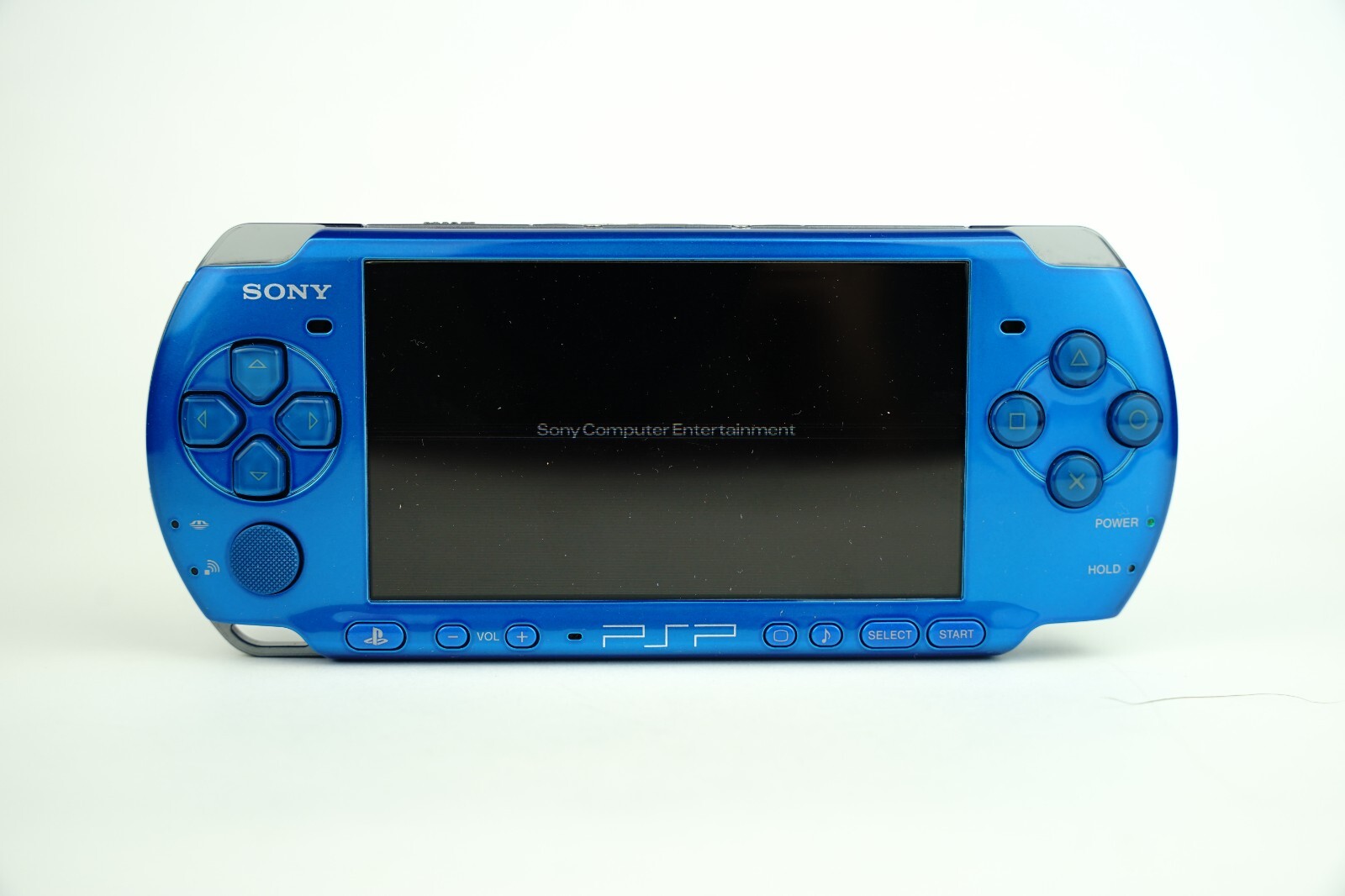 Sony PlayStation PSP 1000/2000/3000 Console with Charger/New Battery Region Free$159.99Last checked Nov 28, 2026View on eBay
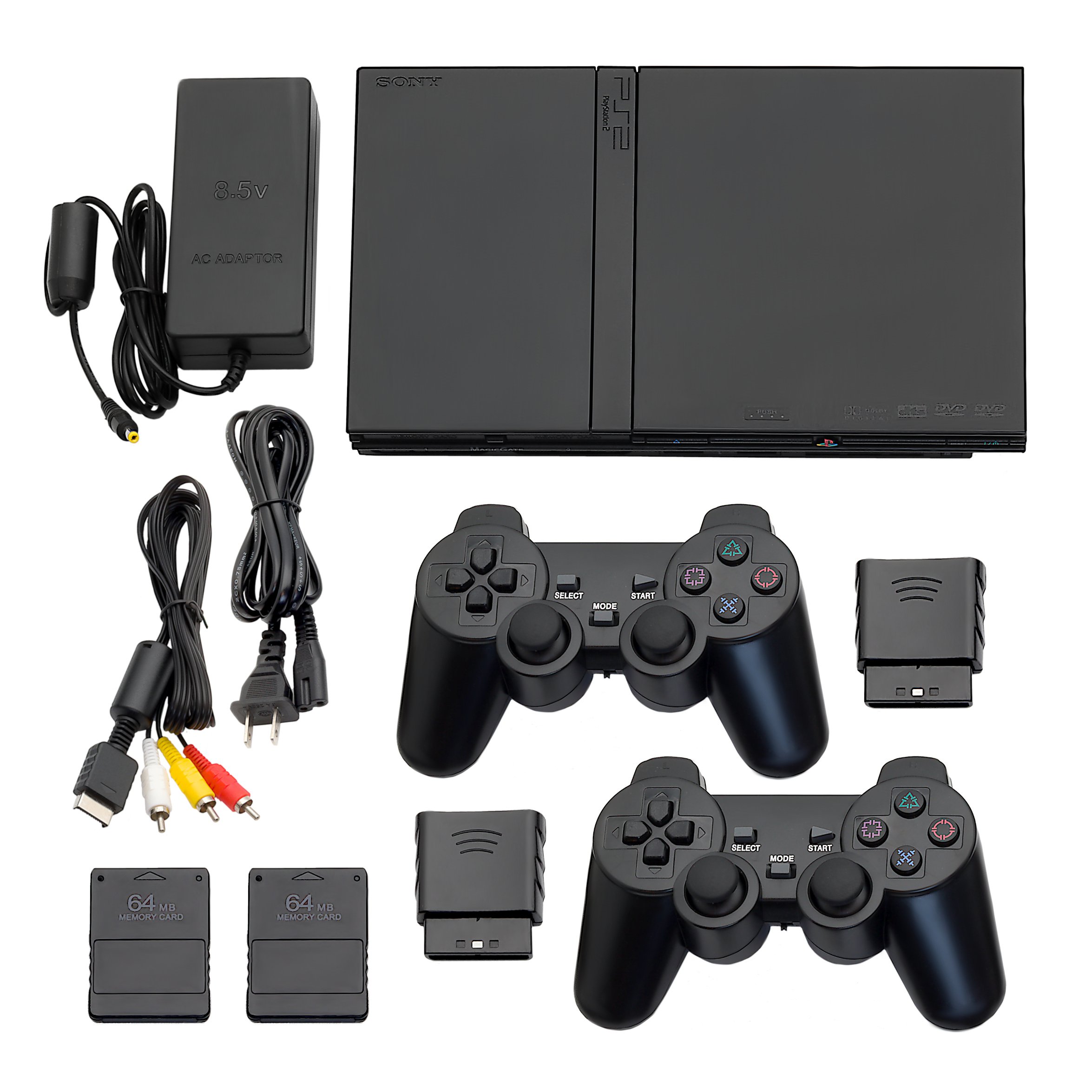 Guaranteed PlayStation 2 PS2 Console Slim Black + Wireless Controllers + USA$189.99View on eBay
Highlights
- PS5 uses HDMI 2.1 with 4K/120Hz support and NVMe SSD expansion; PS4 Pro adds 4K output but no 120Hz.
- PS3 Slim (CECH-2000 series) uses 100–240V AC and plays Blu-ray, DVD, and PS1 discs, but not PS2 games.
- PS2 Slim draws 8.5V DC via external adapter and outputs composite or component; no HDMI without a scaler.
- PSP 1000/2000/3000 are region-free for UMD games; PSP-290 GPS receiver requires compatible firmware and works with map software.
Best use cases
- Buy PS5 if you need 4K/120Hz, PS4 disc backward compatibility, and modern Wi-Fi 6 — skip PS4 Pro for new-gen performance.
- Buy PS3 Slim for Blu-ray playback and PS1 classics — skip if you need PS2 disc compatibility, which only original 20/60GB models offer.
- Buy PS2 Slim for CD/DVD-era games and compact size — skip if you want HDMI output or wireless controllers without adapters.
- Buy PSP 3000 for portable UMD play and region-free games — skip if you expect modern screen brightness or USB-C charging.
Buying tips
- Match disc format to your library: PS1 uses CD, PS2 uses CD/DVD, PS3 uses Blu-ray/DVD/CD, PS4/PS5 use Blu-ray, PSP uses UMD.
- Check video output before buying: PS1/PS2 need composite or component; PS3/PS4/PS5 use HDMI; PSP uses component cable or composite.
- For PS2 Slim, confirm the 8.5V DC adapter is included — it is external and model-specific, unlike internal PSUs on fat PS2.
- PSP 1000 uses a different battery and charger than 2000/3000; verify the included battery is new and the charger matches the model.
Specs
| Generation | PS1 / PS2 / PS3 / PS4 / PS5 / PSP |
|---|---|
| Disc Format | CD / DVD / Blu-ray / UMD |
| Video Output | Composite / Component / HDMI |
| Power Input | 100–240V AC or 8.5V DC (PS2 Slim) |
Related searches
What to check before buying
- Measure your TV or monitor inputs: PS2 and PS1 require composite/component; PS3 and newer require HDMI.
- Confirm wall voltage: PS3, PS4, and PS5 accept 100–240V AC; PS2 Slim needs the 8.5V DC adapter for your region's plug.
- Check controller and memory card compatibility: PS1 uses Memory Card; PS2 uses Memory Card (8MB); PS3 uses internal HDD; PS4/PS5 use cloud/USB.
- For PSP, verify the UMD drive and battery are functional; PSP-290 GPS requires a compatible PSP model and map software.
FAQ
Data sources: eBay / Amazon listings and product attribute feeds. Updated Nov 29, 2026.
Some links on this page are affiliate links. If you buy after clicking one, we may earn a commission at no extra cost to you. This does not change which products appear here or their order. Affiliate disclosure.