
Photos from current listings. Actual item, color, and included accessories may vary.
Handheld Console Buying Guide
A handheld console is a self-contained gaming device with an integrated screen, controls, and battery, ranging from open-source retro emulators to closed-platform systems like the Nintendo Switch, Steam Deck, and Logitech G Cloud. The primary trade-off is between raw performance and portability/battery life, with build quality and display technology separating durable units from disposable ones. Choose based on your game library and ecosystem lock-in: buy a closed-platform console for official AAA or first-party titles, and an open-source emulator only if you accept community-maintained firmware and limited support.
Median $85.00
Key takeaways
- Open-source handhelds like the R36S use a 3.5-inch IPS screen and Linux firmware, while premium devices like the Steam Deck offer a 7-inch LCD with AMD APU performance for PC games.
- Nintendo Switch HAC-001 uses a 6.2-inch LCD and 32GB internal storage, with detachable Joy-Con controllers that define its hybrid TV/handheld architecture.
- Sony PS Vita PCH-1101 features a 5-inch OLED screen and proprietary Vita memory cards, making storage expansion costly and limited compared to microSD-based rivals.
At a glance
- Category
- Console & Handheld Hardware
- Last updated
- Nov 29, 2026
Current offers
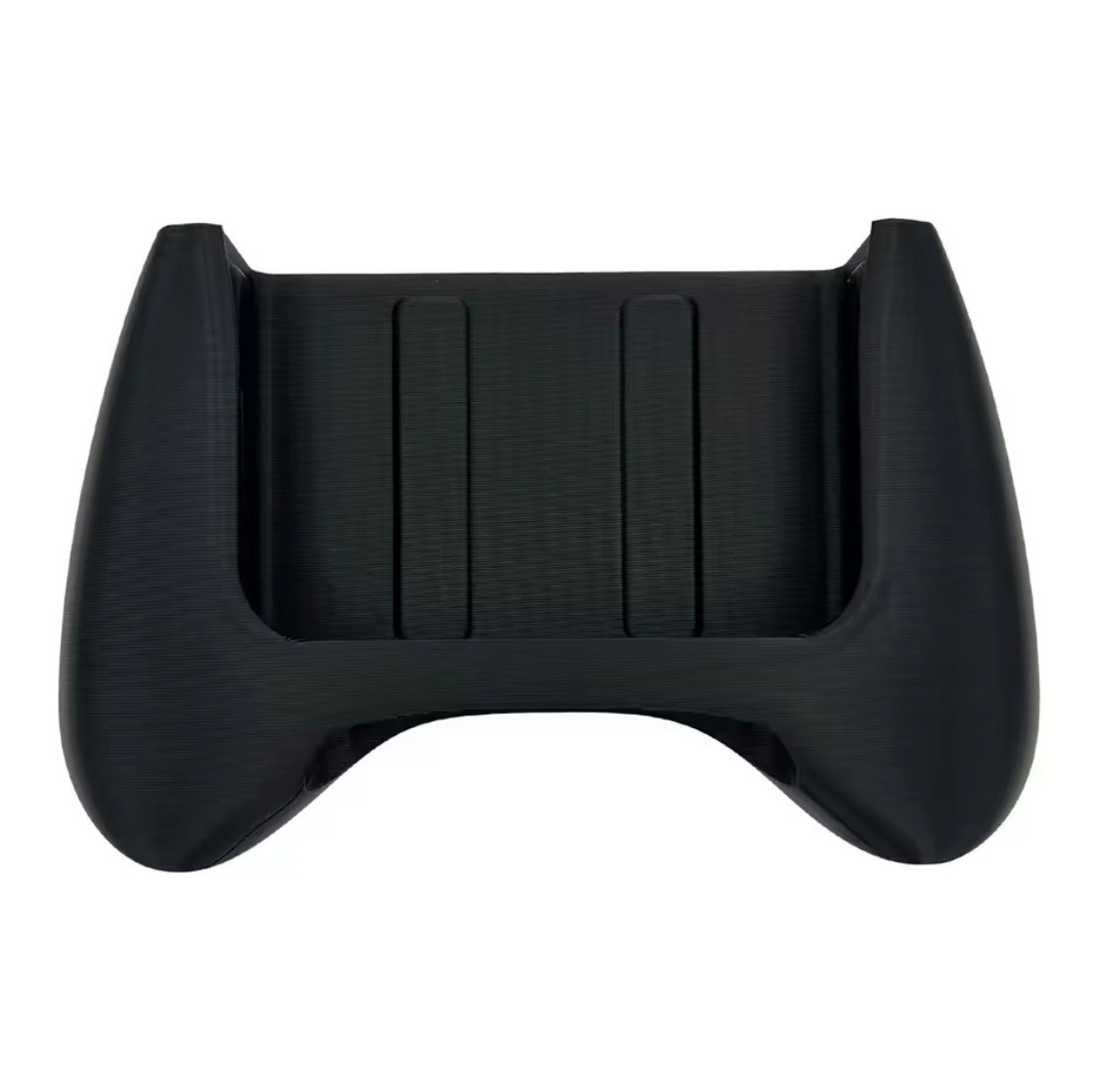 R36S Handheld Game Console 128GB Emulator Console - Fast Shipping$14.99View on eBay
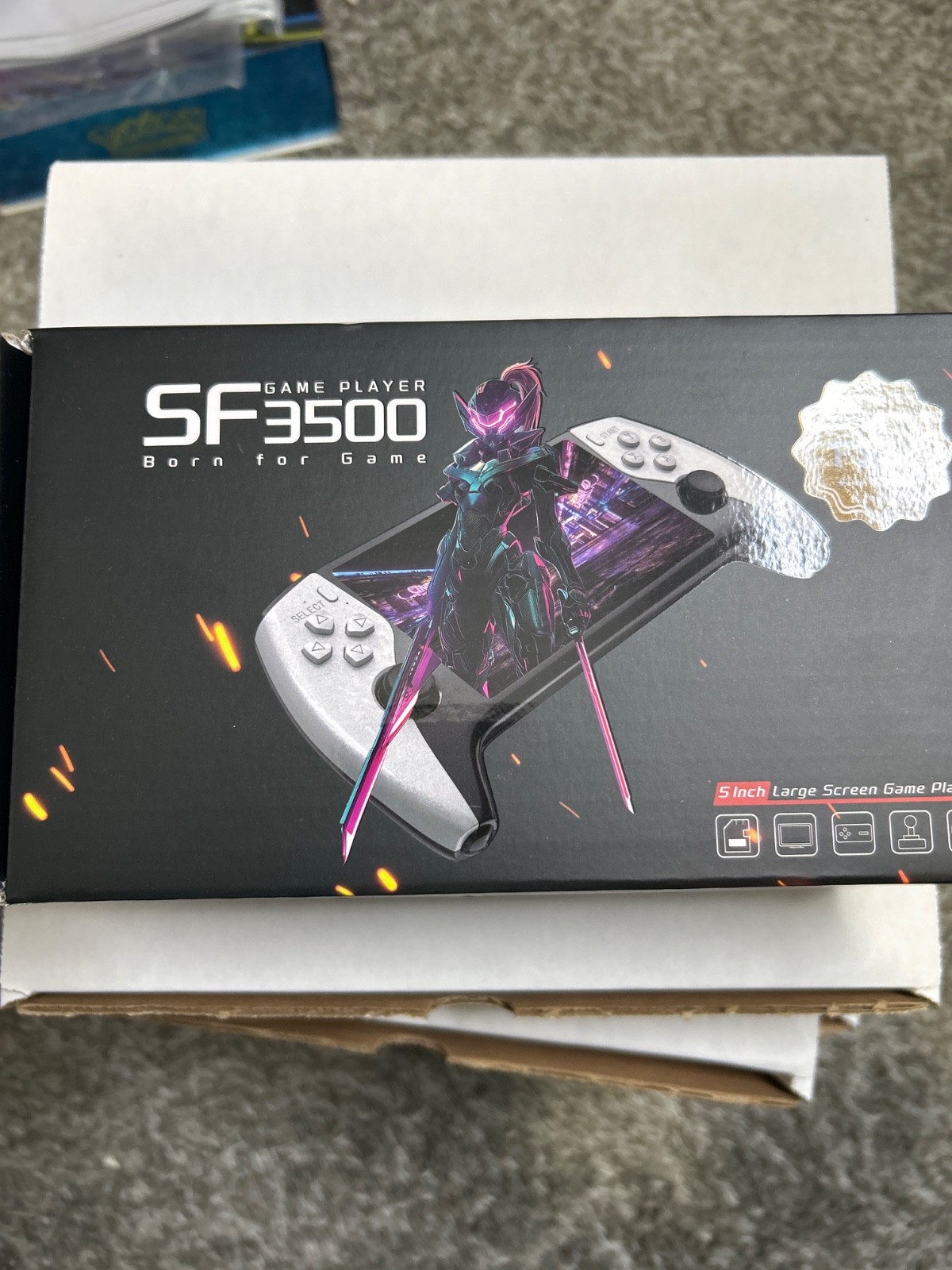 SF3500 Android Handheld Game Player 5" IPS 1080p FHD 64GB OTG Console$24.99View on eBay
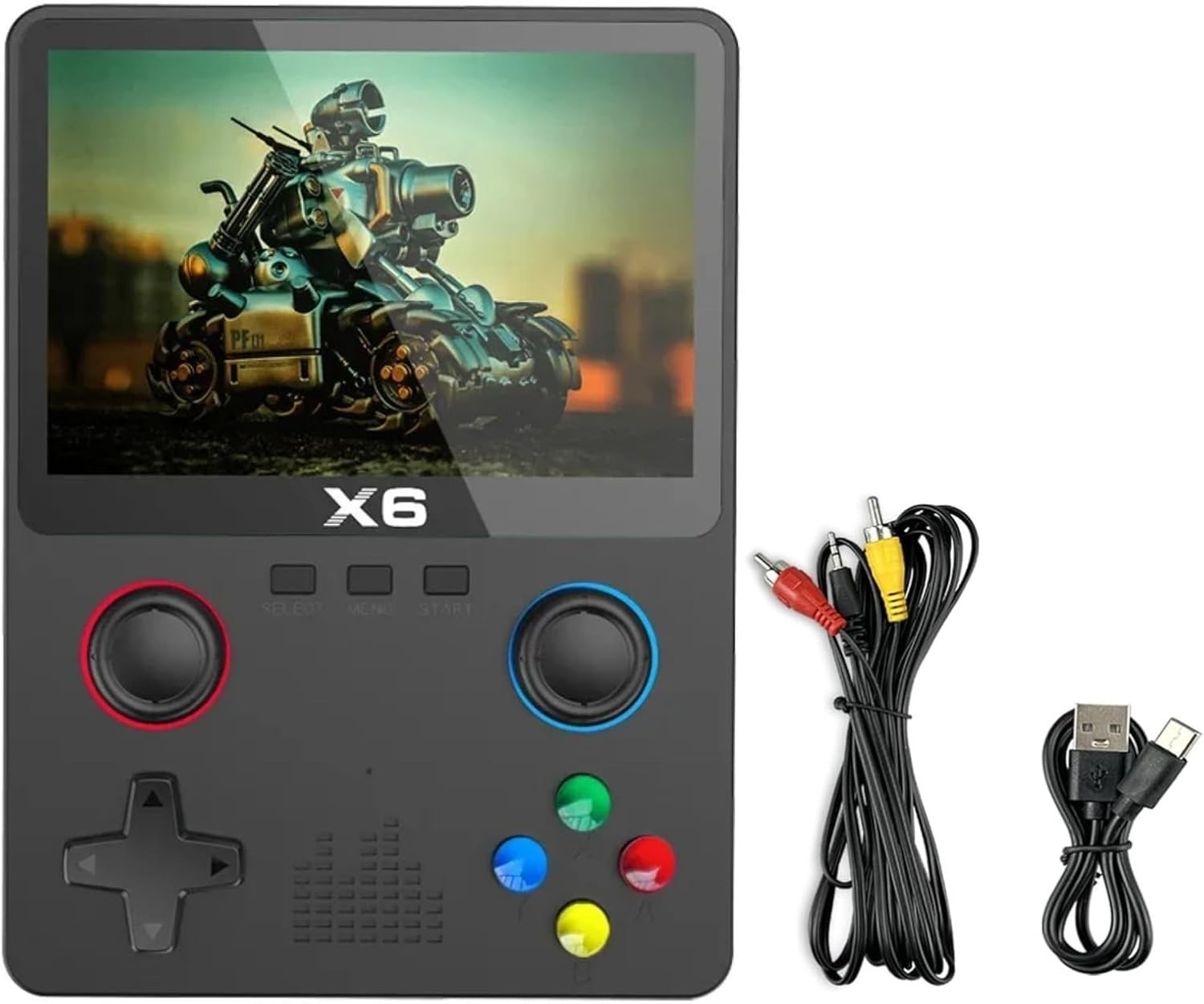 New - X6 Handheld Video Game Console 3.5 In 10000 Games Supports Expansion Cards$26.99View on eBay
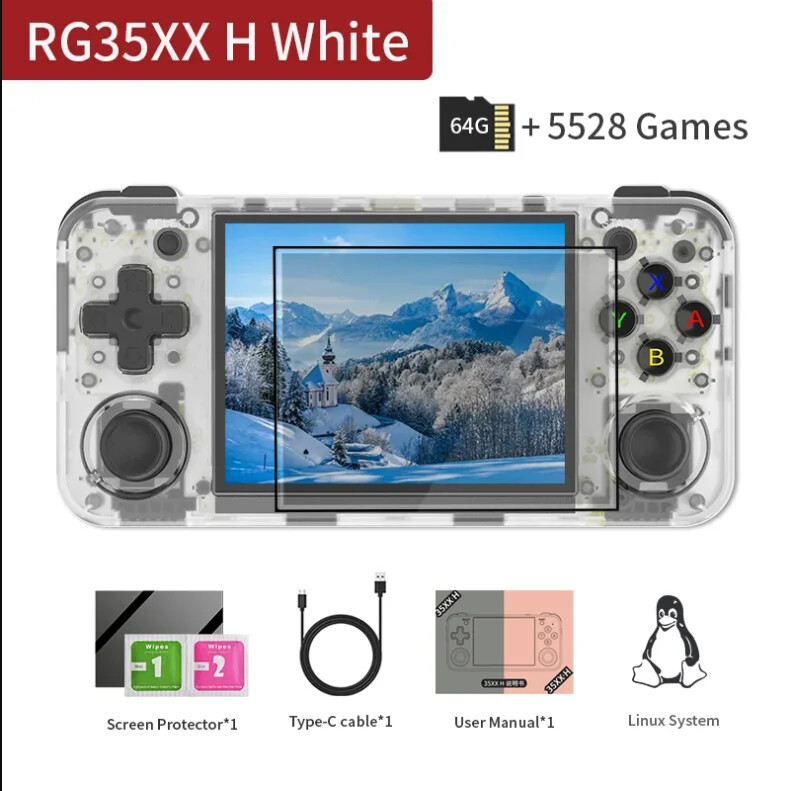 ANBERNIC RG35XX H handheld Game Console 3.5-inch IPS Screen 64G 5K+ Games Gifts$67.99View on eBay
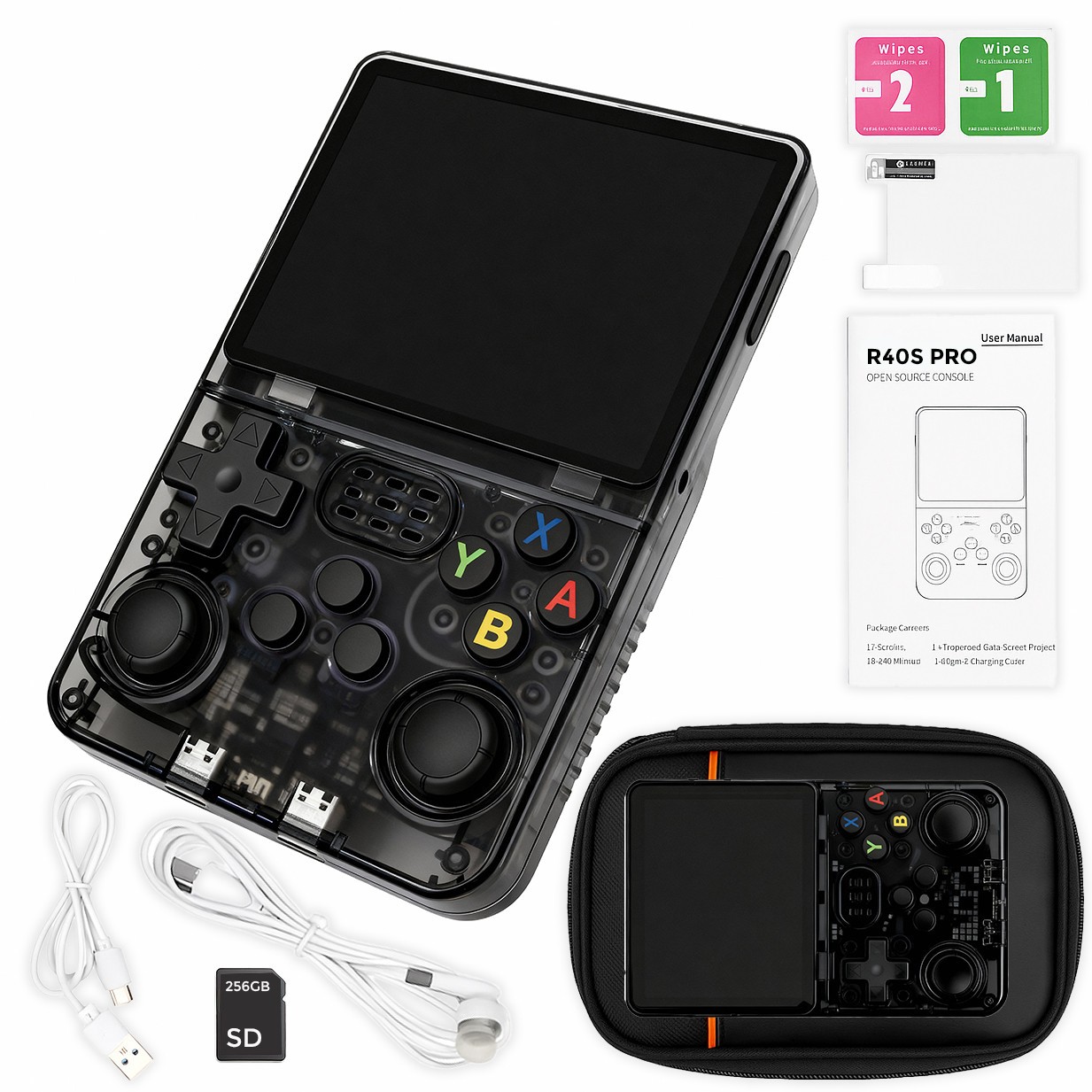 R36S R40S PRO Handheld Console 3.5 Inch IPS Screen Open Source Linux Portable$69.99View on eBay
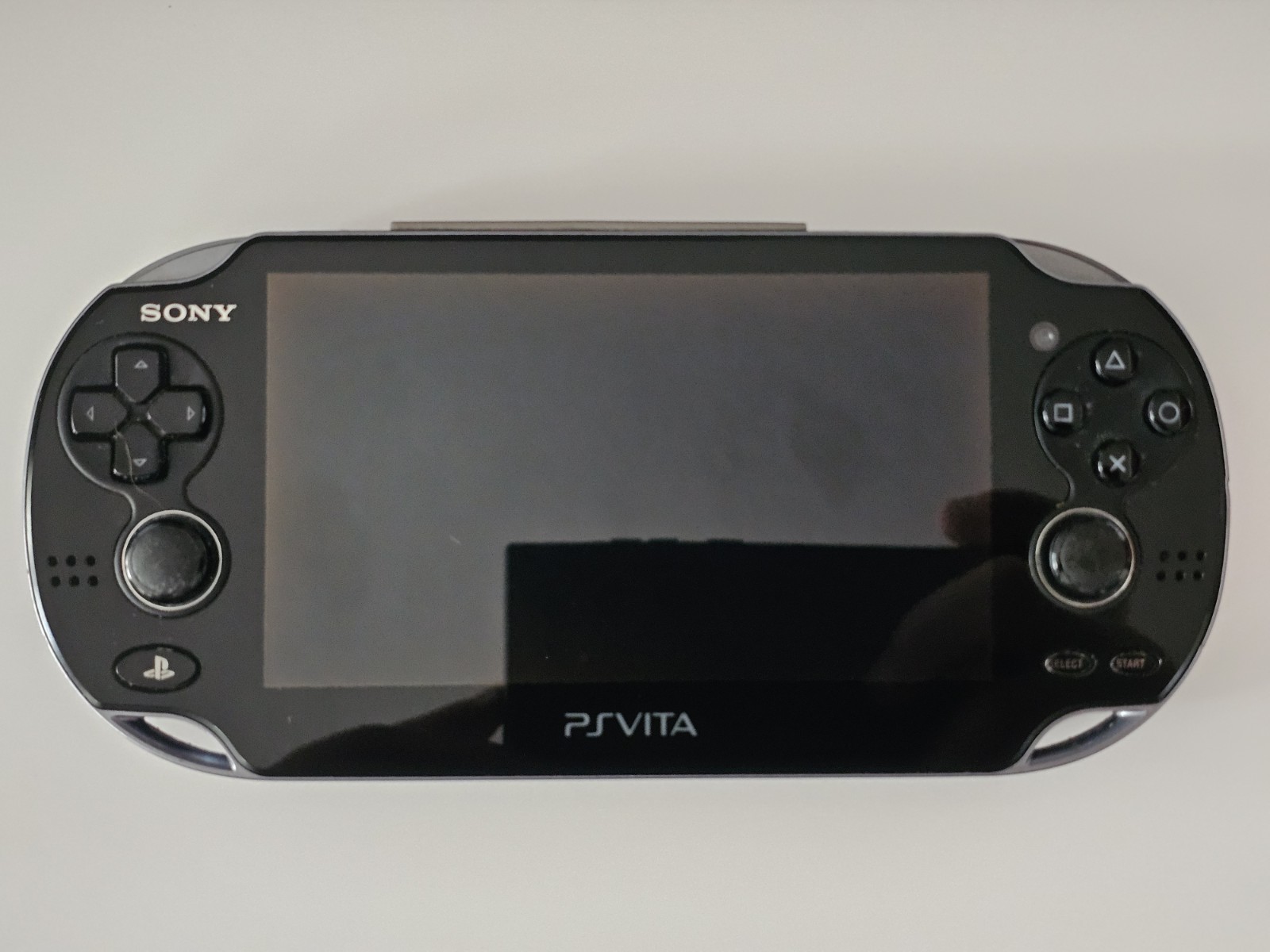 Sony PS Vita OLED PCH-1101 Black Handheld Console Demo Unit Parts Repair READ$84.99View on eBay
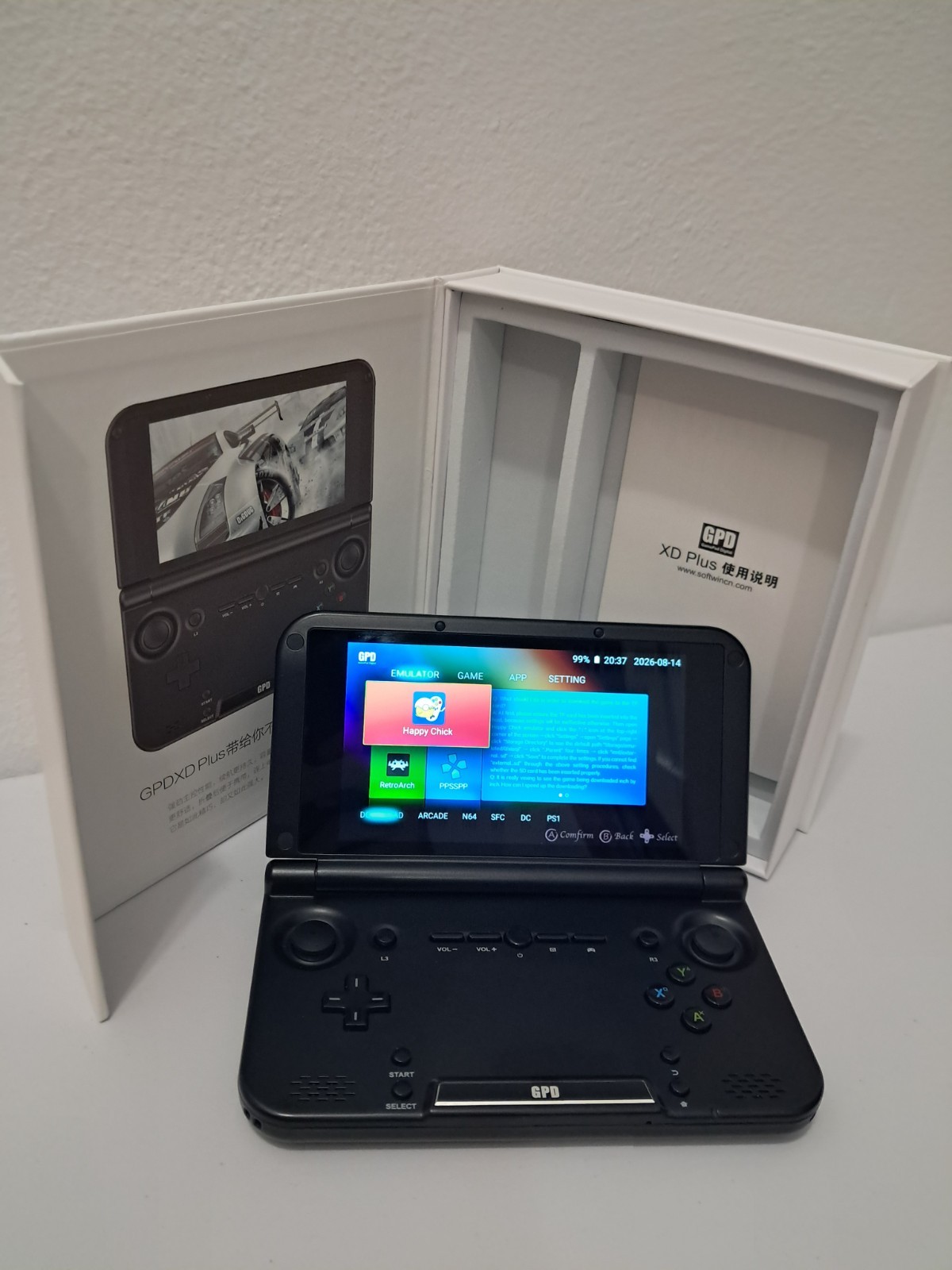 GPD XD Plus 32GB Android Handheld Gaming Console$85.00View on eBay
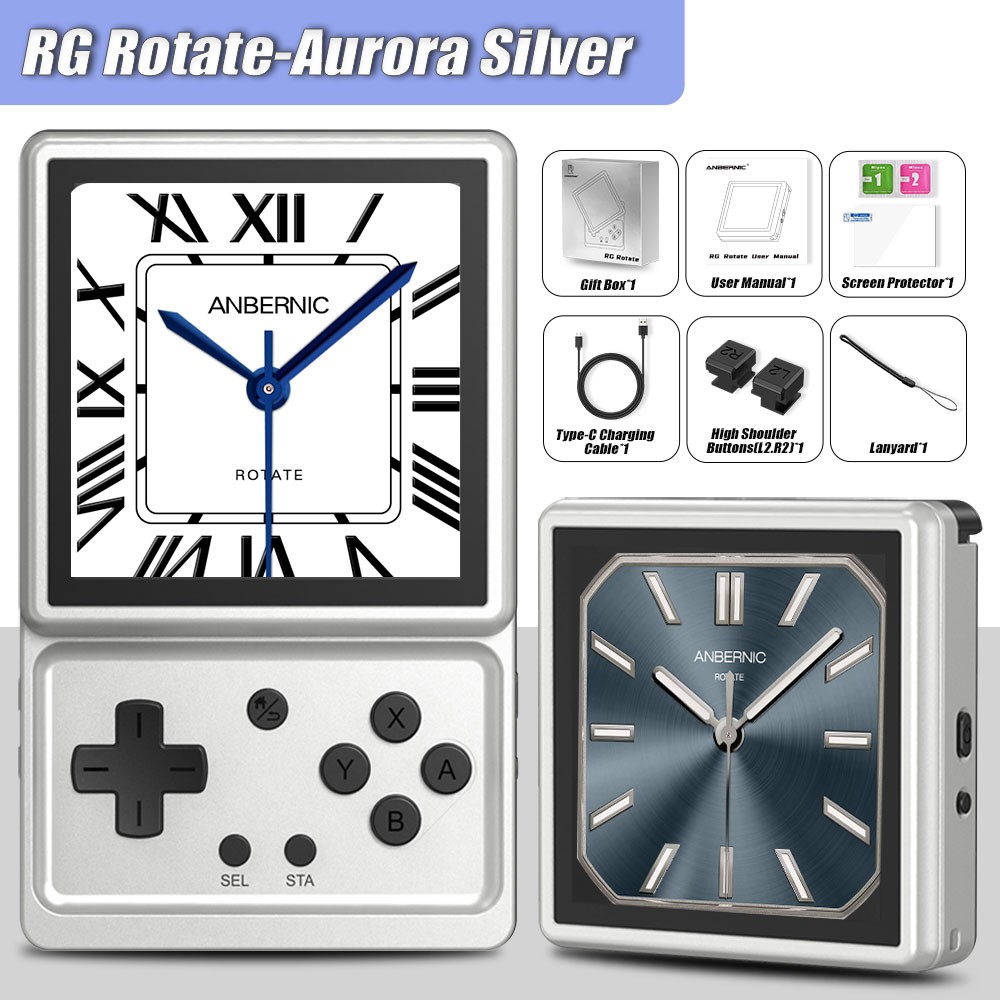 ANBERNIC RG Rotate T618 Handheld Game Console 3.5-inch Android12 2000 mAh Gifts$97.02Last checked Nov 26, 2026View on eBay
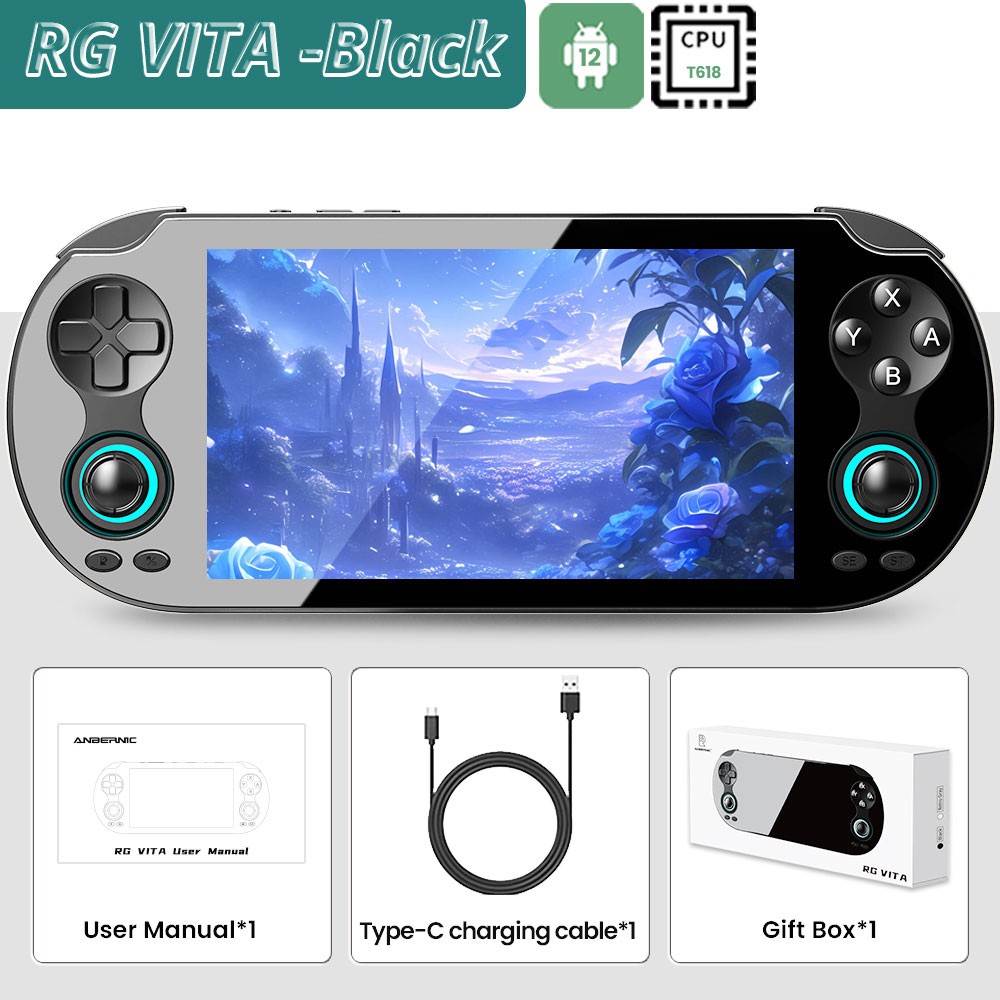 ANBERNIC RG VITA / RG VITA Pro Handheld Game Console Android Video Gaming Player$129.99View on eBay
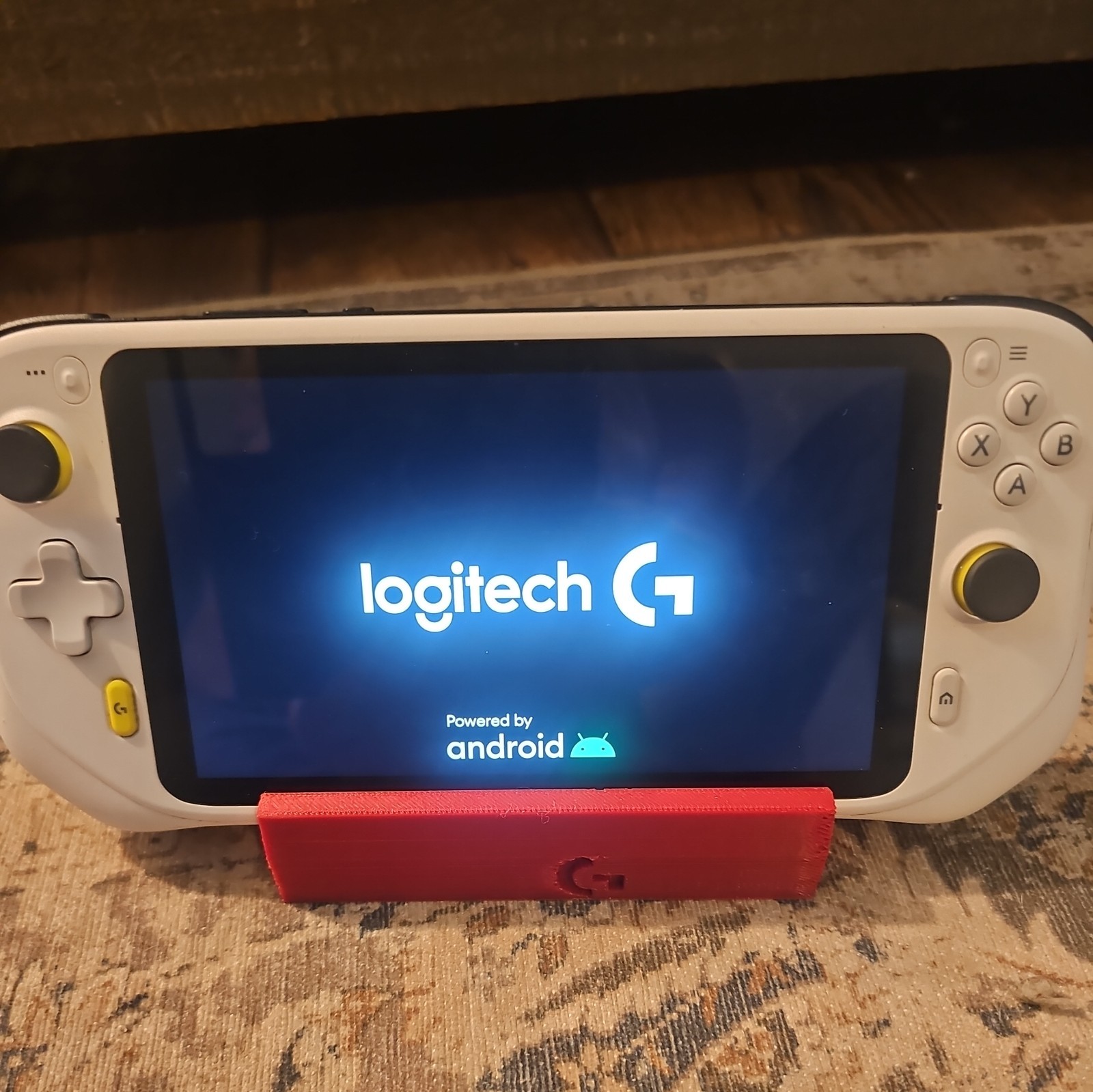 Logitech G CLOUD 64GB Handheld Console - White$135.00View on eBay
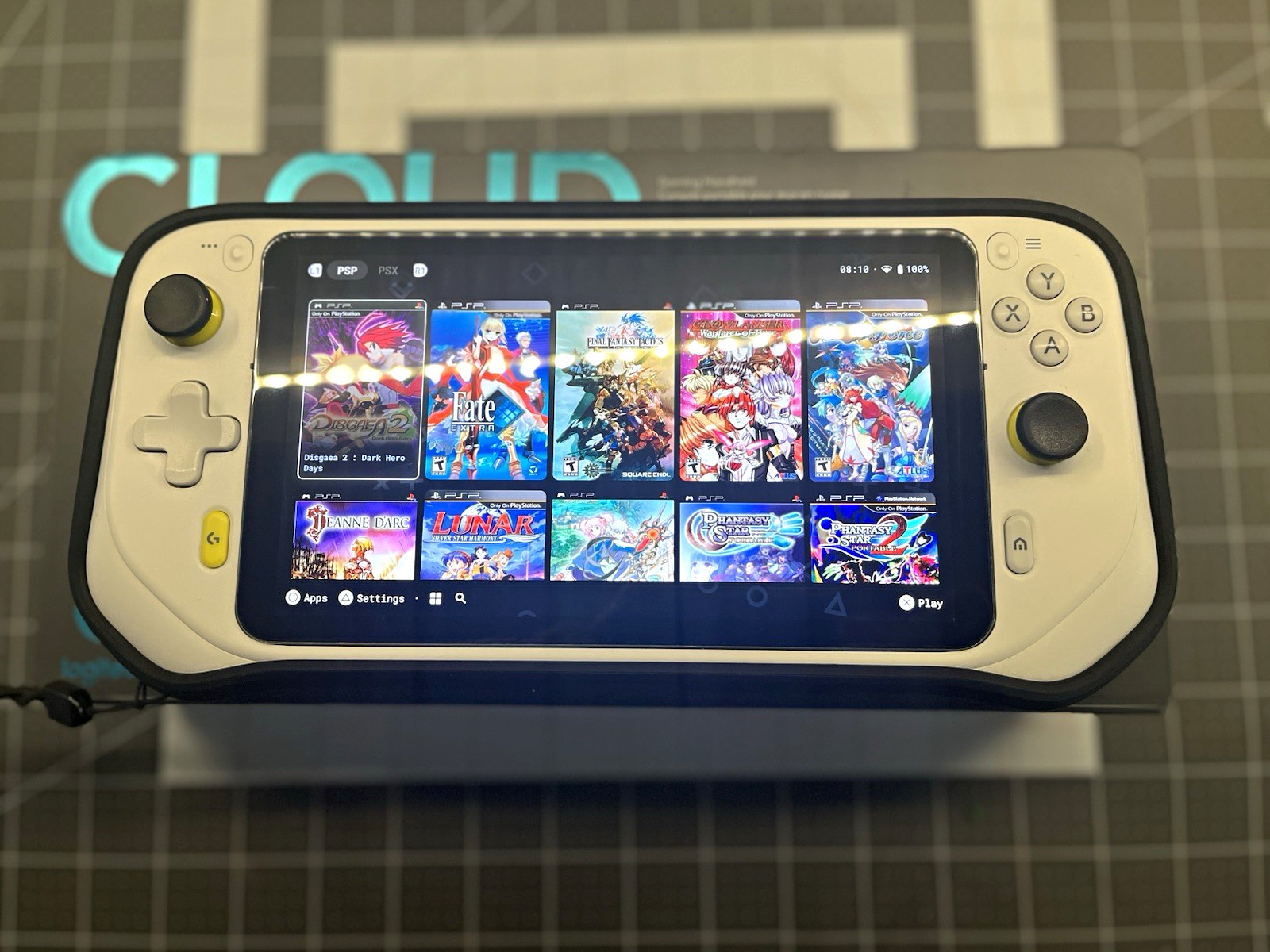 Logitech G Cloud Handheld Gaming Console 64GB White 1080p Wi-Fi USB-C$140.00View on eBay
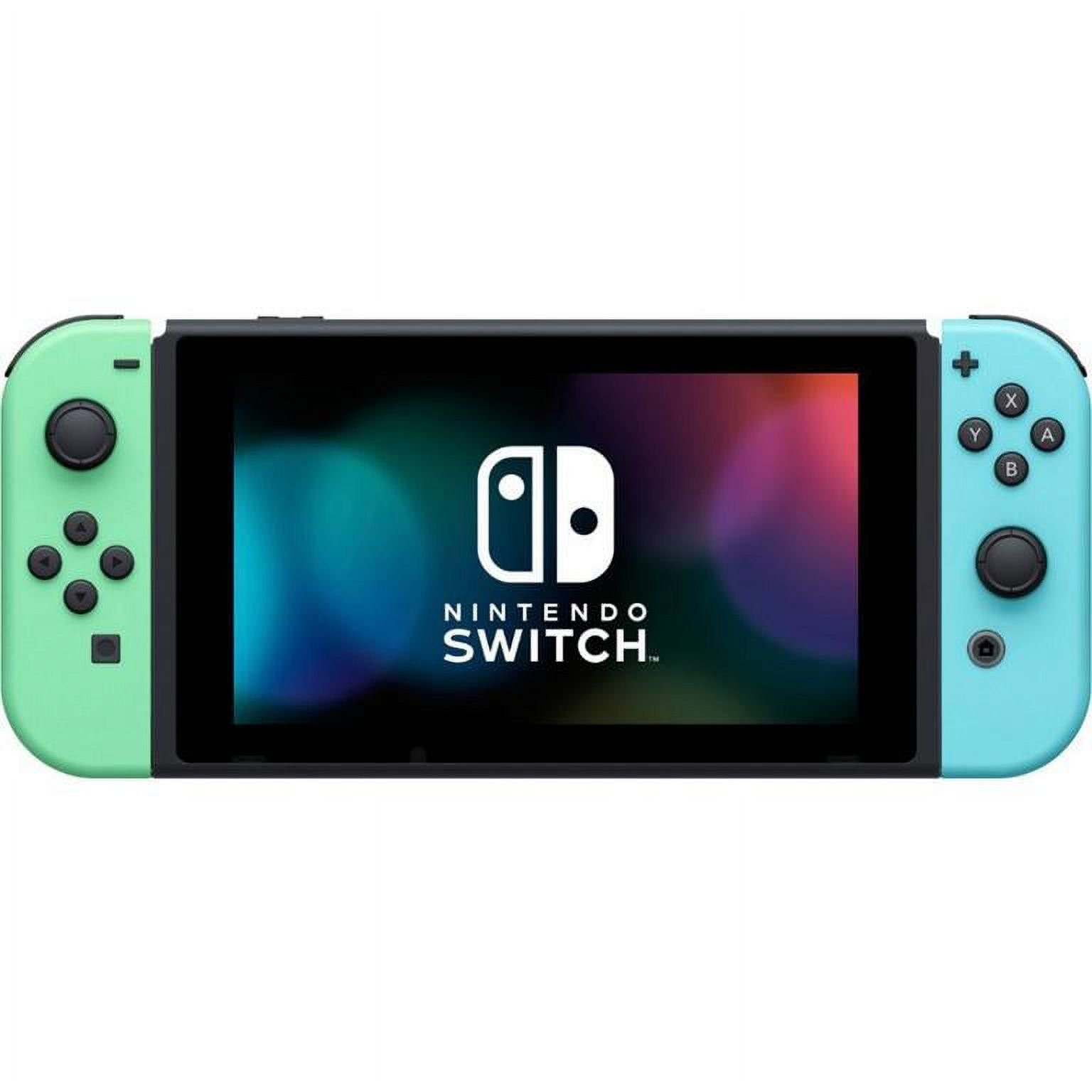 Nintendo Switch Gaming Handheld Console 32GB HAC-001 - Preowned$169.00View on eBay
Highlights
- Open-source handhelds like the R36S use a 3.5-inch IPS screen and Linux firmware, while premium devices like the Steam Deck offer a 7-inch LCD with AMD APU performance for PC games.
- Nintendo Switch HAC-001 uses a 6.2-inch LCD and 32GB internal storage, with detachable Joy-Con controllers that define its hybrid TV/handheld architecture.
- Sony PS Vita PCH-1101 features a 5-inch OLED screen and proprietary Vita memory cards, making storage expansion costly and limited compared to microSD-based rivals.
- Aluminum alloy CNC shells appear on premium retro handhelds for rigidity and heat dissipation, but most budget emulators use ABS plastic that flexes under grip pressure.
Best use cases
- Buy a Steam Deck or Logitech G Cloud if you want to stream or run PC-grade titles; skip budget emulators that cap out at 16-bit console emulation.
- Choose a Nintendo Switch for first-party Nintendo games and docked TV play; skip it if you only want retro emulation, where open-source Linux handhelds cost less and run more formats.
- Pick an open-source R36S or SF3000 for cheap retro gaming on the go; skip these if you need warranty support, official firmware updates, or consistent button quality.
- Select a PS Vita only for its exclusive library and OLED screen; skip it for modern indie or AAA releases due to its aging hardware and discontinued support.
Buying tips
- Match screen size to use: 3.5-inch IPS suits pocketable retro play, while 7-inch panels like the Steam Deck's are for extended sessions and PC streaming.
- Check storage architecture: microSD expansion is standard on open-source and Steam Deck devices, but PS Vita uses proprietary cards that cap practical capacity.
- Verify emulation ceiling: SF3000-class devices typically emulate up to 16-bit consoles, while R36S Linux handhelds handle some N64 and PSP titles with community firmware.
- Confirm controller layout: detachable Joy-Con on Switch enable local multiplayer, but integrated controls on Steam Deck and retro handhelds offer sturdier grips.
Specs
| Screen Size | 3.5 in to 7 in IPS/OLED |
|---|---|
| Storage Type | microSD vs proprietary |
| OS Platform | Linux open-source vs closed |
| Build Material | ABS plastic vs aluminum CNC |
Related searches
What to check before buying
- Measure your pocket or bag compartment: devices wider than 4 inches (like Steam Deck) need a carrying case, while 3.5-inch handhelds fit large pockets.
- Check your Wi-Fi band: cloud streaming on Logitech G Cloud requires stable 5GHz coverage; 2.4GHz causes input lag.
- Confirm your TV's HDMI input and dock compatibility if you plan docked play; Switch and some retro handhelds support HDMI out, but many budget emulators do not.
- Verify USB-C charging standards: Steam Deck and Switch use USB-C PD, while some retro handhelds use micro-USB or proprietary barrels.
FAQ
Data sources: eBay / Amazon listings and product attribute feeds. Updated Nov 29, 2026.
Some links on this page are affiliate links. If you buy after clicking one, we may earn a commission at no extra cost to you. This does not change which products appear here or their order. Affiliate disclosure.