
Photos from current listings. Actual item, color, and included accessories may vary.
PC Buying Guide
A PC is a modular computing system, not a single product, so the build hinges on one trade-off: current-generation CPU platform and PSU quality versus older-gen cost savings and unknown-tier power supplies. Buy a desktop if you need upgradeable graphics or storage, a laptop if portability matters, and a mini PC or used workstation only when the form factor or budget genuinely requires it. The rule that separates durable builds from compromises: OEM prebuilts without a named 80 Plus PSU and standard ATX/micro-ATX mounts are upgrade dead-ends.
Median $39.49
Key takeaways
- CPU socket dictates the platform: AM5 (LGA-style pin grid, DDR5 only) vs LGA1700 (DDR4/DDR5) vs AM4 (DDR4, end-of-life) — the socket, not the case, sets your 4-6 year upgrade path.
- PSU 80 Plus rating (Bronze/Gold/Platinum) plus wattage headroom of 30-40% over GPU TDP prevents transient-shutdown failures; 650W Gold is the realistic floor for modern mid-range GPUs.
- Storage generation: NVMe PCIe 4.0 x4 (~7,000 MB/s) vs SATA III (~550 MB/s) — boot and load times differ by seconds, but DRAM-less QLC drives throttle hard on sustained writes.
At a glance
- Category
- Computers & Peripherals
- Last updated
- Nov 28, 2026
Current offers
 2001 Dell Applications Backup Dell-Installed Programs PC Software CD NO LICENSE$9.94Last checked Nov 28, 2026View on eBay
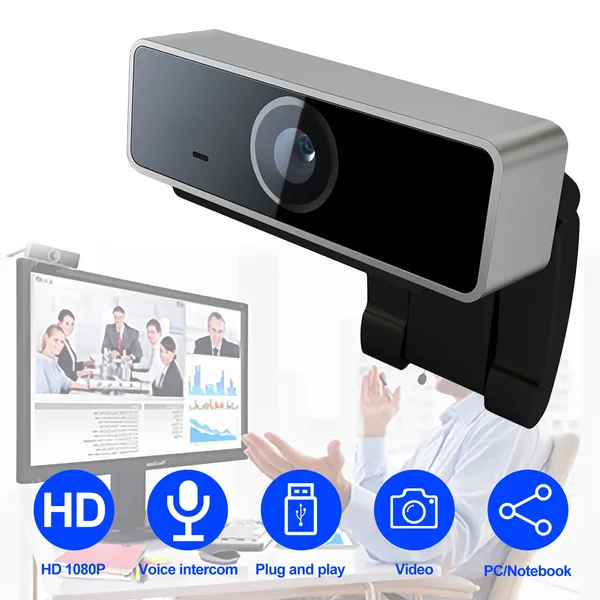 FHD 1080P Webcam USB PC Computer Auto Focus With Microphone 60-Degree Widescreen Desktop Laptop Live Streaming$38.99View on Mallflare
 2000 Dell Applications Backup Dell-Installed Programs PC Software CD NO LICENSE$9.94Last checked Nov 28, 2026View on eBay
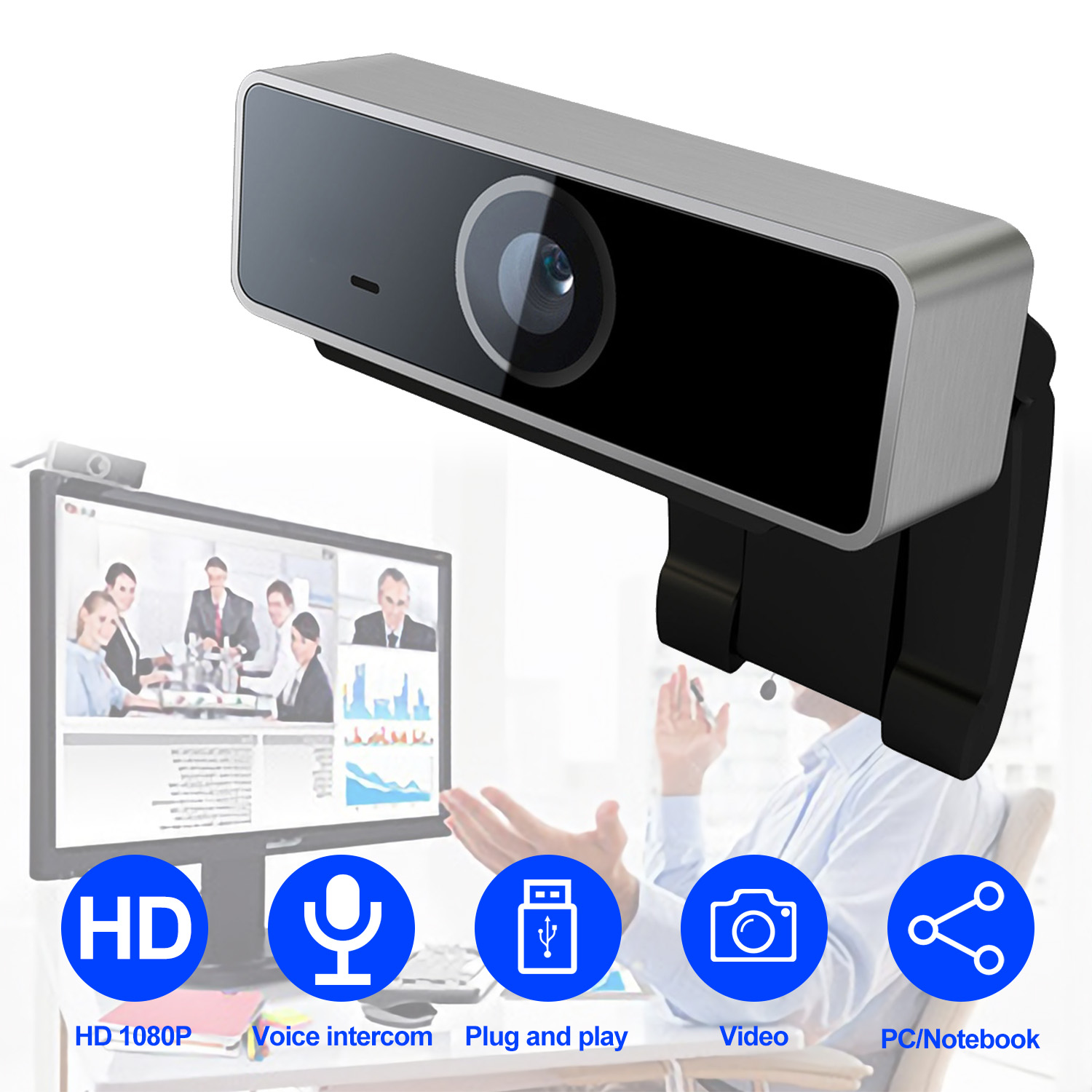 1Pc FHD 1080P Webcam USB PC Computer Auto Focus With Microphone 60-Degree Widescreen Desktop Laptop Live Streaming Rotatable Clip For Broadcast Video Calling Conferencin$39.99View on Mallflare
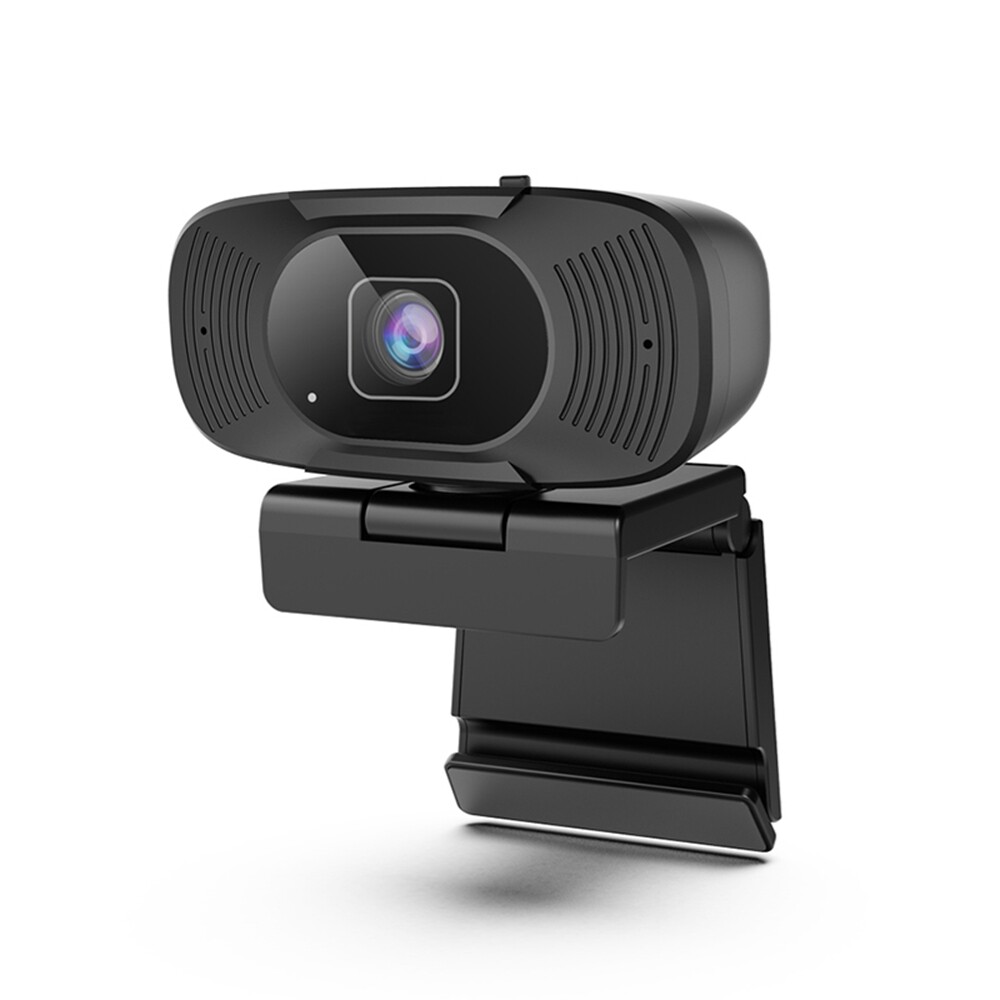 TOALLIN 1080P HD PC Webcam with Privacy cover Built-in dual Noise-canceling mic$29.99View on eBay
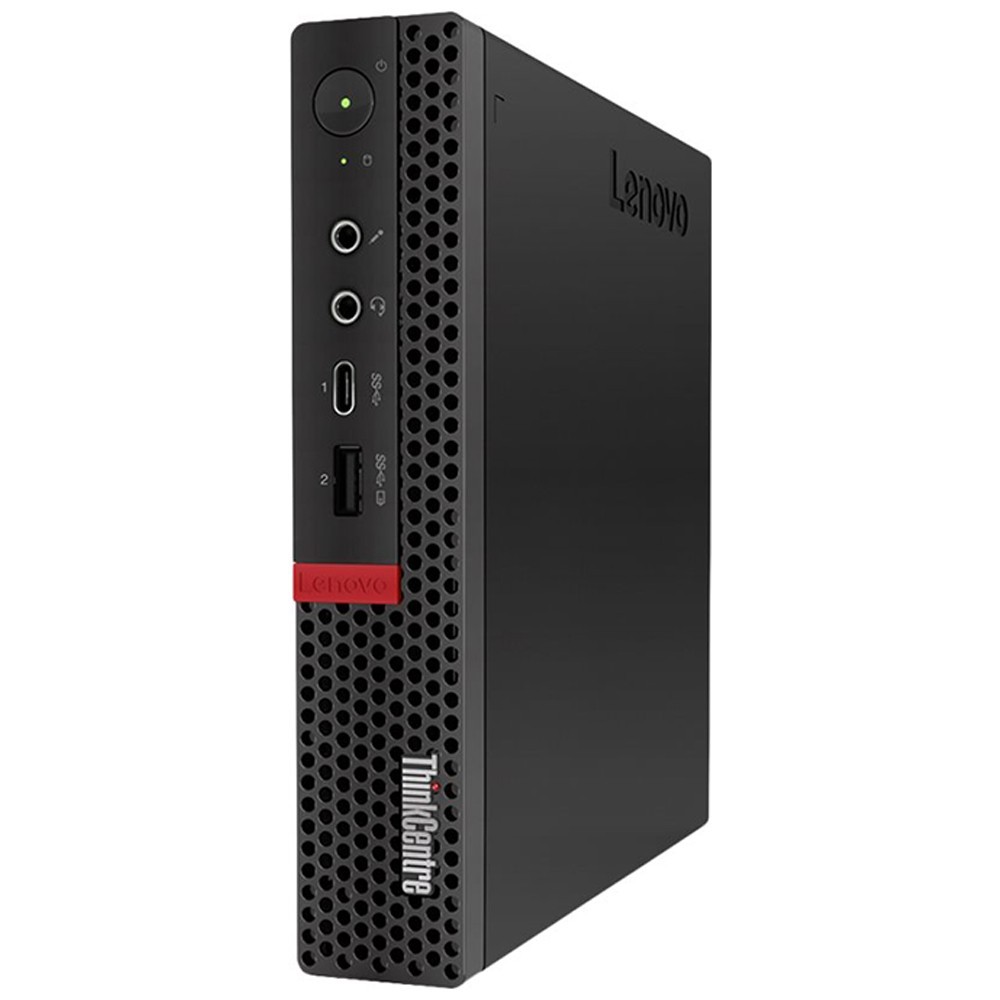 Lenovo Desktop Computer PC Intel Processor 16GB RAM 240GB SSD Windows 11 Wi-Fi$170.31View on eBay
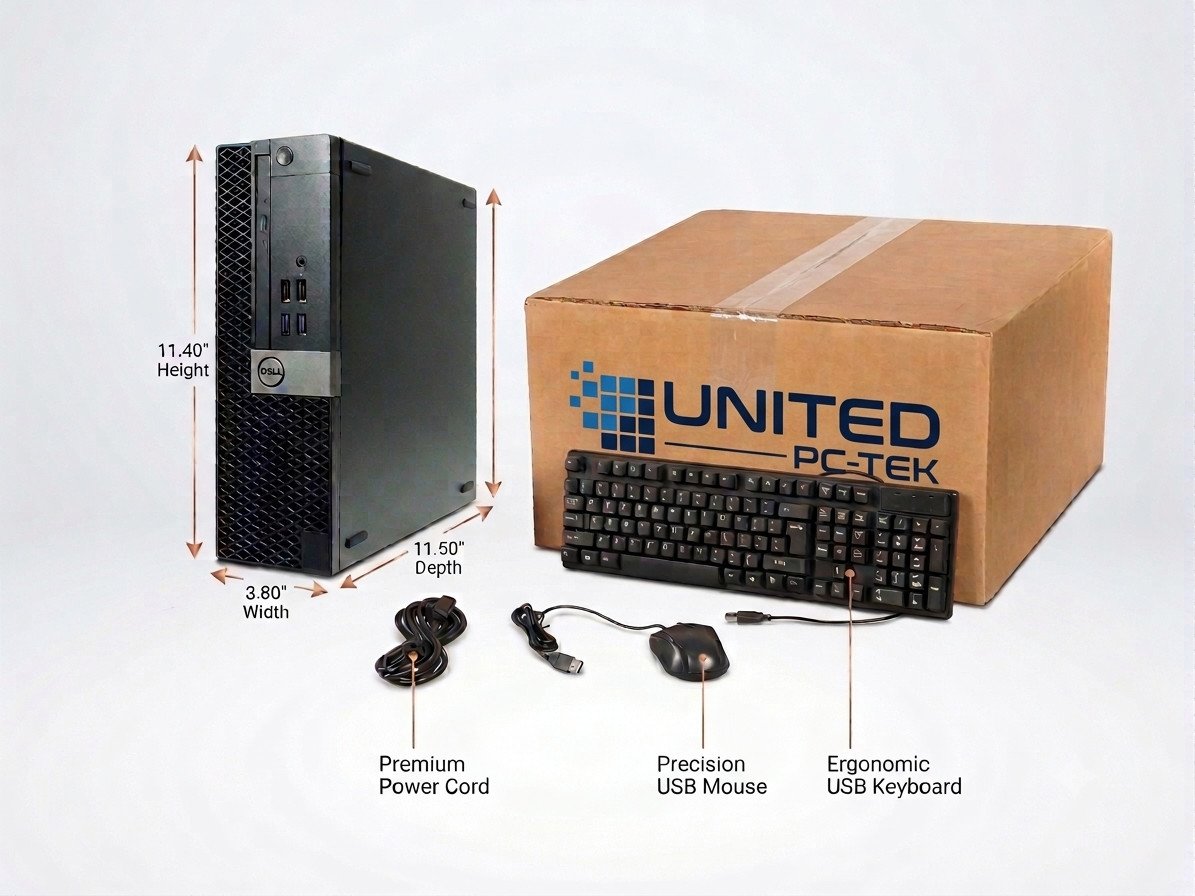 Fast Dell i7 Desktop Computer PC | up to 32GB RAM 2TB SSD | Windows 11 Pro WiFi$249.99Last checked Nov 18, 2026View on eBay
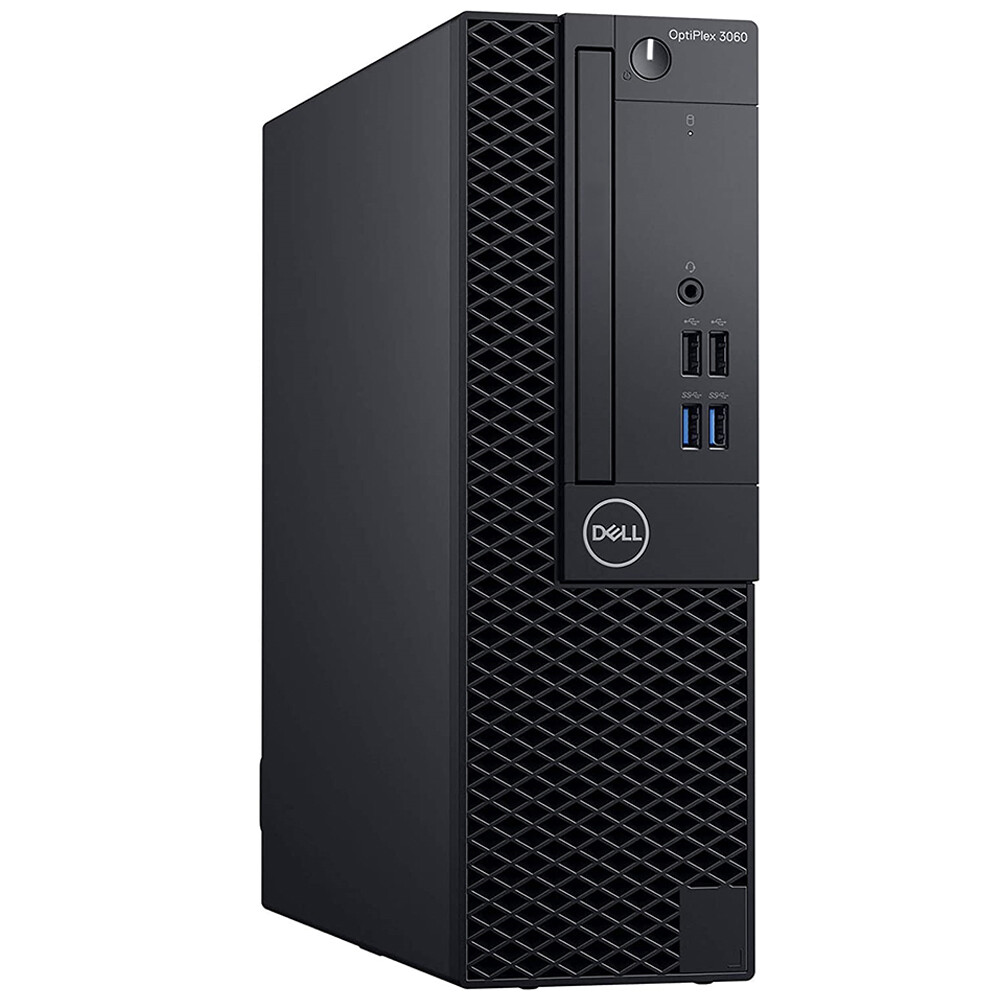 Dell Windows 11 Pro Desktop Computer PC Up To i7 8th Gen. 32GB RAM 4TB SSD/HDD$284.38Last checked Nov 16, 2026View on eBay
Highlights
- CPU socket dictates the platform: AM5 (LGA-style pin grid, DDR5 only) vs LGA1700 (DDR4/DDR5) vs AM4 (DDR4, end-of-life) — the socket, not the case, sets your 4-6 year upgrade path.
- PSU 80 Plus rating (Bronze/Gold/Platinum) plus wattage headroom of 30-40% over GPU TDP prevents transient-shutdown failures; 650W Gold is the realistic floor for modern mid-range GPUs.
- Storage generation: NVMe PCIe 4.0 x4 (~7,000 MB/s) vs SATA III (~550 MB/s) — boot and load times differ by seconds, but DRAM-less QLC drives throttle hard on sustained writes.
- Desktop GPU TDP tiers (75W slot-powered vs 200W+ 8-pin/12VHPWR) determine PSU connectors, case airflow clearance, and whether the card physically fits the bay.
Best use cases
- Best fit: gaming and GPU-heavy work — pick a full ATX or micro-ATX desktop with 650W+ Gold PSU and a case supporting 320mm+ GPU clearance; skip mini PCs and laptop GPUs with sub-100W power limits.
- Best fit: office, browsing, and 2D work — a mini PC or laptop with 16GB RAM and PCIe 3.0/4.0 NVMe is sufficient; skip discrete GPUs and 750W+ PSUs that add cost without benefit.
- Best fit: light upgrade path on a budget — a used business desktop (standard ATX PSU, DDR4 slots) accepts a low-profile GPU and SSD; skip slim/SFF OEM units with proprietary power connectors and no PCIe slot.
- Wrong fit: buying a prebuilt with an unnamed 500W PSU and one RAM stick — it limits GPU upgrades and runs single-channel memory, costing 10-15% CPU performance in games.
Buying tips
- Match CPU socket to motherboard chipset: AM5 B650 covers PCIe 4.0 and DDR5 for most builds; LGA1700 B760 drops CPU overclocking but keeps memory OC — pick Z790 only for unlocked K-series CPUs.
- Measure GPU length and case clearance: triple-fan cards run 300-340mm and 2.5-3 slots; a 400mm-clearance mid-tower fits virtually all consumer cards, while 280mm ITX cases cap you at dual-slot, ~270mm.
- Size the PSU by GPU TDP: add 150-200W for CPU and peripherals; a 220W GPU plus 125W CPU needs 650W Gold minimum, and 12VHPWR cards need the native cable or a rated adapter.
- For RAM, buy two identical sticks for dual-channel: 2x16GB DDR5-6000 CL30 is the price/performance sweet spot on AM5; single-stick 32GB halves memory bandwidth and hurts 1% lows.
Specs
| Form Factor | Tower / SFF / Laptop / Mini PC |
|---|---|
| CPU Socket | AM5 / AM4 / LGA1700 / LGA1851 |
| PSU Tier | 80 Plus Bronze / Gold / Platinum |
| Memory Type | DDR5-6000 CL30 / DDR4-3200 CL16 |
Related searches
What to check before buying
- Desk and case fit: confirm case height/width against shelf or under-desk clearance, and monitor VESA mount pattern (75x75 or 100x100mm) if arm-mounting.
- Power and plug standard: confirm regional voltage (120V/230V) and that the PSU accepts 100-240V; check outlet count and UPS capacity for 500W+ sustained draw.
- Motherboard I/O and expansion: count needed USB-A/USB-C ports, M.2 slots, and PCIe slots before choosing micro-ATX over ATX.
- Peripheral and network standards: verify Wi-Fi 6/6E or 2.5GbE onboard if you skip a PCIe network card, and confirm keyboard switch type (3-pin vs 5-pin) if building a custom board.
FAQ
Data sources: eBay / Amazon listings and product attribute feeds. Updated Nov 28, 2026.
Some links on this page are affiliate links. If you buy after clicking one, we may earn a commission at no extra cost to you. This does not change which products appear here or their order. Affiliate disclosure.