TechShelf Guide

TechShelf Guide

Consumer Electronics Reviews & Buying Guides

Compare consumer electronics by use case, features, trade-offs, price, returns, and seller terms before you buy.

Buying guides

Buying guide image
Console & Handheld Hardware

Retro Game Machine

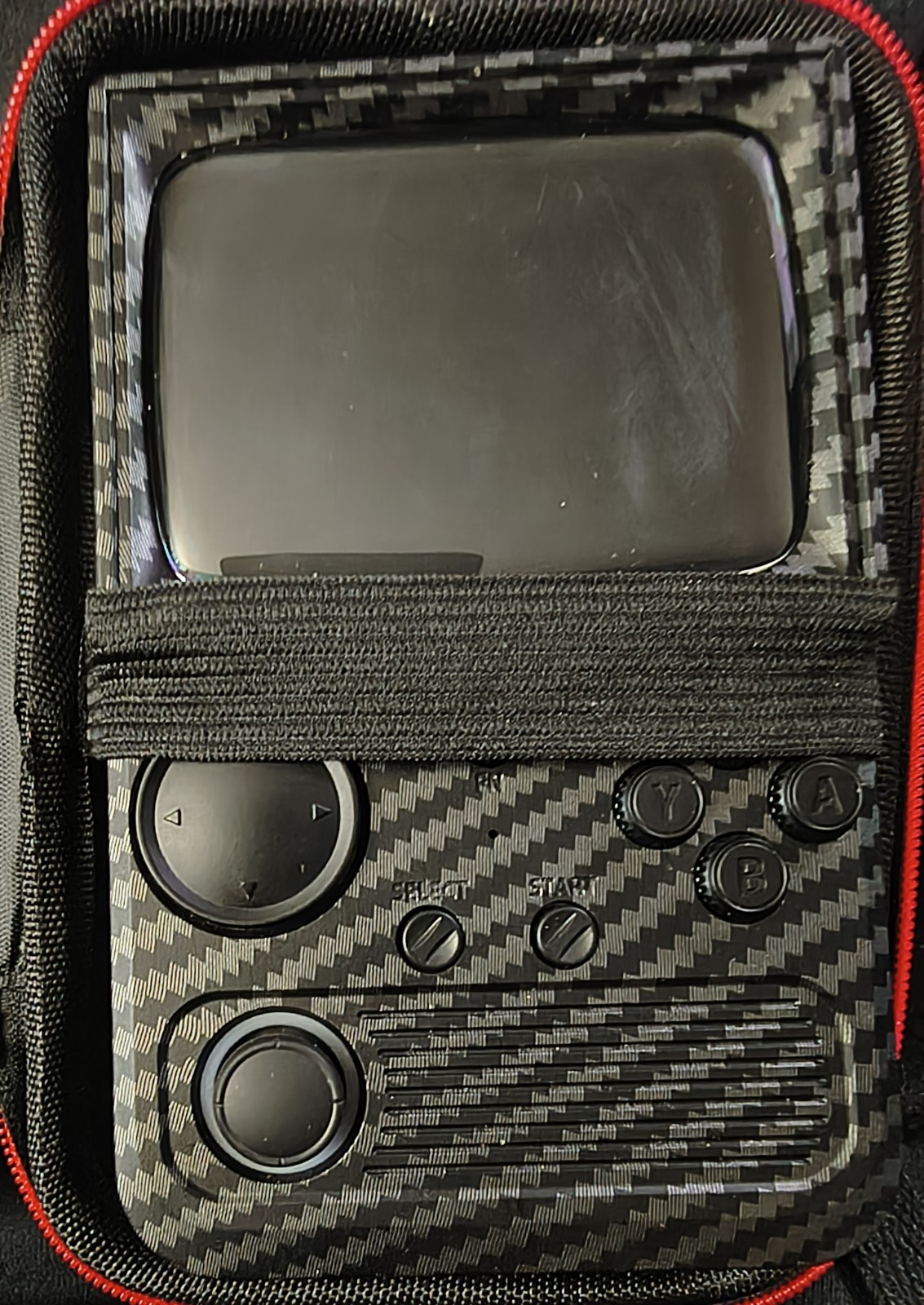
Retro game machines range from FPGA-based hardware recreations to software emulation boxes and mini-console reissues, and the architecture you choose determines compatibility, input lag, and long-term reliability. Focus on the systems you actually want to play, the display you will connect to, and whether you need cartridge support or ROM-based libraries. Many buyers overpay for multi-system emulation when a single-system FPGA or a licensed mini-console would deliver lower latency and better build quality.
Buying guide image
Drones & Consumer Robotics

Budget Drone With 4K Camera

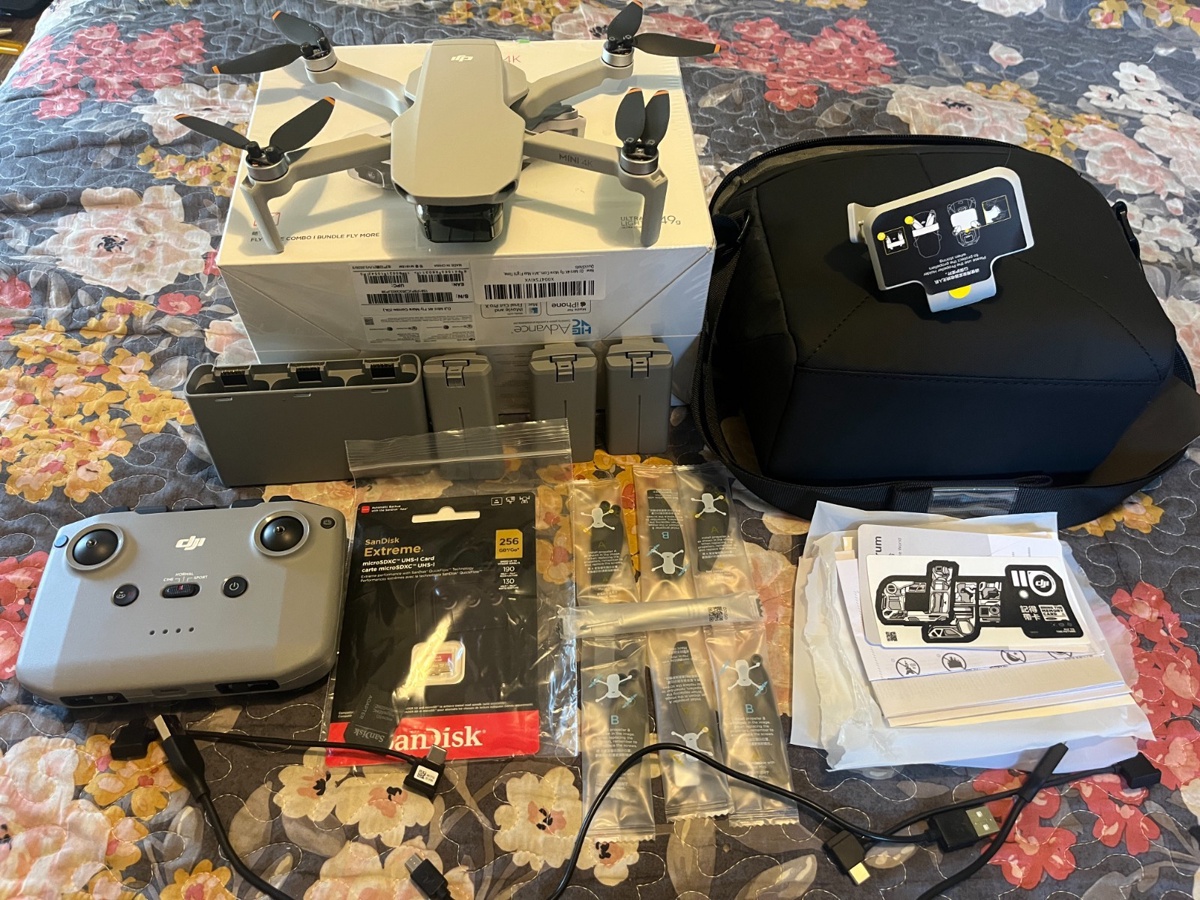
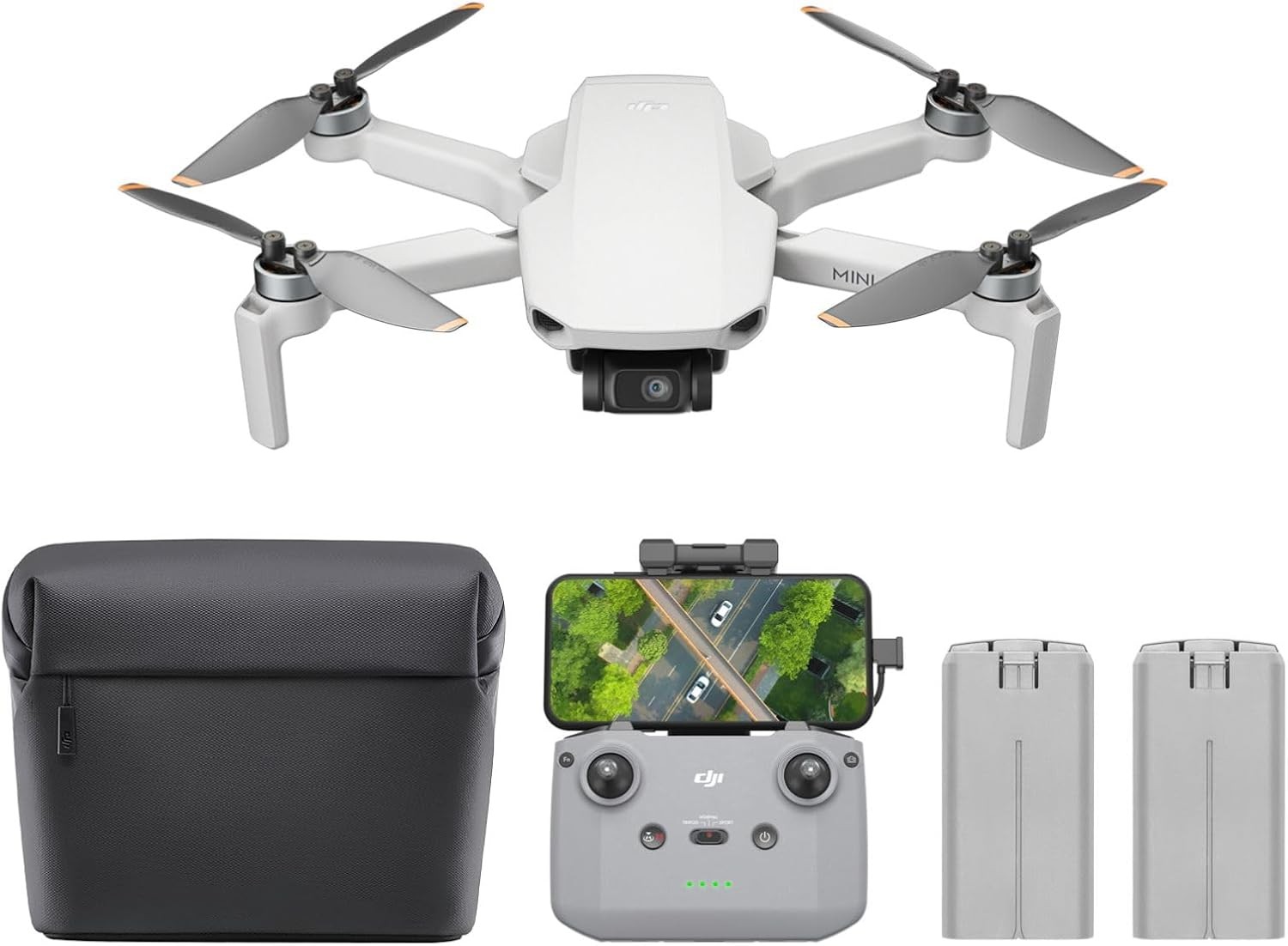
A budget 4K camera drone pairs a stabilized 4K imaging sensor with a sub-250g or compact folding airframe to deliver usable aerial video without premium pricing. The core trade-off is sensor/bitrate quality versus stabilization and transmission range: true 4K capture requires at least a 1/2.3-inch sensor or larger, electronic image stabilization (EIS) plus a mechanical gimbal, and a 5GHz digital link for reliable range. Narrow the field by rejecting anything advertising '4K' via upscaling or interpolation from a 1080p sensor, and by confirming GPS return-to-home plus a gimbal axis count before buying.

Buying guide image
In-Ear Earphones

Earbud

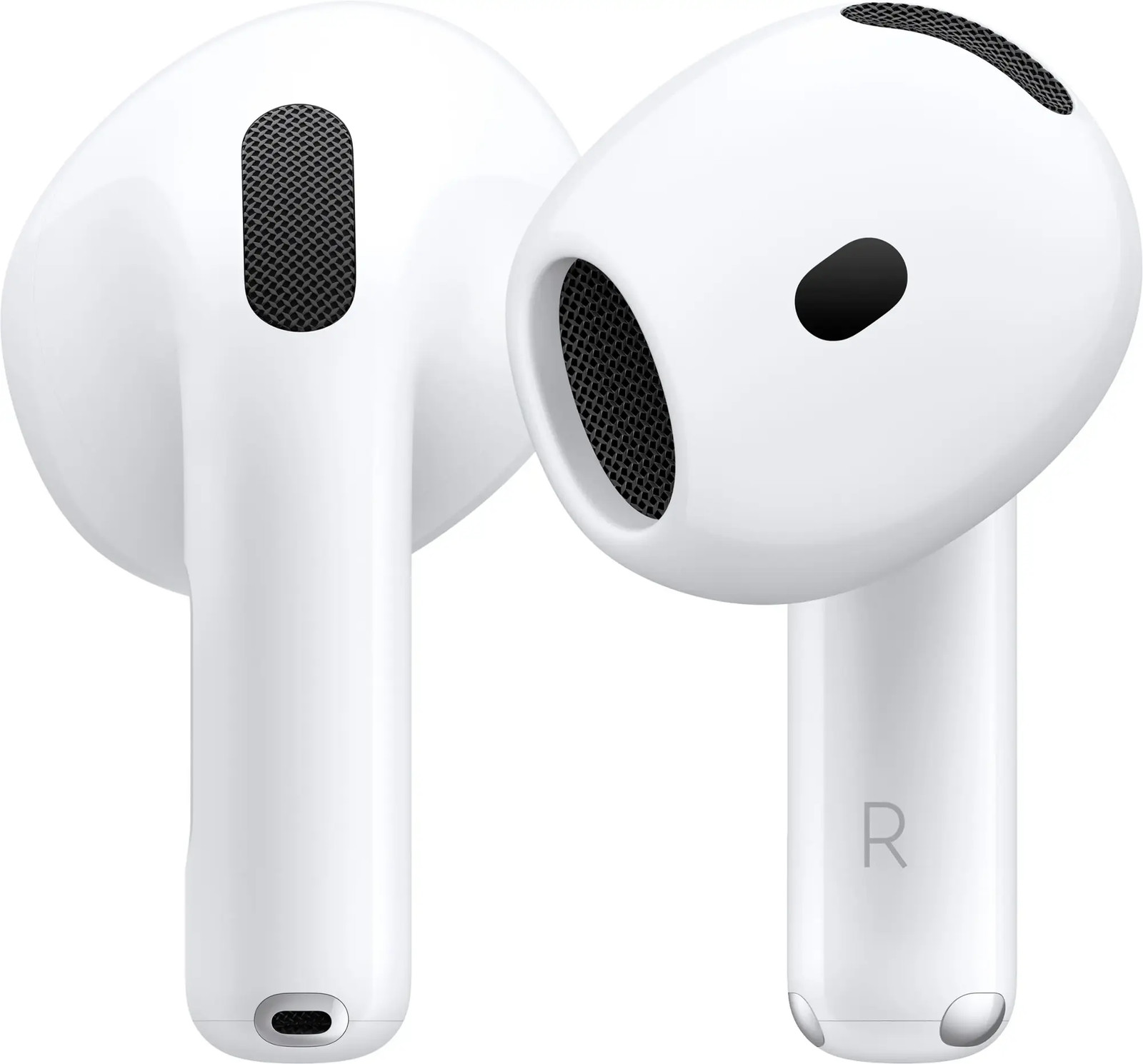
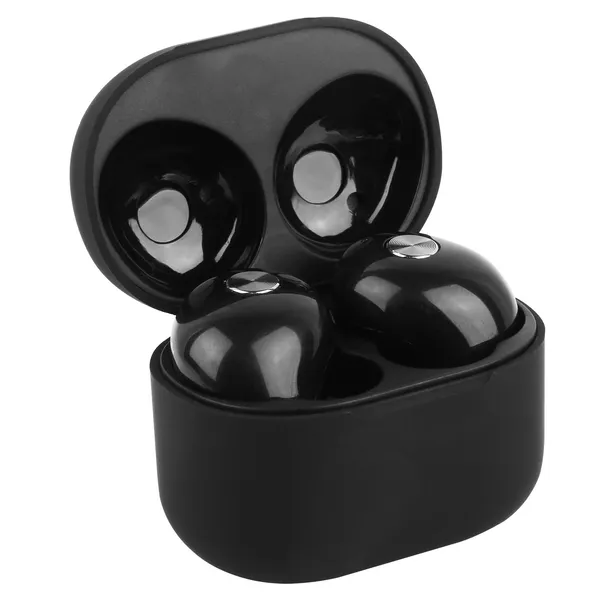
Earbuds are in-ear headphones that range from simple wired buds to advanced true-wireless models with active noise cancellation, and the key trade-off is between fit stability/comfort and feature battery life. Durable options use replaceable ear tips, IPX4+ sweat resistance, and Bluetooth 5.2+ for reliable connection; budget models often skip water protection, use older Bluetooth, and have fixed tips that wear out.

Buying guide image
In-Ear Earphones

Wireless Headphone

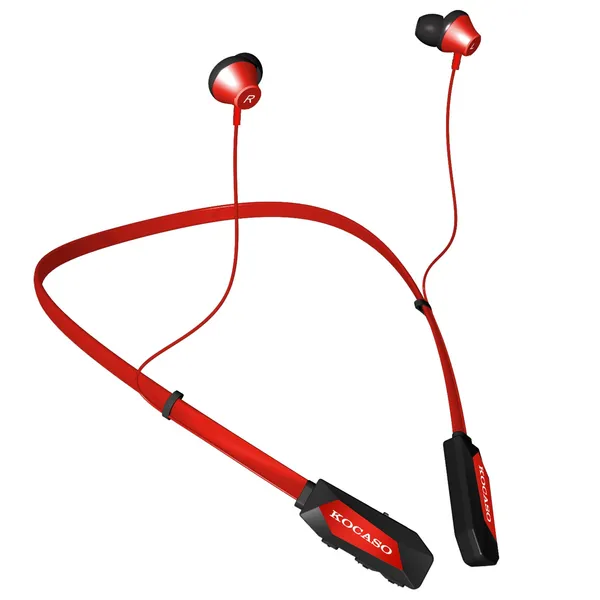
Wireless in-ear headphones split into stable neckband/back-band designs and fully sealed true-wireless earbuds, and the deciding trade-off is battery/antenna room versus fit security under motion. Choose a neckband or sweat-rated true-wireless model with Bluetooth 5.2 or newer and IPX4 or better for running; skip legacy Bluetooth 4.x and unrated plastic shells that fail at the first heavy sweat session.

Buying guide image
Computers & Peripherals

Printer

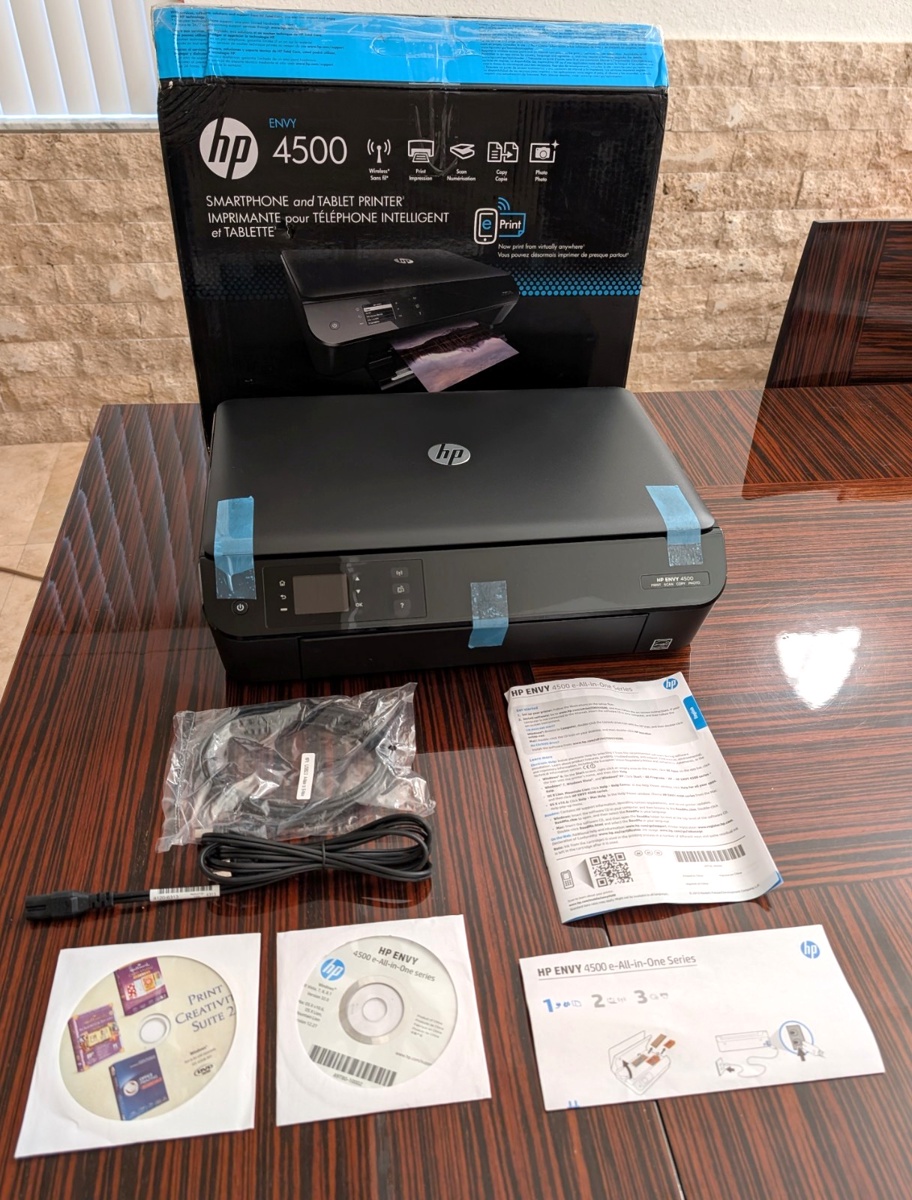
Printers split into inkjet all-in-ones for photo and color flexibility, laser units for fast durable text, and compact thermal or dye-sub units for labels and stickers. The core trade-off is consumable economics and media path: cheap inkjet hardware bleeds money on cartridges, while lasers and thermal printers cost more upfront but hold per-page costs and won't smear. Buy inkjet only if you need pigment or dye color on photo or vinyl media; otherwise pick a laser for documents and a dedicated thermal or pigment-ink model for vinyl stickers.

Buying guide image
In-Ear Earphones

Wireless Earbud

True wireless earbuds replace the cable with a Bluetooth radio link, and the core trade-off is simple: budget models cut Bluetooth generation, codec support, and battery capacity to hit a low price, while durable options keep modern Bluetooth (5.3+), USB-C charging, and at least IPX4 sweat resistance. The decision rule: buy any model with Bluetooth 5.3 or newer and USB-C, and reject anything still on Bluetooth 4.x or micro-USB, which signals an obsolete internal design.

Buying guide image
In-Ear Earphones

Wireless Earphone

Wireless earphones split into two durable architectures: true wireless (TWS) earbuds with independent buds and a charging case, and neckband/back-band headsets that keep electronics off the ears. The core trade-off is battery life and fit stability versus compactness and case convenience, with Bluetooth generation, codec support, and IP rating determining real-world longevity. Choose TWS for portability and active noise cancellation, or a neckband for all-day battery and secure sport wear; avoid legacy Bluetooth 4.x and unrated sweat resistance for serious use.

Buying guide image
Drones & Consumer Robotics

Gray Drone

A gray drone is simply a quadcopter finished in a neutral gray colorway, spanning toy-grade mini quadcopters up to DJI-class camera drones. The key trade-off is between low-cost toy performance (brushed motors, sub-1080p cameras, short Wi-Fi range) and enthusiast-grade construction (brushless motors, stabilized 4K sensors, reliable RF control). Choose based on camera stabilization and motor type, not color.

Buying guide image
In-Ear Earphones

Wireless Earbud iPhone

Wireless earbuds for iPhone are Bluetooth in-ear systems whose chipset, codec support, and Apple-specific pairing features determine real-world convenience and audio sync. The core trade-off is Apple ecosystem integration (H1/H2 chips, hands-free Siri, one-tap pairing) versus cross-platform flexibility and price. Buy Apple-silicon models only if you stay on iPhone; otherwise pick a Bluetooth 5.2+ set with AAC and dual-device support to avoid dropouts and lip-sync lag.

Buying guide image
In-Ear Earphones

Wireless Earbud Android

Wireless earbuds for Android are Bluetooth in-ear systems where codec support, multipoint switching, and battery architecture decide whether they feel seamless or constantly glitchy. The core trade-off is paying for low-latency codecs and true multipoint versus basic SBC-only buds with short real-world runtime. Buyers should insist on Bluetooth 5.2 or newer, AAC/LDAC support, and USB-C charging; skip anything still on Bluetooth 4.x or micro-USB.

Buying guide image
In-Ear Earphones

Wireless Earbud PC

Wireless earbuds for PC are low-latency Bluetooth in-ear systems that pair with desktops, laptops, and dongles for calls, media, and light gaming. The core trade-off is radio latency and codec support versus battery life and comfort; Bluetooth Classic/SBC models lag visibly on video, while LE Audio or 2.4 GHz dongle sets stay in sync at the cost of dongle bulk or higher power draw. Buy any set with a dedicated USB-C/USB-A transmitter or LE Audio/LC3 support if lip-sync and mic quality matter; skip pure SBC buds for anything beyond casual listening.

Buying guide image
Mechanical Keyboards

Mechanical Keyboard

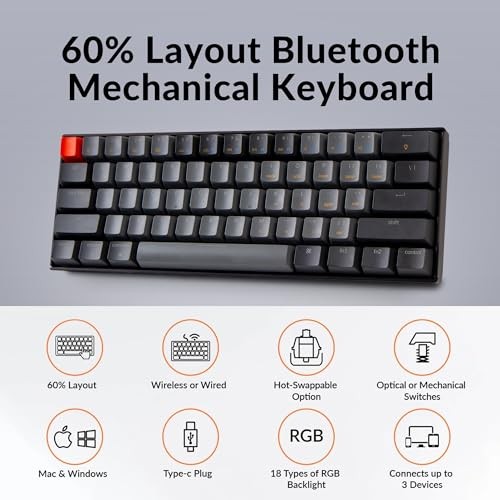
A mechanical keyboard uses individual spring-and-stem switches under every key, delivering superior tactile feedback, repairability, and lifespan compared to membrane boards. The core trade-off is between switch quality and chassis rigidity: budget boards often pair decent switches with flexy plastic cases, while mid-range models add hot-swap sockets and aluminum or reinforced plastic. The decision rule is simple—buy a hot-swappable board with a standard layout and name-brand switches, and skip any soldered, non-standard layout if you plan to keep it long-term.

Buying guide image
Mechanical Keyboards

Compact Mechanical Keyboard

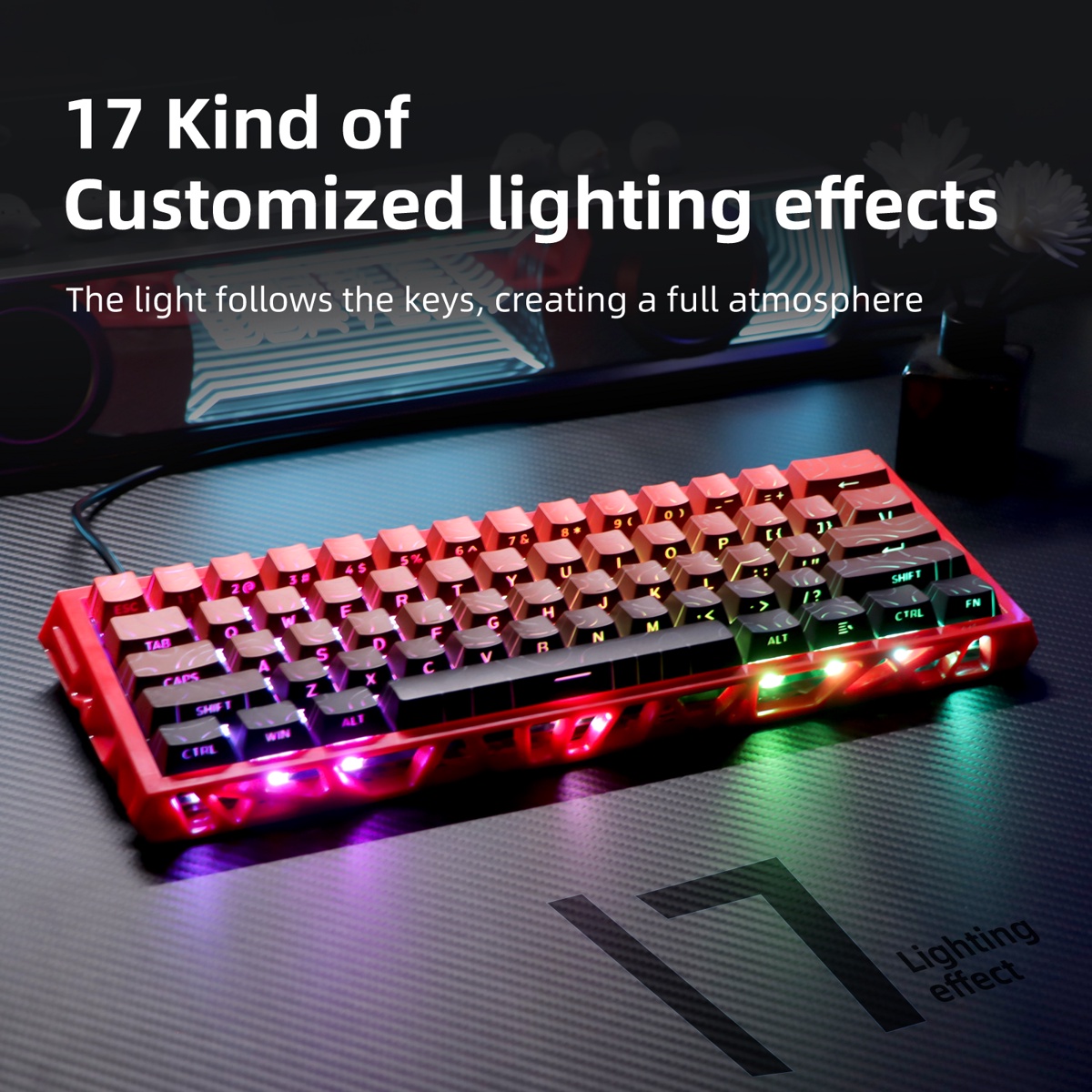
Compact mechanical keyboards are wired or wireless boards that drop the numpad and often the function row to save desk space, with 65%, 75%, and TKL being the dominant layouts. The core trade-off is layout compression versus keycap and switch compatibility: the tighter the layout, the more you rely on Fn layers and non-standard key sizes. The decision rule is simple—buy a hot-swap, standard-bottom-row board with a metal or reinforced plastic case if you want longevity, and skip soldered, non-standard-stabilizer layouts unless you need the absolute smallest footprint.

Buying guide image
Mechanical Keyboards

Mechanical Keyboard Mac

A Mac mechanical keyboard must bridge macOS-specific key layout, reliable wireless (Bluetooth or 2.4 GHz) with stable macOS drivers, and switch feel that suits typing or gaming. The core trade-off is between low-cost plastic, single-mode boards with generic firmware and aluminum, tri-mode models with QMK/VIA or native macOS support. The decision rule: if you need dependable macOS shortcuts and multi-device switching, pick a board with confirmed macOS compatibility (native or QMK/VIA) and at least Bluetooth 5.0; otherwise, a wired USB board with standard HID will work but sacrifices wireless convenience.

Buying guide image
Mechanical Keyboards

Mechanical

Mechanical keyboards use individual spring-loaded switches per key, trading the low cost of rubber-dome boards for repairability, tactile consistency, and customizable feel. The primary decision is switch type (linear, tactile, clicky) and mounting/build material, which dictate sound, typing fatigue, and longevity. Buy hot-swappable boards with standard 3- or 5-pin sockets and dual-mode or tri-mode connectivity if you want a keyboard that stays useful across devices and survives switch wear.

Buying guide image
Over-Ear Headphones

Black Headphones

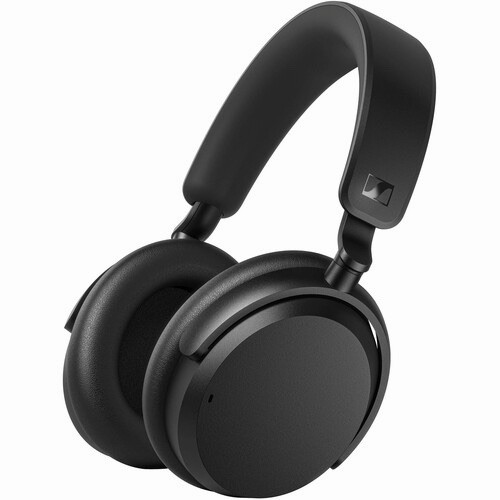
Black over-ear headphones span wired studio monitors, Bluetooth noise-cancelling travel cans, and low-latency gaming headsets, all sharing a dark finish that hides wear. The core trade-off is driver and build quality versus wireless convenience: wired 32-ohm closed-backs deliver clean, uncolored sound for monitoring and mixing, while Bluetooth models add ANC and long battery life at the cost of codec latency and eventual battery degradation. The decisive rule is simple: buy wired for critical listening and gaming on a fixed setup, buy Bluetooth with ANC for commuting and calls, and avoid any model that cannot fold or swivel if you need portability.

Buying guide image
VR Gaming Hardware & Accessories

VR

VR hardware splits into standalone headsets with onboard compute and PC-powered headsets that tether to a gaming PC, with accessories like straps and facial interfaces determining long-session comfort. The core trade-off is standalone convenience versus PC fidelity and refresh rate. Buy a standalone unit for untethered room-scale play, a PC headset only if you own a VR-ready GPU, and prioritize replacement straps and washable facial interfaces over cosmetic add-ons.

Buying guide image
In-Ear Earphones

Headphone

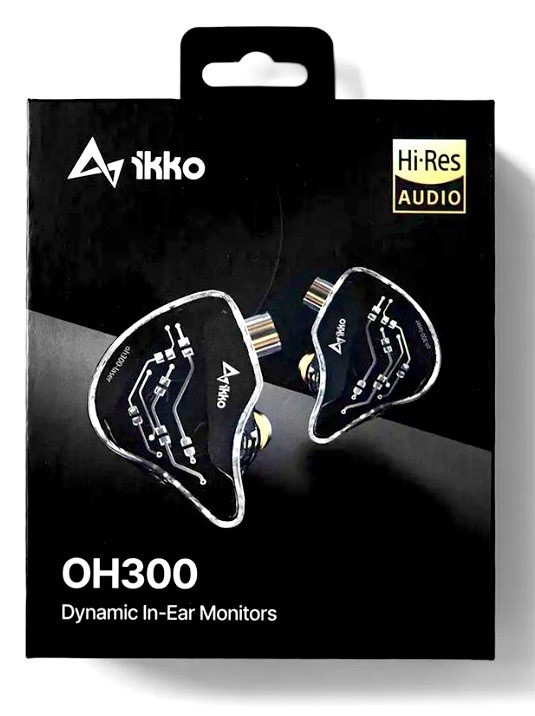
In-ear earphones span wired IEMs, true-wireless buds, neckbands, and ear-hook sport models; the core trade-off is acoustic seal and driver quality versus wireless convenience and battery lifespan. Durable options use metal nozzles, standard tip sizes, and replaceable cables or batteries, while compromises rely on glued plastic housings and non-standard tips that fail early.

Buying guide image
In-Ear Earphones

In Ear Headphone

In-ear headphones span wired IEMs, true wireless earbuds, and sport neckbands, with the core trade-off between acoustic isolation/sound quality and wireless convenience/durability. The deciding factor is fit and driver architecture: sealed, ergonomic nozzles with balanced-armature or hybrid drivers deliver superior isolation and detail, while loose or shallow fits force higher volume and compromise bass and comfort. Choose wired IEMs for critical listening and stable fit, or true wireless with secure-wing tips for workouts; skip generic shallow-fit earbuds if you need lasting comfort or sweat resistance.

Buying guide image
In-Ear Earphones

Earbud Wireless

Wireless earbuds span true-wireless (TWS) and neckband designs that trade cable-free convenience against battery life, fit security, and codec support. The core engineering decision is Bluetooth generation and driver/codec architecture: Bluetooth 5.0+ with AAC/SBC is the durability floor, while LDAC and ANC define the premium tier. Buy TWS only if pocketability matters more than runtime; otherwise a neckband delivers double the battery at half the failure points.

You may also like

Finding more guides for you…