
Photos from current listings. Actual item, color, and included accessories may vary.
Mechanical Keyboard Buying Guide
A mechanical keyboard uses individual spring-and-stem switches under every key, delivering superior tactile feedback, repairability, and lifespan compared to membrane boards. The core trade-off is between switch quality and chassis rigidity: budget boards often pair decent switches with flexy plastic cases, while mid-range models add hot-swap sockets and aluminum or reinforced plastic. The decision rule is simple—buy a hot-swappable board with a standard layout and name-brand switches, and skip any soldered, non-standard layout if you plan to keep it long-term.
Median $60.00
Key takeaways
- Hot-swap sockets (3-pin or 5-pin) let you replace switches without soldering, extending board life and customizability; soldered boards lock you into the original switch.
- Layout size drives function: full-size (104 keys) includes a numpad, TKL (87 keys) drops it for mouse space, 75% (81-84 keys) compresses arrows and function row, and 65% removes the function row entirely.
- Switch type defines feel: linear (Red) is smooth and quiet for office, tactile (Brown) gives a bump for typing, clicky (Blue) adds audible feedback but annoys coworkers.
At a glance
- Category
- Mechanical Keyboards
- Last updated
- Nov 24, 2026
Current offers
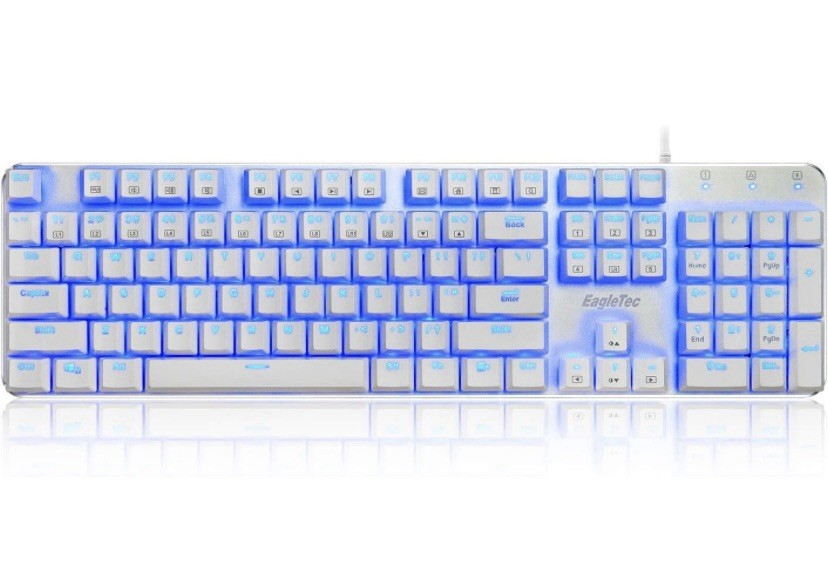 EagleTec kg051-BR -1 Mechanical Keyboard Wired Ergonomic Brown Switches 104 Keys$29.00View on eBay
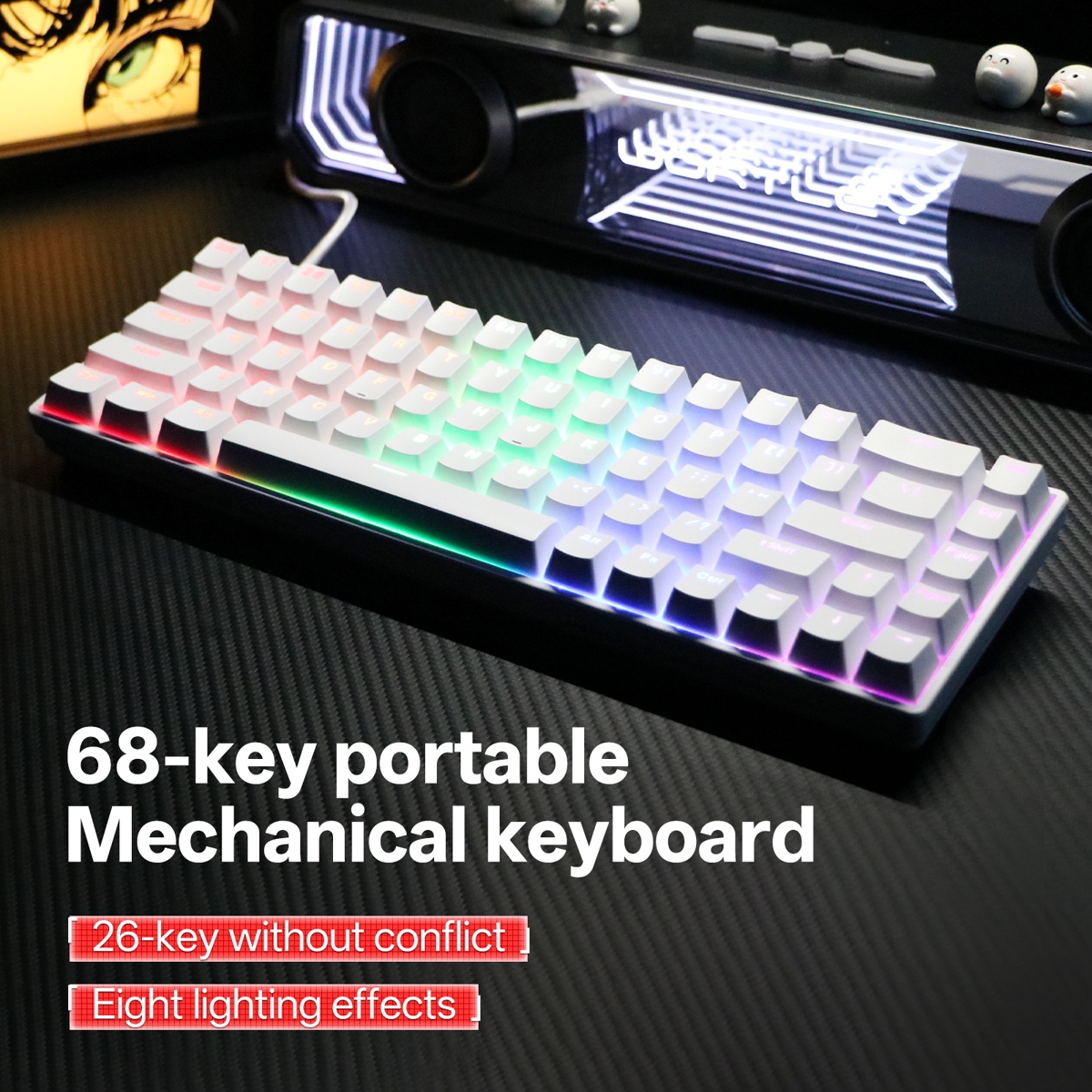 KL61 Single-Mode Mechanical Keyboard$47.99View on Mallflare
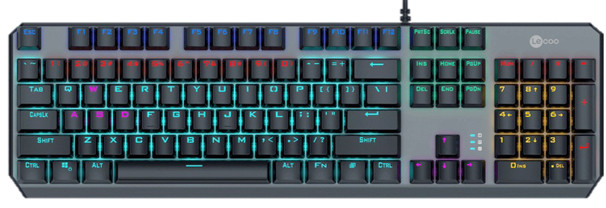 Lenovo (Lecoo) GK301 Wired Mechanical Gaming Keyboard USB wired RGB backlight$29.99View on eBay
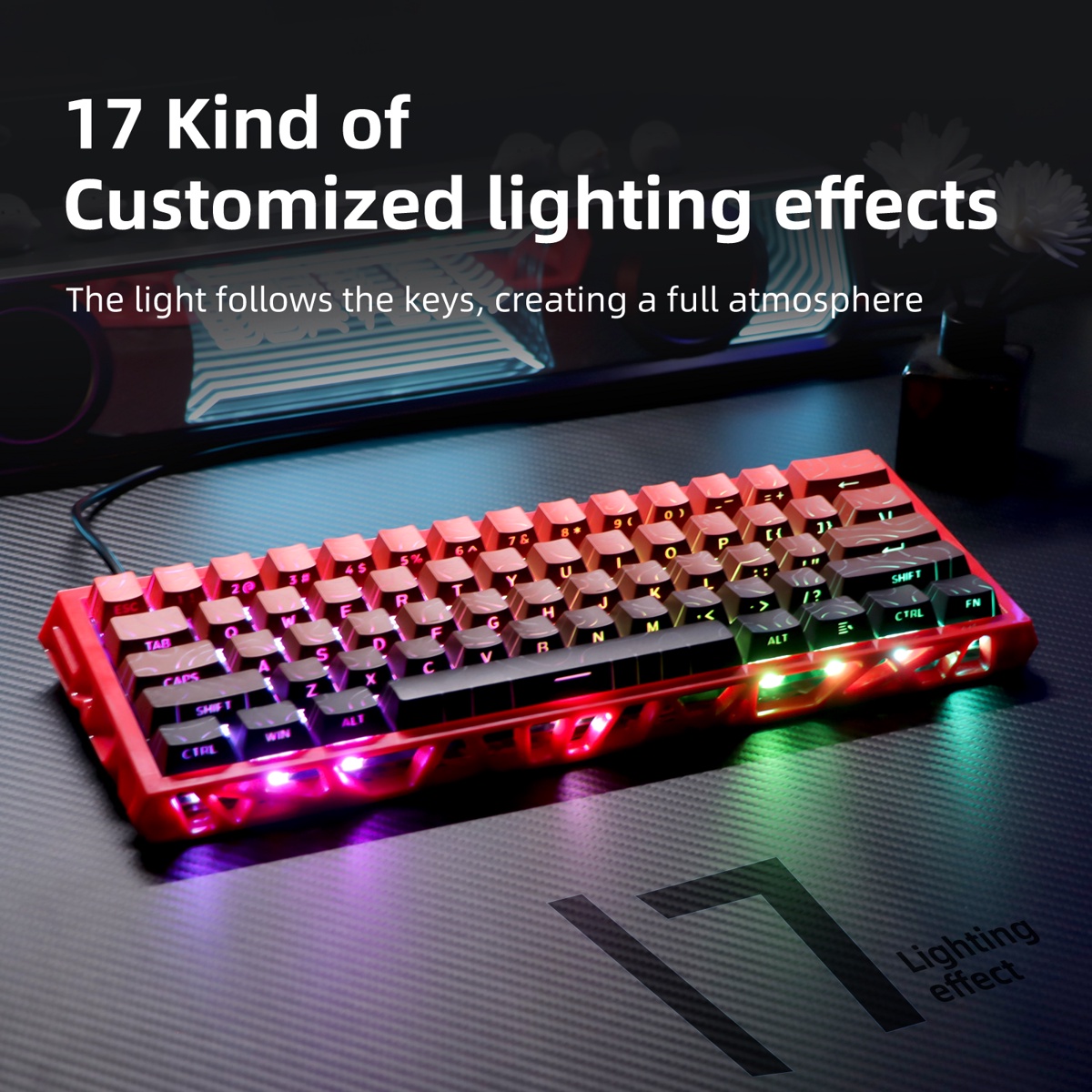 NJ61 Hollow Single-Mode Mechanical Keyboard$65.99View on Mallflare
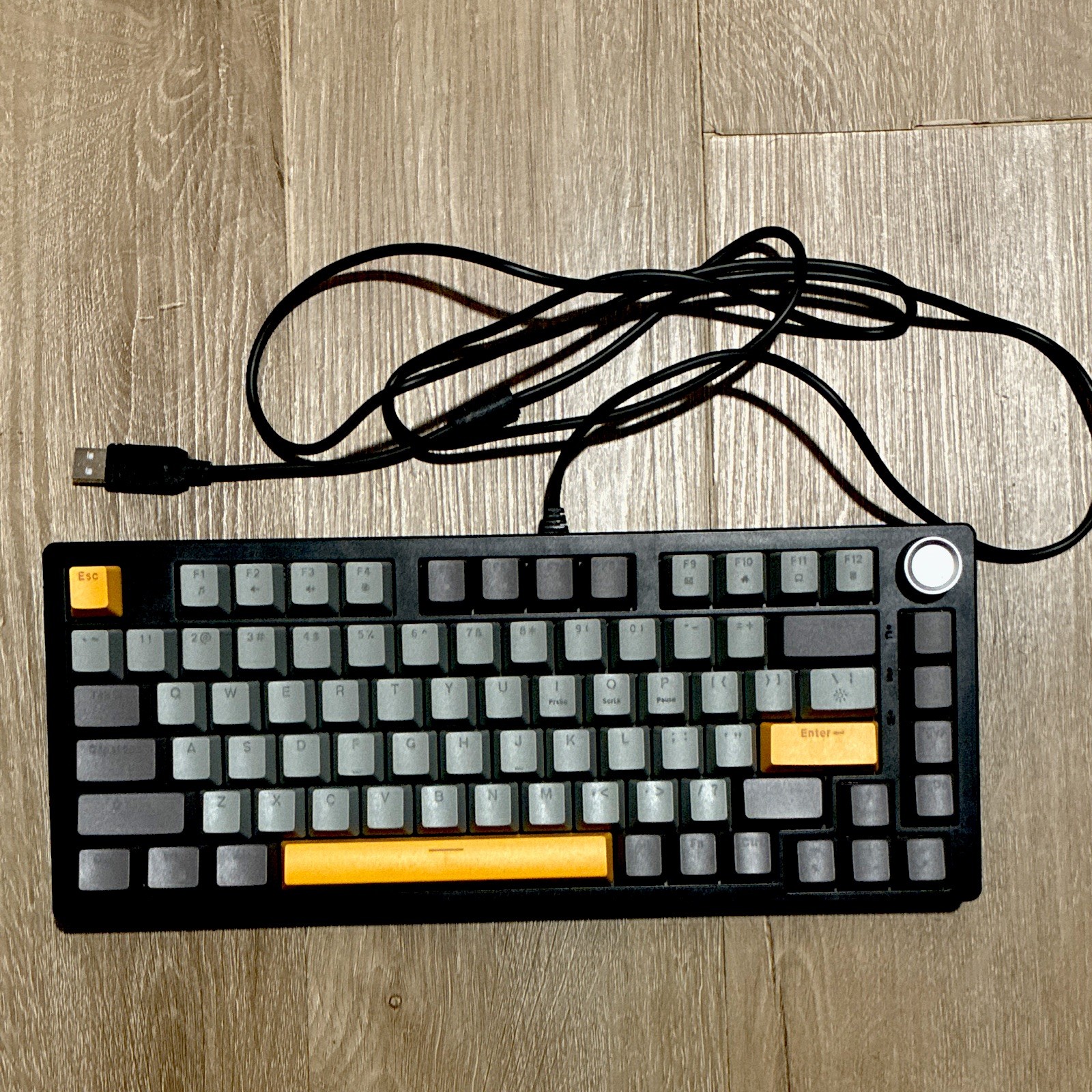 75% Wired USB Mechanical Gaming Keyboard w/ LED Backlights and Volume Knob$30.00View on eBay
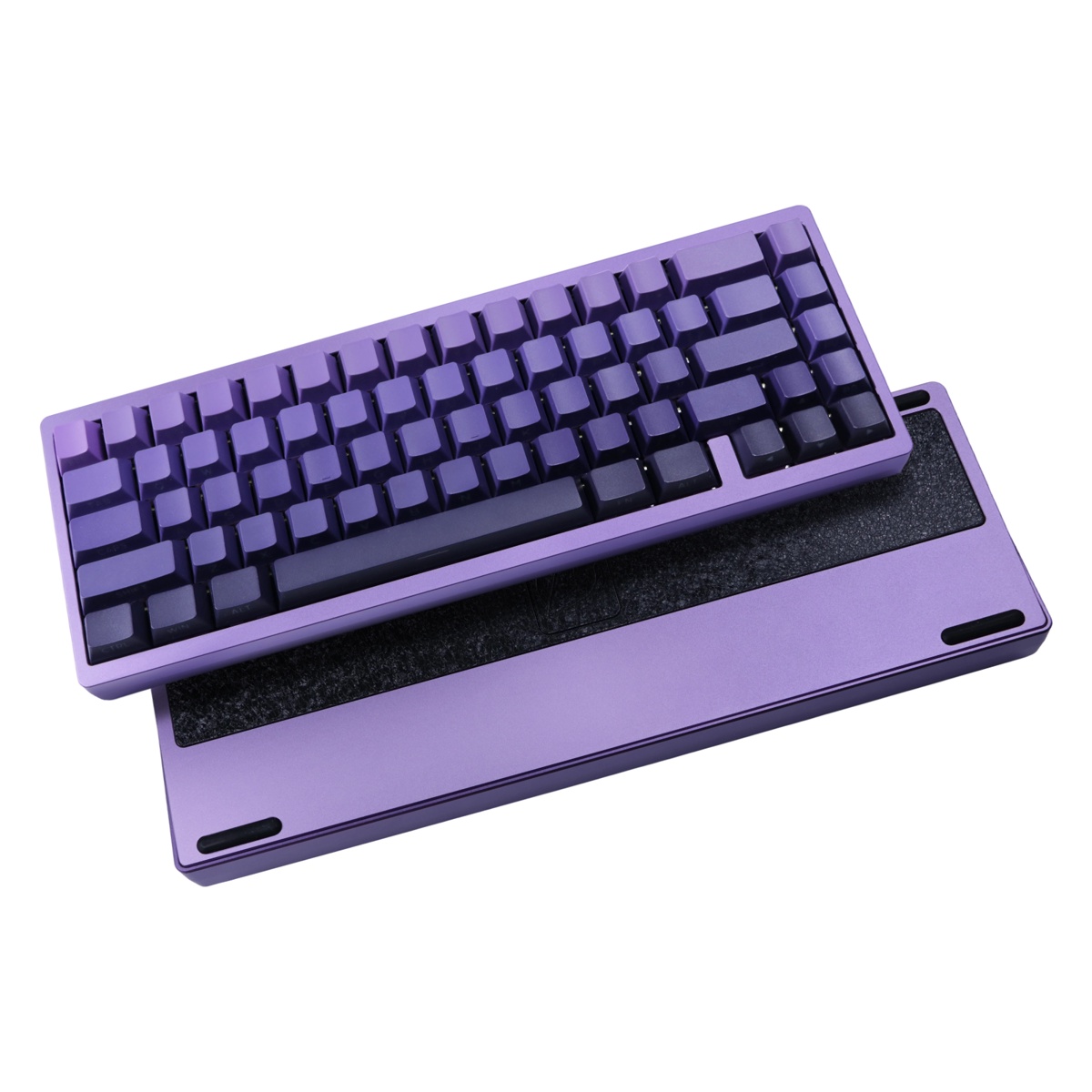 Aluminum Block 65-Key Tri-Mode Mechanical Keyboard$102.99View on Mallflare
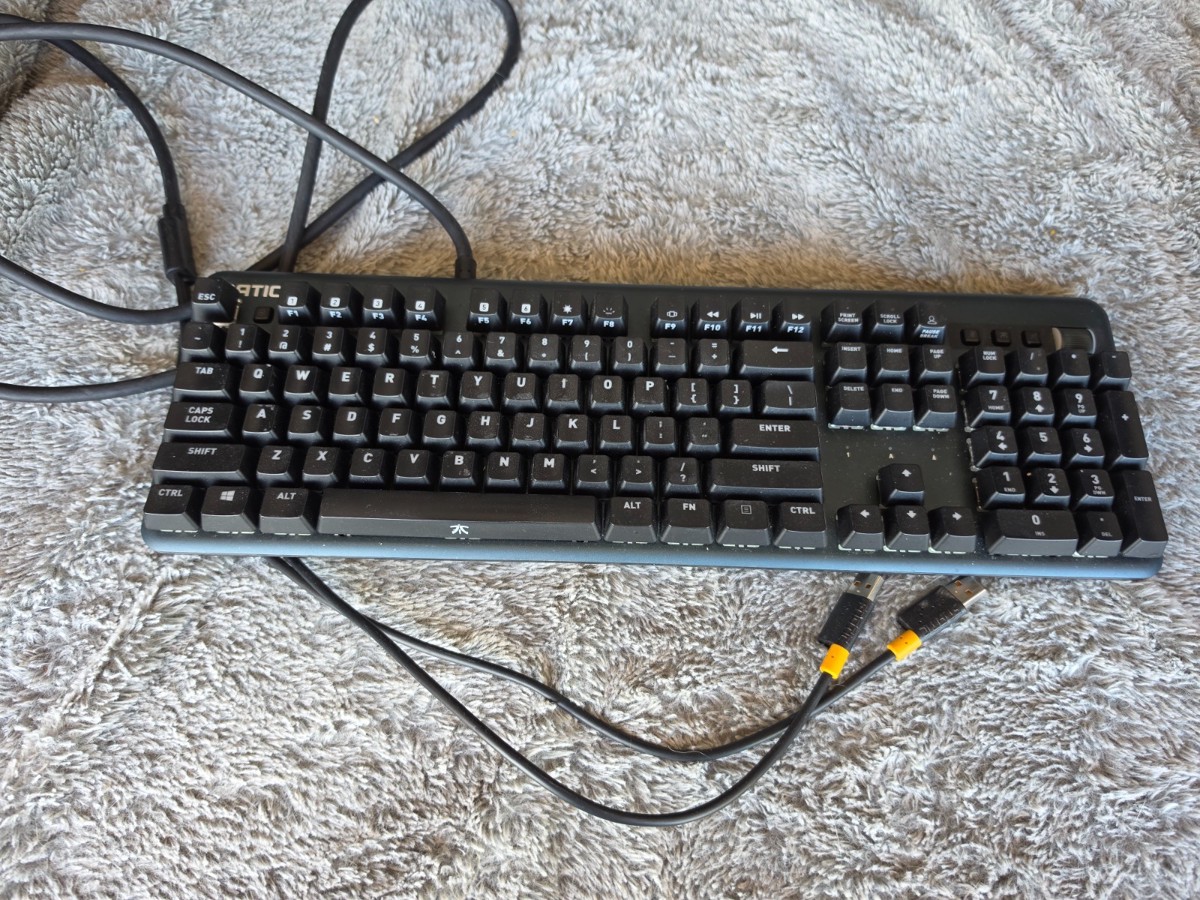 Fnatic Streak Wired Gaming Mechanical Cherry Red MX RGB Switch Keyboard$33.50View on eBay
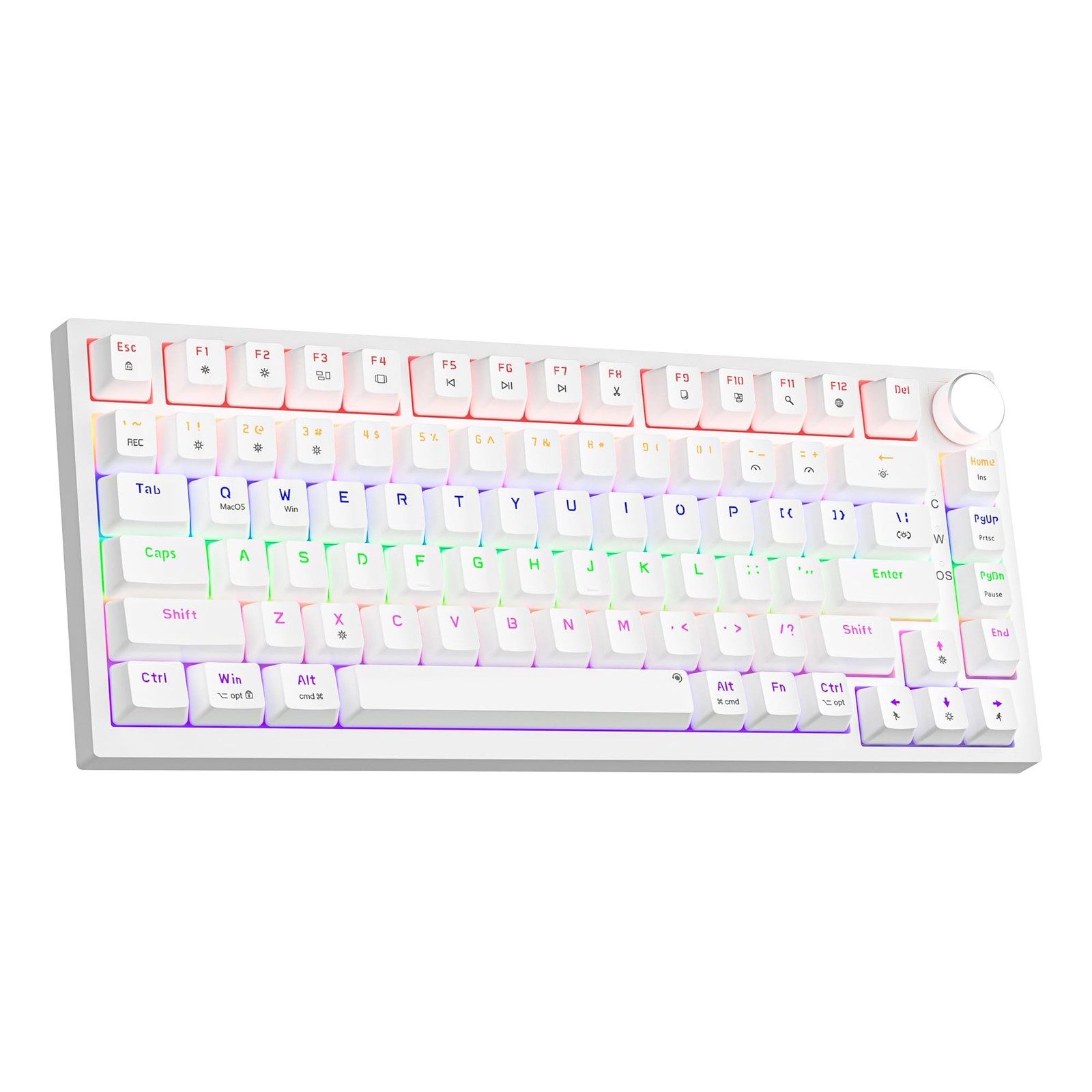 Newmen GM326 75% Percent Mechanical Keyboard,Wired Mini Backlit Hot White$34.52View on eBay
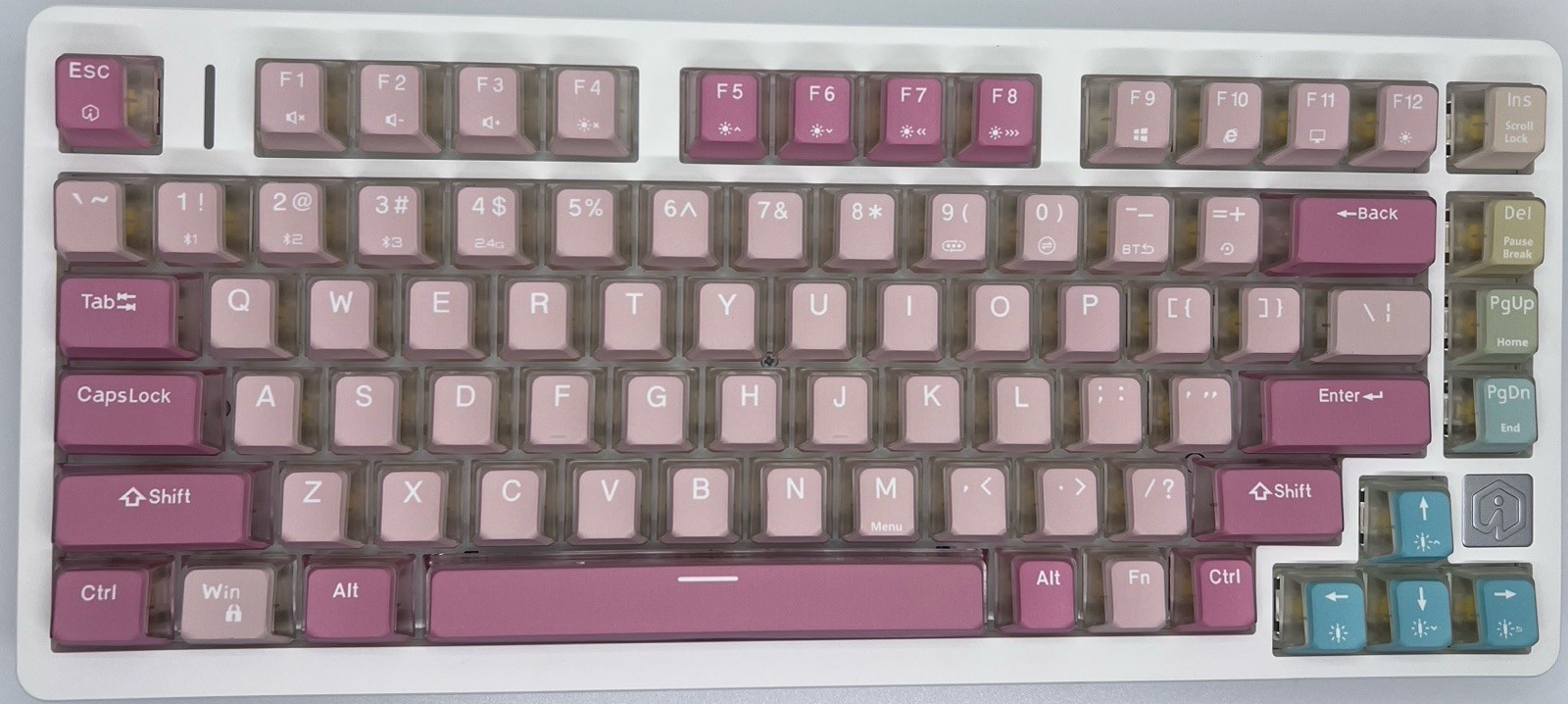 Wireless RGB Hot Swappable Mechanical Keyboard 3 Layers 81 Keys Gaming Keyboard$35.98View on eBay
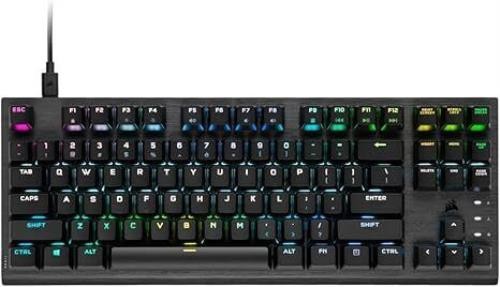 CORSAIR K60 RGB TKL RGB Tenkeyless Optical-Mechanical Wired Gaming Keyboard$37.99View on eBay
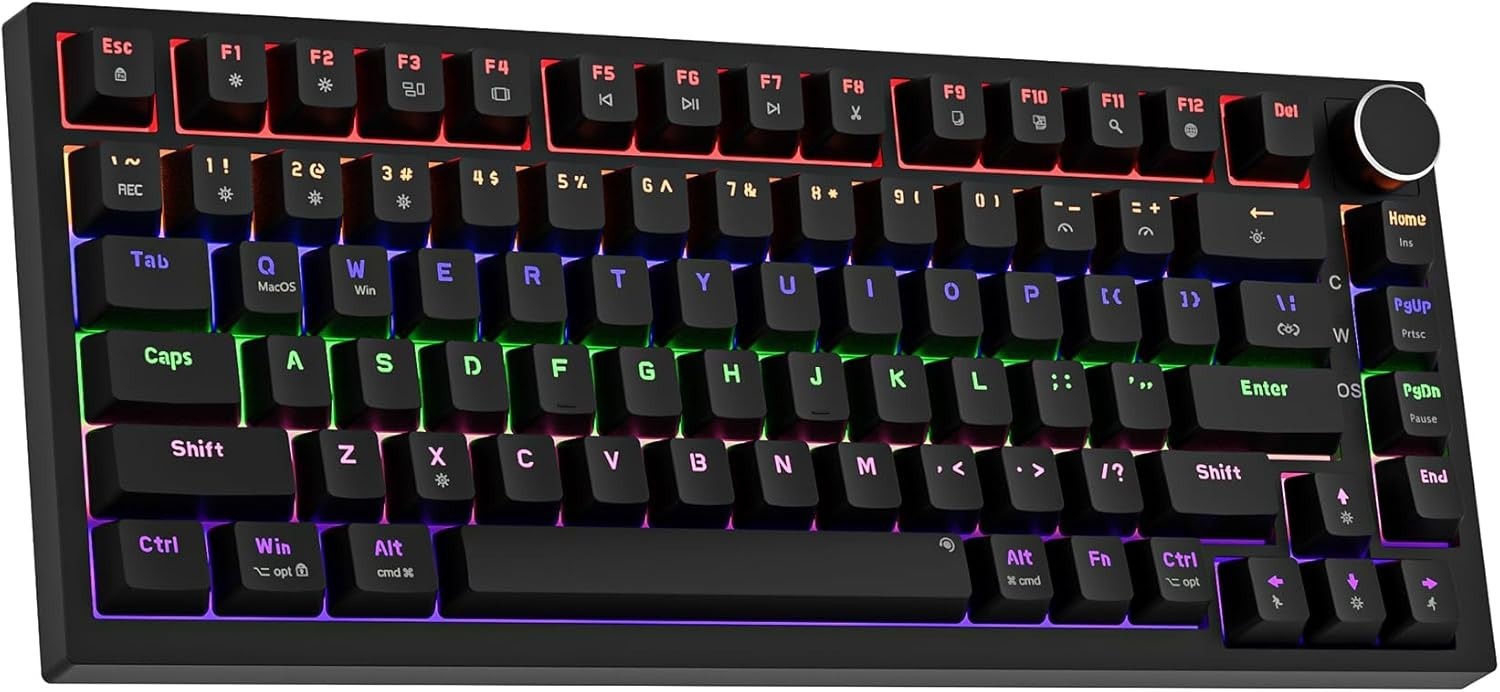 Newmen GM326 75% Percent Mechanical Keyboard Free Shipping$39.10View on eBay
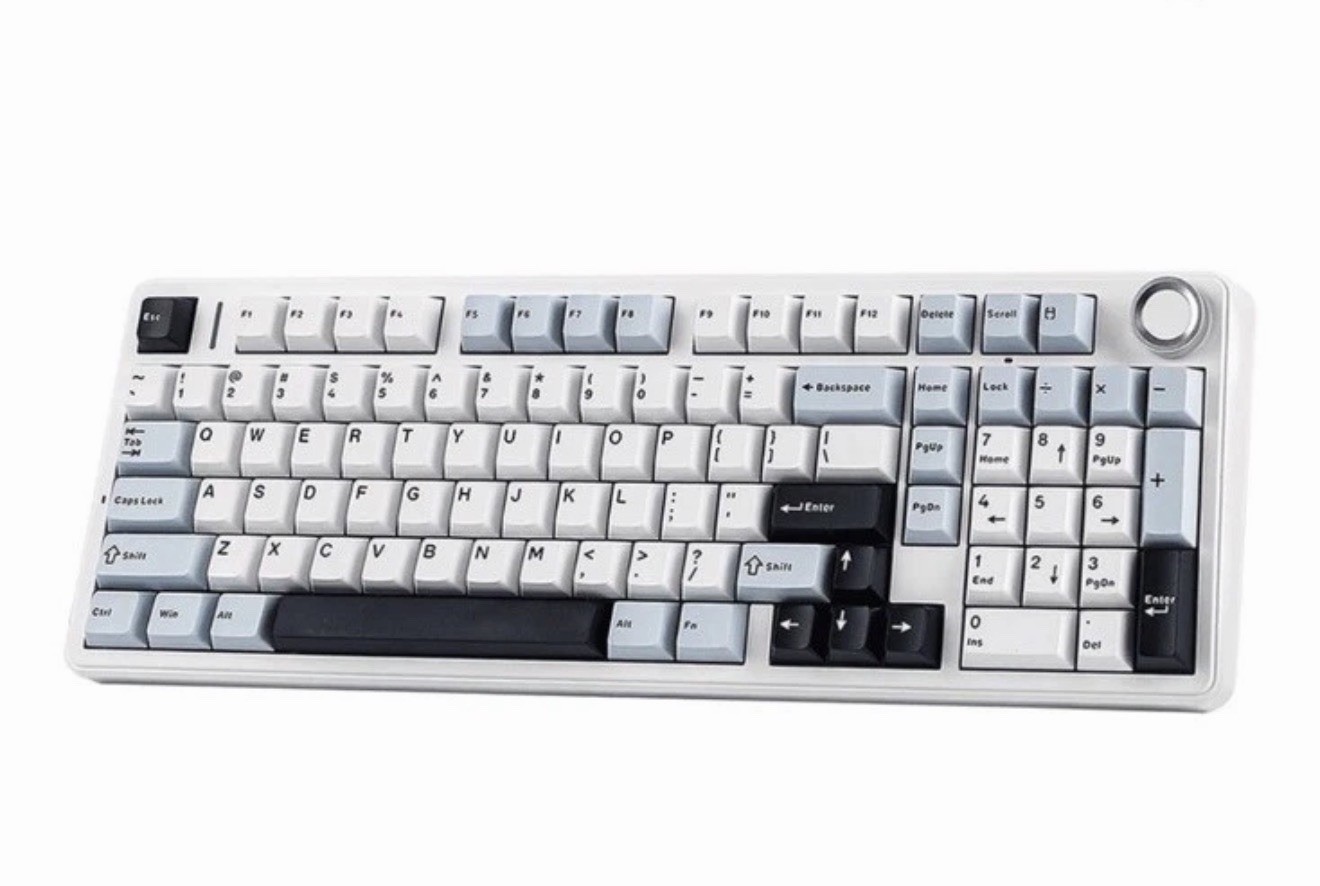 AULA F99 PRO BLUE/WHITE Wireless Mechanical Gaming Keyboard | NEXT DAY SHIP$41.98View on eBay
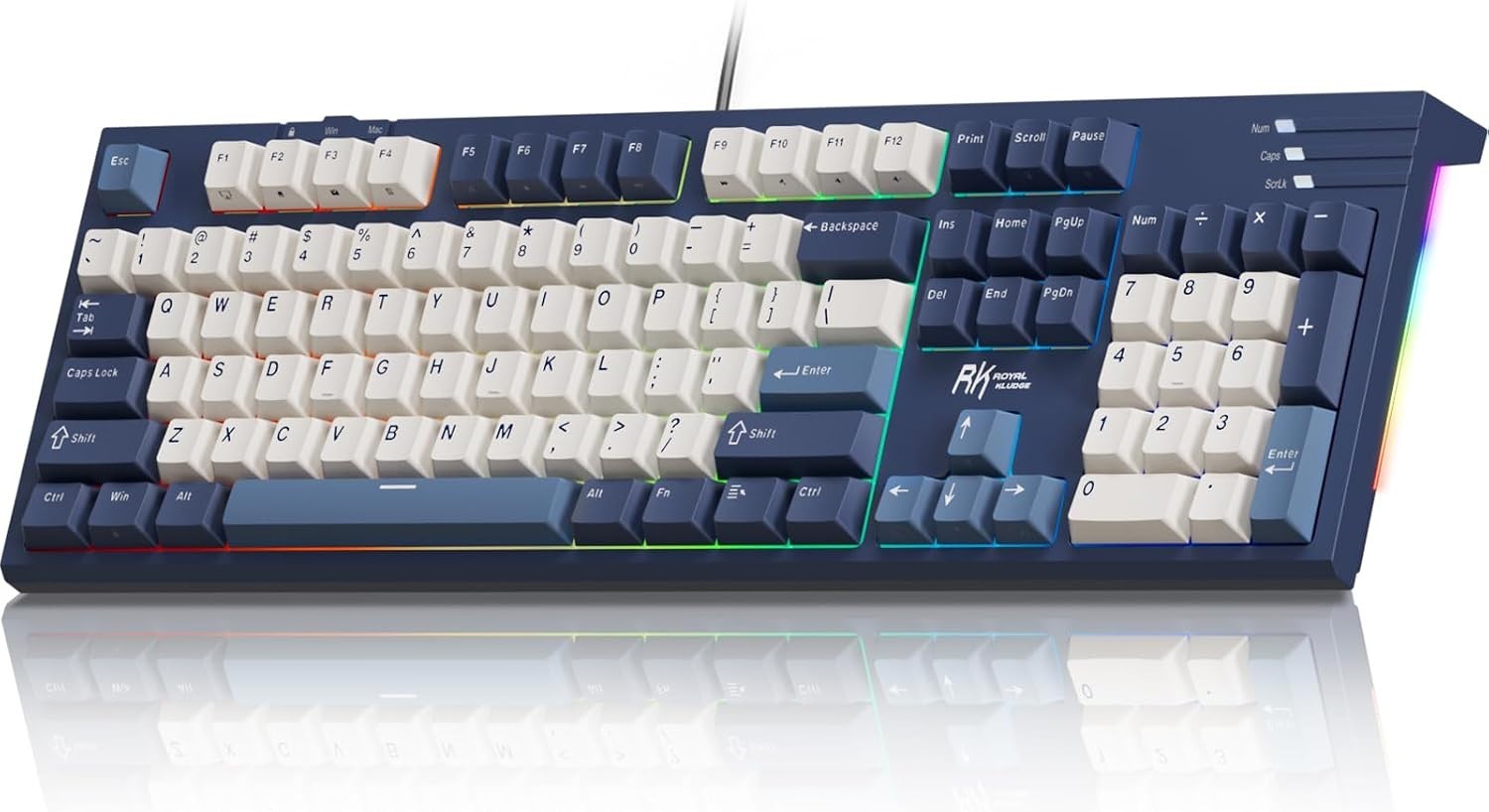 RK ROYAL KLUDGE R104 Wired Mechanical Keyboard$42.99View on eBay
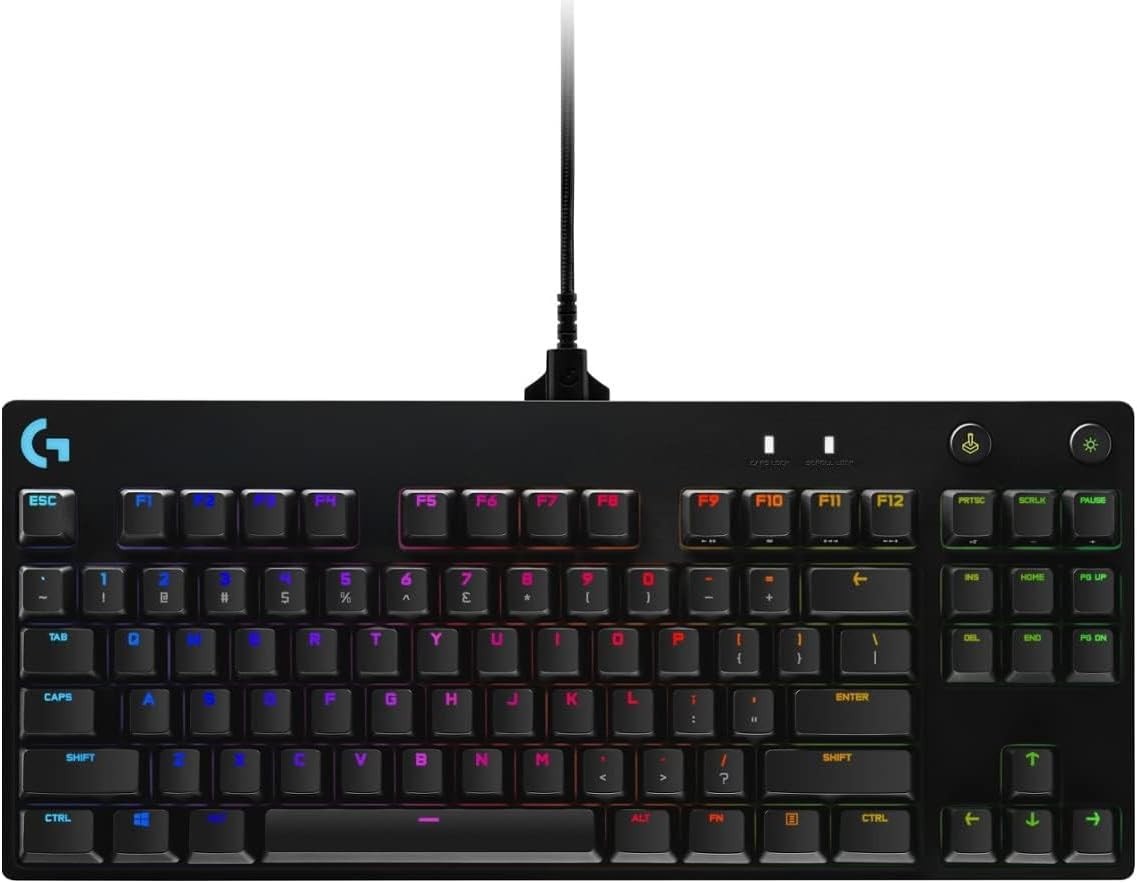 Logitech G Pro TKL Mechanical RGB Gaming Keyboard Black$43.19View on eBay
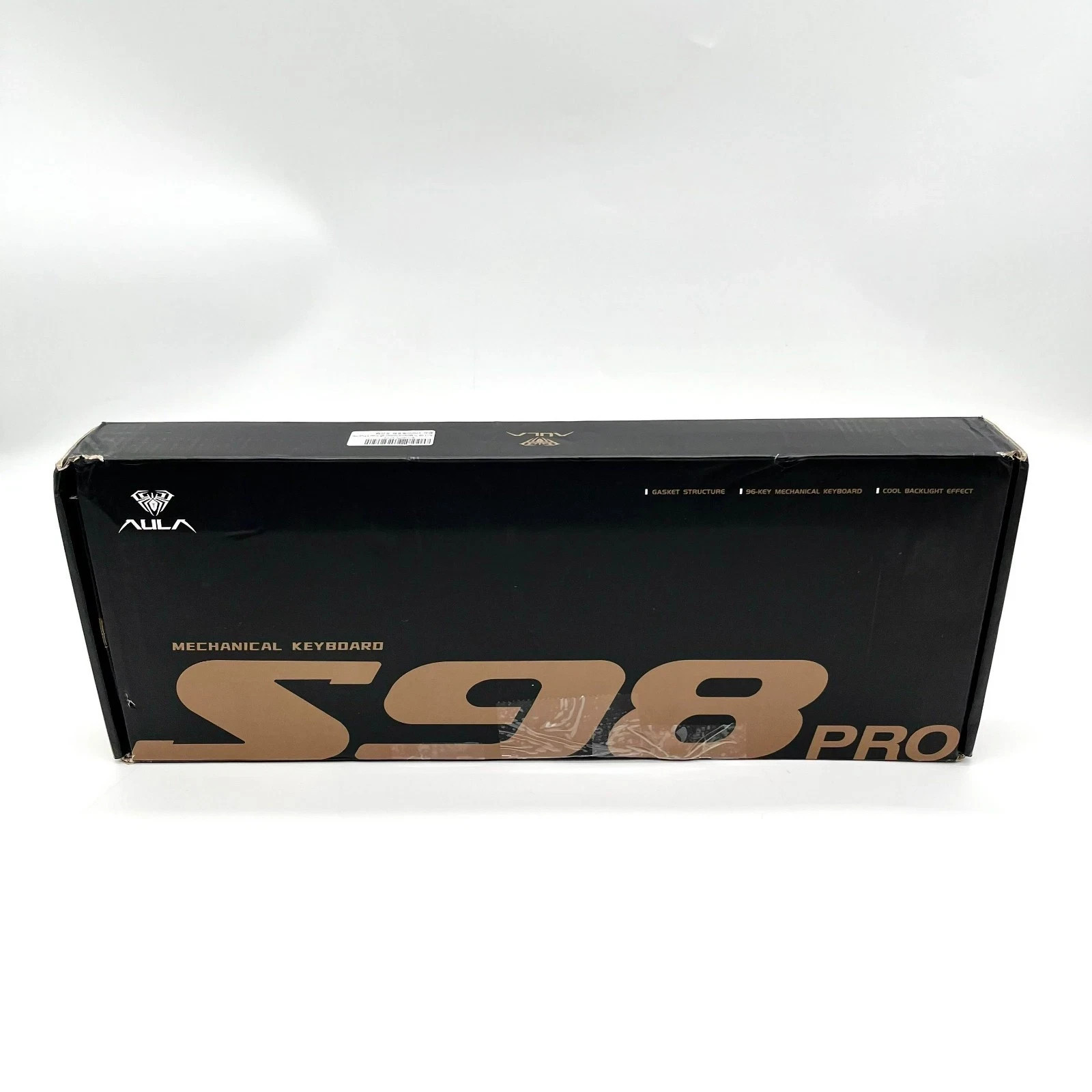 AULA S98 Pro Wireless Mechanical Keyboard with Screen & Knob Blue White$44.95View on eBay
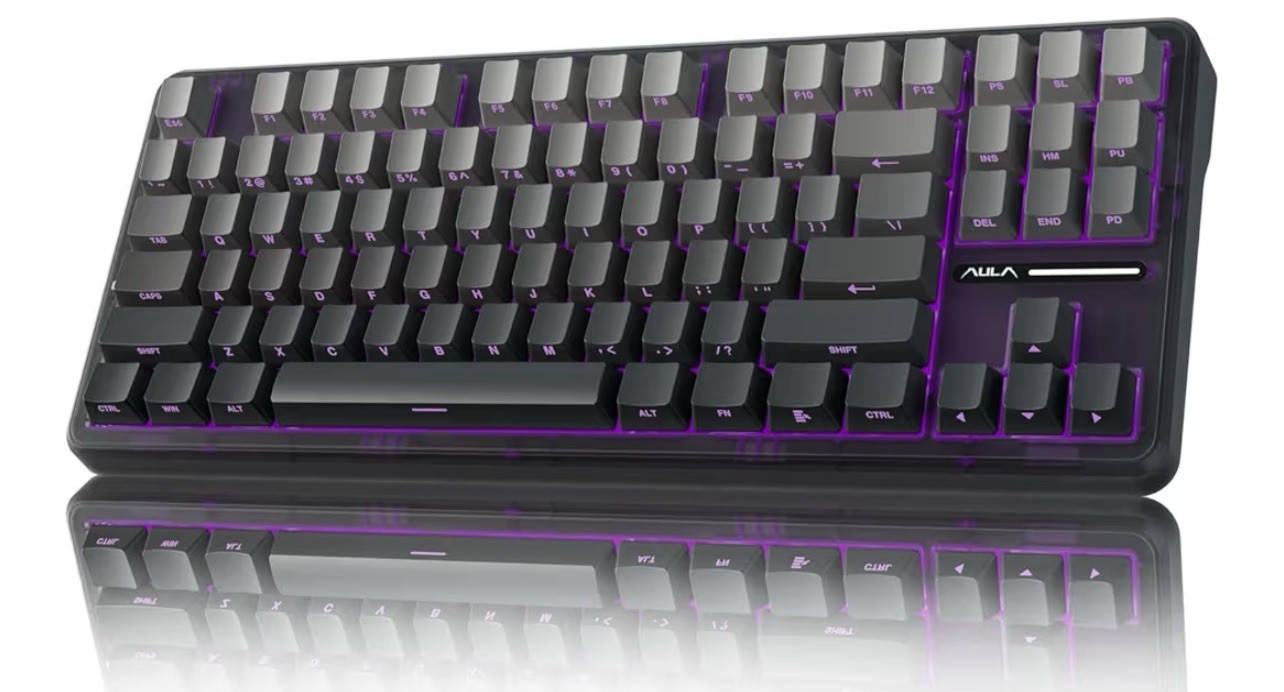 AULA F87 Pro Wireless Mechanical Keyboard Tri-Mode Hot Swappable (F87 Pro-Black)$44.99View on eBay
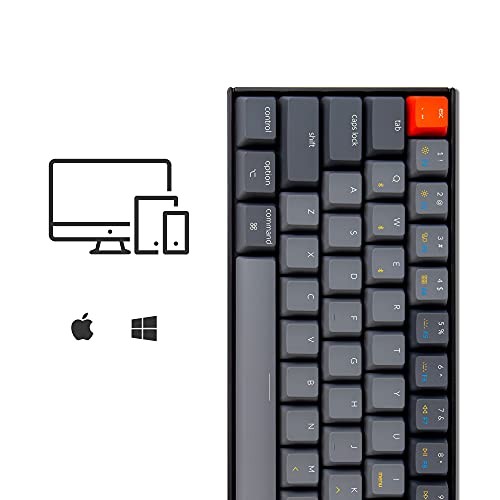 KEYCHRON K12 WIRELESS MECHANICAL KEYBOARD - RGB BACKLIGHT - GATERON -$45.16View on eBay
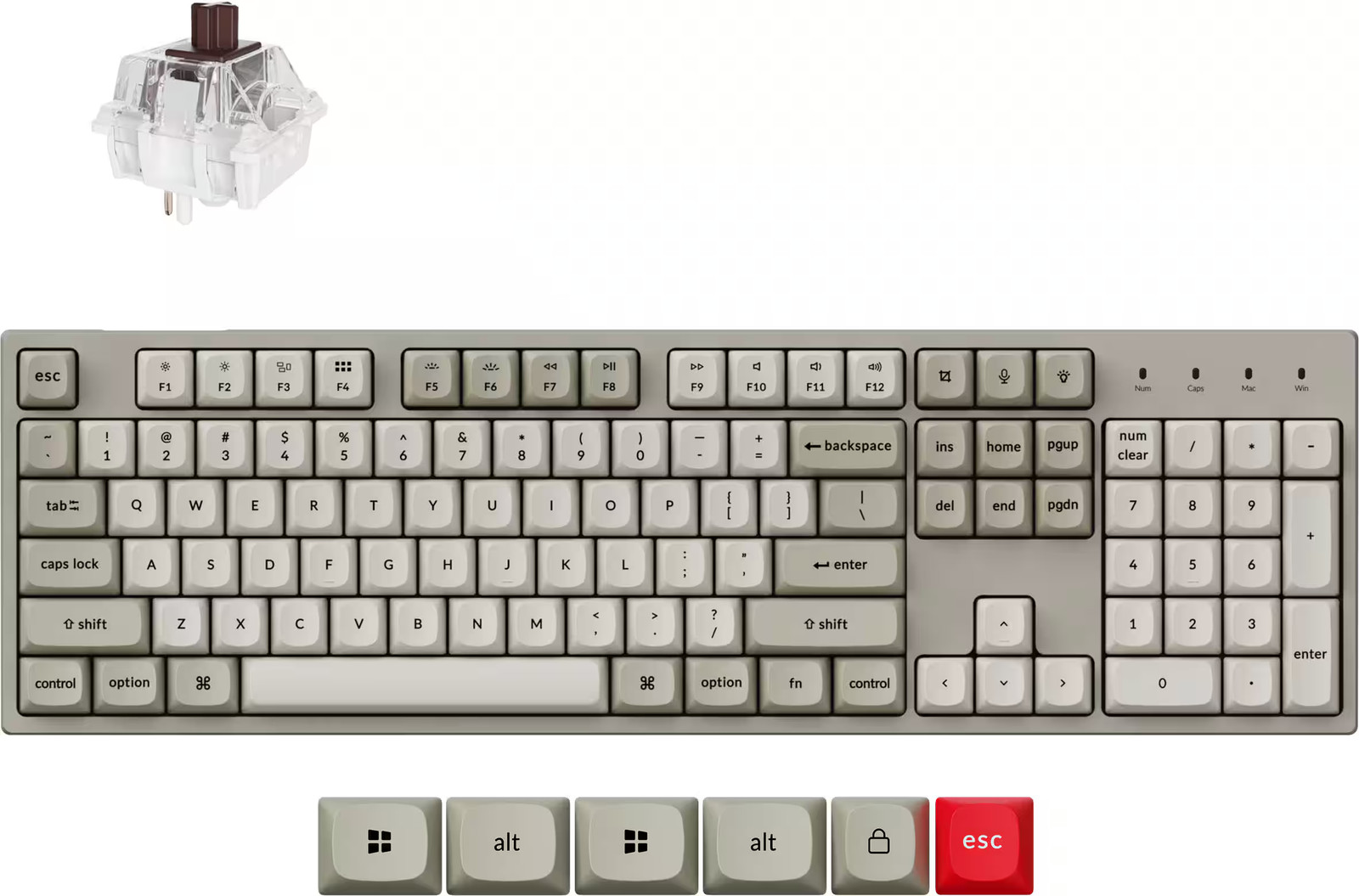 Keychron - C2PX 100% Custom Wired RGB Mechanical Gaming Keyboard with Program...$46.74View on eBay
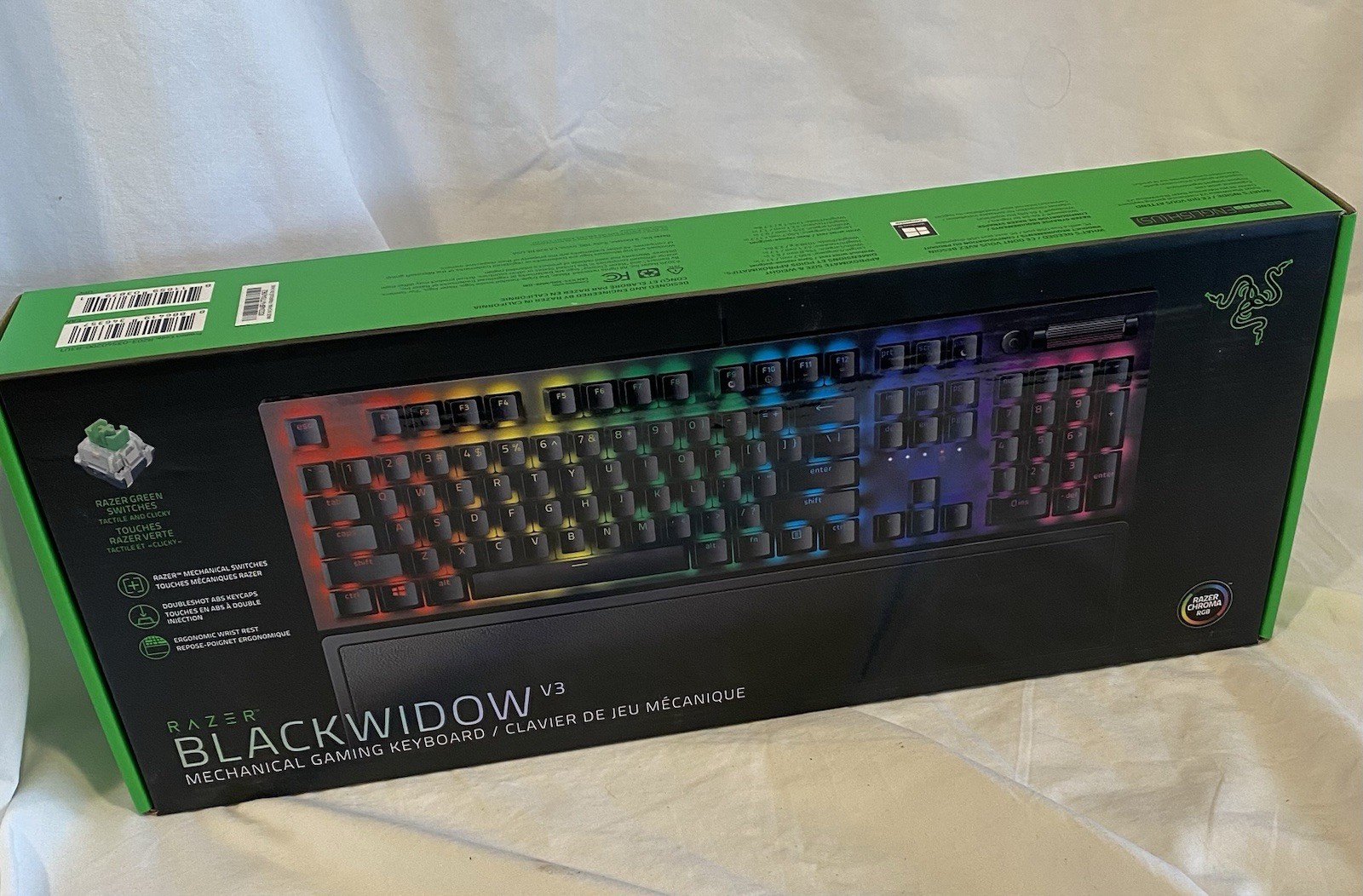 Razer Blackwidow V3 Mechanical Keyboard$49.95View on eBay
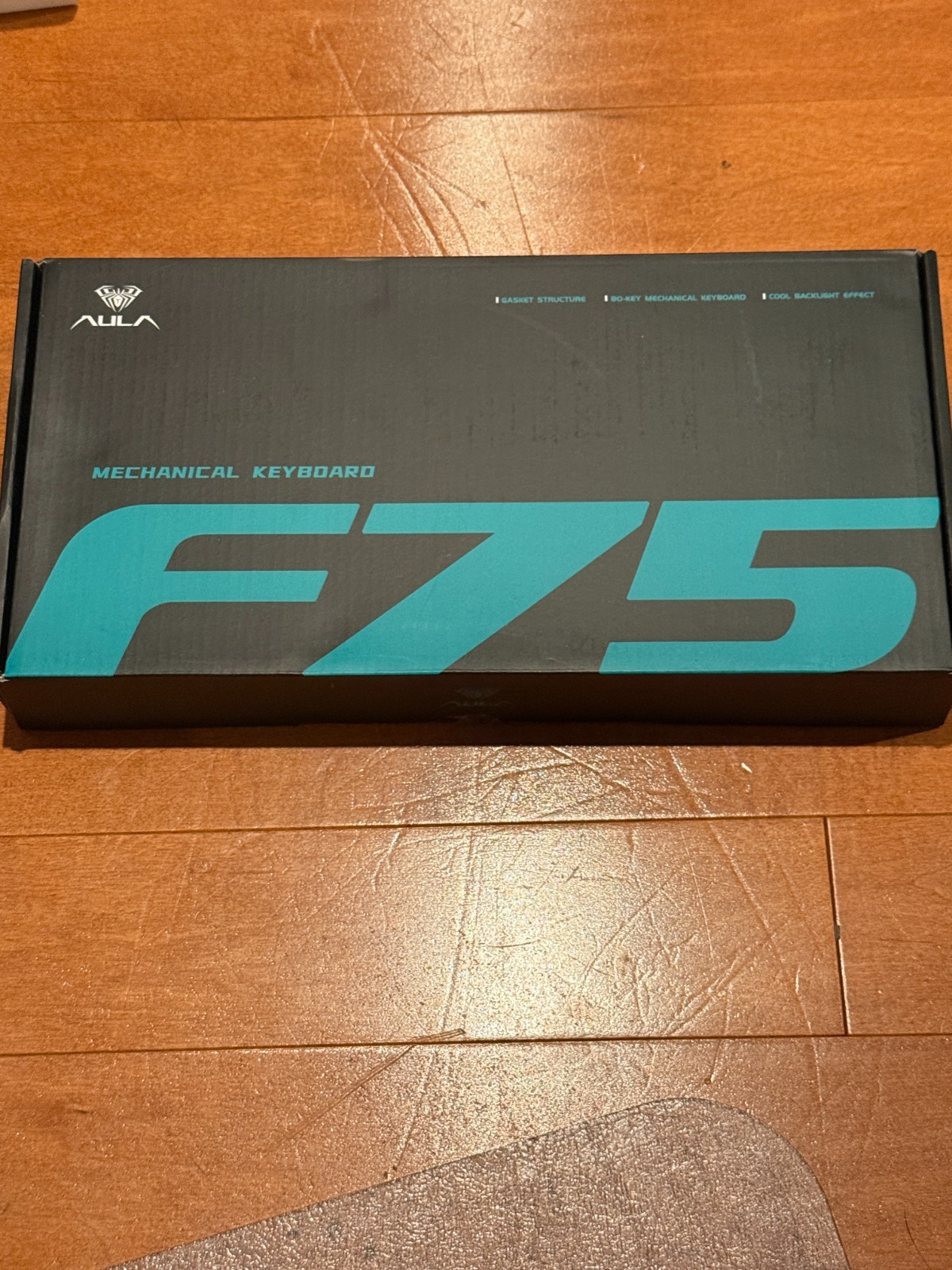 AULA F75 Wireless Gaming Keyboard Mechanical Tri-Mode RGB Backlit NEW SEALED$49.95View on eBay
Highlights
- Hot-swap sockets (3-pin or 5-pin) let you replace switches without soldering, extending board life and customizability; soldered boards lock you into the original switch.
- Layout size drives function: full-size (104 keys) includes a numpad, TKL (87 keys) drops it for mouse space, 75% (81-84 keys) compresses arrows and function row, and 65% removes the function row entirely.
- Switch type defines feel: linear (Red) is smooth and quiet for office, tactile (Brown) gives a bump for typing, clicky (Blue) adds audible feedback but annoys coworkers.
- Connectivity tiers are wired USB-C only, Bluetooth multi-device, or tri-mode (USB-C + Bluetooth + 2.4GHz dongle); tri-mode adds latency-free wireless but costs more than wired-only.
Best use cases
- Office and shared spaces: pick a 75% or TKL board with tactile Brown or silent linear switches and PBT keycaps—skip clicky Blue switches and loud hollow plastic cases.
- Budget first board: choose a wired 65% or 75% hot-swap model with Outemu or equivalent switches; skip RGB-heavy full-size boards that spend cost on lighting instead of stabilizers.
- Portable or small-desk setup: a 60-65% tri-mode board with Bluetooth saves space and pairs with a laptop; skip full-size boards if you never use a numpad.
- Retro or color-matched aesthetic: look for beige/retro keycap sets or purple/green case options in 75% layout; skip white-label boards with painted legends that wear off.
Buying tips
- Prioritize hot-swap sockets and PBT keycaps over RGB; PBT resists shine and wear far better than ABS, and hot-swap future-proofs the board against switch failure.
- Match layout to workflow: if you enter numbers daily, keep a full-size or add a separate numpad; otherwise TKL or 75% frees desk space for the mouse.
- Check switch brand: Gateron, Cherry MX, and Outemu are known quantities; unbranded switches vary in wobble and lifespan, so buy from listings that state the brand.
- For wireless, confirm tri-mode (2.4GHz + Bluetooth + USB-C) and battery capacity above 2000mAh; Bluetooth-only boards may lag for gaming, so use the dongle or wired mode.
Specs
| Layout Size | Full-size / TKL / 75% / 65% / 60% |
|---|---|
| Switch Type | Linear / Tactile / Clicky |
| Hot-Swap | 3-pin / 5-pin / Soldered |
| Connectivity | Wired USB-C / Bluetooth / Tri-mode |
Related searches
What to check before buying
- Measure your desk: a full-size board is about 17-18 inches wide; 75% is roughly 12-13 inches—ensure mouse space remains.
- Confirm your computer's ports: USB-C or USB-A; most boards include a cable, but tri-mode needs a free USB-A port for the 2.4GHz dongle.
- Check keycap and switch compatibility if customizing: 5-pin hot-swap supports most MX-style switches; 3-pin sockets need 5-pin switches clipped.
- Verify layout language: US ANSI is standard; ISO or other layouts have different Enter and Shift keys, so match your typing habit.
FAQ
Data sources: eBay / Amazon listings and product attribute feeds. Updated Nov 24, 2026.
Some links on this page are affiliate links. If you buy after clicking one, we may earn a commission at no extra cost to you. This does not change which products appear here or their order. Affiliate disclosure.