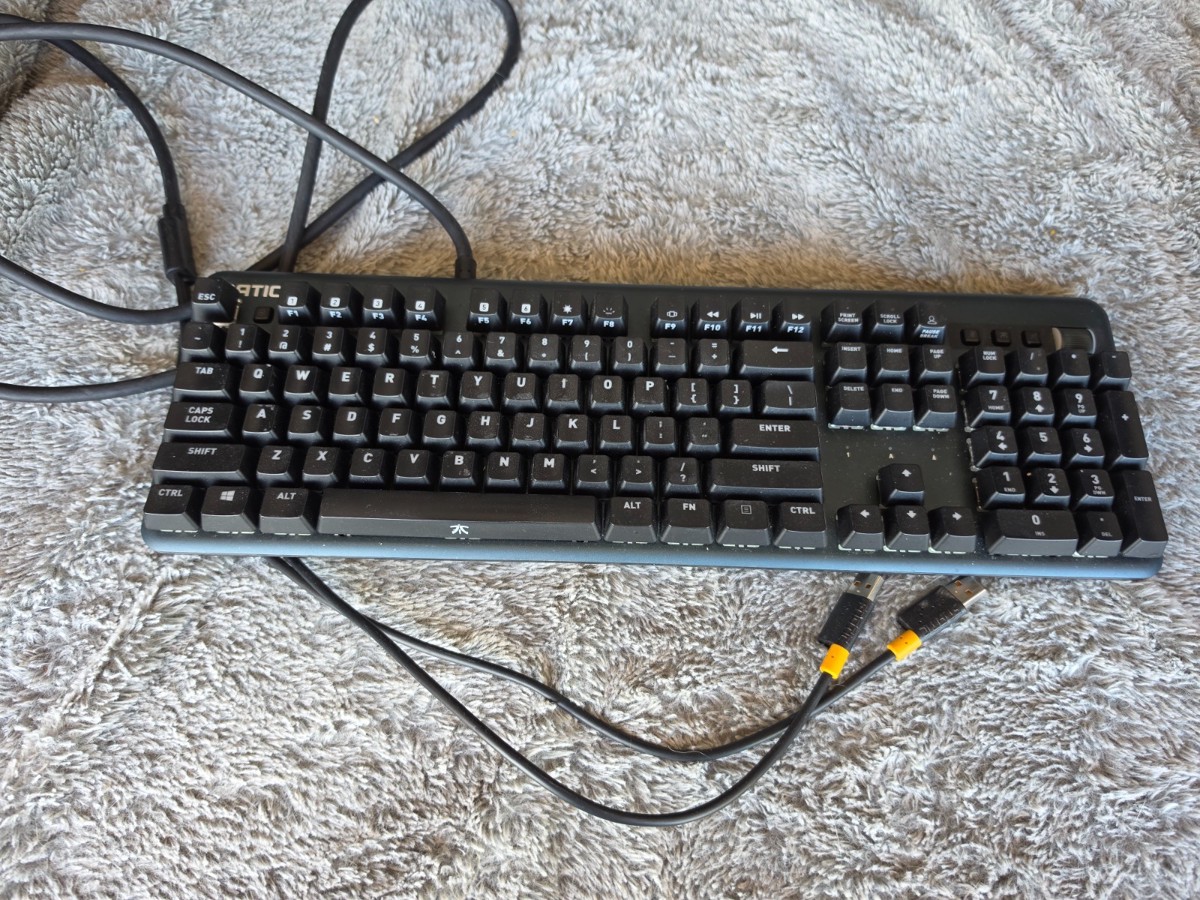

Photos from current listings. Actual item, color, and included accessories may vary.
Cherry Mx Switch Keyboard Buying Guide
Cherry MX switch keyboards use a proven, discrete mechanical switch platform where the choice between linear (Red), tactile (Brown), and clicky (Blue) determines feel and noise, while build quality hinges on plate material, PCB mounting, and stabilizer tuning. The core trade-off is authentic Cherry MX precision and longevity versus cost-cutting clones that vary in consistency and actuation force. Buy genuine Cherry MX if switch feel consistency and 50-million-click rated durability matter; skip any board with unlabeled or clone switches if you need predictable typing and gaming response.
Key takeaways
- Cherry MX Red: linear 45cN actuation, 2.0mm pre-travel, 4.0mm total travel, no tactile bump — fastest for gaming but least feedback for typing.
- Cherry MX Brown: tactile 55cN with a subtle bump at 2.0mm — the balanced compromise for mixed typing and gaming without click noise.
- Cherry MX Blue: clicky 60cN with audible click and tactile bump — best for solo typing but disruptive in shared or microphone-sensitive rooms.
At a glance
- Category
- Mechanical Keyboards
- Last updated
- Nov 24, 2026
Current offers
Highlights
- Cherry MX Red: linear 45cN actuation, 2.0mm pre-travel, 4.0mm total travel, no tactile bump — fastest for gaming but least feedback for typing.
- Cherry MX Brown: tactile 55cN with a subtle bump at 2.0mm — the balanced compromise for mixed typing and gaming without click noise.
- Cherry MX Blue: clicky 60cN with audible click and tactile bump — best for solo typing but disruptive in shared or microphone-sensitive rooms.
- Genuine Cherry MX switches are rated 50 million actuations and use gold-crosspoint contacts; clone switches often diverge in force curves and wobble.
Best use cases
- Competitive FPS players: pick Cherry MX Red (linear, 45cN) with a rigid steel or aluminum plate and 1000Hz polling for fast, repeatable key presses.
- Office and shared-space typists: choose Cherry MX Brown (tactile, 55cN) — skip Blue entirely if coworkers or open microphones are within earshot.
- Dedicated writers in private rooms: Cherry MX Blue delivers the strongest tactile/audible confirmation; skip it for streaming setups where click bleed ruins audio.
- First mechanical buyer on a budget: buy a board with genuine Cherry MX and PBT keycaps rather than a feature-stuffed clone-switch board — switch authenticity outlasts RGB gimmicks.
Buying tips
- Match switch to use: Red (45cN linear) for gaming speed, Brown (55cN tactile) for all-round, Blue (60cN clicky) for typing-only — never assume all Cherry MX feel alike.
- Prioritize PBT keycaps (1.4-1.5mm thick) over ABS; PBT resists shine and oil buildup that degrades ABS within months of heavy use.
- Choose a board with a standard ANSI layout and Cherry MX-compatible stems so aftermarket keycaps and switch replacements remain available.
- Verify the switch is labeled Cherry MX (not 'MX-style' or 'red switch'); genuine Cherry MX uses the Cherry cross-stem and gold contacts rated to 50 million presses.
Specs
| Switch Type | Cherry MX Red / Brown / Blue |
|---|---|
| Actuation Force | 45cN linear / 55cN tactile / 60cN clicky |
| Switch Lifespan | 50 million actuations (genuine MX) |
| Keycap Material | PBT (1.4-1.5mm) preferred over ABS |
Related searches
What to check before buying
- Measure desk depth and width: full-size boards run ~44cm wide; pick TKL (~36cm) or 65% (~32cm) if desk space or mouse room is tight.
- Confirm the board's plate and case material — steel/aluminum plates feel stiffer and last longer than thin ABS cases that flex under heavy typing.
- Check connectivity: wired USB-A or USB-C detachable cable for lowest latency and simplest compatibility; confirm USB-C if your setup is port-limited.
- Verify keycap material and layout standard (ANSI vs ISO) before buying — ISO enter/left-shift shapes limit aftermarket keycap choices.
FAQ
Data sources: eBay / Amazon listings and product attribute feeds. Updated Nov 24, 2026.
Some links on this page are affiliate links. If you buy after clicking one, we may earn a commission at no extra cost to you. This does not change which products appear here or their order. Affiliate disclosure.