
Photos from current listings. Actual item, color, and included accessories may vary.
Gaming Keyboard Buying Guide
A gaming keyboard is a mechanical or optical switch board tuned for fast actuation, anti-ghosting, and durability under rapid, repeated input. The core trade-off is switch architecture and PCB mounting: cheap boards use soldered, plate-mount clone switches with ABS caps and tray-mount PCBs, while durable boards use hot-swap sockets, gasket mounting, PBT caps, and per-key RGB with onboard memory. The decision rule is simple: buy for the switch and PCB spec, not the RGB or the logo—if the listing names the switch type, keycap material, and hot-swap support, it is a real gaming board; if it only says 'mechanical feel' and 'RGB', it is a compromise.
Median $56.62
Key takeaways
- Hot-swap PCB sockets (3-pin or 5-pin) let you replace worn or unwanted switches without soldering, extending board life beyond the stock switches.
- Gasket-mounted PCBs with foam dampening reduce case ping and give a softer, deeper typing feel versus stiff tray-mount plastic cases.
- PBT keycaps resist shine and wear far better than ABS, which polishes slick on WASD within months of heavy gaming.
At a glance
- Category
- Mechanical Keyboards
- Last updated
- Nov 24, 2026
Current offers
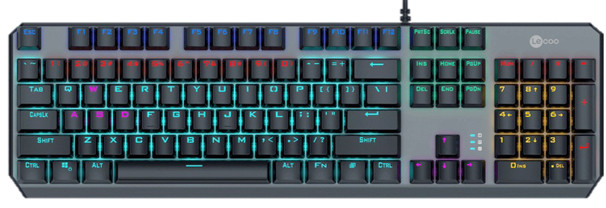 Lenovo (Lecoo) GK301 Wired Mechanical Gaming Keyboard USB wired RGB backlight$29.99View on eBay
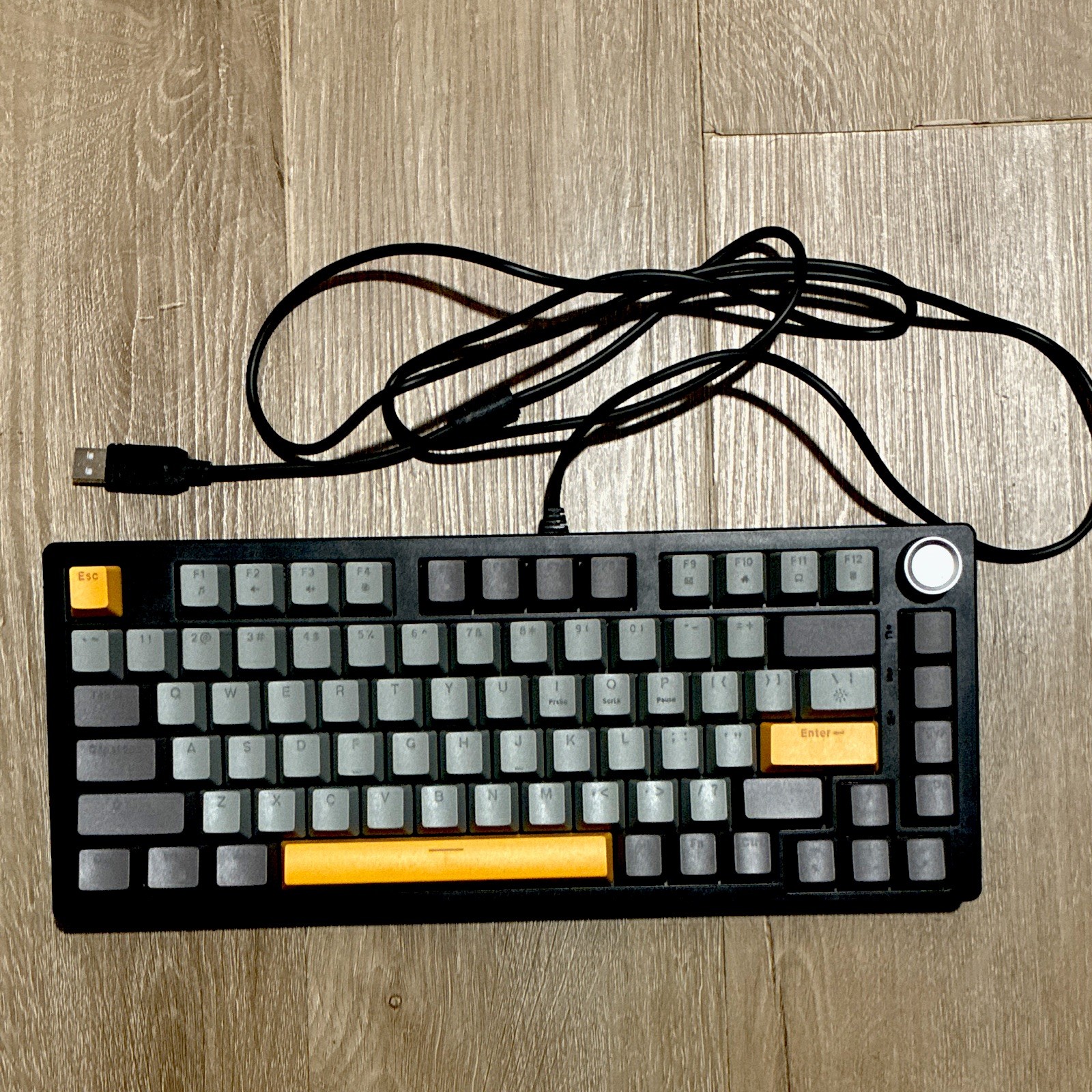 75% Wired USB Mechanical Gaming Keyboard w/ LED Backlights and Volume Knob$30.00View on eBay
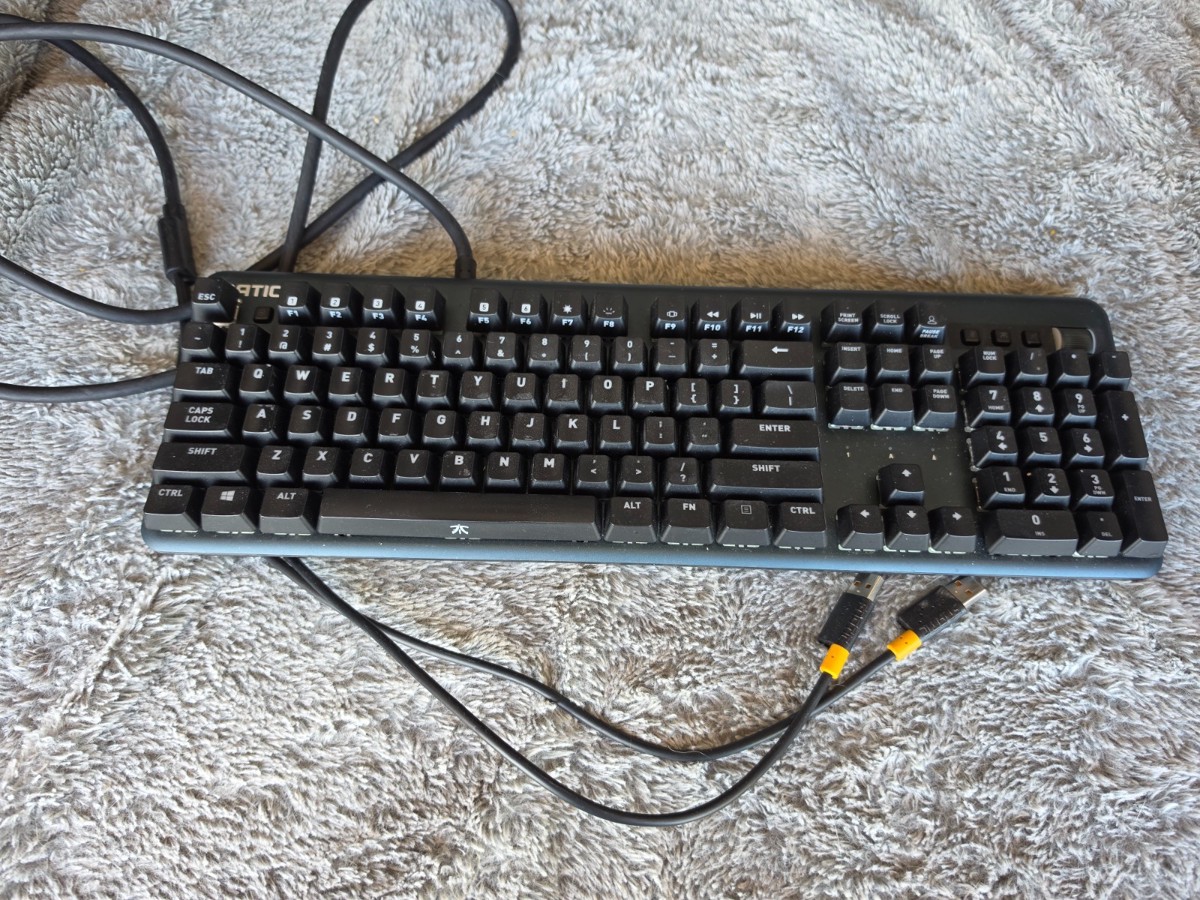 Fnatic Streak Wired Gaming Mechanical Cherry Red MX RGB Switch Keyboard$33.50View on eBay
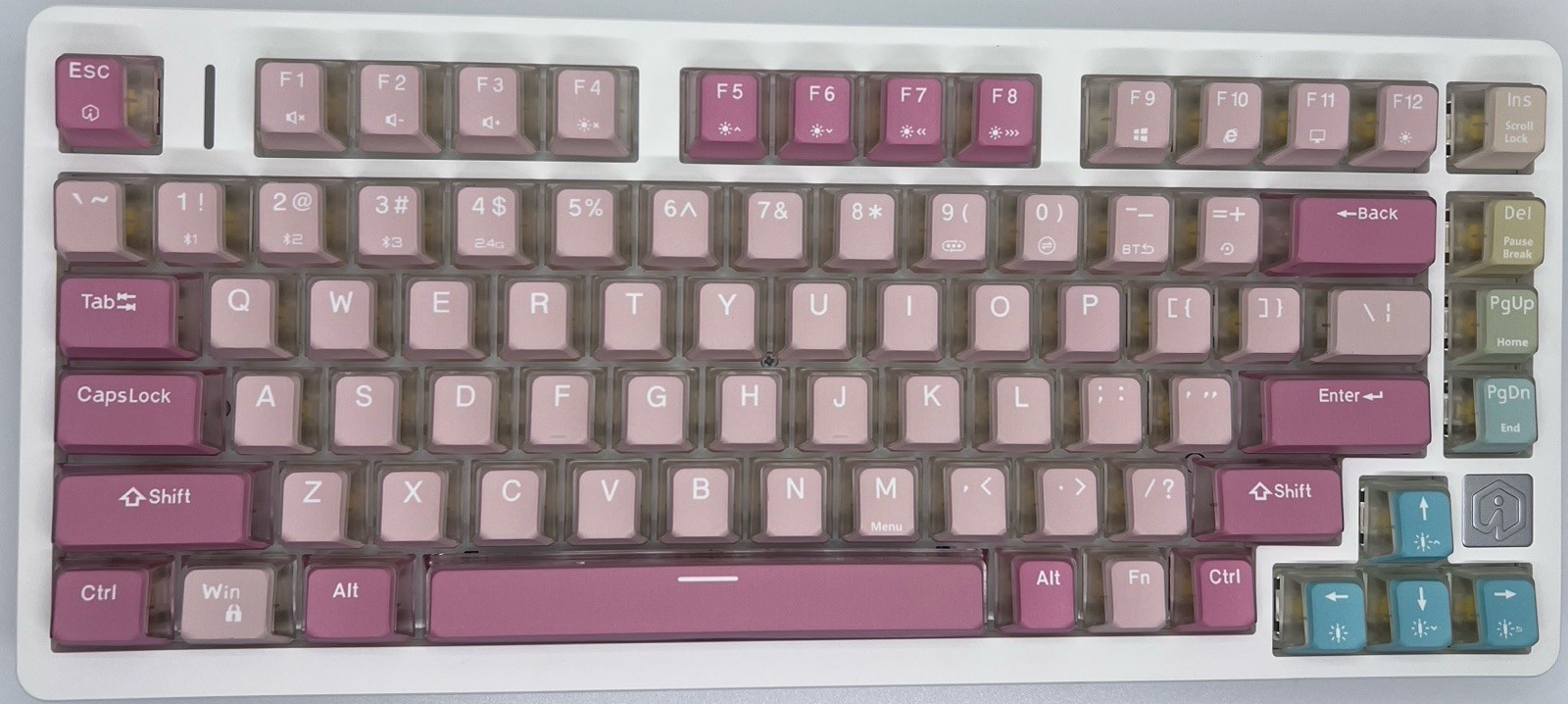 Wireless RGB Hot Swappable Mechanical Keyboard 3 Layers 81 Keys Gaming Keyboard$35.98View on eBay
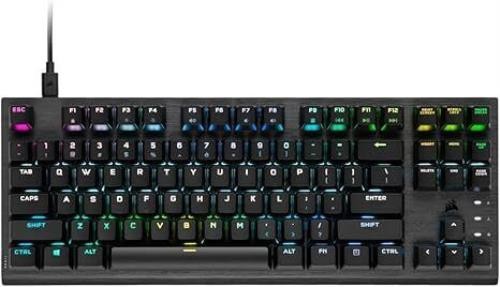 CORSAIR K60 RGB TKL RGB Tenkeyless Optical-Mechanical Wired Gaming Keyboard$37.99View on eBay
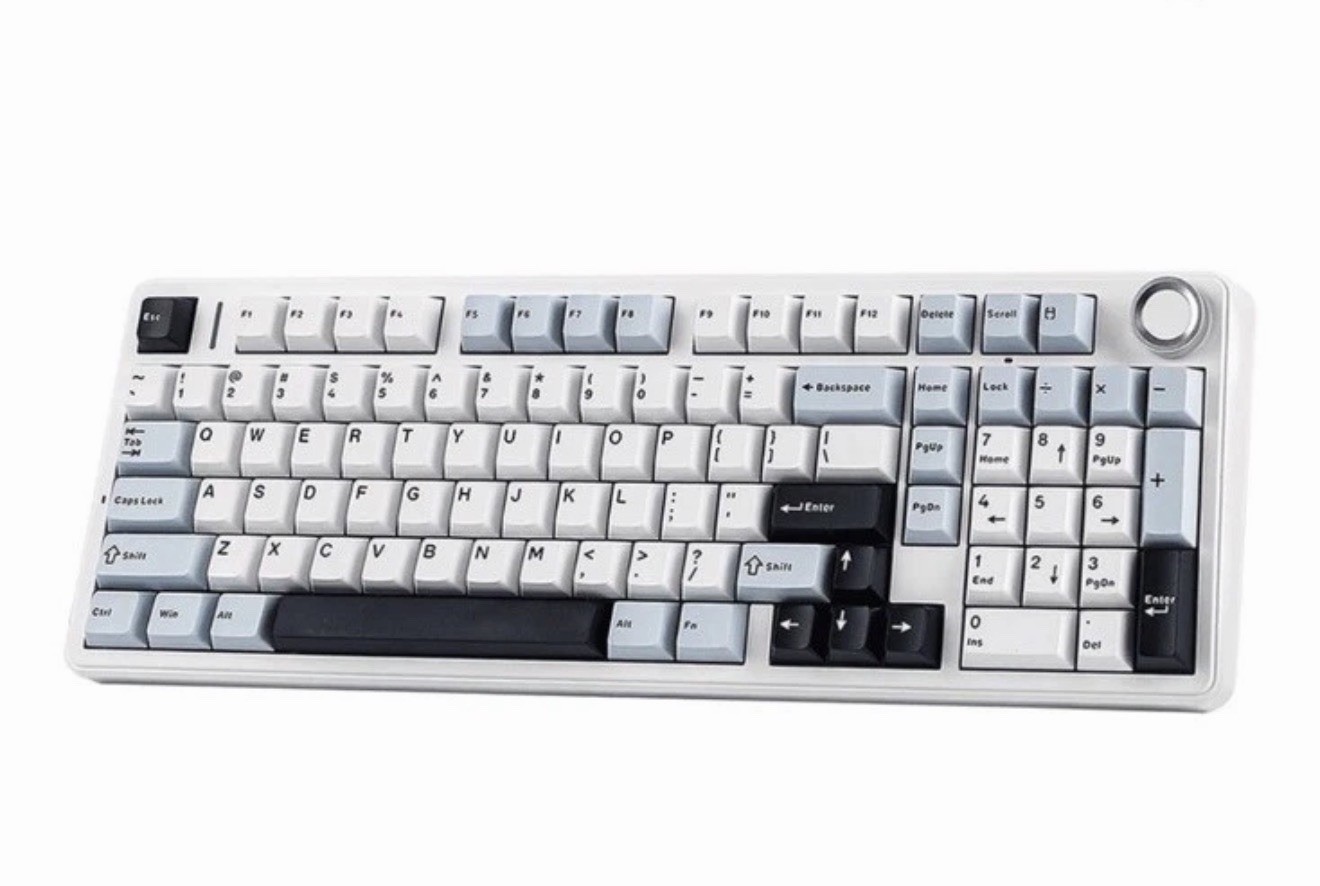 AULA F99 PRO BLUE/WHITE Wireless Mechanical Gaming Keyboard | NEXT DAY SHIP$41.98View on eBay
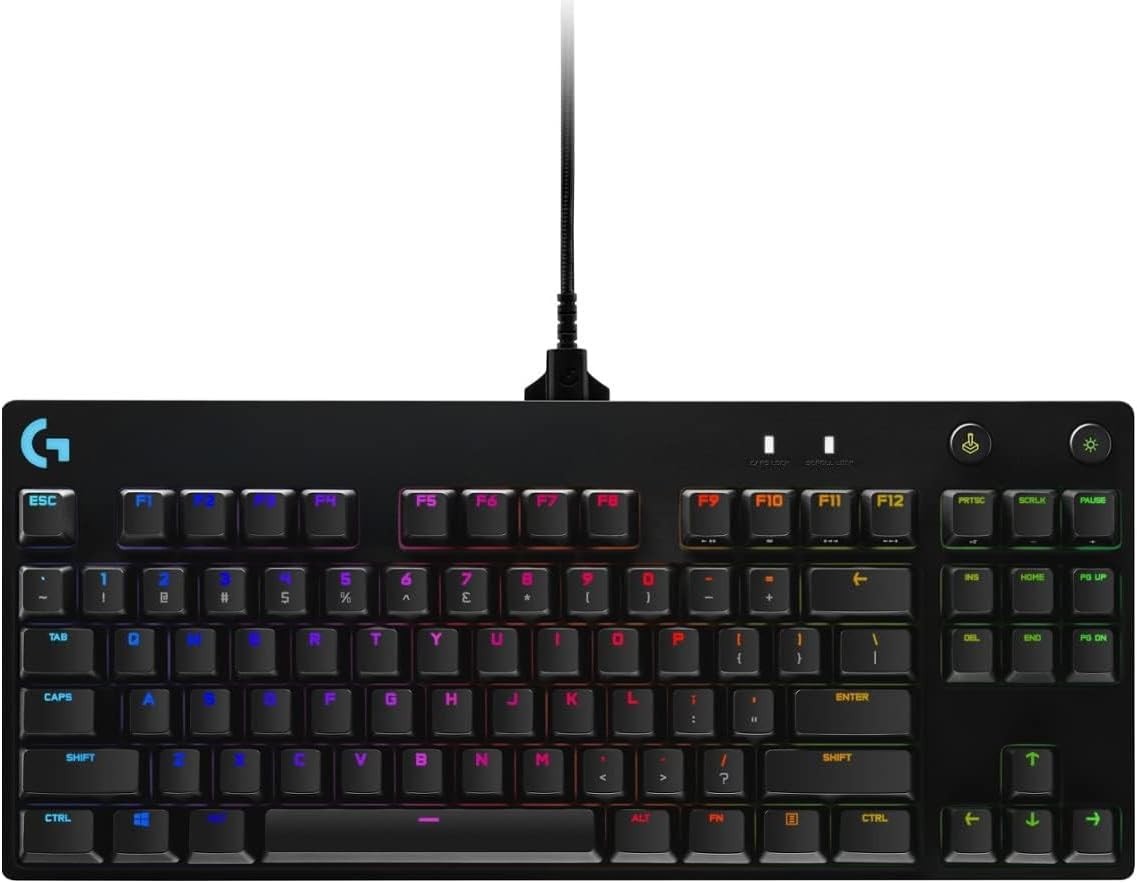 Logitech G Pro TKL Mechanical RGB Gaming Keyboard Black$43.19View on eBay
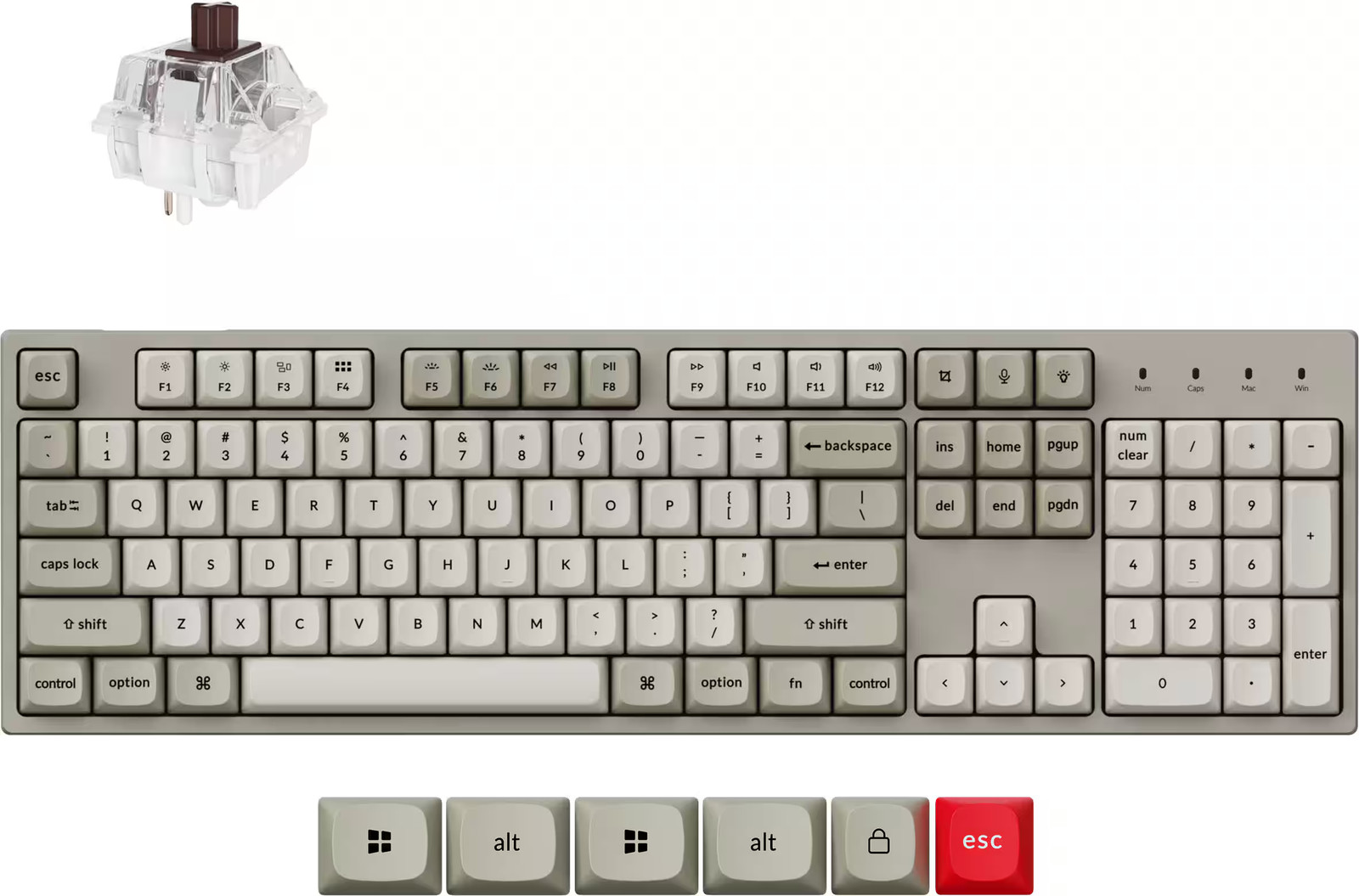 Keychron - C2PX 100% Custom Wired RGB Mechanical Gaming Keyboard with Program...$46.74View on eBay
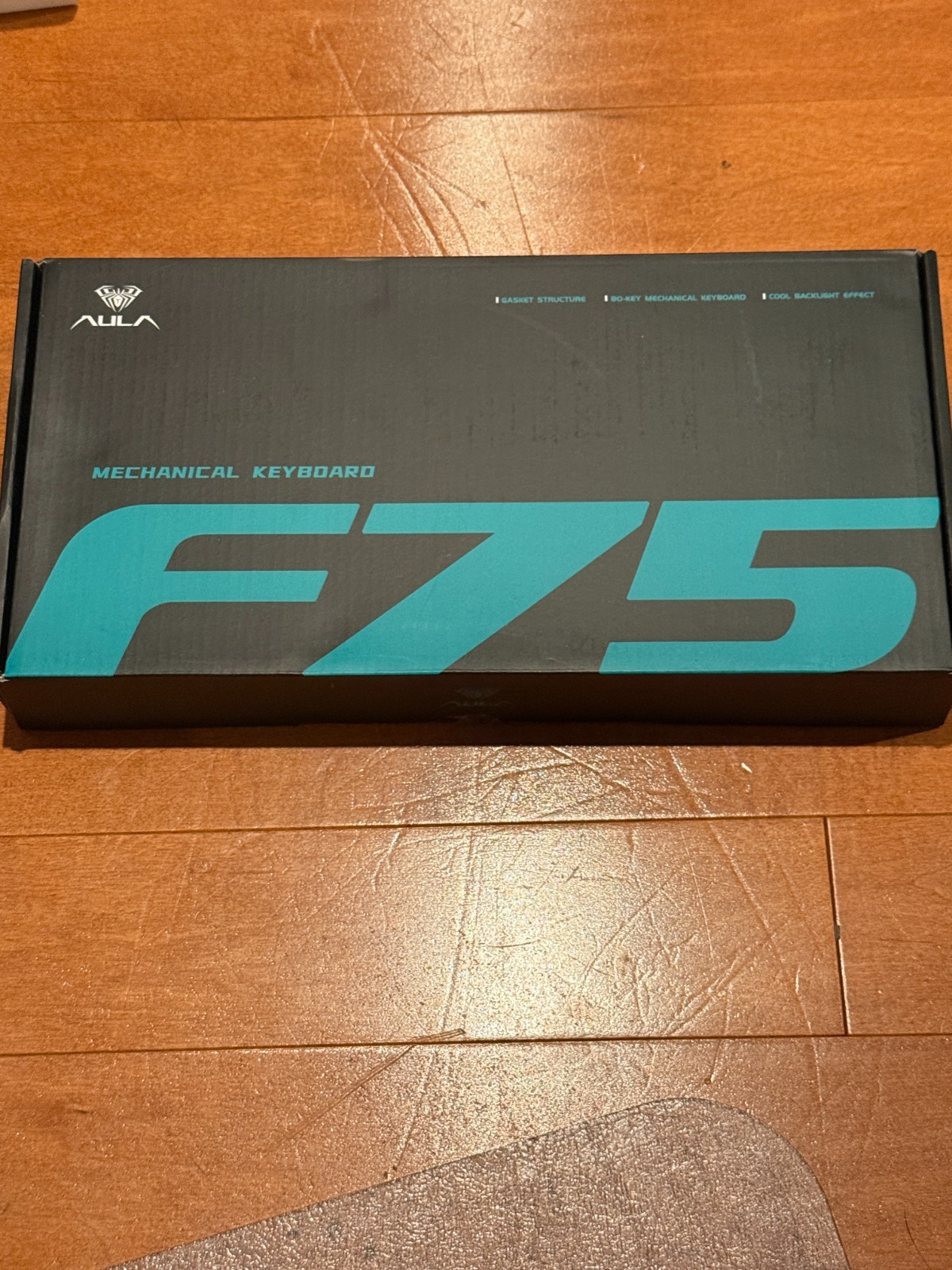 AULA F75 Wireless Gaming Keyboard Mechanical Tri-Mode RGB Backlit NEW SEALED$49.95View on eBay
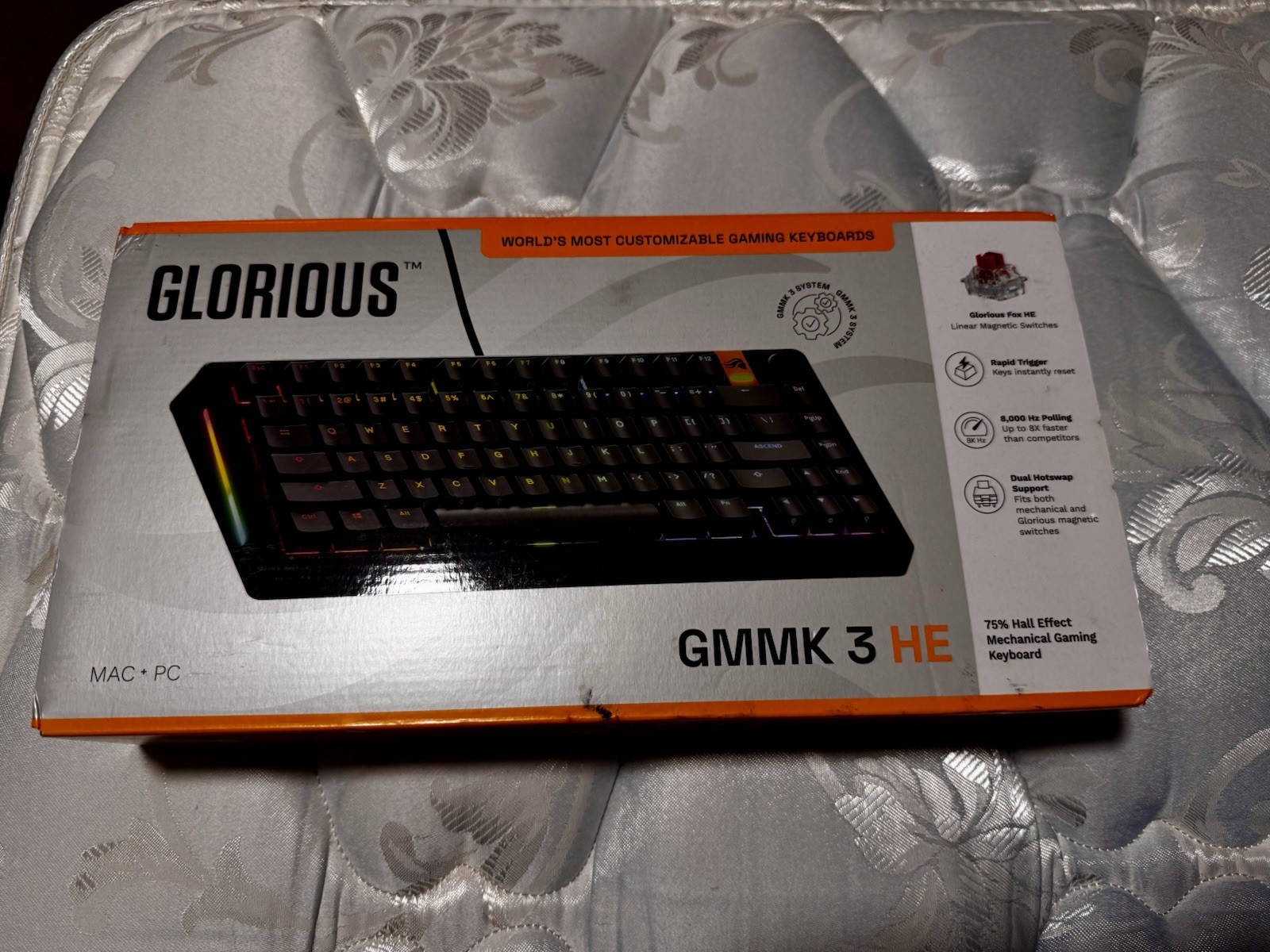 Glorious GMMK 3 HE 75% Wired Hall-Effect Linear Switch Gaming Keyboard$55.00View on eBay
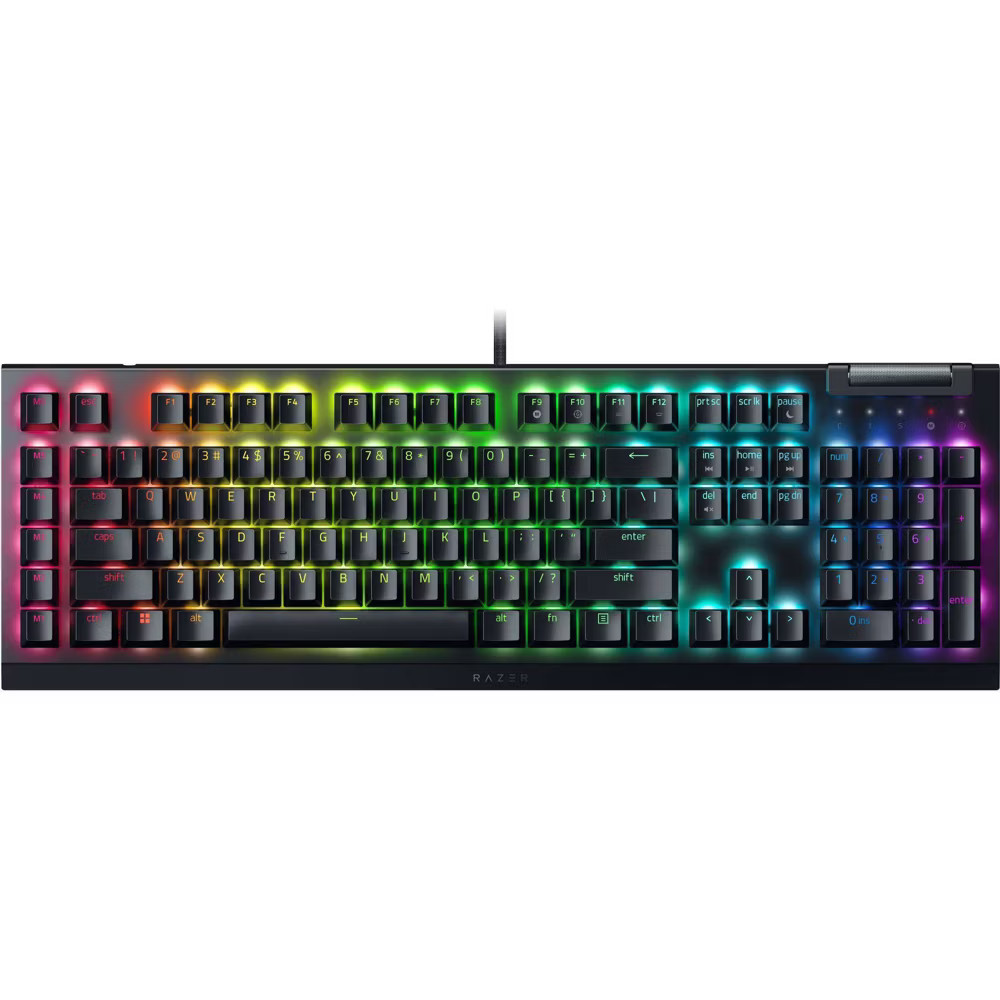 Razer BlackWidow V4 X Mechanical Gaming Keyboard with Razer Chroma RGB: Aluminum$55.24View on eBay
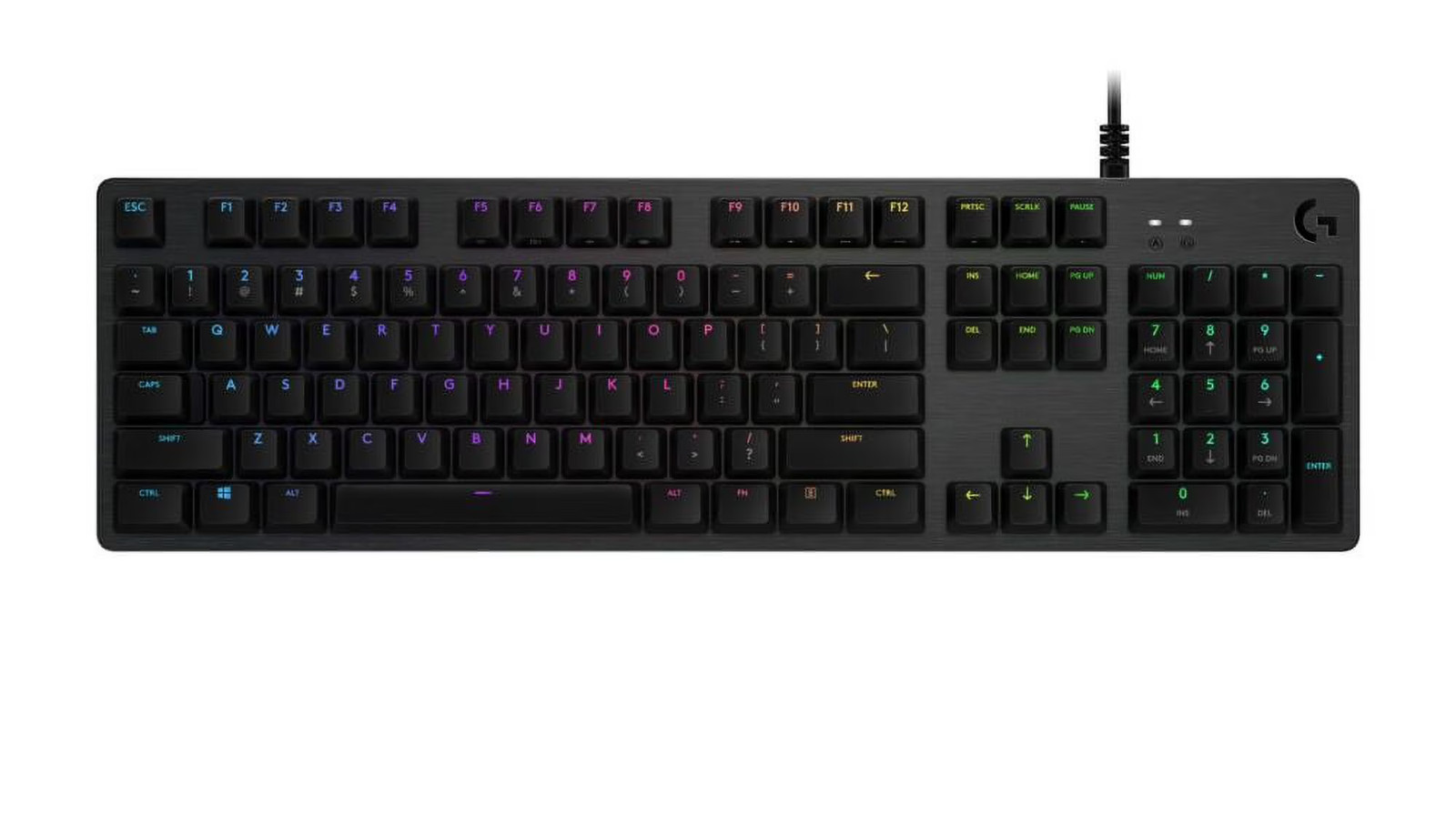 Logitech G512 Carbon LIGHTSYNC RGB Mechanical Gaming Keyboard Black$57.99View on eBay
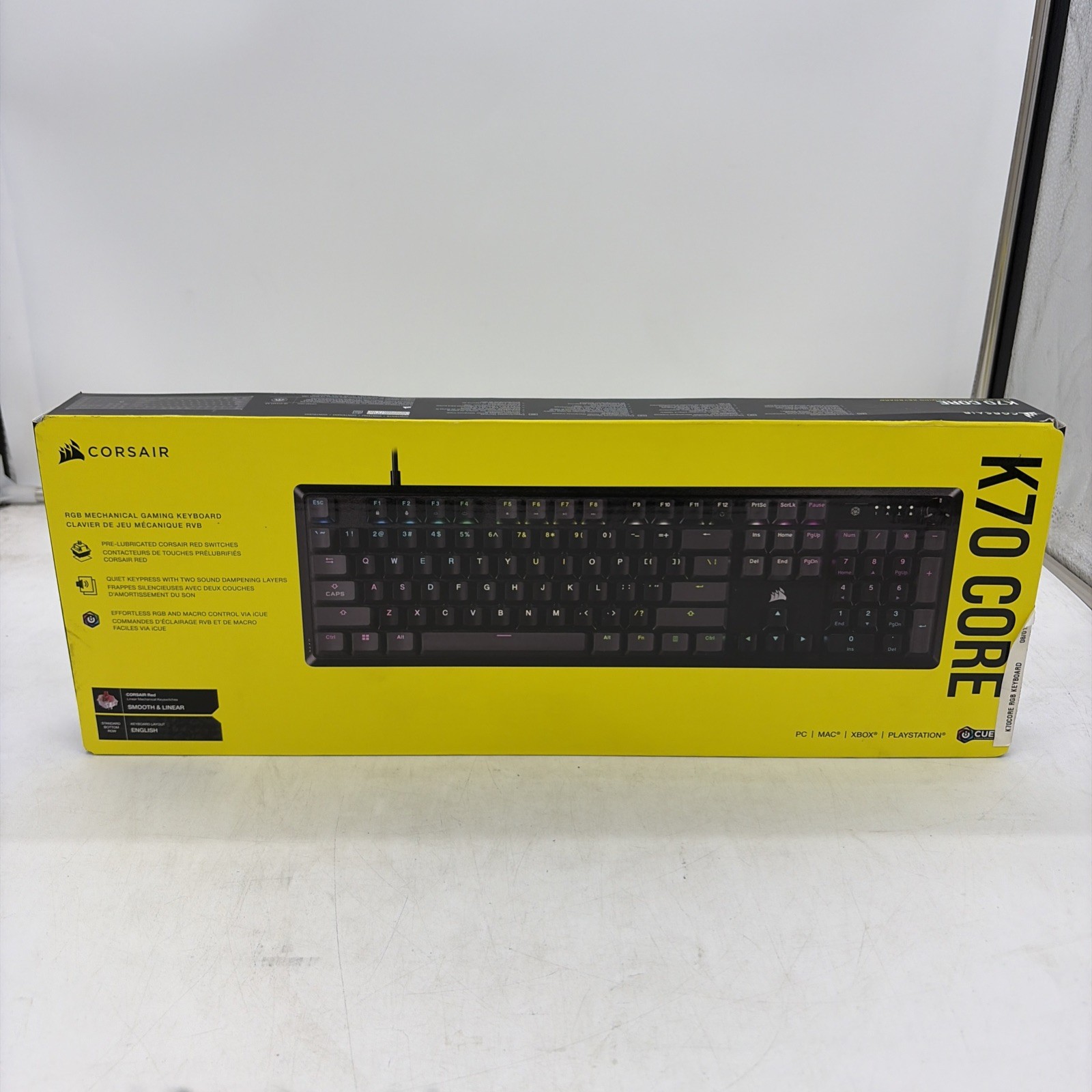 Corsair K70 Core RGB Mechanical Gaming Keyboard$60.00View on eBay
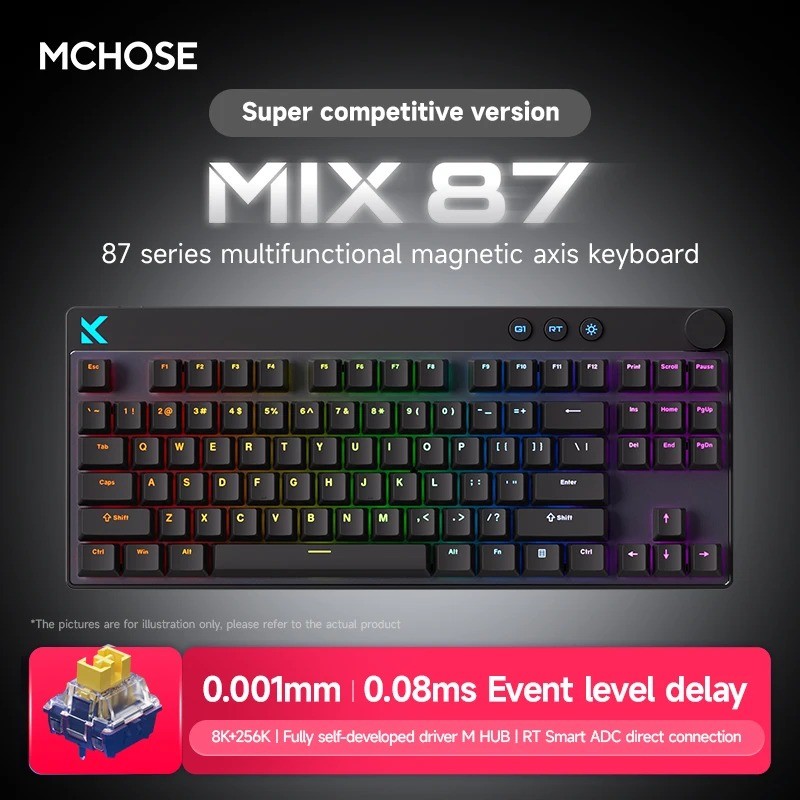 MCHOSE Mix87 Hall Effect Magnetic Switch Gaming Keyboard Wired RGB Keyboard$67.99View on eBay
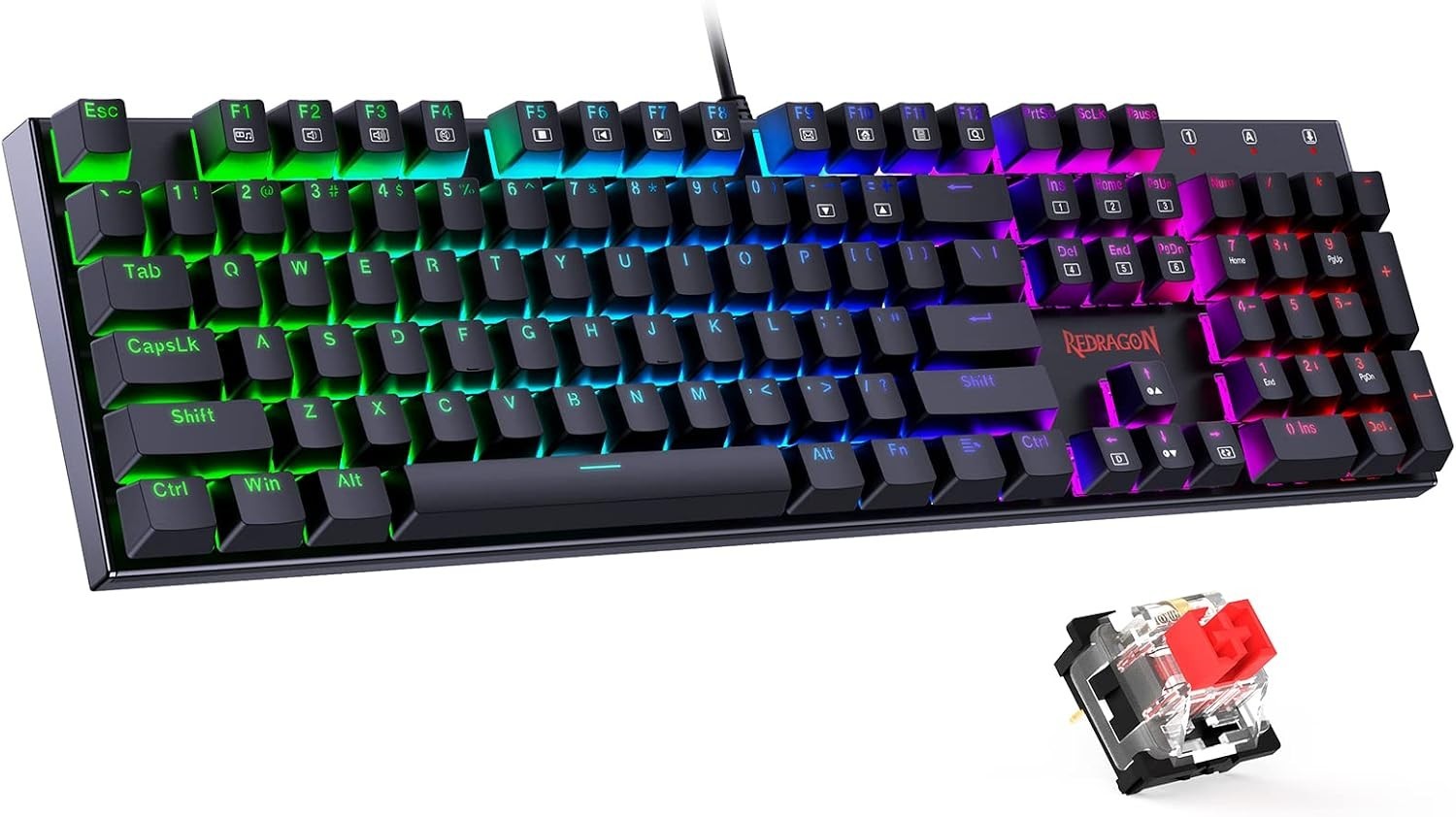 Redragon K565 Mechanical Gaming Keyboard with Red Switches with RGB Backlit$77.77View on eBay
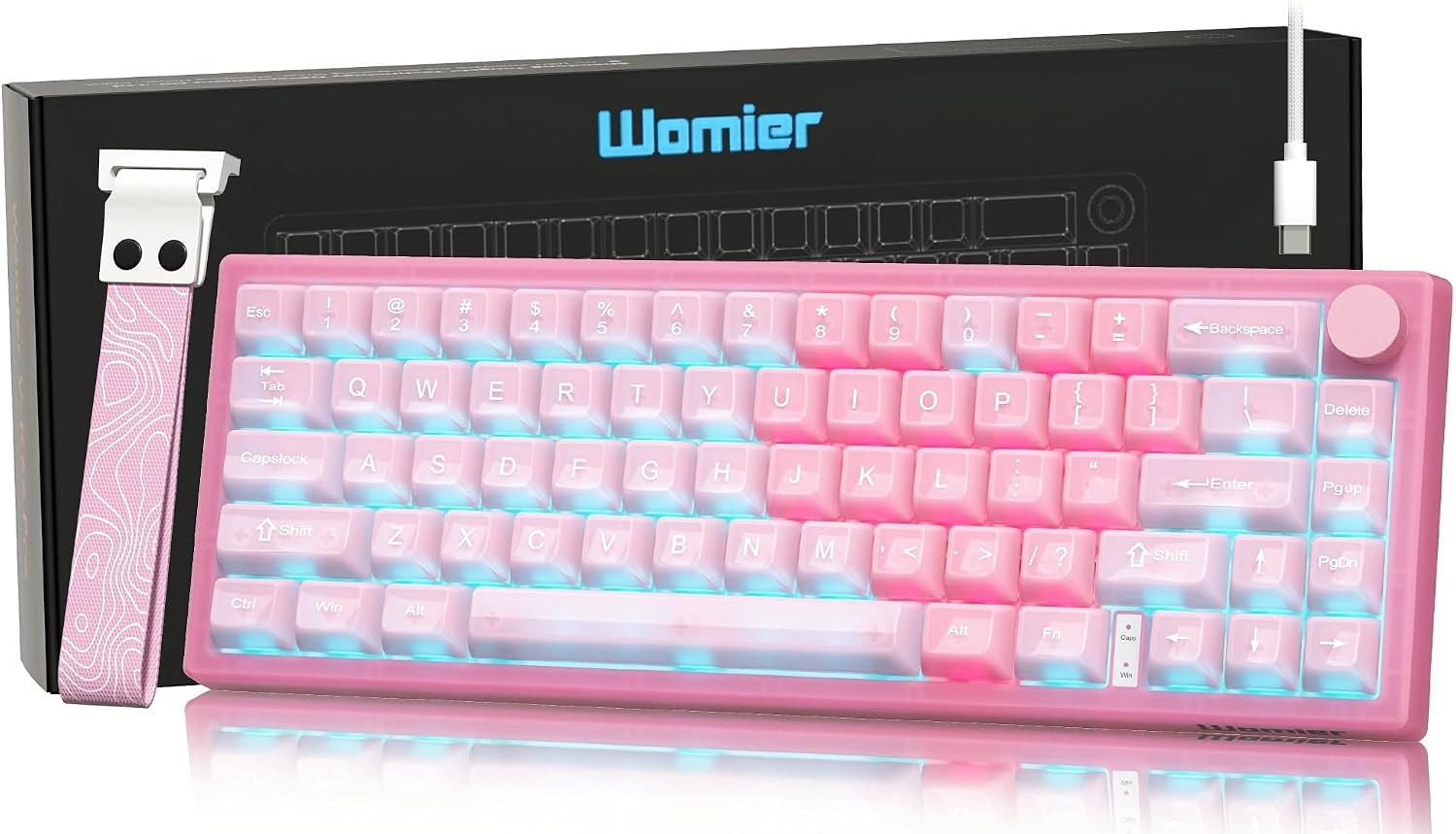 60% Keyboard QMK/VIA, Pink Gaming Mechanical Keyboard Creamy | Hot$89.99View on eBay
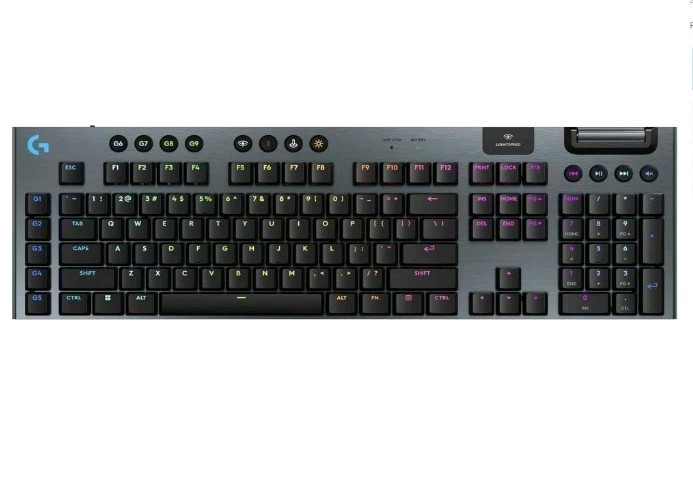 Logitech G915 X Lightspeed Wireless Gaming Keyboard (Clicky) - Black | Low...$115.00View on eBay
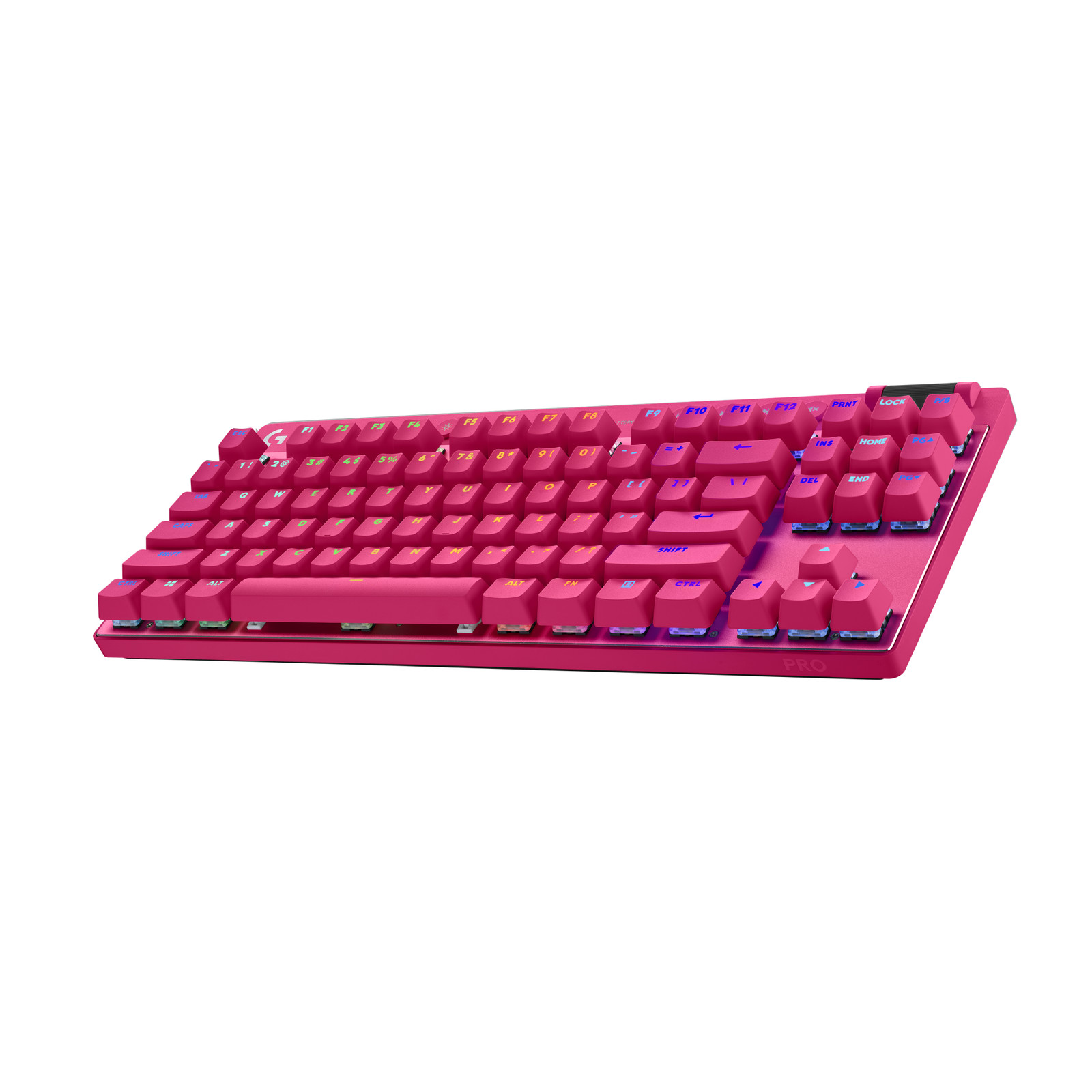 Logitech G PRO X TKL Wireless Gaming Keyboard – Tactile Switches$129.99View on eBay
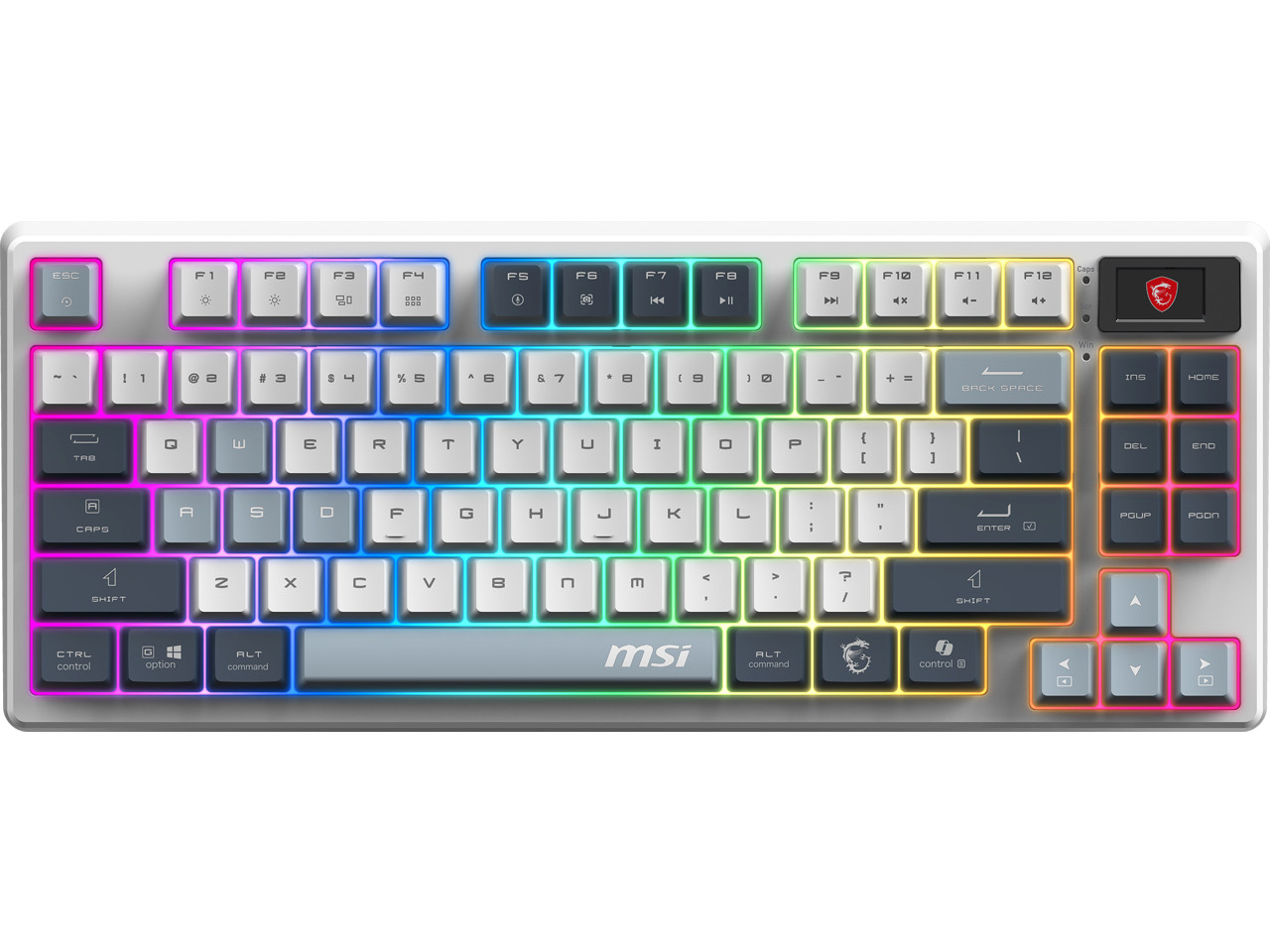 MSI Forge GK600 TKL Wireless Gaming Keyboard - Mechanical Linear Switches,$142.81View on eBay
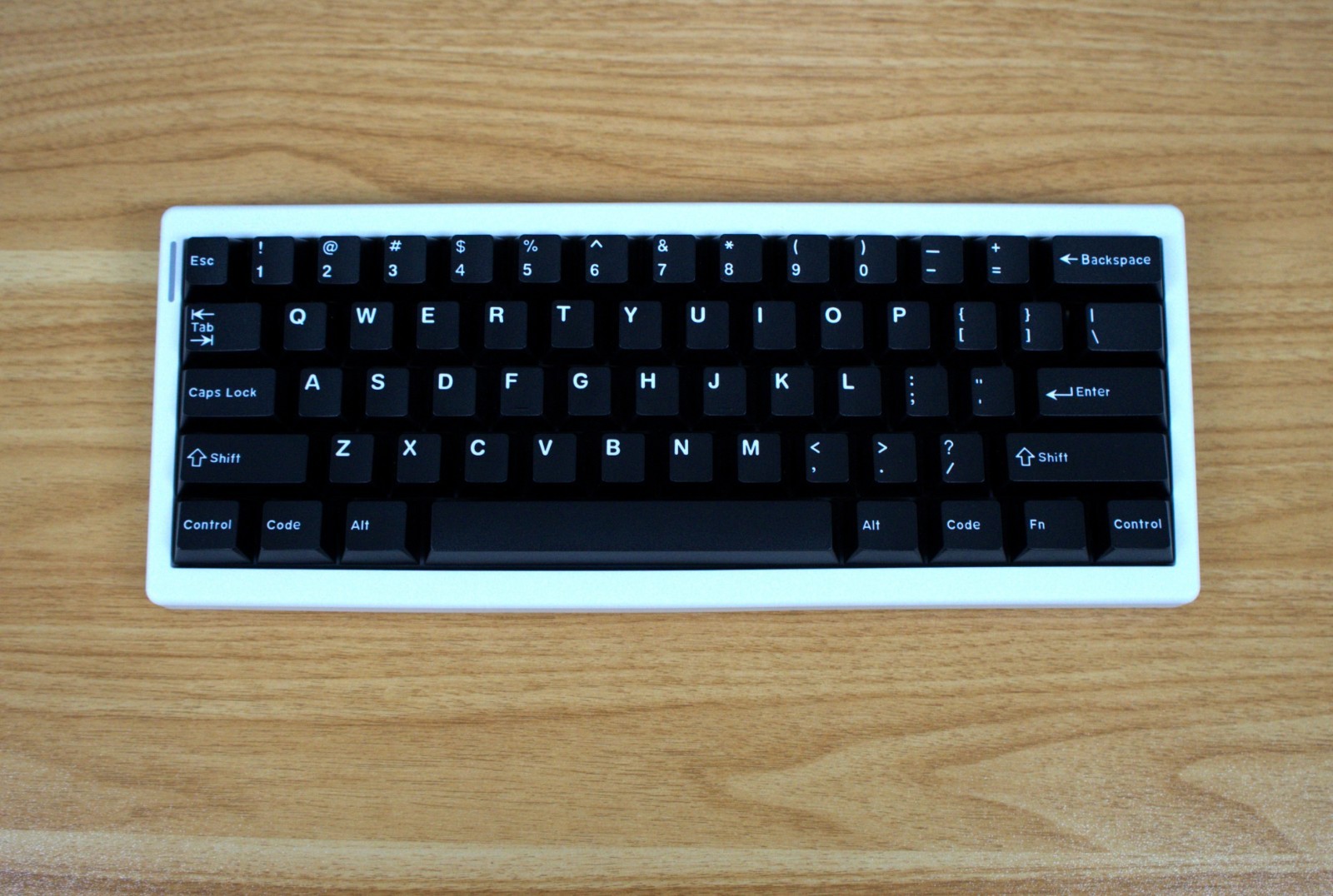 White Custom GMK61 | Hotswap Gaming Keyboard 60% | HMX Jelly | VIA/QMK$150.00View on eBay
Highlights
- Hot-swap PCB sockets (3-pin or 5-pin) let you replace worn or unwanted switches without soldering, extending board life beyond the stock switches.
- Gasket-mounted PCBs with foam dampening reduce case ping and give a softer, deeper typing feel versus stiff tray-mount plastic cases.
- PBT keycaps resist shine and wear far better than ABS, which polishes slick on WASD within months of heavy gaming.
- Hall-effect magnetic switches offer adjustable actuation (often 0.1–4.0 mm) and rapid trigger, a genuine competitive edge over fixed 2.0 mm mechanical switches.
Best use cases
- Pick a hot-swap 75% or TKL with PBT caps and a gasket mount if you game daily and want one board that survives switch wear and cap shine for years.
- Choose a hall-effect magnetic board only if you play competitive shooters and will actually tune actuation and rapid trigger—otherwise you pay for unused features.
- Skip thin ABS tray-mount boards with soldered clone switches for heavy use; they are fine as a cheap backup or LAN board but will develop shine and switch chatter.
- For a quiet shared-room setup, pick linear switches with foam dampening—avoid clicky switches, which are the loudest and most disruptive style.
Buying tips
- Match layout to desk space: full-size adds a numpad, TKL drops it, 75% keeps arrows and function row in a compact frame—measure your desk width before choosing.
- Check keycap material explicitly: PBT (often 1.4–1.5 mm thick) outlasts ABS, which shines and yellowing faster under hand oils and UV.
- Verify hot-swap socket type: 5-pin boards accept both 3-pin and 5-pin switches, while 3-pin boards reject 5-pin switches without clipping the extra legs.
- For wireless, confirm tri-mode (USB-C wired, 2.4 GHz dongle, Bluetooth) and battery capacity—2.4 GHz gives the lowest latency for gaming, Bluetooth is for typing.
Specs
| Switch Type | Mechanical / Optical / Hall-effect |
|---|---|
| Hot-Swap Support | 3-pin or 5-pin sockets |
| Keycap Material | PBT (durable) vs ABS (budget) |
| Connectivity | Wired USB-C / 2.4 GHz / Bluetooth |
Related searches
What to check before buying
- Measure desk depth and width: a full-size board is roughly 45 cm wide, TKL about 36 cm, 75% about 32 cm—leave room for mouse swing.
- Confirm your PC or console has a free USB-A port, or plan a USB-C to USB-A adapter for wired boards with detachable cables.
- Check switch style against your environment: clicky for private rooms, linear or tactile for shared spaces and open offices.
- Verify keycap layout language (ANSI vs ISO) so replacement caps and key labels match your region's Enter and shift keys.
FAQ
Data sources: eBay / Amazon listings and product attribute feeds. Updated Nov 24, 2026.
Some links on this page are affiliate links. If you buy after clicking one, we may earn a commission at no extra cost to you. This does not change which products appear here or their order. Affiliate disclosure.