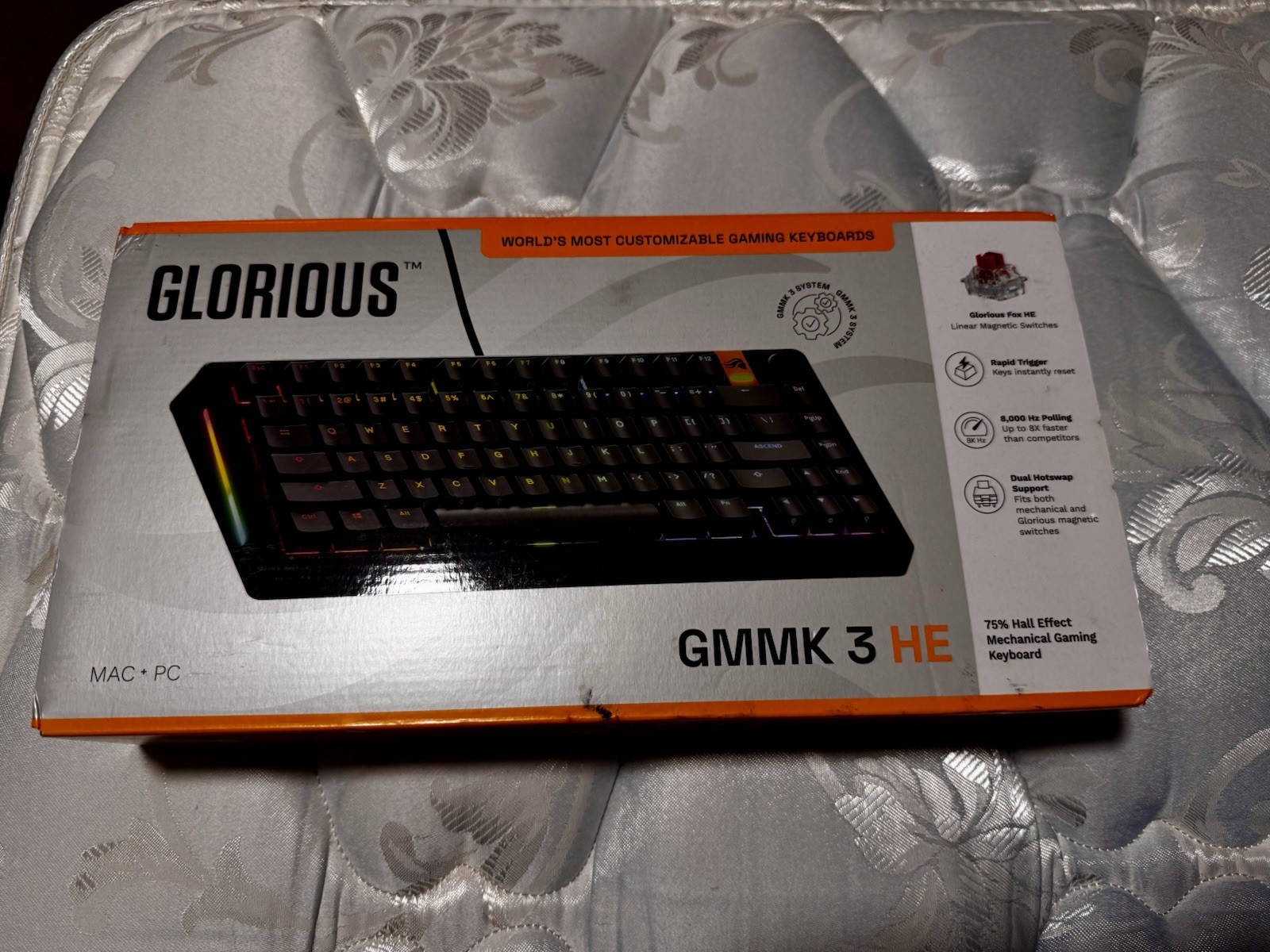

Photos from current listings. Actual item, color, and included accessories may vary.
Linear Switch Keyboard Buying Guide
Linear switch keyboards use smooth, non-tactile switches that actuate without a bump, favored for gaming and fast typing. The core trade-off is switch architecture: traditional mechanical linear switches (MX-style) versus Hall-effect magnetic switches, which add adjustable actuation and rapid trigger but cost more. Choose magnetic Hall-effect if you need customizable actuation points; choose standard mechanical linear for proven durability, broad keycap/case compatibility, and lower cost.
Median $98.91
Key takeaways
- Hall-effect magnetic switches enable adjustable actuation (typically 0.1–4.0 mm) and rapid trigger, while mechanical linear switches have fixed actuation around 2.0 mm.
- Standard mechanical linear switches use MX-style cross stems, compatible with the vast majority of aftermarket keycaps; Hall-effect boards often use proprietary or MX-compatible stems but require magnetic-switch-specific PCBs.
- Gasket-mounted cases with foam dampening reduce ping and produce a deeper, muted sound signature versus tray-mount or integrated-plate designs.
At a glance
- Category
- Mechanical Keyboards
- Last updated
- Nov 24, 2026
Current offers
Highlights
- Hall-effect magnetic switches enable adjustable actuation (typically 0.1–4.0 mm) and rapid trigger, while mechanical linear switches have fixed actuation around 2.0 mm.
- Standard mechanical linear switches use MX-style cross stems, compatible with the vast majority of aftermarket keycaps; Hall-effect boards often use proprietary or MX-compatible stems but require magnetic-switch-specific PCBs.
- Gasket-mounted cases with foam dampening reduce ping and produce a deeper, muted sound signature versus tray-mount or integrated-plate designs.
- Wireless linear keyboards use 2.4 GHz or Bluetooth; 2.4 GHz offers lower latency for gaming, while Bluetooth is power-efficient for productivity. Wired USB-C remains the most reliable for competitive play.
Best use cases
- Competitive FPS gamers: pick a Hall-effect linear keyboard (e.g., GMMK 3 HE or Keychron K2 HE) for adjustable actuation and rapid trigger—skip standard mechanical if you rely on custom actuation points.
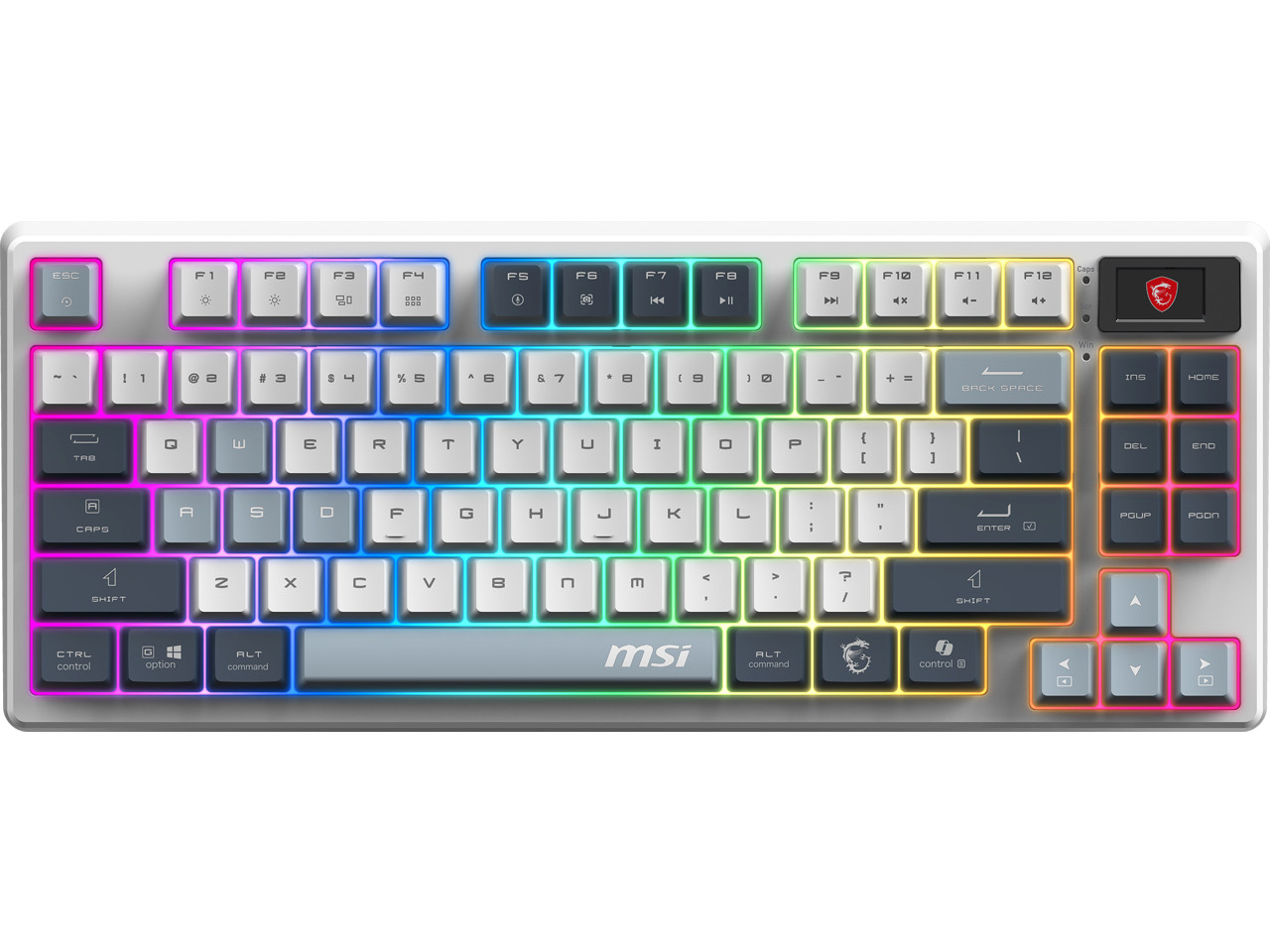
- Office and everyday typists: a standard mechanical linear keyboard (e.g., MSI Forge GK600 TKL) offers smooth, quiet keystrokes without the premium of magnetic switches—skip Hall-effect if you don’t need adjustable actuation.
- Compact/ortholinear enthusiasts: choose a QMK/Vial-compatible 40% ortholinear board (e.g., P40v2) for full programmability and a small footprint—skip full-size boards if desk space is tight.
- Wireless-first users: prioritize a 2.4 GHz + Bluetooth model with a large battery; skip boards that ship without a dongle (e.g., ‘NO DONGLE’ listings) if wireless is essential.
Buying tips
- For Hall-effect boards, confirm the PCB supports magnetic switches and offers per-key actuation adjustment; mechanical linear switches cannot be retrofitted with Hall-effect functionality.
- Match layout to use: 60–65% for portability, 75% for arrow keys and function row, TKL for dedicated navigation, full-size for numpad. Ortholinear requires relearning typing posture.
- Check wireless protocol: 2.4 GHz for low-latency gaming, Bluetooth 5.x for multi-device productivity. Wired USB-C is best for competitive play and zero charging.
- Verify hot-swap compatibility: standard MX-style hot-swap sockets accept most 3- or 5-pin mechanical linear switches; Hall-effect boards typically accept only magnetic switches.
Specs
| Switch Type | Mechanical linear vs Hall-effect magnetic |
|---|---|
| Actuation | Fixed ~2.0 mm vs adjustable 0.1–4.0 mm |
| Layout | 60% / 75% / TKL / Full-size / Ortholinear |
| Connectivity | USB-C wired / 2.4 GHz / Bluetooth |
Related searches
What to check before buying
- Measure desk space and confirm layout footprint: 60% (~29 cm), 75% (~32 cm), TKL (~36 cm), full-size (~44 cm).
- Confirm host connectivity: USB-A or USB-C ports, Bluetooth version, and whether a 2.4 GHz dongle is included (some listings exclude it).
- For wireless boards, verify battery capacity (mAh) and expected battery life with backlight on/off; plan charging access.
FAQ
Data sources: eBay / Amazon listings and product attribute feeds. Updated Nov 24, 2026.
Some links on this page are affiliate links. If you buy after clicking one, we may earn a commission at no extra cost to you. This does not change which products appear here or their order. Affiliate disclosure.