
Photos from current listings. Actual item, color, and included accessories may vary.
Wireless Gaming Keyboard Buying Guide
Wireless gaming keyboards pair mechanical switches with low-latency 2.4 GHz links, but the segment splits sharply between true esports-grade tri-mode boards and budget 2.4 GHz-only models with mushy stabilizers. The core trade-off is wireless latency and battery life versus switch feel and build rigidity. Buy tri-mode (2.4 GHz + Bluetooth + USB-C) with hot-swap sockets and a 1000 Hz polling rate if you need competitive response across devices; skip single-mode Bluetooth boards for gaming.
Median $82.48
Key takeaways
- Tri-mode (2.4 GHz dongle, Bluetooth 5.x, USB-C wired) is the durability and compatibility baseline; 2.4 GHz-only boards lock you to one device and often omit hot-swap.
- 1000 Hz polling on 2.4 GHz delivers 1 ms report intervals; Bluetooth caps at 125 Hz (8 ms) and is unsuitable for competitive play.
- Hot-swap sockets (3- or 5-pin, plate-mount) let you replace worn or failed switches without soldering—5-pin support accepts both 3- and 5-pin switches.
At a glance
- Category
- Mechanical Keyboards
- Last updated
- Nov 24, 2026
Current offers
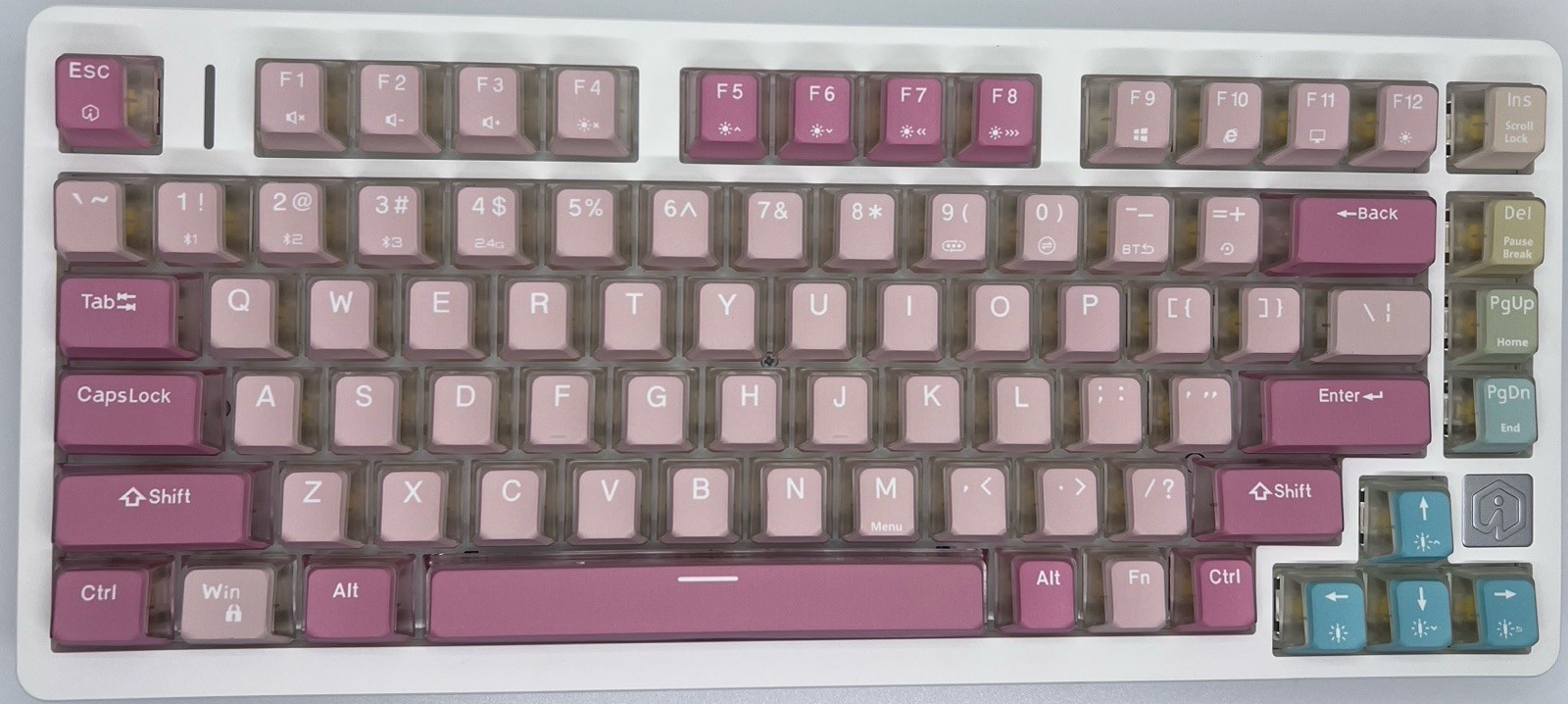 Wireless RGB Hot Swappable Mechanical Keyboard 3 Layers 81 Keys Gaming Keyboard$35.98View on eBay
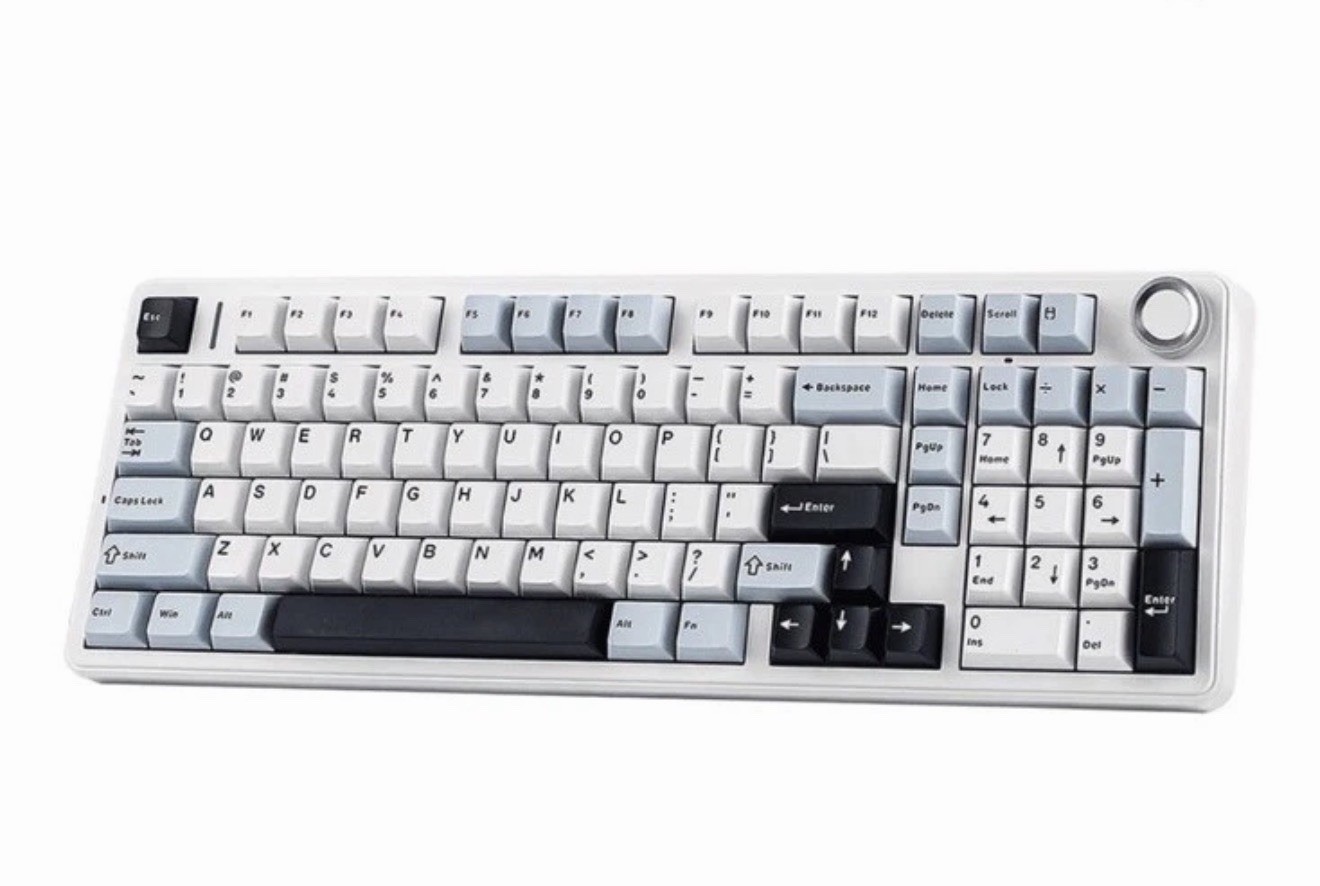 AULA F99 PRO BLUE/WHITE Wireless Mechanical Gaming Keyboard | NEXT DAY SHIP$41.98View on eBay
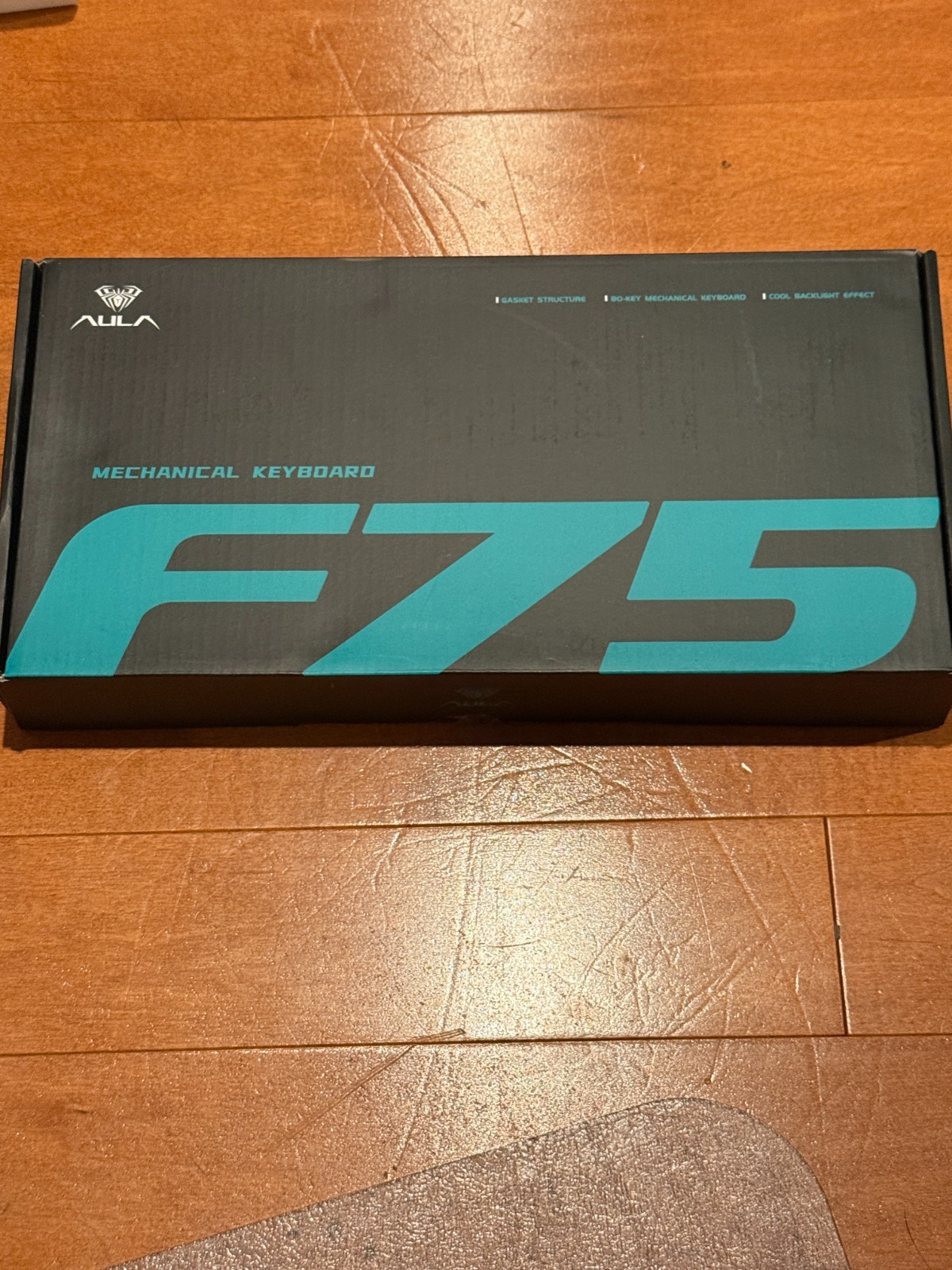 AULA F75 Wireless Gaming Keyboard Mechanical Tri-Mode RGB Backlit NEW SEALED$49.95View on eBay
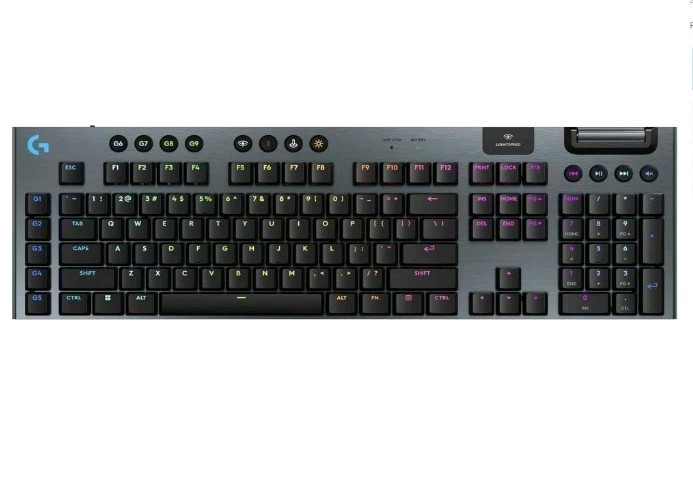 Logitech G915 X Lightspeed Wireless Gaming Keyboard (Clicky) - Black | Low...$115.00View on eBay
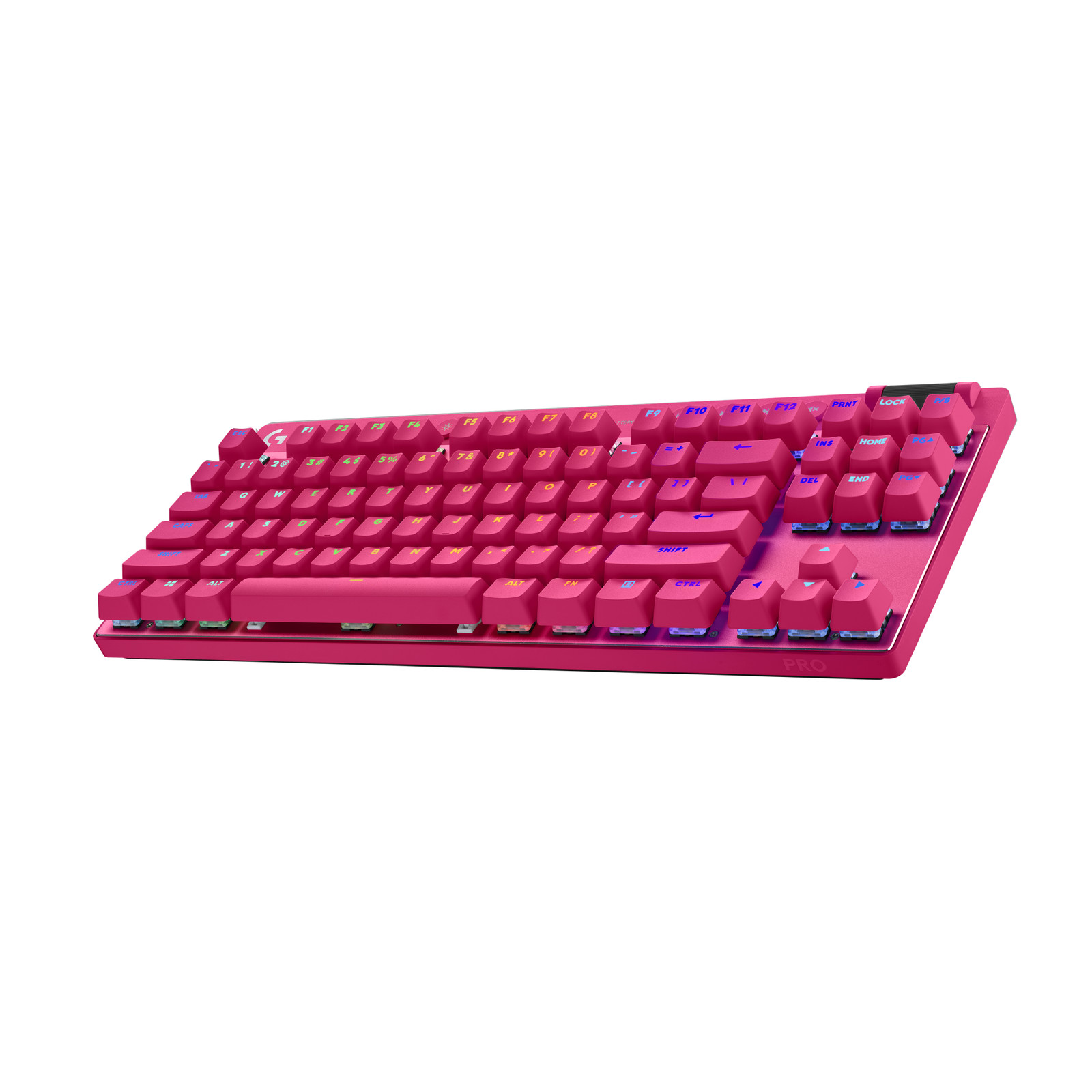 Logitech G PRO X TKL Wireless Gaming Keyboard – Tactile Switches$129.99View on eBay
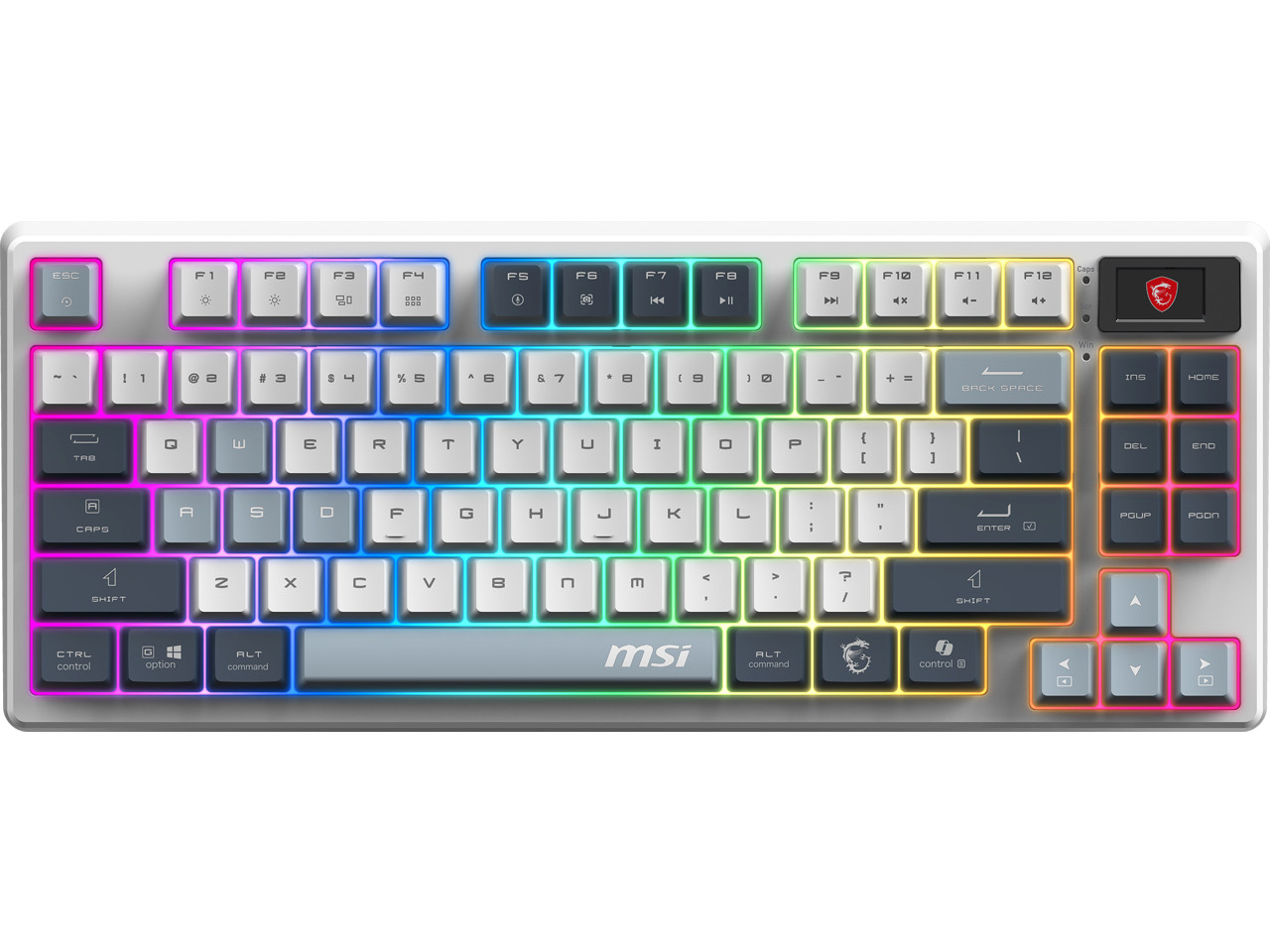 MSI Forge GK600 TKL Wireless Gaming Keyboard - Mechanical Linear Switches,$142.81View on eBay
Highlights
- Tri-mode (2.4 GHz dongle, Bluetooth 5.x, USB-C wired) is the durability and compatibility baseline; 2.4 GHz-only boards lock you to one device and often omit hot-swap.
- 1000 Hz polling on 2.4 GHz delivers 1 ms report intervals; Bluetooth caps at 125 Hz (8 ms) and is unsuitable for competitive play.
- Hot-swap sockets (3- or 5-pin, plate-mount) let you replace worn or failed switches without soldering—5-pin support accepts both 3- and 5-pin switches.
- Gasket-mounted boards with dual-layer foam and PBT double-shot keycaps resist shine and flex; ABS caps and tray-mount trays degrade faster under heavy use.
Best use cases
- Competitive FPS/MOBA players: pick a tri-mode 2.4 GHz board with 1000 Hz polling, linear or tactile hot-swap switches, and TKL or 75% layout to keep mouse room—skip Bluetooth-only and full-size boards.
- Multi-device desk setups (PC + laptop + console): choose tri-mode with dedicated device-switch keys and USB-C charging; skip single-connection 2.4 GHz dongle-only models.
- Customization-focused buyers: buy a hot-swap 5-pin board with plate-mount stabilizers and per-key RGB; skip soldered boards with proprietary switch footprints.
- Travel/compact users: pick a 75% or 65% gasket-mounted board under 1 kg with a hard carry case; skip full-size boards and tray-mount plastic chassis for transport.
Buying tips
- Match layout to desk space: full-size (104 keys) needs ~45 cm width; TKL (87 keys) ~36 cm; 75% ~32 cm; 65% ~30 cm—measure your mouse swing before choosing.
- Check switch pin count and socket type: 5-pin hot-swap sockets accept 3- and 5-pin switches; 3-pin-only sockets reject 5-pin switches without clipping legs.
- Prioritize 2.4 GHz latency specs: 1000 Hz polling (1 ms) is the competitive threshold; 125 Hz Bluetooth is for typing and media only.
- Verify keycap material: PBT double-shot resists oil shine and lasts years; ABS shines within months under gaming use—avoid ABS on premium-priced boards.
Specs
| Connection | Tri-mode 2.4 GHz / BT / USB-C |
|---|---|
| Polling Rate | 1000 Hz (2.4 GHz) / 125 Hz (BT) |
| Switch Mount | Hot-swap 5-pin / 3-pin |
| Layout | Full / TKL / 75% / 65% |
Related searches
What to check before buying
- Measure desk depth and mouse clearance: full-size boards consume ~45 cm width; TKL/75% free 10–15 cm for low-DPI mouse sweeps.
- Confirm host ports: 2.4 GHz needs a free USB-A (or USB-C with adapter); Bluetooth needs OS support (Windows 10+, macOS, iPadOS, Android).
- Check battery and charging: look for USB-C charging and at least 40 hours on 2.4 GHz with RGB off; RGB-on runtime drops by half or more.
- Verify layout language and keycap profile: ANSI vs ISO matters for key placement; Cherry vs OEM profile affects wrist angle and replacement keycap compatibility.
FAQ
Data sources: eBay / Amazon listings and product attribute feeds. Updated Nov 24, 2026.
Some links on this page are affiliate links. If you buy after clicking one, we may earn a commission at no extra cost to you. This does not change which products appear here or their order. Affiliate disclosure.