
Photos from current listings. Actual item, color, and included accessories may vary.
Wireless Mechanical Keyboard Buying Guide
Wireless mechanical keyboards replace the stock membrane with individual switches and transmit via Bluetooth, 2.4GHz dongle, or both, so latency, battery, and build quality vary widely. The core trade-off is between low-latency tri-mode gaming boards with hot-swap sockets and cheaper 2.4GHz-only or Bluetooth-only models with soldered switches. The decision rule: any keyboard missing hot-swap sockets, USB-C charging, or a 2.4GHz dongle option is a compromise you should skip for long-term use.
Median $60.61
Key takeaways
- Tri-mode connectivity (Bluetooth 5.1/5.2 + 2.4GHz USB dongle + USB-C wired) defines the premium tier; 2.4GHz-only or Bluetooth-only models cut latency flexibility and multi-device support.
- Hot-swap PCB sockets (3-pin or 5-pin, plate-mount) let you replace switches without soldering; soldered boards are the single biggest durability dead-end in budget wireless models.
- Gasket-mounted trays with foam damping and PC plates deliver a softer, deeper typing feel than tray-mount plastic cases; case material (plastic vs aluminum) drives weight and resonance.
At a glance
- Category
- Mechanical Keyboards
- Last updated
- Nov 24, 2026
Current offers
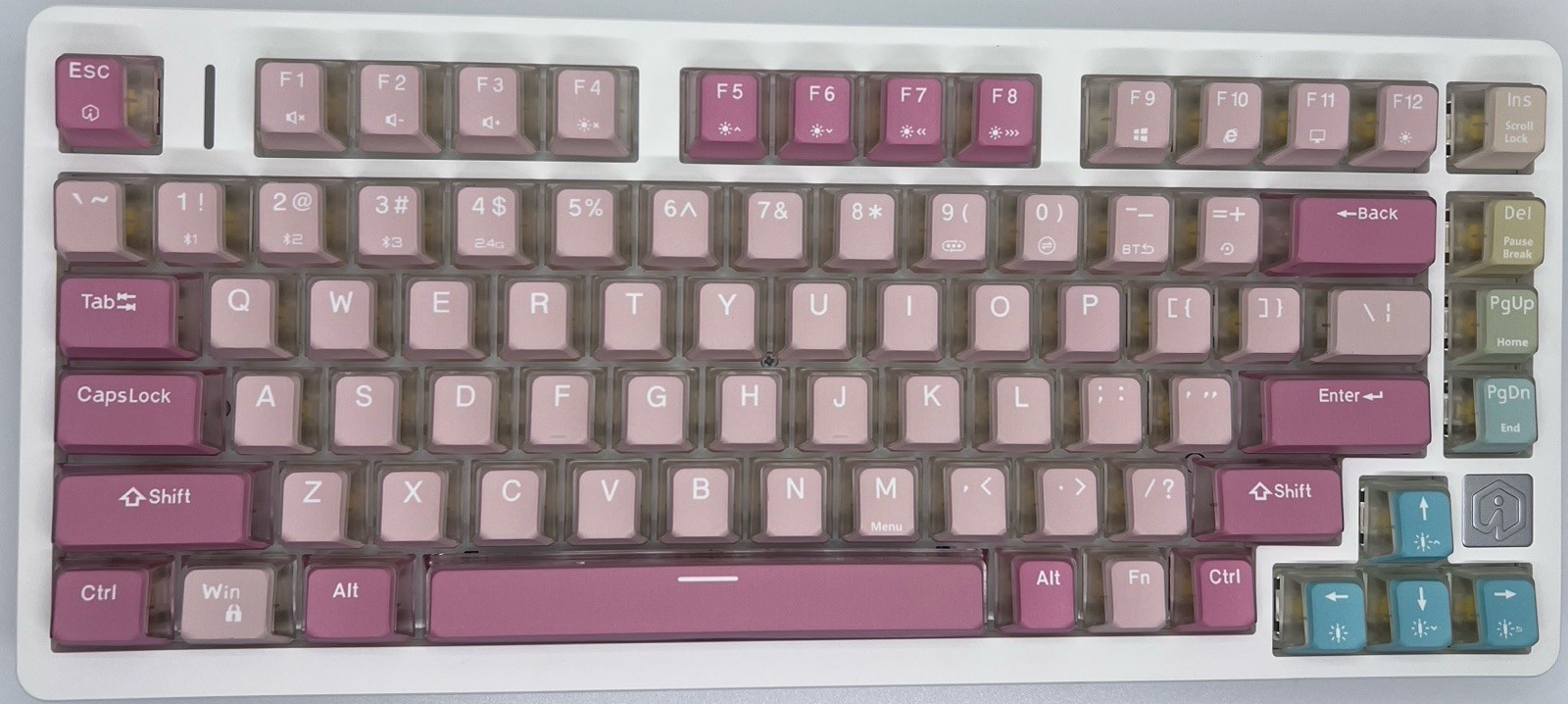 Wireless RGB Hot Swappable Mechanical Keyboard 3 Layers 81 Keys Gaming Keyboard$35.98View on eBay
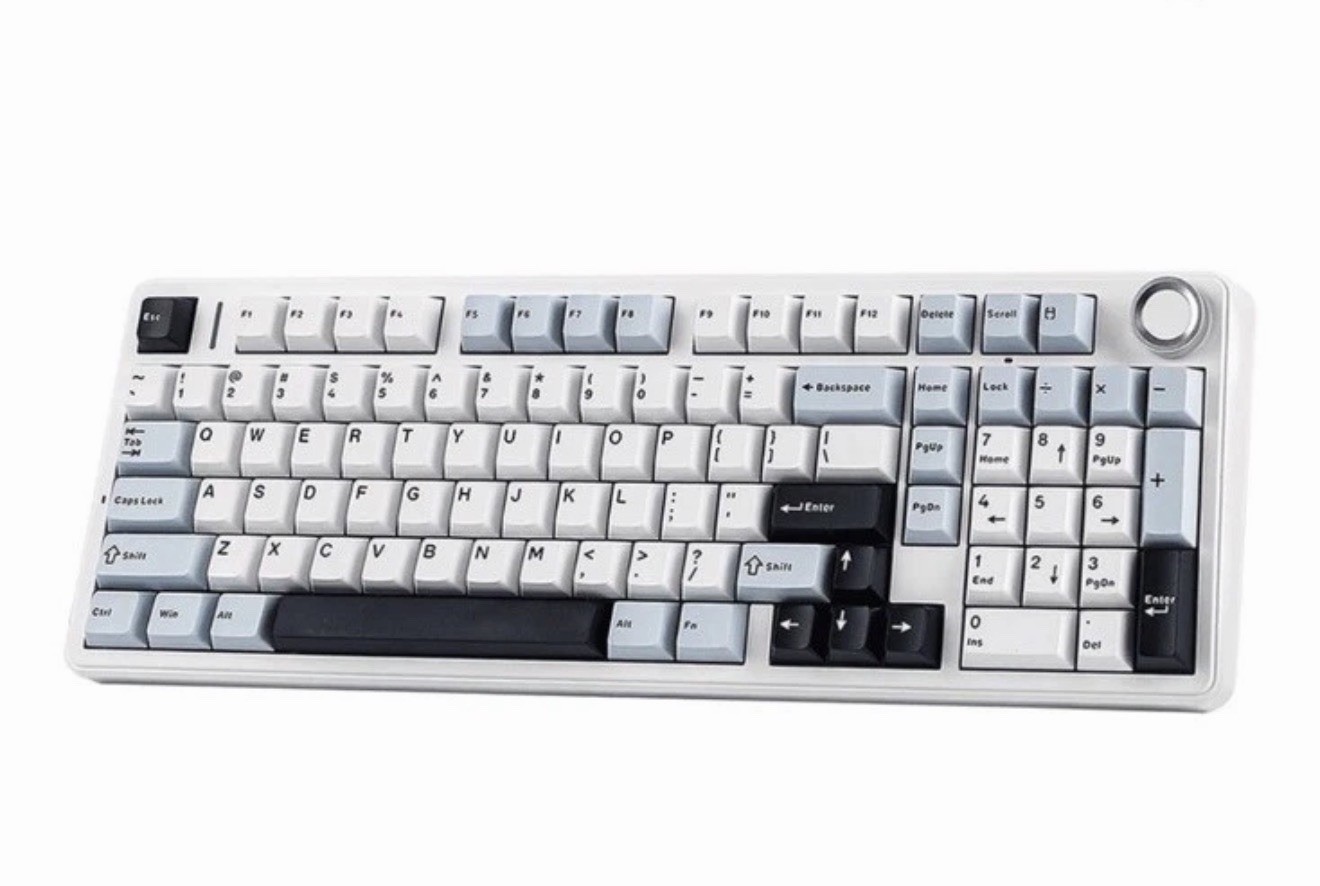 AULA F99 PRO BLUE/WHITE Wireless Mechanical Gaming Keyboard | NEXT DAY SHIP$41.98View on eBay
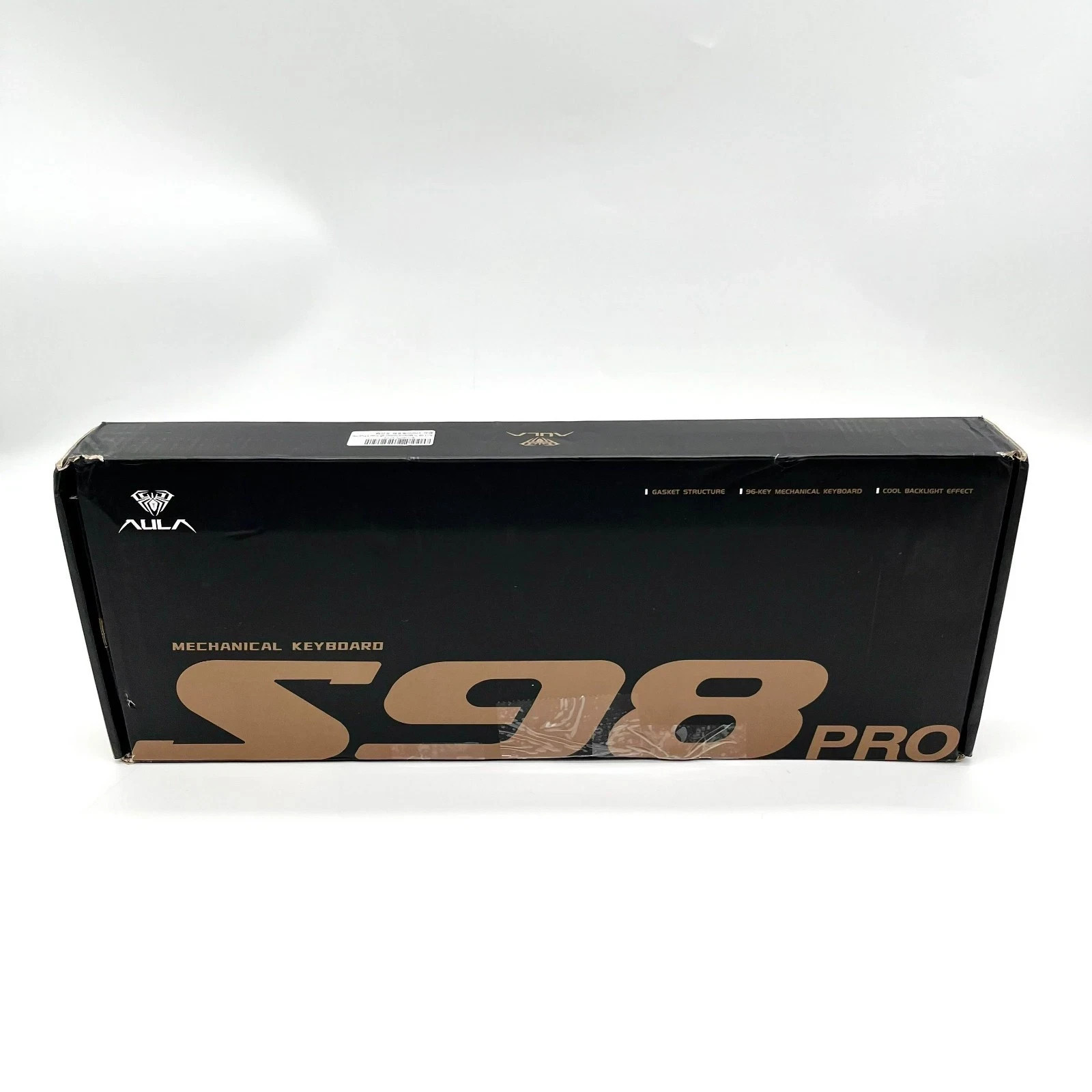 AULA S98 Pro Wireless Mechanical Keyboard with Screen & Knob Blue White$44.95View on eBay
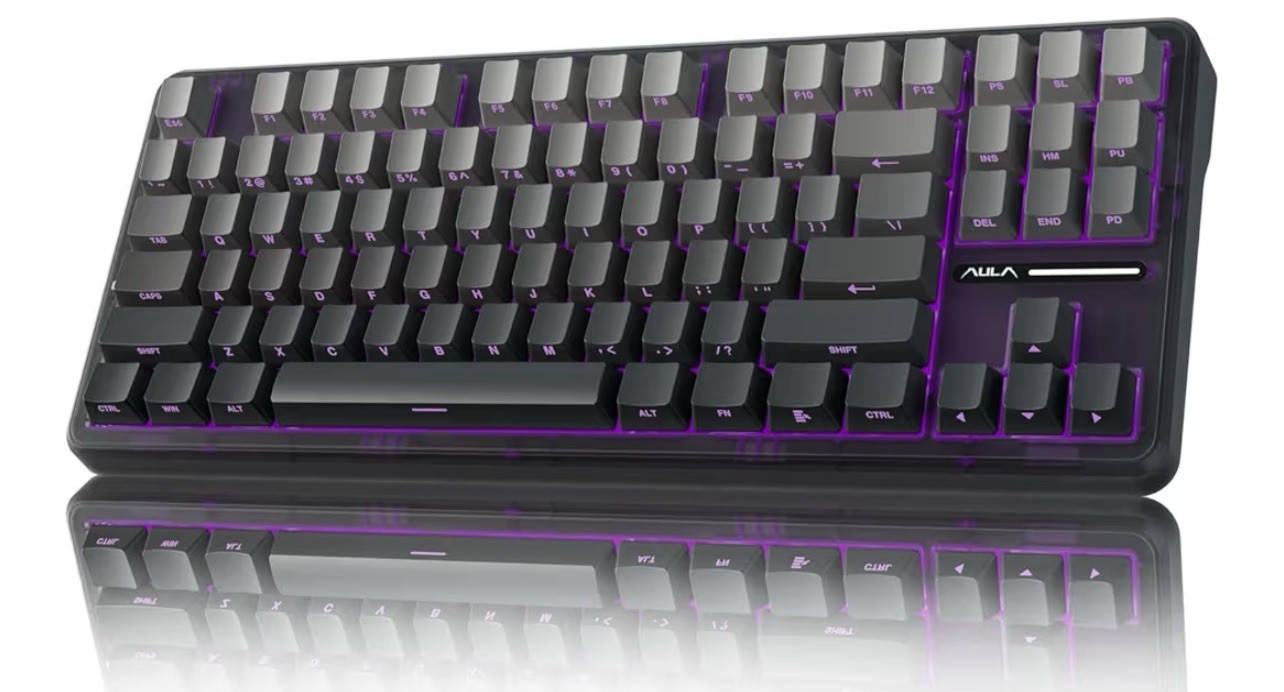 AULA F87 Pro Wireless Mechanical Keyboard Tri-Mode Hot Swappable (F87 Pro-Black)$44.99View on eBay
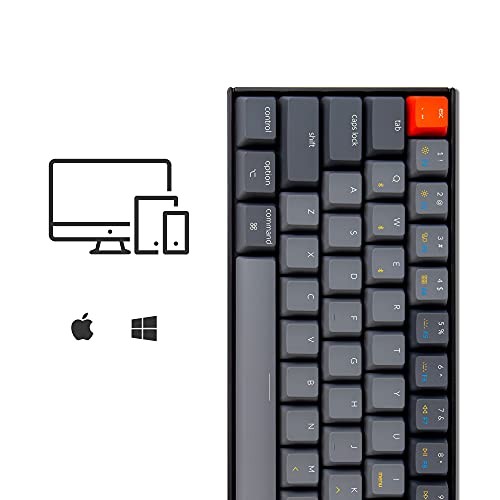 KEYCHRON K12 WIRELESS MECHANICAL KEYBOARD - RGB BACKLIGHT - GATERON -$45.16View on eBay
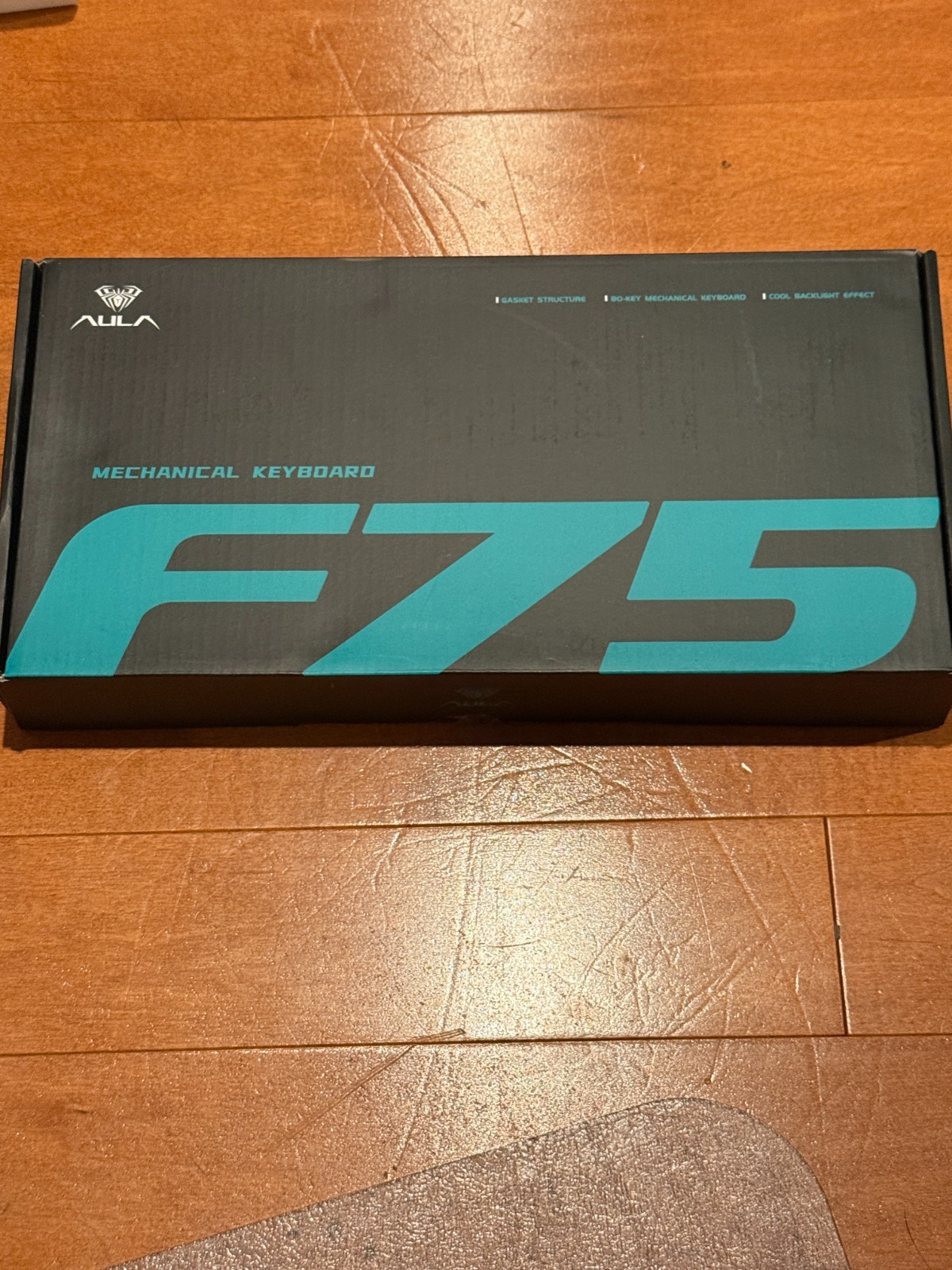 AULA F75 Wireless Gaming Keyboard Mechanical Tri-Mode RGB Backlit NEW SEALED$49.95View on eBay
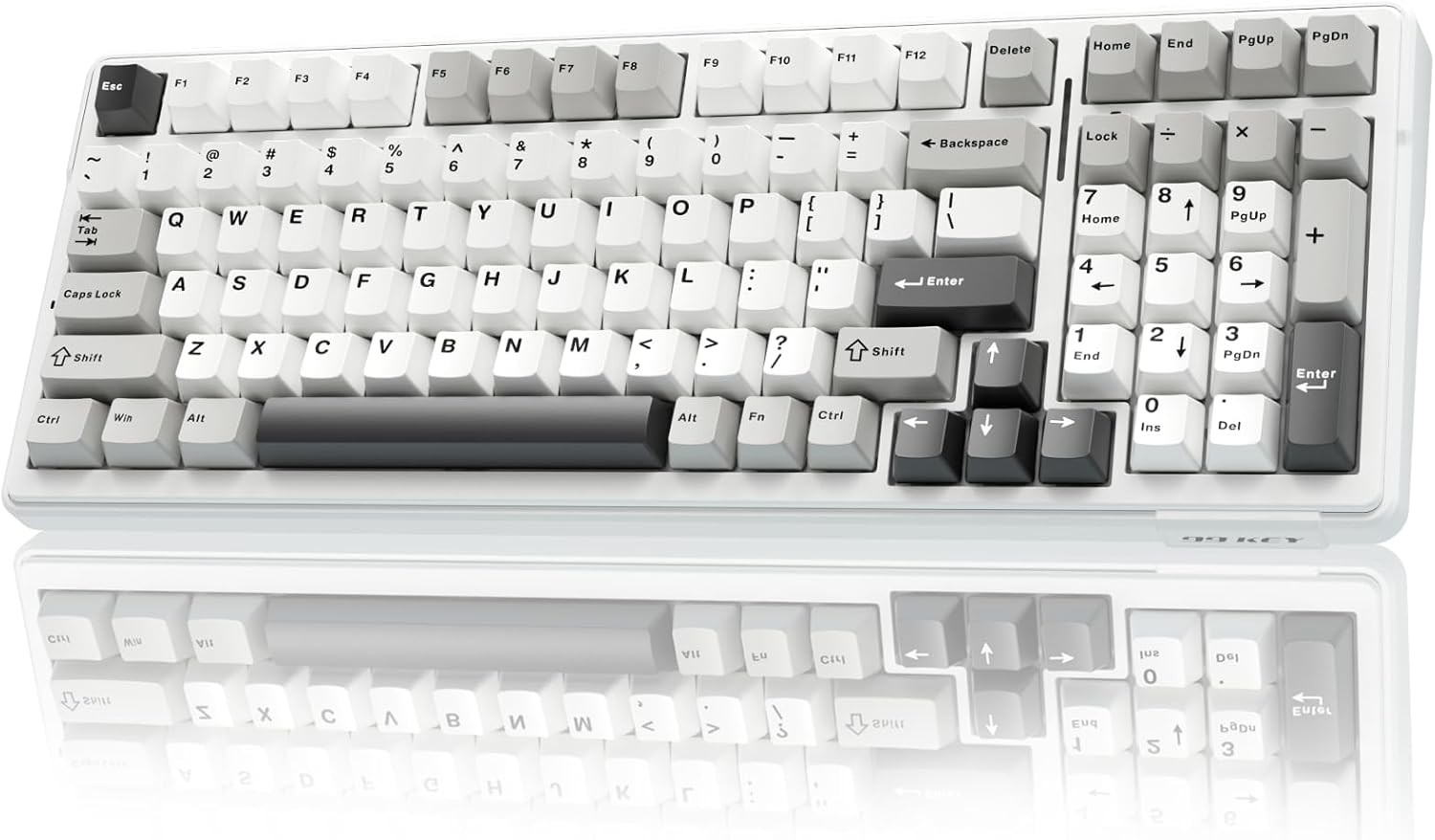 AULA F99/F99 Pro Tri-mode Wireless Mechanical Keyboard RGB Hot Swappable Custom$49.99View on eBay
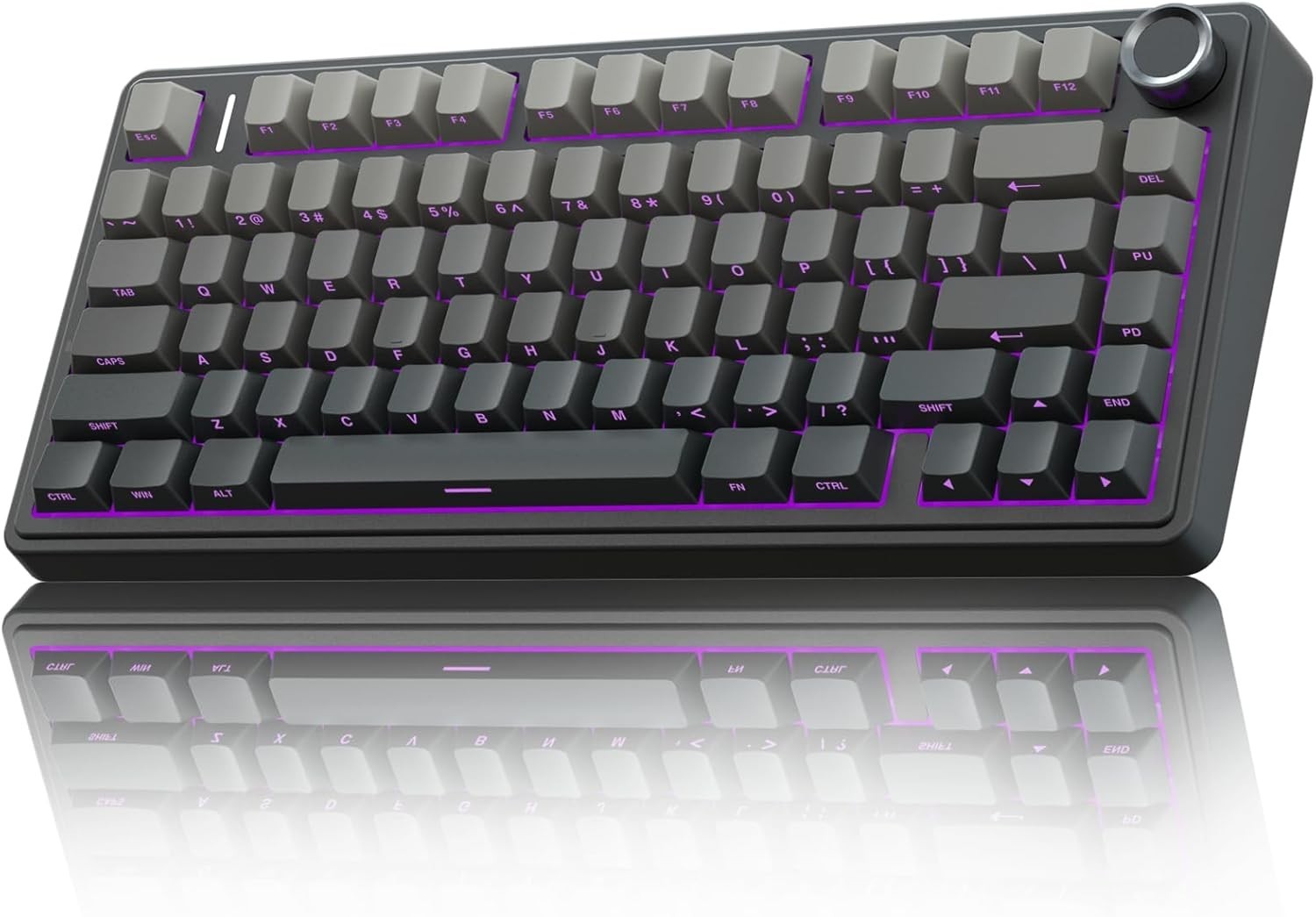 F75 Pro Wireless Mechanical Keyboard,75% Hot Swappable with Knob RGB Backlit$59.99View on eBay
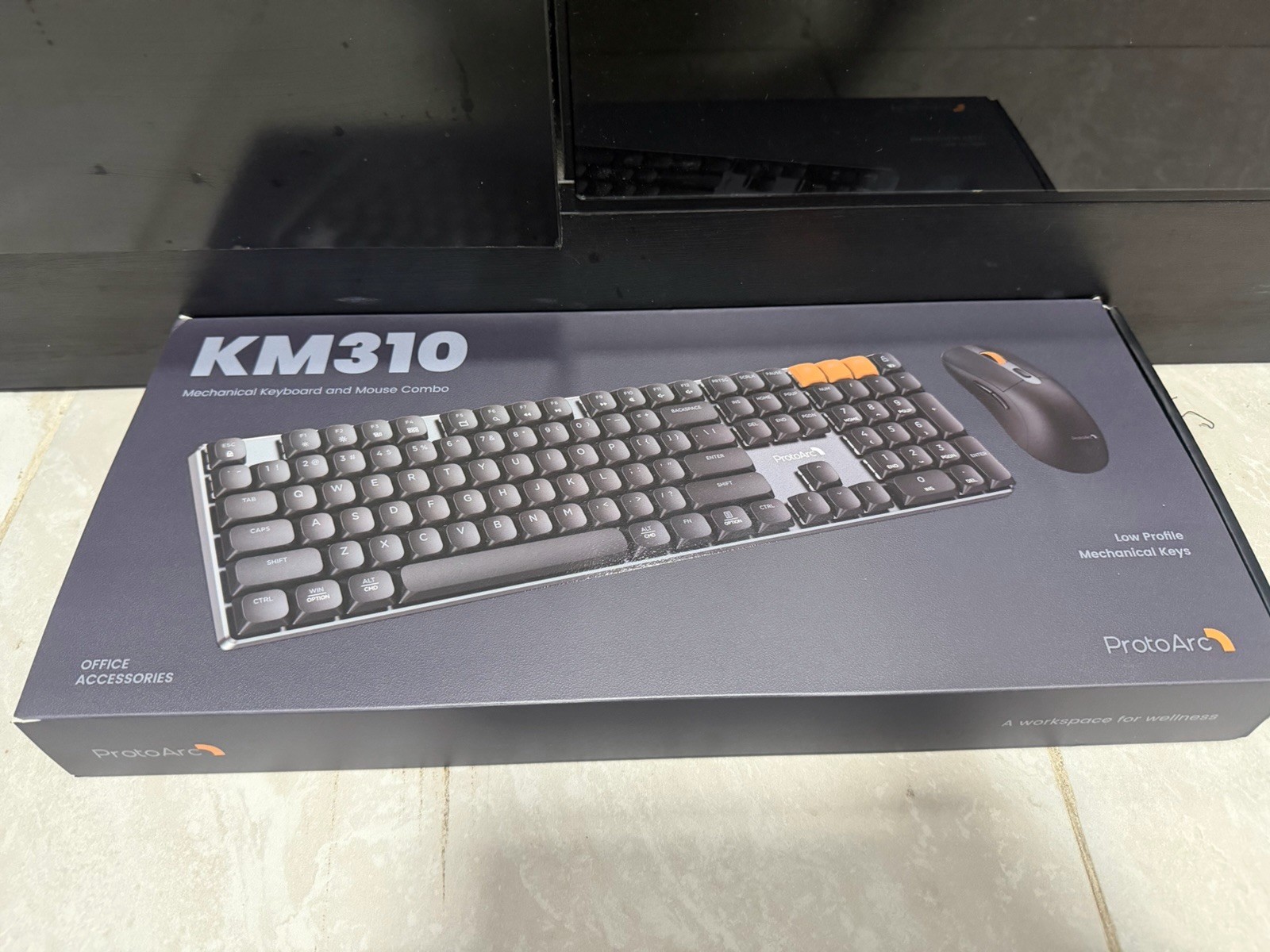 Protoarc KM310 Mechanical Keyboard and Mouse, Wireless Rechargeable Aluminum Key$60.00View on eBay
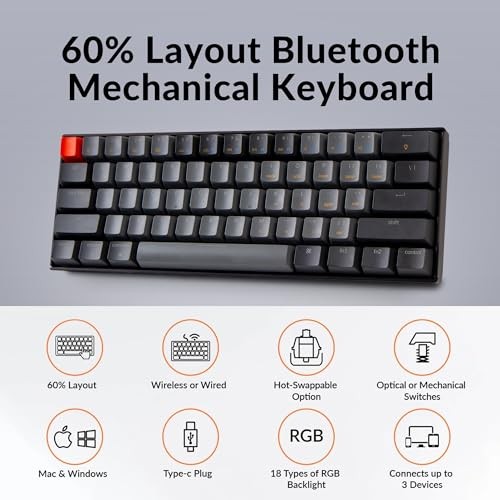 KEYCHRON K12 RGB WIRELESS MECHANICAL KEYBOARD - HOT-SWAPPABLE - BLACK/GRAY$61.22View on eBay
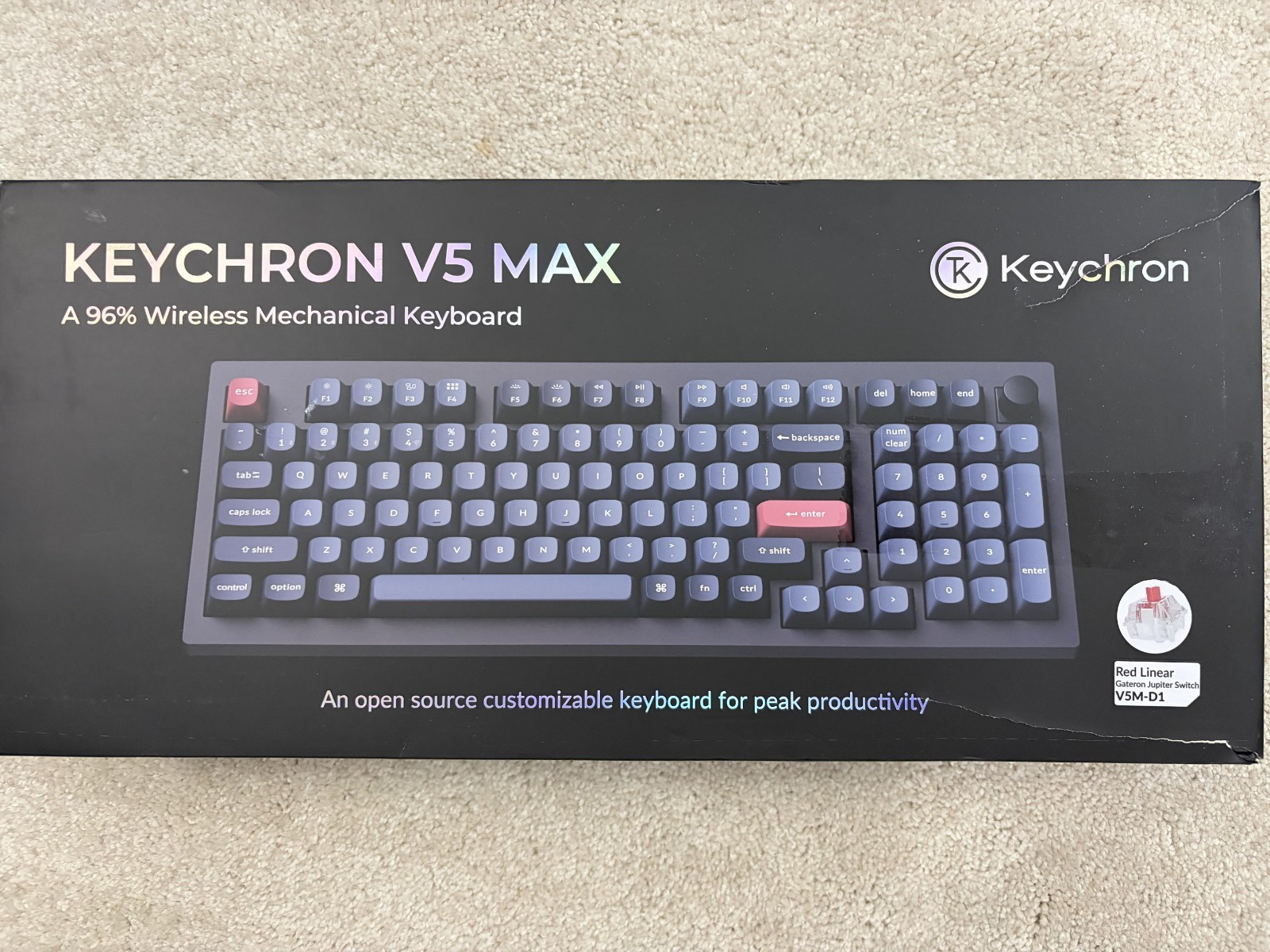 Keychron - V5 Max 96% Custom Wireless RGB Mechanical Keyboard with Programmable$69.90View on eBay
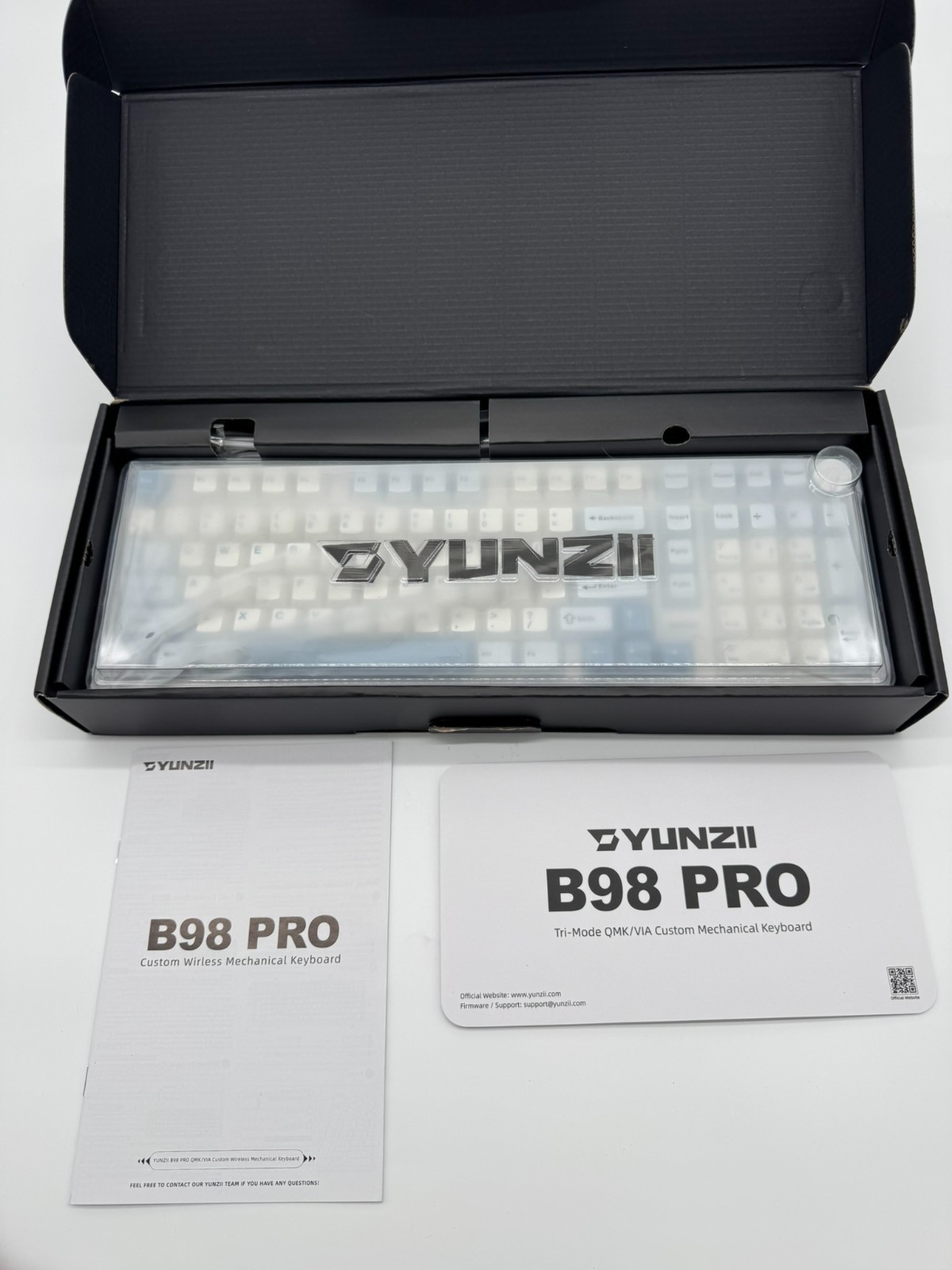 YUNZII B98 PRO 98-Key Wireless Mechanical Keyboard QMK/VIA Tri-Mode Hot-Swap RGB$69.99View on eBay
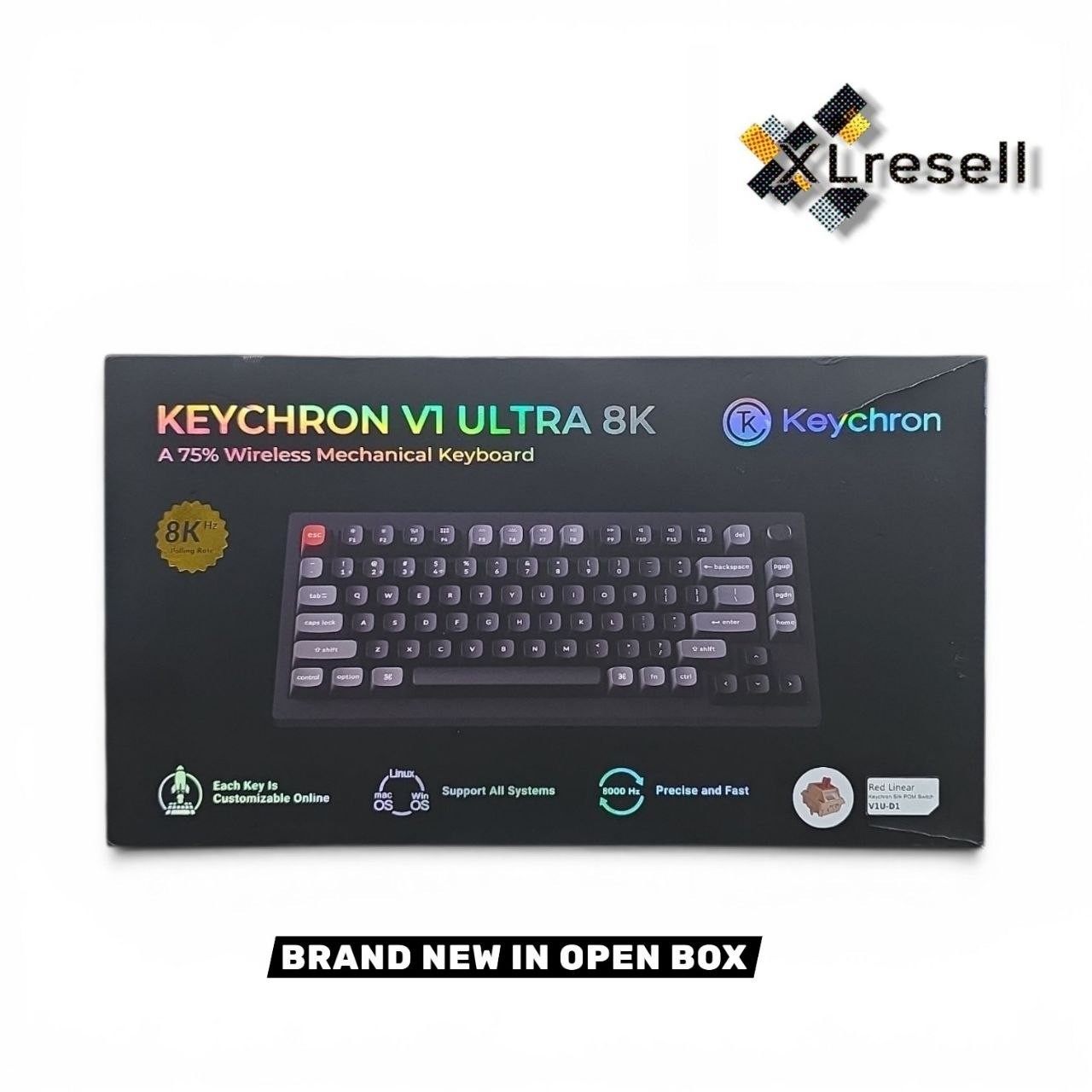 Keychron V1 Ultra 8K Wireless Mechanical Keyboard RGB Backlit Black Red Linear$72.17View on eBay
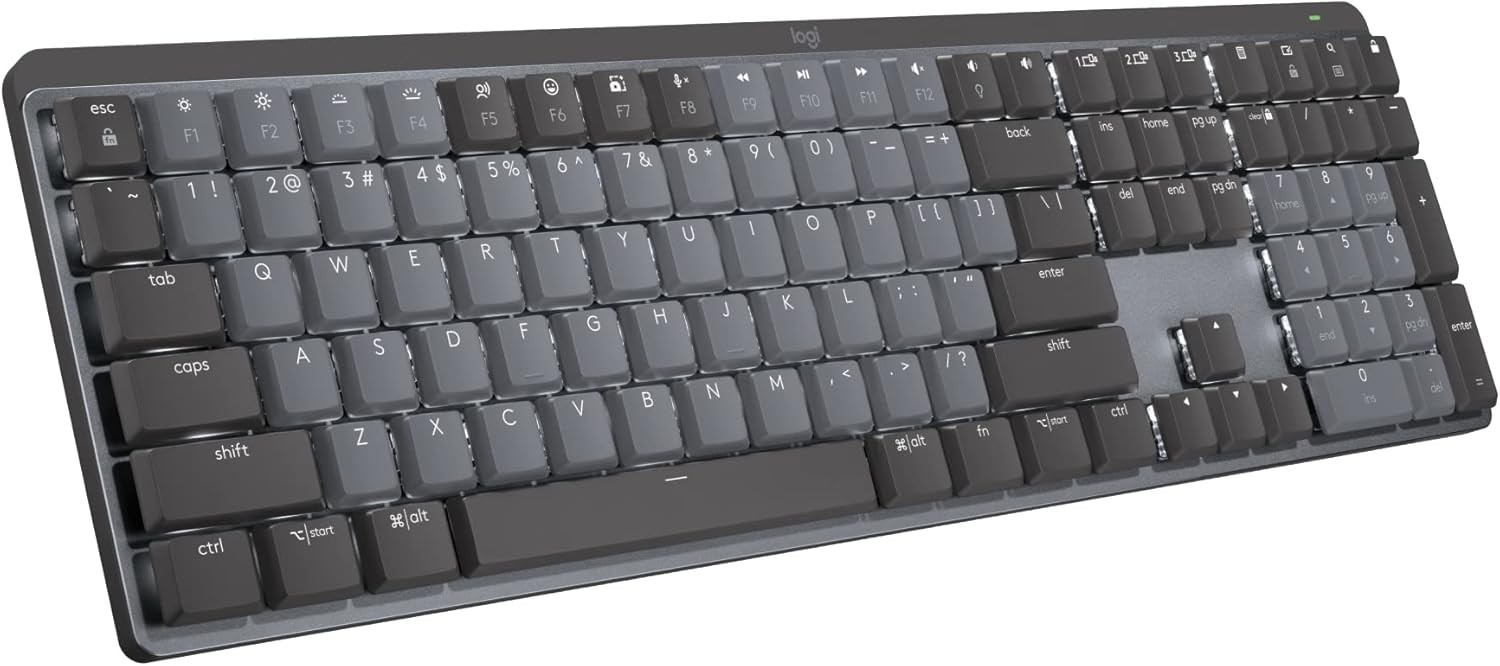 Logitech MX Mechanical Wireless Performance Keyboard Graphite Tactile$79.99View on eBay
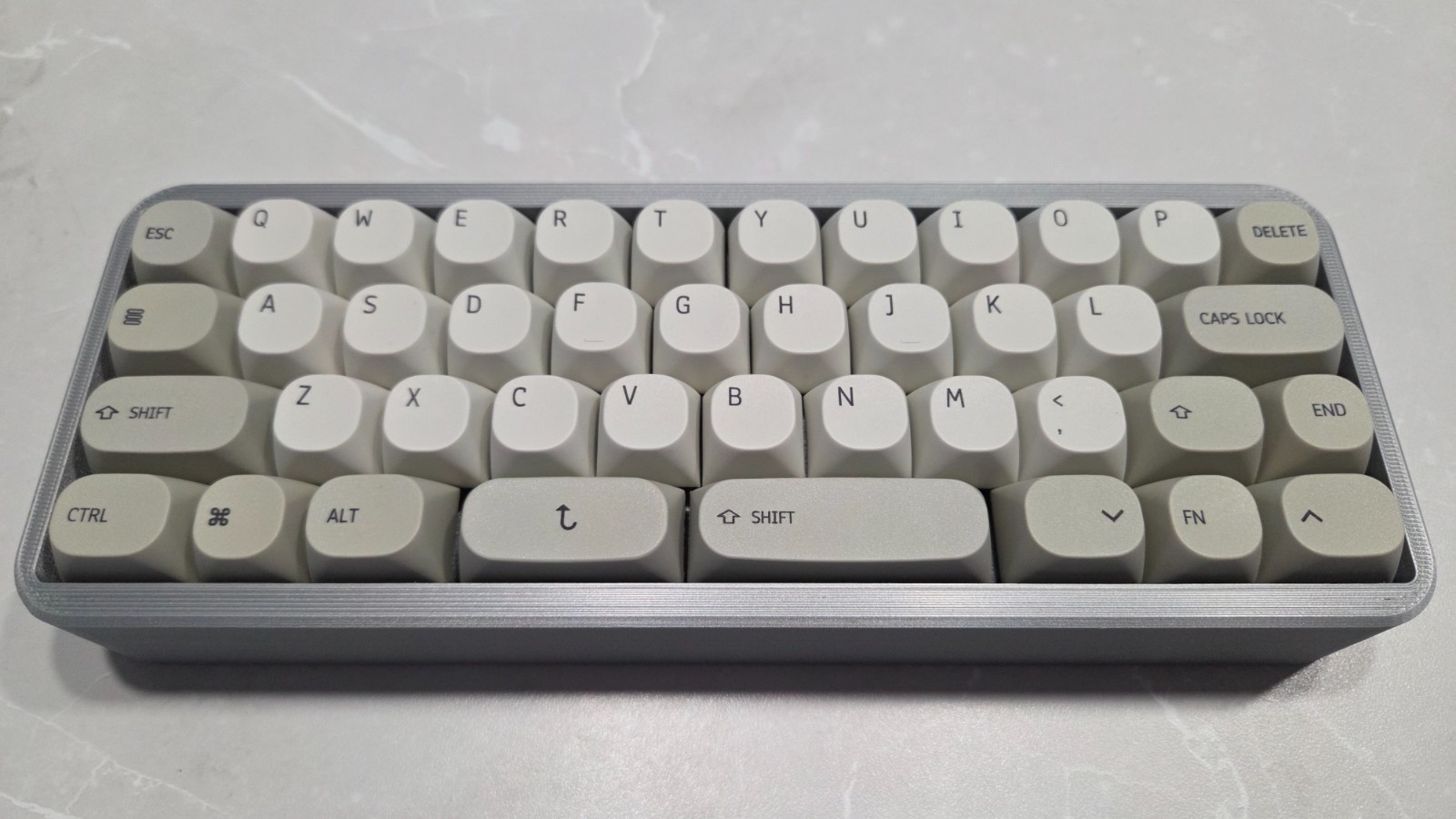 Wireless 40% mechanical keyboard (AELIUX)$85.00View on eBay
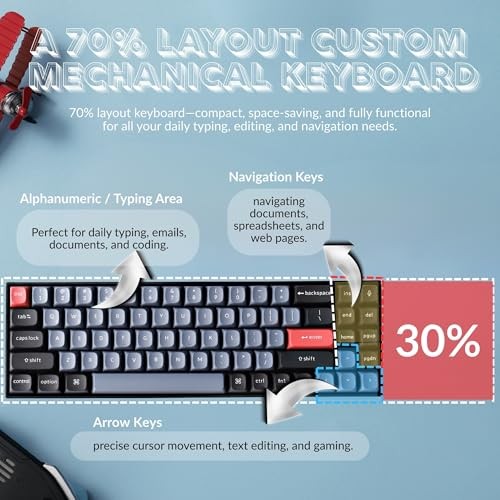 KEYCHRON K14 PRO WIRELESS CUSTOM MECHANICAL KEYBOARD,70% - BLACK/GRAY/RED$87.32View on eBay
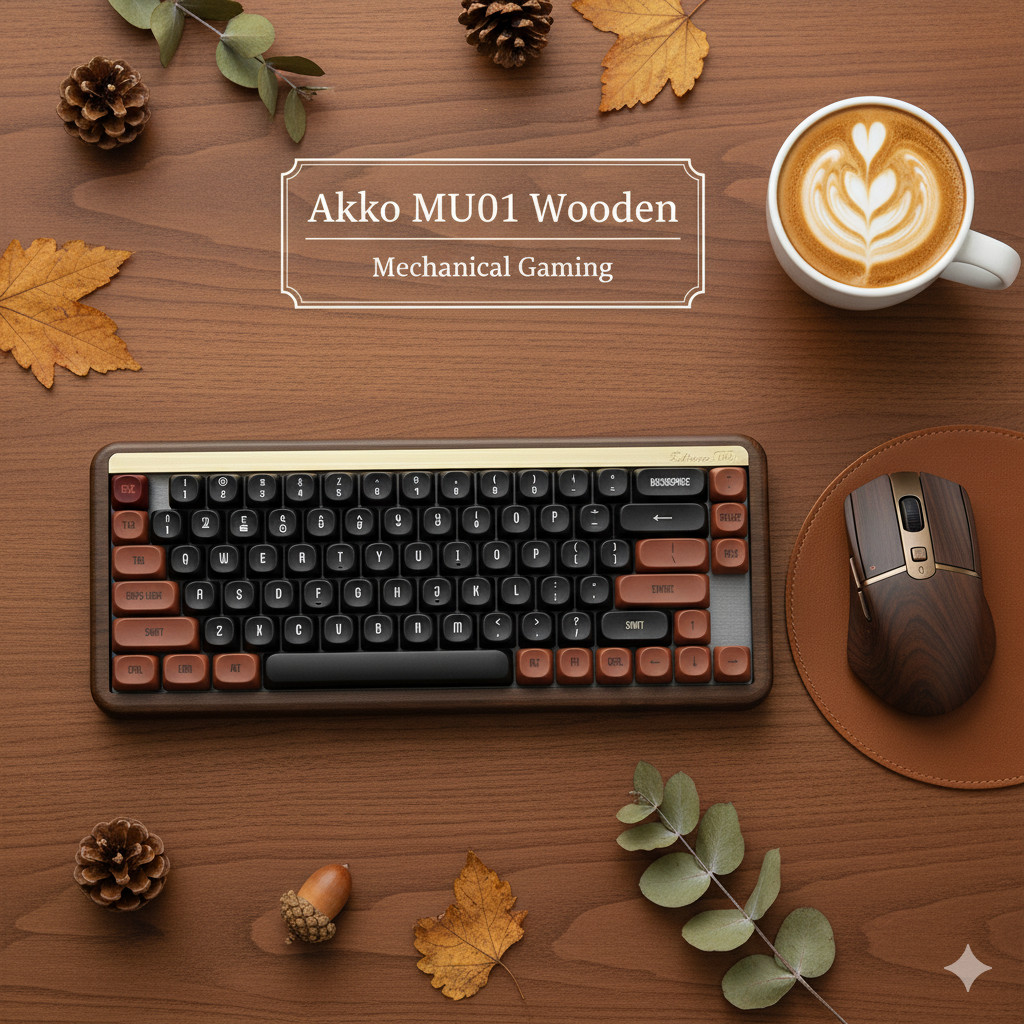 Akko MU01 65% Mechanical Keyboard Walnut RGB Wireless Hot Swap$109.00View on eBay
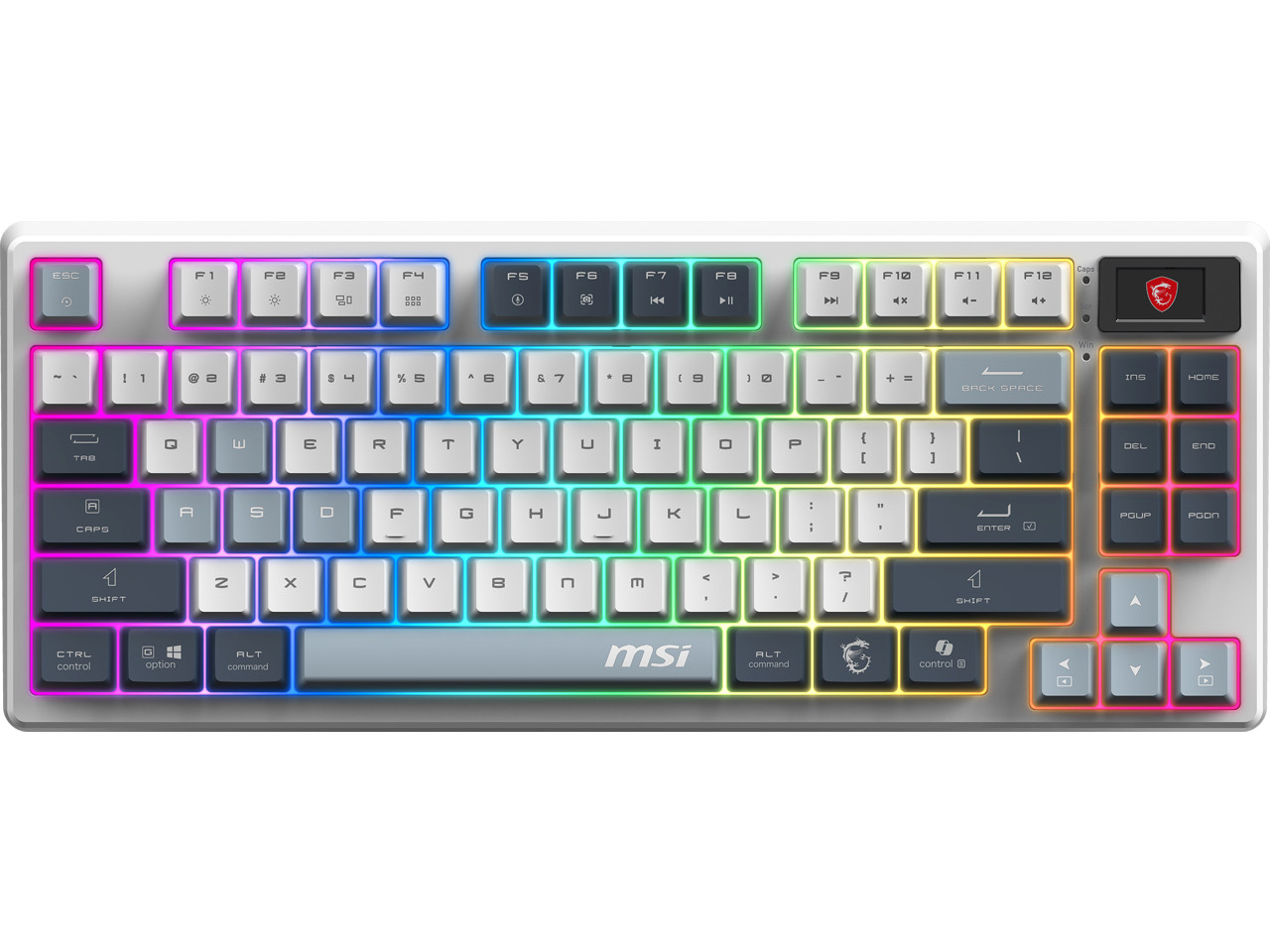 MSI Forge GK600 TKL Wireless Gaming Keyboard - Mechanical Linear Switches,$142.81View on eBay
Highlights
- Tri-mode connectivity (Bluetooth 5.1/5.2 + 2.4GHz USB dongle + USB-C wired) defines the premium tier; 2.4GHz-only or Bluetooth-only models cut latency flexibility and multi-device support.
- Hot-swap PCB sockets (3-pin or 5-pin, plate-mount) let you replace switches without soldering; soldered boards are the single biggest durability dead-end in budget wireless models.
- Gasket-mounted trays with foam damping and PC plates deliver a softer, deeper typing feel than tray-mount plastic cases; case material (plastic vs aluminum) drives weight and resonance.
- Battery capacity in the 2000-4000mAh range with USB-C charging determines wireless runtime; boards under 1000mAh or micro-USB are outdated and require frequent charging.
Best use cases
- Pick a 75% or 98-key tri-mode board with hot-swap sockets for office and multi-device work; skip 60% Bluetooth-only models if you need function keys and fast switching.
- Choose a 2.4GHz dongle board with 1000Hz polling and hot-swap for competitive gaming; skip Bluetooth-only keyboards for real-time games due to 10-20ms added latency.
- Select a gasket-mount 75% with knob and screen for desk aesthetics and media control; skip full-size plastic tray-mount boards if you want a premium sound signature.
- Buy a compact 60-65% hot-swap board for travel or small desks; skip 98-key full-size boards if portability and mouse space are priorities.
Buying tips
- Confirm 5-pin hot-swap sockets if you plan to swap switches; 3-pin-only boards limit you to plate-mount switches and block most enthusiast options.
- For gaming, demand 2.4GHz with 1000Hz polling and a dedicated dongle; Bluetooth 5.x polling is lower and adds latency unsuitable for competitive play.
- Match battery to use: 2000mAh+ for weeks of Bluetooth office use with backlight off; sub-1000mAh boards need charging every few days with RGB on.
- Check keycap material and layout: PBT doubleshot resists shine, while ABS shines quickly; ensure the layout (ANSI/ISO) matches your region before buying.
Specs
| Connectivity | Tri-mode: BT 5.x + 2.4GHz + USB-C |
|---|---|
| Hot-swap | 3-pin / 5-pin plate-mount sockets |
| Layout | 60% / 65% / 75% / 98-key / full-size |
| Battery | 2000-4000mAh, USB-C charging |
Related searches
What to check before buying
- Measure your desk or tray depth: 60% is about 11-12 inches wide, 75% about 12-13 inches, 98-key about 15-16 inches — confirm mouse clearance.
- Verify your devices support Bluetooth 5.x or have a free USB-A port for the 2.4GHz dongle; USB-C-only laptops need a hub.
- Check switch type compatibility: 5-pin hot-swap accepts both 3-pin and 5-pin; confirm plate-mount vs PCB-mount if you plan custom switches.
- Confirm USB-C charging and cable placement (detachable preferred) and that the board supports your OS layout (Windows/Mac keycaps and firmware).
FAQ
Data sources: eBay / Amazon listings and product attribute feeds. Updated Nov 24, 2026.
Some links on this page are affiliate links. If you buy after clicking one, we may earn a commission at no extra cost to you. This does not change which products appear here or their order. Affiliate disclosure.