
Photos from current listings. Actual item, color, and included accessories may vary.
Printer Buying Guide
Printers split into inkjet all-in-ones for photo and color flexibility, laser units for fast durable text, and compact thermal or dye-sub units for labels and stickers. The core trade-off is consumable economics and media path: cheap inkjet hardware bleeds money on cartridges, while lasers and thermal printers cost more upfront but hold per-page costs and won't smear. Buy inkjet only if you need pigment or dye color on photo or vinyl media; otherwise pick a laser for documents and a dedicated thermal or pigment-ink model for vinyl stickers.
Median $227.49 · New & pre-owned listings
Key takeaways
- Inkjet printheads use dye (vivid, water-soluble) or pigment (UV/water-resistant) inks; vinyl sticker work requires pigment ink or a dedicated thermal label printer, not standard dye ink
- Laser printers fuse toner at roughly 180-200°C, giving smudge-proof text at 20-40 ppm but typically only 600 dpi and no photo-grade color
- All-in-one flatbeds typically scan at 1200x1200 dpi optical or lower; ADF models add duplex scanning but raise the footprint above 400 mm width
At a glance
- Category
- Computers & Peripherals
- Last updated
- Nov 28, 2026
Current offers
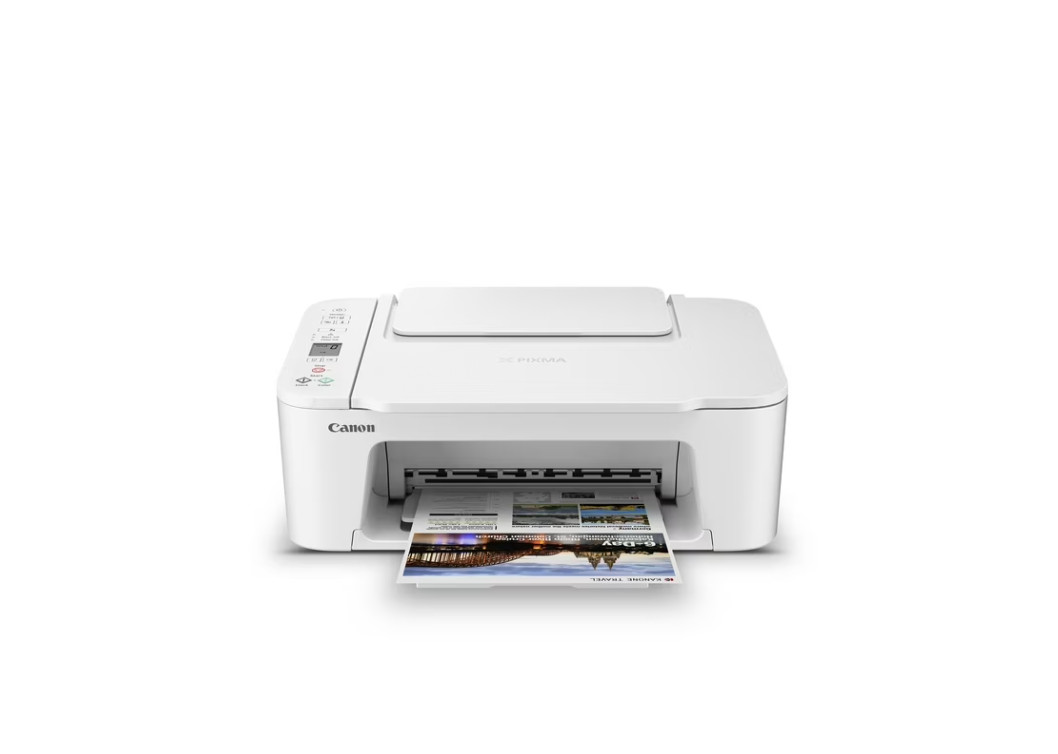 Canon PIXMA TS3722 Wireless All-In-One Inkjet Printer for Home Office$36.00View on eBay
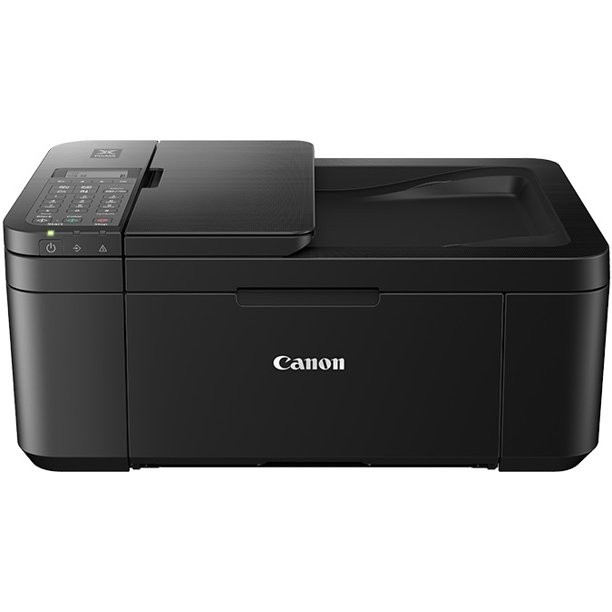 PIXMA TR4722 Inkjet Printer Black$40.00View on eBay
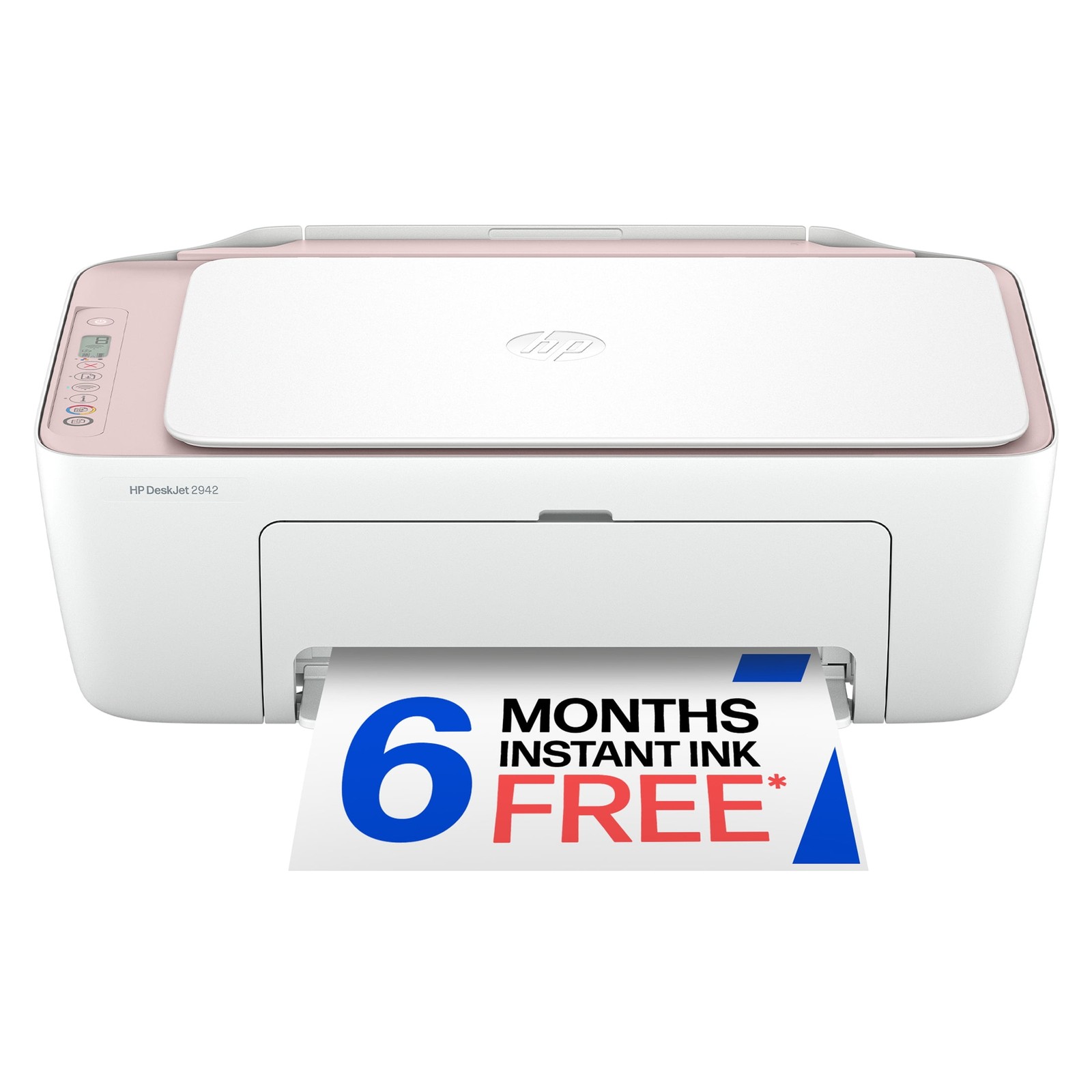 HP DeskJet 2942 All-in-One Inkjet Printer, Wireless, Flatbed Scanner, 60-Sheet$43.00View on eBay
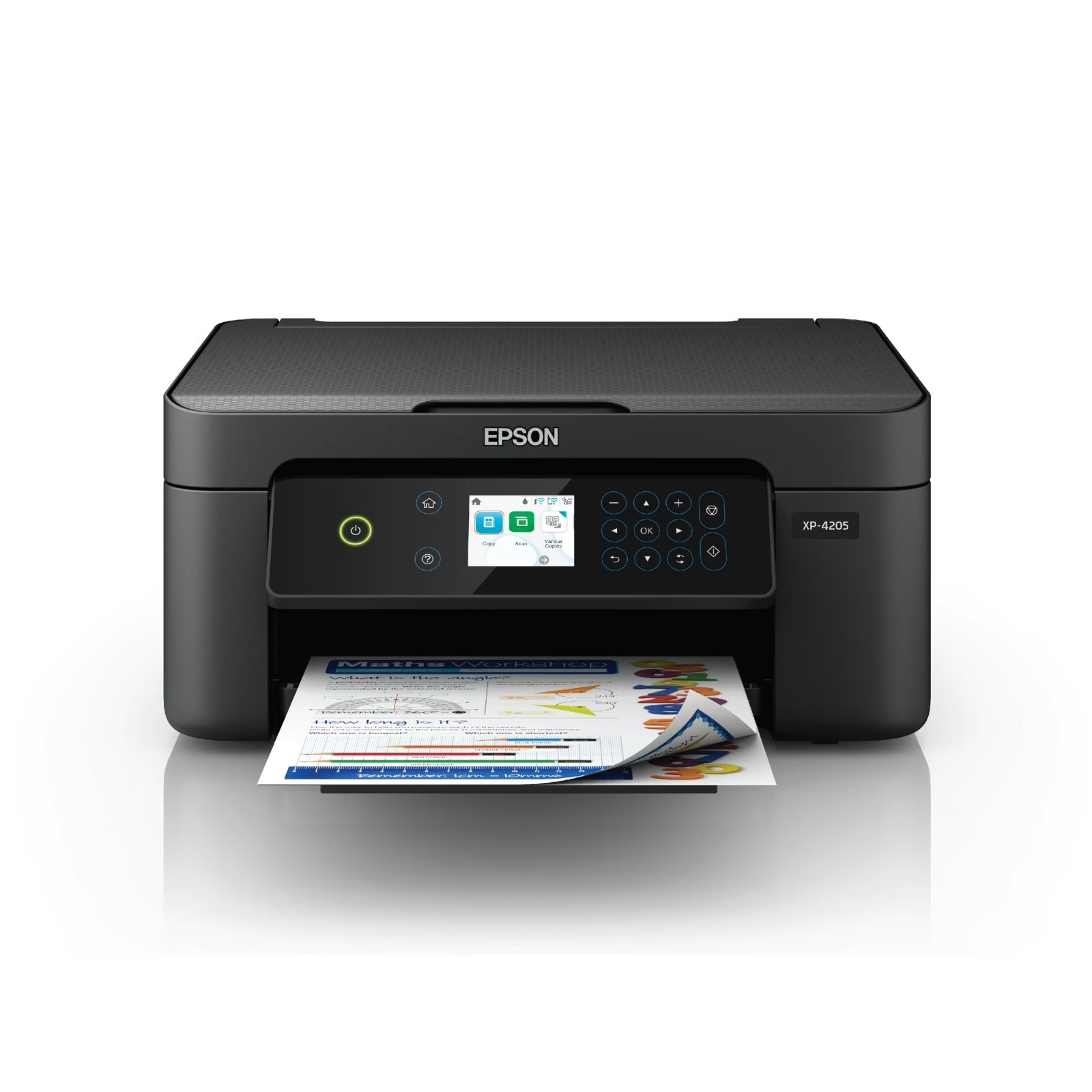 Epson Expression Home XP-4205 Wireless Color Printer with Scanner and Copier, Au$49.55View on eBay
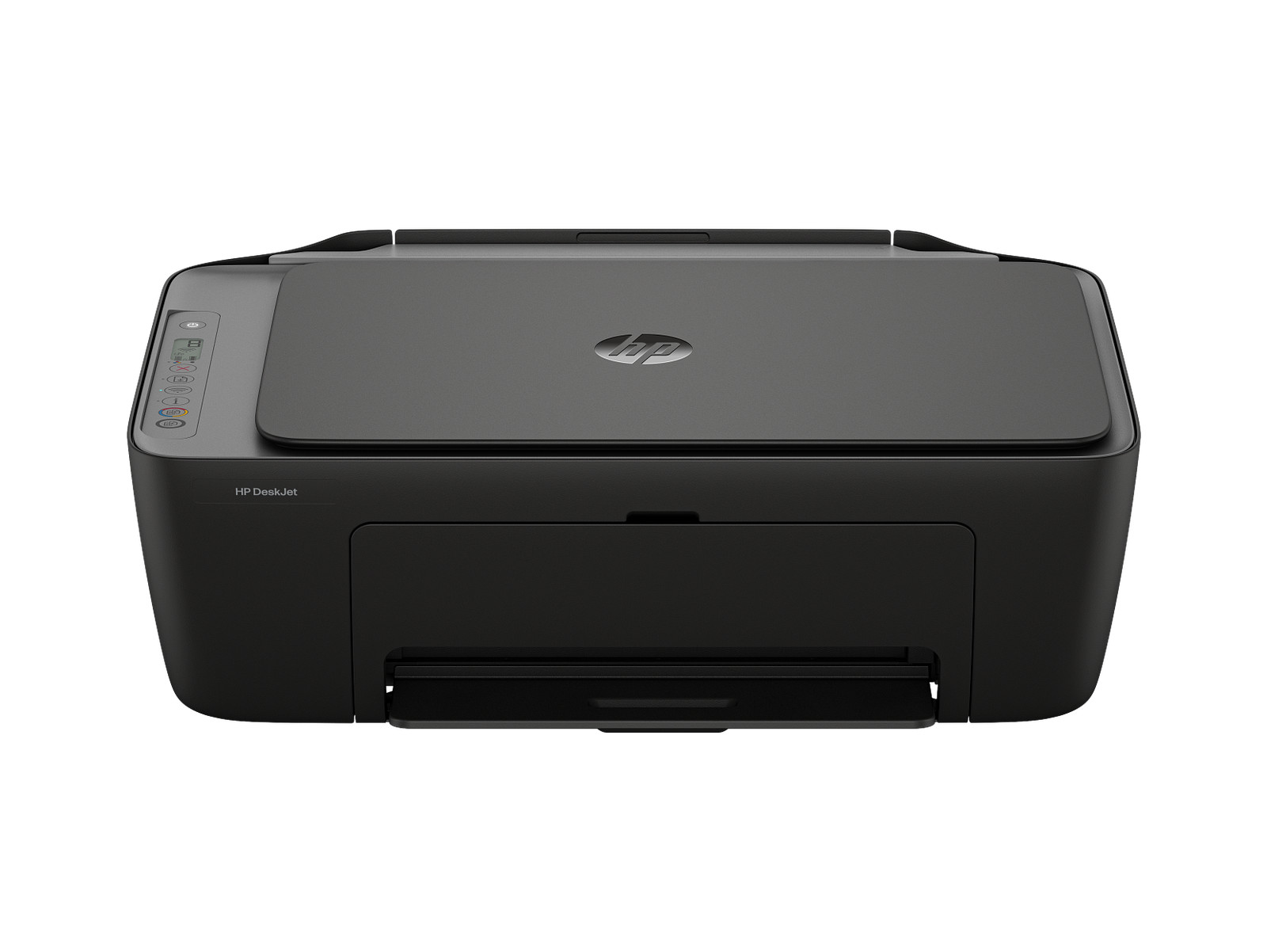 HP DeskJet 2955 All-in-One Inkjet Printer, Color Mobile Print, Copy, Scan Up to$49.99Last checked Nov 27, 2026View on eBay
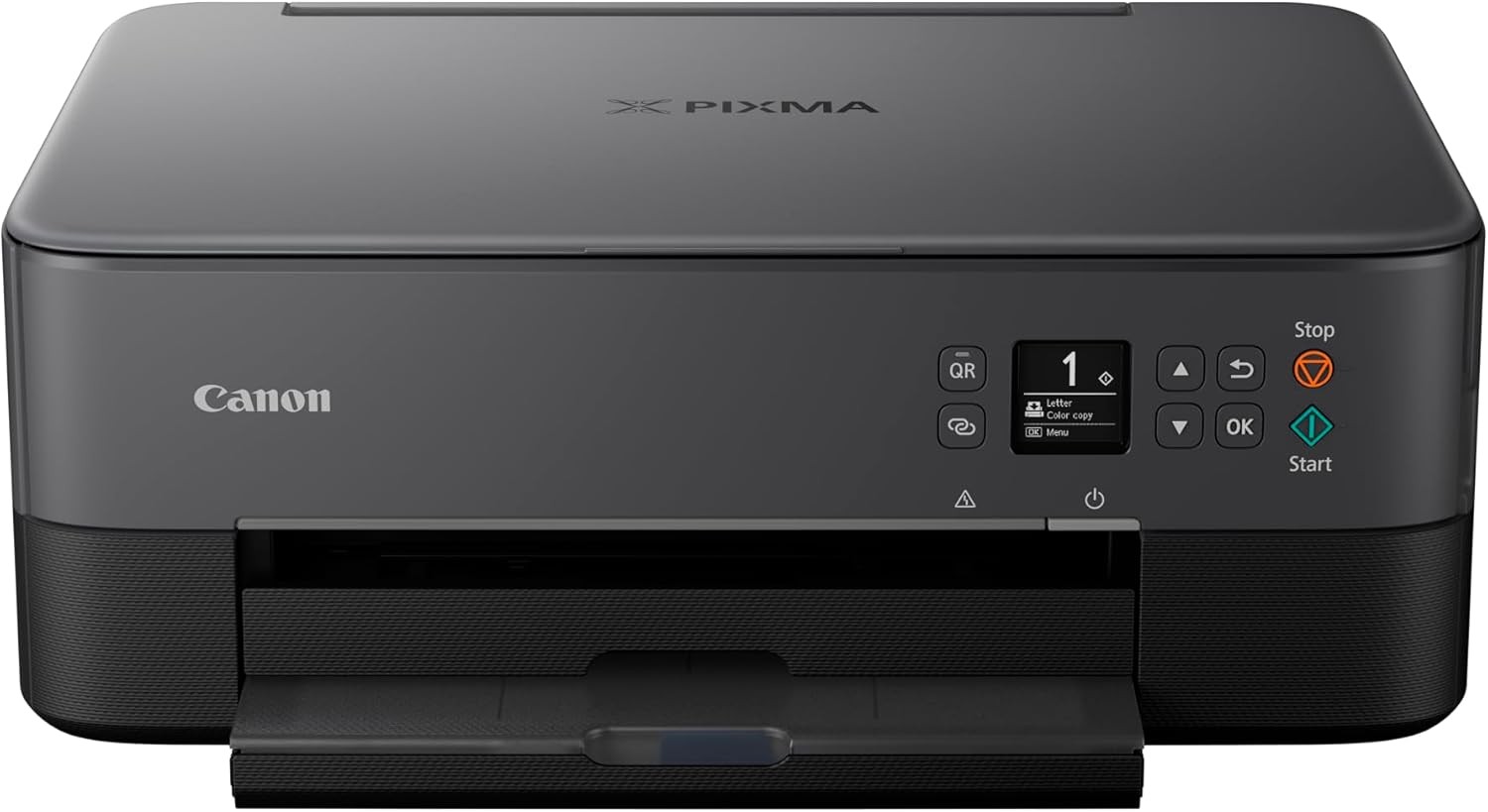 Canon PIXMA TS6420a Wireless Inkjet All-In-One Color Printer Black$69.95View on eBay
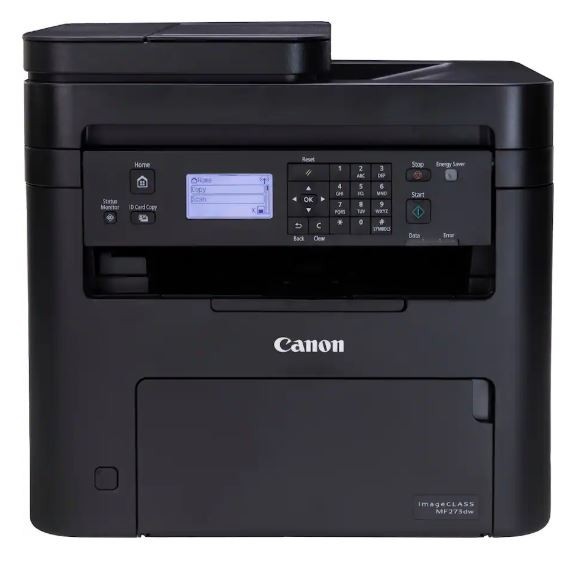 Canon - imageCLASS MF273dw Wireless Black-and-White All-In-One Laser Printer B$89.86View on eBay
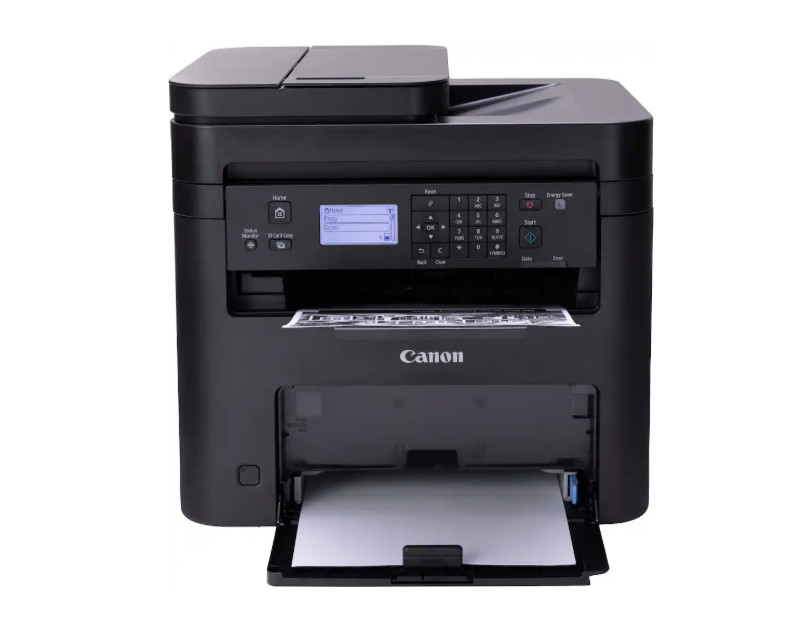 Canon - imageCLASS MF273dw Wireless Black-and-White All-In-One Laser Printer - B$90.00View on eBay
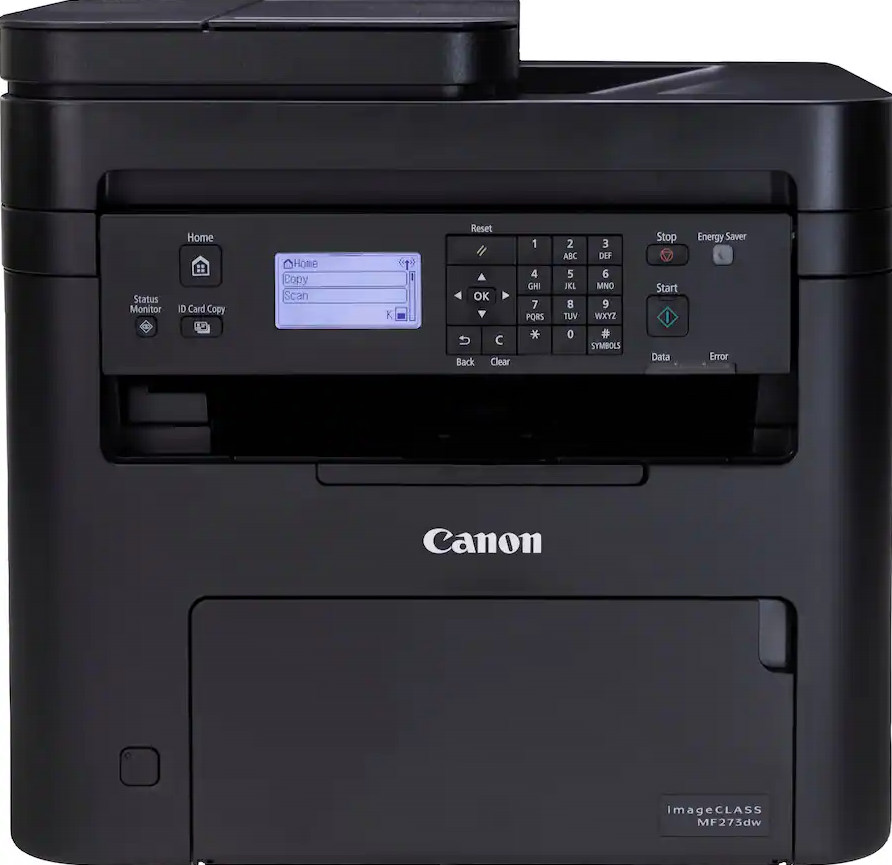 Canon - imageCLASS MF273dw Wireless Black-and-White All-In-One Laser Printer$90.20View on eBay
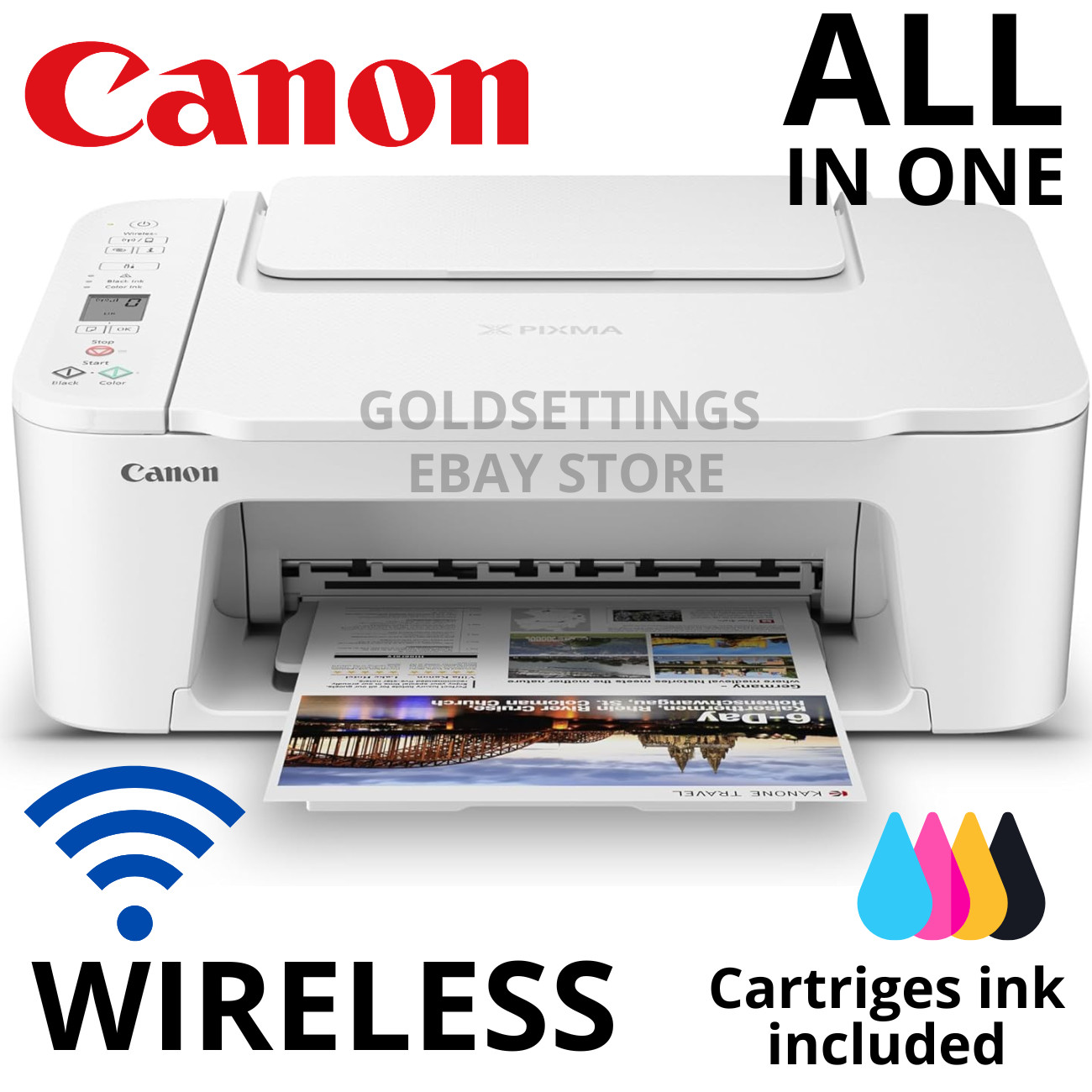 2026 Canon Wireless All In One Mobile Printer/Copy/Scan - Set Ink Included$104.49Last checked Nov 18, 2026View on eBay
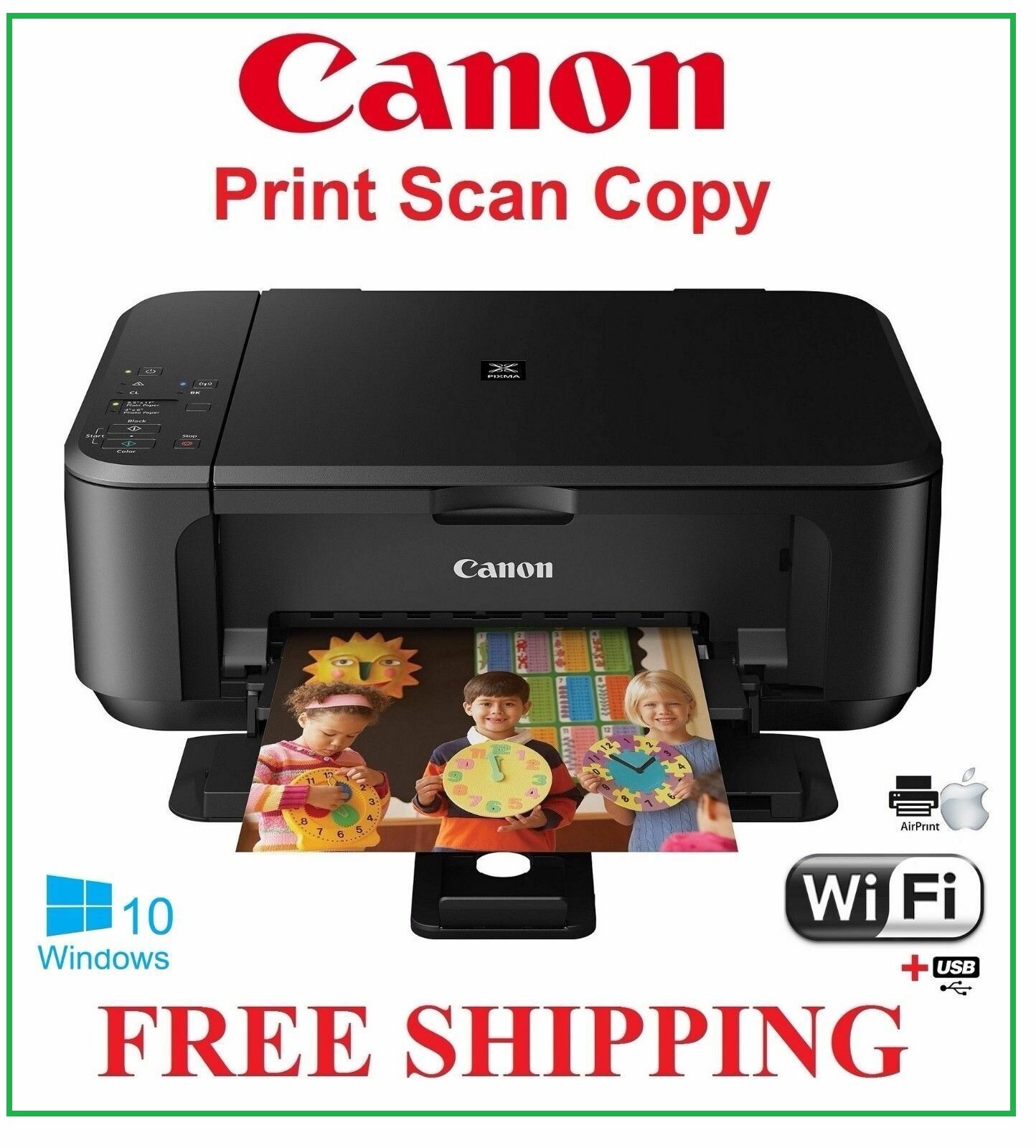 NEW Canon MG3620 Wireless Printer/Scan/Copy-Duplex-Photo Print-Back College Sale$135.95Last checked Nov 28, 2026View on eBay
 NEW Canon Pixma MG3620 All In One Printer-Wireless-Scan Copy-Photo Print$135.97Last checked Nov 21, 2026View on eBay
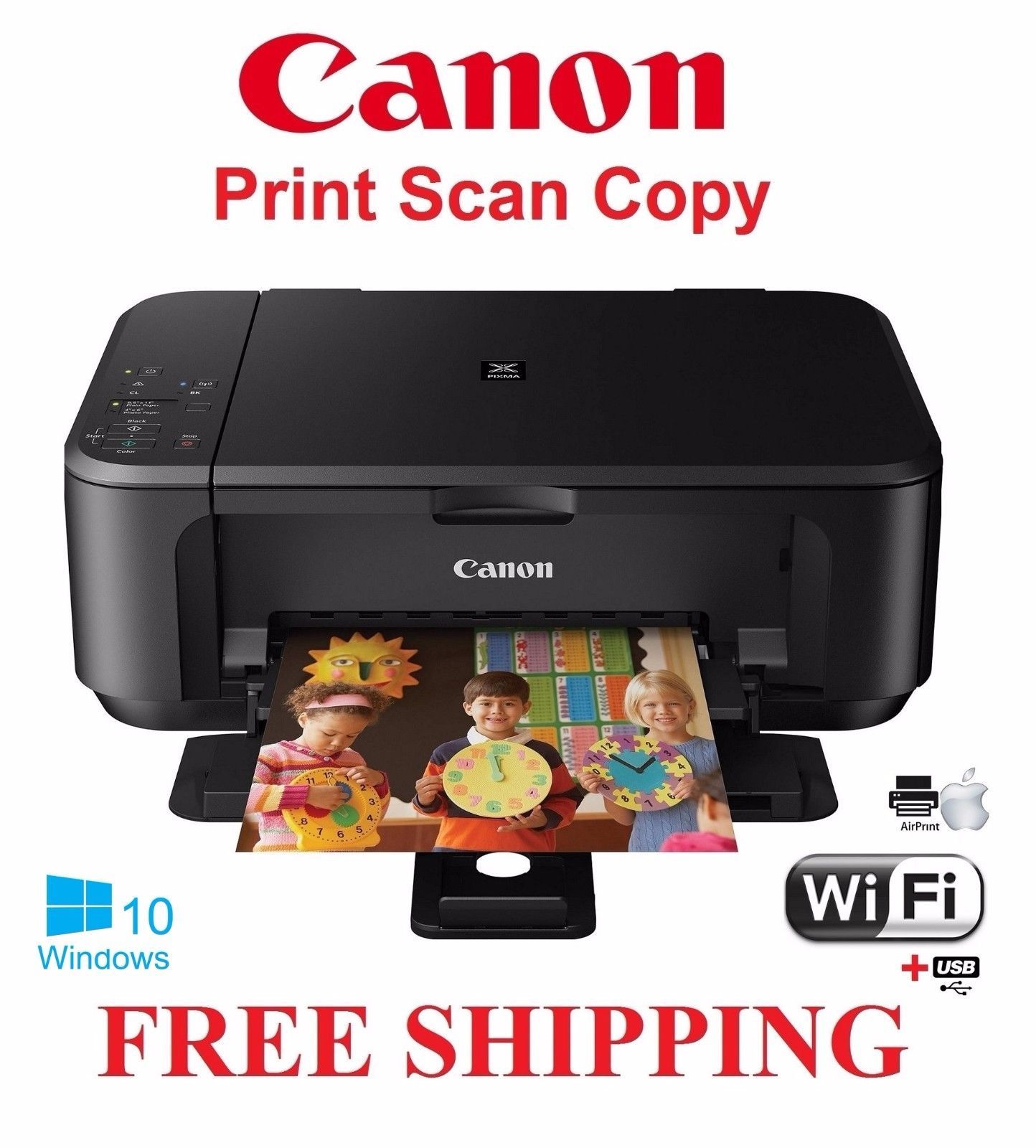 NEW Canon Pixma MG3620 All In One Wireless-Printer-Scan Copy-Business$135.98Last checked Nov 19, 2026View on eBay
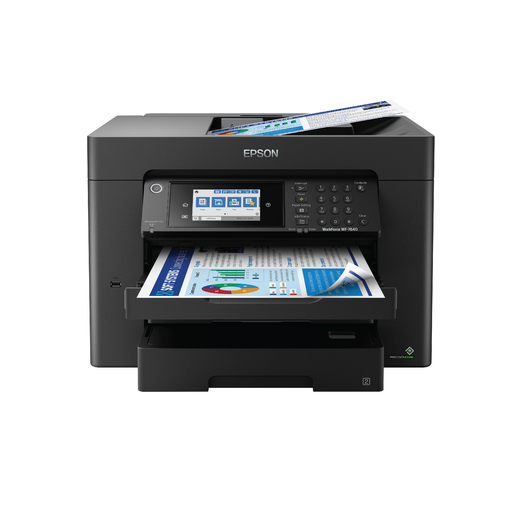 Epson WorkForce Pro WF-7840 Wide-format Printer - Certified Refurbished$149.99View on eBay
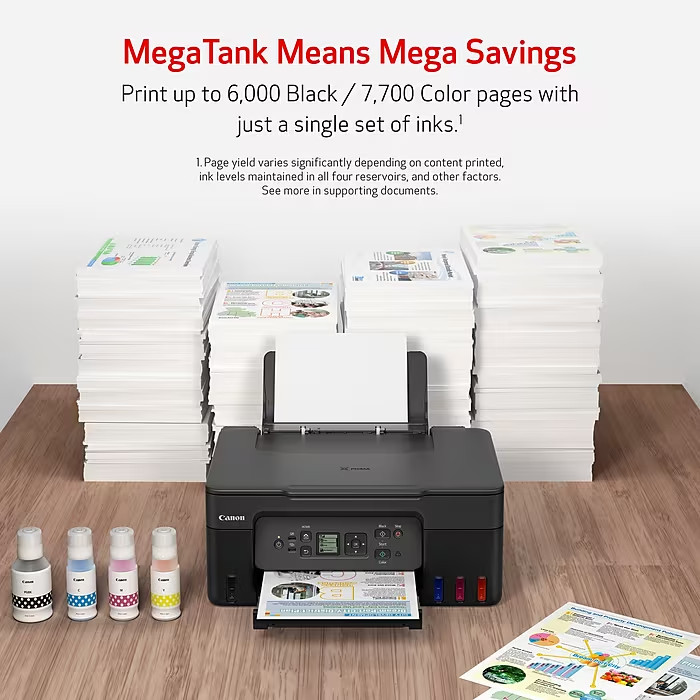 Canon PIXMA G3270 MegaTank Wireless Color All-in-One Inkjet Printer$156.98View on eBay
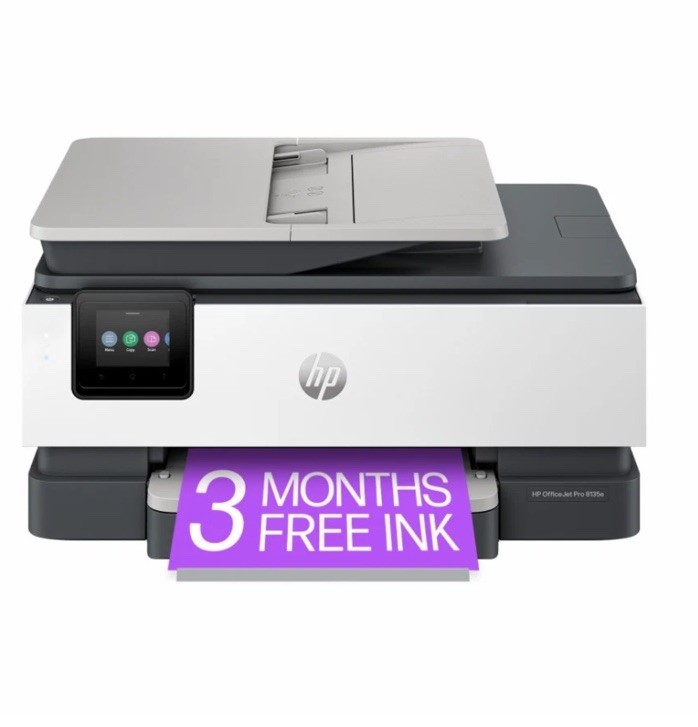 HP OfficeJet Pro 8135e All-in-One Printer w/3 Months Instant Ink free w/ HP+ NEW$158.00Last checked Nov 21, 2026View on eBay
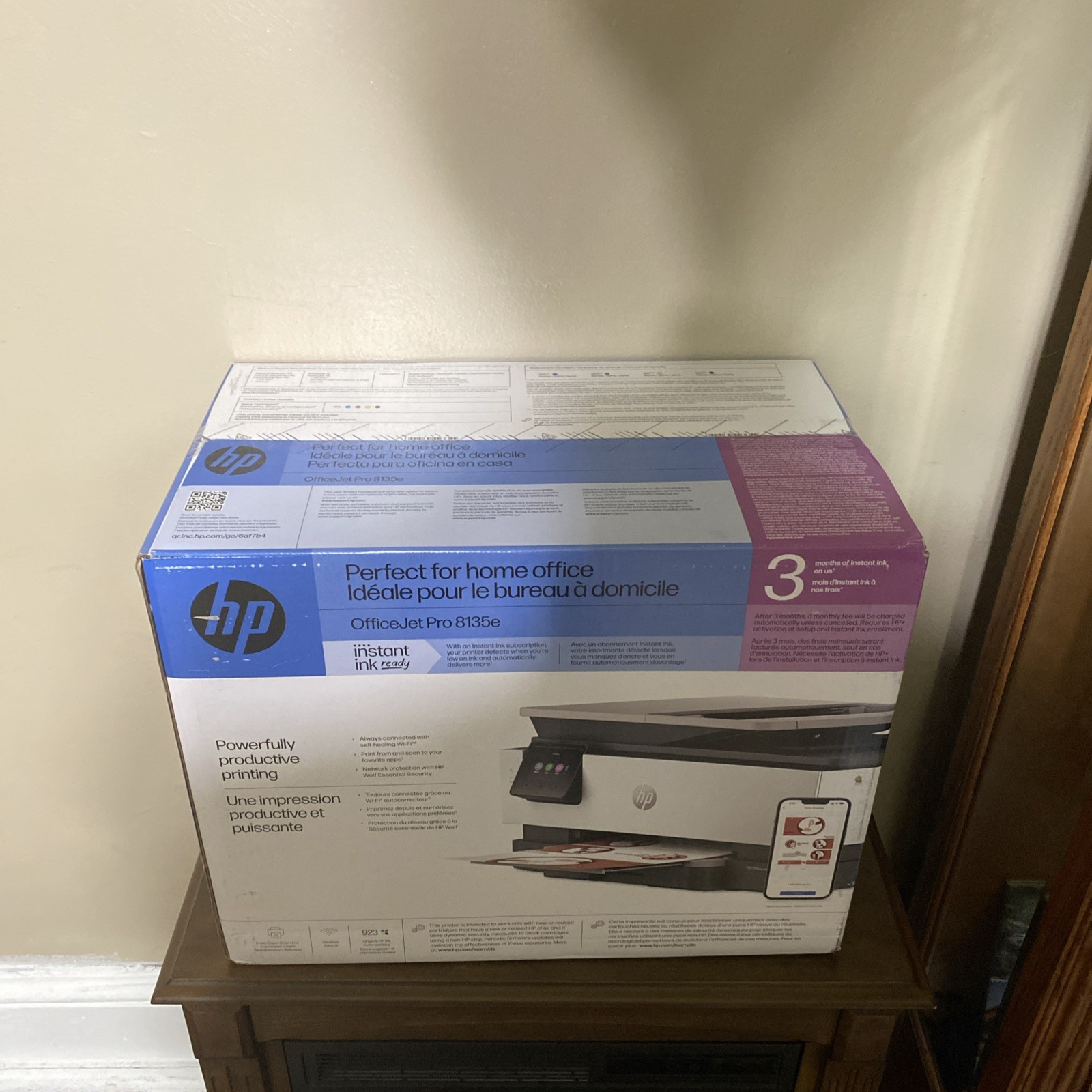 HP OfficeJet Pro 8135e Wireless All-in-One Printer with 3 Months of Instant Ink$160.00Last checked Nov 20, 2026View on eBay
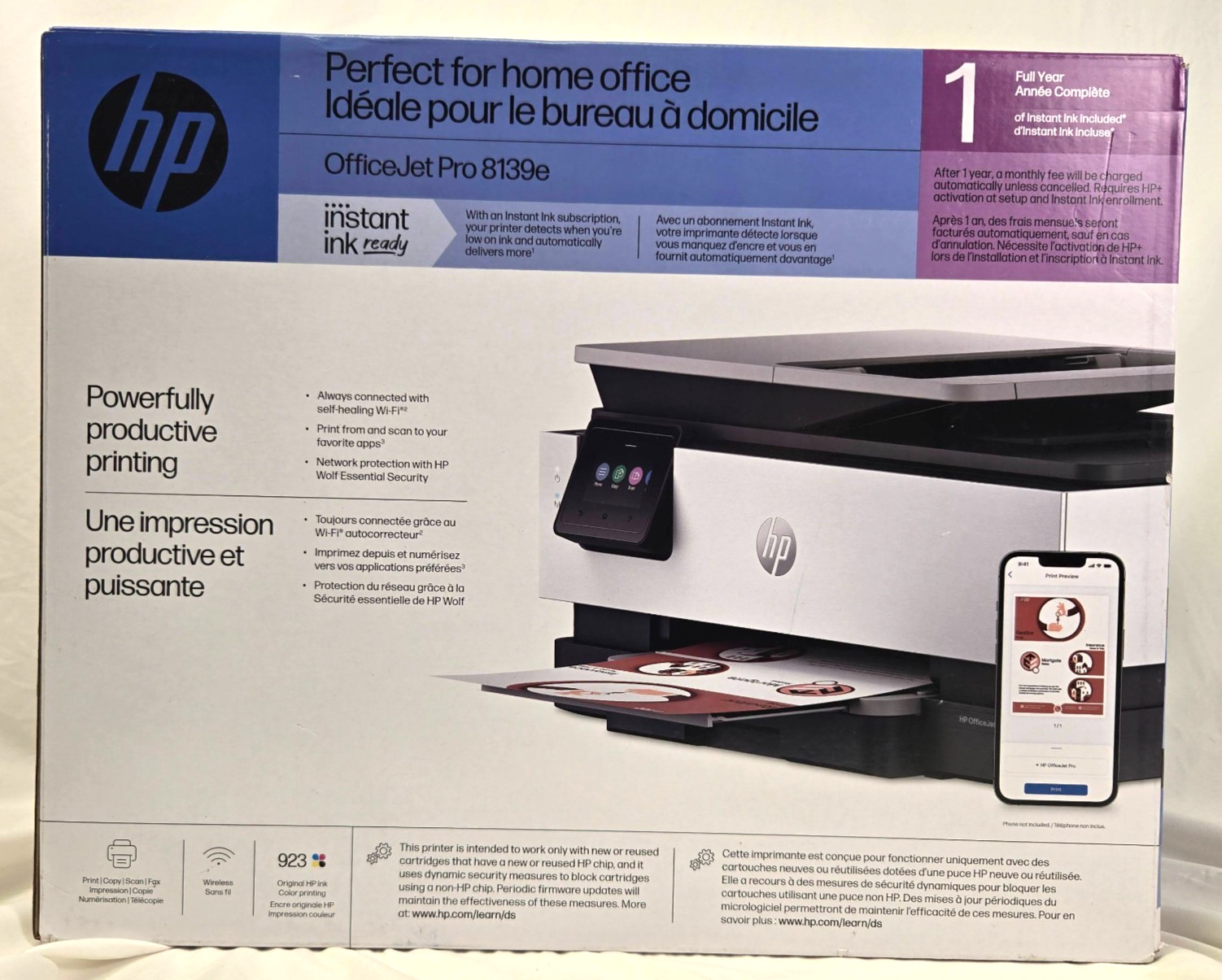 HP OfficeJet Pro 8139e Wireless All-in-One Printer - 1 Full Year Instant Ink NEW$169.00Last checked Nov 20, 2026View on eBay
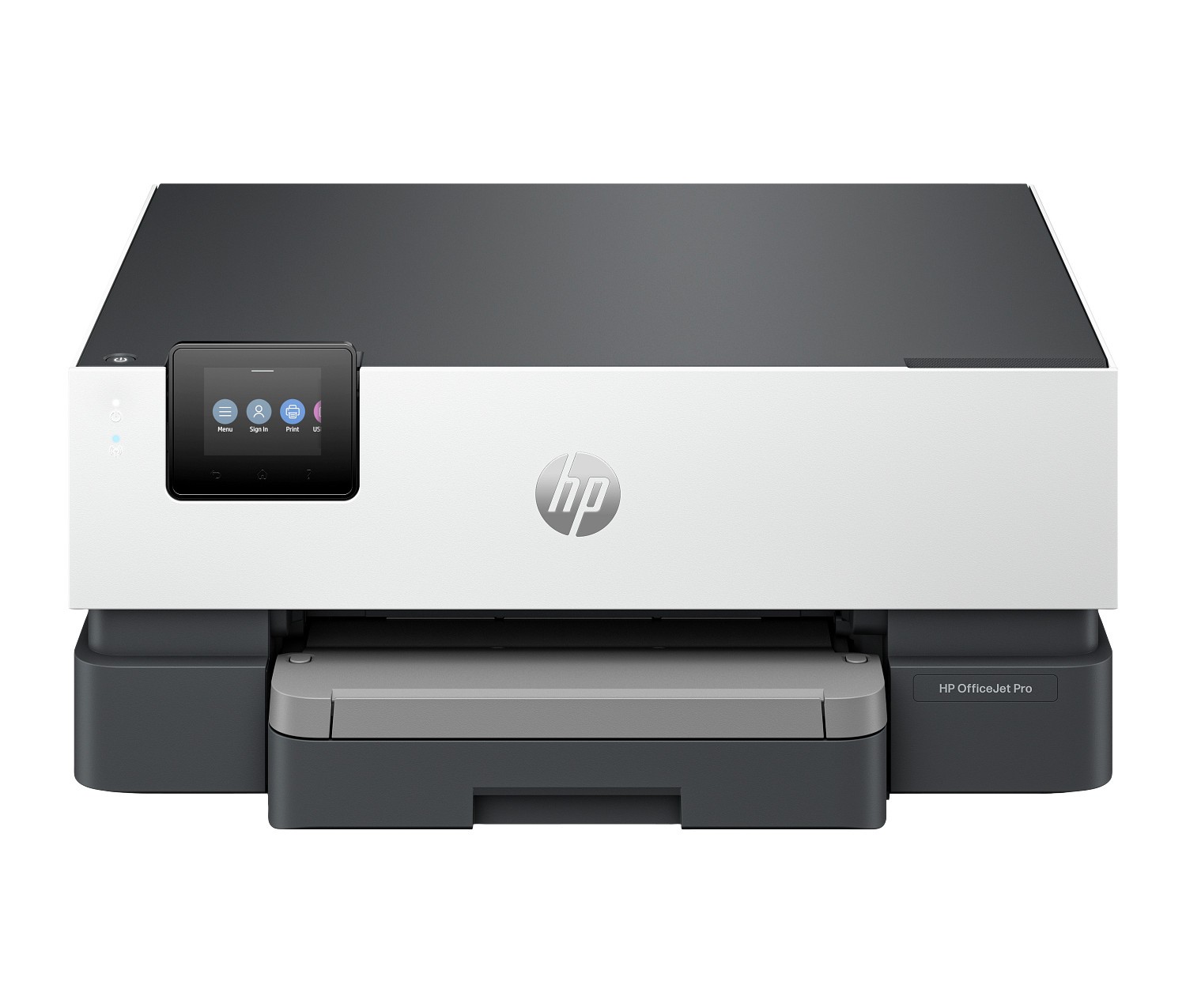 HP OfficeJet Pro 9110b Wireless Printer with PDL Page Descriptive Language$169.99Last checked Nov 20, 2026View on eBay
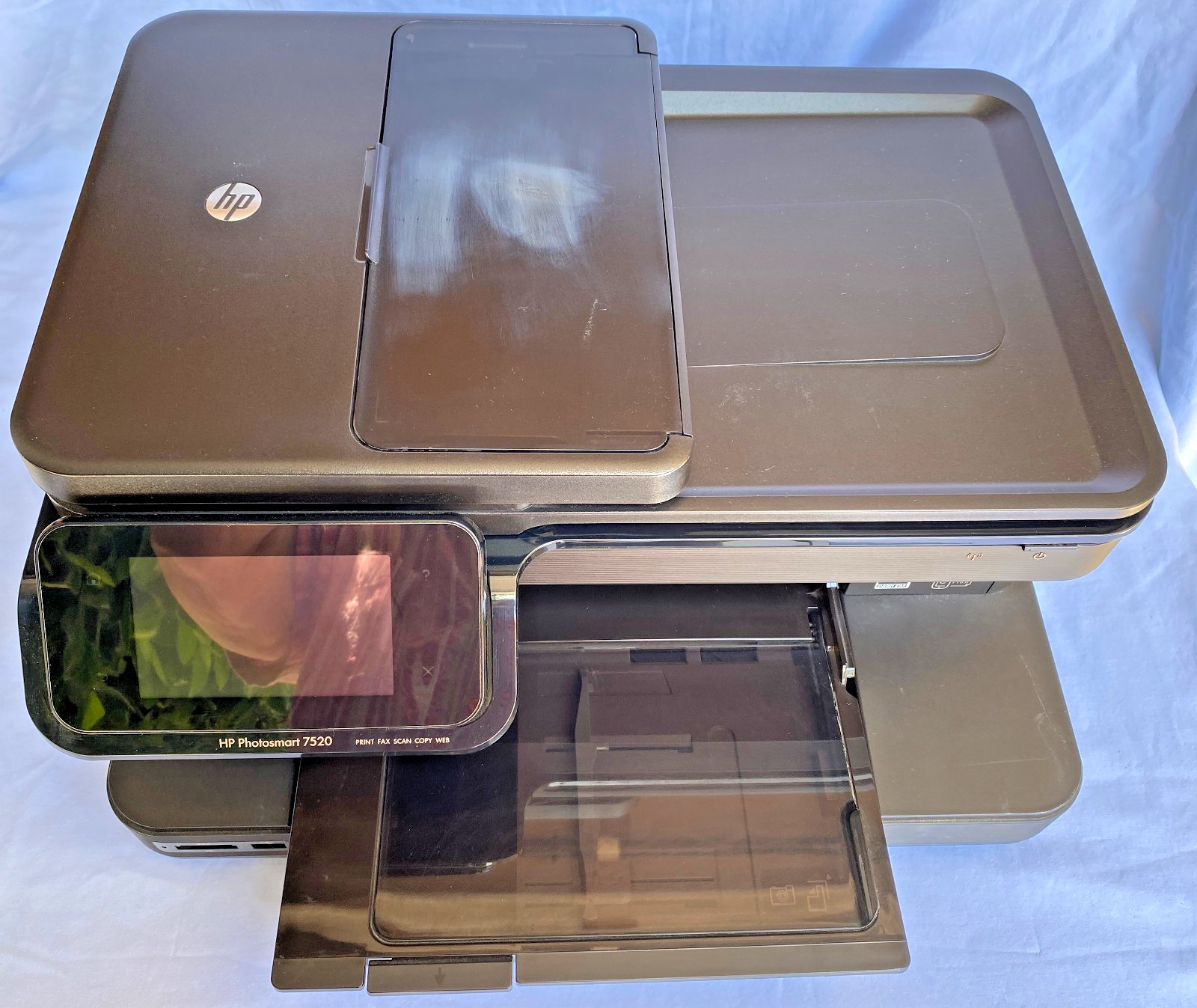 HP PhotoSmart 7520 e-ALL-IN-ONE Photo Printer and Scanner with Accessories$175.00View on eBay
Highlights
- Inkjet printheads use dye (vivid, water-soluble) or pigment (UV/water-resistant) inks; vinyl sticker work requires pigment ink or a dedicated thermal label printer, not standard dye ink
- Laser printers fuse toner at roughly 180-200°C, giving smudge-proof text at 20-40 ppm but typically only 600 dpi and no photo-grade color
- All-in-one flatbeds typically scan at 1200x1200 dpi optical or lower; ADF models add duplex scanning but raise the footprint above 400 mm width
- Thermal label printers need direct-thermal or thermal-transfer media; Bluetooth sticker models cap at 50-53 mm roll width versus 216 mm for desktop inkjet
Best use cases
- Home documents and schoolwork: pick a monochrome laser all-in-one with duplex and ADF; skip dye inkjets unless color is required, since cartridge yield and clogs dominate cost.
- Vinyl stickers and labels: choose a thermal label printer for die-cut rolls or a pigment-ink inkjet with rear straight-feed for sheet vinyl; skip standard dye-ink DeskJet or PIXMA models that smear on non-porous vinyl.
- Photo and color graphics: choose a six-ink photo inkjet (e.g., PIXMA TS or Expression series) with individual cartridges; skip low-cost two-cartridge all-in-ones where one color runs out and blocks all printing.
- Small-office mixed use: pick a business inkjet like WorkForce Pro with high-yield cartridges and duplex ADF; skip compact home units because paper capacity under 100 sheets and no Ethernet stall shared workflows.
Buying tips
- Check cartridge architecture: individual ink tanks (4-6 colors) cost less per page than combined tri-color cartridges, where one depleted color forces replacement of the whole unit.
- Match paper path to media: rear or straight-through feed handles 200-300 gsm cardstock and vinyl sheets; bottom-tray-only printers jam above 120 gsm.
- Verify connectivity standard: dual-band Wi-Fi 5 plus USB 2.0 and Ethernet is the practical baseline; Bluetooth-only label printers require app-based printing with no driver support.
- Size the unit to the shelf: A4 all-in-ones run roughly 375-450 mm wide and 170-200 mm tall; confirm clearance for rear feed and output tray extension before purchase.
Specs
| Print Technology | Inkjet / Laser / Thermal |
|---|---|
| Ink Type | Dye vs Pigment / Toner |
| Media Feed | Rear straight-feed vs cassette |
| Max Media Weight | 120-300 gsm cardstock |
Related searches
What to check before buying
- Measure shelf width and depth against the printer's footprint plus 100 mm rear clearance for upright paper feed and cable bend radius.
- Confirm voltage and plug standard (120 V NEMA 5-15 for North America, 220-240 V for EU/UK) before importing any listing.
- Check OS and driver support for Windows, macOS, and mobile AirPrint or Mopria; some budget models are app-only with no desktop driver.
- For sticker work, confirm media type: thermal printers need compatible roll width and direct-thermal or transfer ribbon; inkjets need pigment ink and vinyl-compatible sheets.
FAQ
Data sources: eBay / Amazon listings and product attribute feeds. Updated Nov 28, 2026.
Some links on this page are affiliate links. If you buy after clicking one, we may earn a commission at no extra cost to you. This does not change which products appear here or their order. Affiliate disclosure.