
Photos from current listings. Actual item, color, and included accessories may vary.
Compact Mechanical Keyboard Buying Guide
Compact mechanical keyboards are wired or wireless boards that drop the numpad and often the function row to save desk space, with 65%, 75%, and TKL being the dominant layouts. The core trade-off is layout compression versus keycap and switch compatibility: the tighter the layout, the more you rely on Fn layers and non-standard key sizes. The decision rule is simple—buy a hot-swap, standard-bottom-row board with a metal or reinforced plastic case if you want longevity, and skip soldered, non-standard-stabilizer layouts unless you need the absolute smallest footprint.
Median $60.00
Key takeaways
- Layout tiers: 60% removes arrows and F-row; 65% restores arrows and a column of macros; 75% adds a compressed F-row; TKL adds full F-row and arrows but drops numpad.
- Hot-swap sockets (5-pin Kailh/MX-compatible) let you change switches without soldering; soldered boards lock you into one switch type for life.
- Case material drives acoustics and rigidity: CNC aluminum or gasket-mounted plastic reduces ping and flex versus tray-mounted ABS.
At a glance
- Category
- Mechanical Keyboards
- Last updated
- Nov 24, 2026
Current offers
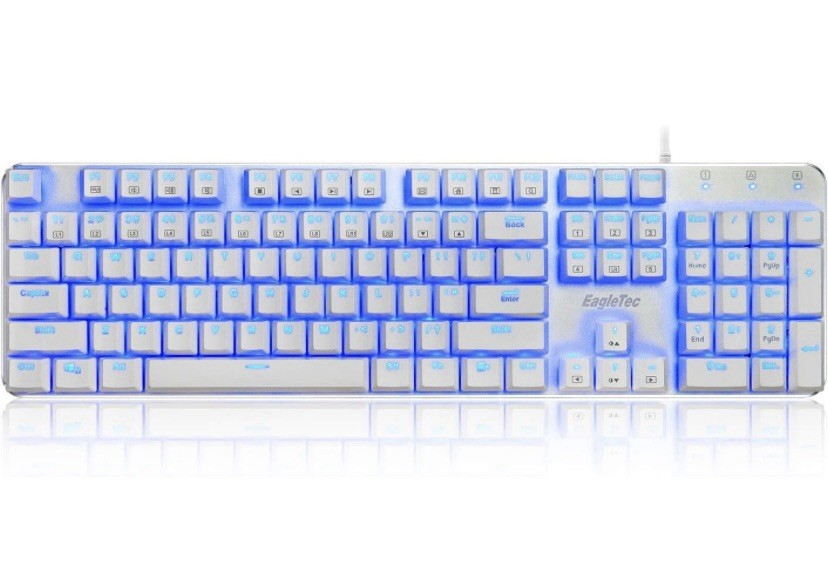 EagleTec kg051-BR -1 Mechanical Keyboard Wired Ergonomic Brown Switches 104 Keys$29.00View on eBay
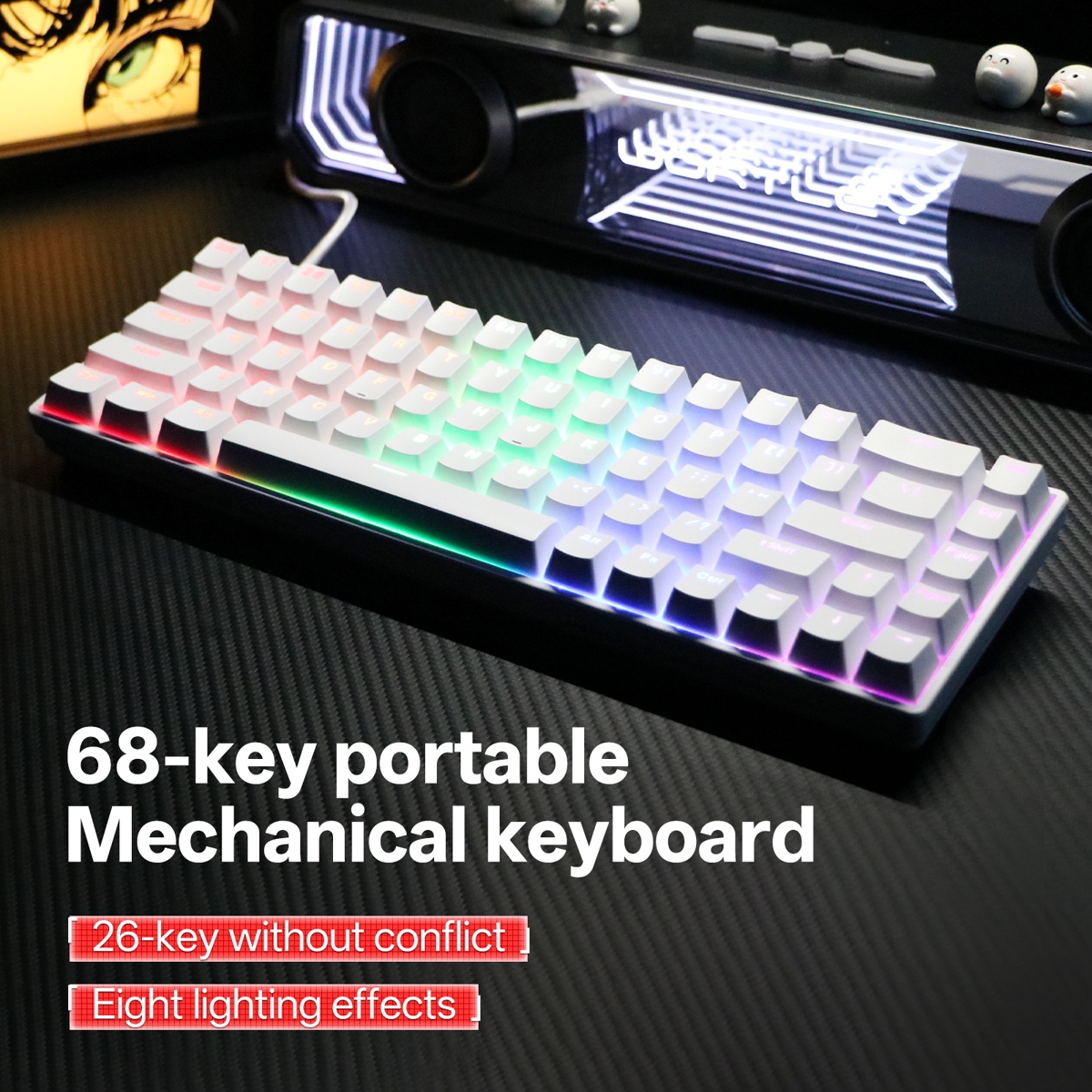 KL61 Single-Mode Mechanical Keyboard$47.99View on Mallflare
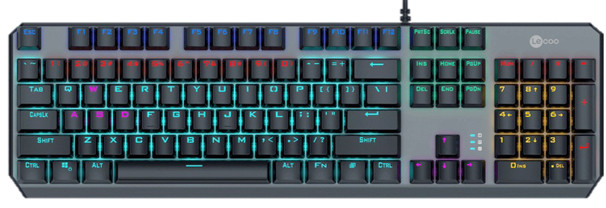 Lenovo (Lecoo) GK301 Wired Mechanical Gaming Keyboard USB wired RGB backlight$29.99View on eBay
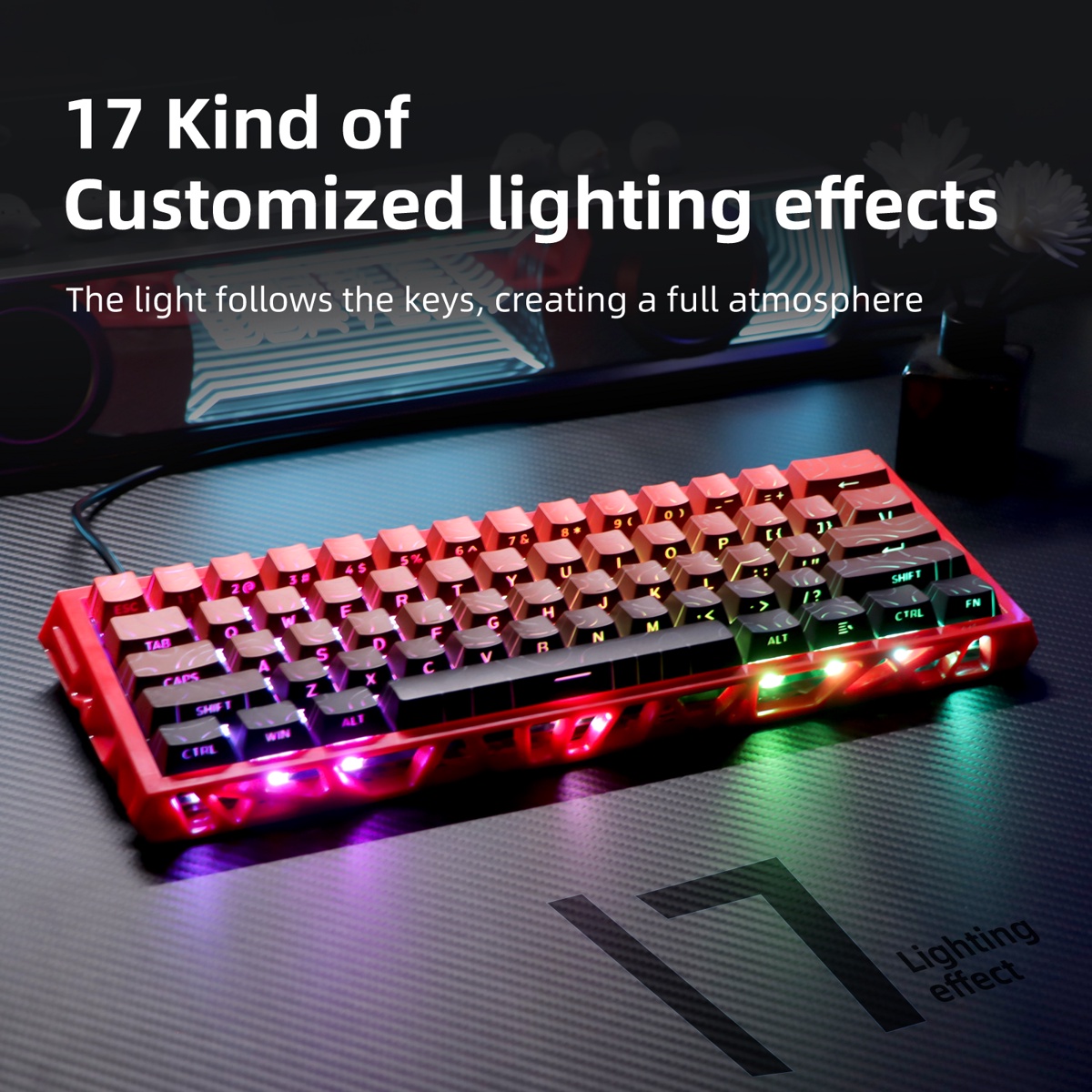 NJ61 Hollow Single-Mode Mechanical Keyboard$65.99View on Mallflare
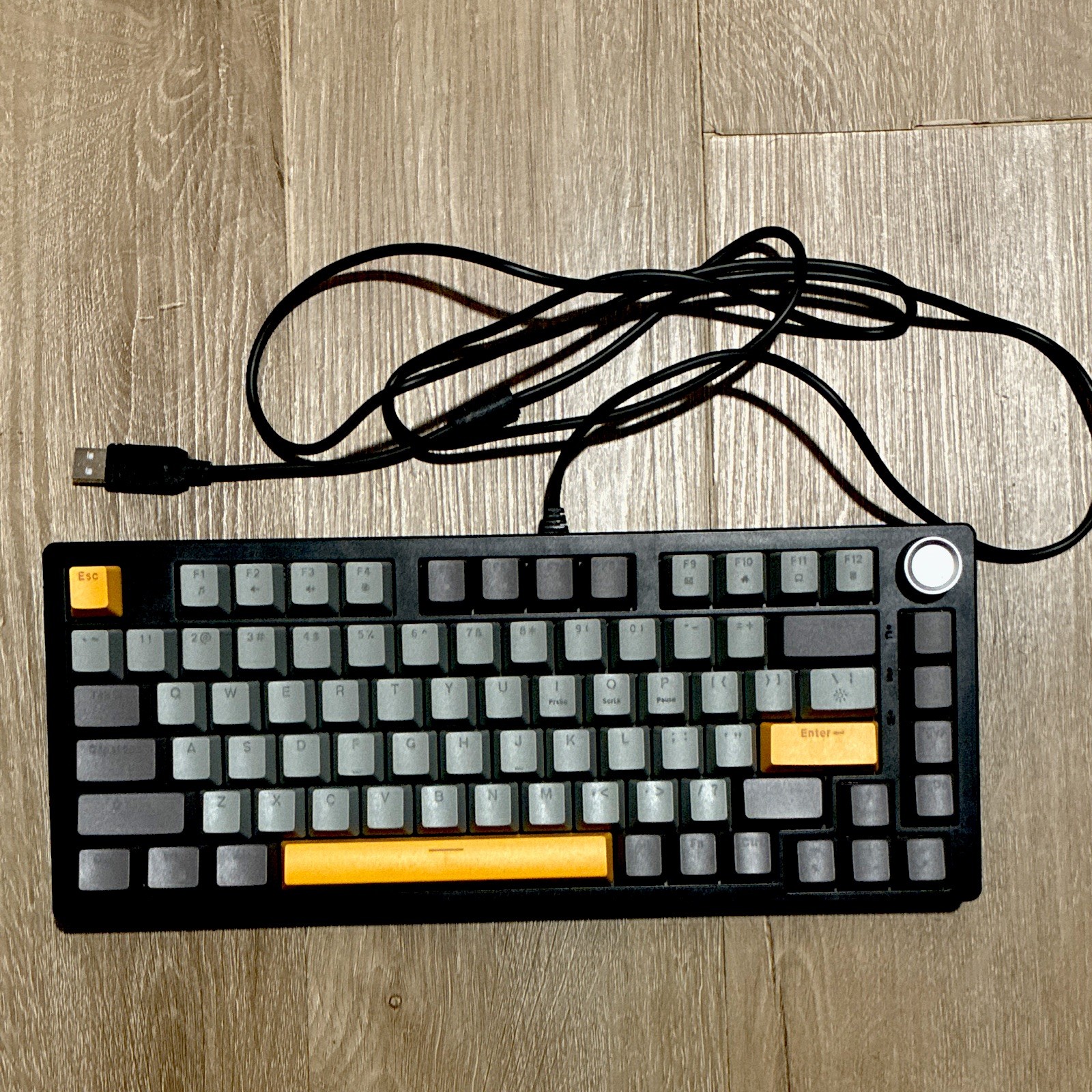 75% Wired USB Mechanical Gaming Keyboard w/ LED Backlights and Volume Knob$30.00View on eBay
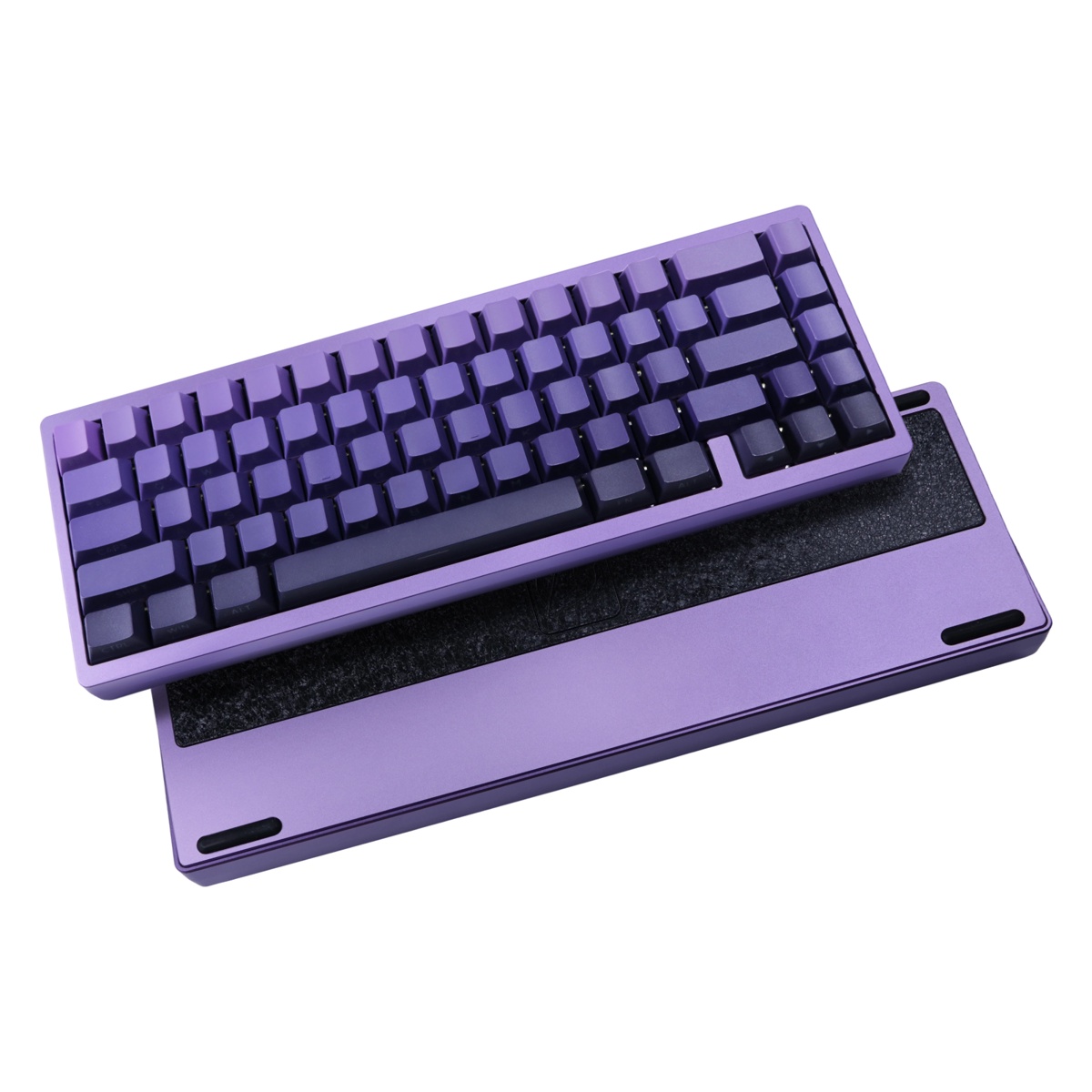 Aluminum Block 65-Key Tri-Mode Mechanical Keyboard$102.99View on Mallflare
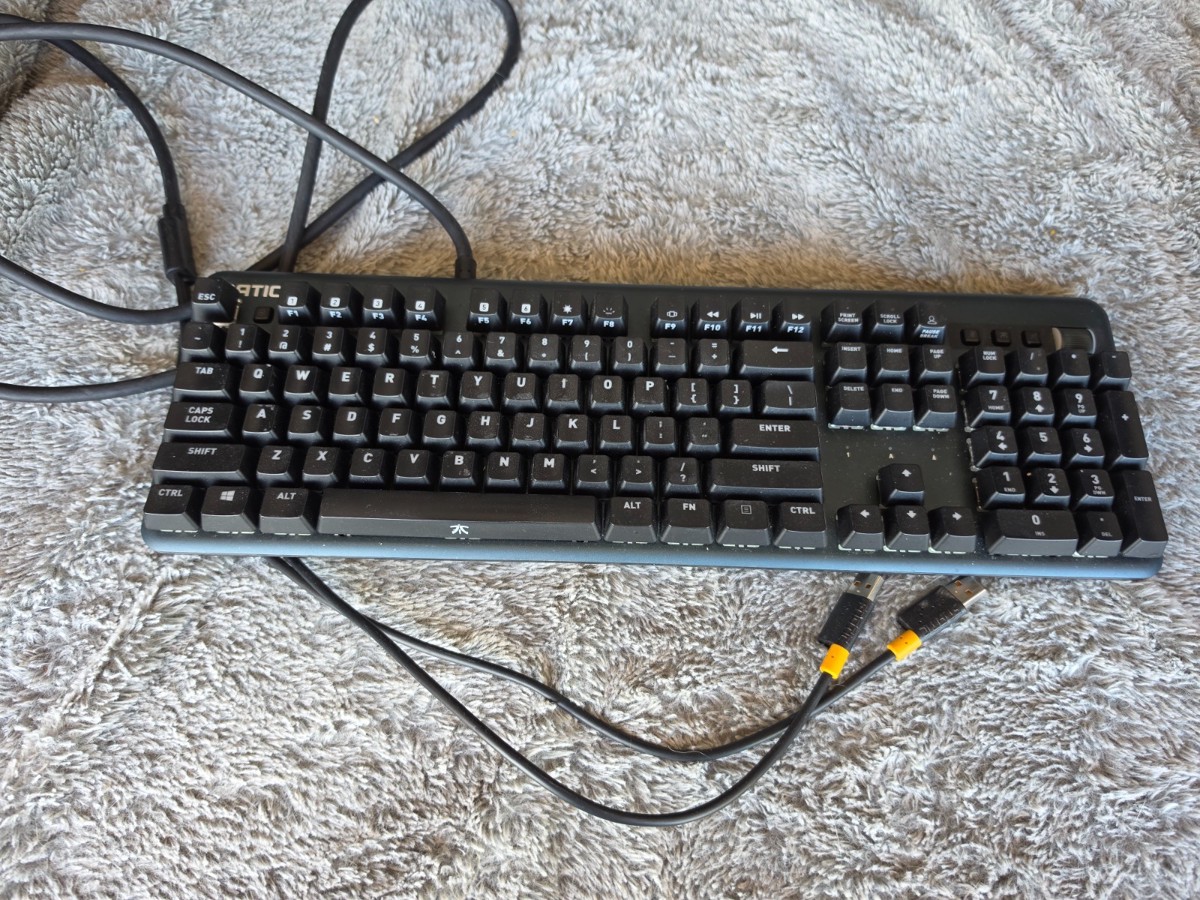 Fnatic Streak Wired Gaming Mechanical Cherry Red MX RGB Switch Keyboard$33.50View on eBay
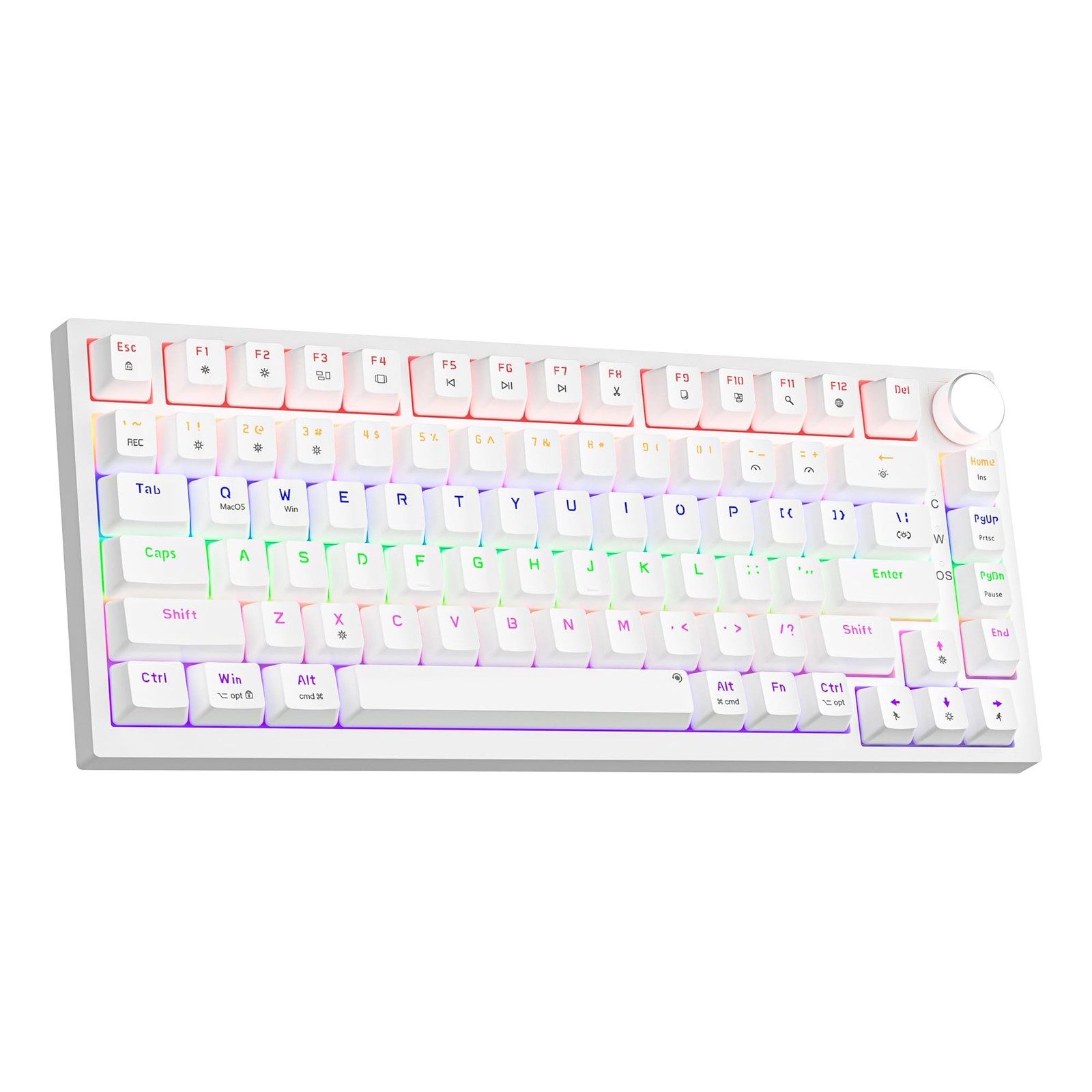 Newmen GM326 75% Percent Mechanical Keyboard,Wired Mini Backlit Hot White$34.52View on eBay
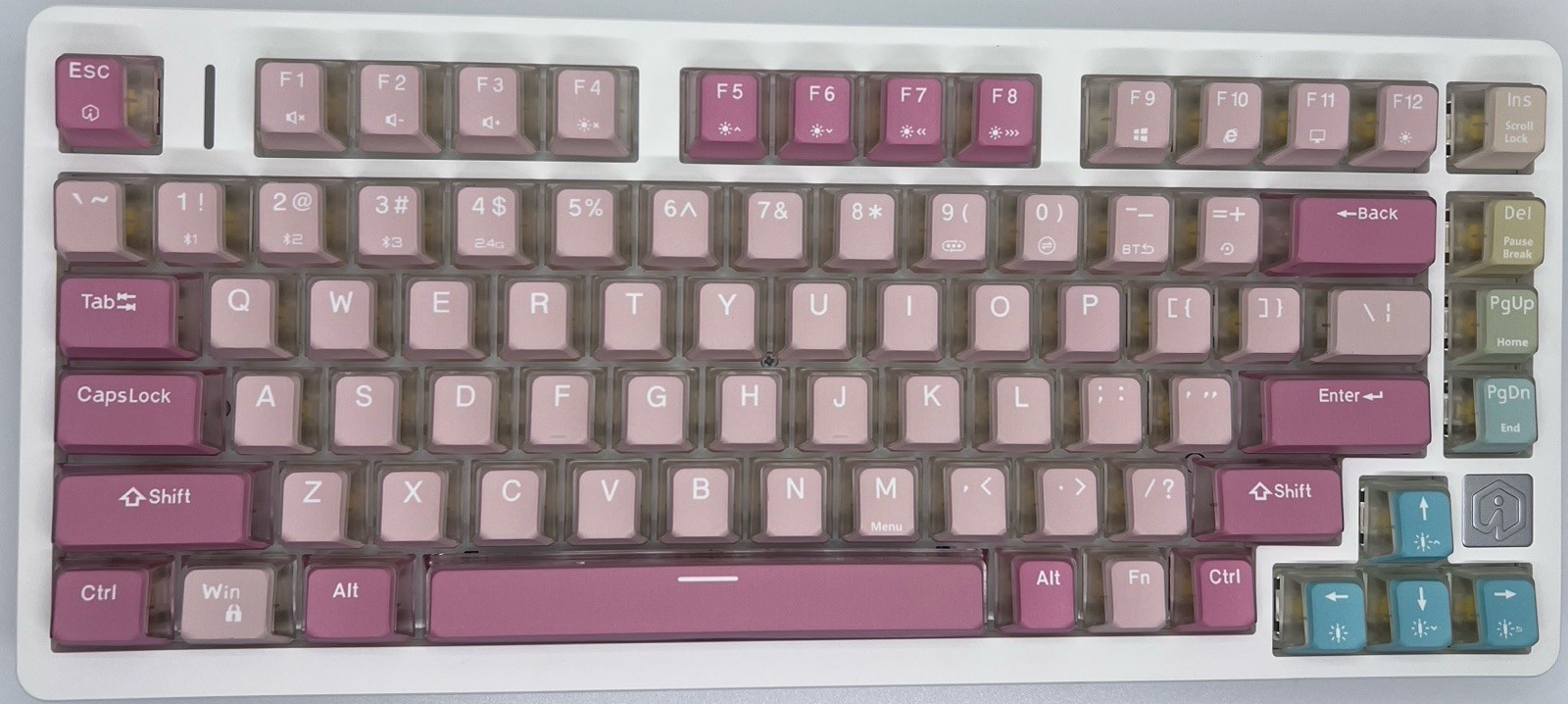 Wireless RGB Hot Swappable Mechanical Keyboard 3 Layers 81 Keys Gaming Keyboard$35.98View on eBay
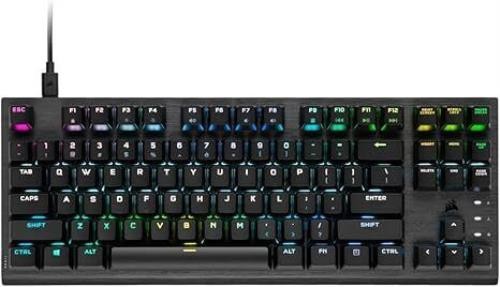 CORSAIR K60 RGB TKL RGB Tenkeyless Optical-Mechanical Wired Gaming Keyboard$37.99View on eBay
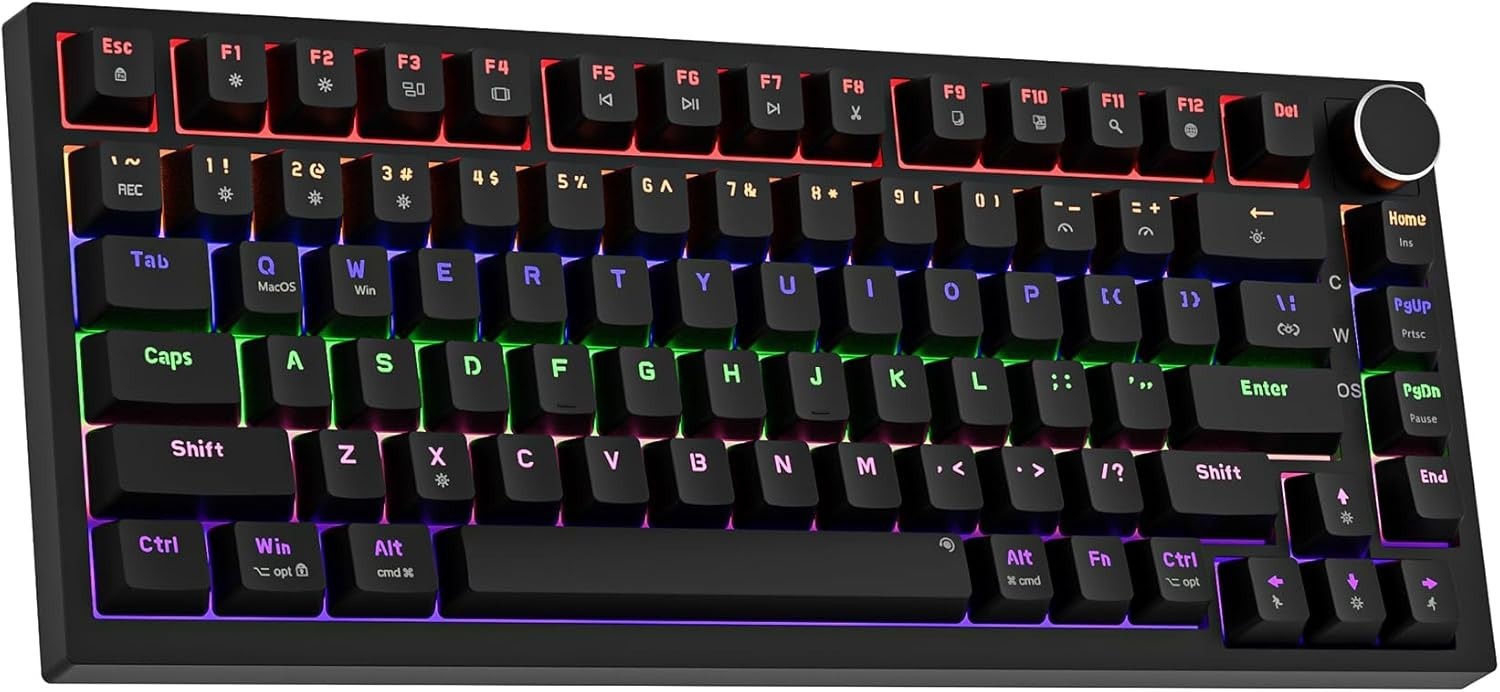 Newmen GM326 75% Percent Mechanical Keyboard Free Shipping$39.10View on eBay
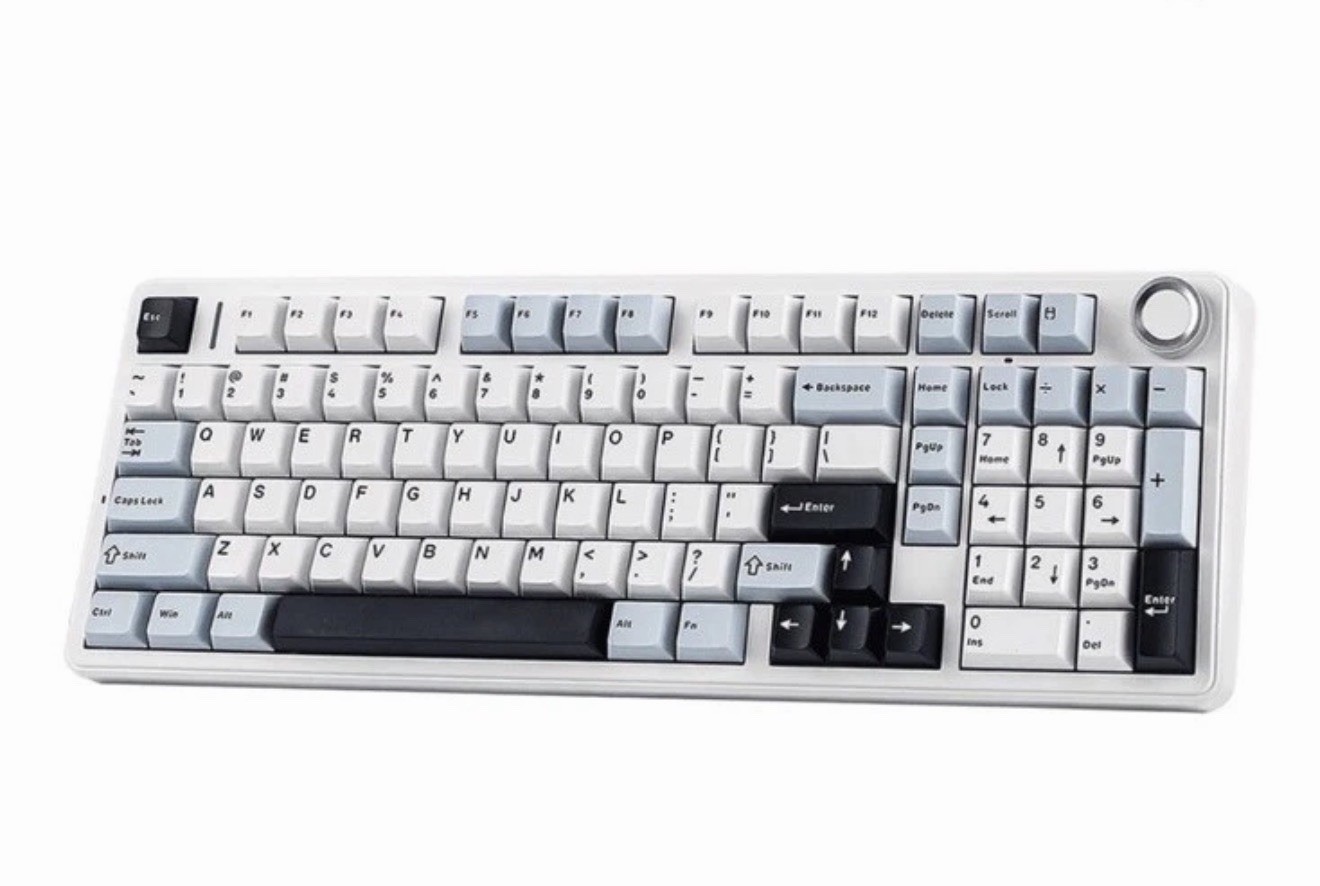 AULA F99 PRO BLUE/WHITE Wireless Mechanical Gaming Keyboard | NEXT DAY SHIP$41.98View on eBay
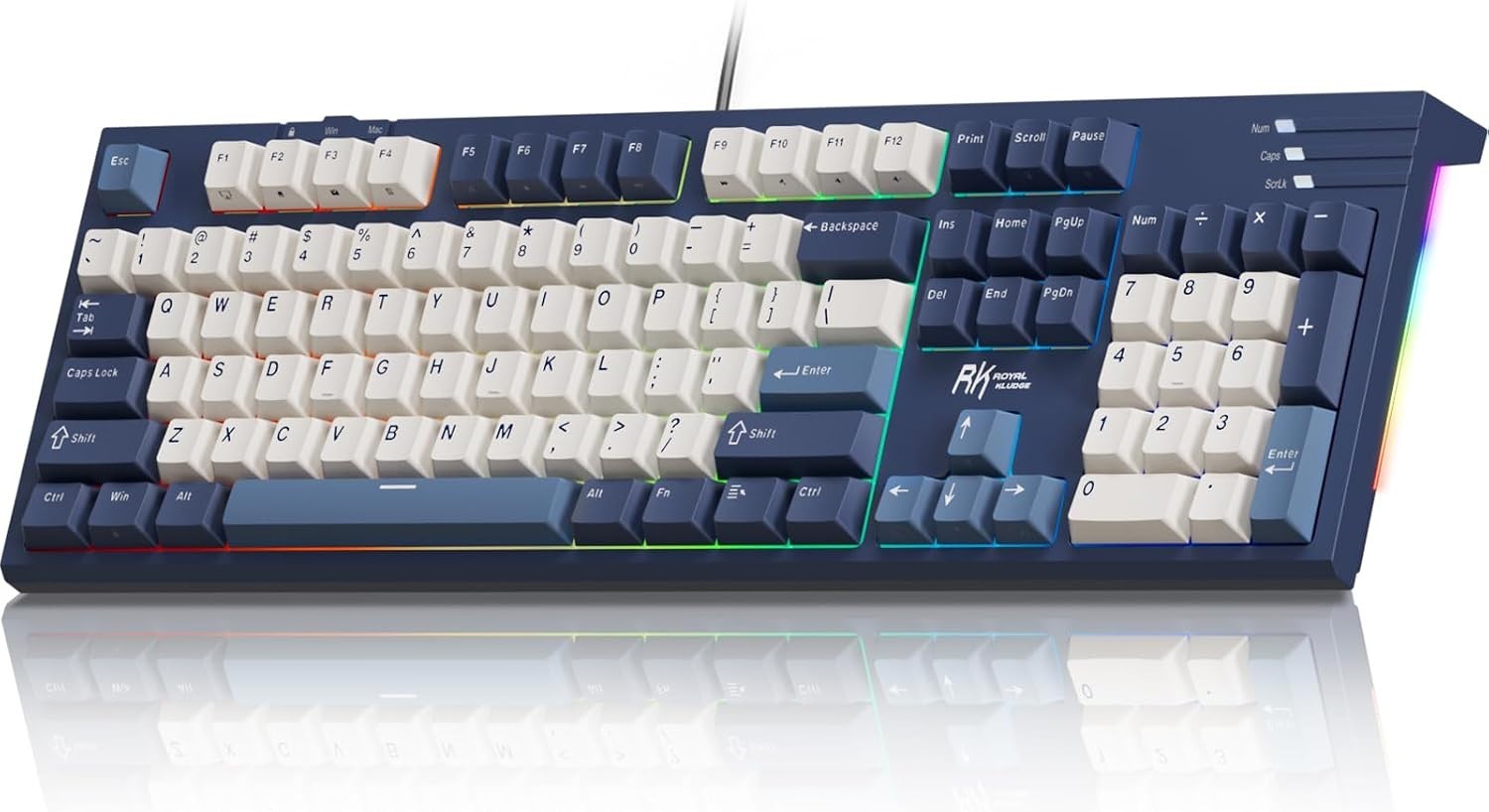 RK ROYAL KLUDGE R104 Wired Mechanical Keyboard$42.99View on eBay
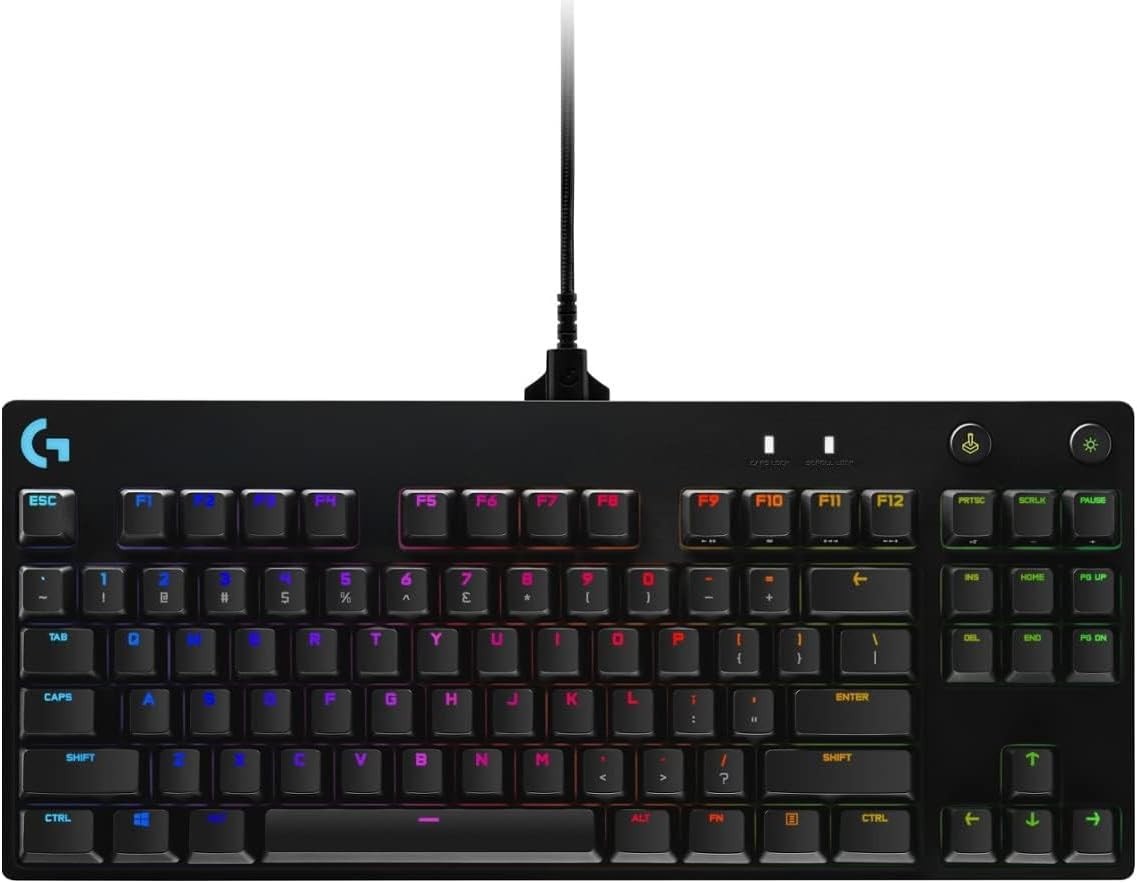 Logitech G Pro TKL Mechanical RGB Gaming Keyboard Black$43.19View on eBay
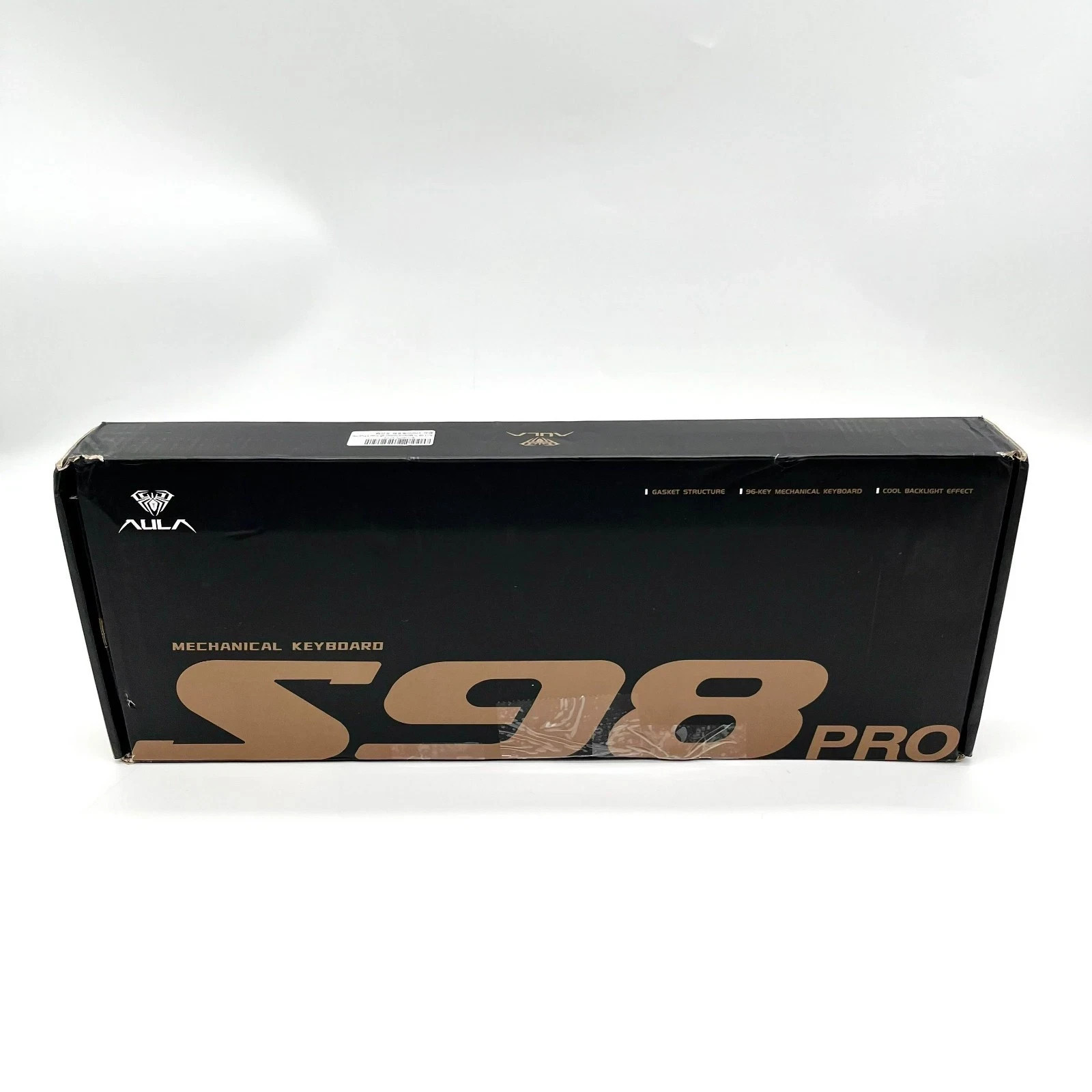 AULA S98 Pro Wireless Mechanical Keyboard with Screen & Knob Blue White$44.95View on eBay
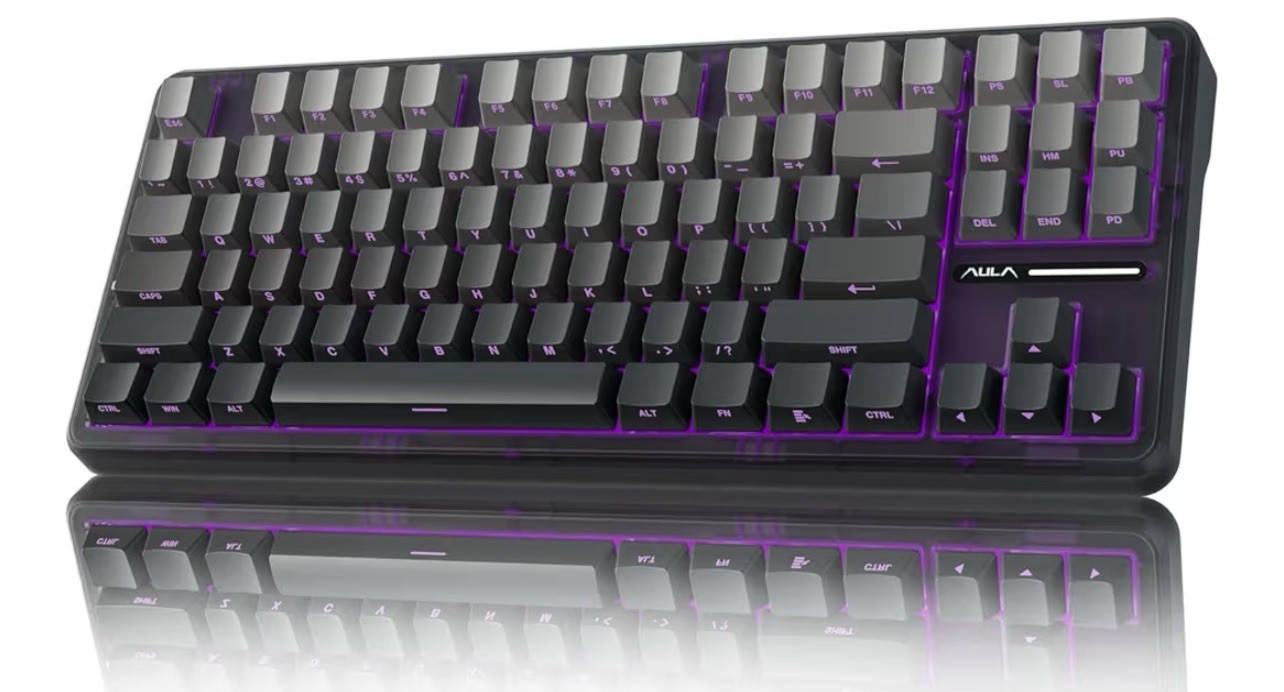 AULA F87 Pro Wireless Mechanical Keyboard Tri-Mode Hot Swappable (F87 Pro-Black)$44.99View on eBay
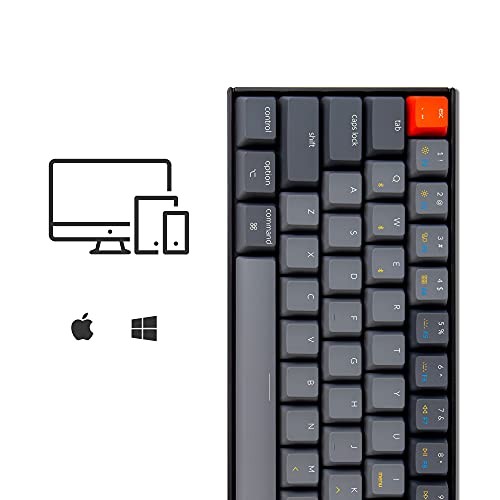 KEYCHRON K12 WIRELESS MECHANICAL KEYBOARD - RGB BACKLIGHT - GATERON -$45.16View on eBay
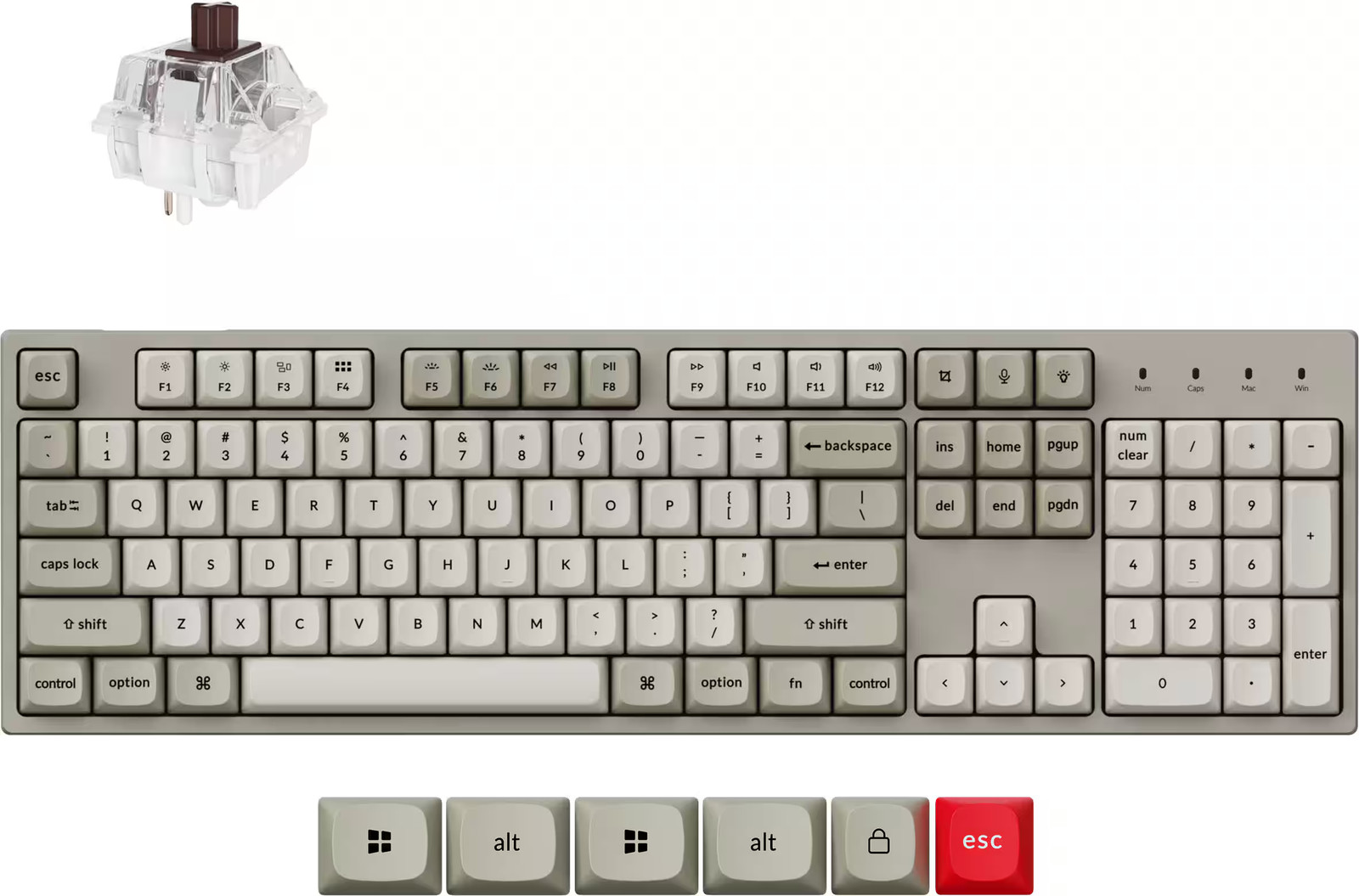 Keychron - C2PX 100% Custom Wired RGB Mechanical Gaming Keyboard with Program...$46.74View on eBay
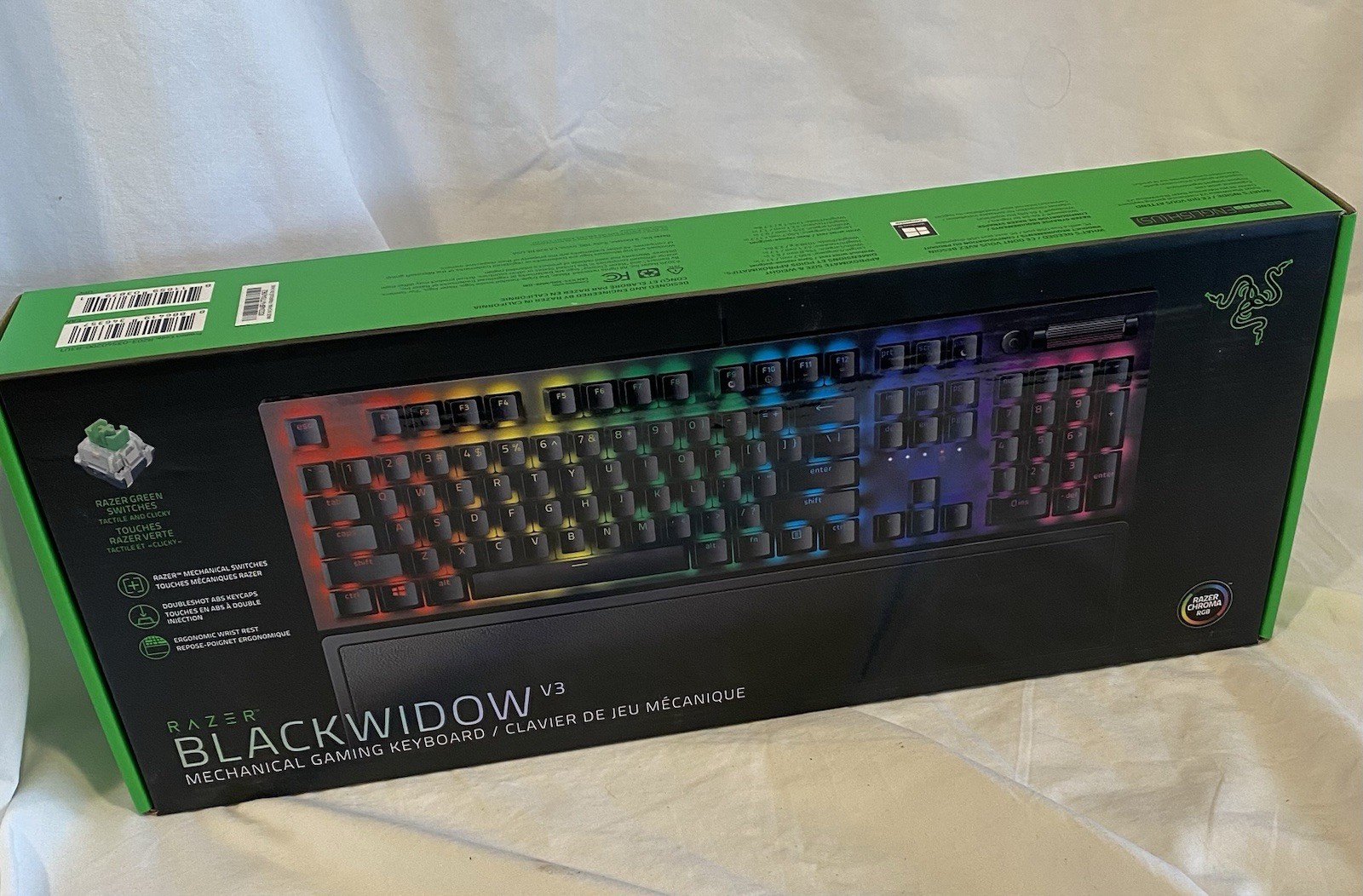 Razer Blackwidow V3 Mechanical Keyboard$49.95View on eBay
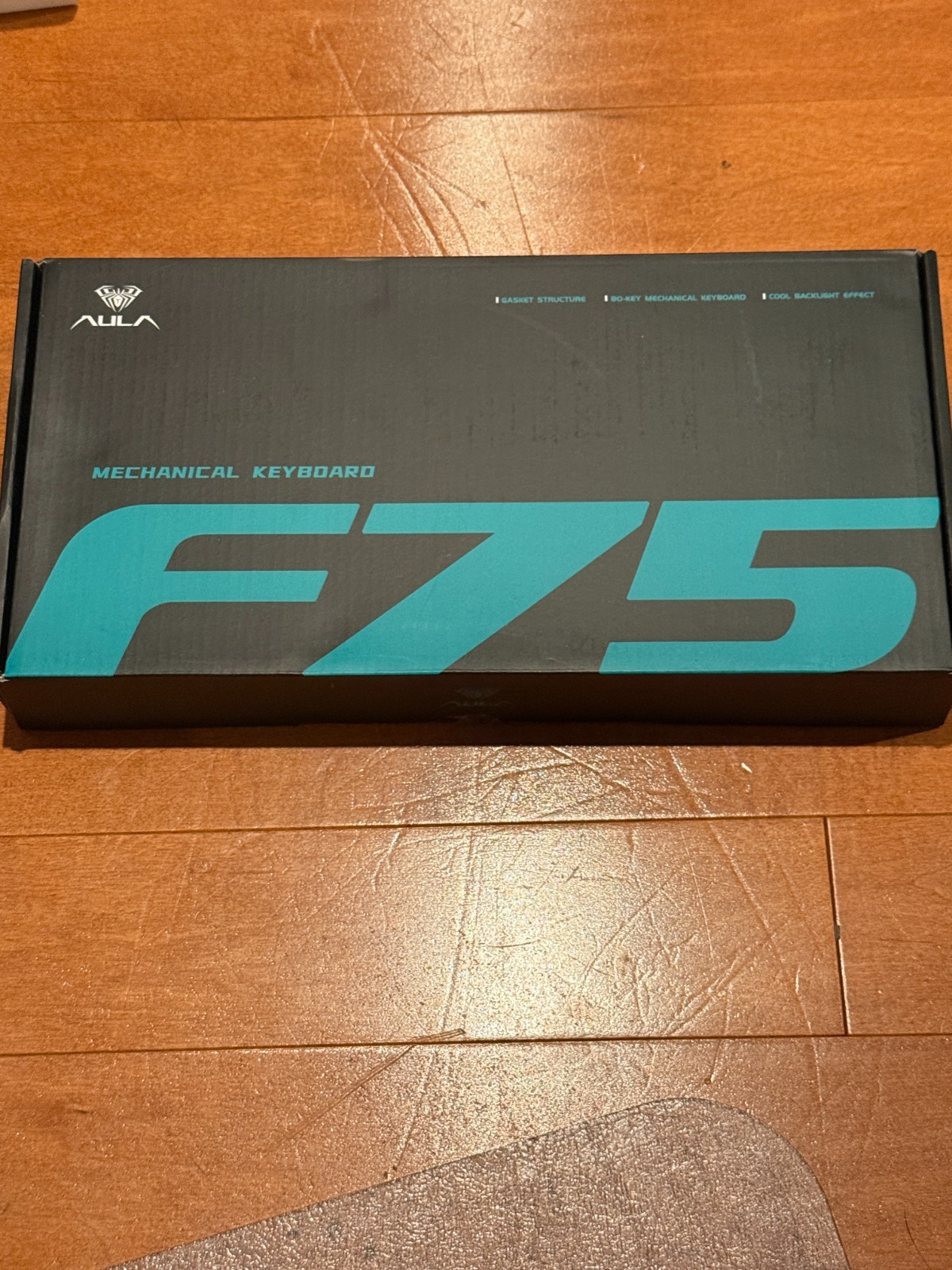 AULA F75 Wireless Gaming Keyboard Mechanical Tri-Mode RGB Backlit NEW SEALED$49.95View on eBay
Highlights
- Layout tiers: 60% removes arrows and F-row; 65% restores arrows and a column of macros; 75% adds a compressed F-row; TKL adds full F-row and arrows but drops numpad.
- Hot-swap sockets (5-pin Kailh/MX-compatible) let you change switches without soldering; soldered boards lock you into one switch type for life.
- Case material drives acoustics and rigidity: CNC aluminum or gasket-mounted plastic reduces ping and flex versus tray-mounted ABS.
- Connectivity generation matters: Bluetooth 5.x plus 2.4GHz dongle with 1000Hz polling beats older Bluetooth-only boards for gaming latency and multi-device pairing.
Best use cases
- Pick 65% hot-swap with 2.4GHz + Bluetooth if you want arrow keys, compact desk footprint, and the freedom to swap switches later—skip 60% unless you never use arrows.
- Pick 75% if you code or game and need a dedicated F-row for macros and media keys—skip TKL only if desk depth is genuinely tight.
- Pick TKL with a steel plate and full-size stabilizers for heavy daily typing and easy keycap sourcing—skip 40% ortholinear unless you are willing to relearn layers.
- Pick a tri-mode aluminum 75% for travel between office and home—skip RGB-heavy plastic boards if you prioritize silence and build stiffness.
Buying tips
- Measure your desk: a 65% board is roughly 12–13 in wide, 75% about 13–14 in, TKL about 14–15 in—confirm clearance for mouse swing.
- Choose 5-pin hot-swap sockets over 3-pin; 5-pin supports both plate-mount and PCB-mount switches for wider upgrade paths.
- Standard bottom row (1.25u modifiers, 6.25u spacebar) keeps aftermarket keycaps cheap and available; non-standard rows force expensive group buys.
- Match switch weight to use: linear 45–50g for gaming, tactile 55–62g for typing; hot-swap means you can start neutral and tune later.
Specs
| Layout | 60% / 65% / 75% / TKL |
|---|---|
| Switch Mount | Hot-swap 5-pin vs soldered |
| Connectivity | USB-C / 2.4GHz / Bluetooth 5.x |
| Case Material | CNC aluminum vs plastic tray |
Related searches
What to check before buying
- Desk width and depth: leave at least 4–5 in for mouse movement beside a 65–75% board; TKL needs 6+ in.
- Connectivity environment: confirm 2.4GHz dongle storage and Bluetooth multi-device if you switch between laptop, desktop, and tablet.
- Keycap and stabilizer standard: verify standard bottom row and plate-mount stabilizers before buying aftermarket sets.
- Power and charging: USB-C charging with at least 2000mAh battery for wireless use; check if backlight drains faster than rated hours.
FAQ
Data sources: eBay / Amazon listings and product attribute feeds. Updated Nov 24, 2026.
Some links on this page are affiliate links. If you buy after clicking one, we may earn a commission at no extra cost to you. This does not change which products appear here or their order. Affiliate disclosure.