TechShelf Guide

TechShelf Guide

Consumer Electronics Reviews & Buying Guides

Compare consumer electronics by use case, features, trade-offs, price, returns, and seller terms before you buy.

Buying guides

Buying guide image
Drones & Consumer Robotics

On Drone With Camera

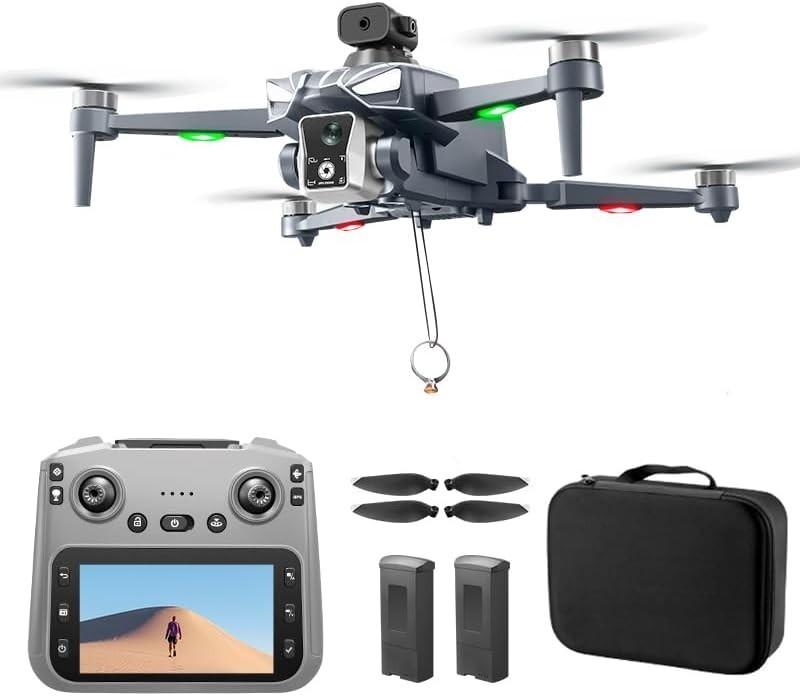
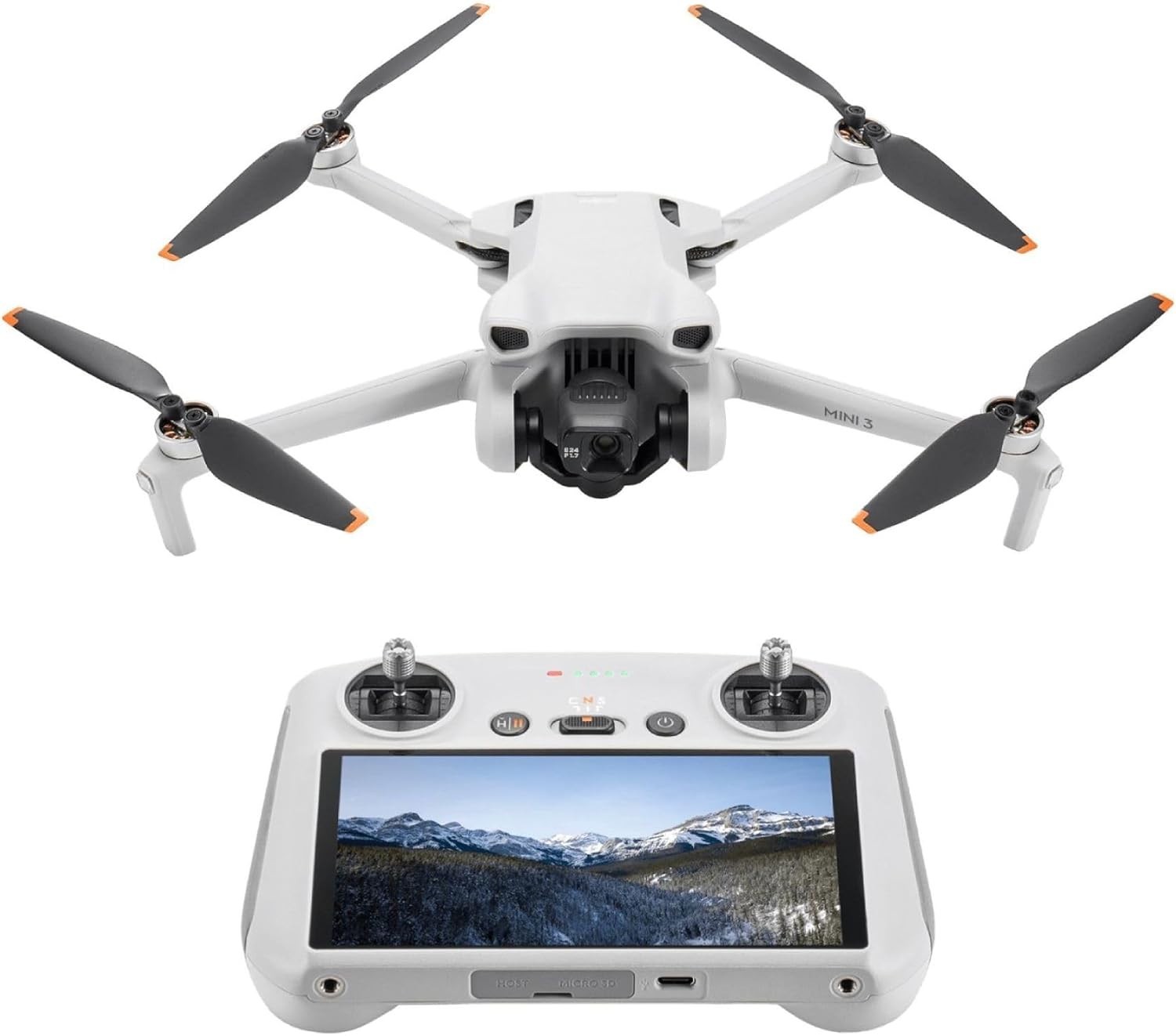
Camera drones span palm-sized 4K selfie quads to sub-250g GPS aircraft and professional dual-ISO platforms, with the core trade-off being sensor/stabilization quality versus weight, flight time, and regulatory friction. The decisive rule: buy a drone with GPS/GLONASS, a gimbal-stabilized camera, and a battery you can replace; skip any camera drone that relies only on WiFi app control, lacks position hold, or lists '6K' without a named sensor size.
Buying guide image
Drones & Consumer Robotics

Budget Drone With Camera

A budget camera drone is a sub-250g-to-500g quadcopter with a fixed or stabilized camera, where the core trade-off is sensor/bitrate and gimbal type versus flight time and transmission range. The decisive rule: buy a brushless-motor drone with a 2-axis or 3-axis gimbal and 5.8GHz/2.4GHz dual-band control; brushed motors with electronic image stabilization (EIS) only are consumable compromises.

Buying guide image
Drones & Consumer Robotics

Good Quality Drone With Camera

A good-quality camera drone is defined by a stabilized 3-axis gimbal, a reliable radio link with real range, and a battery that delivers honest flight time—not by inflated marketing specs. The core trade-off is between sub-250g convenience (less regulation, smaller sensors) and larger airframes with bigger sensors and longer endurance. The decision rule: buy only drones with a mechanical gimbal, GPS return-to-home, and published control range; skip anything relying on electronic image stabilization or Wi-Fi-only control for serious use.

Buying guide image
Drones & Consumer Robotics

Quality Drone With Camera

A quality camera drone is defined by three linked systems: a stabilized gimbal camera, a reliable control/video link, and a battery and airframe that sustain stable flight in real wind. The primary trade-off is between sensor/airframe quality and regulatory weight classes, because sub-250g drones avoid registration in many regions while larger drones carry better sensors and longer flight times. The decision rule is simple: buy a drone whose camera has a mechanical 3-axis gimbal and whose control link is at least 2.4/5.8GHz dual-band or OcuSync-class; anything with electronic-only stabilization or Wi-Fi-only control is a compromise tier.

Buying guide image
Drones & Consumer Robotics

Popular Drone With Cameras

A popular camera drone is a consumer quadcopter with an integrated or gimbal-stabilized camera, sold in three real tiers: sub-250g travel drones, 250g-1kg imaging drones, and legacy GPS camera drones still widely stocked. The core trade-off is weight and sensor size against flight time, wind resistance, and regulatory burden—sub-250g models avoid registration in most jurisdictions but carry smaller sensors and weaker wind handling. The decision rule: buy sub-250g only if true portability and minimal regulation matter most; otherwise step up to a 250g-1kg drone with a 1-inch or larger sensor and brushless gimbal for image quality and stability.

Buying guide image
Drones & Consumer Robotics

10 Drone With Camera

A 10-inch-class camera drone is a folding quadcopter whose propeller span and battery tier put it in the serious aerial-photography segment, above toy drones but below heavy-lift cinema rigs. The core trade-off is image-sensor size and gimbal stability versus flight time, folded footprint, and regulatory weight class. The decision rule: buy a model with a 1-inch or larger sensor, a 3-axis mechanical gimbal, and at least 30 minutes of real hover time; skip anything advertising digital-only stabilization or sub-20-minute endurance.

Buying guide image
Drones & Consumer Robotics

DJI Mini

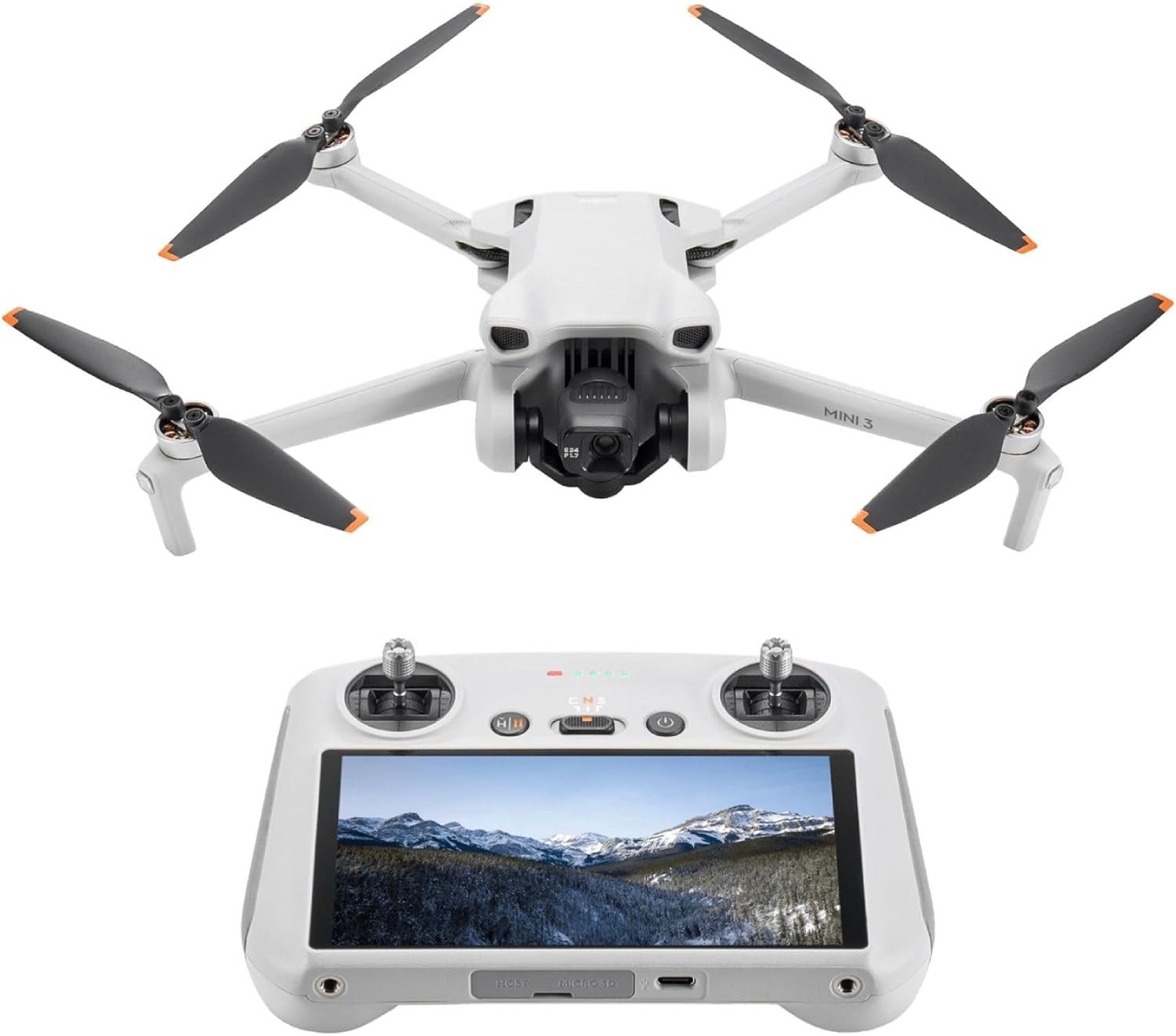
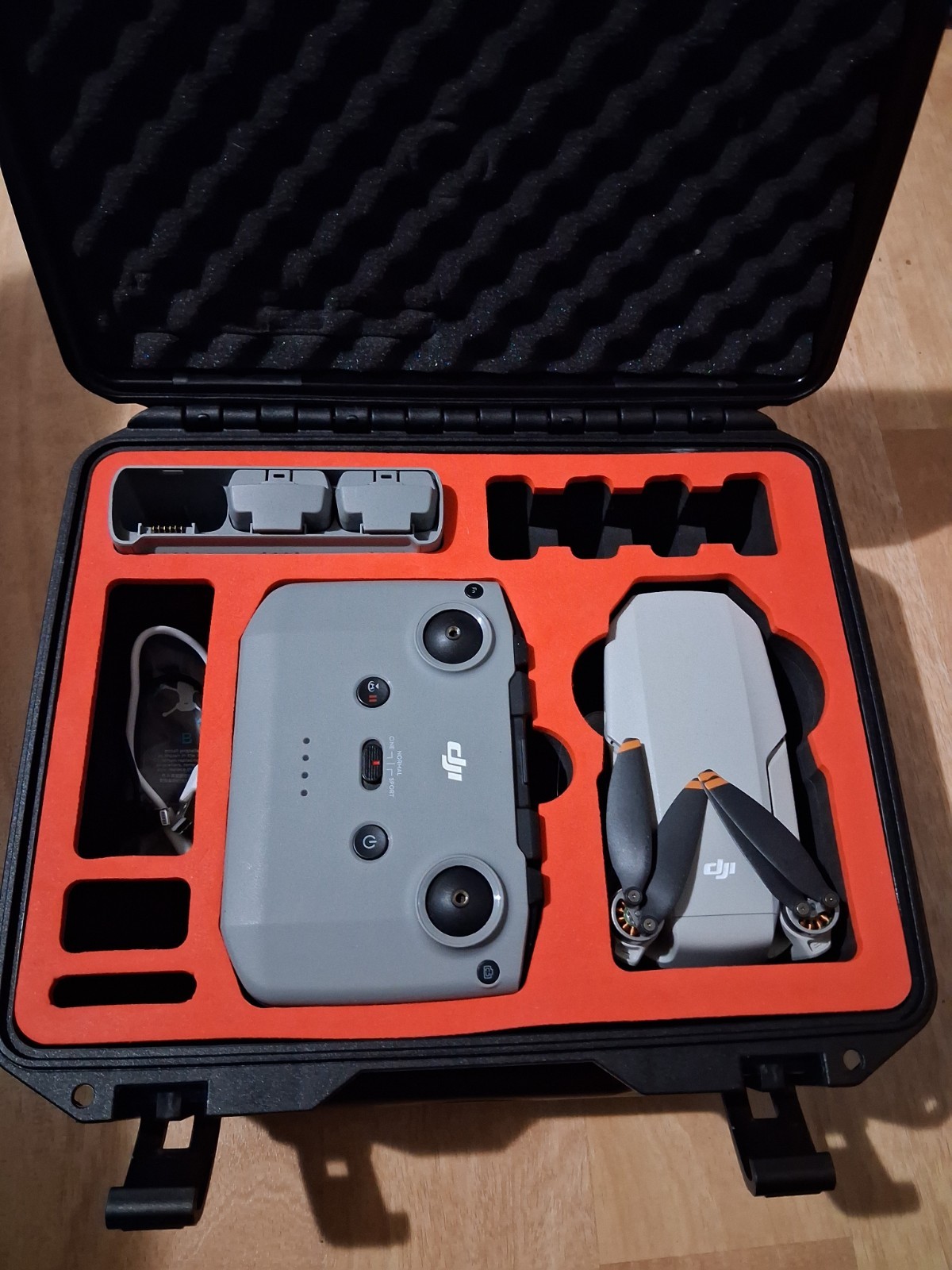
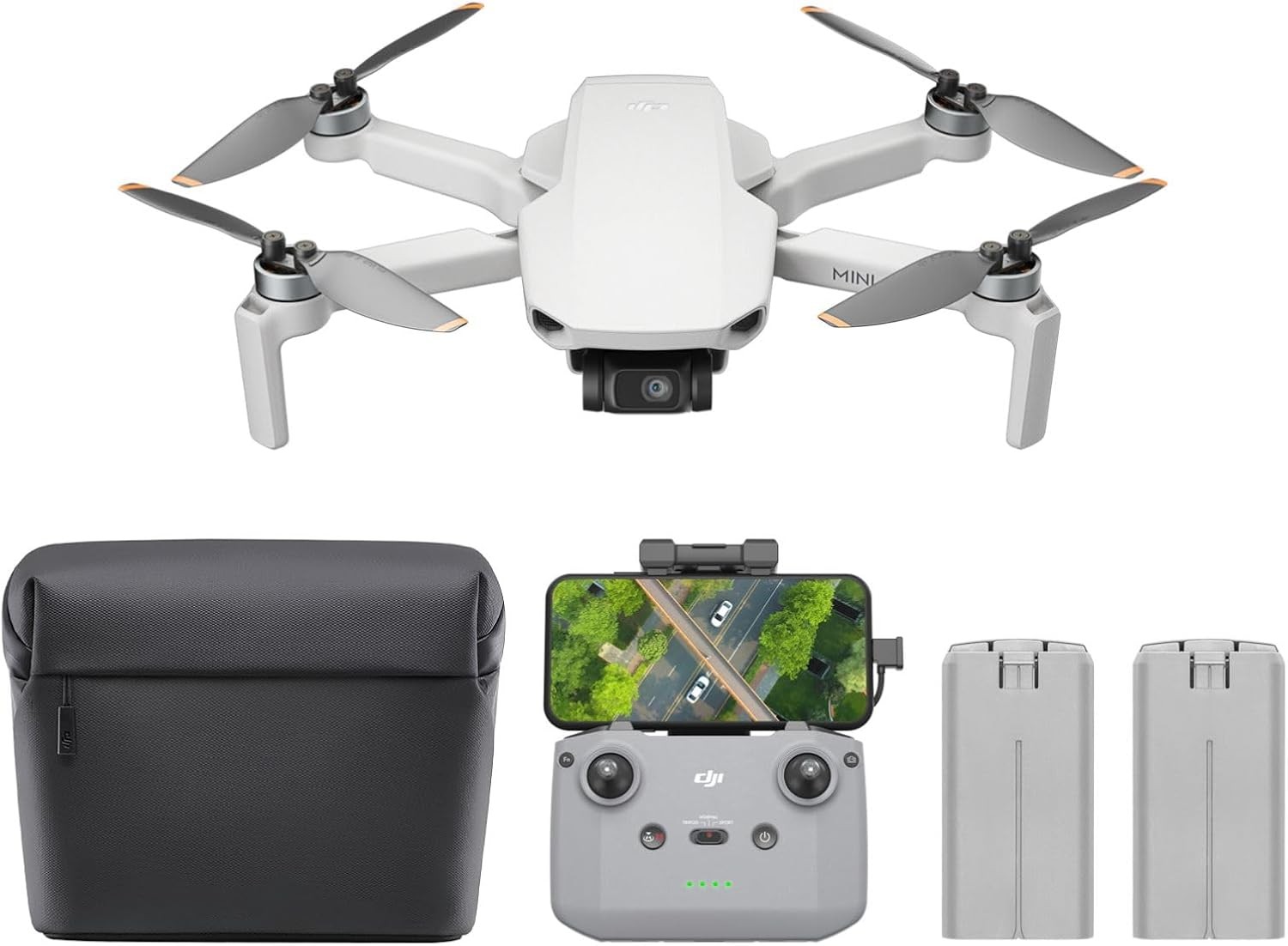
The DJI Mini line is a family of sub-249g folding camera drones designed to avoid registration in many jurisdictions while delivering stabilized 4K video. The core trade-off is generation: older Mini 2/Mini 4K models use a 1/2.3-inch sensor and 31–34 minute batteries, while Mini 3/4 Pro tiers add larger sensors, obstacle sensing, and extended battery options. Buy the newest generation your budget allows for sensor and safety features; buy older generations only for bare-minimum legal-weight 4K capture.

Buying guide image
Drones & Consumer Robotics

DJI Drone

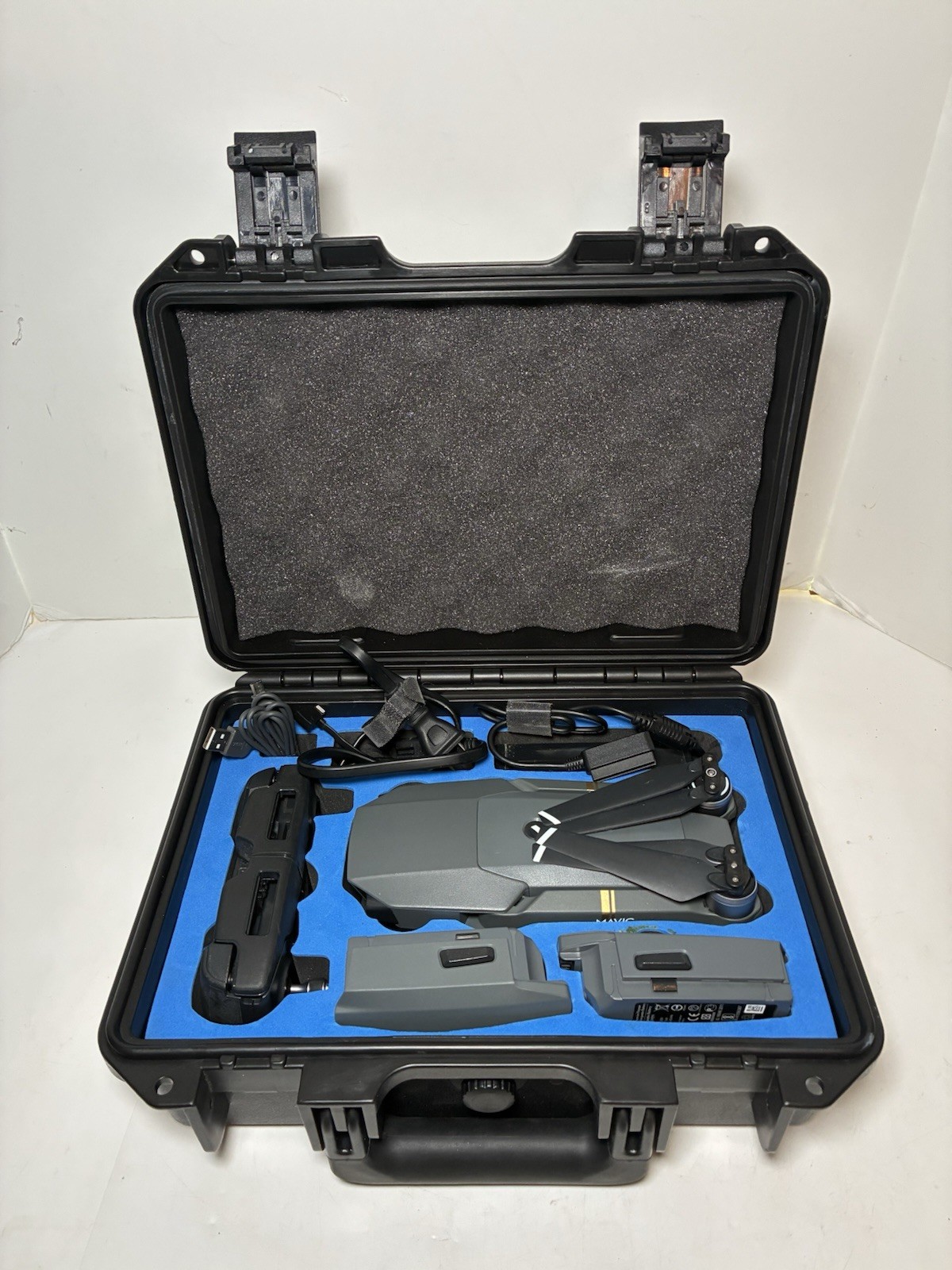
DJI drones span sub-249g travel models to dual-ISO professional rigs, and the core trade-off is weight class and sensor size versus flight time and regulatory friction. The decisive rule: buy a sub-249g Mini-class drone for travel and casual capture, step to Air/Mavic for larger sensors and obstacle avoidance, and only accept older models when battery health and part availability are proven.

Buying guide image
Drones & Consumer Robotics

DJI Mini Drone

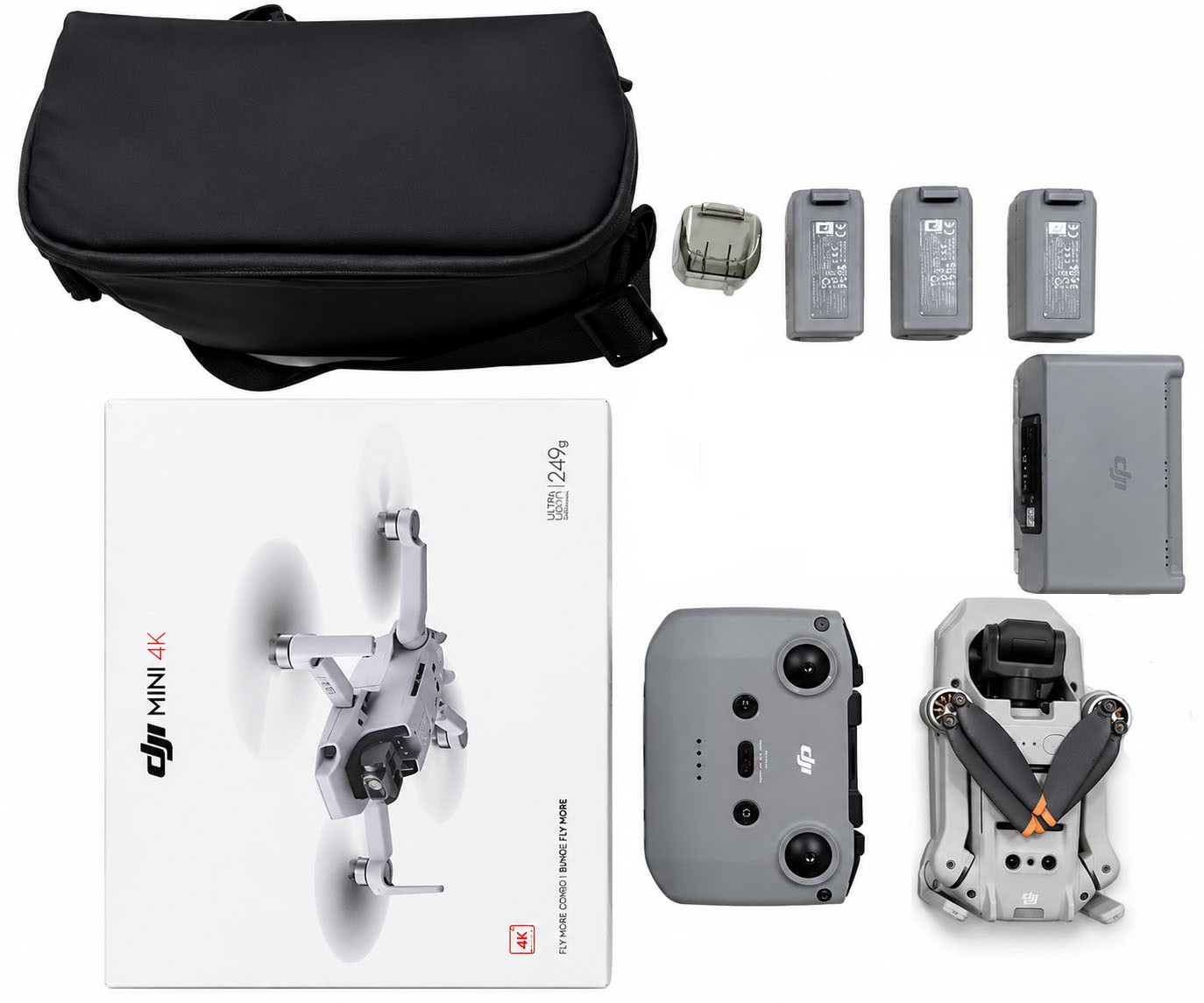
The DJI Mini line is a family of sub-249g foldable camera drones designed to avoid registration in most regions while delivering stabilized 4K video. The core trade-off is weight and price versus wind resistance, camera sensor size, and obstacle sensing—entry models use a 1/2.3-inch sensor and no obstacle avoidance, while newer tiers add larger sensors, LiDAR, and longer flight times. Buy the newest generation you can afford with the sensor and safety features you need; skip older generations only if you require the lightest possible weight or the lowest entry cost.

Buying guide image
Drones & Consumer Robotics

4K Drone With Camera

A 4K drone with camera spans two distinct tiers: name-brand GPS stabilized aircraft with real 4K sensors and gimbals, and budget toy-grade quadcopters that upscale low-resolution video to 4K. The core trade-off is sensor and stabilization quality versus cost, since true 4K capture requires a 1/2.3-inch or larger CMOS sensor with mechanical gimbal stabilization. Buy a GPS-equipped model with a physical gimbal and brushless motors for usable footage; skip bare Wi-Fi toys if video quality matters.

Buying guide image
Drones & Consumer Robotics

4K Drone

A 4K drone pairs a 4K-resolution camera with a stabilized airframe, and the decisive trade-off is camera sensor size plus gimbal stabilization versus raw flight time and price tier. True 4K performance requires a 1/2.3-inch or larger CMOS sensor with a 3-axis mechanical gimbal; budget '4K' drones with dual fixed cameras interpolate from lower resolution and lack stabilization. The clear rule: buy a 3-axis gimbal drone with a named sensor for usable footage, and treat dual-camera toy quadcopters as recreational flyers only.

Buying guide image
Drones & Consumer Robotics

Mini Drone With Cameras

A mini drone with camera is a sub-250g-class quadcopter with an integrated imaging payload, where the core trade-off is stabilized 4K capture and real flight autonomy versus toy-grade 1080p sensors and 6-8 minute bursts. The decisive rule: buy into a 3-axis gimbal, GPS/GLONASS positioning, and a genuine 30-minute battery tier or accept that you are purchasing a disposable indoor toy.

Buying guide image
Controllers & Gaming Accessories

Controller

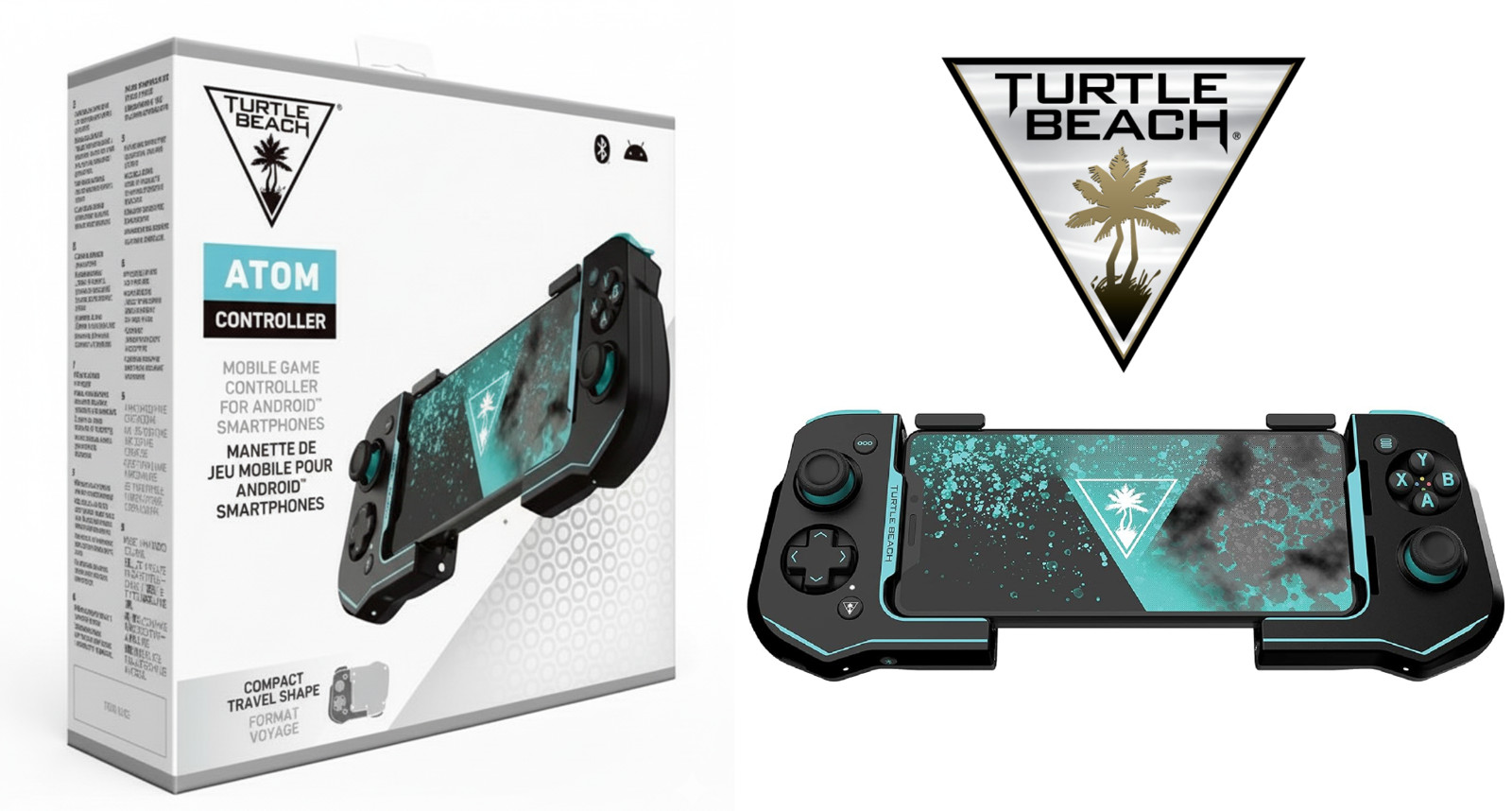
A controller is the primary input device for PC and console gaming, and the core trade-off is between first-party precision (hall-effect sticks, low-latency wireless, official platform support) and budget third-party compatibility. Durable picks use hall-effect or ALPS analog sticks, USB-C or 2.4GHz wireless, and native XInput/DirectInput or platform authentication; compromises rely on carbon-film sticks, micro-USB, and unofficial dongles that drop inputs.

Buying guide image
Console & Handheld Hardware

Retro Console

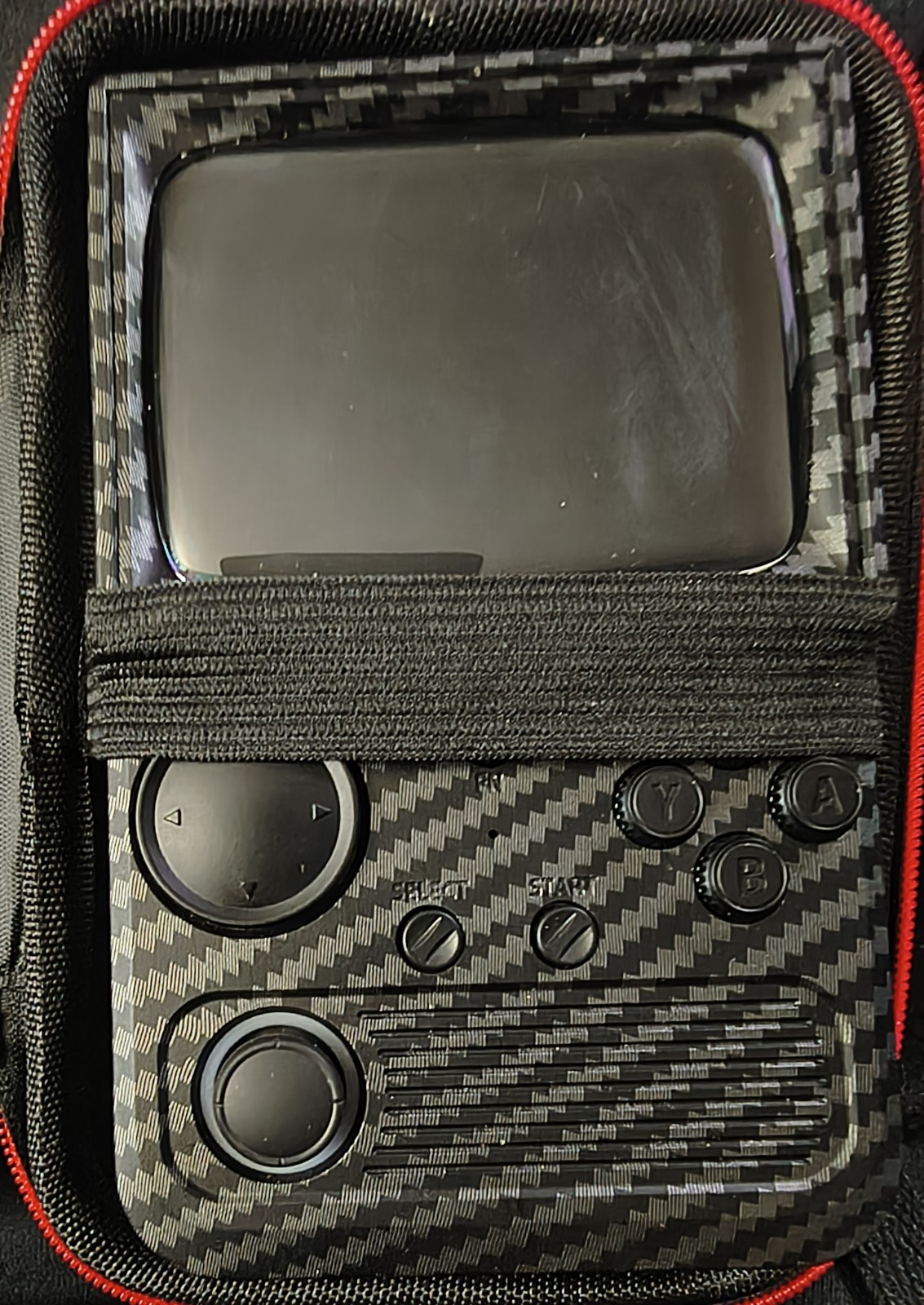
Retro consoles range from official mini-consoles to emulation boxes and handhelds, defined by whether they run original hardware, licensed emulation, or generic ARM chips. The primary trade-off is authenticity and input latency versus game library size and cost. Buy original-hardware or FPGA solutions for accurate play; buy emulation boxes for convenience and large libraries; avoid no-name handhelds unless the built-in game list is your only goal.

Buying guide image
Console & Handheld Hardware

Retro Box

Retro boxes are Android-based microconsoles that emulate classic systems, but performance varies wildly with chipset and storage tier. Most buyers overpay for inflated game counts while underestimating the need for a quality controller and reliable storage. Focus on the SoC generation, RAM, and emulation frontend rather than marketing claims.

Buying guide image
Console & Handheld Hardware

Retro Game Console

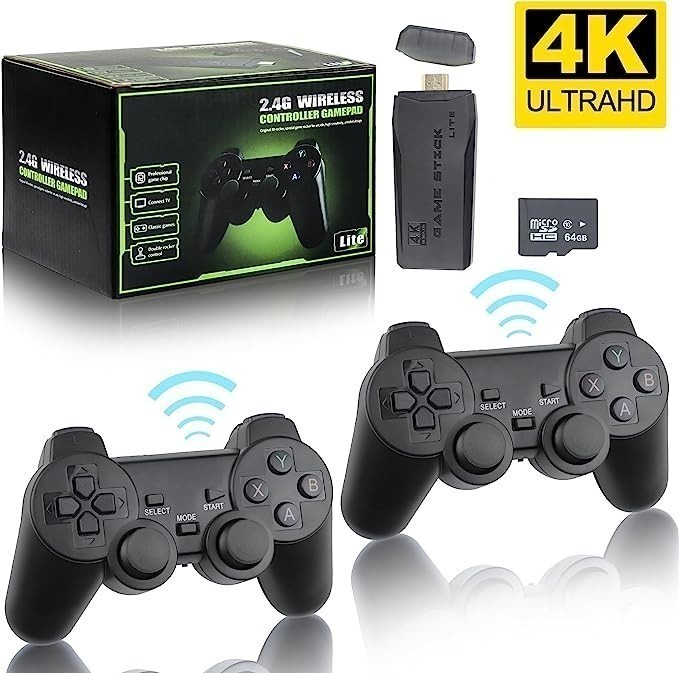
Retro game consoles range from pocket-sized 8-bit LCD handhelds to 4K HDMI microconsoles that emulate thousands of legacy titles. The core trade-off is between plug-and-play simplicity with built-in emulation and the legality, quality, and longevity of the included game library and controller. Buy a dedicated emulation box or handheld from a known chipset family for reliable performance; skip no-name '20,000 games' bundles that hide subpar ROMs and fragile hardware.

Buying guide image
Console & Handheld Hardware

Retro Mini Console

Retro mini consoles split into two clear families: TV-connected plug-and-play boxes with preloaded 8-bit libraries and handhelds that emulate multiple systems from ROM files. Buyers misjudge them by counting '500 games' or '620 games' as value when most of those titles are duplicated regional variants, and by assuming HDMI output when the unit only ships with composite AV cables.

Buying guide image
Console & Handheld Hardware

Portable Retro Game Console

Portable retro game consoles split into two hard tiers: fixed-function 8-bit toys with a few hundred built-in games, and open-source Linux/Android handhelds that emulate multiple systems from SD-card ROMs. The trade-off is simplicity versus flexibility—fixed-function units cap out at NES-era titles with no expandability, while open-source devices demand ROM setup but support 16- and 32-bit libraries. Buy fixed-function only for gift/kid plug-and-play use; buy open-source for real emulation.

Buying guide image
Console & Handheld Hardware

Retro Game Box

Retro game boxes let you play classic titles on a TV through emulation, but most disappoint because the preloaded library is padded with filler and the included controllers feel cheap. The two numbers that actually determine whether a box is worth owning are the chipset inside and the quality of the storage card—not the game count on the box. Pick a box with a known SoC, a reputable brand of microSD, and controller ports that match your existing pads, and you will avoid the laggy, short-lived units that flood this category.

Buying guide image
Console & Handheld Hardware

Retro Game Console With Built In Game

Retro game consoles with built-in games are all-in-one emulation boxes or handhelds that ship with a preloaded ROM library, ranging from 8-bit AV plug-and-play units to 4K-capable Android microconsoles. The core trade-off is library quantity versus emulation quality: high game counts usually mean compressed or duplicated ROMs and weaker chips, while lower counts on reputable hardware deliver smoother playback and better controls. Choose by the highest system you actually want to emulate and the output your TV accepts—8/16-bit via AV or HDMI, 32/64-bit and arcade via a name-brand chipset—and skip anything advertising only a game count without naming the SoC, RAM, or storage grade.

You may also like

Finding more guides for you…