
Photos from current listings. Actual item, color, and included accessories may vary.
Portable Retro Game Console Buying Guide
Portable retro game consoles split into two hard tiers: fixed-function 8-bit toys with a few hundred built-in games, and open-source Linux/Android handhelds that emulate multiple systems from SD-card ROMs. The trade-off is simplicity versus flexibility—fixed-function units cap out at NES-era titles with no expandability, while open-source devices demand ROM setup but support 16- and 32-bit libraries. Buy fixed-function only for gift/kid plug-and-play use; buy open-source for real emulation.
Median $29.97
Key takeaways
- Fixed-function units use 8-bit LCD hardware with 150-500 built-in games and no SD slot or emulator flexibility—the library is locked at purchase.
- Open-source handhelds (R36S-class) pair a 3.5-inch IPS display with a Linux emulation front-end, 64GB microSD, and support for NES through PS1-era systems.
- Display and battery quality separate tiers: budget toys run 2.4-2.5-inch LCDs with disposable AA or small Li-ion cells, while open-source units use IPS panels with 3,000mAh+ rechargeable batteries.
At a glance
- Category
- Console & Handheld Hardware
- Last updated
- Nov 29, 2026
Current offers
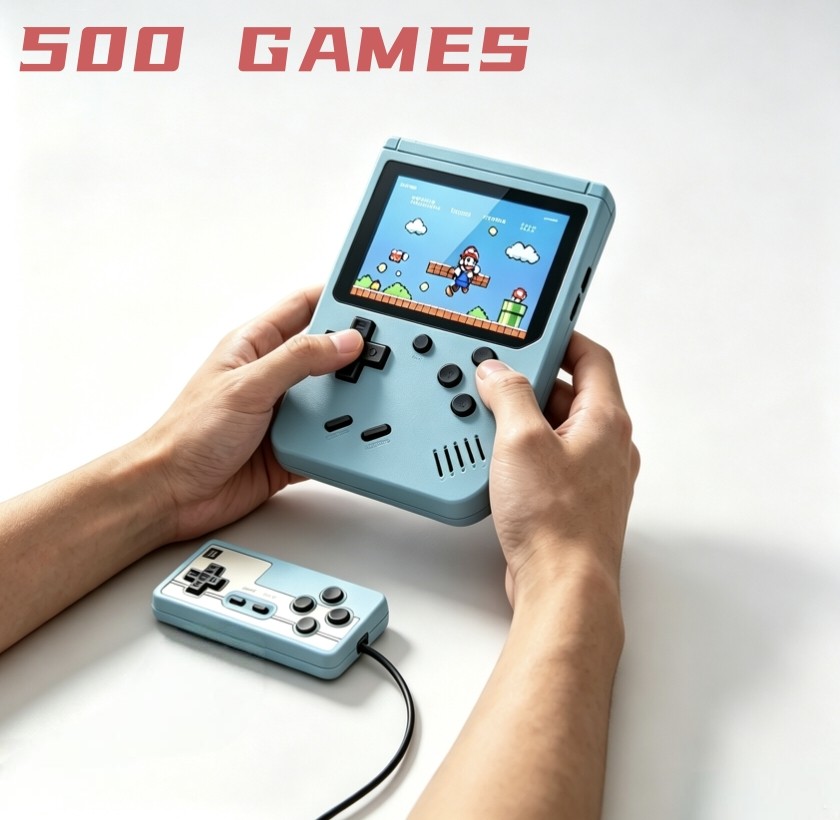 500 Classic FC Games Retro Handheld Portable Game Console for Kids & Adults$6.96View on eBay
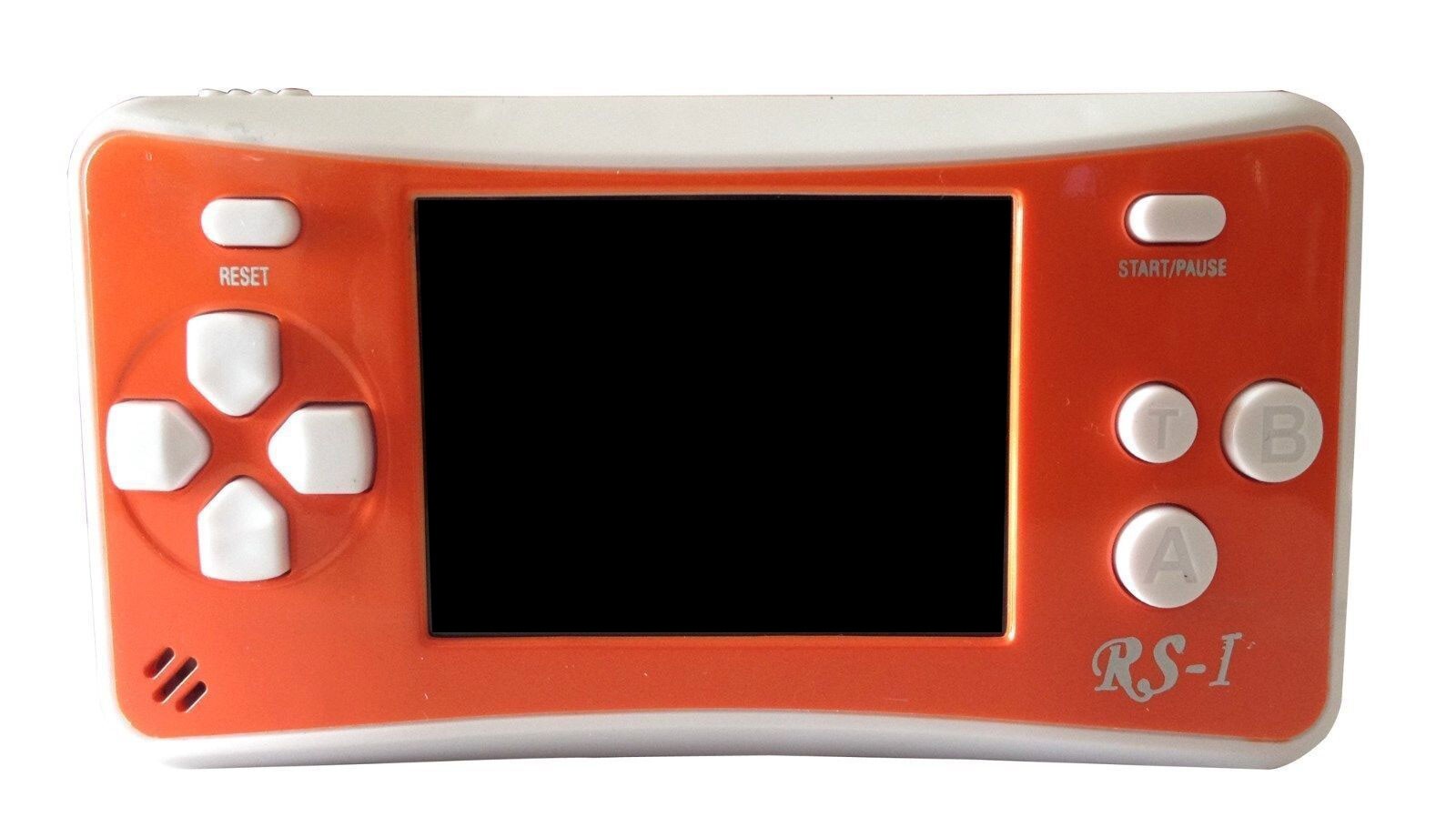 Retro Game Console Handheld Portable 8-Bit 2.5" COLOR LCD 150 Games Gift ORANGE$7.99View on eBay
 Retro Handheld Game Console 150 Built-in Games Portable LCD Gaming Gift Toy$8.99View on eBay
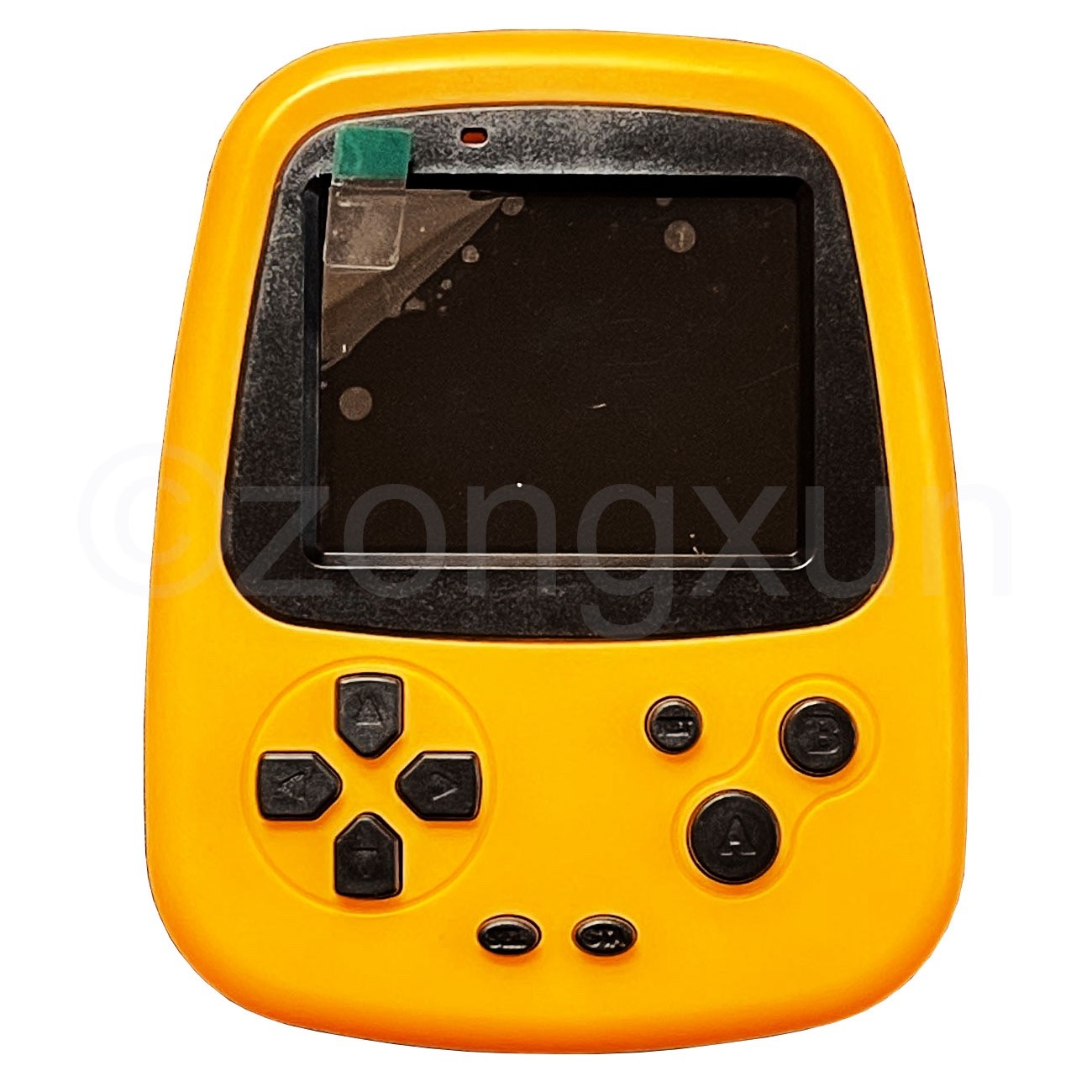 Retro Game Console Classic 8-Bit 2.5" COLOR LCD Handheld Portable Xmas Gifts$8.99View on eBay
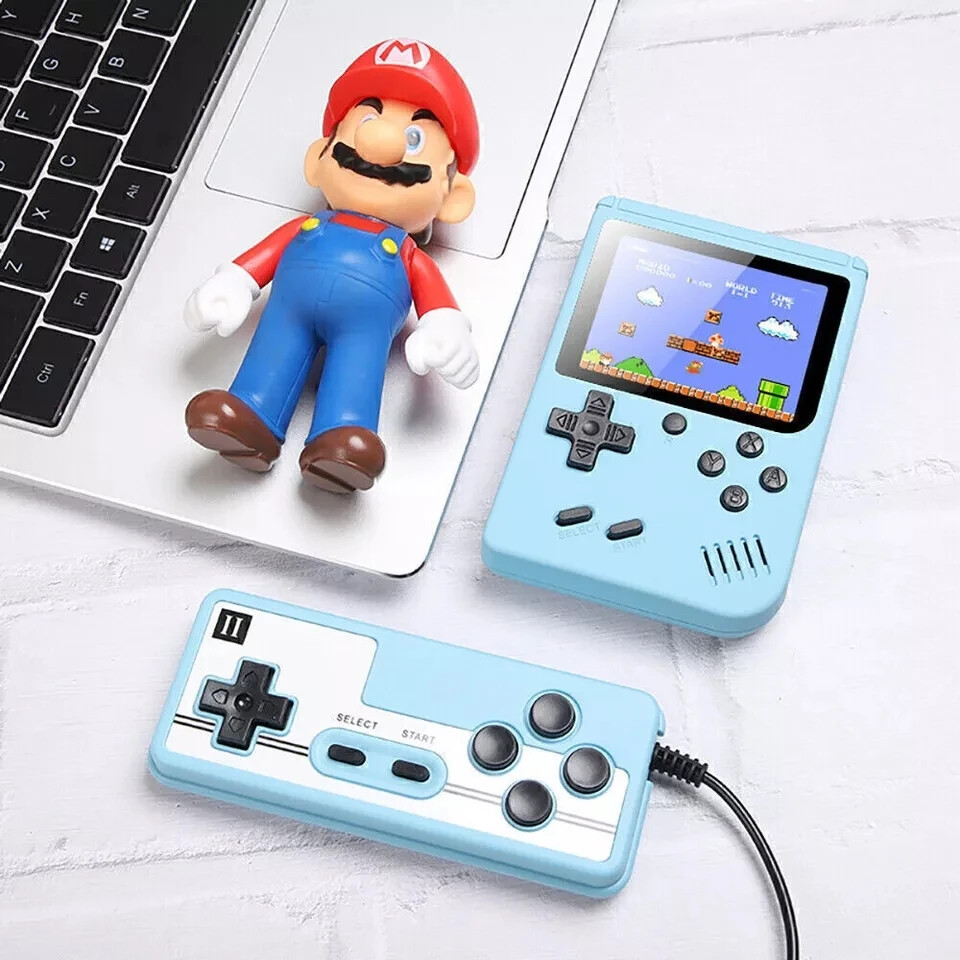 Mini Retro Video 500 Classic Games FC Game Console Player Handheld For Kid Adult$9.48Last checked Nov 28, 2026View on eBay
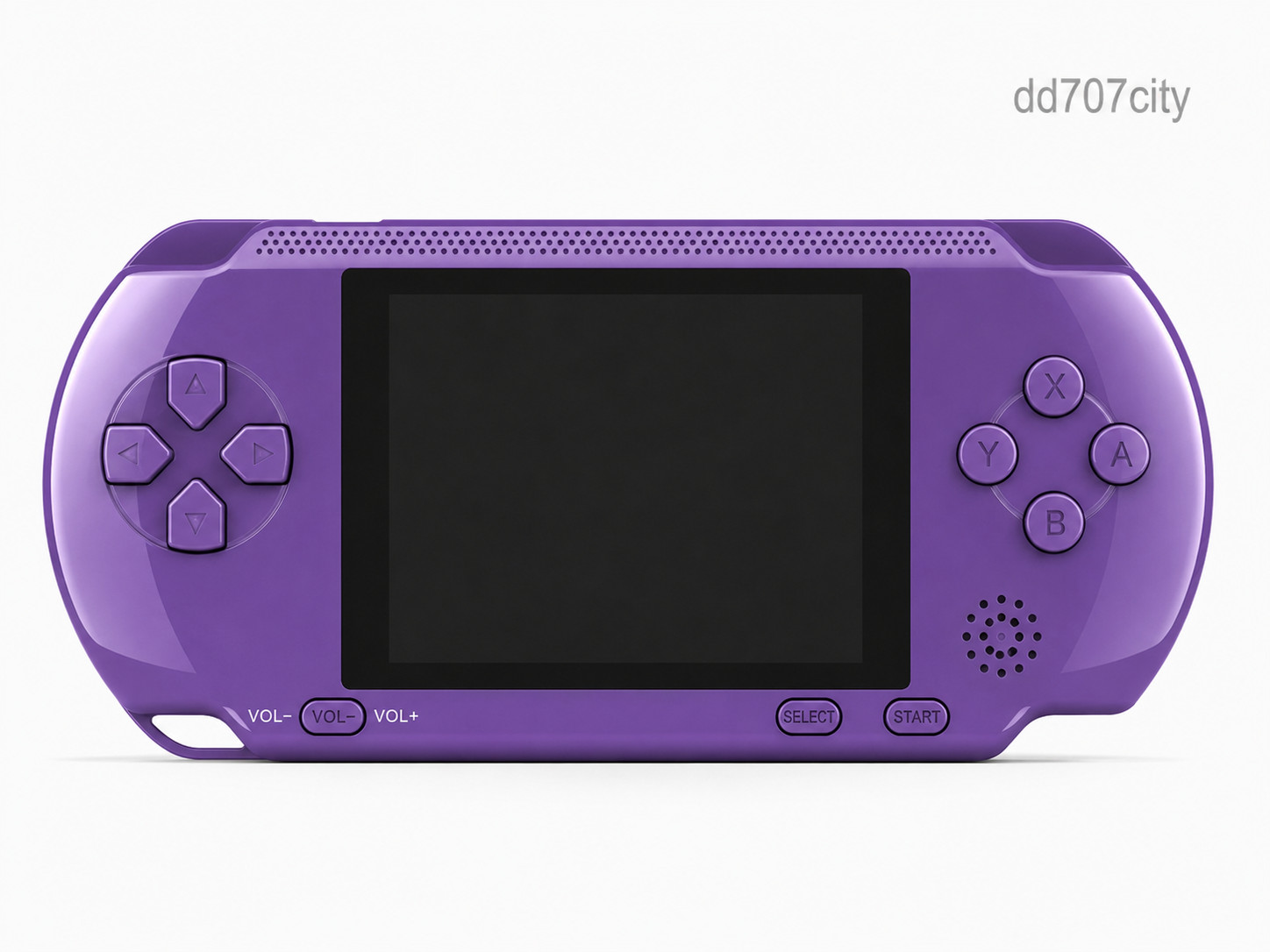 Portable Handheld Game Console Rechargeable Retro Gaming System Built In Games$10.99View on eBay
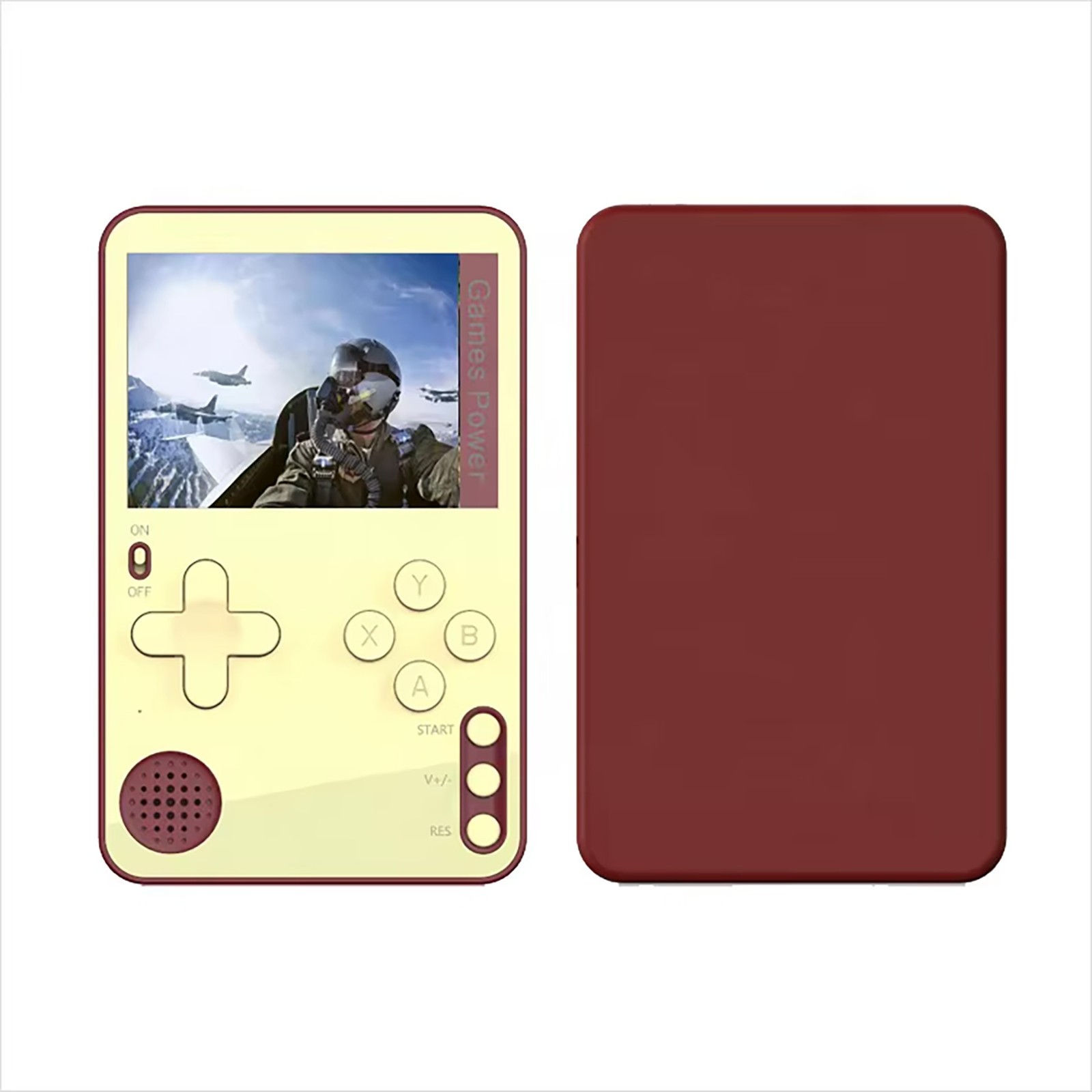 Retro Handheld Game Console 500 Built in Games Portable Mini Video Game Player$11.99View on eBay
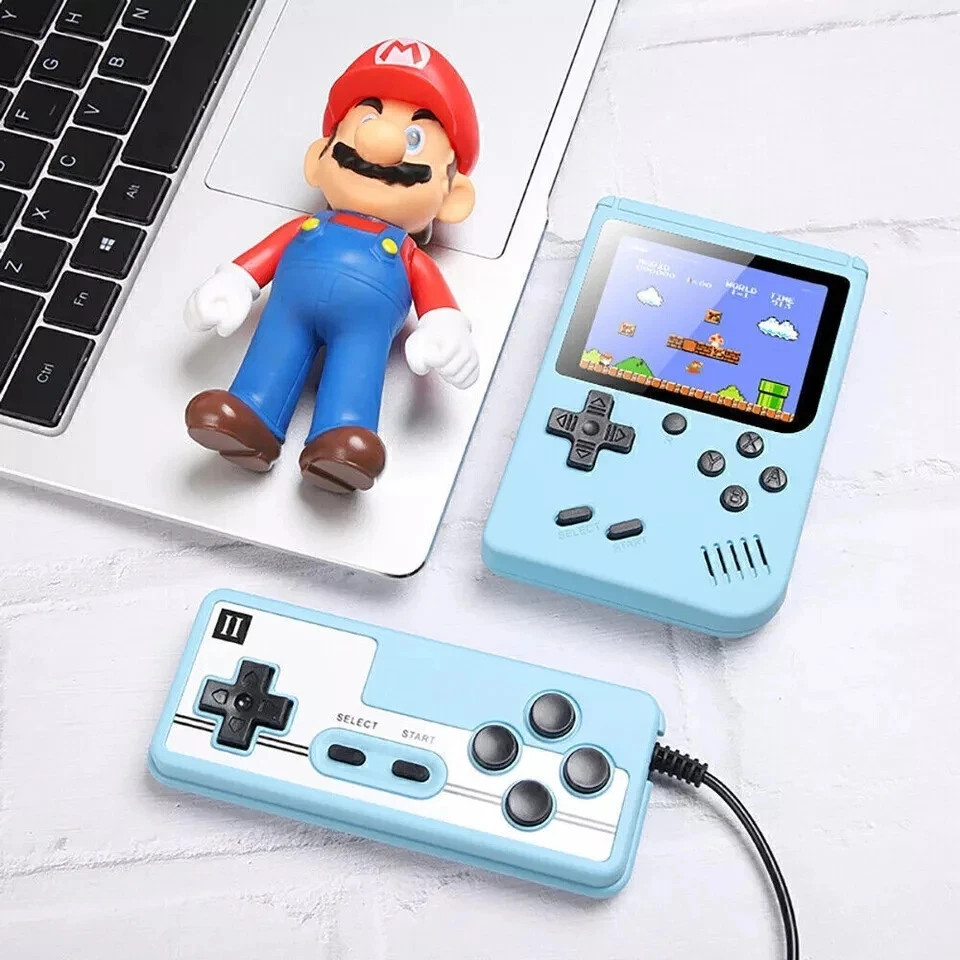 Mini Retro Video 500 Classic Games FC Game Console Player Handheld For Kid Adult$15.99Last checked Nov 28, 2026View on eBay
- 500 Classic Games Handheld Retro Video FC Game Console Player For Kids Adults$15.99Last checked Nov 27, 2026View on eBay
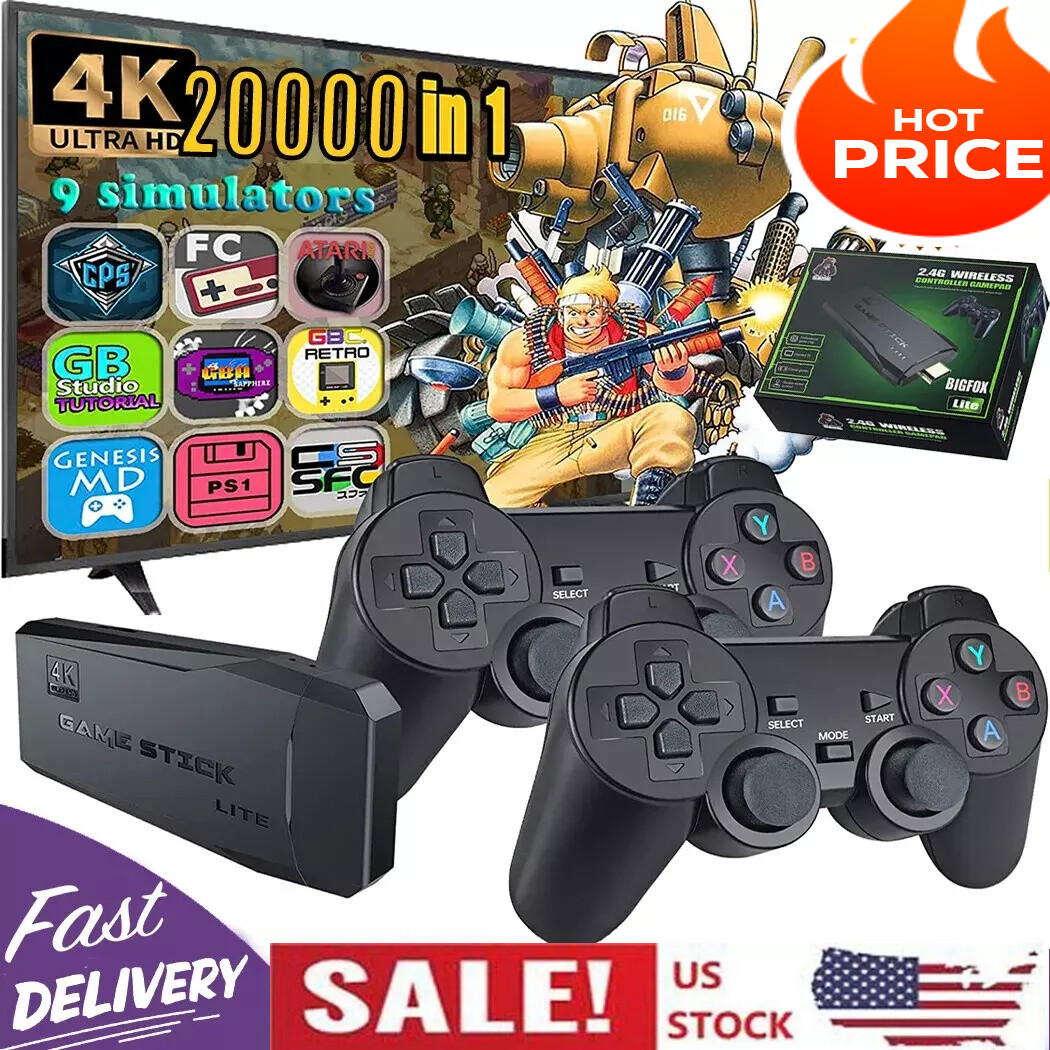 Retro Game Console 4K HDMI Output Plug and Play 20000+ Game Gamepad Controllers$16.99View on eBay
- Retro Game Console 4K HDMI Output Plug and Play 20000+ Game Gamepad Controllers$17.39View on eBay
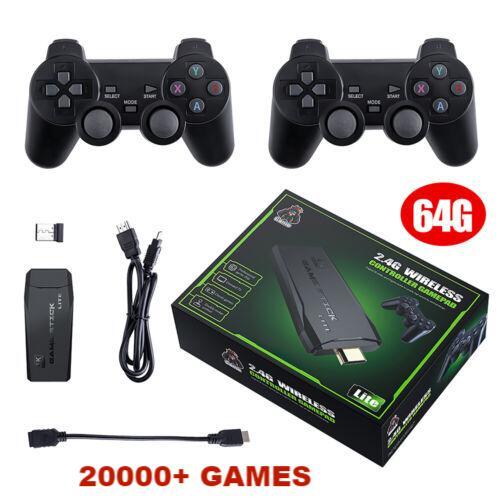 Video Game Console Retro TV Stick 64G 4K HDMI 2 Wireless Controller 20000+ Games$18.99View on eBay
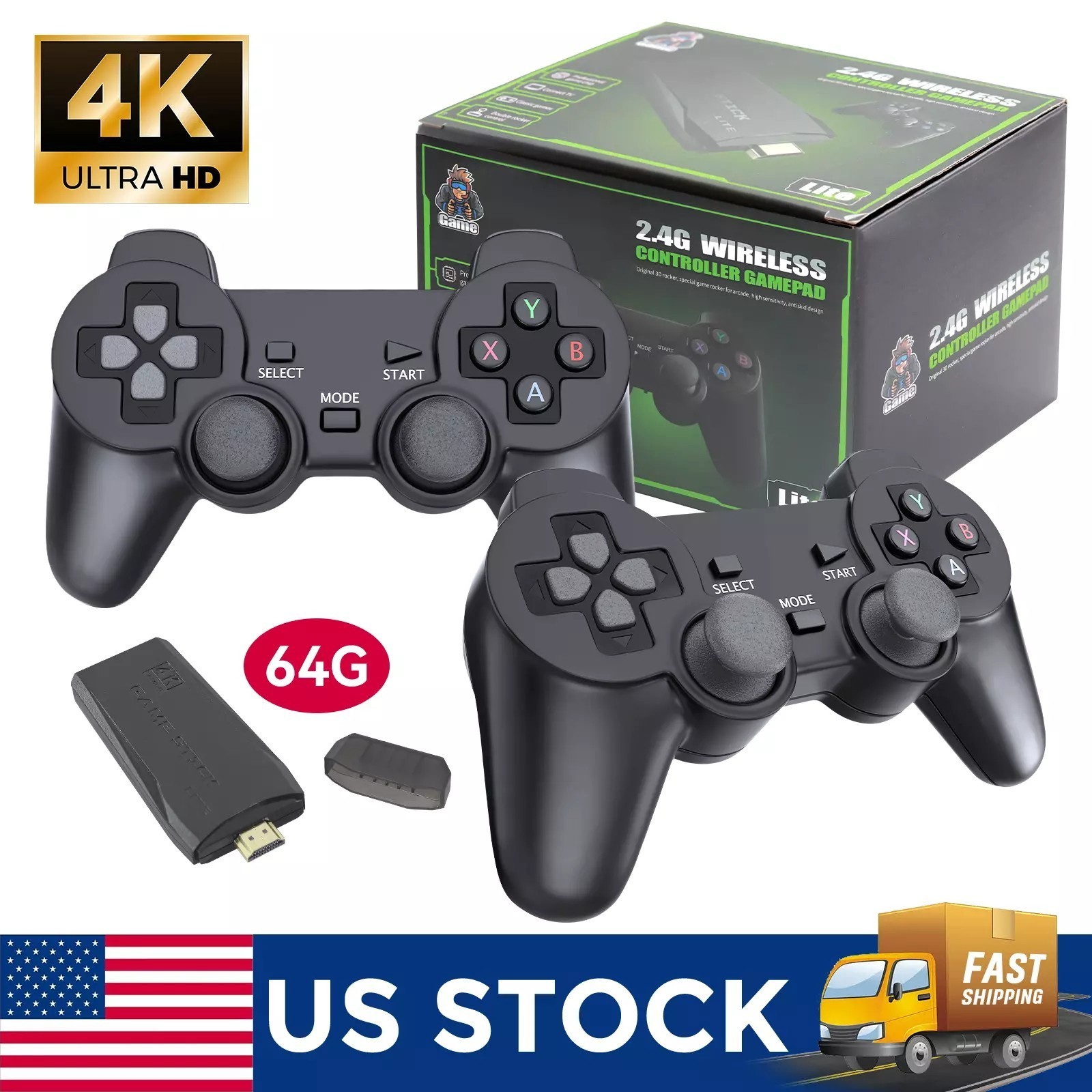 Retro Game Console 4K HDMI Output Plug and Play 20000+ Game Gamepad Controllers$19.99View on eBay
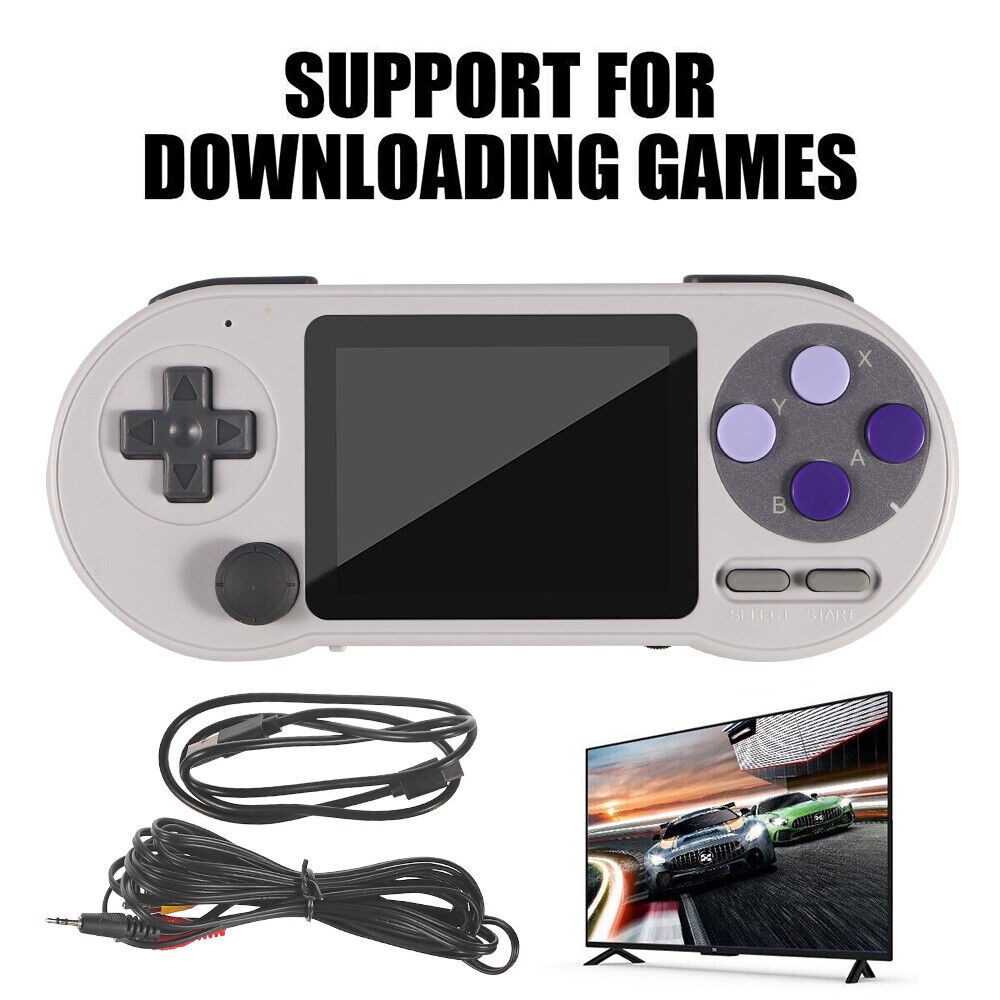 SF2000 3-inch IPS Handheld Game Console Built-in 6000 Games Retro Games FC/SFC++$19.99View on eBay
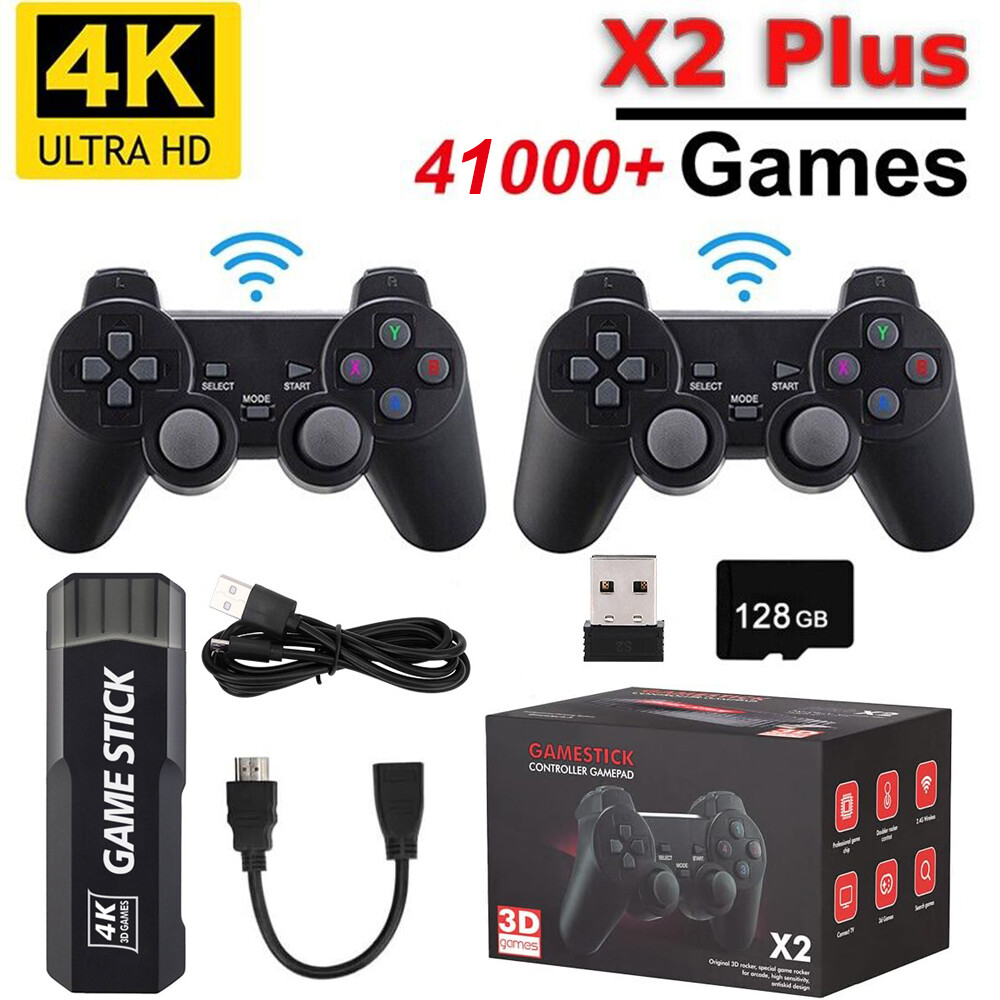 X2 Plus 64g-128G 41000 Game GD10 Pro 4K Game Stick Retro Wireless Consoles AAR$20.59View on eBay
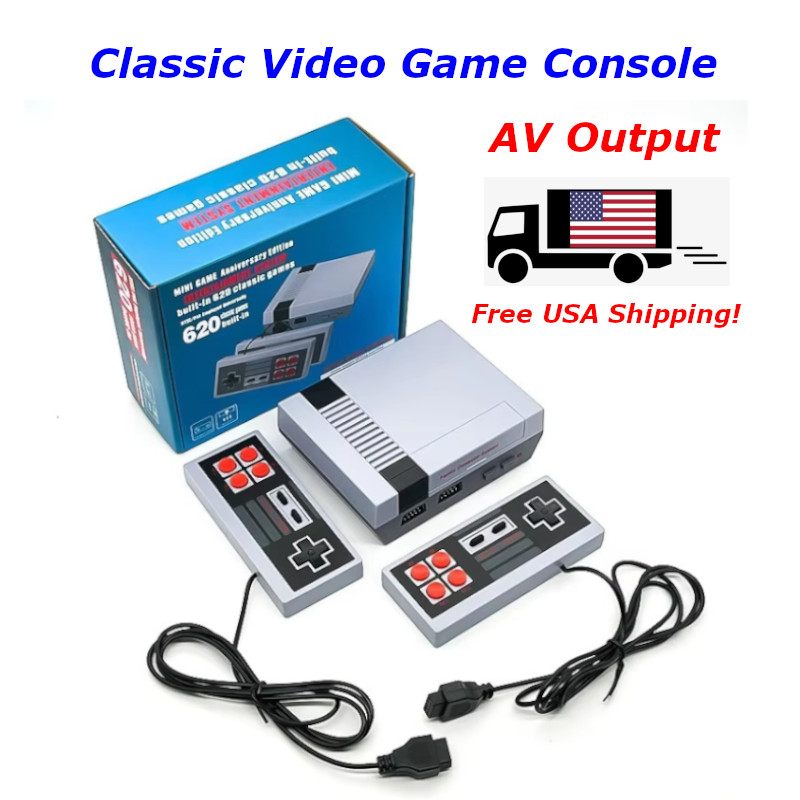 Mini Retro TV Game Console Preloaded 8-bit Games with 2 Controllers & AV Output$21.24View on eBay
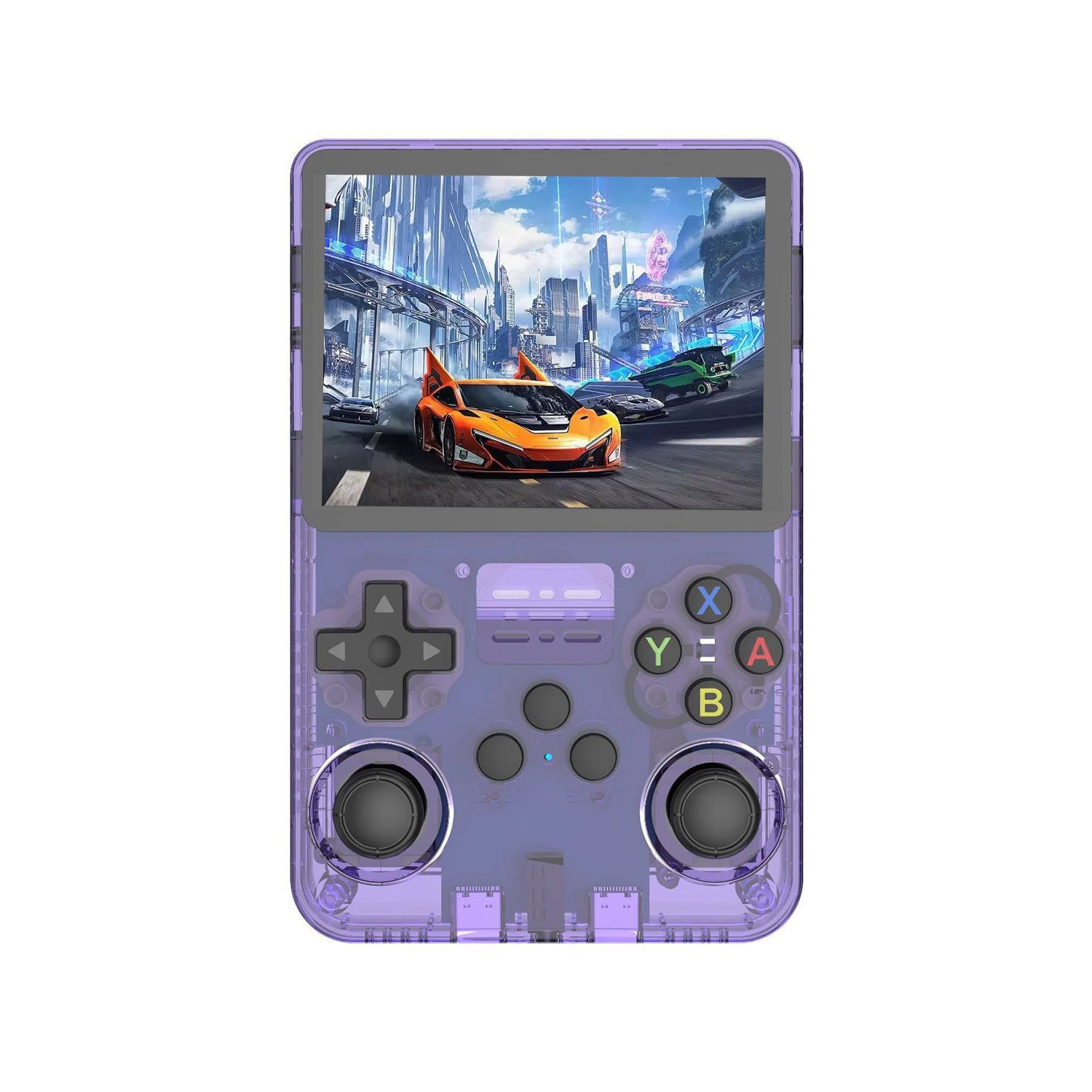 R36S Retro Handheld 15000+ Video Game Console$21.25View on eBay
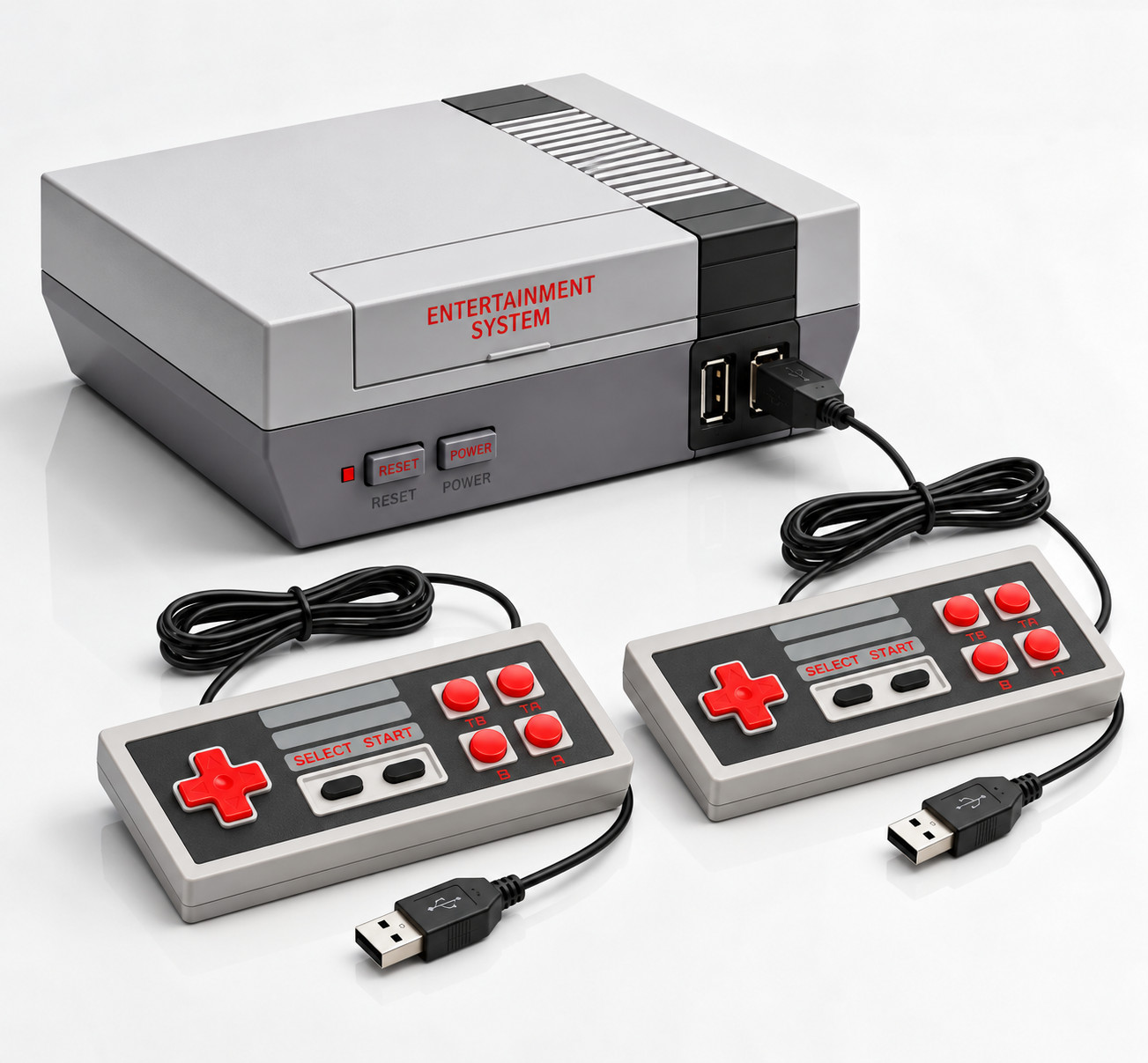 Retro Mini Game Console 620 Built In Games 8 Bit System 2 Controllers AV Output$24.99View on eBay
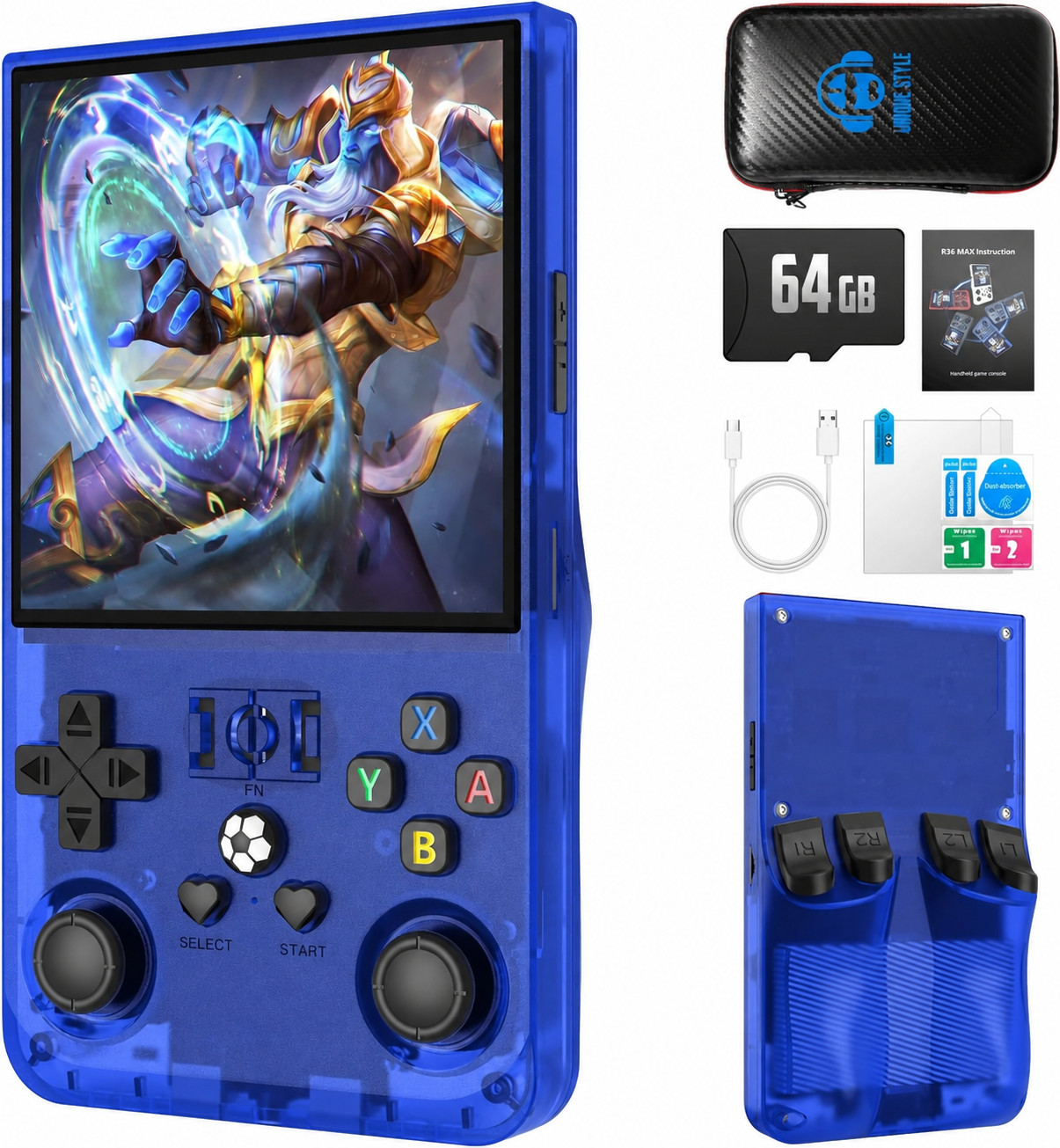 Retro Handheld Game Console 4.0" IPS Screen Linux System 64GB 5000+ Classic Game$24.99View on eBay
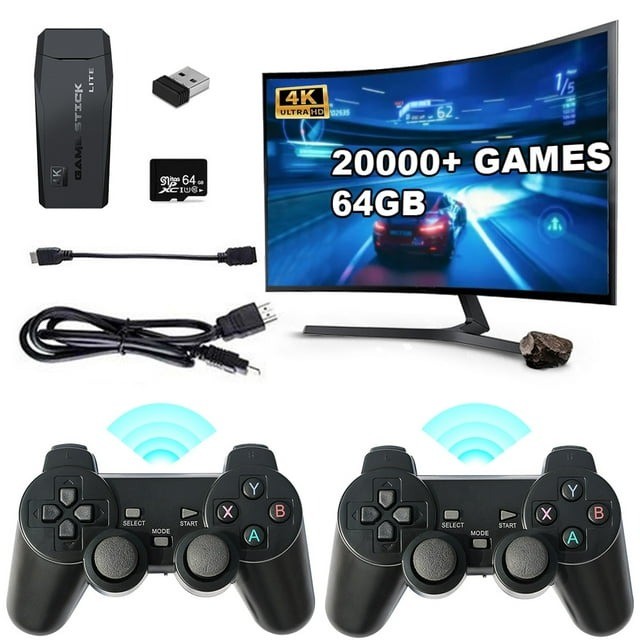 JGOO 55558 2.4G Portable 4K TV Video Retro Game Console$26.00View on eBay
Highlights
- Fixed-function units use 8-bit LCD hardware with 150-500 built-in games and no SD slot or emulator flexibility—the library is locked at purchase.
- Open-source handhelds (R36S-class) pair a 3.5-inch IPS display with a Linux emulation front-end, 64GB microSD, and support for NES through PS1-era systems.
- Display and battery quality separate tiers: budget toys run 2.4-2.5-inch LCDs with disposable AA or small Li-ion cells, while open-source units use IPS panels with 3,000mAh+ rechargeable batteries.
- Emulation performance is chipset-bound: ARM Cortex-A35-class SoCs handle 8/16-bit and some PS1; N64, Dreamcast, and PSP need a higher-tier chip and are not reliable on entry handhelds.
Best use cases
- Best fit: gift for a young child or casual nostalgia player—pick a fixed-function 8-bit unit with 150-500 built-in games, no setup required and no SD card to lose.
- Best fit: hobbyist or tinkerer wanting a curated multi-system library—pick an open-source Linux handheld with 64GB microSD and a 3.5-inch IPS screen.
- Wrong fit: expecting N64, Dreamcast, or PSP performance from an entry open-source handheld—those systems stutter; choose a higher-tier Android or x86 device instead.
- Wrong fit: buying a fixed-function 500-in-1 unit expecting to add games later—there is no storage expansion or emulator support; skip it if you want a growing library.
Buying tips
- Check the screen spec first: 3.5-inch IPS at 640x480 is the entry benchmark for open-source handhelds; 2.4-2.5-inch LCD indicates a fixed-function toy tier.
- Confirm storage: open-source units should ship with a microSD slot and at least 64GB card—fixed-function units with no slot cannot be expanded at all.
- Match chipset to library: Cortex-A35-class handles NES/SNES/Genesis/PS1; verify the SoC before expecting N64 or Dreamcast performance.
- Battery tier: prefer 3,000mAh+ rechargeable Li-ion over AA-cell toys for play sessions beyond a couple of hours; check the charging port is USB-C.
Specs
| Architecture | Fixed-function 8-bit vs Linux emulation |
|---|---|
| Display | 2.4-2.5" LCD vs 3.5" IPS 640x480 |
| Storage | Built-in only vs microSD 64GB |
| Battery | AA / small Li-ion vs 3000mAh+ USB-C |
Related searches
What to check before buying
- Confirm the unit includes a microSD card and slot if you plan to add ROMs—fixed-function toys have neither.
- Check the display size and panel type (IPS vs LCD) against your expectation for viewing angle and clarity.
- Verify the charging interface (USB-C vs micro-USB) and whether a cable is included.
- For kid use, confirm the shell has rounded edges and the buttons are rated for the age group; avoid tiny 2.4-inch units for very young children.
FAQ
Data sources: eBay / Amazon listings and product attribute feeds. Updated Nov 29, 2026.
Some links on this page are affiliate links. If you buy after clicking one, we may earn a commission at no extra cost to you. This does not change which products appear here or their order. Affiliate disclosure.