
Photos from current listings. Actual item, color, and included accessories may vary.
VR Buying Guide
VR hardware splits into standalone headsets with onboard compute and PC-powered headsets that tether to a gaming PC, with accessories like straps and facial interfaces determining long-session comfort. The core trade-off is standalone convenience versus PC fidelity and refresh rate. Buy a standalone unit for untethered room-scale play, a PC headset only if you own a VR-ready GPU, and prioritize replacement straps and washable facial interfaces over cosmetic add-ons.
Median $106.50 · New & pre-owned listings
Key takeaways
- Standalone headsets (Quest 2/3 class) run Android-based XR2 chipsets with 6DoF inside-out tracking and no PC required; PC headsets (Rift S class) need a DisplayPort/GPU tether for rendering.
- Quest 2 uses a single LCD at 1832x1920 per eye and 72/90/120 Hz; Quest 3 doubles to 2064x2208 per eye with pancake lenses for a slimmer, clearer optical stack.
- Rift S relies on five-camera inside-out tracking at 80 Hz and a halo strap; it has no standalone mode and is discontinued, so support and replacement parts are eBay-only.
At a glance
- Category
- VR Gaming Hardware & Accessories
- Last updated
- Nov 29, 2026
Current offers
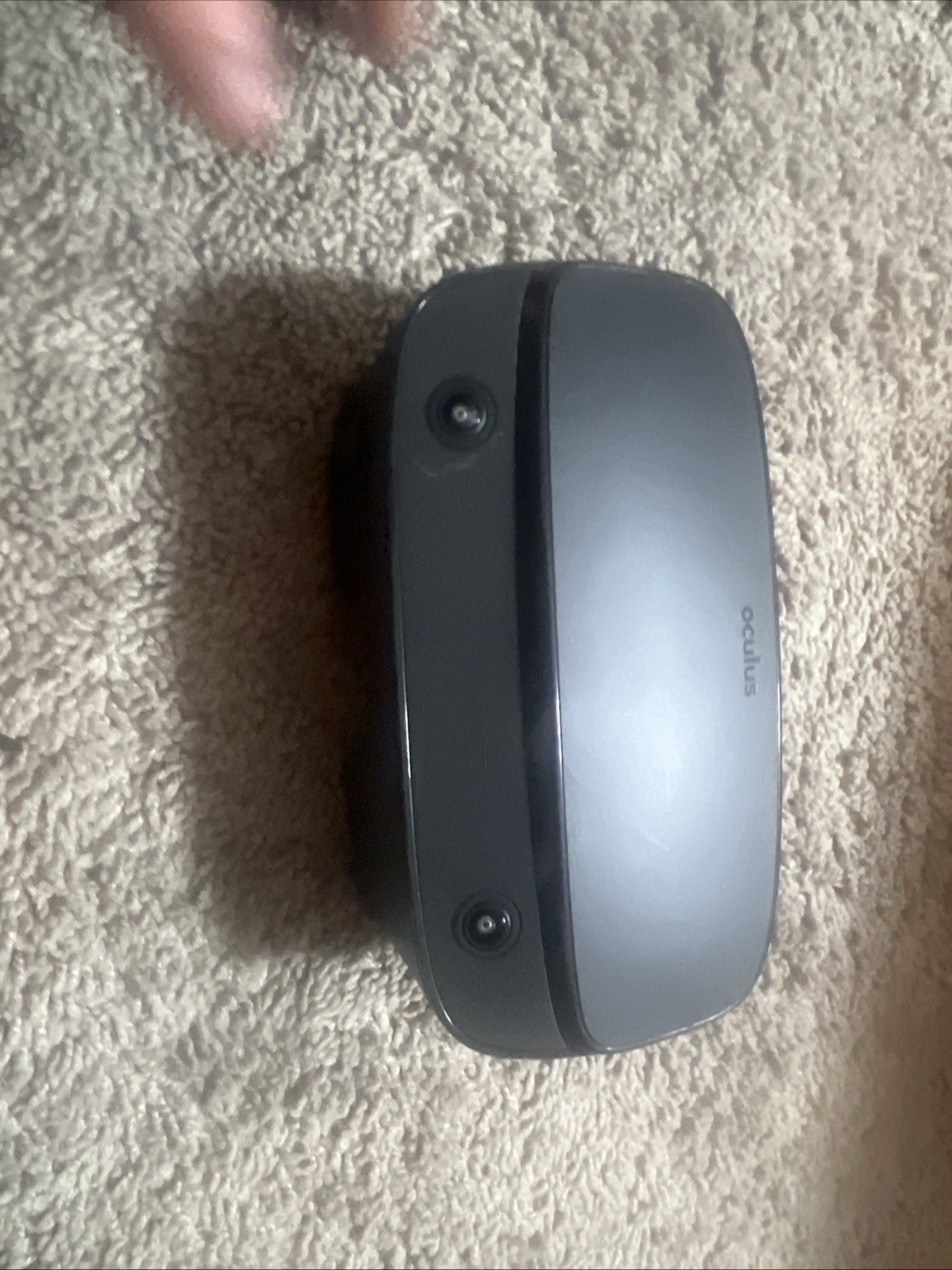 Oculus Rift S PC Powered VR Gaming Headset ONLY$8.99View on eBay
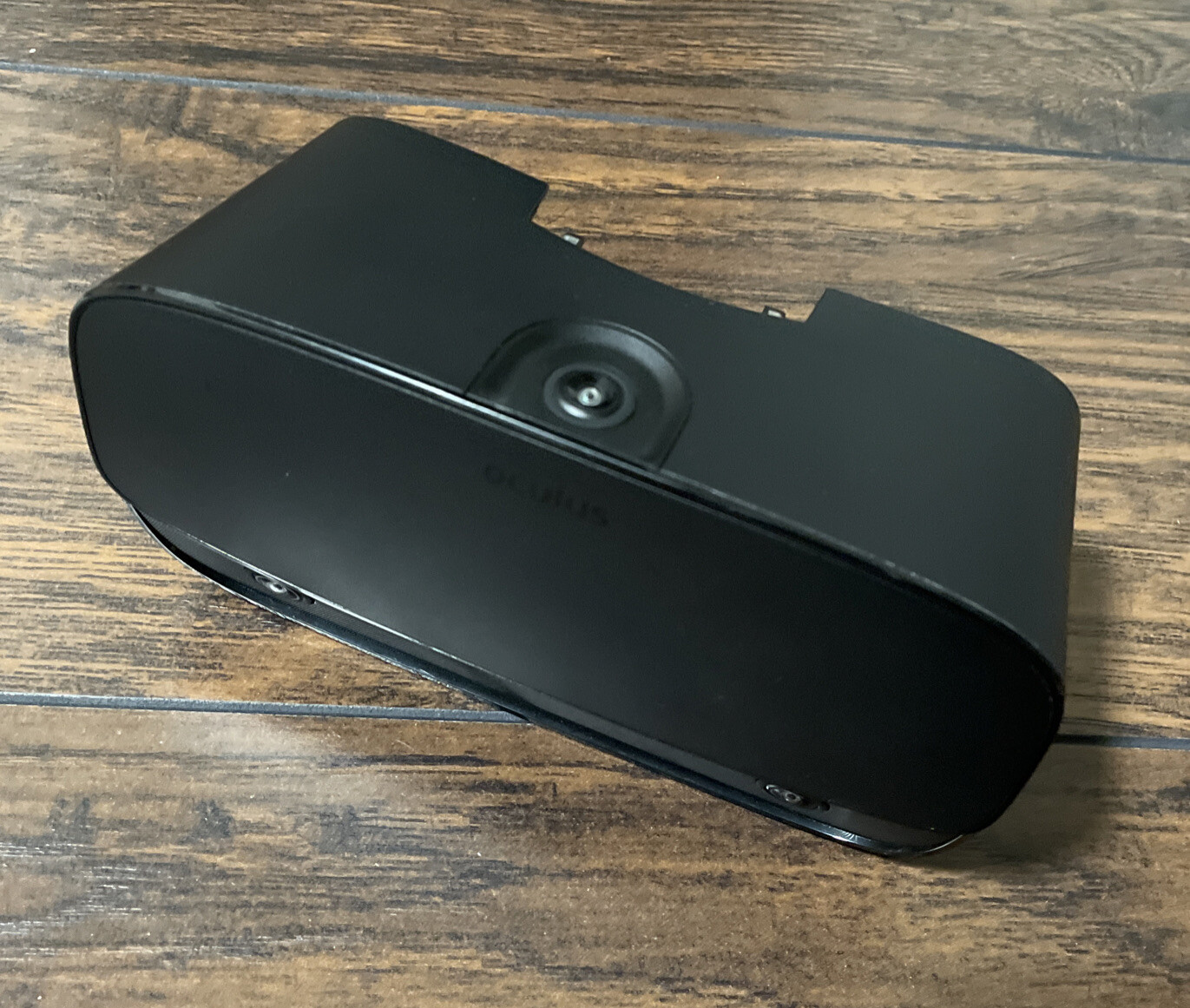 Oculus Rift S PC Powered VR Gaming Headset ONLY$11.95View on eBay
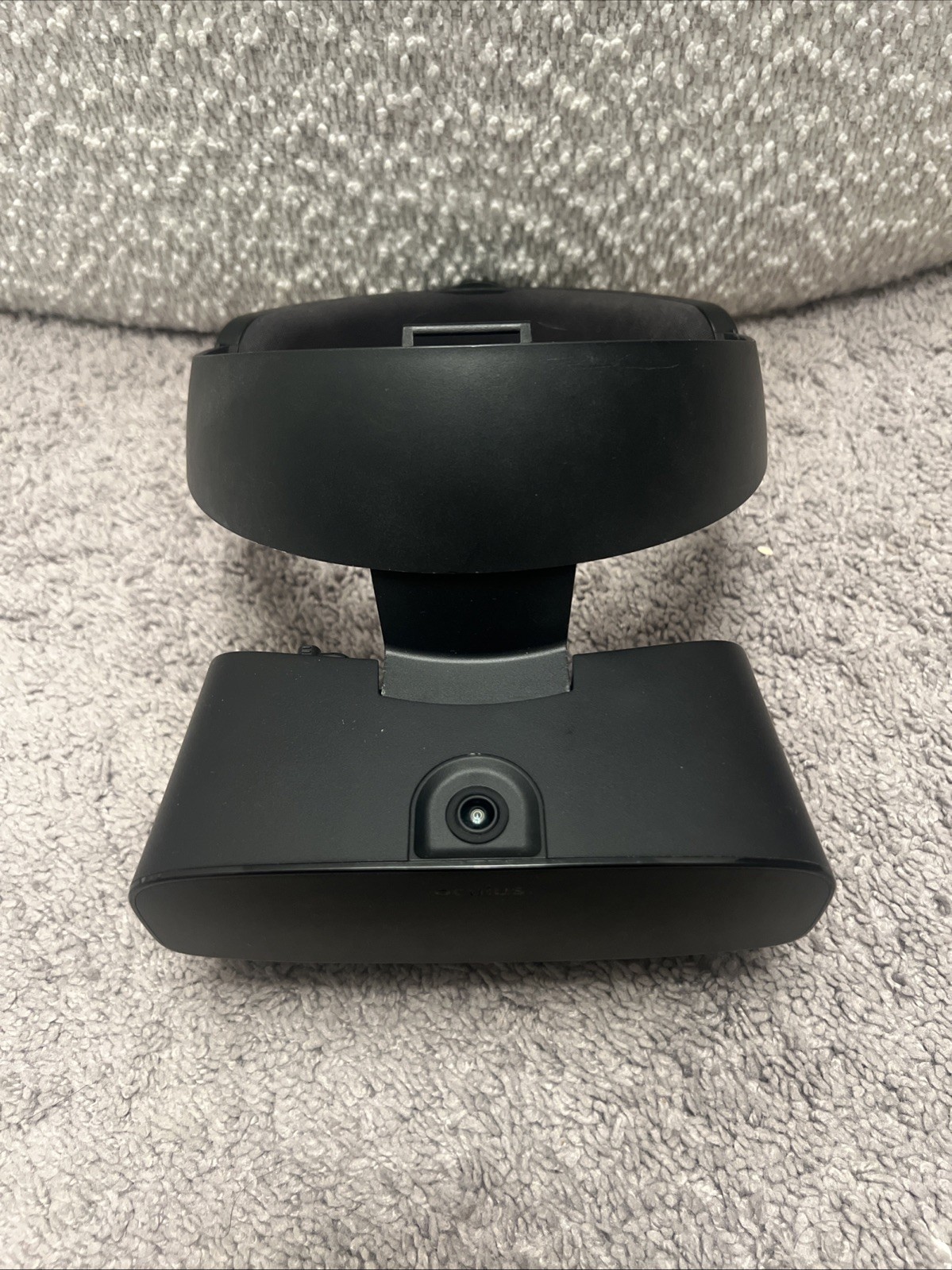 Oculus Rift S PC-Powered VR Gaming Headset ONLY Tested$13.99View on eBay
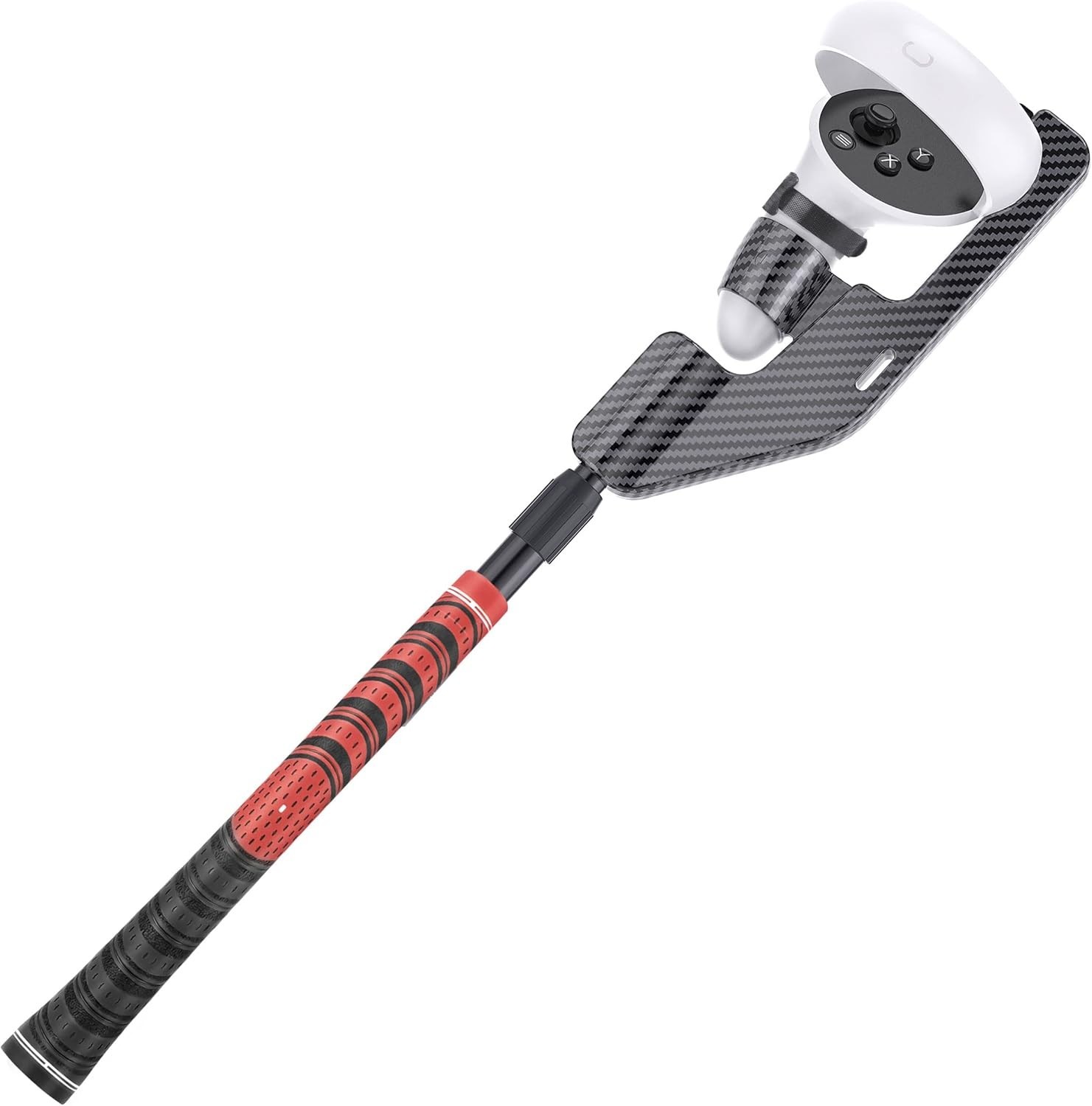 Red VR Golf Club Handle Accessories Carbon Fiber Style Meta Oculus Quest 2$15.00View on eBay
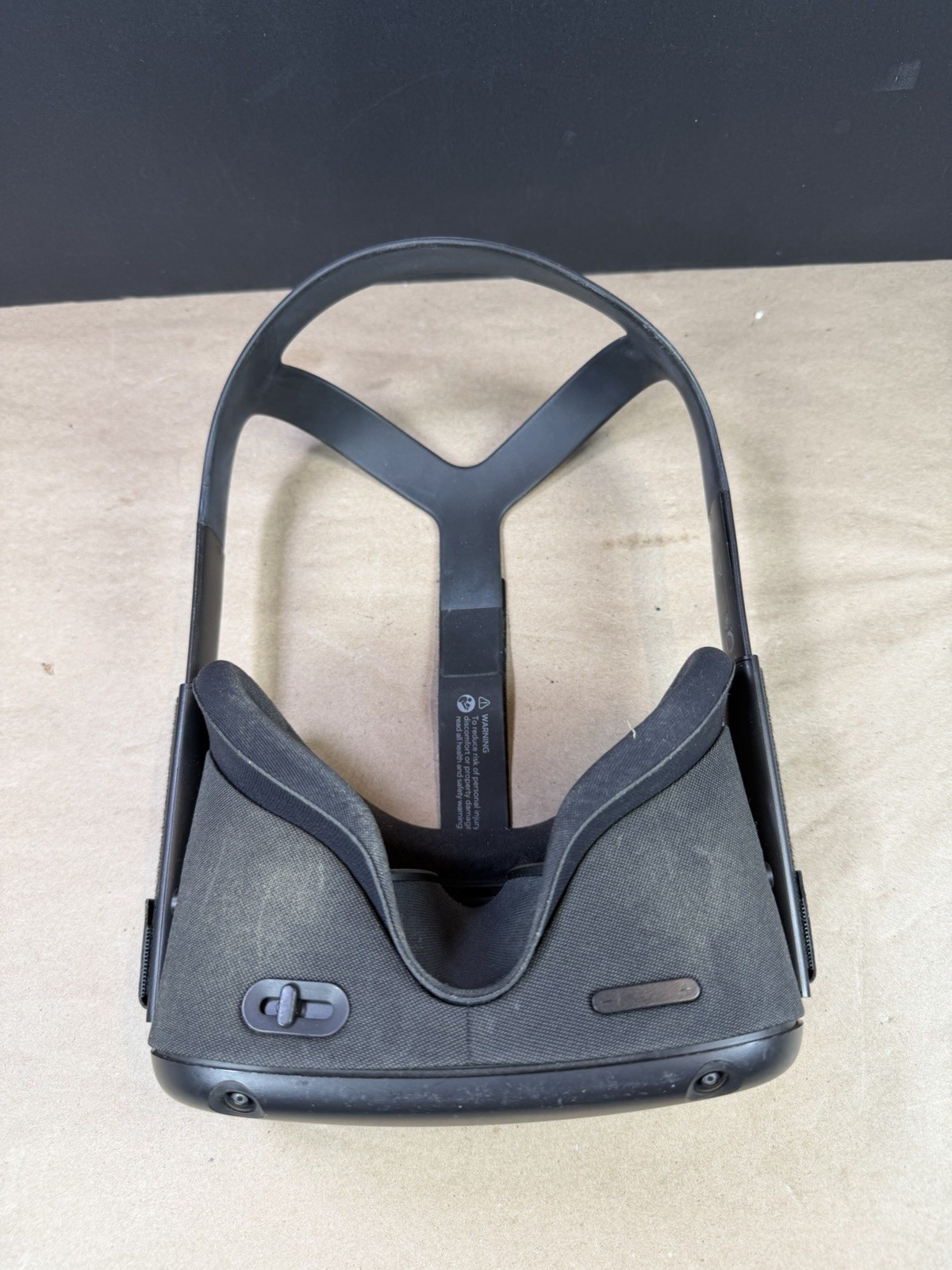 Oculus Quest MH-B Standalone All-In-One VR Gaming Headset Black Built-In Audio$24.27View on eBay
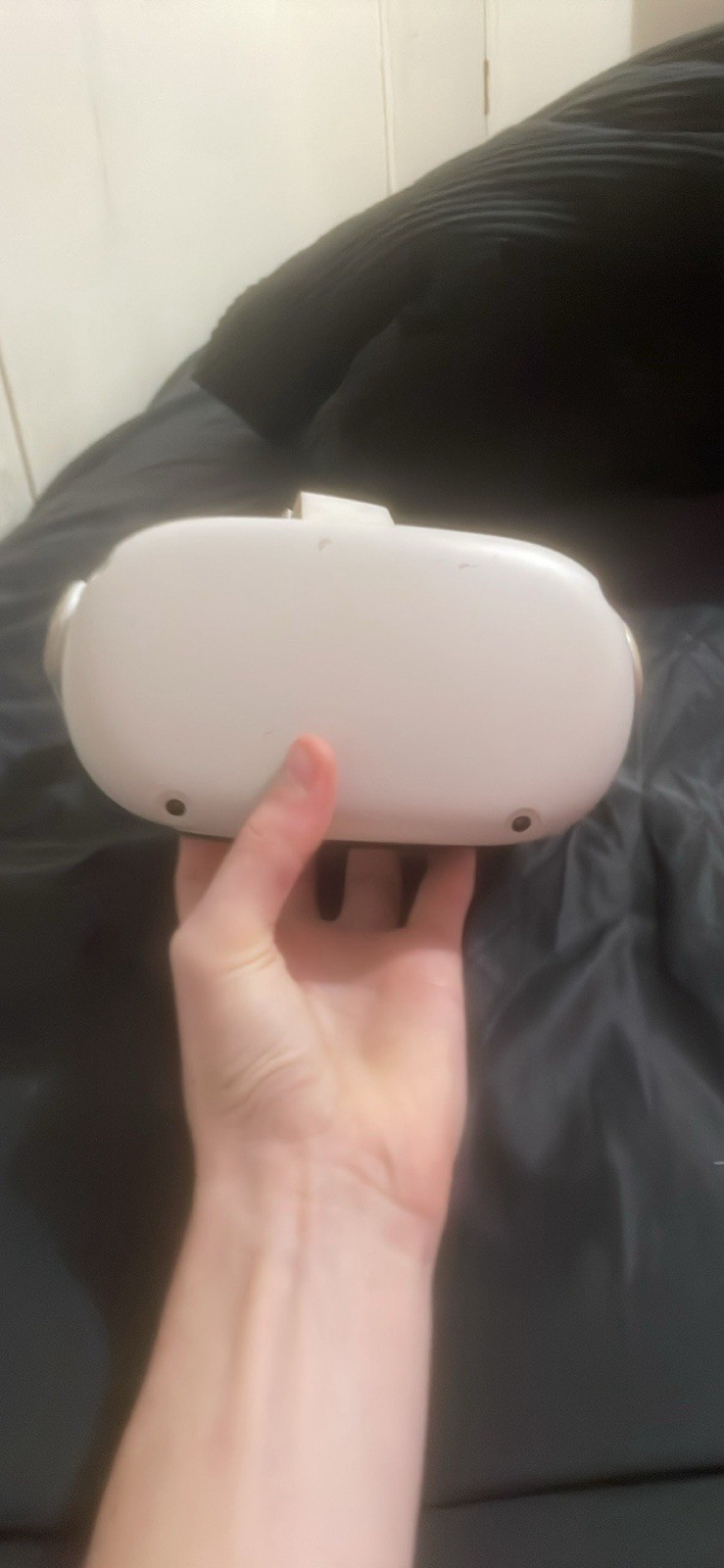 Meta Quest 2 Standalone VR Headset in White, Meta VR Gaming System$25.00View on eBay
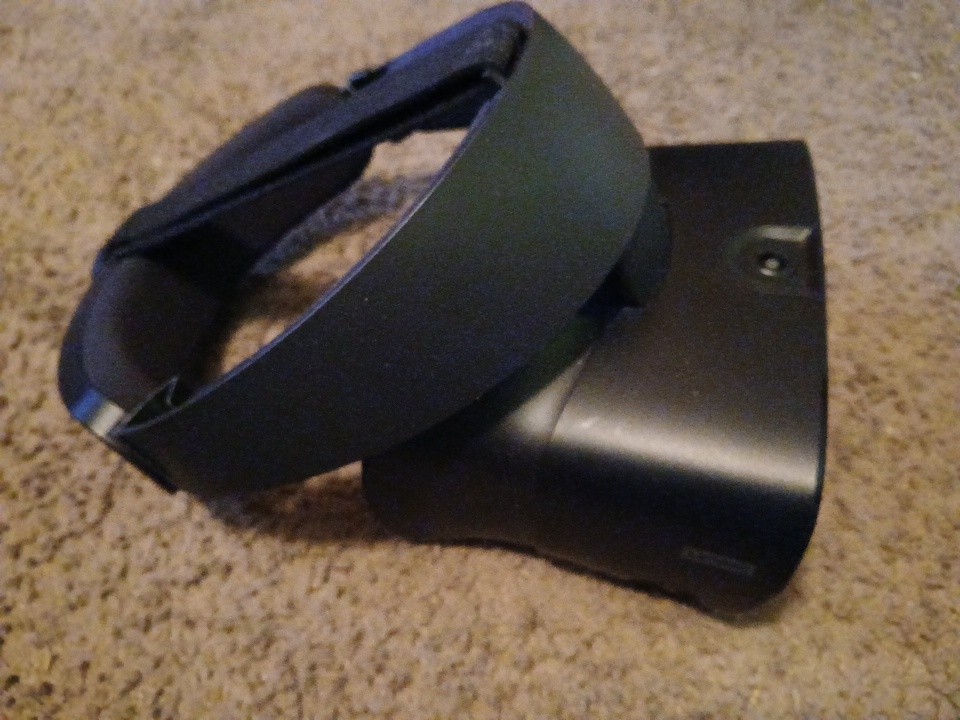 Oculus Rift S PC Powered VR Gaming Headset ONLY - No Controllers or Cables$28.99View on eBay
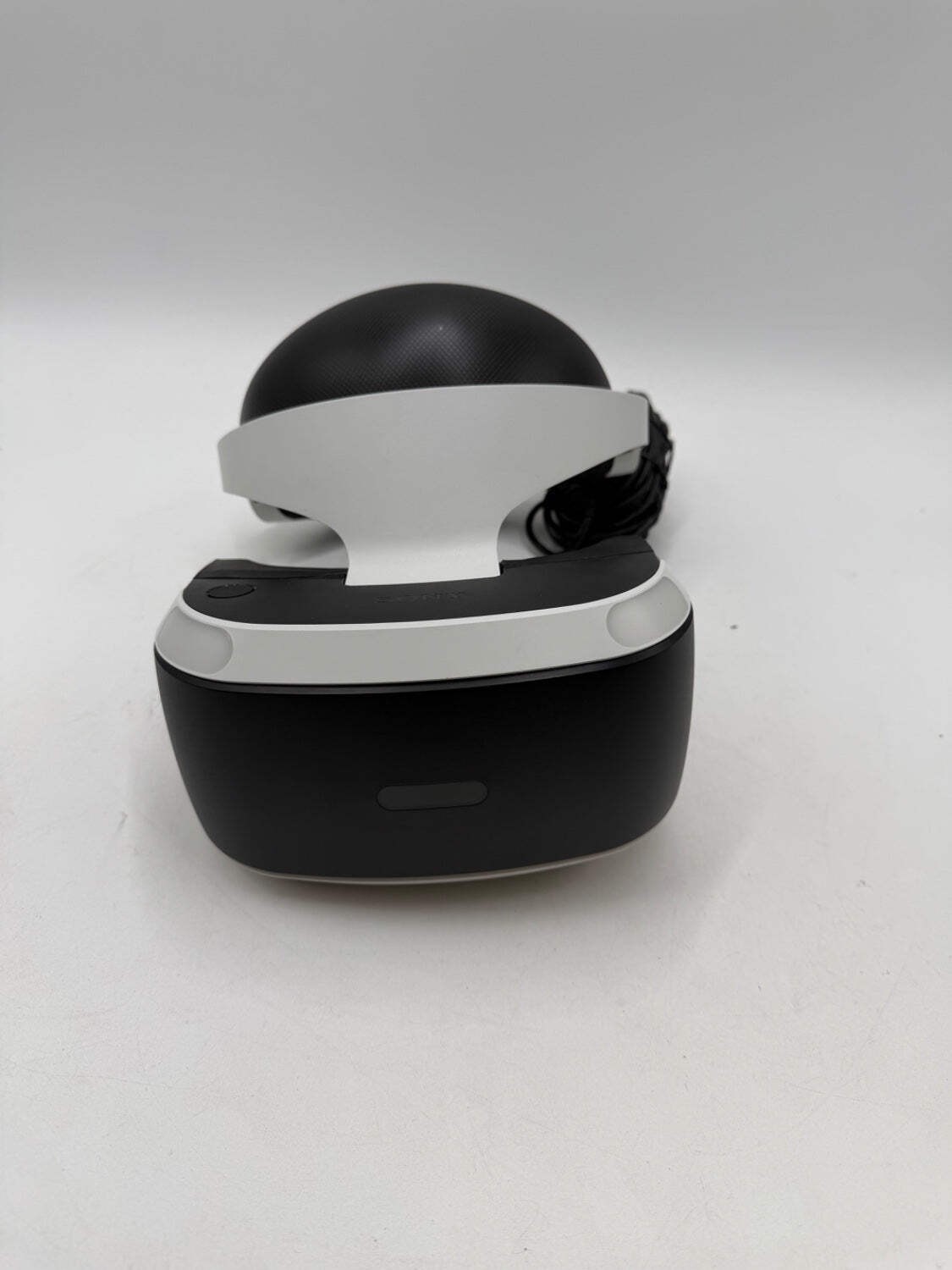 Sony PlayStation VR Virtual Reality VR Headset White CU H-ZVR2$37.99View on eBay
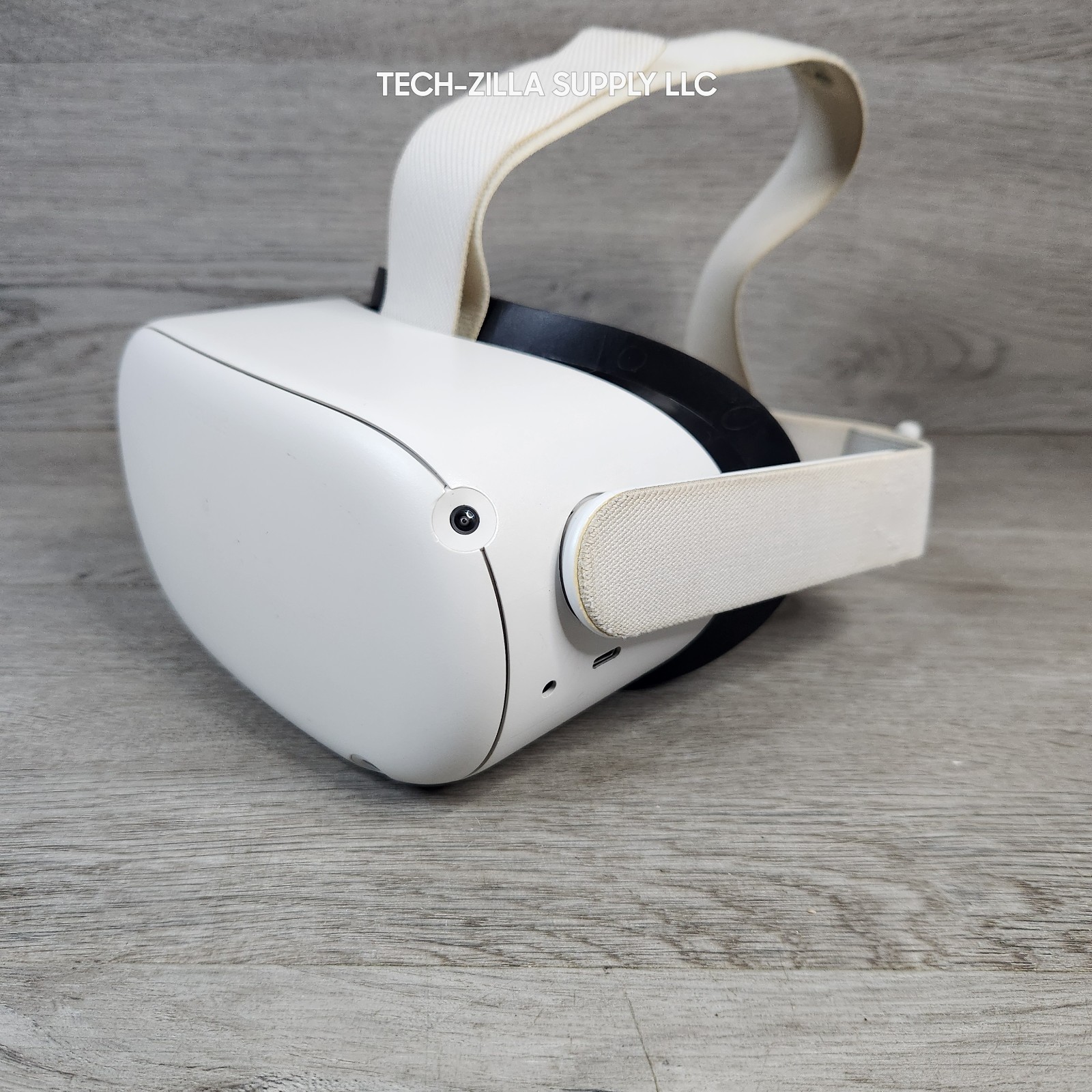 Oculus Meta Quest 2 128GB VR Headset ONLY, Great Condition (No Controllers)$44.95View on eBay
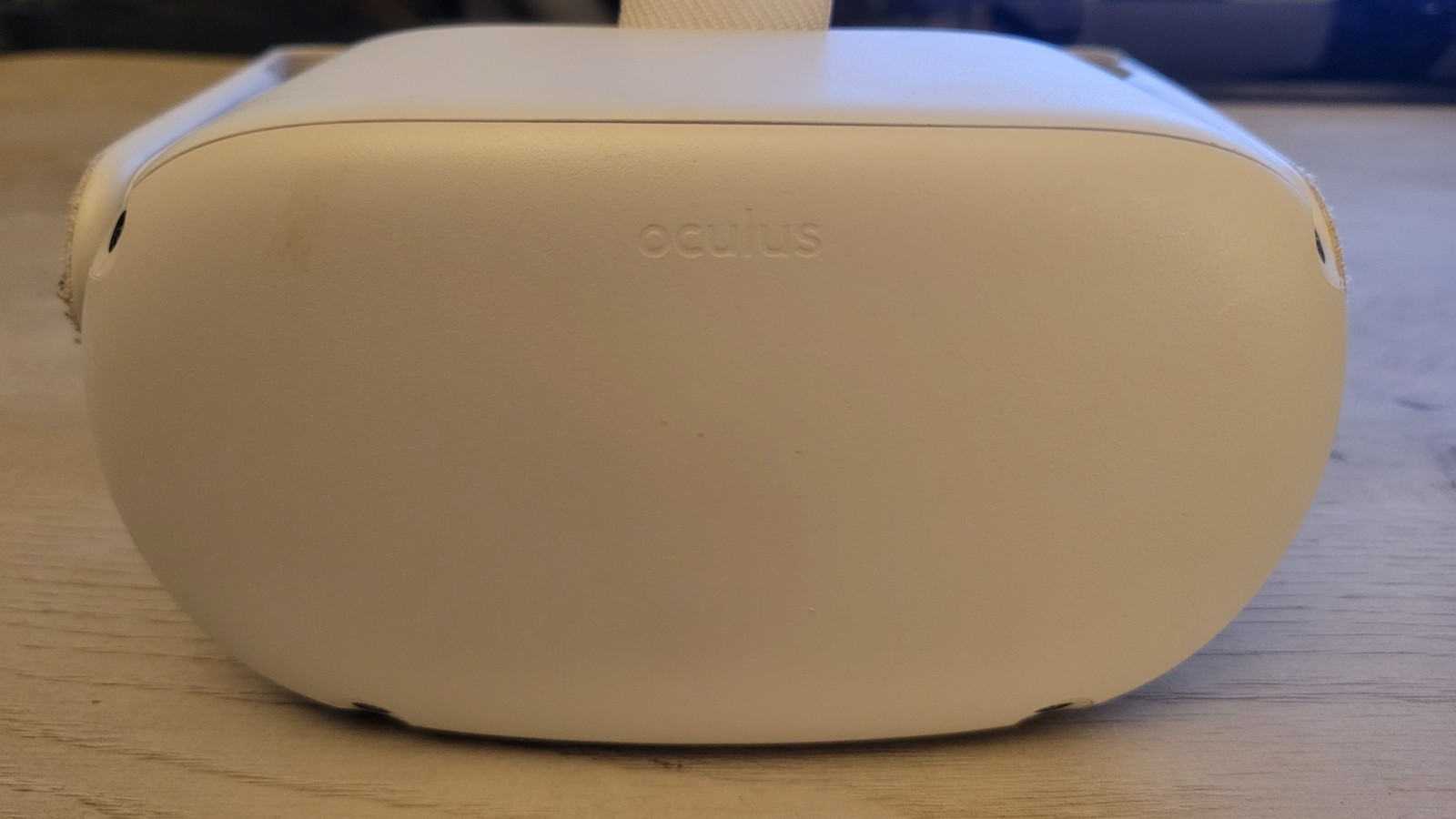 Meta Oculus Quest 2 128GB Standalone VR Headset Only No Controllers Tested$45.00View on eBay
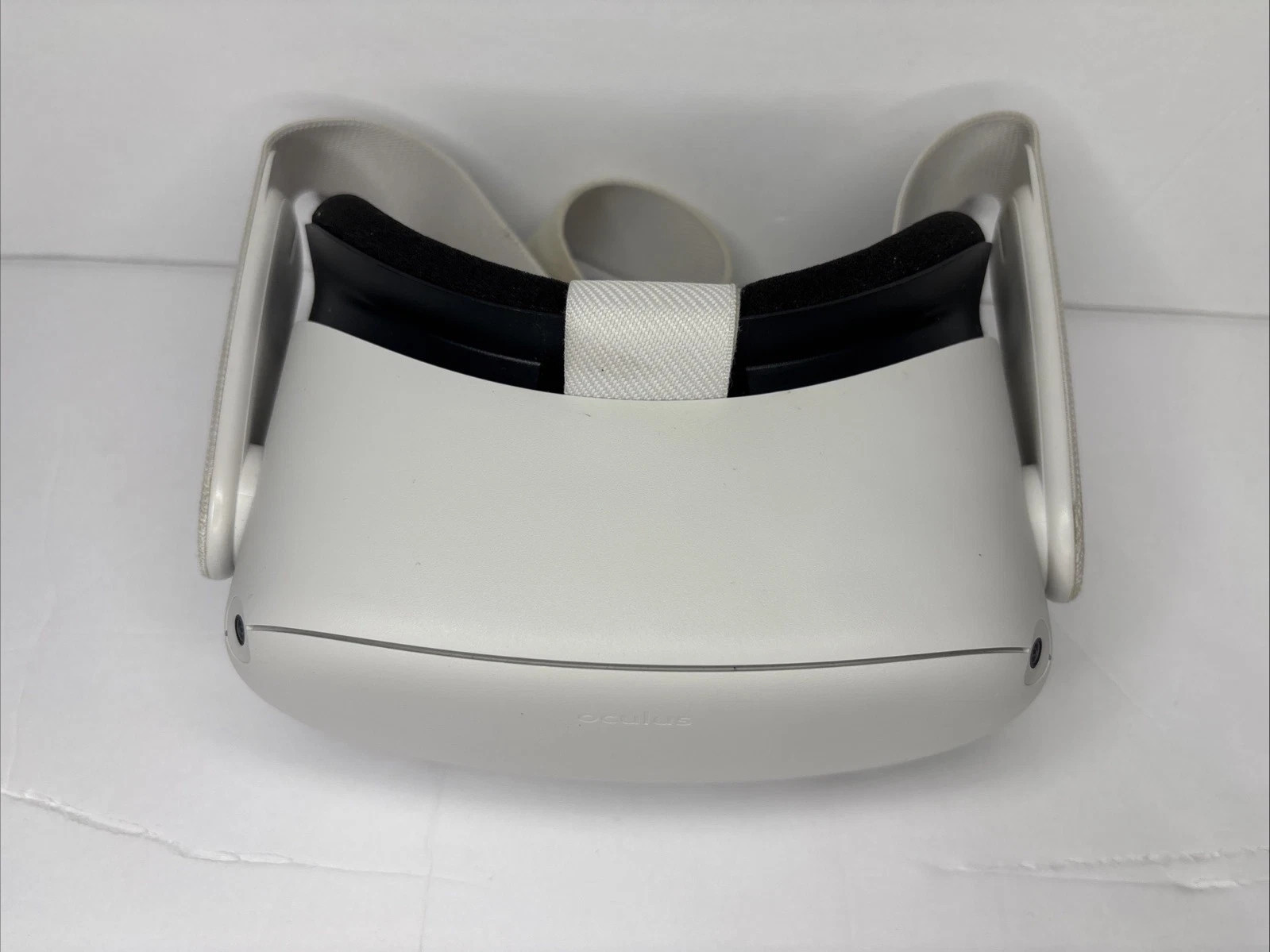 Meta Oculus Quest 2 128GB VR Headset Headset ONLY - No Controllers$45.00View on eBay
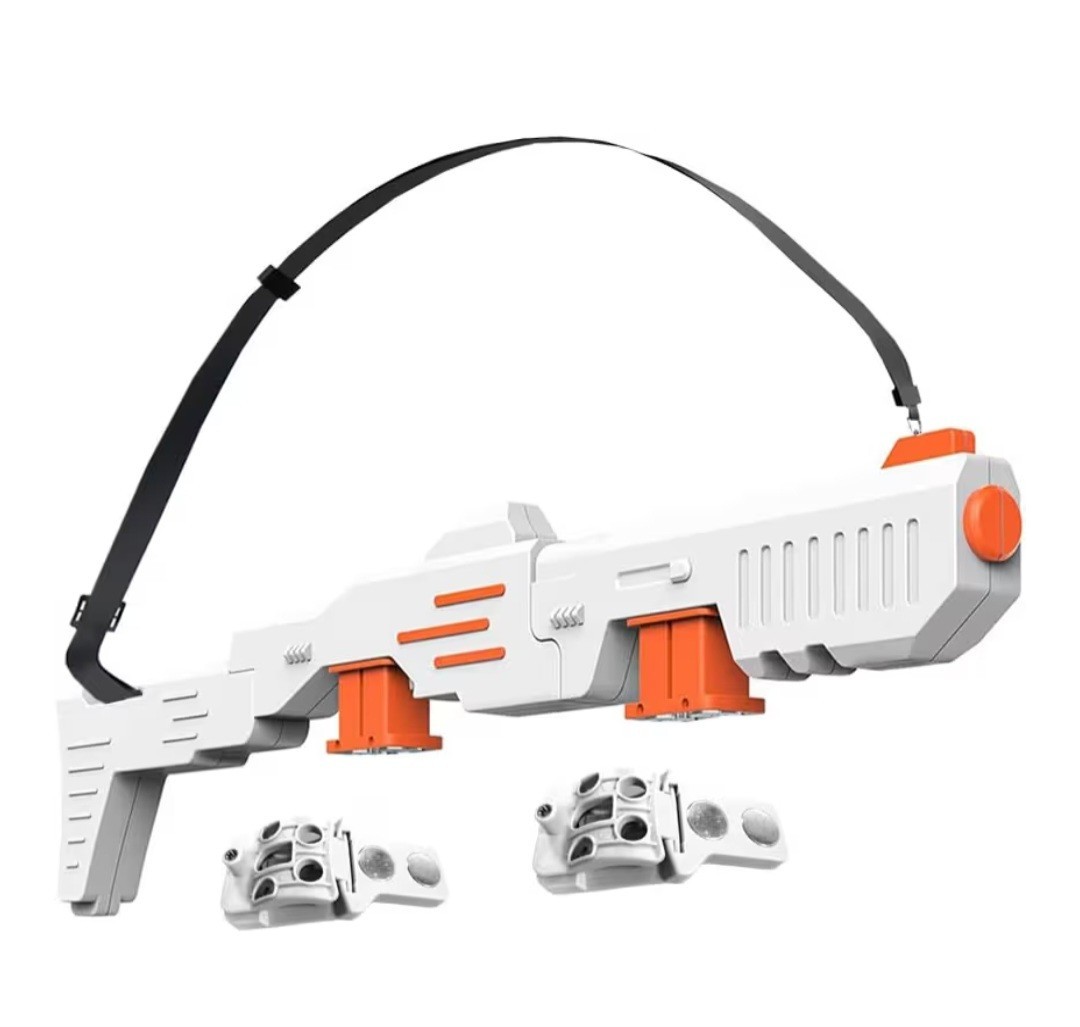 VR Controller Game Accessories Equipment for Oculus Quest 2 VR Game Gun for...$49.99View on eBay
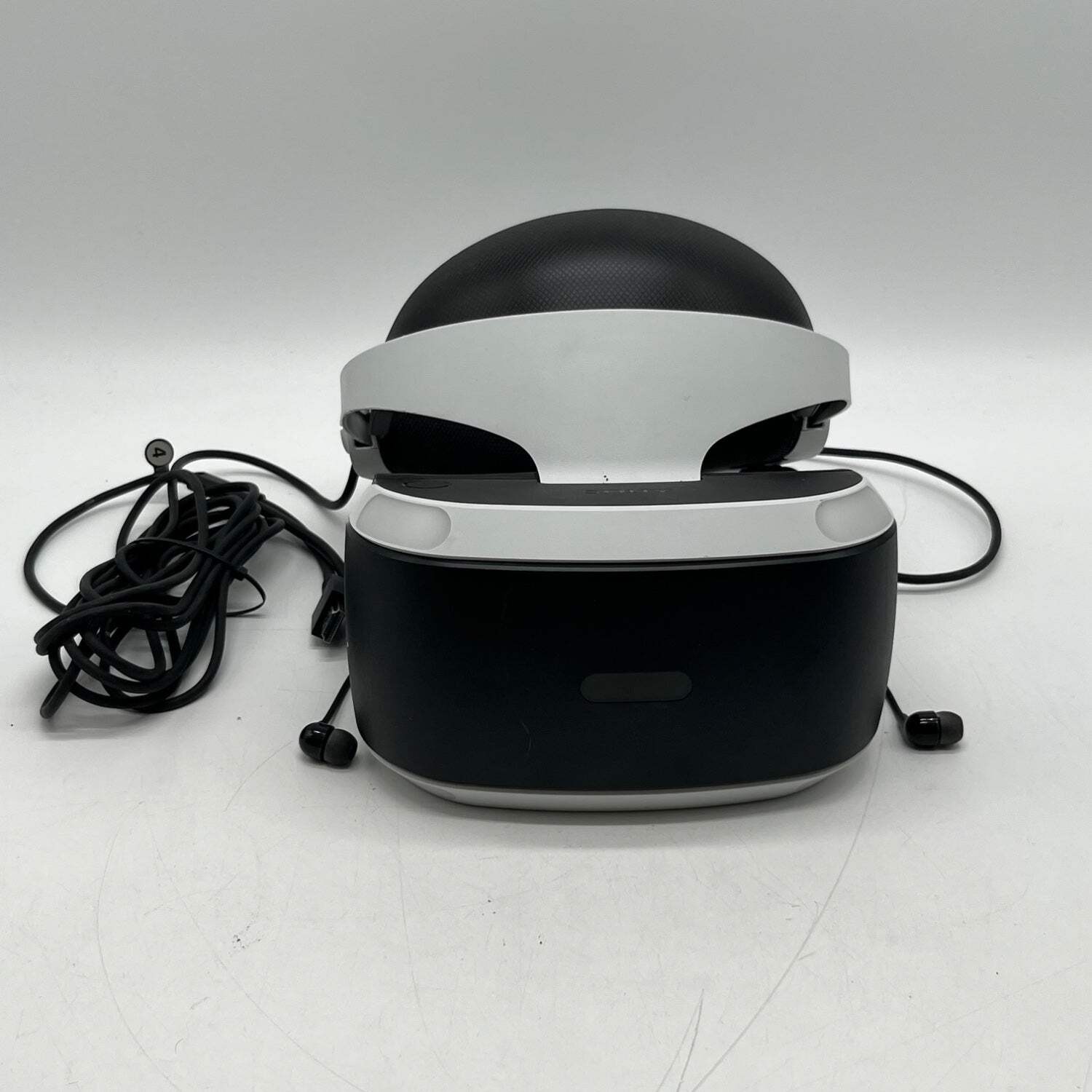 Sony PlayStation 4 PS4 Virtual Reality VR Headset Black CUH-ZVR2$49.99View on eBay
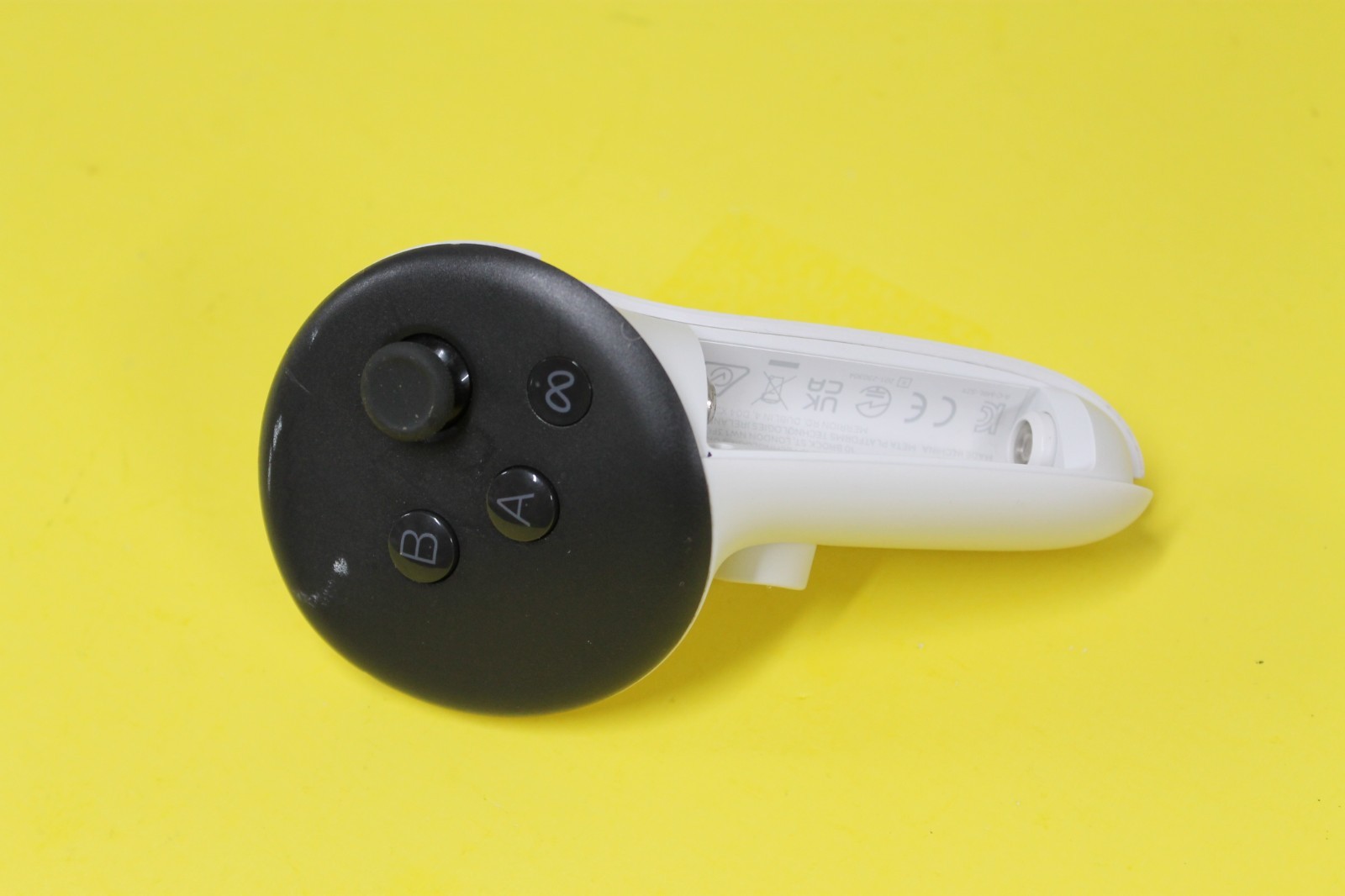 `READ~ Genuine Meta Quest 3 / 3S VR RIGHT Controller ONLY (Right Hand)$56.97View on eBay
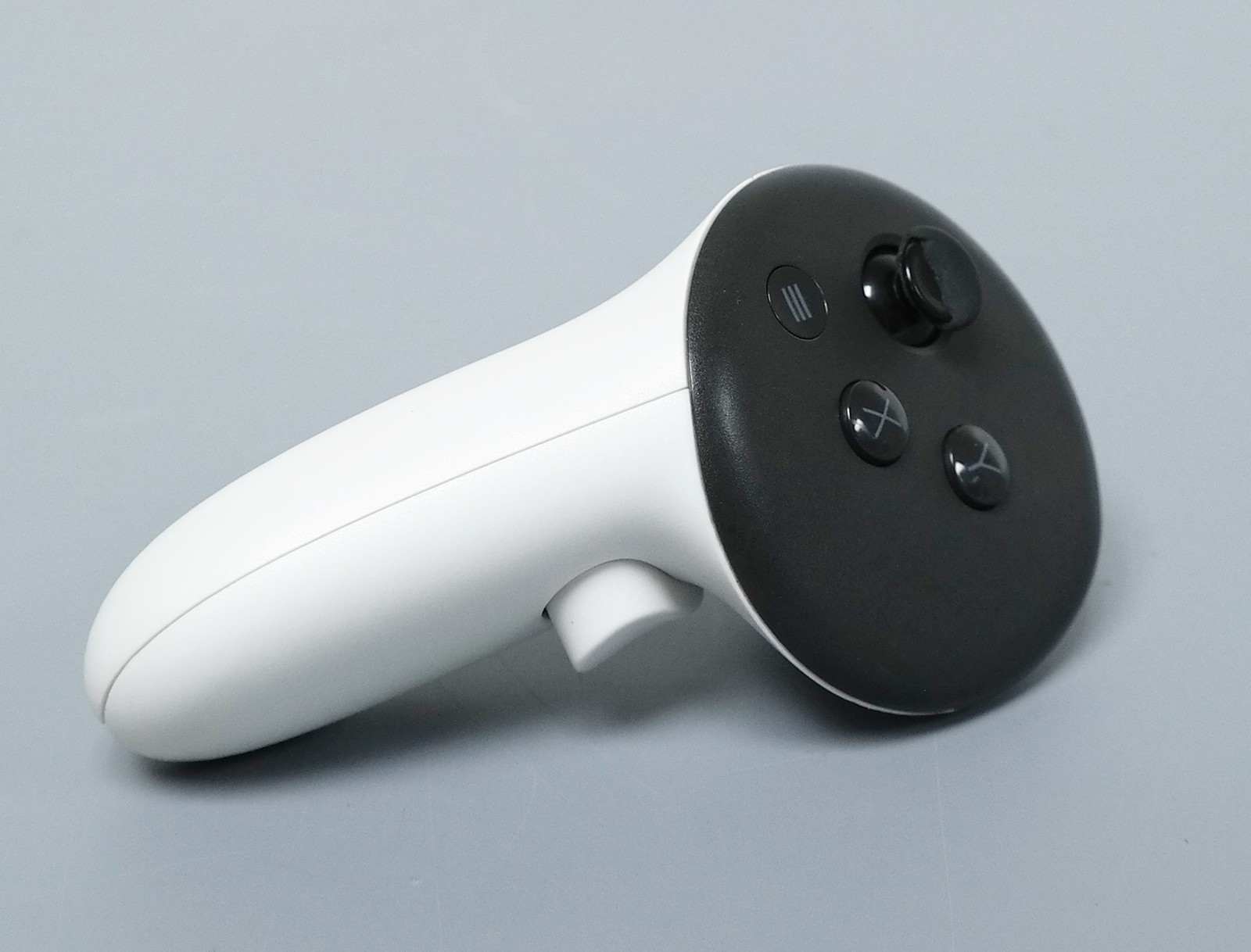 Genuine Meta Quest 3 VR Controller Left V6P$64.99View on eBay
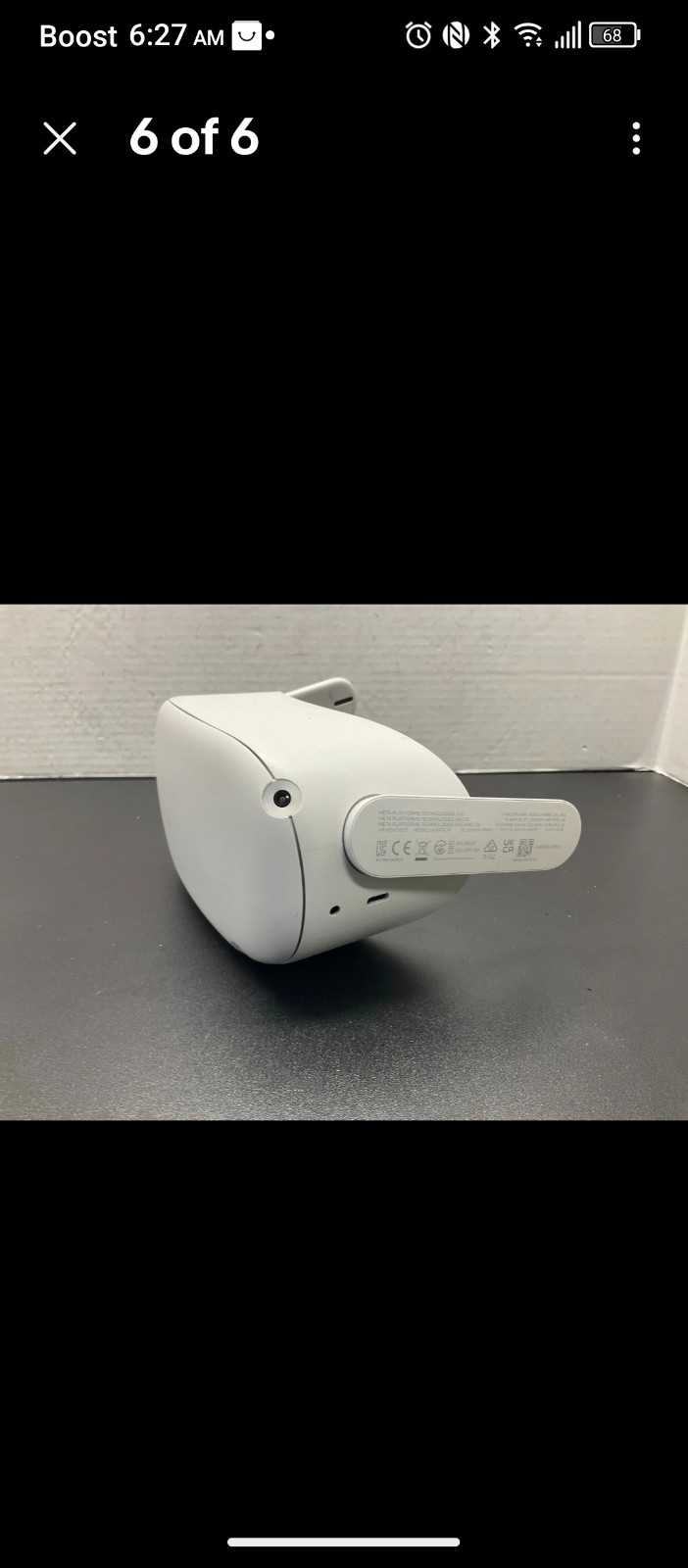 Meta Quest 2 128GB Advanced All-in-One VR Gaming Headset - ( WEAR & TEAR )$65.00View on eBay
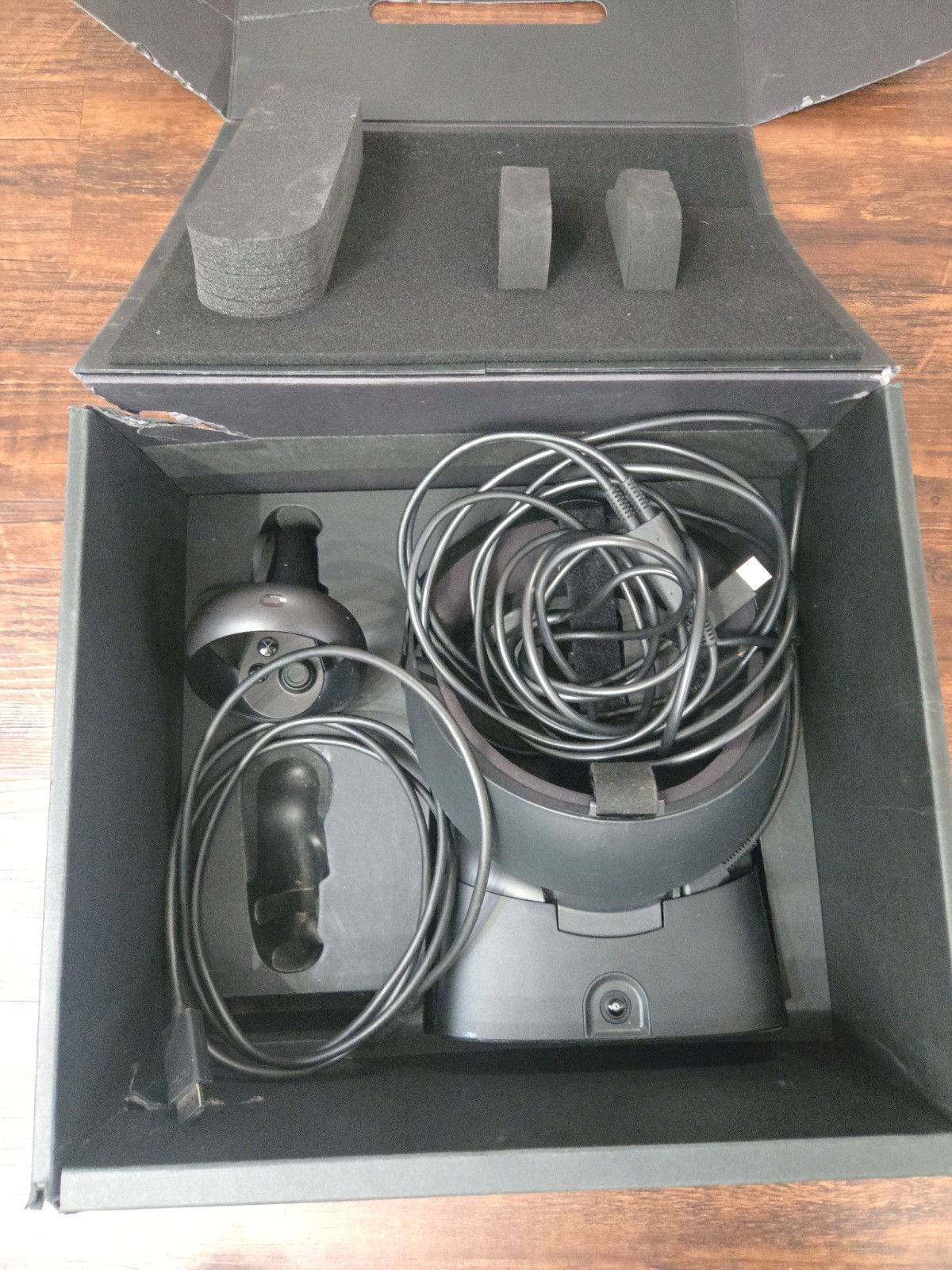 Oculus Rift S PC-Powered VR Gaming Headset - Black *1 Controller Preowned$68.88View on eBay
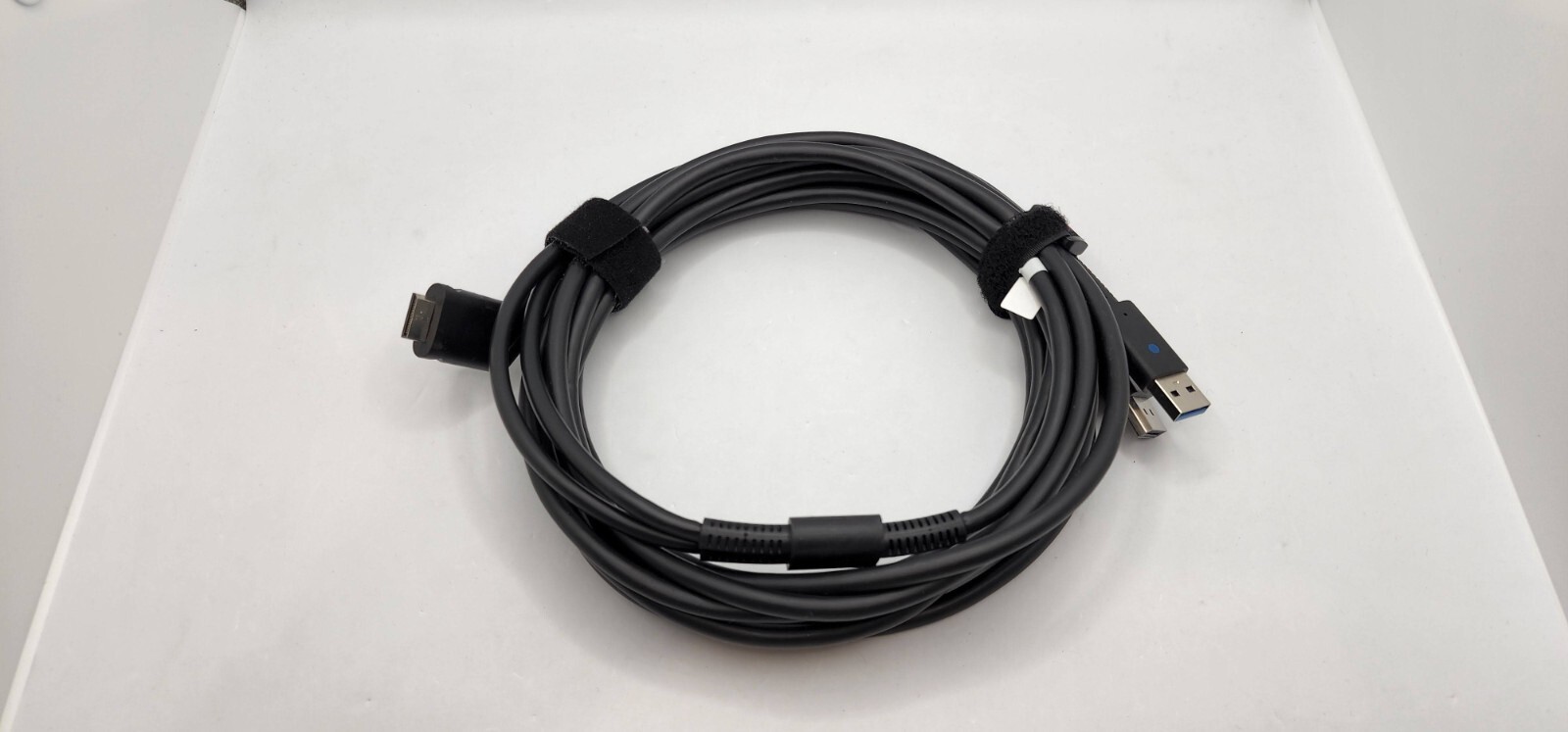 Oculus Rift S PC-Powered VR Gaming Headset Wired CABLE ONLY (Only For Rift S)$69.95View on eBay
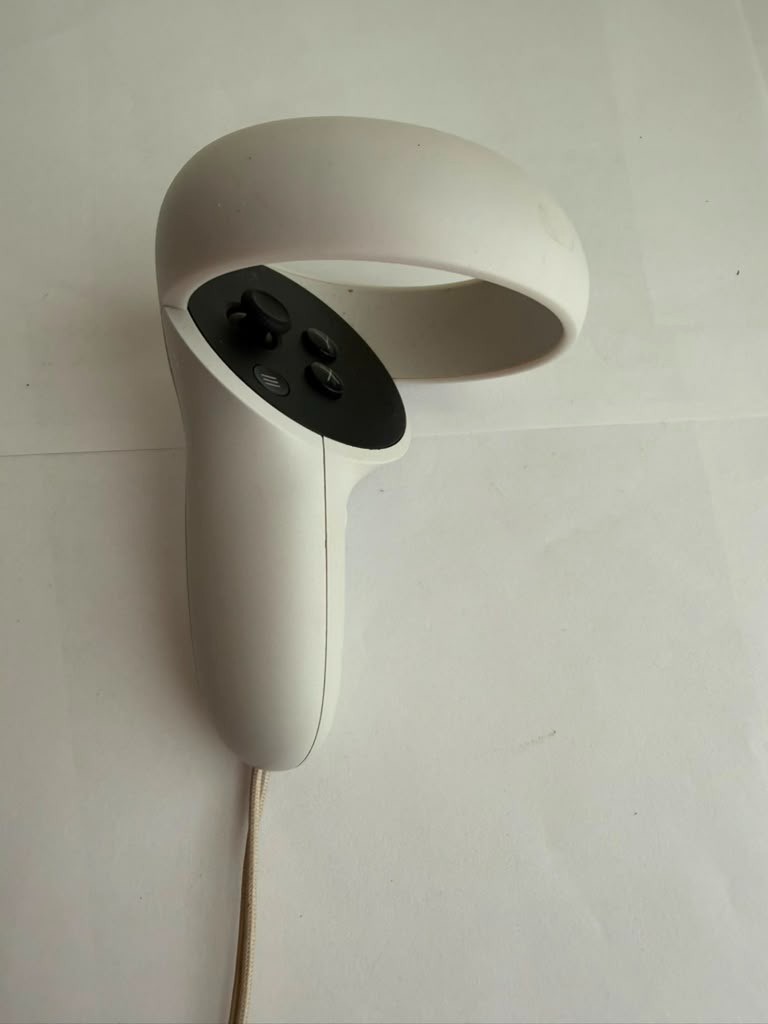 Genuine Meta Oculus Quest 2 VR LEFT Touch Controller ONLY Fully Functional$69.99View on eBay
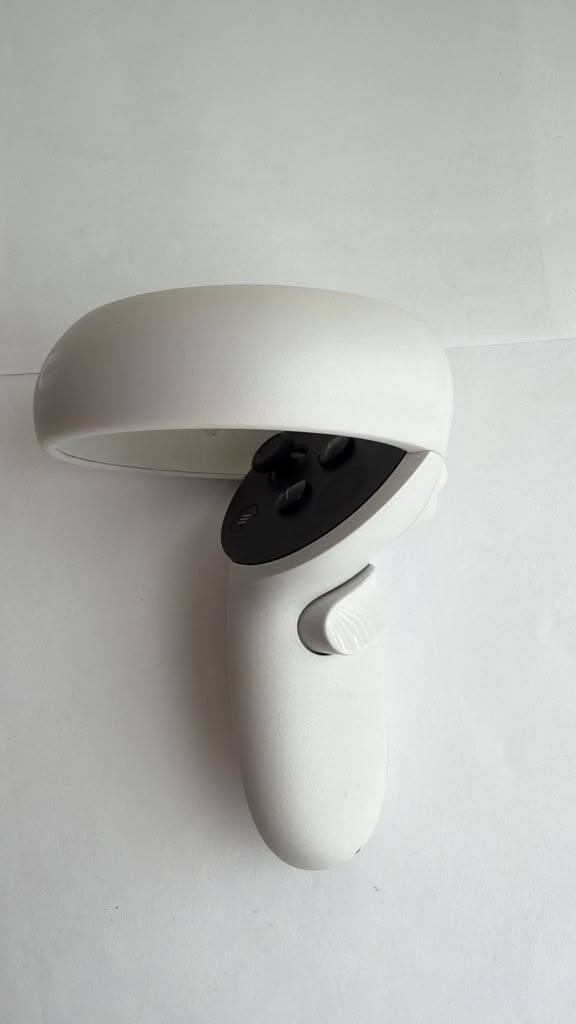 Genuine Original Meta Oculus Quest 2 VR RIGHT Touch Controller Only - Tested$74.99View on eBay
Highlights
- Standalone headsets (Quest 2/3 class) run Android-based XR2 chipsets with 6DoF inside-out tracking and no PC required; PC headsets (Rift S class) need a DisplayPort/GPU tether for rendering.
- Quest 2 uses a single LCD at 1832x1920 per eye and 72/90/120 Hz; Quest 3 doubles to 2064x2208 per eye with pancake lenses for a slimmer, clearer optical stack.
- Rift S relies on five-camera inside-out tracking at 80 Hz and a halo strap; it has no standalone mode and is discontinued, so support and replacement parts are eBay-only.
- Elite-style rigid straps add a rear counterweight and dial tension; silicone facial covers protect against sweat but OEM foam interfaces breathe better for long sessions.
Best use cases
- Pick a standalone Quest-class headset if you have no gaming PC and want room-scale play anywhere—skip PC-tethered headsets entirely.
- Pick a PC-powered headset only if you already own a VR-ready GPU with DisplayPort output and want seated sim racing or flight sims.
- Add a rigid elite-style strap and washable silicone facial cover for shared or sweaty sessions; skip decorative golf-club handles unless you specifically play VR golf.
- Skip discontinued Rift S units for a first headset unless budget is the hard constraint and you accept no official support or replacement cables.
Buying tips
- Confirm your GPU meets VR-ready thresholds (GTX 1060/RX 580 class minimum for PC VR) before buying any tethered headset.
- Match accessory compatibility exactly: Quest 2 straps do not fit Quest 3, and Quest 3S uses the Quest 3 strap mount, not the Quest 2 mount.
- Choose 64/128GB-class standalone storage for app installs; cloud streaming offsets capacity but local installs still need headroom.
- Buy silicone facial covers for hygiene and sweat protection, but keep the OEM foam interface for breathability during long sessions.
Specs
| Headset Type | Standalone vs PC-tethered |
|---|---|
| Tracking | 6DoF inside-out (no base stations) |
| Refresh Rate | 72-120 Hz LCD / pancake optics |
| Accessory Mount | Generation-specific (Quest 2 vs 3/3S) |
Related searches
What to check before buying
- Measure your play space: standalone 6DoF tracking needs roughly 2m x 2m of clear floor for room-scale titles.
- Verify PC VR readiness: DisplayPort output, VR-ready GPU, and USB 3.0 ports for tethered headsets.
- Check your IPD: Quest 2 offers three lens spacing settings; headsets without IPD adjustment can cause eye strain.
- Confirm accessory mount generation—Quest 2 vs Quest 3/3S straps and facial interfaces are not cross-compatible.
FAQ
Data sources: eBay / Amazon listings and product attribute feeds. Updated Nov 29, 2026.
Some links on this page are affiliate links. If you buy after clicking one, we may earn a commission at no extra cost to you. This does not change which products appear here or their order. Affiliate disclosure.