
Photos from current listings. Actual item, color, and included accessories may vary.
VR Virtual Reality Headset Buying Guide
A VR virtual reality headset is a stereoscopic display plus motion-tracking system that either stands alone (mobile-class SoC) or tethers to a console or PC. The core trade-off is tracking architecture — inside-out camera SLAM versus external base stations or console cameras — which dictates room setup, cable clutter, and game compatibility more than resolution does. Buy by platform generation and tracking system first; treat resolution and refresh as tie-breakers, not the decision.
Median $149.99 · New & pre-owned listings
Key takeaways
- Standalone headsets (Meta Quest 2/3 class) run inside-out camera tracking with no PC or console required; tethered console headsets (PSVR, PSVR2) depend on the host console's camera or base-station tracking.
- PSVR CUH-ZVR2 adds in-line earbud storage and HDR pass-through versus the original CUH-ZVR1, which lacks HDR passthrough — a real difference when routing a 4K HDR TV signal through the processor unit.
- PSVR2 (CFI-ZVR) uses inside-out camera tracking with eye tracking and headset haptics, dropping the external PlayStation Camera required by PSVR1 — the two are not cross-compatible.
At a glance
- Category
- VR Gaming Hardware & Accessories
- Last updated
- Nov 28, 2026
Current offers
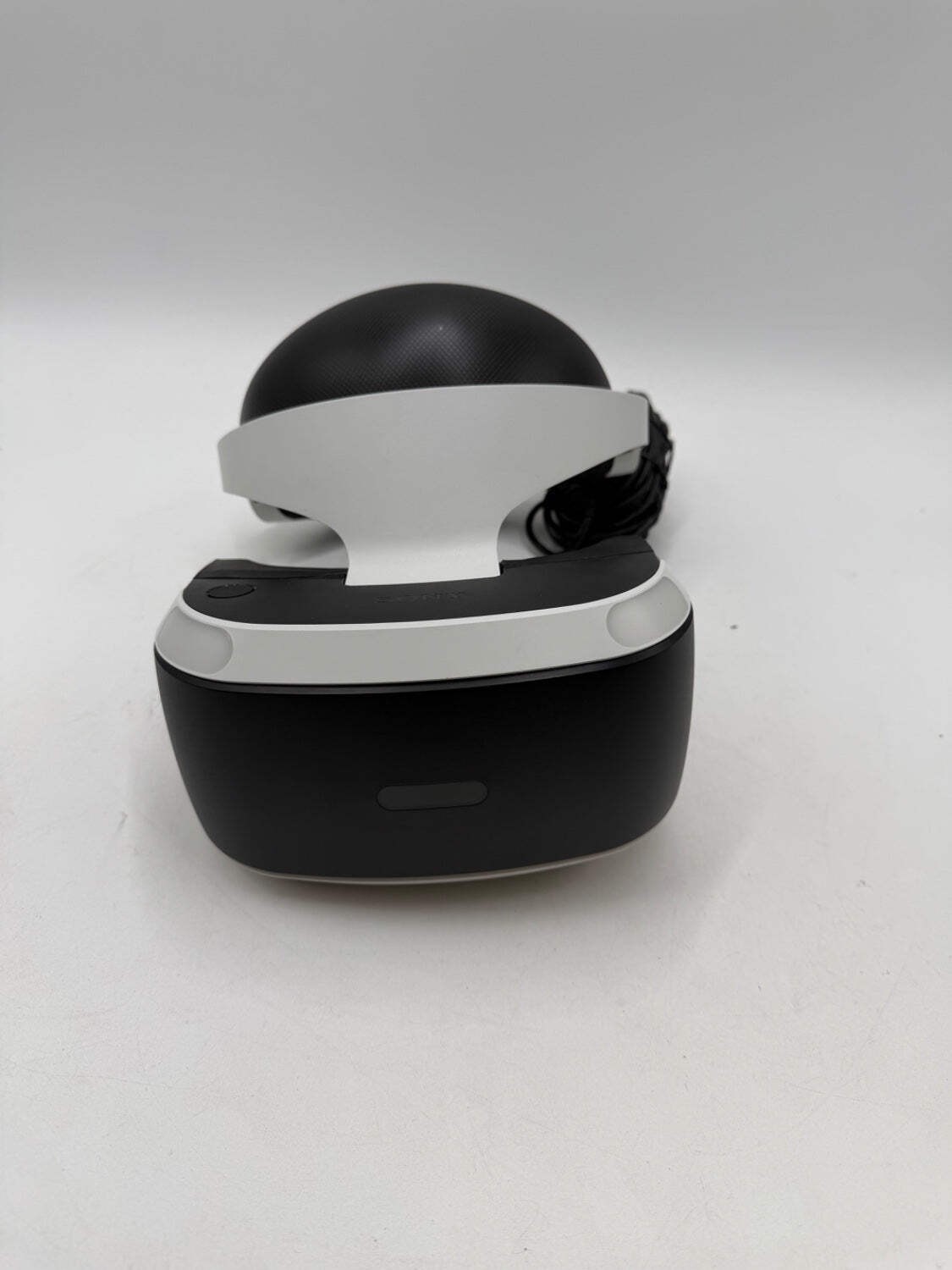 Sony PlayStation VR Virtual Reality VR Headset White CU H-ZVR2$37.99View on eBay
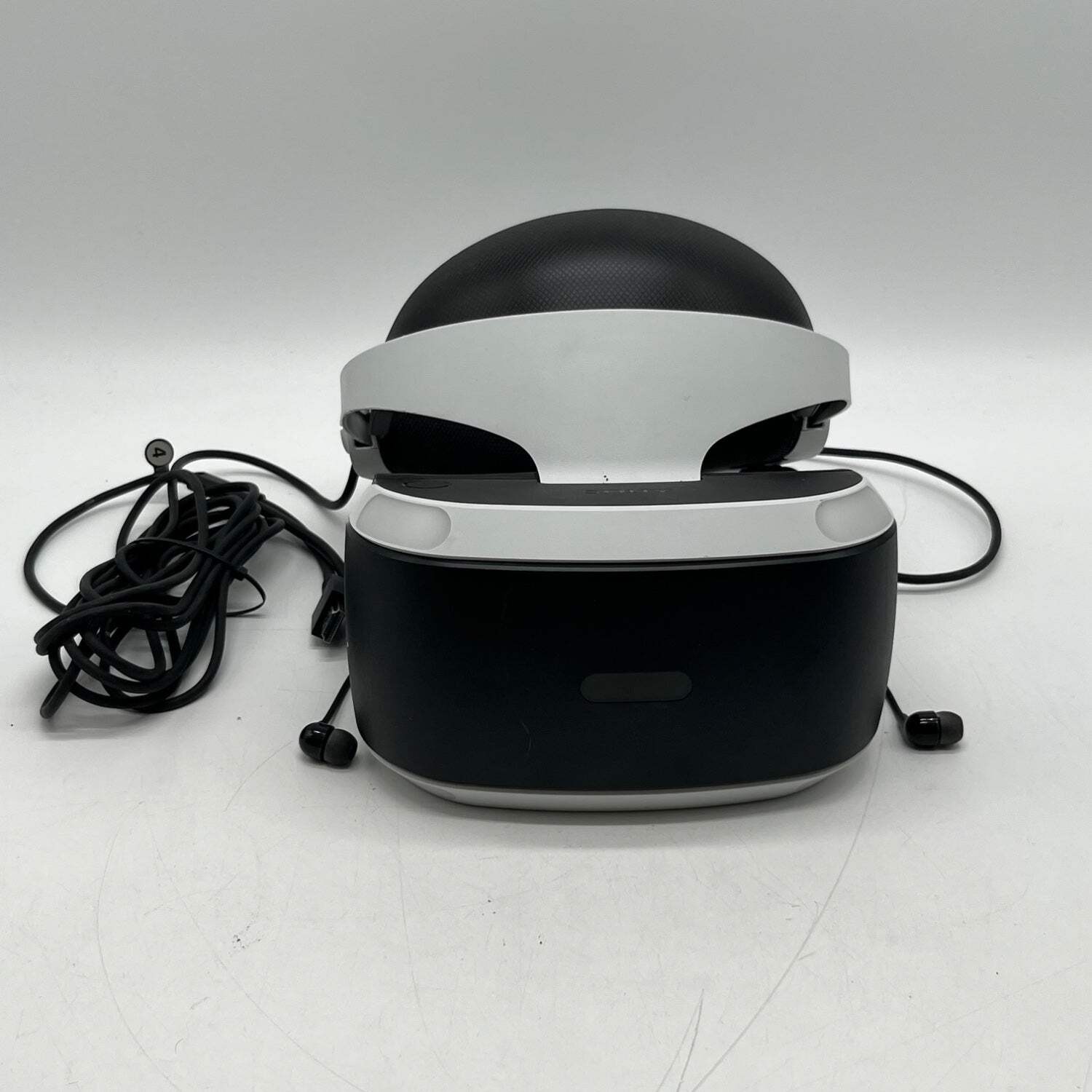 Sony PlayStation 4 PS4 Virtual Reality VR Headset Black CUH-ZVR2$49.99View on eBay
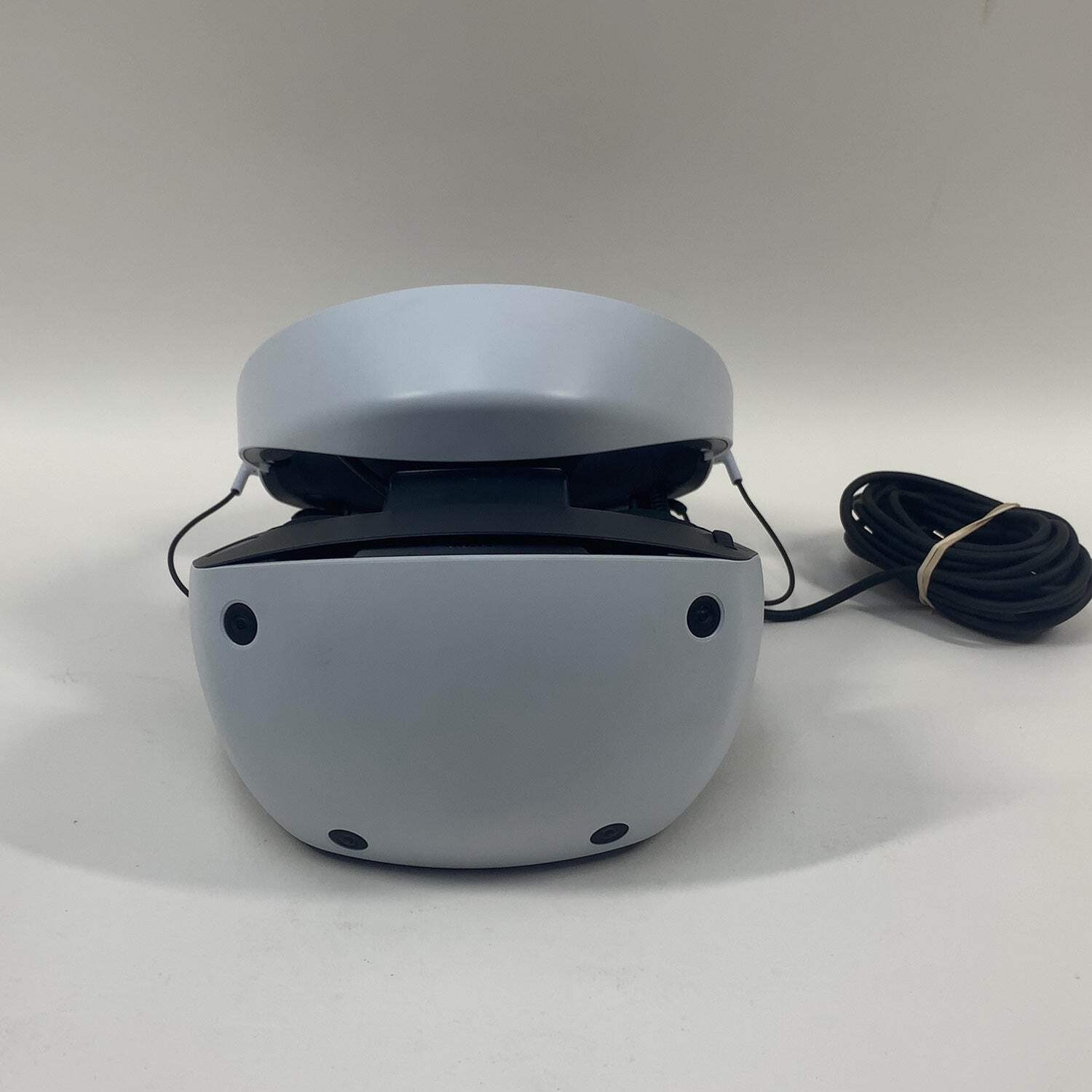 Sony PlayStation 5 PS5 Virtual Reality VR Headset White CFI-ZVR$149.99View on eBay
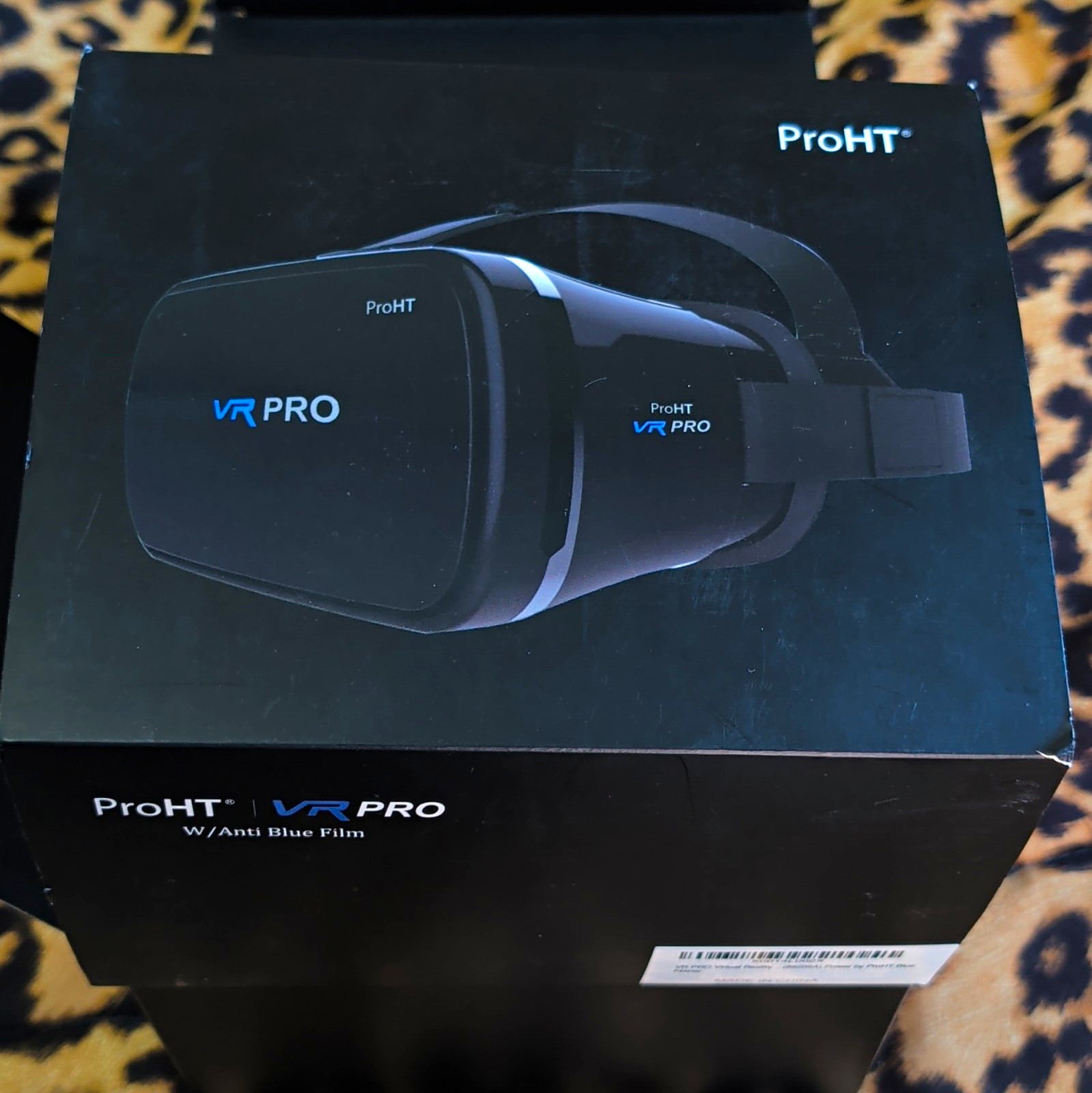 ProHT VR PRO Standalone Virtual Reality Headset, Black, MPN X0014L002X$250.00Open box · Last checked Nov 22, 2026View on eBay
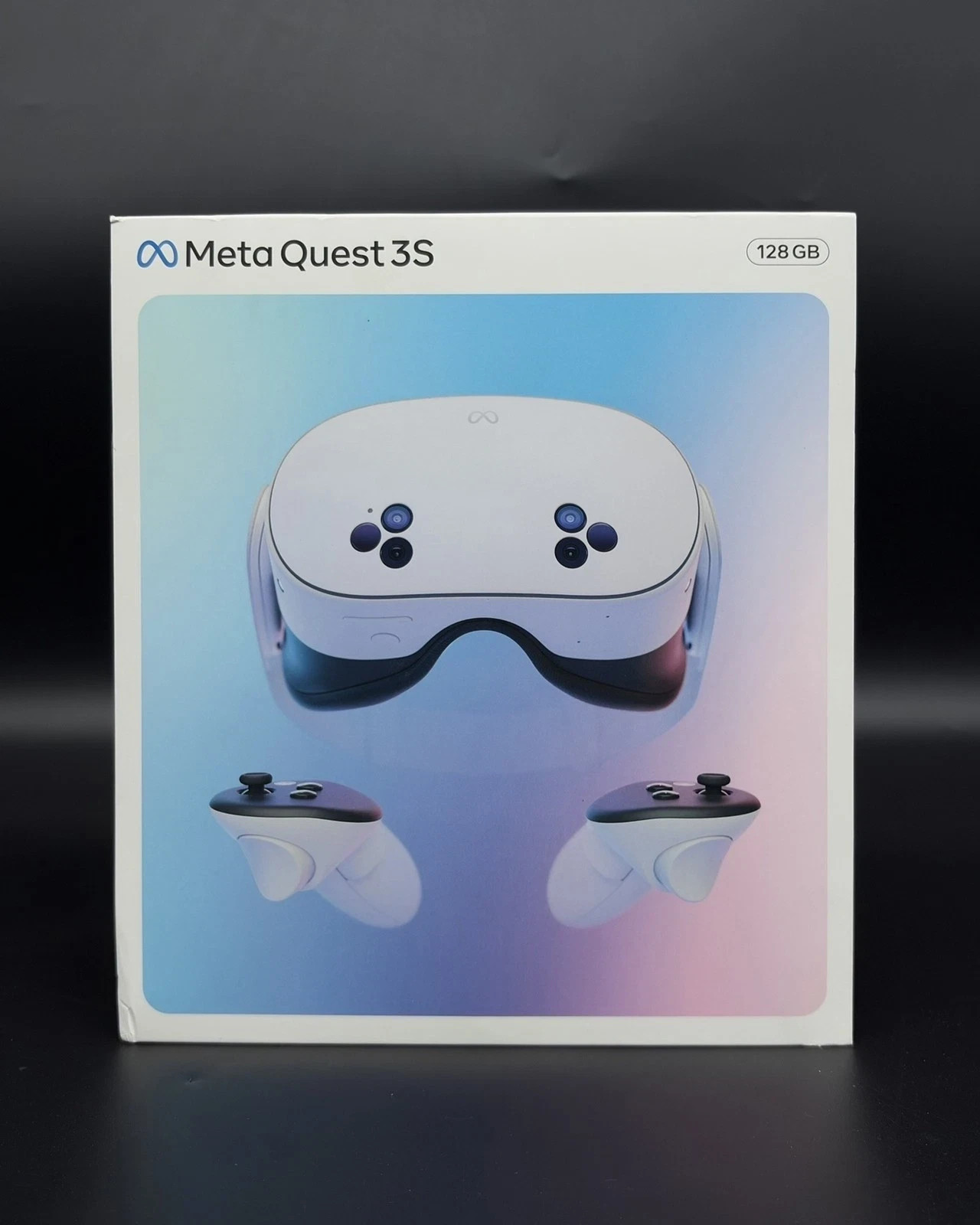 BRAND NEW Meta Quest 3S 128GB | Virtual Reality — VR Headset — Includes GOLF+$265.00New · Last checked Nov 22, 2026View on eBay
Highlights
- Standalone headsets (Meta Quest 2/3 class) run inside-out camera tracking with no PC or console required; tethered console headsets (PSVR, PSVR2) depend on the host console's camera or base-station tracking.
- PSVR CUH-ZVR2 adds in-line earbud storage and HDR pass-through versus the original CUH-ZVR1, which lacks HDR passthrough — a real difference when routing a 4K HDR TV signal through the processor unit.
- PSVR2 (CFI-ZVR) uses inside-out camera tracking with eye tracking and headset haptics, dropping the external PlayStation Camera required by PSVR1 — the two are not cross-compatible.
- Panel and lens tiers split clearly: fresnel lenses with LCD panels dominate standalone and PSVR1, while pancake optics with higher-resolution panels define newer premium tiers with noticeably smaller lens glare and bulk.
Best use cases
- Pick a standalone inside-out headset if you have no gaming PC or console and want room-scale play in a normal living room — skip console-tethered units that need a host.
- Pick PSVR2 (CFI-ZVR) for PlayStation 5 owners wanting eye tracking and haptics; skip PSVR1 (CUH-ZVR1/ZVR2) unless you specifically own a PS4 and PS4-era VR titles.
- Skip any headset without a compatible host: PSVR1/PSVR2 require PlayStation hardware, and PC-only headsets require a GPU with a supported display output — a standalone unit is the only zero-host option.
Buying tips
- Match the headset to your host first: PSVR1 works on PS4 (and PS5 via adapter), PSVR2 requires PS5, and standalone headsets need no host at all — platform determines your entire game library.
- Check tracking type before buying: inside-out camera tracking needs no external sensors but demands decent room lighting and visible room features; base-station or console-camera tracking needs fixed sensor placement and clear line of sight.
- Confirm lens and IPD adjustment: a physical IPD slider (typically roughly 58–72 mm range) prevents blur for users outside the average pupillary distance, and fresnel lenses trade glare for weight versus pancake optics.
- Verify the connection standard: PSVR1 uses HDMI plus USB through its processor unit, PSVR2 uses a single USB-C cable, and PC headsets use DisplayPort or HDMI — a missing port on your console or GPU blocks the purchase outright.
Specs
| Tracking Type | Inside-out SLAM vs base-station |
|---|---|
| Host Platform | Standalone / PS4-PS5 / PC |
| Connection | USB-C / HDMI+USB / DisplayPort |
| Optics Tier | Fresnel LCD vs pancake |
Related searches
What to check before buying
- Measure your play space: room-scale inside-out tracking generally wants at least 2 m × 2 m of clear floor; seated-only setups need just enough arm clearance to avoid hitting furniture.
- Check room lighting and surfaces for inside-out camera tracking — dim rooms, plain white walls, and direct sun cause tracking loss; base-station systems instead need stable mounts and reflective-surface control.
- Confirm host compatibility and port availability: PS5 for PSVR2, PS4 or PS5 for PSVR1, and a DisplayPort/HDMI-capable GPU for PC-tethered headsets.
- Account for companion parts in the box tier: motion controllers, camera or base stations, and the processor unit are mandatory for PSVR1 and are often sold separately in used listings.
FAQ
Data sources: eBay / Amazon listings and product attribute feeds. Updated Nov 28, 2026.
Some links on this page are affiliate links. If you buy after clicking one, we may earn a commission at no extra cost to you. This does not change which products appear here or their order. Affiliate disclosure.