
Photos from current listings. Actual item, color, and included accessories may vary.
Virtual Reality Headset Buying Guide
VR headsets split into two hard architectural camps: standalone Android-based systems with inside-out tracking that need no PC or console, and tethered headsets that rely on a PC, PlayStation, or phone as the compute engine. The decisive trade-off is tracking architecture and content ecosystem versus cable management and platform lock-in. Buy standalone for all-in-one freedom, tethered for maximum fidelity on hardware you already own, and skip phone-slot viewers entirely if you want real 6DOF VR.
Median $99.00 · New & pre-owned listings
Key takeaways
- Standalone headsets (Quest 2/3, Pico) pack a Snapdragon-class SoC, battery, and inside-out cameras into one unit—no PC, console, or cable required.
- Tethered headsets split into console-bound (PSVR2 with eye tracking and OLED HDR for PS5) and PC-bound (Rift CV1, Index) requiring DisplayPort/HDMI plus USB.
- Inside-out camera tracking eliminates external base stations; older PC VR like Rift CV1 uses external IR sensors and needs room-mounted camera placement.
At a glance
- Category
- VR Gaming Hardware & Accessories
- Last updated
- Nov 28, 2026
Current offers
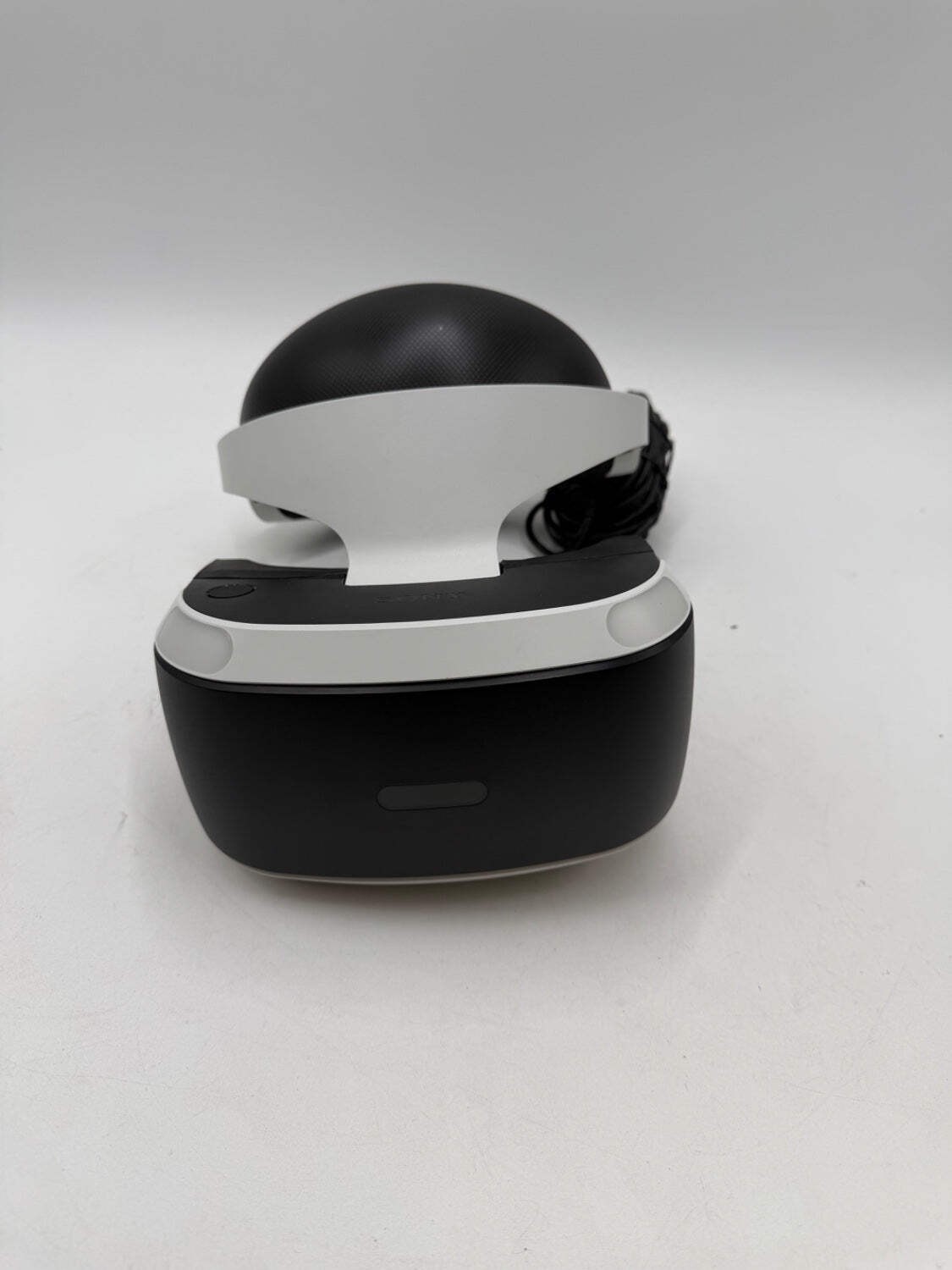 Sony PlayStation VR Virtual Reality VR Headset White CU H-ZVR2$37.99View on eBay
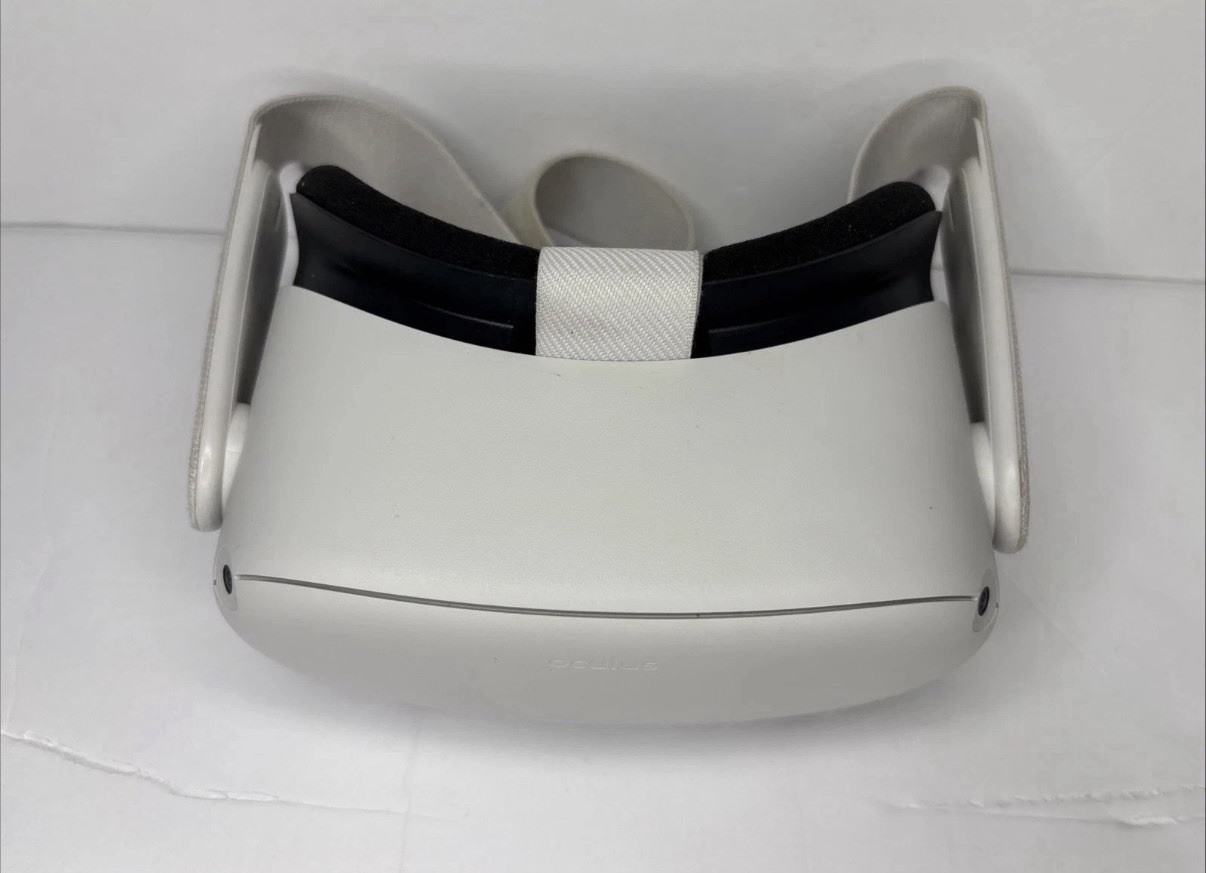 Meta Oculus Quest 2 128 GB Virtual Reality Headset Tested Works$45.99View on eBay
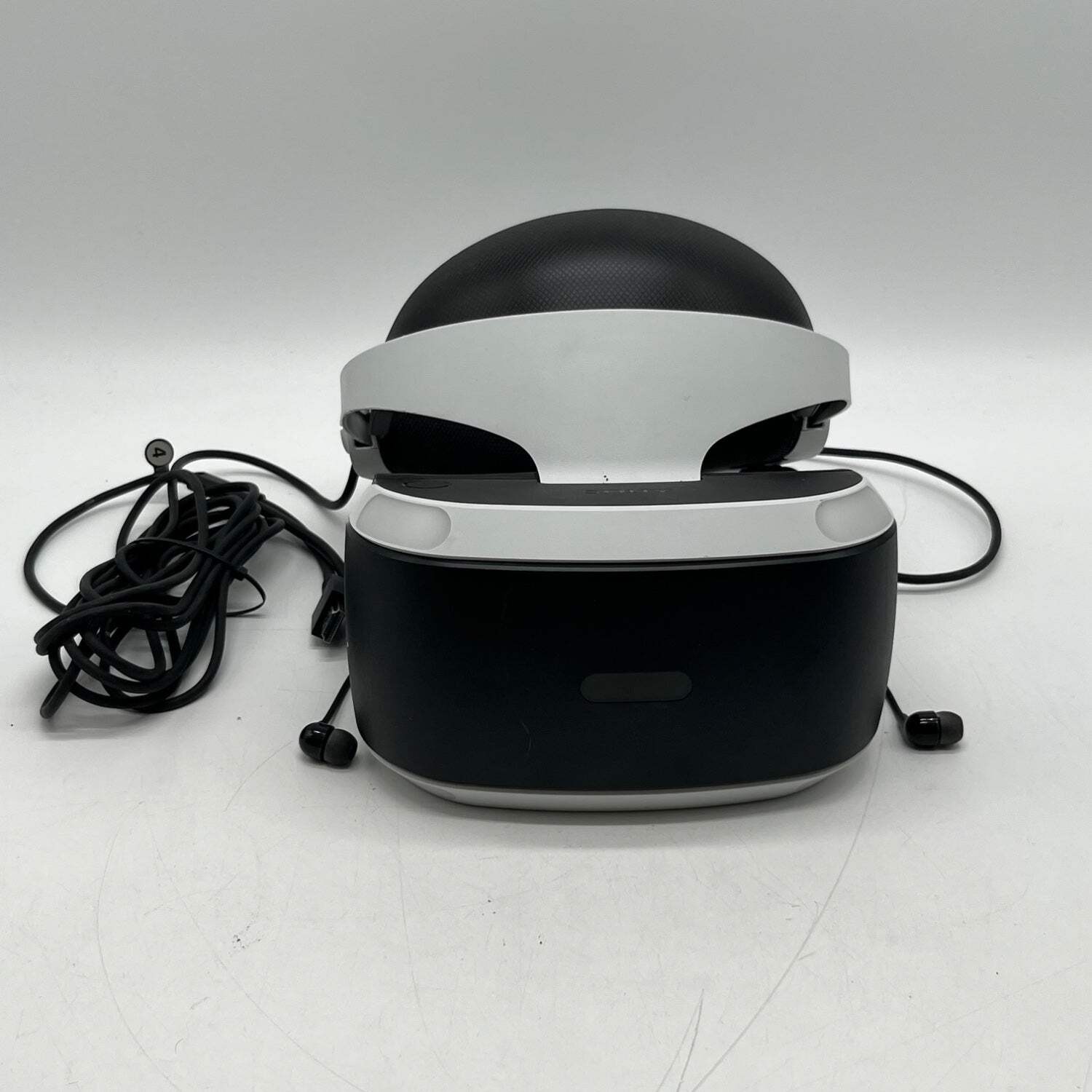 Sony PlayStation 4 PS4 Virtual Reality VR Headset Black CUH-ZVR2$49.99View on eBay
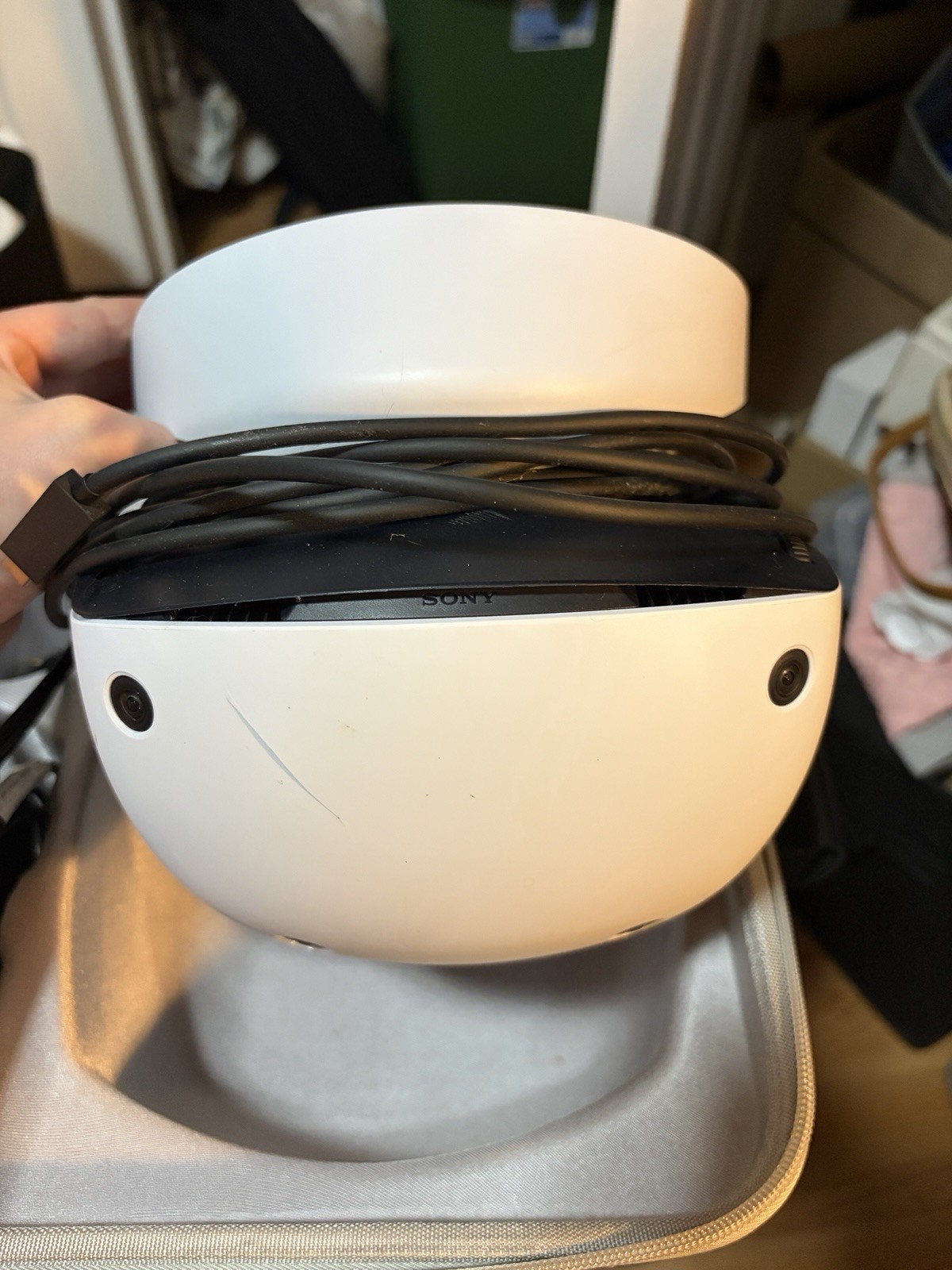 Sony PlayStation VR2 Virtual Reality Headset for PS5 And Wireless Charger$99.00View on eBay
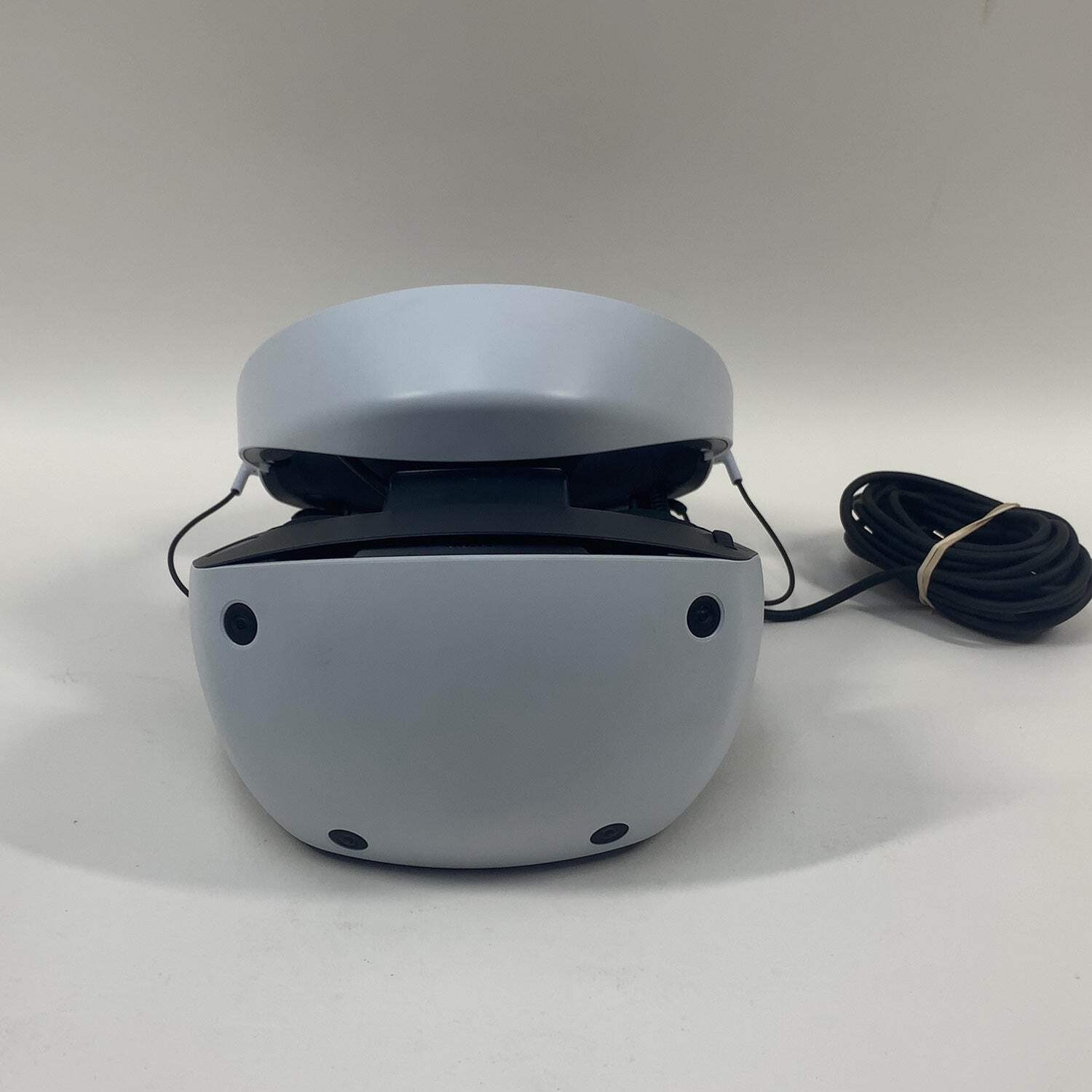 Sony PlayStation 5 PS5 Virtual Reality VR Headset White CFI-ZVR$149.99View on eBay
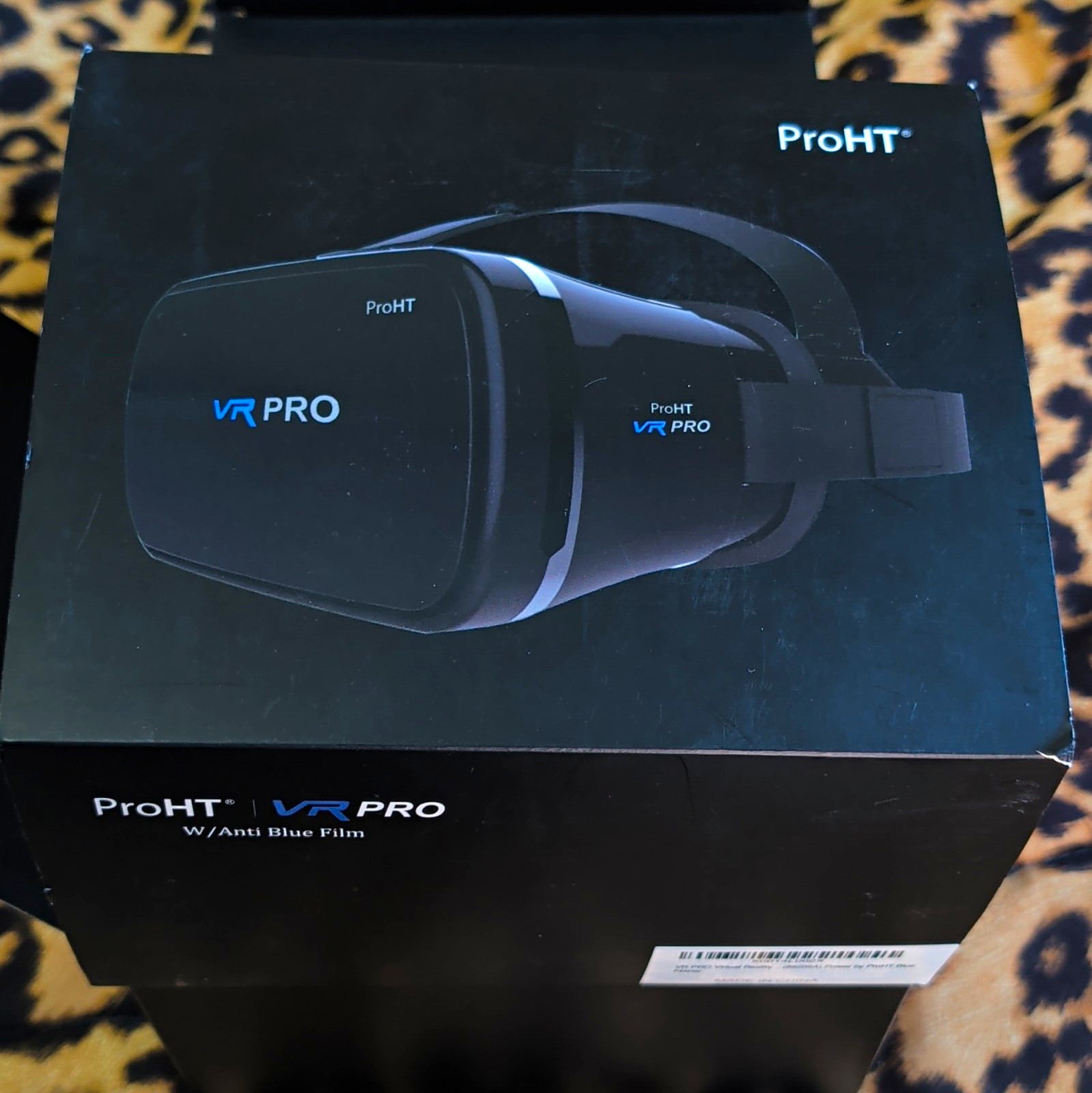 ProHT VR PRO Standalone Virtual Reality Headset, Black, MPN X0014L002X$250.00Open box · Last checked Nov 22, 2026View on eBay
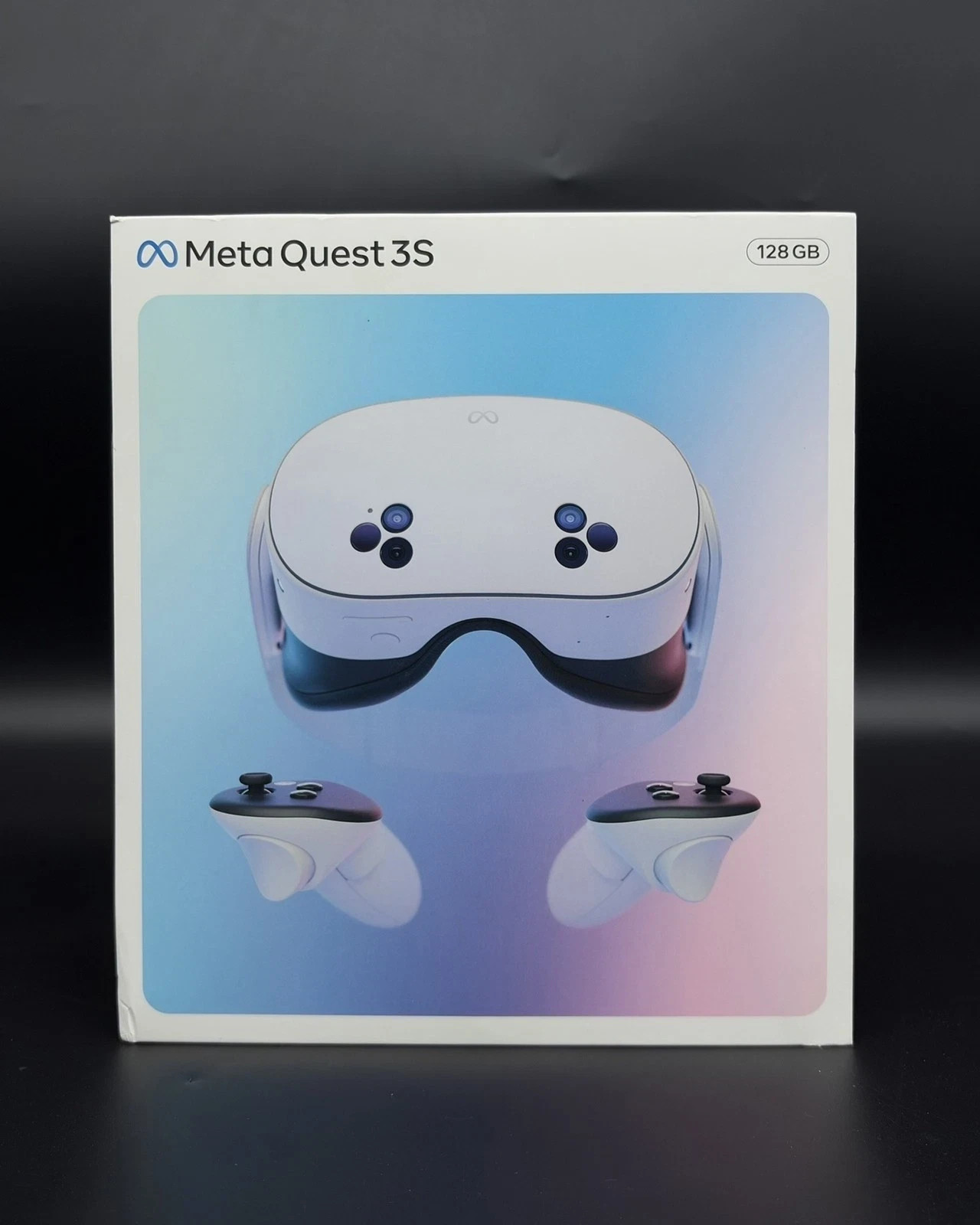 BRAND NEW Meta Quest 3S 128GB | Virtual Reality — VR Headset — Includes GOLF+$265.00New · Last checked Nov 22, 2026View on eBay
Highlights
- Standalone headsets (Quest 2/3, Pico) pack a Snapdragon-class SoC, battery, and inside-out cameras into one unit—no PC, console, or cable required.
- Tethered headsets split into console-bound (PSVR2 with eye tracking and OLED HDR for PS5) and PC-bound (Rift CV1, Index) requiring DisplayPort/HDMI plus USB.
- Inside-out camera tracking eliminates external base stations; older PC VR like Rift CV1 uses external IR sensors and needs room-mounted camera placement.
- Panel resolution and refresh decide clarity: Quest 2 runs 1832×1920 per eye at 72/90/120 Hz; PSVR2 delivers 2000×2040 per eye OLED at 90/120 Hz.
Best use cases
- Best fit: buy a standalone Quest 2 or Quest 3 if you have no gaming PC or console and want room-scale 6DOF VR out of the box; skip phone-slot viewers for anything beyond media.
- Best fit: buy PSVR2 only if you own a PS5—it will not work on PS4, PC, or Xbox; PS4 owners should pick the original PSVR (CUH-ZVR2) instead.
- Best fit: buy a PC-tethered headset like Rift CV1 or Index only if you have a VR-ready GPU and USB 3.0 ports; skip it if you lack a DisplayPort output.
- Wrong fit: iPhone and Xbox have no native VR headset ecosystem—iPhone works only with card-holder viewers, and Xbox has no supported VR headset at all.
Buying tips
- Match the headset to your compute source first: standalone needs nothing, PSVR2 needs a PS5, PC VR needs a VR-ready GPU and DisplayPort/USB 3.0.
- For standalone, choose 128 GB minimum—VR games run 2–8 GB each, and 64 GB fills fast once you add recordings and side-loaded apps.
- Check IPD adjustment: Quest 2 offers three fixed lens spacings (58/63/68 mm); headsets without continuous IPD risk blur for narrow or wide faces.
- Older tethered units like Rift CV1 and PSVR (CUH-ZVR2) are generation-locked—confirm cable, breakout box, and camera/base-station completeness before buying used.
Specs
| Headset Type | Standalone vs Tethered (PC/Console) |
|---|---|
| Tracking | Inside-out 6DOF vs External base stations |
| Per-Eye Resolution | 1832×1920 to 2064×2208 LCD/OLED |
| Refresh Rate | 72 / 90 / 120 Hz |
Related searches
What to check before buying
- Measure your play space: standalone and PSVR2 room-scale need roughly 2 m × 2 m clear; seated PC VR needs about 1 m × 1 m.
- Confirm your console generation: PSVR2 requires PS5; original PSVR (CUH-ZVR2) requires PS4 and its camera plus breakout box.
- Verify PC ports: PC VR needs DisplayPort 1.2+ and USB 3.0; standalone headsets need only Wi-Fi and a USB-C charger.
- Check voltage and plug standard for the charger or breakout box—US units ship 100–120 V; confirm your region's plug type before importing.
FAQ
Data sources: eBay / Amazon listings and product attribute feeds. Updated Nov 28, 2026.
Some links on this page are affiliate links. If you buy after clicking one, we may earn a commission at no extra cost to you. This does not change which products appear here or their order. Affiliate disclosure.