
Photos from current listings. Actual item, color, and included accessories may vary.
Retro Game Machine Buying Guide
Retro game machines range from FPGA-based hardware recreations to software emulation boxes and mini-console reissues, and the architecture you choose determines compatibility, input lag, and long-term reliability. Focus on the systems you actually want to play, the display you will connect to, and whether you need cartridge support or ROM-based libraries. Many buyers overpay for multi-system emulation when a single-system FPGA or a licensed mini-console would deliver lower latency and better build quality.
Median $29.97
Key takeaways
- FPGA consoles (Analogue Pocket, MiSTer) recreate original hardware at the gate level for near-zero input lag and cartridge support, while software emulation boxes trade accuracy for broader ROM compatibility.
- Official mini-consoles (NES/SNES/Genesis Classic, TurboGrafx-16 Mini) include licensed game libraries, HDMI output, and save states but cannot load external ROMs without modification.
- Handheld retro machines split into ARM-based emulation handhelds (Anbernic, Retroid) with 3.5-5 inch IPS panels and FPGA handhelds with cartridge slots and link-cable support.
At a glance
- Category
- Console & Handheld Hardware
- Last updated
- Nov 29, 2026
Current offers
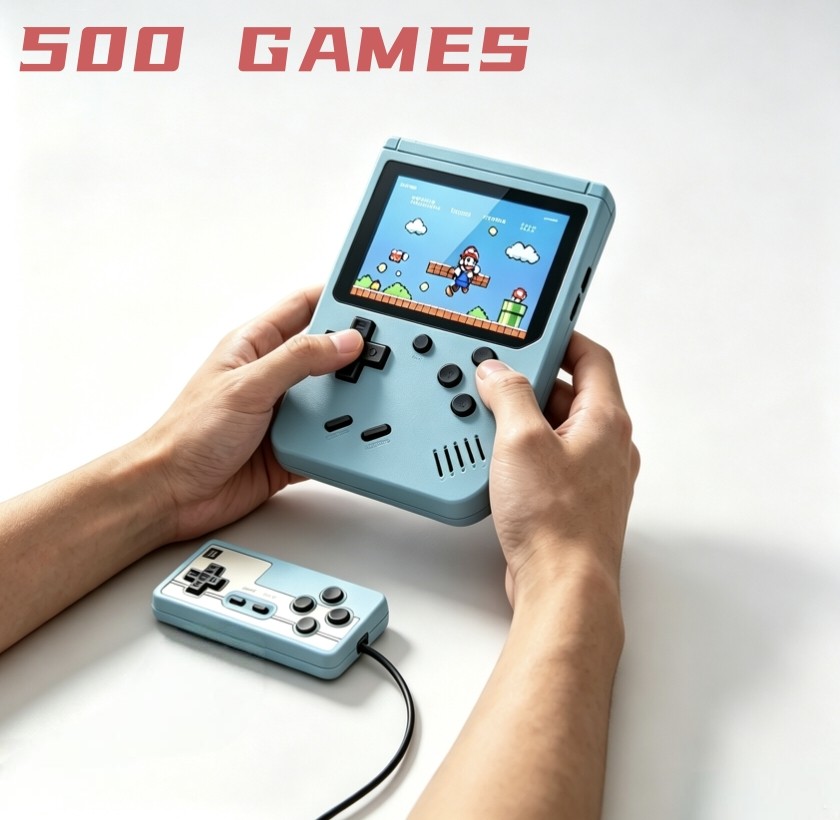 500 Classic FC Games Retro Handheld Portable Game Console for Kids & Adults$6.96View on eBay
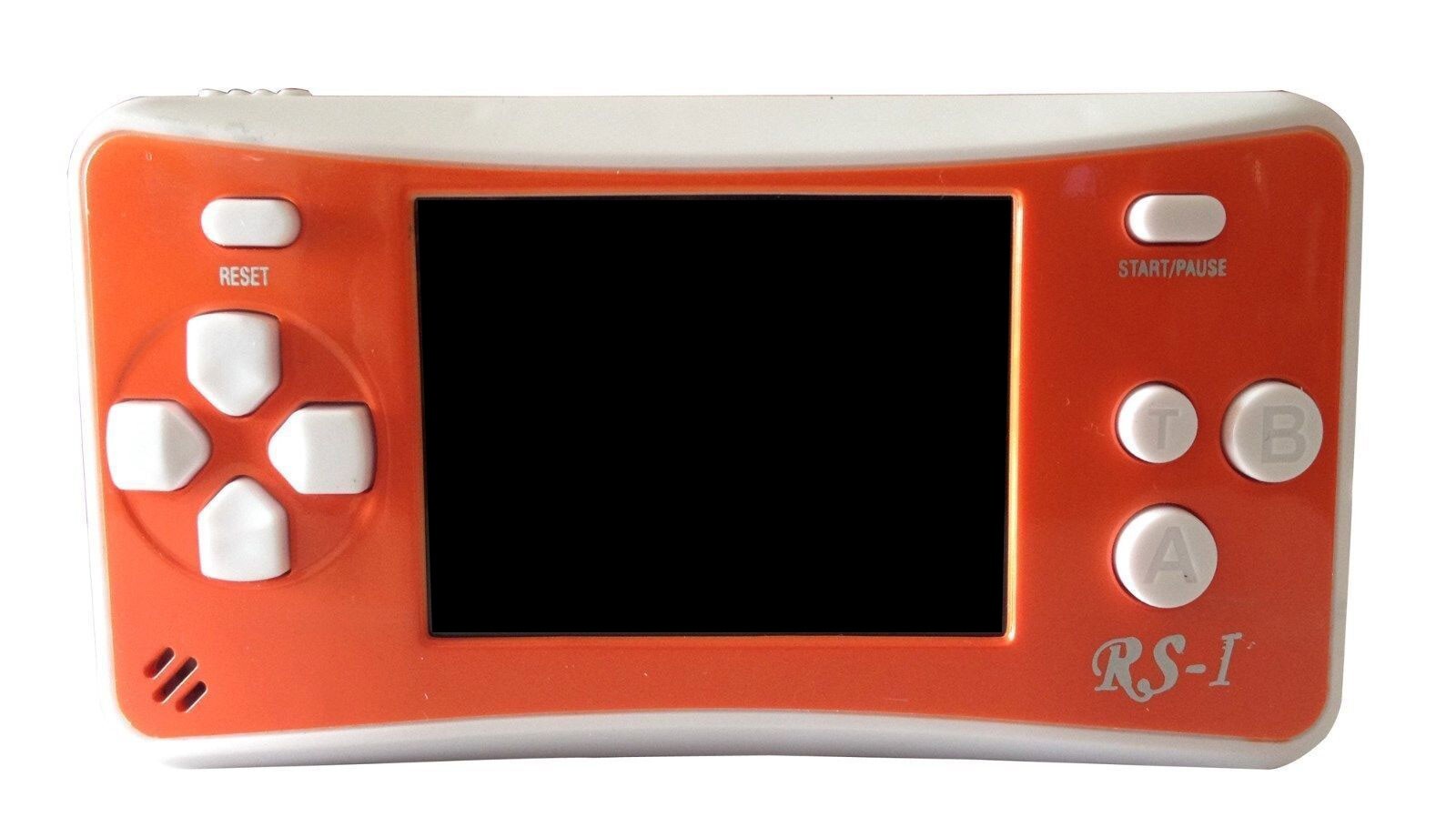 Retro Game Console Handheld Portable 8-Bit 2.5" COLOR LCD 150 Games Gift ORANGE$7.99View on eBay
 Retro Handheld Game Console 150 Built-in Games Portable LCD Gaming Gift Toy$8.99View on eBay
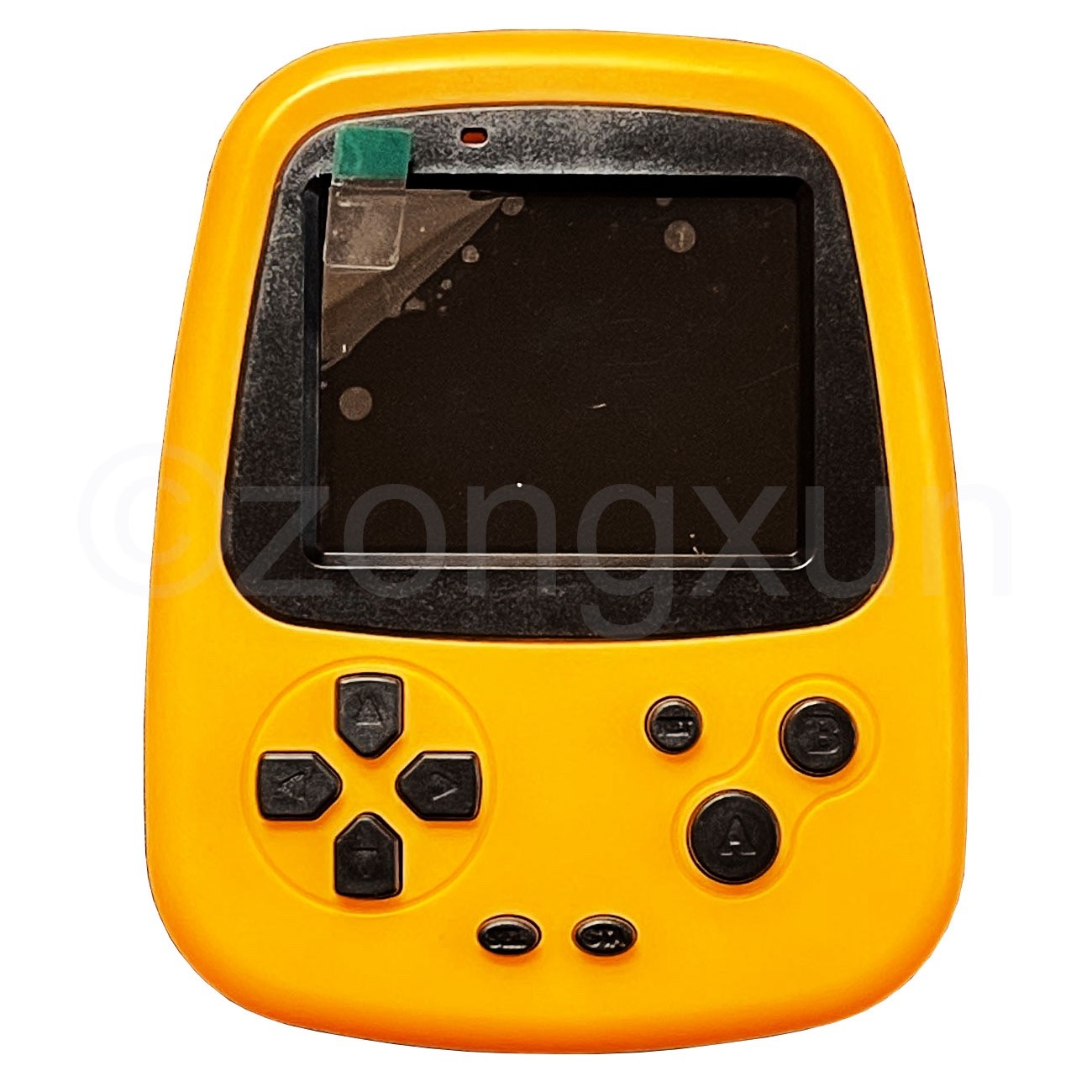 Retro Game Console Classic 8-Bit 2.5" COLOR LCD Handheld Portable Xmas Gifts$8.99View on eBay
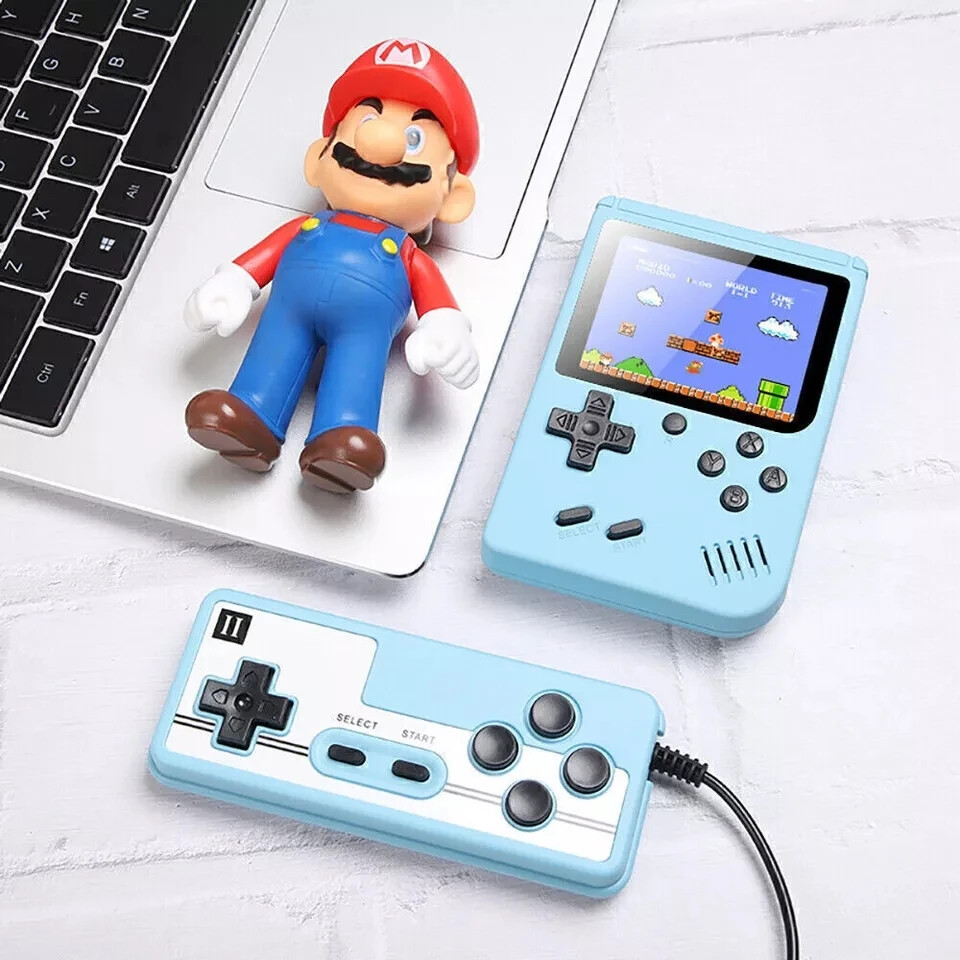 Mini Retro Video 500 Classic Games FC Game Console Player Handheld For Kid Adult$9.48Last checked Nov 28, 2026View on eBay
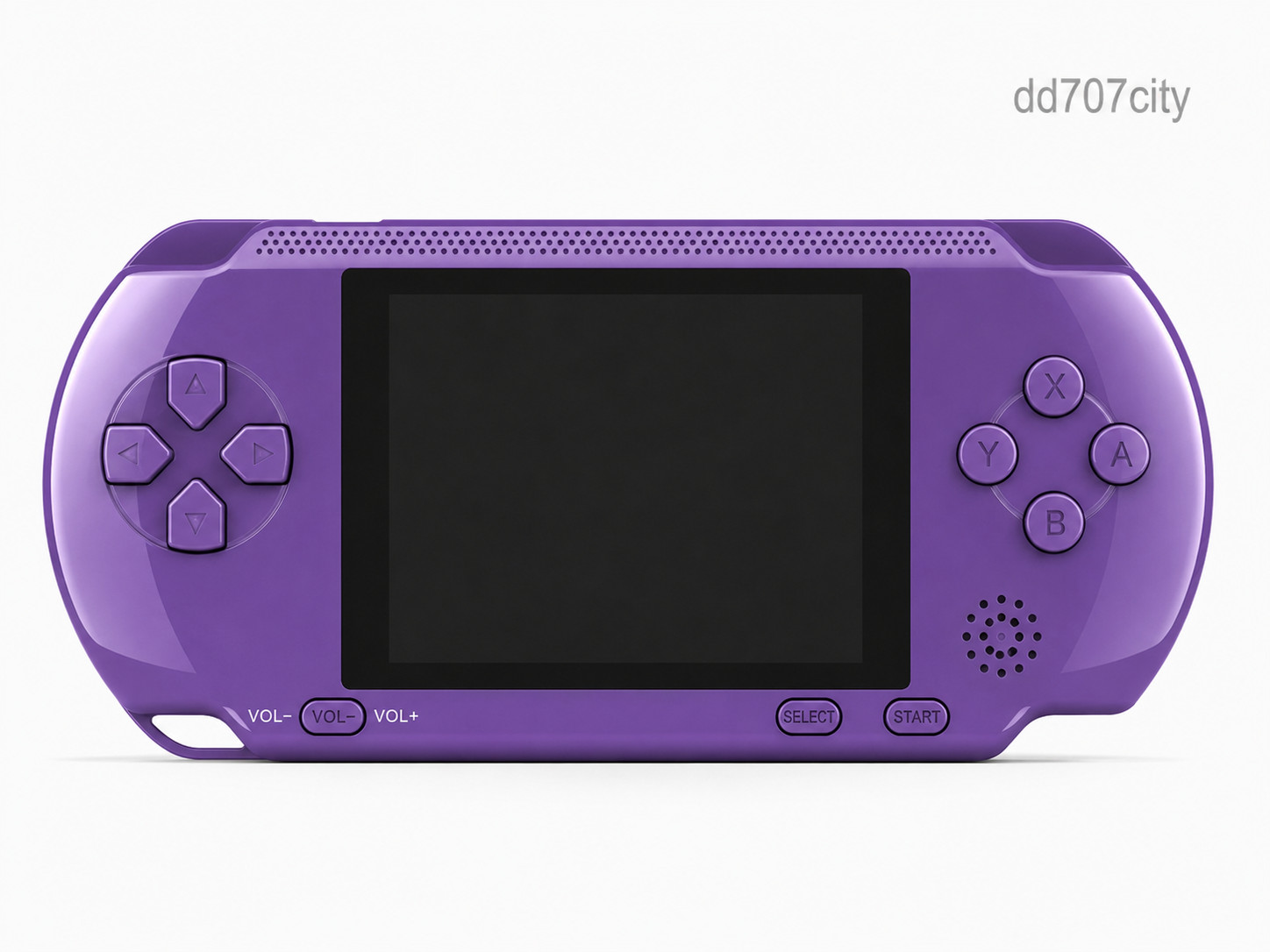 Portable Handheld Game Console Rechargeable Retro Gaming System Built In Games$10.99View on eBay
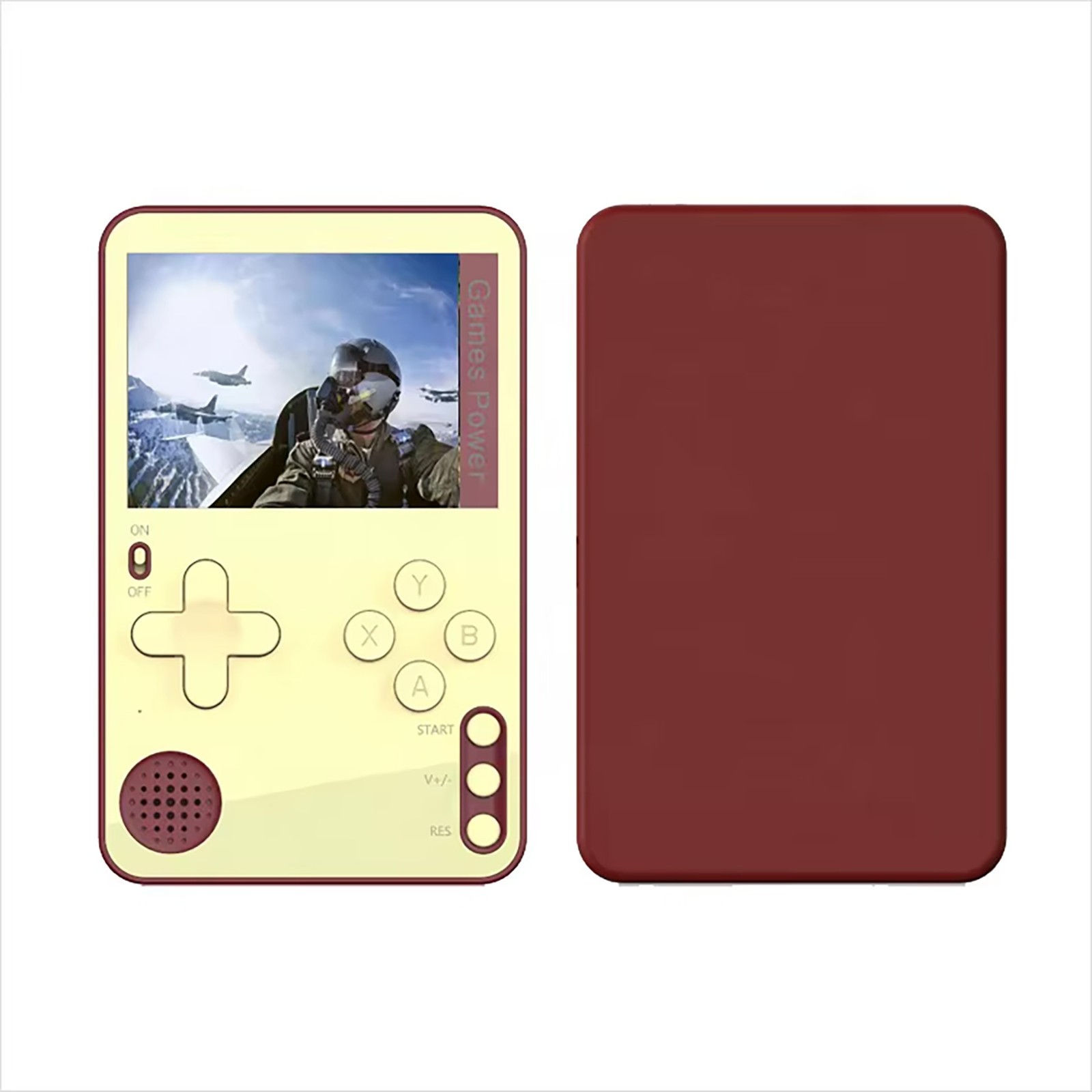 Retro Handheld Game Console 500 Built in Games Portable Mini Video Game Player$11.99View on eBay
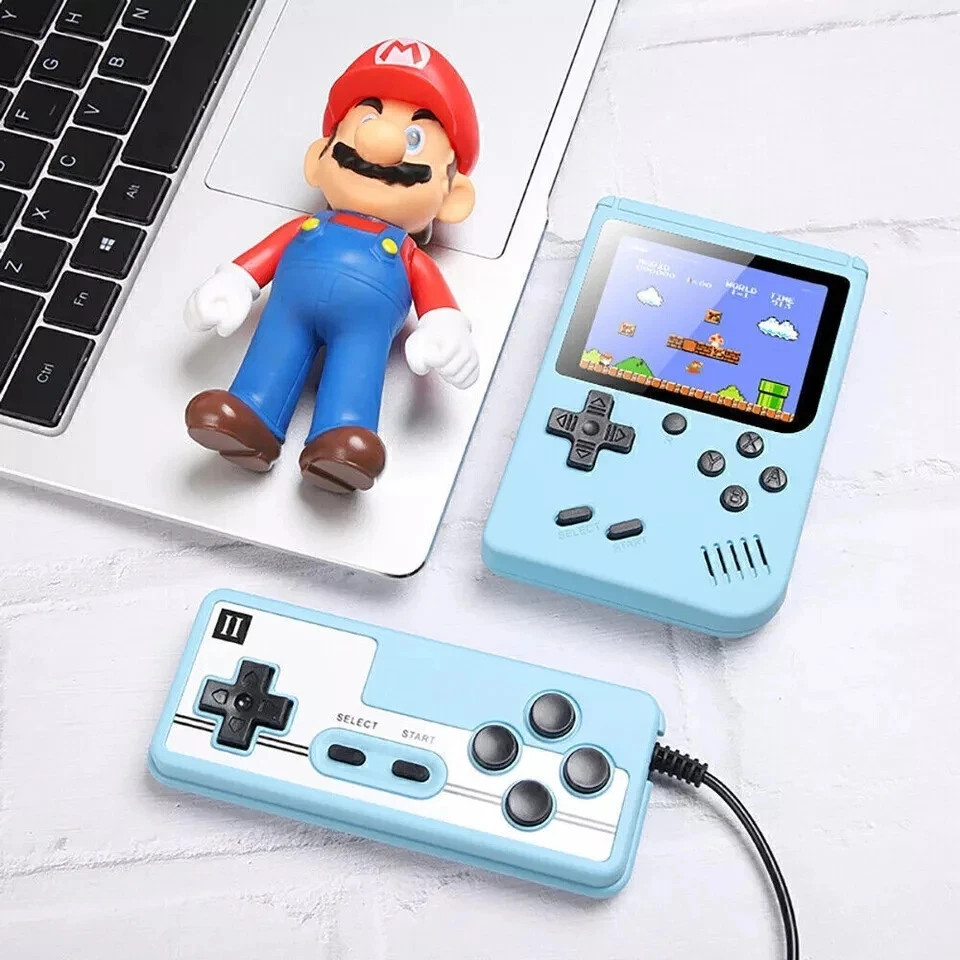 Mini Retro Video 500 Classic Games FC Game Console Player Handheld For Kid Adult$15.99Last checked Nov 28, 2026View on eBay
- 500 Classic Games Handheld Retro Video FC Game Console Player For Kids Adults$15.99Last checked Nov 27, 2026View on eBay
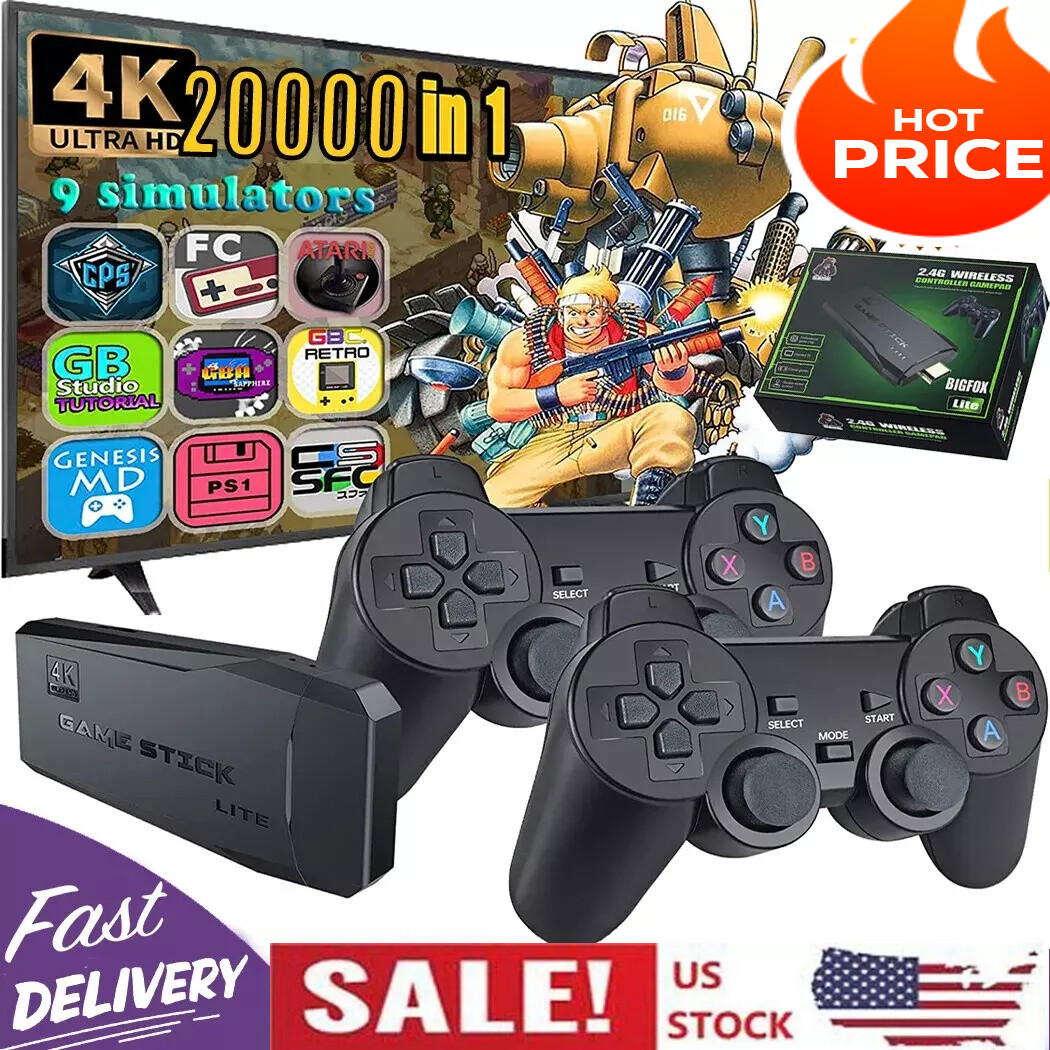 Retro Game Console 4K HDMI Output Plug and Play 20000+ Game Gamepad Controllers$16.99View on eBay
- Retro Game Console 4K HDMI Output Plug and Play 20000+ Game Gamepad Controllers$17.39View on eBay
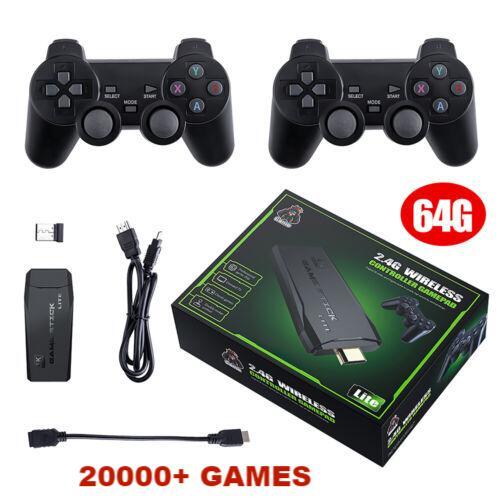 Video Game Console Retro TV Stick 64G 4K HDMI 2 Wireless Controller 20000+ Games$18.99View on eBay
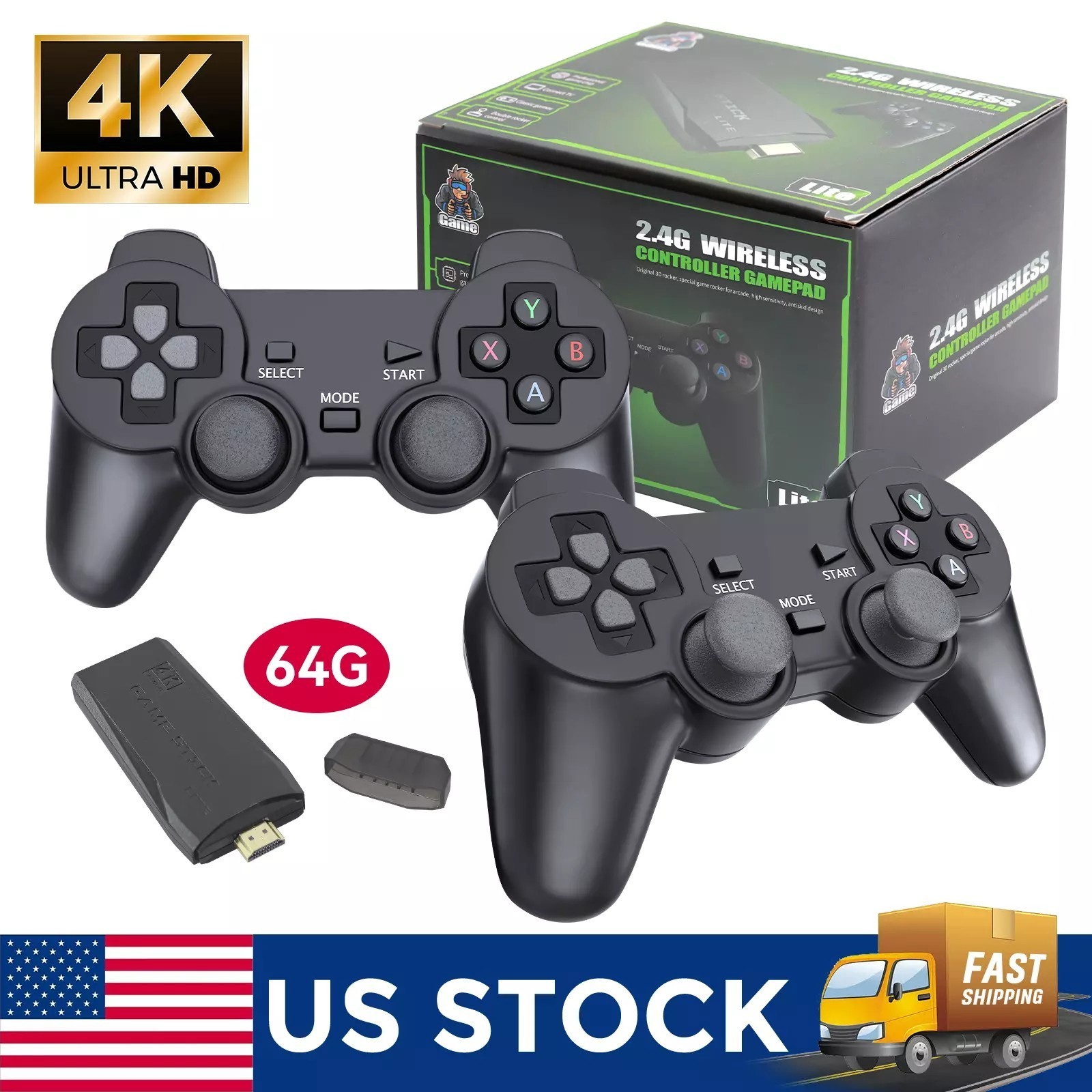 Retro Game Console 4K HDMI Output Plug and Play 20000+ Game Gamepad Controllers$19.99View on eBay
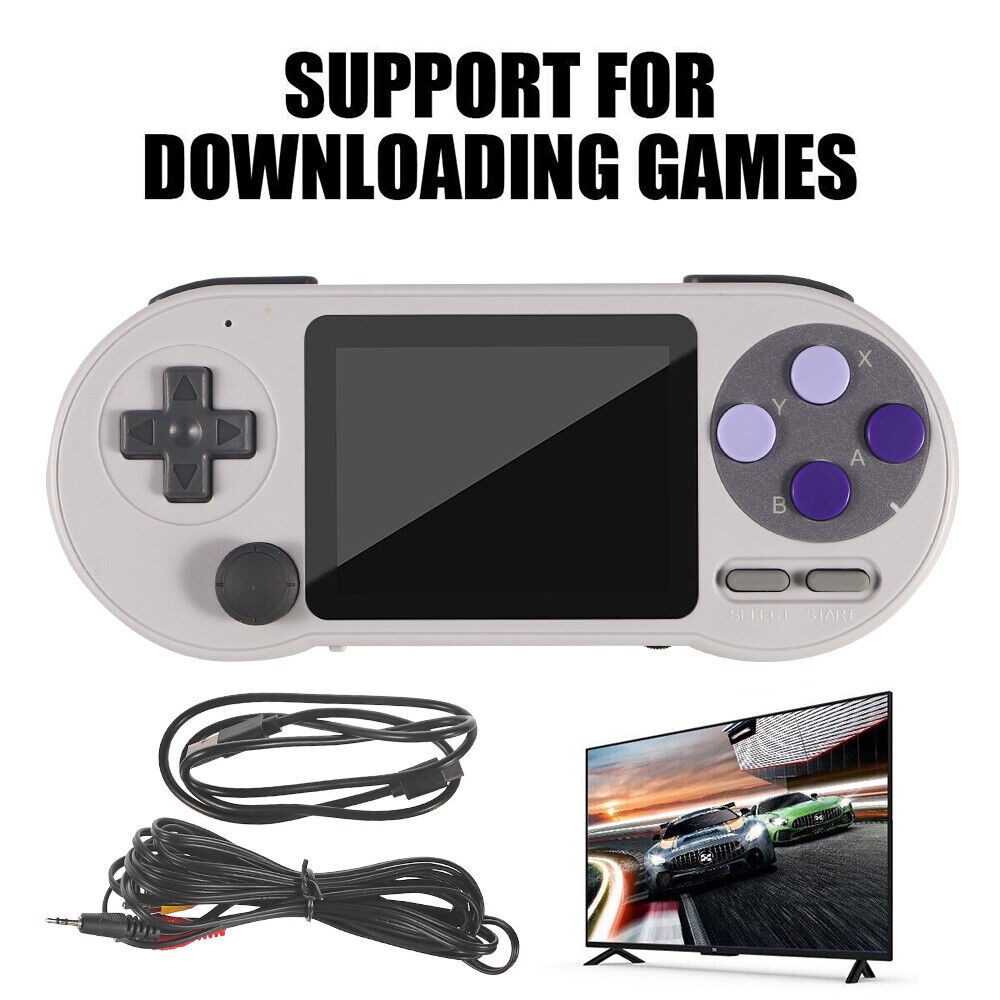 SF2000 3-inch IPS Handheld Game Console Built-in 6000 Games Retro Games FC/SFC++$19.99View on eBay
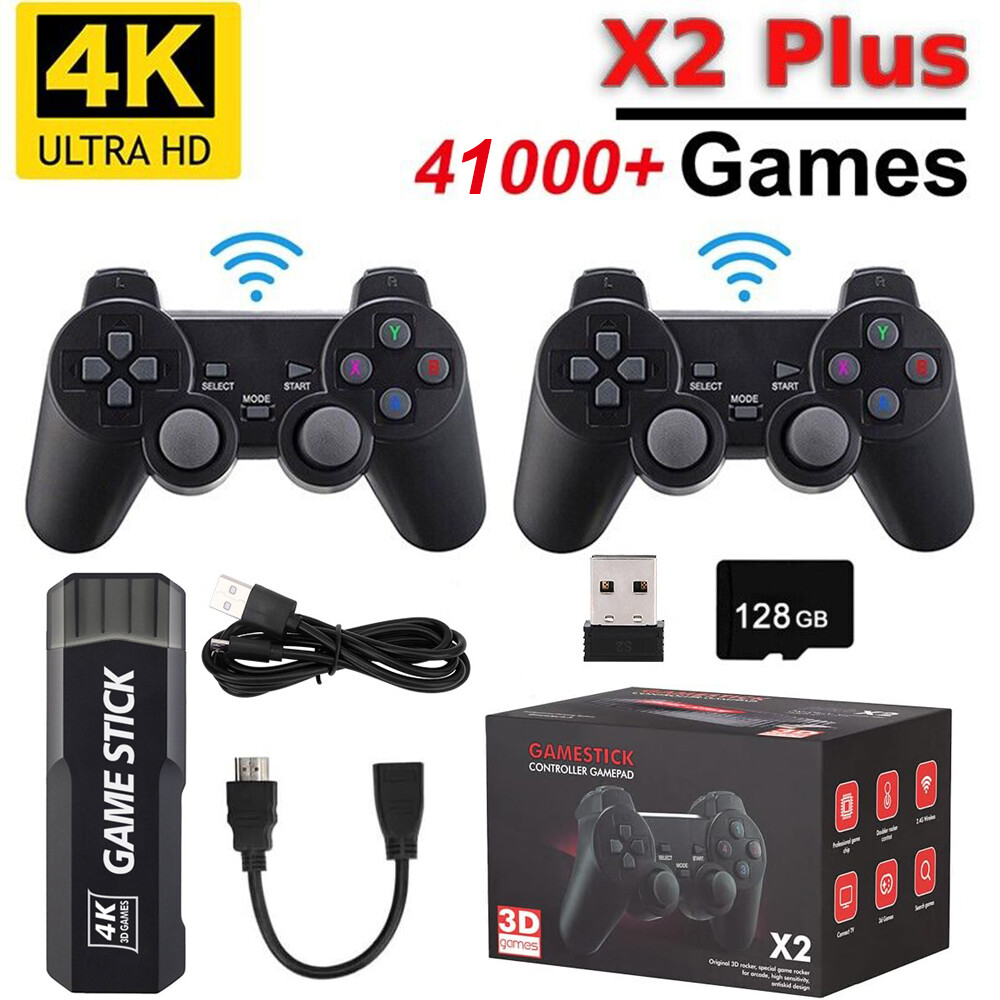 X2 Plus 64g-128G 41000 Game GD10 Pro 4K Game Stick Retro Wireless Consoles AAR$20.59View on eBay
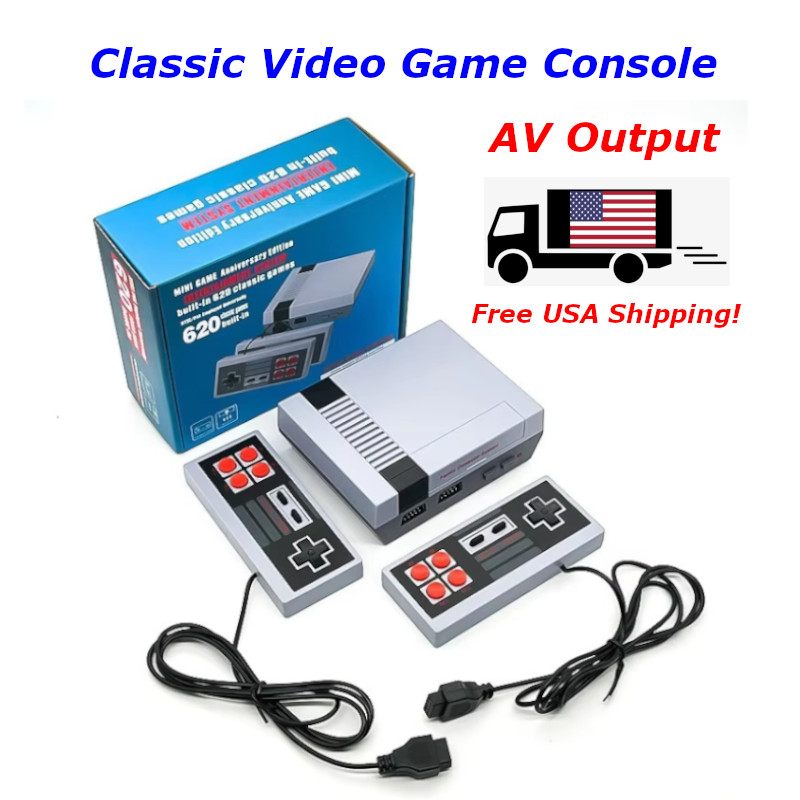 Mini Retro TV Game Console Preloaded 8-bit Games with 2 Controllers & AV Output$21.24View on eBay
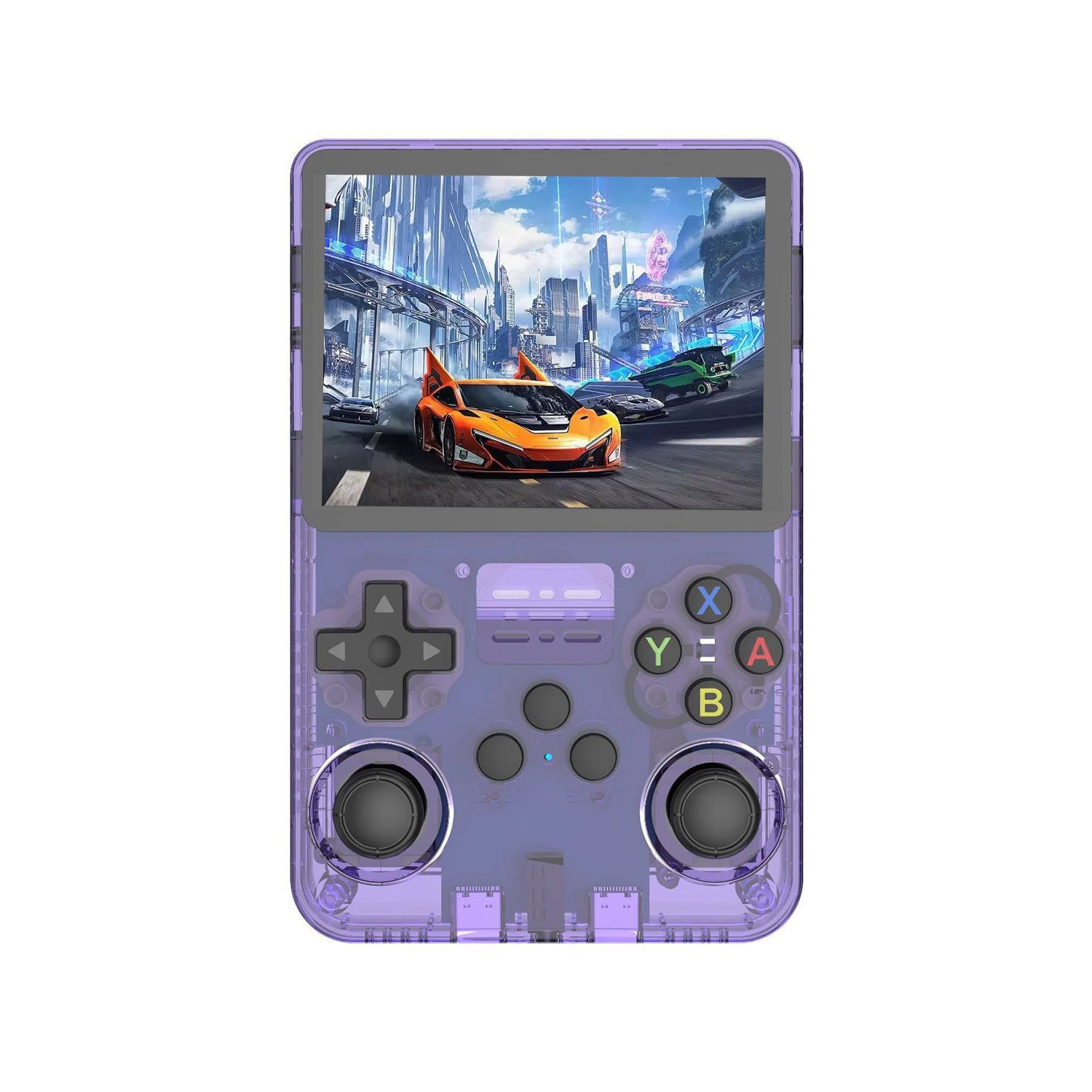 R36S Retro Handheld 15000+ Video Game Console$21.25View on eBay
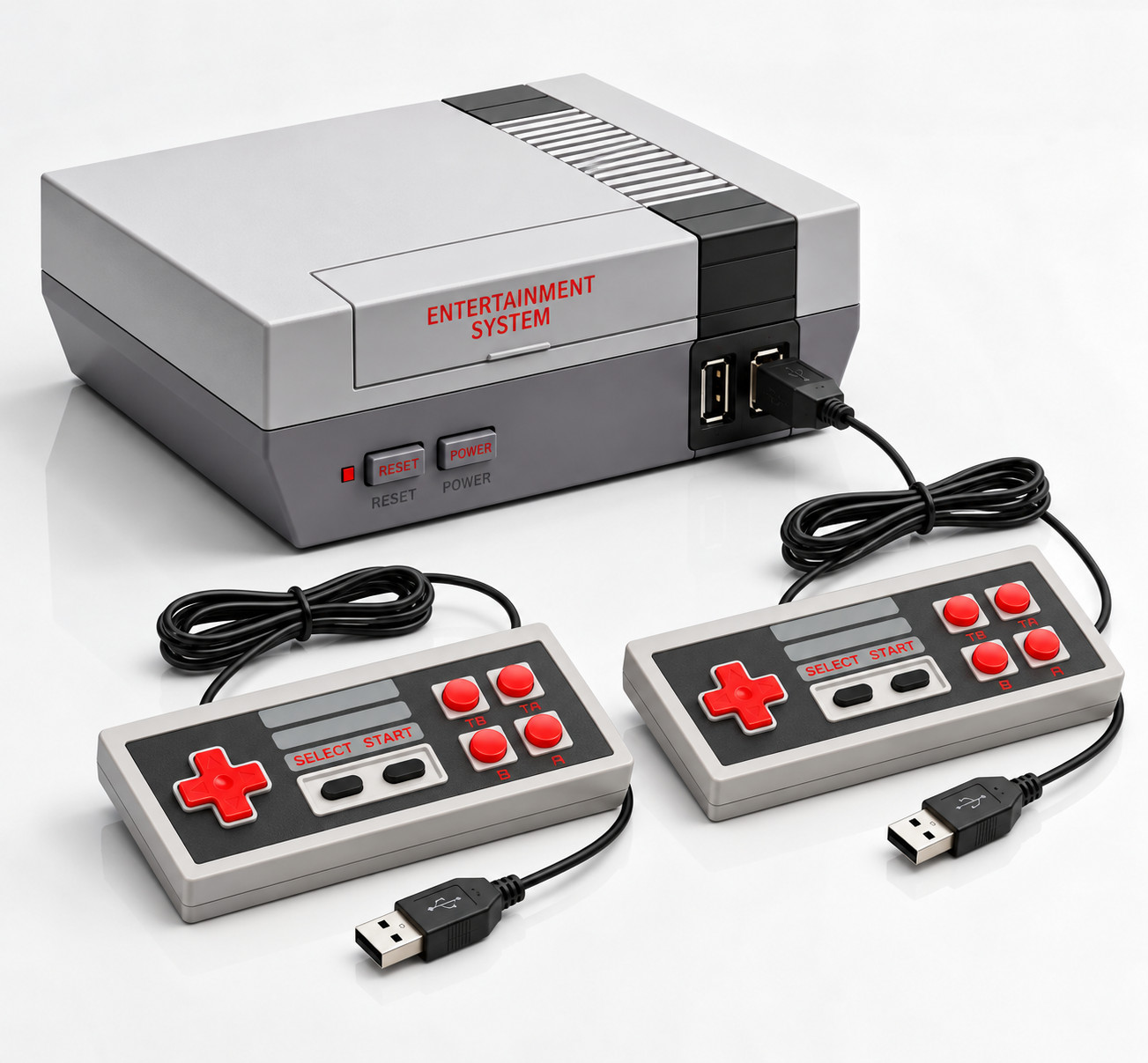 Retro Mini Game Console 620 Built In Games 8 Bit System 2 Controllers AV Output$24.99View on eBay
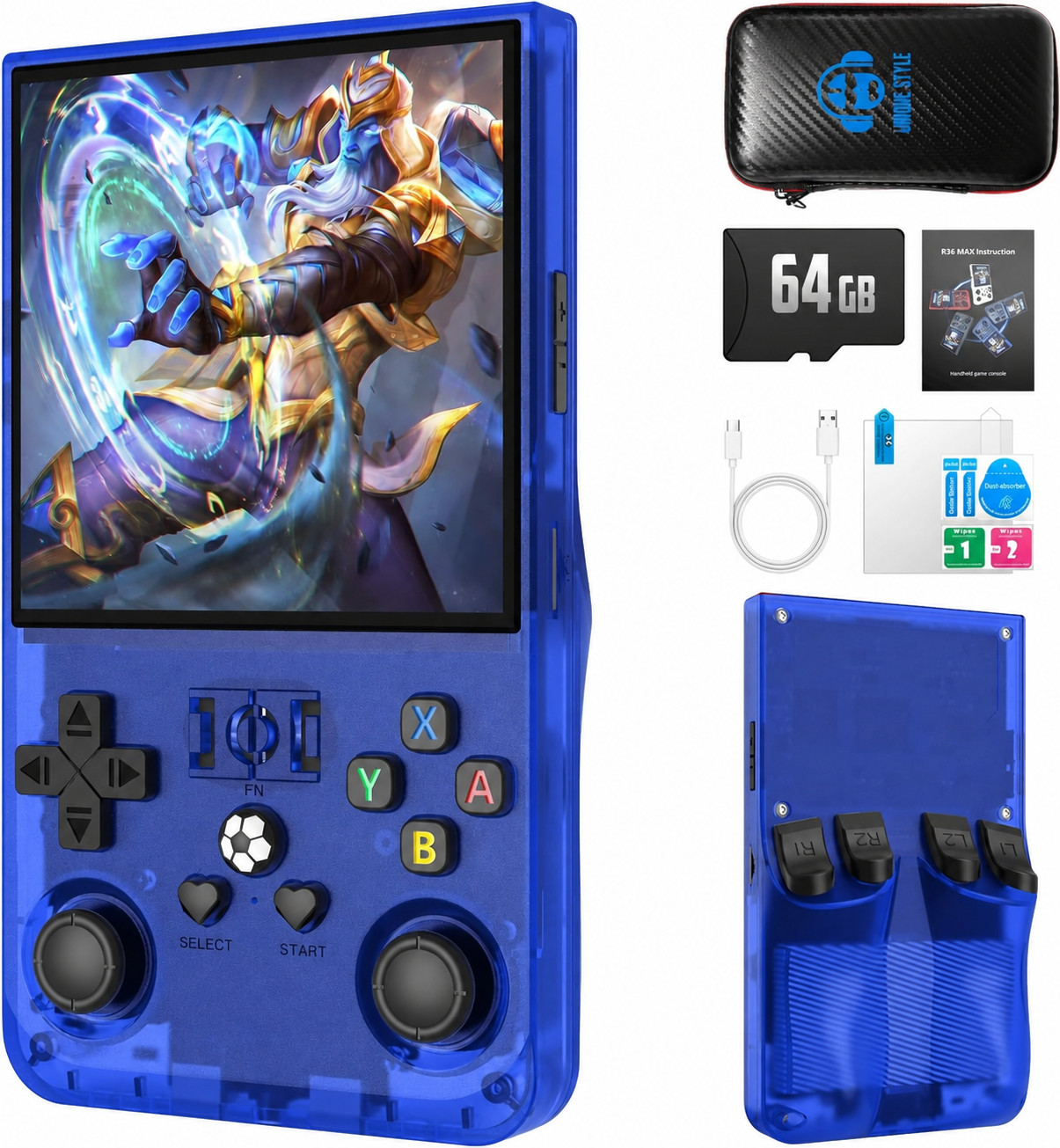 Retro Handheld Game Console 4.0" IPS Screen Linux System 64GB 5000+ Classic Game$24.99View on eBay
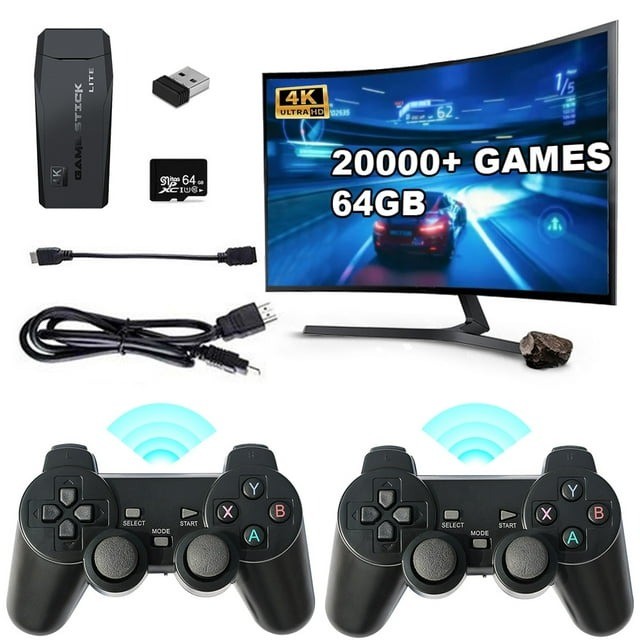 JGOO 55558 2.4G Portable 4K TV Video Retro Game Console$26.00View on eBay
Highlights
- FPGA consoles (Analogue Pocket, MiSTer) recreate original hardware at the gate level for near-zero input lag and cartridge support, while software emulation boxes trade accuracy for broader ROM compatibility.
- Official mini-consoles (NES/SNES/Genesis Classic, TurboGrafx-16 Mini) include licensed game libraries, HDMI output, and save states but cannot load external ROMs without modification.
- Handheld retro machines split into ARM-based emulation handhelds (Anbernic, Retroid) with 3.5-5 inch IPS panels and FPGA handhelds with cartridge slots and link-cable support.
- Controller and display compatibility matters more than core count: most retro machines output 720p or 1080p over HDMI and rely on USB or Bluetooth pads, so check port layout and pad pairing standards.
Best use cases
- Buy an FPGA console or cartridge-capable handheld if you own original cartridges and want accurate timing, zero lag, and link-cable multiplayer.
- Choose a software emulation handheld for portable access to NES through PS1 and Dreamcast libraries when you do not need cartridge support.
- Pick an official mini-console for plug-and-play HDMI gaming with a licensed library and no setup, and skip it if you want to add ROMs or use original controllers.
- Avoid multi-system emulation boxes with no brand support if you need firmware updates, replacement parts, or consistent button mapping across systems.
Buying tips
- Prioritize FPGA architectures for cartridge-based play and rhythm or fighting games where frame-accurate input timing matters.
- Check the emulation handheld's chipset generation (e.g., RK3566 vs T618 vs RK3588) because SoC tier determines which systems run at full speed.
- Confirm display output resolution and scaling options; integer scaling at 720p or 1080p preserves pixel sharpness better than stretched 4:3.
- Inspect controller connectivity: built-in pads on handhelds wear out, so USB-C OTG or Bluetooth pad support extends usable life.
Specs
| Processing Architecture | FPGA vs ARM software emulation |
|---|---|
| Cartridge Support | Original slot vs ROM-only |
| Display Output | HDMI 720p/1080p vs analog RGB |
| Form Factor | Handheld vs docked mini-console |
Related searches
What to check before buying
- Measure your TV or monitor HDMI input count and confirm the machine's output resolution matches your display's native panel.
- Verify the handheld's battery capacity and charging standard (USB-C PD vs micro-USB) against your travel and charging routine.
- Check cartridge slot format (region-free vs region-locked) and whether the console includes the needed power adapter for your country's plug standard.
- Confirm required companion parts such as link cables, memory cards, or controller adapters are included or standard-supported before choosing a tier.
FAQ
Data sources: eBay / Amazon listings and product attribute feeds. Updated Nov 29, 2026.
Some links on this page are affiliate links. If you buy after clicking one, we may earn a commission at no extra cost to you. This does not change which products appear here or their order. Affiliate disclosure.