TechShelf Guide

TechShelf Guide

Consumer Electronics Reviews & Buying Guides

Compare consumer electronics by use case, features, trade-offs, price, returns, and seller terms before you buy.

Buying guides

Buying guide image
Chargers, Power Banks & Adapters

Heavy Duty Power Bank

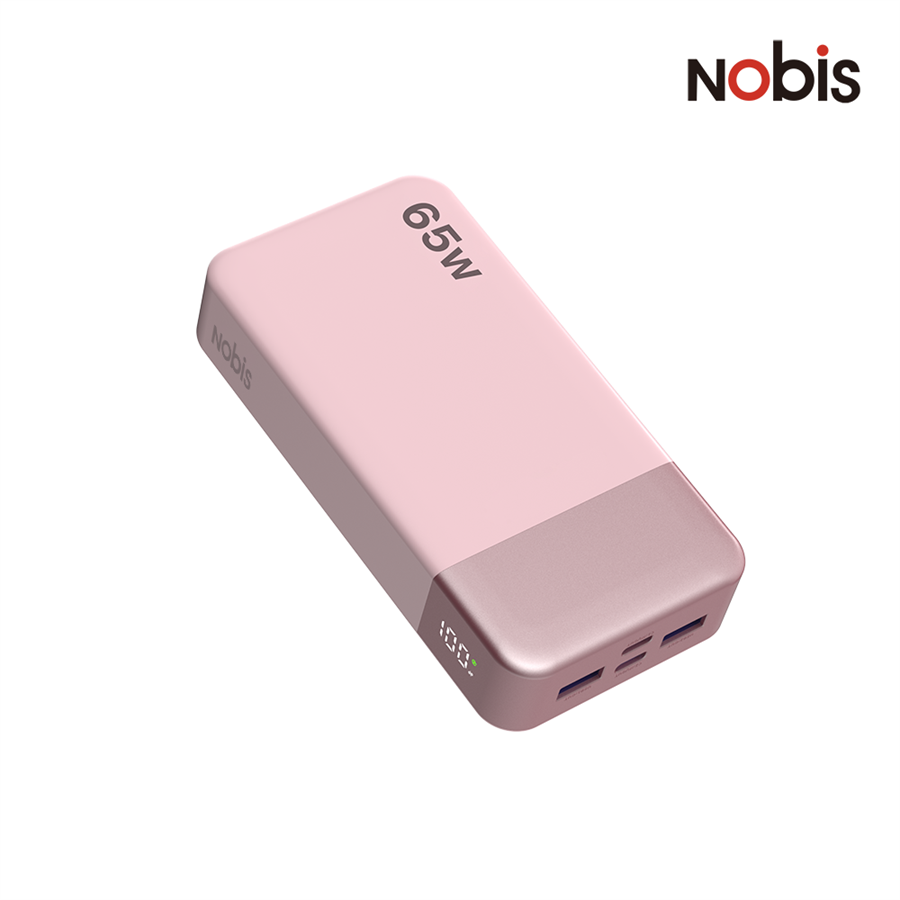
Heavy-duty power banks are high-capacity, high-output battery packs built for multi-day off-grid use, laptop/CPAP/tool charging, and emergency backup—not pocket top-ups. The core trade-off is energy density versus weight and cycle life: cheap units inflate mAh at 3.7V cell voltage while claiming 12V output, so usable watt-hours and honest inverter/efficiency ratings decide real performance. The clear rule: choose a bank with a stated watt-hour (Wh) capacity under 100Wh for carry-on legality, LiFePO4 cells for 2,000+ cycles, and at least one 60W+ USB-C PD or pure-sine AC outlet matched to your device's draw.
Buying guide image
Drones & Consumer Robotics

Quadcopter Drone With Camera

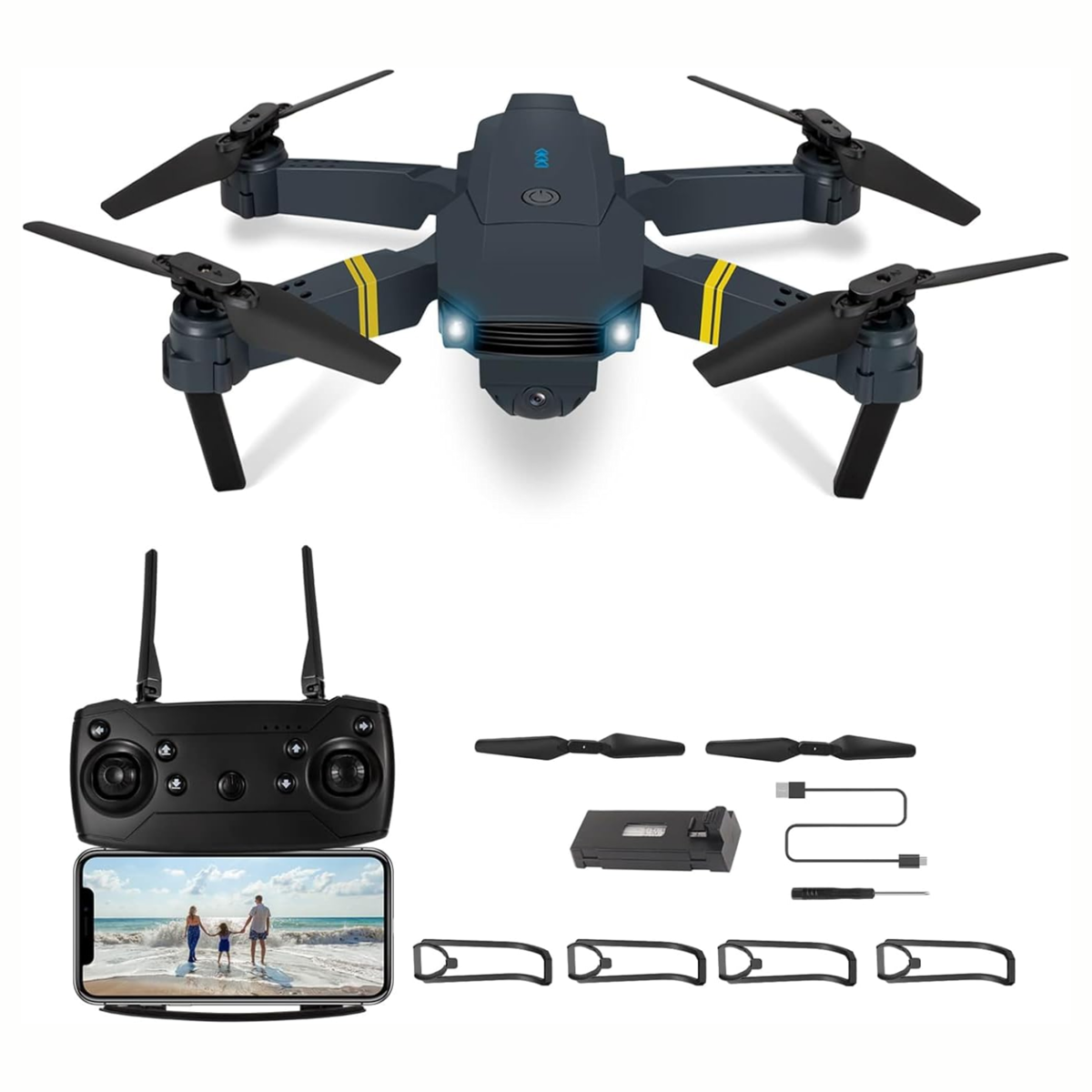
A quadcopter drone with camera is a four-rotor aerial platform that pairs a stabilized imaging payload with a remote-controlled flight system, ranging from sub-250g beginner foldables to GPS-equipped 4K/6K camera drones. The primary trade-off is image-sensor quality and GPS stabilization versus weight, flight time, and regulatory burden—cheap toy-grade drones use brushed motors and interpolated '8K' labels, while durable options use brushless motors, real CMOS sensors, and GPS/GLONASS return-to-home. The decision rule: buy brushless + GPS + a named CMOS sensor size if you want usable footage and wind stability; skip brushed, app-only, or dual-camera '8K' toy drones unless you only want a backyard trainer.

Buying guide image
Mechanical Keyboards

RGB Keyboard

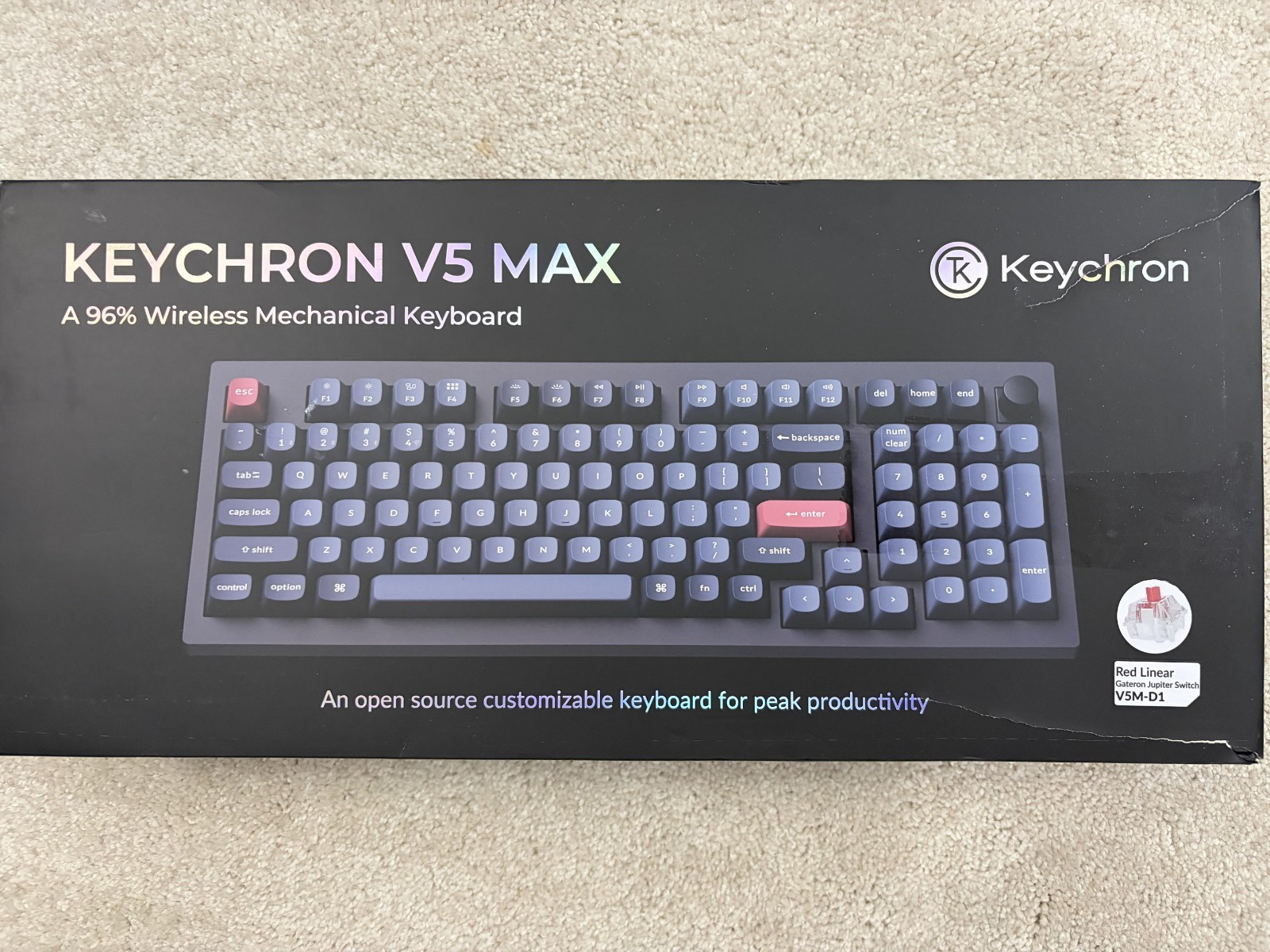
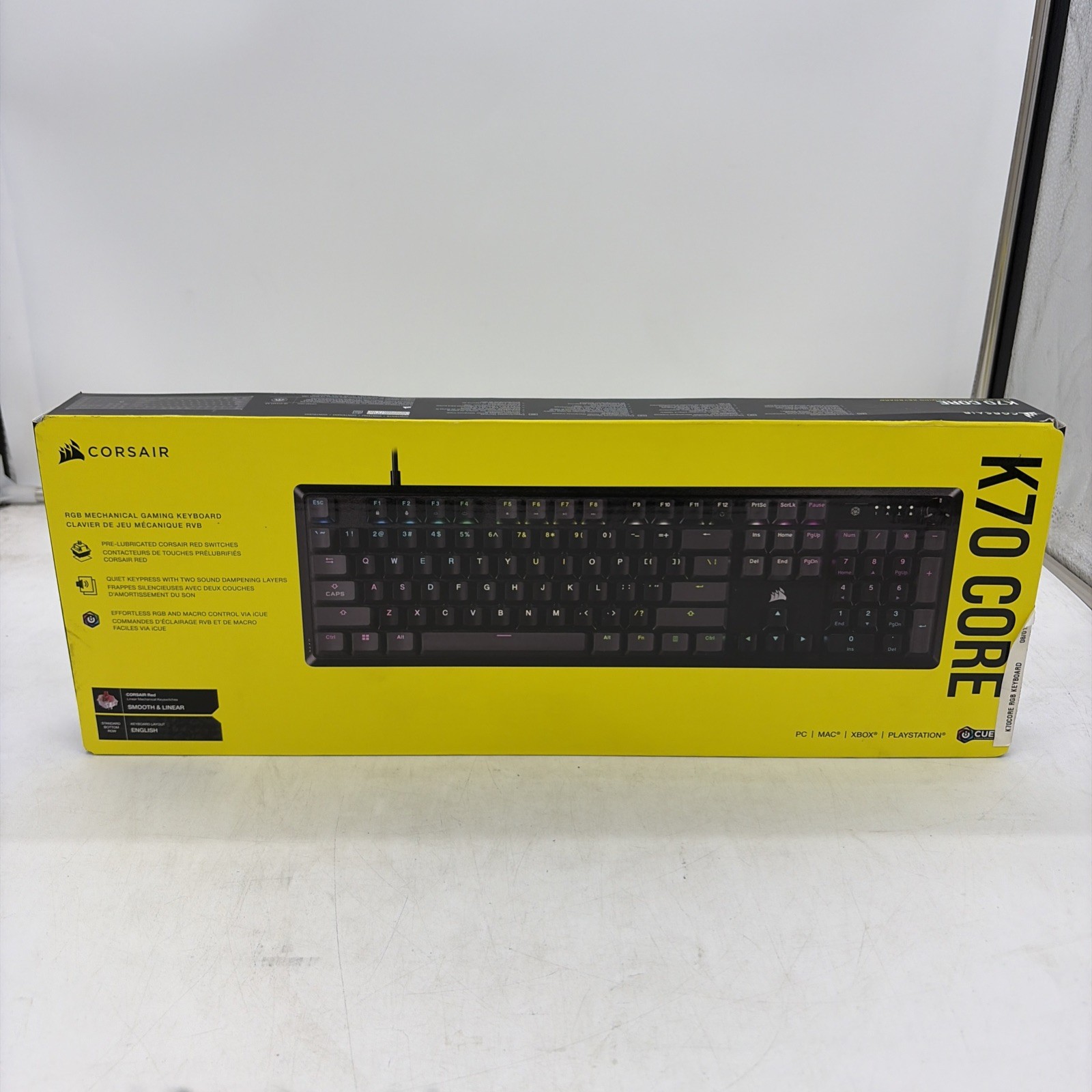
RGB keyboards are mechanical boards with per-key backlighting, and the primary trade-off is budget switch and keycap quality versus enthusiast-grade hot-swap and gasket mounts. The decision rule: buy a hot-swappable PCB with per-key RGB if you plan to customize or repair; buy a fixed-switch board only if lighting is the priority and you accept shorter switch lifespan.

Buying guide image
Chargers, Power Banks & Adapters

Power Bank iPhone

A power bank for iPhone must balance capacity, charging speed, and portability, with the key trade-off being battery chemistry and port configuration that determine real-world charge cycles and longevity. The decision rule: choose models with USB-C Power Delivery (PD) and at least 20W output for fast charging, and avoid obscure brands with unverified cell quality.

Buying guide image
Projectors & Screens

Projector Screen

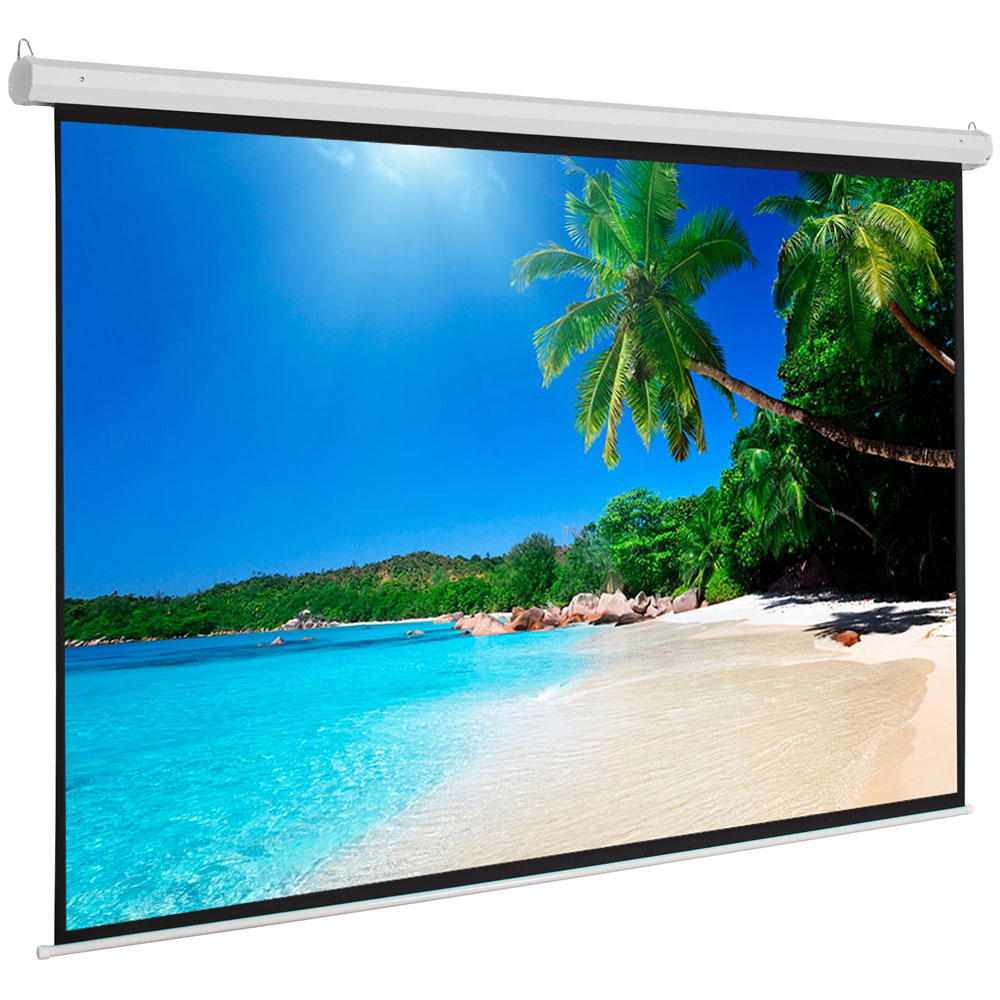
A projector screen is a dedicated tensioned or fixed white surface that maximizes projector brightness, contrast, and color accuracy versus a bare wall—its core trade-off is between portable fabric roll-ups (cheap, wrinkle-prone, low gain) and fixed-frame or tab-tensioned screens (rigid, uniform, higher gain, permanent install). The decisive rule: buy a screen with a matte white gain of 1.0–1.3, a true 16:9 aspect ratio matching your projector's native resolution, and a tensioning system (tab-tension, fixed frame, or weighted bottom bar) if you care about image uniformity; skip unweighted foldable cloth if you demand edge-to-edge sharpness.

Buying guide image
Mechanical Keyboards

Gaming Keyboard

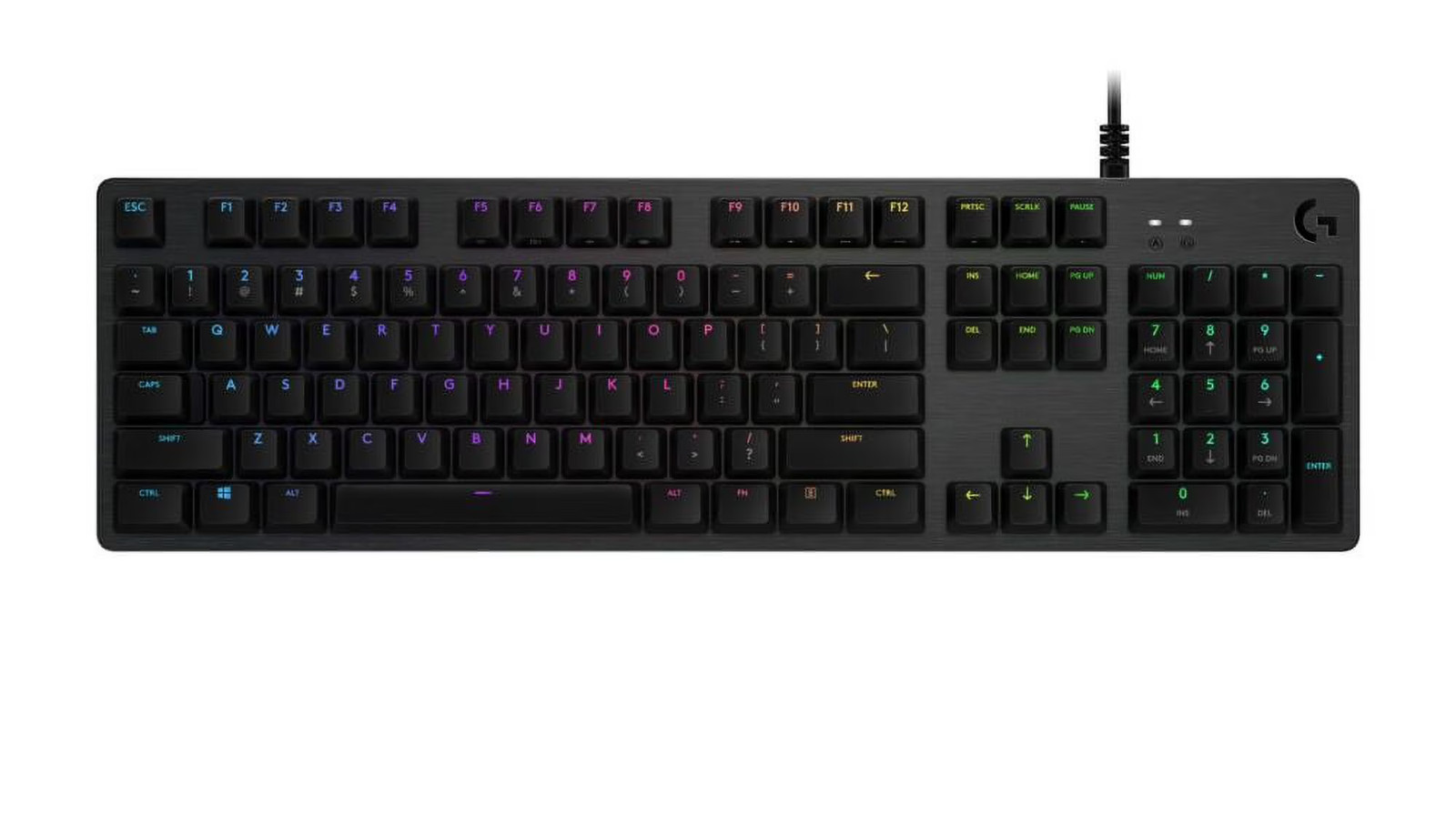
A gaming keyboard is a mechanical or optical switch board tuned for fast actuation, anti-ghosting, and durability under rapid, repeated input. The core trade-off is switch architecture and PCB mounting: cheap boards use soldered, plate-mount clone switches with ABS caps and tray-mount PCBs, while durable boards use hot-swap sockets, gasket mounting, PBT caps, and per-key RGB with onboard memory. The decision rule is simple: buy for the switch and PCB spec, not the RGB or the logo—if the listing names the switch type, keycap material, and hot-swap support, it is a real gaming board; if it only says 'mechanical feel' and 'RGB', it is a compromise.

Buying guide image
Replacement Parts, Modding & Repair Tools

Repair Tool

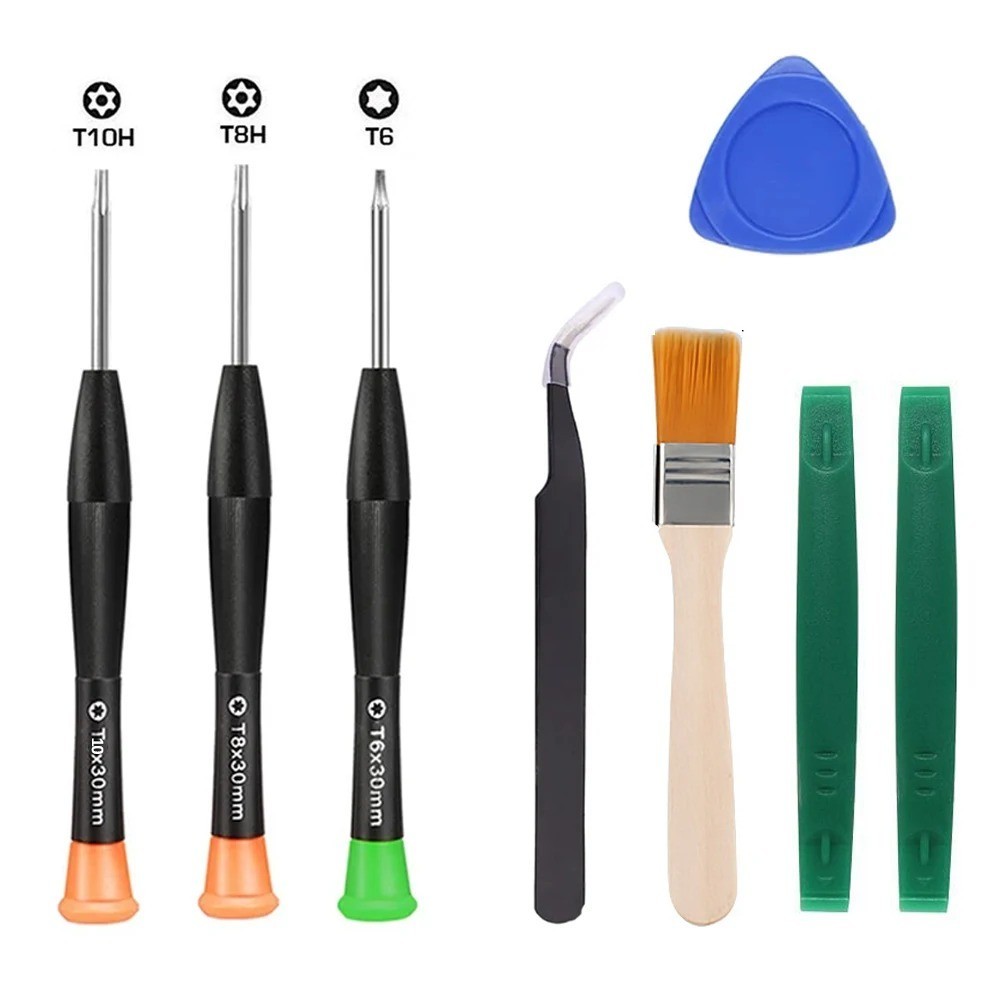
Repair tool kits for gaming hardware are specialized driver and pry sets sized for security screws (Torx, tri-wing, JIS) and plastic clips found in consoles and controllers. The core trade-off is bit steel quality and fit tolerance versus kit breadth—soft bits cam out and strip fragile game-bit screws, while oversized kits add unused bulk. Buy a kit with S2 or CR-V bits that explicitly covers your platform's security fasteners; skip generic precision sets that lack tri-wing, Torx Security, and proper pry tools.

Buying guide image
DACs & Headphone Amplifiers

Portable Headphone Amplifier

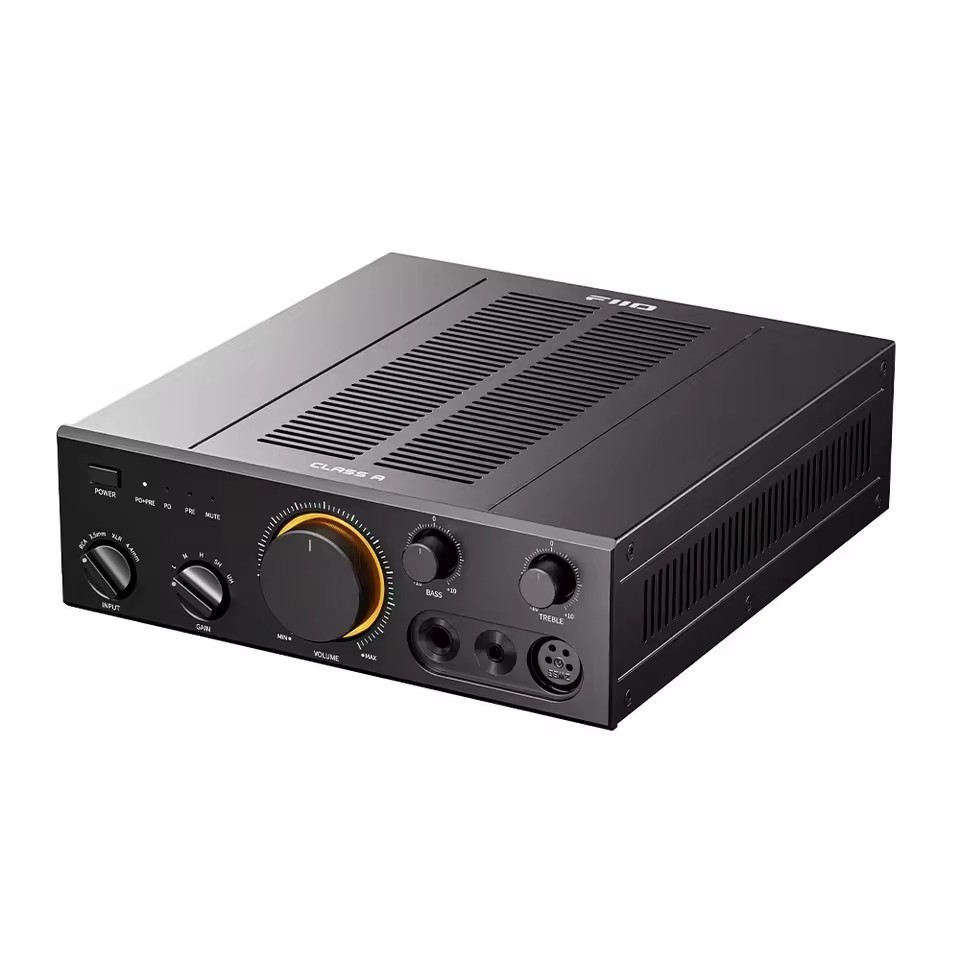
A portable headphone amplifier is a battery-powered gain stage (often with an integrated DAC) that drives headphones demanding more voltage or current than a phone or laptop jack can deliver. The core trade-off is clean output power versus noise floor and battery life: single-ended 3.5mm amps are tiny and quiet, while balanced or high-voltage designs add drive but bulk and heat. The decision rule is simple—if your headphones are under 32Ω and 100dB/mW sensitivity, skip the amp; if you own 250Ω+ or planar-magnetic cans, buy a model rated for the impedance and power at your listening level.

Buying guide image
Projectors & Screens

Projector And Screen

A projector and screen pairing is an optical system where screen gain, ambient light rejection, and projector brightness must align, while build quality determines wrinkle resistance, portability, and longevity. The primary trade-off is fixed-frame or tab-tensioned screens for image uniformity versus portable tripod or foldable screens for flexibility. Choose a fixed or tensioned screen if you watch in a dedicated room with controlled lighting; choose a portable screen only if you accept minor surface imperfections and lower gain.

Buying guide image
Flight Sim Rudder Pedals

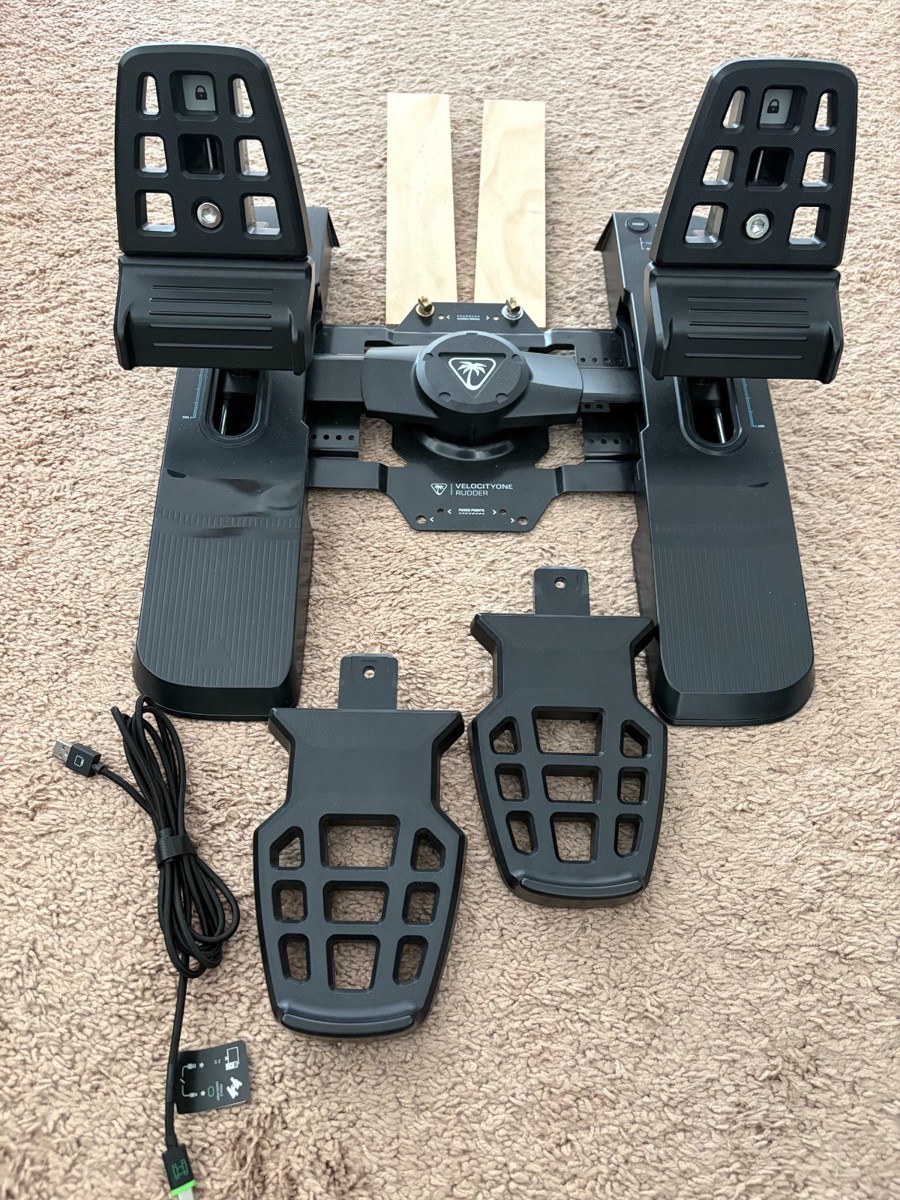
Rudder Pedal

Flight sim rudder pedals restore the yaw axis and differential braking that a twist-stick or yoke cannot simulate, using either potentiometers or contactless Hall-effect sensors to translate foot pressure into rudder input. The core trade-off is sensor durability and chassis rigidity versus cost: budget pedals use plastic shells and potentiometers that wear and spike, while serious pedals use metal frames, Hall sensors, and adjustable tension. Buy metal-framed, contactless-sensor pedals if you fly weekly; accept plastic potentiometer pedals only for casual, occasional use.

Buying guide image
Computers & Peripherals

HP All In One

HP All-in-One (AIO) computers integrate the display, CPU, and system board into a single chassis, trading internal upgradeability for a clutter-free footprint. The key decision is architecture: mainstream 24-inch models with U-series processors and soldered RAM versus 27-inch performance tiers with discrete graphics and upgradeable storage. Durable options use IPS panels with 300+ nits and Wi-Fi 6; compromises rely on TN panels, 8GB soldered RAM, or older Wi-Fi 5.

Buying guide image
Projectors & Screens

150 Projector Screen

A 150-inch projector screen is a large-format display surface, typically 16:9, that must balance gain, viewing angle, and structural rigidity across a 131×74-inch image area. The core trade-off is between portable tripod/frame systems and fixed-wall or tensioned screens: portable units trade rigidity for setup speed, while fixed screens prioritize flatness and uniform reflection. Choose a tensioned or tab-tensioned design with at least a 1.1 gain matte-white surface for dedicated rooms; accept a wrinkle-prone folding or basic tripod screen only for occasional outdoor use where portability outweighs uniformity.

Buying guide image
Mechanical Keyboards

60 Gaming Keyboard

A 60% gaming keyboard is a compact mechanical board with no dedicated function row, arrow cluster, or numpad, trading keys for desk space and mouse room. The core trade-off is layout: a standard 60% keeps a compact footprint but forces layer-based access to arrows and F-keys, while a 65% adds a dedicated arrow cluster at only a few extra keys of width. Buy a 60% only if you are comfortable with function layers and QMK/VIA remapping; otherwise step up to a 65% or TKL for day-to-day productivity.

Buying guide image
Projectors & Screens

Portable Projector Screen

A portable projector screen is a freestanding or foldable projection surface engineered for quick setup and transport, with the core trade-off being screen material flatness and frame rigidity against pack weight and assembly time. Durable options use tensioned matte-white PVC or gray fabric with a rigid aluminum or steel frame, while compromises rely on thin crease-prone polyester and lightweight plastic joints. Choose a tensioned or inflatable frame for wrinkle-free 4K viewing; skip untensioned fabric tripods if image uniformity matters.

Buying guide image
Computers & Peripherals

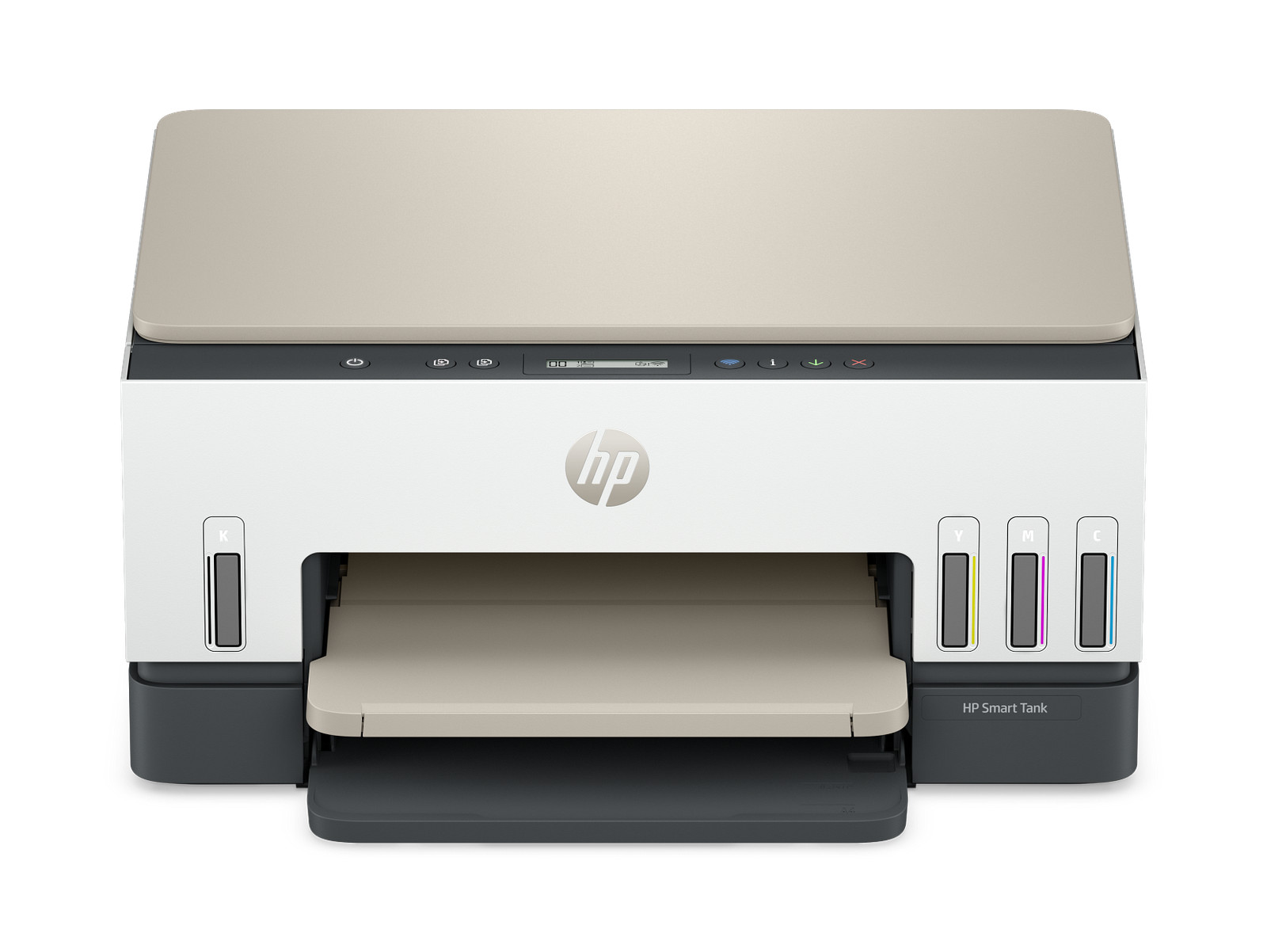
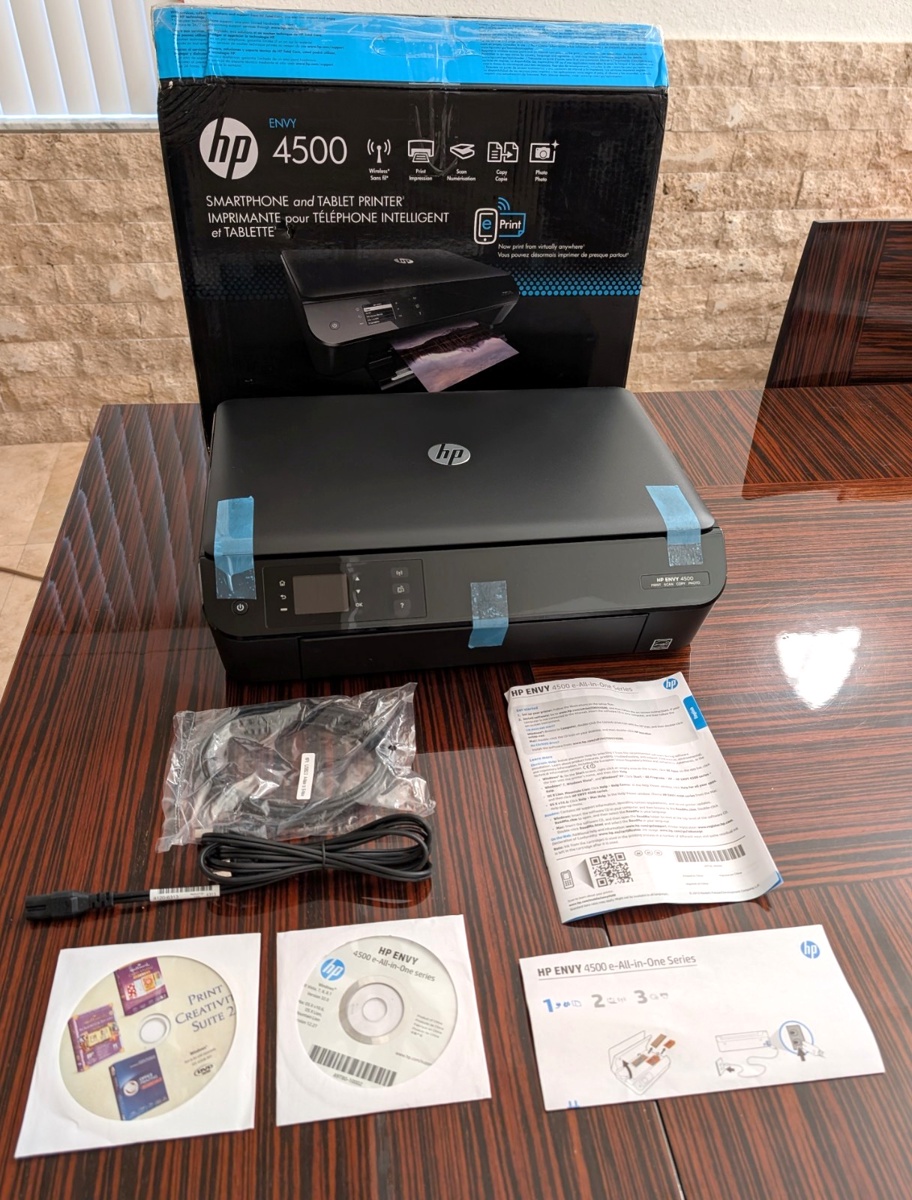
HP All One Printer

An HP all-in-one printer combines printing, scanning, and copying in one desktop device, but the segment splits sharply between disposable inkjet designs with high consumable costs and durable tank or laser models built for volume. The core trade-off is upfront hardware simplicity versus long-term cost per page and monthly duty cycle. Choose an inkjet only for light, color-heavy home use; step up to a tank or laser model if you print more than a few dozen pages weekly or need low-maintenance reliability.

Buying guide image
In-Ear Earphones

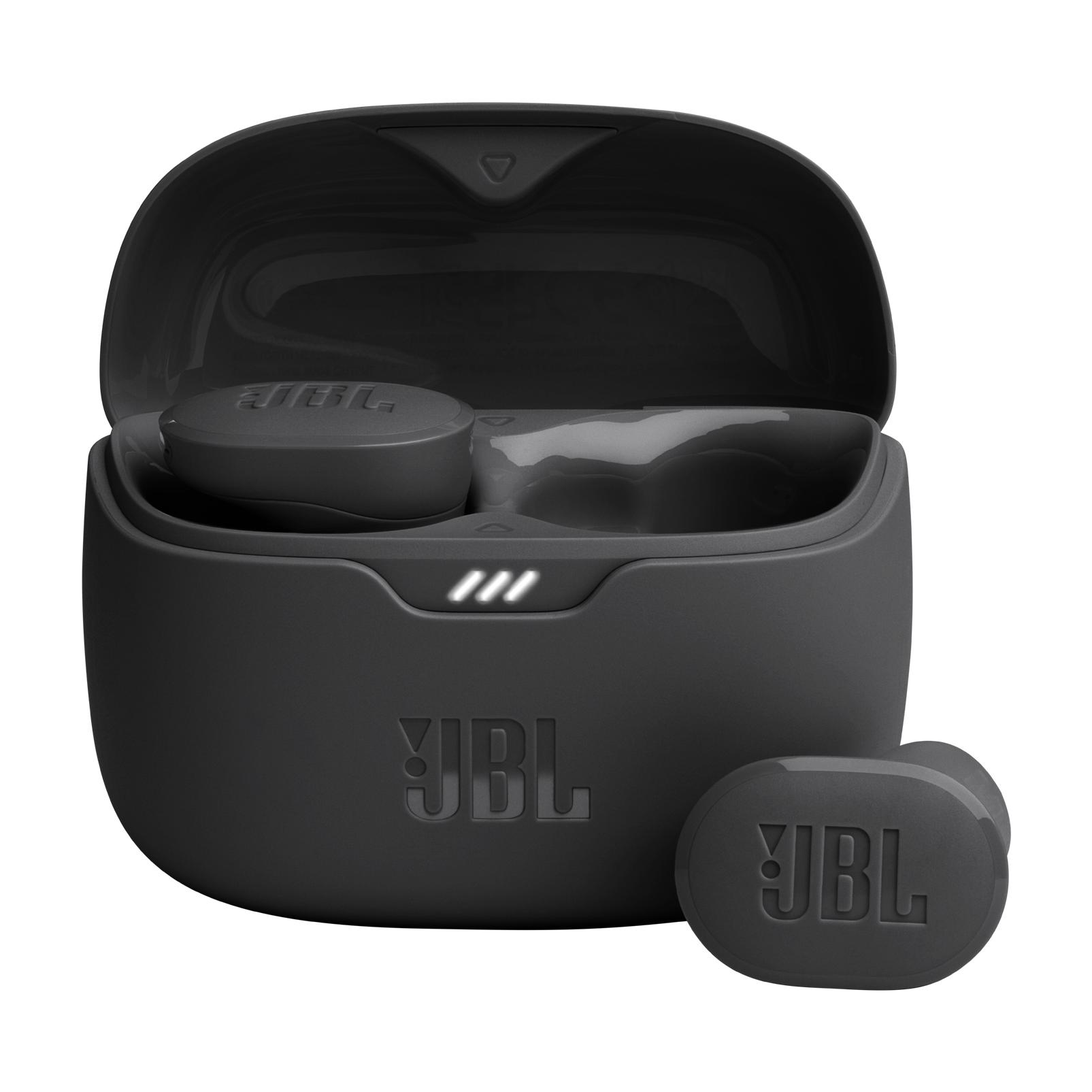
True Wireless Earphone

True wireless earphones are cable-free in-ear buds that pair over Bluetooth, and the core trade-off is between Bluetooth codec/version stability and battery/ANC capacity at a given size and fit. Durable options use Bluetooth 5.2+ with defined IP ratings and replaceable silicone tips, while compromises lean on older CSR 4.2 chips, vague water-resistance claims, and sealed batteries. The decision rule: buy Bluetooth 5.2 or newer with a stated IPX rating and USB-C; skip any 4.2-era design unless it is a deliberate budget backup.

Buying guide image
VR Gaming Hardware & Accessories

Quest VR Headset

Quest VR headsets are Meta's standalone all-in-one VR systems that run inside-out tracking and full 6DoF gaming without a PC or base stations. The decisive trade-offs are panel type (Fresnel LCD vs pancake lenses), resolution and storage tier (64/128GB vs 128/256/512GB), and accessory dependency for comfort and battery life. Buy the newest generation your budget allows for lens clarity and long-term app support; older Quest 1 and 64GB Quest 2 units are compromise tiers for secondary or entry use.

Buying guide image
Mechanical Keyboards

Wireless Keyboard

Wireless mechanical keyboards range from budget tri-mode 75% boards to low-latency 2.4GHz gaming models, with the core trade-off being wireless protocol latency and battery capacity versus build material and switch quality. Choose a 2.4GHz dongle model for competitive gaming, Bluetooth 5.x for multi-device productivity, and skip plastic-case boards with small batteries if you need all-day backlighting.

Buying guide image
In-Ear Earphones

True Wireless Earbud

True wireless earbuds are cable-free in-ear headphones with separate buds and a charging case, where the core trade-off is driver/acoustic quality and build sealing versus battery life and cost. The decisive rule is the Bluetooth generation and codec support: Bluetooth 5.2+ with AAC and a known chipset family (Qualcomm, Airoha, BES) defines durable options, while CSR 4.2-era modules mark disposable compromises.

Buying guide image
Mechanical Keyboards

Wireless 60 Keyboard

A wireless 60% keyboard is a compact, cable-free board that drops the function row, arrow cluster, and numpad to save desk space while preserving the main alpha block. The core trade-off is between 2.4GHz low-latency connectivity for gaming and Bluetooth multi-device convenience for productivity, all while managing a smaller battery and heavier reliance on layers. Buy a board with hot-swap sockets, a 2.4GHz dongle plus Bluetooth, and at least 2000mAh battery; skip anything with soldered switches, Bluetooth-only wireless, or sub-1500mAh cells.

You may also like

Finding more guides for you…