
Photos from current listings. Actual item, color, and included accessories may vary.
Projector Screen Buying Guide
A projector screen is a dedicated tensioned or fixed white surface that maximizes projector brightness, contrast, and color accuracy versus a bare wall—its core trade-off is between portable fabric roll-ups (cheap, wrinkle-prone, low gain) and fixed-frame or tab-tensioned screens (rigid, uniform, higher gain, permanent install). The decisive rule: buy a screen with a matte white gain of 1.0–1.3, a true 16:9 aspect ratio matching your projector's native resolution, and a tensioning system (tab-tension, fixed frame, or weighted bottom bar) if you care about image uniformity; skip unweighted foldable cloth if you demand edge-to-edge sharpness.
Median $86.99
Key takeaways
- Gain and viewing angle trade off directly: matte white 1.0 gain preserves 160–170° viewing angles for family seating, while 1.3+ gain boosts brightness in ambient light but narrows the usable cone to roughly 120°.
- Aspect ratio must match projector native resolution—16:9 for 1080p/4K DLP and LCD home theater, 4:3 for legacy office projectors; mismatched ratios force letterboxing or cropping and waste lumens.
- Tensioning architecture separates tiers: tab-tensioned and fixed-frame screens hold flatness within millimeters across the diagonal, while unweighted foldable fabric develops edge curl and center sag that visibly distorts focus.
At a glance
- Category
- Projectors & Screens
- Last updated
- Nov 29, 2026
Current offers
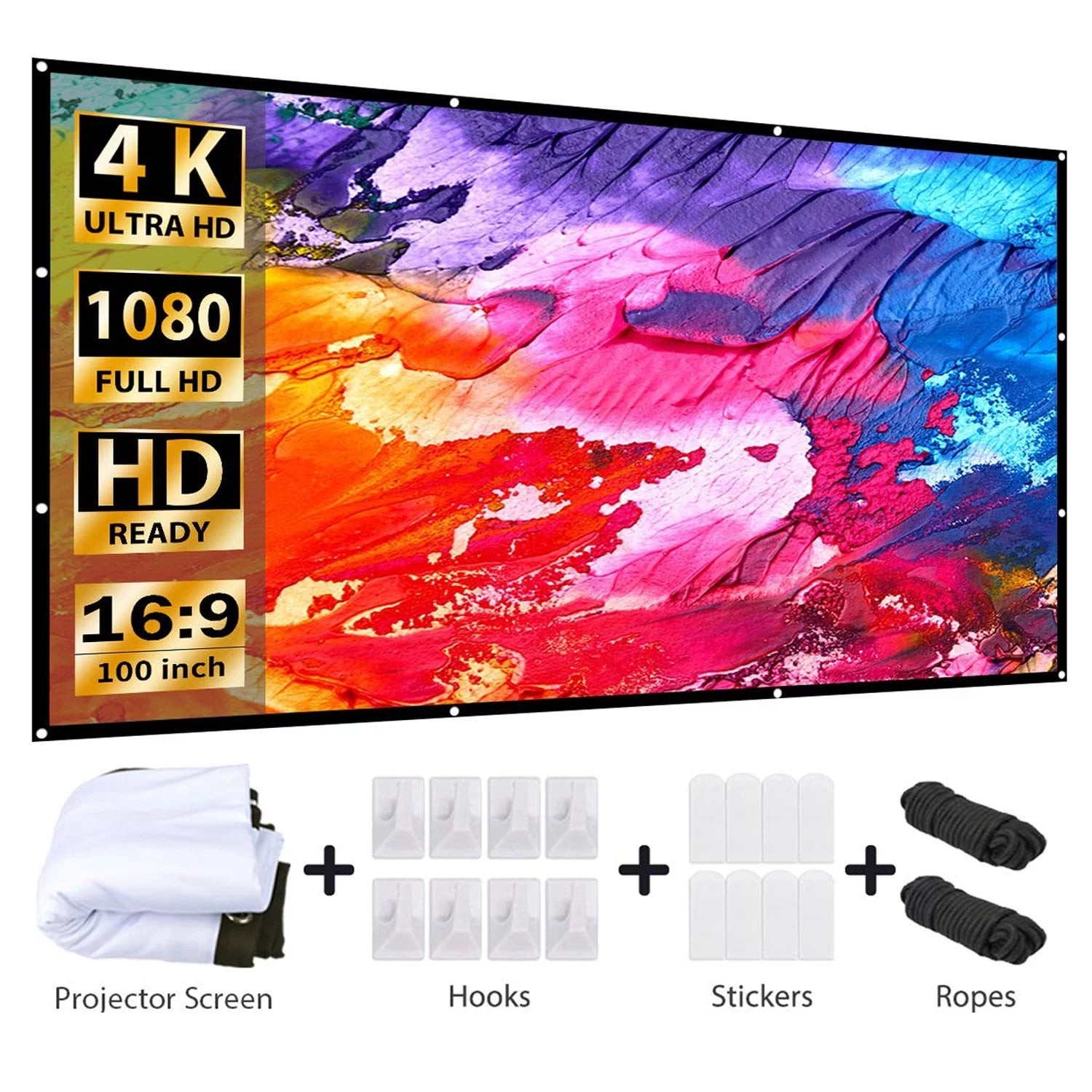 VANKYO 100'' Foldable Projector Screen 16:9 HD Outdoor Home Theater 3D Movie$7.39View on eBay
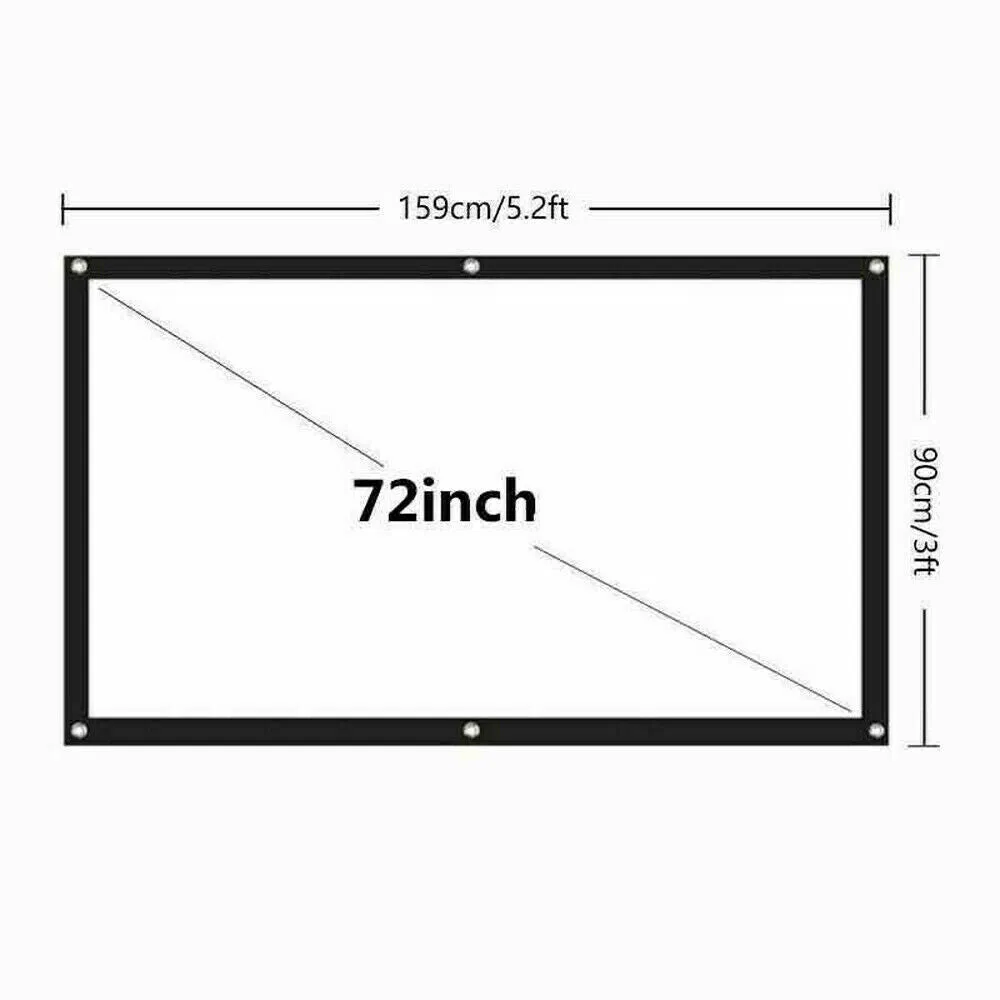 Portable Foldable Projector Screen 16:9 HD Outdoor Home Cinema Theater 3D Movie$21.99View on Mallflare
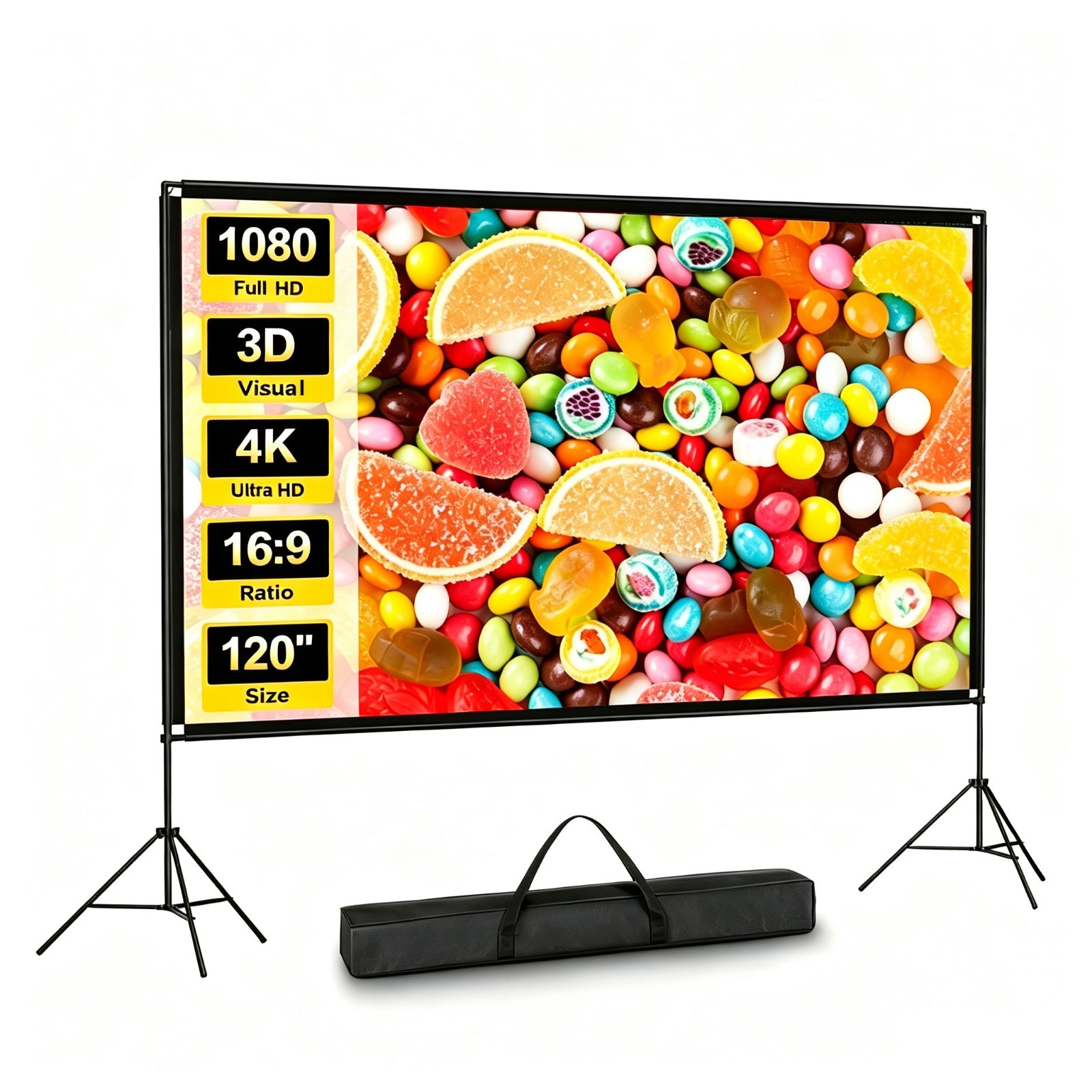 120 inch Outdoor Projector Screen with Stand Foldable Projector Screen 16:9 HD$59.99View on eBay
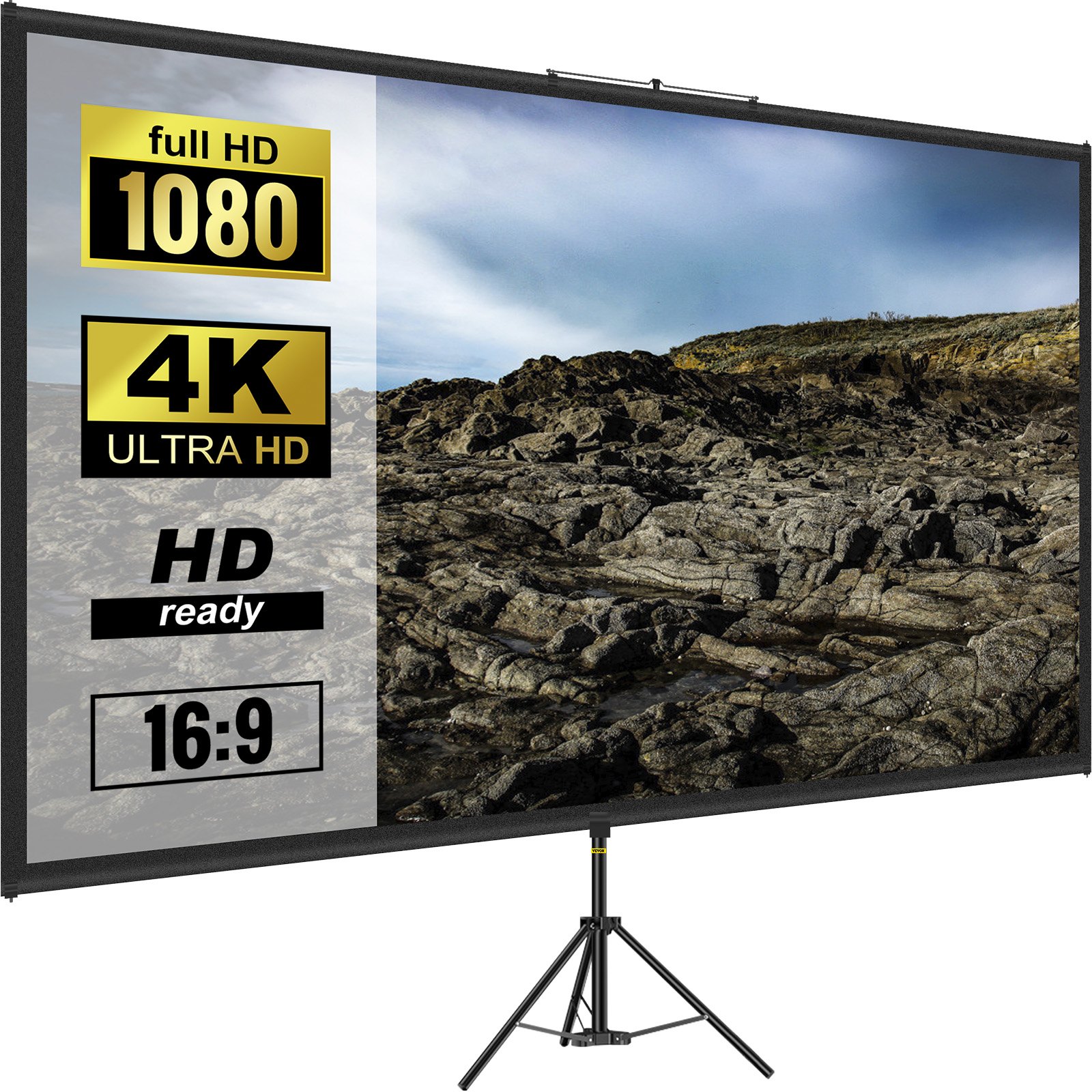 Tripod Projector Screen With Stand 60 Inch 16:9 4K HD Projection Wrinkle-Free Height Adjustable Portable For Indoor & Outdoor For Movie, Home Cinema, Gaming, Office$36.99View on Mallflare
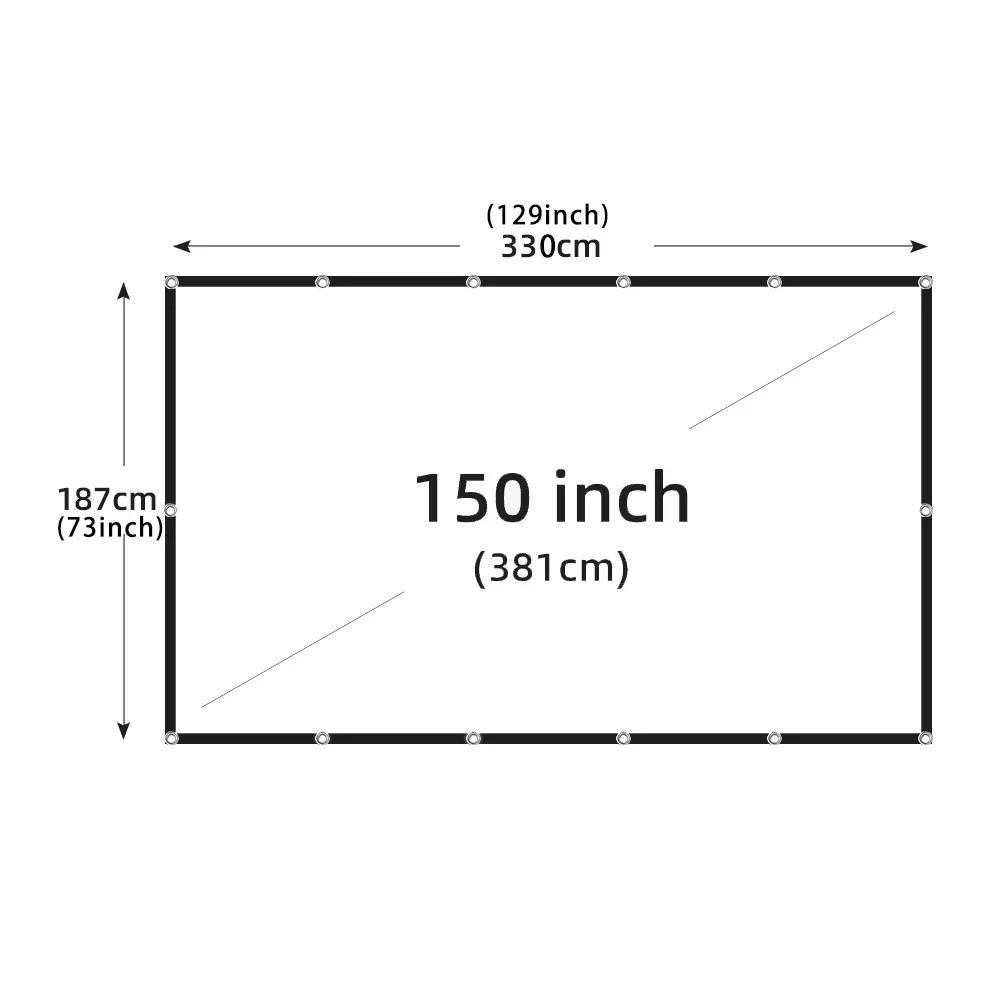 MIXITO Portable Projector Screen Foldable Matte White 16:9 30-130 Inch$60.99View on eBay
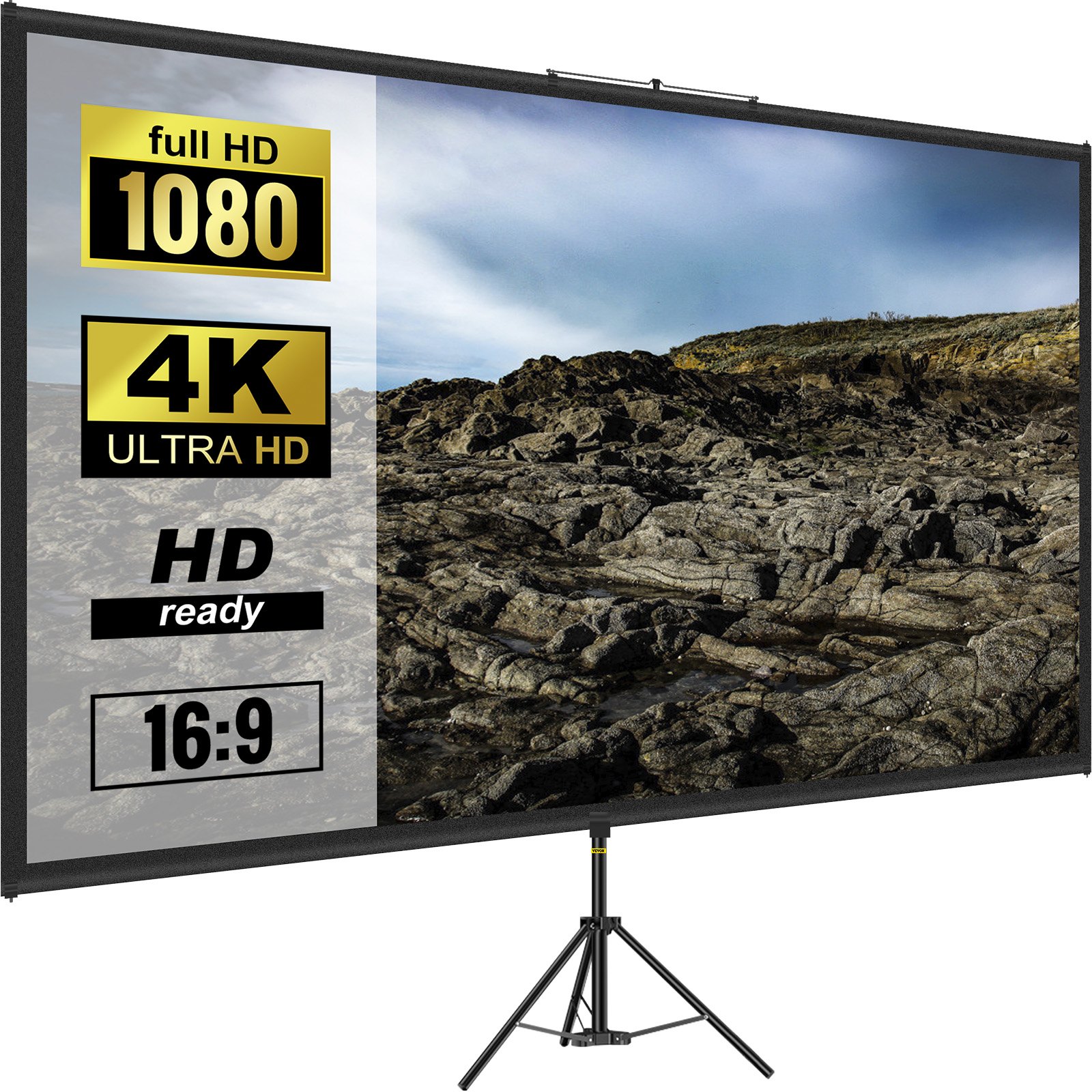 Tripod Projector Screen With Stand 110inch 16:9 4K HD Projection Wrinkle-Free Height Adjustable Portable For Indoor & Outdoor For Movie, Home Cinema, Gaming, Office$48.99View on Mallflare
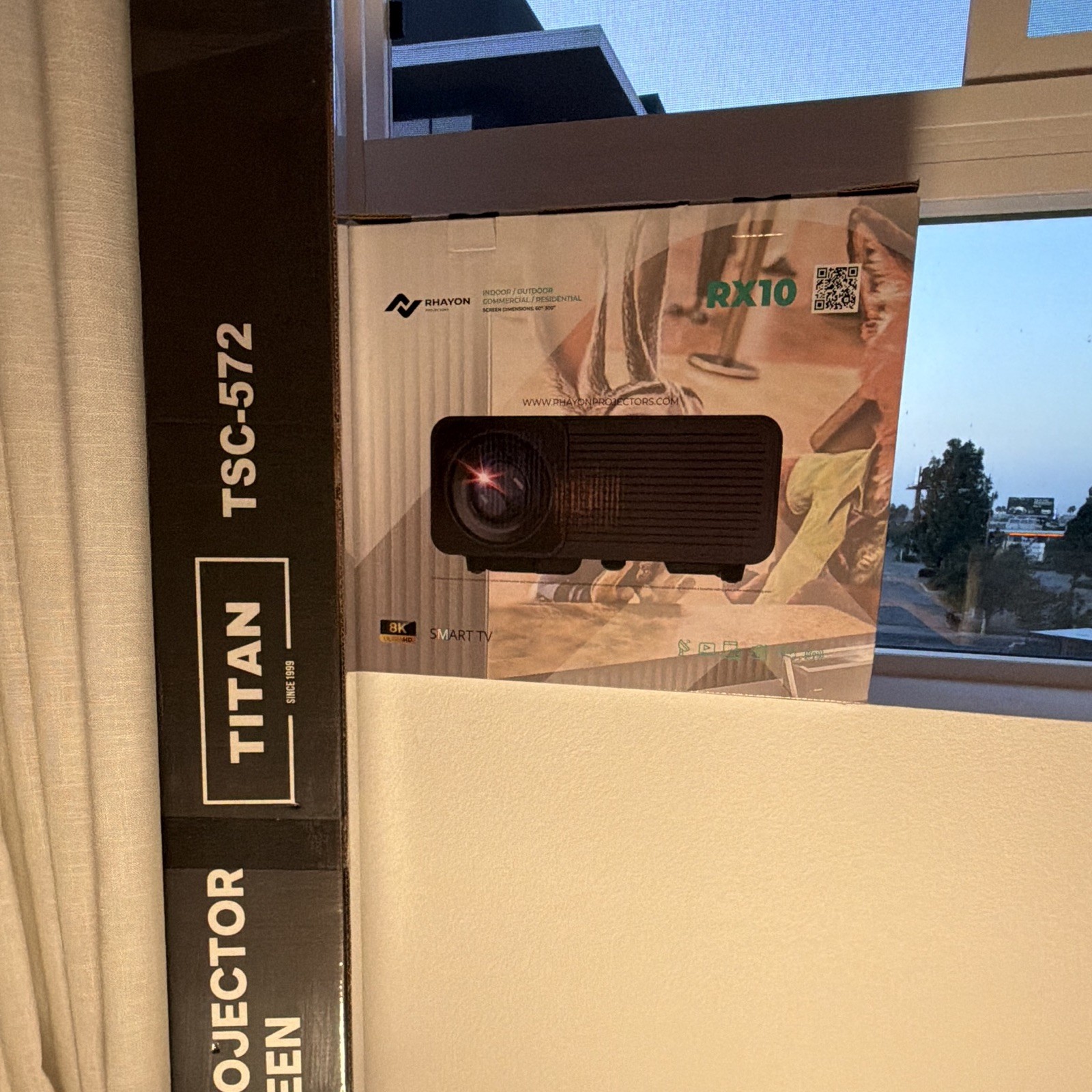 Rhayon RX10 8K Smart Laser Projector + Titan TSC-572 Screen MSRP $8,750 NEW$399.99Last checked Nov 18, 2026View on eBay
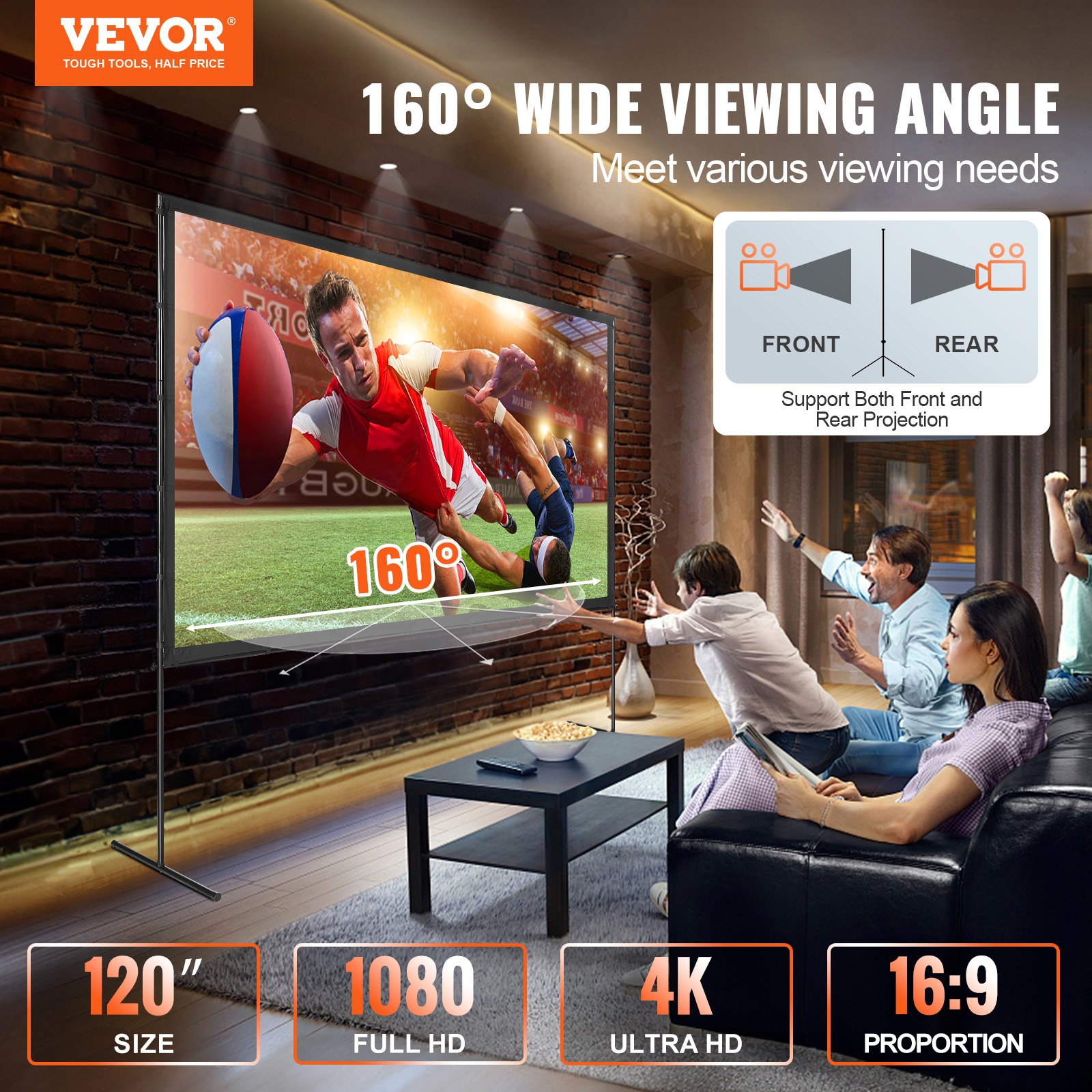 VEVOR Projector Screen With Stand, 120 Inch 4K 1080 HD Outdoor Movie Wrinkle-Free Projection Bar Feet And Carry Bag, For Home Theater Cinema Backyard Night$67.99View on Mallflare
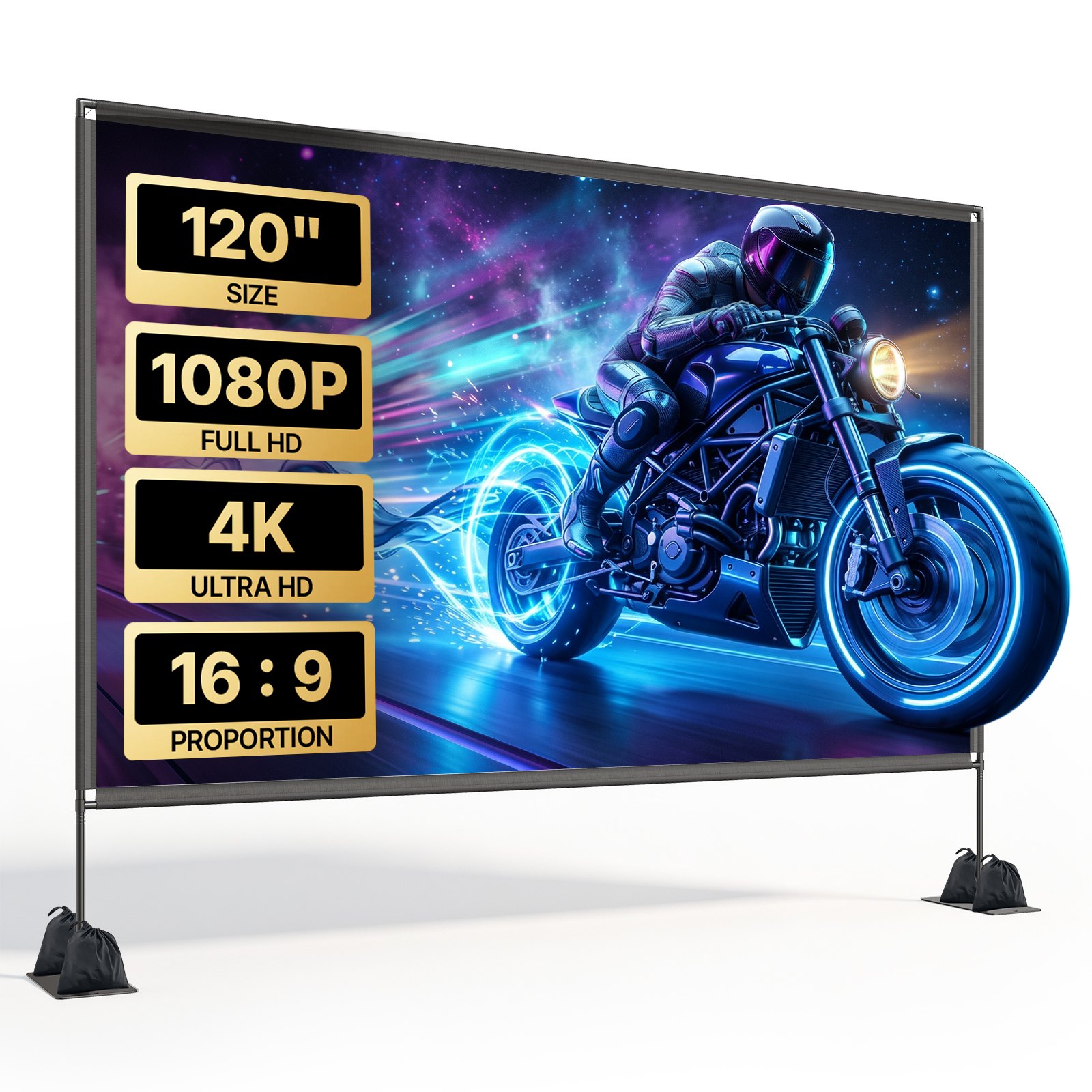 Projector Screen with Stands, 120 Inch 16:9 4K 1080P HD Movie 170° Wide Viewing, Front/Rear Projection Ground Stakes, Sandbags & Guy Ropes for Home Theater & Backyard Movies$67.99View on Mallflare
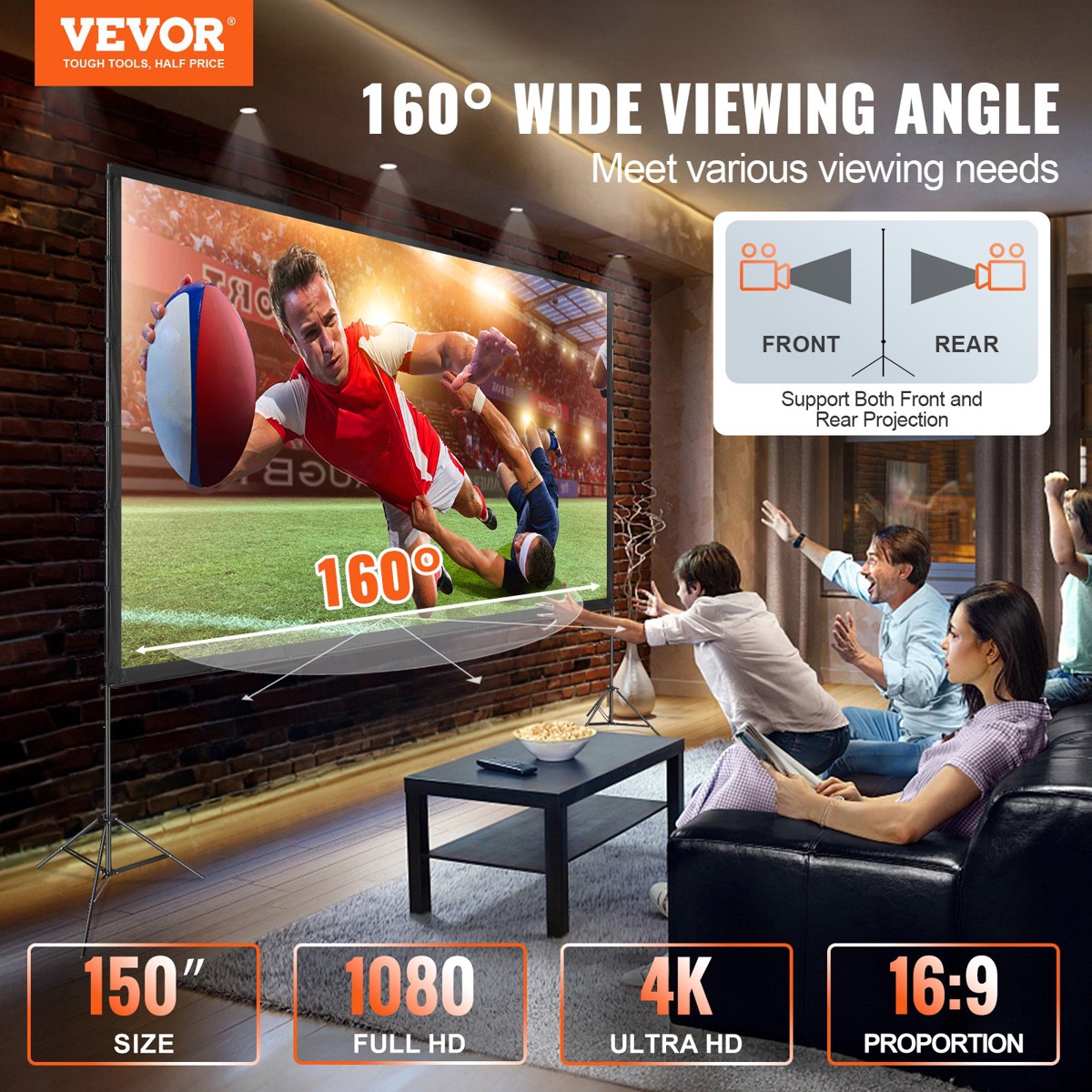 Projector Screen With Stand, 150 Inch 16 9 4K 1080 HD Outdoor Movie Wrinkle-Free Projection Tripods And Carry Bag, For Home Theater Cinema Backyard Night$70.99View on Mallflare
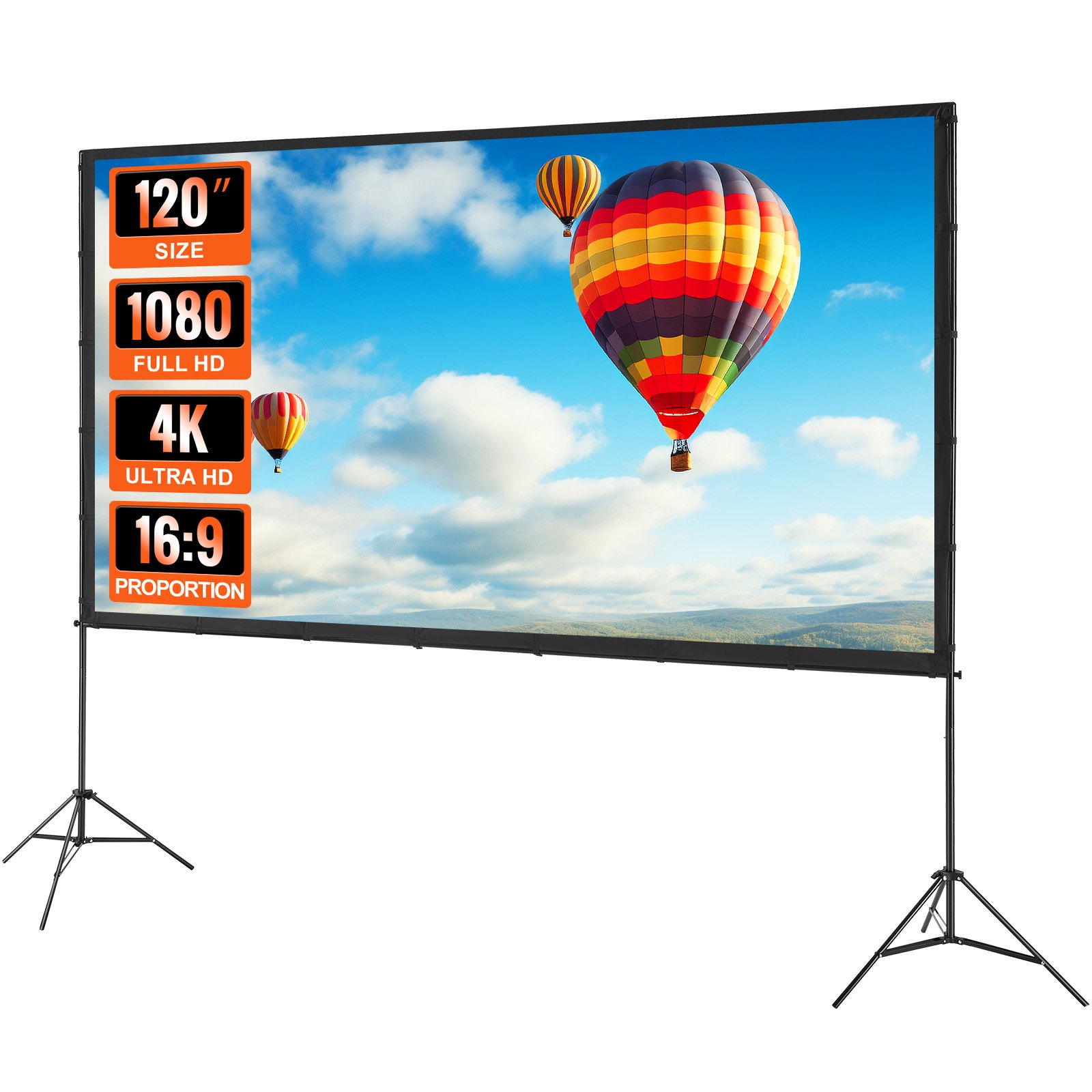 Projector Screen With Stand, 120 Inch 16:9 4K 1080 HD Outdoor Movie Wrinkle-Free Projection Tripods And Carry Bag, For Home Theater Cinema Backyard Night$74.99View on Mallflare
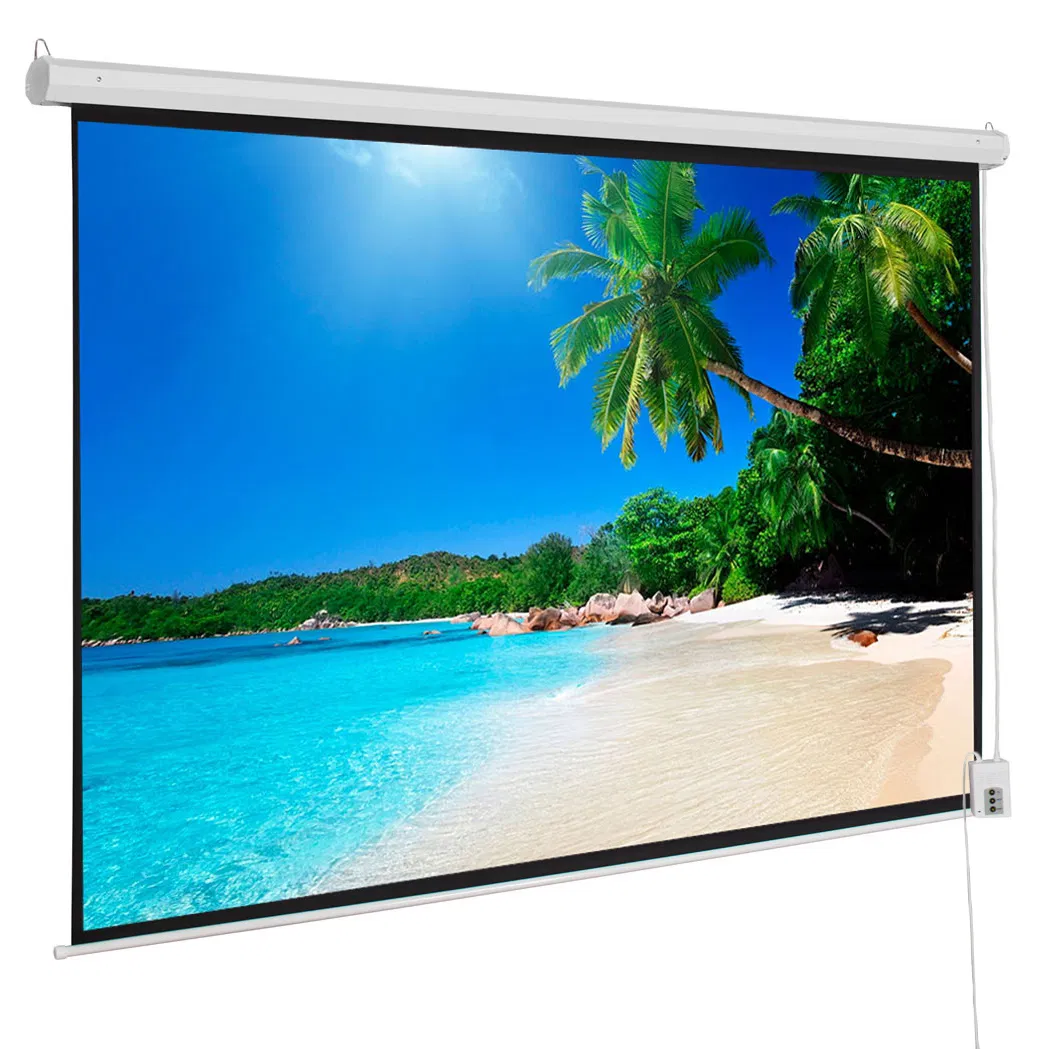 92" 16:9 80" x 45" Viewing Area Motorized Projector Screen with Remote Control Matte White$85.99View on Mallflare
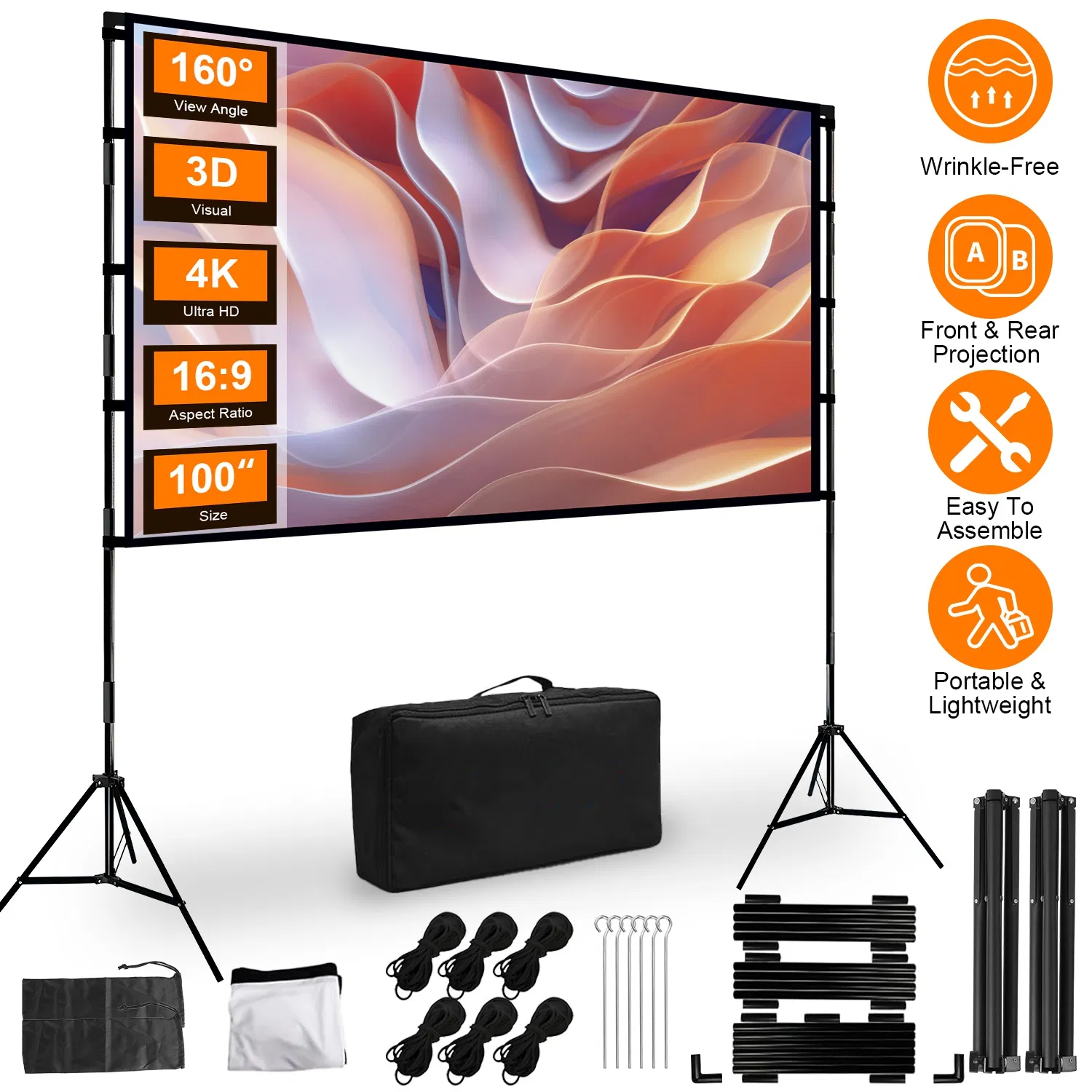 100inch 120inch Options Projector Screen With Stand 4K HD Rear Front Wrinkle-Free Portable And Foldable Movie Carry Bag For Indoor Outdoor Home Theater Backyard Cinema$87.99View on Mallflare
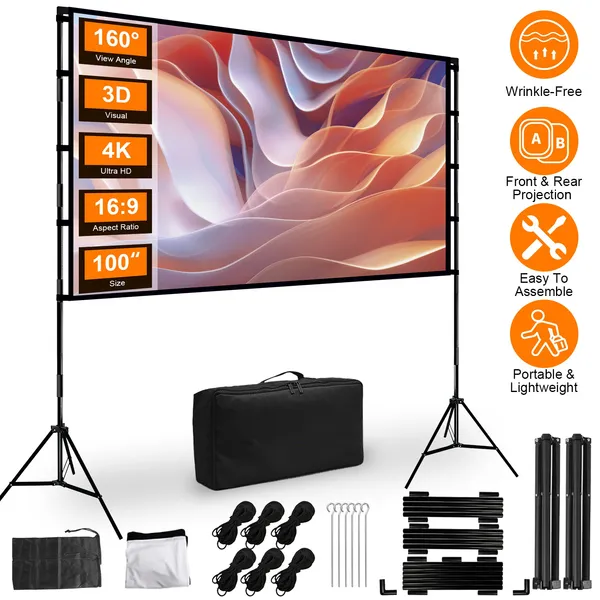 100inch/120inch Options Projector Screen With Stand 16:9 4K HD Rear Front Wrinkle-Free Portable And Foldable Movie Carry Bag For Indoor Outdoor Home Theater Backyard Cinema$87.99View on Mallflare
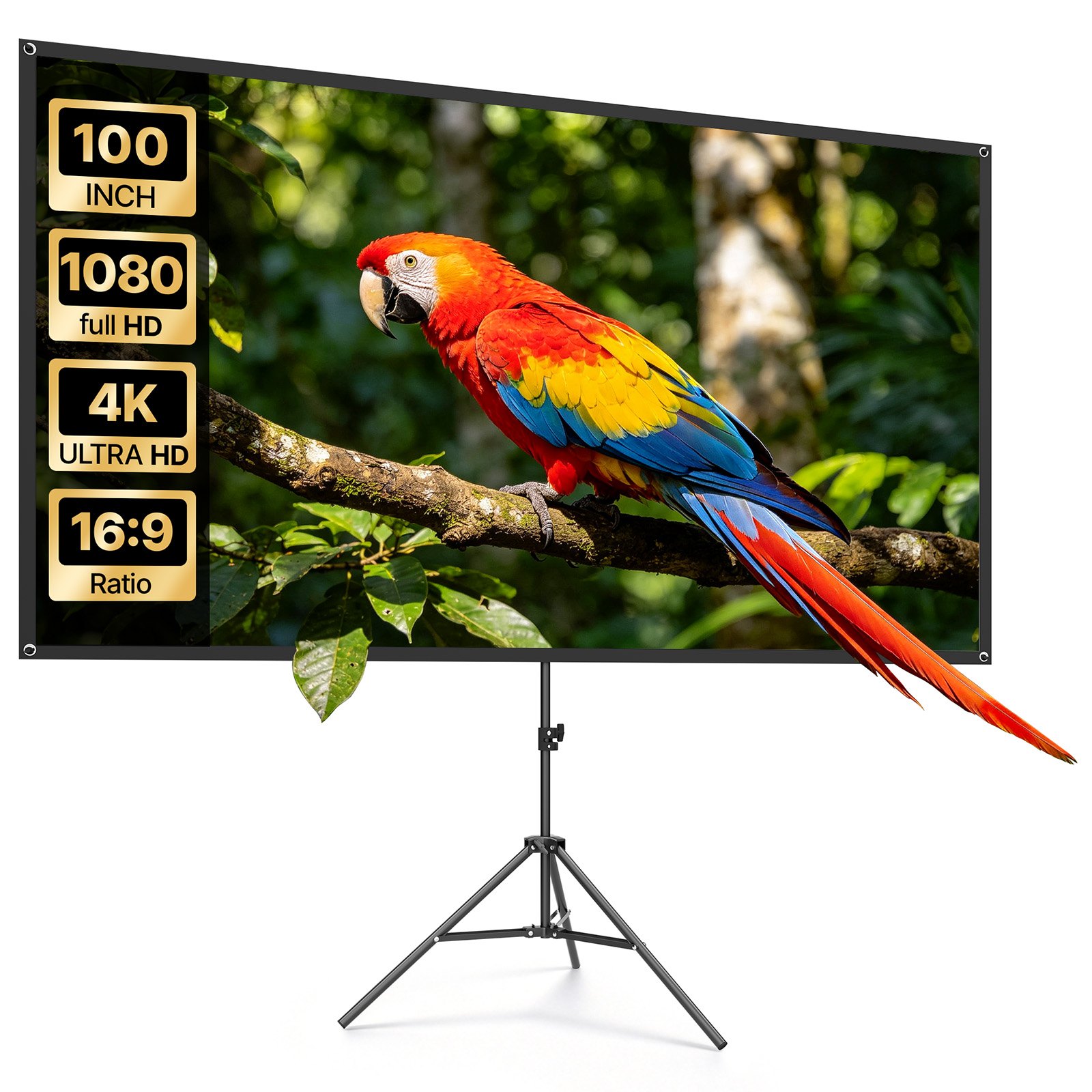 Projector Screen with Stand, 100 Inch 16:9 4K 1080P HD Movie 170° Wide Viewing, Wrinkle-Free Projection Stable Tripod & Portable Bag for Home Theater, Immersive Nights$91.99View on Mallflare
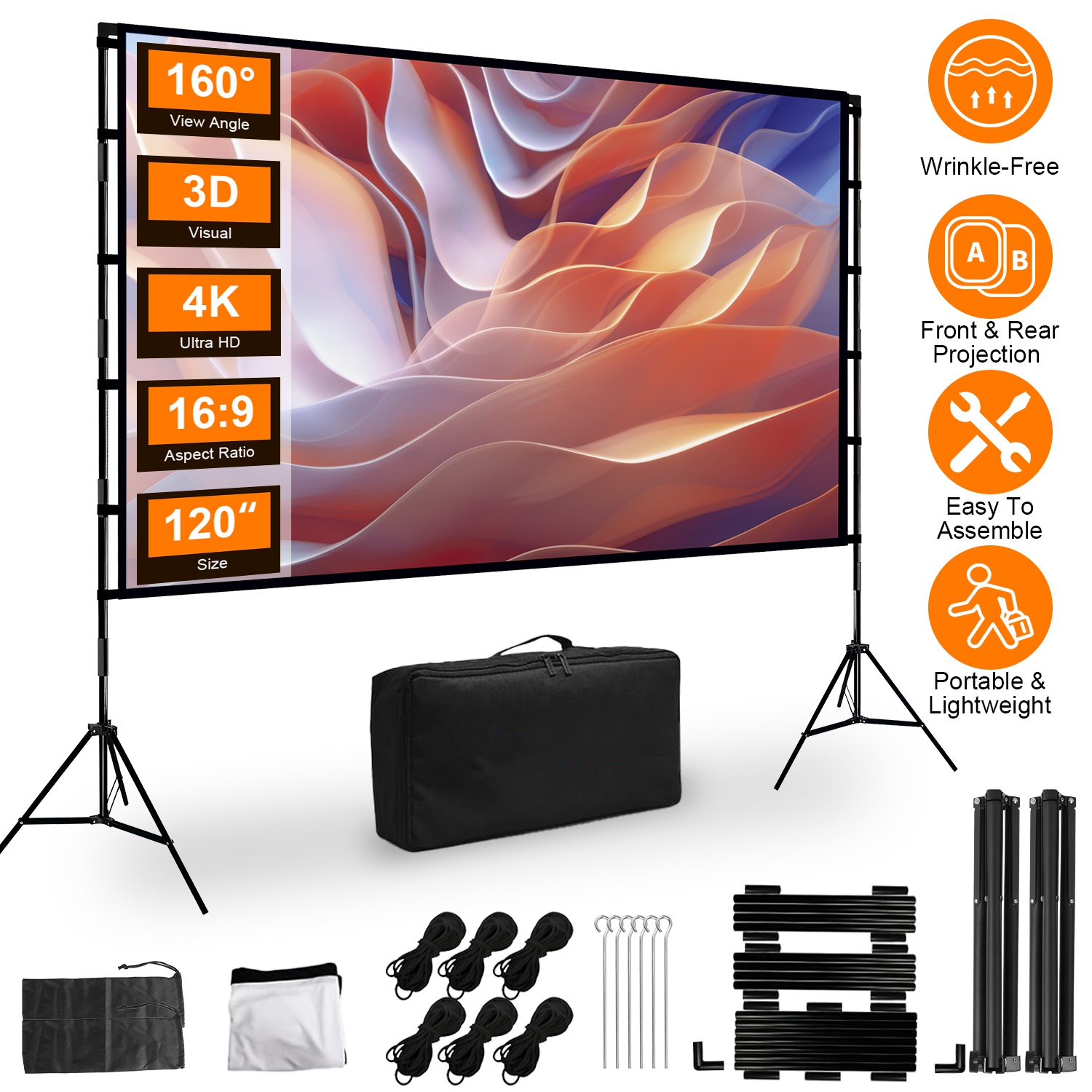 1Pc 120inch Or 100inch Projector Screen With Stand 16 9 4K HD Rear Front Wrinkle Free Portable And Foldable Movie Carry Bag For Indoor Outdoor Home Theater Backyard Cinema$97.99View on Mallflare
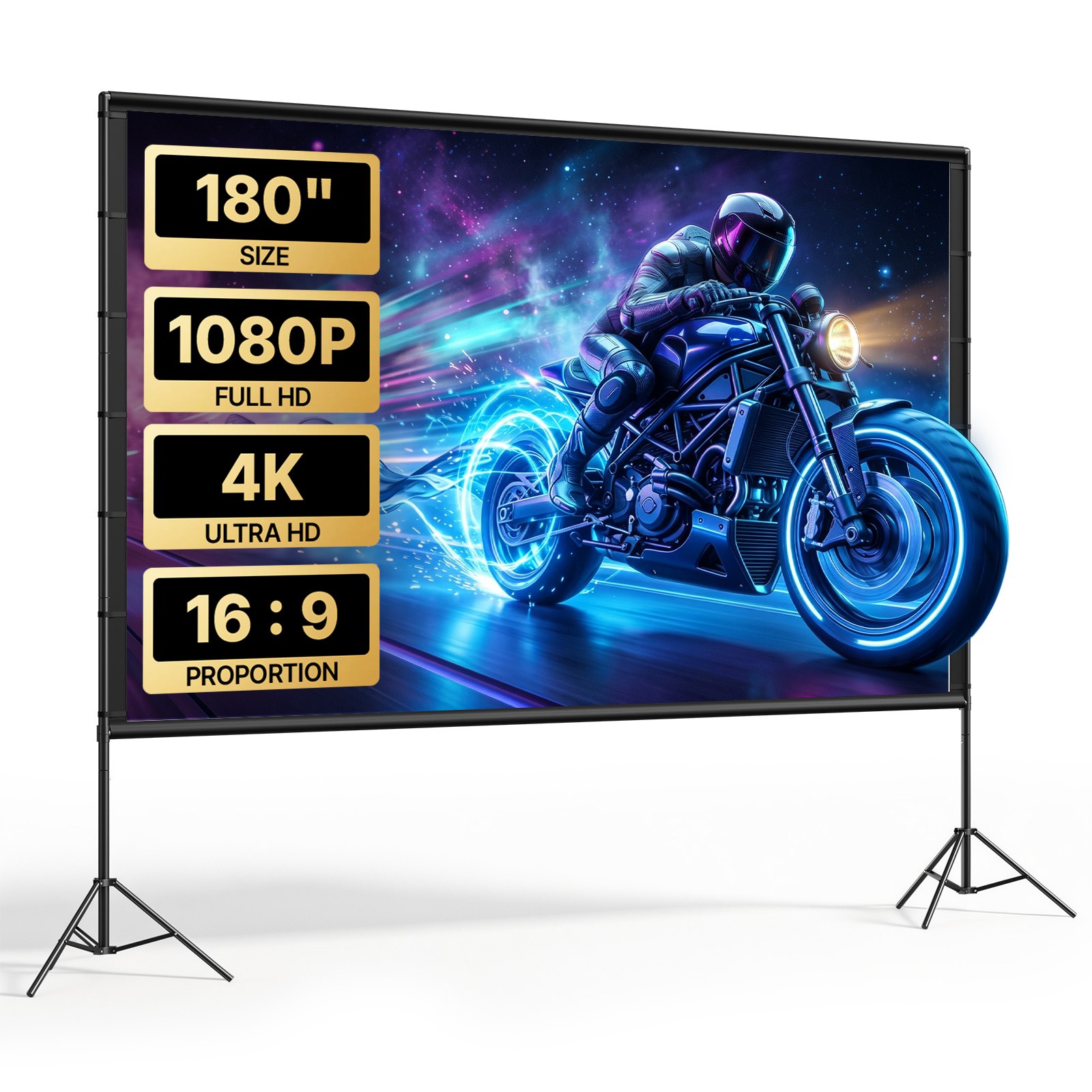 Projector Screen with Stands, 180 Inch 16:9 4K 1080P HD Movie 170° Wide Viewing, Front/Rear Projection Dual Tripod, Ground Stakes & Guy Ropes for Indoor Outdoor Nights$98.99View on Mallflare
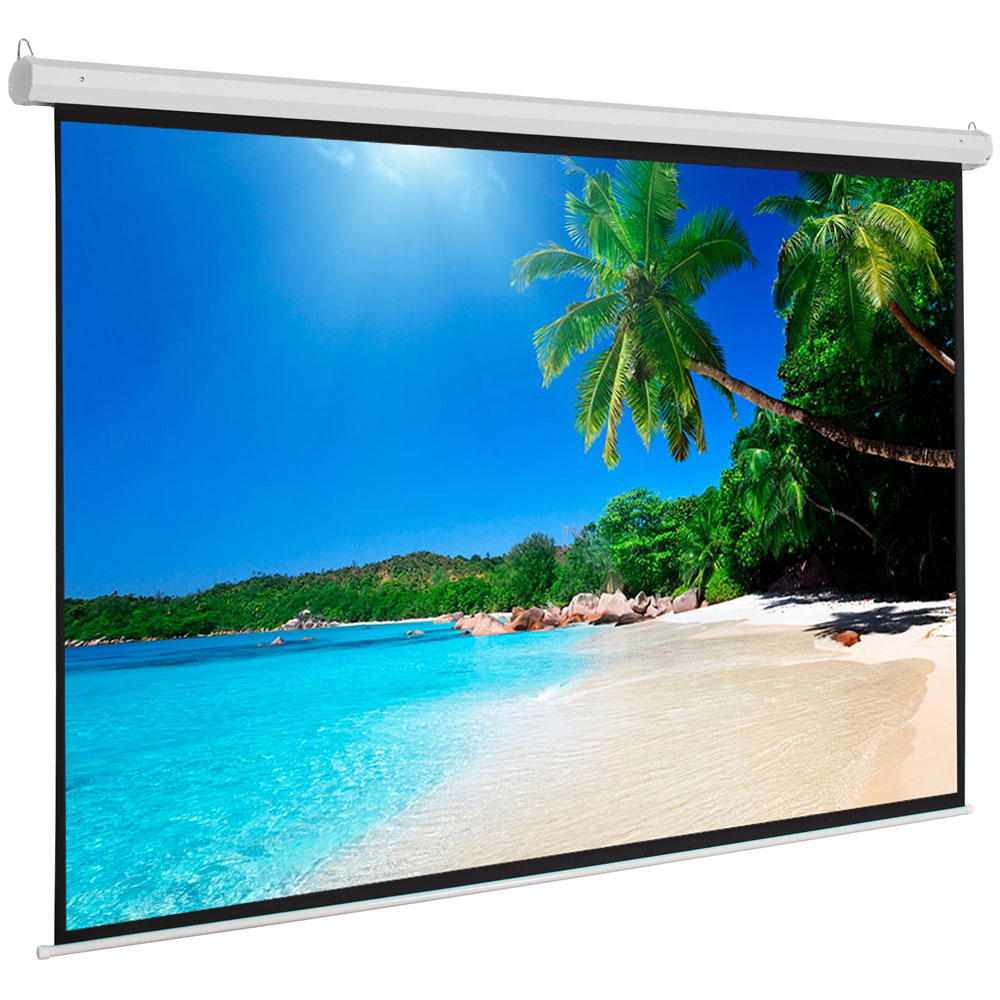 100 INCH 4:3 Manual Projector Screen Matte White$105.99View on Mallflare
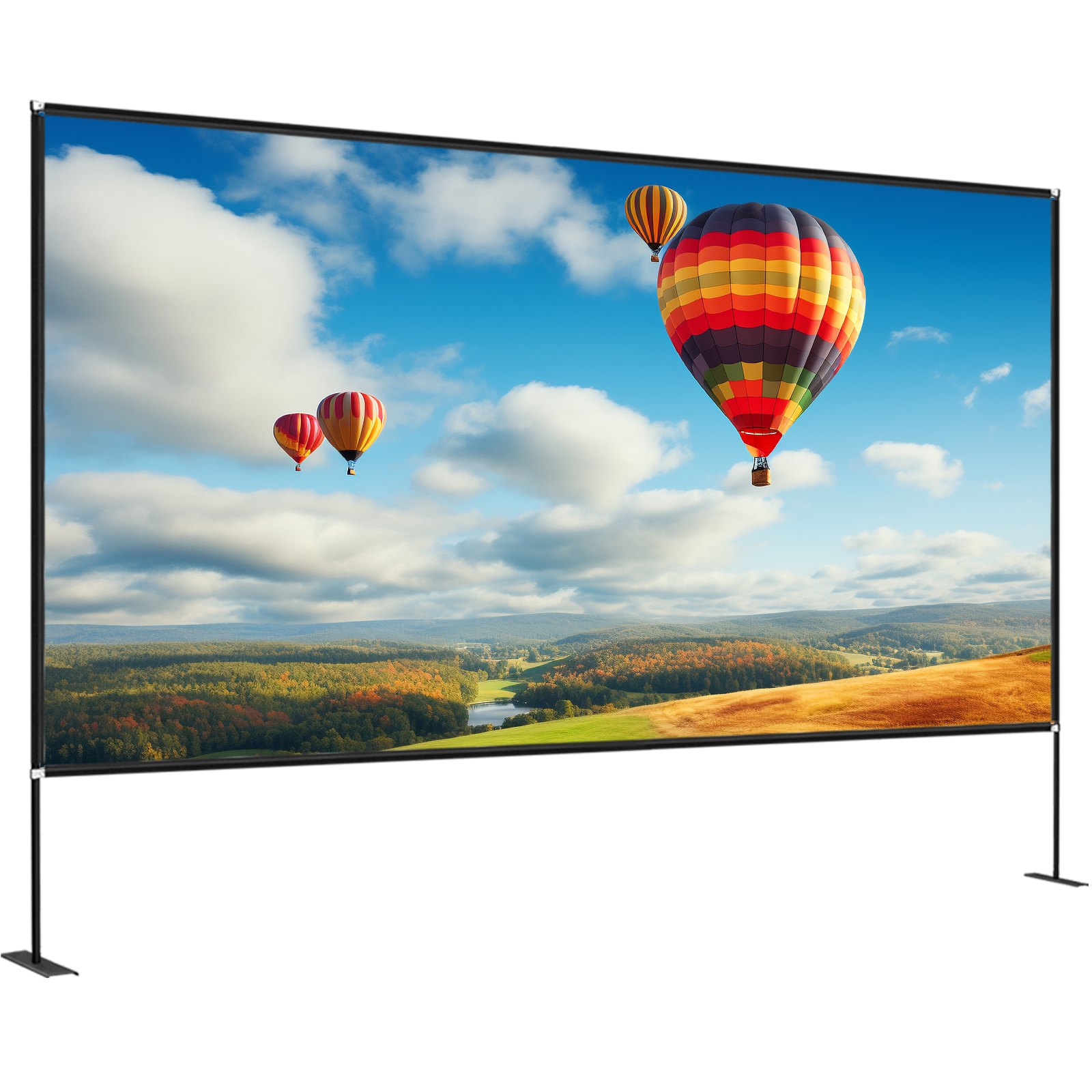 Projector Screen With Stand 150inch Portable Movie 16:9 4K HD Wide Angle Outdoor Easy Assembly Storage Bag For Home Theater Office Use$120.99View on Mallflare
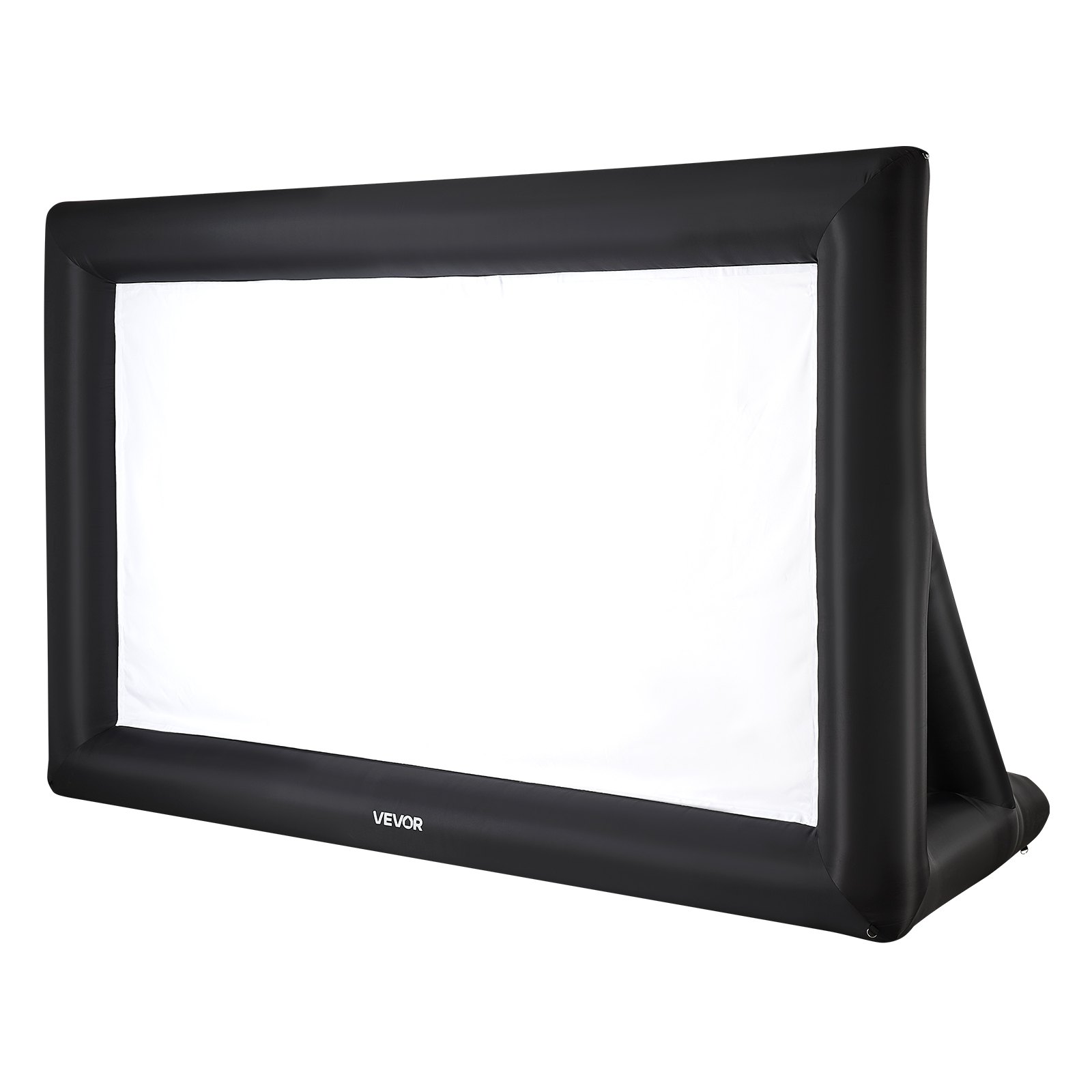 20FT Inflatable Projector Screen, Movie Outdoor With 250W Air Blower Oxford Fabric Material Blow Up For Backyard, Home Theater, Theme Party$132.99View on Mallflare
Highlights
- Gain and viewing angle trade off directly: matte white 1.0 gain preserves 160–170° viewing angles for family seating, while 1.3+ gain boosts brightness in ambient light but narrows the usable cone to roughly 120°.
- Aspect ratio must match projector native resolution—16:9 for 1080p/4K DLP and LCD home theater, 4:3 for legacy office projectors; mismatched ratios force letterboxing or cropping and waste lumens.
- Tensioning architecture separates tiers: tab-tensioned and fixed-frame screens hold flatness within millimeters across the diagonal, while unweighted foldable fabric develops edge curl and center sag that visibly distorts focus.
- Material grade drives wrinkle resistance: PVC-backed matte white and woven fiberglass composite resist creasing and clean to a neutral white; thin polyester cloth creases permanently and shows hot spots under bright projection.
Best use cases
- Best fit for backyard movie nights: a 100–120 in 16:9 foldable screen with ground stakes, sandbags, and a weighted bottom bar—pick this only if you pack it away after each use and accept minor creasing.
- Best fit for permanent living-room or dedicated theater: a fixed-frame or tab-tensioned matte white screen at 1.0 gain sized to your seating distance (screen width ≈ seating distance ÷ 1.5 for 16:9); skip tripod and foldable models here.
- Wrong fit for daylight or high-ambient-light rooms: standard matte white 1.0-gain fabric washes out below ~1500 ANSI lumens; choose an ALR (ambient light rejecting) screen instead of any standard white screen.
- Best fit for portable office or classroom use: a 60–110 in tripod screen with height adjustment and 4:3 or 16:9 switchable format—skip fixed frames that cannot travel.
Buying tips
- Size by seating distance, not room width: for 16:9, screen width in inches ≈ viewing distance in inches ÷ 1.5 to 2.0; a 100 in diagonal (87 in wide) suits 11–14 ft seating, 120 in (105 in wide) suits 13–17 ft.
- Match gain to lumens: use 1.0 gain matte white for 1500–3000 ANSI lumen projectors in controlled light; use 0.8 gray or ALR for brighter rooms, and only exceed 1.3 gain if your projector is under 1500 lumens.
- Demand a tensioning mechanism: tab-tension, fixed frame, or weighted bottom bar. Unweighted pull-up or foldable cloth is the single biggest cause of visible wrinkles and focus drift.
- Check the border and grommets: a black velvet or matte black border 2–4 in wide improves perceived contrast and hides projector overscan; bare white edges wash out the image boundary.
Specs
| Aspect Ratio | 16:9 native / 4:3 legacy office |
|---|---|
| Screen Gain | Matte white 1.0–1.3 / gray 0.8 |
| Tensioning Type | Tab-tension / fixed frame / weighted bar |
| Mount Style | Fixed frame / pull-down / tripod / foldable |
Related searches
What to check before buying
- Measure wall or ceiling space for the screen's outer frame dimensions—not just the diagonal—plus 6–12 in clearance for a pull-down or tripod base.
- Confirm projector throw distance and lens shift can fill your chosen diagonal; a 120 in 16:9 screen needs roughly 10–15 ft throw for most 1.0–1.5 throw-ratio projectors.
- Verify ceiling joists or wall studs at the mount points for fixed and pull-down screens; drywall anchors alone will not hold a 120 in metal-cased screen.
- For outdoor use, check the screen includes ground stakes, guy ropes, and sandbags, and that the fabric is rated for temporary outdoor use—not UV-stable permanent exposure.
FAQ
Data sources: eBay / Amazon listings and product attribute feeds. Updated Nov 29, 2026.
Some links on this page are affiliate links. If you buy after clicking one, we may earn a commission at no extra cost to you. This does not change which products appear here or their order. Affiliate disclosure.