
Photos from current listings. Actual item, color, and included accessories may vary.
Rudder Pedal Buying Guide
Flight sim rudder pedals restore the yaw axis and differential braking that a twist-stick or yoke cannot simulate, using either potentiometers or contactless Hall-effect sensors to translate foot pressure into rudder input. The core trade-off is sensor durability and chassis rigidity versus cost: budget pedals use plastic shells and potentiometers that wear and spike, while serious pedals use metal frames, Hall sensors, and adjustable tension. Buy metal-framed, contactless-sensor pedals if you fly weekly; accept plastic potentiometer pedals only for casual, occasional use.
Median $135.00
Key takeaways
- Sensor type is the durability divider: potentiometer pedals (Thrustmaster TFRP, Logitech G Pro) develop dead zones and spiking over time; Hall-effect/contactless pedals (CH Products Pro Pedals) hold calibration far longer.
- Chassis material separates tiers: the TFRP and Logitech G Pro use plastic shells with metal internal rails, while the CH Products Pro Pedals use a heavier all-metal housing that resists flex under hard toe-brake input.
- Toe brakes are not universal: the Logitech G Pro and CH Pro Pedals include left/right toe brake axes, while Thrustmaster TFRP offers them via its sliding pedal design — confirm the sim maps separate brake axes before buying.
At a glance
- Category
- Flight Sim Rudder Pedals
- Last updated
- Nov 23, 2026
Current offers
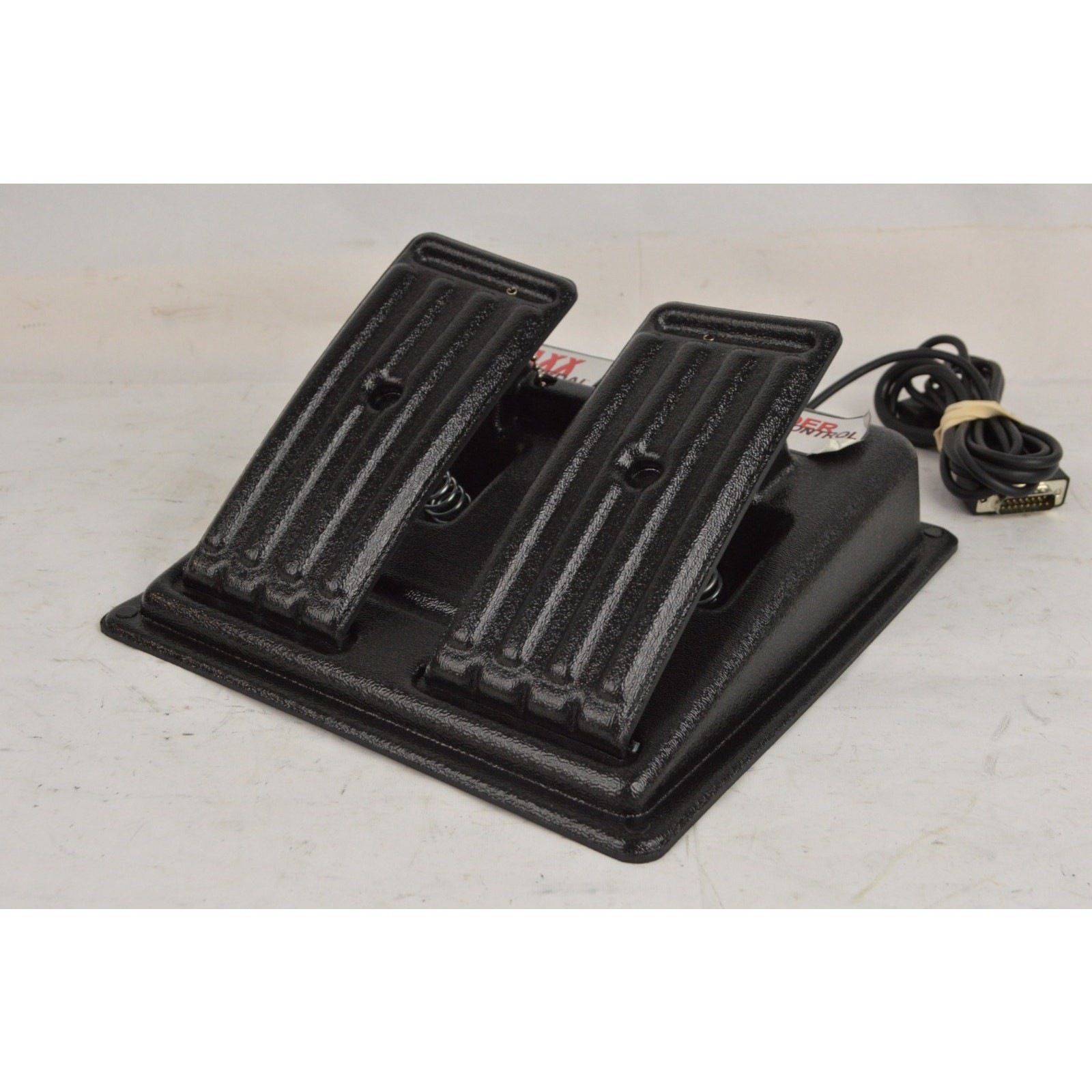 MAXX MP-1095 Rudder Simulator Foot Pedals Controller PC Flight Sim Game SEMPRO$49.00View on eBay
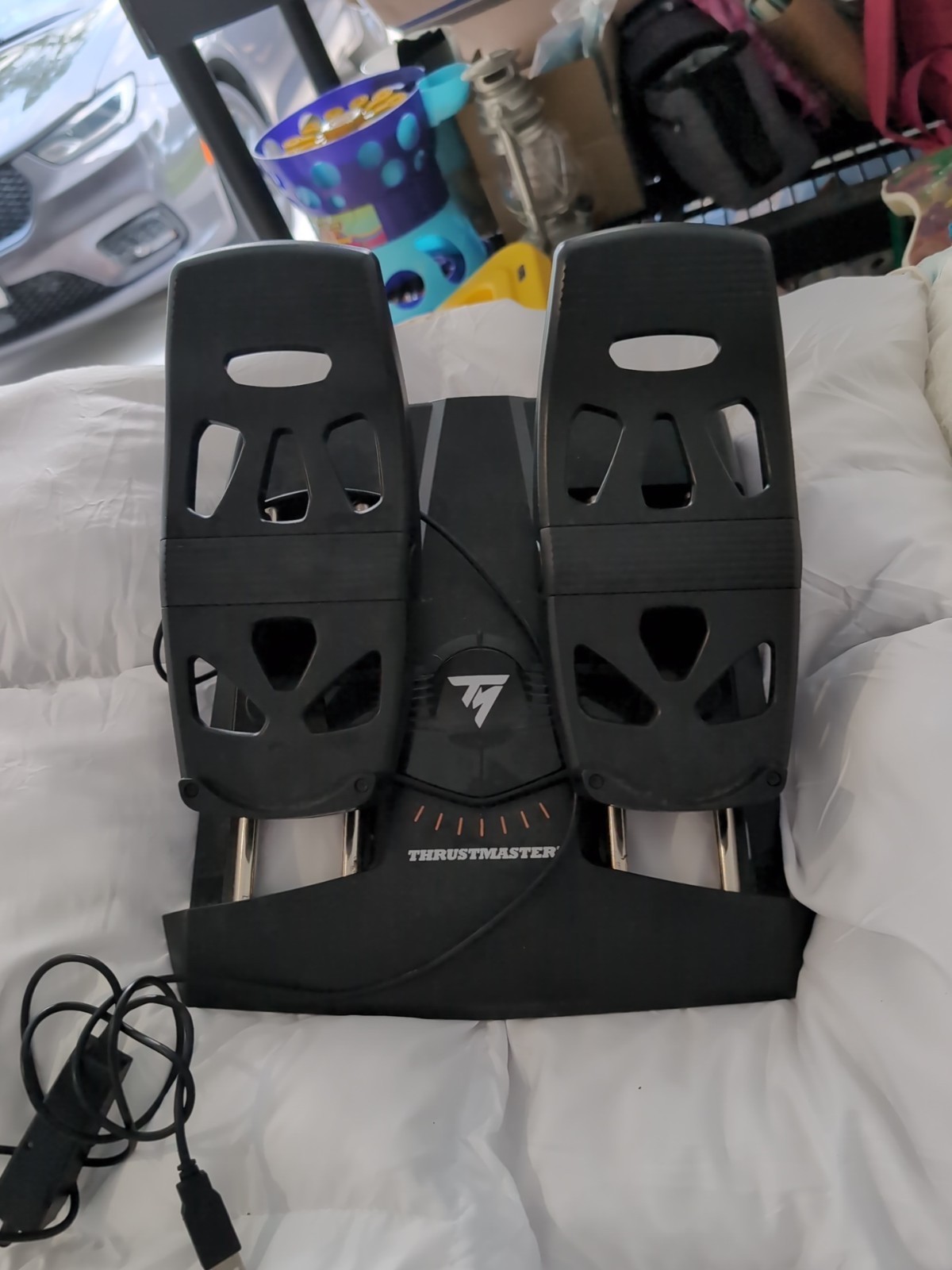 Thrustmaster TFRP Precision Flight Sim Rudder Pedals - Black$76.99View on eBay
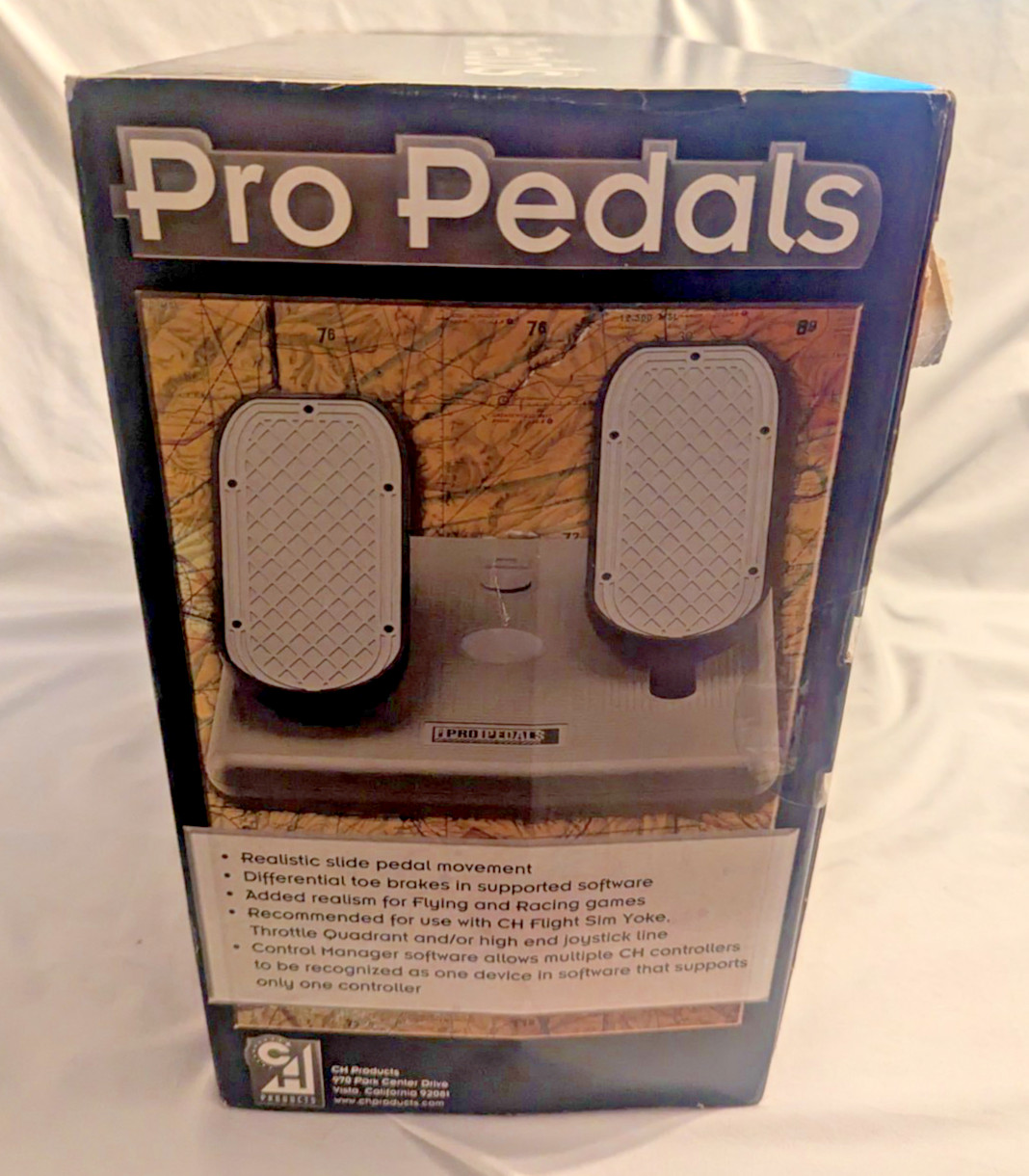 CH Products Pro Pedals 300-111 PP99USB Flight Simulator Rudder Pedals PC USB$79.99View on eBay
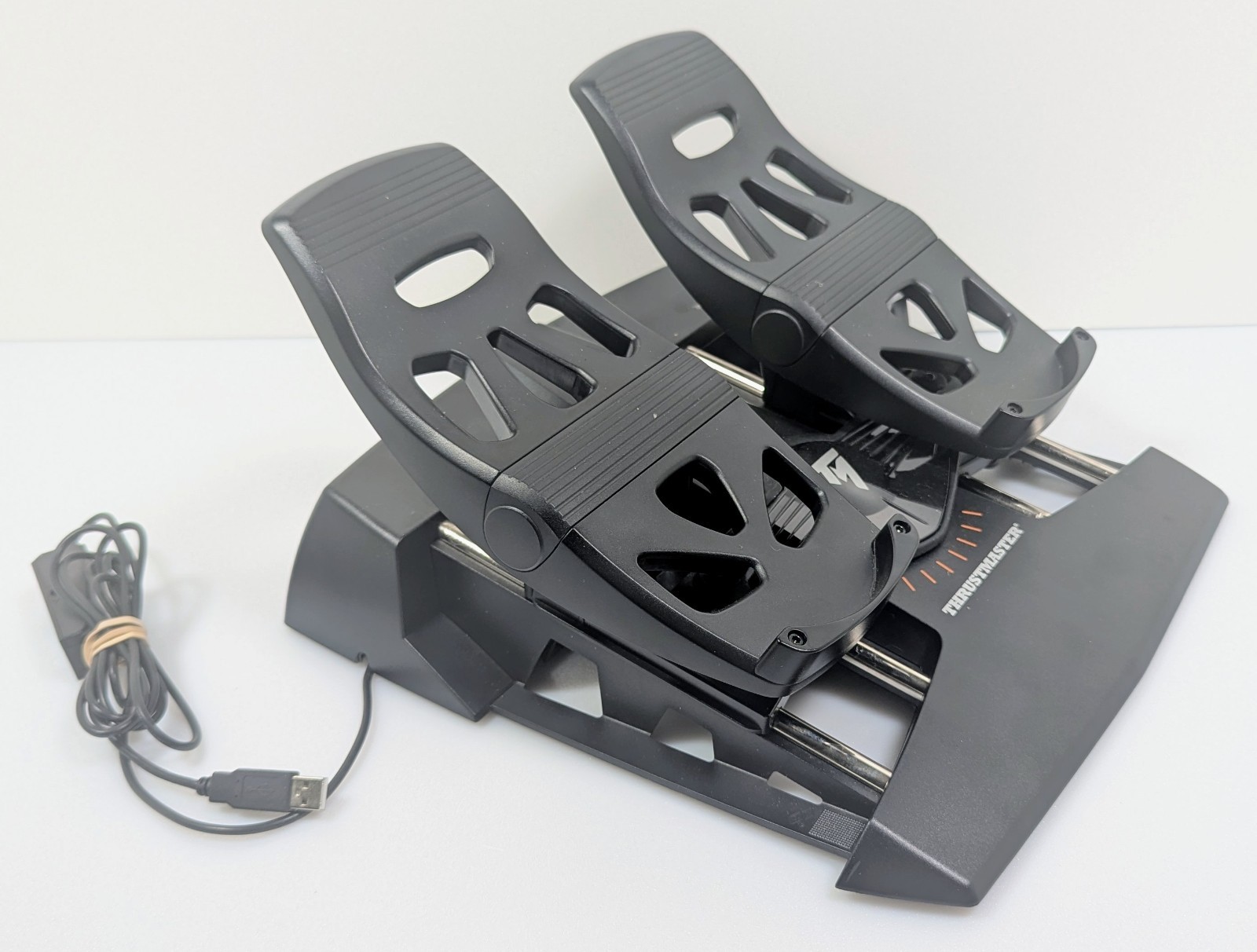 Thrustmaster TFRP T.Flight Rudder Pedals Flight Sim PC PS4 Black W/ USB Adapter!$89.99View on eBay
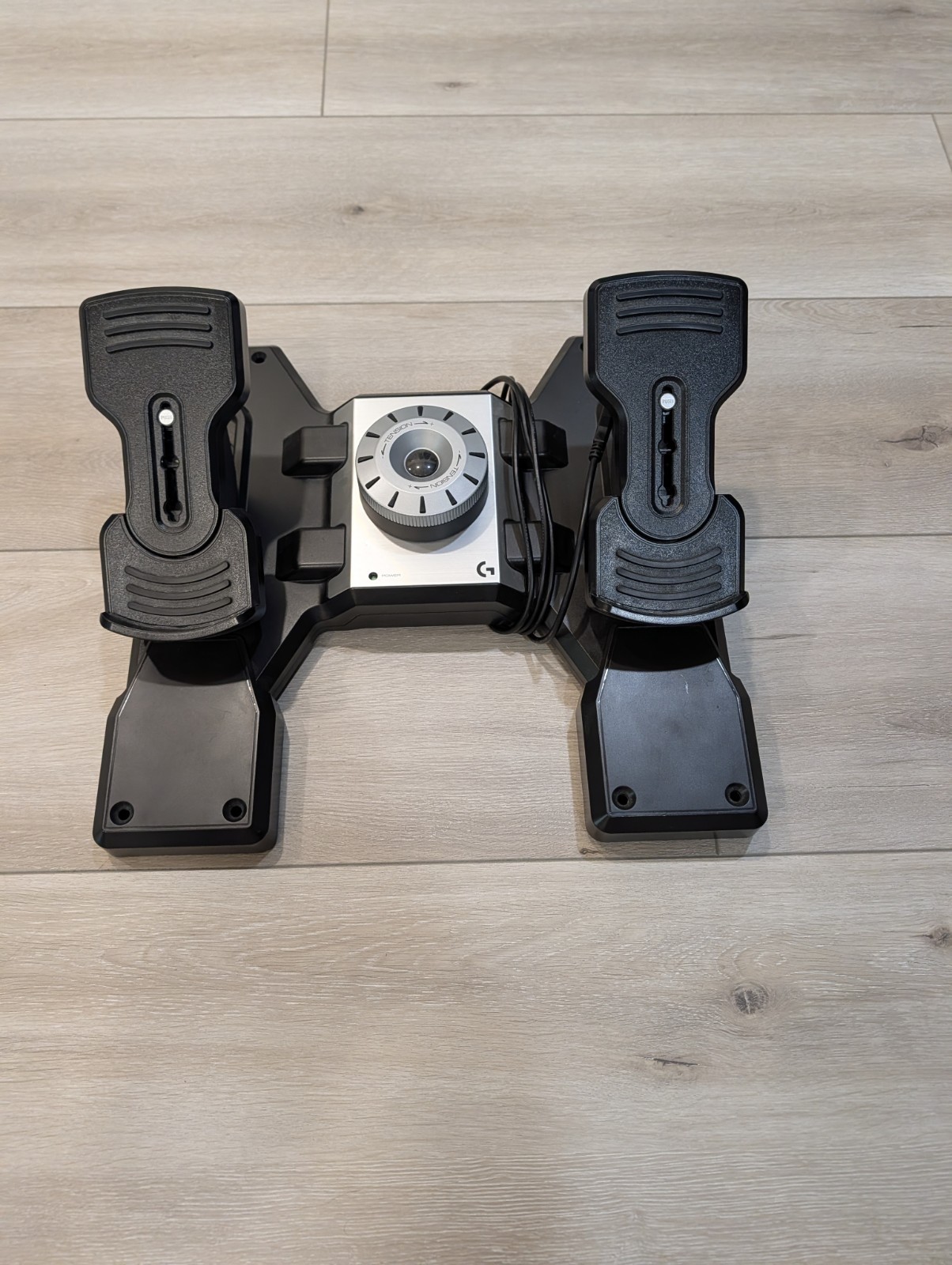 Logitech G Pro Flight Rudder Pedals - SHIPS FREE$95.00View on eBay
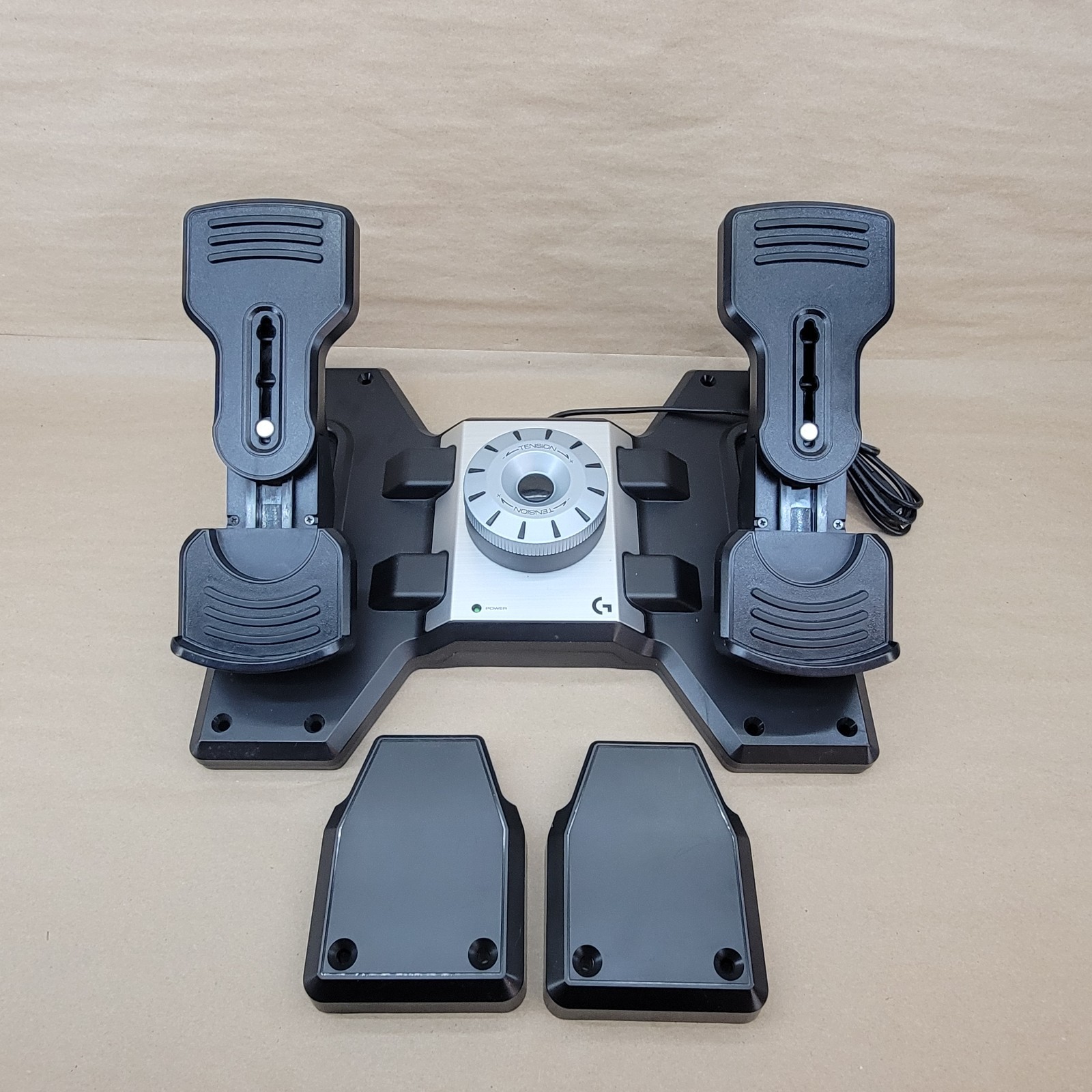 Logitech Flight Rudder Pedals J-U0005 Wired USB for PC Adjustable Tension Tested$99.99View on eBay
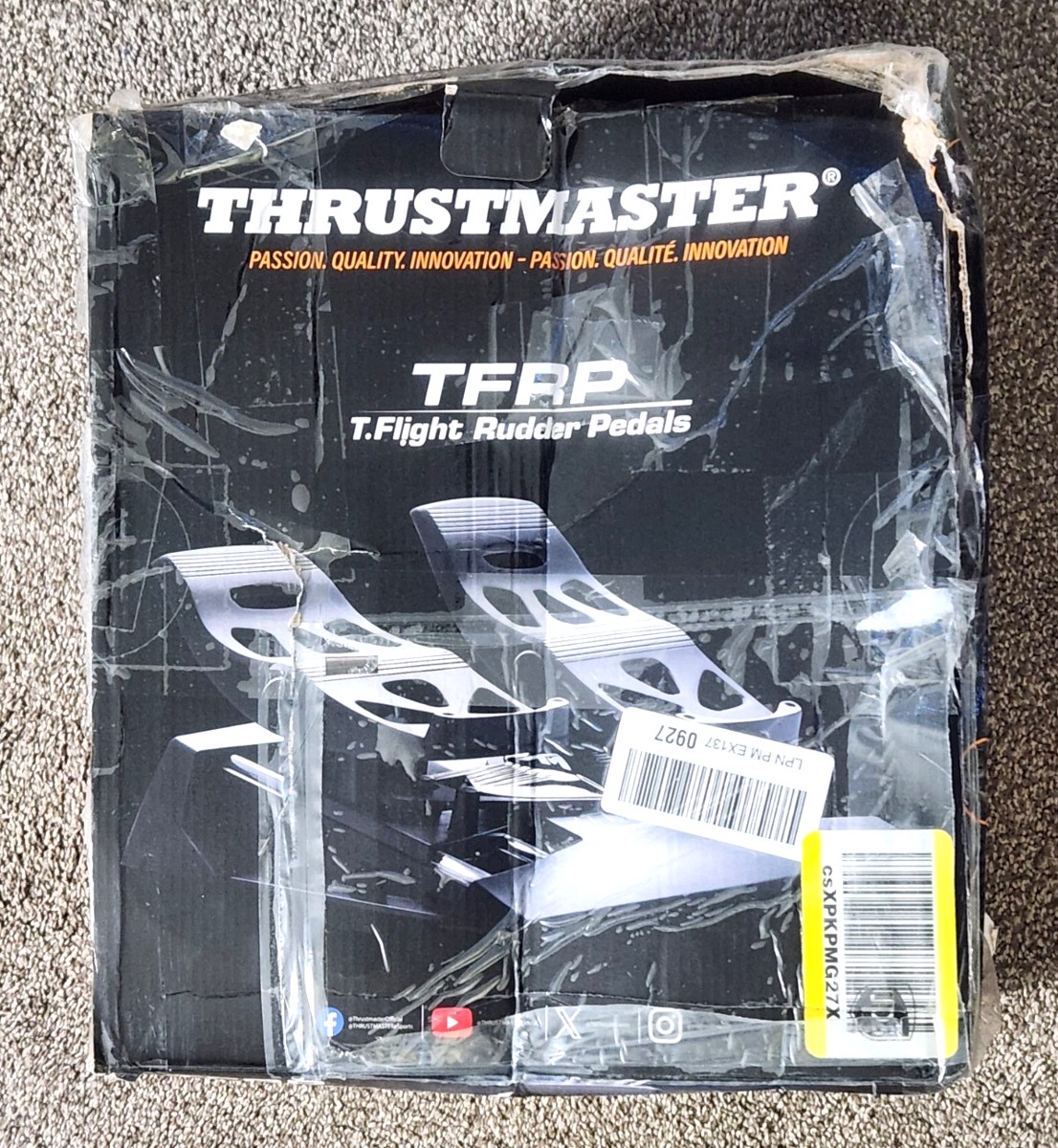 Thrustmaster - TFRP Rudder Pedals for Flight Simulators Compatible with PC, PS4,$109.99View on eBay
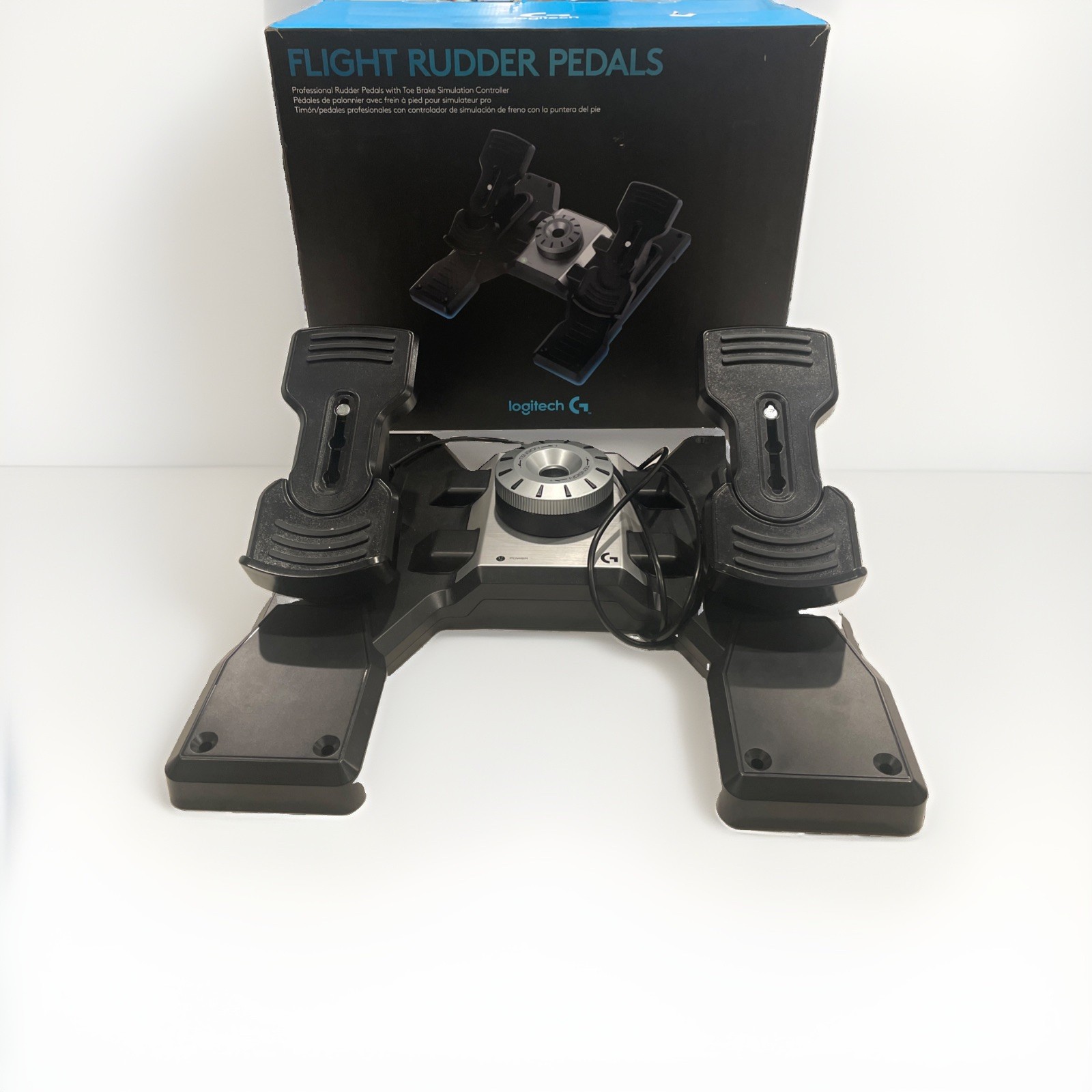 Logitech G-Pro Flight Simulator Sim Rudder Pedals With Toe Brake Microsoft$125.00View on eBay
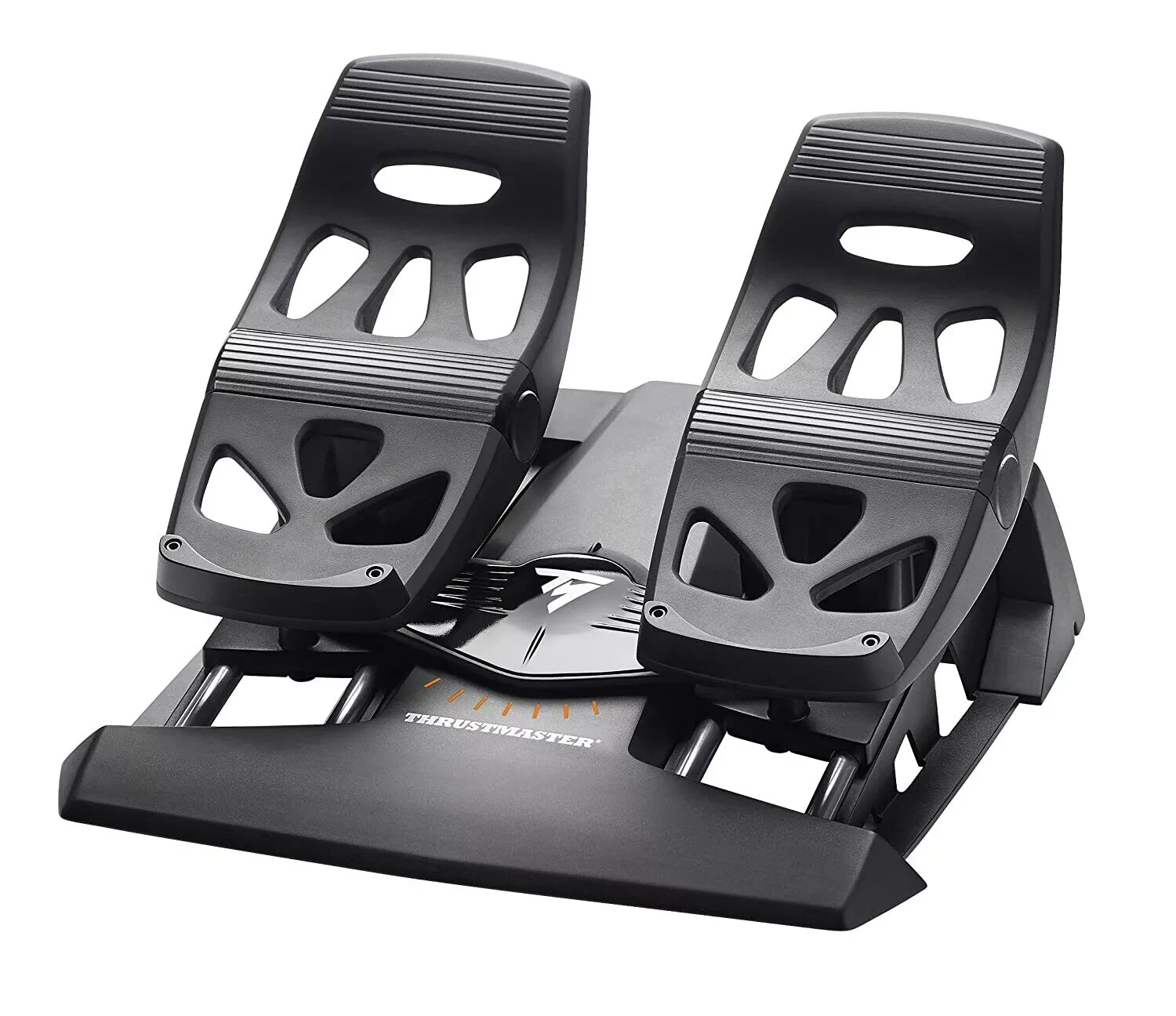 Thrustmaster T.Flight Rudder Pedals for PS5 PS4 XBOX Series X/S One PC$126.99View on eBay
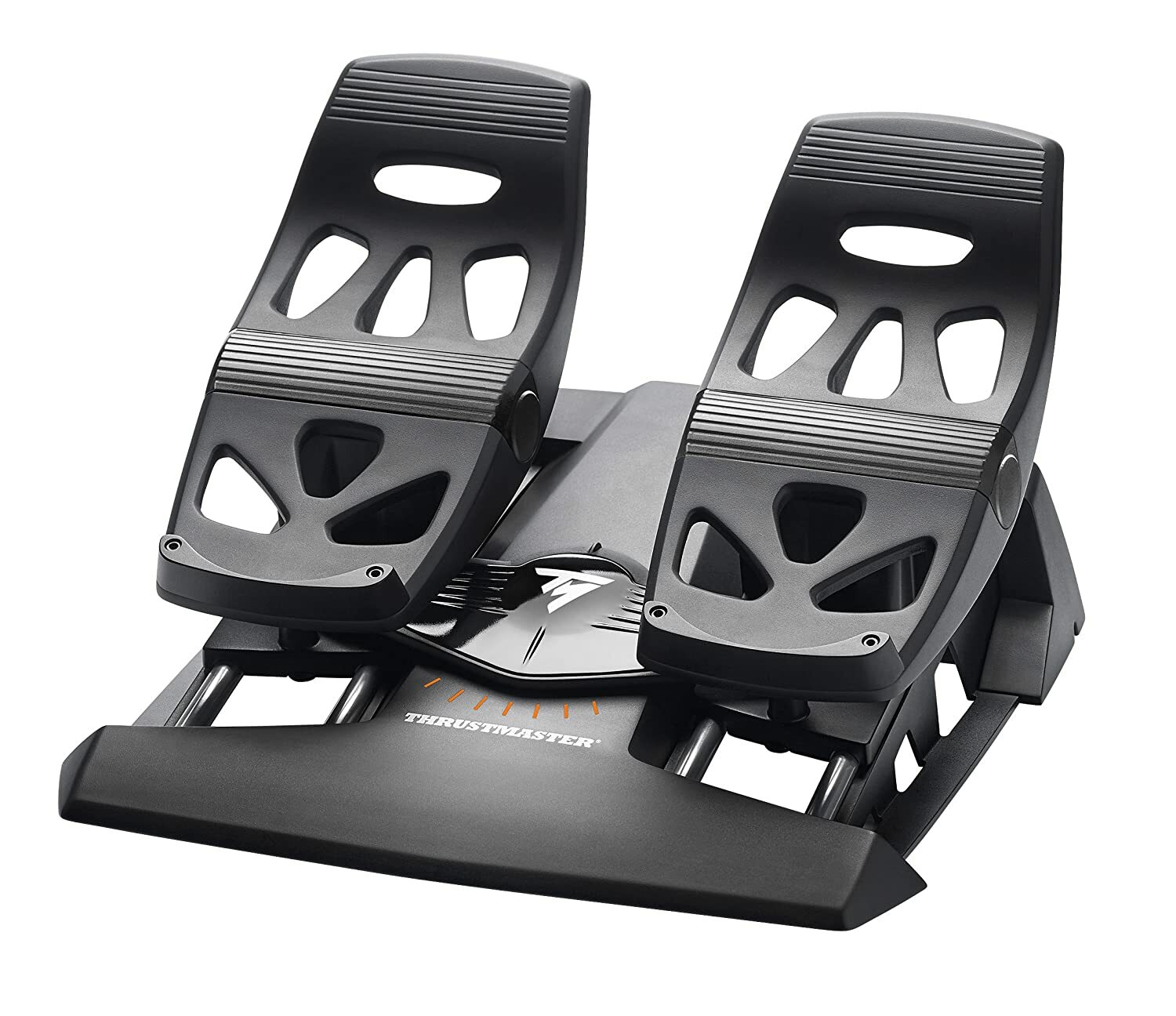 Thrustmaster T.Flight Rudder Pedals for PS5 PS4 XBOX Series X/S One PC$129.99View on eBay
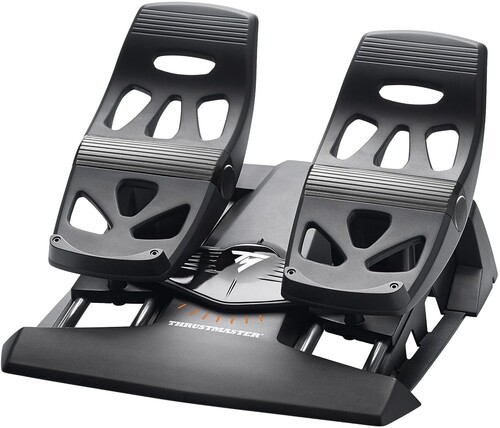 Thrustmaster - TFRP Rudder Pedals for Flight Simulators Compatible with PC, PS4,$129.99View on eBay
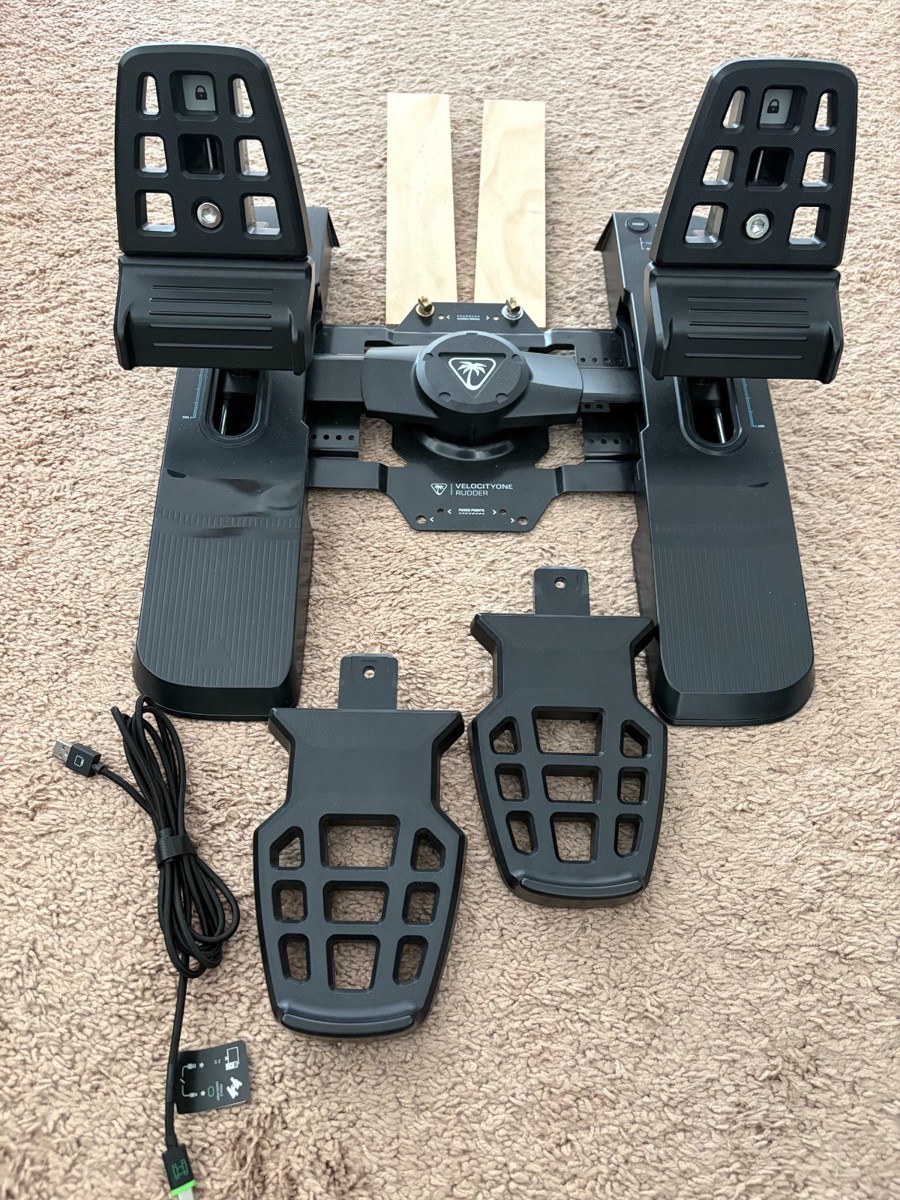 Turtle Beach Velocity One Rudder Pedals for PC or Xbox$140.00View on eBay
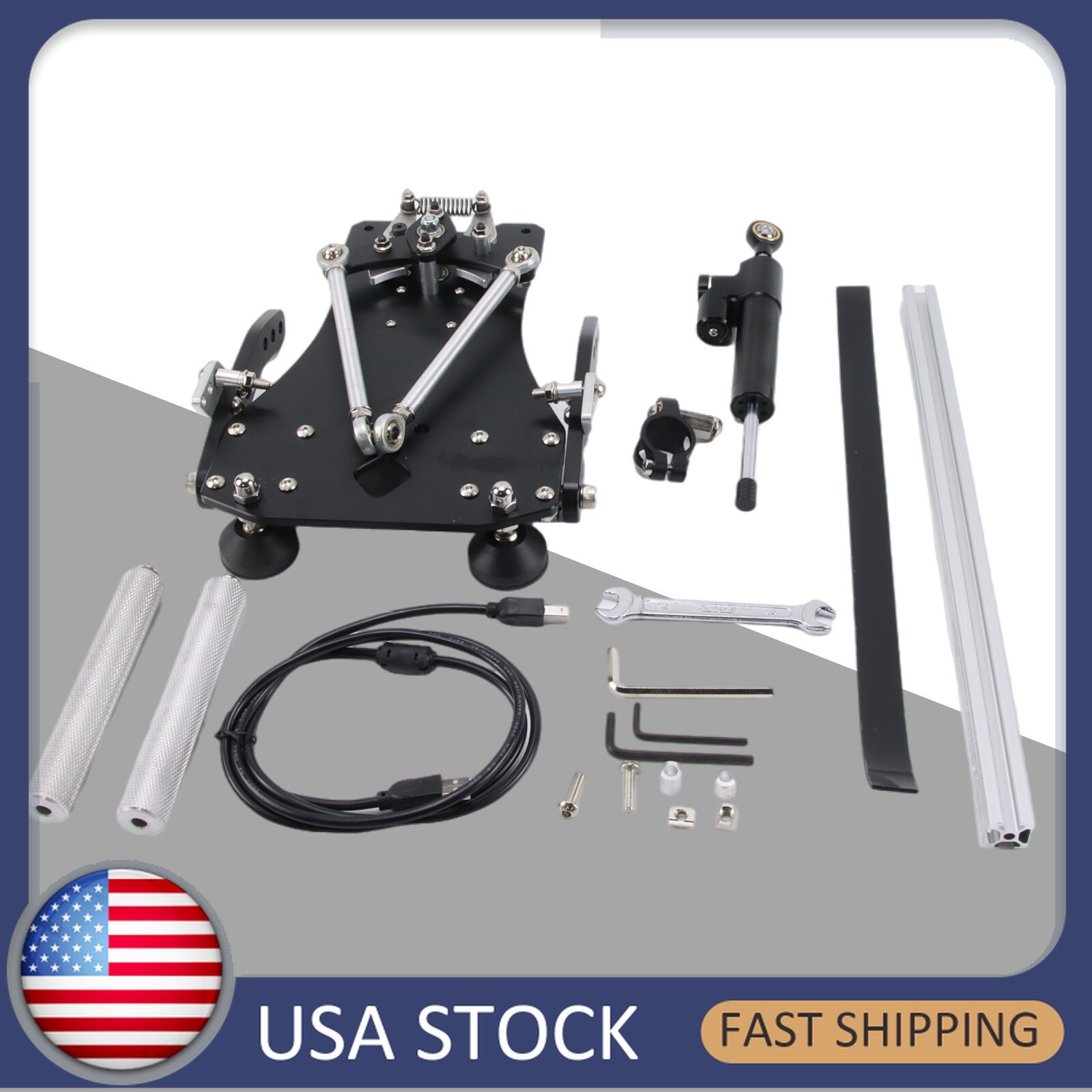 flight1 sim rudder pedal falcon S1 metal hall sensor dcs wt ka50 mi8 uh1 fsx p3d$170.99View on eBay
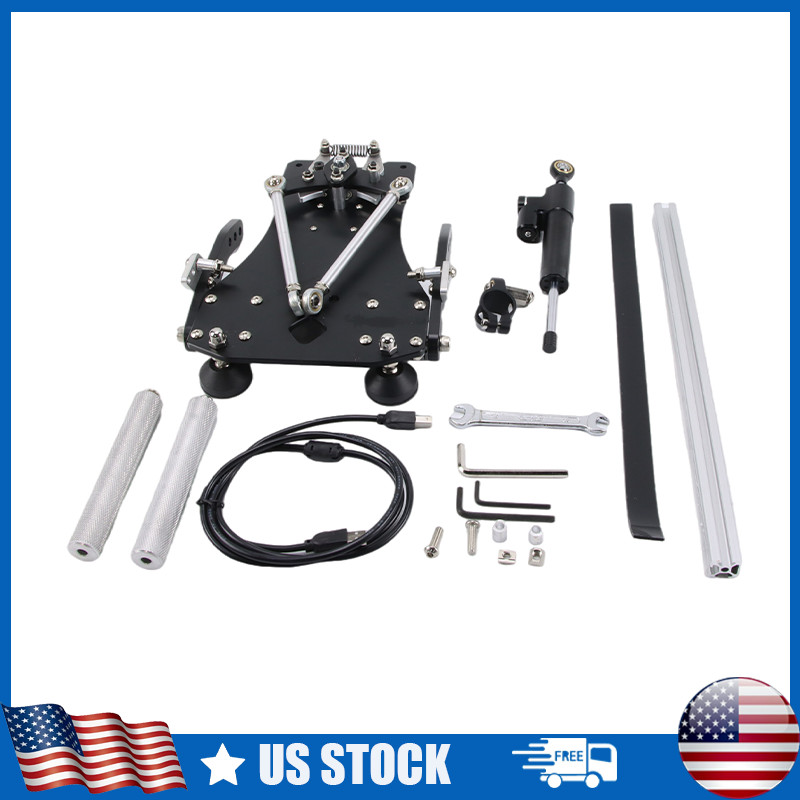 Falcon S1 Rudder Pedal Metal Hall Sensor Flight1 Sim DCS WT KA50 MI8 UH1 FSX P3D$170.99View on eBay
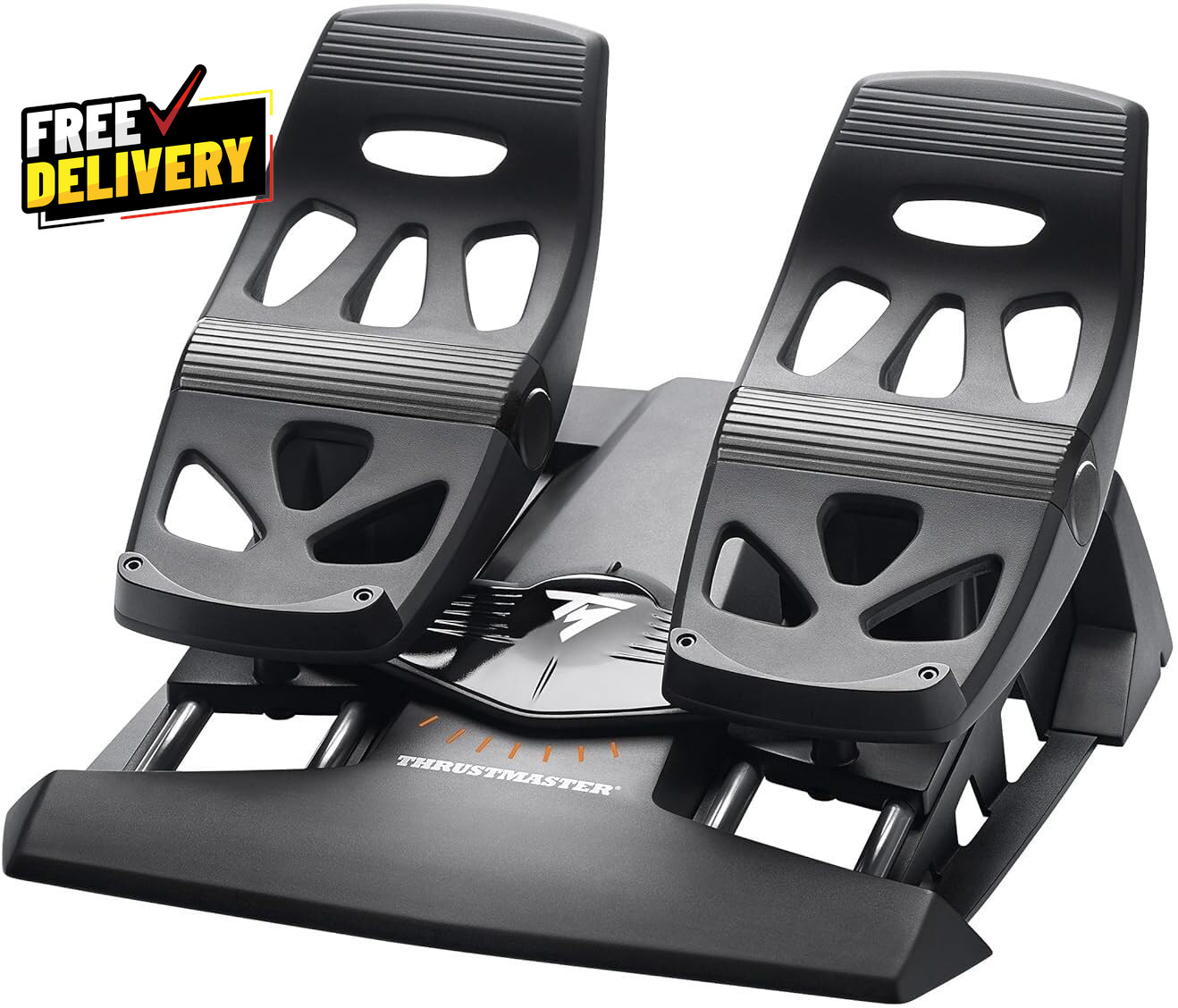 TFRP Flight Rudder Pedals Realistic Aviation Control for Flight Simulators (C..$172.52View on eBay
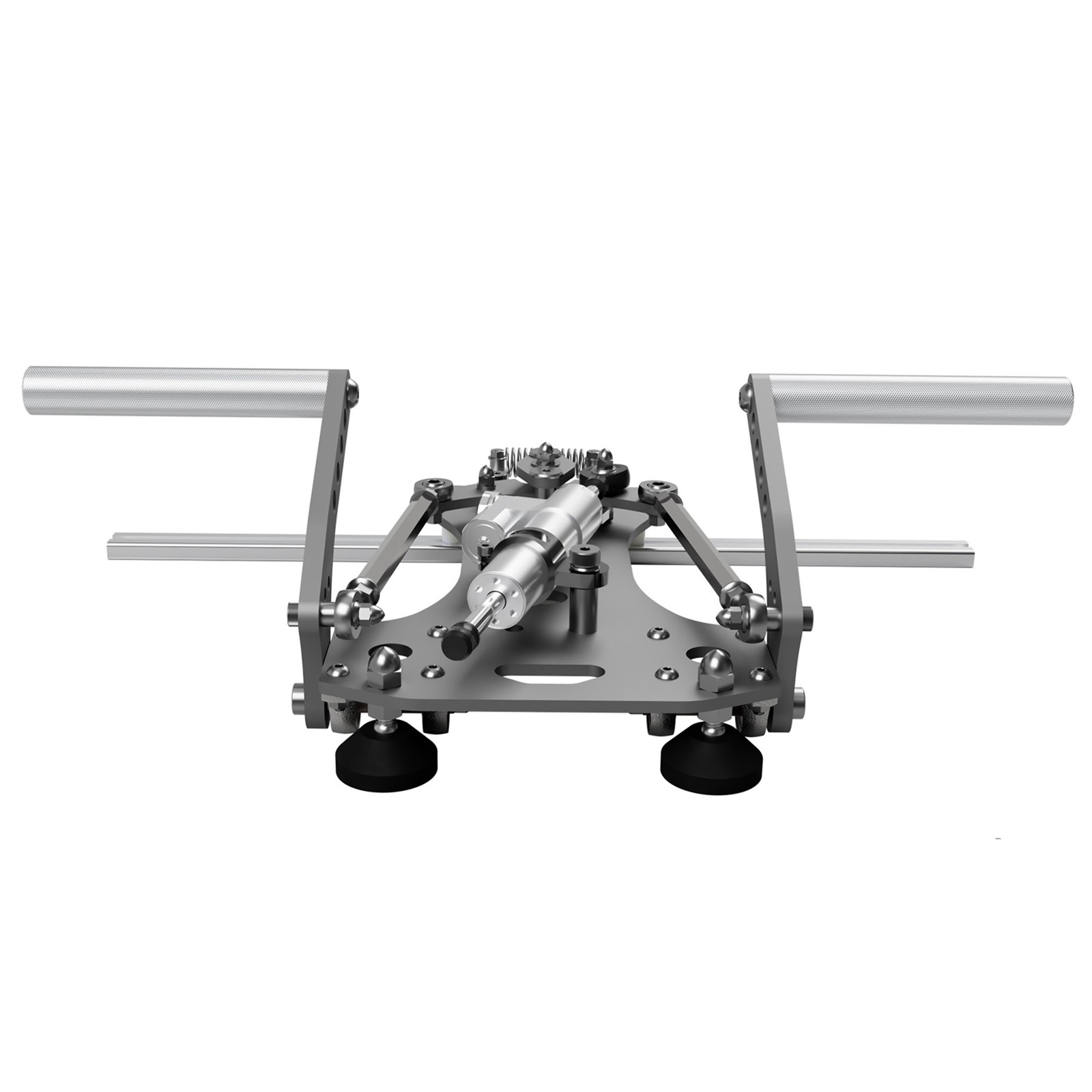 flight1 sim rudder pedal falcon S1 metal hall sensor dcs wt ka50 mi8 uh1 fsx ptO$179.99View on eBay
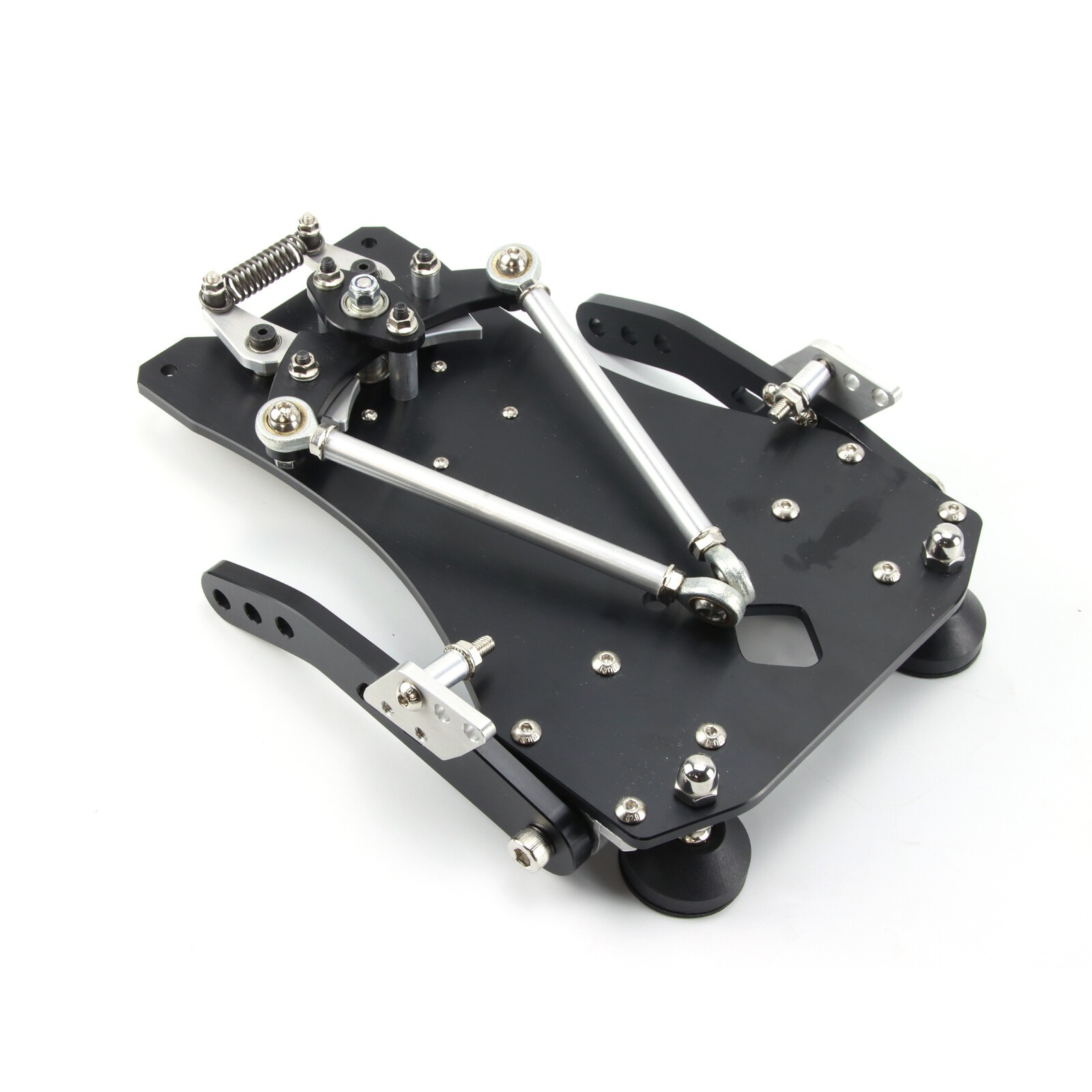 SN-1 Flight Foot Rudder Pedal Falcon Metal Hall Sensor Ka50 Mi8 Uh1 Fsx P3d NEW$179.99View on eBay
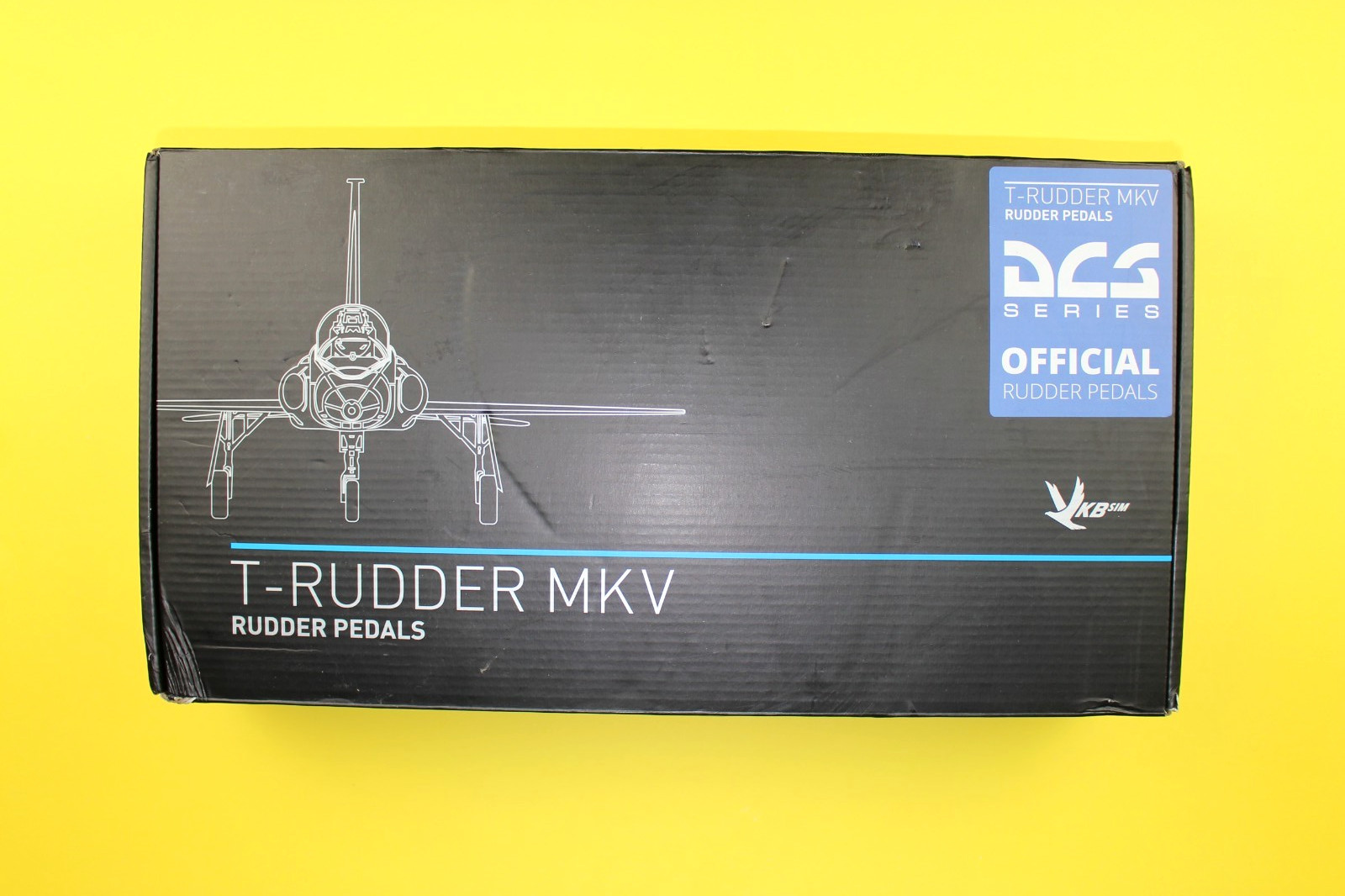 VKB T-Rudders Mk.V Rudder Pedals — All-Metal Flight Sim Rudder Pedals$180.00View on eBay
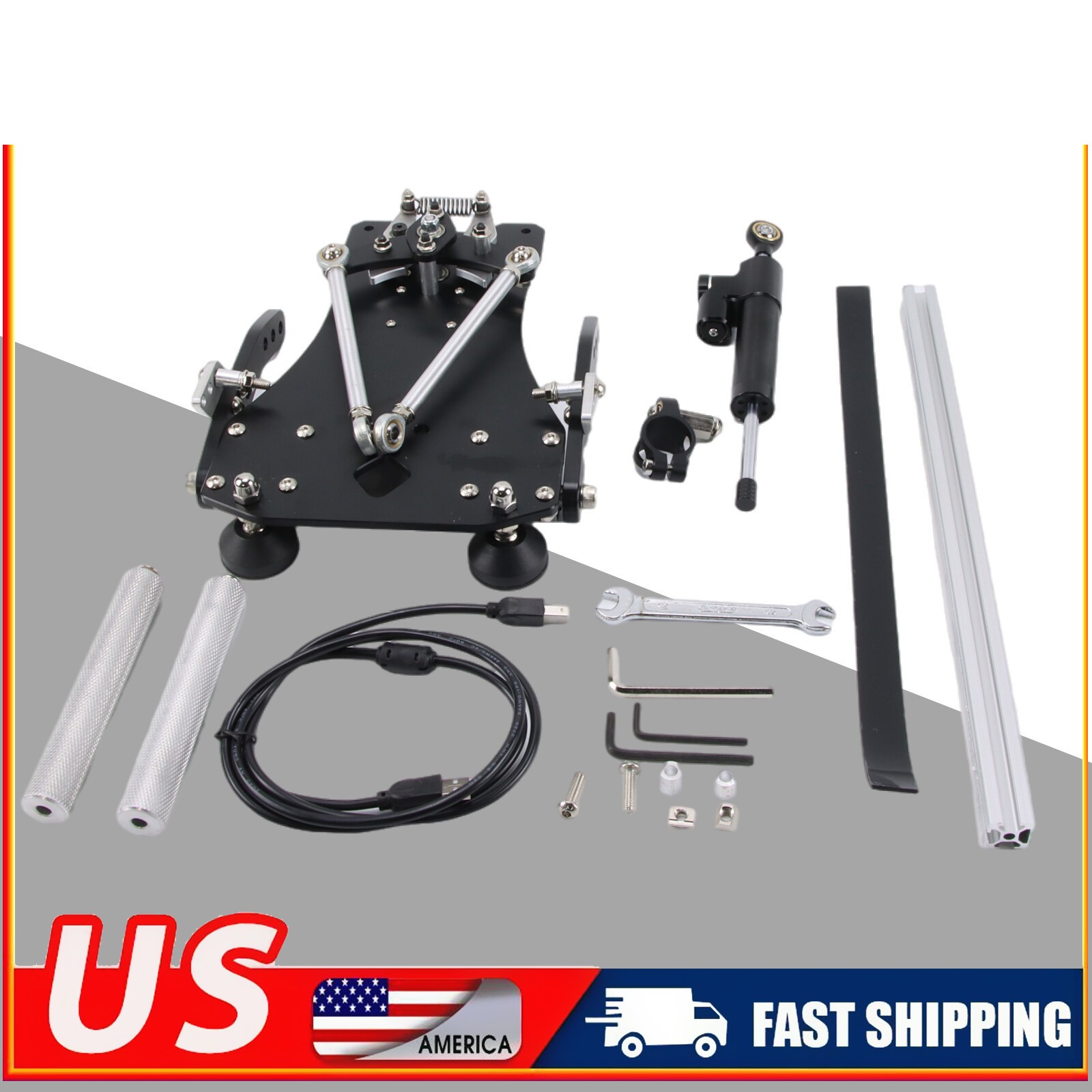 SN-1 Flight Foot Rudder Pedal Falcon Metal Hall Sensor Ka50 Mi8 Uh1 Fsx P3d NEW$180.49View on eBay
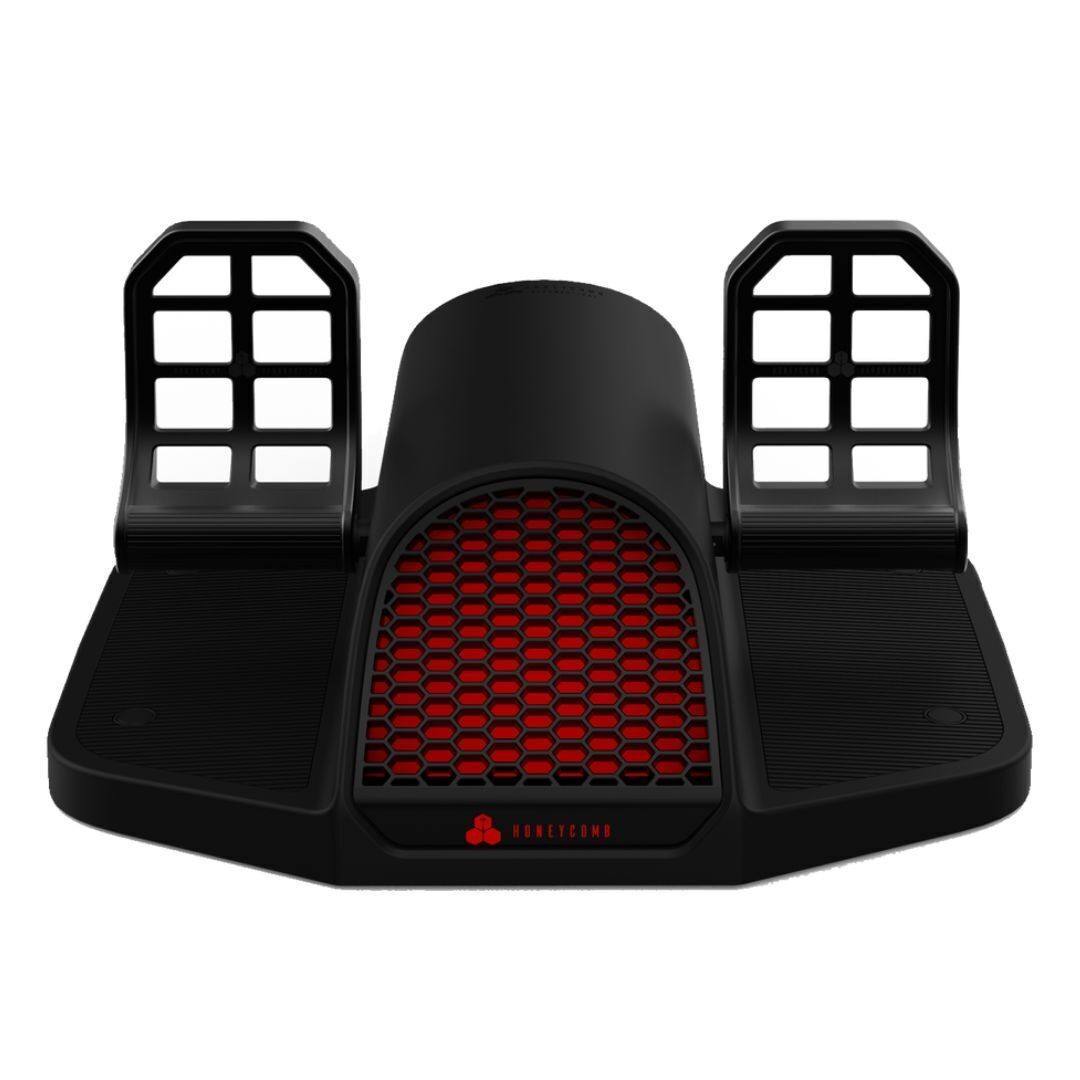 Honeycomb Aeronautical Charlie Rudder Pedals Adjustable Tension Knob PRO$349.99Last checked Nov 18, 2026View on eBay
Highlights
- Sensor type is the durability divider: potentiometer pedals (Thrustmaster TFRP, Logitech G Pro) develop dead zones and spiking over time; Hall-effect/contactless pedals (CH Products Pro Pedals) hold calibration far longer.
- Chassis material separates tiers: the TFRP and Logitech G Pro use plastic shells with metal internal rails, while the CH Products Pro Pedals use a heavier all-metal housing that resists flex under hard toe-brake input.
- Toe brakes are not universal: the Logitech G Pro and CH Pro Pedals include left/right toe brake axes, while Thrustmaster TFRP offers them via its sliding pedal design — confirm the sim maps separate brake axes before buying.
- Connection and platform support differ: all three major lines are USB PC pedals, but Thrustmaster TFRP adds PS4/PS5 and Xbox compatibility, whereas CH Products and Logitech G Pro are PC-focused.
Best use cases
- Best fit: PC airliner and GA simmers who need precise yaw and differential braking — pick the CH Products Pro Pedals for metal construction and long-term sensor stability.
- Best fit: Console or mixed PC/console flyers — choose the Thrustmaster TFRP for its PS4/PS5 and Xbox compatibility plus compact footprint under a desk.
- Best fit: Casual desktop flyers with limited space — the Logitech G Pro Flight Rudder Pedals offer adjustable tension and toe brakes at a lower entry point; skip all-plastic ultralight pedals if you fly weekly.
- Wrong fit: Helicopter or combat sim pilots needing high-force, long-travel pedals — skip entry pedals and move to a metal, load-cell or Hall-effect tier with adjustable centering.
Buying tips
- Match pedal width to your stance: measure hip-to-floor height and desk clearance — most sim pedals need roughly 12–16 inches of legroom and a non-slip floor surface to avoid sliding under braking.
- Choose Hall-effect or contactless sensors over potentiometers if you fly more than a few hours weekly; potentiometer pedals are the first component to spike and require cleaning or replacement.
- Verify separate left/right toe-brake axes if you fly aircraft with differential braking; pedals without toe brakes force keyboard or handbrake mapping and break realism.
- Confirm platform support before buying: Thrustmaster TFRP covers PC, PS4/PS5 and Xbox; CH Products Pro Pedals and Logitech G Pro are PC-only USB devices.
Specs
| Sensor Type | Potentiometer vs Hall-effect |
|---|---|
| Chassis Material | Plastic shell vs all-metal housing |
| Toe Brakes | Separate L/R axes vs none |
| Platform Support | PC USB / PS4-PS5 / Xbox |
Related searches
What to check before buying
- Measure desk or rig legroom and floor space: pedals need 12–16 inches of foot travel clearance and a stable, non-slip mounting surface.
- Confirm your sim recognizes separate rudder and toe-brake axes, and that your PC has a free USB-A port (all major pedals are wired USB).
- Check chassis weight and clamping: metal pedals like the CH Pro Pedals are heavier and may need hard-mounting or a pedal plate to prevent sliding.
- Verify console compatibility if you fly on PS5 or Xbox — only Thrustmaster TFRP among the major lines supports consoles natively.
FAQ
Data sources: eBay / Amazon listings and product attribute feeds. Updated Nov 23, 2026.
Some links on this page are affiliate links. If you buy after clicking one, we may earn a commission at no extra cost to you. This does not change which products appear here or their order. Affiliate disclosure.