
Photos from current listings. Actual item, color, and included accessories may vary.
Thrustmaster Tfrp Rudder Pedal Buying Guide
The Thrustmaster TFRP (T.Flight Rudder Pedals) is a entry-level, all-plastic rudder pedal set using a sliding rail mechanism rather than a suspended pendulum, and it is the budget companion to the T.Flight HOTAS line. The core trade-off is price versus mechanical fidelity: the TFRP's plastic rails and potentiometer sensors deliver functional yaw and toe-brake axes but cannot match the resolution, centering consistency, or lifespan of hall-effect or load-cell pedals. Choose the TFRP only if you need a lightweight, wide-stance PC/PS4 pedal for casual flight sims and are prepared to accept potentiometer drift over time; step up to metal-construction or contactless-sensor pedals for competitive or long-session use.
Median $99.99
Key takeaways
- Sliding rail design: pedals travel fore-aft on plastic rails instead of a suspended pendulum, producing a linear but low-friction feel with a fixed centering spring.
- Three axes on potentiometers: left toe brake, right toe brake, and main rudder axis each use a potentiometer, which offers adequate resolution but is susceptible to dust and wear-induced spiking over years.
- Wide, adjustable stance: the two pedal arms are independently adjustable for width and angle, accommodating different leg lengths and seating positions without tools.
At a glance
- Category
- Flight Sim Rudder Pedals
- Last updated
- Nov 23, 2026
Current offers
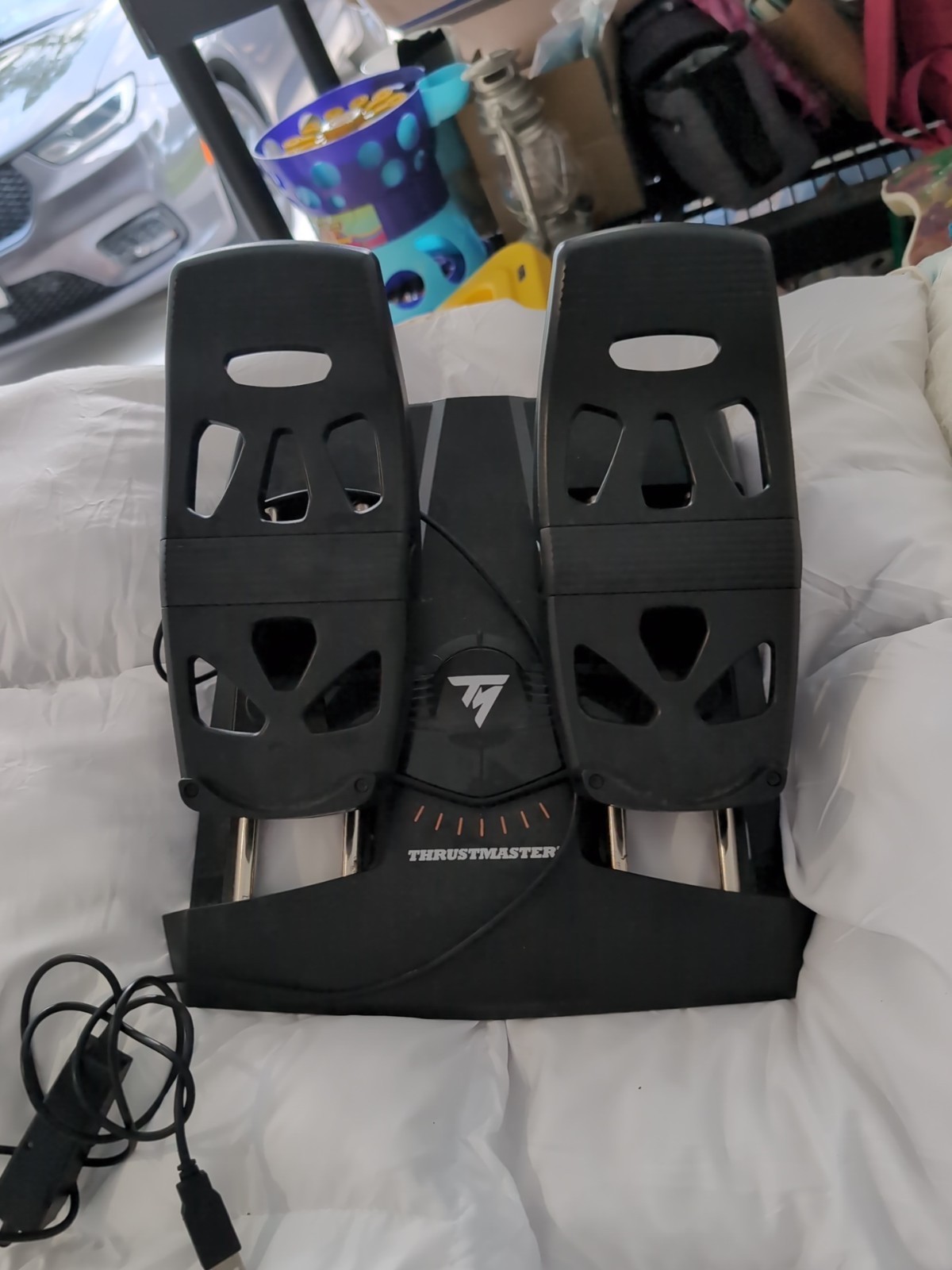 Thrustmaster TFRP Precision Flight Sim Rudder Pedals - Black$76.99View on eBay
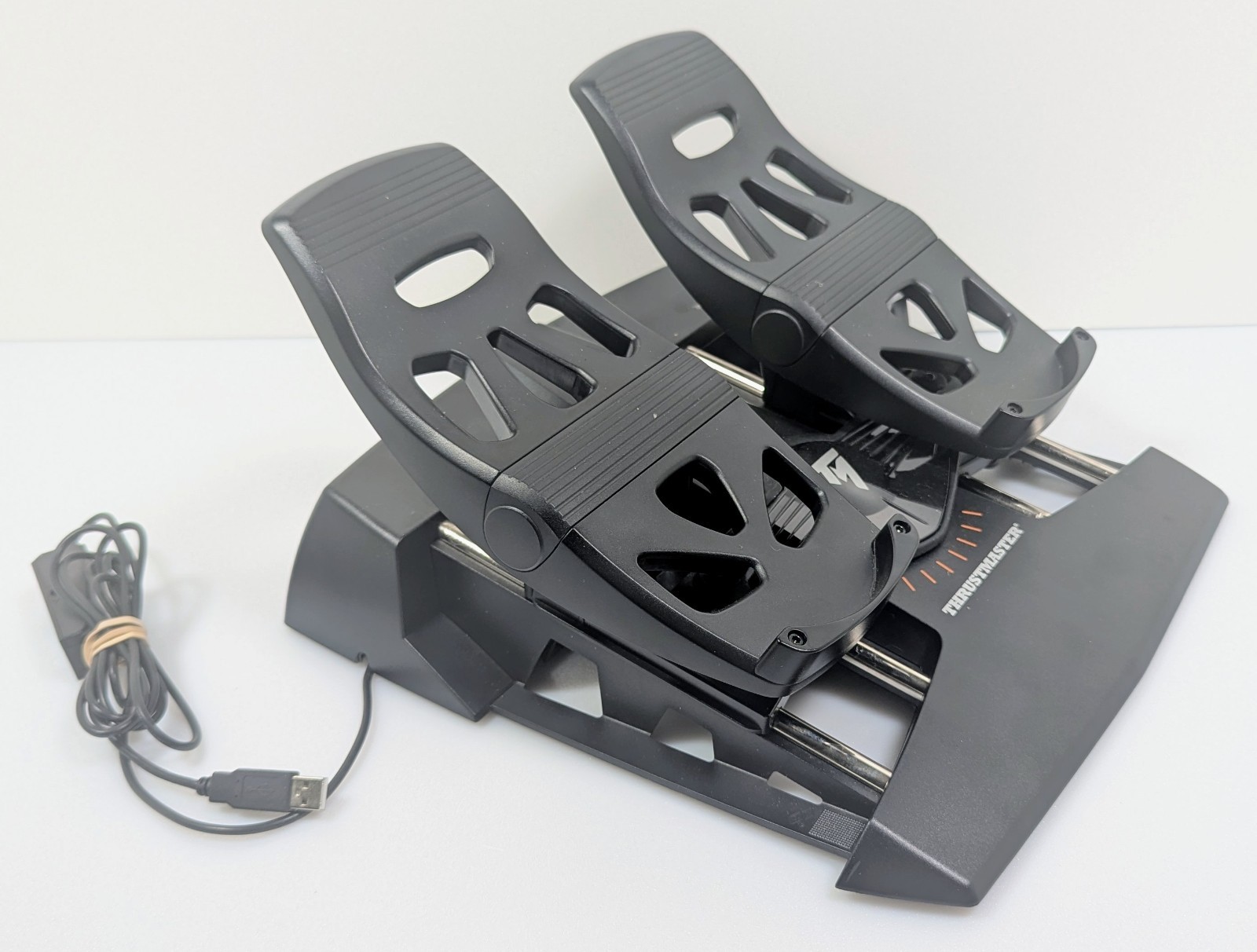 Thrustmaster TFRP T.Flight Rudder Pedals Flight Sim PC PS4 Black W/ USB Adapter!$89.99View on eBay
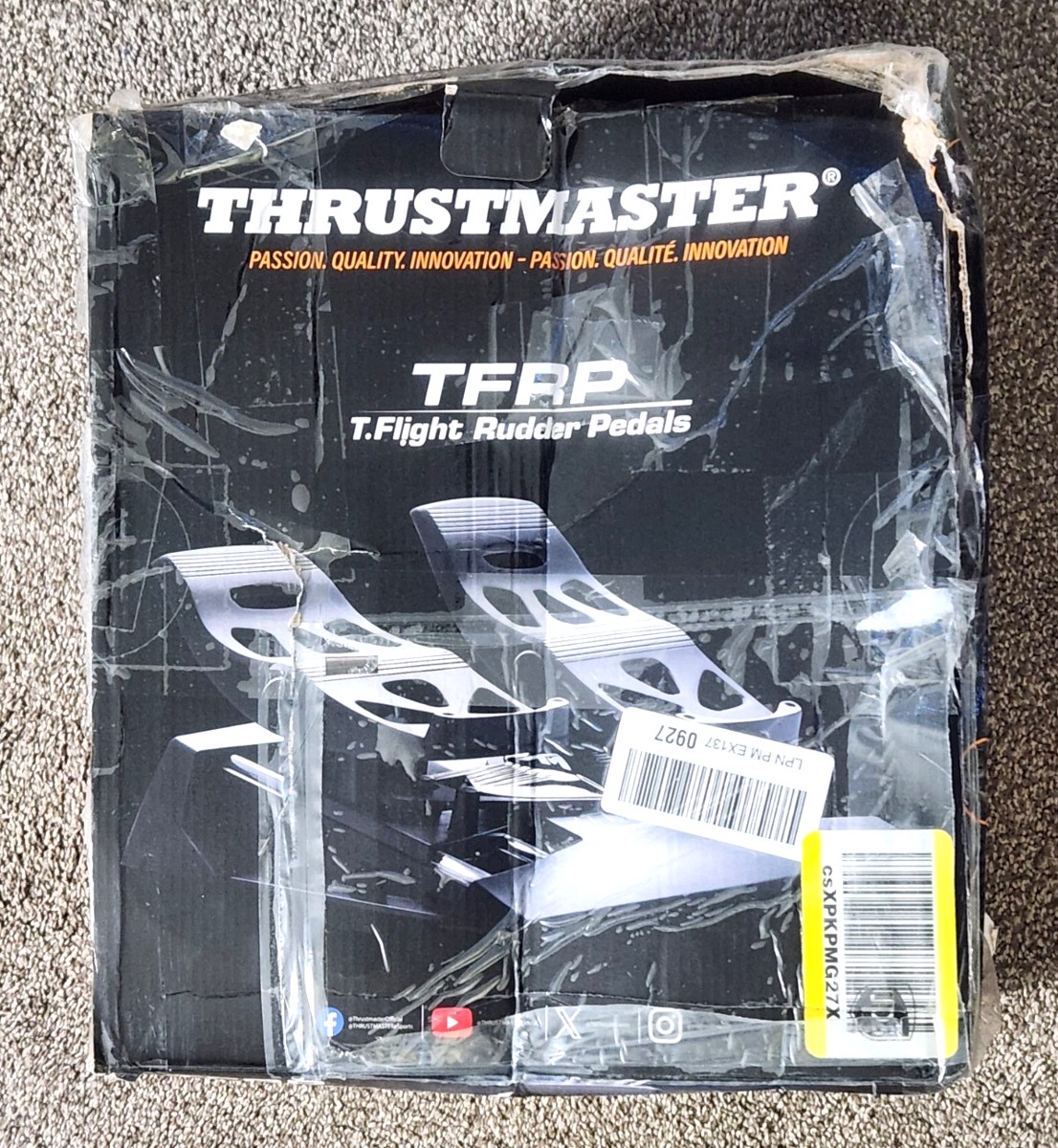 Thrustmaster - TFRP Rudder Pedals for Flight Simulators Compatible with PC, PS4,$109.99View on eBay
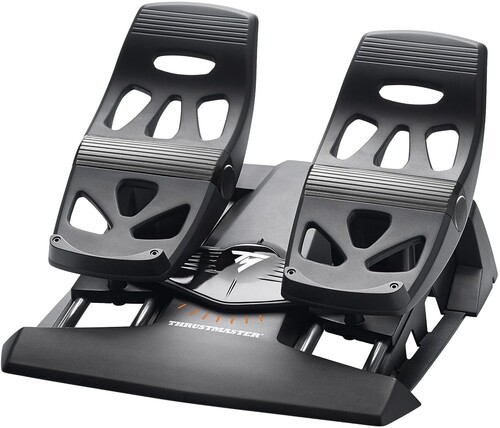 Thrustmaster - TFRP Rudder Pedals for Flight Simulators Compatible with PC, PS4,$129.99View on eBay
Highlights
- Sliding rail design: pedals travel fore-aft on plastic rails instead of a suspended pendulum, producing a linear but low-friction feel with a fixed centering spring.
- Three axes on potentiometers: left toe brake, right toe brake, and main rudder axis each use a potentiometer, which offers adequate resolution but is susceptible to dust and wear-induced spiking over years.
- Wide, adjustable stance: the two pedal arms are independently adjustable for width and angle, accommodating different leg lengths and seating positions without tools.
- PC and PS4 compatibility out of the box via USB, with a detachable cable and a footprint designed to sit under a desk or in front of a chair without a mounting plate.
Best use cases
- Best fit: casual PC or PS4 flight simmers flying airliners or general aviation in Microsoft Flight Simulator or X-Plane who need a low-cost yaw axis and toe brakes and have a hard floor for the pedals to rest on.
- Best fit: buyers pairing the TFRP with a Thrustmaster T.Flight HOTAS 4 or HOTAS X for a matched, budget-friendly PS4/PC setup using a single USB connection.
- Wrong fit: competitive combat-sim pilots or users logging hundreds of hours per year, because the plastic rails and potentiometers wear and develop dead zones; choose hall-effect or metal-frame pedals instead.
- Wrong fit: users on thick carpet or soft flooring, because the light plastic base can slide and tilt under forceful rudder input; a hard floor or a mounting solution is required.
Buying tips
- Confirm the pedal width range fits your seating: the TFRP arms adjust roughly between a narrow and wide stance, so measure the distance between your knees at the desk to ensure the pedals sit comfortably without splaying your legs.
- Match the sensor type to your use: potentiometer pedals like the TFRP are fine for casual yaw, but if you need precise centering for aerobatics or helicopter sims, prioritize contactless hall-effect or load-cell pedals.
- Check the connection standard: the TFRP uses a USB-A plug and is recognized as a standalone controller on PC and PS4; it also has an RJ12 pass-through for Thrustmaster HOTAS bases, but that cable is not included with every listing.
- Plan for wear: potentiometer pedals benefit from periodic cleaning and calibration in the Thrustmaster control panel; if you fly daily, budget for replacement or upgrade within a few years.
Specs
| Pedal Mechanism | Sliding rail / spring-centered |
|---|---|
| Sensor Type | Potentiometer (3 axes) |
| Platform Support | PC / PS4 (USB-A) |
| Construction | Plastic frame & pedals |
Related searches
What to check before buying
- Measure the floor space under your desk: the TFRP footprint is roughly 12–14 inches wide and 12–16 inches deep, so confirm the pedals fit without blocking chair casters.
- Verify your sim supports toe brakes: the TFRP has left and right toe-brake axes, but some arcade titles map only the rudder axis, so check the controller settings menu.
- Check your platform: PC and PS4 are supported natively; Xbox compatibility requires a separate adapter or a different Thrustmaster pedal model.
- Inspect the USB connection: the TFRP needs a free USB-A port and draws power from the bus, so avoid unpowered hubs when pairing with other flight peripherals.
FAQ
Data sources: eBay / Amazon listings and product attribute feeds. Updated Nov 23, 2026.
Some links on this page are affiliate links. If you buy after clicking one, we may earn a commission at no extra cost to you. This does not change which products appear here or their order. Affiliate disclosure.