
Photos from current listings. Actual item, color, and included accessories may vary.
Wireless Keyboard Buying Guide
Wireless mechanical keyboards range from budget tri-mode 75% boards to low-latency 2.4GHz gaming models, with the core trade-off being wireless protocol latency and battery capacity versus build material and switch quality. Choose a 2.4GHz dongle model for competitive gaming, Bluetooth 5.x for multi-device productivity, and skip plastic-case boards with small batteries if you need all-day backlighting.
Median $69.90
Key takeaways
- Tri-mode connectivity (2.4GHz dongle + Bluetooth 5.0/5.1 + USB-C wired) is the standard for mid-to-high tier wireless mechanical boards; 2.4GHz delivers 1ms polling vs 8-15ms over Bluetooth.
- Hot-swap sockets (5-pin compatible) let you replace 3-pin or 5-pin switches without soldering; budget boards often use 3-pin-only sockets, limiting switch upgrades.
- Battery capacity ranges from 1800mAh in compact 75% boards to 4000mAh in full-size 98/99-key models; RGB backlighting at full brightness can cut runtime by 50-70%.
At a glance
- Category
- Mechanical Keyboards
- Last updated
- Nov 24, 2026
Current offers
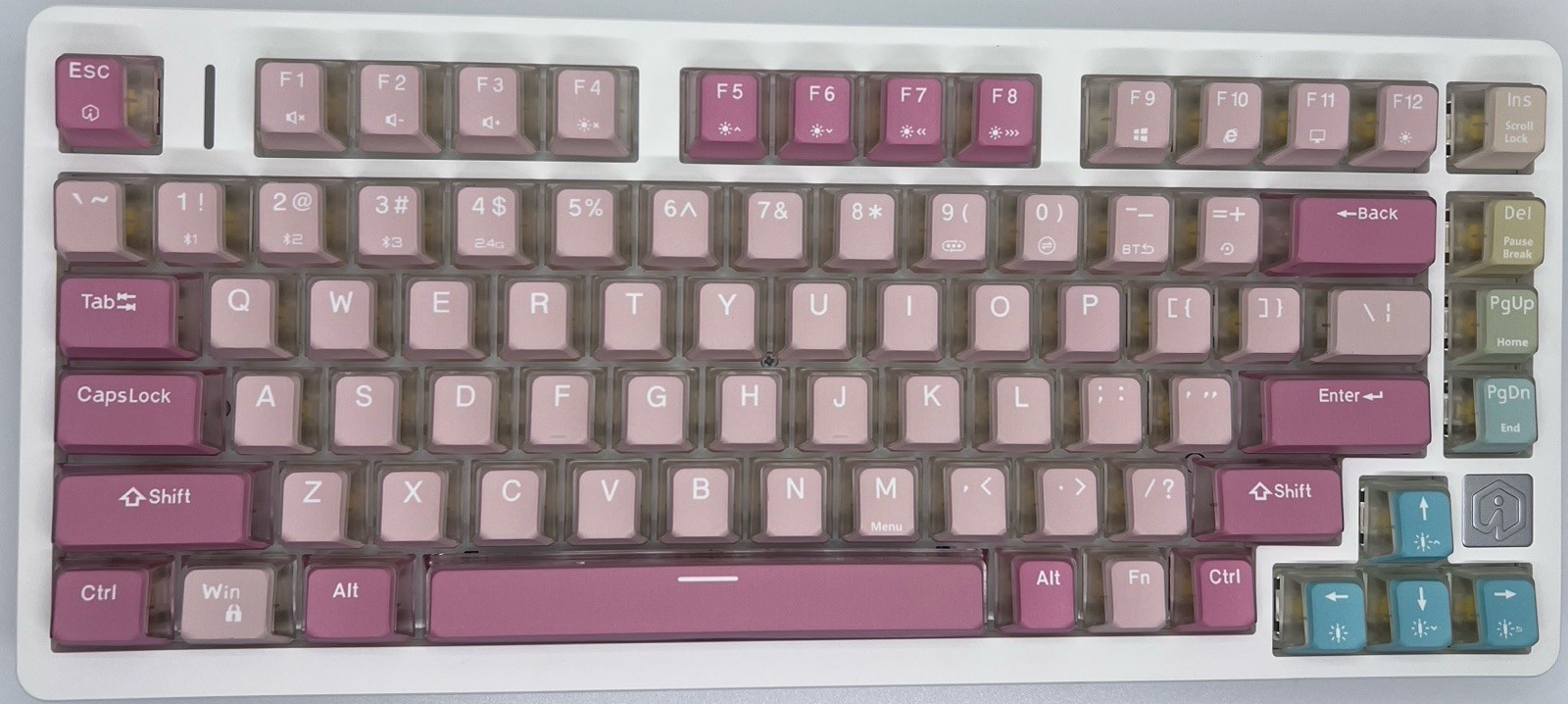 Wireless RGB Hot Swappable Mechanical Keyboard 3 Layers 81 Keys Gaming Keyboard$35.98View on eBay
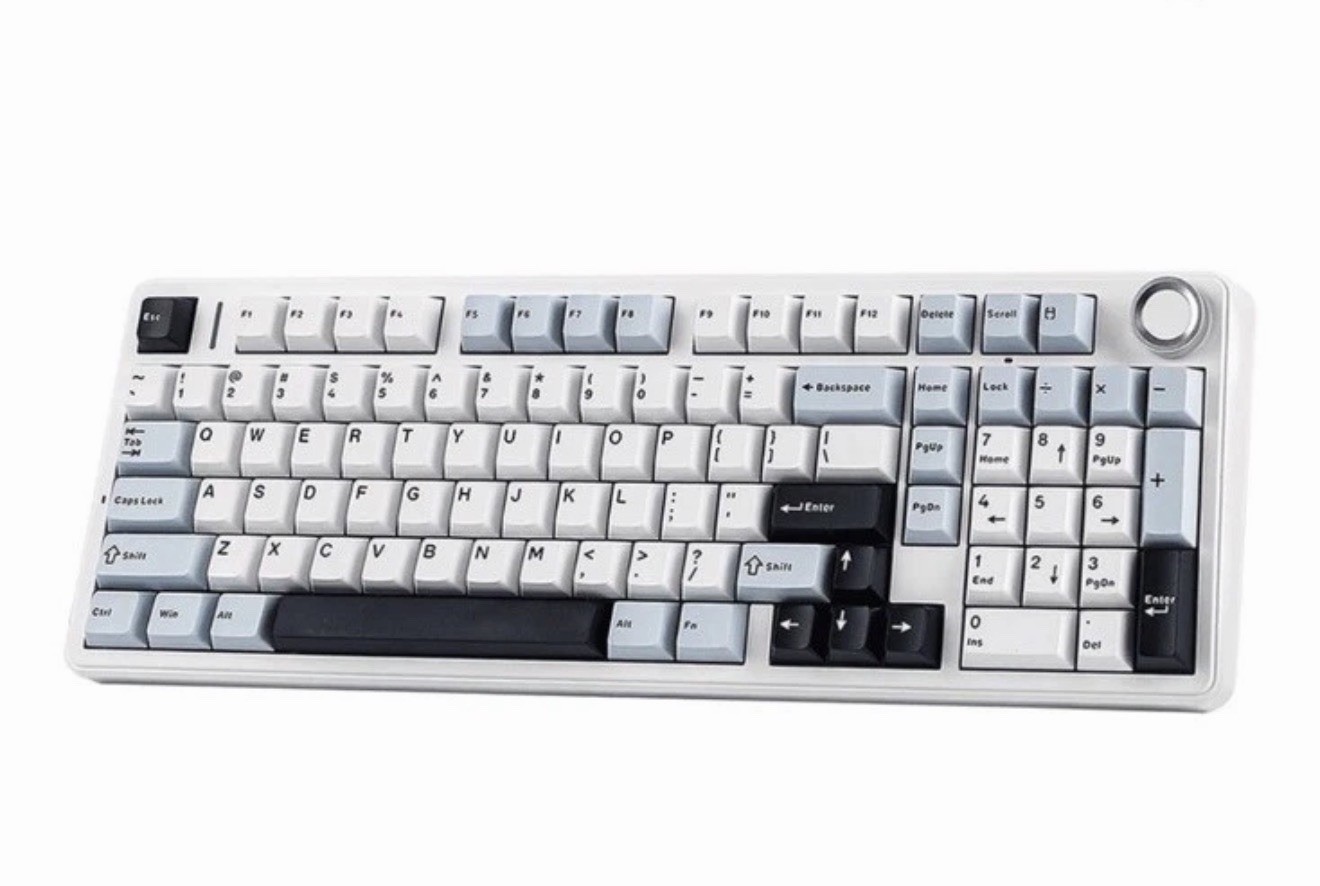 AULA F99 PRO BLUE/WHITE Wireless Mechanical Gaming Keyboard | NEXT DAY SHIP$41.98View on eBay
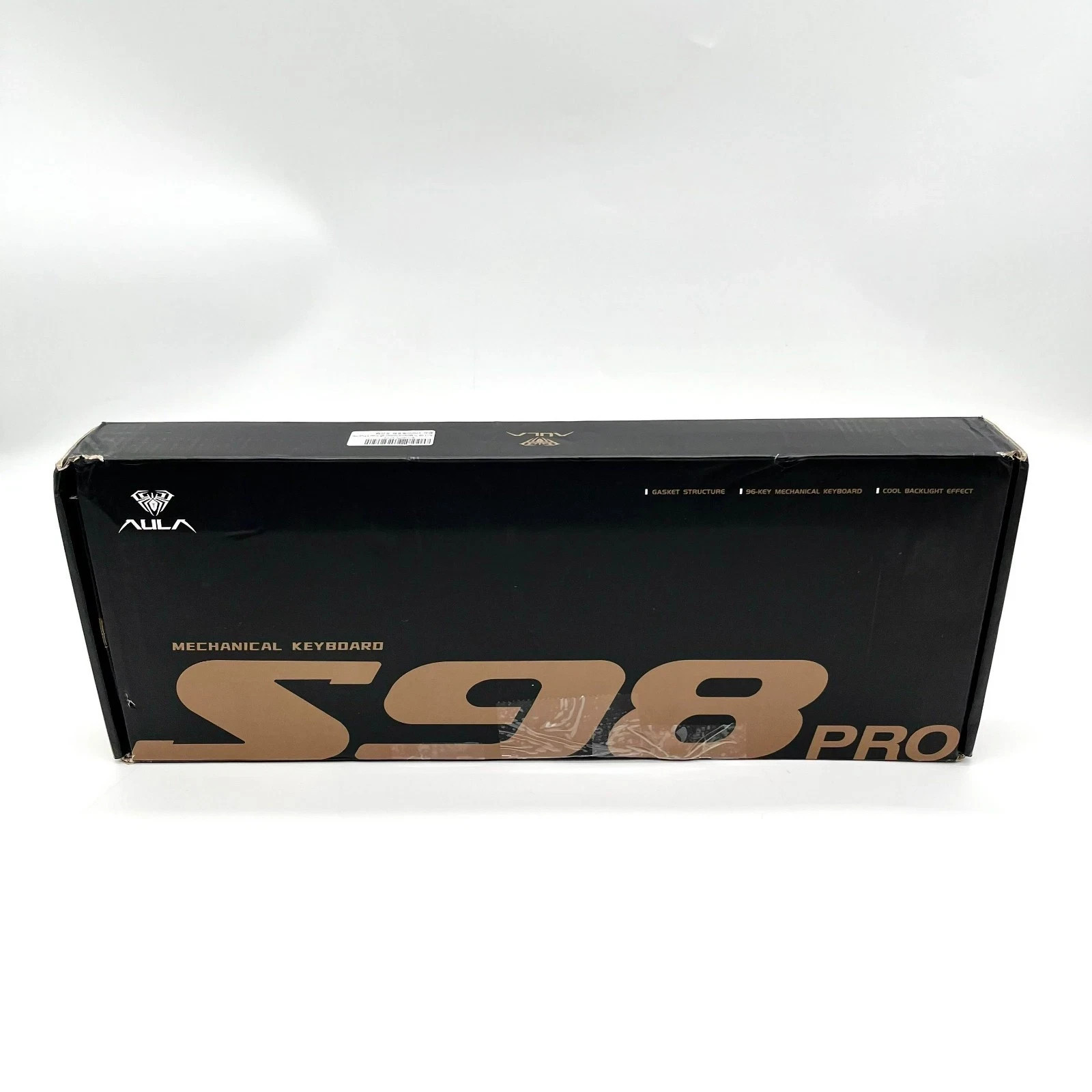 AULA S98 Pro Wireless Mechanical Keyboard with Screen & Knob Blue White$44.95View on eBay
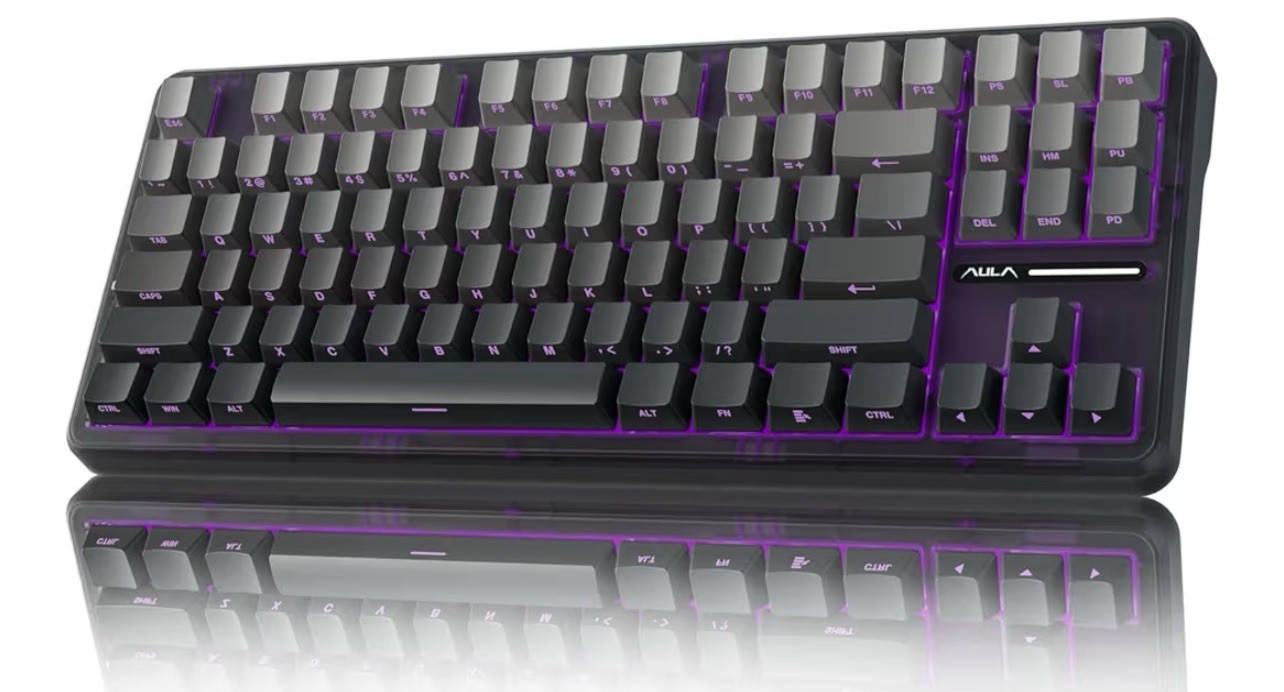 AULA F87 Pro Wireless Mechanical Keyboard Tri-Mode Hot Swappable (F87 Pro-Black)$44.99View on eBay
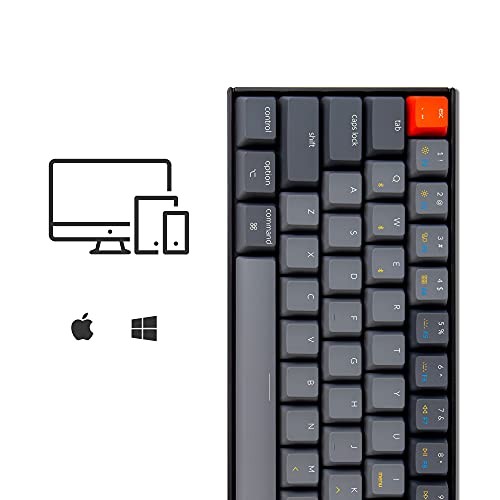 KEYCHRON K12 WIRELESS MECHANICAL KEYBOARD - RGB BACKLIGHT - GATERON -$45.16View on eBay
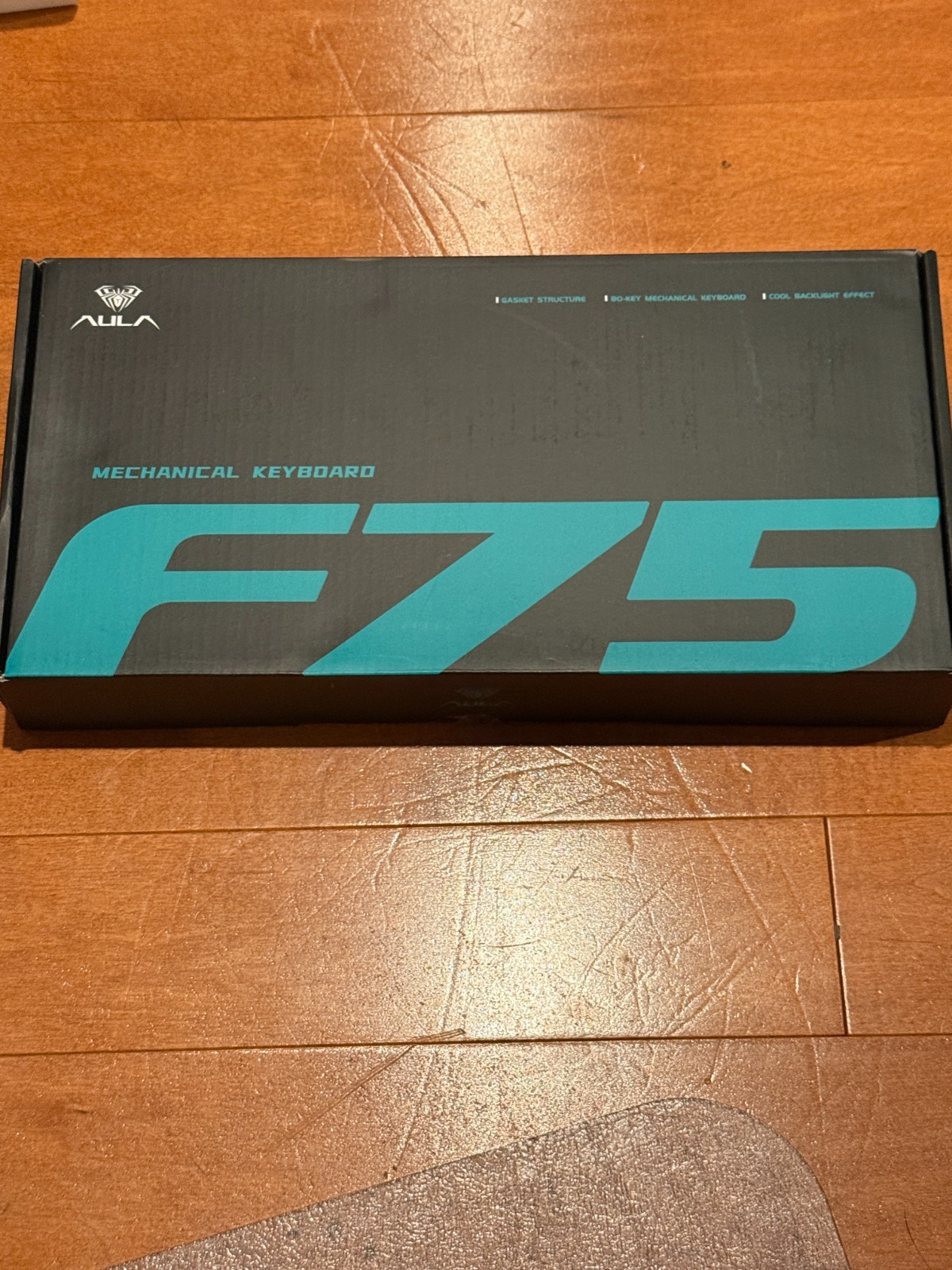 AULA F75 Wireless Gaming Keyboard Mechanical Tri-Mode RGB Backlit NEW SEALED$49.95View on eBay
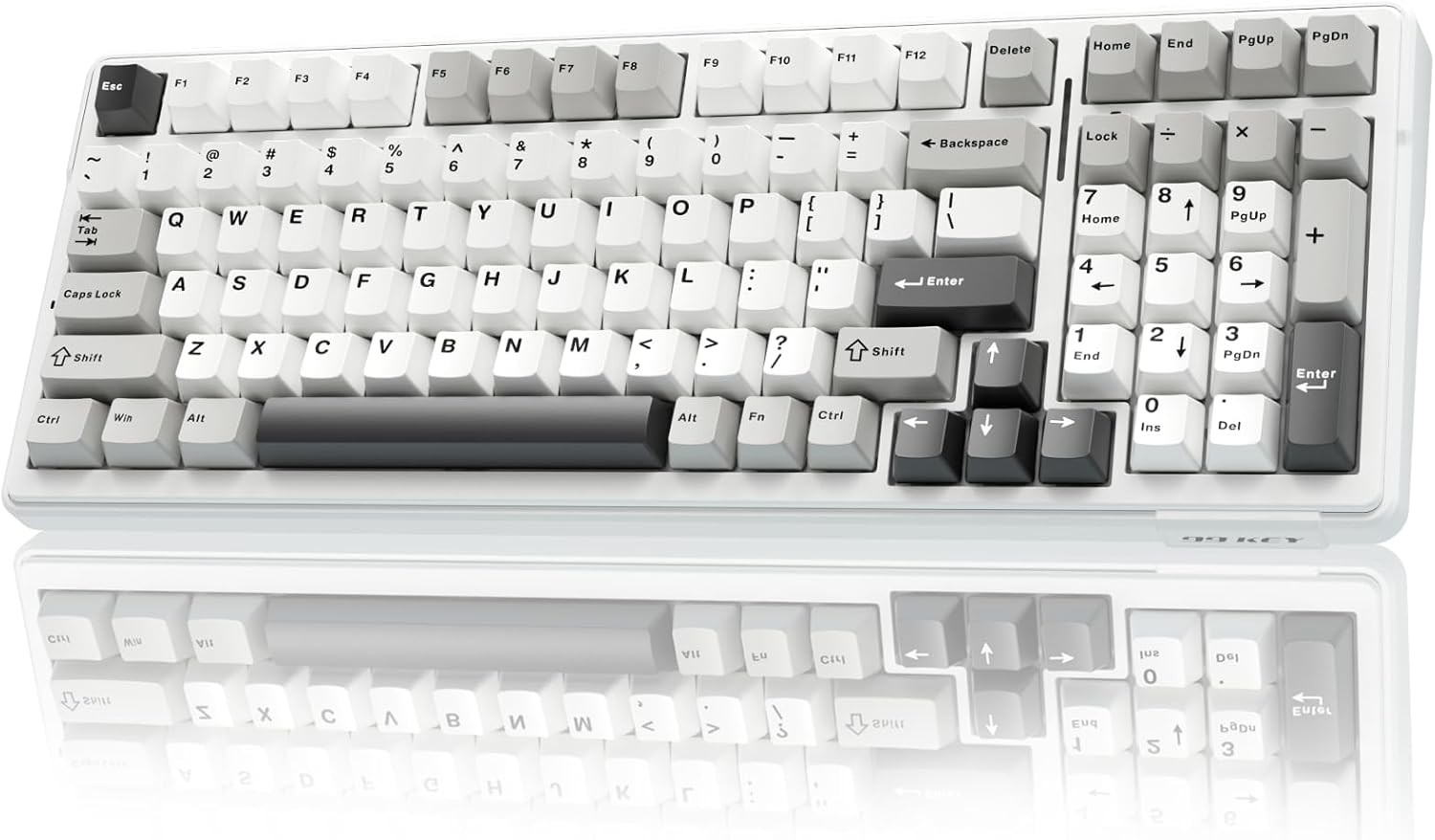 AULA F99/F99 Pro Tri-mode Wireless Mechanical Keyboard RGB Hot Swappable Custom$49.99View on eBay
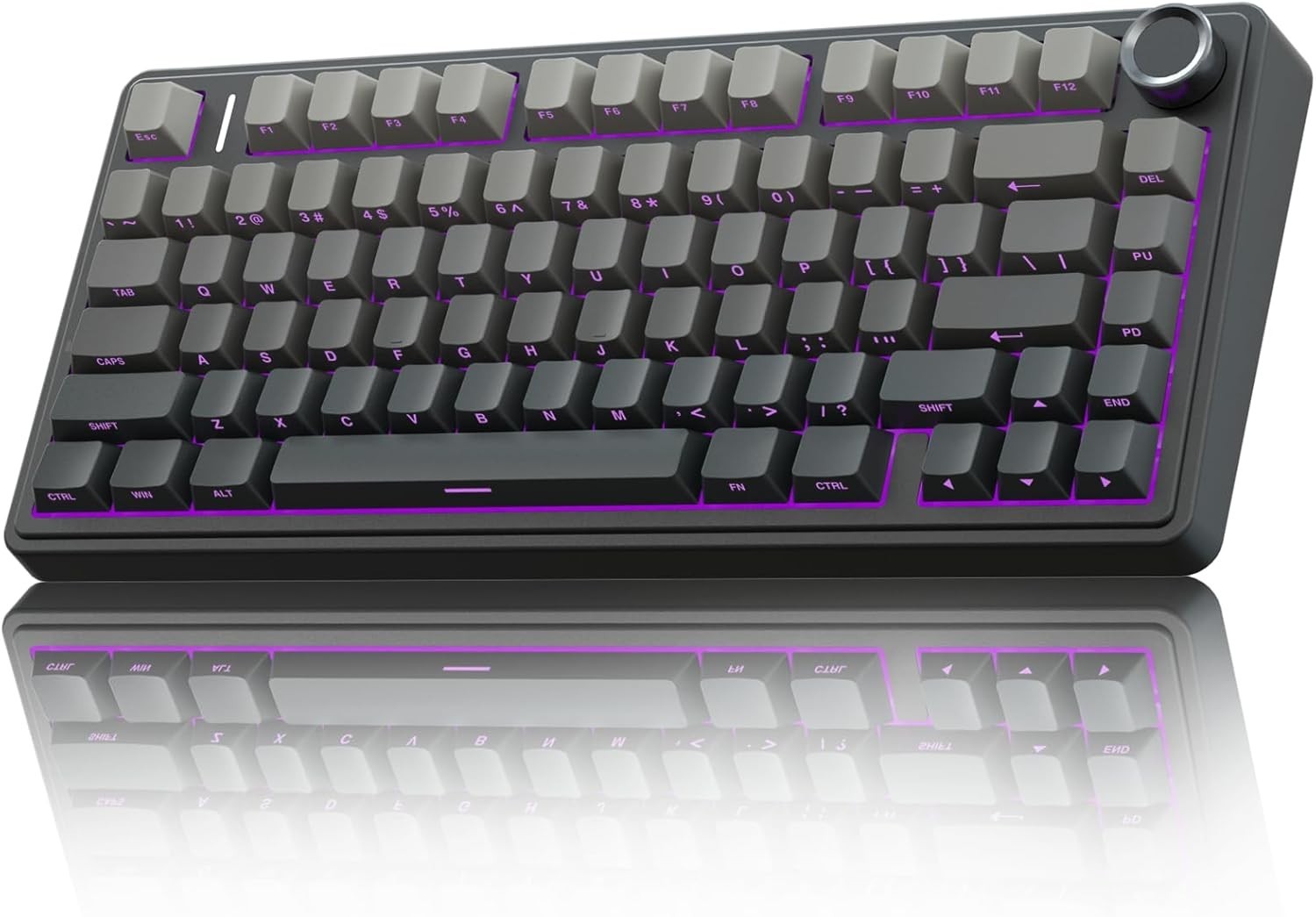 F75 Pro Wireless Mechanical Keyboard,75% Hot Swappable with Knob RGB Backlit$59.99View on eBay
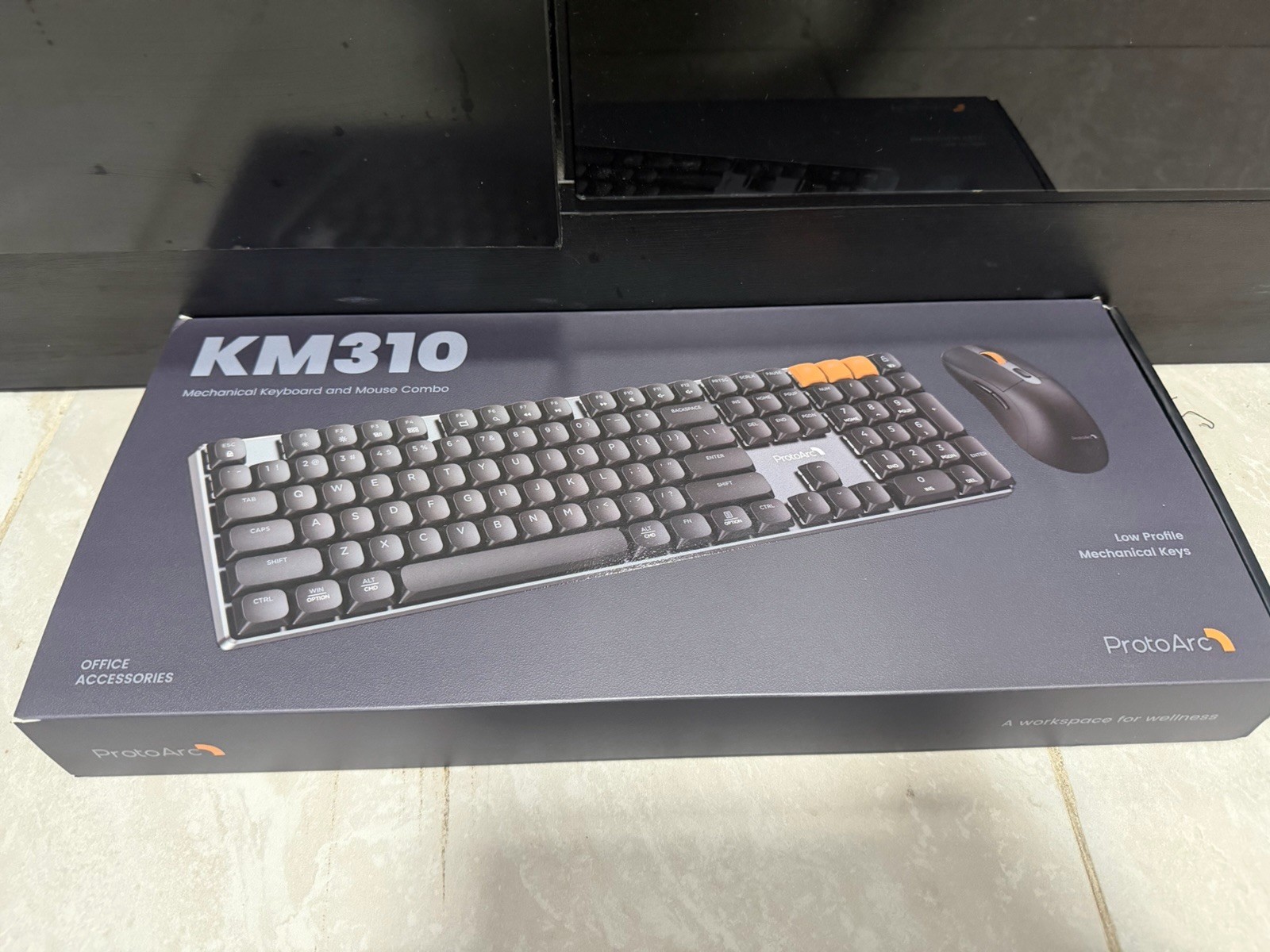 Protoarc KM310 Mechanical Keyboard and Mouse, Wireless Rechargeable Aluminum Key$60.00View on eBay
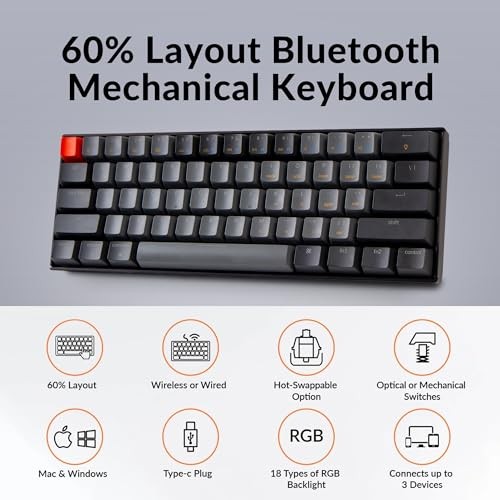 KEYCHRON K12 RGB WIRELESS MECHANICAL KEYBOARD - HOT-SWAPPABLE - BLACK/GRAY$61.22View on eBay
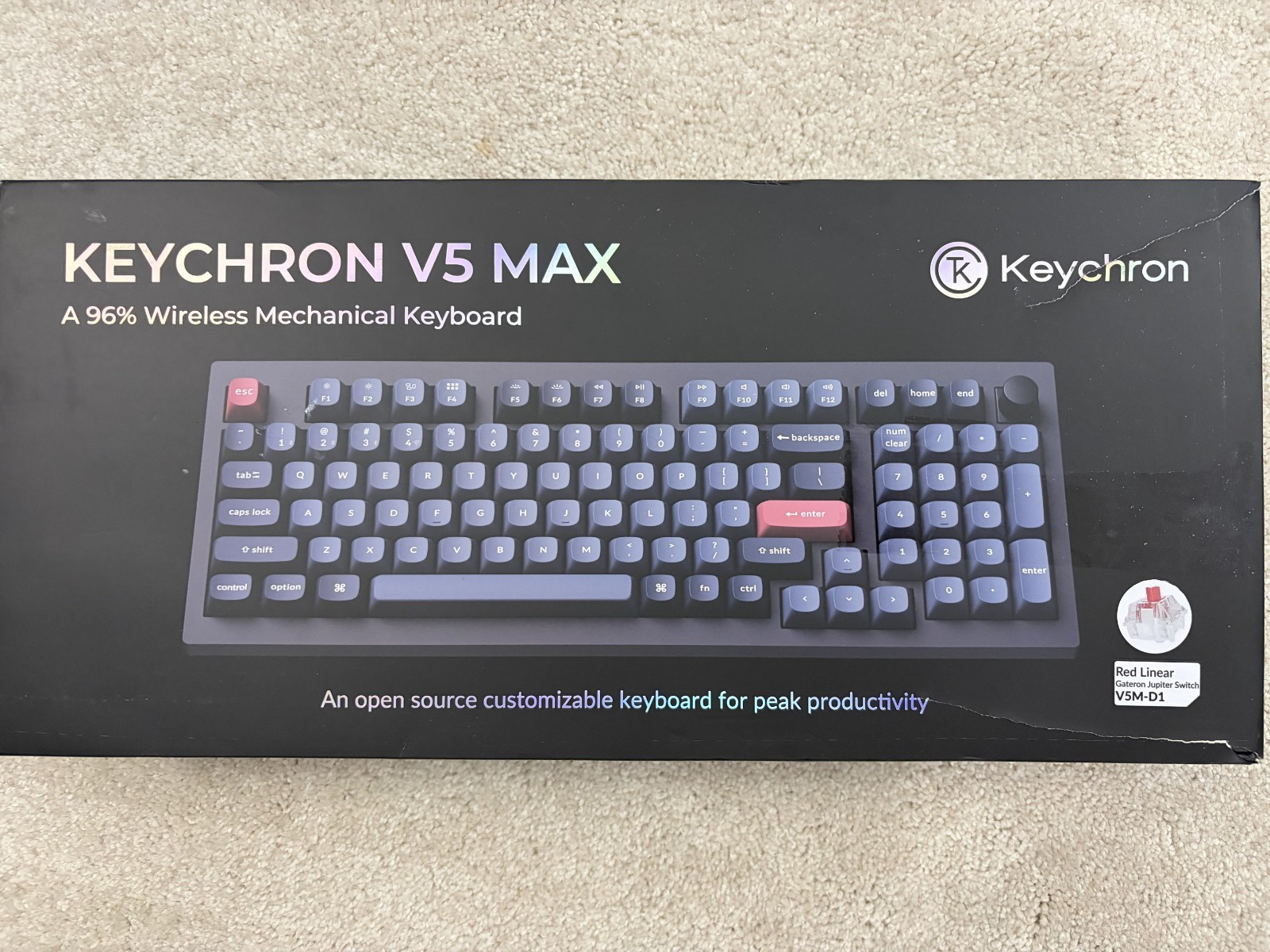 Keychron - V5 Max 96% Custom Wireless RGB Mechanical Keyboard with Programmable$69.90View on eBay
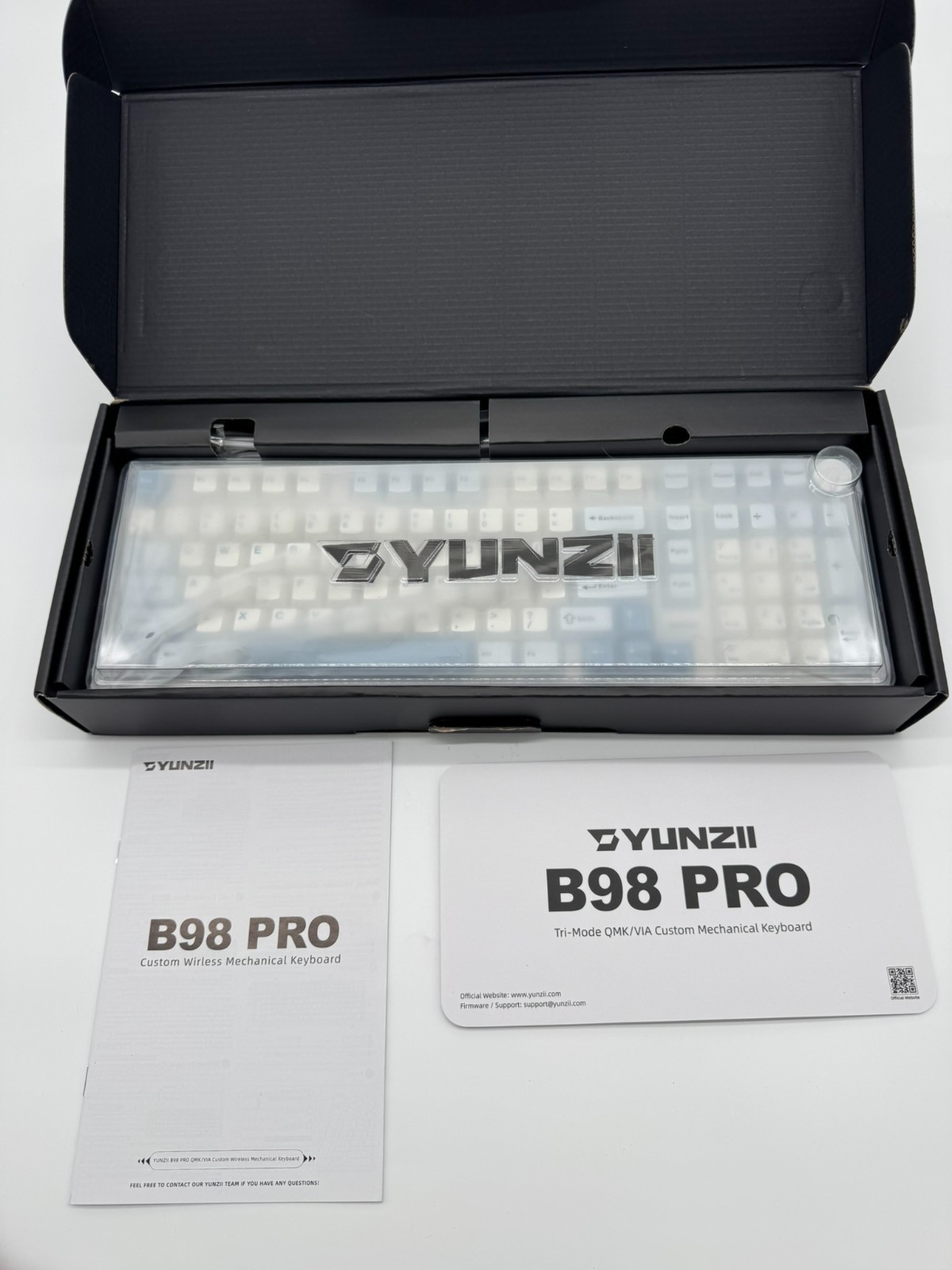 YUNZII B98 PRO 98-Key Wireless Mechanical Keyboard QMK/VIA Tri-Mode Hot-Swap RGB$69.99View on eBay
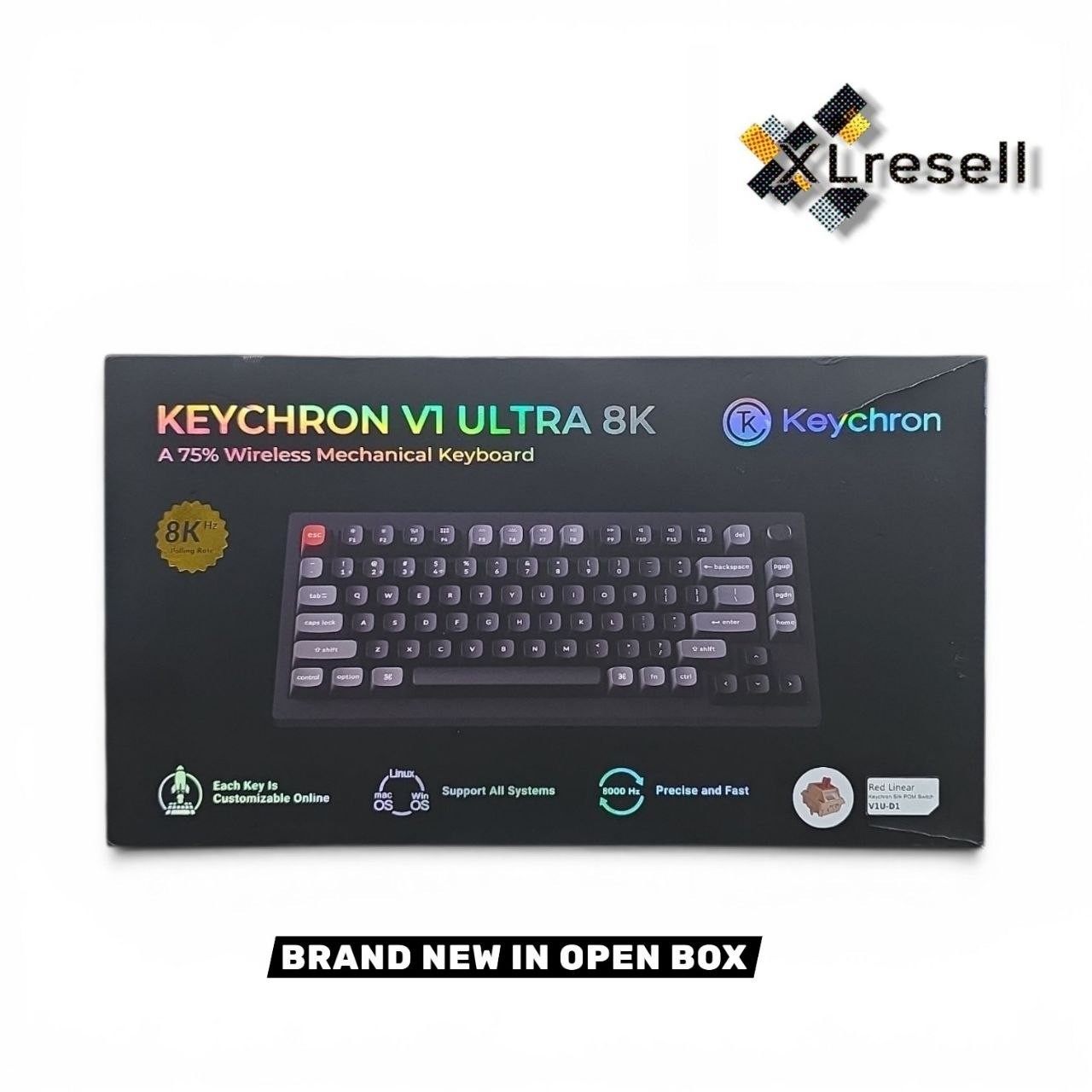 Keychron V1 Ultra 8K Wireless Mechanical Keyboard RGB Backlit Black Red Linear$72.17View on eBay
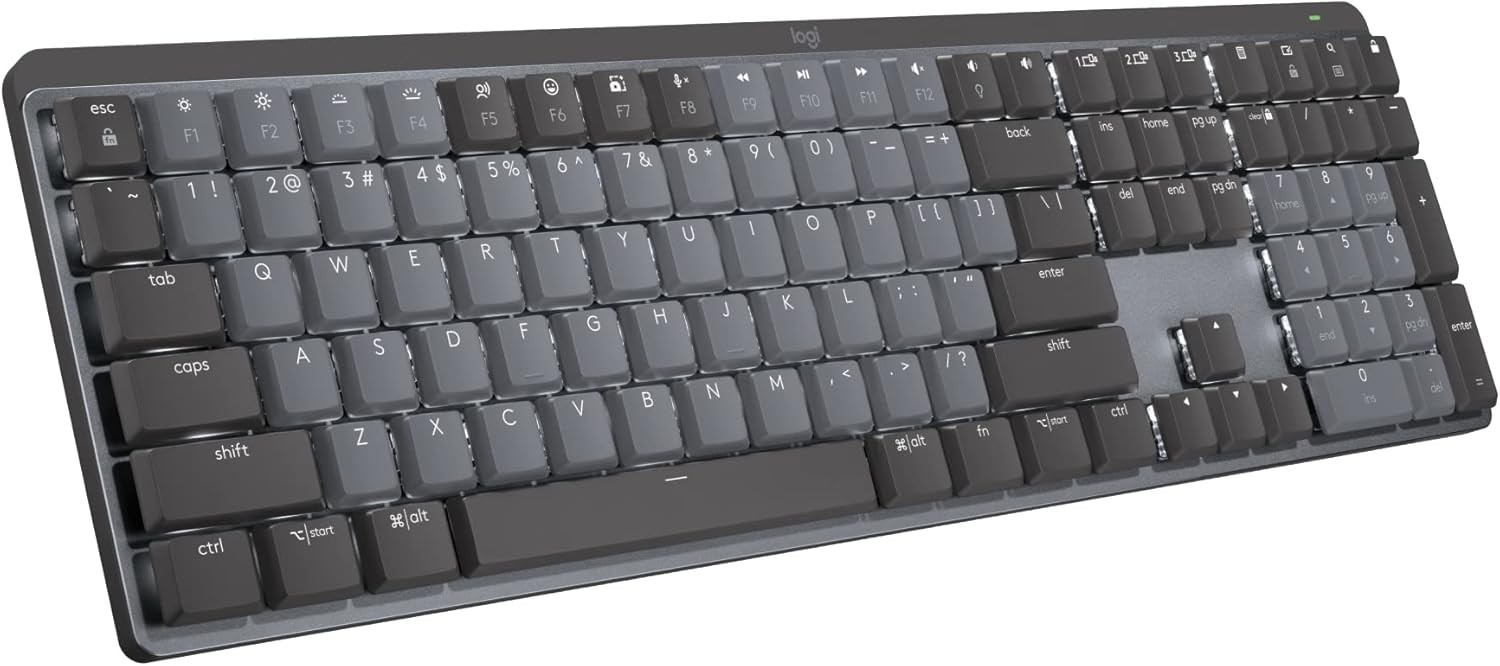 Logitech MX Mechanical Wireless Performance Keyboard Graphite Tactile$79.99View on eBay
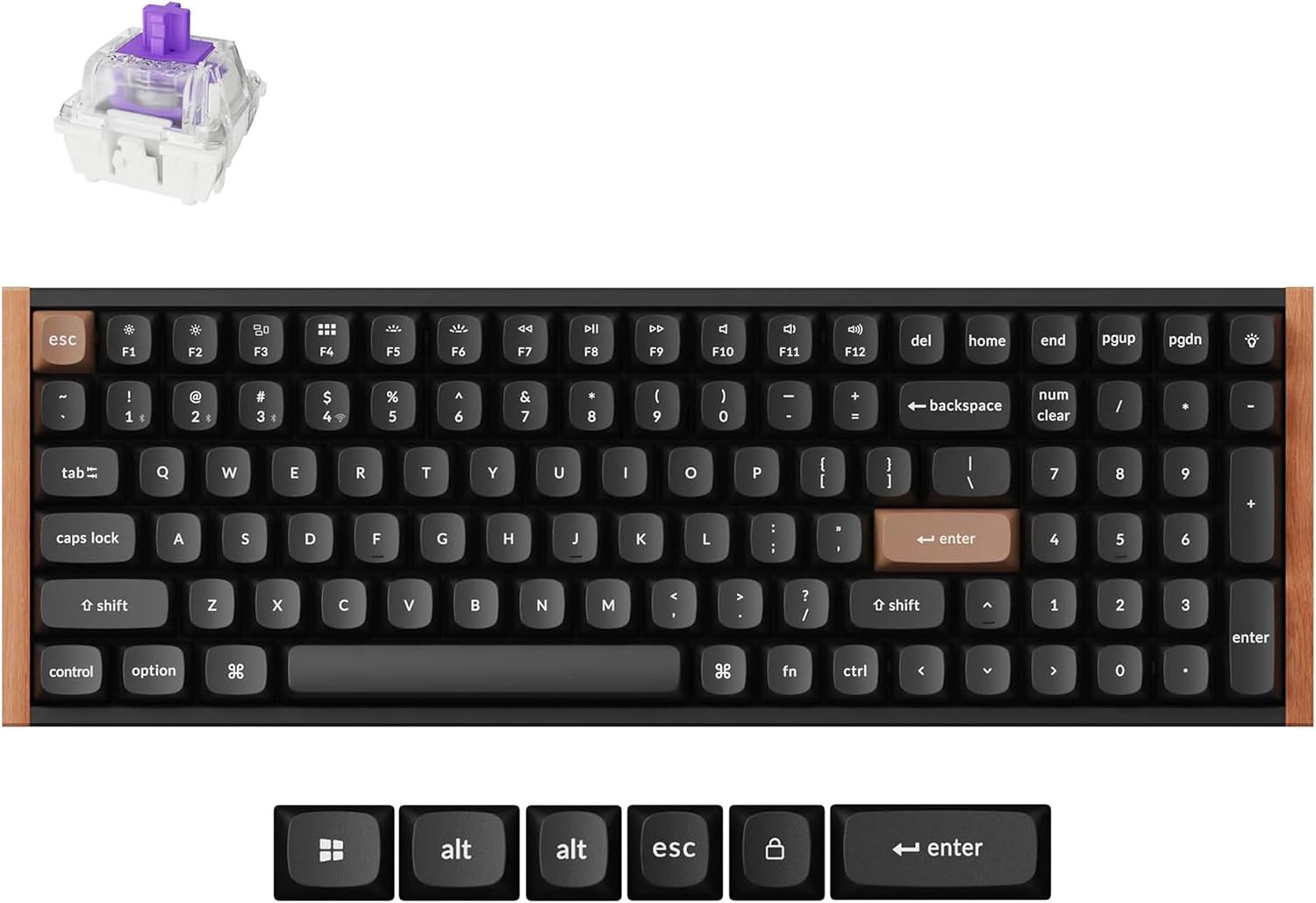 Keychron K4 HE 96% Wireless Hall Effect Keyboard NumberPad WoodAccentFrame Black$80.00View on eBay
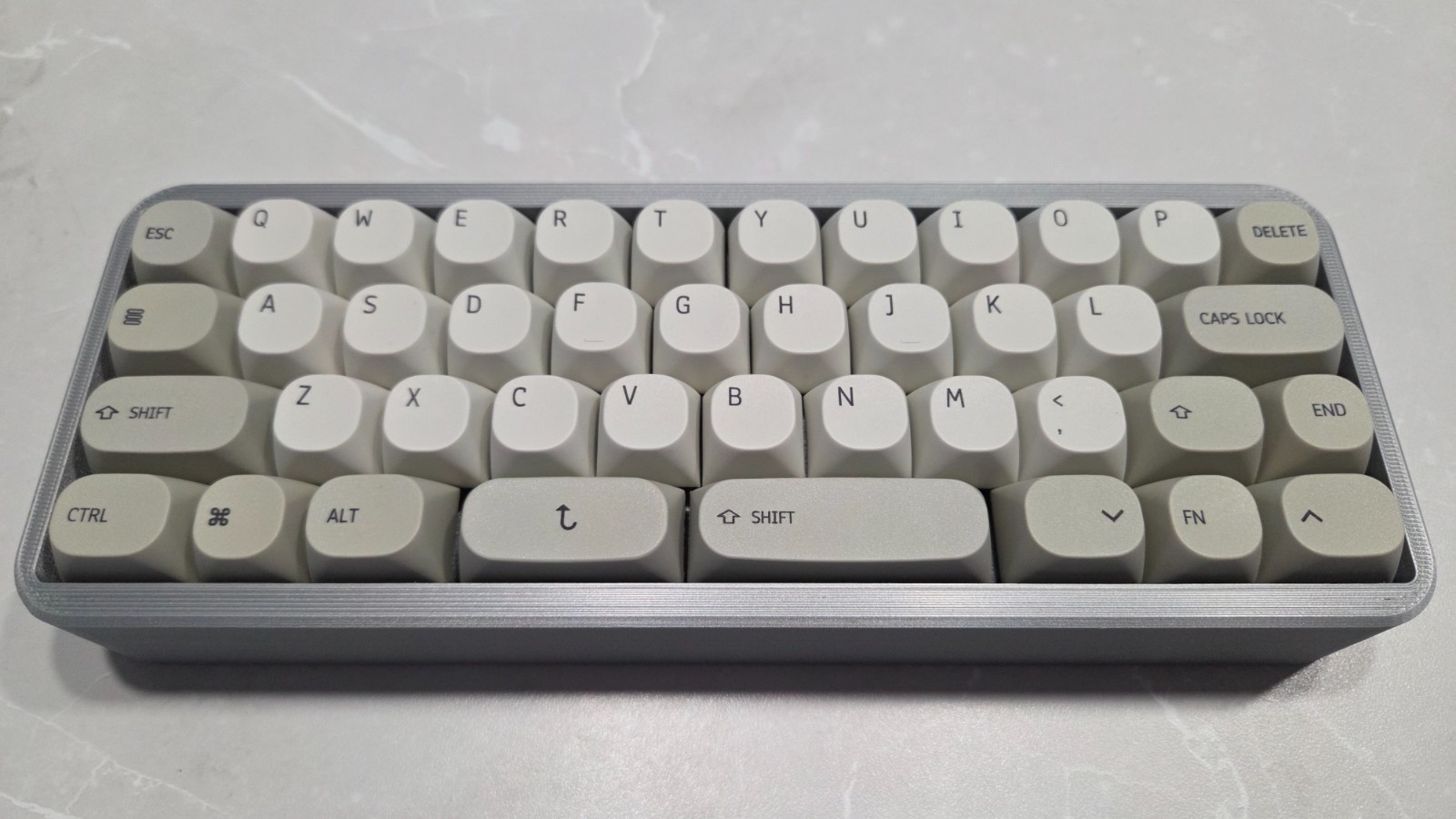 Wireless 40% mechanical keyboard (AELIUX)$85.00View on eBay
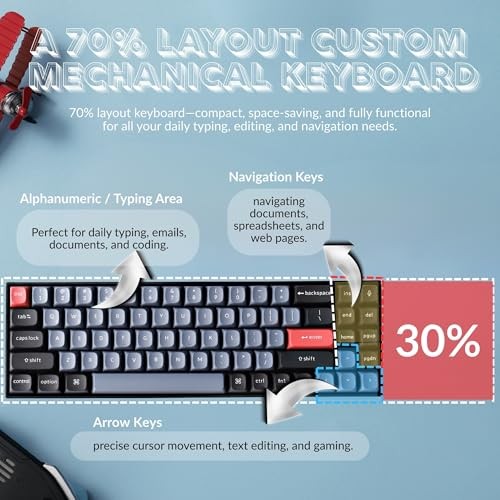 KEYCHRON K14 PRO WIRELESS CUSTOM MECHANICAL KEYBOARD,70% - BLACK/GRAY/RED$87.32View on eBay
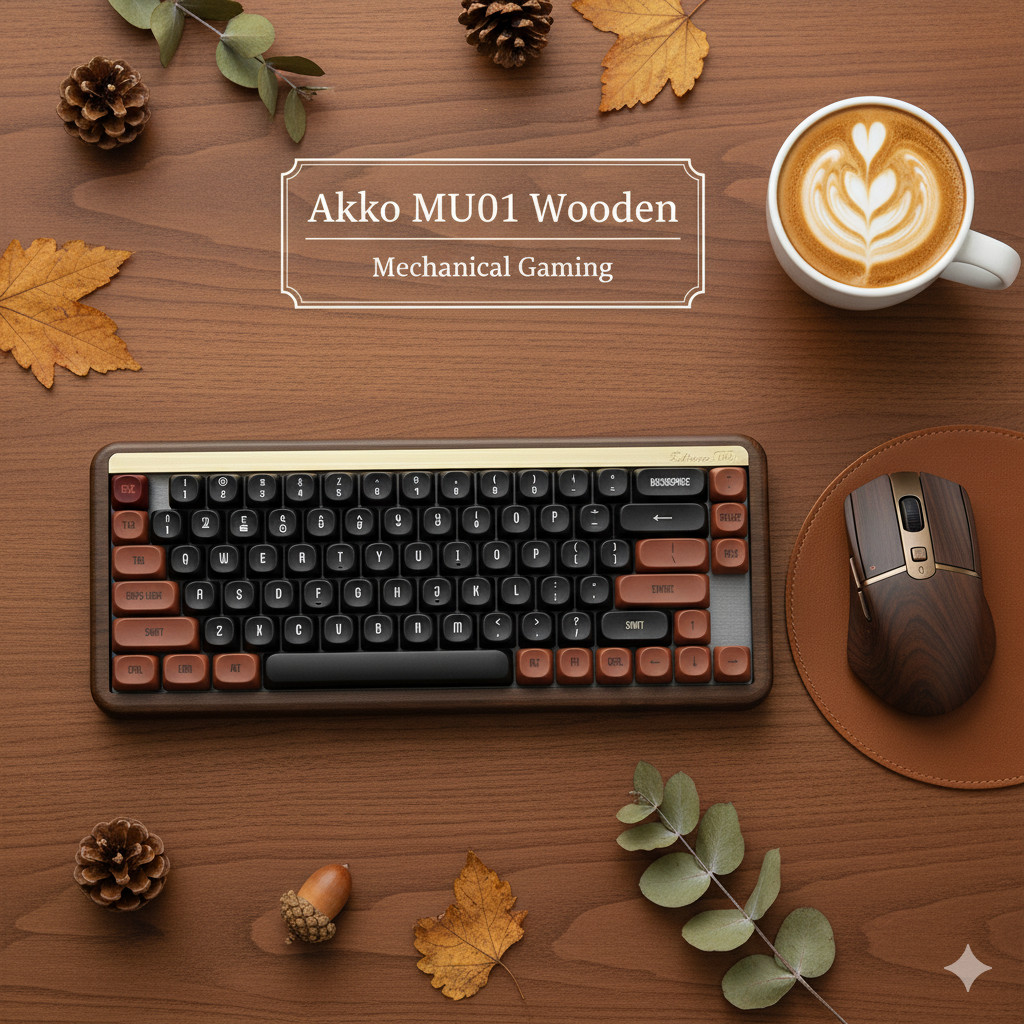 Akko MU01 65% Mechanical Keyboard Walnut RGB Wireless Hot Swap$109.00View on eBay
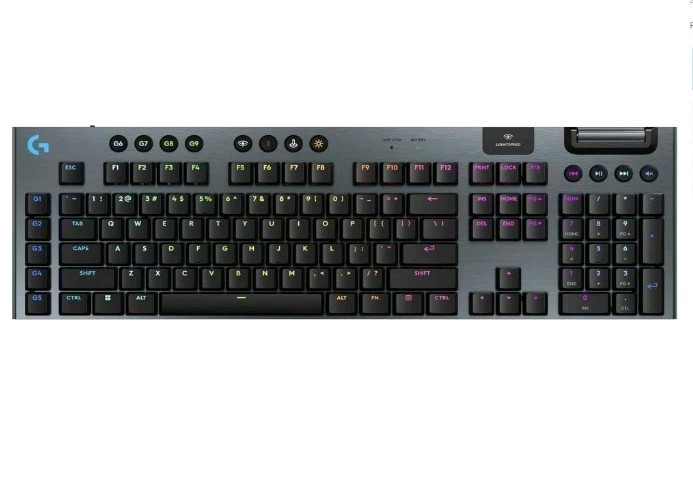 Logitech G915 X Lightspeed Wireless Gaming Keyboard (Clicky) - Black | Low...$115.00View on eBay
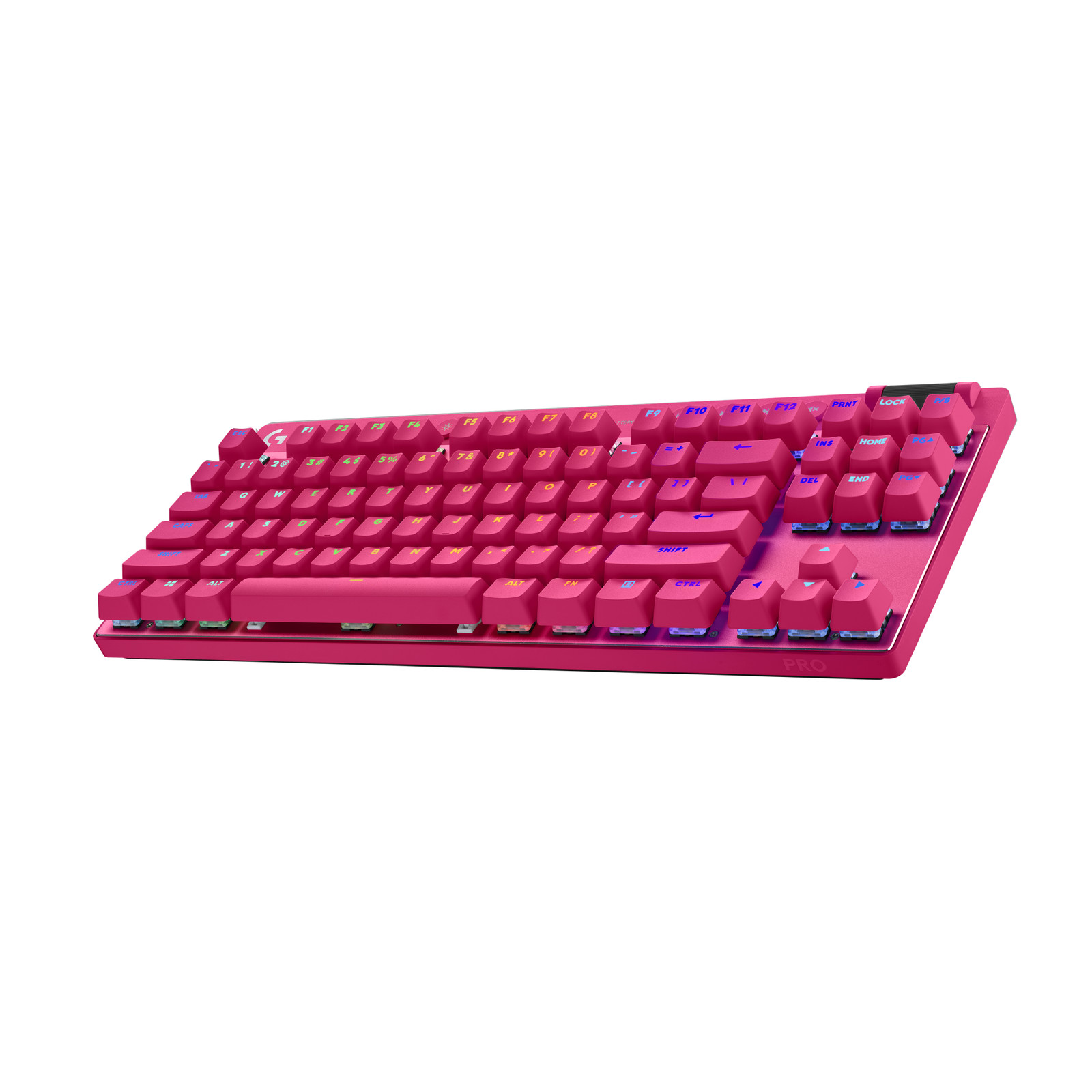 Logitech G PRO X TKL Wireless Gaming Keyboard – Tactile Switches$129.99View on eBay
Highlights
- Tri-mode connectivity (2.4GHz dongle + Bluetooth 5.0/5.1 + USB-C wired) is the standard for mid-to-high tier wireless mechanical boards; 2.4GHz delivers 1ms polling vs 8-15ms over Bluetooth.
- Hot-swap sockets (5-pin compatible) let you replace 3-pin or 5-pin switches without soldering; budget boards often use 3-pin-only sockets, limiting switch upgrades.
- Battery capacity ranges from 1800mAh in compact 75% boards to 4000mAh in full-size 98/99-key models; RGB backlighting at full brightness can cut runtime by 50-70%.
- Gasket-mounted designs with foam dampening reduce case ping and typing noise versus tray-mount plastic cases; aluminum top frames add rigidity but increase weight beyond 1kg.
Best use cases
- Competitive FPS gaming: pick a 2.4GHz tri-mode board with 1000Hz polling and hot-swap linear switches; skip Bluetooth-only boards that add 8-15ms latency.
- Multi-device office setup: choose a Bluetooth 5.x board with 3-device pairing and a 4000mAh battery; avoid 2.4GHz-only dongles that occupy a USB-A port and lack device switching.
- Compact desk or travel: a 75% (81-key) hot-swap board with a knob and 1800-2000mAh battery balances portability and function-row access; full-size 98-key boards are too wide for small desks.
- Silent shared spaces: gasket-mounted boards with lubed linear switches and foam layers stay under 50dB; skip clicky switches and tray-mount plastic cases that amplify resonance.
Buying tips
- Match layout to use: 75% (81 keys) keeps arrow keys and function row in a compact footprint; 98/99-key adds numpad for spreadsheet work; 60% drops arrows and F-row entirely.
- Check battery math: 4000mAh with RGB off lasts roughly 100-200 hours; 1800mAh with RGB on may drop below 20 hours, so budget for weekly charging.
- Verify hot-swap socket type: 5-pin sockets accept both 3-pin and 5-pin switches; 3-pin-only boards cannot take PCB-mount stabilizer switches without clipping legs.
- Prioritize 2.4GHz polling rate for gaming (1000Hz) and Bluetooth version for productivity (5.1+ for lower power draw and stable multi-device pairing).
Specs
| Connectivity | Tri-mode: 2.4GHz + BT 5.x + USB-C |
|---|---|
| Layout | 60% / 75% / 87-key / 98-key |
| Hot-Swap | 3-pin vs 5-pin socket |
| Battery | 1800mAh compact / 4000mAh full |
Related searches
What to check before buying
- Measure desk depth and width: a 75% board is about 32cm wide, a 98-key about 39cm; confirm clearance for mouse movement and monitor stand.
- Confirm your device has USB-A for the 2.4GHz dongle or Bluetooth 5.x built in; older Bluetooth 4.2 adapters may cause pairing drops.
- Check switch compatibility if upgrading: 5-pin hot-swap sockets accept most MX-style switches; optical or low-profile boards use proprietary mounts.
- Plan charging access: USB-C port placement (rear vs side) affects cable routing; some boards lack pass-through, so keep a charger within reach.
FAQ
Data sources: eBay / Amazon listings and product attribute feeds. Updated Nov 24, 2026.
Some links on this page are affiliate links. If you buy after clicking one, we may earn a commission at no extra cost to you. This does not change which products appear here or their order. Affiliate disclosure.