
Photos from current listings. Actual item, color, and included accessories may vary.
RGB Keyboard Buying Guide
RGB keyboards are mechanical boards with per-key backlighting, and the primary trade-off is budget switch and keycap quality versus enthusiast-grade hot-swap and gasket mounts. The decision rule: buy a hot-swappable PCB with per-key RGB if you plan to customize or repair; buy a fixed-switch board only if lighting is the priority and you accept shorter switch lifespan.
Median $60.00
Key takeaways
- Hot-swap PCBs accept 3-pin and 5-pin switches without soldering, enabling switch replacement in minutes instead of hours.
- Hall-effect magnetic switches use adjustable actuation (0.1-4.0 mm) and rapid trigger for competitive gaming; optical switches offer 0.2 ms response but are not hot-swappable.
- Aluminum cases reduce flex and dropout from desk vibration; gasket-mounted PCBs add typing comfort at the cost of slightly softer key feel.
At a glance
- Category
- Mechanical Keyboards
- Last updated
- Nov 24, 2026
Current offers
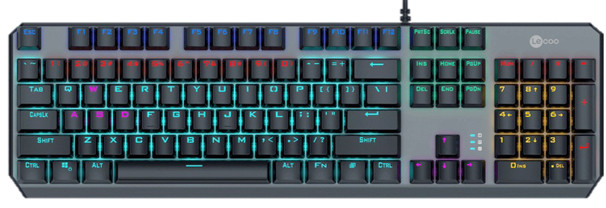 Lenovo (Lecoo) GK301 Wired Mechanical Gaming Keyboard USB wired RGB backlight$29.99View on eBay
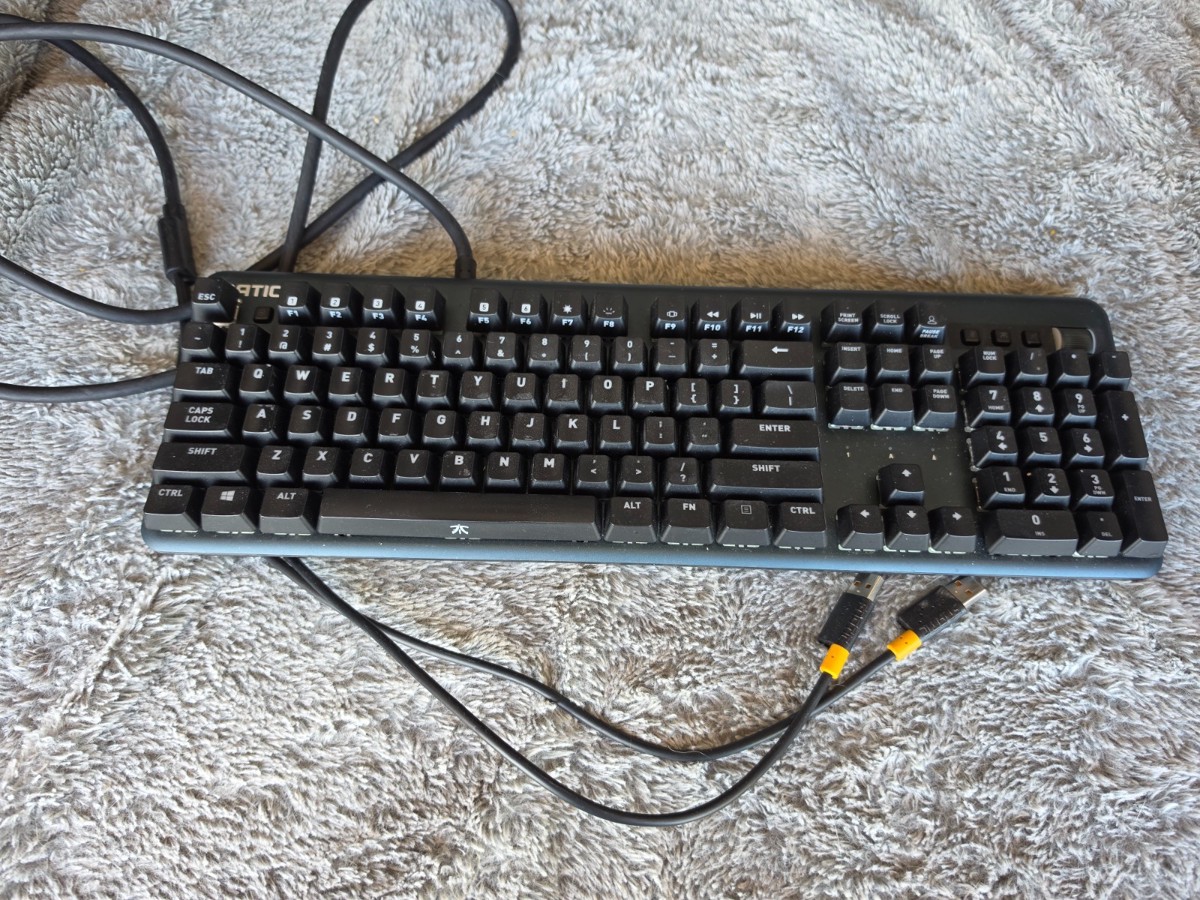 Fnatic Streak Wired Gaming Mechanical Cherry Red MX RGB Switch Keyboard$33.50View on eBay
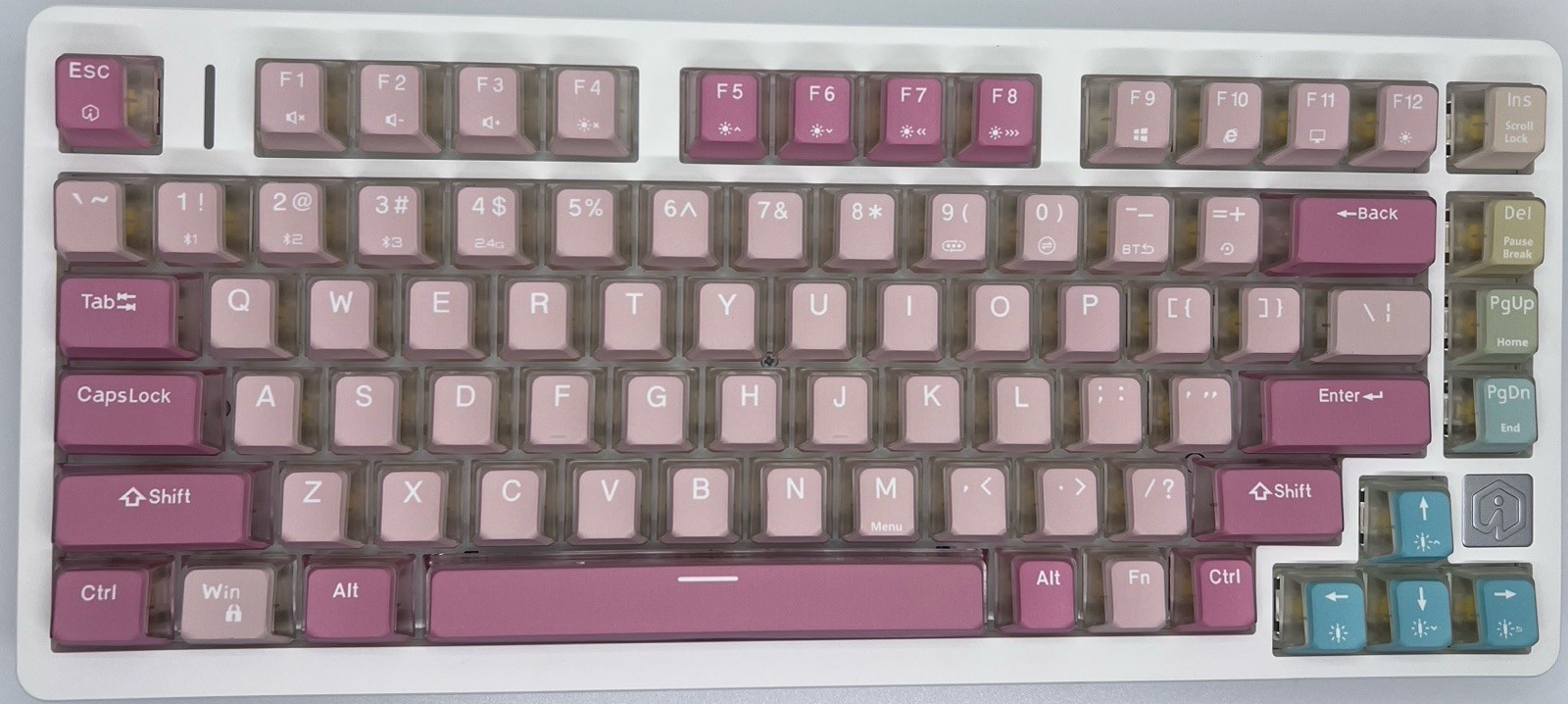 Wireless RGB Hot Swappable Mechanical Keyboard 3 Layers 81 Keys Gaming Keyboard$35.98View on eBay
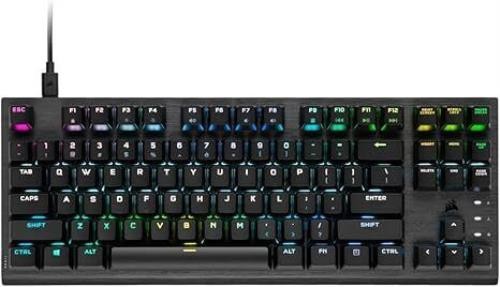 CORSAIR K60 RGB TKL RGB Tenkeyless Optical-Mechanical Wired Gaming Keyboard$37.99View on eBay
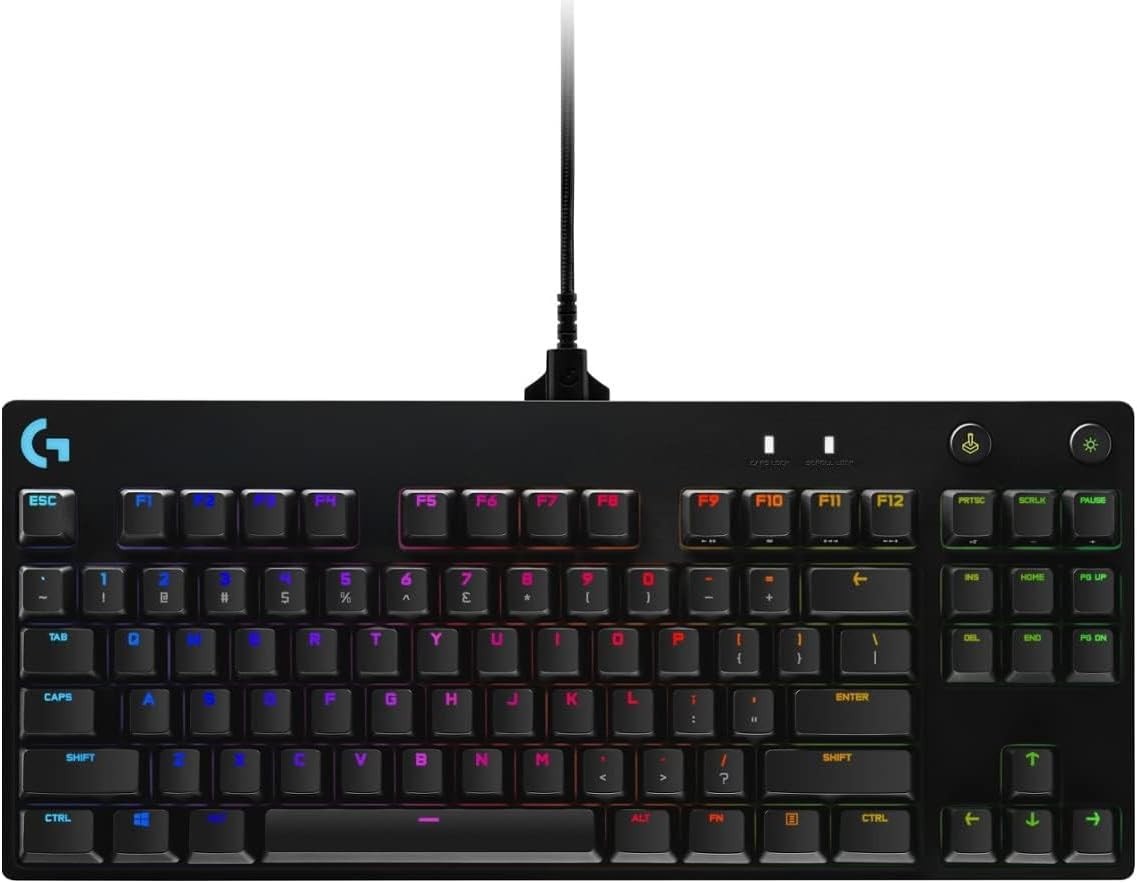 Logitech G Pro TKL Mechanical RGB Gaming Keyboard Black$43.19View on eBay
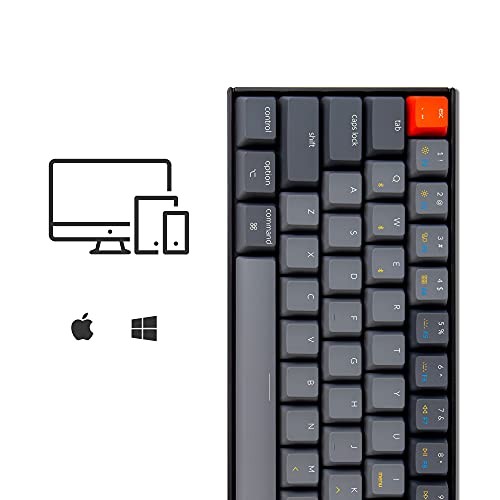 KEYCHRON K12 WIRELESS MECHANICAL KEYBOARD - RGB BACKLIGHT - GATERON -$45.16View on eBay
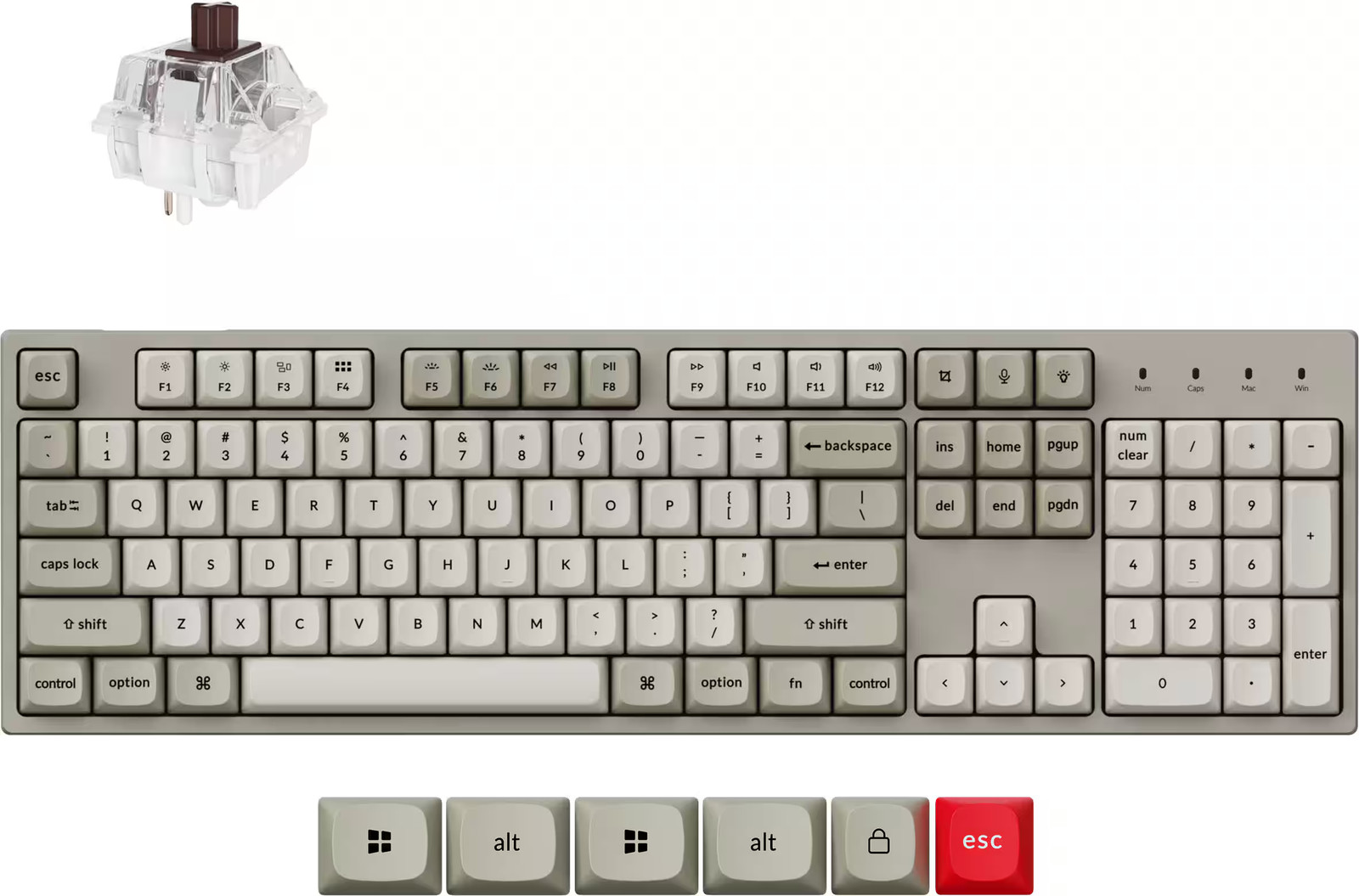 Keychron - C2PX 100% Custom Wired RGB Mechanical Gaming Keyboard with Program...$46.74View on eBay
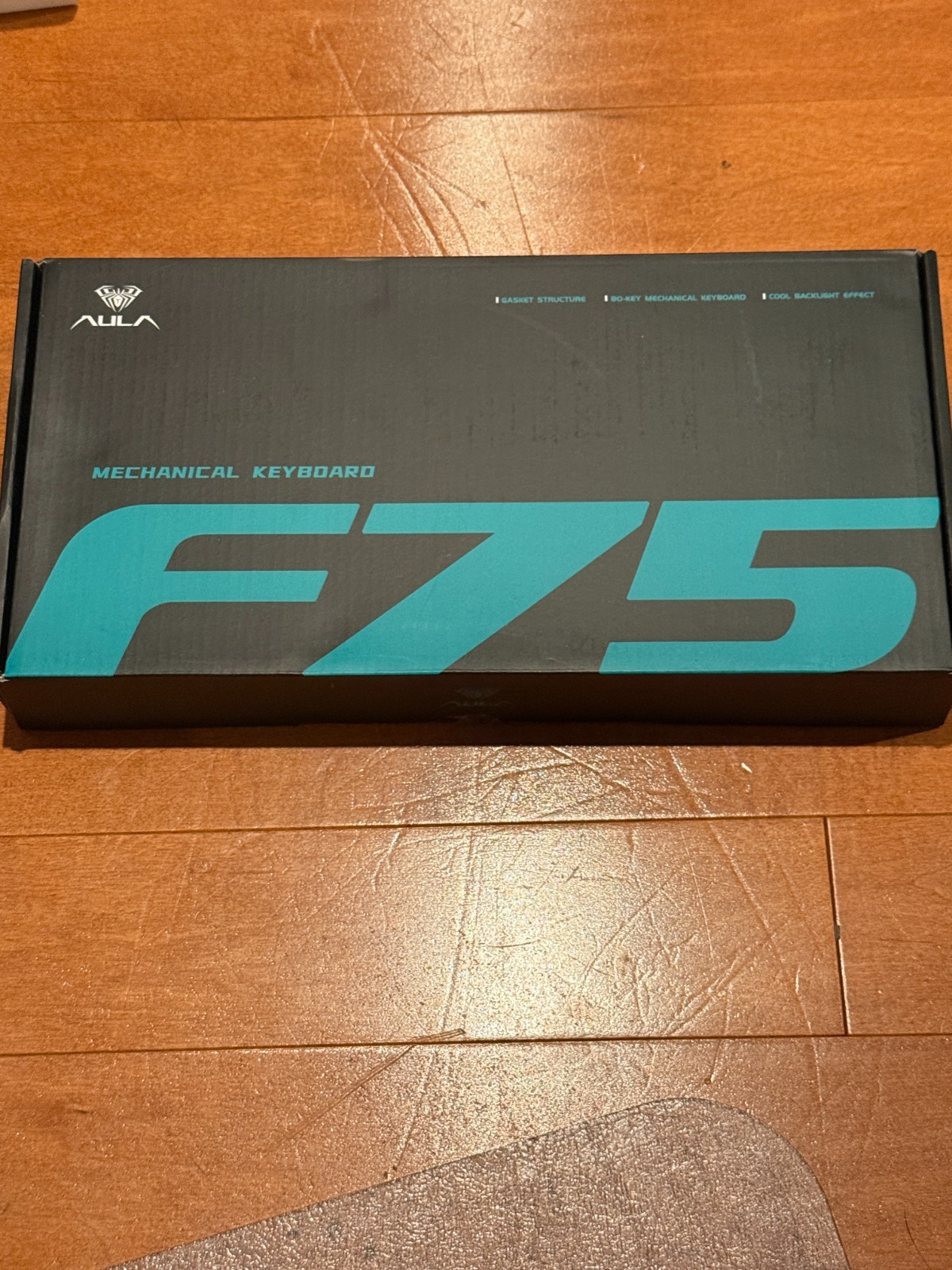 AULA F75 Wireless Gaming Keyboard Mechanical Tri-Mode RGB Backlit NEW SEALED$49.95View on eBay
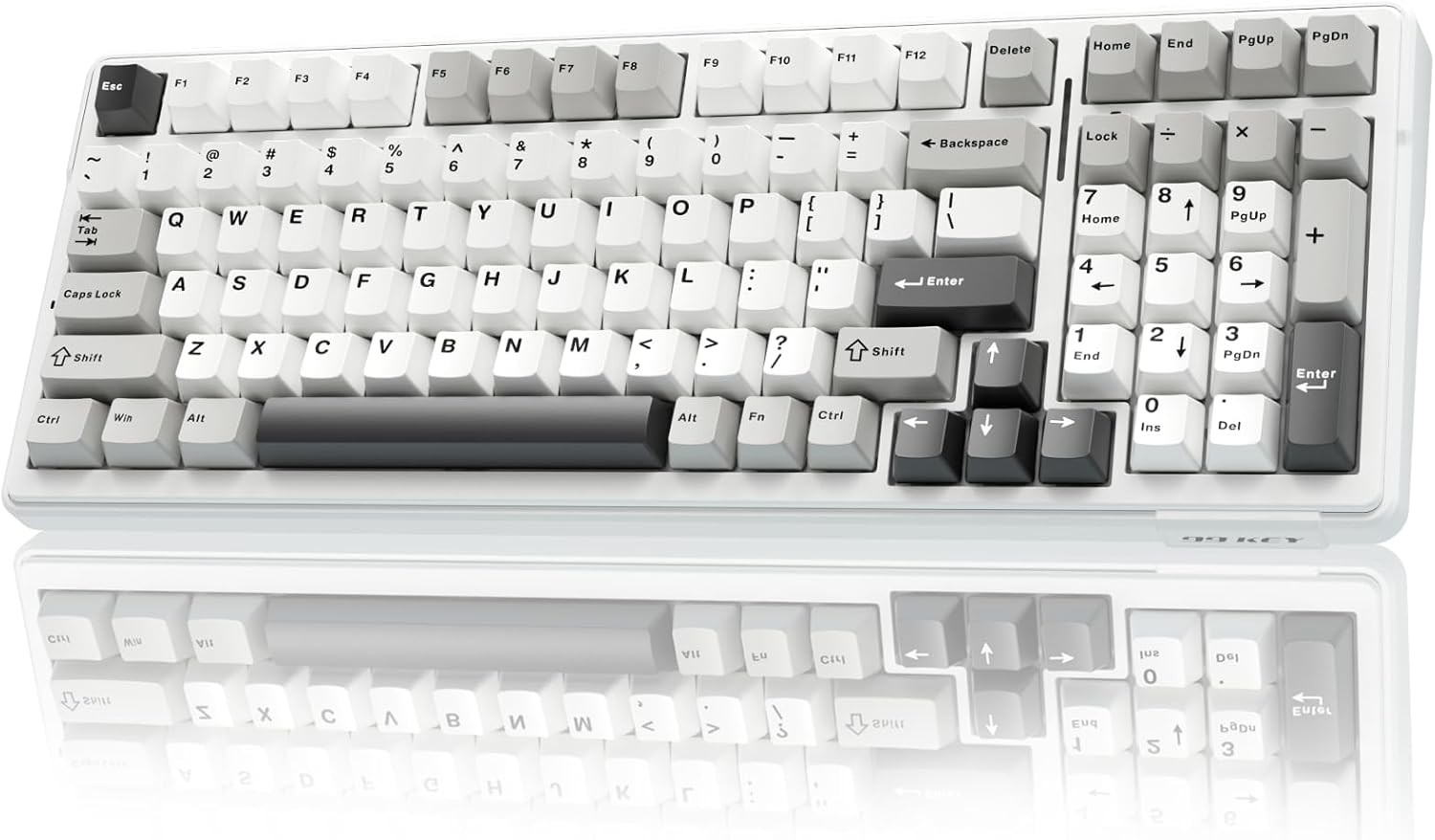 AULA F99/F99 Pro Tri-mode Wireless Mechanical Keyboard RGB Hot Swappable Custom$49.99View on eBay
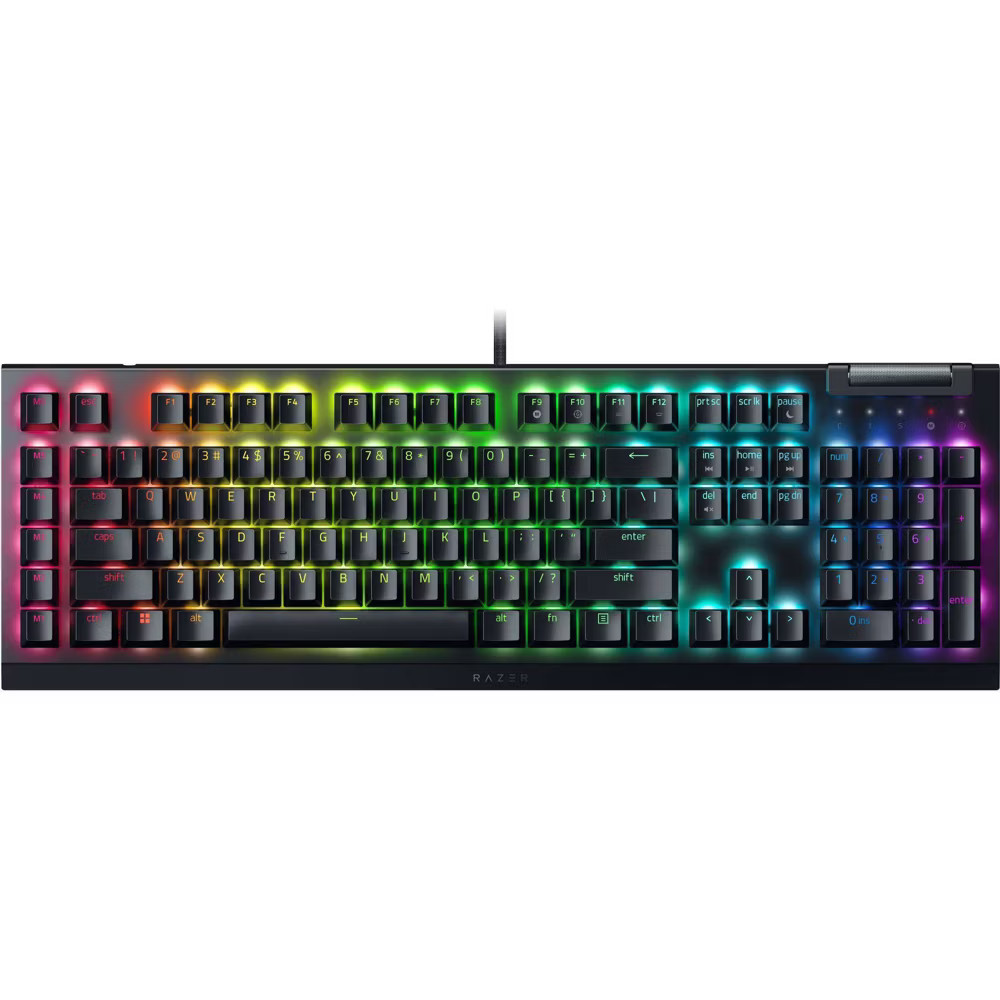 Razer BlackWidow V4 X Mechanical Gaming Keyboard with Razer Chroma RGB: Aluminum$55.24View on eBay
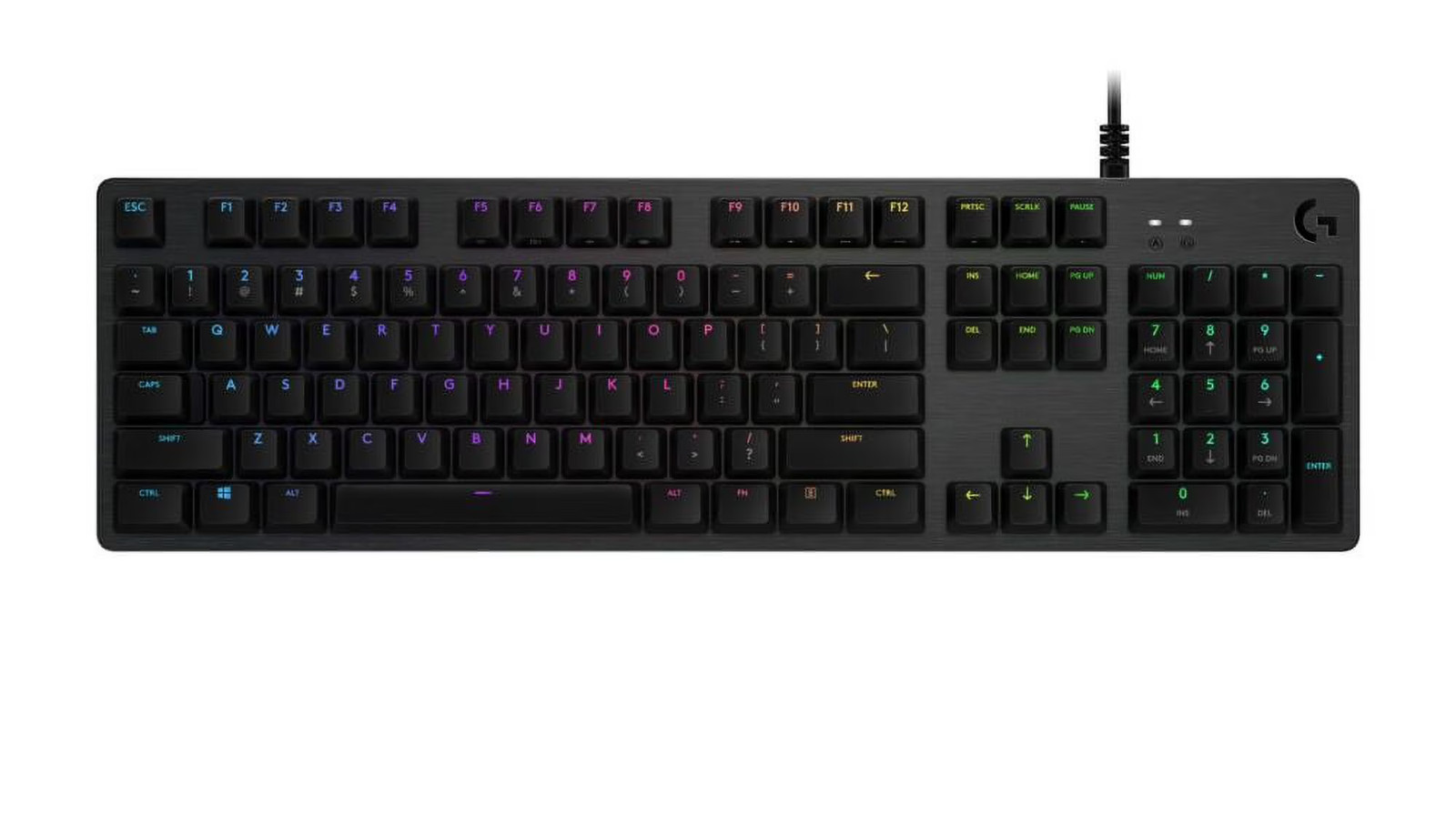 Logitech G512 Carbon LIGHTSYNC RGB Mechanical Gaming Keyboard Black$57.99View on eBay
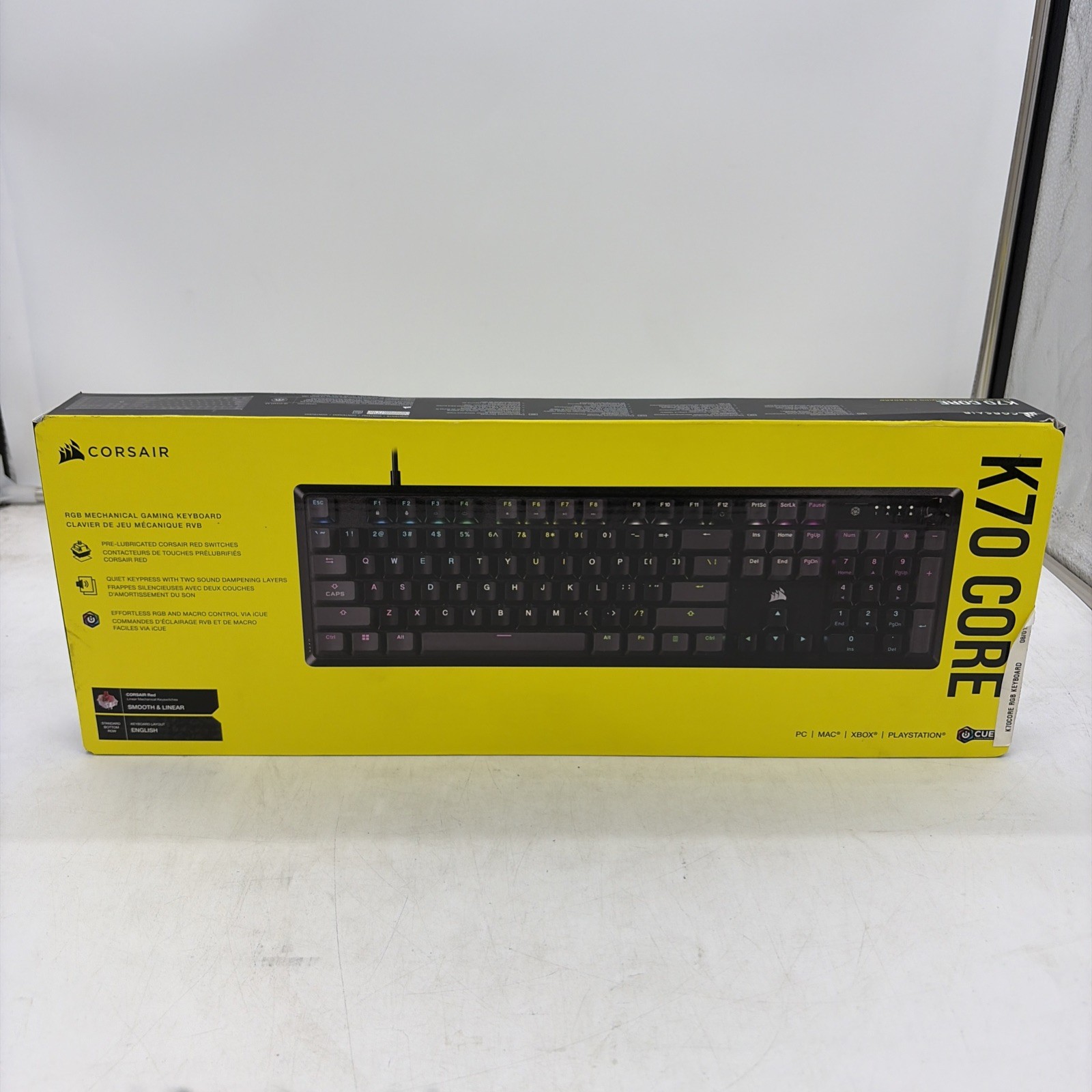 Corsair K70 Core RGB Mechanical Gaming Keyboard$60.00View on eBay
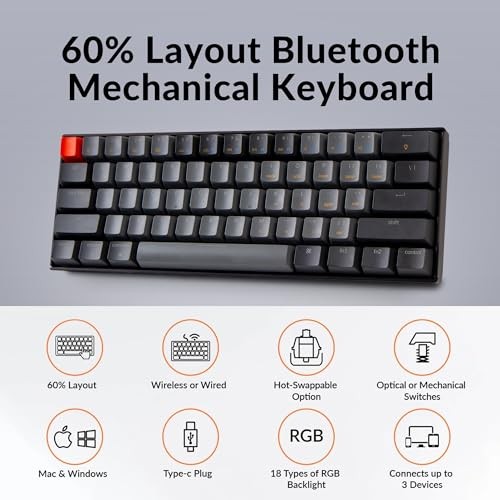 KEYCHRON K12 RGB WIRELESS MECHANICAL KEYBOARD - HOT-SWAPPABLE - BLACK/GRAY$61.22View on eBay
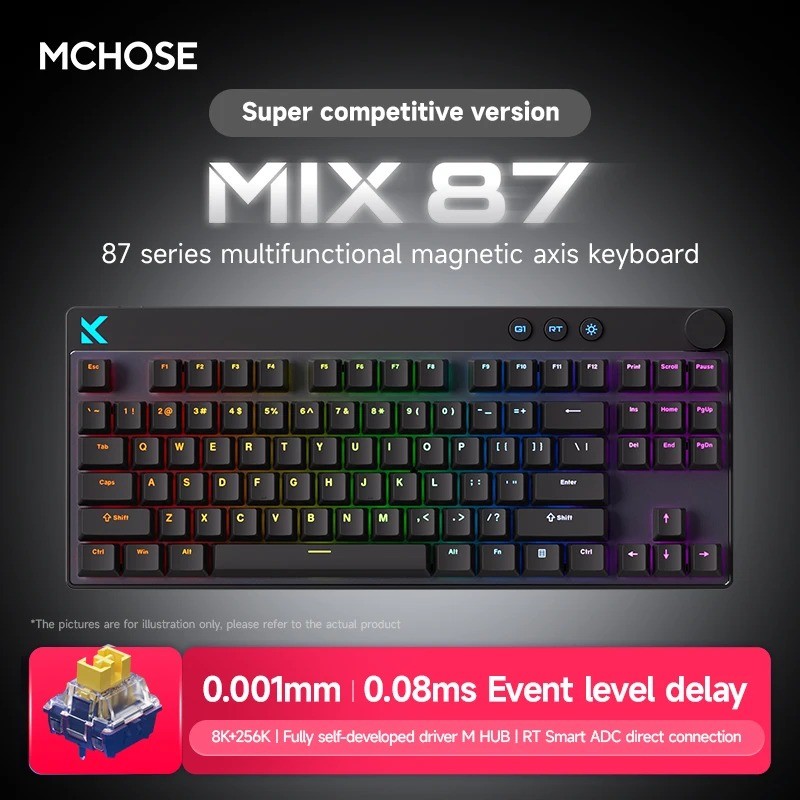 MCHOSE Mix87 Hall Effect Magnetic Switch Gaming Keyboard Wired RGB Keyboard$67.99View on eBay
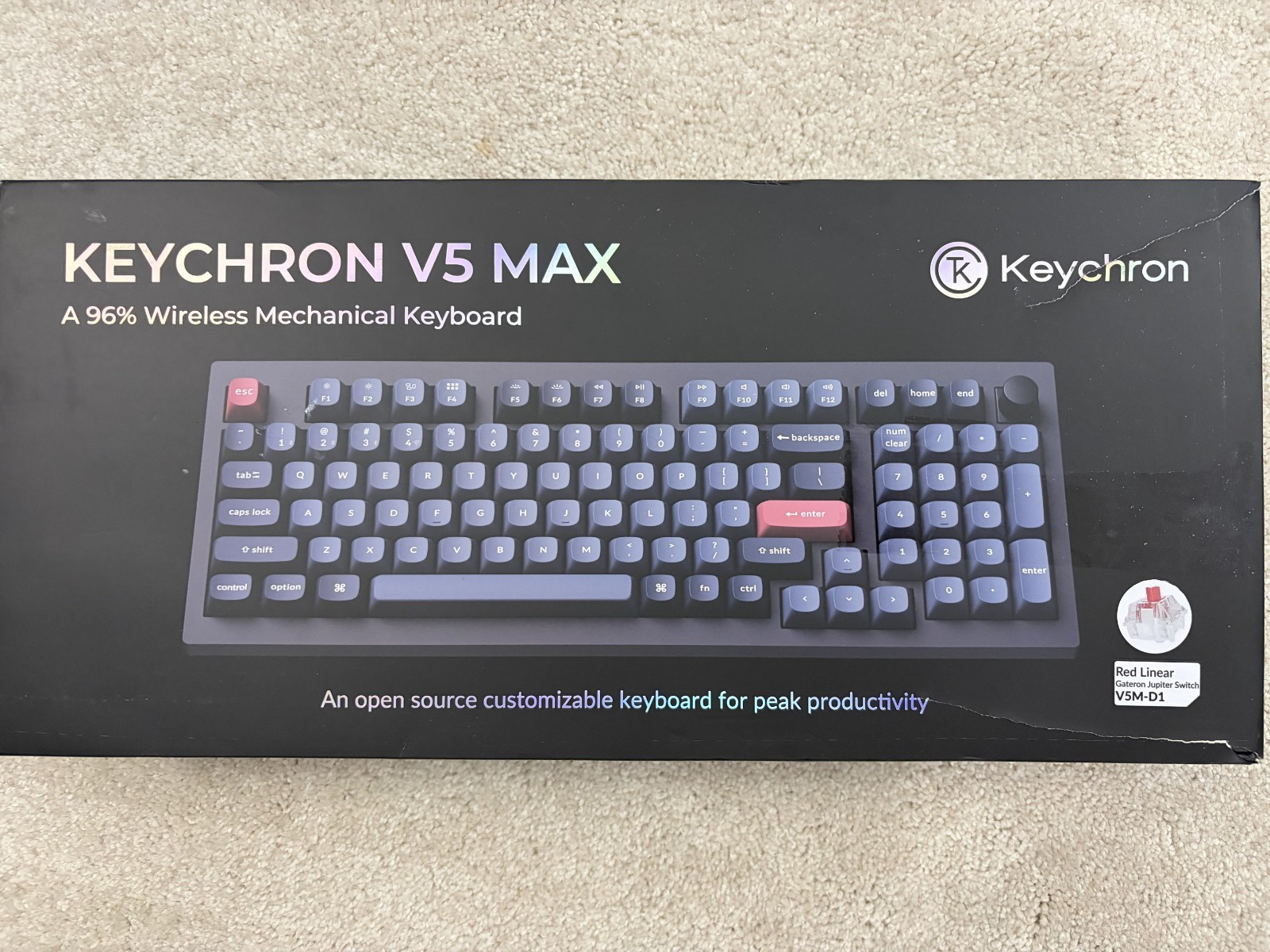 Keychron - V5 Max 96% Custom Wireless RGB Mechanical Keyboard with Programmable$69.90View on eBay
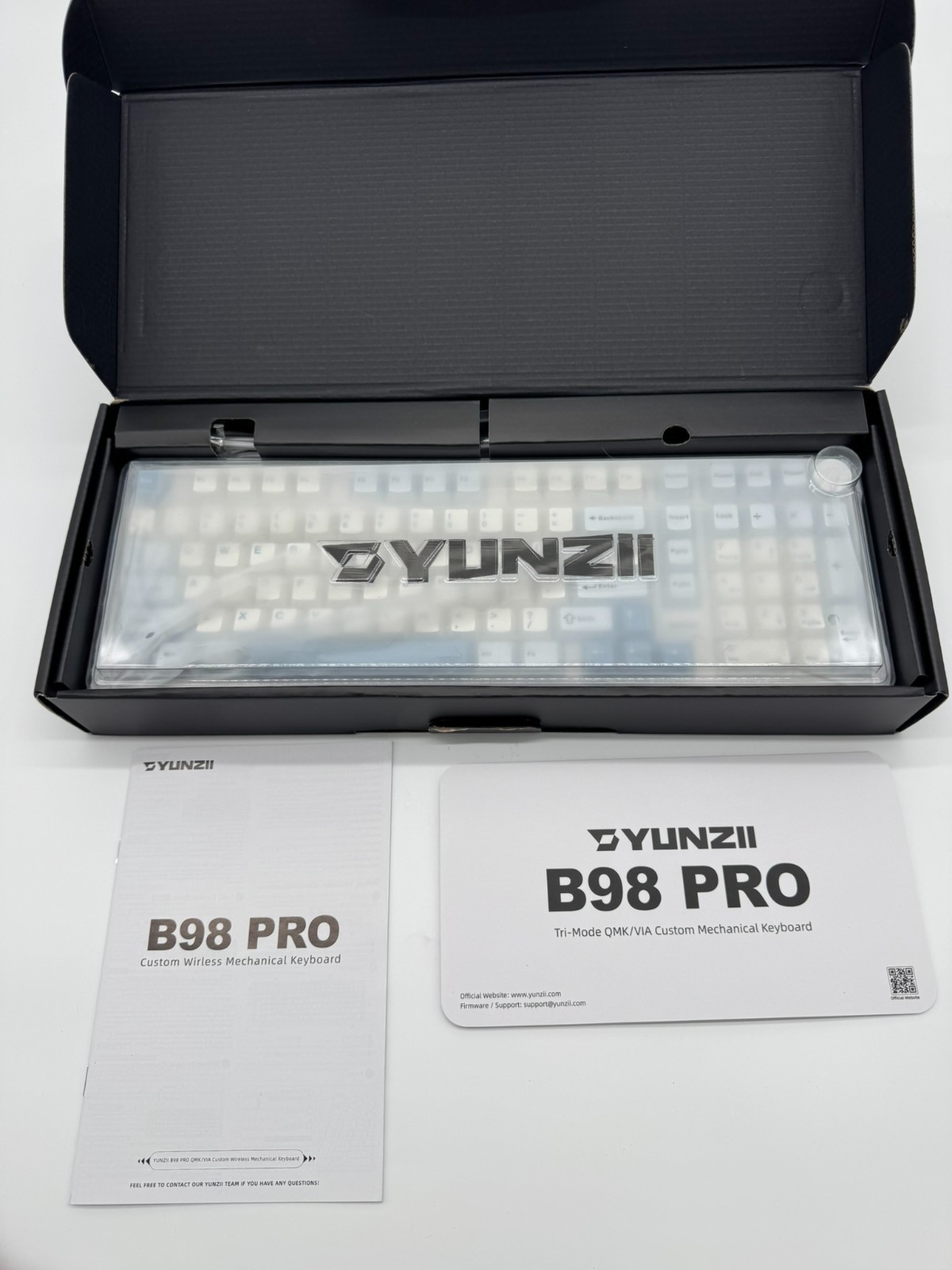 YUNZII B98 PRO 98-Key Wireless Mechanical Keyboard QMK/VIA Tri-Mode Hot-Swap RGB$69.99View on eBay
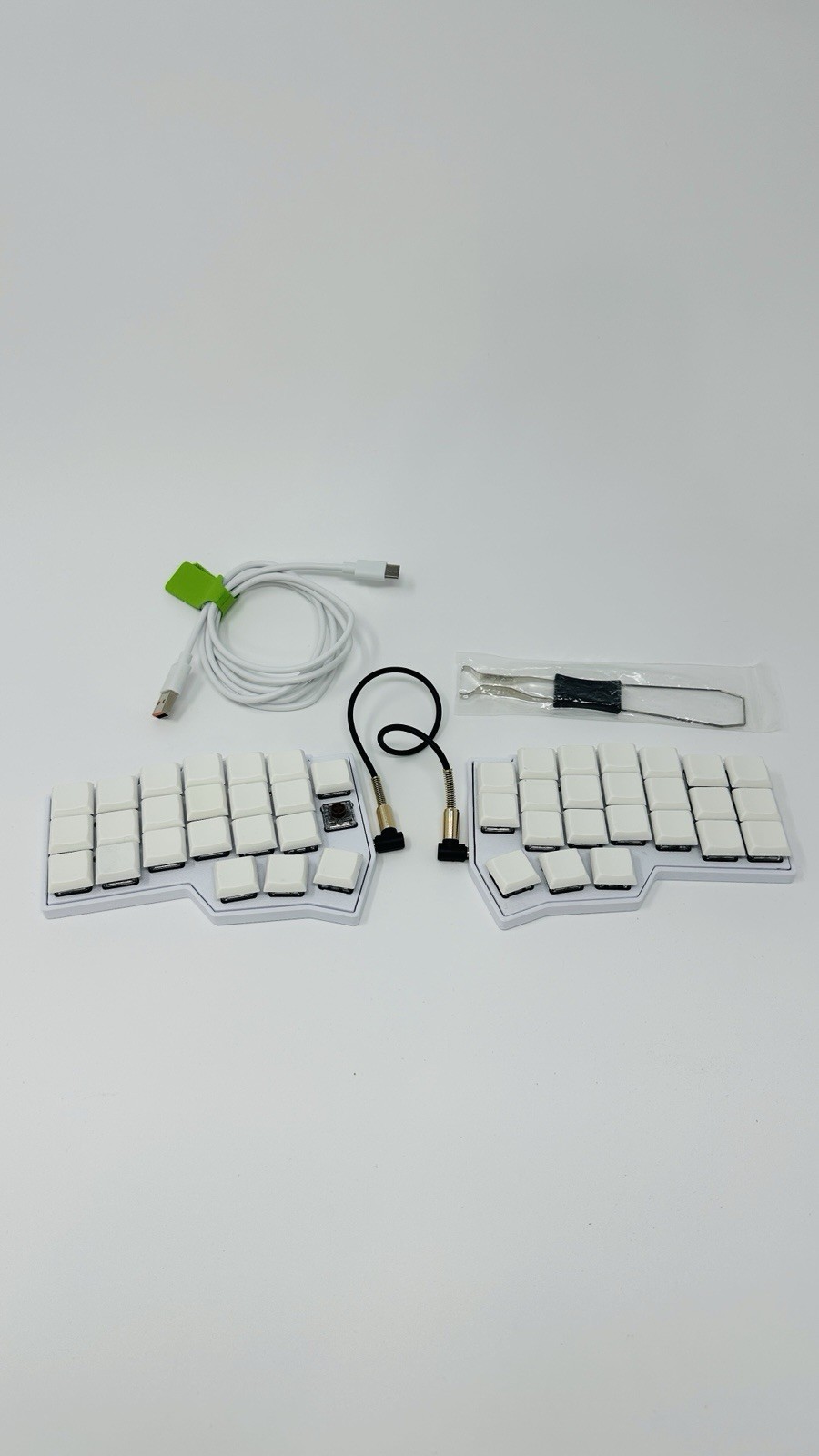 READ! YIVU Corne LP 40% Split Ergonomic Mechanical Keyboard Hot-Swappable RGB$69.99View on eBay
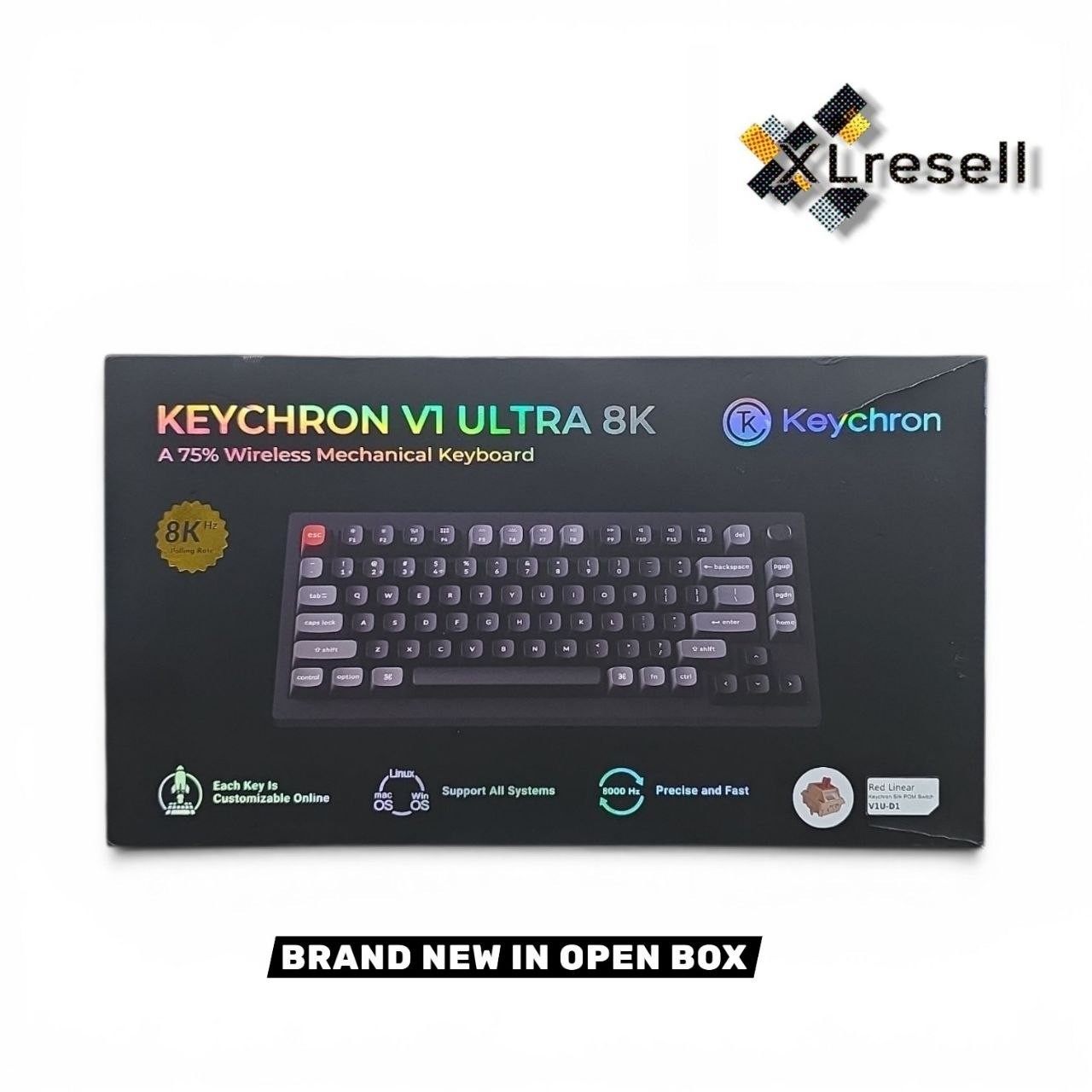 Keychron V1 Ultra 8K Wireless Mechanical Keyboard RGB Backlit Black Red Linear$72.17View on eBay
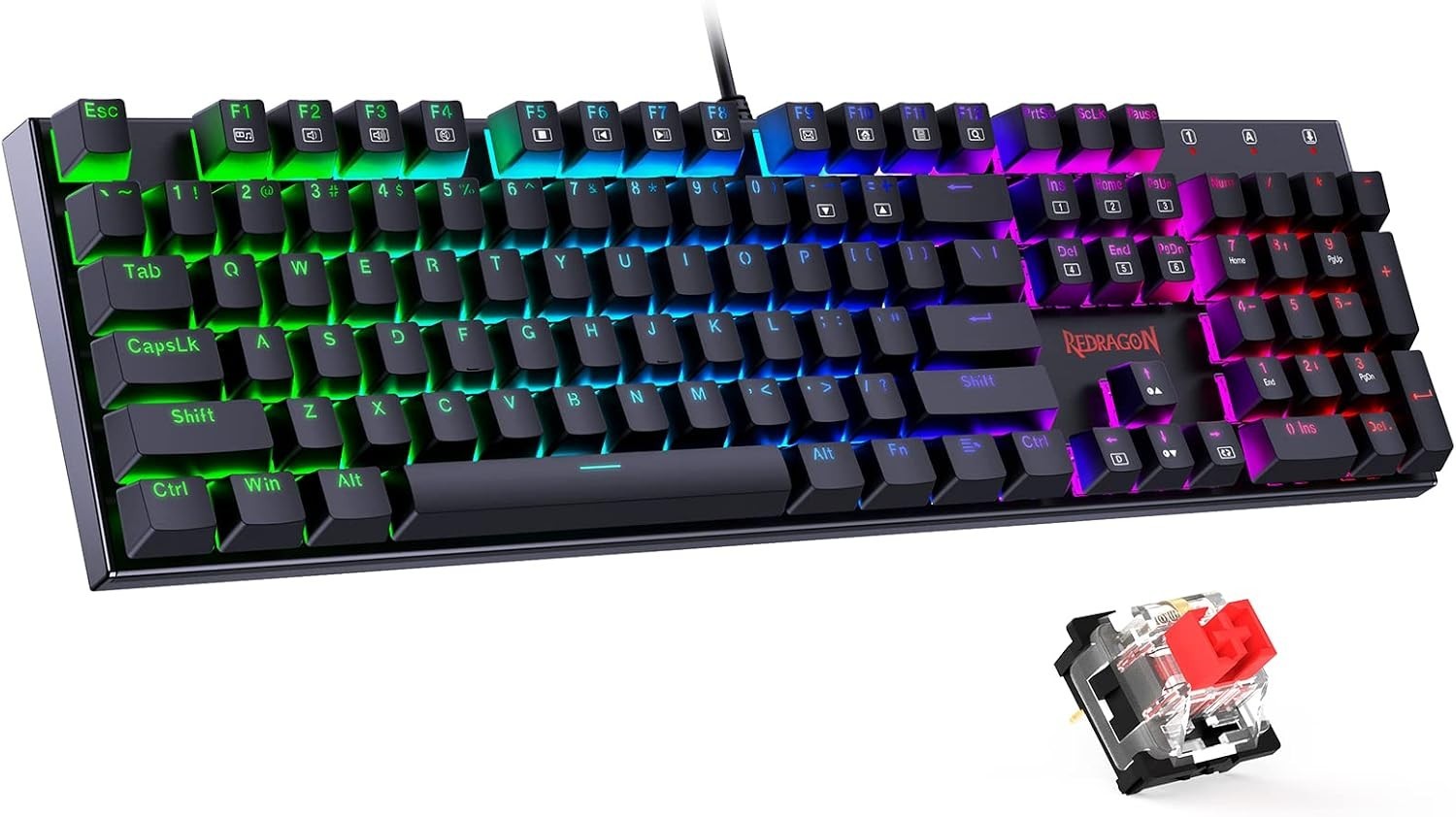 Redragon K565 Mechanical Gaming Keyboard with Red Switches with RGB Backlit$77.77View on eBay
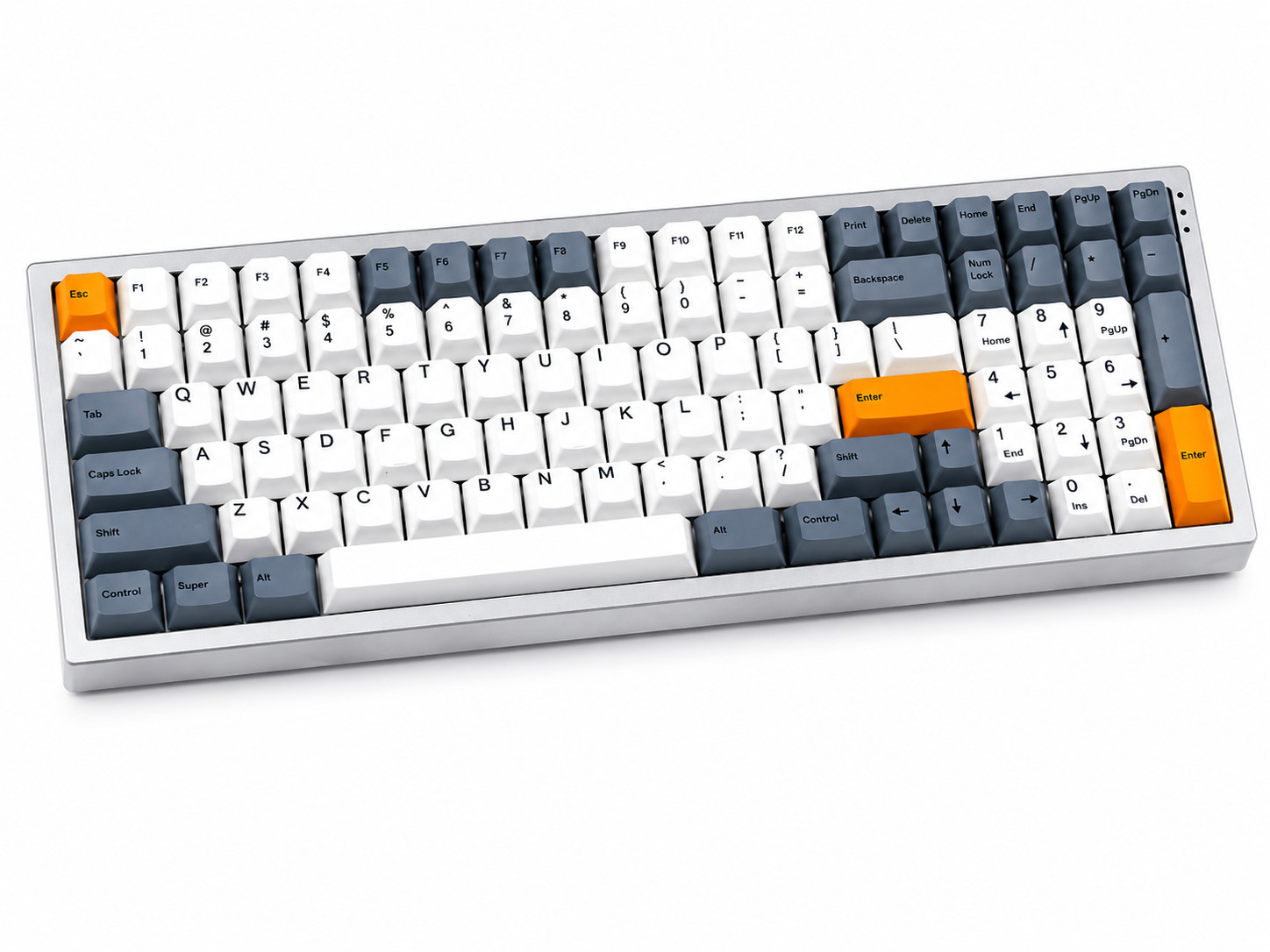 KONO Input Club KIRA 96% Mechanical Keyboard RGB Hot-Swap USB-C w/ Carry Case$79.99View on eBay
Highlights
- Hot-swap PCBs accept 3-pin and 5-pin switches without soldering, enabling switch replacement in minutes instead of hours.
- Hall-effect magnetic switches use adjustable actuation (0.1-4.0 mm) and rapid trigger for competitive gaming; optical switches offer 0.2 ms response but are not hot-swappable.
- Aluminum cases reduce flex and dropout from desk vibration; gasket-mounted PCBs add typing comfort at the cost of slightly softer key feel.
- Per-key RGB with QMK/VIA firmware allows full key remapping and lighting layers; fixed-function boards limit customization to preset effects.
Best use cases
- Best fit for competitive FPS: 75% or TKL wired board with hall-effect or optical switches and rapid trigger; skip full-size or wireless models in this role.
- Best fit for office and shared spaces: 65% or 75% with tactile or linear hot-swap switches and south-facing RGB; skip clicky switches that disrupt coworkers.
- Best fit for first-time customizers: 65% hot-swap kit with aluminum case and QMK/VIA support; skip soldered budget boards unless you need the lowest entry cost.
- Wrong fit: full-size RGB boards on small desks under 1200 mm wide; the numpad and wrist rest leave under 150 mm for mouse movement.
Buying tips
- Match layout to desk width: full-size needs 1400 mm, TKL needs 1300 mm, and 65% needs 1200 mm or less for mouse clearance.
- Choose a hot-swap PCB rated for both 3-pin and 5-pin switches if you plan to try different switch types; 5-pin-only boards limit compatibility.
- Prefer PBT keycaps (1.5 mm thick) over ABS for resistance to shine and wear; ABS shines within months under heavy typing.
- Select south-facing RGB LEDs if you use cherry-profile custom keycaps; north-facing LEDs cause interference and uneven light diffusion.
Specs
| Layout Size | 60% / 65% / 75% / TKL / Full-size |
|---|---|
| Switch Type | Mechanical / Optical / Hall-effect |
| Hot-Swap | 3-pin & 5-pin / Soldered |
| Connectivity | USB-C wired / 2.4 GHz / Bluetooth |
Related searches
What to check before buying
- Measure desk depth and width: leave at least 200 mm behind the board for cable routing and 150 mm to the right for mouse movement.
- Confirm the board's USB-C port location and cable exit side suits your monitor or docking station placement.
- Check the switch plate material (steel, aluminum, or polycarbonate); polycarbonate flexes less and reduces high-pitched ping.
- Verify wireless boards use 2.4 GHz or Bluetooth 5.0+ and include a USB-A receiver, or plan for a USB-C to USB-A adapter.
FAQ
Data sources: eBay / Amazon listings and product attribute feeds. Updated Nov 24, 2026.
Some links on this page are affiliate links. If you buy after clicking one, we may earn a commission at no extra cost to you. This does not change which products appear here or their order. Affiliate disclosure.