
Photos from current listings. Actual item, color, and included accessories may vary.
HP All One Printer Buying Guide
An HP all-in-one printer combines printing, scanning, and copying in one desktop device, but the segment splits sharply between disposable inkjet designs with high consumable costs and durable tank or laser models built for volume. The core trade-off is upfront hardware simplicity versus long-term cost per page and monthly duty cycle. Choose an inkjet only for light, color-heavy home use; step up to a tank or laser model if you print more than a few dozen pages weekly or need low-maintenance reliability.
Median $249.00 · New & pre-owned listings
Key takeaways
- Inkjet models (DeskJet 3700/2900 series) use integrated or separate cartridges with page yields of 100–200 pages, driving high cost per page for frequent printing.
- Tank printers (Smart Tank series) refill from bottles with 4,000–8,000 page yields and cut consumable costs by 70–90% versus cartridge inkjets.
- Laser all-in-ones (LaserJet series) use toner at 1,000–3,000 pages per cartridge and handle 10,000+ pages monthly without clogging from idle time.
At a glance
- Category
- Computers & Peripherals
- Last updated
- Nov 27, 2026
Current offers
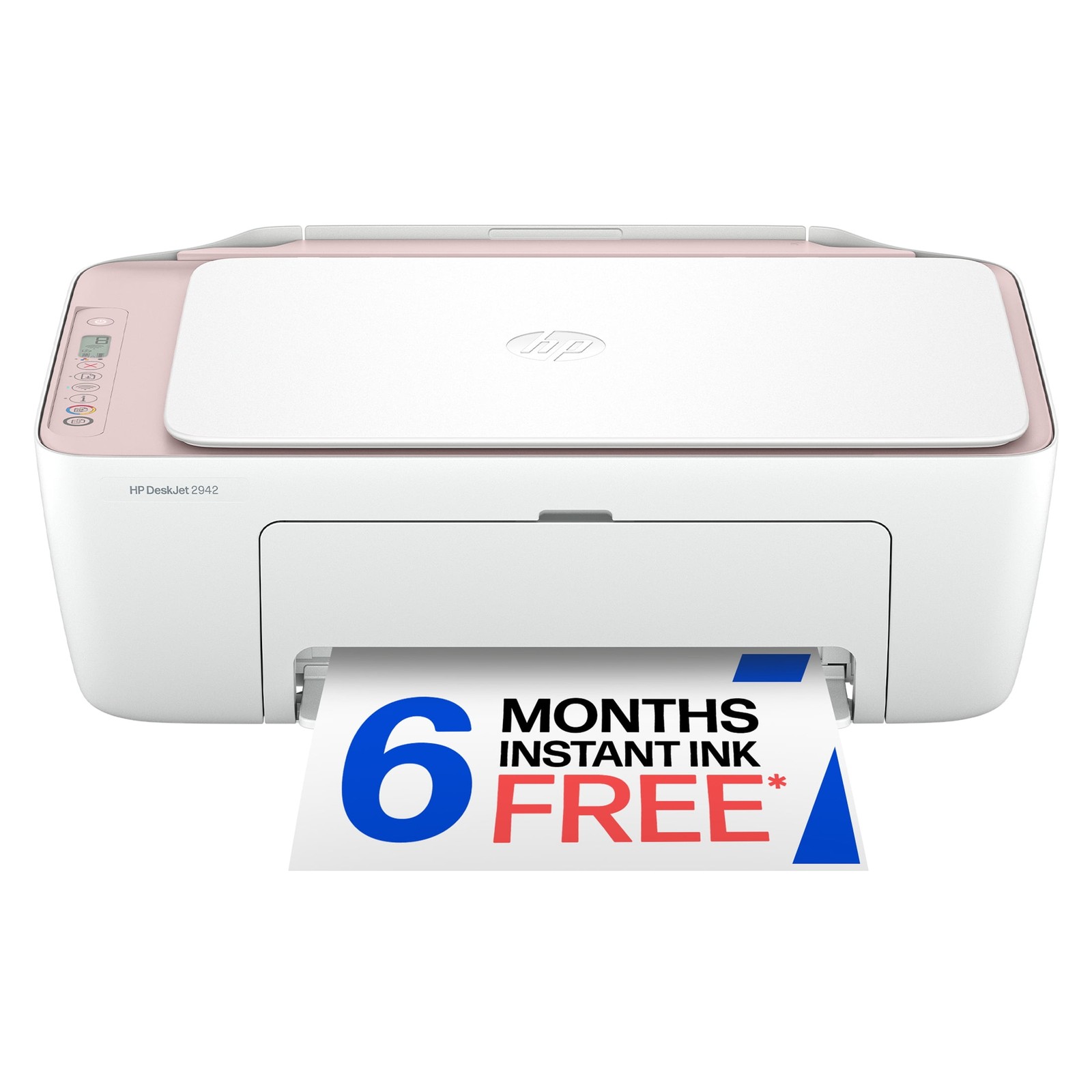 HP DeskJet 2942 All-in-One Inkjet Printer, Wireless, Flatbed Scanner, 60-Sheet$43.00View on eBay
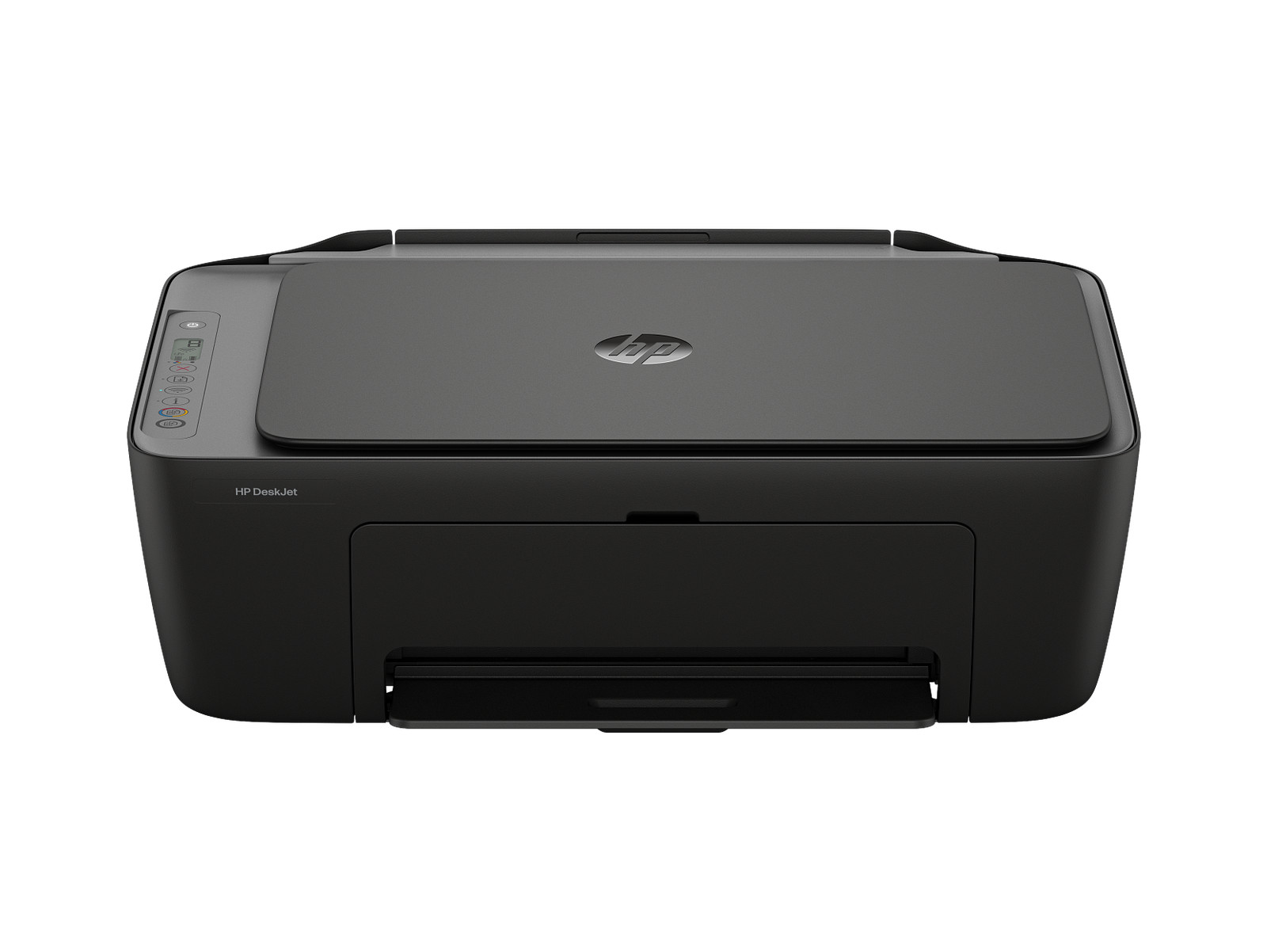 HP DeskJet 2955 All-in-One Inkjet Printer, Color Mobile Print, Copy, Scan Up to$49.99Last checked Nov 27, 2026View on eBay
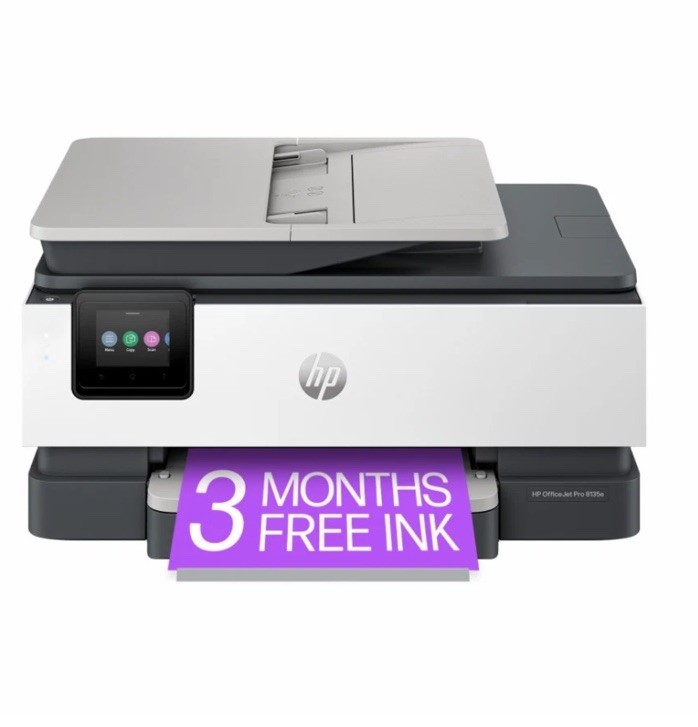 HP OfficeJet Pro 8135e All-in-One Printer w/3 Months Instant Ink free w/ HP+ NEW$158.00Last checked Nov 21, 2026View on eBay
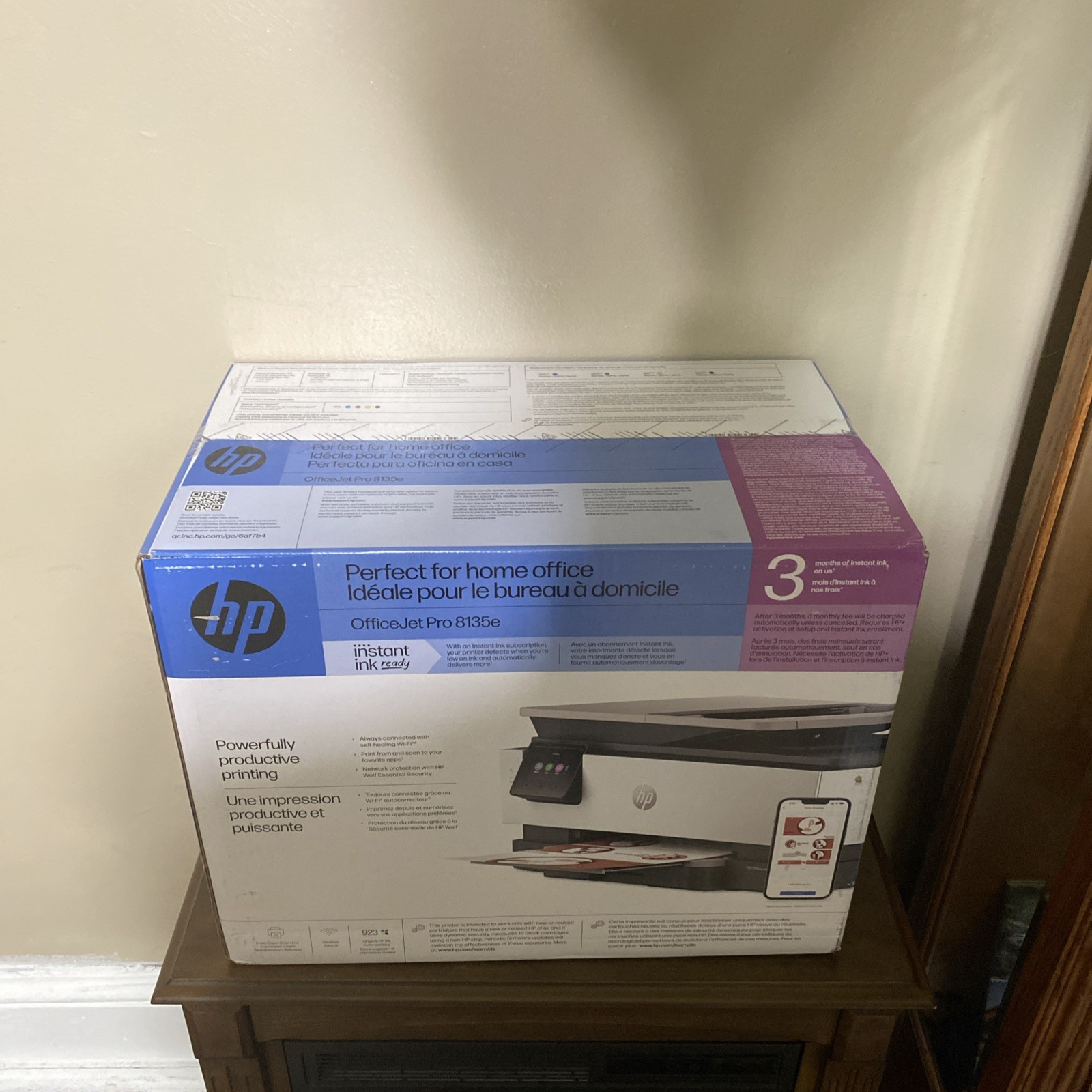 HP OfficeJet Pro 8135e Wireless All-in-One Printer with 3 Months of Instant Ink$160.00Last checked Nov 20, 2026View on eBay
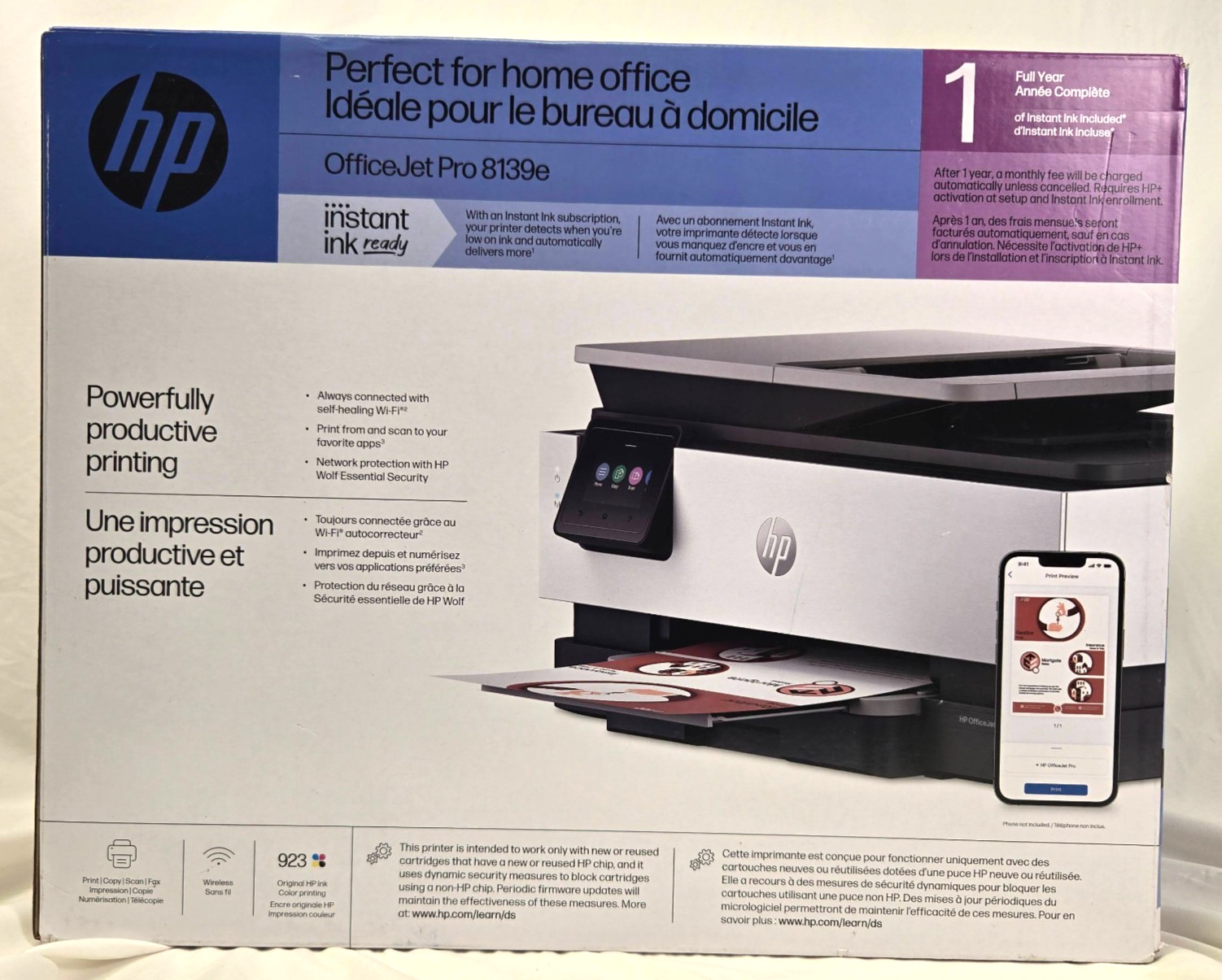 HP OfficeJet Pro 8139e Wireless All-in-One Printer - 1 Full Year Instant Ink NEW$169.00Last checked Nov 20, 2026View on eBay
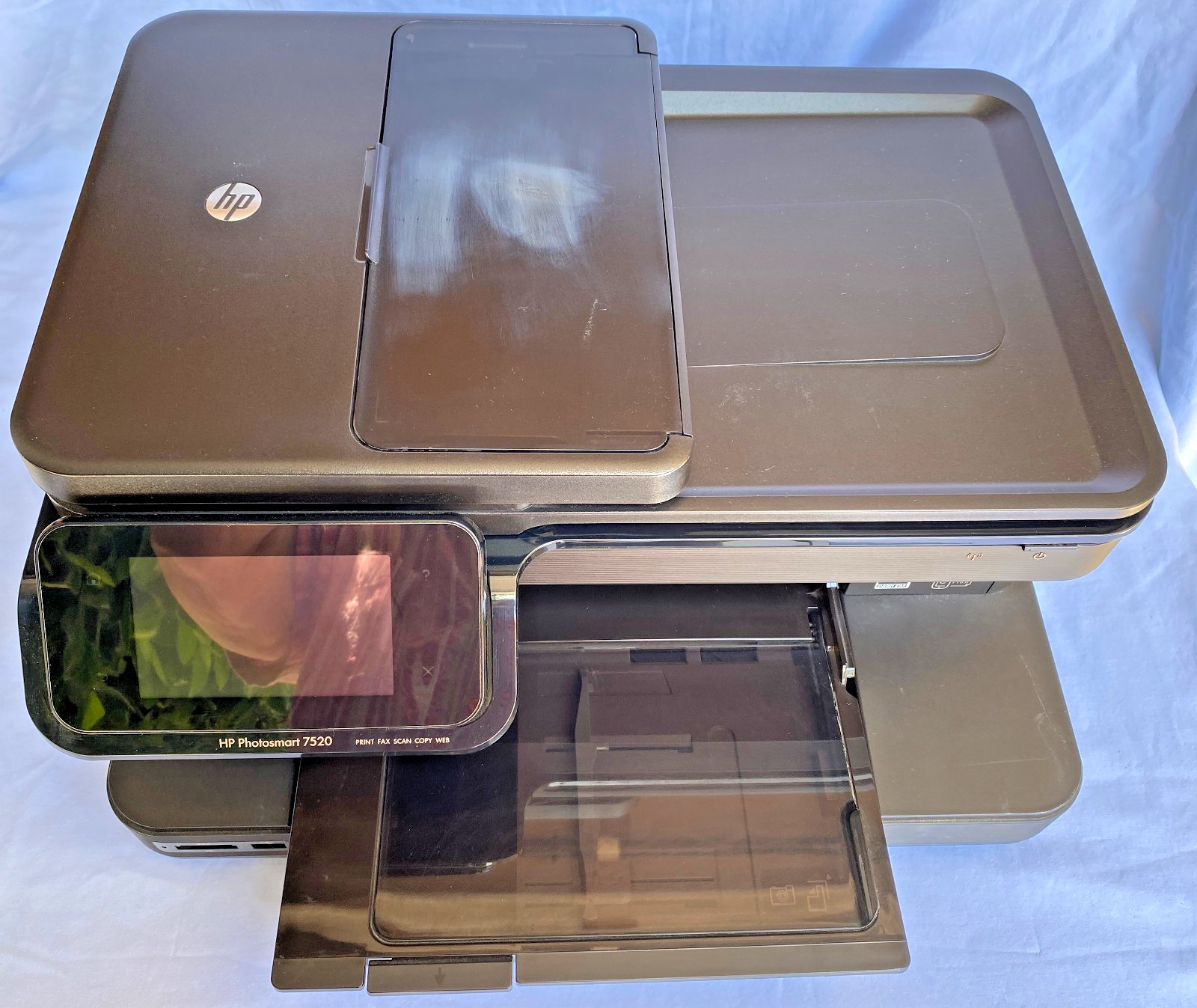 HP PhotoSmart 7520 e-ALL-IN-ONE Photo Printer and Scanner with Accessories$175.00View on eBay
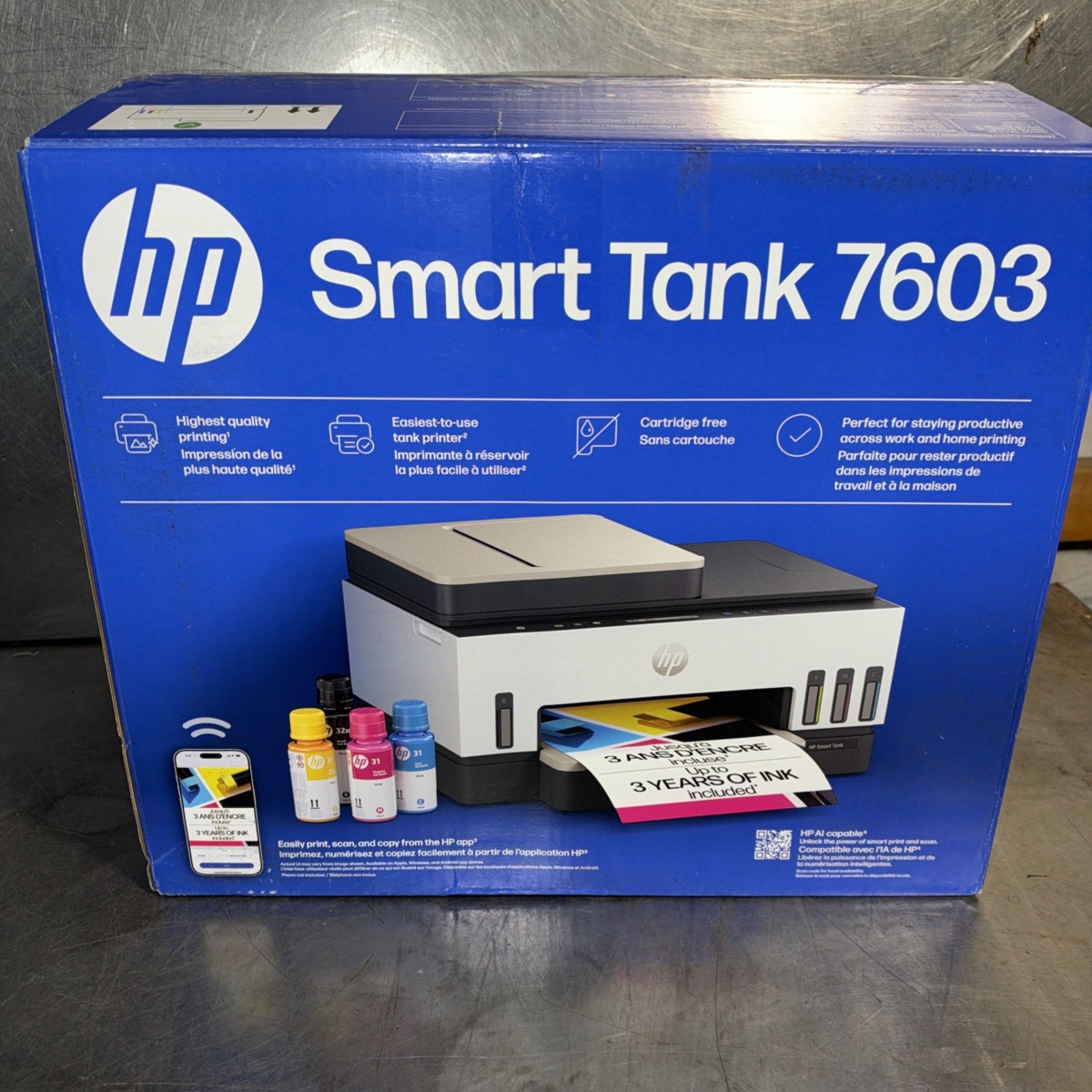 HP Smart Tank 7603 All-in-One InkJet Printer, Color Print, Copy, Scan$200.00Open box · Last checked Nov 25, 2026View on eBay
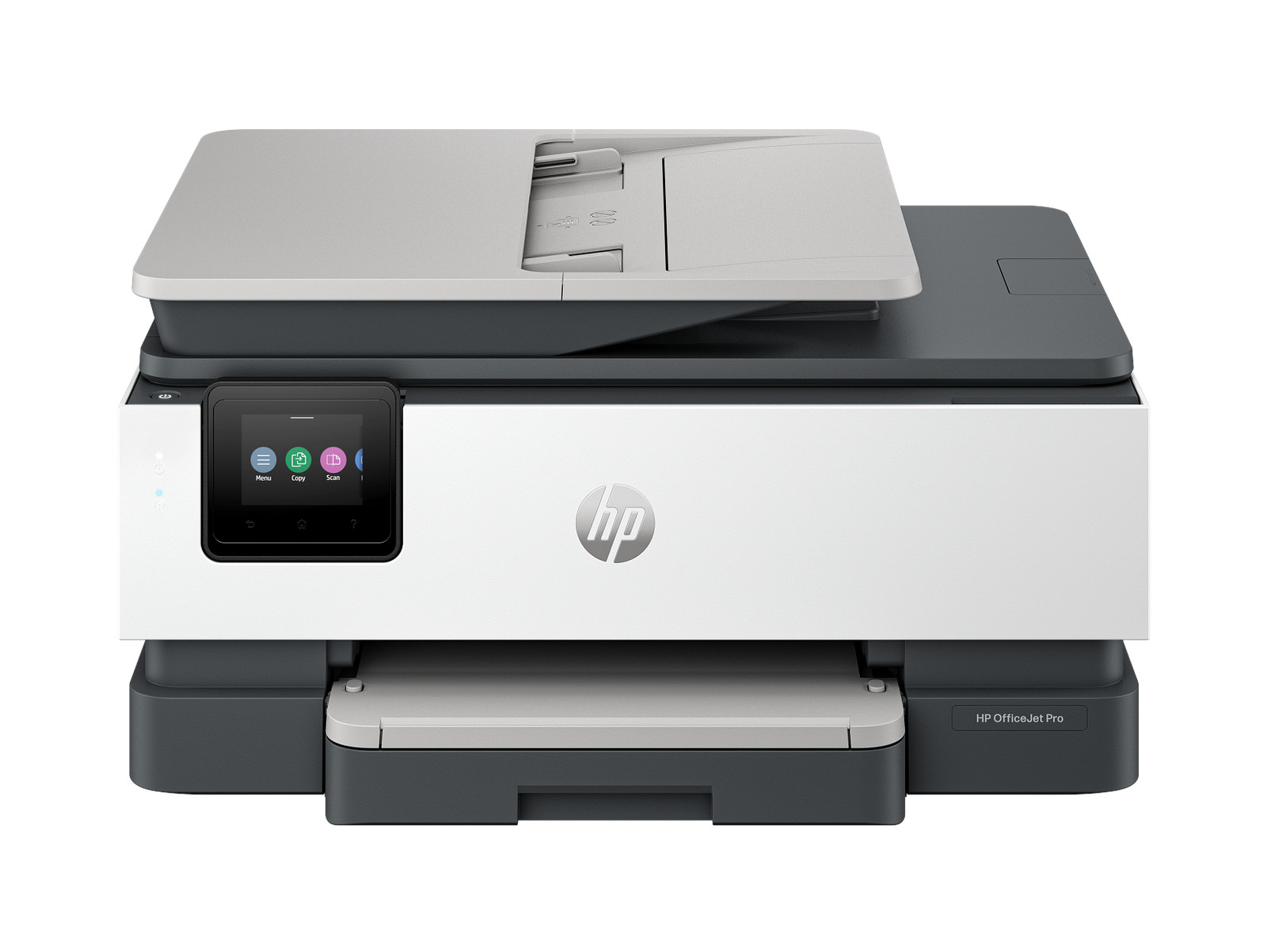 HP OfficeJet Pro 8139 All-in-One Printer with 6 months free Instant Ink,$229.99Last checked Nov 14, 2026View on eBay
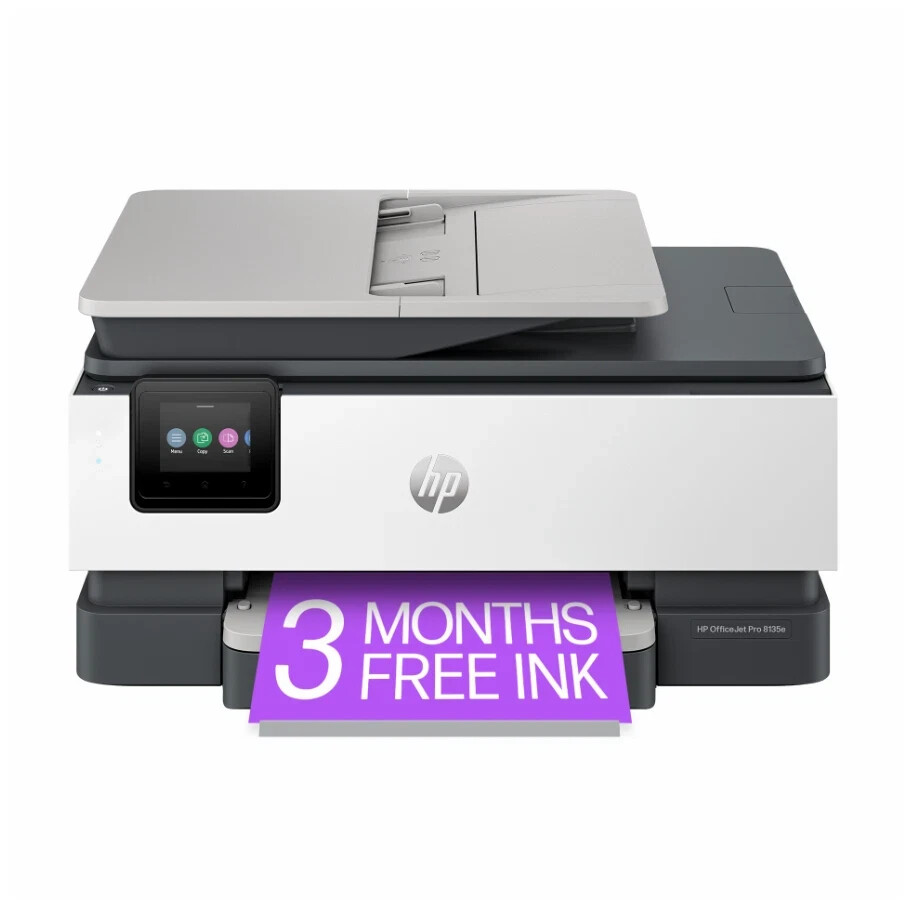 HP OfficeJet Pro 8135e Wireless All-in-One Printer with 3 Months of Instant Ink$237.21Last checked Nov 14, 2026View on eBay
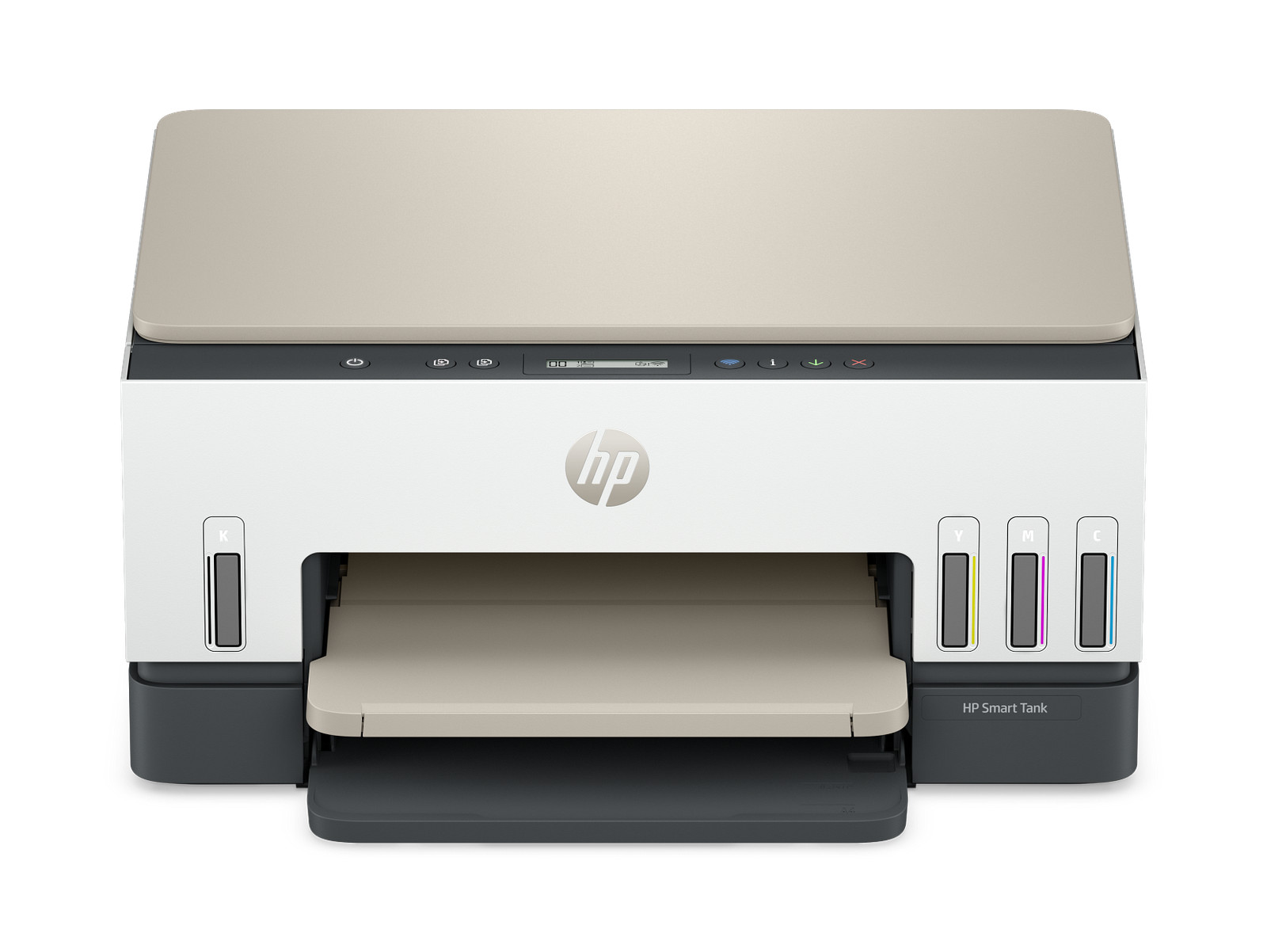 HP Smart Tank 6003 All-in-One Inkjet Printer, Color Mobile Print, Scan, Copy,$239.99New · Last checked Nov 25, 2026View on eBay
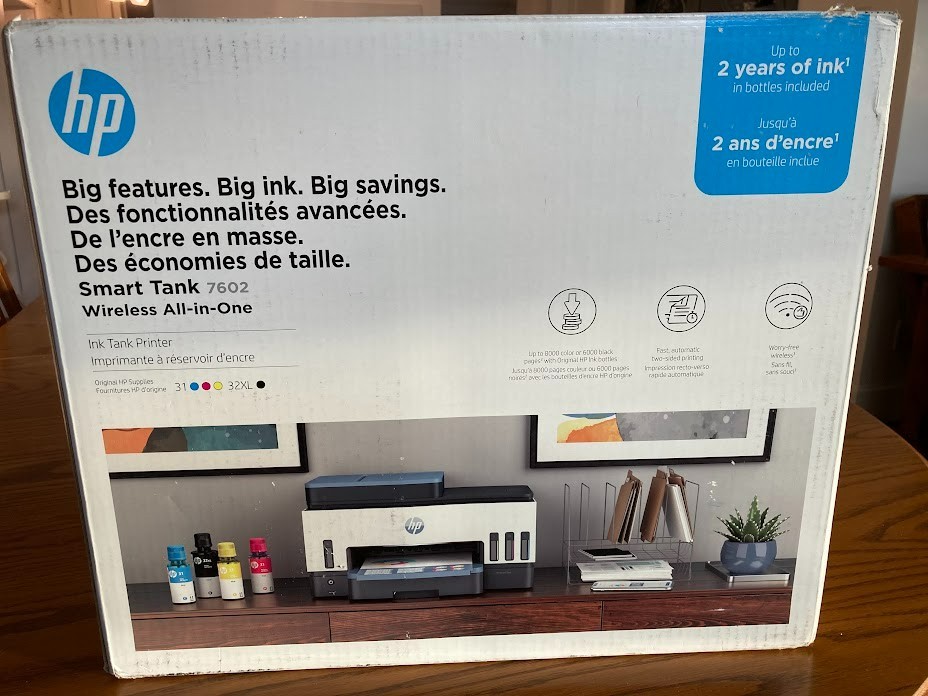 HP Smart Tank 7602 All-in-One InkJet Printer, New, Sealed$249.00New · Last checked Nov 25, 2026View on eBay
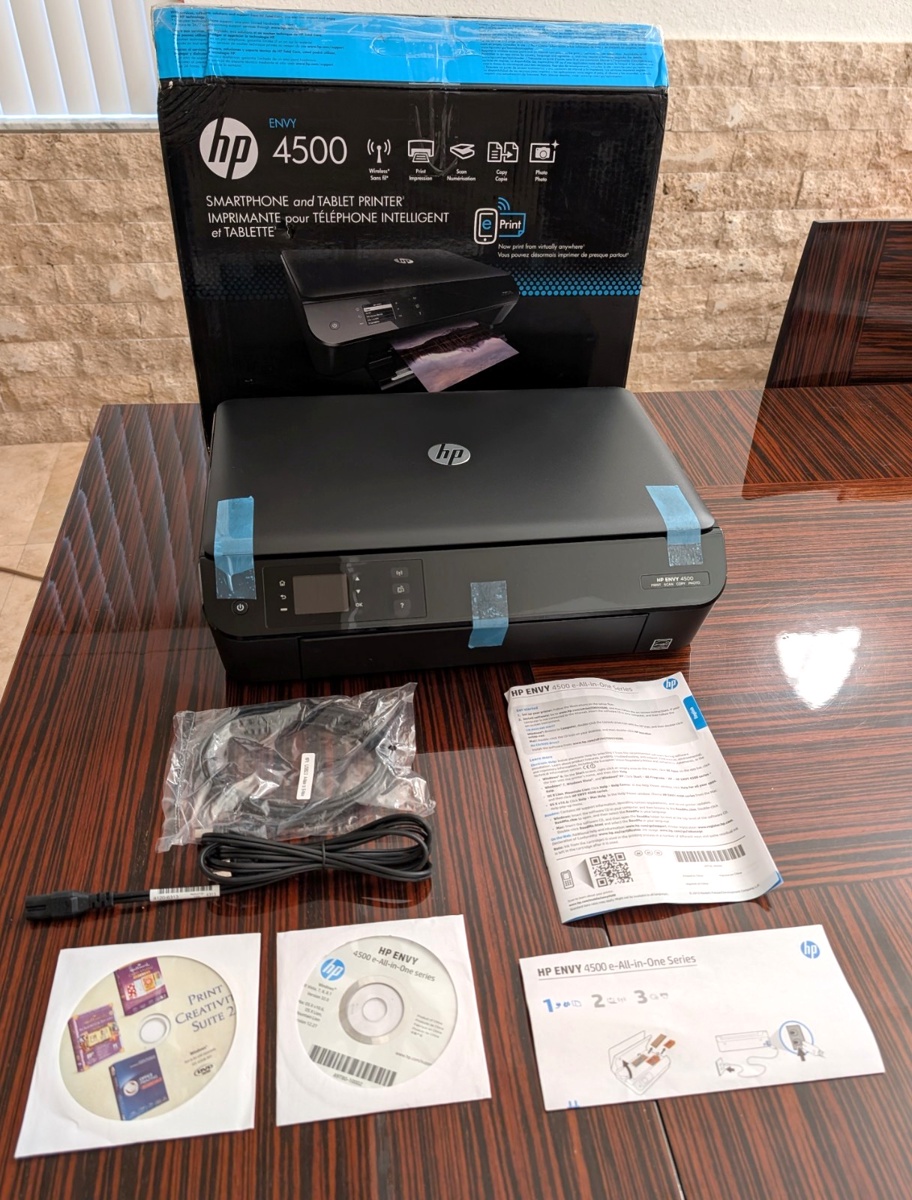 HP Envy 4500e Wireless All-In-One Color Inkjet Printer OPEN BOX$249.00Open box · Last checked Nov 21, 2026View on eBay
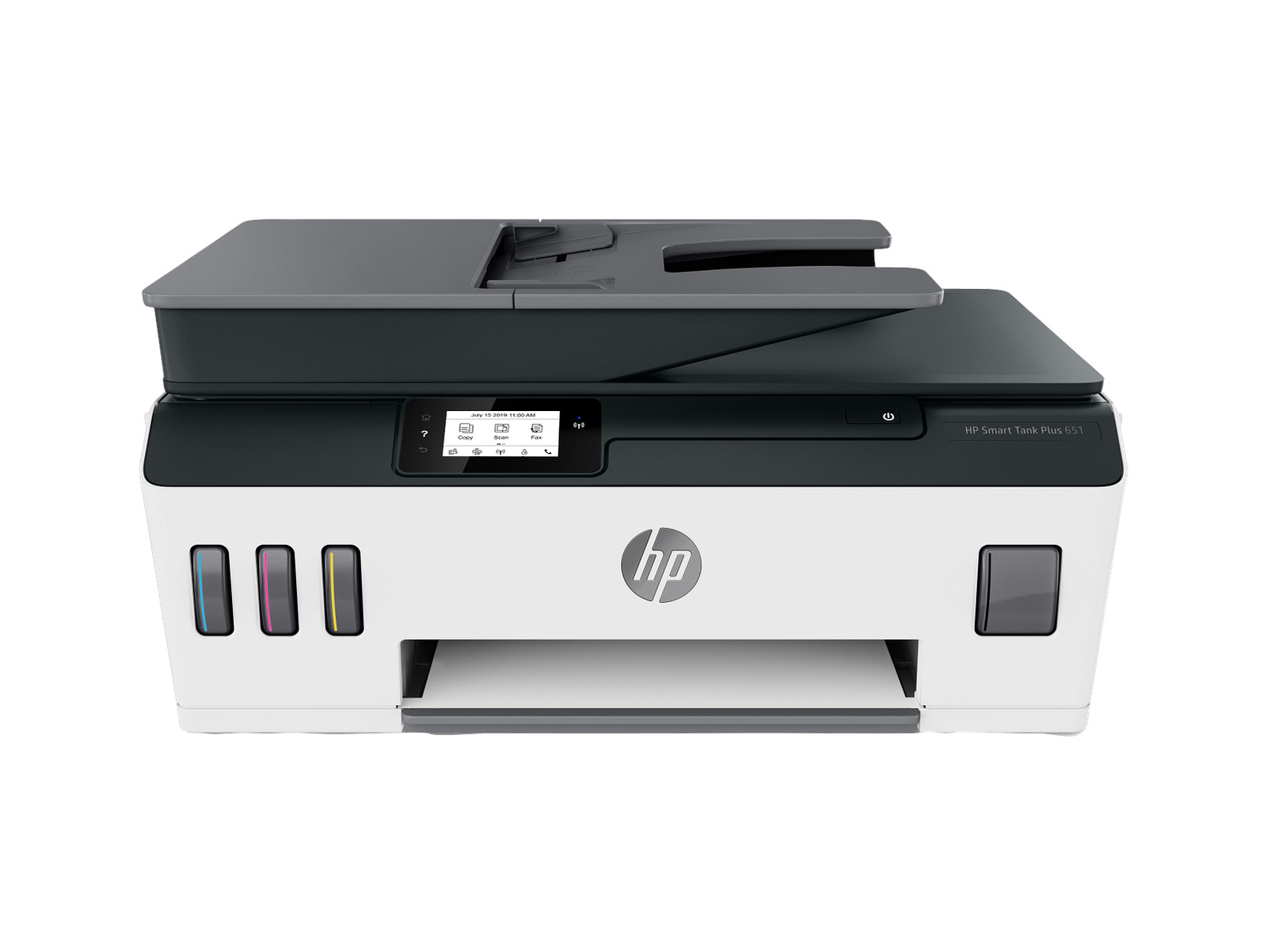 HP Smart Tank Plus 651 Wireless All-in-One InkJet Printer, Color Mobile Print,$249.99New · Last checked Nov 25, 2026View on eBay
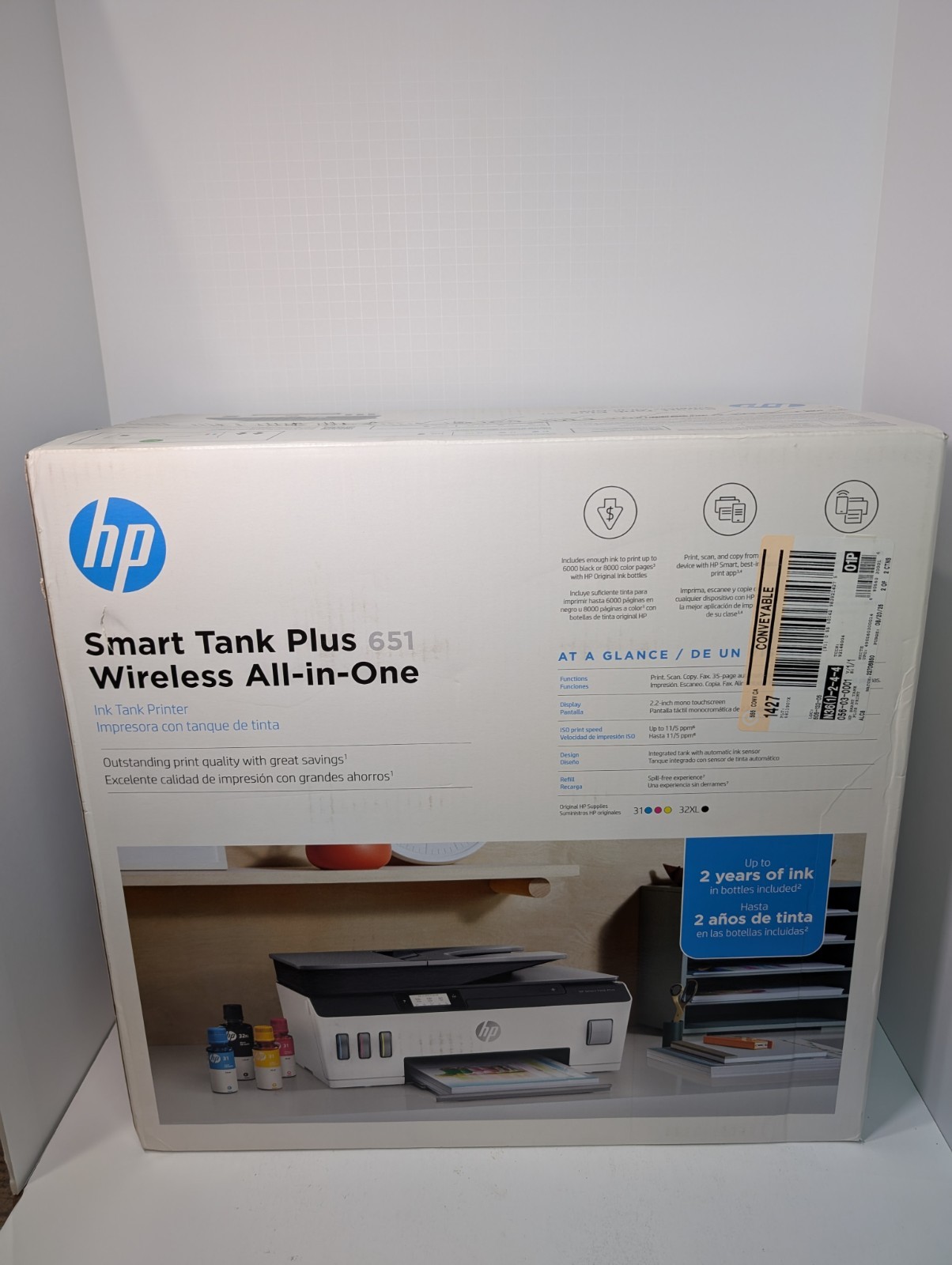 New & Sealed HP Smart Tank Plus 651 Wireless All-In-One color inkjet Printer$259.00New · Last checked Nov 21, 2026View on eBay
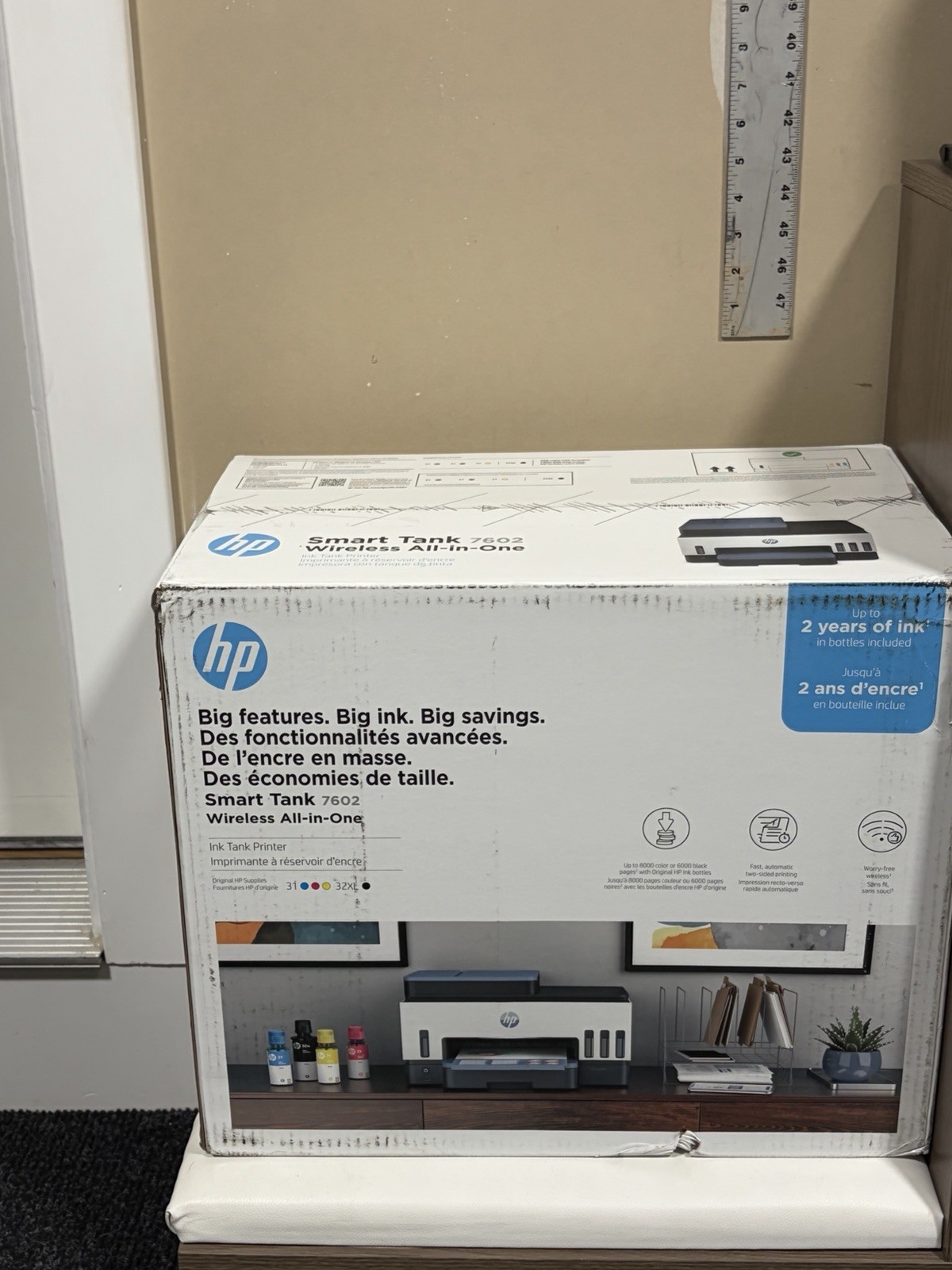 HP Smart Tank 7602 All-in-One InkJet Printer, Color Mobile Print, Copy, Scan,$280.00New · Last checked Nov 21, 2026View on eBay
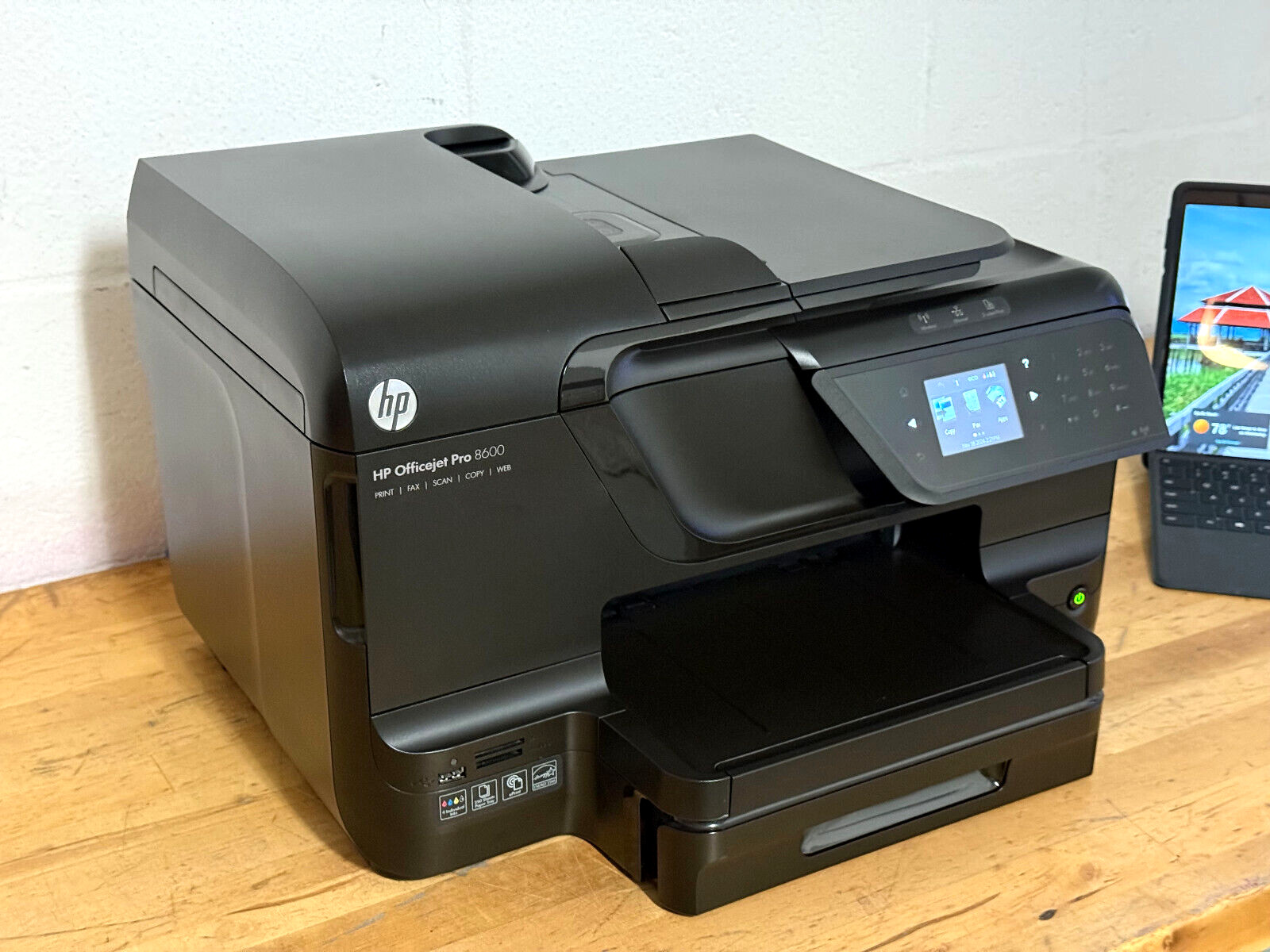 HP OfficeJet Pro 8600 Printer Wireless All-In-One Inkjet N911a - FULLY TESTED!$289.95Used · Last checked Nov 21, 2026View on eBay
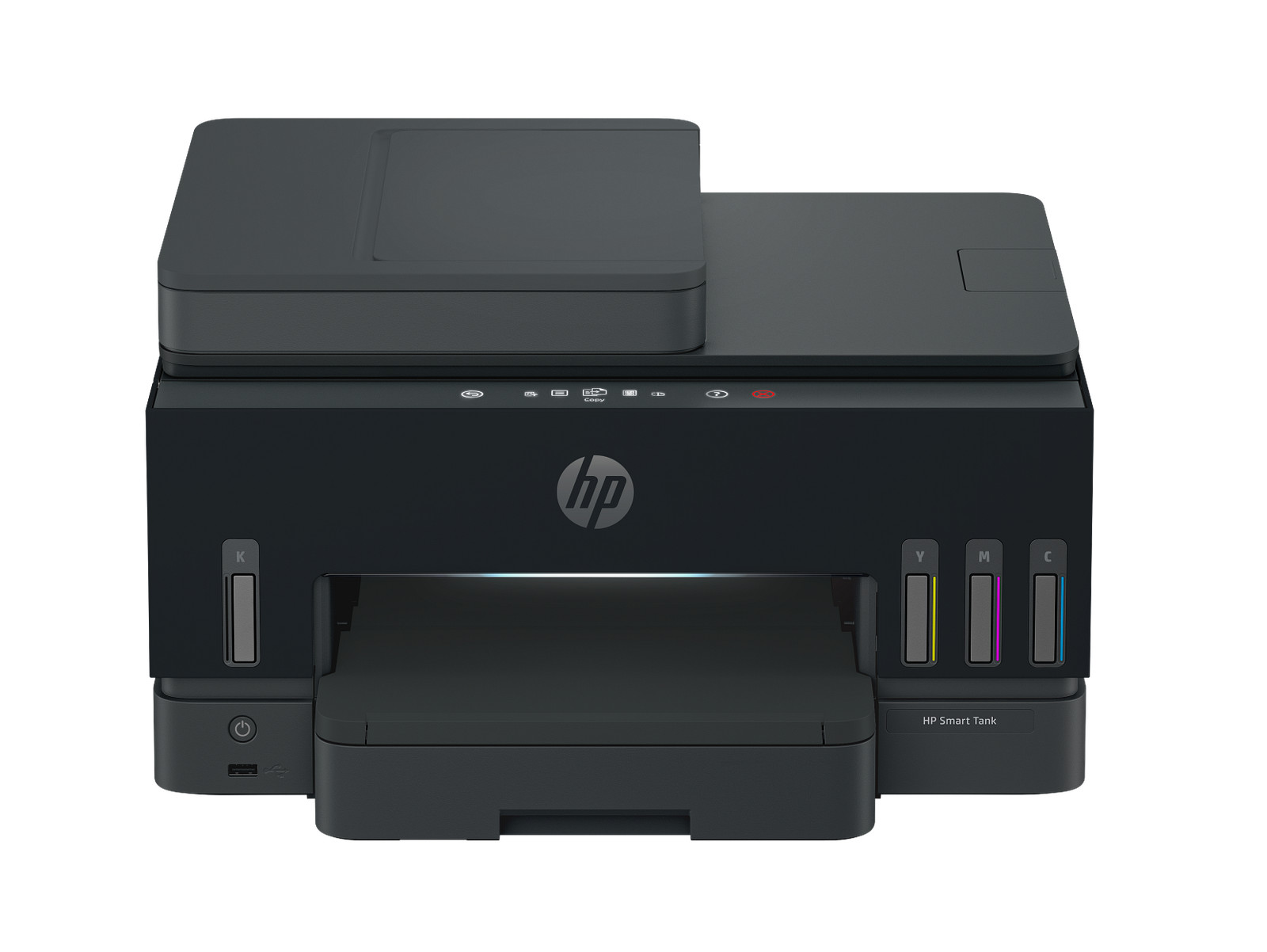 HP Smart Tank 7603 All-in-One Inkjet Printer, Color Mobile Print, Copy, Scan,$319.99New · Last checked Nov 25, 2026View on eBay
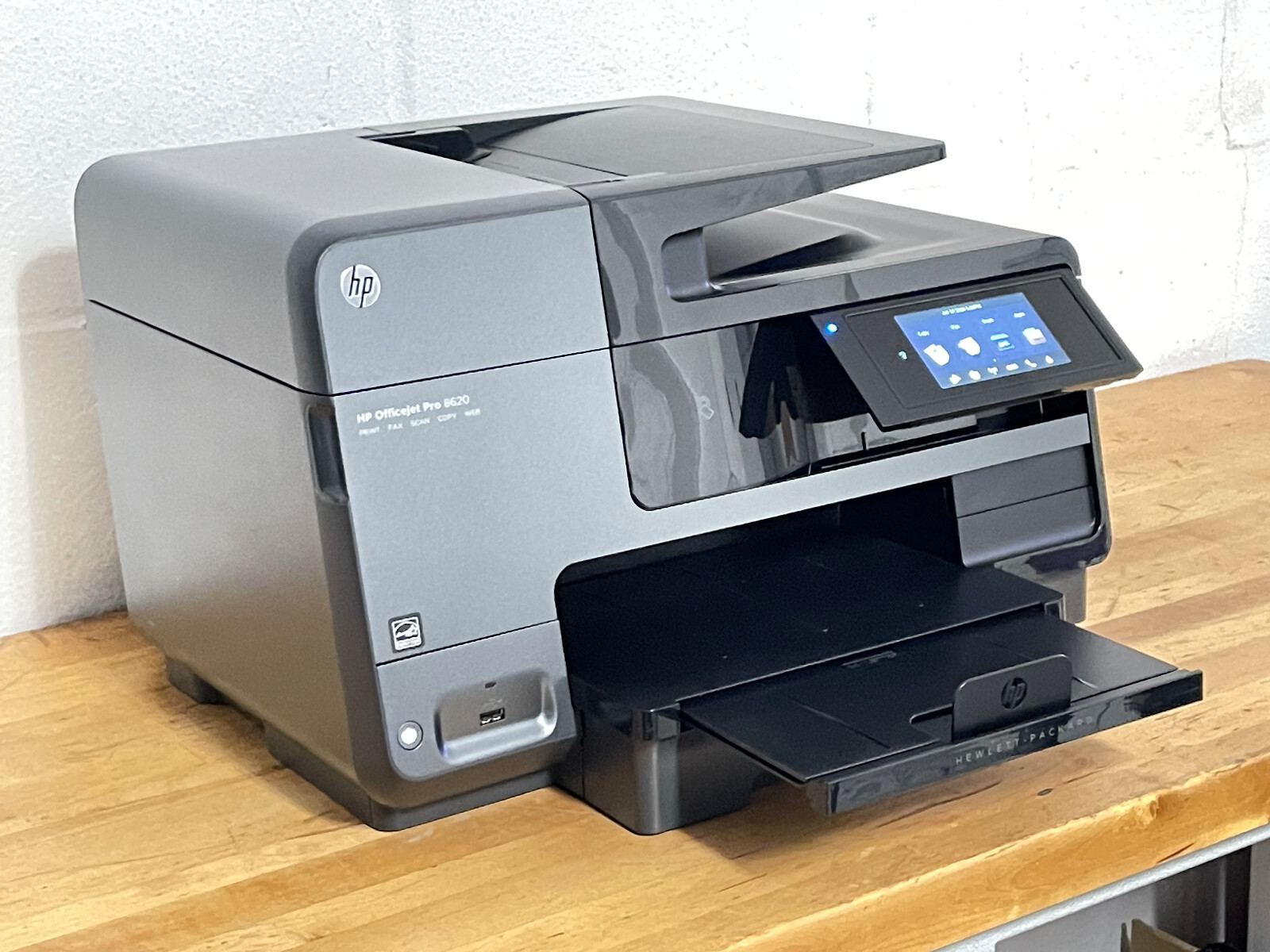 HP Officejet Pro 8620 All-in-One Wireless Printer - FULLY TESTED$349.95Used · Last checked Nov 25, 2026View on eBay
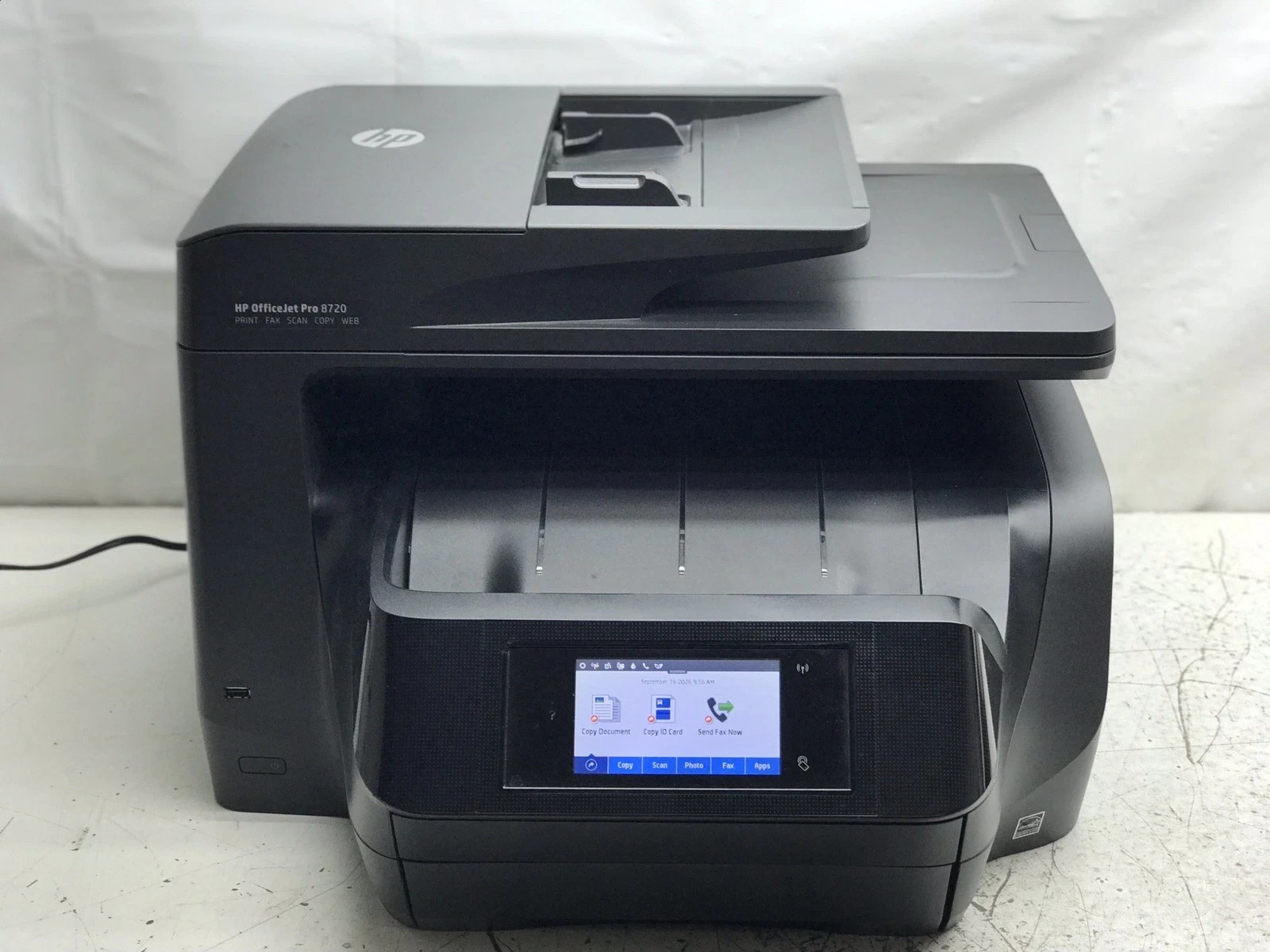 HP OfficeJet Pro 8720 Color All-In-One InkJet Printer Working (DISCONTINUED)$461.00Used · Last checked Nov 21, 2026View on eBay
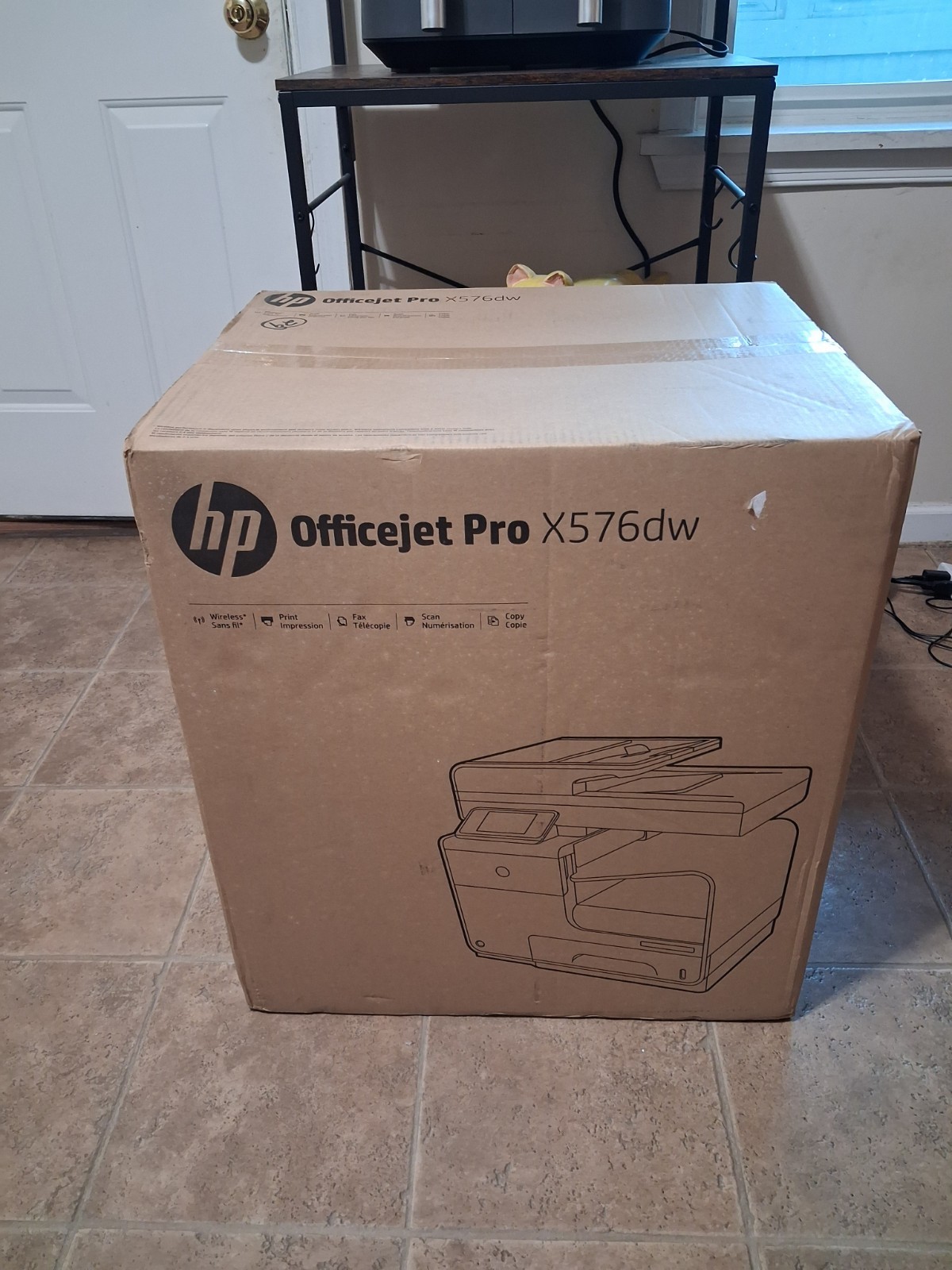 HP Officejet Pro X576dw All-In-One Inkjet Printer | CN598A | Color All-in-One$799.99New · Last checked Nov 21, 2026View on eBay
Highlights
- Inkjet models (DeskJet 3700/2900 series) use integrated or separate cartridges with page yields of 100–200 pages, driving high cost per page for frequent printing.
- Tank printers (Smart Tank series) refill from bottles with 4,000–8,000 page yields and cut consumable costs by 70–90% versus cartridge inkjets.
- Laser all-in-ones (LaserJet series) use toner at 1,000–3,000 pages per cartridge and handle 10,000+ pages monthly without clogging from idle time.
- Wireless connectivity is standard on current HP models via Wi-Fi 802.11b/g/n and HP Smart app; USB 2.0 remains the fallback for driverless setup.
Best use cases
- Best fit: light home printing under 50 pages/month in color — pick a DeskJet 2900 or 3700 series for compact footprint and low entry cost; skip tank models that cost more upfront.
- Best fit: families or home offices printing 100–500 pages/month — choose a Smart Tank model with refillable bottles; skip cartridge inkjets that cost more per page than the hardware within a year.
- Best fit: text-heavy office documents at 500+ pages/month — select a LaserJet all-in-one with 250-sheet tray and duplex; skip inkjet entirely if photo printing is not required.
- Wrong fit: high-volume photo printing on any budget inkjet — a dedicated photo printer with individual color cartridges and ICC profiles delivers better gamut and fade resistance.
Buying tips
- Match monthly volume: inkjet cartridges suit under 100 pages/month; tank models handle 200–800 pages/month; laser all-in-ones exceed 1,000 pages/month without duty-cycle stress.
- Check cartridge architecture: integrated printhead cartridges (DeskJet 3700) simplify replacement but cost more per page than separate ink tanks and printheads.
- Confirm paper tray capacity: 60-sheet trays (DeskJet 2942) need frequent refills; 100–250 sheet trays (OfficeJet, LaserJet) suit multi-user households.
- Verify duplex printing: automatic two-sided printing is standard on OfficeJet and LaserJet tiers but absent on most DeskJet 2900/3700 models, doubling paper use.
Specs
| Print Technology | Inkjet cartridge / Inkjet tank / Laser |
|---|---|
| Monthly Duty Cycle | 500–5,000 pages (inkjet) / 10,000+ (laser) |
| Paper Tray | 60-sheet compact / 100–250-sheet office |
| Connectivity | Wi-Fi 2.4 GHz / USB 2.0 / Wi-Fi Direct |
Related searches
What to check before buying
- Measure desk or shelf clearance: compact DeskJet models need roughly 17 x 13 inches footprint; LaserJet all-in-ones require 16 x 16 inches or more with tray extended.
- Confirm 2.4 GHz Wi-Fi network availability — most HP printers do not support 5 GHz-only networks and require 2.4 GHz for wireless setup.
- Check computer OS compatibility: HP Smart app supports Windows 10/11 and macOS 10.14+; older systems need the full driver package from HP support.
- Budget for consumables upfront: calculate cost per page from cartridge yield and price — a low-cost printer with 100-page cartridges can cost more over two years than a tank model.
FAQ
Data sources: eBay / Amazon listings and product attribute feeds. Updated Nov 27, 2026.
Some links on this page are affiliate links. If you buy after clicking one, we may earn a commission at no extra cost to you. This does not change which products appear here or their order. Affiliate disclosure.