
Photos from current listings. Actual item, color, and included accessories may vary.
Projector And Screen Buying Guide
A projector and screen pairing is an optical system where screen gain, ambient light rejection, and projector brightness must align, while build quality determines wrinkle resistance, portability, and longevity. The primary trade-off is fixed-frame or tab-tensioned screens for image uniformity versus portable tripod or foldable screens for flexibility. Choose a fixed or tensioned screen if you watch in a dedicated room with controlled lighting; choose a portable screen only if you accept minor surface imperfections and lower gain.
Median $86.99
Key takeaways
- Screen material gain ranges from 0.8 (matte white, wide viewing angle) to 1.3+ (grey, better ambient light rejection); portable foldable screens typically measure 0.8–1.0 gain with visible creases.
- Projector brightness must match screen size: 100-inch diagonal needs at least 1500 ANSI lumens in dark rooms, while 120-inch in dim light demands 2500+ ANSI lumens.
- Tripod screens use a scissor or pull-up mechanism with a weighted base; the stand's maximum height and footprint determine stability and are rated for specific screen diagonals (e.g., 60-inch to 110-inch).
At a glance
- Category
- Projectors & Screens
- Last updated
- Nov 29, 2026
Current offers
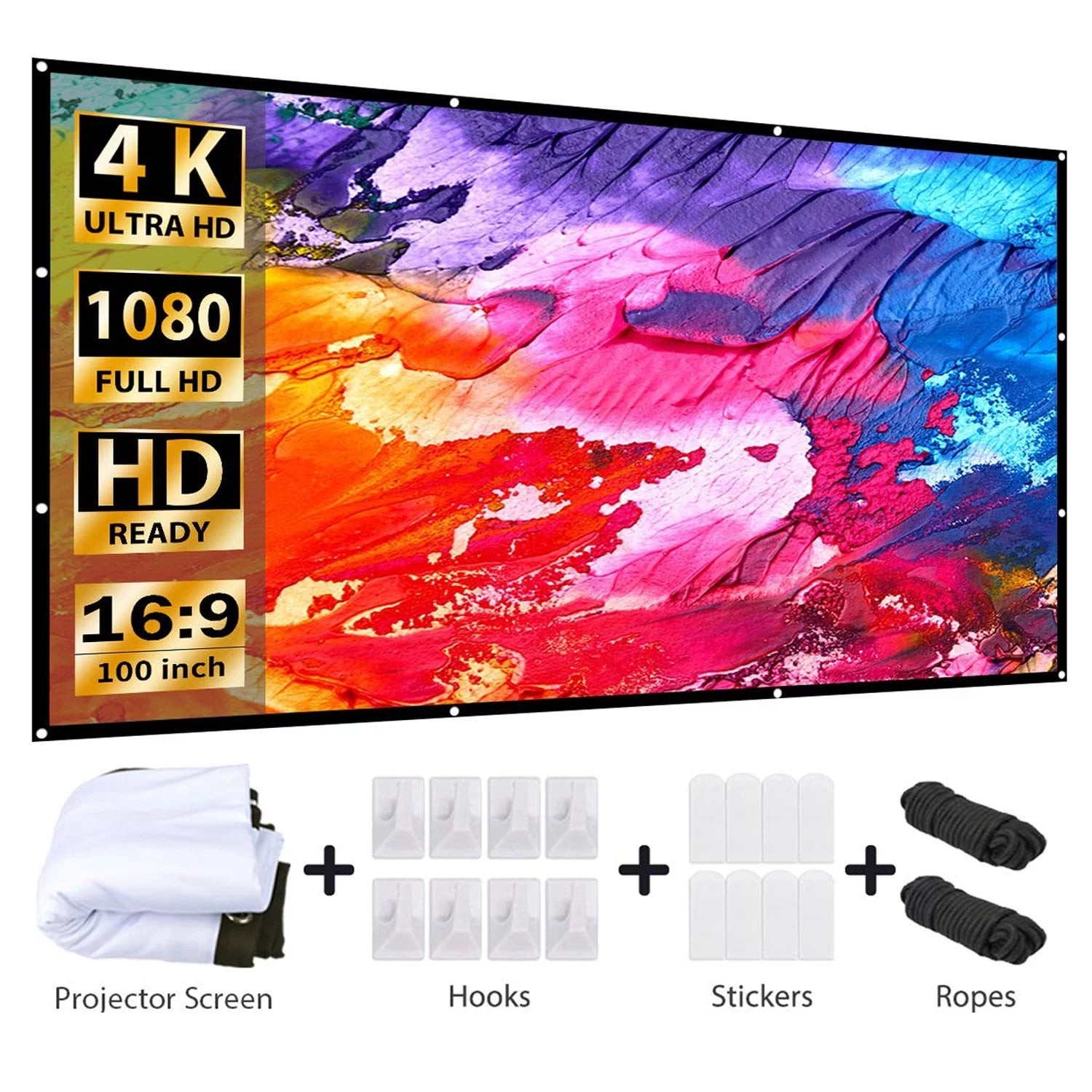 VANKYO 100'' Foldable Projector Screen 16:9 HD Outdoor Home Theater 3D Movie$7.39View on eBay
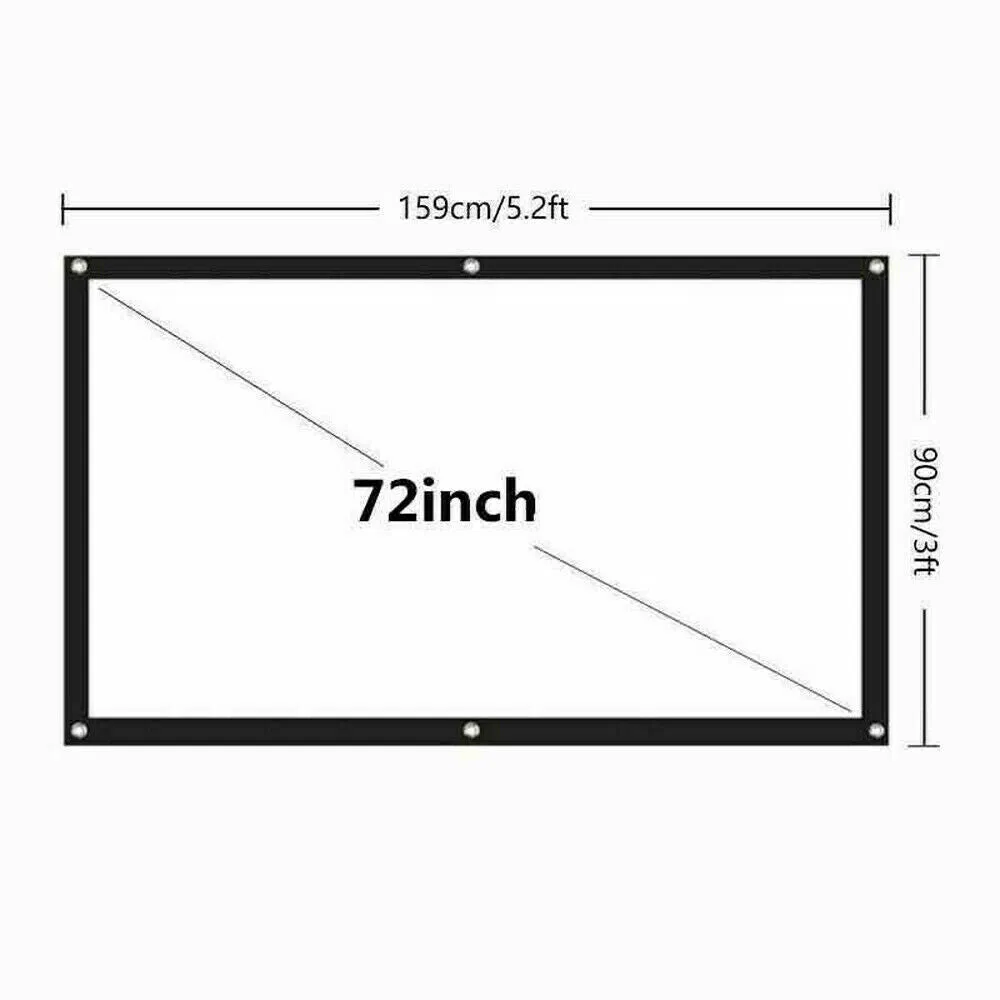 Portable Foldable Projector Screen 16:9 HD Outdoor Home Cinema Theater 3D Movie$21.99View on Mallflare
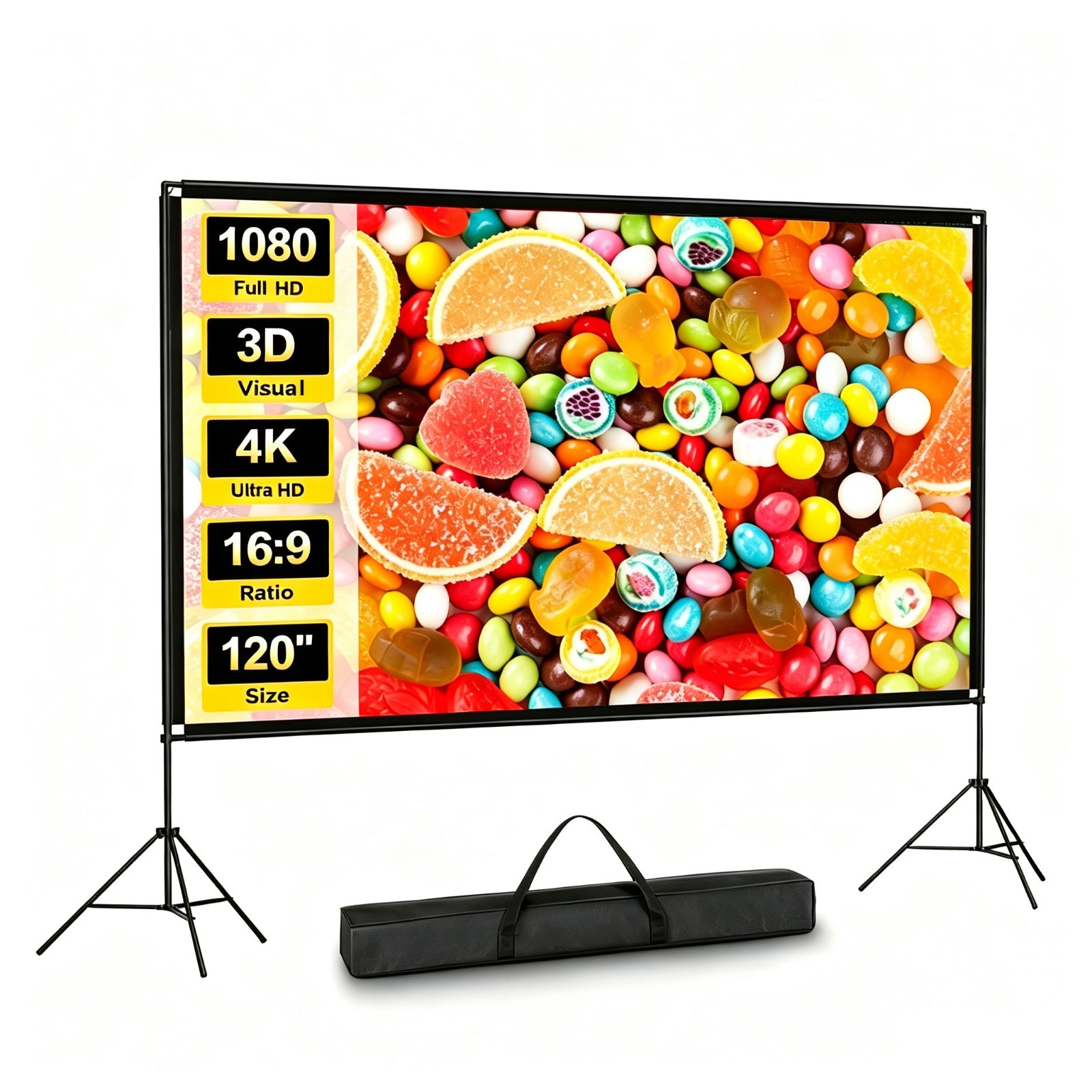 120 inch Outdoor Projector Screen with Stand Foldable Projector Screen 16:9 HD$59.99View on eBay
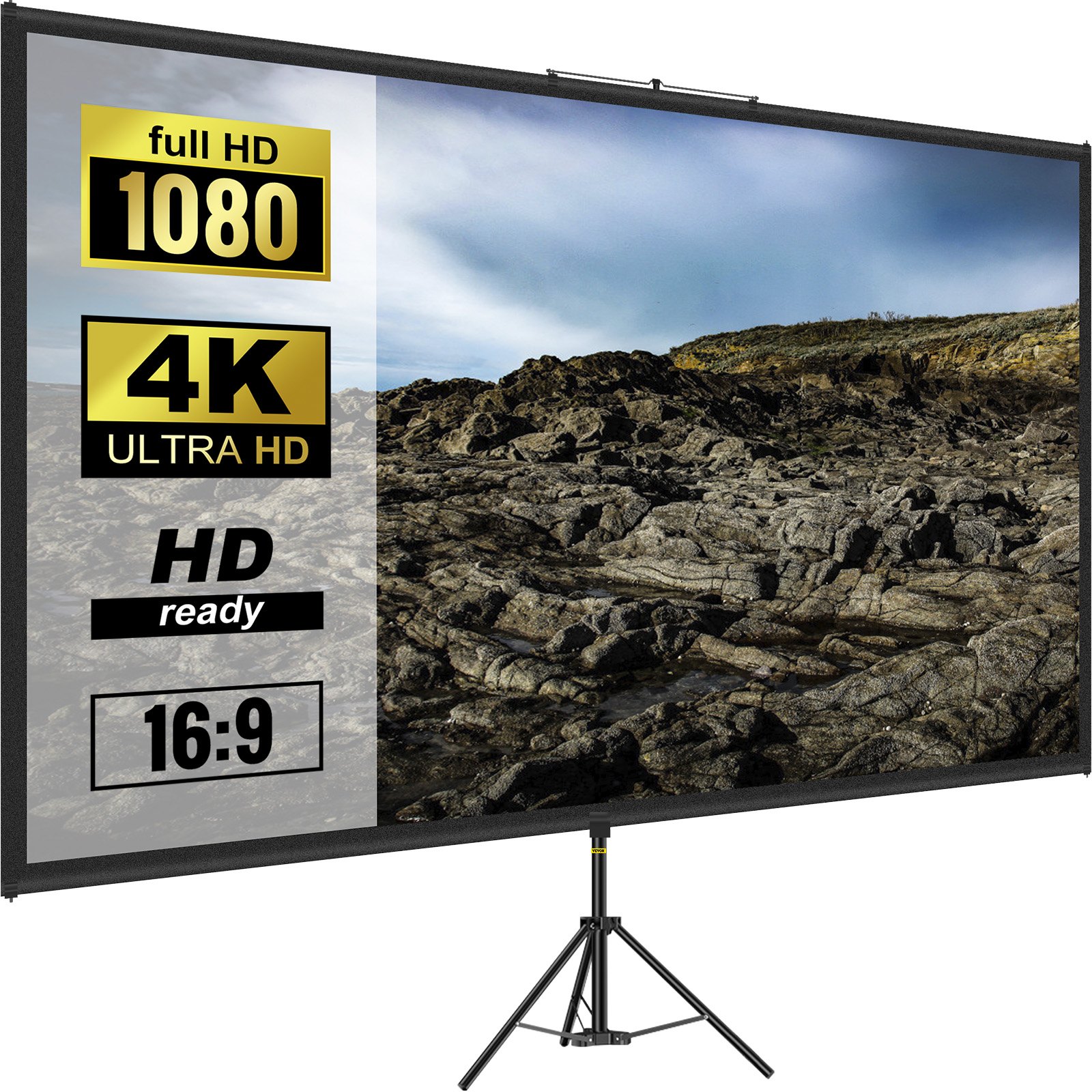 Tripod Projector Screen With Stand 60 Inch 16:9 4K HD Projection Wrinkle-Free Height Adjustable Portable For Indoor & Outdoor For Movie, Home Cinema, Gaming, Office$36.99View on Mallflare
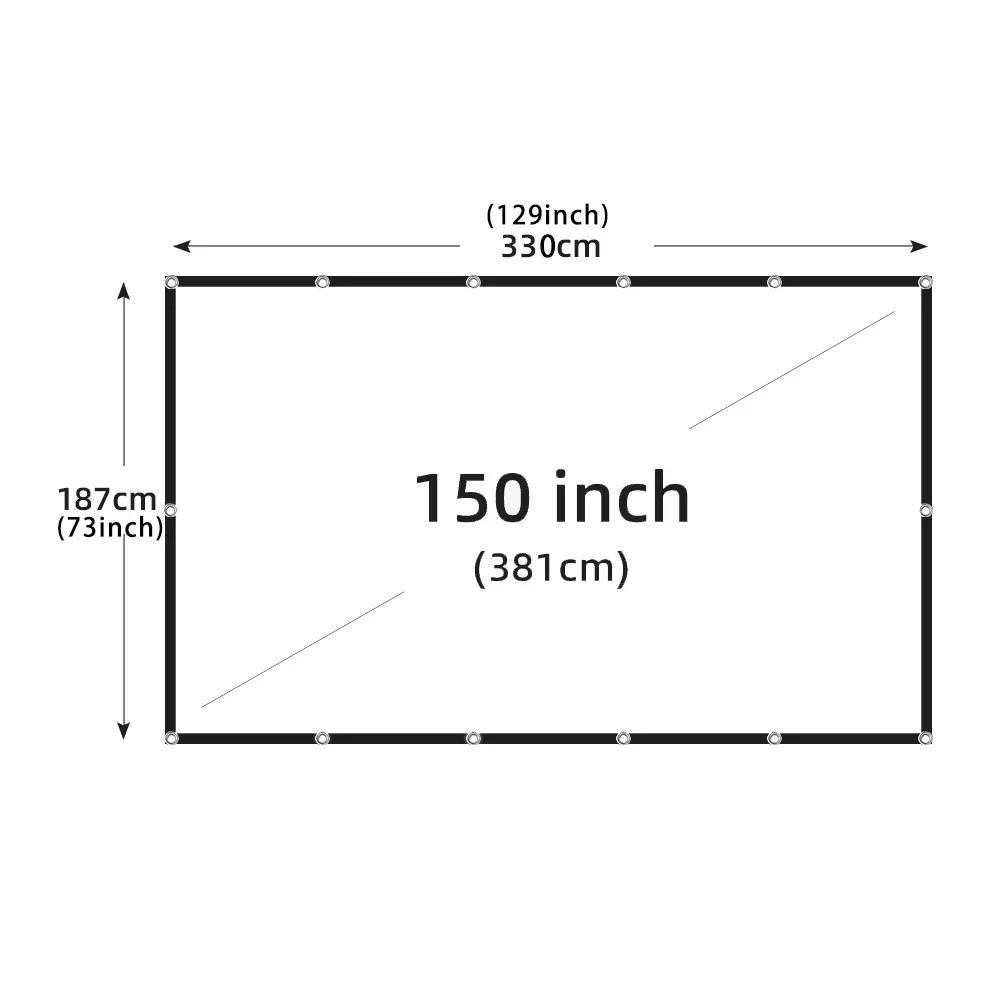 MIXITO Portable Projector Screen Foldable Matte White 16:9 30-130 Inch$60.99View on eBay
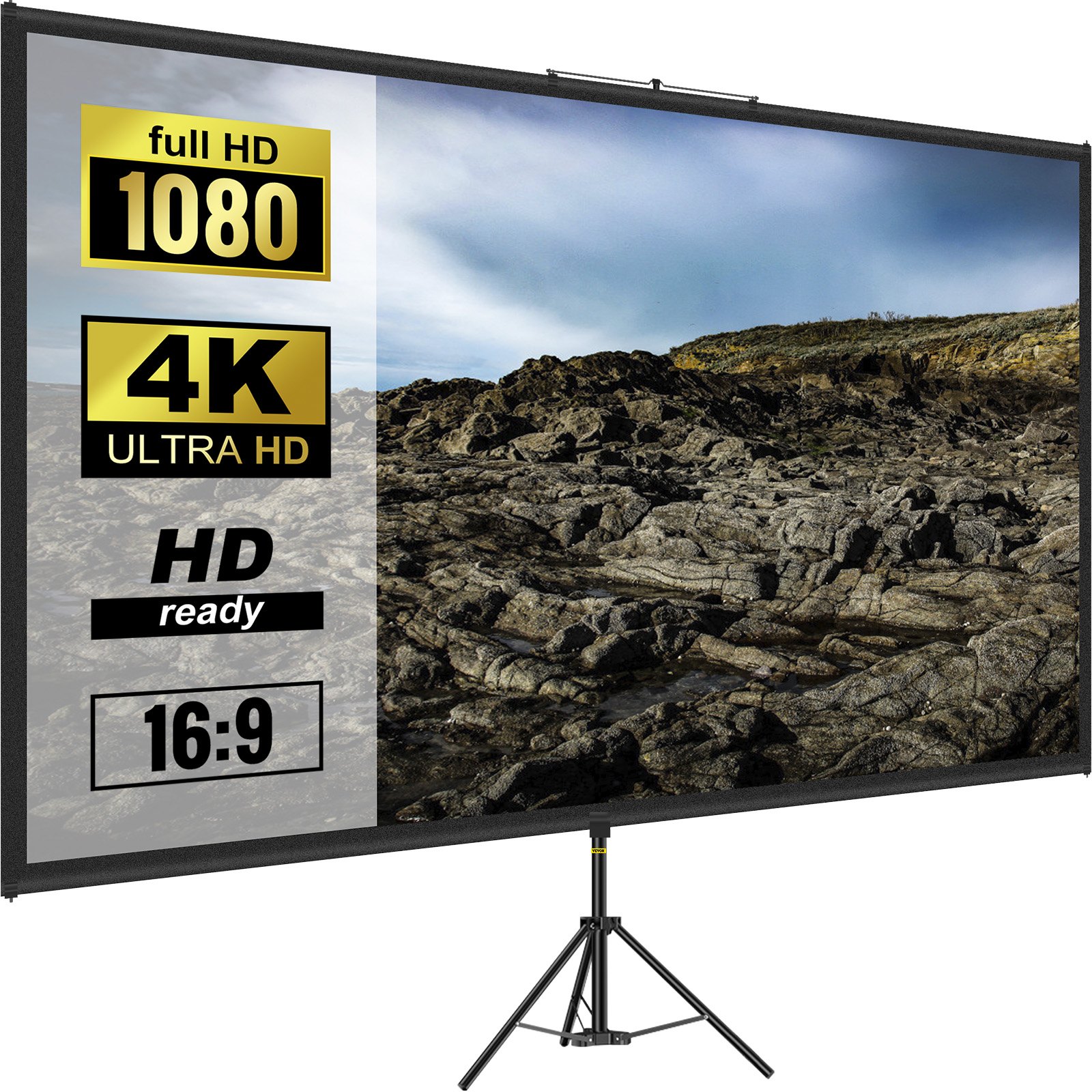 Tripod Projector Screen With Stand 110inch 16:9 4K HD Projection Wrinkle-Free Height Adjustable Portable For Indoor & Outdoor For Movie, Home Cinema, Gaming, Office$48.99View on Mallflare
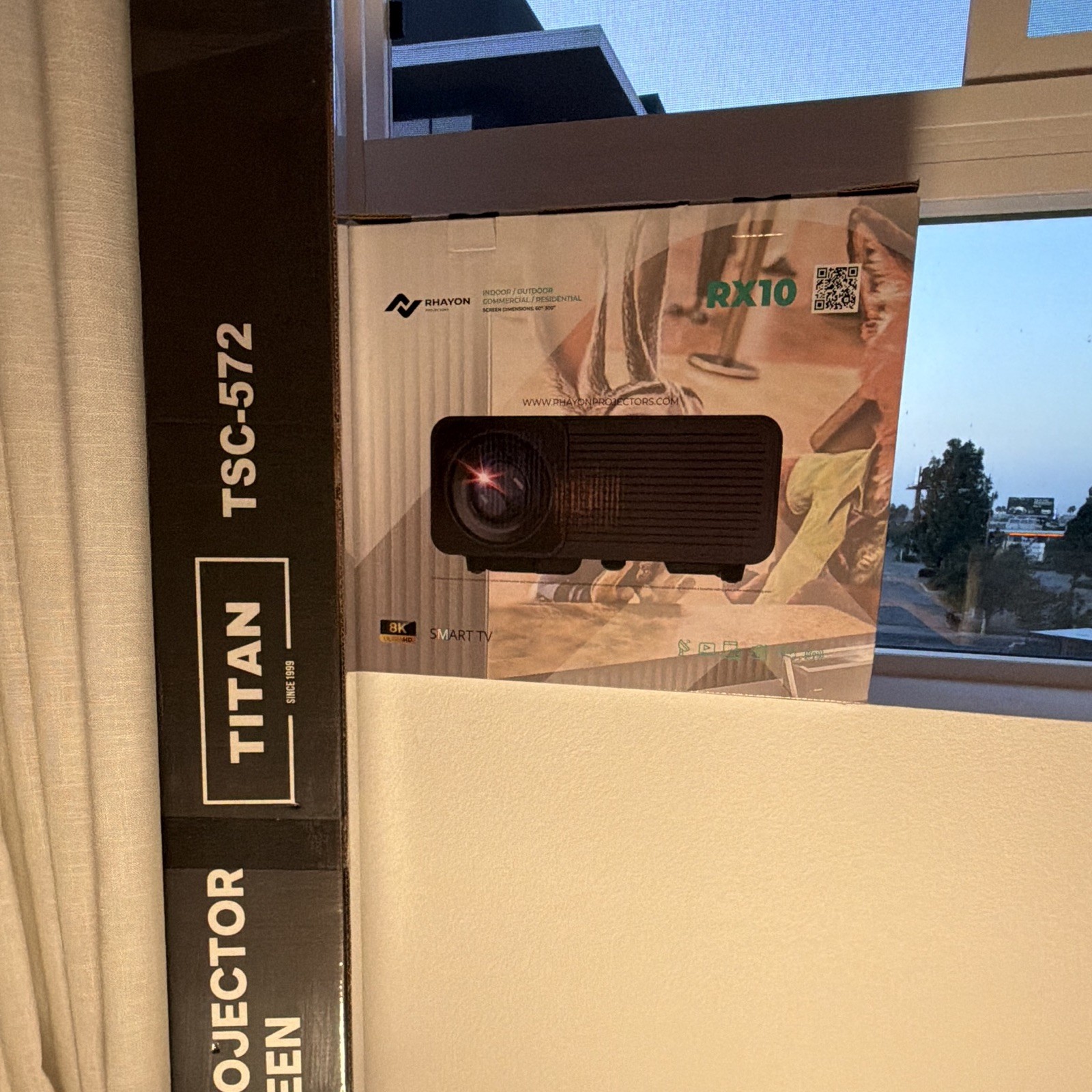 Rhayon RX10 8K Smart Laser Projector + Titan TSC-572 Screen MSRP $8,750 NEW$399.99Last checked Nov 18, 2026View on eBay
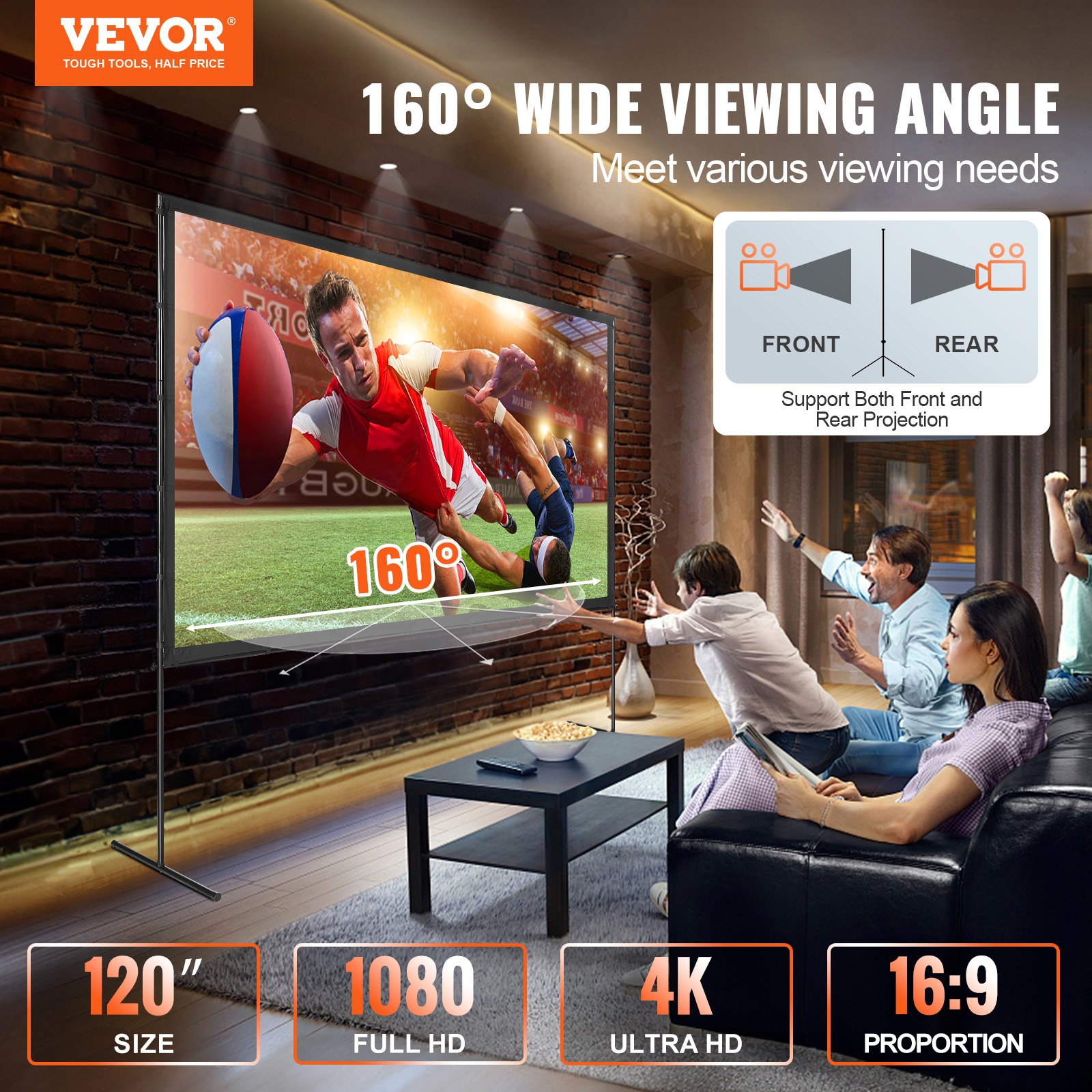 VEVOR Projector Screen With Stand, 120 Inch 4K 1080 HD Outdoor Movie Wrinkle-Free Projection Bar Feet And Carry Bag, For Home Theater Cinema Backyard Night$67.99View on Mallflare
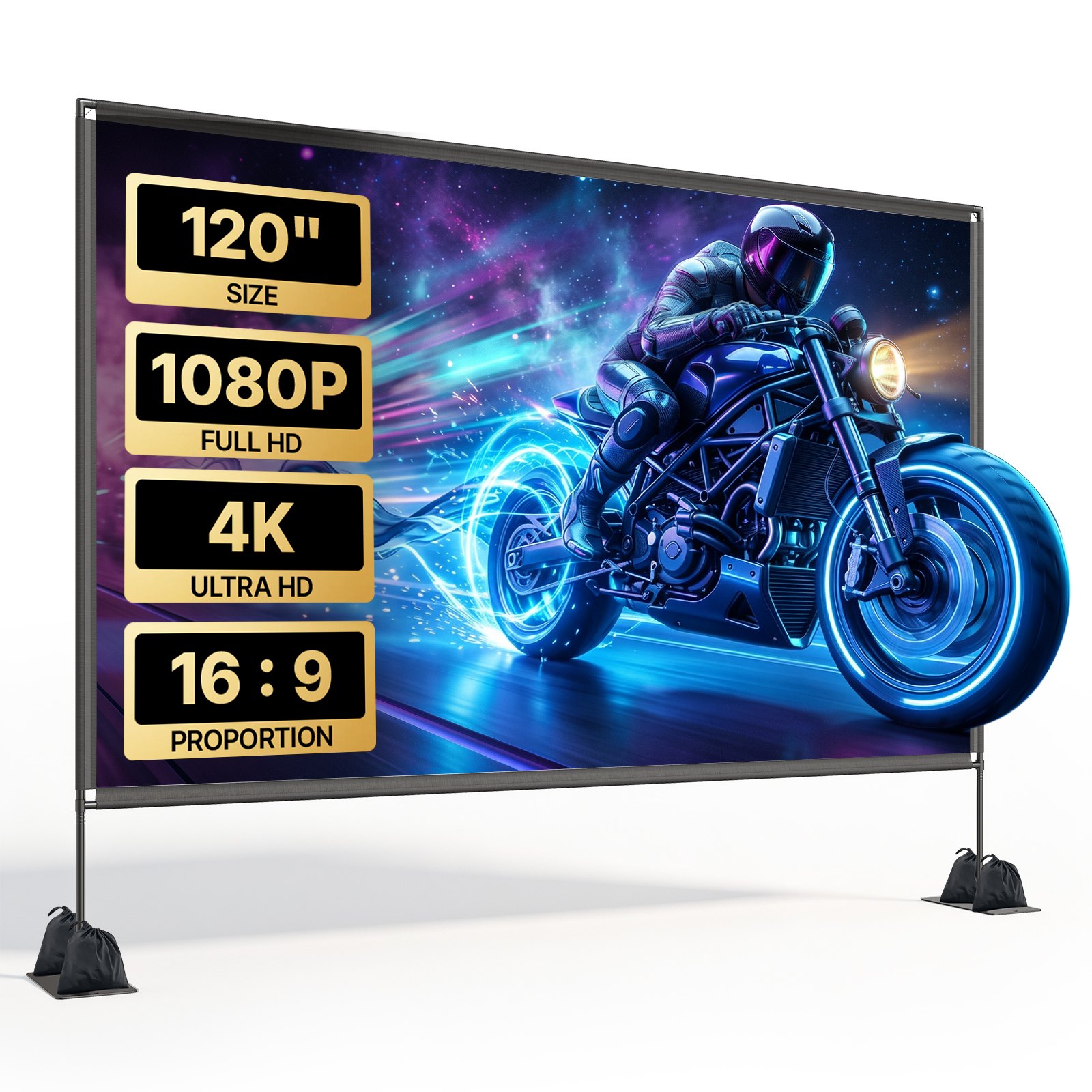 Projector Screen with Stands, 120 Inch 16:9 4K 1080P HD Movie 170° Wide Viewing, Front/Rear Projection Ground Stakes, Sandbags & Guy Ropes for Home Theater & Backyard Movies$67.99View on Mallflare
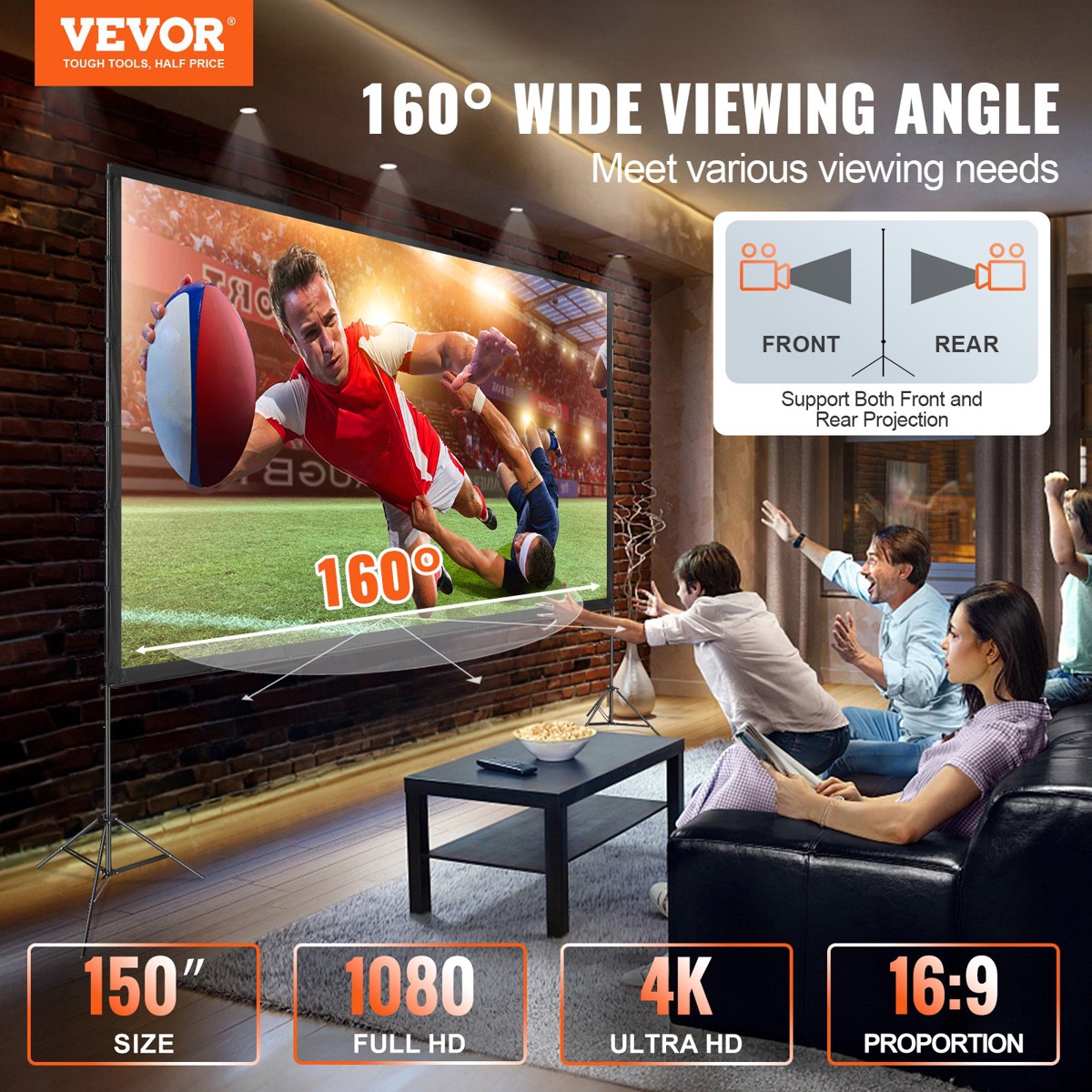 Projector Screen With Stand, 150 Inch 16 9 4K 1080 HD Outdoor Movie Wrinkle-Free Projection Tripods And Carry Bag, For Home Theater Cinema Backyard Night$70.99View on Mallflare
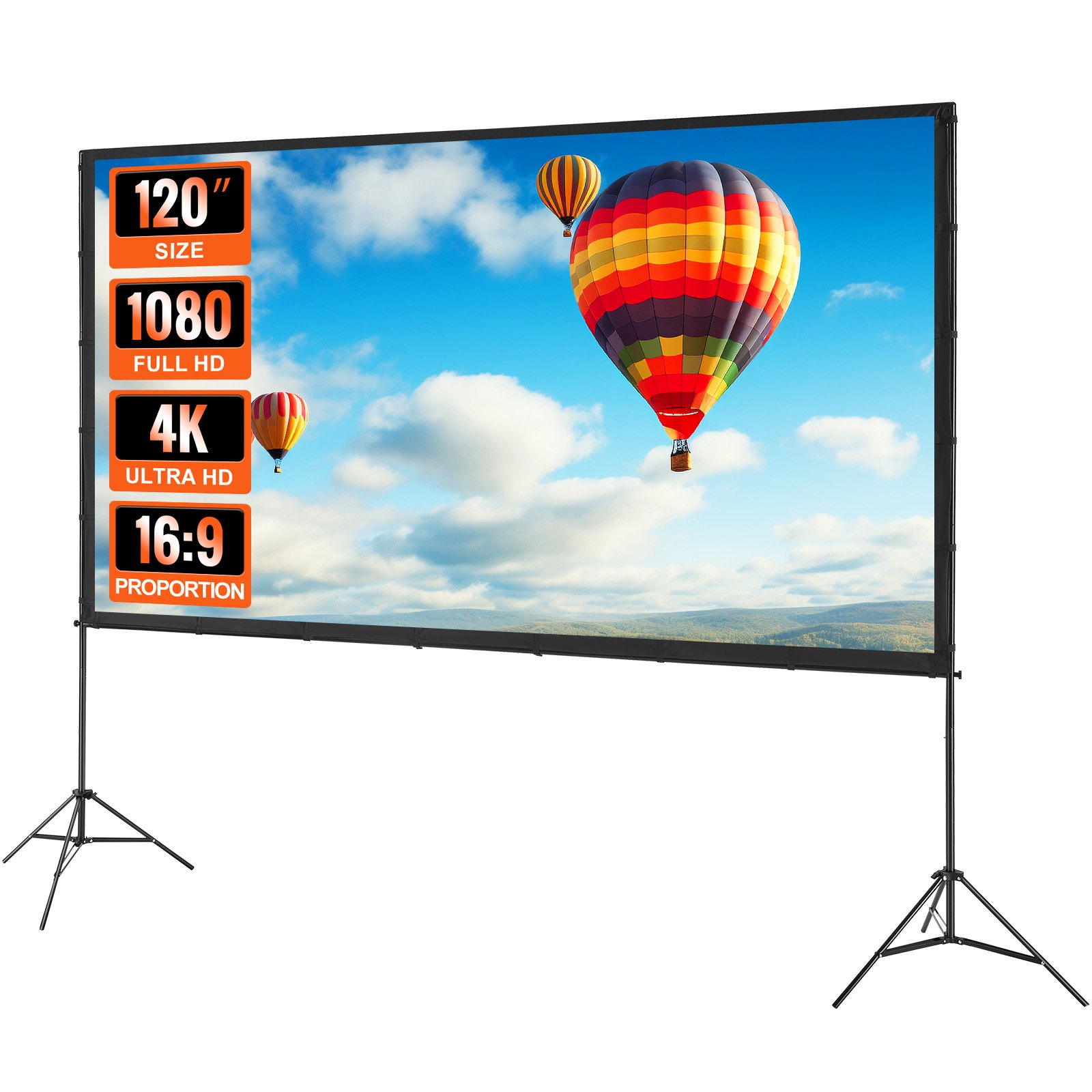 Projector Screen With Stand, 120 Inch 16:9 4K 1080 HD Outdoor Movie Wrinkle-Free Projection Tripods And Carry Bag, For Home Theater Cinema Backyard Night$74.99View on Mallflare
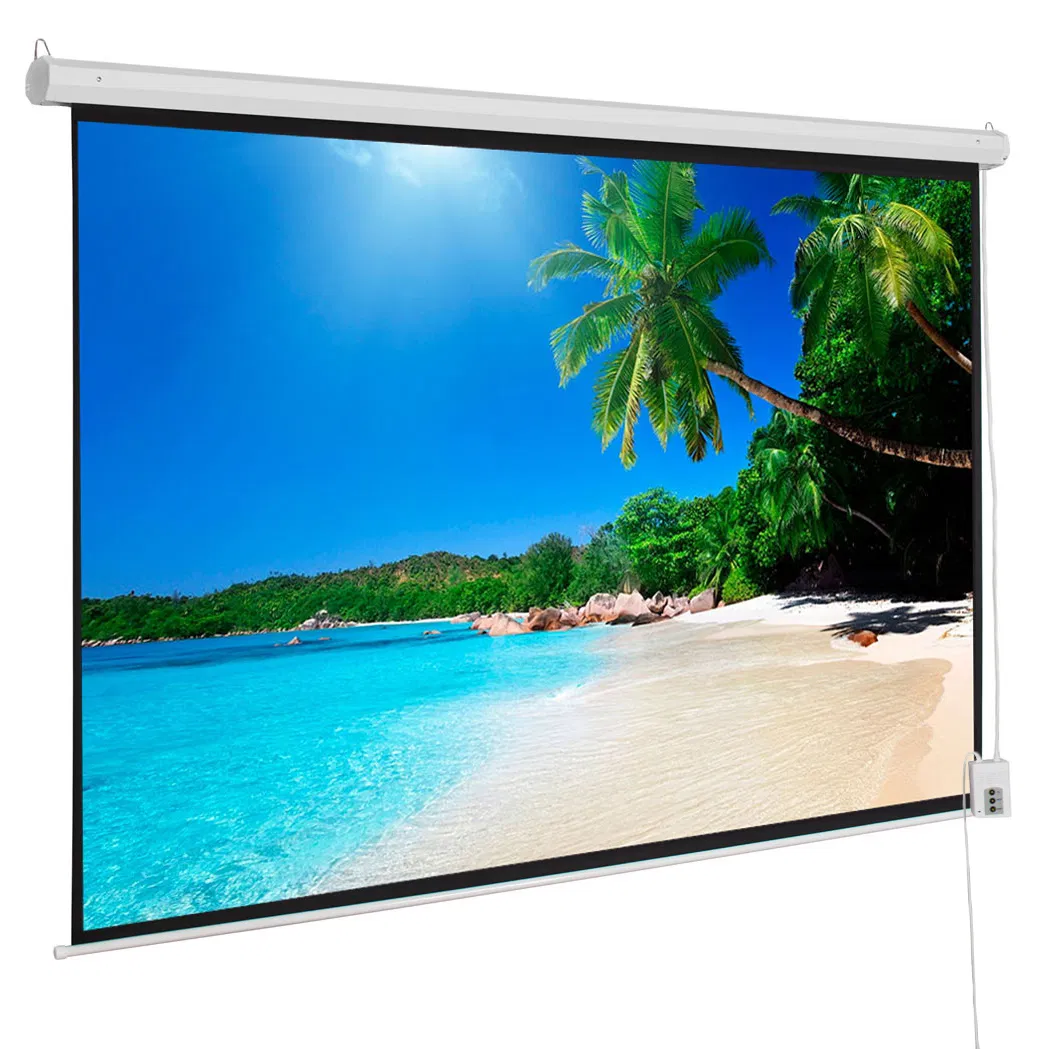 92" 16:9 80" x 45" Viewing Area Motorized Projector Screen with Remote Control Matte White$85.99View on Mallflare
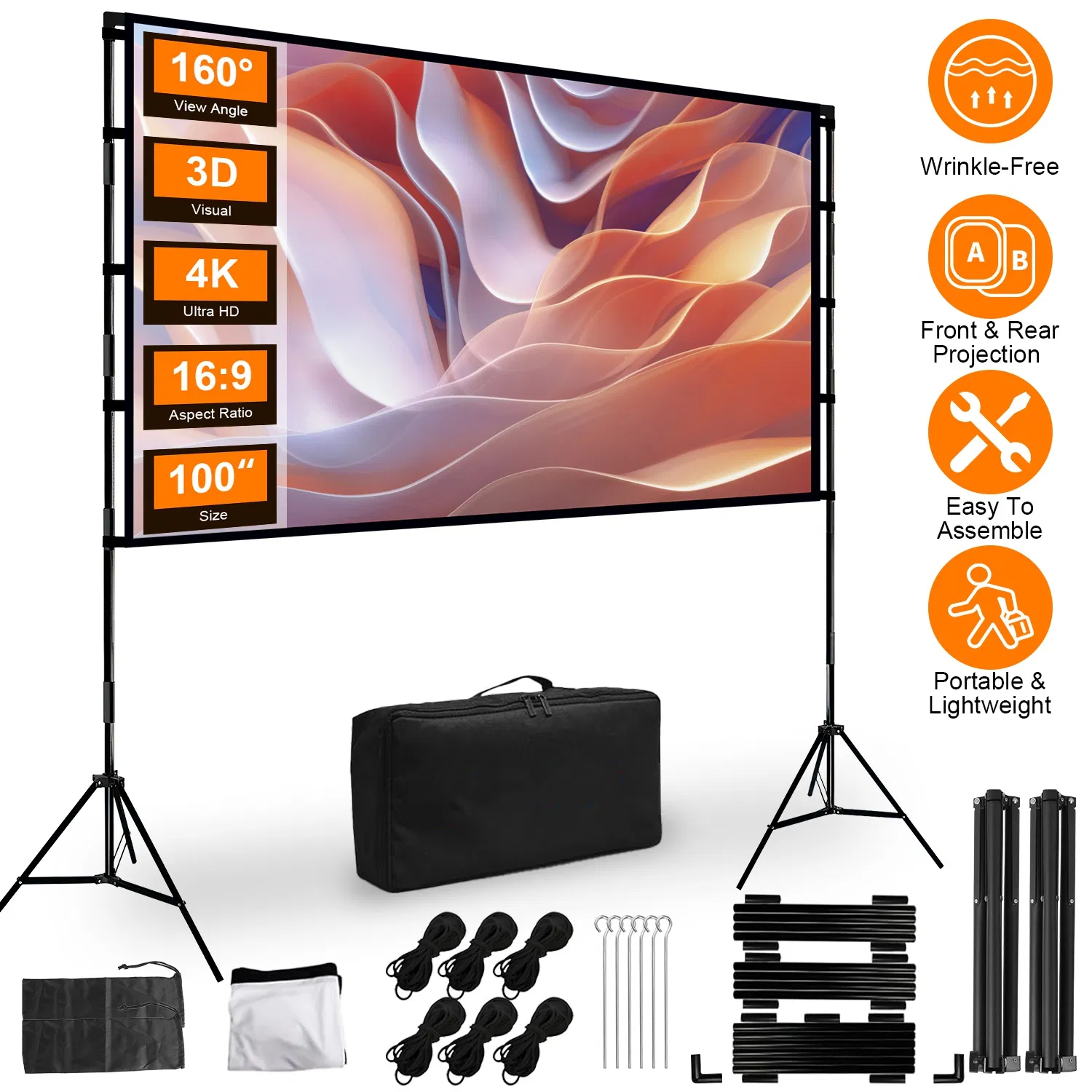 100inch 120inch Options Projector Screen With Stand 4K HD Rear Front Wrinkle-Free Portable And Foldable Movie Carry Bag For Indoor Outdoor Home Theater Backyard Cinema$87.99View on Mallflare
 100inch/120inch Options Projector Screen With Stand 16:9 4K HD Rear Front Wrinkle-Free Portable And Foldable Movie Carry Bag For Indoor Outdoor Home Theater Backyard Cinema$87.99View on Mallflare
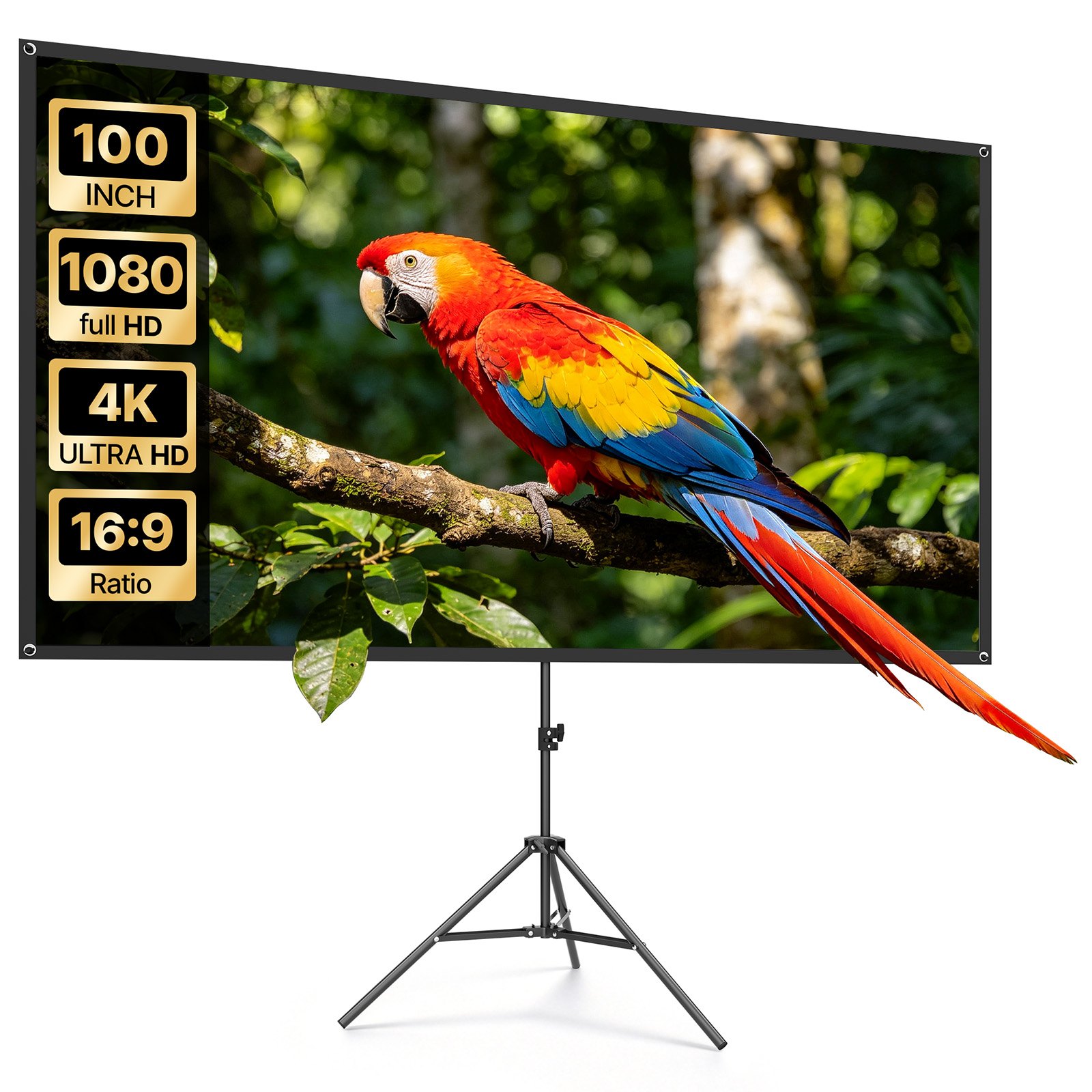 Projector Screen with Stand, 100 Inch 16:9 4K 1080P HD Movie 170° Wide Viewing, Wrinkle-Free Projection Stable Tripod & Portable Bag for Home Theater, Immersive Nights$91.99View on Mallflare
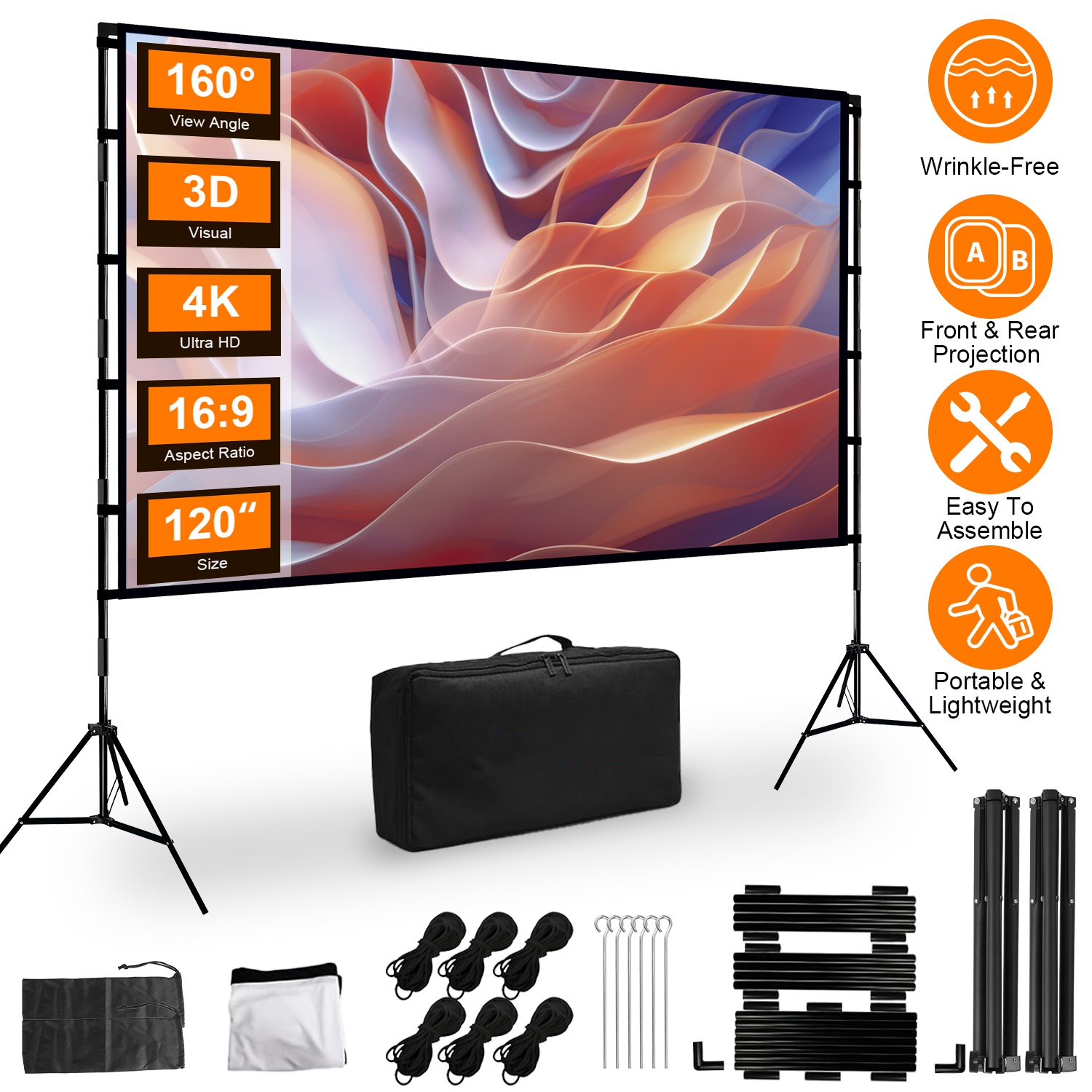 1Pc 120inch Or 100inch Projector Screen With Stand 16 9 4K HD Rear Front Wrinkle Free Portable And Foldable Movie Carry Bag For Indoor Outdoor Home Theater Backyard Cinema$97.99View on Mallflare
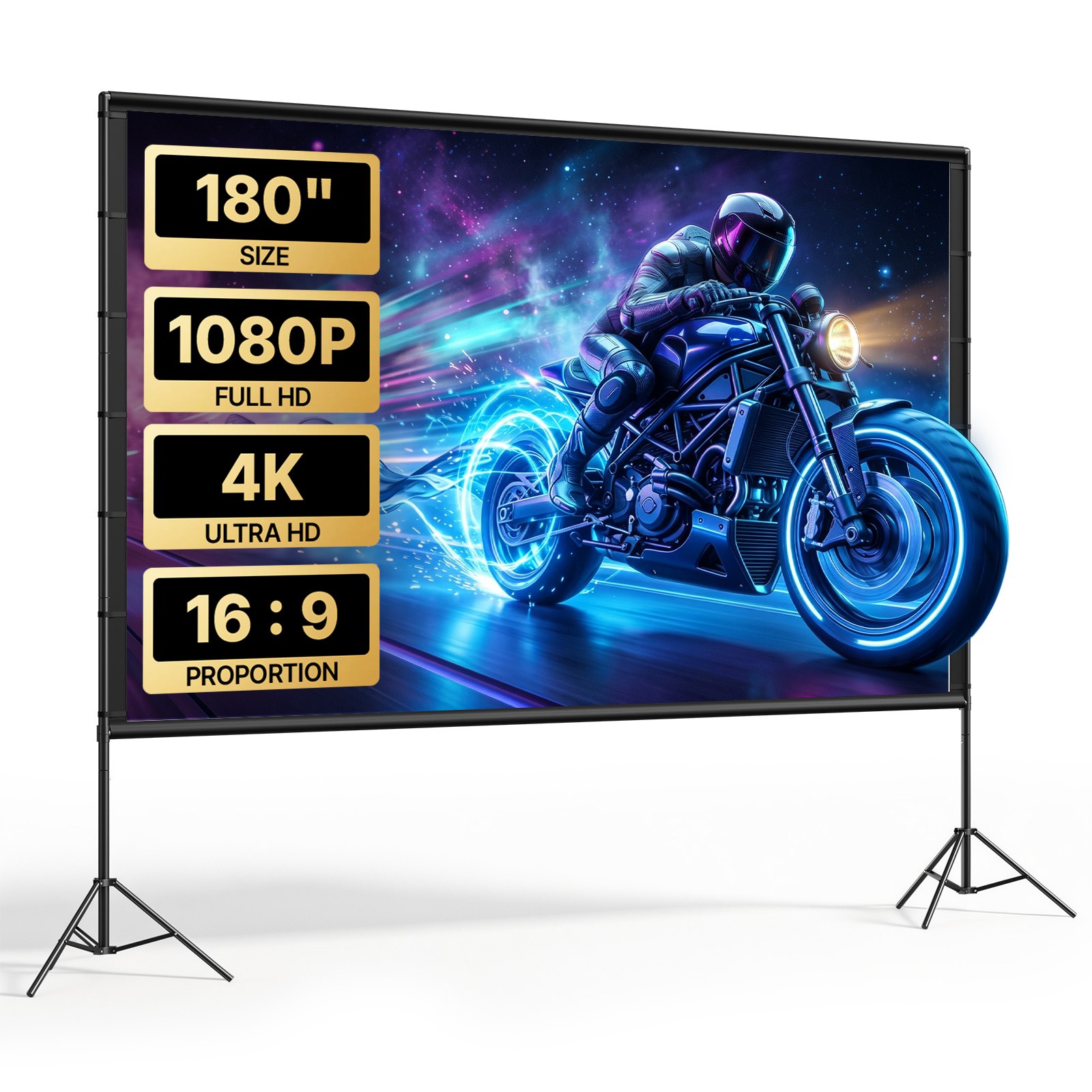 Projector Screen with Stands, 180 Inch 16:9 4K 1080P HD Movie 170° Wide Viewing, Front/Rear Projection Dual Tripod, Ground Stakes & Guy Ropes for Indoor Outdoor Nights$98.99View on Mallflare
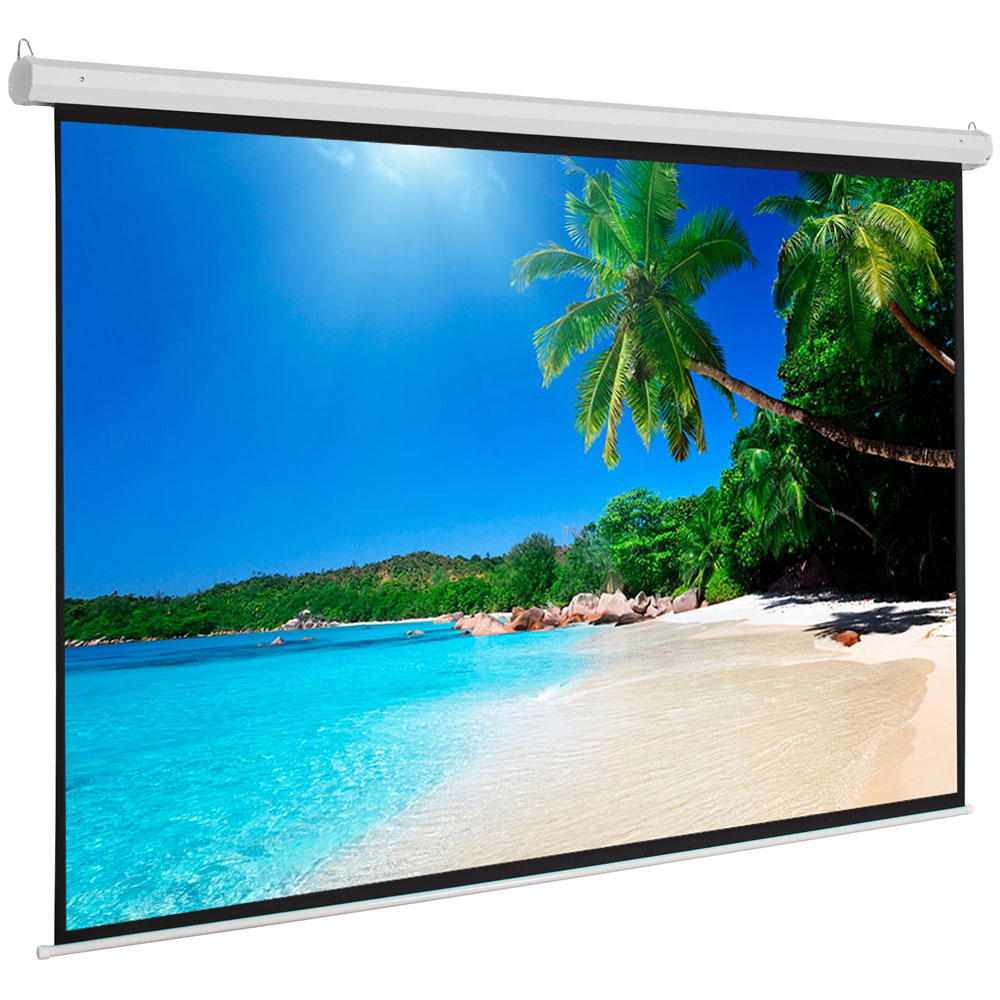 100 INCH 4:3 Manual Projector Screen Matte White$105.99View on Mallflare
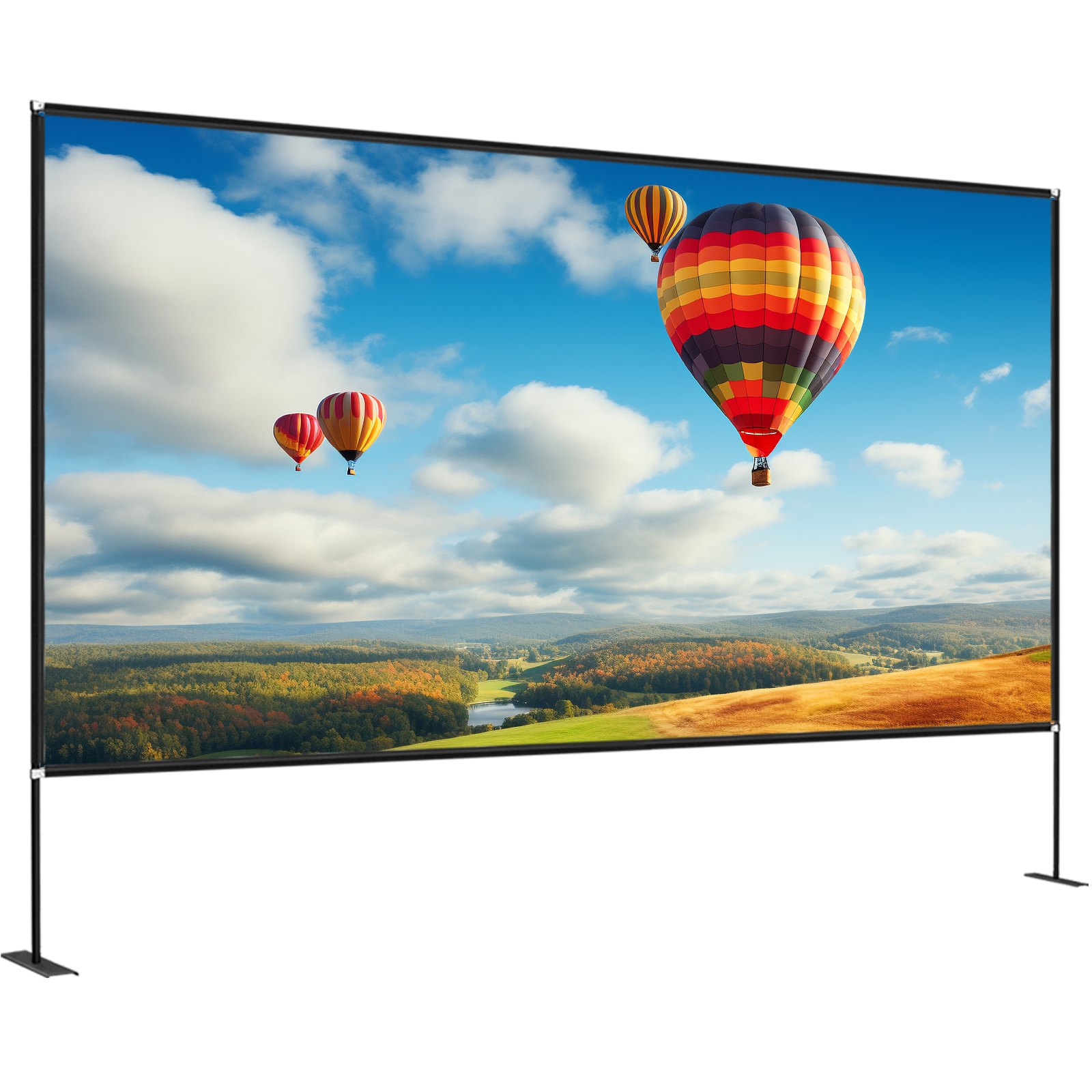 Projector Screen With Stand 150inch Portable Movie 16:9 4K HD Wide Angle Outdoor Easy Assembly Storage Bag For Home Theater Office Use$120.99View on Mallflare
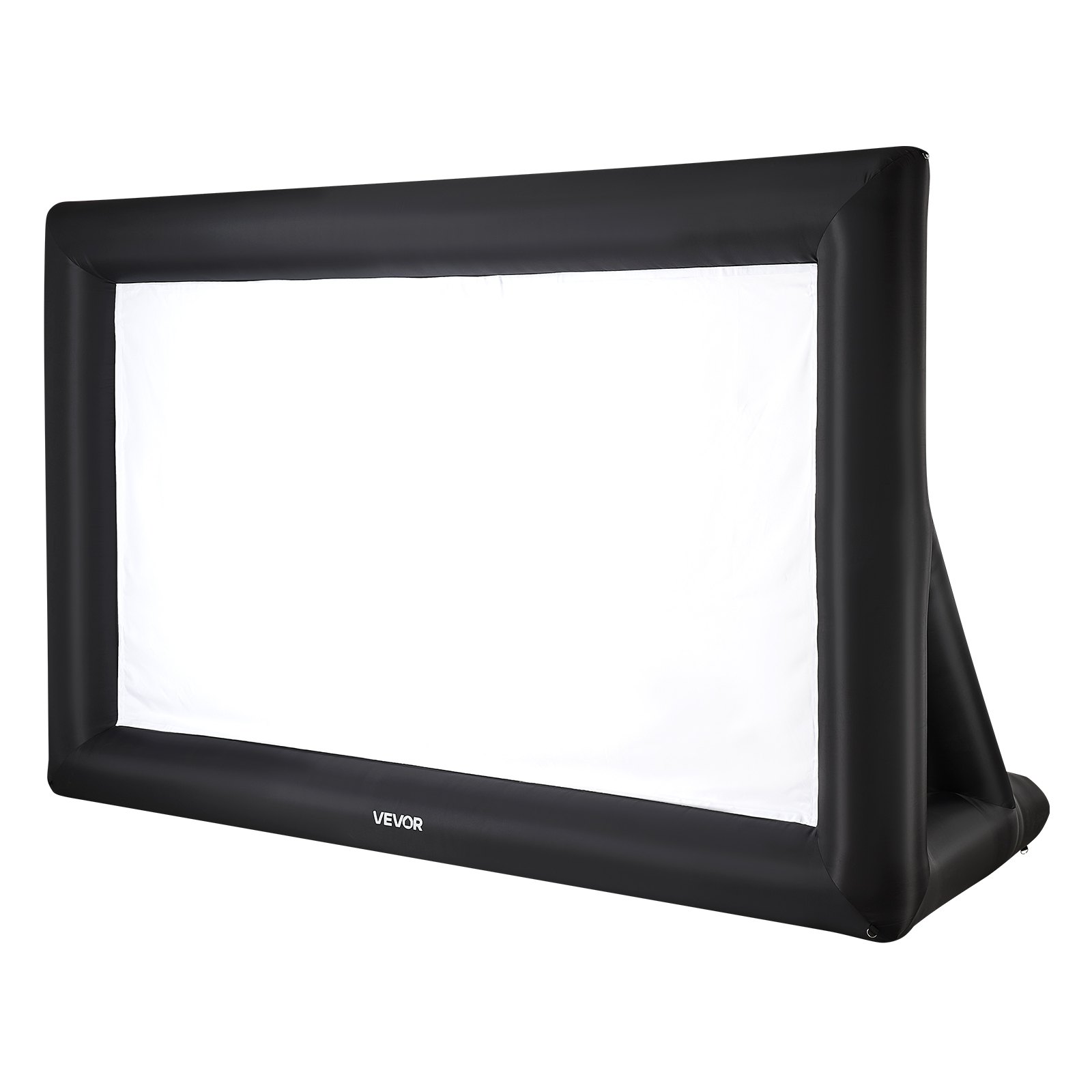 20FT Inflatable Projector Screen, Movie Outdoor With 250W Air Blower Oxford Fabric Material Blow Up For Backyard, Home Theater, Theme Party$132.99View on Mallflare
Highlights
- Screen material gain ranges from 0.8 (matte white, wide viewing angle) to 1.3+ (grey, better ambient light rejection); portable foldable screens typically measure 0.8–1.0 gain with visible creases.
- Projector brightness must match screen size: 100-inch diagonal needs at least 1500 ANSI lumens in dark rooms, while 120-inch in dim light demands 2500+ ANSI lumens.
- Tripod screens use a scissor or pull-up mechanism with a weighted base; the stand's maximum height and footprint determine stability and are rated for specific screen diagonals (e.g., 60-inch to 110-inch).
- Fixed-frame screens use aluminum or velvet-wrapped frames with tension rods every 20–30 cm to eliminate wrinkles; portable foldable screens rely on elastic corners and often show edge curl after repeated folding.
Best use cases
- Dedicated home theater with controlled lighting: pick a fixed-frame or tab-tensioned screen with 1.0–1.3 gain and a matte white or grey surface; skip portable tripods that introduce wrinkles and edge shadows.
- Backyard movie nights with a portable projector: choose a 100–120 inch foldable screen with carry bag and 16:9 aspect ratio; skip fixed frames that cannot be moved and require wall mounting.
- Small apartment or multi-room use: select a 60–80 inch tripod screen with height adjustment and a compact base; skip 120-inch screens that overwhelm the space and require long throw distance.
- Office or classroom presentations: use a pull-down manual screen with 1.0 gain and a metal casing for durability; skip fabric foldable screens that show creases under bright presentation lighting.
Buying tips
- Match screen diagonal to projector throw ratio: for a 120-inch 16:9 screen, the width is 104.6 inches (2.66 m), so a projector with 1.5:1 throw ratio needs 13 feet (4 m) of distance.
- Check screen gain: matte white (0.8–1.0 gain) suits dark rooms and wide seating; grey (1.0–1.3 gain) improves contrast in rooms with some ambient light but narrows viewing angles.
- For portable screens, verify the stand's rated screen size and base footprint; a 120-inch tripod screen typically requires a base span of at least 40 inches (100 cm) for stability.
- Prefer screens with black borders (2–4 inch) to frame the image and mask edge irregularities; borderless foldable screens show light spill and uneven edges.
Specs
| Screen Type | Fixed frame / Tripod / Foldable |
|---|---|
| Screen Gain | 0.8 matte white to 1.3 grey |
| Aspect Ratio | 16:9 (HD/4K) or 4:3 (legacy) |
| Max Diagonal | 60–130 inches (varies by stand) |
Related searches
What to check before buying
- Measure wall or ceiling space for fixed-frame screens: add 6–12 inches to the screen width for the frame, and confirm stud spacing for mounting brackets.
- For tripod screens, measure floor area for the base footprint (typically 30–50 inches wide) and ceiling height for maximum extension (often 80–100 inches).
- Confirm projector brightness in ANSI lumens: 100-inch screen in dark room needs 1500+ lumens; 120-inch screen in dim room needs 2500+ lumens.
- Check aspect ratio compatibility: 16:9 screens suit most HD/4K projectors; 4:3 screens waste horizontal space for widescreen content.
FAQ
Data sources: eBay / Amazon listings and product attribute feeds. Updated Nov 29, 2026.
Some links on this page are affiliate links. If you buy after clicking one, we may earn a commission at no extra cost to you. This does not change which products appear here or their order. Affiliate disclosure.