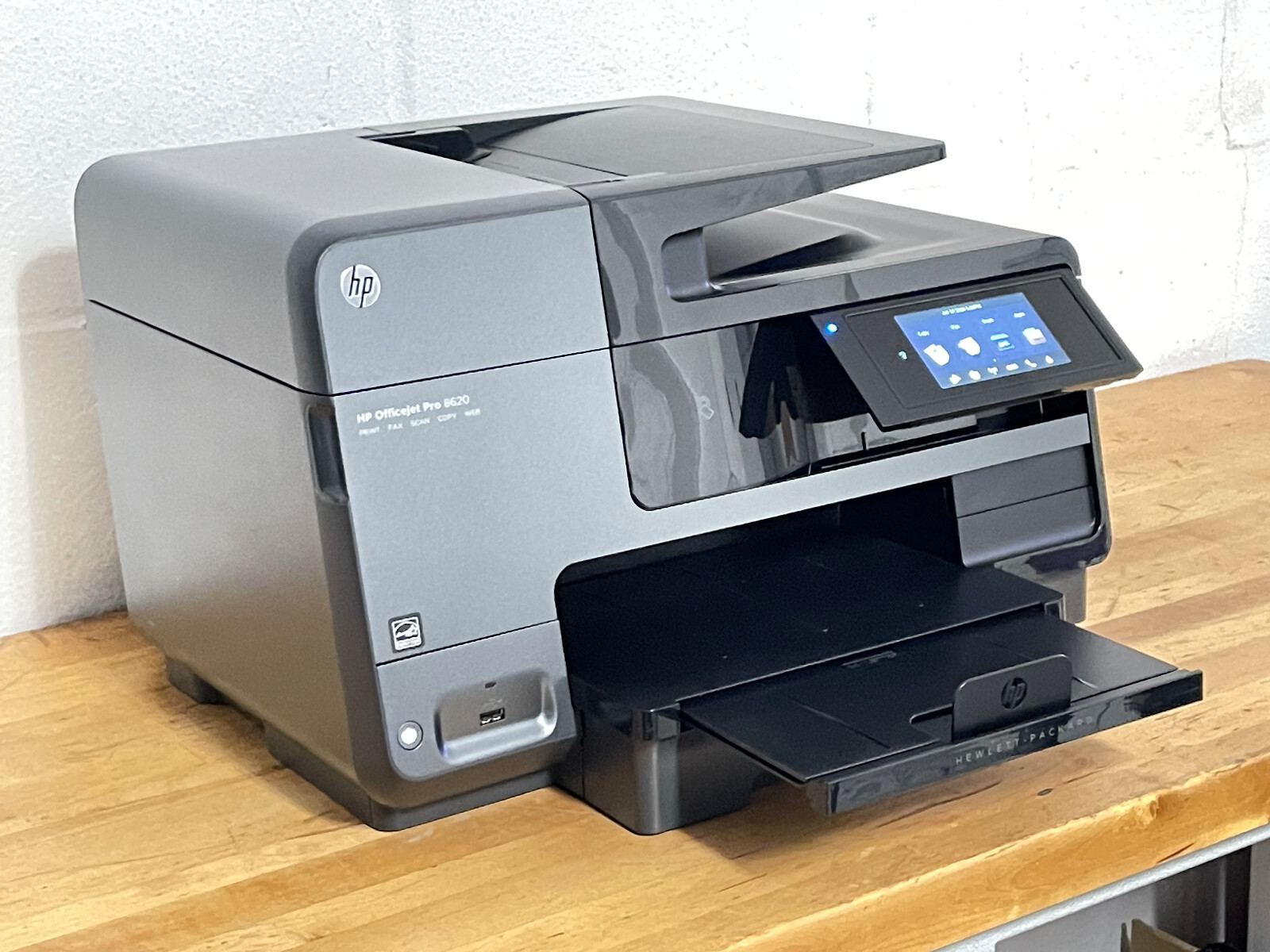

Photos from current listings. Actual item, color, and included accessories may vary.
HP OfficeJet Pro 8620 Buying Guide
The HP OfficeJet Pro 8620 is a legacy wide-format all-in-one built for small offices that need cheap color prints, not photo-lab quality. Its 4.3-inch touchscreen, 250-sheet tray, and duplex printing made it a workhorse, but today's buyers must weigh used-unit risks against modern ink and driver support.
Print Tech:Thermal inkjet, 4-cartridgeMax Media Size:11x17 in (A3) wide-formatConnectivity:USB 2.0 / Ethernet / Wi-FiDuplex & ADF:Auto duplex / 35-sheet ADF
Typical price range$349.95
Key takeaways
- Thermal inkjet with four individual cartridges (HP 950/951) cuts color costs versus tri-color tanks and lets you replace only the depleted color.
- Up to 21 ppm black and 16.5 ppm color in draft mode; ISO speeds are lower, so expect business-document pace, not photo-lab throughput.
- Built-in Ethernet, USB 2.0, and Wi-Fi plus automatic duplex printing and a 35-sheet ADF for scan/copy/fax workflows up to legal size.
At a glance
- Category
- Computers & Peripherals
- Status
- Listings available
- Last updated
- Nov 28, 2026
Current offers
Highlights
- Thermal inkjet with four individual cartridges (HP 950/951) cuts color costs versus tri-color tanks and lets you replace only the depleted color.
- Up to 21 ppm black and 16.5 ppm color in draft mode; ISO speeds are lower, so expect business-document pace, not photo-lab throughput.
- Built-in Ethernet, USB 2.0, and Wi-Fi plus automatic duplex printing and a 35-sheet ADF for scan/copy/fax workflows up to legal size.
- Wide-format tray handles up to 11x17-inch (A3) media, a differentiator versus standard letter-only OfficeJet models.
Best use cases
- Best fit: a small office printing invoices, spreadsheets, and occasional 11x17 charts where cheap per-page color beats photo quality.
- Best fit: a home user who already owns HP 950/951 cartridges and wants a cheap second printer for duplex documents and ADF scanning.
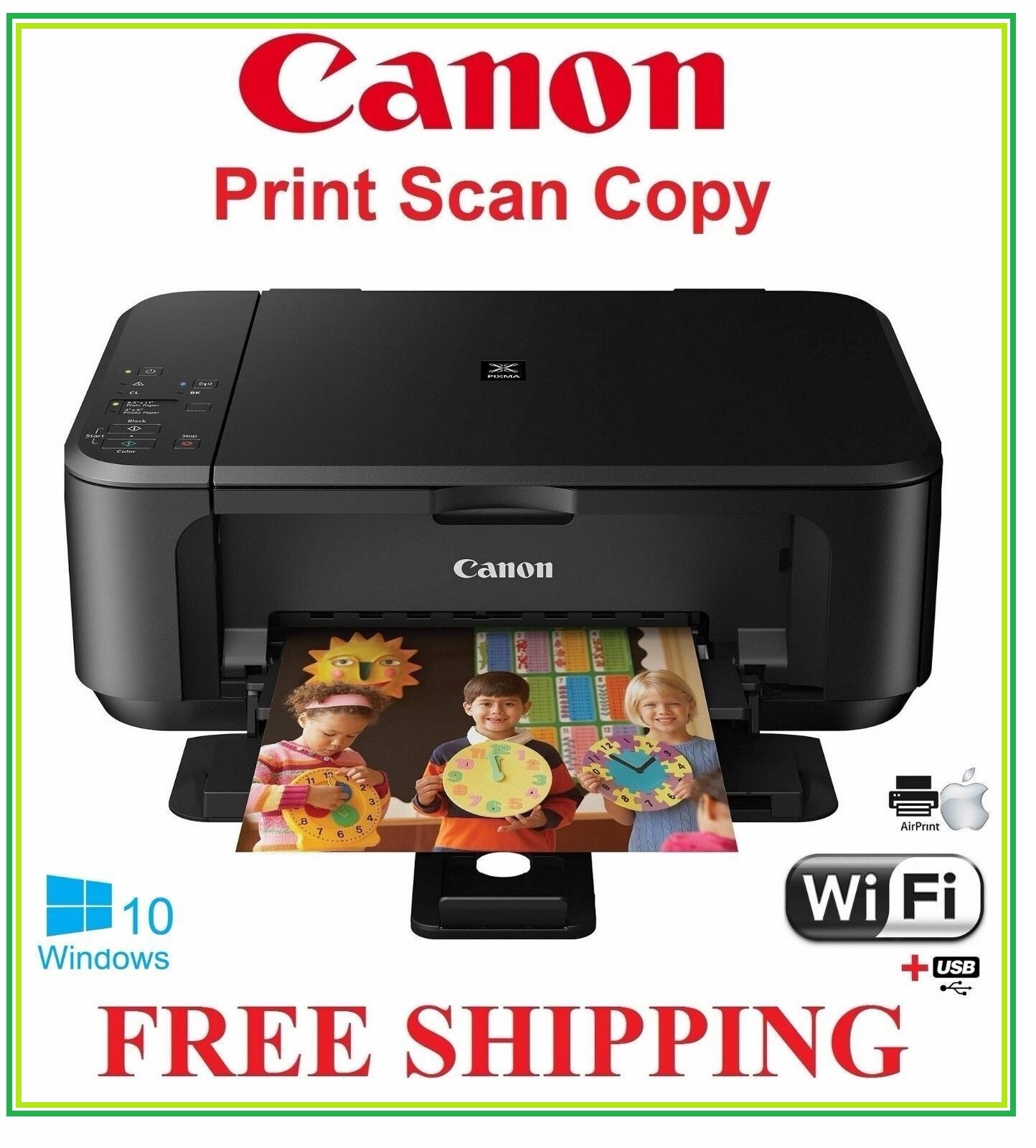
- Wrong fit: photo enthusiasts or anyone needing pigment-based, fade-resistant gallery prints — choose an Epson EcoTank or Canon PIXMA instead.
- Wrong fit: high-volume monthly print fleets (1,000+ pages) where cartridge costs and legacy driver support make a tank printer more economical.
Buying tips
- Confirm the unit includes the power adapter and both paper trays; the 8620 uses a separate 250-sheet main tray and a 35-sheet photo/bypass tray.
- Check firmware and driver availability for your OS — HP's support page still lists Windows and macOS drivers, but very new OS versions may need the generic HP Smart app.
- Inspect the printhead and ink cartridge contacts on used units; dried ink in the 950/951 slots is the most common cause of banding and failed color output.
- Prefer units with the original 4.3-inch touchscreen intact — replacement panels are scarce, and a dead screen blocks Wi-Fi setup and maintenance menus.
Specs
| Print Tech | Thermal inkjet, 4-cartridge |
|---|---|
| Max Media Size | 11x17 in (A3) wide-format |
| Connectivity | USB 2.0 / Ethernet / Wi-Fi |
| Duplex & ADF | Auto duplex / 35-sheet ADF |
Alternatives to compare
Related searches
What to check before buying
- Measure your desk depth for the 17.9 x 16.1 x 11.5-inch footprint and confirm the output tray extends far enough for 11x17 sheets.
- Verify you have a nearby power outlet; the 8620 uses a standard external AC adapter, not an internal PSU.
- Confirm your network supports 2.4GHz Wi-Fi or an Ethernet drop — the 8620 lacks 5GHz Wi-Fi and Bluetooth.
- Check that your computer or mobile device runs an OS still supported by HP Smart or the legacy OfficeJet Pro 8620 driver package.
FAQ
Data sources: eBay / Amazon listings and product attribute feeds. Updated Nov 28, 2026.
Some links on this page are affiliate links. If you buy after clicking one, we may earn a commission at no extra cost to you. This does not change which products appear here or their order. Affiliate disclosure.