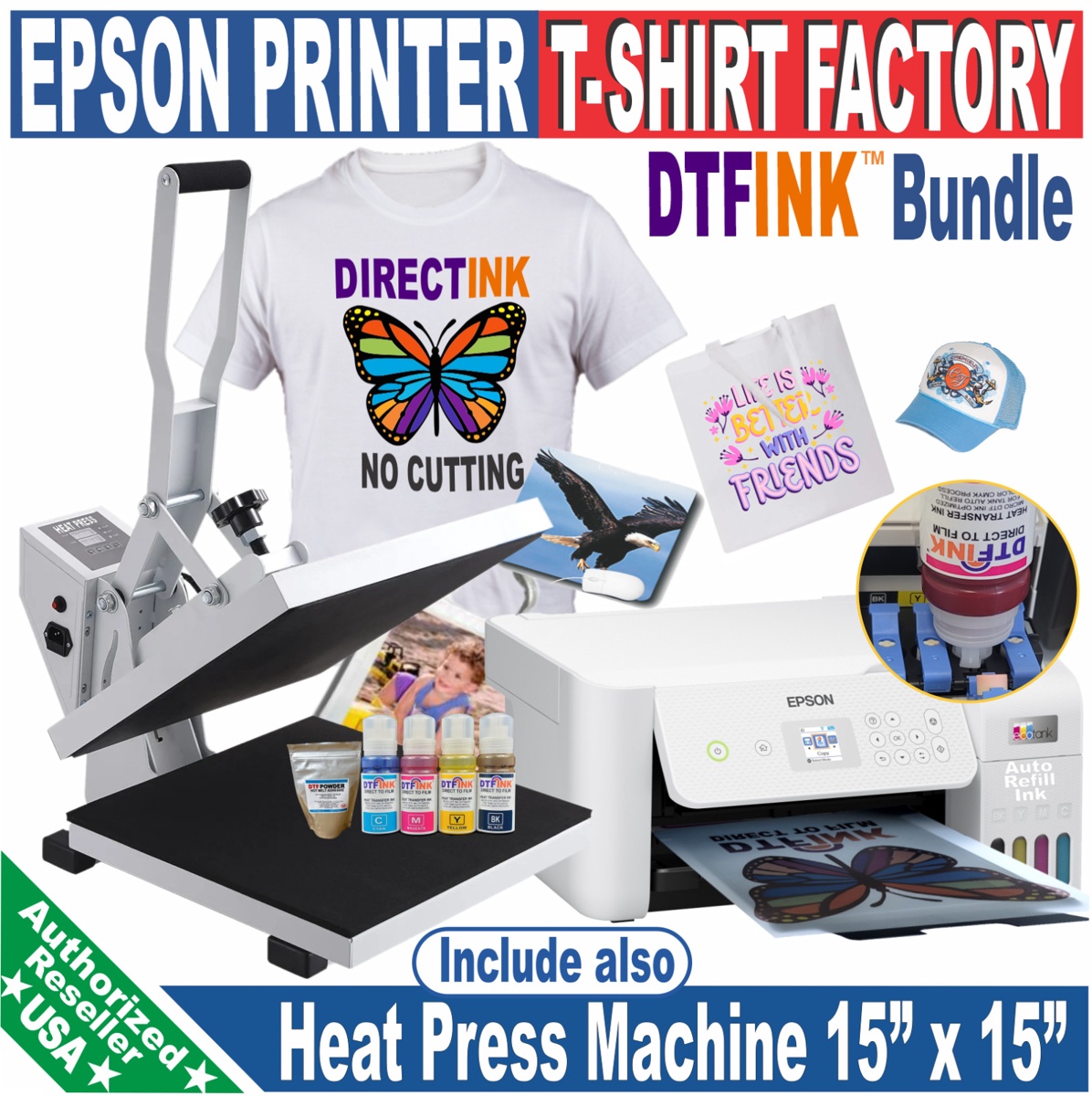

Photos from current listings. Actual item, color, and included accessories may vary.
Epson Eco Tank Buying Guide
Epson EcoTank printers replace cartridges with refillable ink reservoirs, cutting per-page ink costs dramatically for high-volume homes and small offices. The line spans basic cartridge-free all-in-ones to photo-focused and high-capacity business models, so capacity, print head type, and connectivity determine real running costs. Skipping a sizing check on tank capacity and paper handling is the most common mistake buyers make.
Key takeaways
- Refillable reservoir tanks deliver thousands of pages per fill versus 200-300 pages from standard cartridges, with lower cost per page.
- Micro Piezo print head (heat-free) handles pigment and dye inks, enabling sharp text and durable photo output without thermal wear.
- Models split into EcoTank Home (basic all-in-one), EcoTank Pro (high-yield business), and EcoTank Photo (wide-gamut six-ink) tiers.
At a glance
- Category
- Computers & Peripherals
- Status
- Listings available
- Last updated
- Nov 28, 2026
Current offers
Highlights
- Refillable reservoir tanks deliver thousands of pages per fill versus 200-300 pages from standard cartridges, with lower cost per page.
- Micro Piezo print head (heat-free) handles pigment and dye inks, enabling sharp text and durable photo output without thermal wear.
- Models split into EcoTank Home (basic all-in-one), EcoTank Pro (high-yield business), and EcoTank Photo (wide-gamut six-ink) tiers.
- Wireless, USB 2.0, and Ethernet connectivity vary by tier; borderless photo printing and ADF scanning are reserved for higher models.
Best use cases
- Best fit: households or home offices printing 200+ pages monthly choose a standard EcoTank all-in-one for low ink cost and refill simplicity.
- Best fit: small businesses with heavy document loads pick EcoTank Pro models rated for higher monthly duty cycles and faster print speeds.
- Wrong fit: buyers needing archival gallery-quality photo prints should skip basic four-ink models and choose the six-ink EcoTank Photo tier.
- Wrong fit: anyone printing fewer than 50 pages monthly rarely recoups the higher upfront price; a cartridge printer is more economical.
Buying tips
- Size the tank tier to your monthly volume: standard EcoTank suits 200-800 pages, Pro models handle higher duty cycles with larger reservoirs.
- Check print head technology: Micro Piezo heat-free heads support pigment inks for durability, unlike thermal heads that wear with heavy use.
- Prioritize connectivity needs: confirm Wi-Fi, Ethernet, and USB 2.0 ports match your network setup before choosing a model.
- Avoid assuming all EcoTank models scan and copy; entry-level single-function units print only, so confirm ADF and flatbed specs.
Specs
| Ink System | Refillable reservoir tanks (no cartridges) |
|---|---|
| Print Head | Micro Piezo heat-free |
| Tier Range | Home / Pro / Photo |
| Connectivity | Wi-Fi, USB 2.0, Ethernet (varies) |
Alternatives to compare
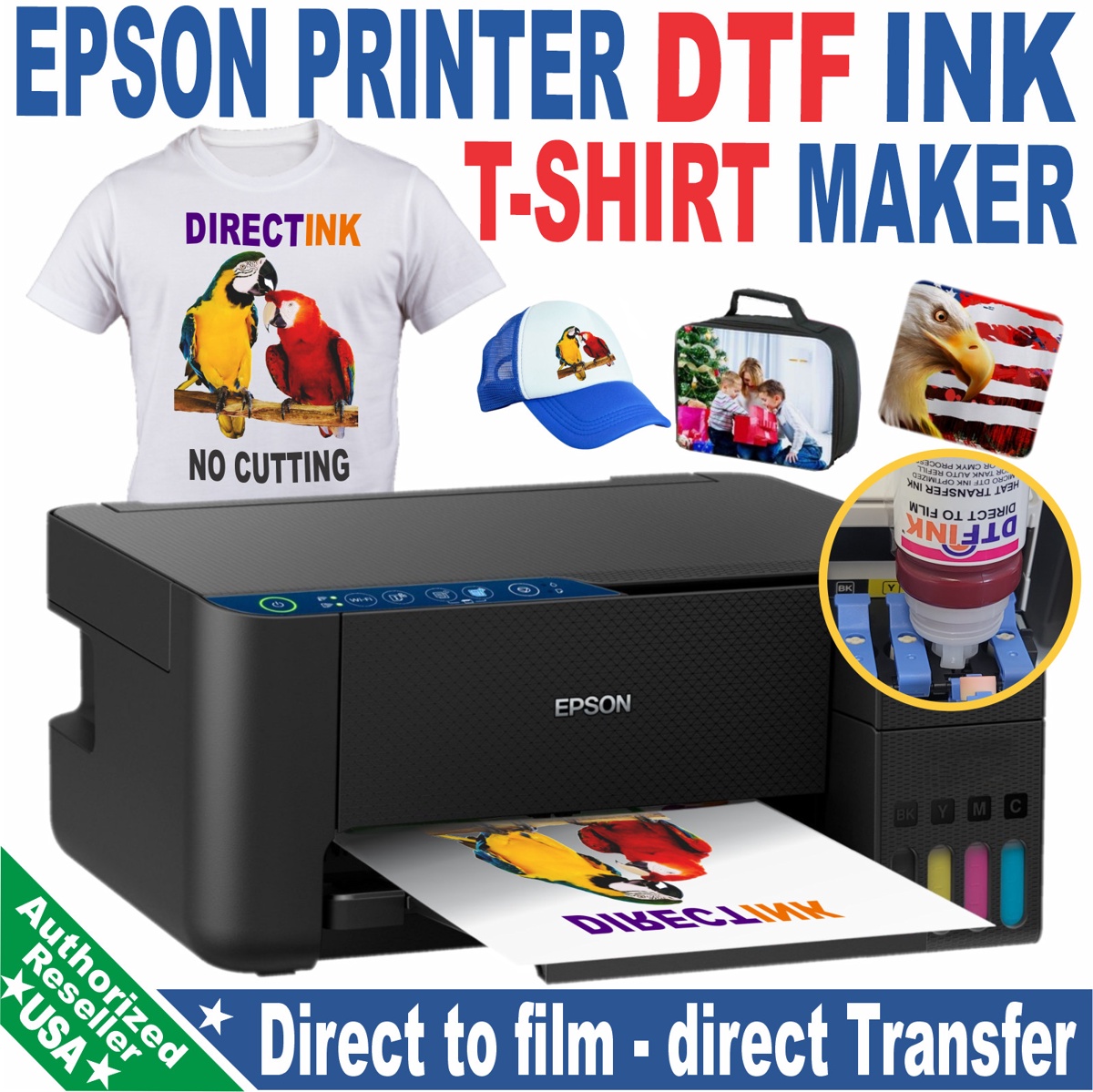
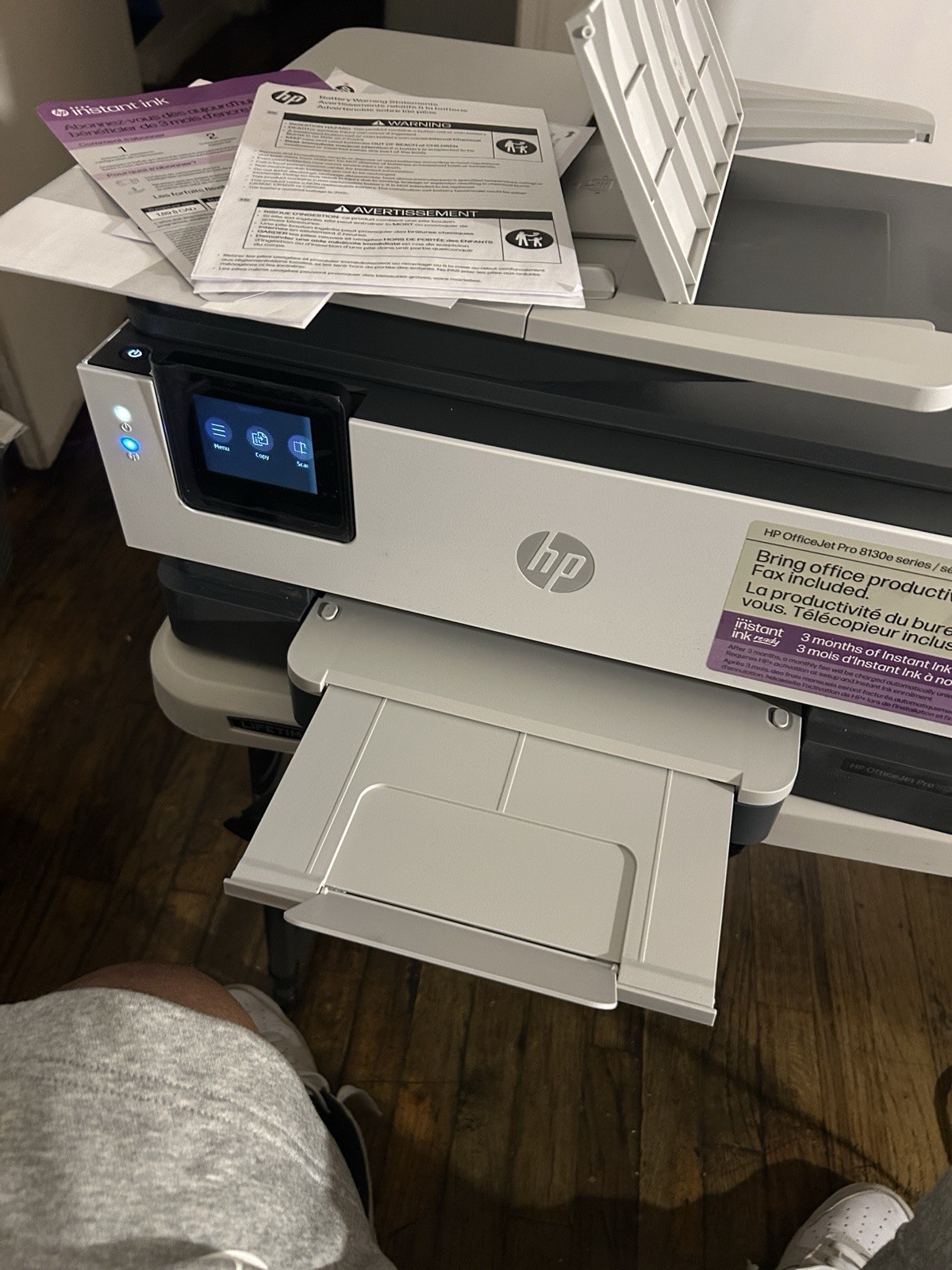
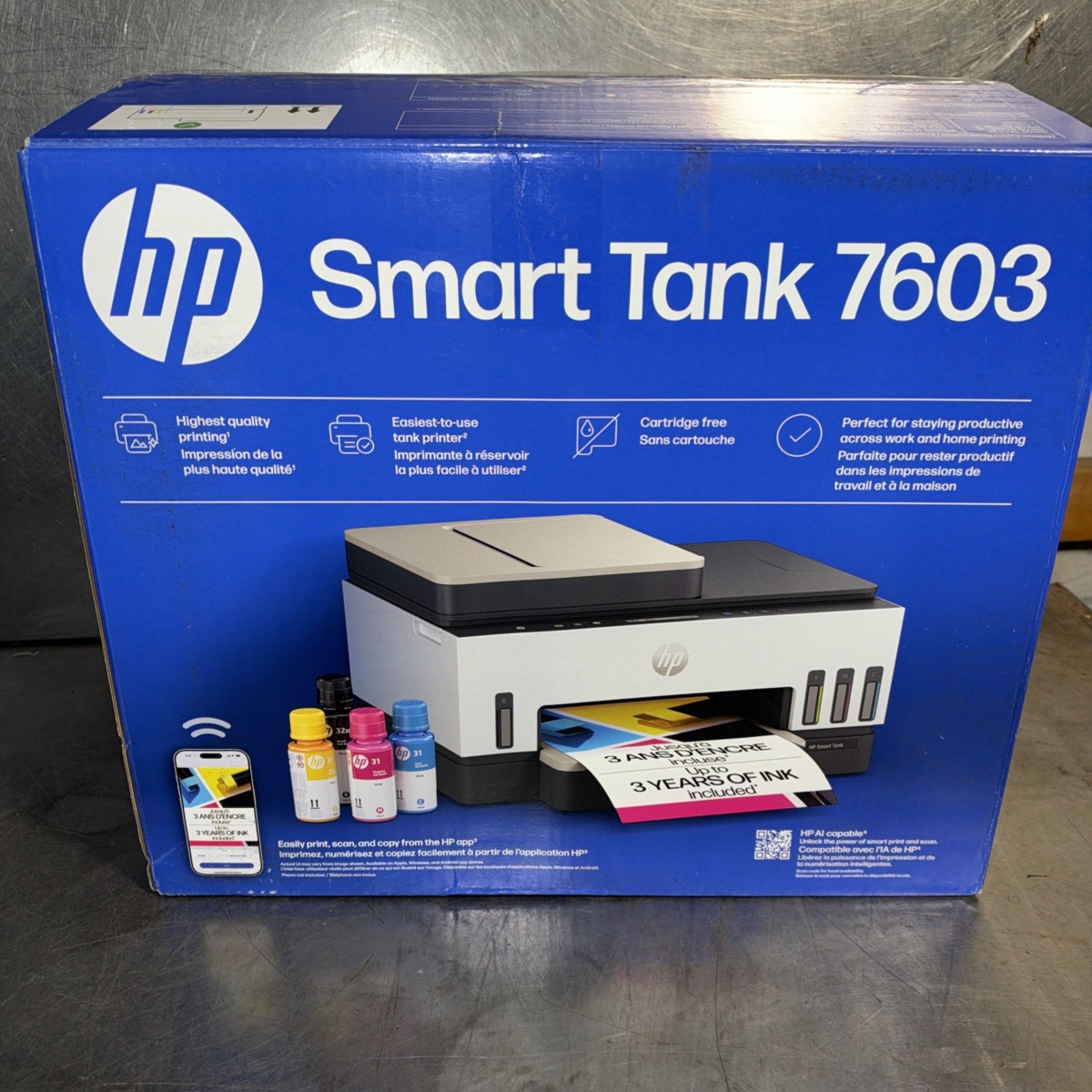
Related searches
What to check before buying
- Measure desk or shelf space against the printer's footprint and confirm clearance for the rear paper feed and front output tray.
- Verify your Wi-Fi band (2.4 GHz vs 5 GHz) and router placement, since some EcoTank models connect only on 2.4 GHz.
- Confirm voltage and plug standard match your region; Epson sells region-specific power adapters and cords.
- Check whether you need a USB cable, ink bottles, or a heat press bundle included, since bundles vary by listing.
FAQ
Data sources: eBay / Amazon listings and product attribute feeds. Updated Nov 28, 2026.
Some links on this page are affiliate links. If you buy after clicking one, we may earn a commission at no extra cost to you. This does not change which products appear here or their order. Affiliate disclosure.