
Photos from current listings. Actual item, color, and included accessories may vary.
Yoke And Throttle Buying Guide
A yoke and throttle set is a PC flight-sim control pair that replaces mouse/keyboard with a column-style yoke (pitch/roll) plus a separate throttle quadrant (1-6 levers). The core trade-off is sensor and lever quality: potentiometer yokes drift and wear, while Hall-effect or contactless sensors and metal shafts hold calibration for years. Buy a known brand with a discrete throttle quadrant and 180°+ rotation; skip no-name plastic combos with potentiometers and no clamp hardware.
Median $84.99
Key takeaways
- Logitech/Saitek Pro Flight Yoke: 180° rotation, stainless-steel yoke shaft, integrated 3-lever throttle quadrant, USB 2.0, plastic housing.
- CH Products Flight Sim Yoke (FSY211U): 144° rotation, 5-axis plus 8 buttons and POV hat, heavy-duty plastic, no throttle quadrant in base model.
- Hall-effect or contactless sensors (e.g., Honeycomb, Turtle Beach) eliminate potentiometer dead zones; potentiometer yokes need occasional recalibration.
At a glance
- Category
- Flight Sim Yokes & Throttles
- Last updated
- Nov 24, 2026
Current offers
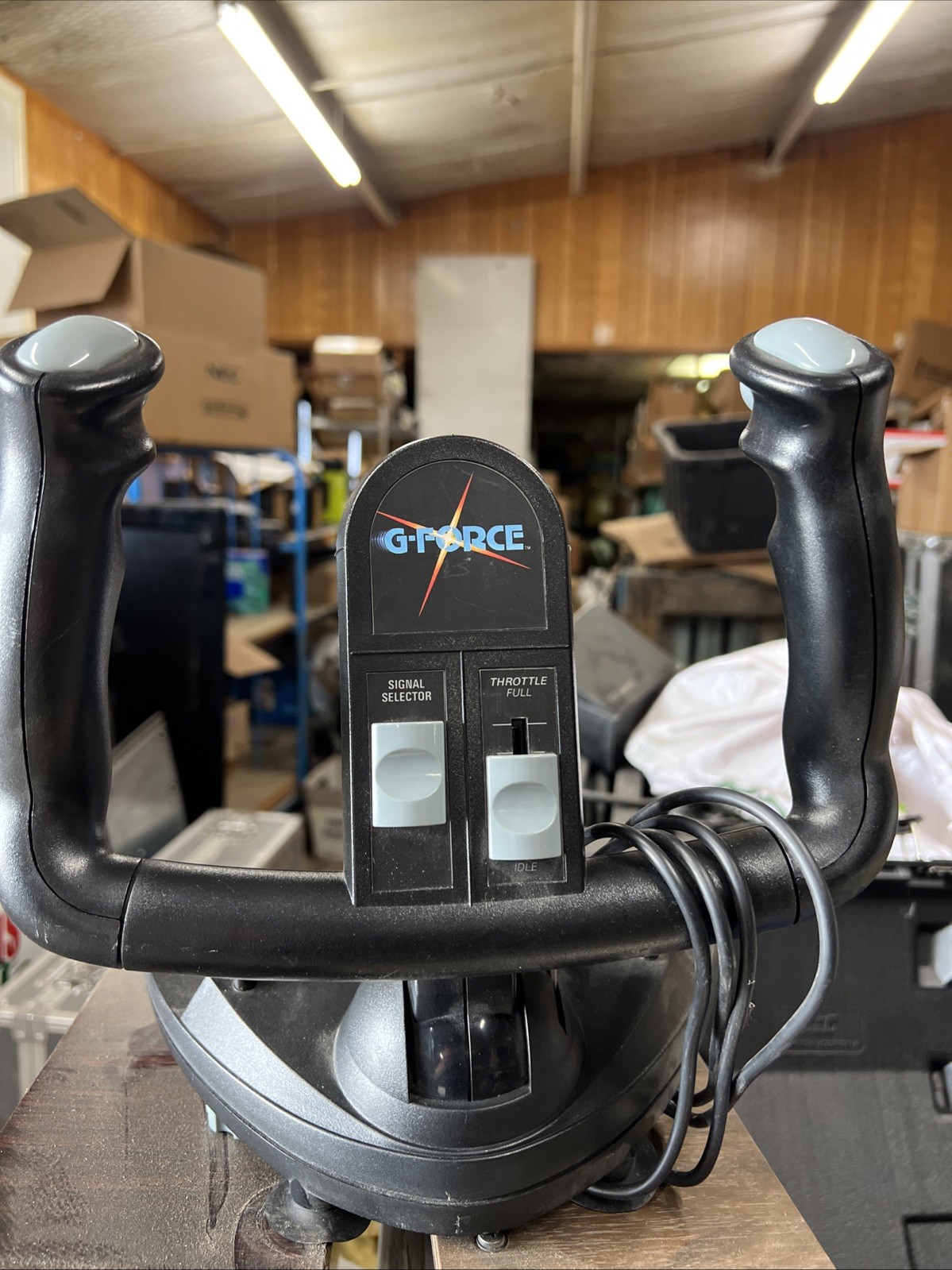 SUNCOM TECHNOLOGIES G-FORCE FLIGHT SIM YOKE~ MODEL # 96-0390$31.92View on eBay
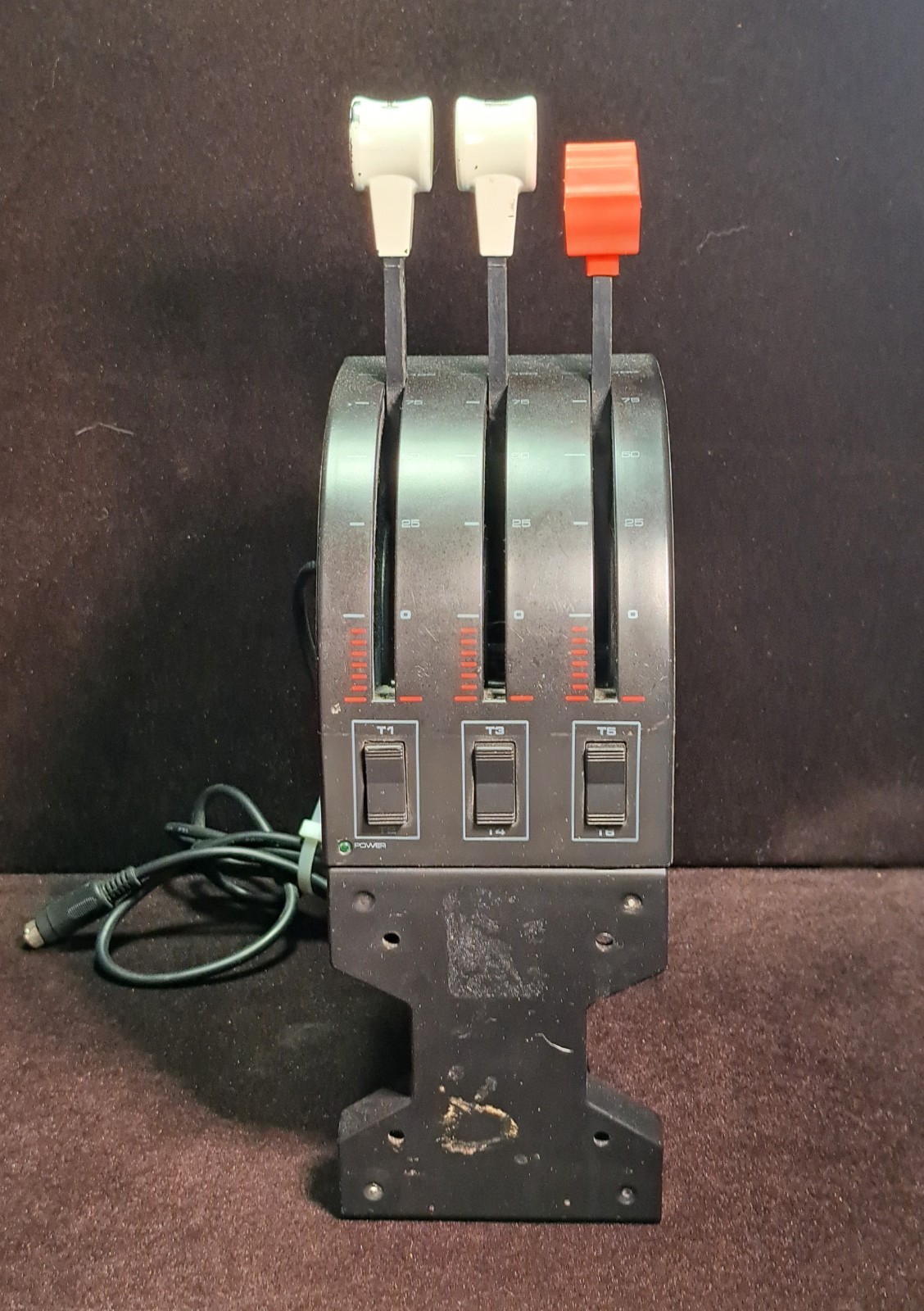 Saitek Pro Flight Yoke System Simulator Controller Throttle$35.00View on eBay
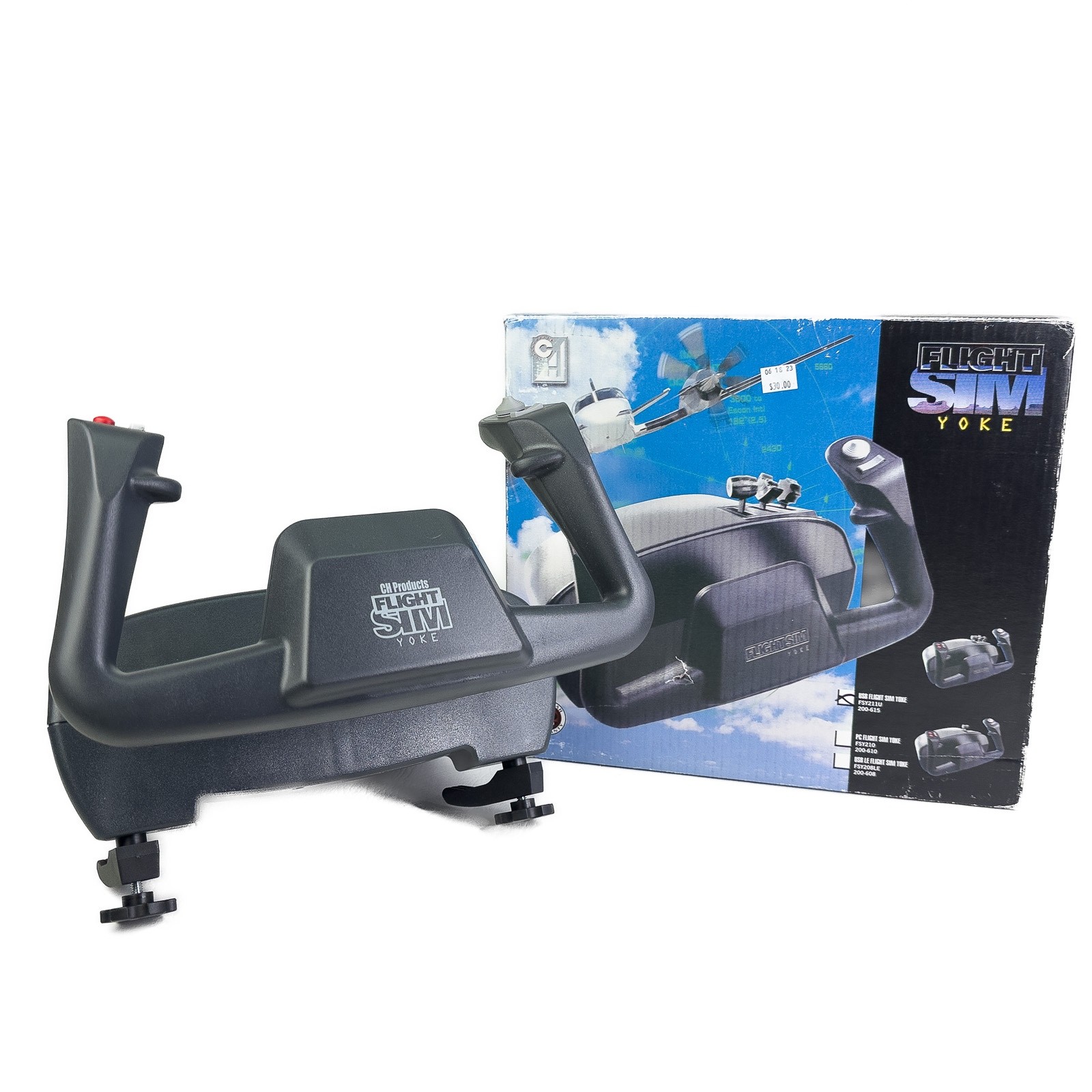 CH Products Flight Sim Yoke FSY211U USB Simulator Yoke ( No Pedals )$43.96View on eBay
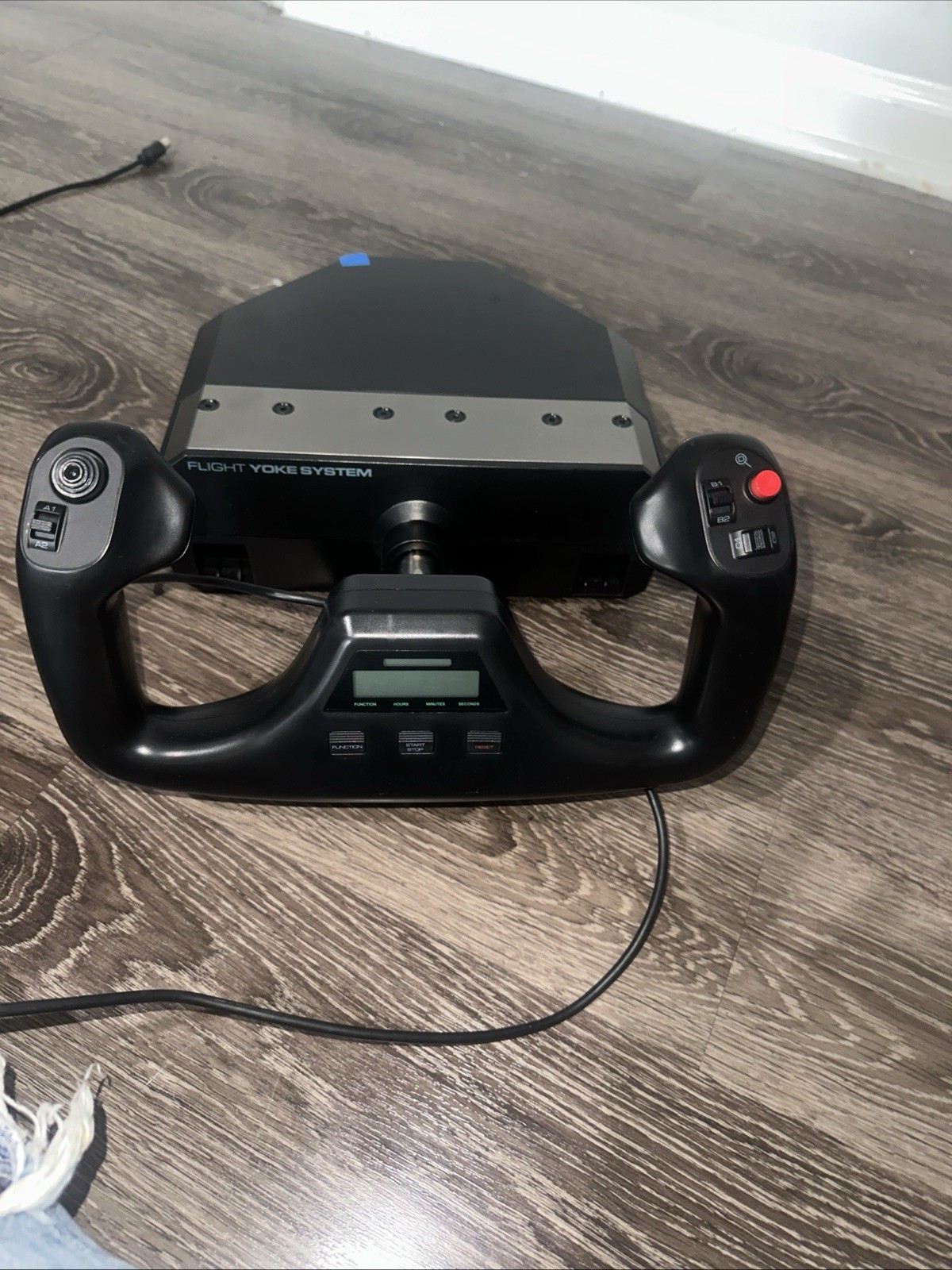 Logitech J-U0004 Flight Yoke; No Clamp$60.00View on eBay
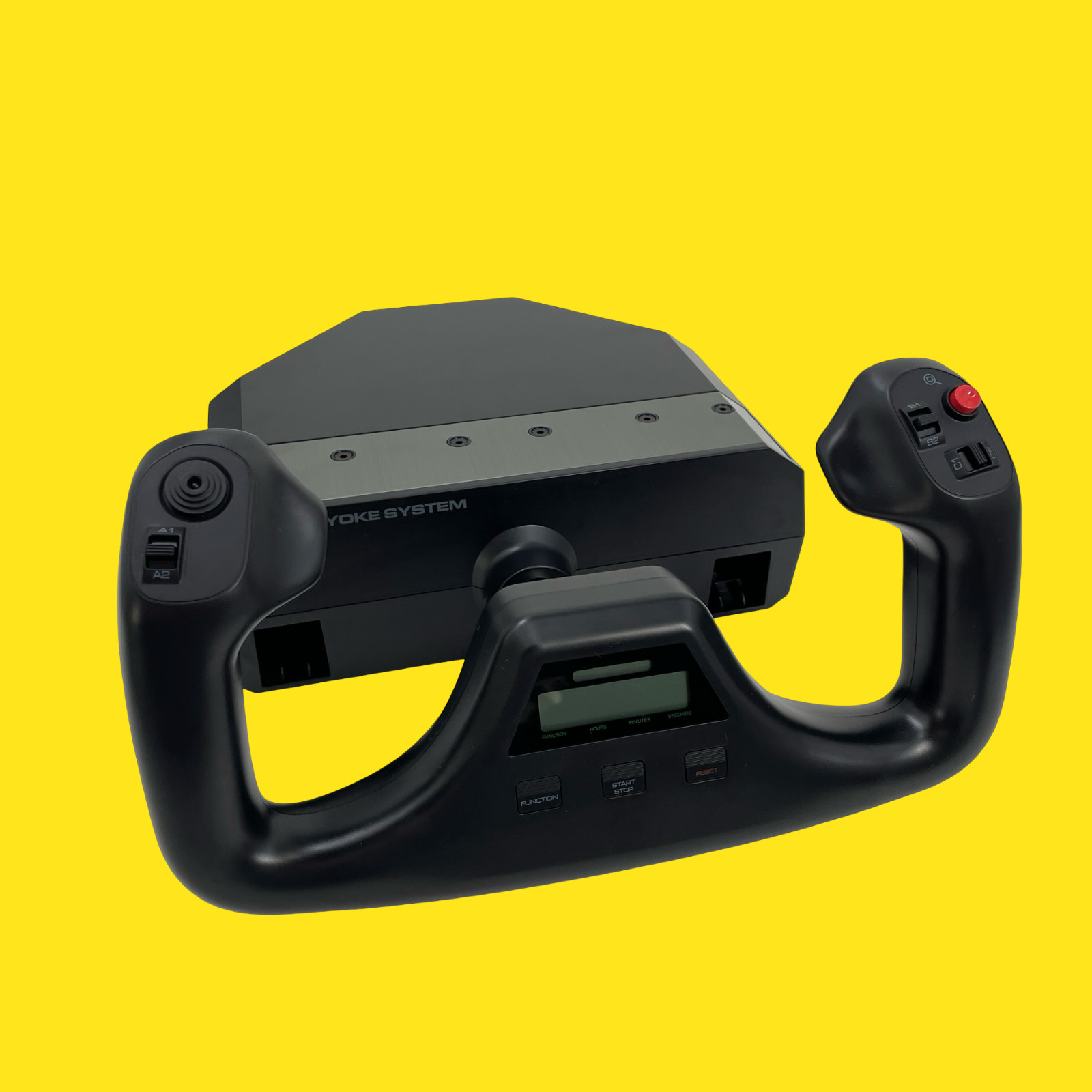 Logitech Flight Yoke System JU-0025 USB Controller Yoke Only #6939 z44/2$60.88View on eBay
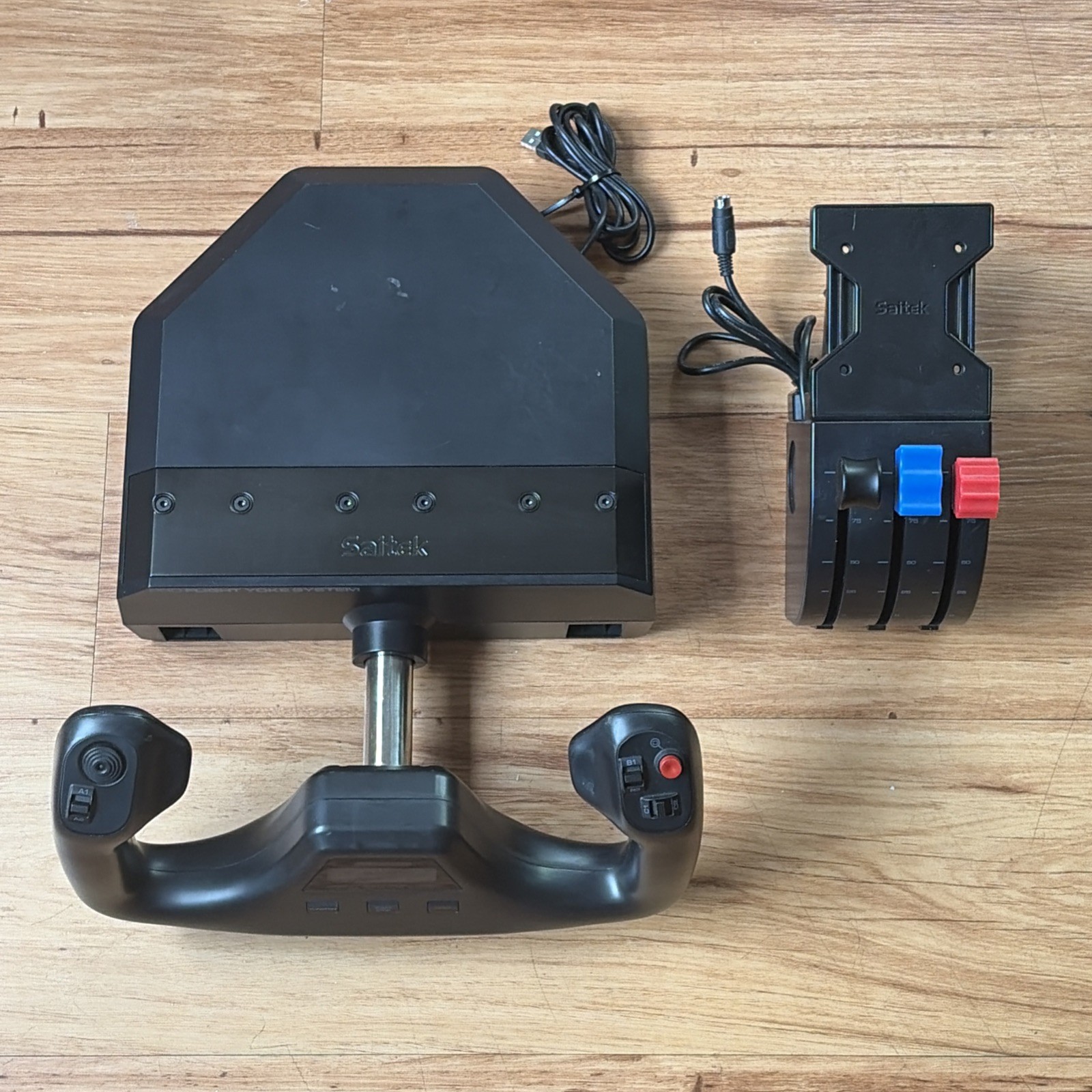 Logitech Saitek Pro Flight Yoke System Throttle Simulator (Missing Yoke Clamp)$74.95View on eBay
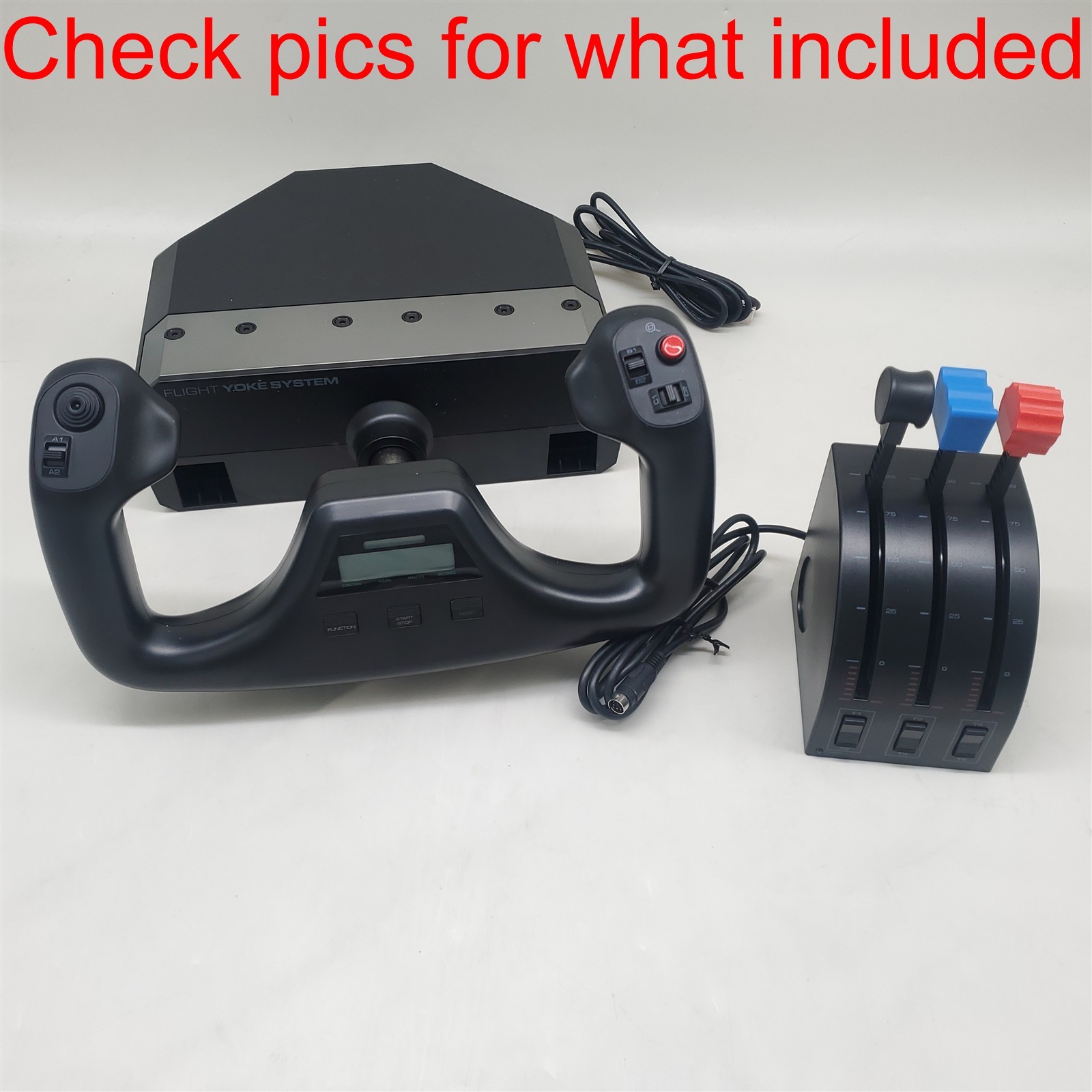 Logitech G PRO Flight Yoke System, Simulation Yoke - Black [945-000067] *READ*$76.67View on eBay
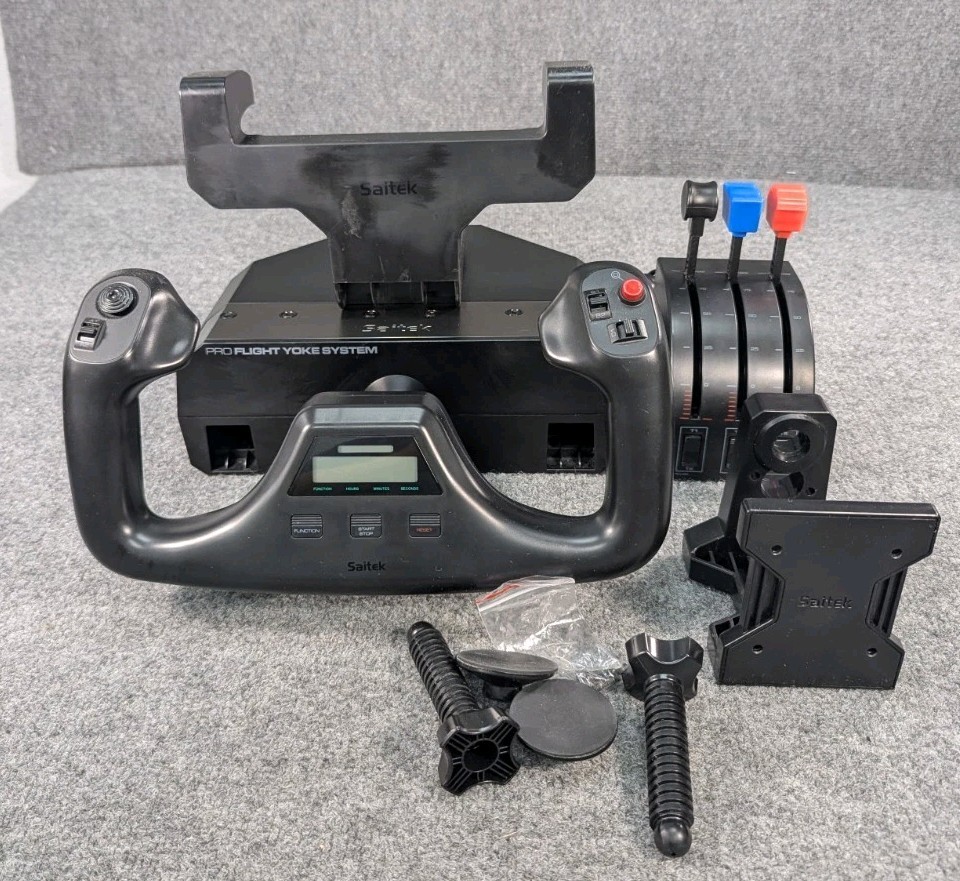 Saitek Pro Flight Yoke System w/throttle$84.99View on eBay
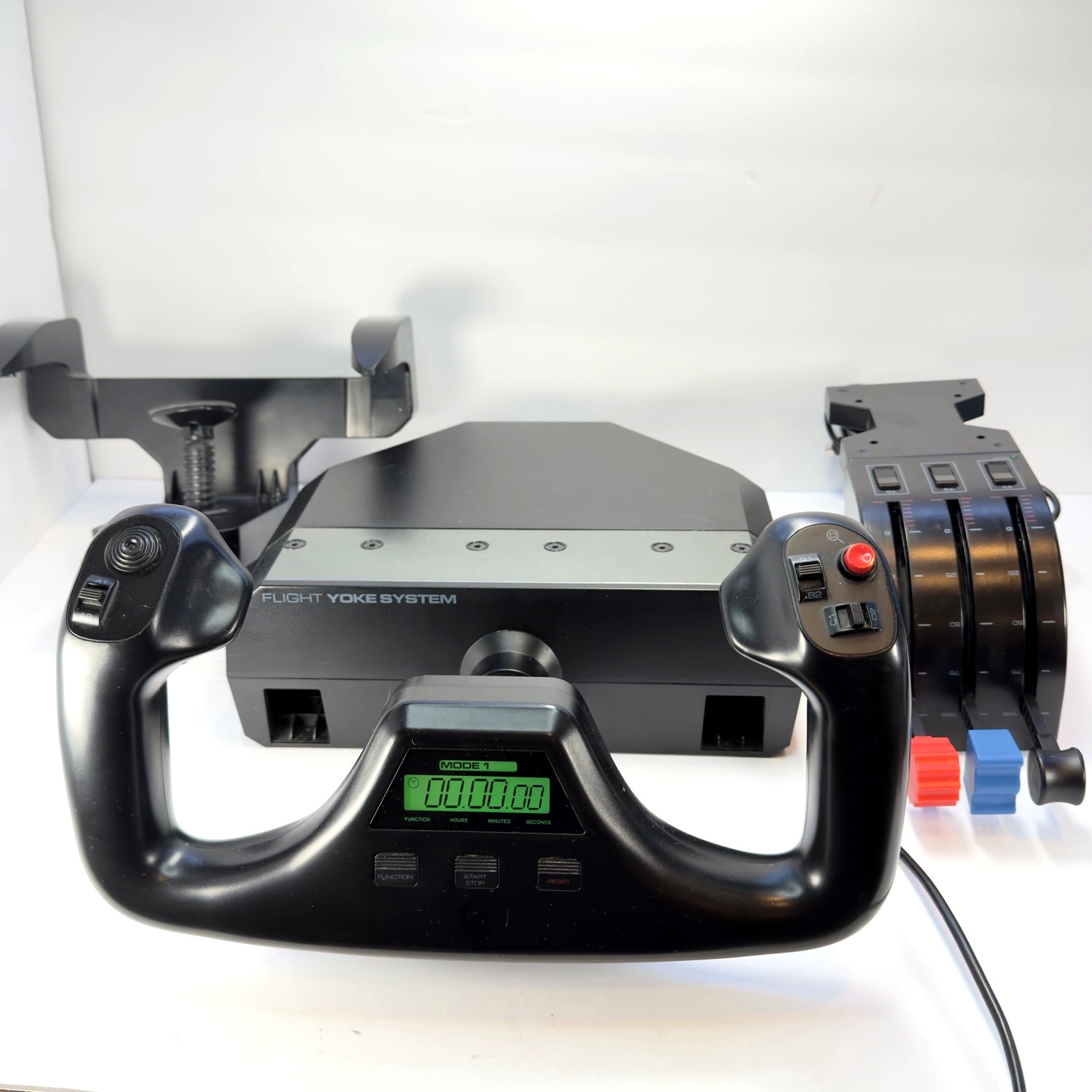 Logitech G Pro Flight Yoke System J-U0004 Throttle Quadrant PC Tested Working$109.99View on eBay
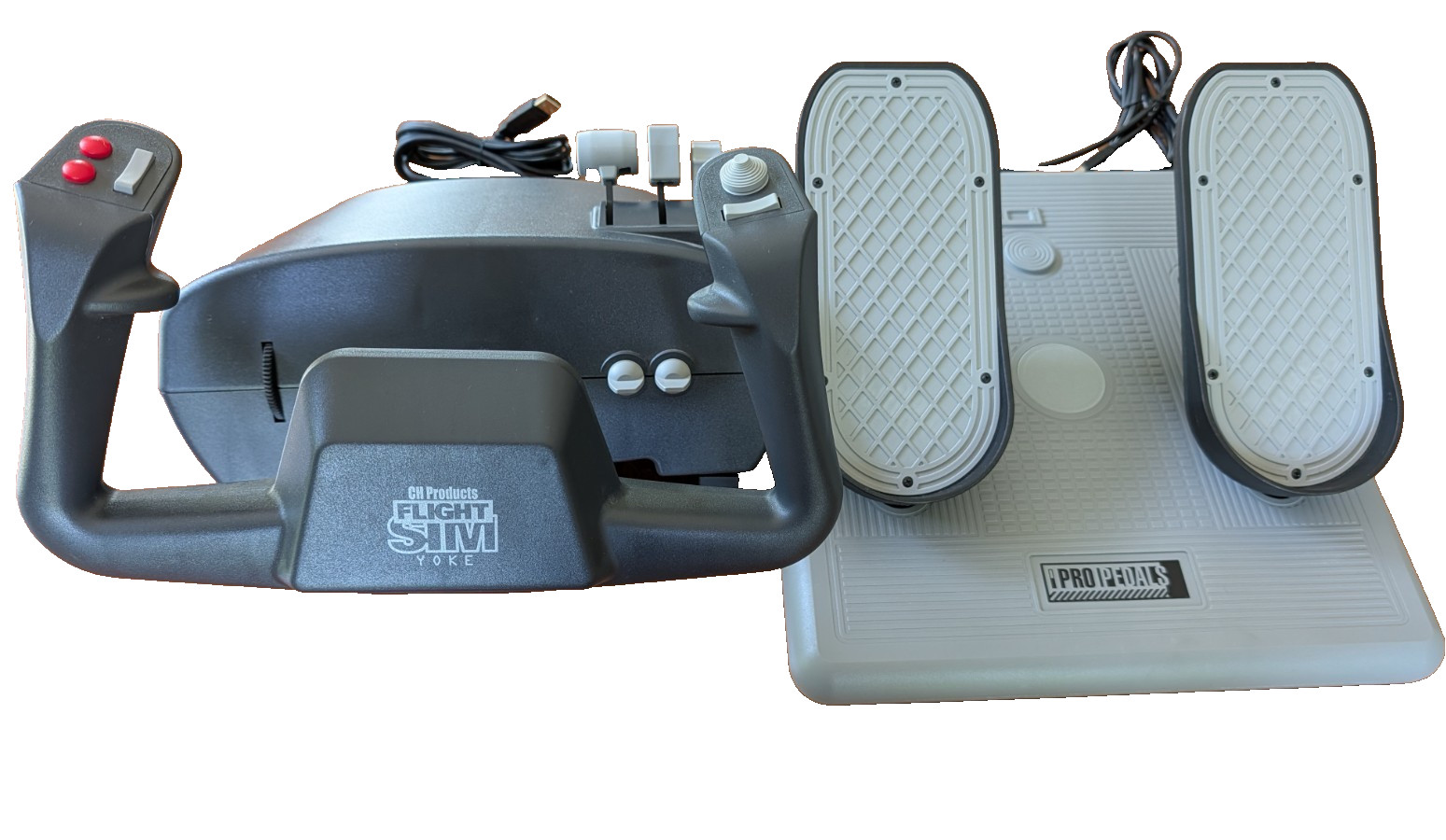 CH Products Simulator USB Flight Sim Yoke FSY211U and Pro Pedals PPU995$111.00View on eBay
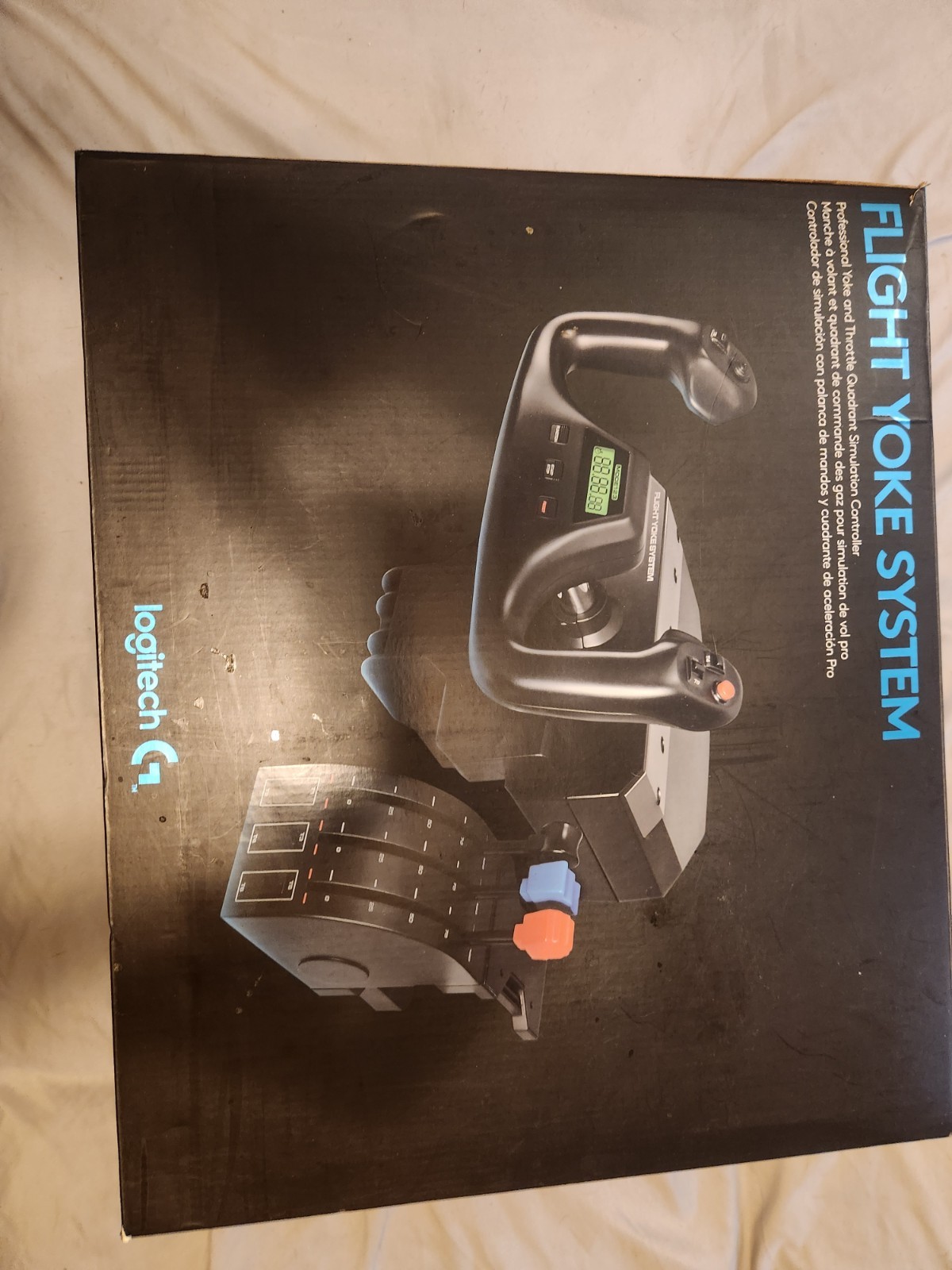 Logitech Flight Yoke System Professional Simulation Yoke and Throttle Quadrant$119.99View on eBay
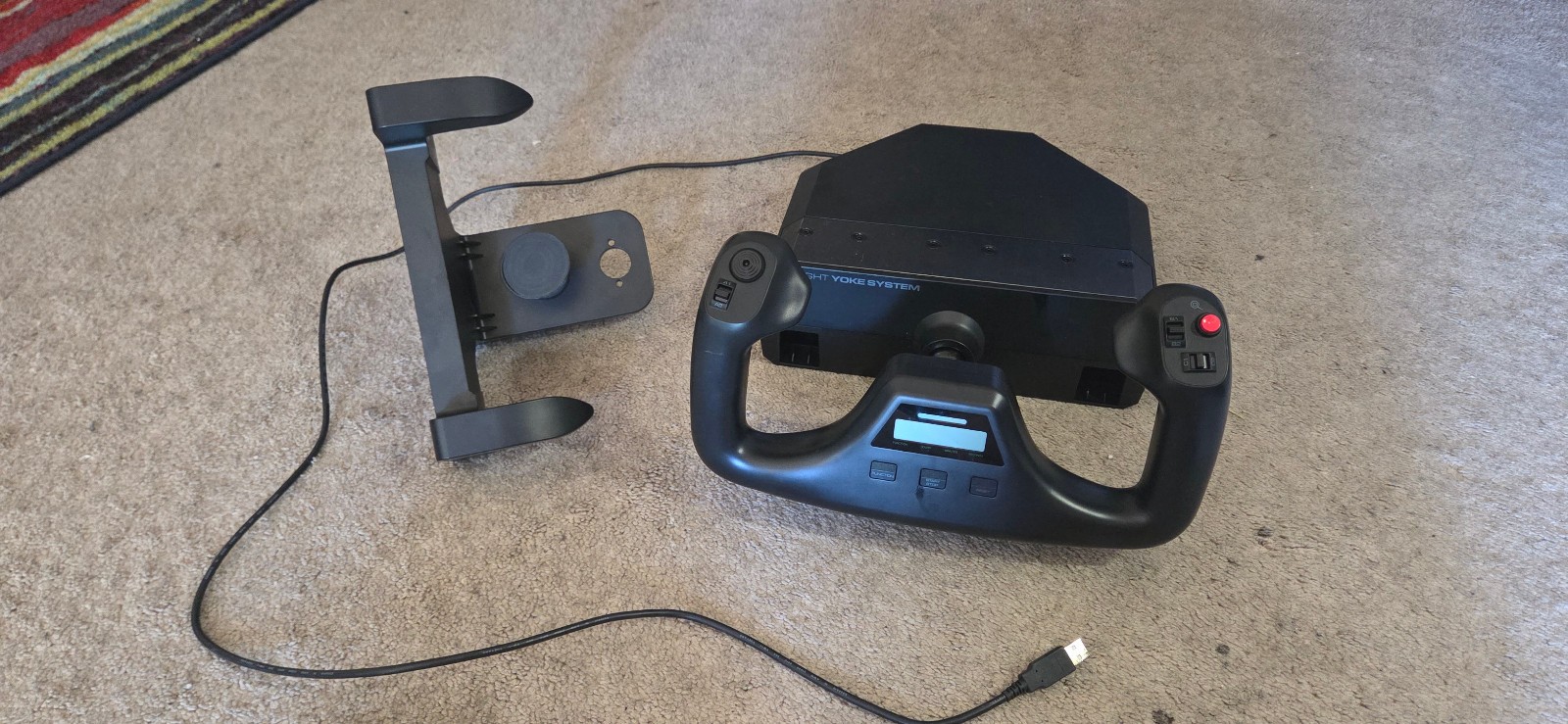 Logitech G Flight Simulator Yoke, Throttle Quadrant, Rudder Pedals, & X3D Pro$130.00View on eBay
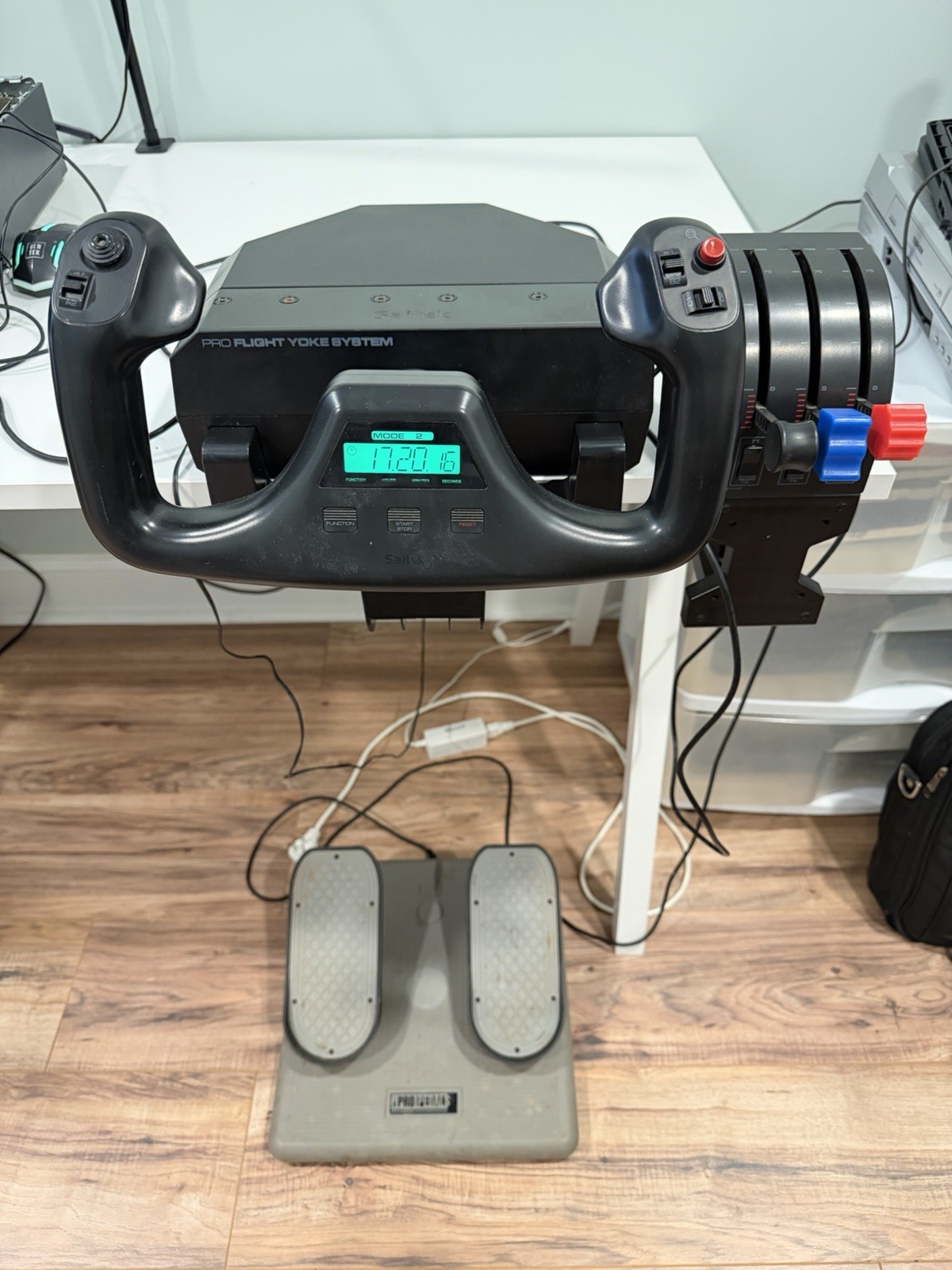 Logitech G PRO Flight Yoke System for PC - Black - VG + CH Pro Pedals$140.00View on eBay
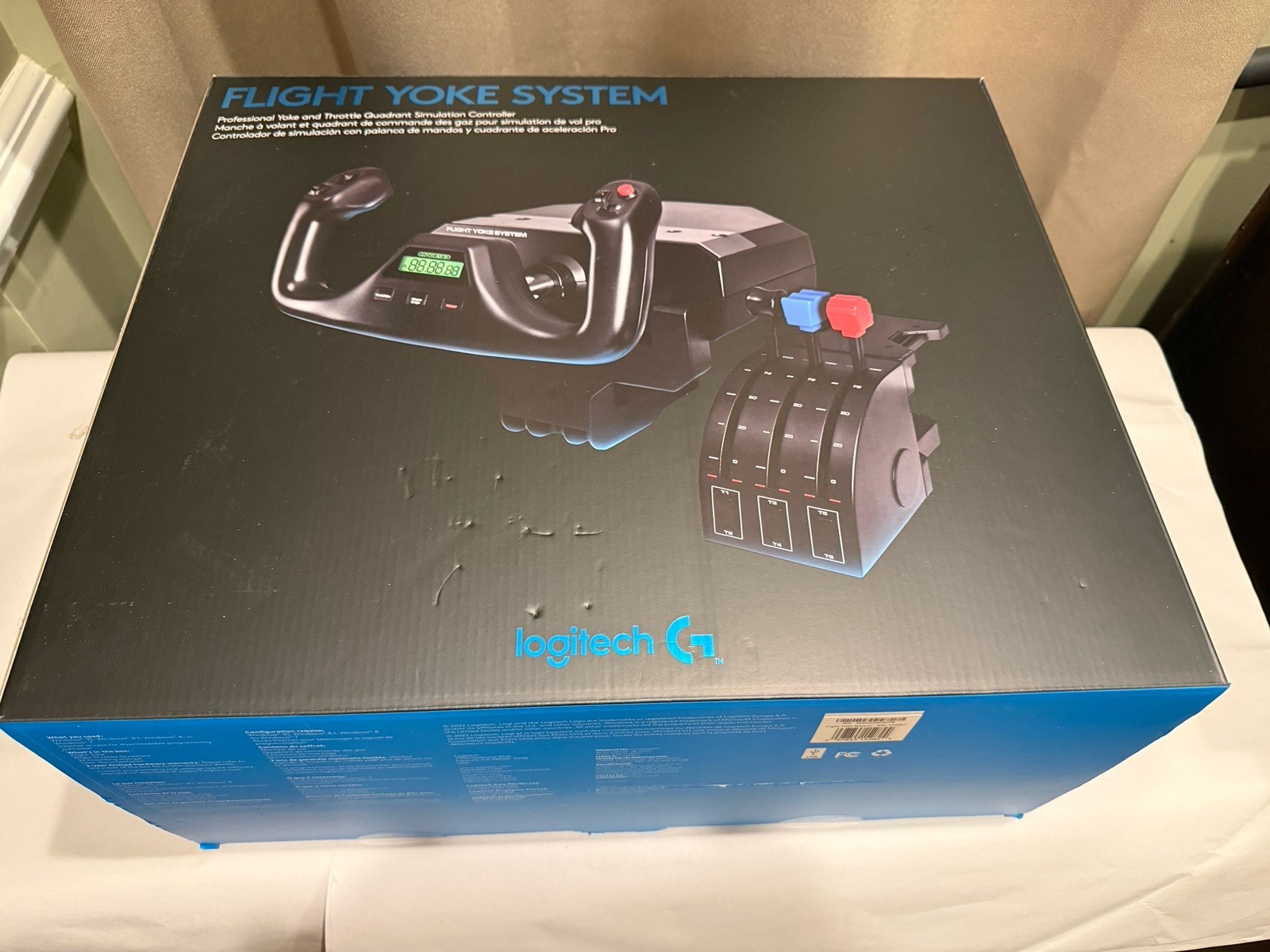 💙Logitech Saitek Pro Flight Yoke System ~JU0025 simulator Controls$199.00View on eBay
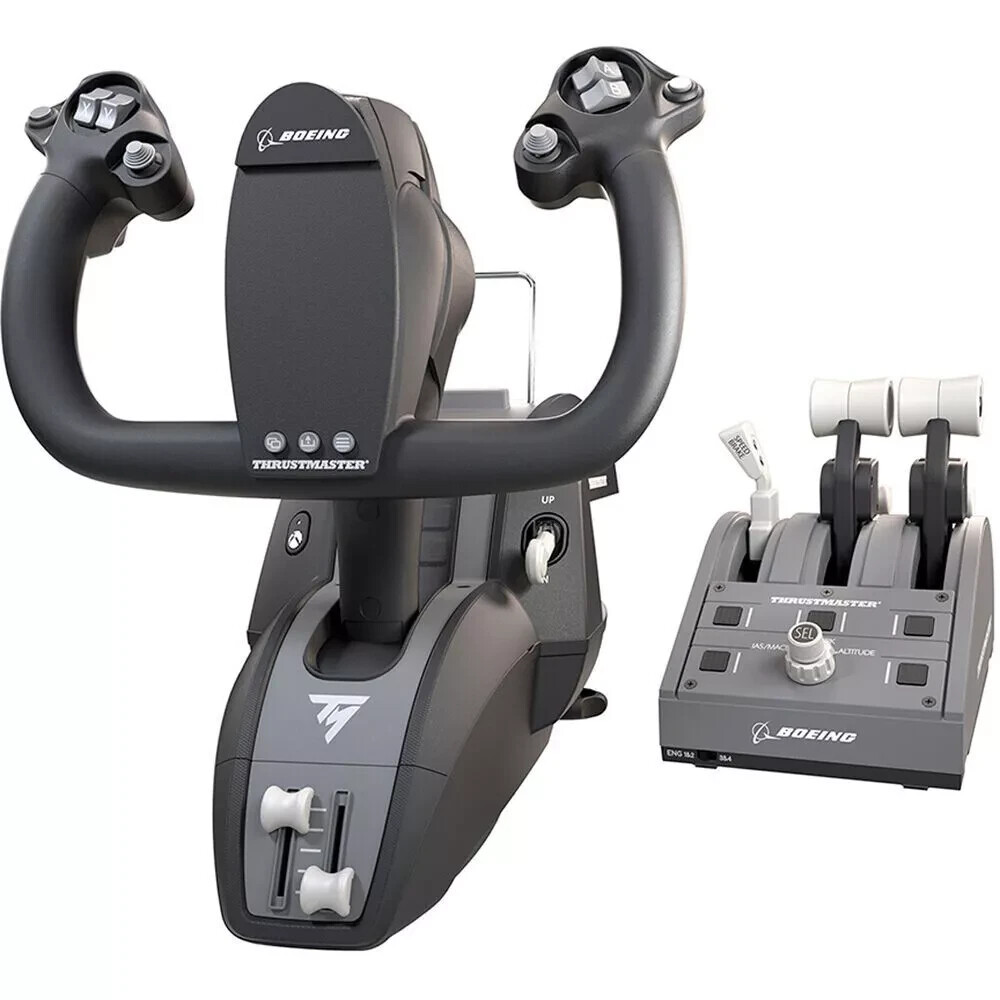 Thrustmaster TCA Yoke Pack Boeing Edition Flight Stick & Quadrant Bundle$449.99Last checked Nov 18, 2026View on eBay
Highlights
- Logitech/Saitek Pro Flight Yoke: 180° rotation, stainless-steel yoke shaft, integrated 3-lever throttle quadrant, USB 2.0, plastic housing.
- CH Products Flight Sim Yoke (FSY211U): 144° rotation, 5-axis plus 8 buttons and POV hat, heavy-duty plastic, no throttle quadrant in base model.
- Hall-effect or contactless sensors (e.g., Honeycomb, Turtle Beach) eliminate potentiometer dead zones; potentiometer yokes need occasional recalibration.
- Throttle quadrant lever count matters: 3 levers suits single/twin prop, 6 levers (airliner-style) needed for 4-engine jets and mixture/prop/speedbrake mapping.
Best use cases
- Best fit: airliner and GA cockpit builders — pick a 180° yoke with 3-lever quadrant (Logitech Pro Flight) or 6-lever airliner quadrant; skip 144° gamepads-style yokes for jet sims.
- Best fit: twin-prop and GA training — CH Products FSY211U or Saitek Pro Flight plus rudder pedals; skip bundled kits that omit pedals if you fly crosswind landings.
- Wrong fit: space-constrained desk with a monitor arm — yokes need 12+ inches of desk depth and a C-clamp lip; choose a compact sidestick instead.
- Wrong fit: console-only simmers — these are USB PC HID devices; Xbox/PS5 requires a licensed controller, not a generic yoke.
Buying tips
- Measure desk depth and lip: Logitech/Saitek yoke clamps need ~2 inches of overhang and 12 inches depth; clamp-less listings require a separate mount.
- Match lever count to aircraft: 3-lever quadrant for single/twin prop; 6-lever for 4-engine airliners; 1-lever for throttle-only setups.
- Prefer stainless-steel yoke shafts and Hall-effect sensors; all-plastic potentiometer yokes develop center dead zones after heavy use.
- Confirm USB 2.0 HID plug-and-play and Windows/XP-11/MSFS compatibility; avoid serial (gameport) legacy units like vintage Suncom.
Specs
| Yoke Rotation | 144° to 180° |
|---|---|
| Throttle Levers | 1 to 6 levers |
| Sensor Type | Potentiometer vs Hall-effect |
| Connection | USB 2.0 HID (PC) |
Related searches
What to check before buying
- Desk or rig surface at least 12 in deep with a 2 in front lip for C-clamp mounting.
- Rudder pedals purchased separately if you fly coordinated turns and crosswinds.
- USB-A port available (USB 2.0 is sufficient); no driver disc needed for HID mode.
- Sim platform supports axis mapping: MSFS, X-Plane 11/12, Prepar3D, or FSX.
FAQ
Data sources: eBay / Amazon listings and product attribute feeds. Updated Nov 24, 2026.
Some links on this page are affiliate links. If you buy after clicking one, we may earn a commission at no extra cost to you. This does not change which products appear here or their order. Affiliate disclosure.