
Photos from current listings. Actual item, color, and included accessories may vary.
Flight Simulator Yoke Buying Guide
A flight simulator yoke is a USB HID controller that replaces the mouse/keyboard with a wheel-and-column assembly for pitch/roll, usually paired with a throttle quadrant. The core trade-off is plastic bushing/gear-driven internals versus metal bearings and Hall-effect sensors: entry yokes use potentiometers and plastic sliders that wear and spike, while durable units use contactless sensing and metal shafts. The decision rule: buy a Hall-effect or metal-shaft yoke with a clamp-compatible desk and separate pedals if you fly IFR procedures; skip plastic-potentiometer bundles only if you need long-term centering accuracy.
Median $92.98
Key takeaways
- Logitech G Saitek Pro Flight Yoke uses plastic gears and potentiometers; the newer G Pro Flight Yoke System adds a thicker clamp and revised internal lubrication but keeps the same sensor type.
- CH Products FSY211U uses a metal shaft and heavy-duty potentiometers in a compact desktop housing; the PPU995 pedals are a separate USB device, not daisy-chained.
- Saitek/Logitech Pro Flight throttle quadrants are standalone USB units with three levers plus rocker switches; they can be mixed with other brands in Windows as separate game controllers.
At a glance
- Category
- Flight Sim Yokes & Throttles
- Last updated
- Nov 24, 2026
Current offers
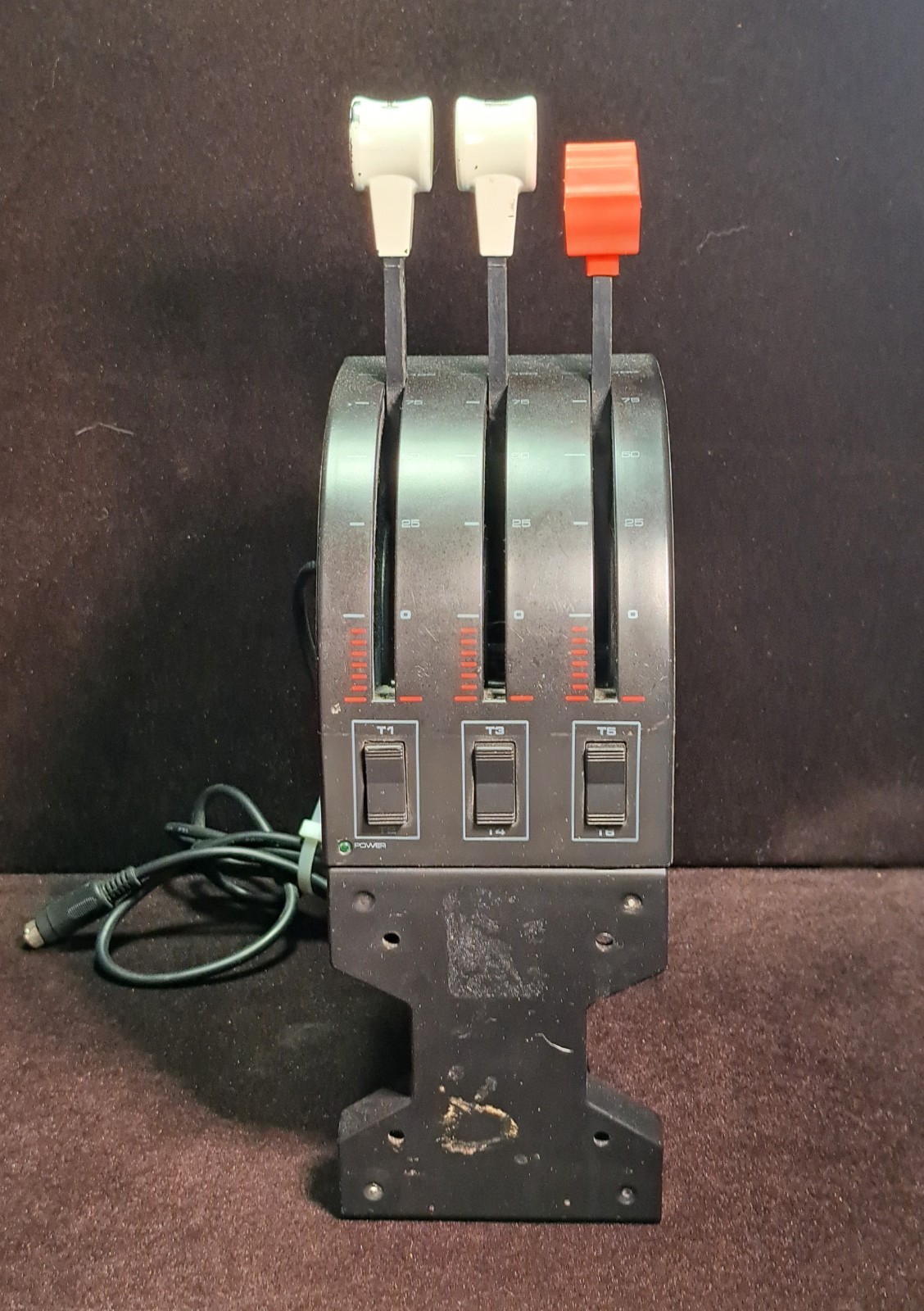 Saitek Pro Flight Yoke System Simulator Controller Throttle$35.00View on eBay
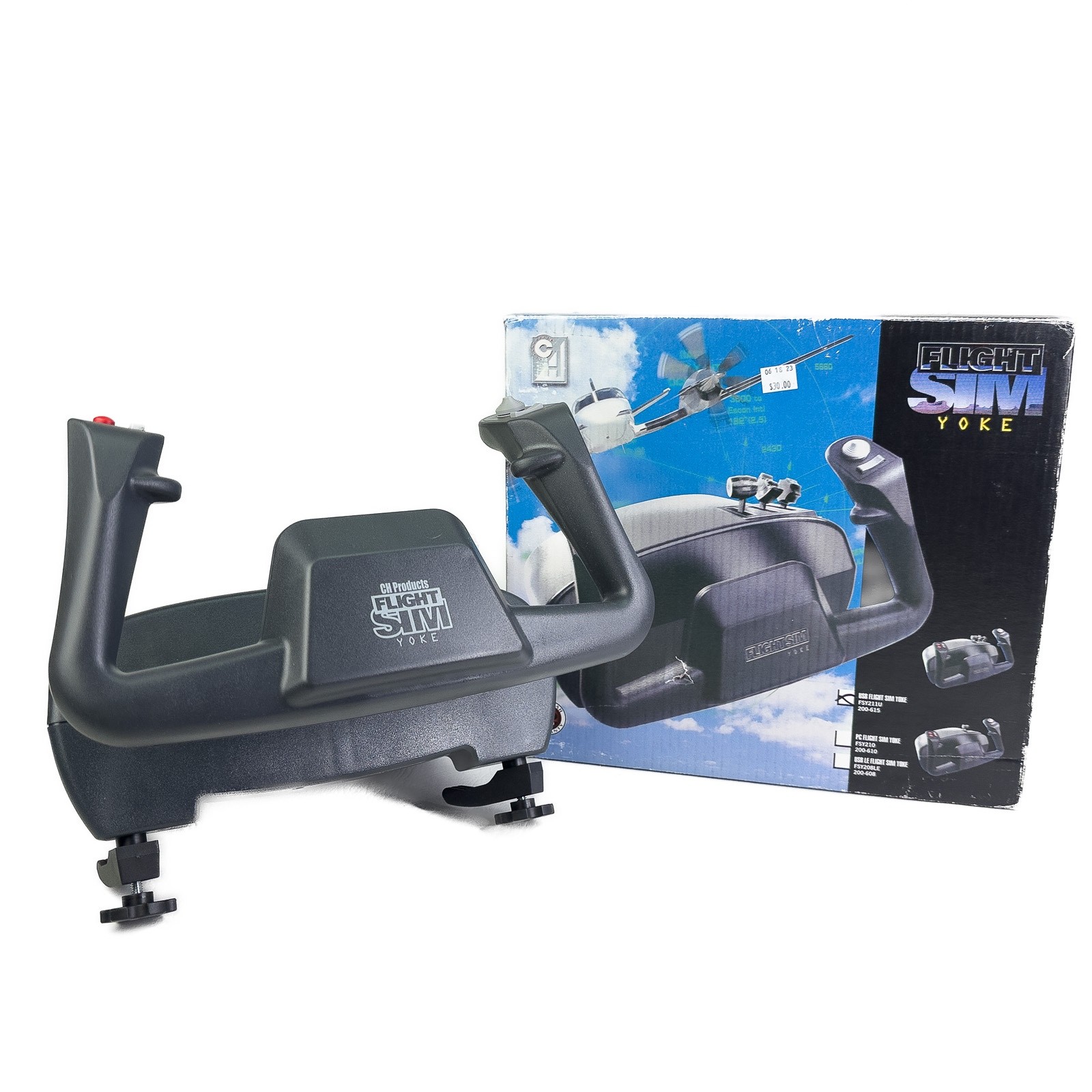 CH Products Flight Sim Yoke FSY211U USB Simulator Yoke ( No Pedals )$43.96View on eBay
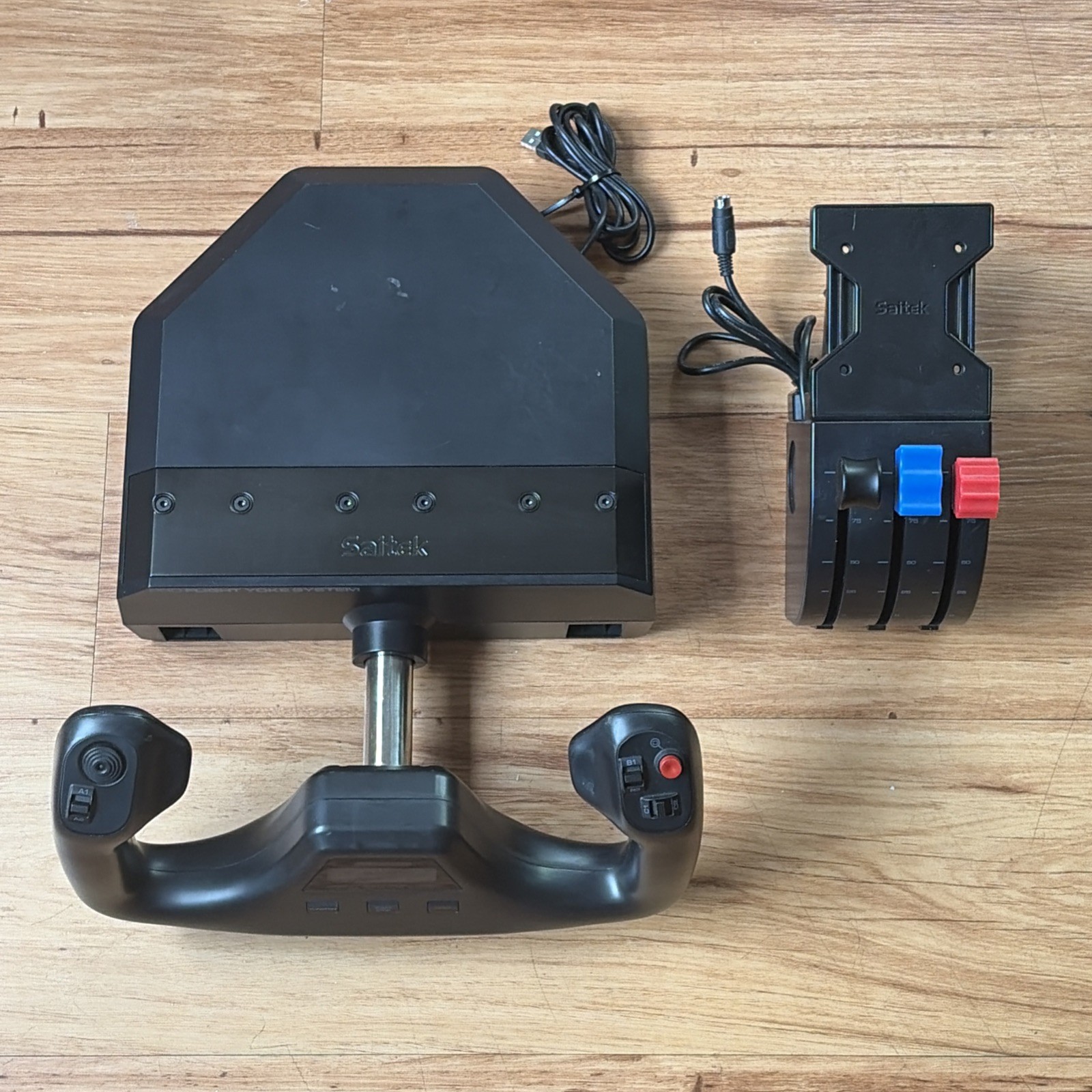 Logitech Saitek Pro Flight Yoke System Throttle Simulator (Missing Yoke Clamp)$74.95View on eBay
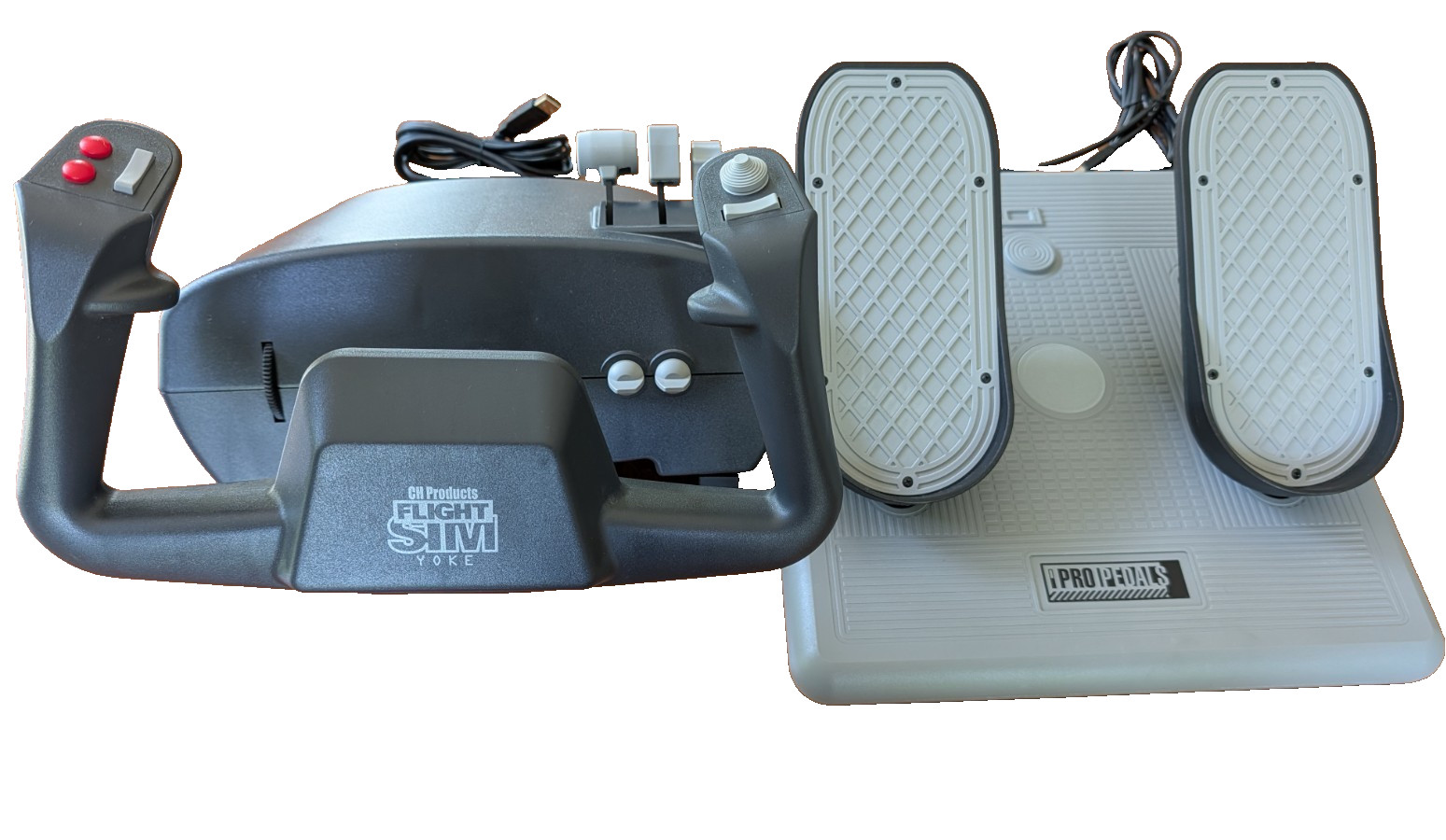 CH Products Simulator USB Flight Sim Yoke FSY211U and Pro Pedals PPU995$111.00View on eBay
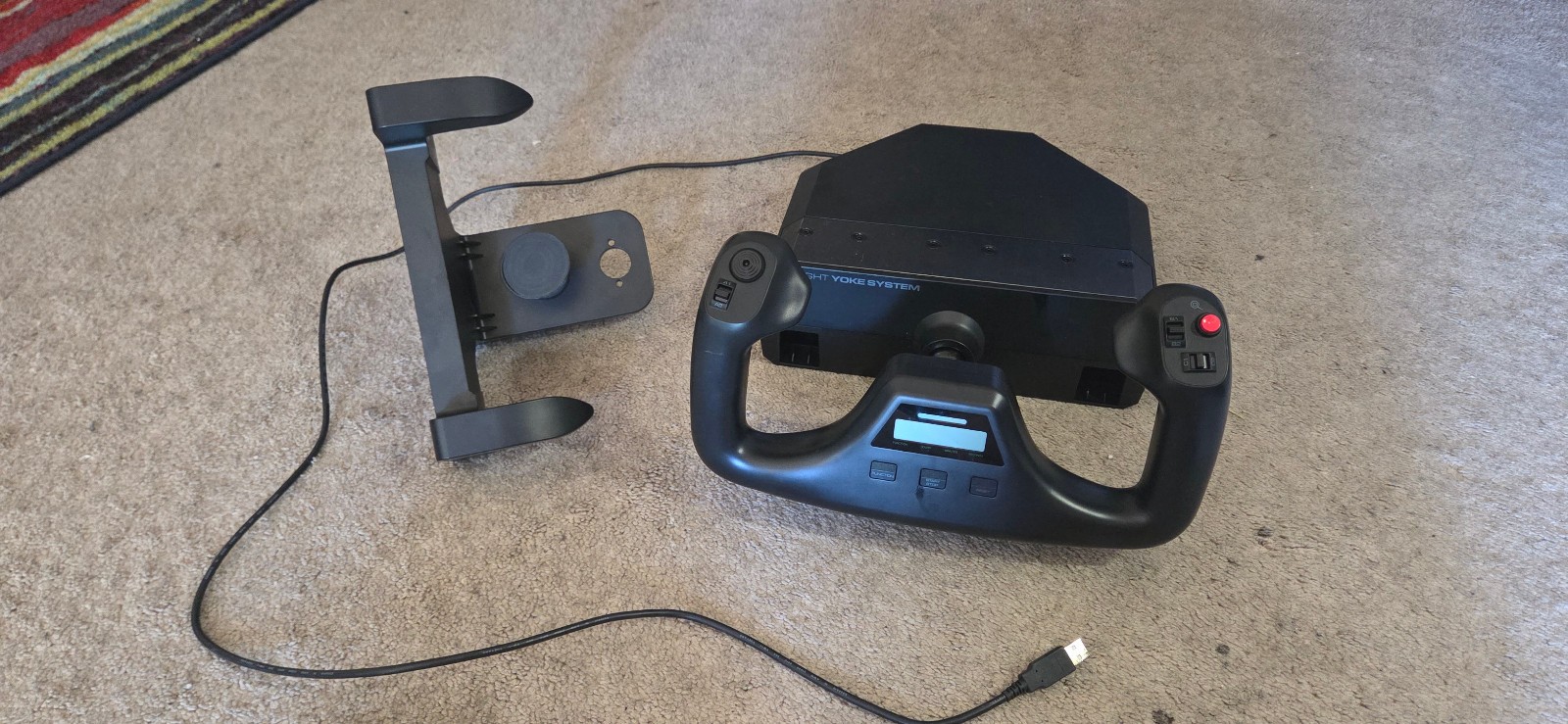 Logitech G Flight Simulator Yoke, Throttle Quadrant, Rudder Pedals, & X3D Pro$130.00View on eBay
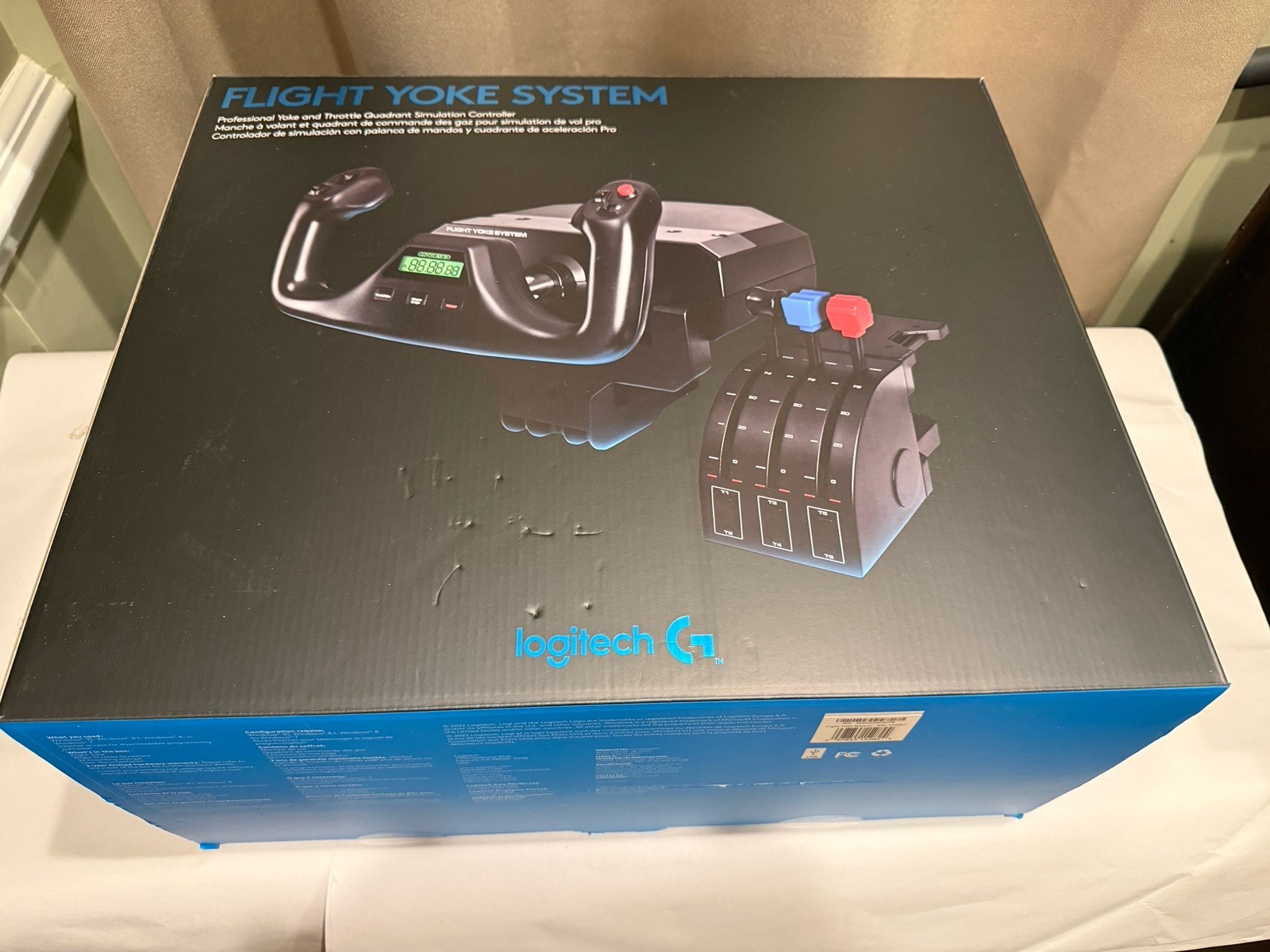 💙Logitech Saitek Pro Flight Yoke System ~JU0025 simulator Controls$199.00View on eBay
Highlights
- Logitech G Saitek Pro Flight Yoke uses plastic gears and potentiometers; the newer G Pro Flight Yoke System adds a thicker clamp and revised internal lubrication but keeps the same sensor type.
- CH Products FSY211U uses a metal shaft and heavy-duty potentiometers in a compact desktop housing; the PPU995 pedals are a separate USB device, not daisy-chained.
- Saitek/Logitech Pro Flight throttle quadrants are standalone USB units with three levers plus rocker switches; they can be mixed with other brands in Windows as separate game controllers.
- Hall-effect yokes (e.g., Honeycomb Alpha/Bravo class) eliminate potentiometer dead zones and drift but require a 6–8 cm desk edge for their metal clamp; plastic clamp yokes need 3–5 cm.
Best use cases
- Best fit: airliner and GA IFR practice — pick a yoke with a separate USB throttle quadrant and add rudder pedals; the Logitech/Saitek bundle covers this at entry tier, CH Products for compact desks.
- Best fit: desktop space under 60 cm wide — choose the CH Products FSY211U footprint (approx. 30 cm wide) over the Logitech yoke (approx. 40 cm wide) and mount the throttle beside the keyboard.
- Wrong fit: combat sims and helicopters — a yoke's 90-degree roll travel and self-centering spring fight rapid cyclic input; use a joystick instead.
- Wrong fit: shared or temporary desk — skip heavy metal-clamp yokes if the desk edge is glass or under 2 cm thick; use a lap-board or clamp-free compact yoke.
Buying tips
- Match sensor type to use: potentiometer yokes are fine for casual VFR; for IFR and long sessions choose Hall-effect or metal-shaft units to avoid spiking and dead zones.
- Count USB ports: yoke, throttle quadrant, and pedals are usually three separate USB devices; budget a powered hub if the PC has fewer than four free ports.
- Check clamp range before buying: plastic clamps grip 1–5 cm desk edges, metal clamps 1–8 cm; measure desk thickness and lip depth first.
- Buy pedals as a separate USB unit rather than expecting a daisy-chain; CH PPU995 and Logitech rudder pedals each enumerate independently in Windows.
Specs
| Sensor Type | Potentiometer vs Hall-effect |
|---|---|
| Yoke Travel | 180° roll / 90° pitch typical |
| Clamp Range | Plastic 1–5 cm; metal 1–8 cm |
| USB Devices | Yoke + throttle + pedals = 3 HID |
Related searches
What to check before buying
- Measure desk width and edge thickness: a yoke needs 35–45 cm of width and a clampable lip of at least 1 cm (plastic) or 2 cm (metal).
- Confirm PC USB-A ports and Windows 10/11 game-controller support; all major yokes are driverless HID, but powered hubs help with three-device setups.
- Verify sim compatibility: MSFS 2020/2024, X-Plane 11/12, and Prepar3D map yoke axes natively; older sims may need manual axis assignment.
- Plan for pedal placement: rudder pedals need 40–50 cm of floor depth and a non-slip surface; carpet grips better than hard tile.
FAQ
Data sources: eBay / Amazon listings and product attribute feeds. Updated Nov 24, 2026.
Some links on this page are affiliate links. If you buy after clicking one, we may earn a commission at no extra cost to you. This does not change which products appear here or their order. Affiliate disclosure.