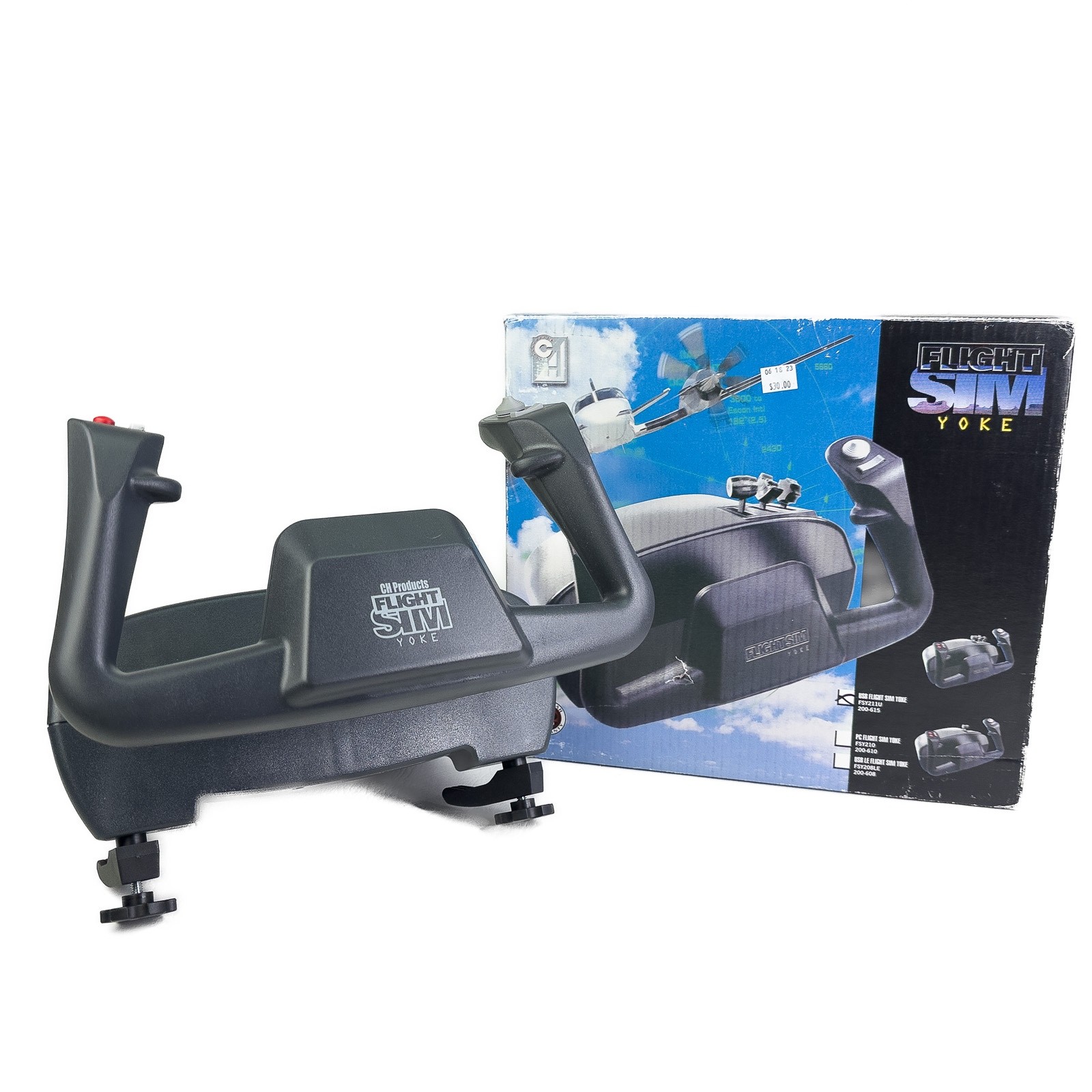

Photos from current listings. Actual item, color, and included accessories may vary.
Flight Simulator USB Yoke Buying Guide
A flight simulator USB yoke is a plug-and-play control column that replaces mouse-and-keyboard input with a spring-centered pitch/roll axis and integrated button/hat cluster, primarily defined by sensor type (potentiometer vs Hall-effect) and shaft/bearing construction. The core trade-off is precision and longevity versus entry cost: potentiometer yokes drift and wear, while Hall-effect or contactless yokes hold center and resist dust. Buy a contactless-sensor yoke with metal shaft bearings if you fly weekly; accept a potentiometer plastic yoke only for casual, low-hour use.
Median $77.48
Key takeaways
- Sensor type is the durability dividing line: potentiometers wear and spike after heavy use, while Hall-effect/contactless sensors eliminate mechanical wiper wear and hold calibration.
- CH Products FSY211U is a legacy USB potentiometer yoke with integrated throttle/prop/mixture levers on the base and no force feedback — a proven budget architecture, not a precision sim rig.
- Shaft support matters: bushing-on-plastic shafts develop play and center dead zones; dual metal bearings with a metal or reinforced shaft keep pitch/roll linear over years.
At a glance
- Category
- Flight Sim Yokes & Throttles
- Last updated
- Nov 24, 2026
Current offers
Highlights
- Sensor type is the durability dividing line: potentiometers wear and spike after heavy use, while Hall-effect/contactless sensors eliminate mechanical wiper wear and hold calibration.
- CH Products FSY211U is a legacy USB potentiometer yoke with integrated throttle/prop/mixture levers on the base and no force feedback — a proven budget architecture, not a precision sim rig.
- Shaft support matters: bushing-on-plastic shafts develop play and center dead zones; dual metal bearings with a metal or reinforced shaft keep pitch/roll linear over years.
- Base throttle levers on USB yokes are 3-axis analog (throttle, prop, mixture) and are adequate for general aviation, but airliner and multi-engine sims need a separate quadrant for 4+ engine or spoiler/flap axes.
Best use cases
- Best fit: weekly IFR/GA flyers who need repeatable center and smooth small inputs — choose a Hall-effect yoke with metal bearings and a separate throttle quadrant if flying twins.
- Wrong fit: airliner or combat sim pilots needing 4-engine thrust, spoilers, flaps, and force feedback — skip integrated-lever yokes and buy a multi-axis throttle quadrant plus a force-feedback or high-travel yoke.
- Wrong fit: VR-only or space-sim users — a 90-degree-travel yoke takes desk depth and doesn't map to 6DOF; a HOTAS stick is the correct controller.
Buying tips
- Match travel to sim type: GA yokes use roughly 90 degrees pitch and 180 degrees roll; airliner yokes are similar but heavier. Avoid short-throw gamepad-style yokes for landings.
- Check mounting: clamp or bolt pattern and base footprint must clear your desk edge; a full-size yoke needs about 30 cm depth and a stable, non-flexing surface to avoid input noise.
- Prefer USB HID class-compliant yokes (no proprietary driver) for plug-and-play in MSFS, X-Plane, and Prepar3D; confirm separate axis reporting for pitch, roll, and each base lever.
- For twin-engine sims, verify the base levers report as independent axes; if not, budget a standalone throttle quadrant with at least 4 axes and detents.
Specs
| Sensor Type | Potentiometer vs Hall-effect/contactless |
|---|---|
| Yoke Travel | ~90° pitch / ~180° roll (GA-class) |
| Base Levers | 3-axis analog (throttle/prop/mixture) |
| Connection | USB HID class-compliant, bus-powered |
Related searches
What to check before buying
- Measure desk depth and edge thickness: full-size yokes need ~30 cm clear depth and a clamp that grips 2–5 cm edges without flex.
- Confirm PC OS and sim compatibility: Windows 10/11 USB HID with calibration in the sim; no driver CD required.
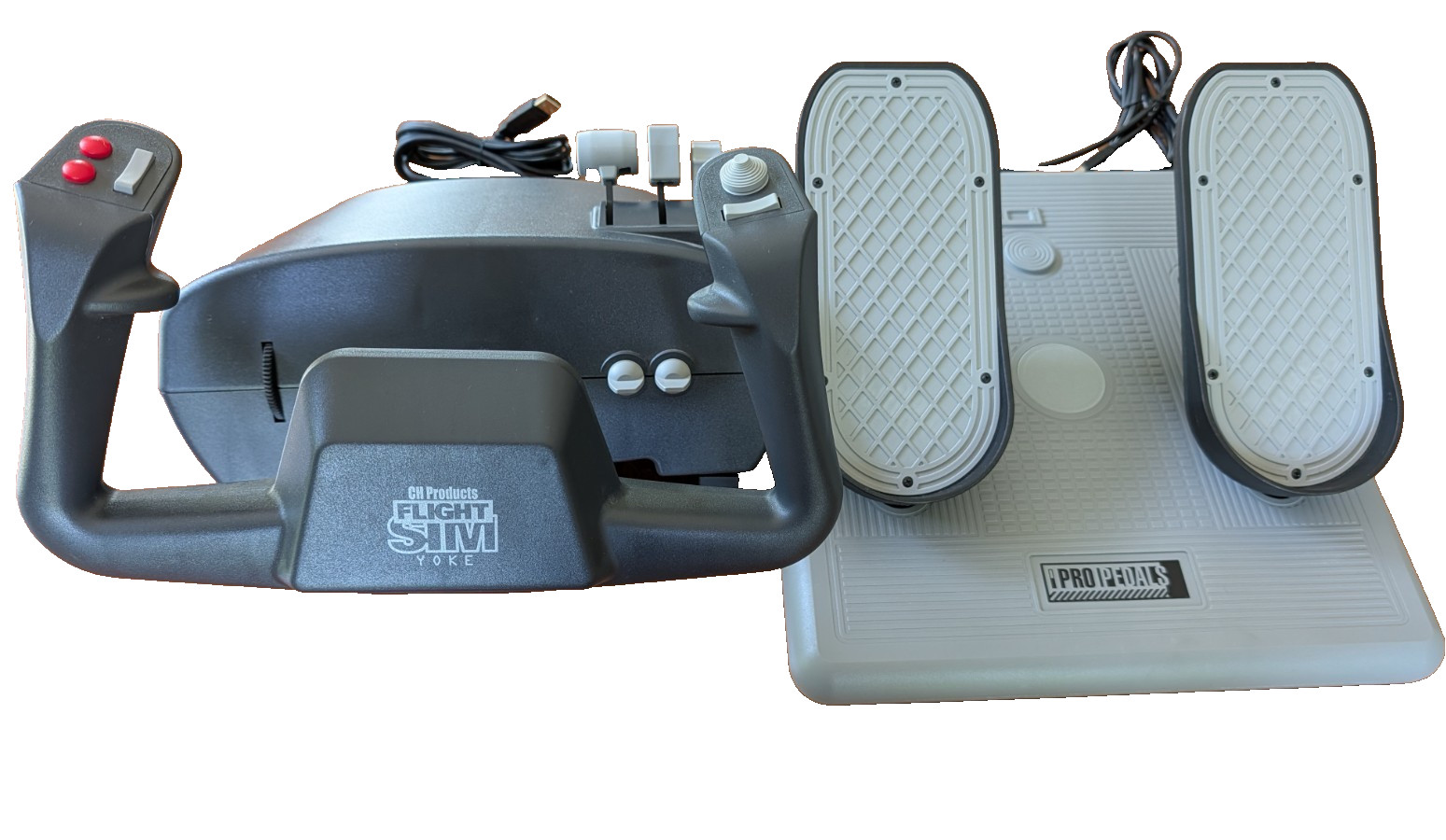
- Plan pedal support: yaw is not on the yoke, so budget rudder pedals (USB or gameport-to-USB adapter for legacy CH pedals) for coordinated flight.
- Check power and cabling: bus-powered USB is standard; avoid unpowered hubs to prevent axis dropouts during long sessions.
FAQ
Data sources: eBay / Amazon listings and product attribute feeds. Updated Nov 24, 2026.
Some links on this page are affiliate links. If you buy after clicking one, we may earn a commission at no extra cost to you. This does not change which products appear here or their order. Affiliate disclosure.