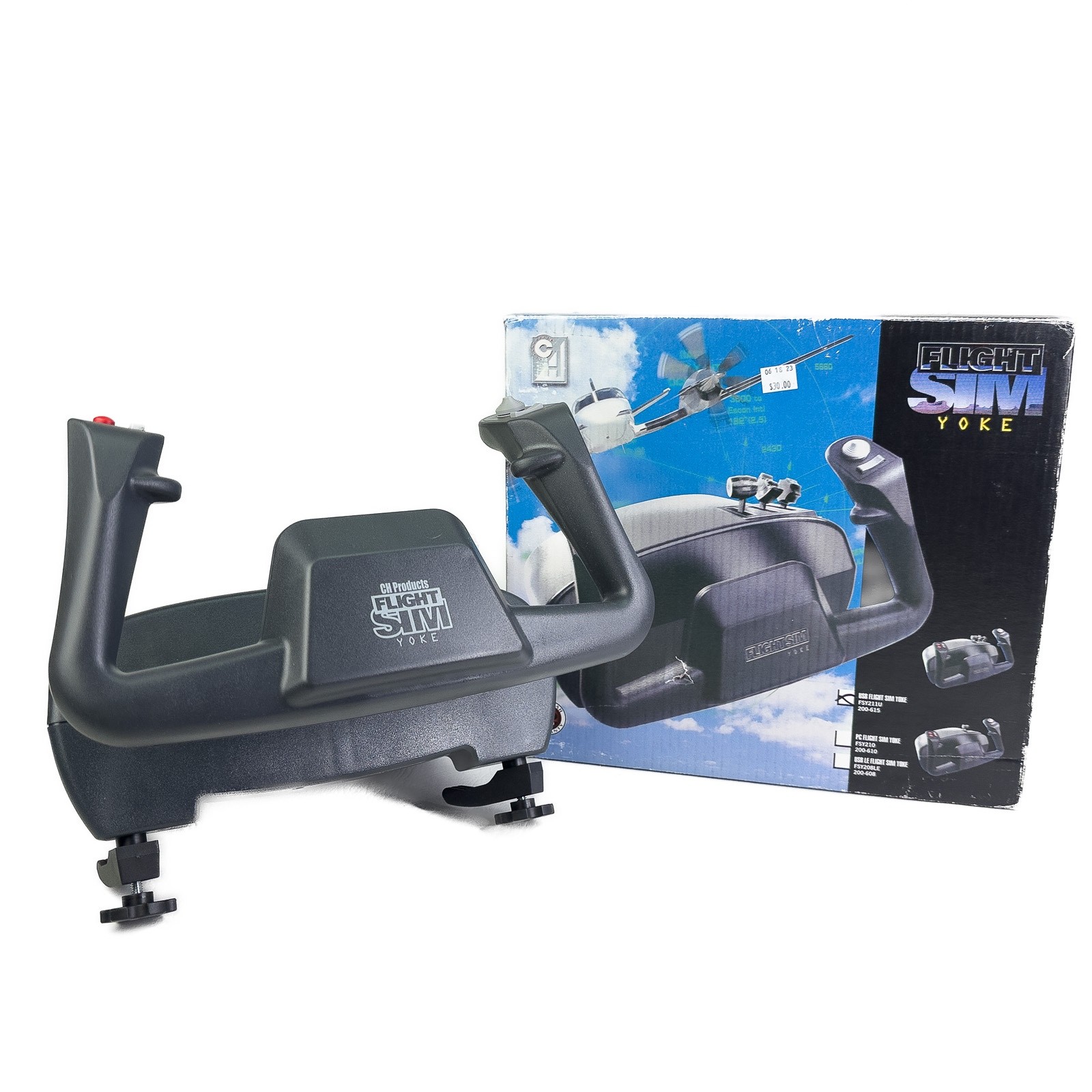

Photos from current listings. Actual item, color, and included accessories may vary.
Ch Flight Yoke Buying Guide
A CH Flight Yoke is a USB plug-and-play flight simulator controller built around a spring-centered, plastic-bodied yoke with integrated throttle/prop/mixture levers, designed for PC flight sims like MSFS and X-Plane. The primary trade-off is control resolution and build material: CH's legacy 8-bit USB electronics and ABS plastic shell versus modern Hall-effect sensors and metal internals. The decision rule is simple: buy CH only if you need a lightweight, multi-lever, no-driver yoke for casual to moderate sim flying; skip it if you demand 12-bit+ precision, long-throw elevator authority, or heavy-duty metal construction.
Median $111.00
Key takeaways
- CH Products FSY211U uses a 6-axis USB interface with 8-bit resolution and a plastic gimbal, yielding noticeably coarser pitch/roll input than modern 12-bit Hall-effect yokes.
- The yoke ships with three integrated levers (throttle, prop, mixture) and 8+ programmable buttons, so it covers basic engine management without a separate quadrant.
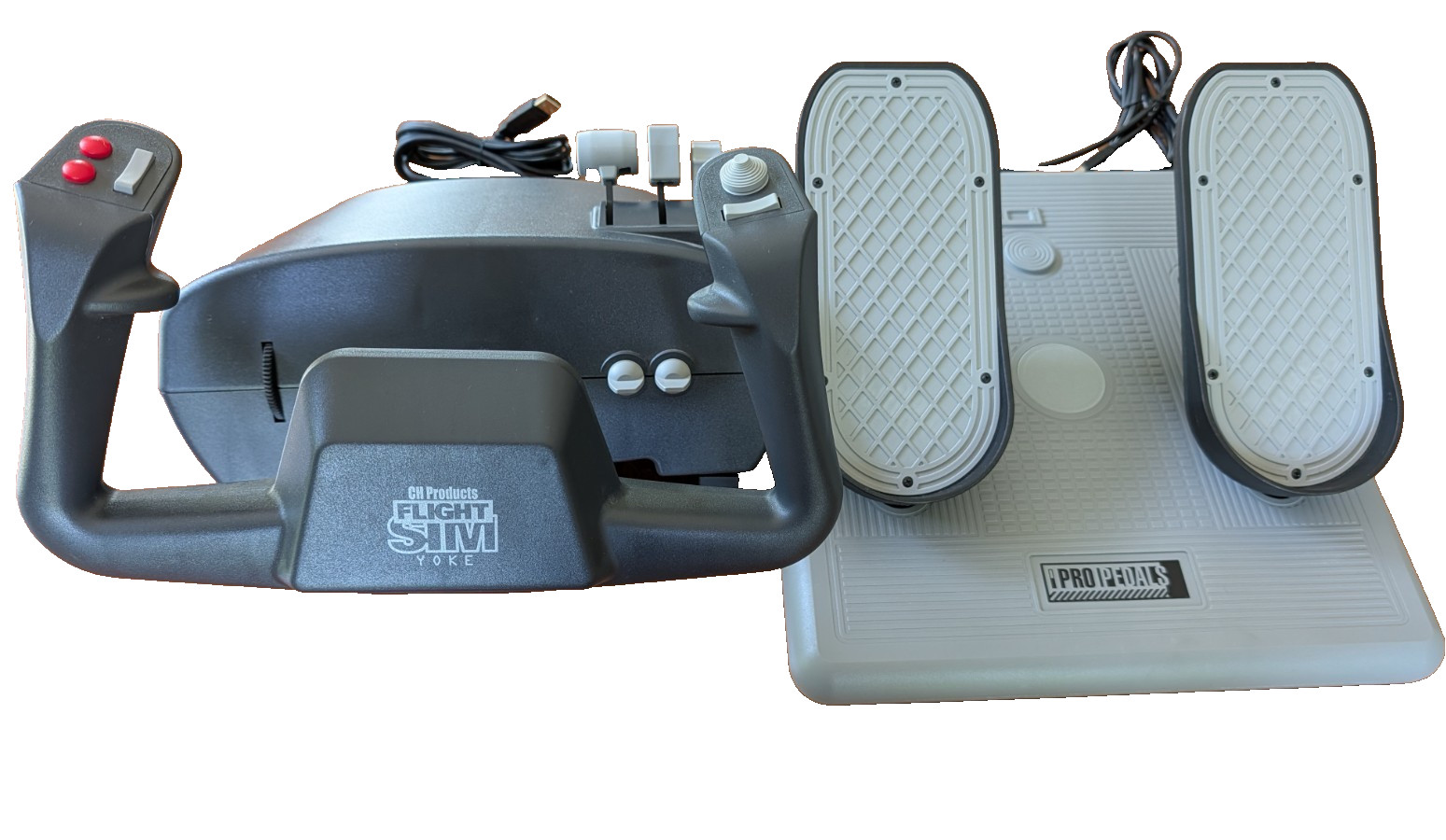
- CH's Pro Pedals (PPU995) and Flight Sim Yoke share a modular USB ecosystem; the yoke alone lacks rudder control, making the pedal bundle the practical complete setup.
At a glance
- Category
- Flight Sim Yokes & Throttles
- Last updated
- Nov 24, 2026
Current offers
Highlights
- CH Products FSY211U uses a 6-axis USB interface with 8-bit resolution and a plastic gimbal, yielding noticeably coarser pitch/roll input than modern 12-bit Hall-effect yokes.
- The yoke ships with three integrated levers (throttle, prop, mixture) and 8+ programmable buttons, so it covers basic engine management without a separate quadrant.
- CH's Pro Pedals (PPU995) and Flight Sim Yoke share a modular USB ecosystem; the yoke alone lacks rudder control, making the pedal bundle the practical complete setup.
- Construction is ABS plastic throughout with a spring-centering mechanism; there is no force feedback and no interchangeable grip, unlike Logitech G Pro or Honeycomb Alpha tiers.
Best use cases
- Best fit: Buy the FSY211U yoke alone for casual MSFS or X-Plane flying on a desk where budget, footprint, and plug-and-play USB matter more than sensor resolution.
- Best fit: Buy the yoke + Pro Pedals PPU995 bundle if you fly taildraggers or crosswind landings and need rudder/yaw axis control—the yoke by itself cannot provide it.
- Wrong fit: Skip CH if you fly airliners seriously or need long-throw precision—its 8-bit pitch axis and plastic gimbal will feel steppy compared with Hall-effect metal yokes.
- Wrong fit: Do not buy a CH yoke for helicopter sims or force-feedback titles; there is no FFB motor and the spring centering fights fine cyclic inputs.
Buying tips
- Confirm the model is FSY211U (USB) rather than the older gameport FSY211—gameport versions need a USB adapter and lose native plug-and-play in modern sims.
- Budget for pedals: the yoke has no rudder axis, so add PPU995 Pro Pedals or a third-party rudder to get full 3-axis control.
- Check desk depth: the CH yoke clamps require roughly 2 inches of overhang and a flat edge; thick rounded desks need a clamp adapter.
- If you later want metal construction or 12-bit resolution, plan to jump to Logitech G Pro or Honeycomb Alpha rather than modding the CH plastic gimbal.
Specs
| Sensor Type | 8-bit potentiometer (CH) vs Hall-effect |
|---|---|
| Axis Count | 6-axis yoke; 3 integrated levers |
| Build Material | ABS plastic gimbal vs metal internals |
| Connection | USB-A HID; gameport on legacy models |
Related searches
What to check before buying
- Measure desk edge thickness and overhang: CH's C-clamp needs a flat lip around 1–2 inches deep and under about 2 inches thick.
- Verify PC OS support: the FSY211U is class-compliant USB HID on Windows 10/11; macOS works in most sims but button mapping may need third-party tools.
- Confirm you have a free USB-A port or powered hub; the yoke draws bus power and daisy-chaining with pedals on an unpowered hub can drop inputs.
- Check sim compatibility for native profiles: MSFS and X-Plane detect the FSY211U automatically; older sims may require manual axis assignment.
FAQ
Data sources: eBay / Amazon listings and product attribute feeds. Updated Nov 24, 2026.
Some links on this page are affiliate links. If you buy after clicking one, we may earn a commission at no extra cost to you. This does not change which products appear here or their order. Affiliate disclosure.