
Photos from current listings. Actual item, color, and included accessories may vary.
Flight Simulation Yoke Buying Guide
A flight simulation yoke replaces a mouse or gamepad with a column-and-wheel control that mimics fixed-wing aircraft, and the decisive trade-off is between cheap potentiometer/plastic builds and Hall-effect or metal-on-metal mechanisms with real travel and tension adjustment. The clear rule: buy a yoke with non-contact magnetic sensing, at least 90° of roll travel, and a bundled or add-on throttle quadrant only if you fly multi-engine or IFR; skip anything with a light plastic column and no tension control, which will develop dead zones within months.
Median $98.33
Key takeaways
- Sensing architecture separates tiers: potentiometer yokes wear into spiky dead zones, while Hall-effect (magnetic) sensors like those in Logitech G PRO and Honeycomb Alpha stay precise for years.
- Roll travel is the primary realism metric: budget yokes stop near 45° each way, while serious yokes deliver 90° half-travel (180° total) and 5-6 inches of pitch stroke.
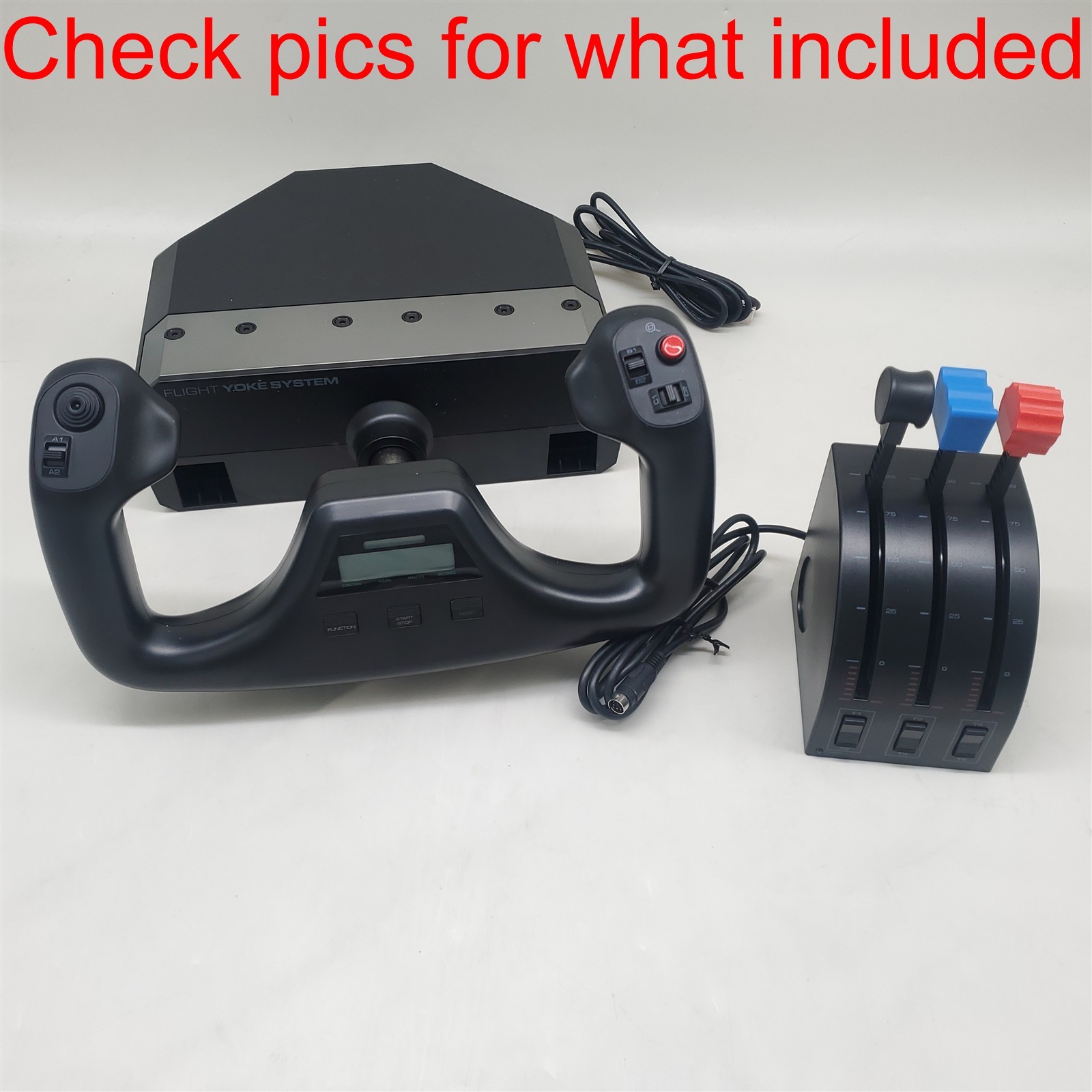
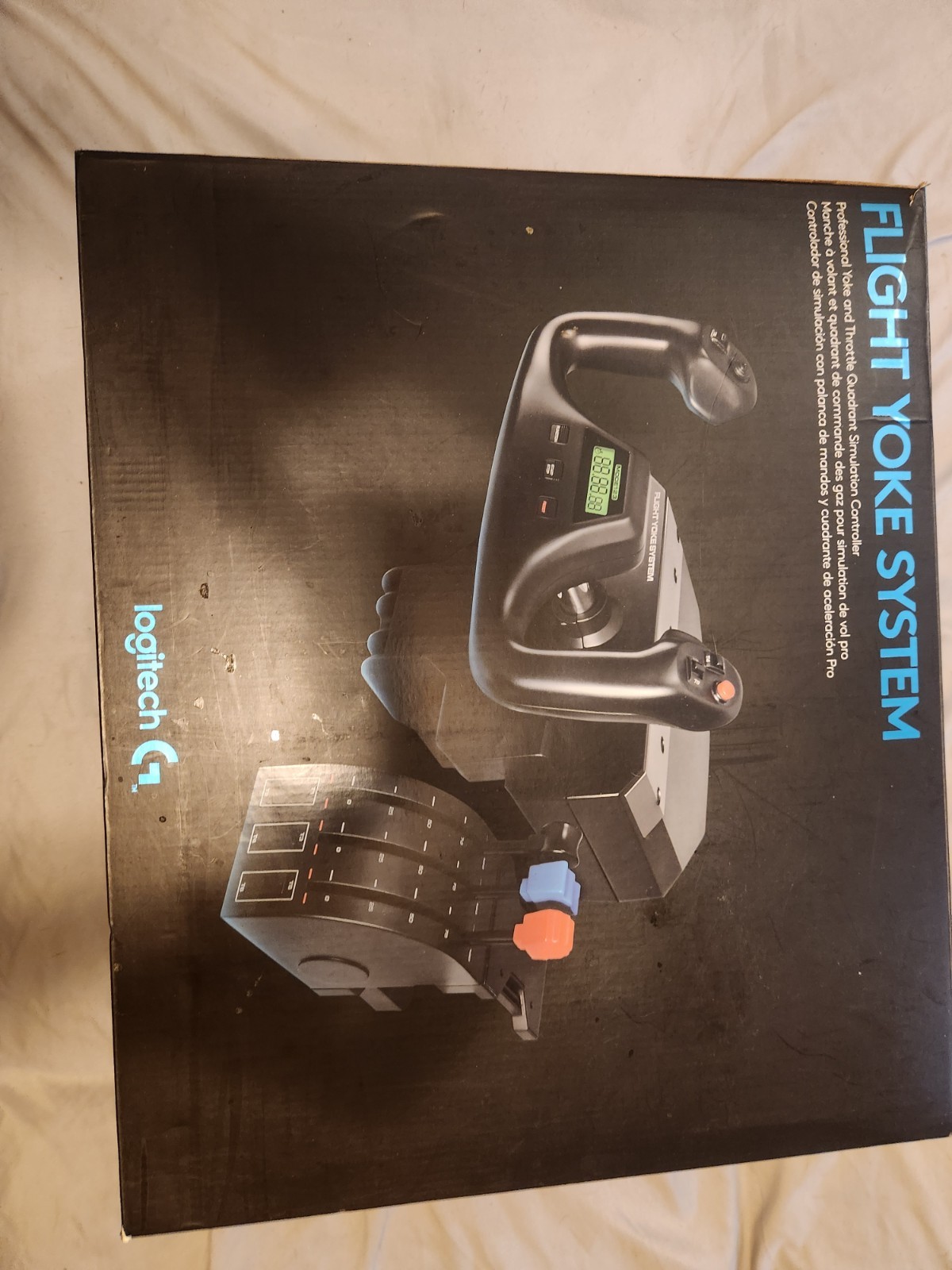
- The Logitech G PRO Flight Yoke ships with a three-lever throttle quadrant (throttle, prop, mixture) and clamps to desks up to about 2 inches thick; the same yoke is also sold without the quadrant.
At a glance
- Category
- Flight Sim Yokes & Throttles
- Last updated
- Nov 24, 2026
Current offers
Highlights
- Sensing architecture separates tiers: potentiometer yokes wear into spiky dead zones, while Hall-effect (magnetic) sensors like those in Logitech G PRO and Honeycomb Alpha stay precise for years.
- Roll travel is the primary realism metric: budget yokes stop near 45° each way, while serious yokes deliver 90° half-travel (180° total) and 5-6 inches of pitch stroke.
- The Logitech G PRO Flight Yoke ships with a three-lever throttle quadrant (throttle, prop, mixture) and clamps to desks up to about 2 inches thick; the same yoke is also sold without the quadrant.
- Construction grade matters more than brand: ABS plastic shells with steel shafts survive, while all-plastic pivot bearings develop wobble; metal-faced yokes resist flex under pitch force.
Best use cases
- Best fit: desk-based Microsoft Flight Simulator or X-Plane pilots flying Cessna-class aircraft — pick a Hall-effect yoke with 180° roll and a bundled throttle quadrant.
- Best fit: IFR and multi-engine simmers — choose a yoke whose throttle quadrant has three levers and assign prop/mixture separately rather than sharing one axis.
- Wrong fit: combat or helicopter simmers — skip yokes entirely; a joystick with twist or pedals gives the cyclic and collective axes a yoke cannot.
- Wrong fit: shared or temporary desk setups — a heavy metal-faced yoke with strong clamps is better than a lightweight plastic column that slides under pitch input.
Buying tips
- Measure desk thickness and overhang first: clamp-style yokes need 1-2 inches of flat edge and about 4-6 inches of clearance below; thicker desks require bolt-through or tray mounting.
- Match roll travel to aircraft: 45° per side suits arcade play; 90° per side (180° total) is the threshold for realistic Cessna and GA control feel.
- Count throttle levers before buying: single-lever quadrants cannot map prop and mixture independently, so multi-engine and IFR setups need three levers.
- Prefer Hall-effect or optical sensing over potentiometers; if a yoke lists only 'precise potentiometers,' expect to clean or replace sensors as a wear item.
Specs
| Sensing Type | Hall-effect vs potentiometer |
|---|---|
| Roll Travel | 45° vs 90° per side |
| Throttle Levers | 1-2 vs 3 (throttle/prop/mixture) |
| Mounting | Desk clamp vs bolt-through tray |
Related searches
What to check before buying
- Desk or cockpit frame: confirm a flat mounting edge 1-2 inches thick or a pre-drilled yoke tray; clamp yokes need clearance below the desk.
- USB and power: yokes are USB-A or USB-C bus-powered; confirm a free port and that the cable reaches from the mounting point to the PC.
- Companion axes: plan for rudder pedals, since a yoke has no yaw axis; budget the pedal purchase alongside the yoke, not after.
- Software compatibility: verify native support for MSFS 2020/2024, X-Plane 11/12, and Prepar3D, and that the throttle quadrant is recognized as a separate device.
FAQ
Data sources: eBay / Amazon listings and product attribute feeds. Updated Nov 24, 2026.
Some links on this page are affiliate links. If you buy after clicking one, we may earn a commission at no extra cost to you. This does not change which products appear here or their order. Affiliate disclosure.