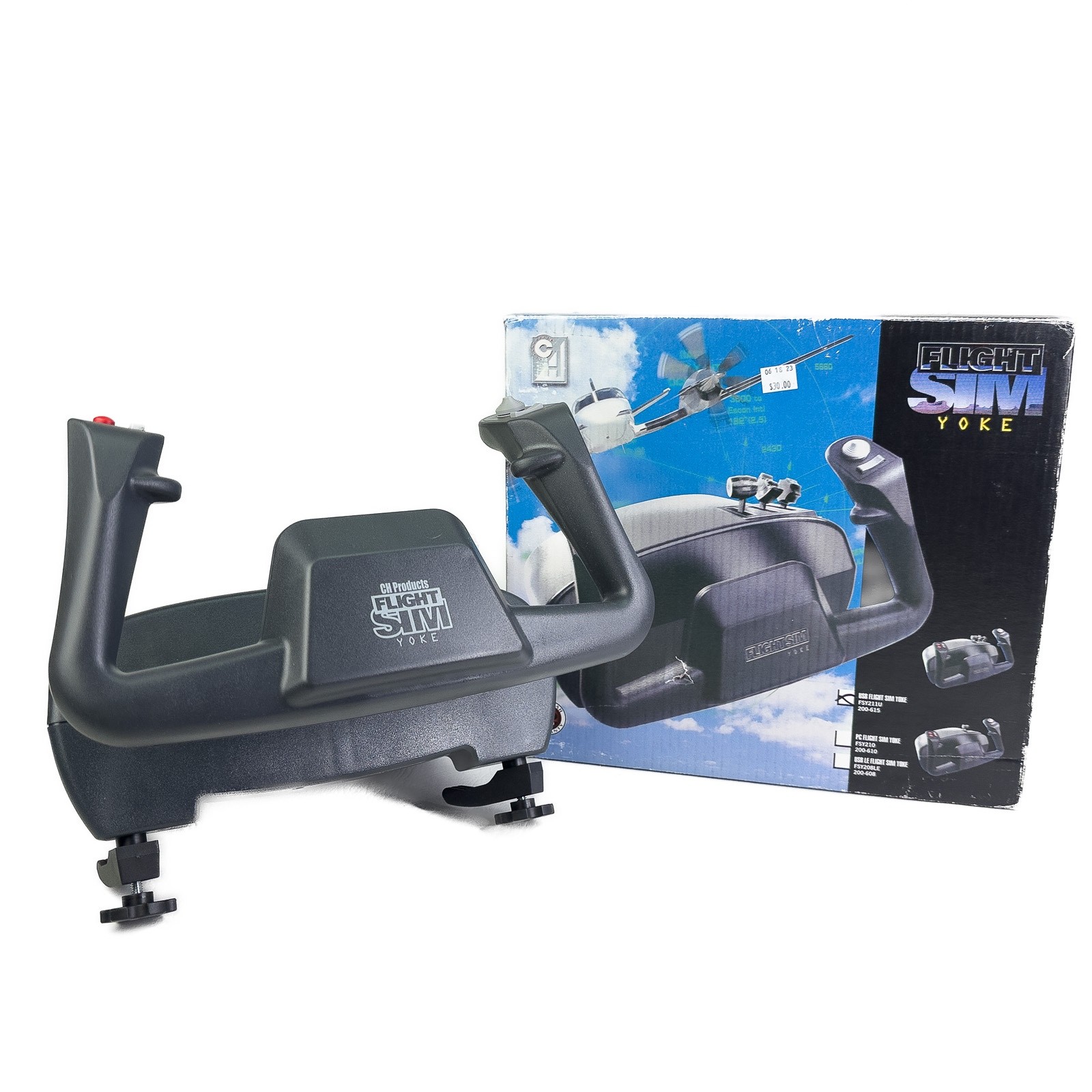

Photos from current listings. Actual item, color, and included accessories may vary.
Ch Flight Sim Yoke Buying Guide
CH Products flight sim yokes are USB plug-and-play controllers using potentiometer-based axes in an ABS plastic housing, aimed at entry-level flight simulation. The core trade-off is precision feel versus cost: CH yokes offer long-throw metal shafts and a proven 3-axis layout but use contact potentiometers that wear and spike over time, unlike Hall-effect magnetic sensors in pricier yokes. The decision rule: buy CH only if you want a lightweight, wide-format yoke for casual simming and accept periodic potentiometer cleaning or replacement; step up to Hall-effect or force-feedback units if you need decade-long precision.
Median $77.48
Key takeaways
- CH FSY211U uses a 3-axis layout (pitch, roll, throttle) with a metal shaft and ABS plastic body; the integrated throttle is a single lever, not a twin-engine split.
- All CH yokes rely on potentiometers for axis sensing, which oxidize and cause jitter after heavy use; Hall-effect yokes avoid this wear entirely.
- The FSY211U connects via USB 1.1/2.0 and presents as a standard HID game controller, so it works driver-free in Windows, macOS, and most sims.
At a glance
- Category
- Flight Sim Yokes & Throttles
- Last updated
- Nov 24, 2026
Current offers
Highlights
- CH FSY211U uses a 3-axis layout (pitch, roll, throttle) with a metal shaft and ABS plastic body; the integrated throttle is a single lever, not a twin-engine split.
- All CH yokes rely on potentiometers for axis sensing, which oxidize and cause jitter after heavy use; Hall-effect yokes avoid this wear entirely.
- The FSY211U connects via USB 1.1/2.0 and presents as a standard HID game controller, so it works driver-free in Windows, macOS, and most sims.
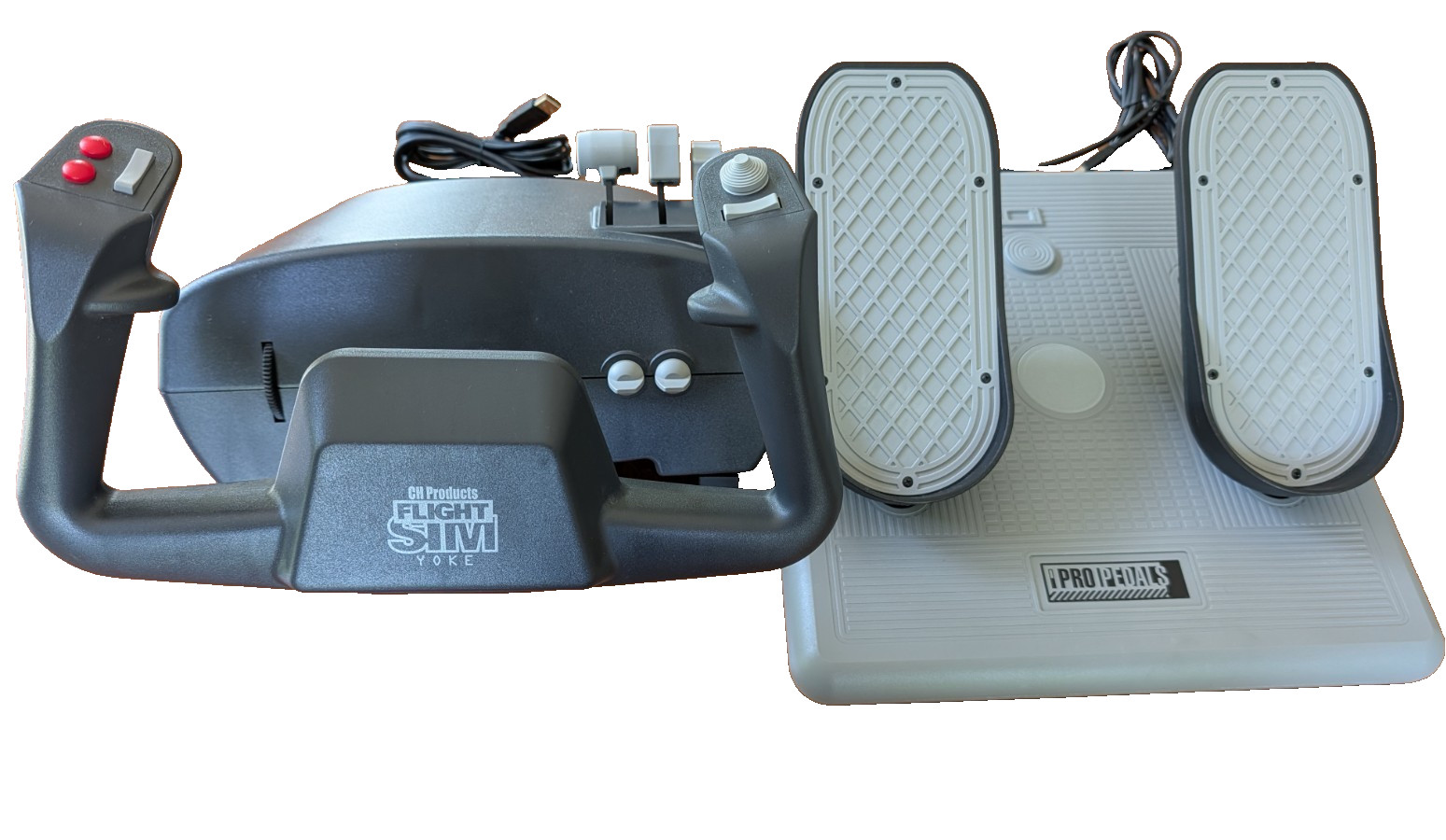
- CH Pro Pedals PPU995 add rudder and toe-brake axes; the yoke alone has no yaw axis, so rudder control requires separate pedals or keyboard mapping.
Best use cases
- Best fit: casual Microsoft Flight Simulator or X-Plane pilots flying single-engine GA aircraft who want a wide, light yoke and accept potentiometer maintenance.
- Best fit: budget builders pairing the FSY211U with CH Pro Pedals PPU995 for a complete 5-axis CH desktop sim rig under one USB connection each.
- Wrong fit: airliner or twin-engine simmers needing split throttle levers, reverser detents, or autopilot annunciators—the single throttle lever cannot map independent engines.
- Wrong fit: competitive or long-session users who need zero-drift precision; potentiometer spiking will degrade center accuracy, so choose Hall-effect yokes instead.
Buying tips
- Confirm the model is FSY211U (USB) rather than the older gameport FSY211; the gameport version needs a USB adapter and loses plug-and-play HID support.
- Budget for pedals: the yoke has no rudder axis, so add PPU995 pedals or map yaw to keyboard/twist—plan the full rig before buying the yoke alone.
- Check desk depth: the yoke body is wide and the metal shaft extends toward the user; allow at least 10–12 inches of clear desk depth for full pitch travel.
- Inspect used units for potentiometer health by testing all axes in the Windows game controller panel for jitter at center before committing.
Specs
| Sensor Type | Potentiometer (contact) vs Hall-effect |
|---|---|
| Yoke Axes | 3-axis: pitch, roll, throttle |
| Connection | USB HID (FSY211U) vs gameport |
| Pedal Requirement | Separate PPU995 for rudder/yaw |
Related searches
What to check before buying
- Desk space: measure at least 14 inches of width and 10 inches of depth for the yoke body plus shaft throw.
- USB port: confirm an available USB-A port; the FSY211U is USB 1.1/2.0 HID and does not require external power.
- Pedals: decide whether rudder control comes from PPU995 pedals, keyboard, or a twist axis before buying the yoke alone.
- Sim compatibility: verify the sim accepts standard HID axes; CH yokes work driver-free in MSFS, X-Plane, and Prepar3D.
FAQ
Data sources: eBay / Amazon listings and product attribute feeds. Updated Nov 24, 2026.
Some links on this page are affiliate links. If you buy after clicking one, we may earn a commission at no extra cost to you. This does not change which products appear here or their order. Affiliate disclosure.