
Photos from current listings. Actual item, color, and included accessories may vary.
Yoke Buying Guide
A flight sim yoke replaces a stick with a column-and-wheel control for pitch and roll, and the segment splits between plastic-bodied entry systems with integrated throttle quadrants and metal-shaft, hall-effect designs built for long-term centering accuracy. The core trade-off is sensor type and clamp rigidity versus bundled throttle features: potentiometer yokes drift and wear, while contactless hall-effect or optical sensors and metal clamps hold calibration for years. Buy a yoke with a rigid metal clamp and non-contact axis sensing if you fly airliners or GA regularly, and accept a plastic potentiometer model only as a casual, low-hour first controller.
Median $84.99
Key takeaways
- Sensor architecture decides longevity: potentiometer yokes (CH Products FSY211U, classic Saitek Pro Flight) wear and spiking over hundreds of hours, while hall-effect/optical sensing (Logitech G Pro Flight, modern Honeywell-style modules) stays drift-free.
- Bundled throttle quadrants differ: Saitek/Logitech Pro Flight ships a 3-lever quadrant (throttle, prop, mixture) with detents, whereas yoke-only SKUs like the CH FSY211U require separate purchase.
- Clamp and column construction: metal C-clamps and steel shafts resist flex on 90-degree throw, while plastic clamp yokes (Logitech J-U0004-class) wobble and slip on thick desk edges.
At a glance
- Category
- Flight Sim Yokes & Throttles
- Last updated
- Nov 24, 2026
Current offers
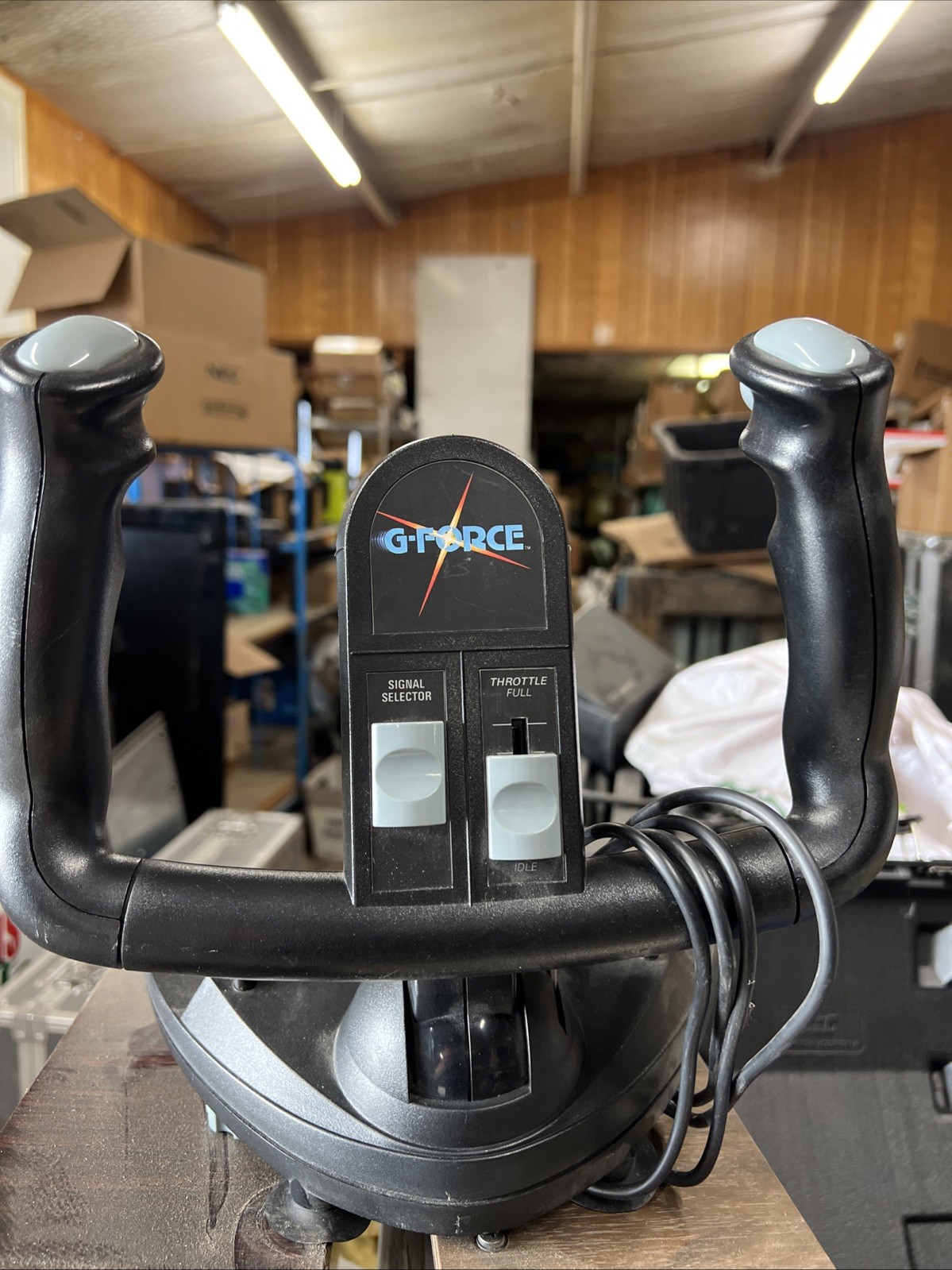 SUNCOM TECHNOLOGIES G-FORCE FLIGHT SIM YOKE~ MODEL # 96-0390$31.92View on eBay
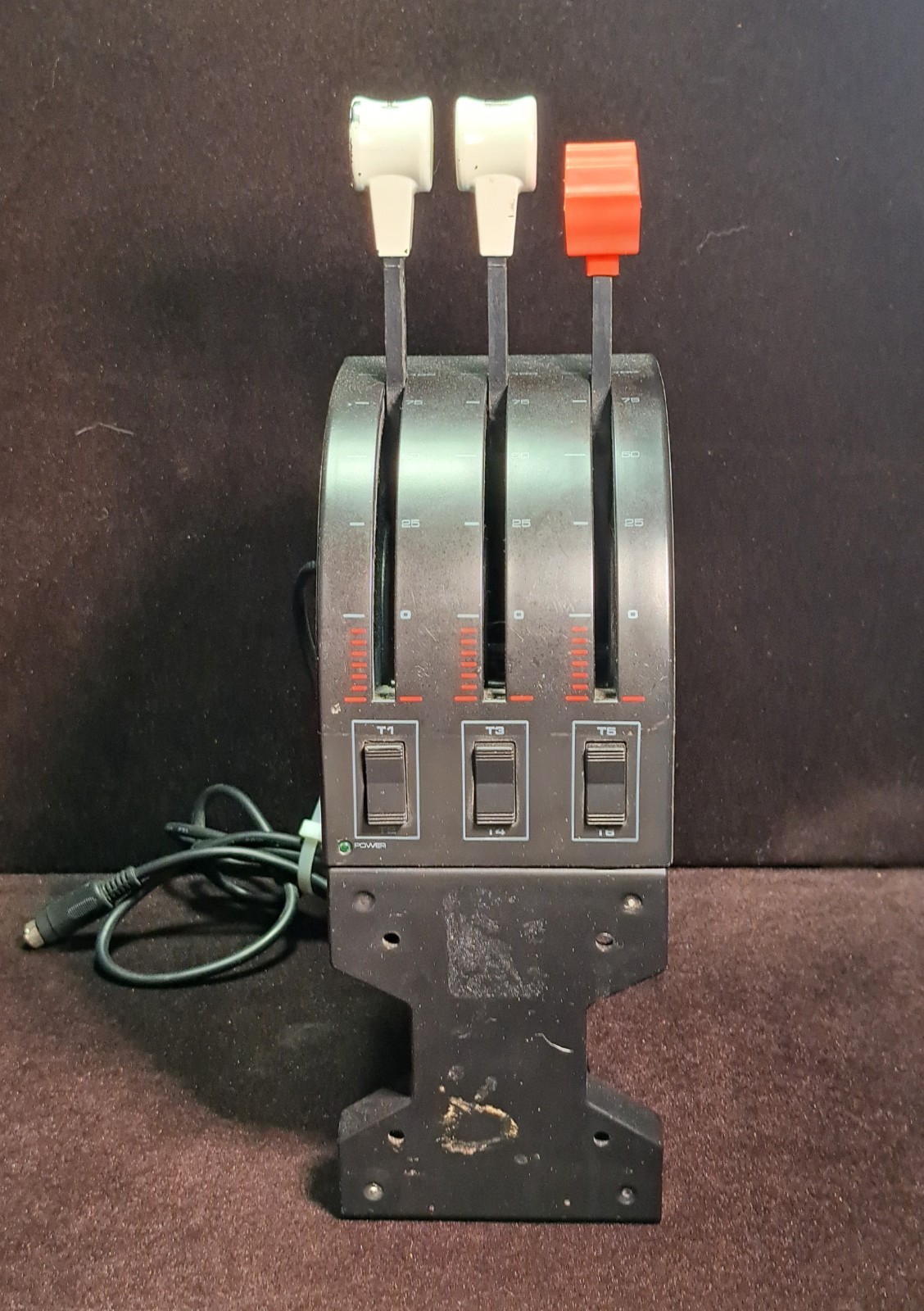 Saitek Pro Flight Yoke System Simulator Controller Throttle$35.00View on eBay
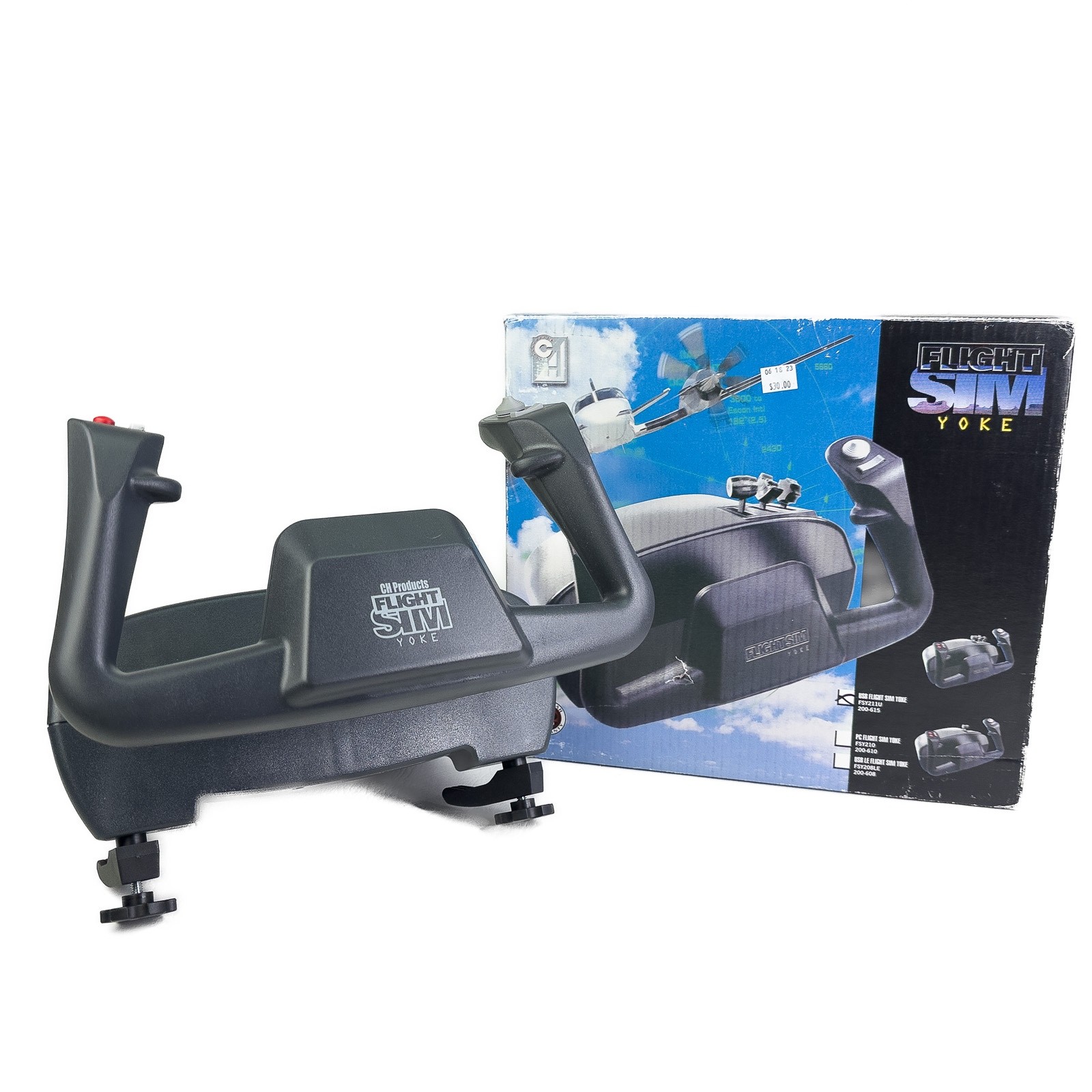 CH Products Flight Sim Yoke FSY211U USB Simulator Yoke ( No Pedals )$43.96View on eBay
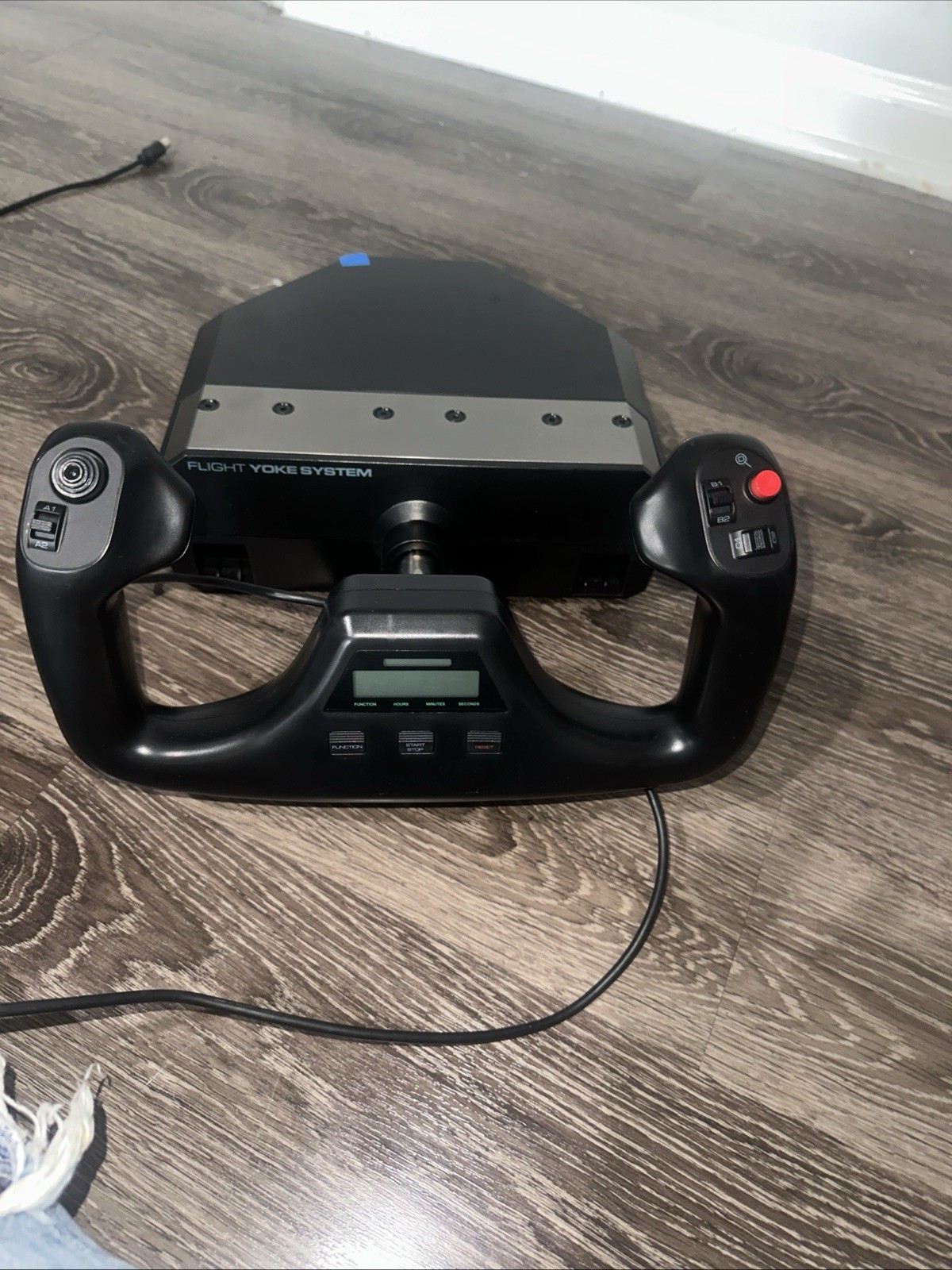 Logitech J-U0004 Flight Yoke; No Clamp$60.00View on eBay
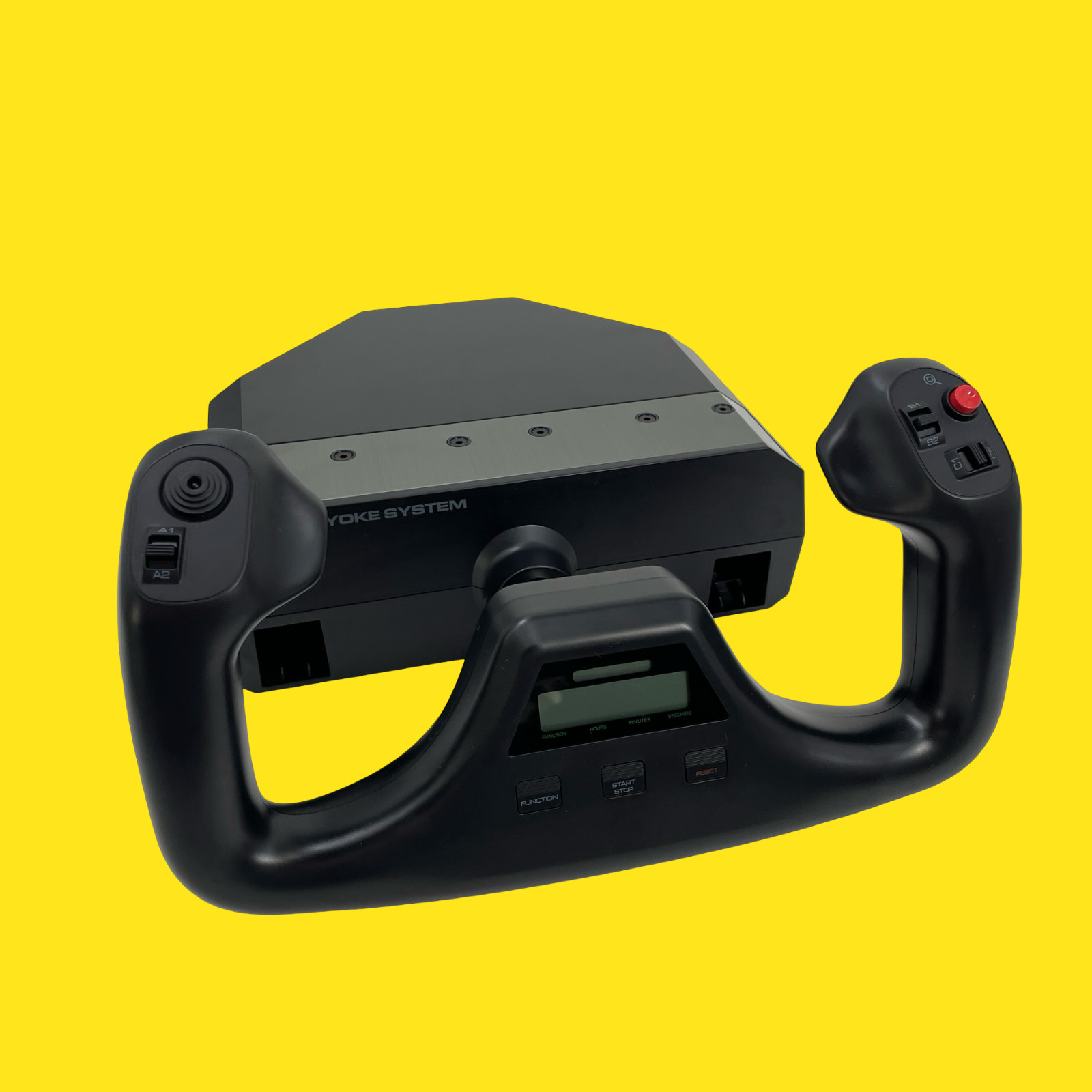 Logitech Flight Yoke System JU-0025 USB Controller Yoke Only #6939 z44/2$60.88View on eBay
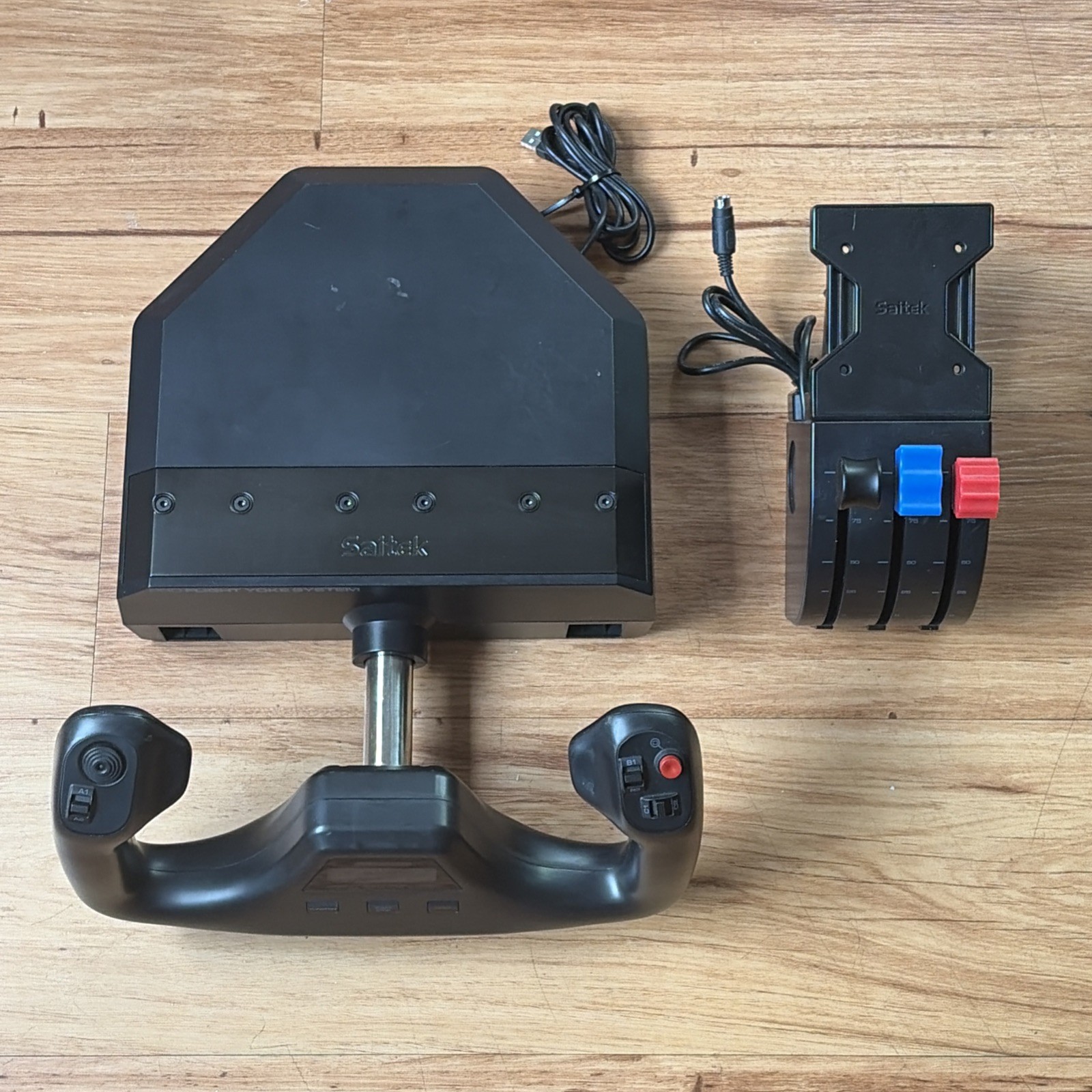 Logitech Saitek Pro Flight Yoke System Throttle Simulator (Missing Yoke Clamp)$74.95View on eBay
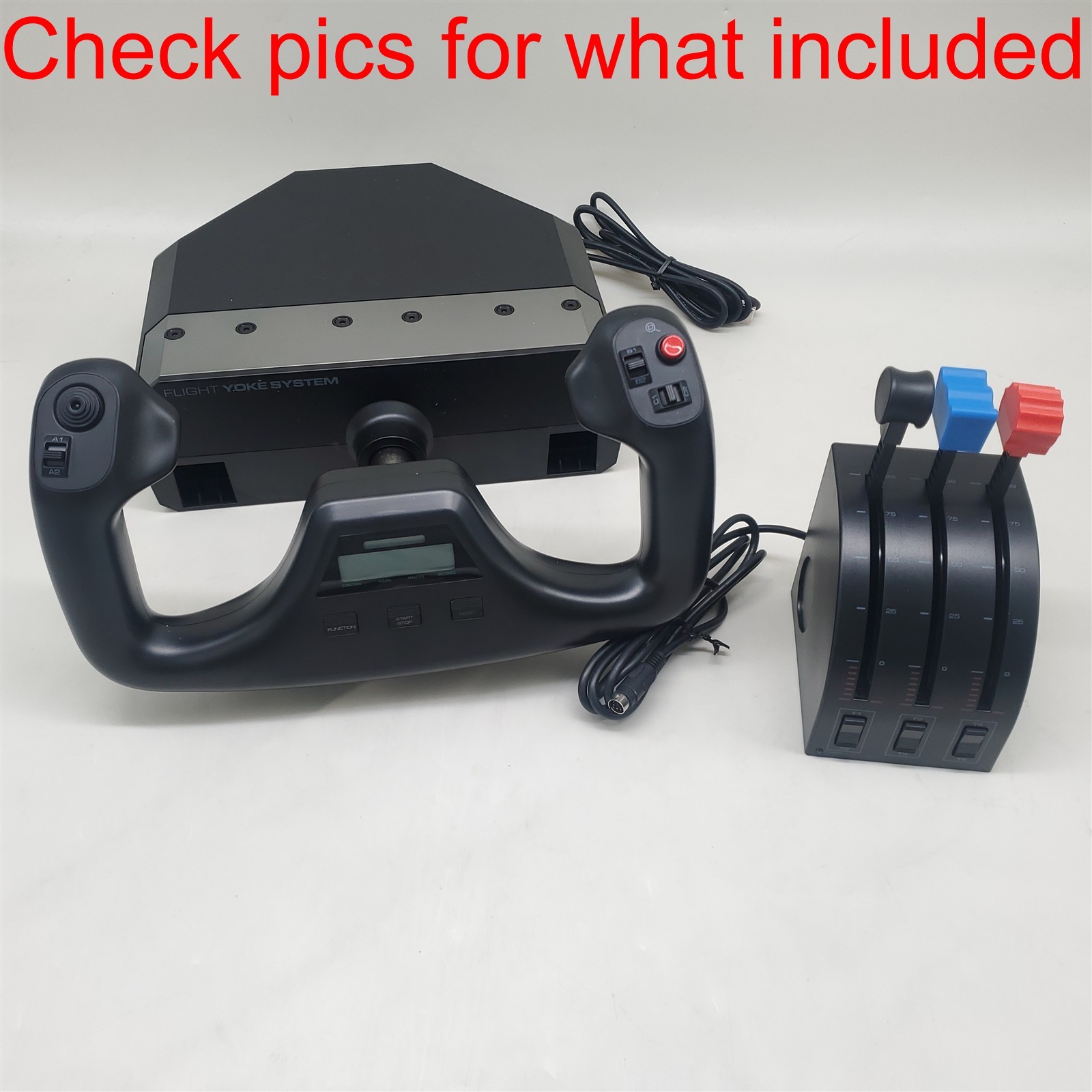 Logitech G PRO Flight Yoke System, Simulation Yoke - Black [945-000067] *READ*$76.67View on eBay
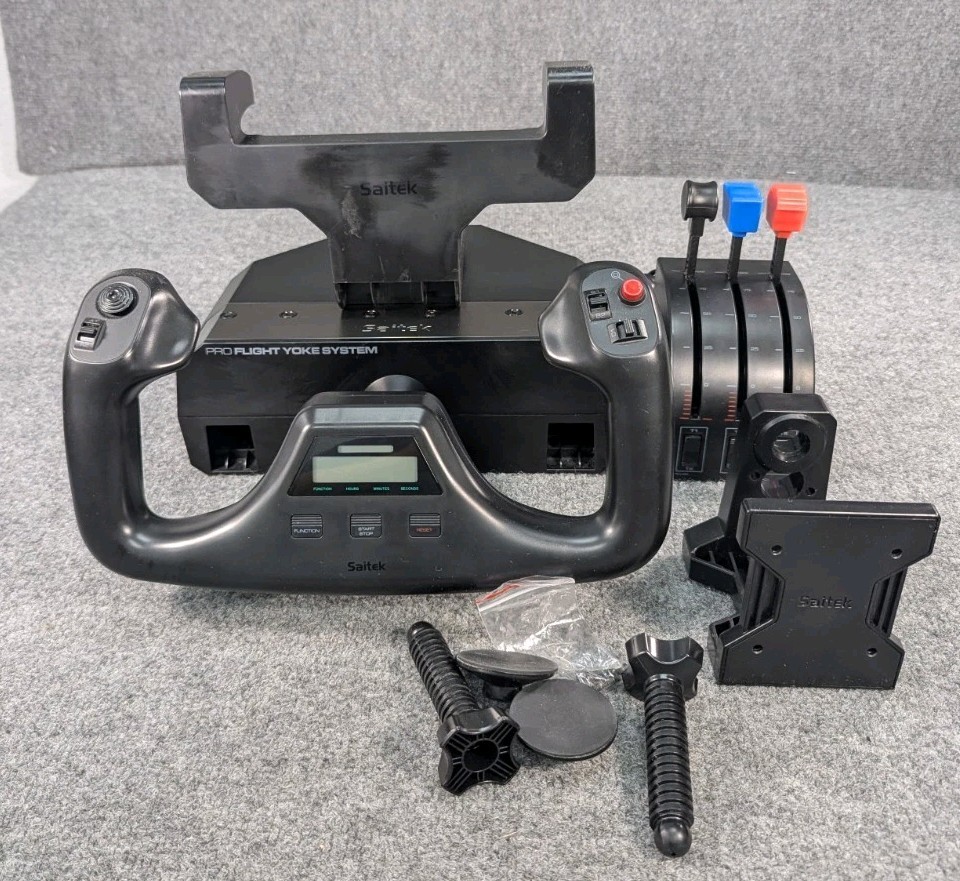 Saitek Pro Flight Yoke System w/throttle$84.99View on eBay
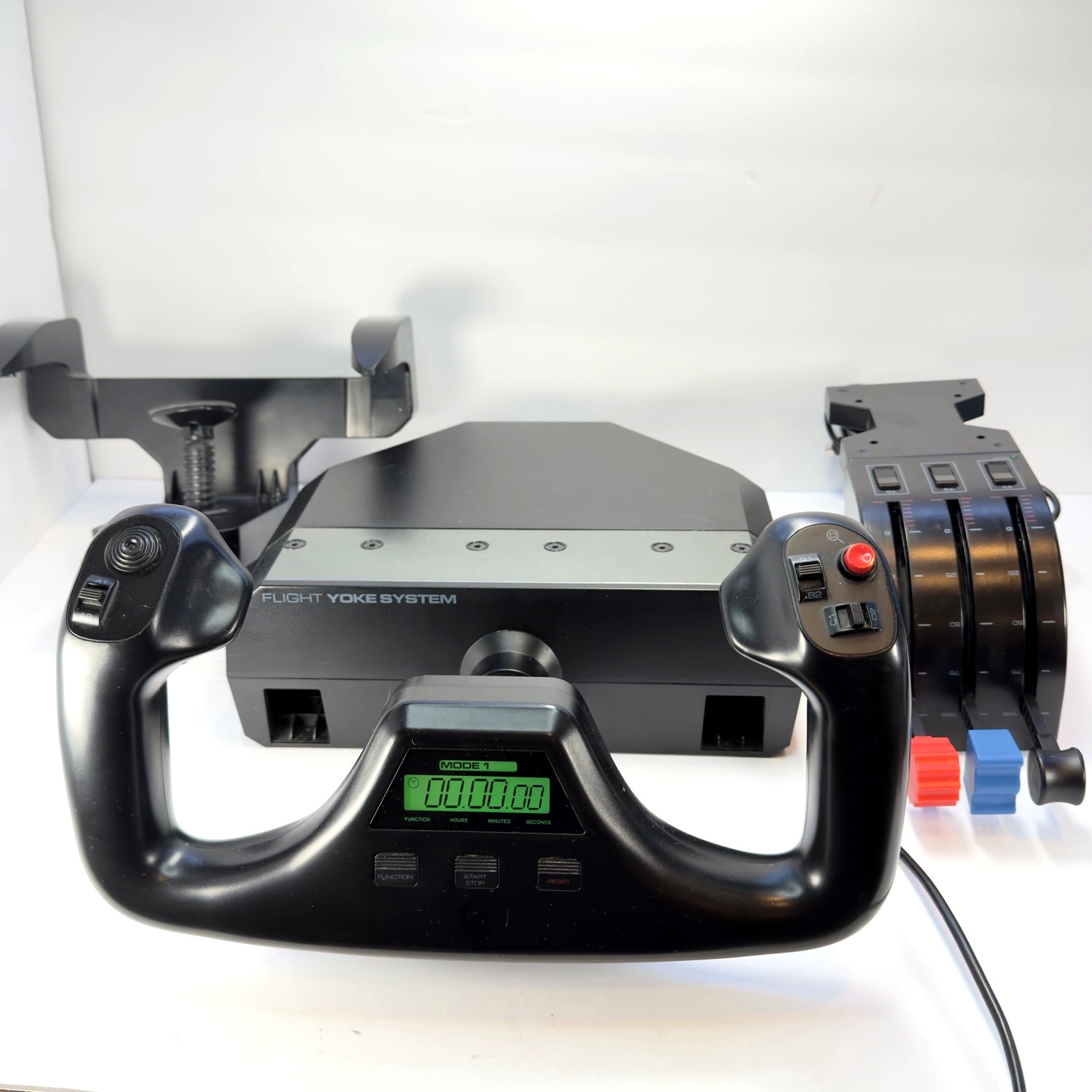 Logitech G Pro Flight Yoke System J-U0004 Throttle Quadrant PC Tested Working$109.99View on eBay
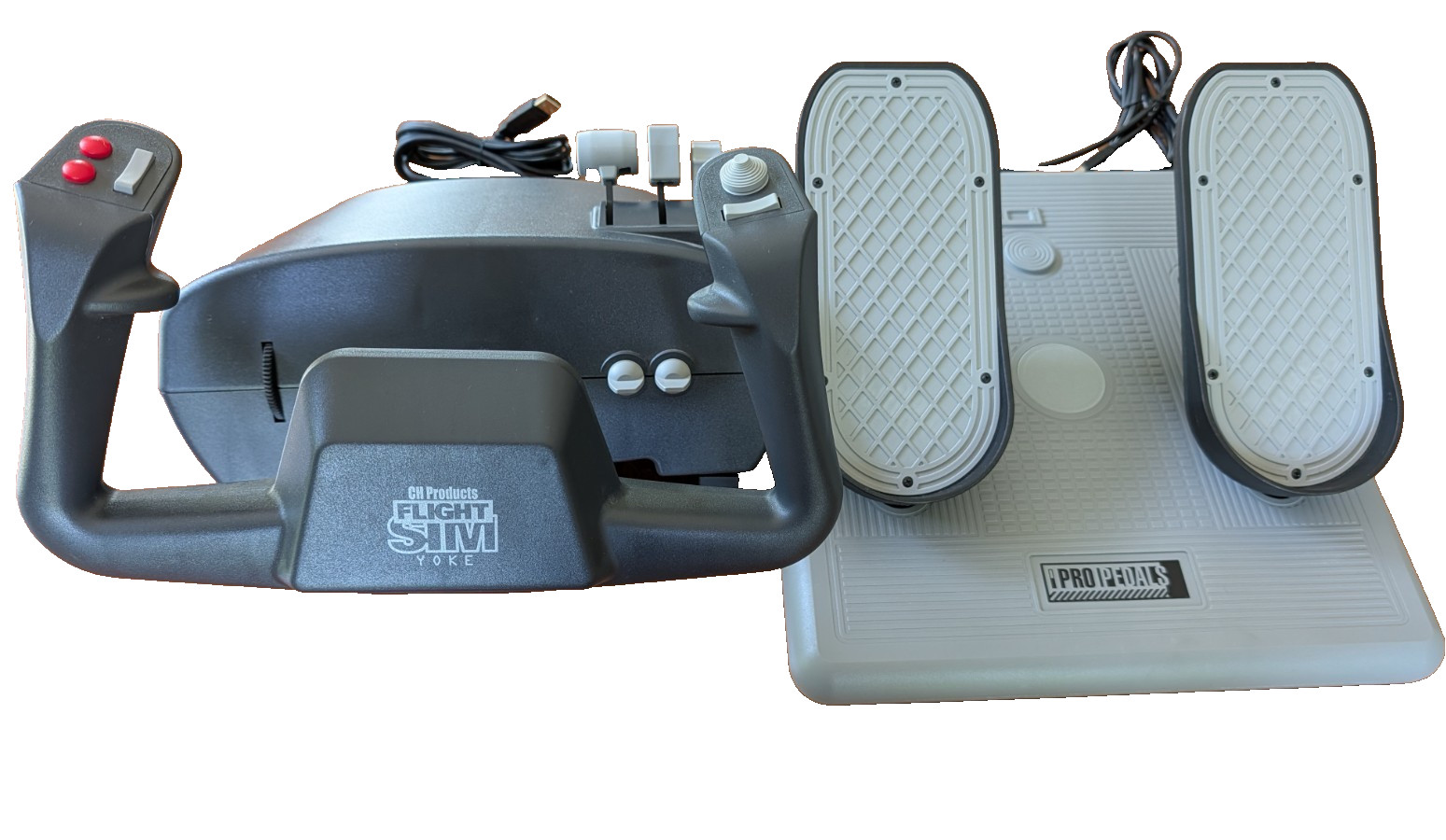 CH Products Simulator USB Flight Sim Yoke FSY211U and Pro Pedals PPU995$111.00View on eBay
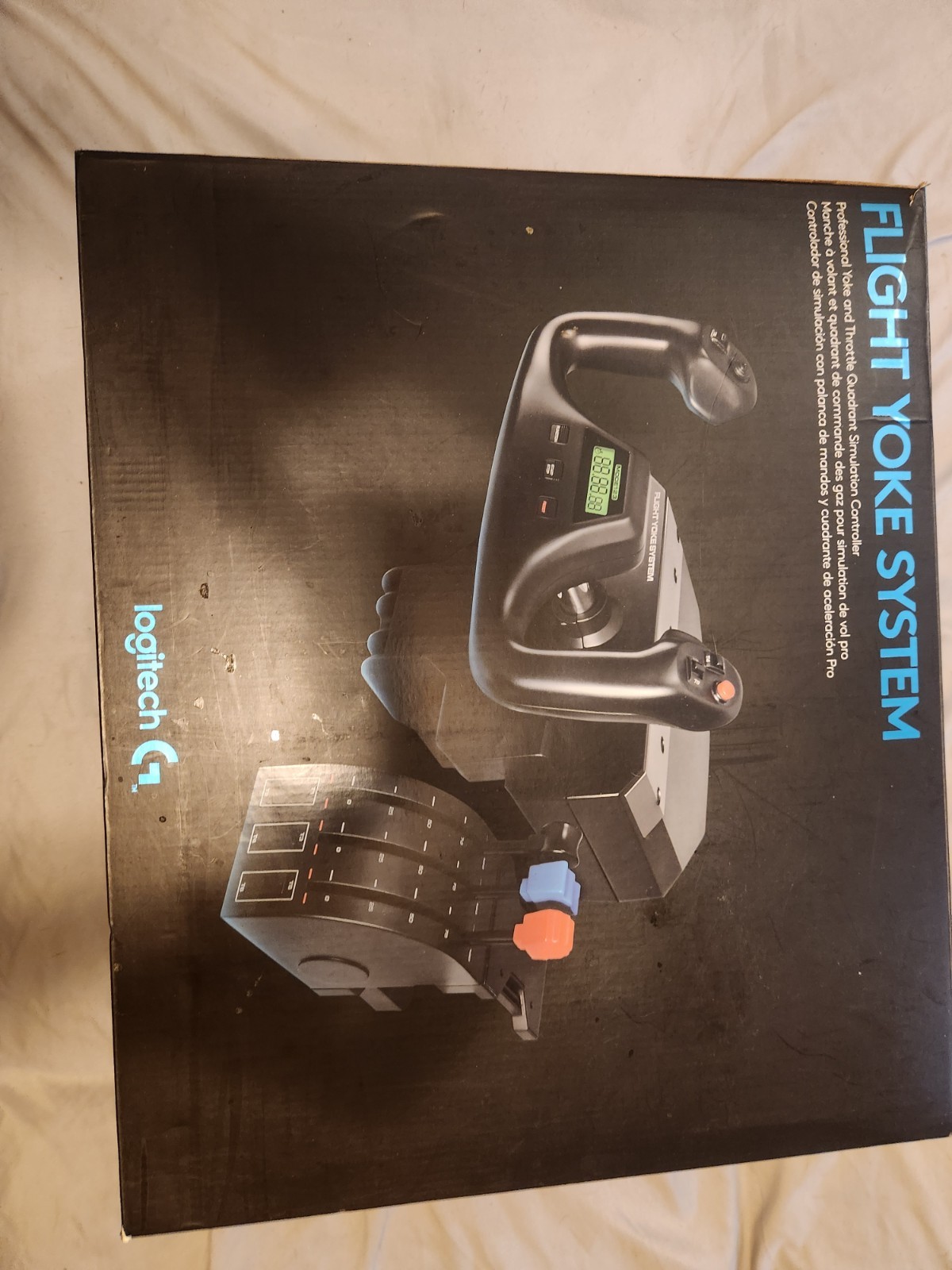 Logitech Flight Yoke System Professional Simulation Yoke and Throttle Quadrant$119.99View on eBay
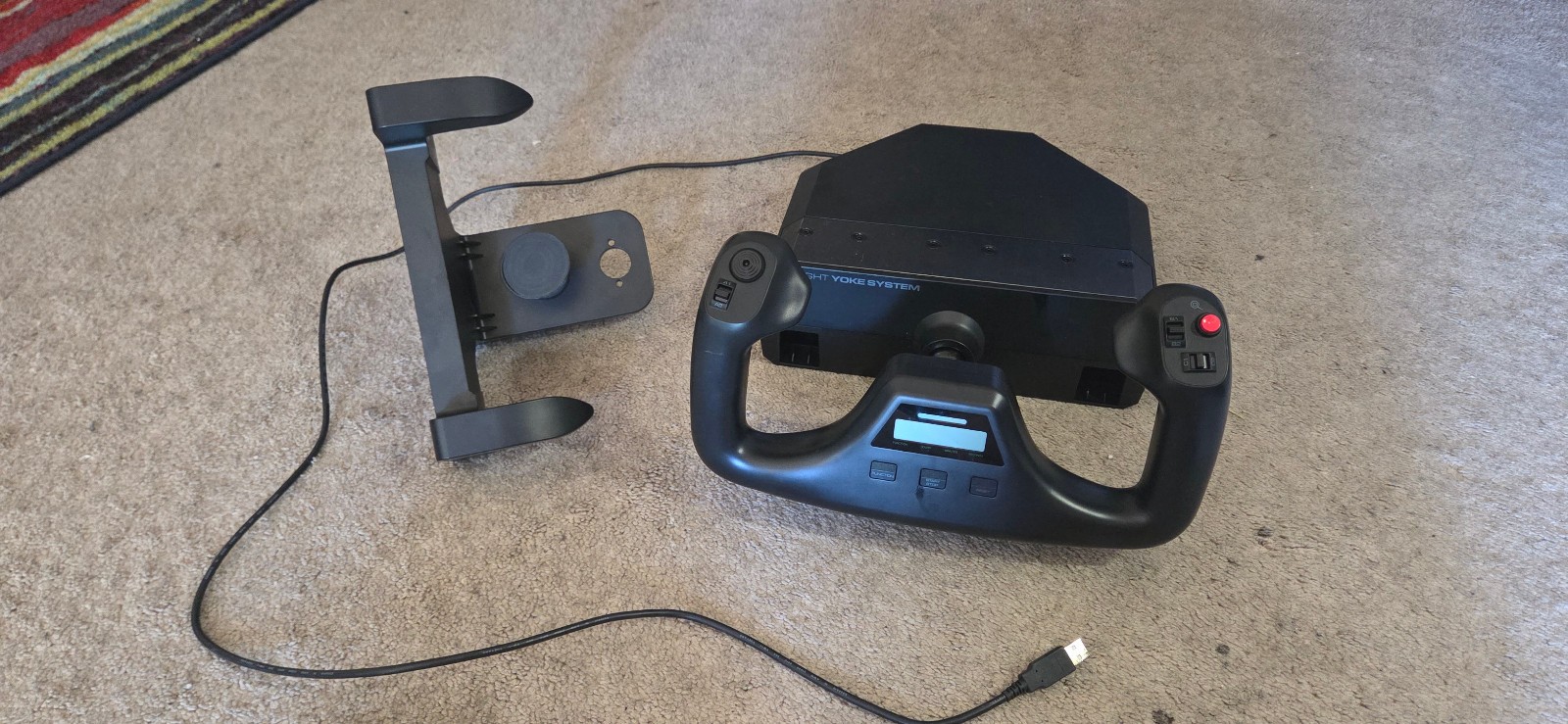 Logitech G Flight Simulator Yoke, Throttle Quadrant, Rudder Pedals, & X3D Pro$130.00View on eBay
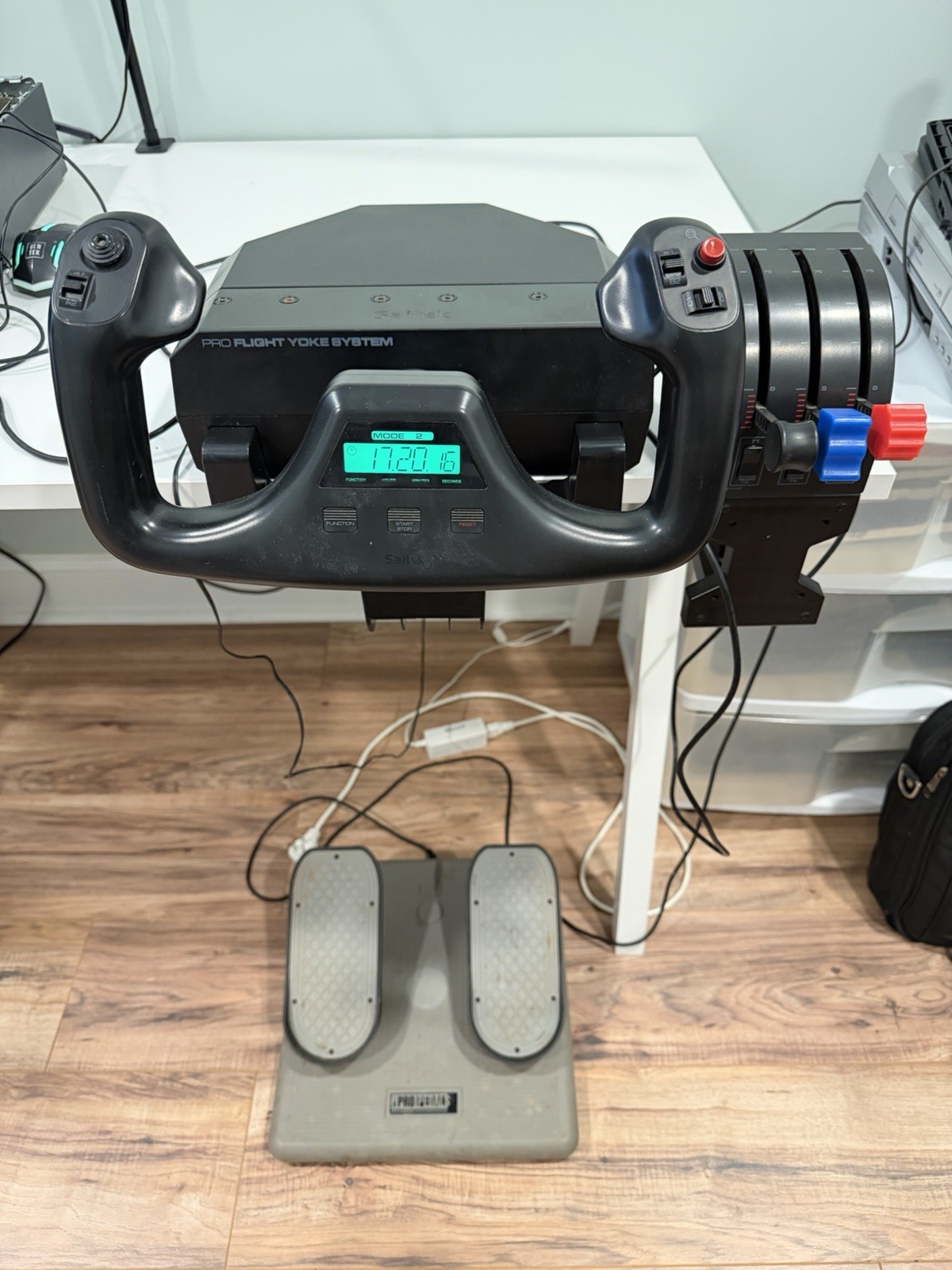 Logitech G PRO Flight Yoke System for PC - Black - VG + CH Pro Pedals$140.00View on eBay
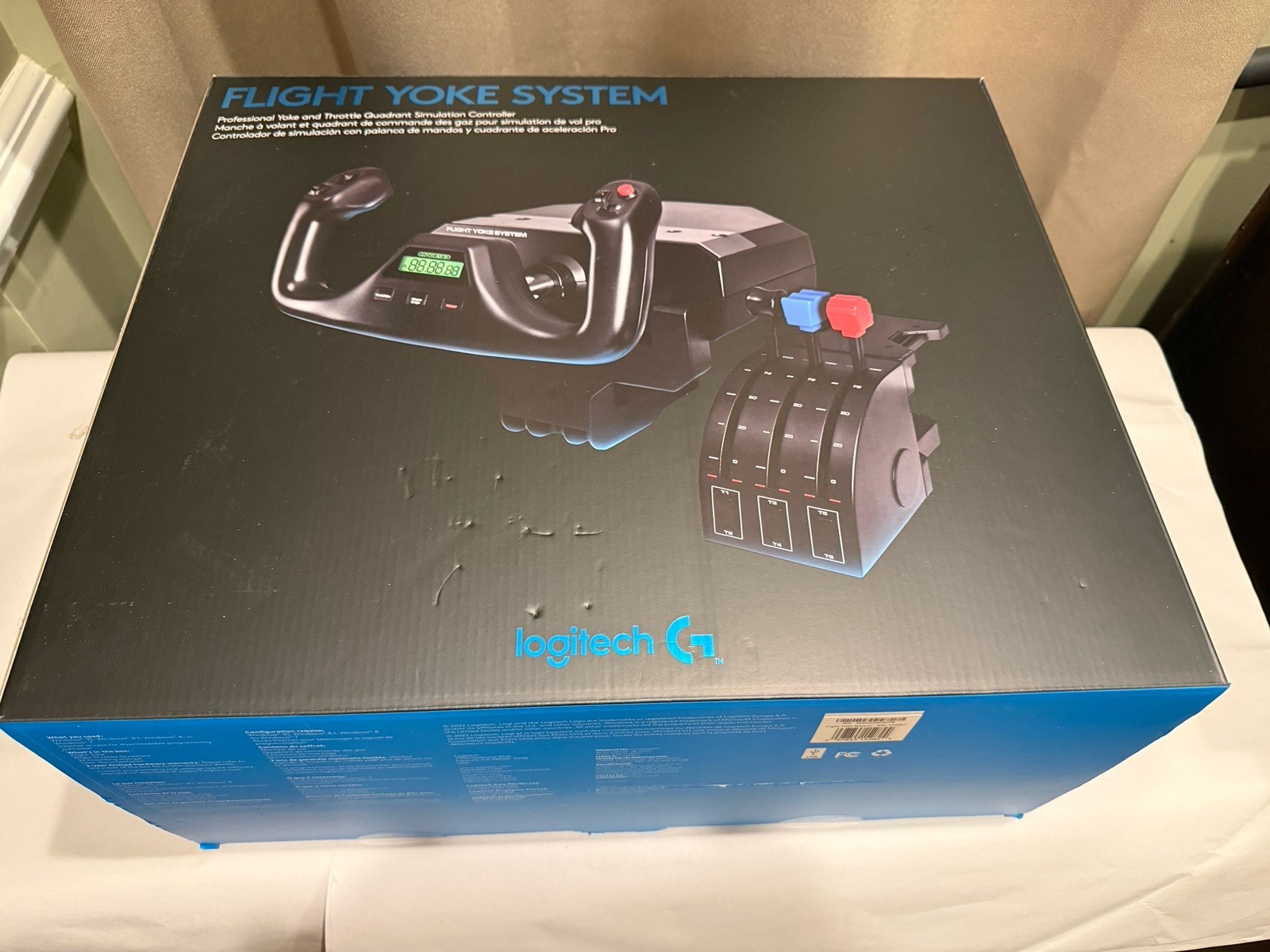 💙Logitech Saitek Pro Flight Yoke System ~JU0025 simulator Controls$199.00View on eBay
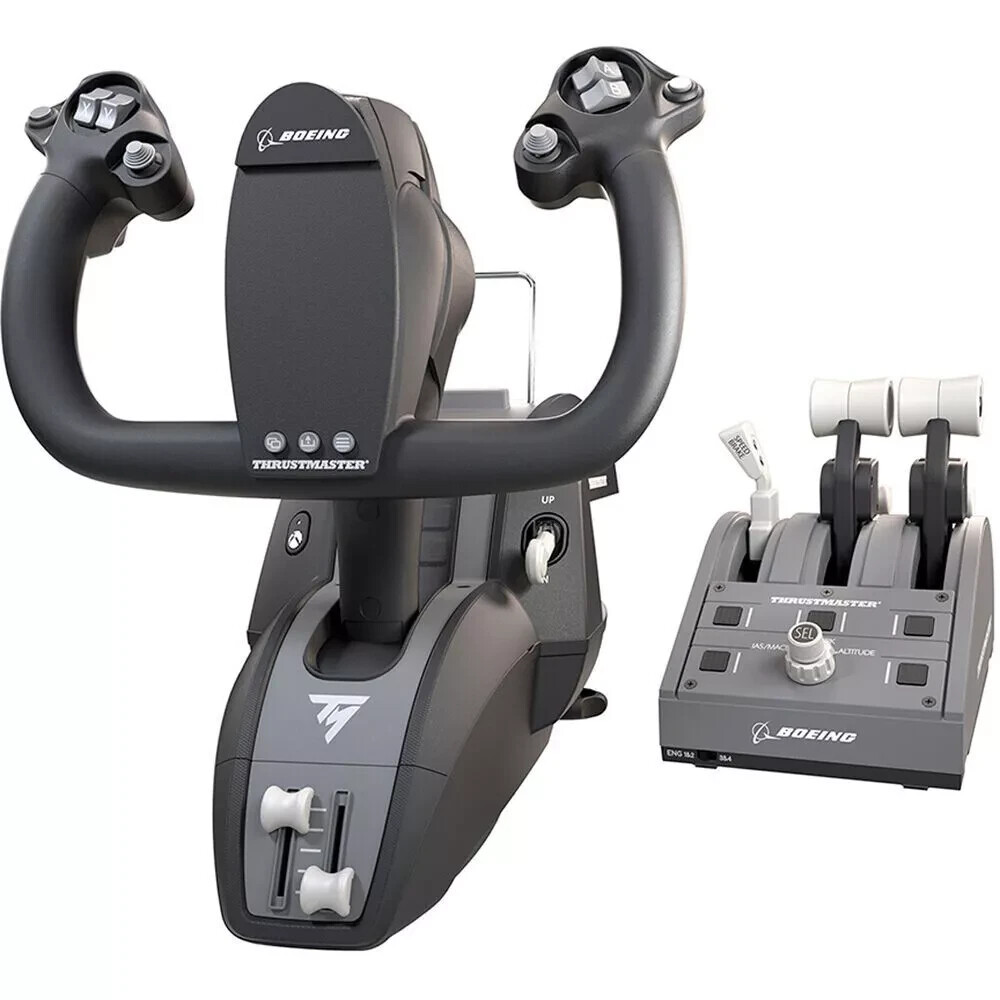 Thrustmaster TCA Yoke Pack Boeing Edition Flight Stick & Quadrant Bundle$449.99Last checked Nov 18, 2026View on eBay
Highlights
- Sensor architecture decides longevity: potentiometer yokes (CH Products FSY211U, classic Saitek Pro Flight) wear and spiking over hundreds of hours, while hall-effect/optical sensing (Logitech G Pro Flight, modern Honeywell-style modules) stays drift-free.
- Bundled throttle quadrants differ: Saitek/Logitech Pro Flight ships a 3-lever quadrant (throttle, prop, mixture) with detents, whereas yoke-only SKUs like the CH FSY211U require separate purchase.
- Clamp and column construction: metal C-clamps and steel shafts resist flex on 90-degree throw, while plastic clamp yokes (Logitech J-U0004-class) wobble and slip on thick desk edges.
- Travel and centering: consumer yokes offer roughly 90-100 degrees of wheel rotation and 3-4 inches of pitch travel; short-throw plastic units feel twitchy in fine approach control versus longer-throw metal units.
Best use cases
- Best fit — airliner and GA cockpit builders flying Microsoft Flight Simulator or X-Plane on PC: pick a yoke plus 3-lever throttle quadrant (Logitech G Pro Flight / Saitek Pro Flight class) with a metal clamp for stable long-session use.
- Best fit — casual first-time simmers on a budget desk: a used CH Products FSY211U or Saitek Pro Flight yoke-only is fine, but budget for pedals separately since yokes lack rudder axes.
- Wrong fit — Xbox console players searching 'yoke for Xbox': no mainstream flight yoke natively supports Xbox; you need a PC, or a stick/hotas with Xbox compatibility instead of a yoke.
- Wrong fit — helicopter or fighter-jet sim pilots: yokes are wrong ergonomics; choose a HOTAS stick and throttle, not a column yoke.
Buying tips
- Match the clamp to your desk: measure desktop thickness and edge overhang first — metal C-clamps need 1-2 inches of flat edge and a solid underside; glass or thin hollow-core desks need a reinforcing plate.
- Confirm axis count before buying: a yoke gives pitch and roll only; add rudder pedals (or a twist axis, which yokes lack) plus a separate throttle if the listing is yoke-only.
- Prefer hall-effect or optical sensors over potentiometers for any yoke you'll use more than a few hours a week; potentiometer spiking is the top failure mode in used Saitek/CH units.
- Check connector and driver generation: older Saitek yokes use the same Logitech driver stack post-acquisition, but early serial/Gameport models need a USB adapter and won't expose all axes.
Specs
| Sensor Type | Potentiometer vs Hall-effect/optical |
|---|---|
| Included Throttle | Yoke-only vs 3-lever quadrant |
| Clamp Material | Metal C-clamp vs plastic clamp |
| Platform Support | PC USB only (no native Xbox) |
Related searches
What to check before buying
- Desk fit: flat front edge at least 12 inches wide, 1-2 inches thick, with clearance underneath for the clamp screw — measure before ordering.
- Compatibility: confirm PC (Windows) USB and sim support; yokes do not work on Xbox/PlayStation without third-party adapters that often drop axes.
- Companion parts: plan for rudder pedals and, if the yoke is yoke-only, a standalone throttle quadrant — budget desk space for all three.
- Power and cabling: USB bus power only (no external PSU on consumer yokes); ensure a free USB-A port or a powered hub for yoke plus throttle plus pedals.
FAQ
Data sources: eBay / Amazon listings and product attribute feeds. Updated Nov 24, 2026.
Some links on this page are affiliate links. If you buy after clicking one, we may earn a commission at no extra cost to you. This does not change which products appear here or their order. Affiliate disclosure.